Downloaded 343 times
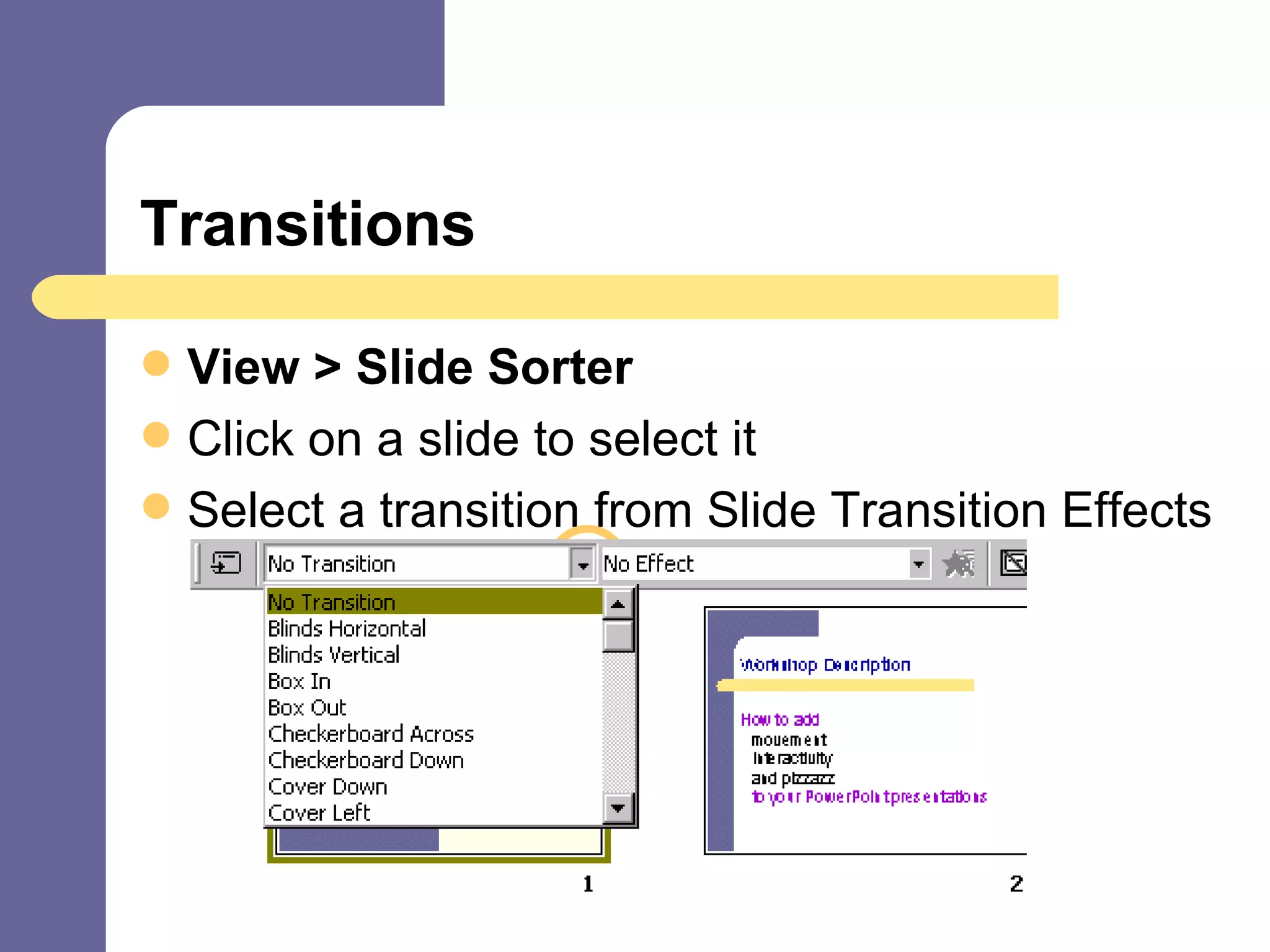
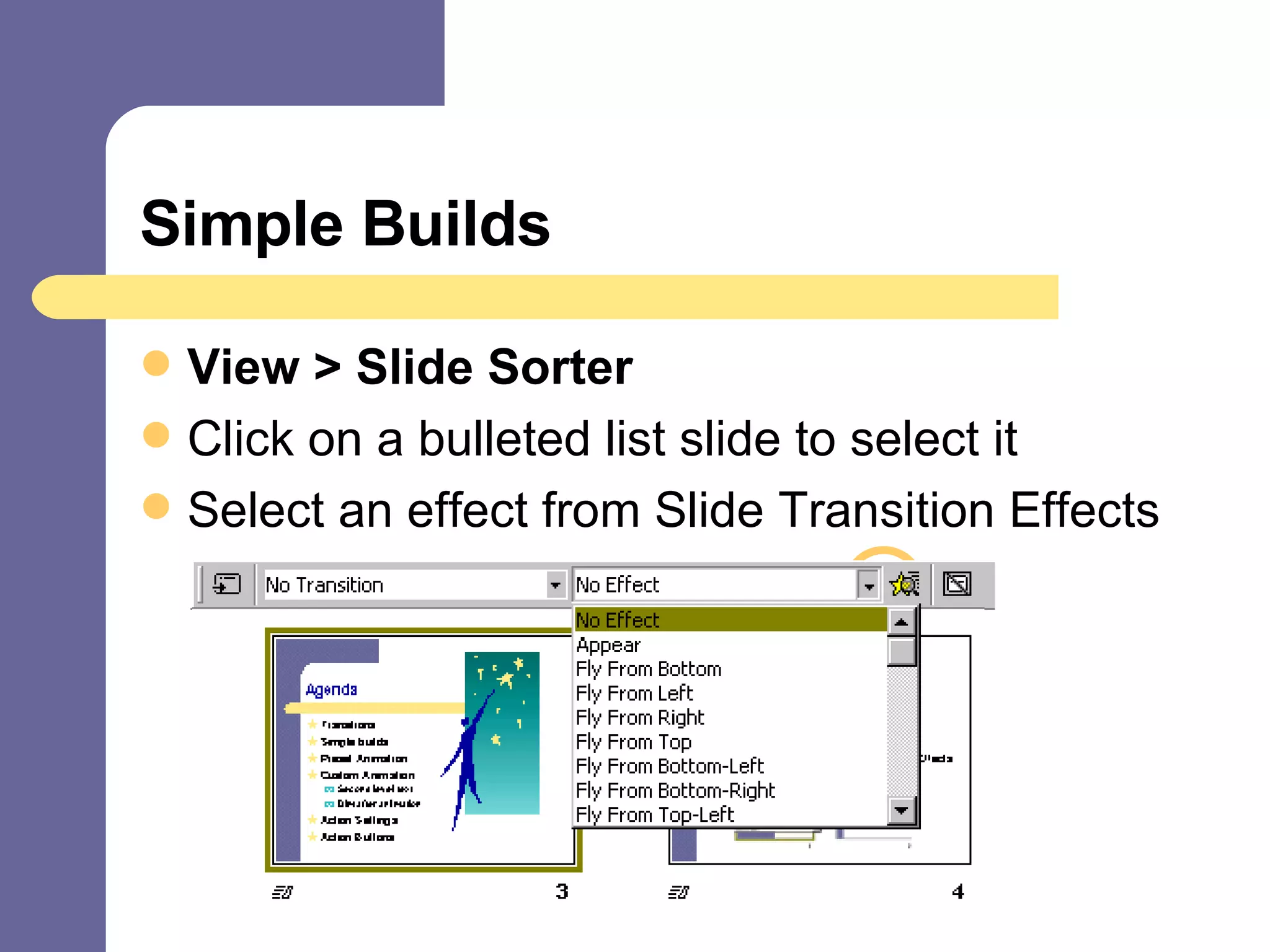
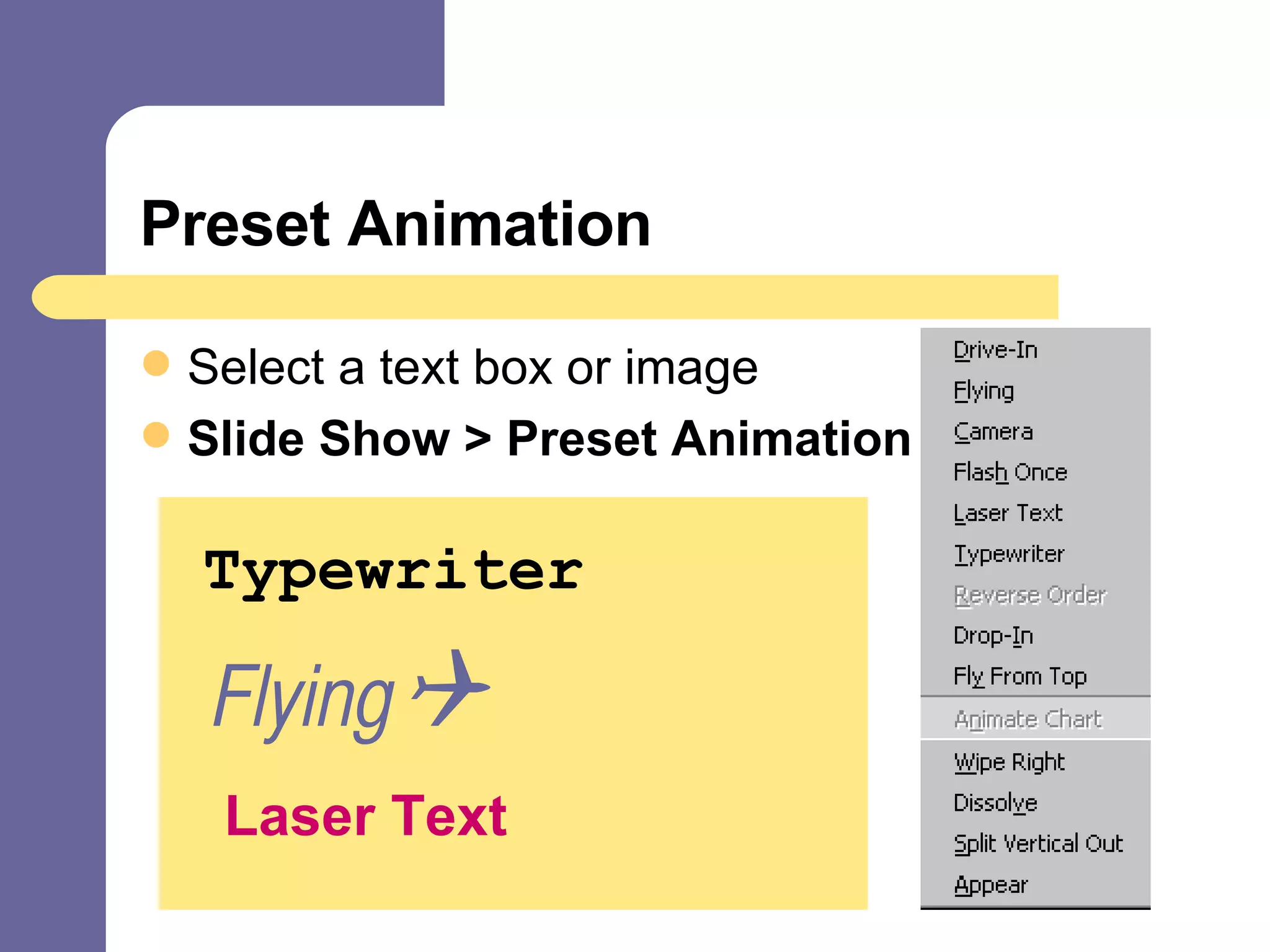
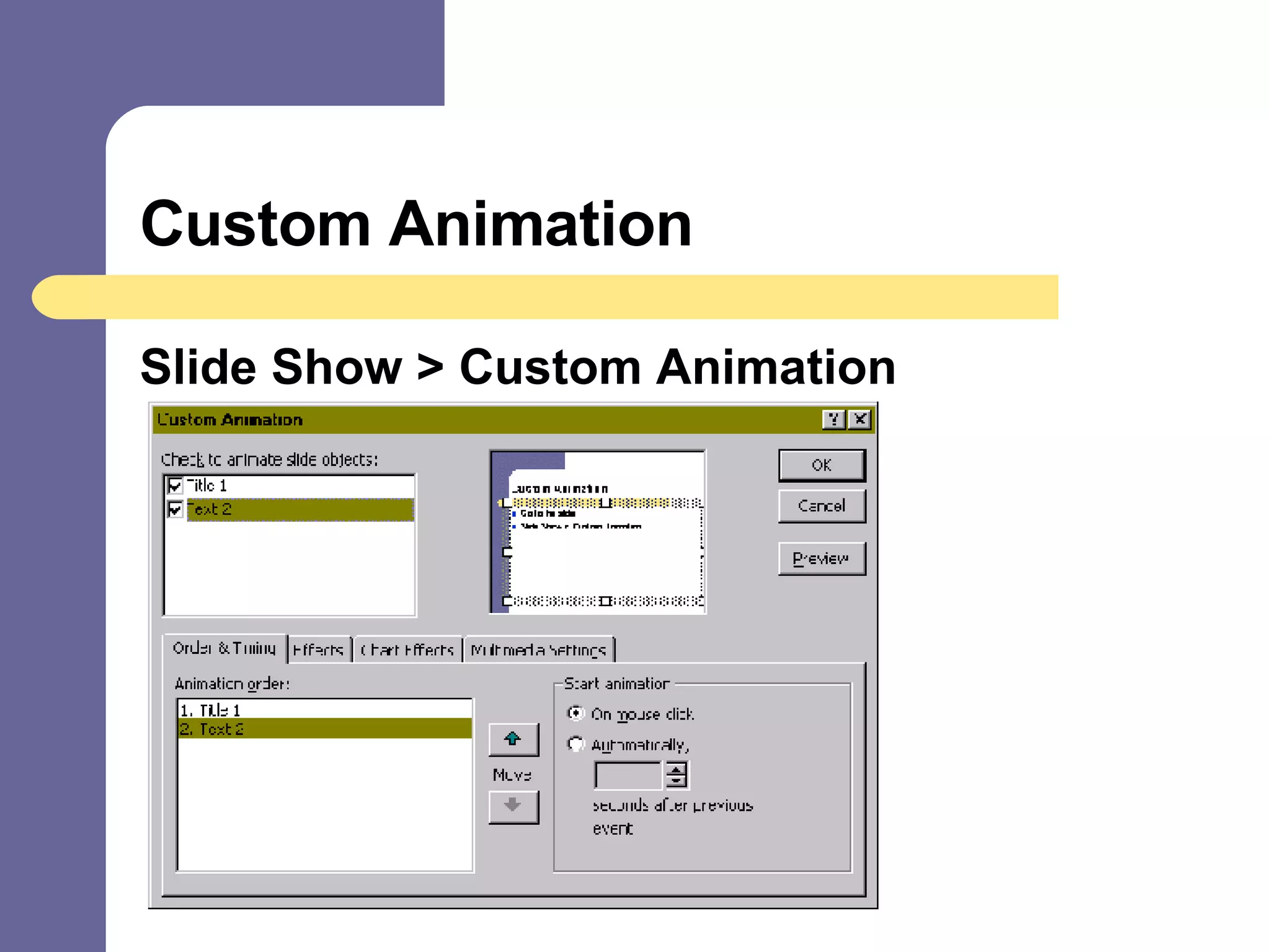
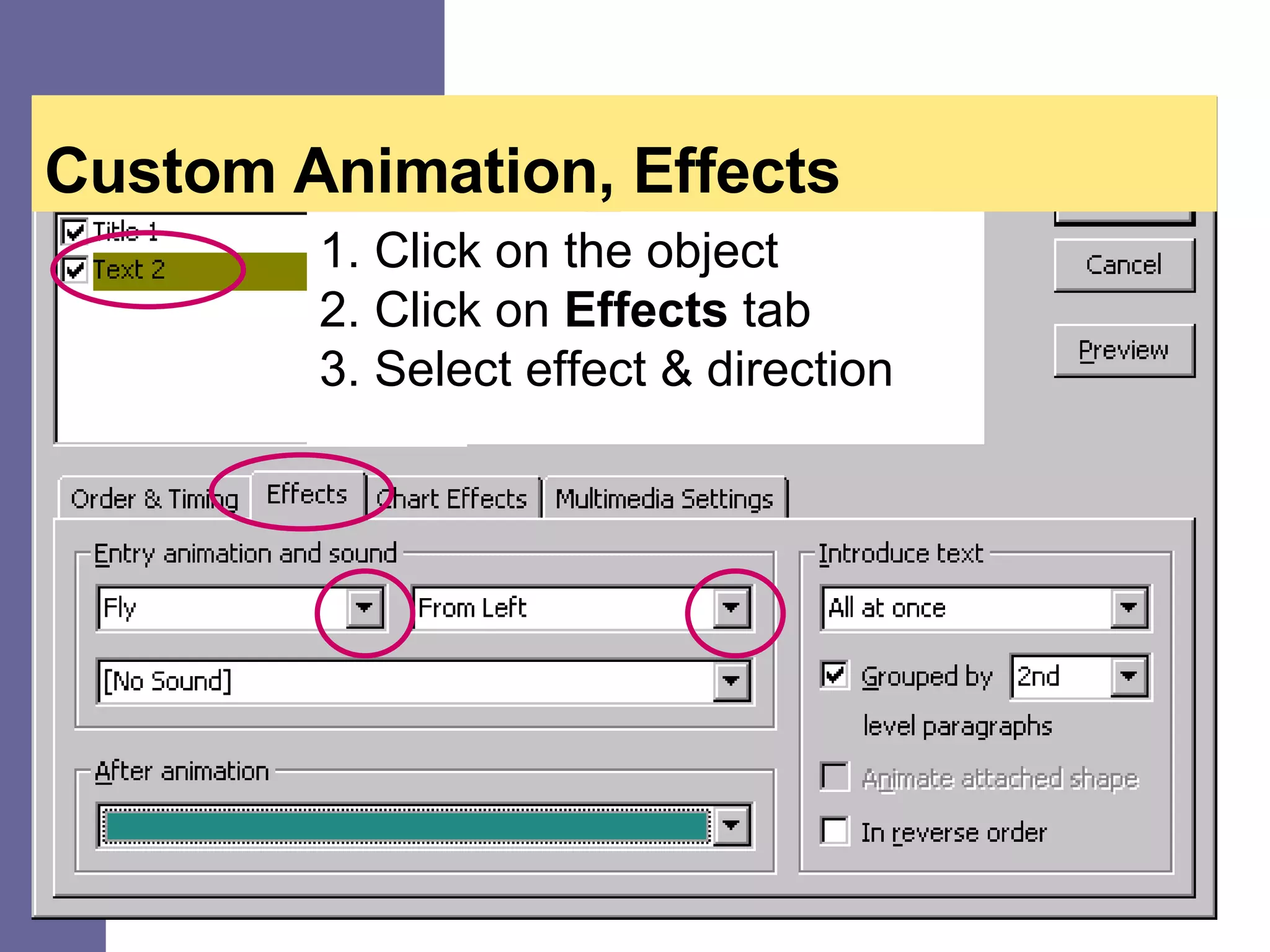
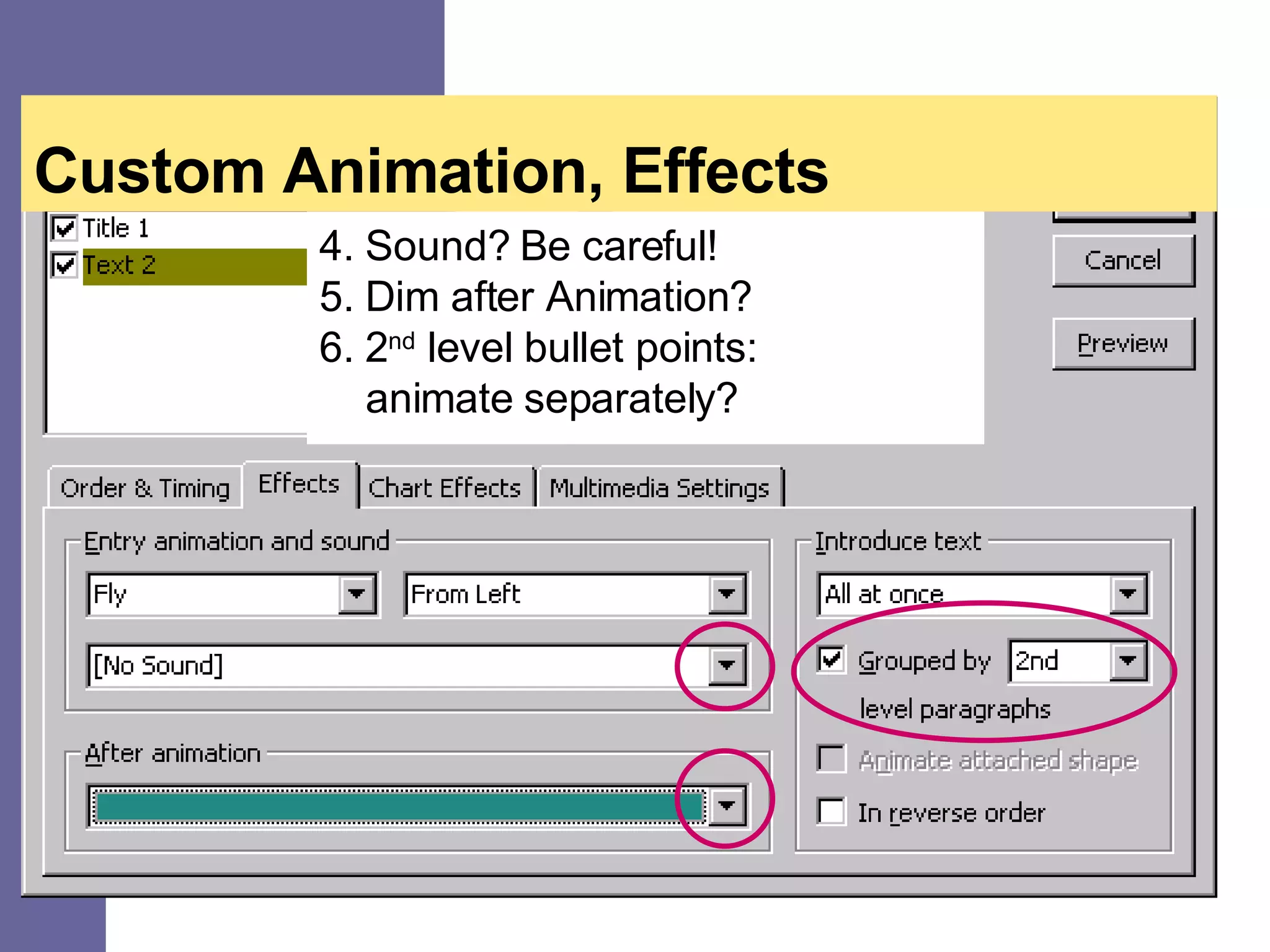
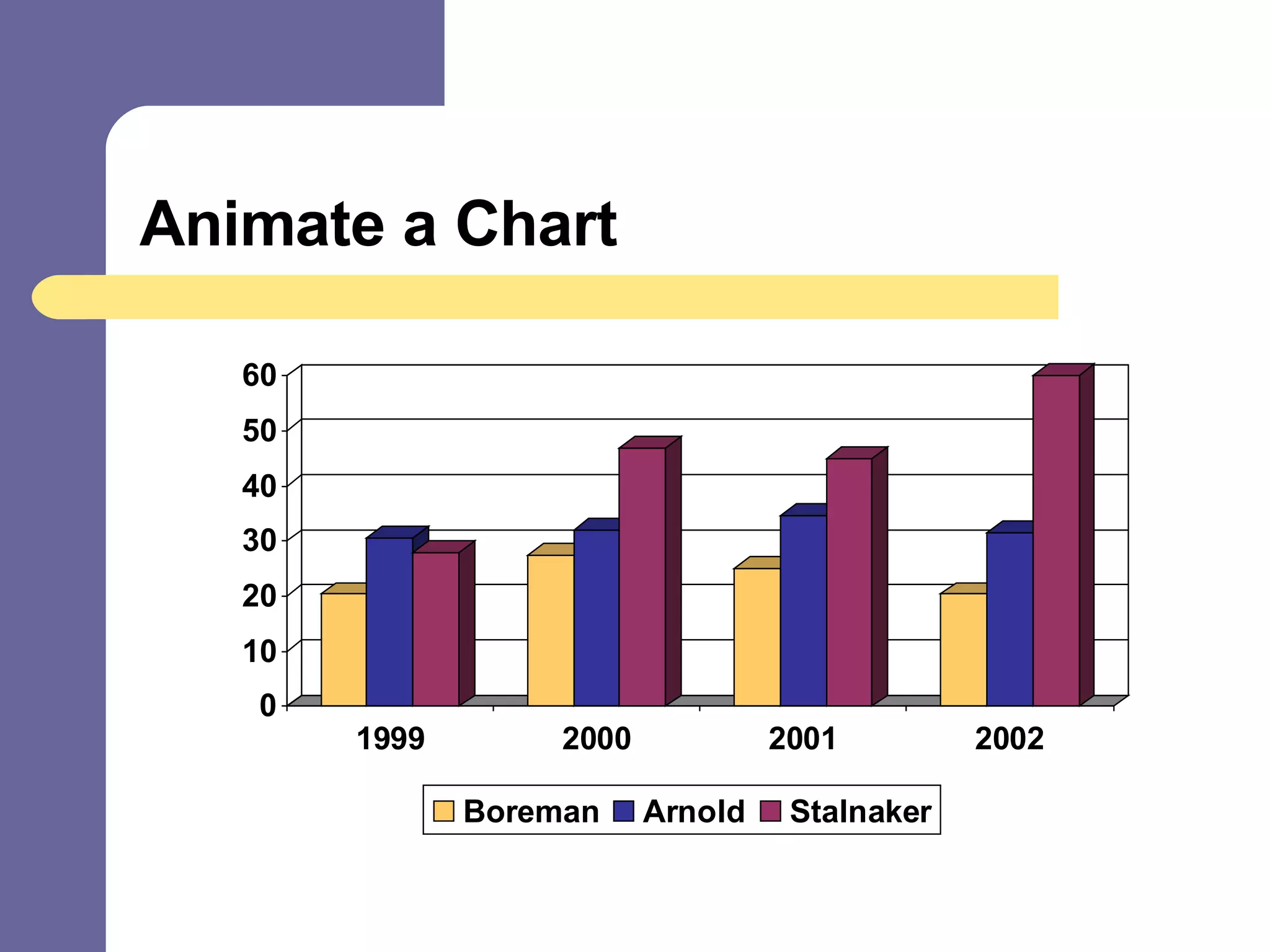
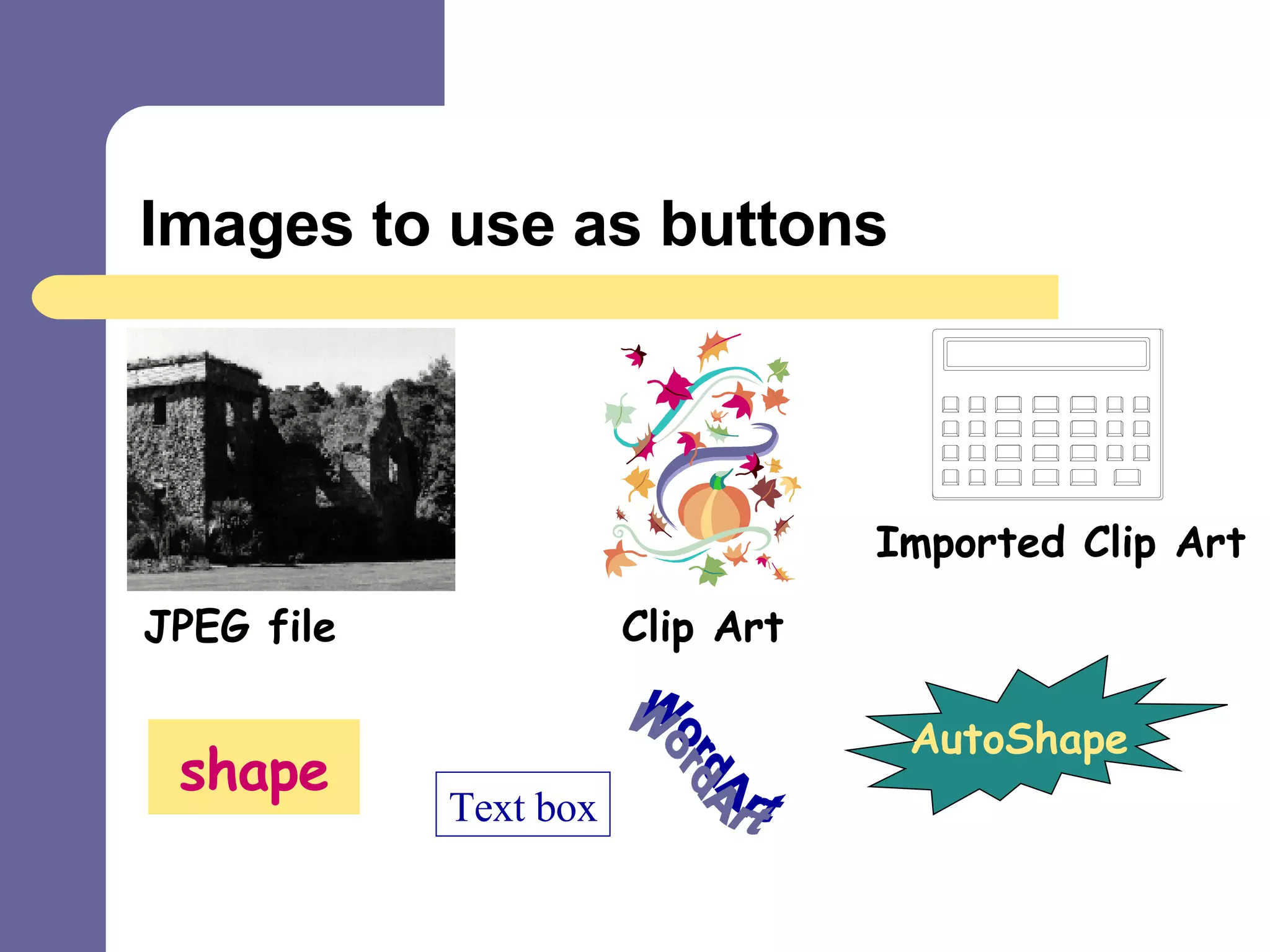
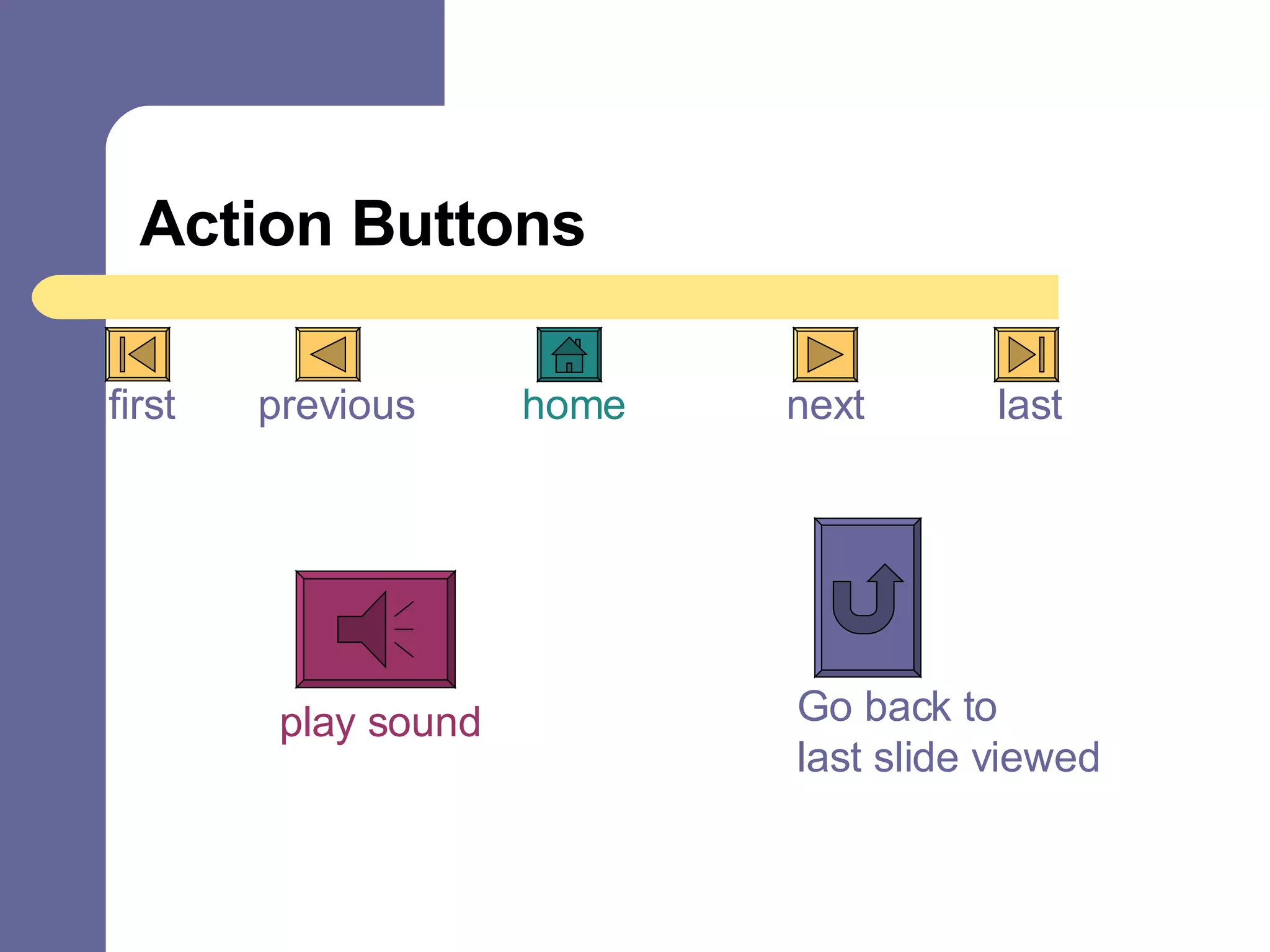



This document provides an agenda for a PowerPoint Animation QuickStart workshop. It outlines how to add movement, interactivity and visual interest to PowerPoint presentations through different animation techniques including transitions, builds, preset animations, custom animations, animating charts, and using images as action buttons. The workshop covers topics such as selecting transitions, animating bulleted lists, applying preset effects like typewriter and flying, customizing effects, adding sound, dimming slides after animation, and setting up buttons to navigate between slides.


