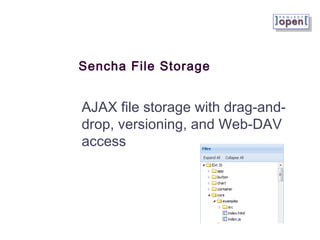
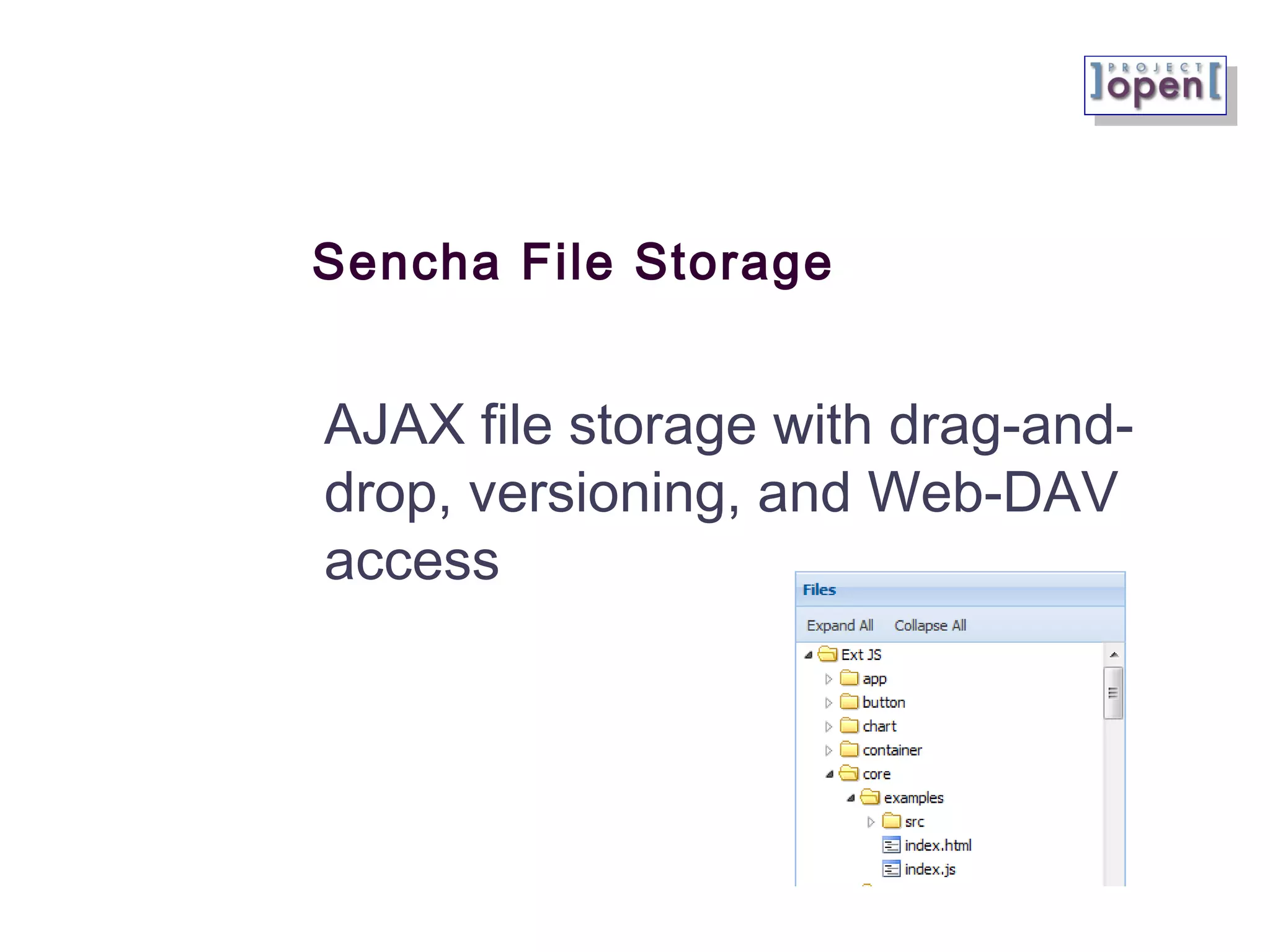
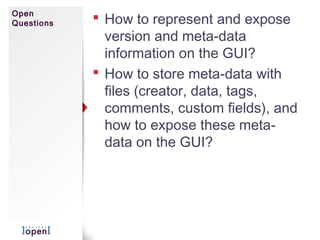
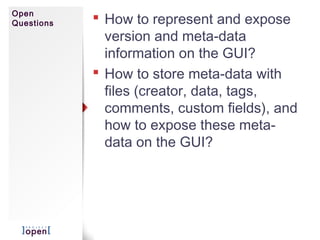
This document describes Sencha File Storage, which provides an AJAX file storage interface with drag-and-drop capabilities, versioning, and WebDAV access. It uses Sencha ExtJS for the client interface, communicates with the server via REST, and leverages the file-storage infrastructure and content repository in OpenACS for storing and versioning files, as well as providing WebDAV access. It discusses requirements, architecture, example GUIs, drag-and-drop implementation, and open questions regarding representing versioning and metadata in the interface.
![Requirements
Attractive AJAX GUI.
Drag-and-drop of files in the File
storage
Drag-and-drop of files between
the browser and the (Windows)
operating system
Versioning of files
Access to files on the server-
side via Web-DAV protocol
File permissions based on ]
po[ vertical/horizontal
permissions](https://image.slidesharecdn.com/po-sencha-file-storage-130805081959-phpapp02/85/po-Sencha-File-Storage-Specs-2-320.jpg)
![Architecture
Overview
Using Sencha Ext-JS as the client-side Web
browser library
Using REST protocol as defined by Sencha REST
proxy and the ]po[ REST Interface
Using the “file-storage” OpenACS infrastructure
on the server side
File-storage already supports Web-DAV providing
a second access path to the server-side files
File-storage uses the OpenACS content
repository, which provides versioning and meta-
data.
Custom logic is necessary in order to create one
file-storage per ]po[ project.
]po[ permissions are set on a project’s file-storage
using callback functions on im_project
Physical Server
(Linux)
AOL
Web-DAVSencha
Proxy
Sencha
Store
File-Storage
Content Repo
RESTInterface](https://image.slidesharecdn.com/po-sencha-file-storage-130805081959-phpapp02/85/po-Sencha-File-Storage-Specs-3-320.jpg)
![]project-open[ CVS+ACL Permission Configuration](https://cdn.slidesharecdn.com/ss_thumbnails/po-cvs-acl-integration-101103-101103140931-phpapp02-thumbnail.jpg?width=640&height=640&fit=bounds)


![]project-open[ Package Manager](https://cdn.slidesharecdn.com/ss_thumbnails/po-dev-packagemanager-101005-101013103656-phpapp02-thumbnail.jpg?width=640&height=640&fit=bounds)


![[Sencha 엔터프라이즈 웹애플리케이션 세미나] Enterprise Level Web Application w_ Ext JS 5](https://cdn.slidesharecdn.com/ss_thumbnails/enterpriselevelwebapplicationswextjs5-140516045743-phpapp01-thumbnail.jpg?width=640&height=640&fit=bounds)


![]project-open[ Budget Planning and Tracking](https://cdn.slidesharecdn.com/ss_thumbnails/po-budget-planning-tracking-140610033551-phpapp01-thumbnail.jpg?width=640&height=640&fit=bounds)

![Eclipse Mylyn Integration with ]project-open[](https://cdn.slidesharecdn.com/ss_thumbnails/po-mylyn-integration-131018090423-phpapp01-thumbnail.jpg?width=640&height=640&fit=bounds)
![]project-open[ on Amazon AWS](https://cdn.slidesharecdn.com/ss_thumbnails/project-openonamazonaws-130613c-130613065623-phpapp01-thumbnail.jpg?width=640&height=640&fit=bounds)
![The ]project-open[ Community](https://cdn.slidesharecdn.com/ss_thumbnails/po-community-130503-130503134324-phpapp02-thumbnail.jpg?width=640&height=640&fit=bounds)
![]po[ Developers: Reporting, Indicators & Dashboards](https://cdn.slidesharecdn.com/ss_thumbnails/po-dev-reporting-options-130406-130430111251-phpapp02-thumbnail.jpg?width=640&height=640&fit=bounds)
![Tutorial: Writing Sencha Touch Mobile Apps using ]project-open[](https://cdn.slidesharecdn.com/ss_thumbnails/tutorial-writingsenchatouchappsusingproject-open-130416b-130416051026-phpapp01-thumbnail.jpg?width=640&height=640&fit=bounds)
![]project-open[ Extensible Architecture](https://cdn.slidesharecdn.com/ss_thumbnails/dynfield-050106-130305044739-phpapp02-thumbnail.jpg?width=640&height=640&fit=bounds)
![]project-open[ Data-Model 100511b](https://cdn.slidesharecdn.com/ss_thumbnails/po-dev-data-model-100511b-120831083756-phpapp01-thumbnail.jpg?width=640&height=640&fit=bounds)
![]project-open[ Screenshots](https://cdn.slidesharecdn.com/ss_thumbnails/po-screenshots-120620075627-phpapp01-thumbnail.jpg?width=640&height=640&fit=bounds)

![]project-open[ Reporting & Indicators Options](https://cdn.slidesharecdn.com/ss_thumbnails/po-dev-reporting-options-101006-101013110238-phpapp01-thumbnail.jpg?width=640&height=640&fit=bounds)
![]project-open[ Workflow Developer Tutorial Part 4](https://cdn.slidesharecdn.com/ss_thumbnails/po-workflow-tutorial-4-training-slides-100605a-101013103857-phpapp02-thumbnail.jpg?width=640&height=640&fit=bounds)
![]project-open[ Workflow Developer Tutorial Part 3](https://cdn.slidesharecdn.com/ss_thumbnails/po-workflow-tutorial-3-customizations-100605-101013103850-phpapp02-thumbnail.jpg?width=640&height=640&fit=bounds)
![]project-open[ Workflow Developer Tutorial Part 2](https://cdn.slidesharecdn.com/ss_thumbnails/po-workflow-tutorial-2-edi-example-100603-101013103908-phpapp01-thumbnail.jpg?width=640&height=640&fit=bounds)
![]project-open[ Workflow Developer Tutorial Part 1](https://cdn.slidesharecdn.com/ss_thumbnails/po-workflow-tutorial-1-overview-100603-101013103734-phpapp02-thumbnail.jpg?width=640&height=640&fit=bounds)
![]project-open[ Reporting & Indicators Options](https://cdn.slidesharecdn.com/ss_thumbnails/po-dev-reporting-options-101006-101013103725-phpapp02-thumbnail.jpg?width=640&height=640&fit=bounds)
![]project-open[ My First Package](https://cdn.slidesharecdn.com/ss_thumbnails/po-dev-myfirstpackage-101005-101013103658-phpapp01-thumbnail.jpg?width=640&height=640&fit=bounds)
![]project-open[ Data-Model “Categories”](https://cdn.slidesharecdn.com/ss_thumbnails/po-dev-data-model-categories-100925a-101013103402-phpapp02-thumbnail.jpg?width=640&height=640&fit=bounds)