Generating Leads 2013
…..through Inbound Marketing
!   Best Practice Basics
§  Campaign should address a clearly defined Target Audience
§  Use simple and clear messaging
§  Search engine marketing components must be coordinated:
keywords, ads, landing page(s)
§  Articulate key messages with complementary visual displays
(media)
§  Create a clear offer (Call to Action)
!  Offer must be compelling to the target audience at their
stage of the buying cycle
Before we start: Best Practices
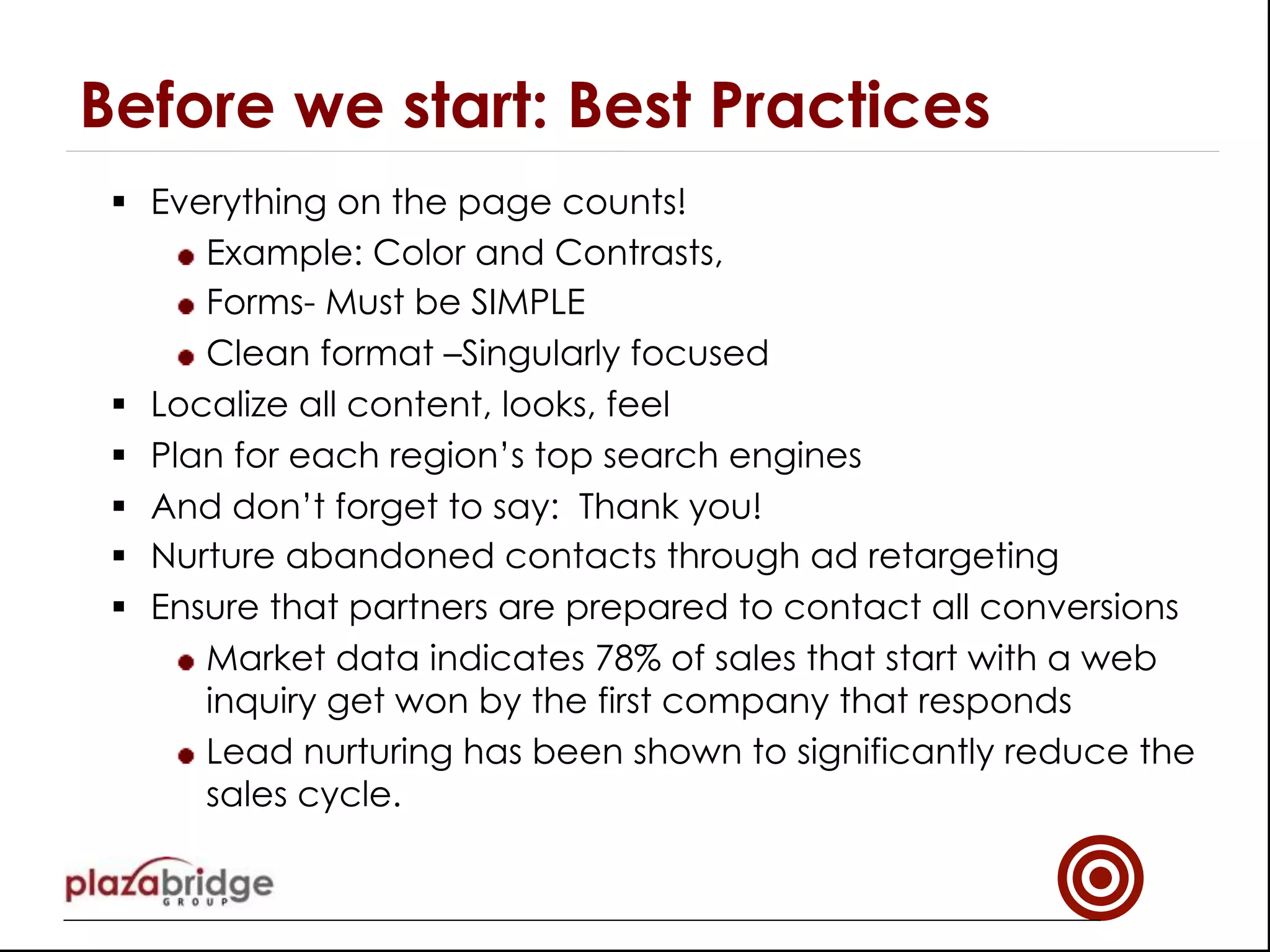
§  Everything on the page counts!
!  Example: Color and Contrasts,
!  Forms- Must be SIMPLE
!  Clean format –Singularly focused
§  Localize all content, looks, feel
§  Plan for each region’s top search engines
§  And don’t forget to say: Thank you!
§  Nurture abandoned contacts through ad retargeting
§  Ensure that partners are prepared to contact all conversions
!  Market data indicates 78% of sales that start with a web
inquiry get won by the first company that responds
!  Lead nurturing has been shown to significantly reduce the
sales cycle.
Before we start: Best Practices
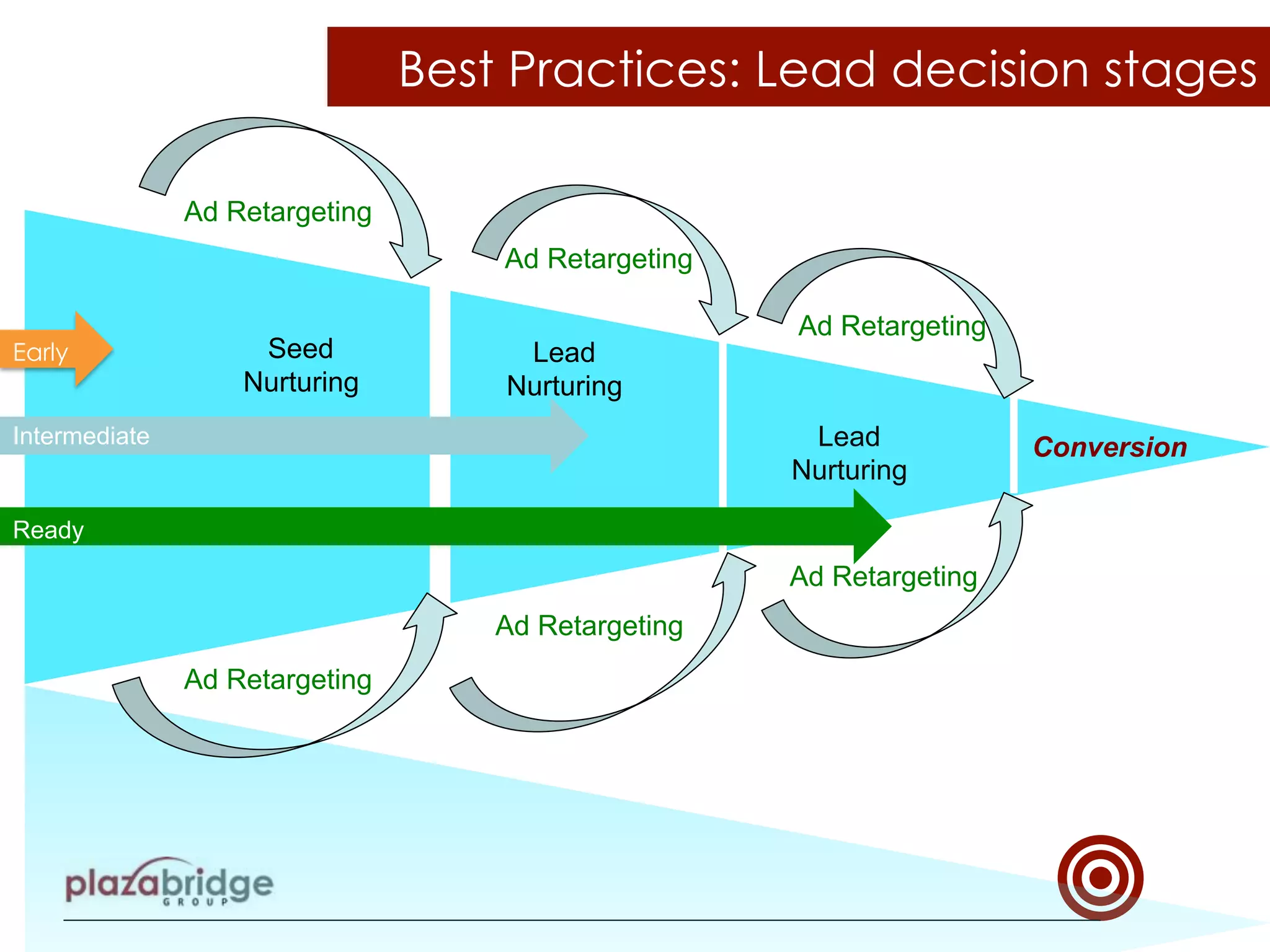
Best Practices: Lead decision stages
Seed
Nurturing
Lead
Nurturing
Lead
Nurturing
Intermediate
Ready
Conversion
Early
Ad Retargeting
Ad Retargeting
Ad Retargeting
Ad Retargeting
Ad Retargeting
Ad Retargeting
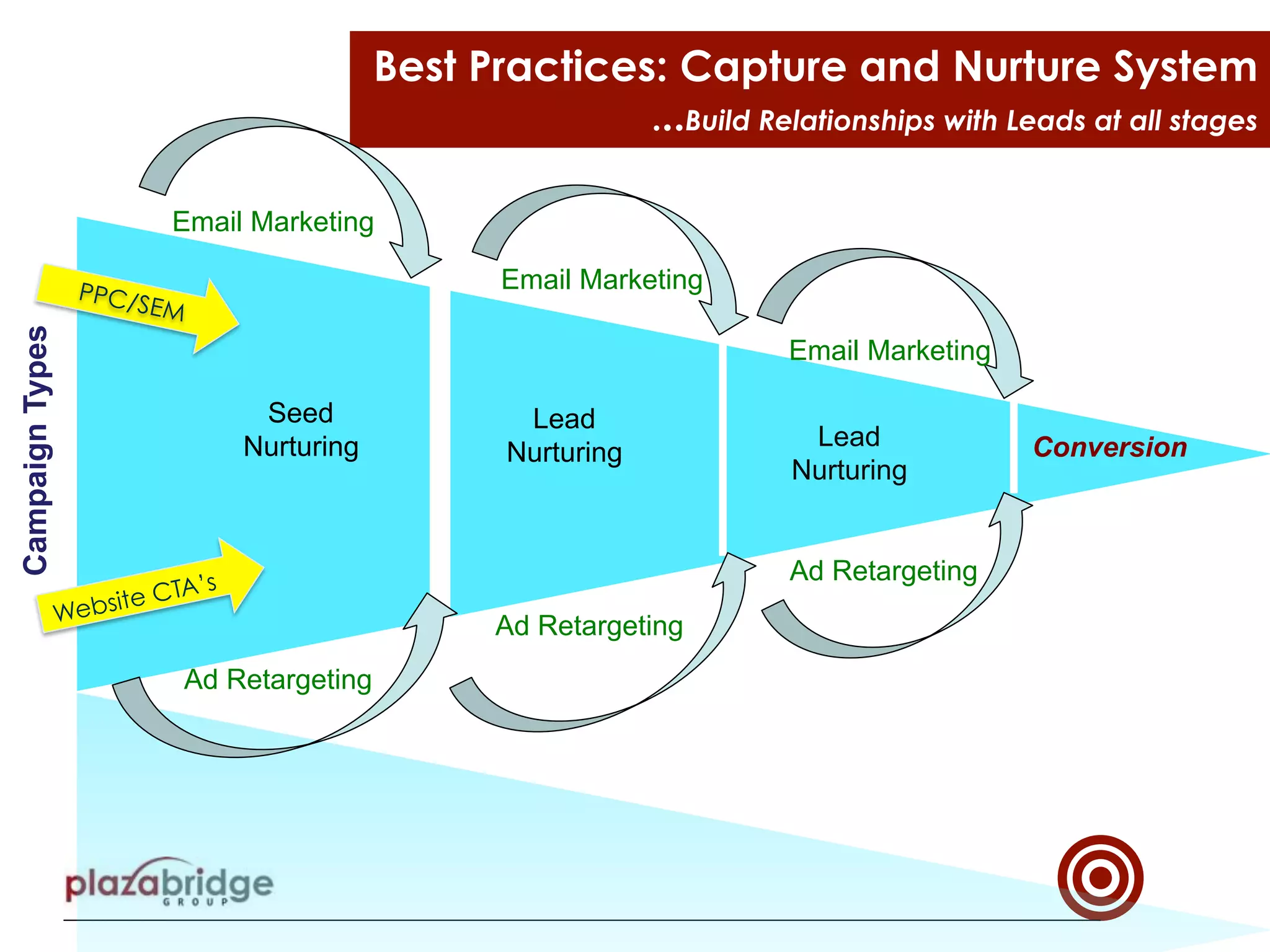
Best Practices: Capture and Nurture System
...Build Relationships with Leads at all stages
Seed
Nurturing Lead
Nurturing
Lead
Nurturing
PPC/SEM
Website CTA’s
Conversion
Email Marketing
Email Marketing
Email Marketing
Ad Retargeting
Ad Retargeting
Ad Retargeting
CampaignTypes
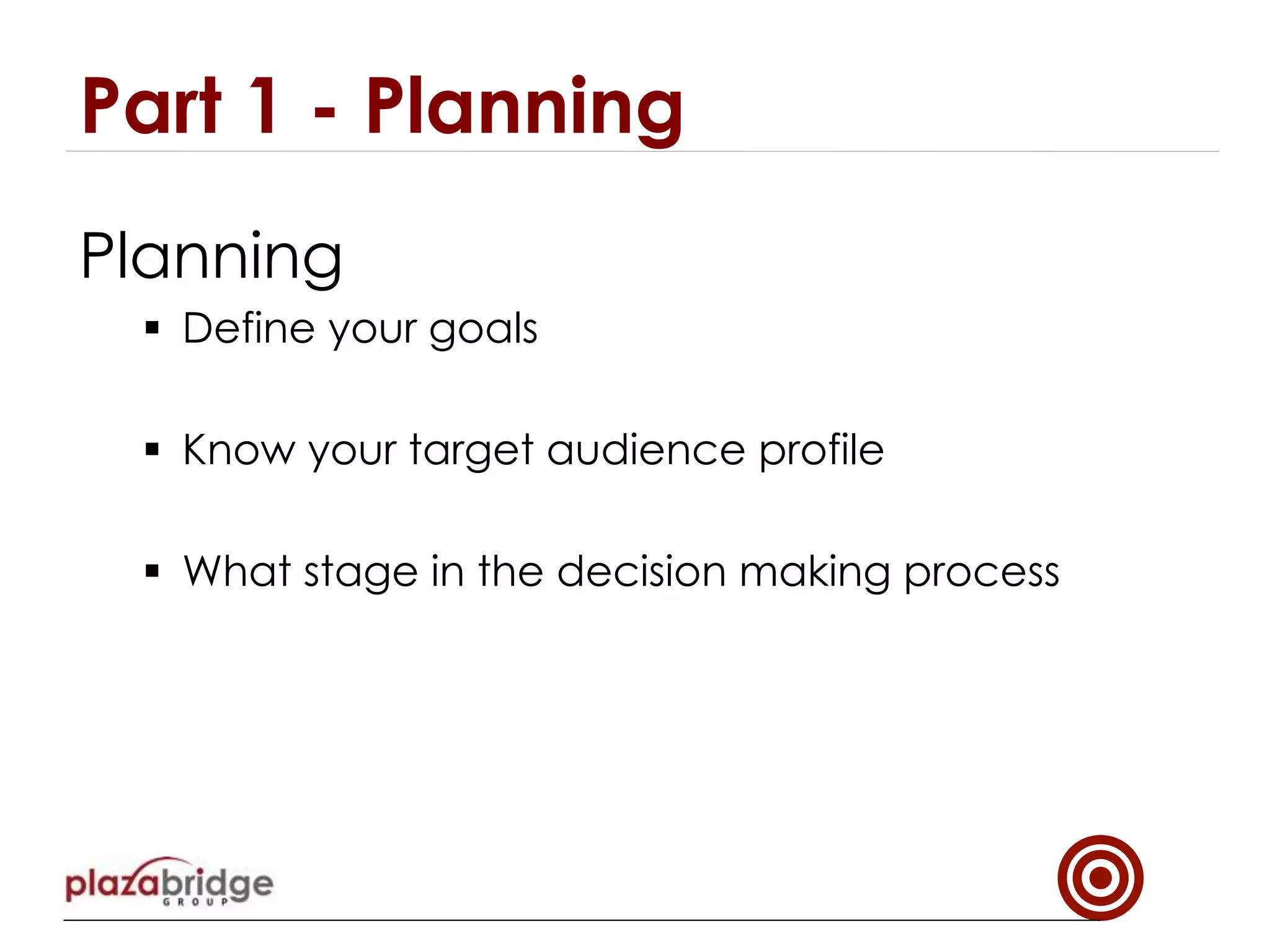
Planning
§  Define your goals
§  Know your target audience profile
§  What stage in the decision making process
Part 1 - Planning
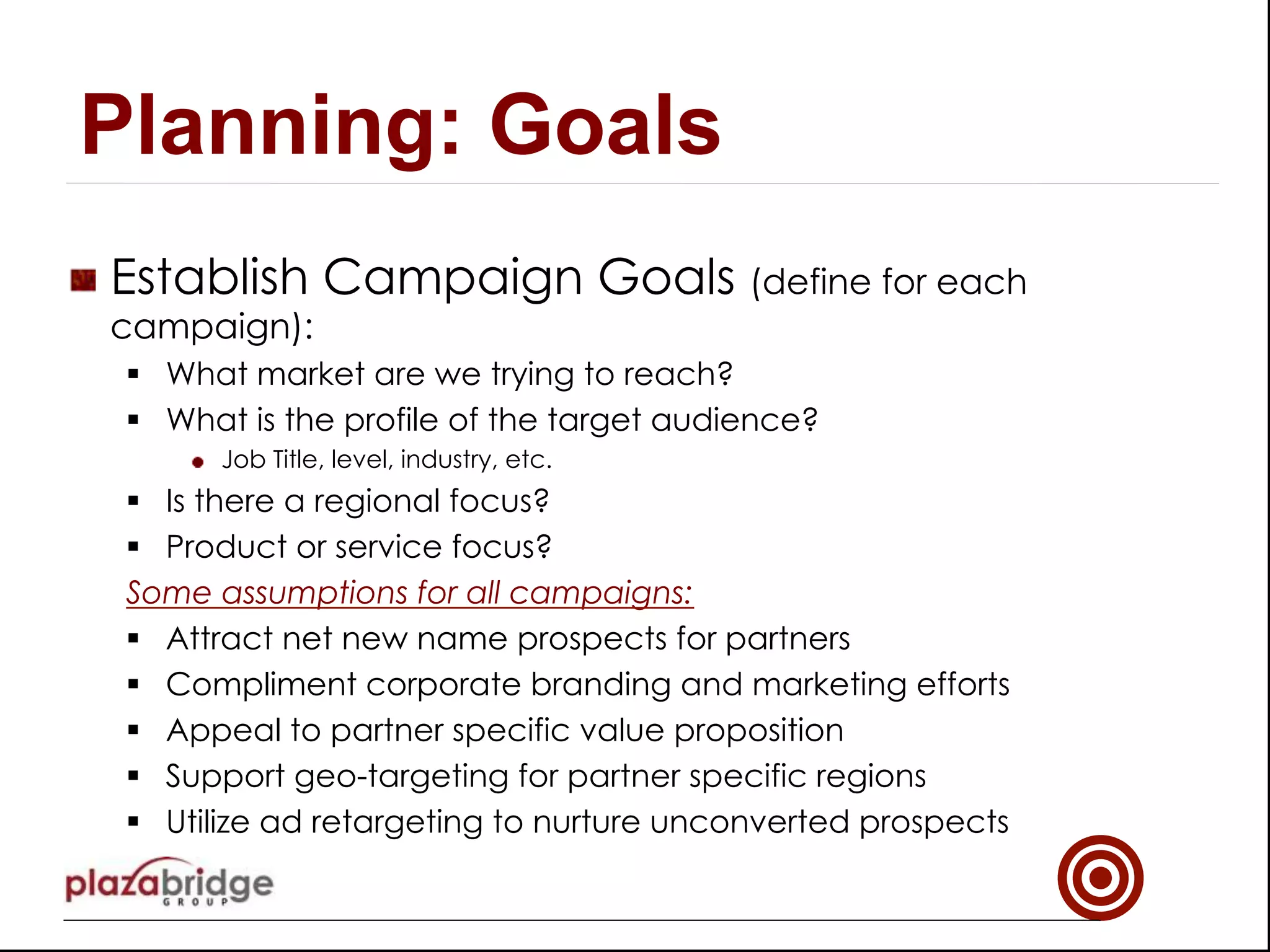
!   Establish Campaign Goals (define for each
campaign):
§  What market are we trying to reach?
§  What is the profile of the target audience?
!   Job Title, level, industry, etc.
§  Is there a regional focus?
§  Product or service focus?
Some assumptions for all campaigns:
§  Attract net new name prospects for partners
§  Compliment corporate branding and marketing efforts
§  Appeal to partner specific value proposition
§  Support geo-targeting for partner specific regions
§  Utilize ad retargeting to nurture unconverted prospects
Planning: Goals
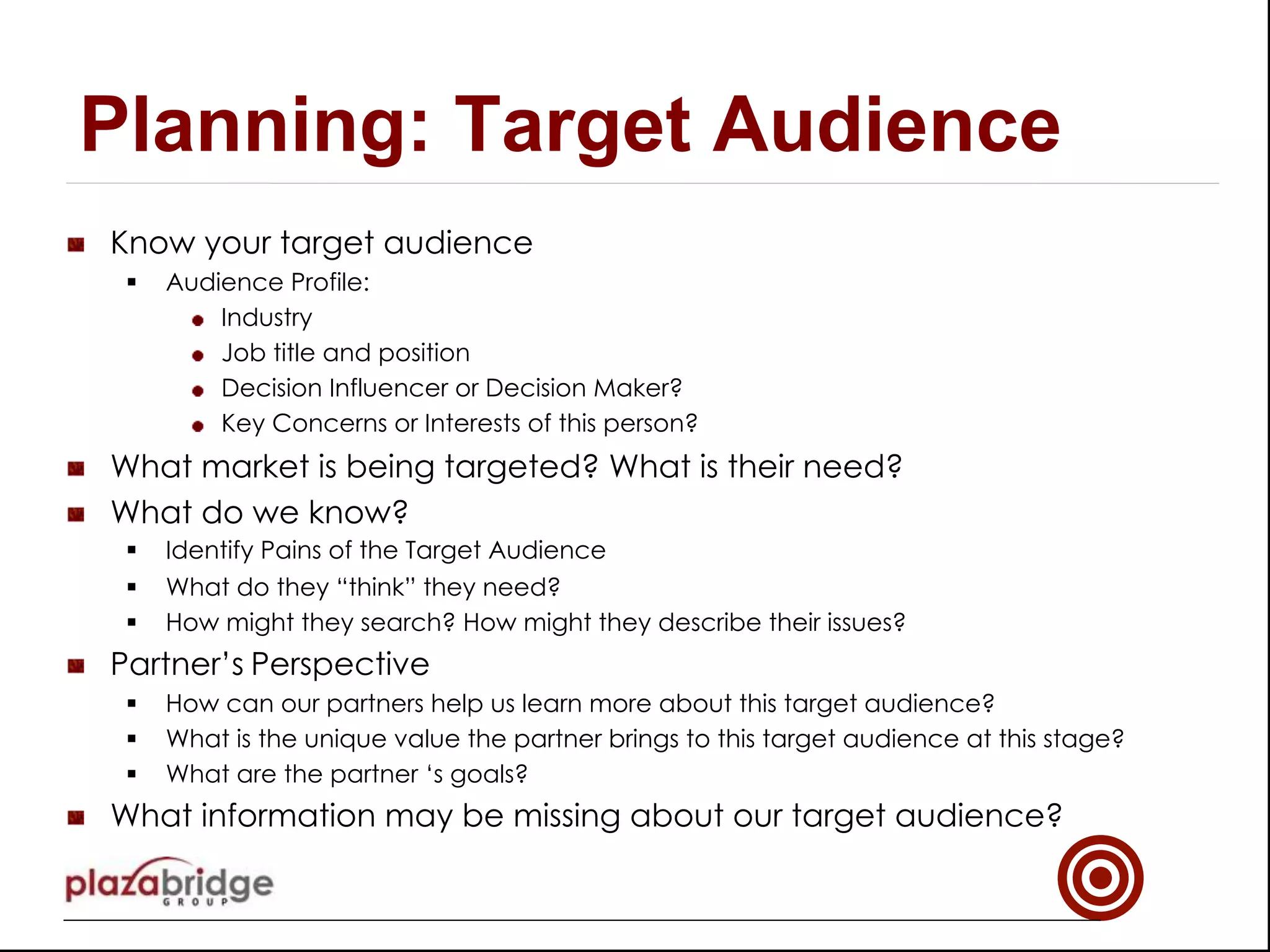
!   Know your target audience
§  Audience Profile:
!   Industry
!   Job title and position
!   Decision Influencer or Decision Maker?
!   Key Concerns or Interests of this person?
!   What market is being targeted? What is their need?
!   What do we know?
§  Identify Pains of the Target Audience
§  What do they “think” they need?
§  How might they search? How might they describe their issues?
!   Partner’s Perspective
§  How can our partners help us learn more about this target audience?
§  What is the unique value the partner brings to this target audience at this stage?
§  What are the partner ‘s goals?
!   What information may be missing about our target audience?
Planning: Target Audience
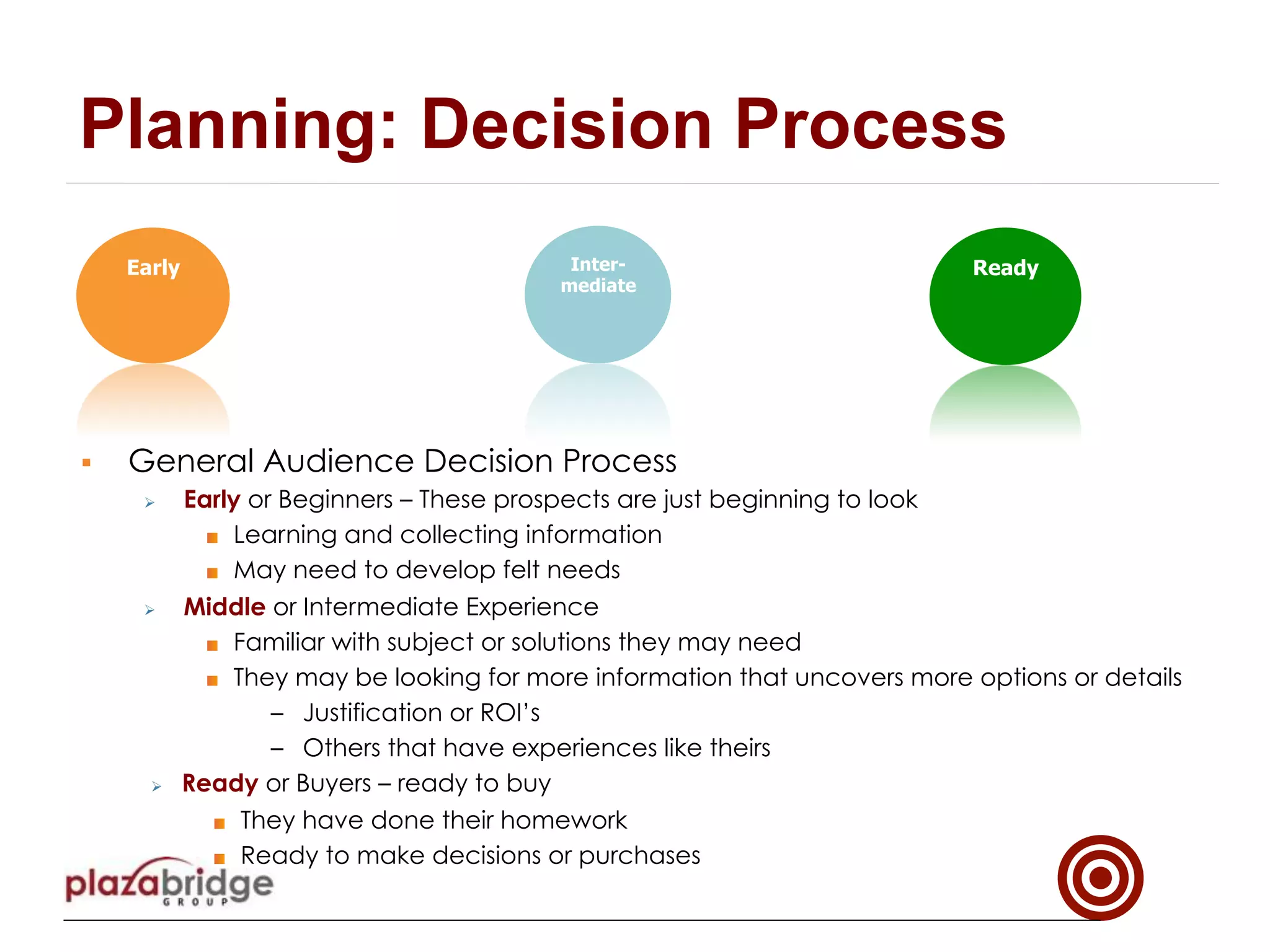
Early Inter-
mediate
Ready
Planning: Decision Process
§  General Audience Decision Process
Ø  Early or Beginners – These prospects are just beginning to look
!  Learning and collecting information
!  May need to develop felt needs
Ø  Middle or Intermediate Experience
!  Familiar with subject or solutions they may need
!  They may be looking for more information that uncovers more options or details
–  Justification or ROI’s
–  Others that have experiences like theirs
Ø  Ready or Buyers – ready to buy
!  They have done their homework
!  Ready to make decisions or purchases
Part 2
Campaign Development
§  Define the offer
§  Elements of the landing page
§  Heuristics for landing pages
§  Promote Campaign
!   Define the offer
§  Define the Offer
!  Something worth providing personal information for
!  Should speak to the needs of the target audience
!  Compliment the supplier’s but not undermine the partner’s
value proposition
§  Create the Key Messages to the Target Audience
§  Create Content for Landing Page
Development: Define the offer
!   Elements
§  Headline, Sub-title
§  Form
§  Submit Form Button
§  Imagery
§  Dynamic content, videos
§  Testimonials
§  Partnership Level or Awards and Recognition
§  Navigation options
§  Security and Trust
§  Logos and Branding
§  Social media links
Development: Landing Page Elements
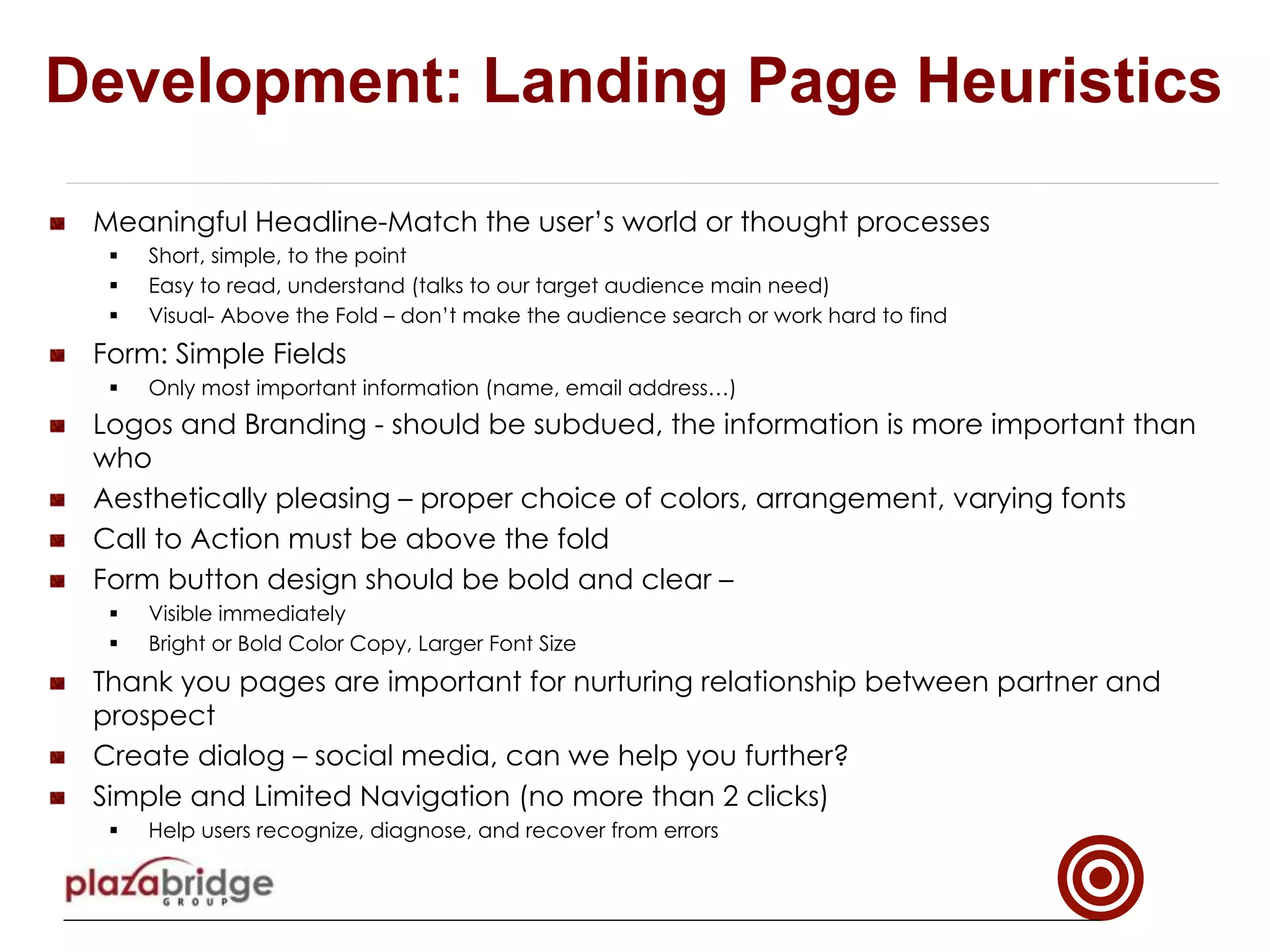
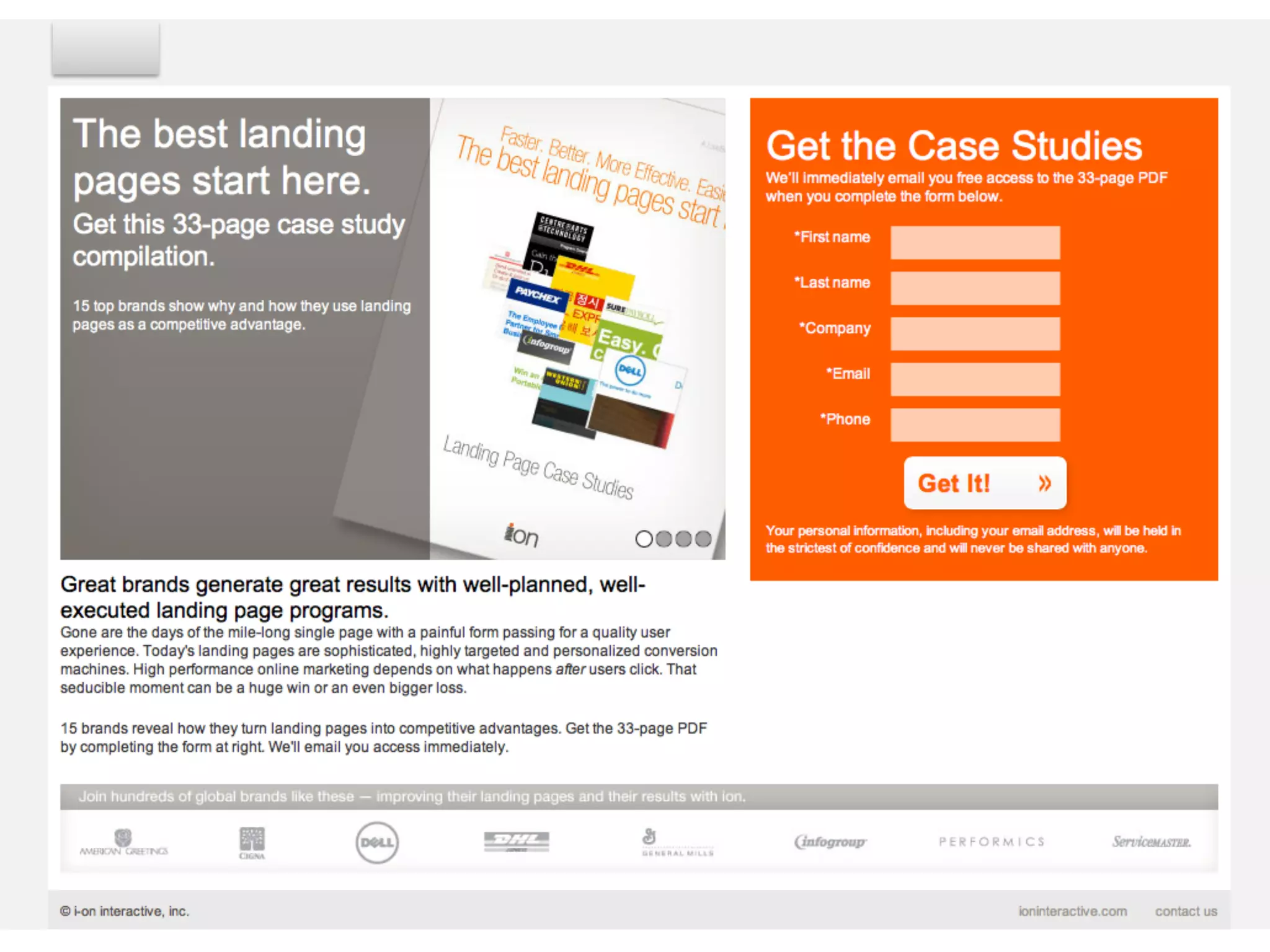
!   Meaningful Headline-Match the user’s world or thought processes
§  Short, simple, to the point
§  Easy to read, understand (talks to our target audience main need)
§  Visual- Above the Fold – don’t make the audience search or work hard to find
!   Form: Simple Fields
§  Only most important information (name, email address…)
!   Logos and Branding - should be subdued, the information is more important than
who
!   Aesthetically pleasing – proper choice of colors, arrangement, varying fonts
!   Call to Action must be above the fold
!   Form button design should be bold and clear –
§  Visible immediately
§  Bright or Bold Color Copy, Larger Font Size
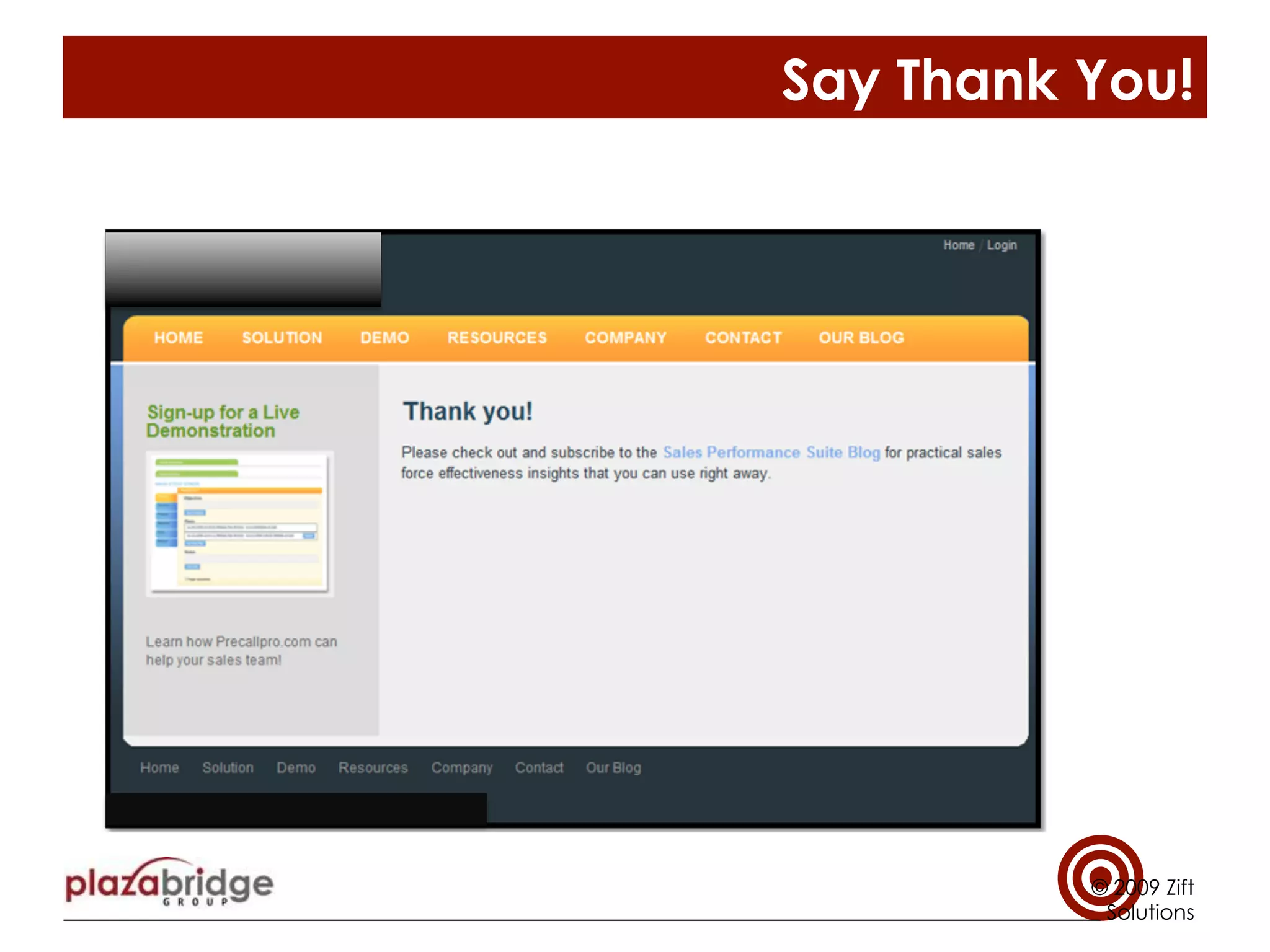
!   Thank you pages are important for nurturing relationship between partner and
prospect
!   Create dialog – social media, can we help you further?
!   Simple and Limited Navigation (no more than 2 clicks)
§  Help users recognize, diagnose, and recover from errors
Development: Landing Page Heuristics
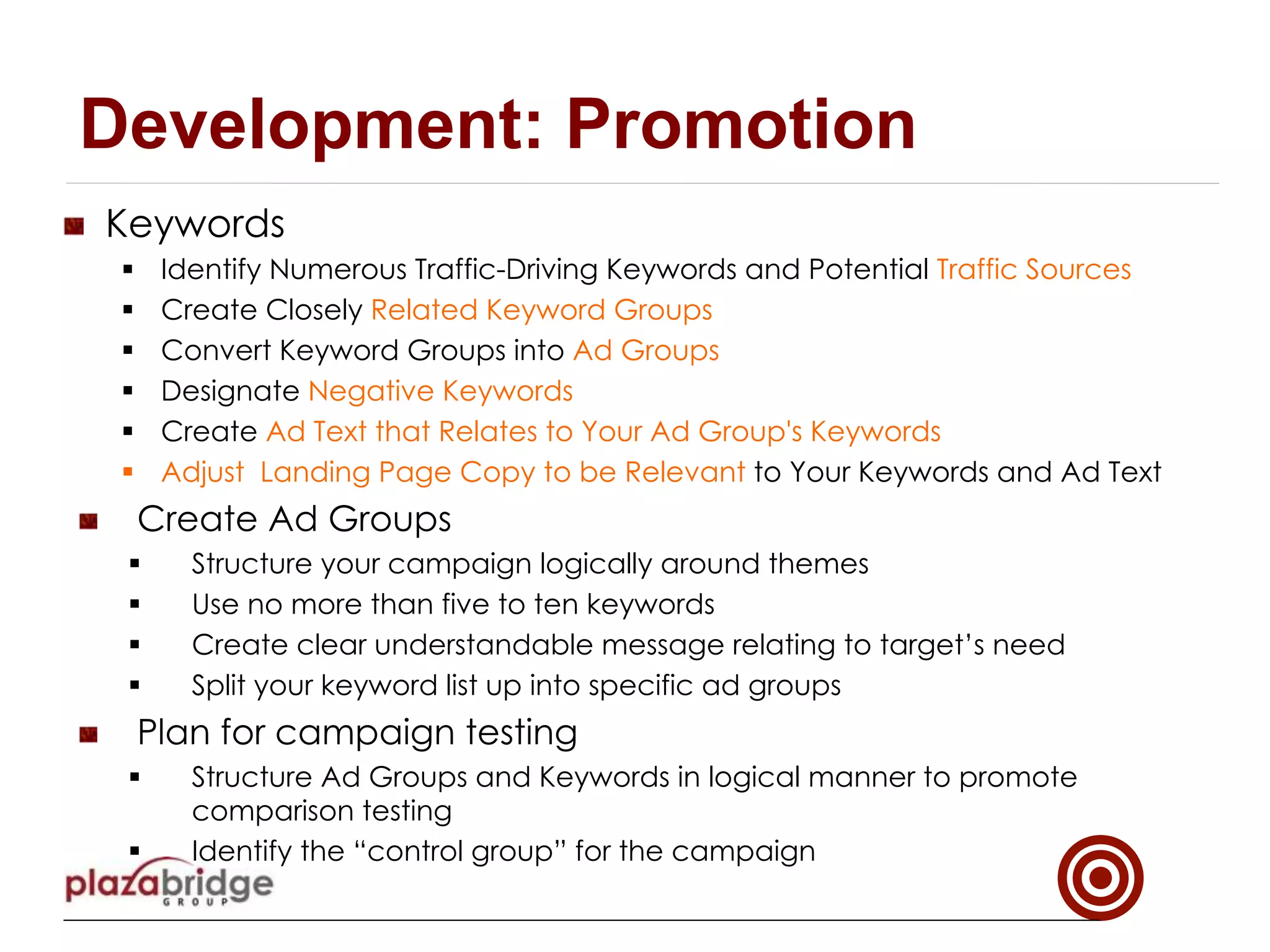
!   Keywords
§  Identify Numerous Traffic-Driving Keywords and Potential Traffic Sources
§  Create Closely Related Keyword Groups
§  Convert Keyword Groups into Ad Groups
§  Designate Negative Keywords
§  Create Ad Text that Relates to Your Ad Group's Keywords 
§  Adjust Landing Page Copy to be Relevant to Your Keywords and Ad Text
!   Create Ad Groups
§  Structure your campaign logically around themes
§  Use no more than five to ten keywords
§  Create clear understandable message relating to target’s need
§  Split your keyword list up into specific ad groups
!   Plan for campaign testing
§  Structure Ad Groups and Keywords in logical manner to promote
comparison testing
§  Identify the “control group” for the campaign
Development: Promotion
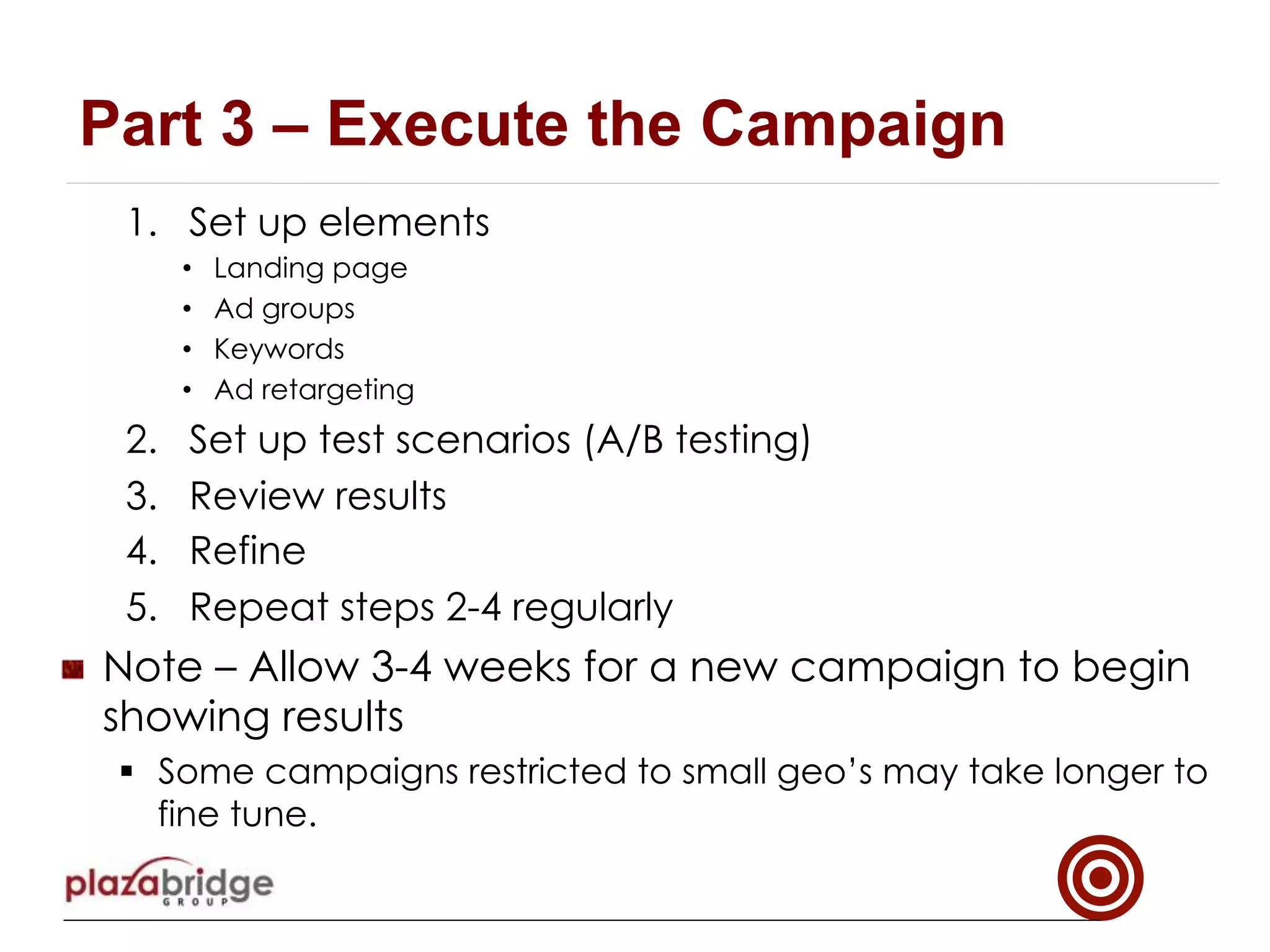
1.  Set up elements
•  Landing page
•  Ad groups
•  Keywords
•  Ad retargeting
2.  Set up test scenarios (A/B testing)
3.  Review results
4.  Refine
5.  Repeat steps 2-4 regularly
!   Note – Allow 3-4 weeks for a new campaign to begin
showing results
§  Some campaigns restricted to small geo’s may take longer to
fine tune.
Part 3 – Execute the Campaign
!   Key Performance Indicators (KPIs) for Search Engine
Marketing
§  Impressions
§  Clicks and Click Through Rate (CTR)
§  Conversions and Conversion Rate
§  Ad spend and Cost per Conversion
Execution: Reporting
CAMPAIGN EXAMPLES
Landing Page & Thank You Page
Creating The Campaign
(Section II cont.)
Examples
© 2009 Zift
Solutions
Say Thank You!
© 2009 Zift
Solutions
!   Key Performance Indicators (KPIs) for Search Engine
Marketing
§  Impressions
§  Clicks and Click Through Rate (CTR)
§  Conversions and Conversion Rate
§  Ad spend and Cost per Conversion
Roles and Responsibilities
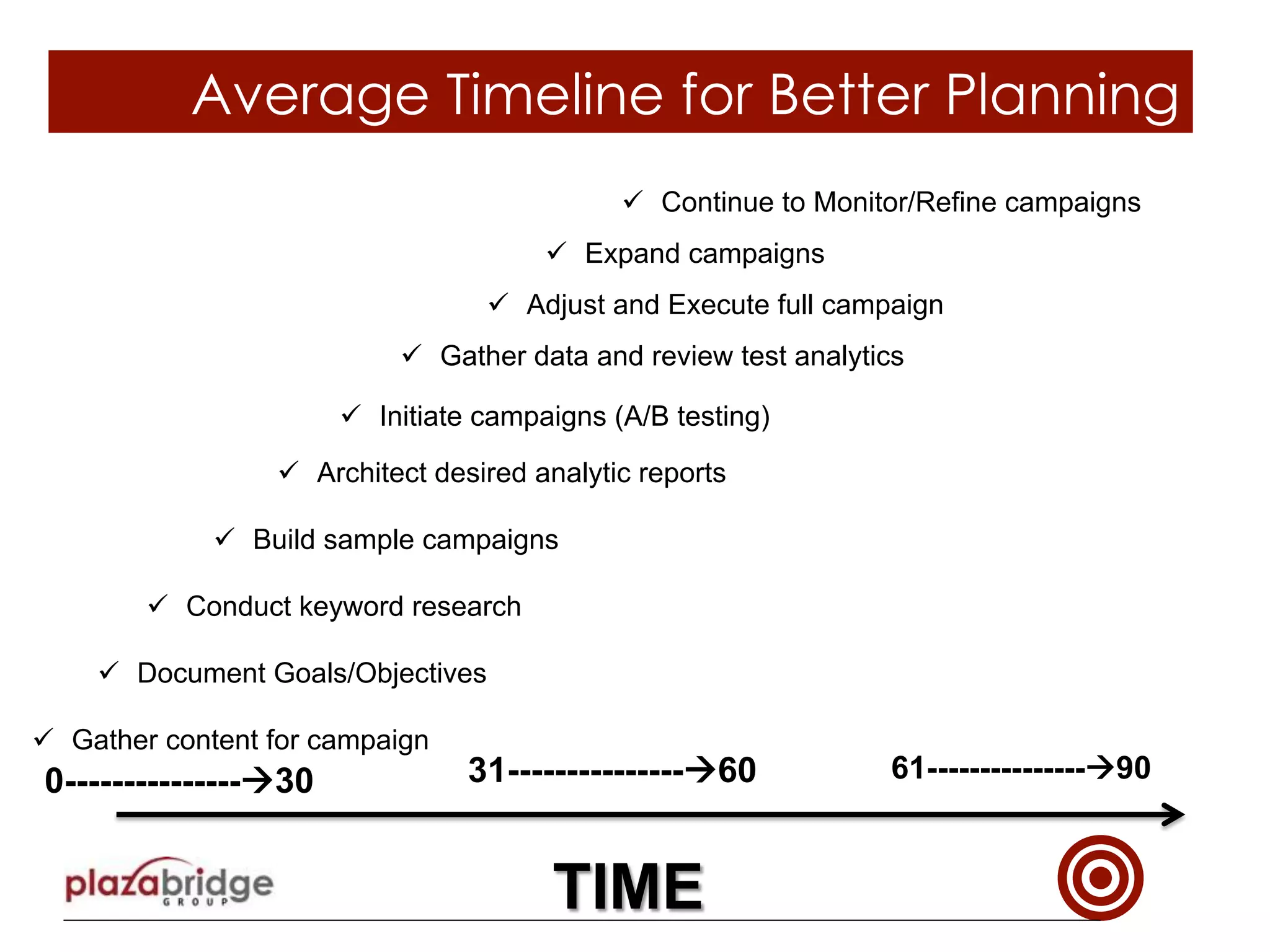
Average Timeline for Better Planning
ü  Gather content for campaign
ü  Document Goals/Objectives
ü  Conduct keyword research
ü  Initiate campaigns (A/B testing)
ü  Architect desired analytic reports
ü  Build sample campaigns
0---------------à30 31---------------à60
TIME
ü  Gather data and review test analytics
ü  Adjust and Execute full campaign
ü  Expand campaigns
ü  Continue to Monitor/Refine campaigns
61---------------à90
THANK YOU!
Need Help?
Contact BrianLadd@plazabridgegroup.com

Plazabridge group Inbound Lead Generation Planning Guide

  • 1.
  • 2.
    !   BestPractice Basics §  Campaign should address a clearly defined Target Audience §  Use simple and clear messaging §  Search engine marketing components must be coordinated: keywords, ads, landing page(s) §  Articulate key messages with complementary visual displays (media) §  Create a clear offer (Call to Action) !  Offer must be compelling to the target audience at their stage of the buying cycle Before we start: Best Practices
  • 3.
    §  Everything onthe page counts! !  Example: Color and Contrasts, !  Forms- Must be SIMPLE !  Clean format –Singularly focused §  Localize all content, looks, feel §  Plan for each region’s top search engines §  And don’t forget to say: Thank you! §  Nurture abandoned contacts through ad retargeting §  Ensure that partners are prepared to contact all conversions !  Market data indicates 78% of sales that start with a web inquiry get won by the first company that responds !  Lead nurturing has been shown to significantly reduce the sales cycle. Before we start: Best Practices
  • 4.
    Best Practices: Leaddecision stages Seed Nurturing Lead Nurturing Lead Nurturing Intermediate Ready Conversion Early Ad Retargeting Ad Retargeting Ad Retargeting Ad Retargeting Ad Retargeting Ad Retargeting
  • 5.
    Best Practices: Captureand Nurture System ...Build Relationships with Leads at all stages Seed Nurturing Lead Nurturing Lead Nurturing PPC/SEM Website CTA’s Conversion Email Marketing Email Marketing Email Marketing Ad Retargeting Ad Retargeting Ad Retargeting CampaignTypes
  • 6.
    Planning §  Define yourgoals §  Know your target audience profile §  What stage in the decision making process Part 1 - Planning
  • 7.
    !   EstablishCampaign Goals (define for each campaign): §  What market are we trying to reach? §  What is the profile of the target audience? !   Job Title, level, industry, etc. §  Is there a regional focus? §  Product or service focus? Some assumptions for all campaigns: §  Attract net new name prospects for partners §  Compliment corporate branding and marketing efforts §  Appeal to partner specific value proposition §  Support geo-targeting for partner specific regions §  Utilize ad retargeting to nurture unconverted prospects Planning: Goals
  • 8.
    !   Knowyour target audience §  Audience Profile: !   Industry !   Job title and position !   Decision Influencer or Decision Maker? !   Key Concerns or Interests of this person? !   What market is being targeted? What is their need? !   What do we know? §  Identify Pains of the Target Audience §  What do they “think” they need? §  How might they search? How might they describe their issues? !   Partner’s Perspective §  How can our partners help us learn more about this target audience? §  What is the unique value the partner brings to this target audience at this stage? §  What are the partner ‘s goals? !   What information may be missing about our target audience? Planning: Target Audience
  • 9.
    Early Inter- mediate Ready Planning: DecisionProcess §  General Audience Decision Process Ø  Early or Beginners – These prospects are just beginning to look !  Learning and collecting information !  May need to develop felt needs Ø  Middle or Intermediate Experience !  Familiar with subject or solutions they may need !  They may be looking for more information that uncovers more options or details –  Justification or ROI’s –  Others that have experiences like theirs Ø  Ready or Buyers – ready to buy !  They have done their homework !  Ready to make decisions or purchases
  • 10.
    Part 2 Campaign Development § Define the offer §  Elements of the landing page §  Heuristics for landing pages §  Promote Campaign
  • 11.
    !   Definethe offer §  Define the Offer !  Something worth providing personal information for !  Should speak to the needs of the target audience !  Compliment the supplier’s but not undermine the partner’s value proposition §  Create the Key Messages to the Target Audience §  Create Content for Landing Page Development: Define the offer
  • 12.
    !   Elements § Headline, Sub-title §  Form §  Submit Form Button §  Imagery §  Dynamic content, videos §  Testimonials §  Partnership Level or Awards and Recognition §  Navigation options §  Security and Trust §  Logos and Branding §  Social media links Development: Landing Page Elements
  • 13.
    !   MeaningfulHeadline-Match the user’s world or thought processes §  Short, simple, to the point §  Easy to read, understand (talks to our target audience main need) §  Visual- Above the Fold – don’t make the audience search or work hard to find !   Form: Simple Fields §  Only most important information (name, email address…) !   Logos and Branding - should be subdued, the information is more important than who !   Aesthetically pleasing – proper choice of colors, arrangement, varying fonts !   Call to Action must be above the fold !   Form button design should be bold and clear – §  Visible immediately §  Bright or Bold Color Copy, Larger Font Size !   Thank you pages are important for nurturing relationship between partner and prospect !   Create dialog – social media, can we help you further? !   Simple and Limited Navigation (no more than 2 clicks) §  Help users recognize, diagnose, and recover from errors Development: Landing Page Heuristics
  • 14.
    !   Keywords § Identify Numerous Traffic-Driving Keywords and Potential Traffic Sources §  Create Closely Related Keyword Groups §  Convert Keyword Groups into Ad Groups §  Designate Negative Keywords §  Create Ad Text that Relates to Your Ad Group's Keywords  §  Adjust Landing Page Copy to be Relevant to Your Keywords and Ad Text !   Create Ad Groups §  Structure your campaign logically around themes §  Use no more than five to ten keywords §  Create clear understandable message relating to target’s need §  Split your keyword list up into specific ad groups !   Plan for campaign testing §  Structure Ad Groups and Keywords in logical manner to promote comparison testing §  Identify the “control group” for the campaign Development: Promotion
  • 15.
    1.  Set upelements •  Landing page •  Ad groups •  Keywords •  Ad retargeting 2.  Set up test scenarios (A/B testing) 3.  Review results 4.  Refine 5.  Repeat steps 2-4 regularly !   Note – Allow 3-4 weeks for a new campaign to begin showing results §  Some campaigns restricted to small geo’s may take longer to fine tune. Part 3 – Execute the Campaign
  • 16.
    !   KeyPerformance Indicators (KPIs) for Search Engine Marketing §  Impressions §  Clicks and Click Through Rate (CTR) §  Conversions and Conversion Rate §  Ad spend and Cost per Conversion Execution: Reporting
  • 17.
  • 18.
    Creating The Campaign (SectionII cont.) Examples © 2009 Zift Solutions
  • 19.
    Say Thank You! ©2009 Zift Solutions
  • 20.
    !   KeyPerformance Indicators (KPIs) for Search Engine Marketing §  Impressions §  Clicks and Click Through Rate (CTR) §  Conversions and Conversion Rate §  Ad spend and Cost per Conversion Roles and Responsibilities
  • 21.
    Average Timeline forBetter Planning ü  Gather content for campaign ü  Document Goals/Objectives ü  Conduct keyword research ü  Initiate campaigns (A/B testing) ü  Architect desired analytic reports ü  Build sample campaigns 0---------------à30 31---------------à60 TIME ü  Gather data and review test analytics ü  Adjust and Execute full campaign ü  Expand campaigns ü  Continue to Monitor/Refine campaigns 61---------------à90
  • 22.
    THANK YOU! Need Help? ContactBrianLadd@plazabridgegroup.com