Jeff Prestes
Physical Web
Giving a URL to everything, including you.
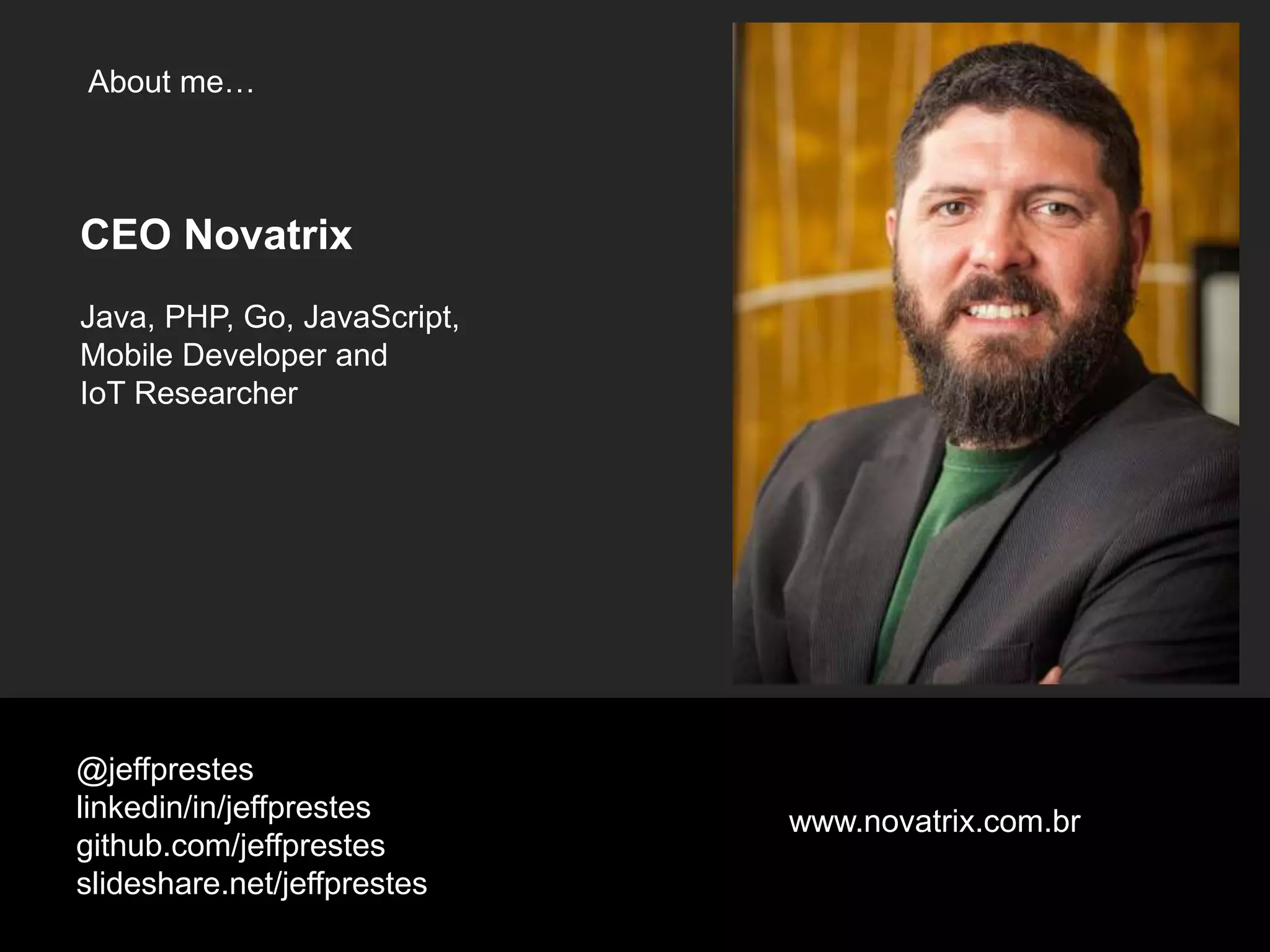
About me…
@jeffprestes
linkedin/in/jeffprestes
github.com/jeffprestes
slideshare.net/jeffprestes
CEO Novatrix
Java, PHP, Go, JavaScript,
Mobile Developer and
IoT Researcher
www.novatrix.com.br
Jeff Prestes
Physical Web
Giving a URL to everything, including you.
What is it?
@jeffprestes#physicalwebbr
http://physical-web.org
@jeffprestes#physicalwebbr
URL for everything
Easily accessible
@jeffprestes#physicalwebbr
Beacon
@jeffprestes#physicalwebbr
Confidential and Proprietary9
What is a Beacon ?
Movies are worth a 1000 slides, so…
https://www.youtube.com/watch?v=JrRS8qRYXCQ
https://www.youtube.com/watch?v=3QFrZjvp2E0
https://www.youtube.com/watch?v=mc3KmbfxuUQ
@jeffprestes#physicalwebbr
Eddystone
Protocol
@jeffprestes#physicalwebbr
eddystone-tlm
eddystone-uid
eddystone-url
@jeffprestes#physicalwebbr
eddystone-tlm
eddystone-uid
eddystone-url
@jeffprestes#physicalwebbr
eddystone-tlm
eddystone-uid
eddystone-url
@jeffprestes#physicalwebbr
eddystone-tlm
eddystone-uid
eddystone-url
@jeffprestes#physicalwebbr
eddystone-url
@jeffprestes#physicalwebbr
https://github.com/google/eddystone/tree/master/eddystone-url
@jeffprestes#physicalwebbr
Set the URL to a
URL shortner
@jeffprestes#physicalwebbr
Chrome allows until
5 redirections
@jeffprestes#physicalwebbr
Important
@jeffprestes#physicalwebbr
There’re Chrome’s
requirements
to show
URLs
@jeffprestes#physicalwebbr
HTTPS
@jeffprestes#physicalwebbr
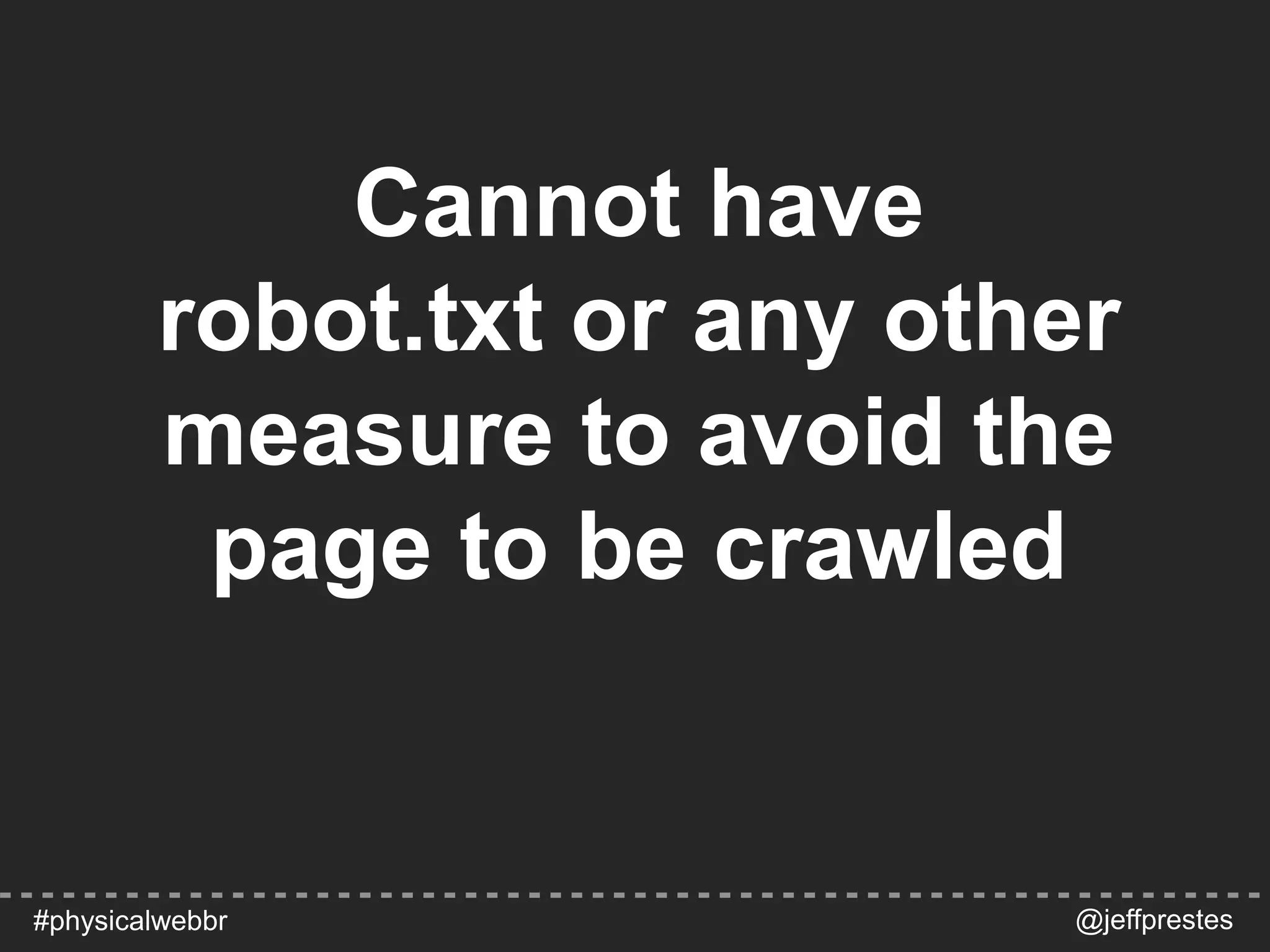
Cannot have
robot.txt or any other
measure to avoid the
page to be crawled
@jeffprestes#physicalwebbr
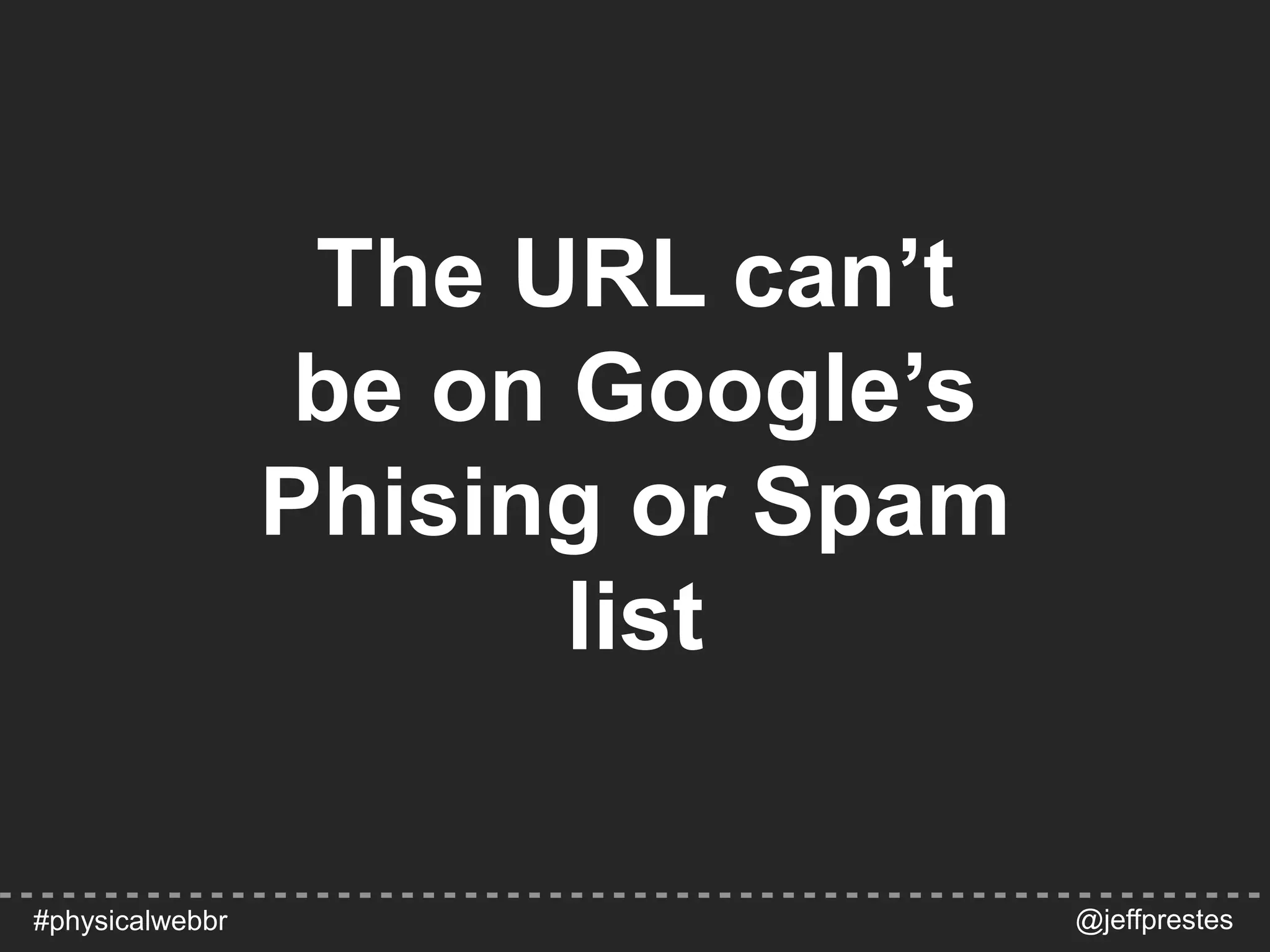
The URL can’t
be on Google’s
Phising or Spam
list
@jeffprestes#physicalwebbr
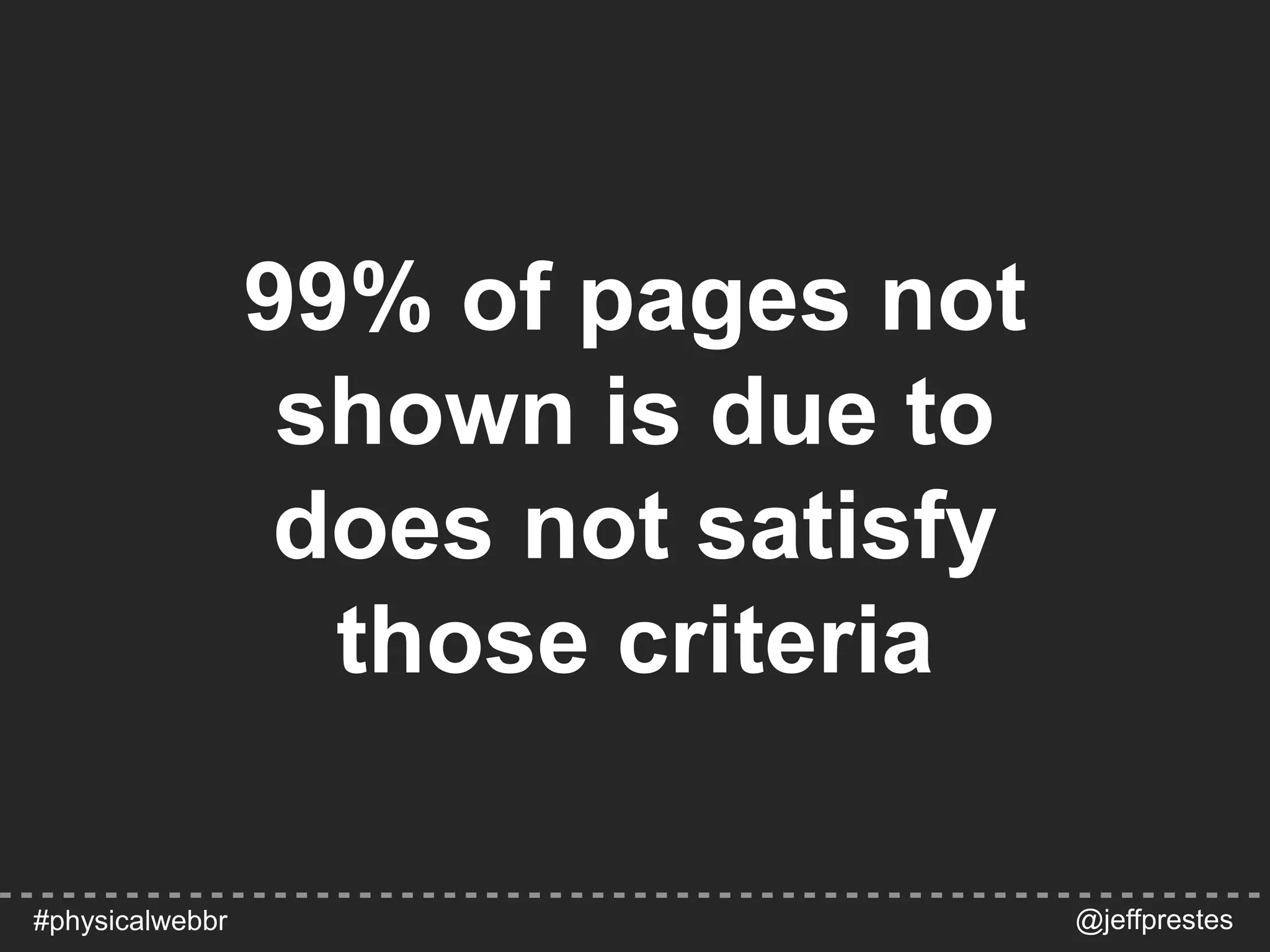
99% of pages not
shown is due to
does not satisfy
those criteria
@jeffprestes#physicalwebbr
Demo
@jeffprestes#physicalwebbr
Configuring
Google Chrome
@jeffprestes#physicalwebbr
https://support.google.com/chrome/answer/6239299
LinkedIn
@jeffprestes#physicalwebbr
Demo
@jeffprestes#physicalwebbr
Advertising
my URL
https://github.com/jeffprestes/node-eddystone-url
@jeffprestes#physicalwebbr
var Beacon = require('./node_modules/eddystone-beacon/lib/beacon');
beacon = new Beacon();
var options = {
txPowerLevel: -22, //override TX Power Level, default value is -21
tlmCount: 2, // 2 TLM frames
tlmPeriod: 10 // every 10 advertisements
};
beacon.advertiseUrl('http://www.maquinataxi.com', [options]);
@jeffprestes#physicalwebbr
Code Source
example to detect URL
Physical Web App
https://play.google.com/store/apps/details?id=physical_web.org.physicalweb
https://itunes.apple.com/us/app/physical-web/id927653608?mt=8
@jeffprestes#physicalwebbr
MainActivity.java
protected void onResume() {
super.onResume();
BluetoothManager btManager = (BluetoothManager) getSystemService(BLUETOOTH_SERVICE);
BluetoothAdapter btAdapter = btManager != null ? btManager.getAdapter() : null;
if (btAdapter == null) {
finish();
return;
}
if (checkIfUserHasOptedIn()) {
ensureBluetoothIsEnabled(btAdapter);
showNearbyBeaconsFragment();
} else {
// Show the oob activity
// Webview to: https://google.github.io/physical-web/mobile/android/getting-started.html
Intent intent = new Intent(this, OobActivity.class);
startActivity(intent);
}
}
@jeffprestes#physicalwebbr
NearbyBeaconsFragment.java
public void onResume() {
super.onResume();
getActivity().getActionBar().setTitle(R.string.title_nearby_beacons);
getActivity().getActionBar().setDisplayHomeAsUpEnabled(false);
getListView().setVisibility(View.INVISIBLE);
mDiscoveryServiceConnection.connect(true);
}
public synchronized void connect(boolean requestCachedPwos) {
if (mDiscoveryService != null) {
return;
}
mRequestCachedPwos = requestCachedPwos;
Intent intent = new Intent(getActivity(), PwoDiscoveryService.class);
getActivity().startService(intent);
getActivity().bindService(intent, this, Context.BIND_AUTO_CREATE);
}
@jeffprestes#physicalwebbr
PwoDiscoveryService.java
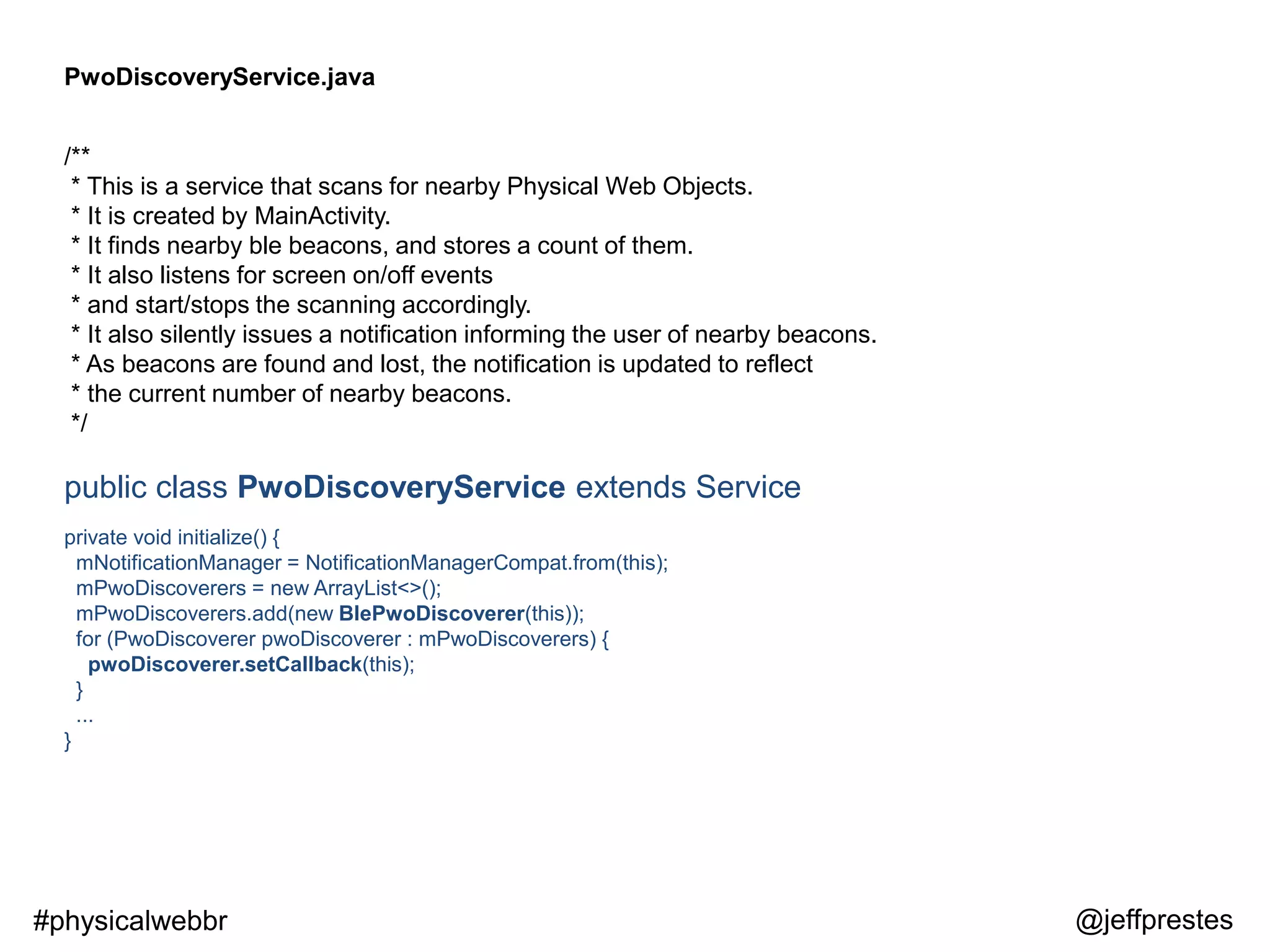
/**
* This is a service that scans for nearby Physical Web Objects.
* It is created by MainActivity.
* It finds nearby ble beacons, and stores a count of them.
* It also listens for screen on/off events
* and start/stops the scanning accordingly.
* It also silently issues a notification informing the user of nearby beacons.
* As beacons are found and lost, the notification is updated to reflect
* the current number of nearby beacons.
*/
public class PwoDiscoveryService extends Service
private void initialize() {
mNotificationManager = NotificationManagerCompat.from(this);
mPwoDiscoverers = new ArrayList<>();
mPwoDiscoverers.add(new BlePwoDiscoverer(this));
for (PwoDiscoverer pwoDiscoverer : mPwoDiscoverers) {
pwoDiscoverer.setCallback(this);
}
...
}
@jeffprestes#physicalwebbr
BlePwoDiscoverer.java
public class BlePwoDiscoverer extends PwoDiscoverer
implements BluetoothAdapter.LeScanCallback {
mBluetoothAdapter.startLeScan(this);
@jeffprestes#physicalwebbr
mScanFilterUuids = new ParcelUuid[]{URIBEACON_SERVICE_UUID, EDDYSTONE_URL_SERVICE_UUID};
@Override
public void onLeScan(final BluetoothDevice device, final int rssi, final byte[] scanBytes) {
if (!leScanMatches(ScanRecord.parseFromBytes(scanBytes))) {
return;
}
UriBeacon uriBeacon = UriBeacon.parseFromBytes(scanBytes);
if (uriBeacon == null) {
return;
}
String url = uriBeacon.getUriString();
if (!URLUtil.isNetworkUrl(url)) {
return;
}
PwoMetadata pwoMetadata = createPwoMetadata(url);
pwoMetadata.setBleMetadata(device.getAddress(), rssi, uriBeacon.getTxPowerLevel());
pwoMetadata.bleMetadata.updateRegionInfo();
reportPwo(pwoMetadata);
}
BlePwoDiscoverer.java
@jeffprestes#physicalwebbr
/**
* Parse scan record bytes to Eddystone
* The format is defined in Eddystone specification.
*
* @param scanRecordBytes The scan record of Bluetooth LE advertisement and/or scan response.
*/
public static UriBeacon parseFromBytes(byte[] scanRecordBytes) {
byte[] serviceData = parseServiceDataFromBytes(scanRecordBytes);
...
if (serviceData != null && serviceData.length >= 2) {
int currentPos = 0;
byte txPowerLevel = serviceData[currentPos++];
byte flags = (byte) (serviceData[currentPos] >> 4);
serviceData[currentPos] = (byte) (serviceData[currentPos] & 0xFF);
String uri = decodeUri(serviceData, currentPos);
return new UriBeacon(flags, txPowerLevel, uri);
}
return null;
}
UriBeacon.java
@jeffprestes#physicalwebbr
private static String decodeUri(byte[] serviceData, int offset) {
if (serviceData.length == offset) {
return NO_URI;
}
StringBuilder uriBuilder = new StringBuilder();
if (offset < serviceData.length) {
byte b = serviceData[offset++];
String scheme = URI_SCHEMES.get(b);
if (scheme != null) {
uriBuilder.append(scheme);
if (URLUtil.isNetworkUrl(scheme)) {
return decodeUrl(serviceData, offset, uriBuilder);
} else if ("urn:uuid:".equals(scheme)) {
return decodeUrnUuid(serviceData, offset, uriBuilder);
}
}
Log.w(TAG, "decodeUri unknown Uri scheme code=" + b);
}
return null;
}
UriBeacon.java
@jeffprestes#physicalwebbr
private static String decodeUri(byte[] serviceData, int offset) {
if (serviceData.length == offset) {
return NO_URI;
}
StringBuilder uriBuilder = new StringBuilder();
if (offset < serviceData.length) {
byte b = serviceData[offset++];
String scheme = URI_SCHEMES.get(b);
if (scheme != null) {
uriBuilder.append(scheme);
if (URLUtil.isNetworkUrl(scheme)) {
return decodeUrl(serviceData, offset, uriBuilder);
} else if ("urn:uuid:".equals(scheme)) {
return decodeUrnUuid(serviceData, offset, uriBuilder);
}
}
Log.w(TAG, "decodeUri unknown Uri scheme code=" + b);
}
return null;
}
UriBeacon.java
@jeffprestes#physicalwebbr
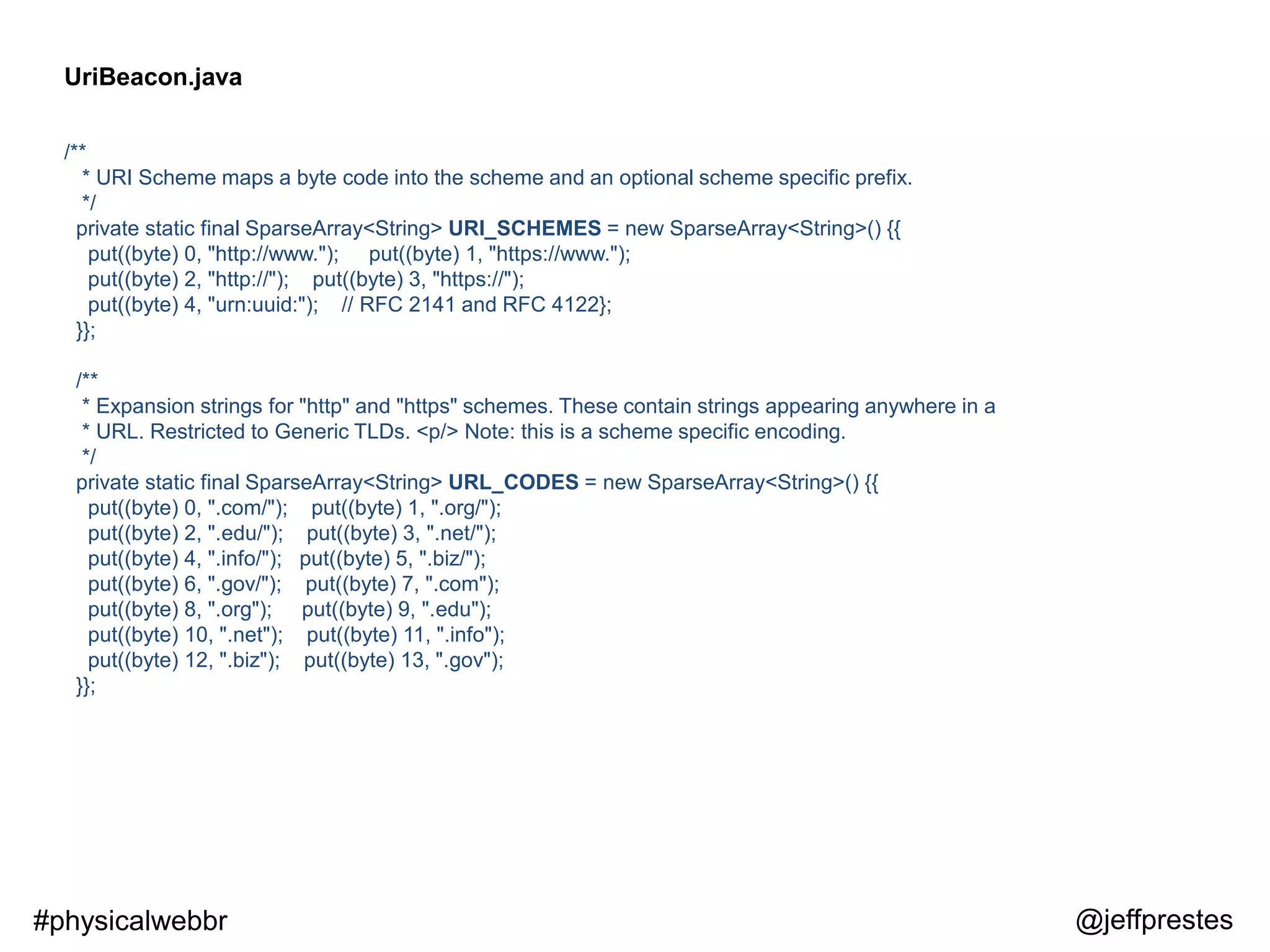
/**
* URI Scheme maps a byte code into the scheme and an optional scheme specific prefix.
*/
private static final SparseArray<String> URI_SCHEMES = new SparseArray<String>() {{
put((byte) 0, "http://www."); put((byte) 1, "https://www.");
put((byte) 2, "http://"); put((byte) 3, "https://");
put((byte) 4, "urn:uuid:"); // RFC 2141 and RFC 4122};
}};
/**
* Expansion strings for "http" and "https" schemes. These contain strings appearing anywhere in a
* URL. Restricted to Generic TLDs. <p/> Note: this is a scheme specific encoding.
*/
private static final SparseArray<String> URL_CODES = new SparseArray<String>() {{
put((byte) 0, ".com/"); put((byte) 1, ".org/");
put((byte) 2, ".edu/"); put((byte) 3, ".net/");
put((byte) 4, ".info/"); put((byte) 5, ".biz/");
put((byte) 6, ".gov/"); put((byte) 7, ".com");
put((byte) 8, ".org"); put((byte) 9, ".edu");
put((byte) 10, ".net"); put((byte) 11, ".info");
put((byte) 12, ".biz"); put((byte) 13, ".gov");
}};
UriBeacon.java
@jeffprestes#physicalwebbr
Use cases
examples
@jeffprestes#physicalwebbr
Transportation
use cases for
Visual Impaired Persons
@jeffprestes#physicalwebbr
Commerce
use cases for
Visual Impaired Persons
@jeffprestes#physicalwebbr
Museums
use cases
@jeffprestes#physicalwebbr
Physical Web
http://physical-web.org
@jeffprestes#physicalwebbr
I’d love to hear
your questions.
Thanks.
Jeff Prestes
@jeffprestes
linkedin.com/in/jeffprestes
Slideshare.com/jeffprestes
Github.com/jeffprestes
www.novatrix.com.br

Physical web

Editor's Notes

  • #5 Open Protocol Designed by Google You can have a specific device like Estimote Beacons, or you can use a Rfduino, or BLE module for Arduino, or a Bluetooth 4.0 dongle on a Raspberry Pi, or use a computer that has Bluetooth 4.0 module to advertise data. You can create your own implementation in Node, Python, Java, etc… What data should I advertise?
  • #6 An effort to enable frictionless discovery of web content relating to one’s surroundings.
  • #7 Open Protocol Designed by Google You can have a specific device like Estimote Beacons, or you can use a Rfduino, or BLE module for Arduino, or a Bluetooth 4.0 dongle on a Raspberry Pi, or use a computer that has Bluetooth 4.0 module to advertise data. You can create your own implementation in Node, Python, Java, etc… What data should I advertise?
  • #8 Open Protocol Designed by Google You can have a specific device like Estimote Beacons, or you can use a Rfduino, or BLE module for Arduino, or a Bluetooth 4.0 dongle on a Raspberry Pi, or use a computer that has Bluetooth 4.0 module to advertise data. You can create your own implementation in Node, Python, Java, etc… What data should I advertise?
  • #9 Open Protocol Designed by Google You can have a specific device like Estimote Beacons, or you can use a Rfduino, or BLE module for Arduino, or a Bluetooth 4.0 dongle on a Raspberry Pi, or use a computer that has Bluetooth 4.0 module to advertise data. You can create your own implementation in Node, Python, Java, etc… What data should I advertise?
  • #10 QRCodes & RFID are outdates | Bring context
  • #11 Open Protocol Designed by Google You can have a specific device like Estimote Beacons, or you can use a Rfduino, or BLE module for Arduino, or a Bluetooth 4.0 dongle on a Raspberry Pi, or use a computer that has Bluetooth 4.0 module to advertise data. You can create your own implementation in Node, Python, Java, etc… What data should I advertise?
  • #12 It has 3 data format specification. Like the Eddystone-UID and Eddystone-URL frame types, Eddystone-TLM is broadcast in the clear, without message integrity validation. You should design your application to be tolerant of the open nature of such a broadcast.
  • #13 Eddystone beacons may transmit data about their own operation to clients. This data is called telemetry and is useful for monitoring the health and operation of a fleet of beacons.
  • #14 Most known format: give an ID to your device to your mobile application be able to have a context inside of buildings where GPS signal isn’t available.
  • #15 You can advertise an URL that contains data about related to something (a device, a place, or a person) Max 17 caracters
  • #16 The main reason Old UriBeacon Secure: the important information is in your website not into the device It’s a backbone for Physical Web
  • #17 The main reason Old UriBeacon Secure: the important information is in your website not into the device It’s a backbone for Physical Web
  • #28 https://ppd.io/jb https://ppd.io/jy
  • #31 https://ppd.io/jb https://ppd.io/jy https://github.com/don/node-eddystone-beacon https://github.com/sandeepmistry/bleno#running-on-linux It supports inform his temperature It supports inform a counter that informs the number of time it has emitted data frames. Useful to control performance.
  • #32 The main reason Old UriBeacon Secure: the important information is in your website not into the device It’s a backbone for Physical Web
  • #33 https://ppd.io/jb https://ppd.io/jy
  • #34 The main reason Old UriBeacon Secure: the important information is in your website not into the device It’s a backbone for Physical Web
  • #35 The main reason Old UriBeacon Secure: the important information is in your website not into the device It’s a backbone for Physical Web
  • #36 The main reason Old UriBeacon Secure: the important information is in your website not into the device It’s a backbone for Physical Web
  • #37 The main reason Old UriBeacon Secure: the important information is in your website not into the device It’s a backbone for Physical Web
  • #38 The main reason Old UriBeacon Secure: the important information is in your website not into the device It’s a backbone for Physical Web
  • #39 The main reason Old UriBeacon Secure: the important information is in your website not into the device It’s a backbone for Physical Web
  • #40 The main reason Old UriBeacon Secure: the important information is in your website not into the device It’s a backbone for Physical Web
  • #41 The main reason Old UriBeacon Secure: the important information is in your website not into the device It’s a backbone for Physical Web
  • #42 The main reason Old UriBeacon Secure: the important information is in your website not into the device It’s a backbone for Physical Web
  • #43 https://www.youtube.com/watch?v=mc3KmbfxuUQ
  • #44 https://www.youtube.com/watch?v=mc3KmbfxuUQ
  • #47 An effort to enable frictionless discovery of web content relating to one’s surroundings.