Non-conventional  Android  Programming
Who am I? Davide Cerbo http://jesty.it http://davide.cerbo.born-to-co.de http://www.linkedin.com/in/davidecerbo [email_address]
http://www.pro-netics.it [email_address]
Once upon a time...
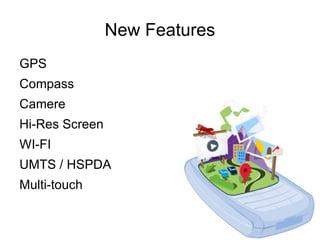
New Features GPS
Compass
Camere
Hi-Res Screen
WI-FI
UMTS / HSPDA
Multi-touch
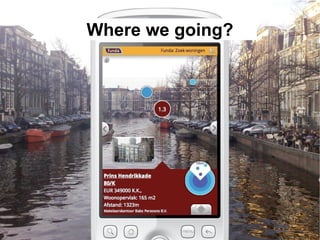
Where we going?
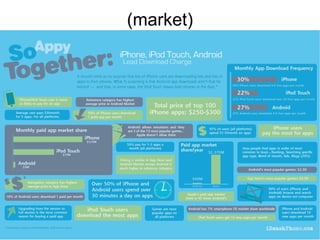
(market)
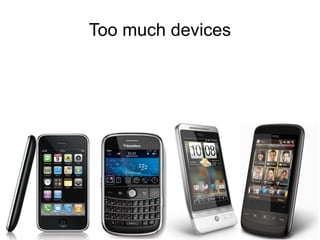
Too much devices
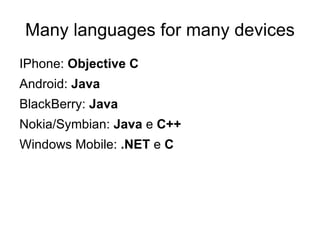
Many languages for many devices IPhone:  Objective C
Android:  Java
BlackBerry:  Java
Nokia/Symbian:  Java  e  C++
Windows Mobile:  .NET  e  C
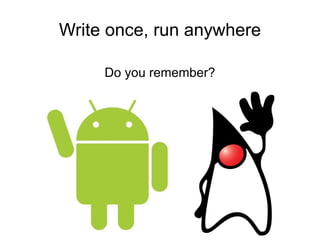
Write once, run anywhere Do you remember?
PhoneGap HTML + JAVASCRIPT + CSS  = PhoneGap.com
PhoneGap CROSS PLATFORM + API NATIVE INTERFACES + OPEN SOURCE = PhoneGap.com
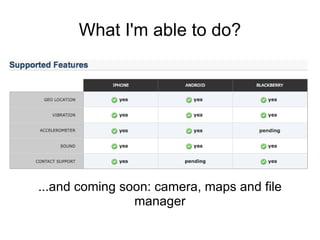
What I'm able to do? ...and coming soon: camera, maps and file manager
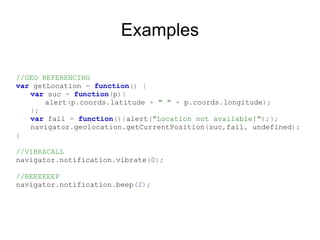
Examples //GEO REFERENCING var   getLocation   =   function ()   { var   suc   =   function ( p ){ alert ( p . coords . latitude   +   " "   +   p . coords . longitude ); }; var   fail   =   function (){ alert ( "Location not available!" );}; navigator . geolocation . getCurrentPosition ( suc , fail ,   undefined ); } //VIBRACALL navigator . notification . vibrate ( 0 ); //BEEEEEEP navigator . notification . beep ( 2 );
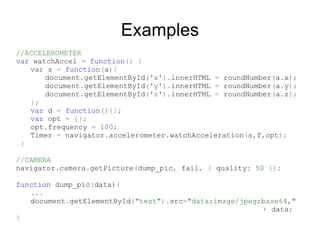
Examples //ACCELEROMETER var   watchAccel   =   function ()   { var   s   =   function ( a ){ document . getElementById ( 'x' ). innerHTML   =   roundNumber ( a . x ); document . getElementById ( 'y' ). innerHTML   =   roundNumber ( a . y ); document . getElementById ( 'z' ). innerHTML   =   roundNumber ( a . z ); }; var   d   =   function (){}; var   opt   =   {}; opt . frequency   =   100 ; Timer   =   navigator . accelerometer . watchAcceleration ( s , f , opt ); } //CAMERA navigator . camera . getPicture ( dump_pic ,   fail ,   {   quality :   50   }); function   dump_pic ( data) { ... document . getElementById ( "test" ). src = "data:image/jpeg;base64,"   +  data ; }
Where's the trick? PhoneGap give us a  startup project  for every supported device. Every project is a simple application made of a  web browser  that work as a fullscreen app and where javascripts object will be injected. These objects has native API counterpart inside the device. We need to copy html, css, javascript and images into a specific project folder for every device that we need to  deploy  on. We also need to modify the project configuration, like project's name, author and so on... For Android  copy  these files into: ../my-android/assets/www/
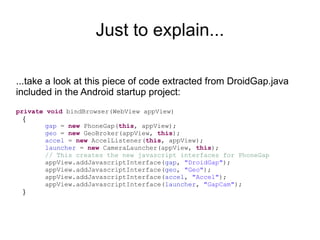
Just to explain... ...take a look at this piece of code extracted from DroidGap.java included in the Android startup project: private   void  bindBrowser(WebView appView) { gap  =  new  PhoneGap( this , appView); geo  =  new  GeoBroker(appView,  this ); accel  =  new  AccelListener( this , appView); launcher  =  new  CameraLauncher(appView,  this ); // This creates the new javascript interfaces for PhoneGap appView.addJavascriptInterface( gap ,  "DroidGap" ); appView.addJavascriptInterface( geo ,  "Geo" ); appView.addJavascriptInterface( accel ,  "Accel" ); appView.addJavascriptInterface( launcher ,  "GapCam" ); }
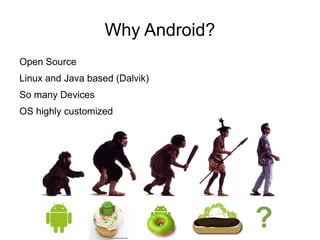
Why Android? Open Source
Linux and Java based (Dalvik)
So many Devices
OS highly customized ?
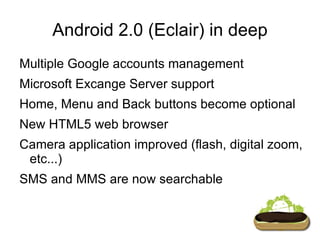
Android 2.0 (Eclair) in deep Multiple Google accounts management
Microsoft Excange Server support
Home, Menu and Back buttons become optional
New HTML5 web browser
Camera application improved (flash, digital zoom, etc...)

Non Conventional Android Programming En

  • 1.
  • 2.
    Who am I?Davide Cerbo http://jesty.it http://davide.cerbo.born-to-co.de http://www.linkedin.com/in/davidecerbo [email_address]
  • 3.
  • 4.
    Once upon atime...
  • 5.
  • 6.
  • 7.
  • 8.
  • 9.
  • 10.
  • 11.
  • 12.
  • 13.
  • 14.
  • 15.
    Many languages formany devices IPhone: Objective C
  • 16.
  • 17.
  • 18.
  • 19.
  • 20.
    Write once, runanywhere Do you remember?
  • 21.
    PhoneGap HTML +JAVASCRIPT + CSS = PhoneGap.com
  • 22.
    PhoneGap CROSS PLATFORM+ API NATIVE INTERFACES + OPEN SOURCE = PhoneGap.com
  • 23.
    What I'm ableto do? ...and coming soon: camera, maps and file manager
  • 24.
    Examples //GEO REFERENCINGvar getLocation = function () { var suc = function ( p ){ alert ( p . coords . latitude + " " + p . coords . longitude ); }; var fail = function (){ alert ( "Location not available!" );}; navigator . geolocation . getCurrentPosition ( suc , fail , undefined ); } //VIBRACALL navigator . notification . vibrate ( 0 ); //BEEEEEEP navigator . notification . beep ( 2 );
  • 25.
    Examples //ACCELEROMETER var watchAccel = function () { var s = function ( a ){ document . getElementById ( 'x' ). innerHTML = roundNumber ( a . x ); document . getElementById ( 'y' ). innerHTML = roundNumber ( a . y ); document . getElementById ( 'z' ). innerHTML = roundNumber ( a . z ); }; var d = function (){}; var opt = {}; opt . frequency = 100 ; Timer = navigator . accelerometer . watchAcceleration ( s , f , opt ); } //CAMERA navigator . camera . getPicture ( dump_pic , fail , { quality : 50 }); function dump_pic ( data) { ... document . getElementById ( "test" ). src = "data:image/jpeg;base64," + data ; }
  • 26.
    Where's the trick?PhoneGap give us a startup project for every supported device. Every project is a simple application made of a web browser that work as a fullscreen app and where javascripts object will be injected. These objects has native API counterpart inside the device. We need to copy html, css, javascript and images into a specific project folder for every device that we need to deploy on. We also need to modify the project configuration, like project's name, author and so on... For Android copy these files into: ../my-android/assets/www/
  • 27.
    Just to explain......take a look at this piece of code extracted from DroidGap.java included in the Android startup project: private void bindBrowser(WebView appView) { gap = new PhoneGap( this , appView); geo = new GeoBroker(appView, this ); accel = new AccelListener( this , appView); launcher = new CameraLauncher(appView, this ); // This creates the new javascript interfaces for PhoneGap appView.addJavascriptInterface( gap , "DroidGap" ); appView.addJavascriptInterface( geo , "Geo" ); appView.addJavascriptInterface( accel , "Accel" ); appView.addJavascriptInterface( launcher , "GapCam" ); }
  • 28.
  • 29.
    Linux and Javabased (Dalvik)
  • 30.
  • 31.
  • 32.
    Android 2.0 (Eclair)in deep Multiple Google accounts management
  • 33.
  • 34.
    Home, Menu andBack buttons become optional
  • 35.
  • 36.
    Camera application improved(flash, digital zoom, etc...)