Interact your Wearable and an
IoT Device
Jeff Prestes
About me…
@jeffprestes
github.com/jeffprestes
slideshare.net/jeffprestes
Developer Advocate
Java, PHP, JavaScript,
Android Developer
Football fan,
father and IoT Researcher
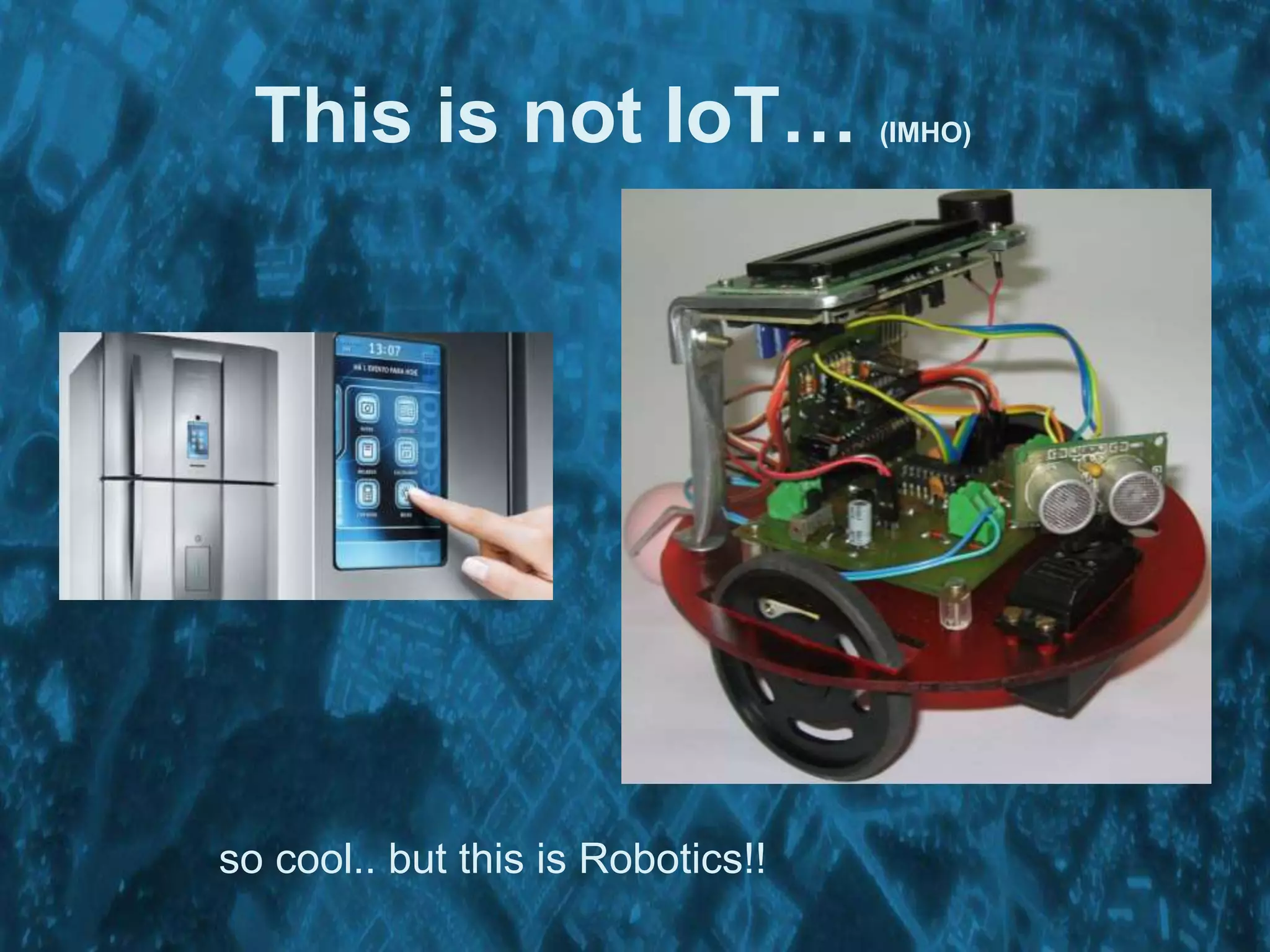
This is not IoT… (IMHO)
so cool.. but this is Robotics!!
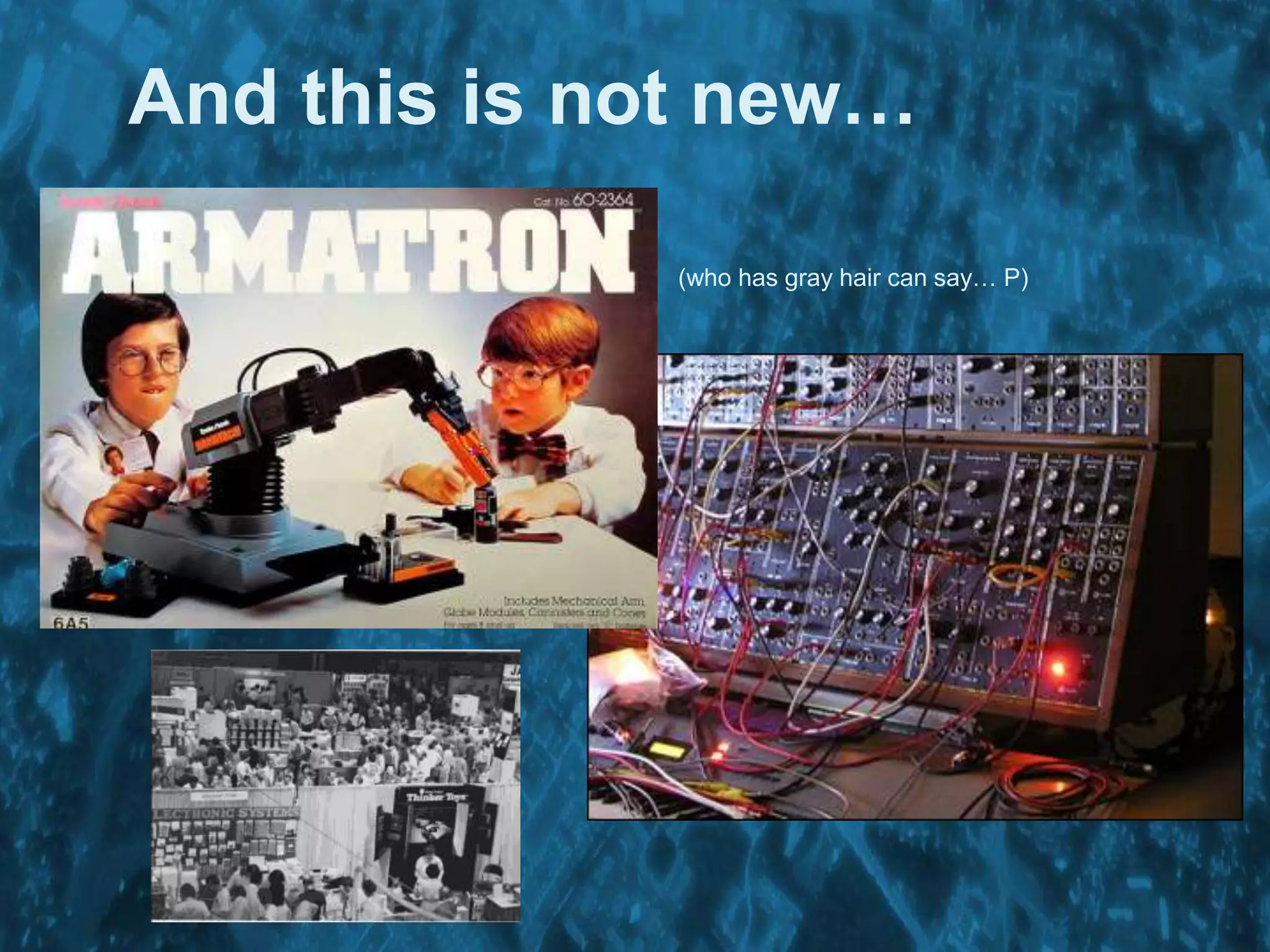
And this is not new…
(who has gray hair can say… P)
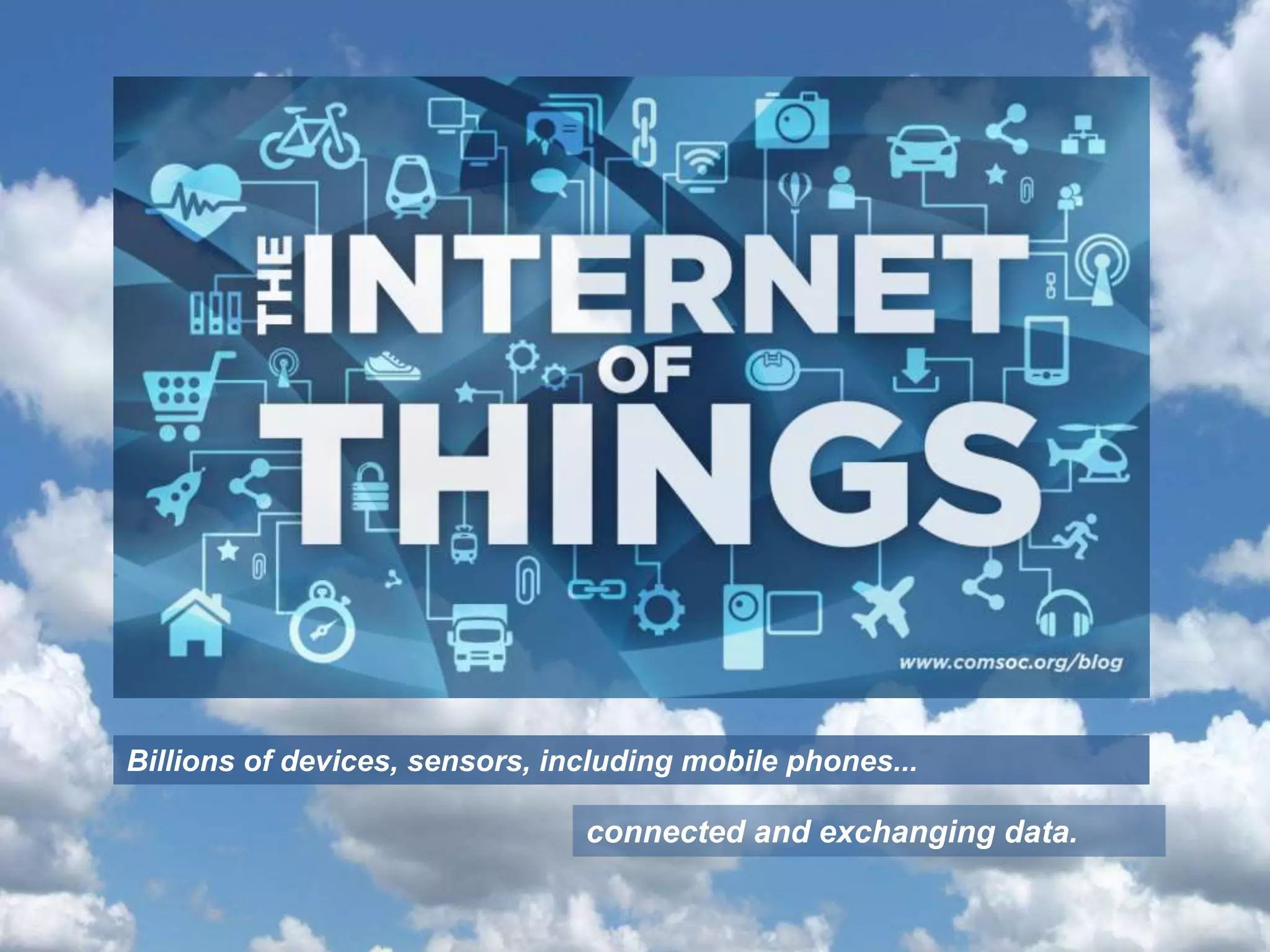
Billions of devices, sensors, including mobile phones...
connected and exchanging data.
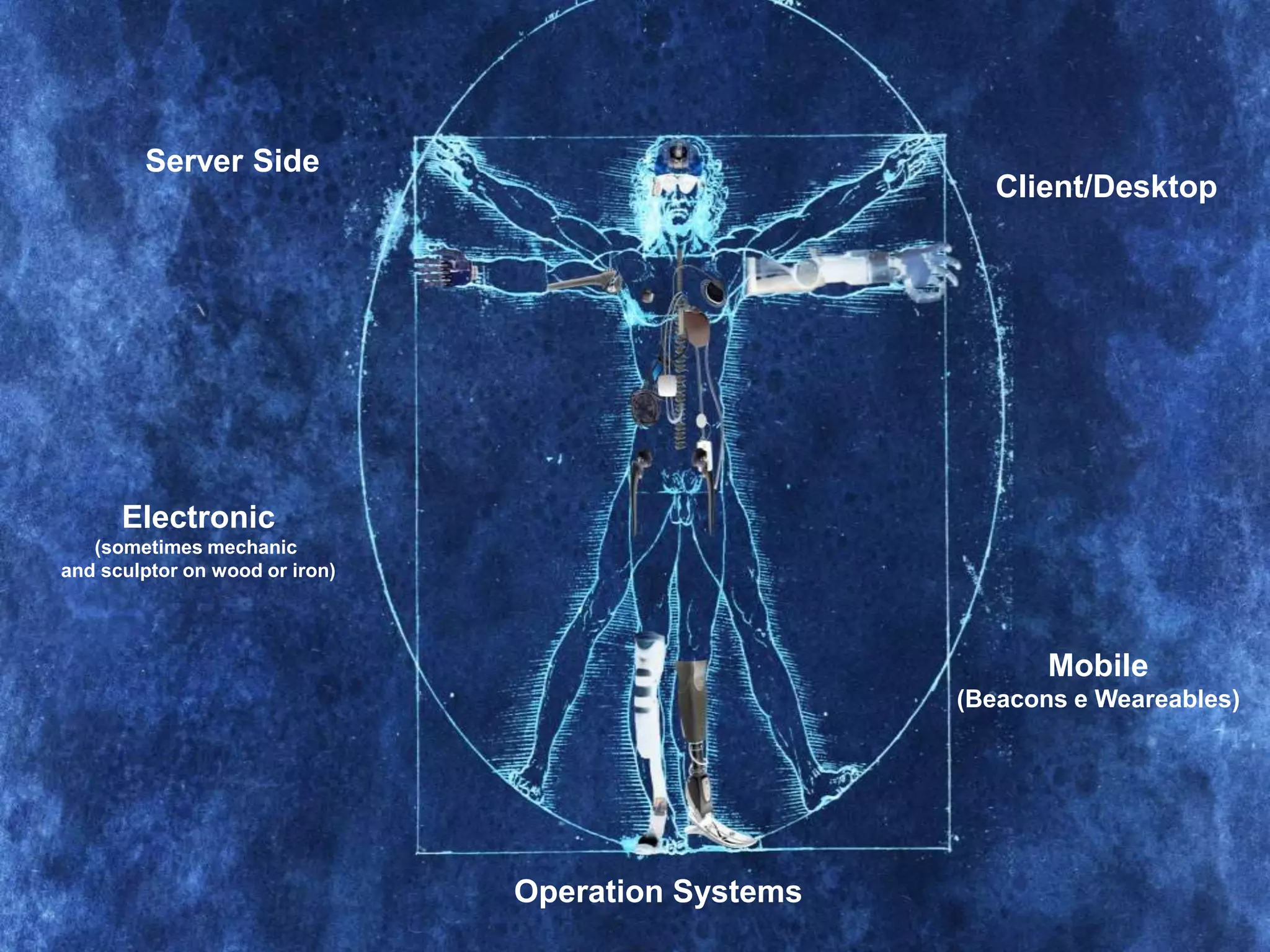
Server Side
Electronic
(sometimes mechanic
and sculptor on wood or iron)
Client/Desktop
Mobile
(Beacons e Weareables)
Operation Systems
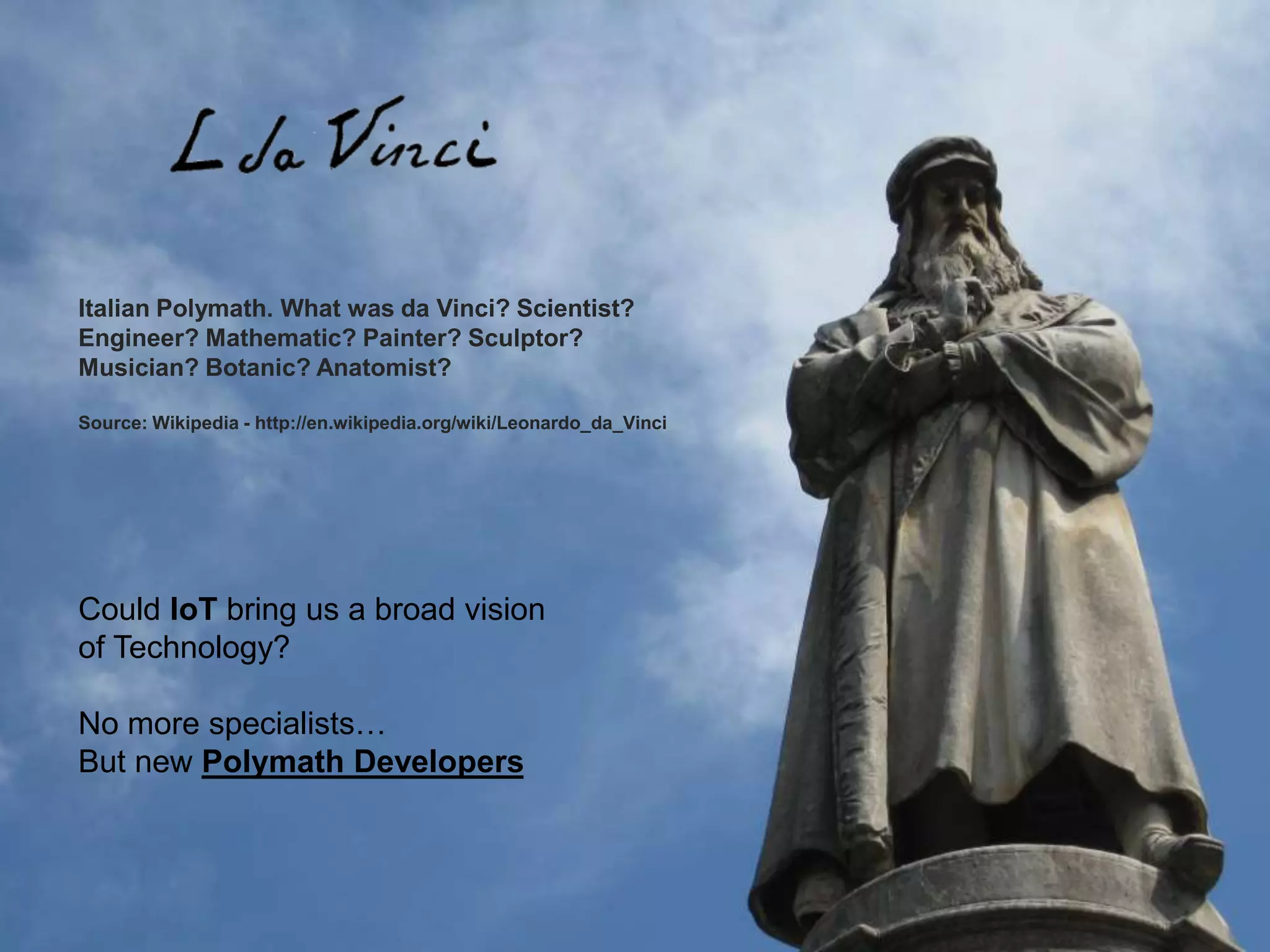
Italian Polymath. What was da Vinci? Scientist?
Engineer? Mathematic? Painter? Sculptor?
Musician? Botanic? Anatomist?
Source: Wikipedia - http://en.wikipedia.org/wiki/Leonardo_da_Vinci
Could IoT bring us a broad vision
of Technology?
No more specialists…
But new Polymath Developers
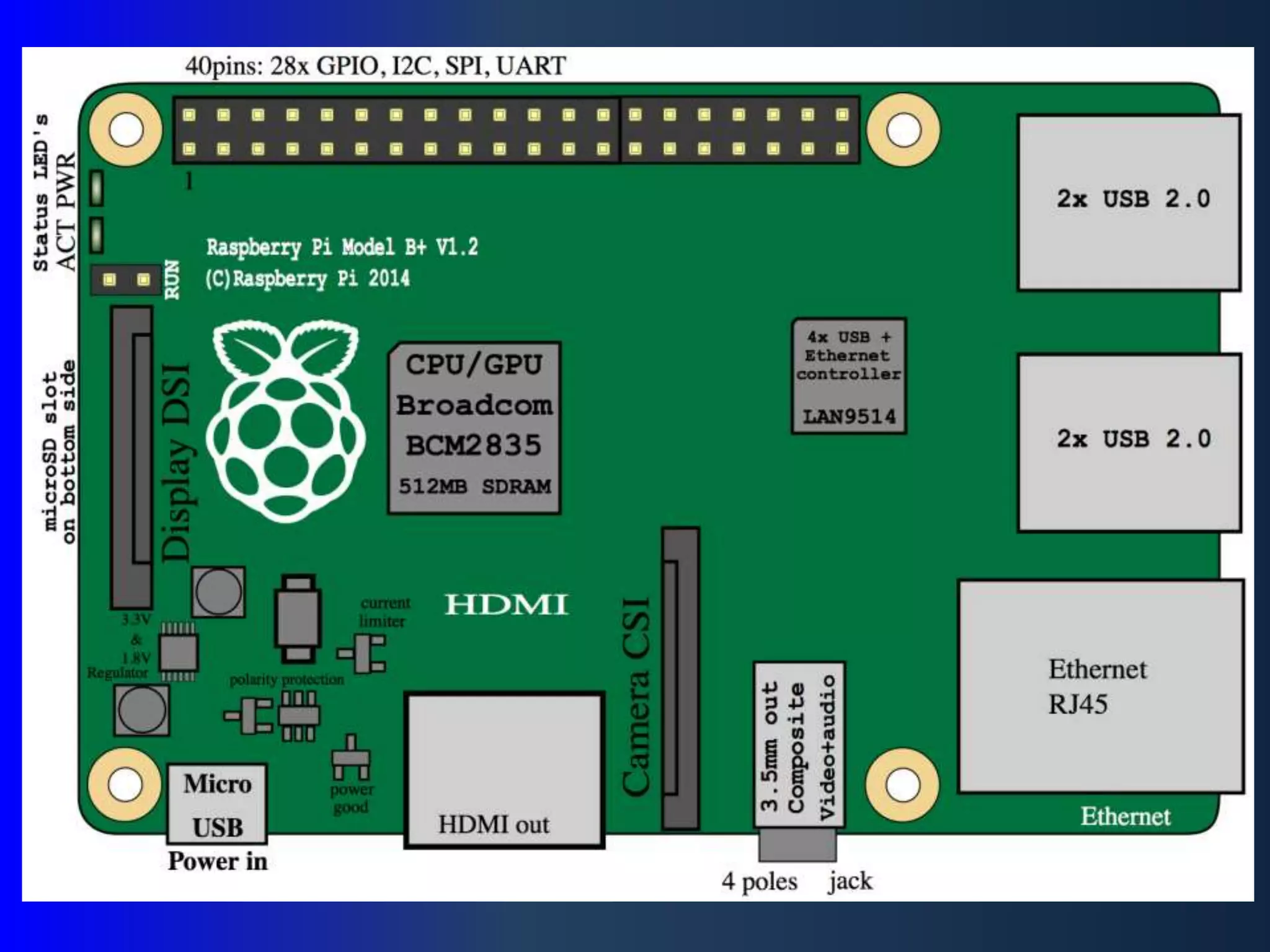
Single Board Computers
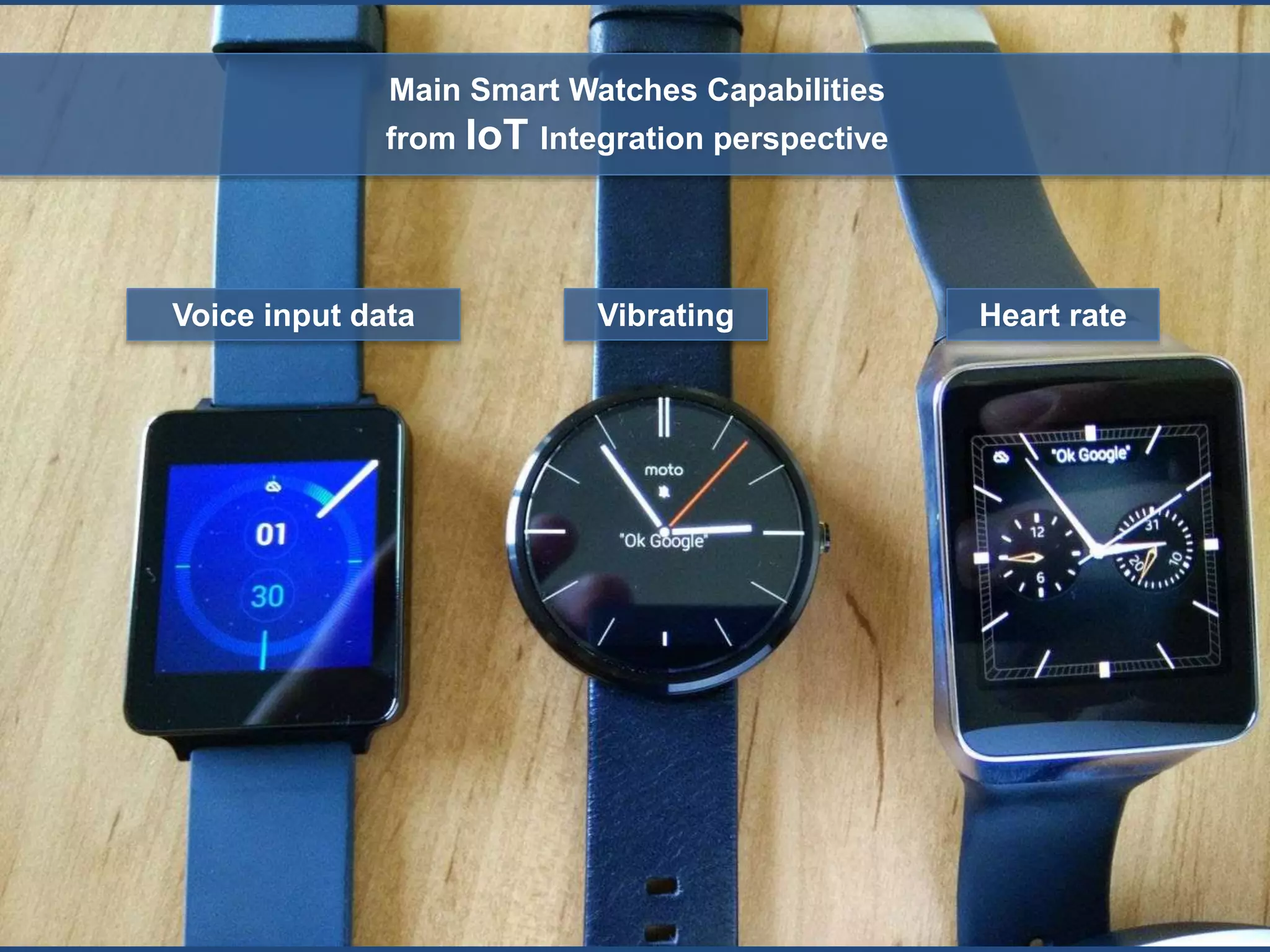
Voice input data Vibrating Heart rate
Main Smart Watches Capabilities
from IoT Integration perspective
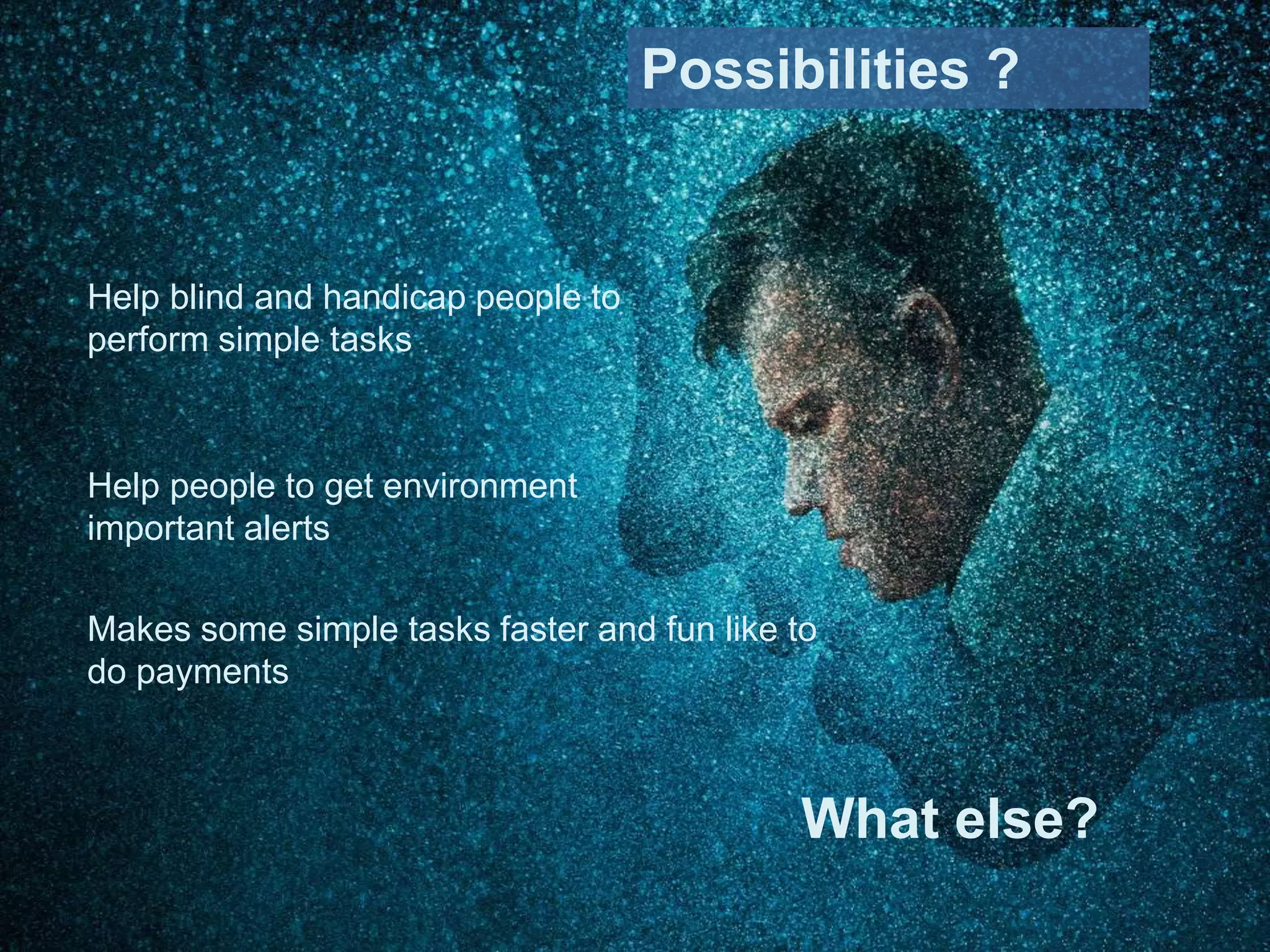
Help blind and handicap people to
perform simple tasks
Help people to get environment
important alerts
Makes some simple tasks faster and fun like to
do payments
Possibilities ?
What else?
Options to exchange data between
smartphone and IoT Device
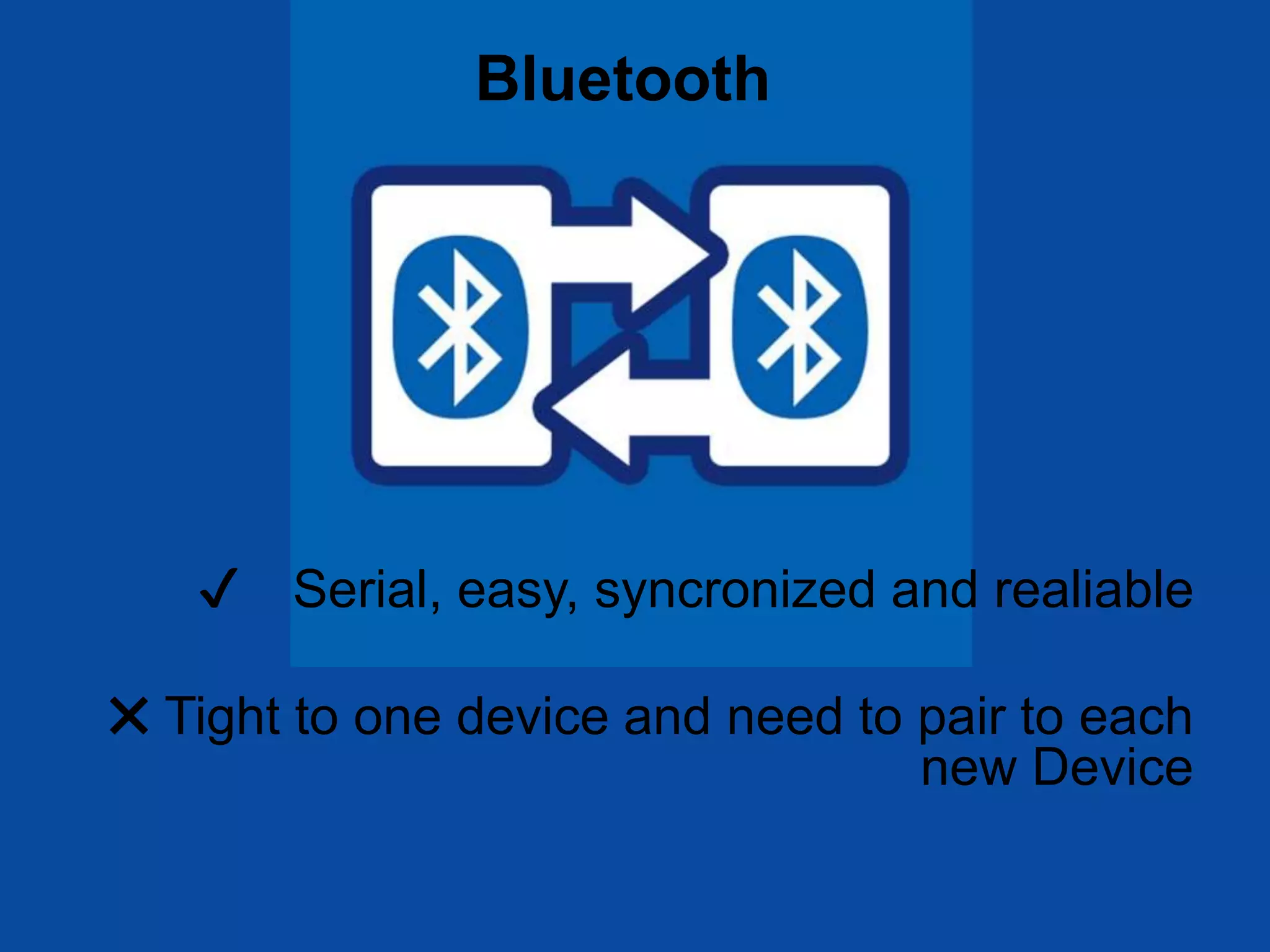
✔ Serial, easy, syncronized and realiable
✖ Tight to one device and need to pair to each
new Device
Bluetooth
✔ Fast and strait-forward
✖ Verbose, complex and few reliable
Socket
✔ Soft, reliable, bi-directional, simple
development, convenient (no pairing needed)
✖ No instantaneous
Message Queue via TCP
MQ Telemetry Transport is a light-weight
publish/subscribe messaging protocol
created by IBM and Arcon (Eurotech)
it’s an open standard! the most used one!
best to:
~ Where the network is expensive, has low bandwidth or is unreliable
~ When running on an embedded device with limited processor or
memory resources
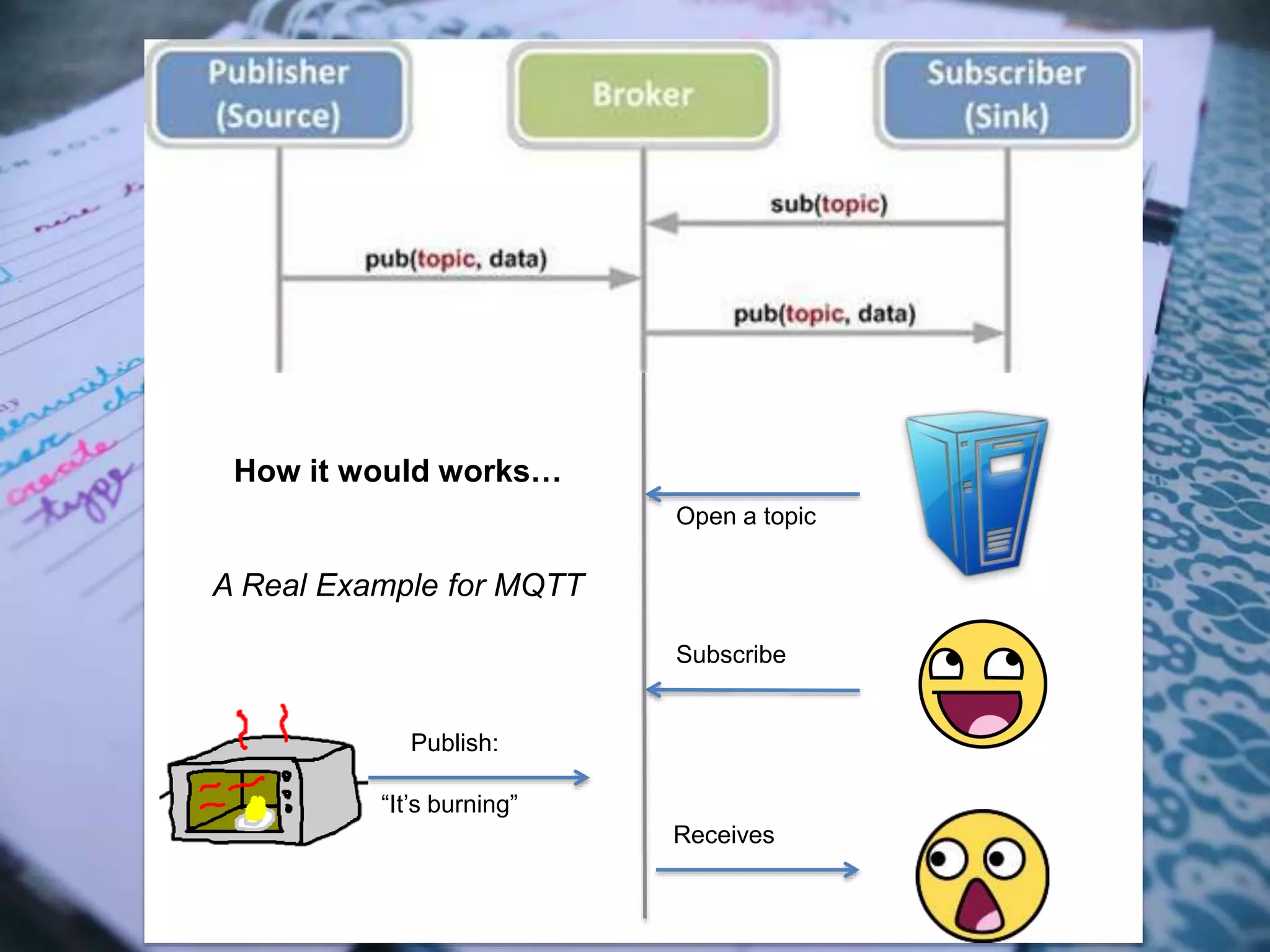
Open a topic
Publish:
“It’s burning”
Subscribe
Receives
How it would works…
A Real Example for MQTT
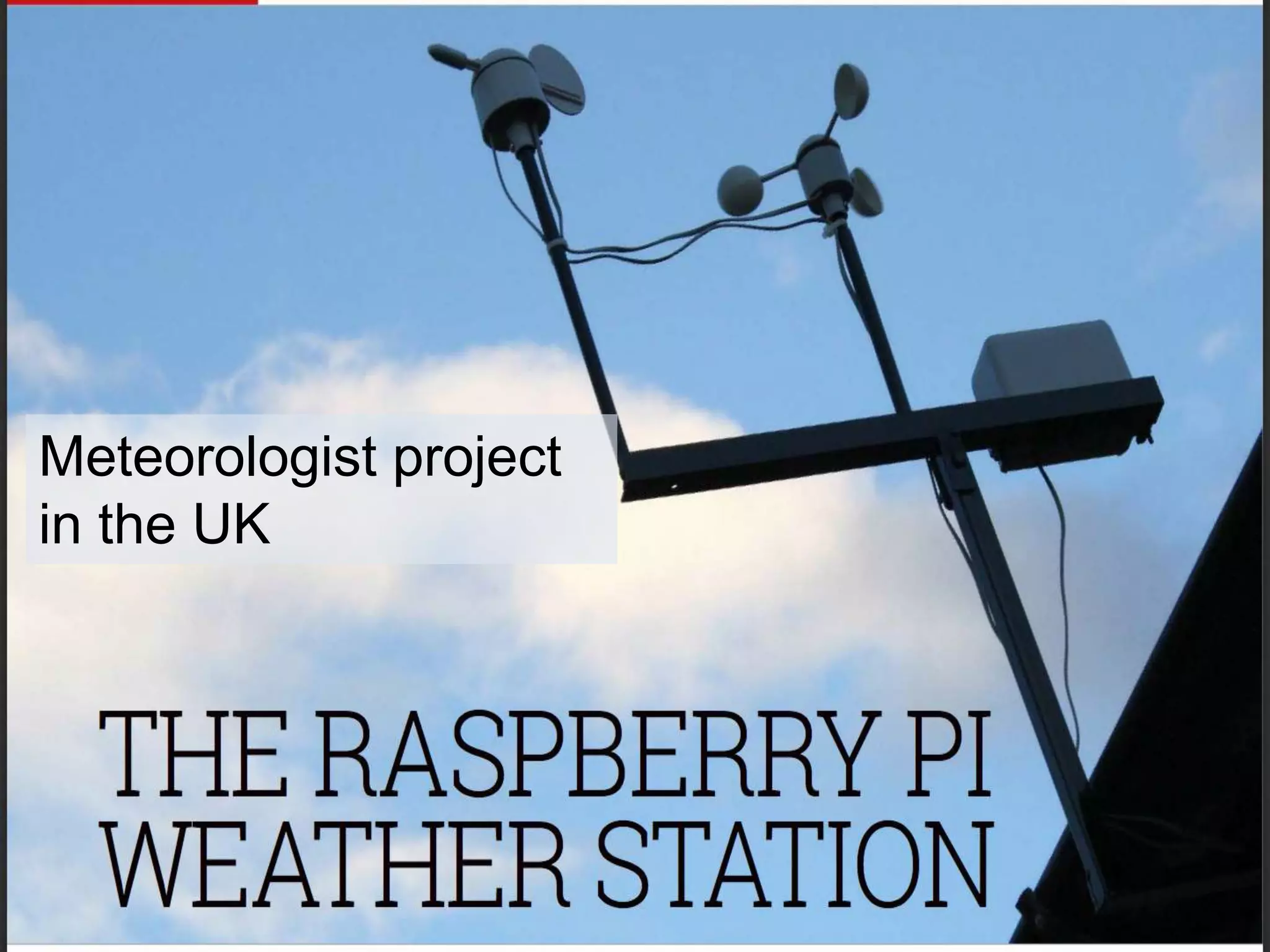
Meteorologist project
in the UK
Now let’s get started to talk about good things…
Demo
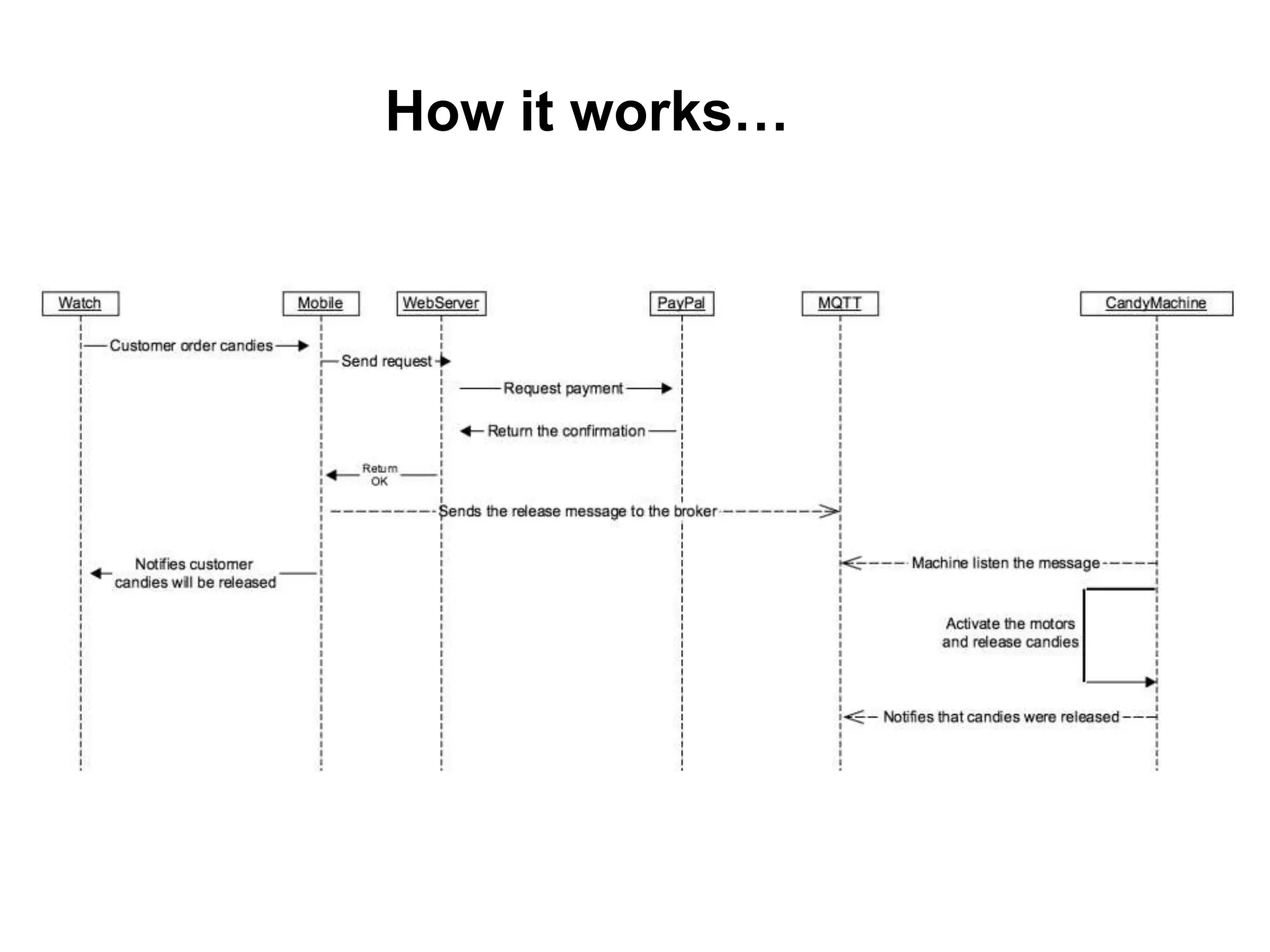
How it works…
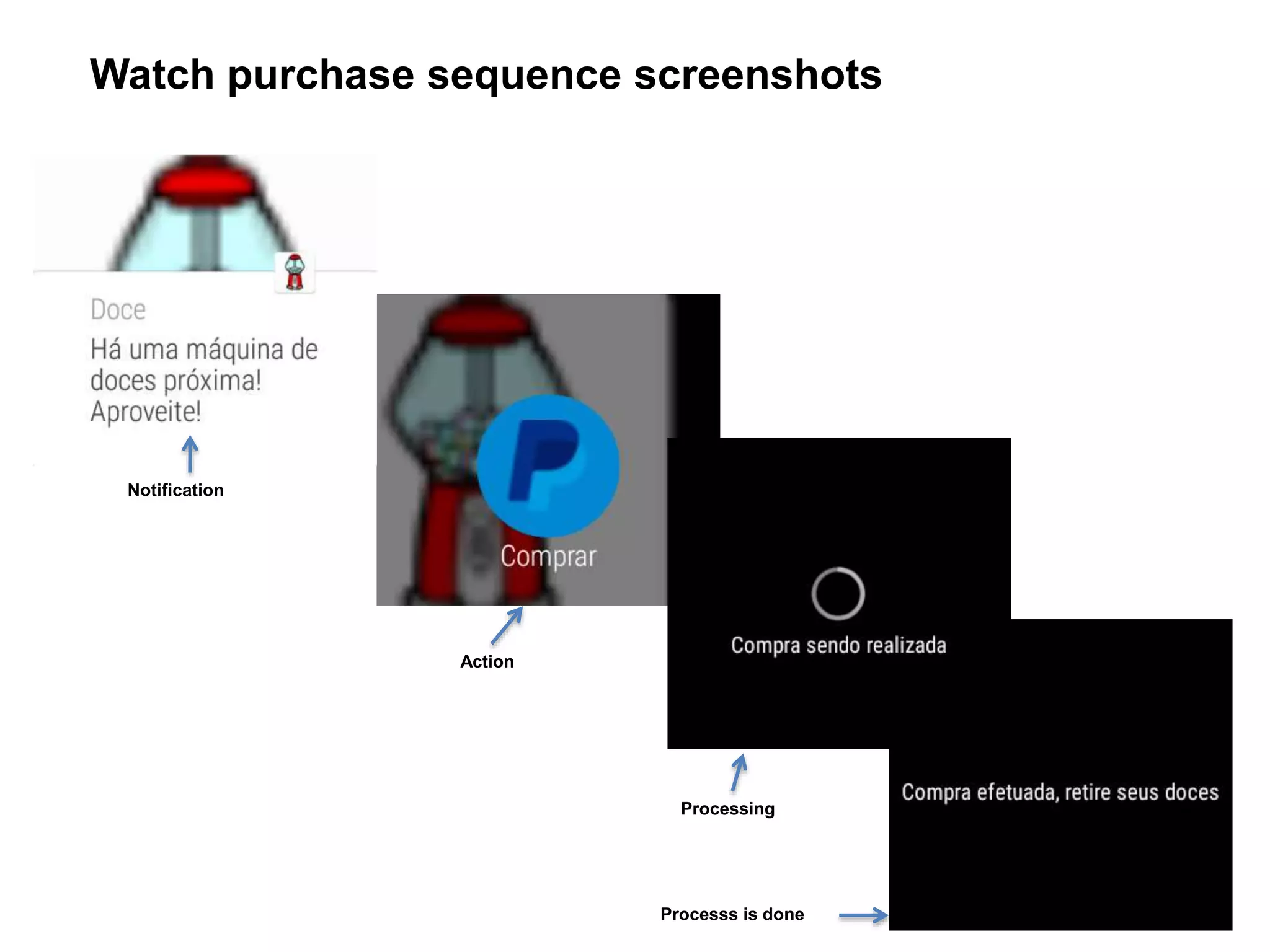
Watch purchase sequence screenshots
Notification
Action
Processing
Processs is done
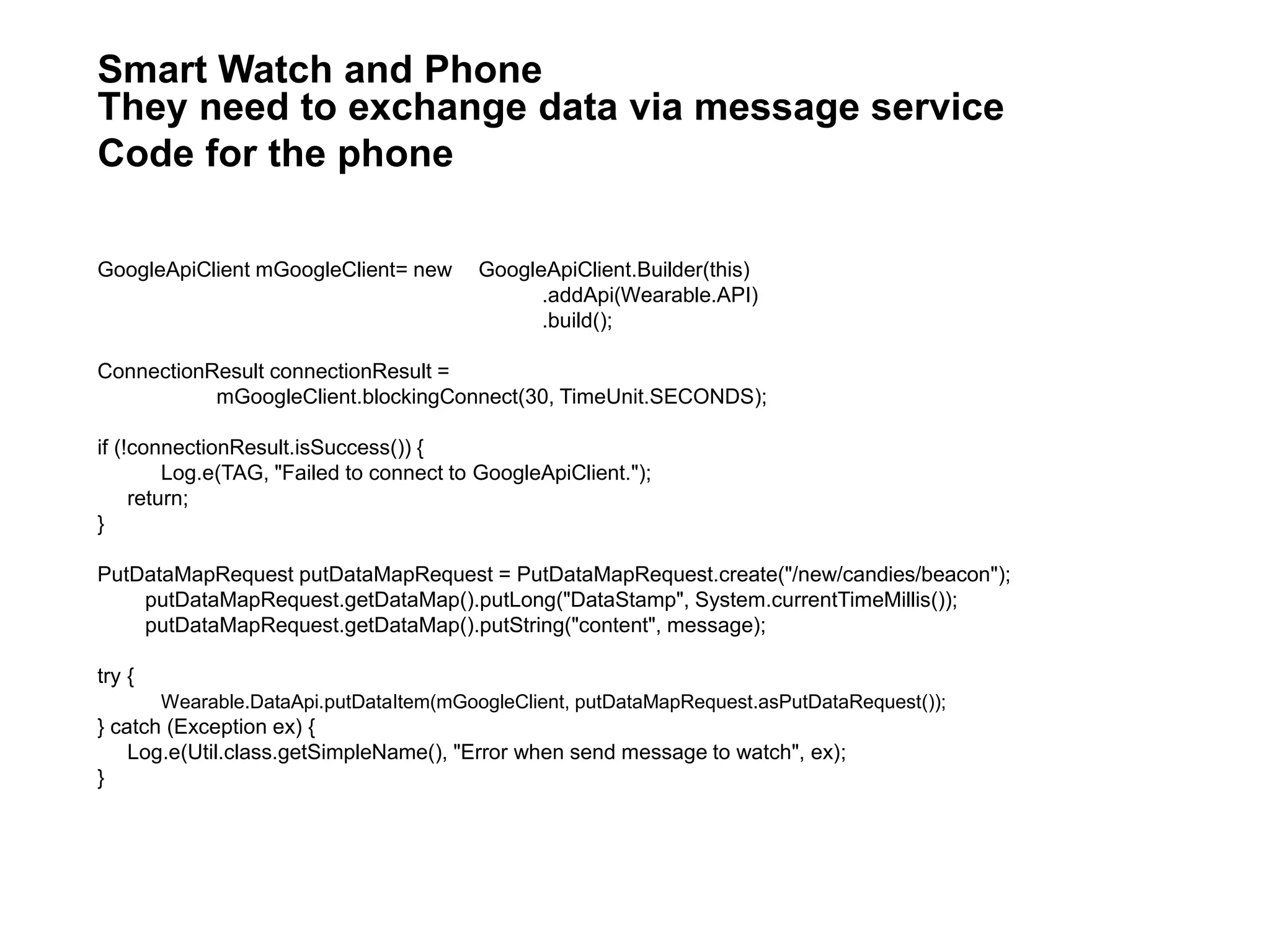
GoogleApiClient mGoogleClient= new GoogleApiClient.Builder(this)
.addApi(Wearable.API)
.build();
ConnectionResult connectionResult =
mGoogleClient.blockingConnect(30, TimeUnit.SECONDS);
if (!connectionResult.isSuccess()) {
Log.e(TAG, "Failed to connect to GoogleApiClient.");
return;
}
PutDataMapRequest putDataMapRequest = PutDataMapRequest.create("/new/candies/beacon");
putDataMapRequest.getDataMap().putLong("DataStamp", System.currentTimeMillis());
putDataMapRequest.getDataMap().putString("content", message);
try {
Wearable.DataApi.putDataItem(mGoogleClient, putDataMapRequest.asPutDataRequest());
} catch (Exception ex) {
Log.e(Util.class.getSimpleName(), "Error when send message to watch", ex);
}
Smart Watch and Phone
They need to exchange data via message service
Code for the phone
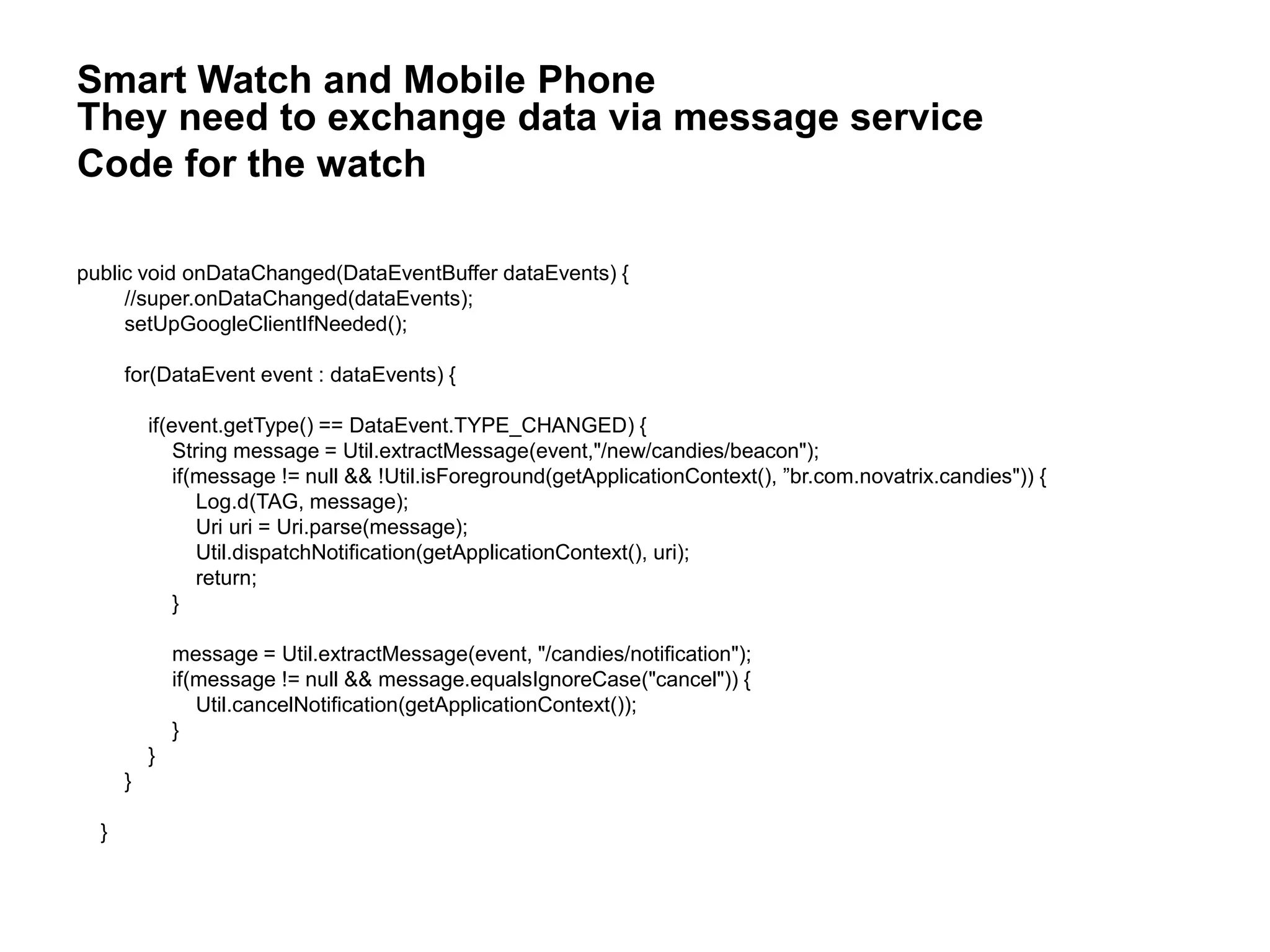
public void onDataChanged(DataEventBuffer dataEvents) {
//super.onDataChanged(dataEvents);
setUpGoogleClientIfNeeded();
for(DataEvent event : dataEvents) {
if(event.getType() == DataEvent.TYPE_CHANGED) {
String message = Util.extractMessage(event,"/new/candies/beacon");
if(message != null && !Util.isForeground(getApplicationContext(), ”br.com.novatrix.candies")) {
Log.d(TAG, message);
Uri uri = Uri.parse(message);
Util.dispatchNotification(getApplicationContext(), uri);
return;
}
message = Util.extractMessage(event, "/candies/notification");
if(message != null && message.equalsIgnoreCase("cancel")) {
Util.cancelNotification(getApplicationContext());
}
}
}
}
Smart Watch and Mobile Phone
They need to exchange data via message service
Code for the watch
provides open source MQTT clients in several languages
(C for embedded, C++, Go, Java, Android, JavaScript, Python)
http://www.eclipse.org/paho/
under iot.eclipse.org project
sandbox available at: iot.eclipse.org:1883
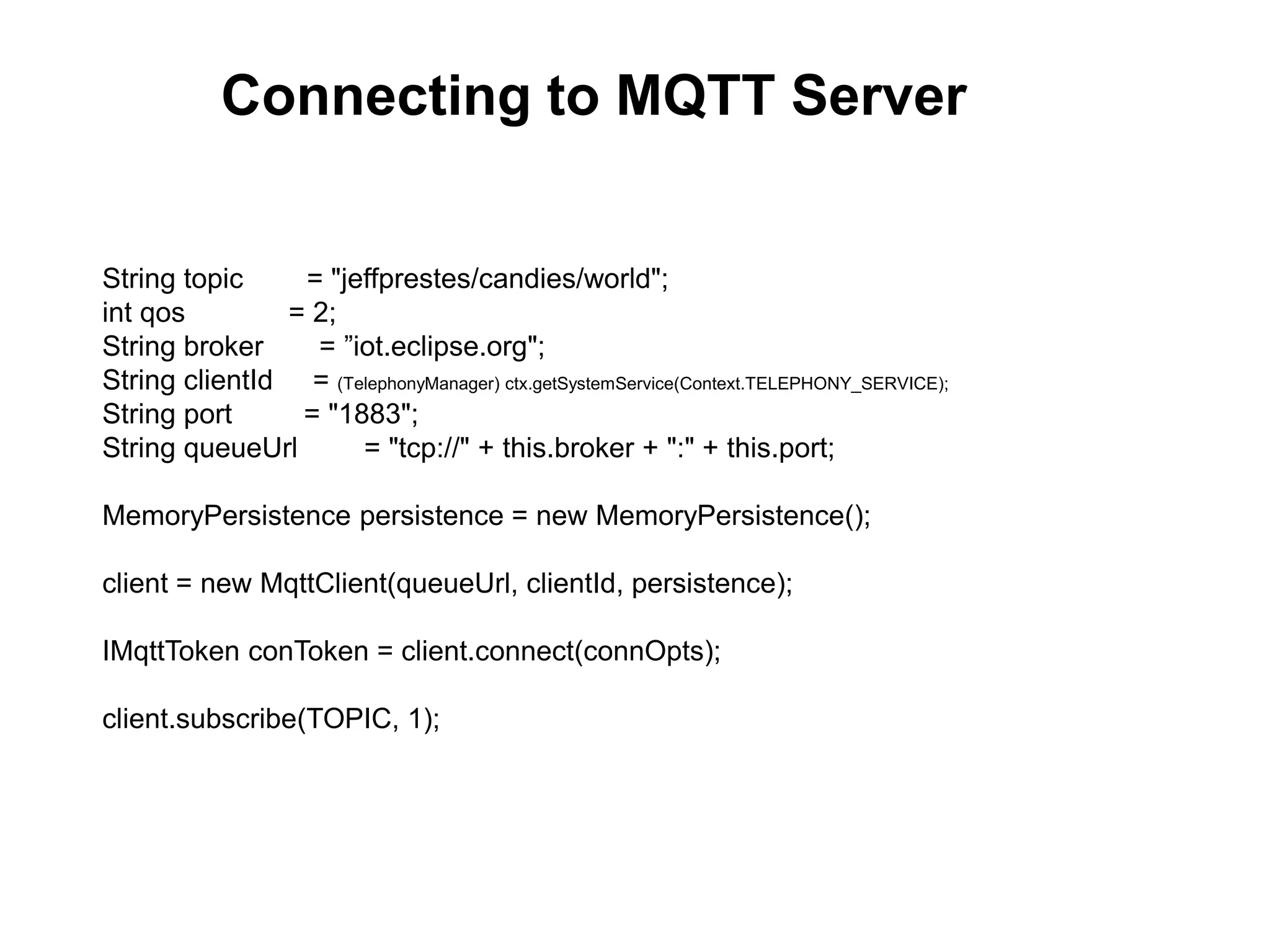
String topic = "jeffprestes/candies/world";
int qos = 2;
String broker = ”iot.eclipse.org";
String clientId = (TelephonyManager) ctx.getSystemService(Context.TELEPHONY_SERVICE);
String port = "1883";
String queueUrl = "tcp://" + this.broker + ":" + this.port;
MemoryPersistence persistence = new MemoryPersistence();
client = new MqttClient(queueUrl, clientId, persistence);
IMqttToken conToken = client.connect(connOpts);
client.subscribe(TOPIC, 1);
Connecting to MQTT Server
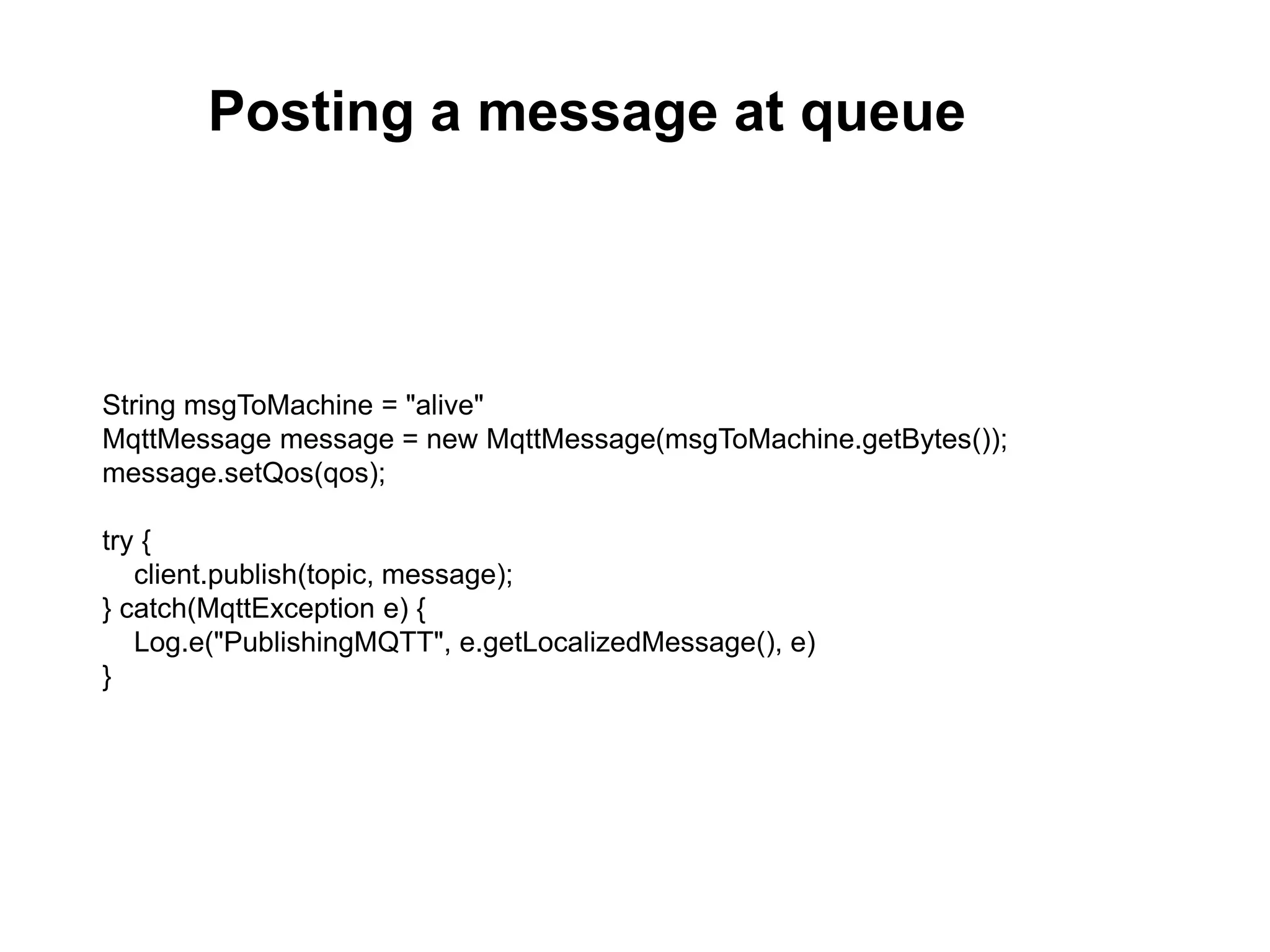
String msgToMachine = "alive"
MqttMessage message = new MqttMessage(msgToMachine.getBytes());
message.setQos(qos);
try {
client.publish(topic, message);
} catch(MqttException e) {
Log.e("PublishingMQTT", e.getLocalizedMessage(), e)
}
Posting a message at queue
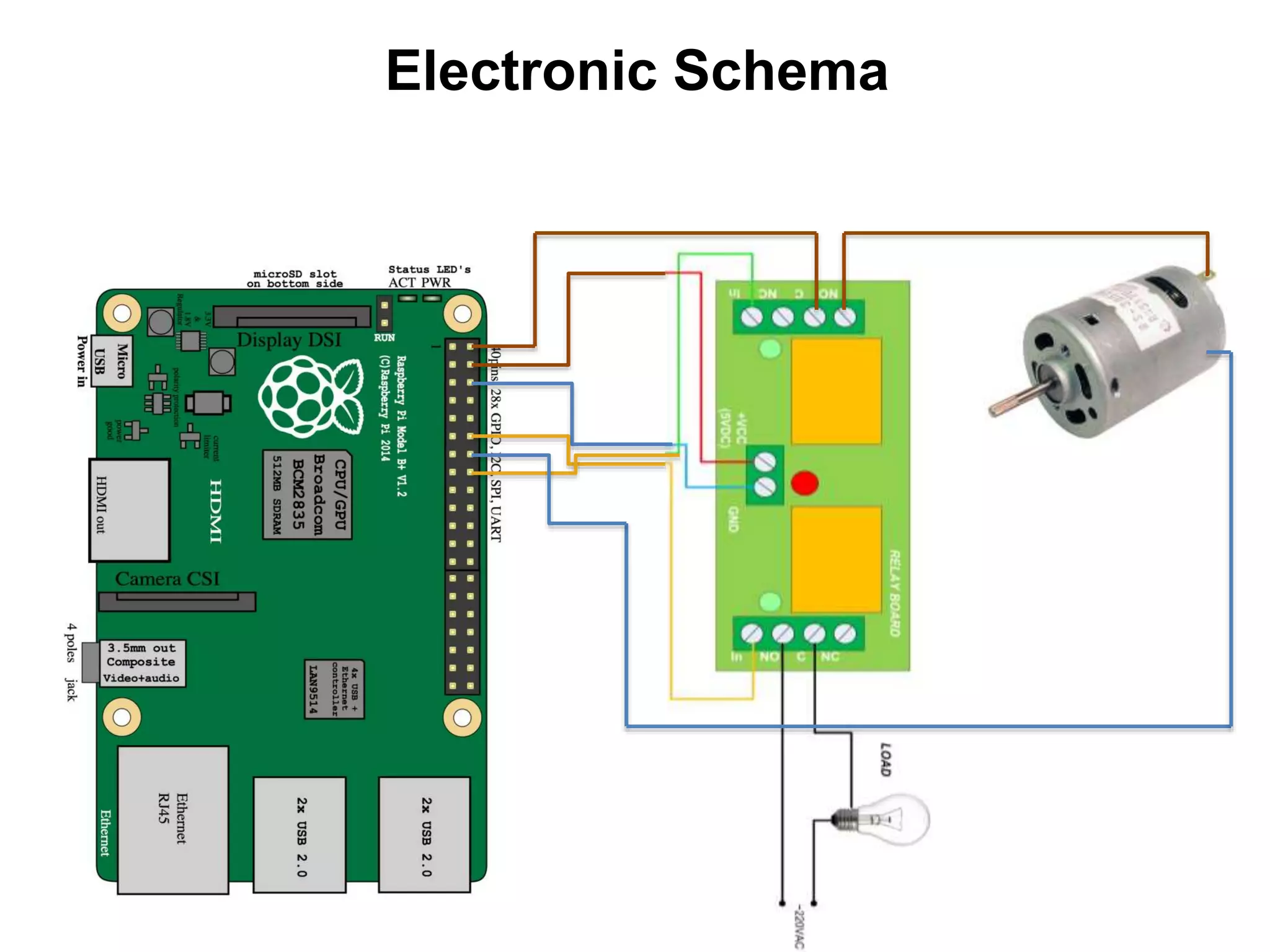
Electronic Schema
Thanks.
Jeff Prestes
@jeffprestes
Slideshare.com/jeffprestes
Github.com/jeffprestes
@braintree_dev
developer.paypal.com
developers.braintreepayments.com

Interact your wearable and an iot device

  • 1.
    Interact your Wearableand an IoT Device Jeff Prestes
  • 2.
    About me… @jeffprestes github.com/jeffprestes slideshare.net/jeffprestes Developer Advocate Java,PHP, JavaScript, Android Developer Football fan, father and IoT Researcher
  • 3.
    This is notIoT… (IMHO) so cool.. but this is Robotics!!
  • 4.
    And this isnot new… (who has gray hair can say… P)
  • 5.
    Billions of devices,sensors, including mobile phones... connected and exchanging data.
  • 6.
    Server Side Electronic (sometimes mechanic andsculptor on wood or iron) Client/Desktop Mobile (Beacons e Weareables) Operation Systems
  • 7.
    Italian Polymath. Whatwas da Vinci? Scientist? Engineer? Mathematic? Painter? Sculptor? Musician? Botanic? Anatomist? Source: Wikipedia - http://en.wikipedia.org/wiki/Leonardo_da_Vinci Could IoT bring us a broad vision of Technology? No more specialists… But new Polymath Developers
  • 8.
  • 10.
    Voice input dataVibrating Heart rate Main Smart Watches Capabilities from IoT Integration perspective
  • 11.
    Help blind andhandicap people to perform simple tasks Help people to get environment important alerts Makes some simple tasks faster and fun like to do payments Possibilities ? What else?
  • 12.
    Options to exchangedata between smartphone and IoT Device
  • 13.
    ✔ Serial, easy,syncronized and realiable ✖ Tight to one device and need to pair to each new Device Bluetooth
  • 14.
    ✔ Fast andstrait-forward ✖ Verbose, complex and few reliable Socket
  • 15.
    ✔ Soft, reliable,bi-directional, simple development, convenient (no pairing needed) ✖ No instantaneous Message Queue via TCP
  • 16.
    MQ Telemetry Transportis a light-weight publish/subscribe messaging protocol created by IBM and Arcon (Eurotech) it’s an open standard! the most used one! best to: ~ Where the network is expensive, has low bandwidth or is unreliable ~ When running on an embedded device with limited processor or memory resources
  • 17.
    Open a topic Publish: “It’sburning” Subscribe Receives How it would works… A Real Example for MQTT
  • 18.
  • 19.
    Now let’s getstarted to talk about good things…
  • 21.
  • 22.
  • 23.
    Watch purchase sequencescreenshots Notification Action Processing Processs is done
  • 24.
    GoogleApiClient mGoogleClient= newGoogleApiClient.Builder(this) .addApi(Wearable.API) .build(); ConnectionResult connectionResult = mGoogleClient.blockingConnect(30, TimeUnit.SECONDS); if (!connectionResult.isSuccess()) { Log.e(TAG, "Failed to connect to GoogleApiClient."); return; } PutDataMapRequest putDataMapRequest = PutDataMapRequest.create("/new/candies/beacon"); putDataMapRequest.getDataMap().putLong("DataStamp", System.currentTimeMillis()); putDataMapRequest.getDataMap().putString("content", message); try { Wearable.DataApi.putDataItem(mGoogleClient, putDataMapRequest.asPutDataRequest()); } catch (Exception ex) { Log.e(Util.class.getSimpleName(), "Error when send message to watch", ex); } Smart Watch and Phone They need to exchange data via message service Code for the phone
  • 25.
    public void onDataChanged(DataEventBufferdataEvents) { //super.onDataChanged(dataEvents); setUpGoogleClientIfNeeded(); for(DataEvent event : dataEvents) { if(event.getType() == DataEvent.TYPE_CHANGED) { String message = Util.extractMessage(event,"/new/candies/beacon"); if(message != null && !Util.isForeground(getApplicationContext(), ”br.com.novatrix.candies")) { Log.d(TAG, message); Uri uri = Uri.parse(message); Util.dispatchNotification(getApplicationContext(), uri); return; } message = Util.extractMessage(event, "/candies/notification"); if(message != null && message.equalsIgnoreCase("cancel")) { Util.cancelNotification(getApplicationContext()); } } } } Smart Watch and Mobile Phone They need to exchange data via message service Code for the watch
  • 26.
    provides open sourceMQTT clients in several languages (C for embedded, C++, Go, Java, Android, JavaScript, Python) http://www.eclipse.org/paho/ under iot.eclipse.org project sandbox available at: iot.eclipse.org:1883
  • 27.
    String topic ="jeffprestes/candies/world"; int qos = 2; String broker = ”iot.eclipse.org"; String clientId = (TelephonyManager) ctx.getSystemService(Context.TELEPHONY_SERVICE); String port = "1883"; String queueUrl = "tcp://" + this.broker + ":" + this.port; MemoryPersistence persistence = new MemoryPersistence(); client = new MqttClient(queueUrl, clientId, persistence); IMqttToken conToken = client.connect(connOpts); client.subscribe(TOPIC, 1); Connecting to MQTT Server
  • 28.
    String msgToMachine ="alive" MqttMessage message = new MqttMessage(msgToMachine.getBytes()); message.setQos(qos); try { client.publish(topic, message); } catch(MqttException e) { Log.e("PublishingMQTT", e.getLocalizedMessage(), e) } Posting a message at queue
  • 29.
  • 31.

Editor's Notes

  • #2 In this talk we are going to discuss the possibilities that new wearable devices can bring to IoT World. I am going to show how to build a IoT Candy Machine and Wear App. It gives purchase command from a Moto 360 and Samsung Gear Live to Candy Machine powered by RaspberryPi B+