Downloaded 36 times
![PHP Cookies [email_address]](https://image.slidesharecdn.com/phpcookies-111226141213-phpapp01/85/PHP-Getting-good-with-cookies-1-320.jpg)


![How to Retrieve a Cookie Value? <html> <body> <?php if (isset($_COOKIE["user"])) echo "Welcome " . $_COOKIE["user"] . "!<br />"; else echo "Welcome guest!<br />"; ?> </body> </html> Retrieve a value from a cookie called user](https://image.slidesharecdn.com/phpcookies-111226141213-phpapp01/85/PHP-Getting-good-with-cookies-5-320.jpg)


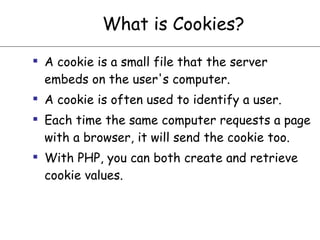
Cookies are small files stored on a user's computer that identify the user. PHP allows creation and retrieval of cookie values. To create a cookie, setcookie() must be called before the HTML tag and assigns a name, value, and expiration time. Cookie values are automatically URL encoded when sent and decoded when received. To retrieve a cookie value, check if it is set in the $_COOKIE superglobal array. Cookies can be deleted by setting the expiration time in the past.


