welcome postgraduates! PHOTO CREDIT: http://www.flickr.com/photos/goljadkin/2436056981/sizes/l/
PHOTO CREDIT: http://www.flickr.com/photos/simulation/71593865/sizes/l/ who are  we ? your  ICT tutors  are Chris, Emily, Grant, Lynn & John  your  support staff  are  Luisa & Angelina
what are our  facilities ?
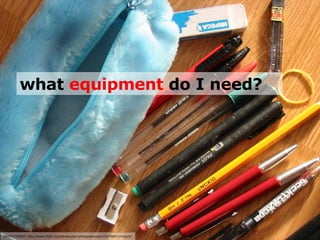
PHOTO CREDIT: http://www.flickr.com/photos/personalspokesman/105738017/sizes/o/ what  equipment  do I need?
PHOTO CREDIT: http://www.flickr.com/photos/-bast-/349497988/sizes/l/ . . . and the  course ? 
what do I  get  for my money? PHOTO CREDIT: http://www.flickr.com/photos/32912172@N00/2560075493/sizes/m/ username @roehampton.ac.uk
PHOTO CREDIT: http://www.flickr.com/photos/willyg/2775075540/sizes/l/ how  much  ICT do I know & what can I do? THINK – PAIR – SHARE Think  for a few moments about what your own computer skills. Jot them down. Pair  with your neighbour. We’ll  share  thoughts with the group.
PHOTO CREDIT: http://www.flickr.com/photos/bigdilldigital/2493428516/sizes/o/ what can I learn  today ? answer  – how to create an  interactive screen  for the  SmartBoard
PHOTO CREDIT: http://www.flickr.com/photos/thatblondegirl/2553021694/sizes/l/ . . . over to  you Tasks Login and check your email. Complete your audit. Design and create (in pairs) a screen for the SmartBoard.

PGCE Induction session