Patterns and Antipatterns for
Adopting IBM DevOps Tools
DII-2365
Kenny Smith, Principal Consultant
Strongback Consulting
About Strongback Consulting
• IBM Advanced Business Partner
– Rational, WebSphere, ICS SVP certified
– Strongly focused on DevOps, Enterprise Modernization, and application infrastructure
– Key Industries Served: Finance, Insurance, Travel, Logistics, Healthcare, Manufacturing, Government
– Rational Design Partner for HATS and other Rational enterprise modernization technologies
Discover us at:
http://www.strongback.us
Subscribe to us at
http://blog.strongbackconsulting.com
Socialize with us on Facebook & LinkedIn
http://www.facebook.com/StrongbackConsulting
http://www.linkedin.com/company/290754
What do we mean by patterns?
2
…a general repeatable
solution to a commonly
occurring problem in
software design.
What is an Anti-Pattern
3
An anti-pattern (or antipattern) is a
common response to a recurring
problem that is usually ineffective
and risks being highly
counterproductive.
Anti-Pattern 1: Premature
Customization
A.K.A. “Don’t let people who’ve never used it start customizing it!”
Why You Should Not Customize
• Your own process is slow, or problematic
– Can your process show metrics that exceeds the OOTB ROI?
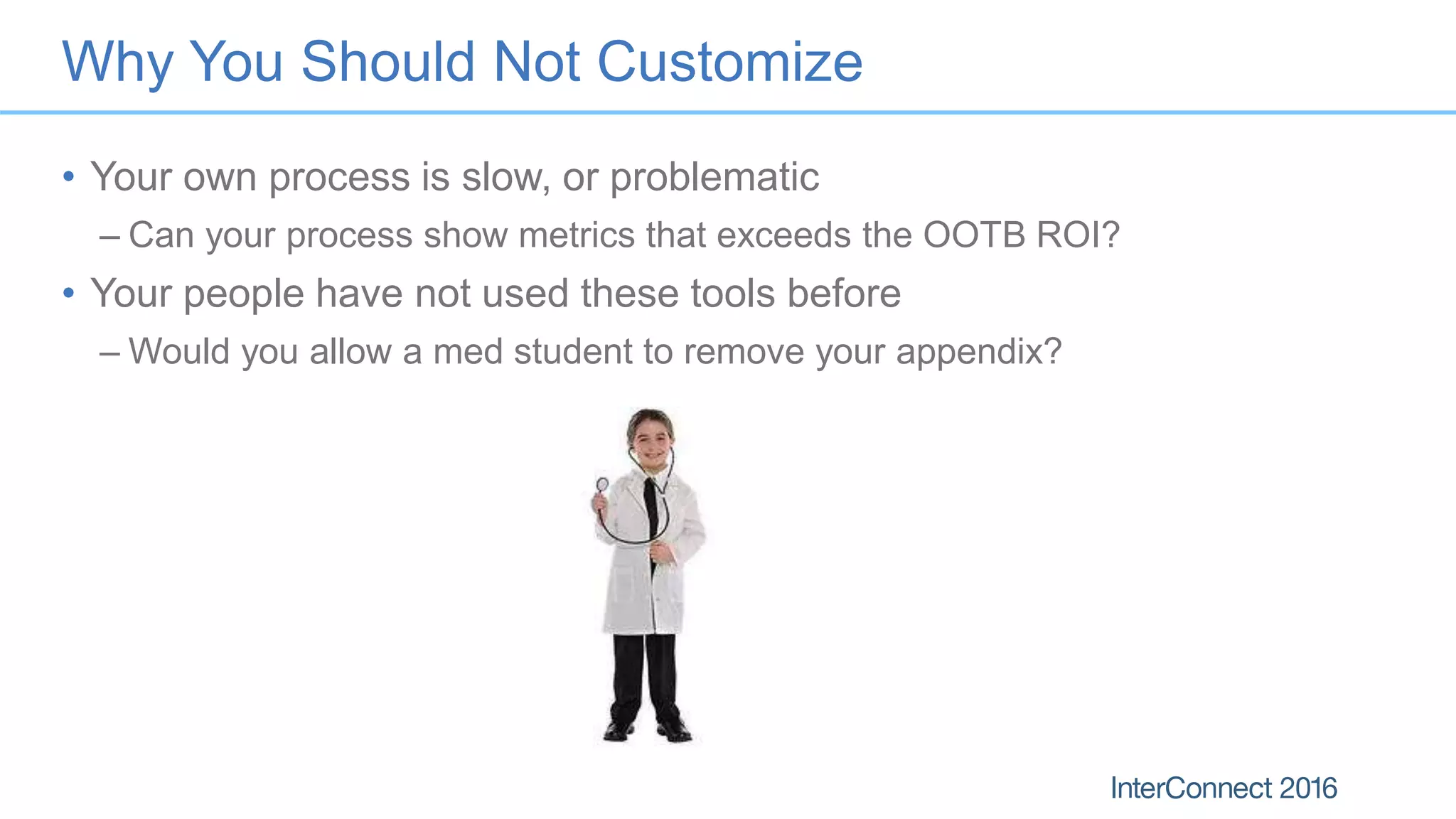
• Your people have not used these tools before
– Would you allow a med student to remove your appendix?
My prior experience with bad customizations
General symptoms of a bad customization
• Broken traceability
• Broken planning ability
• Impossible to follow processes
• Requires entirely new training material
• Requires expert on staff to keep up with internal process changes
• Invalidates anyone’s prior experience with the products
• Stakeholders refuse to use it
Success Pattern: Customize slowly…gradually
• The built in process works
• Migrate your processes to SAFe / SCRUM / Agile first
• Add only a few changes at a time
– i.e. add salt to your food, not food to your salt
• When in doubt, DON’T!
• Just because you can, does NOT mean you should!
Anti-Pattern 2: Failure to Train
Personnel
A.K.A. “Assuming your people are smarter than they are”
9
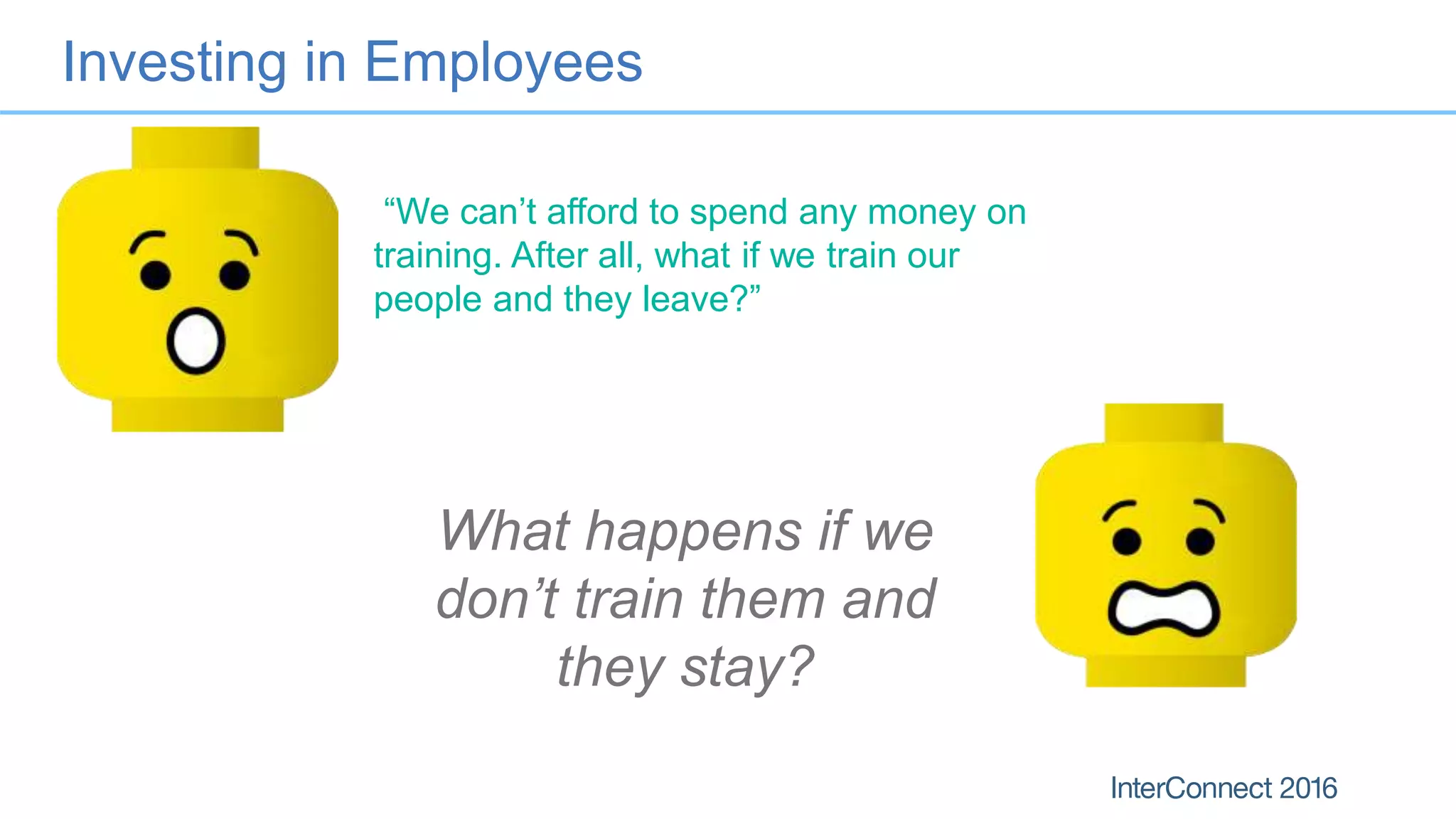
Investing in Employees
What happens if we
don’t train them and
they stay?
“We can’t afford to spend any money on
training. After all, what if we train our
people and they leave?”
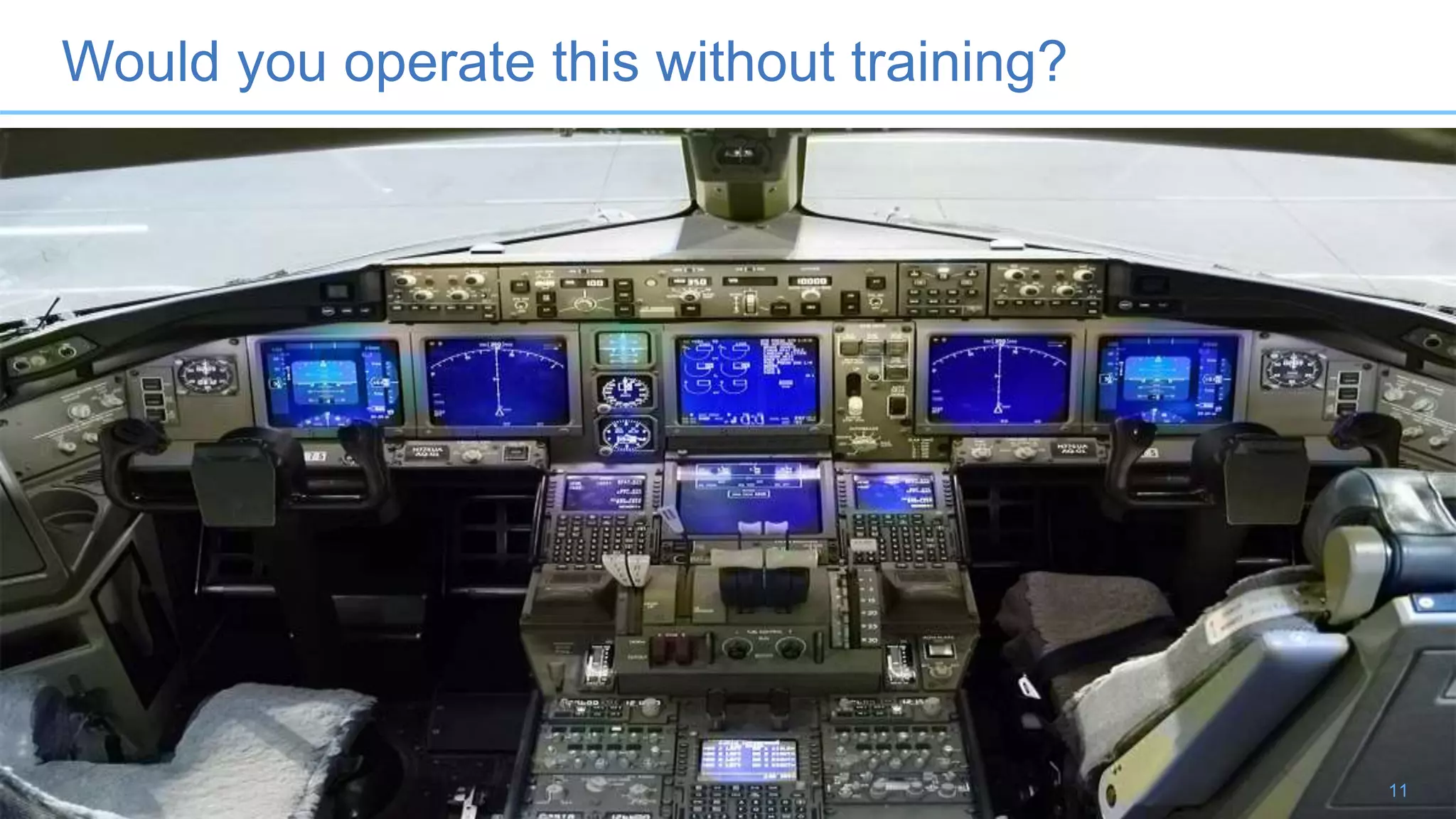
Would you operate this without training?
11
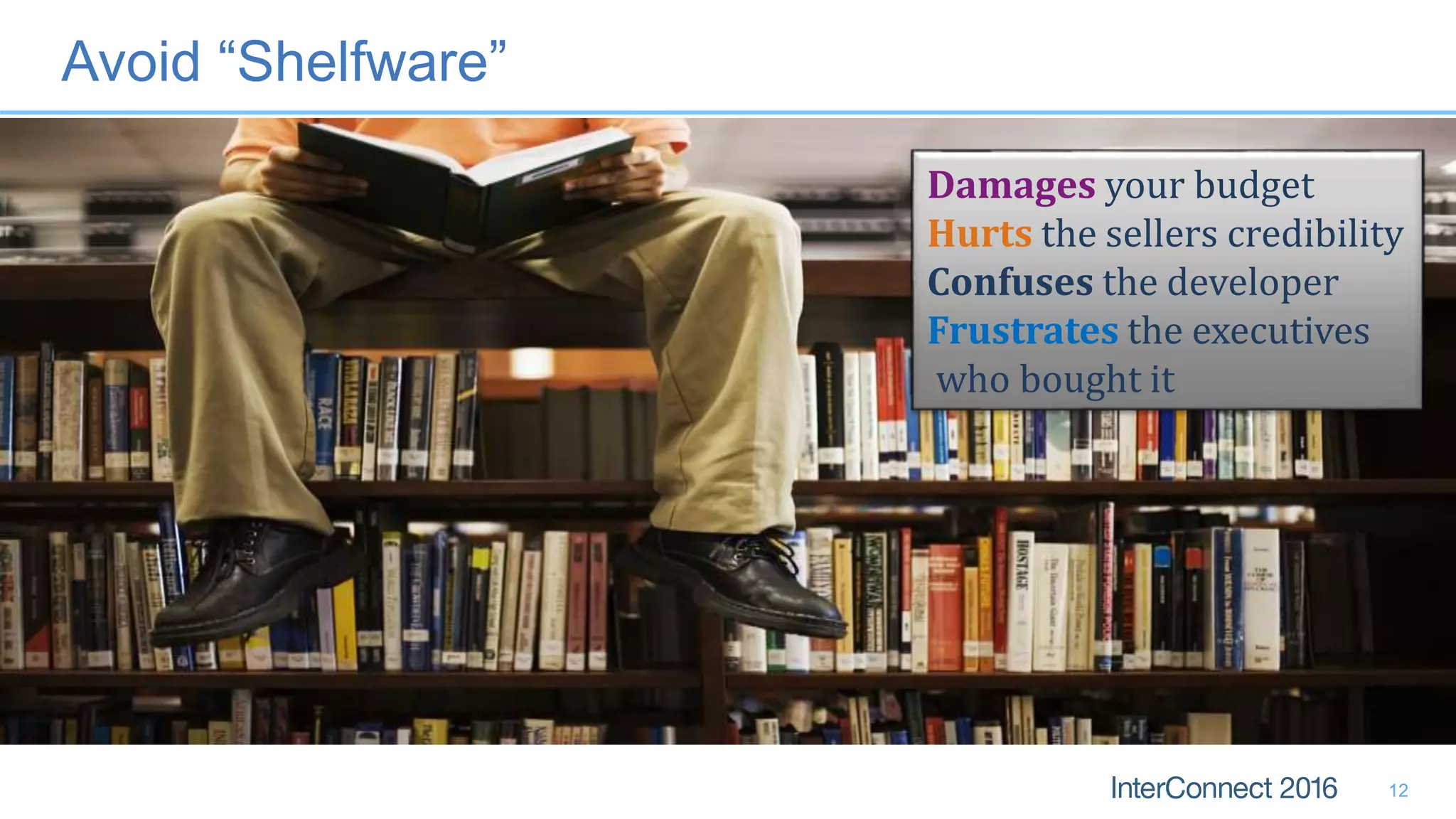
Avoid “Shelfware”
12
Damages your budget
Hurts the sellers credibility
Confuses the developer
Frustrates the executives
who bought it
Benefits of Training
• Reduces the learning curve
– How much do you pay your people to learn on the job without training?
• Increased productivity
– People spend more time working than learning in the long run!
• Improved Quality of Experience
– Higher consistency of work
– Everyone is better able to work to expectations
• Improved Employee Satisfaction
– No one likes working in the dark
– Makes employees feel valued, increases retention
Success Pattern: Train just in time
• Train when rolling out
– Just in time – 1-2 weeks, not 2 months before rollout
• On-boarding
– Have a plan for new hires, and job switchers
• Continuous Education
– Plan to educate on new features
– Incorporate methodology as you go
• i.e. Unit Testing, User Story authoring, Requirements decomposition, Automated
Testing, etc
Anti-Pattern 3: Adopting the tool, but
not the process
A.K.A. “Your process probably stinks”
15
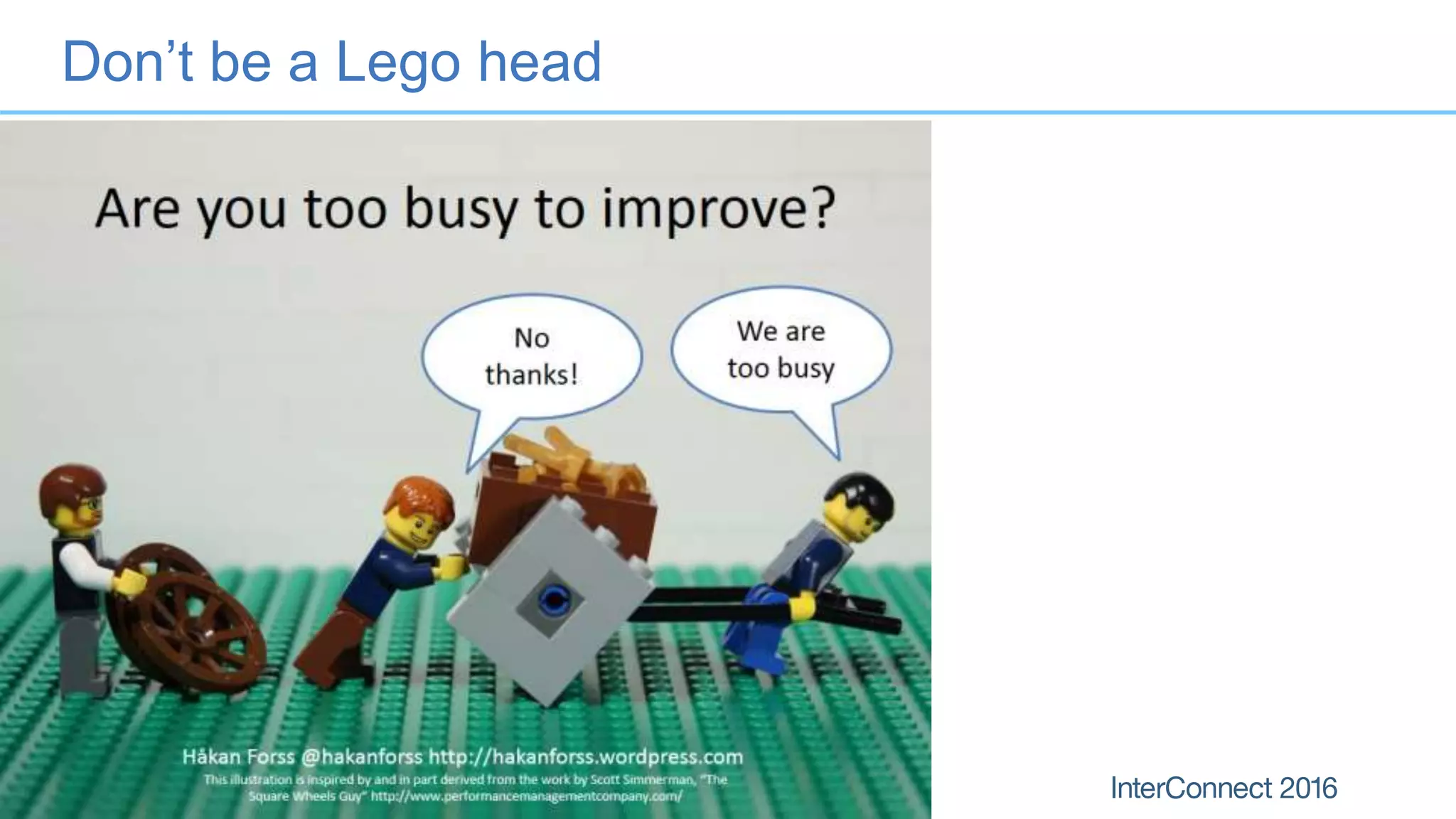
Don’t be a Lego head
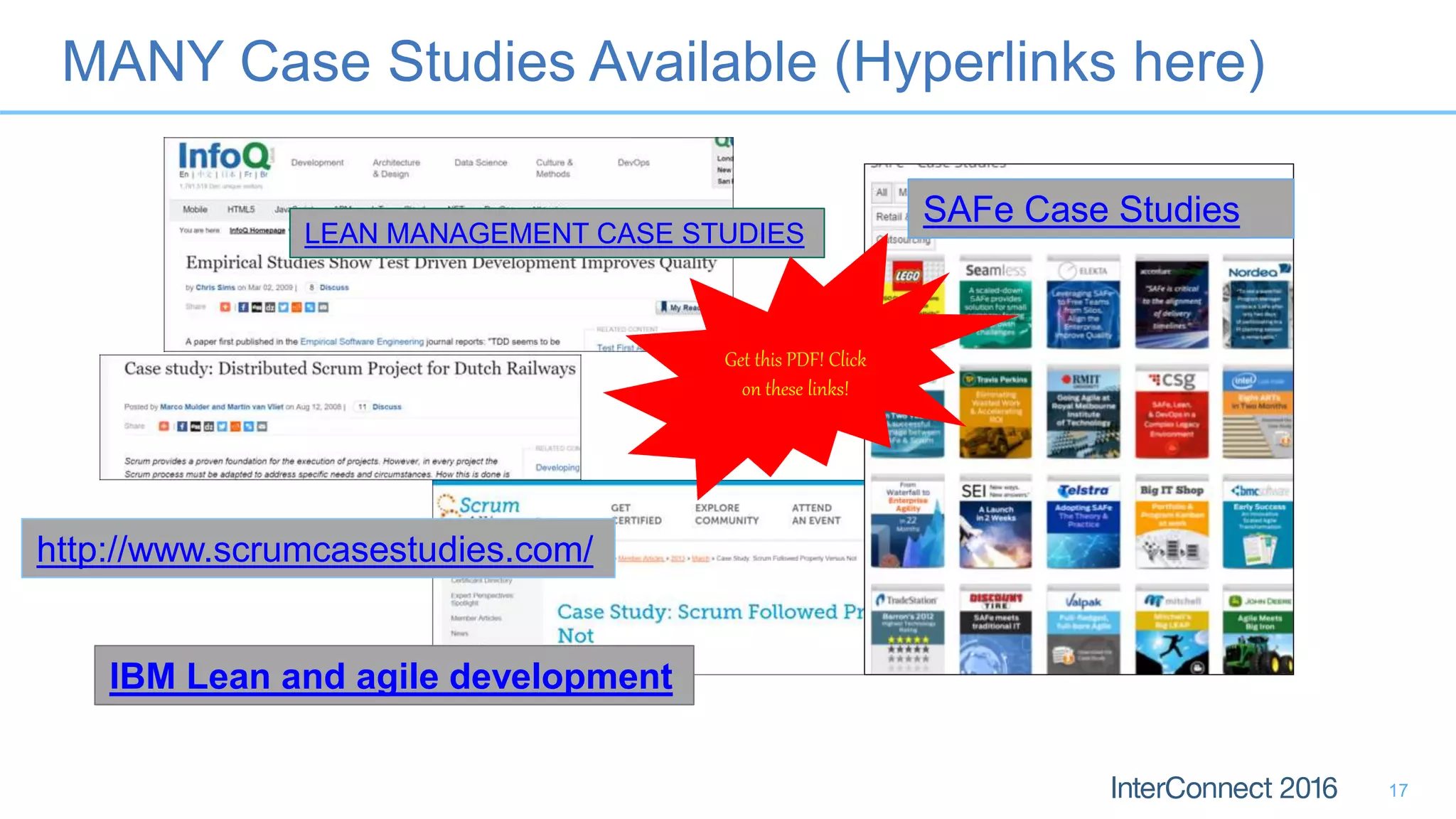
MANY Case Studies Available (Hyperlinks here)
17
http://www.scrumcasestudies.com/
SAFe Case Studies
LEAN MANAGEMENT CASE STUDIES
IBM Lean and agile development
Get this PDF! Click
on these links!
Lean, SAFe, SCRUM, Agile Methods Work!
• Hundreds of Case Studies across multiple industries
– Reduced delivery cycle
– Increased quality
– i.e. SAFe case study reduced delivery cycle from 12 mo. to 4 mo.
• Compare to your own process success metrics
– Use apples to apples metrics.
– Do you have any!?
• NO, YOUR COMPANY’S ISSUES ARE NOT UNIQUE!
– Within an industry: same problems, just different packaging
– Source of the symptoms are often caused by poor business practices
Pattern: Adopt the product and the process
• Several templates in RTC, DNG, RQM
• Pick the right one for your size organization
– Small to mid size project: SCRUM Template
– Enterprise project: SAFe Program Template (get the 6.0.1 version or later)
– Very large organization: Multiple projects, with the SAFe Portfolio Template
to manage at the portfolio level
19
Anti-Pattern 4: Ignoring Build
Automation
A.K.A. “Nah, I prefer pushing my car to work”
20
IBM Automation
• Distributed
– Team Concert’s Jazz Build Engine
– Team Concert’s integration with Hudson & Jenkins
– Urbancode Release & Deploy
• Enterprise Platforms
– RTC’s Rational Build Agent for IBM i/OS
– RTC’s Rational Build Agent for IBM z/OS
– Urbancode Deploy for z/OS
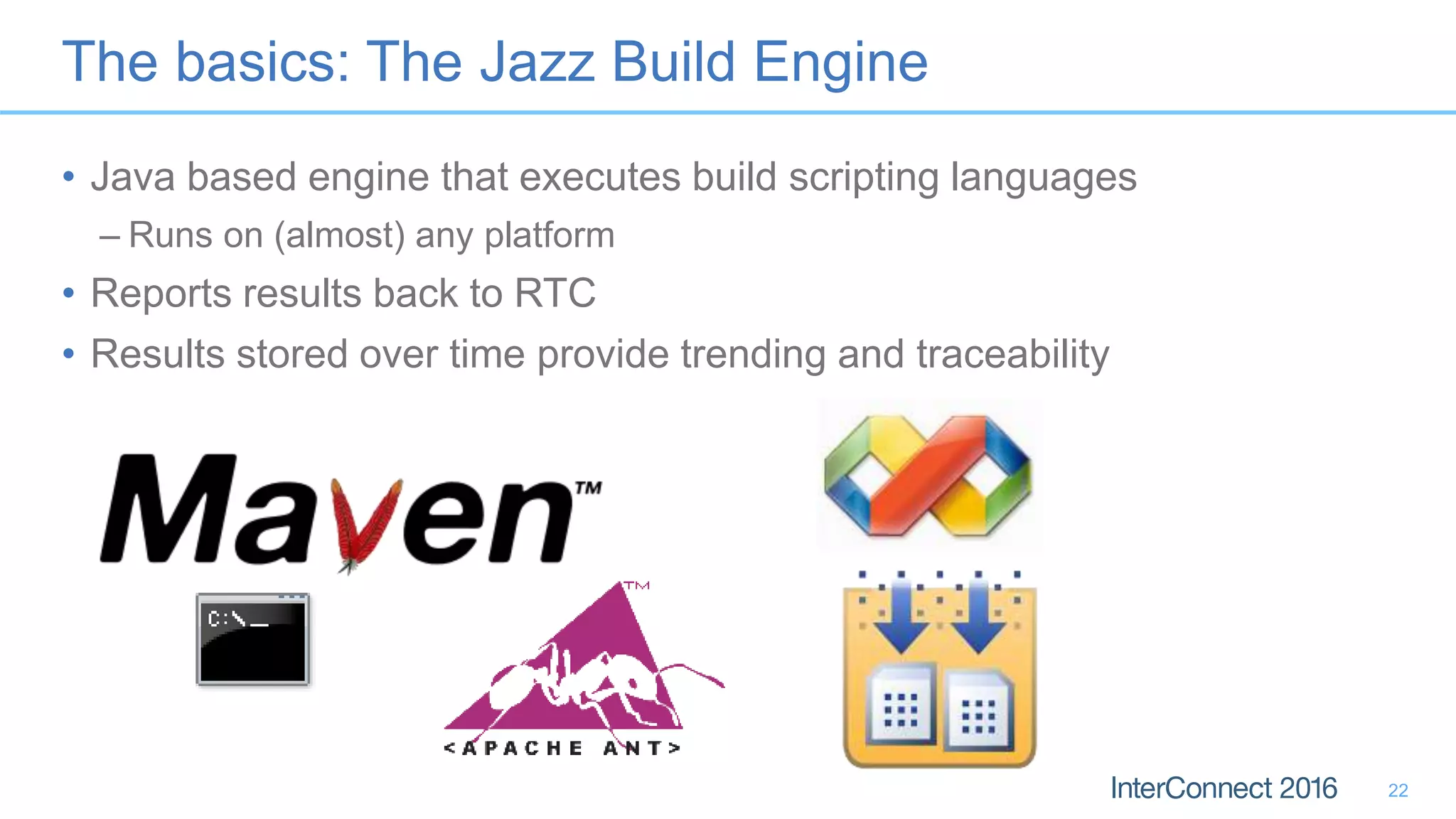
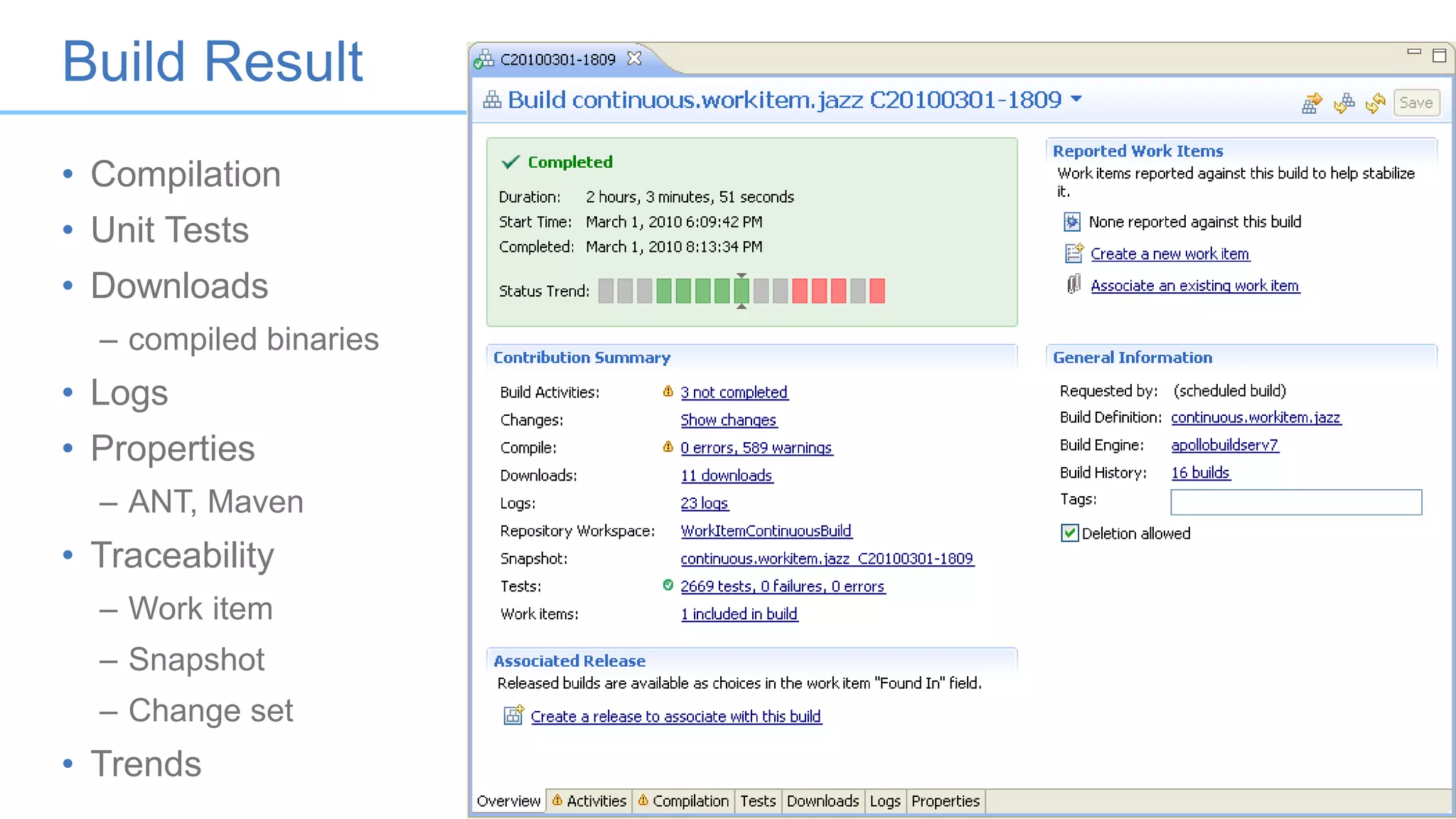
The basics: The Jazz Build Engine
• Java based engine that executes build scripting languages
– Runs on (almost) any platform
• Reports results back to RTC
• Results stored over time provide trending and traceability
22
Rational Build Agent
• Agent for compiling/deploying on IBM i/z
– RPG, COBOL, C/C++, PL/I, HLASM, Fortran
• Multi-threaded, secure, robust
– Parallel compilation, promotion and deployment
23
Build Result
24
• Compilation
• Unit Tests
• Downloads
– compiled binaries
• Logs
• Properties
– ANT, Maven
• Traceability
– Work item
– Snapshot
– Change set
• Trends
Success Pattern
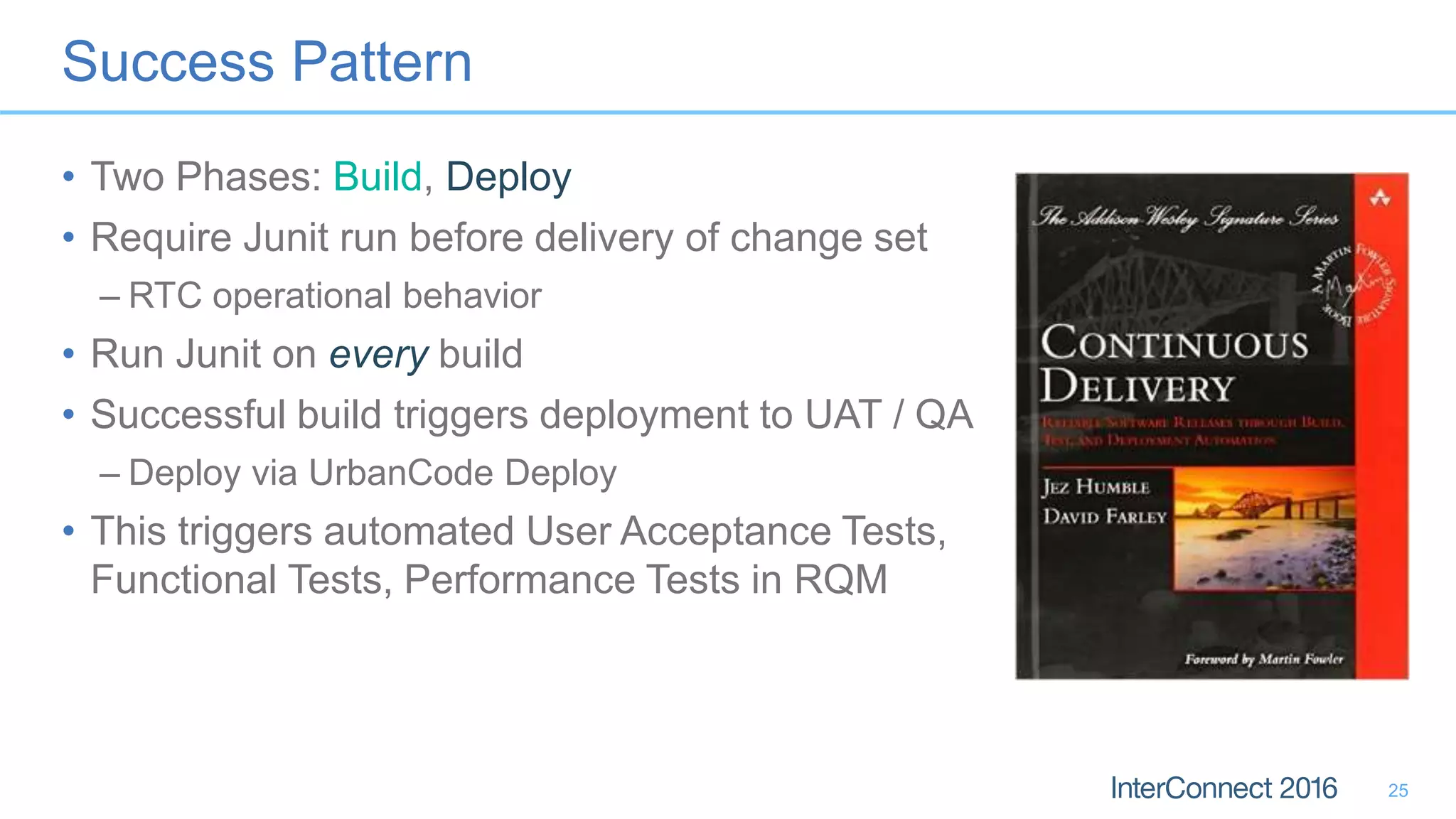
• Two Phases: Build, Deploy
• Require Junit run before delivery of change set
– RTC operational behavior
• Run Junit on every build
• Successful build triggers deployment to UAT / QA
– Deploy via UrbanCode Deploy
• This triggers automated User Acceptance Tests,
Functional Tests, Performance Tests in RQM
25
Anti-Pattern 5: Split SCM Repositories
A.K.A. “Consolidate to only one ivory tower”
26
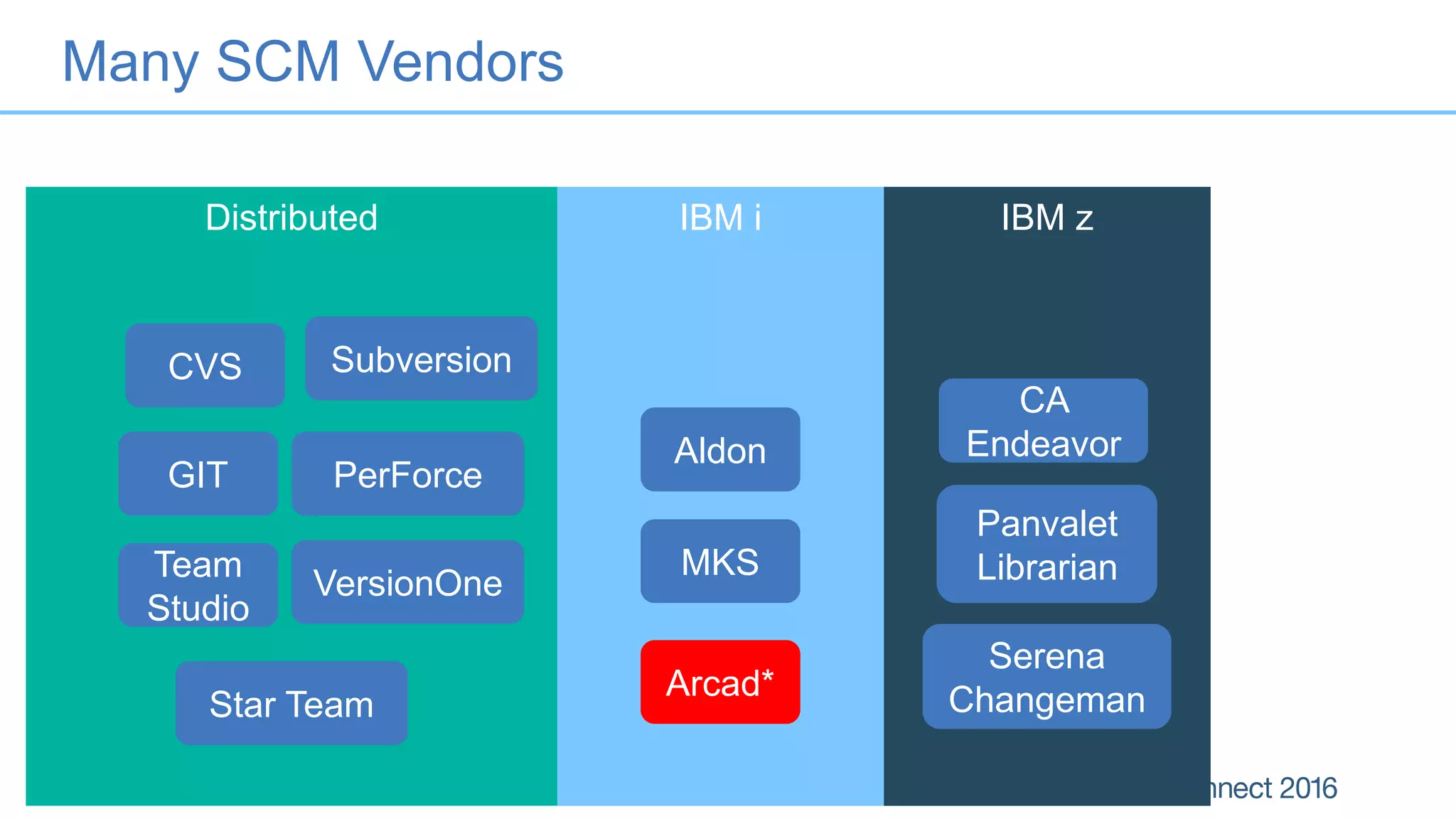
Distributed IBM i IBM z
Many SCM Vendors
Serena
Changeman
Subversion
VersionOne
CVS
Team
Studio
CA
Endeavor
Panvalet
LibrarianMKS
Aldon
GIT
Arcad*
PerForce
Star Team
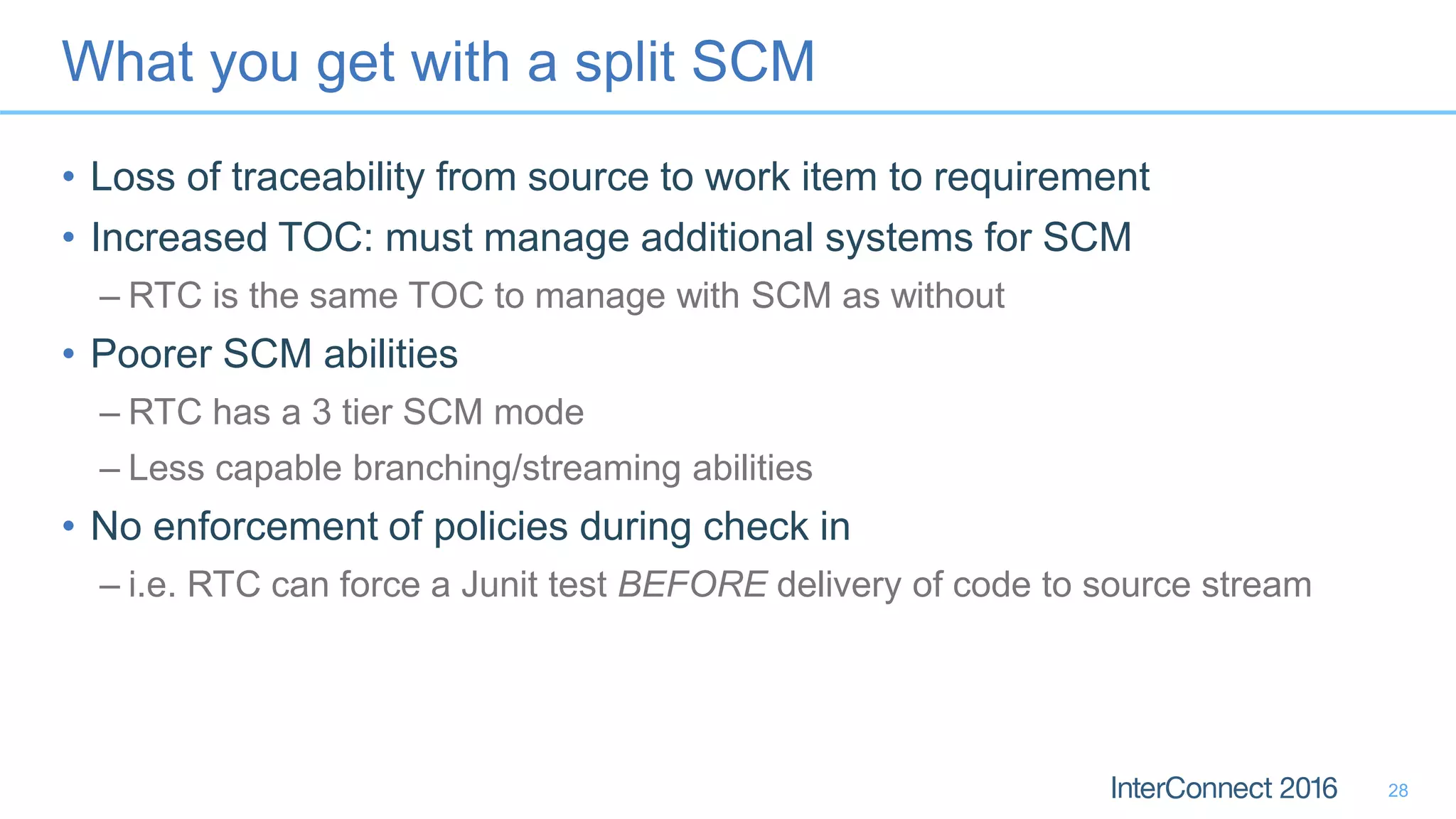
What you get with a split SCM
• Loss of traceability from source to work item to requirement
• Increased TOC: must manage additional systems for SCM
– RTC is the same TOC to manage with SCM as without
• Poorer SCM abilities
– RTC has a 3 tier SCM mode
– Less capable branching/streaming abilities
• No enforcement of policies during check in
– i.e. RTC can force a Junit test BEFORE delivery of code to source stream
28
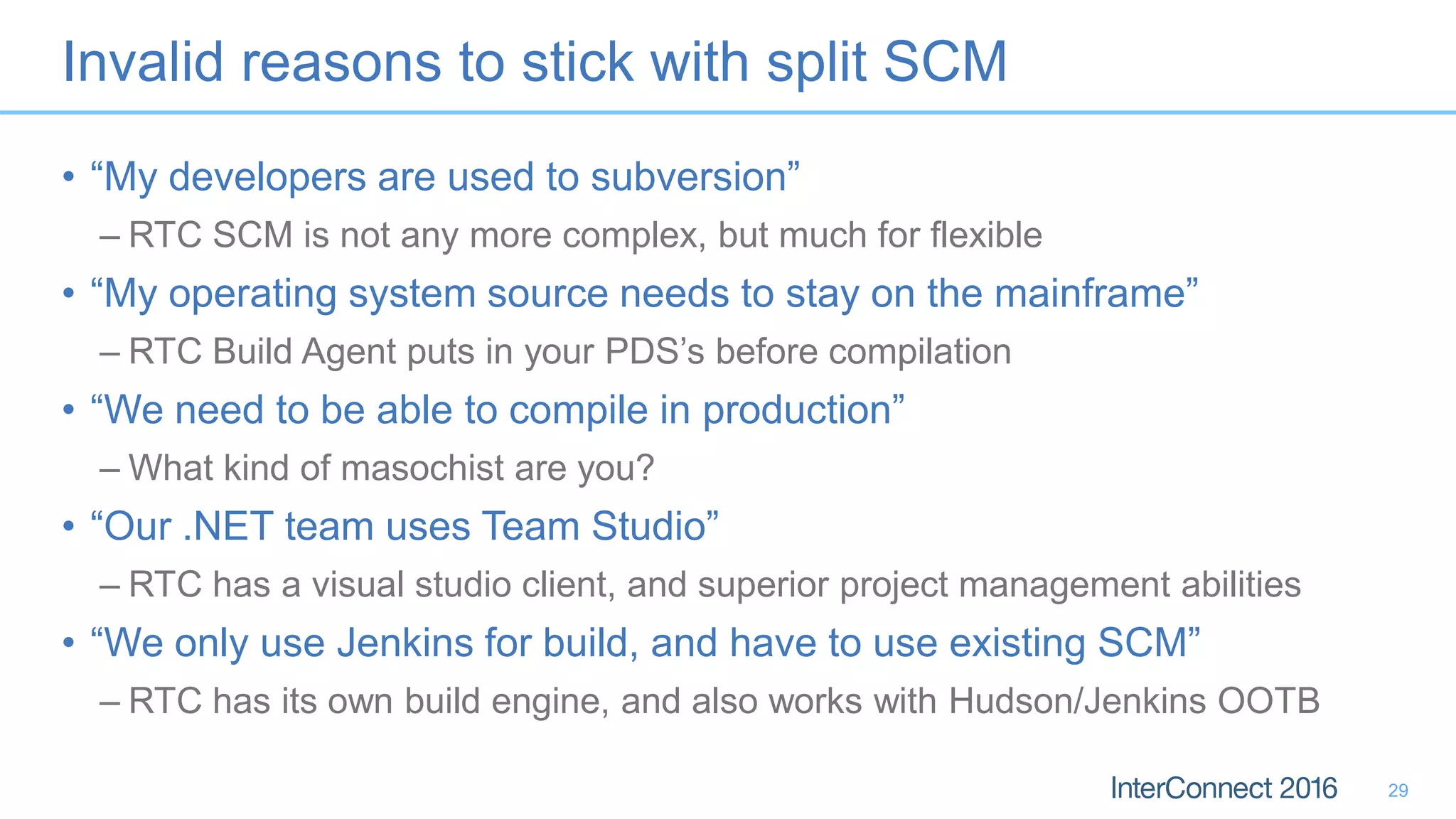
Invalid reasons to stick with split SCM
• “My developers are used to subversion”
– RTC SCM is not any more complex, but much for flexible
• “My operating system source needs to stay on the mainframe”
– RTC Build Agent puts in your PDS’s before compilation
• “We need to be able to compile in production”
– What kind of masochist are you?
• “Our .NET team uses Team Studio”
– RTC has a visual studio client, and superior project management abilities
• “We only use Jenkins for build, and have to use existing SCM”
– RTC has its own build engine, and also works with Hudson/Jenkins OOTB
29
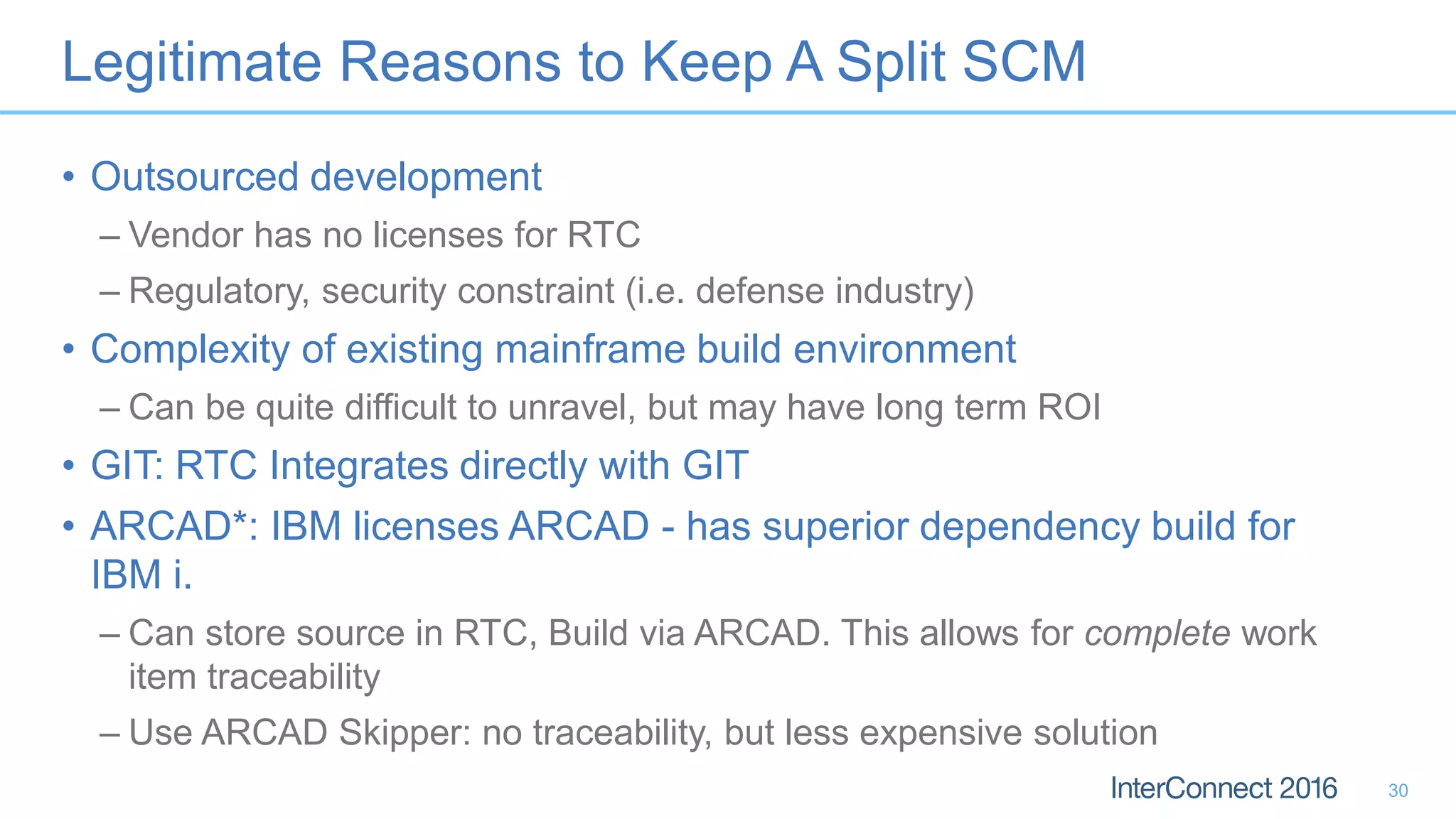
Legitimate Reasons to Keep A Split SCM
• Outsourced development
– Vendor has no licenses for RTC
– Regulatory, security constraint (i.e. defense industry)
• Complexity of existing mainframe build environment
– Can be quite difficult to unravel, but may have long term ROI
• GIT: RTC Integrates directly with GIT
• ARCAD*: IBM licenses ARCAD - has superior dependency build for
IBM i.
– Can store source in RTC, Build via ARCAD. This allows for complete work
item traceability
– Use ARCAD Skipper: no traceability, but less expensive solution
30
Anti-Pattern 6: Poor Licensing
A.K.A. “I bought what???”
31
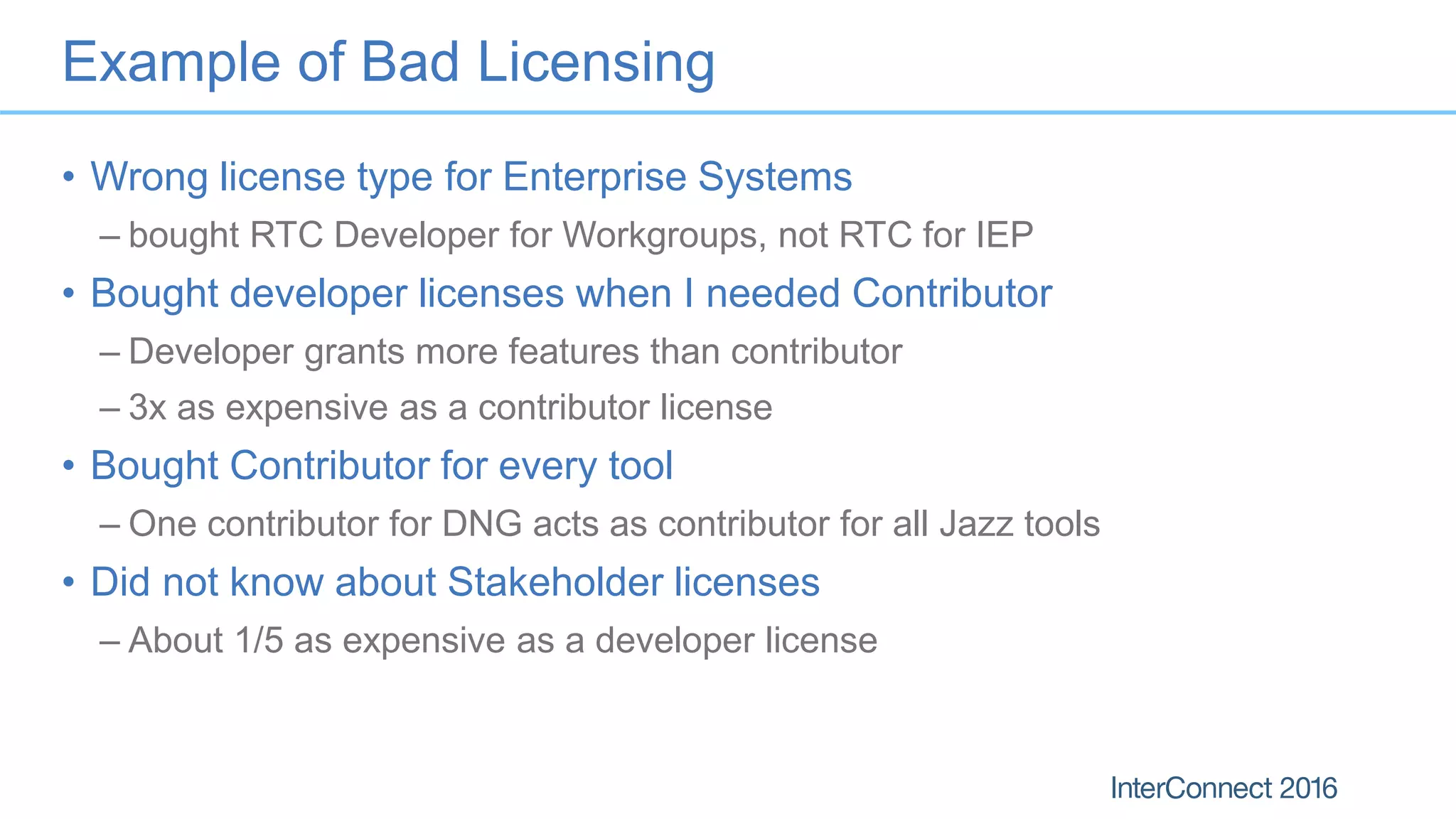
Example of Bad Licensing
• Wrong license type for Enterprise Systems
– bought RTC Developer for Workgroups, not RTC for IEP
• Bought developer licenses when I needed Contributor
– Developer grants more features than contributor
– 3x as expensive as a contributor license
• Bought Contributor for every tool
– One contributor for DNG acts as contributor for all Jazz tools
• Did not know about Stakeholder licenses
– About 1/5 as expensive as a developer license
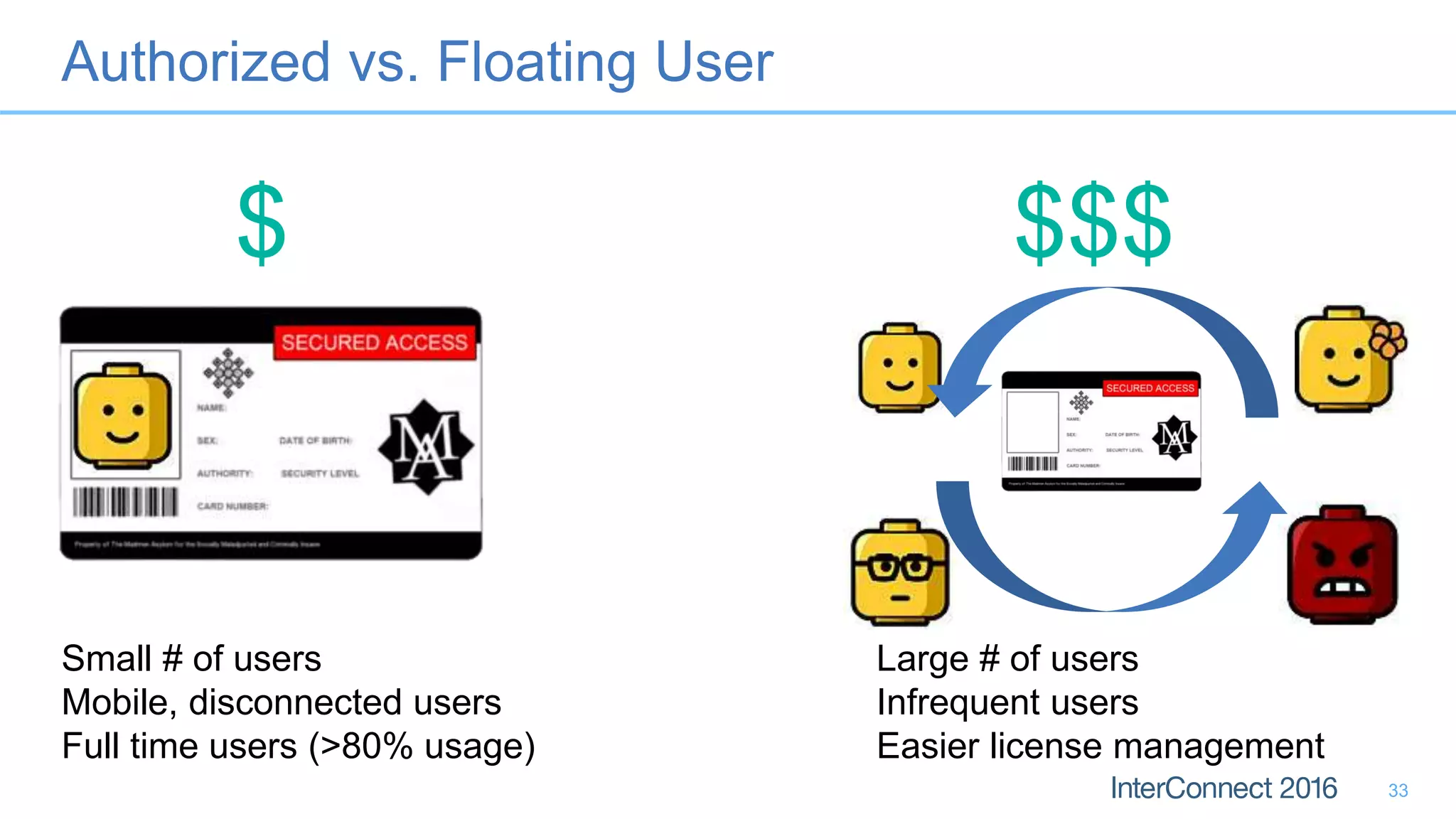
Authorized vs. Floating User
33
$ $$$
Small # of users
Mobile, disconnected users
Full time users (>80% usage)
Large # of users
Infrequent users
Easier license management
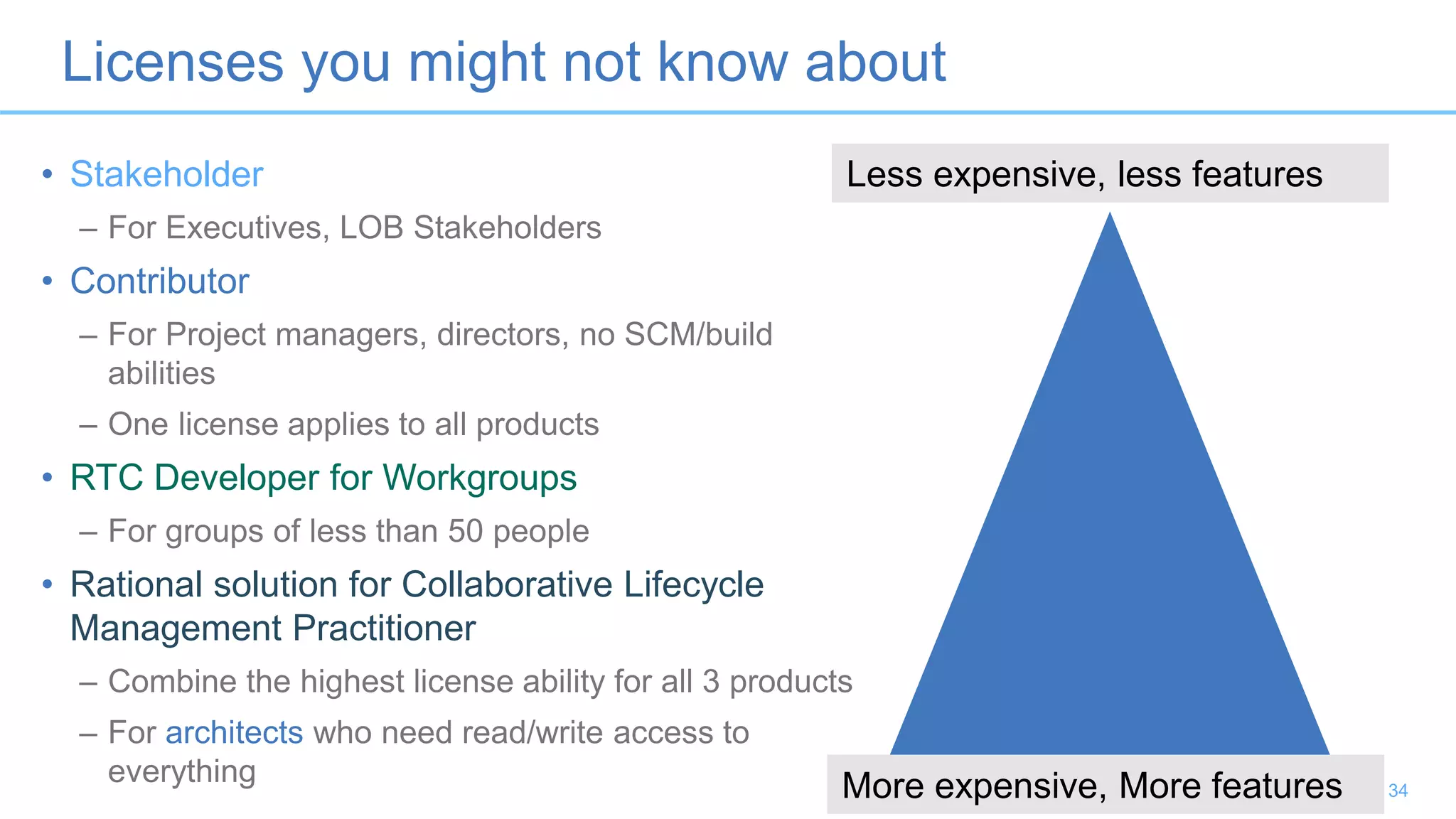
Licenses you might not know about
34
• Stakeholder
– For Executives, LOB Stakeholders
• Contributor
– For Project managers, directors, no SCM/build
abilities
– One license applies to all products
• RTC Developer for Workgroups
– For groups of less than 50 people
• Rational solution for Collaborative Lifecycle
Management Practitioner
– Combine the highest license ability for all 3 products
– For architects who need read/write access to
everything
Less expensive, less features
More expensive, More features
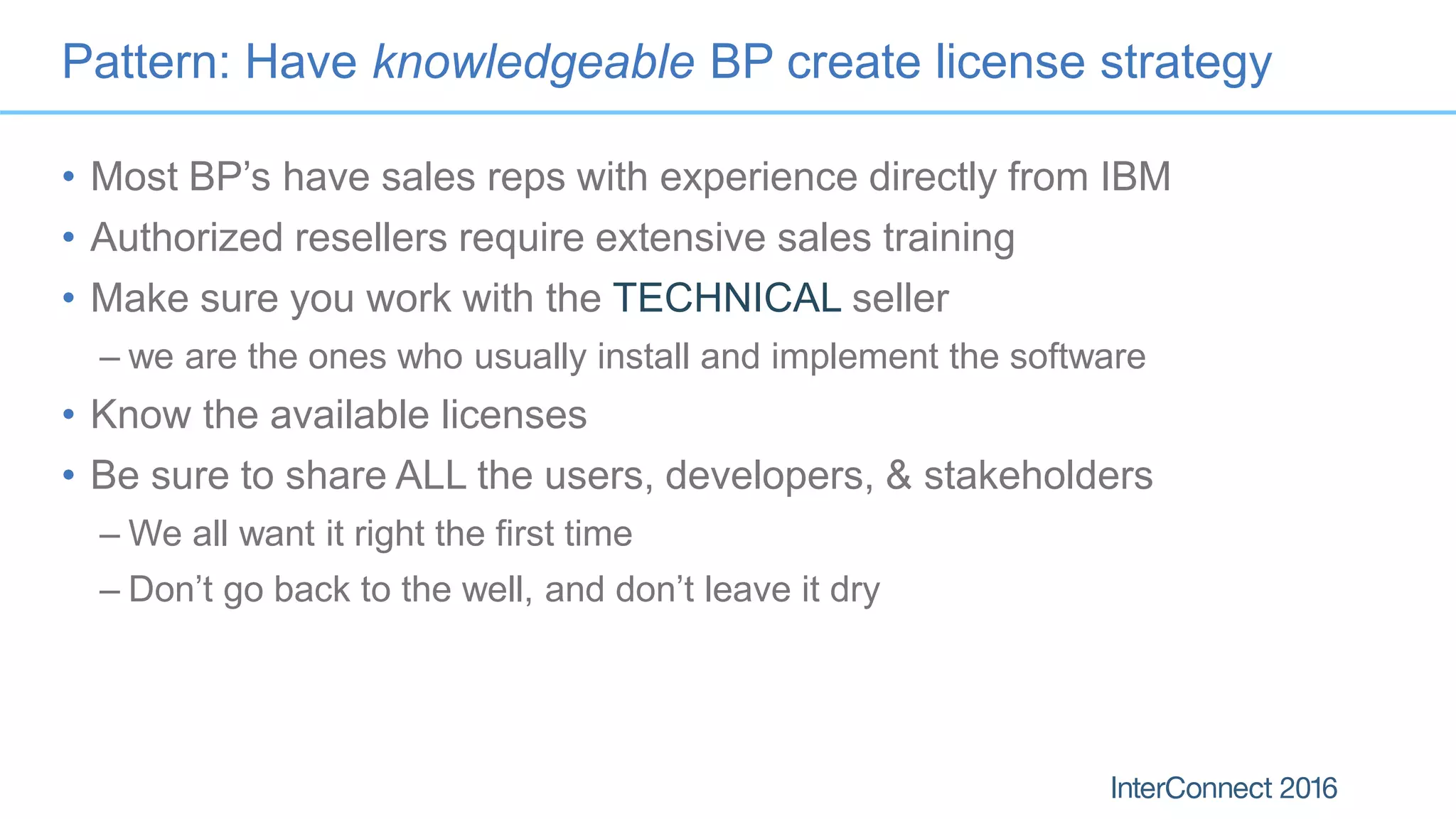
Pattern: Have knowledgeable BP create license strategy
• Most BP’s have sales reps with experience directly from IBM
• Authorized resellers require extensive sales training
• Make sure you work with the TECHNICAL seller
– we are the ones who usually install and implement the software
• Know the available licenses
• Be sure to share ALL the users, developers, & stakeholders
– We all want it right the first time
– Don’t go back to the well, and don’t leave it dry
Anti-Pattern 7: Reporting for Old Metrics
A.K.A. “No, I don’t have your TPS report!”
36
Old Metrics, or Irrelevant Metrics
• Do your KPI’s align with your current business strategy?
• Do they reflect the amount of business value delivered?
• Do they reflect out of date processes?
• Examples:
– Waterfall metrics
– MLC, or other ancient, irrelevant metric
• Have you tried new metrics?
– i.e. Burn Down, Burn Up, WIP, Team Velocity, etc.
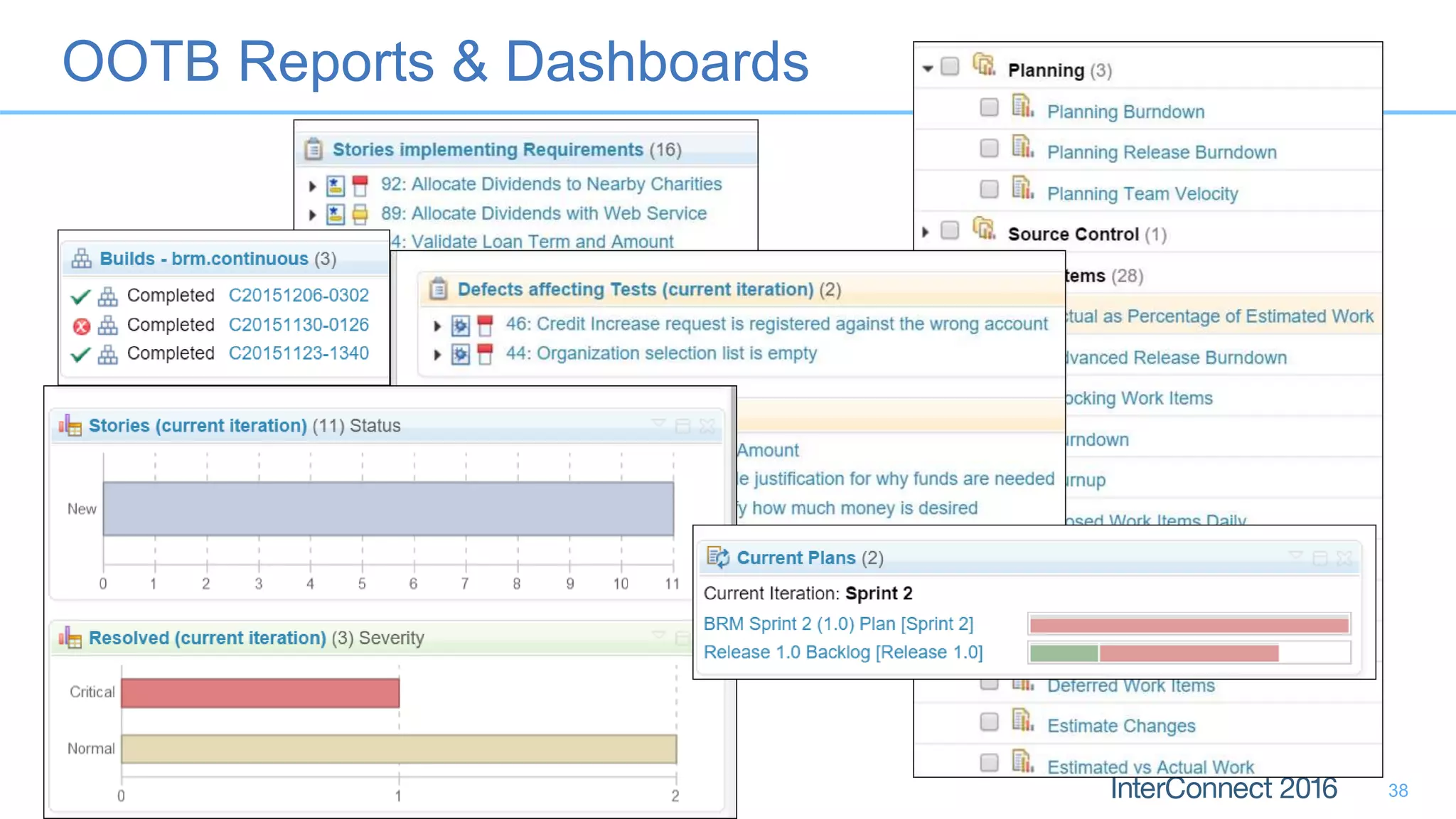
OOTB Reports & Dashboards
38
Success Pattern: Evaluate OOTB Reports First
• Benefit: Speak in the same language as the rest of the industry
– Story points
– Team velocity
– Burndown / Burnup
• Benefit: less to change “under the hood”
– built in reports available out of the box
– Custom reporting on custom work items costs $$$
** but we’ll be happy to offer you some consulting services on that!
39
Anti-Pattern 8: Round -Tripping with
MS Excel and MS Project
A.K.A. “You can have my spreadsheet when you rip it out of my
cold dead hands!”
40
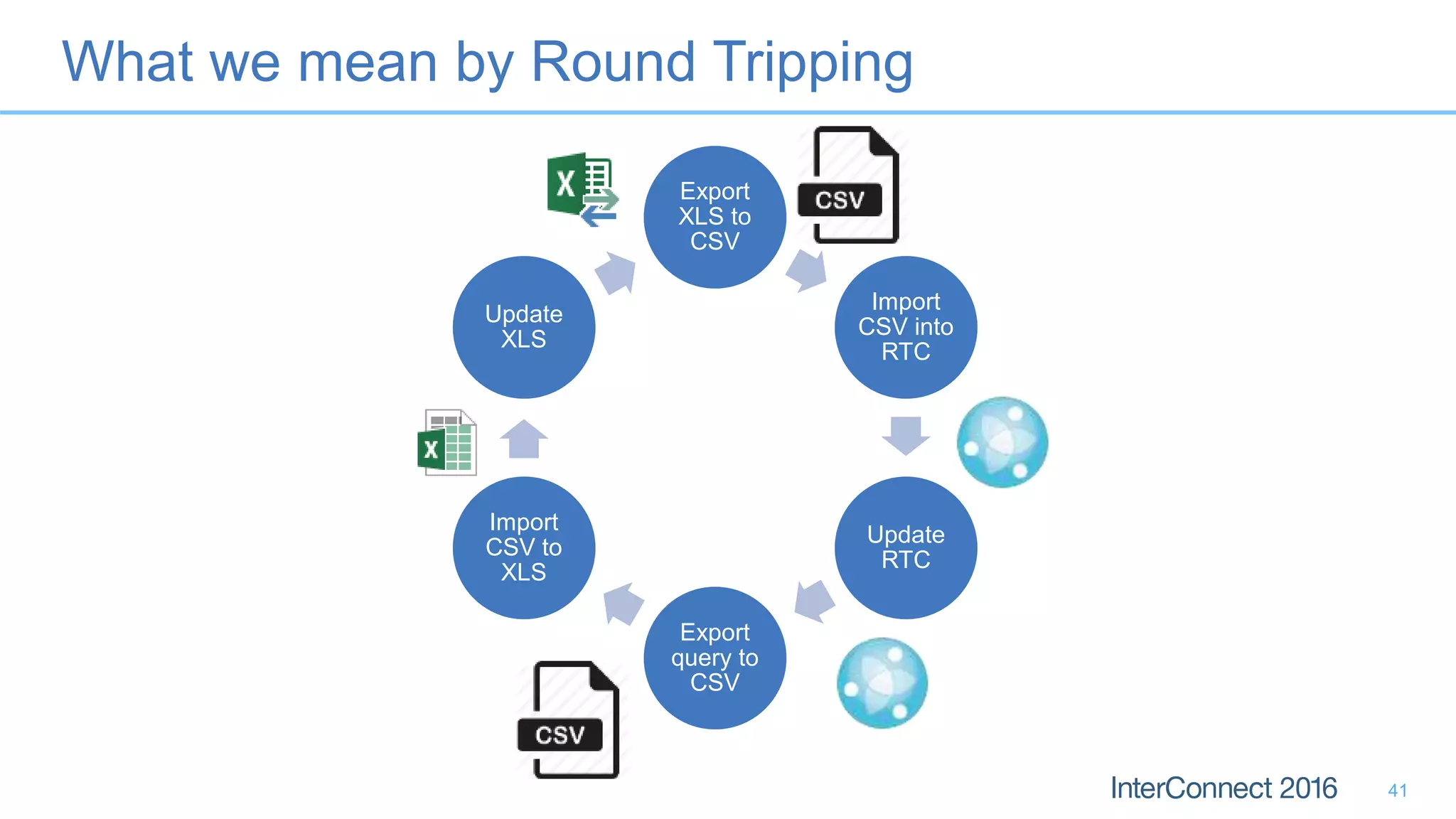
Export
XLS to
CSV
Import
CSV into
RTC
Update
RTC
Export
query to
CSV
Import
CSV to
XLS
Update
XLS
What we mean by Round Tripping
41
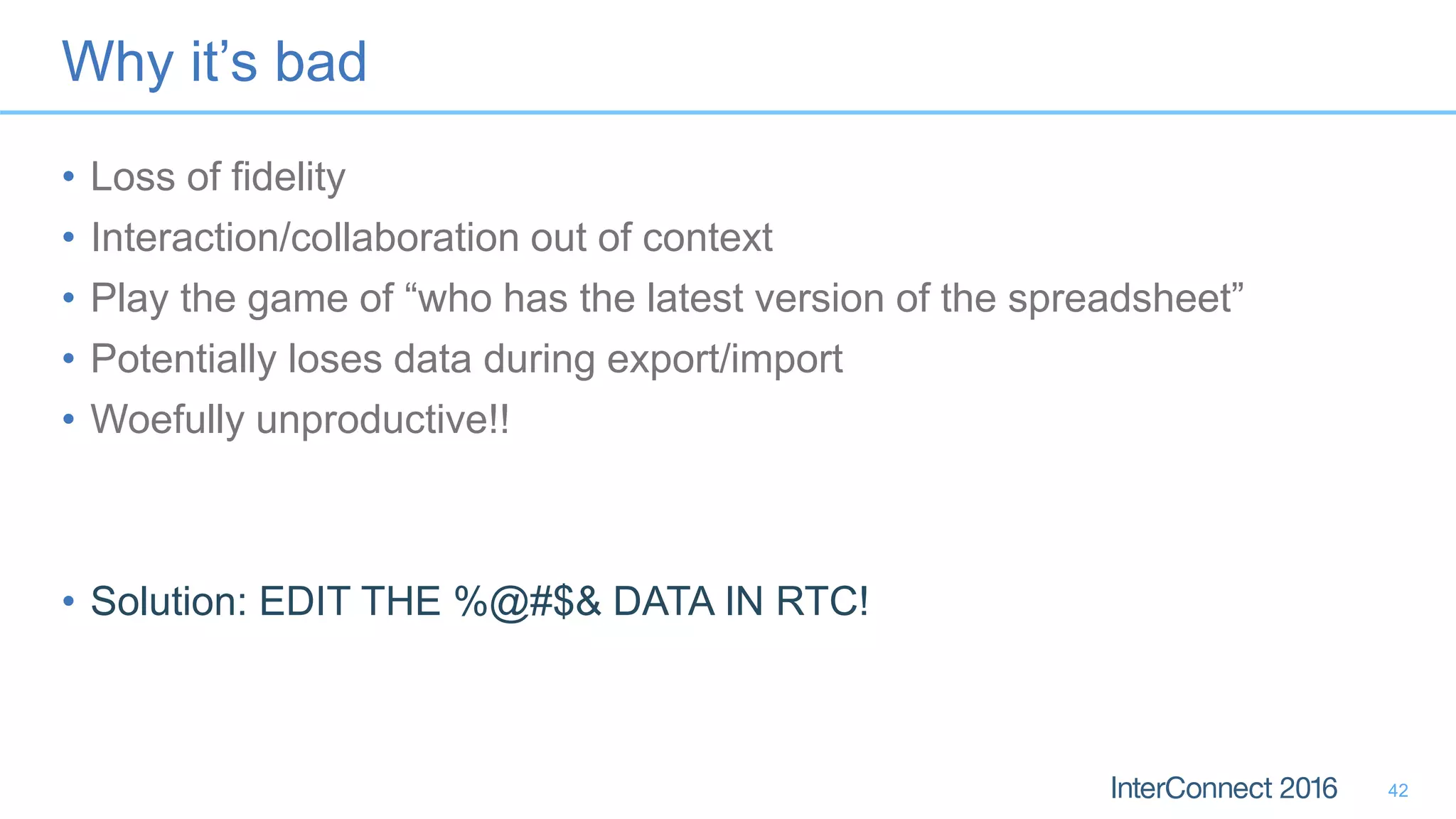
Why it’s bad
• Loss of fidelity
• Interaction/collaboration out of context
• Play the game of “who has the latest version of the spreadsheet”
• Potentially loses data during export/import
• Woefully unproductive!!
• Solution: EDIT THE %@#$& DATA IN RTC!
42
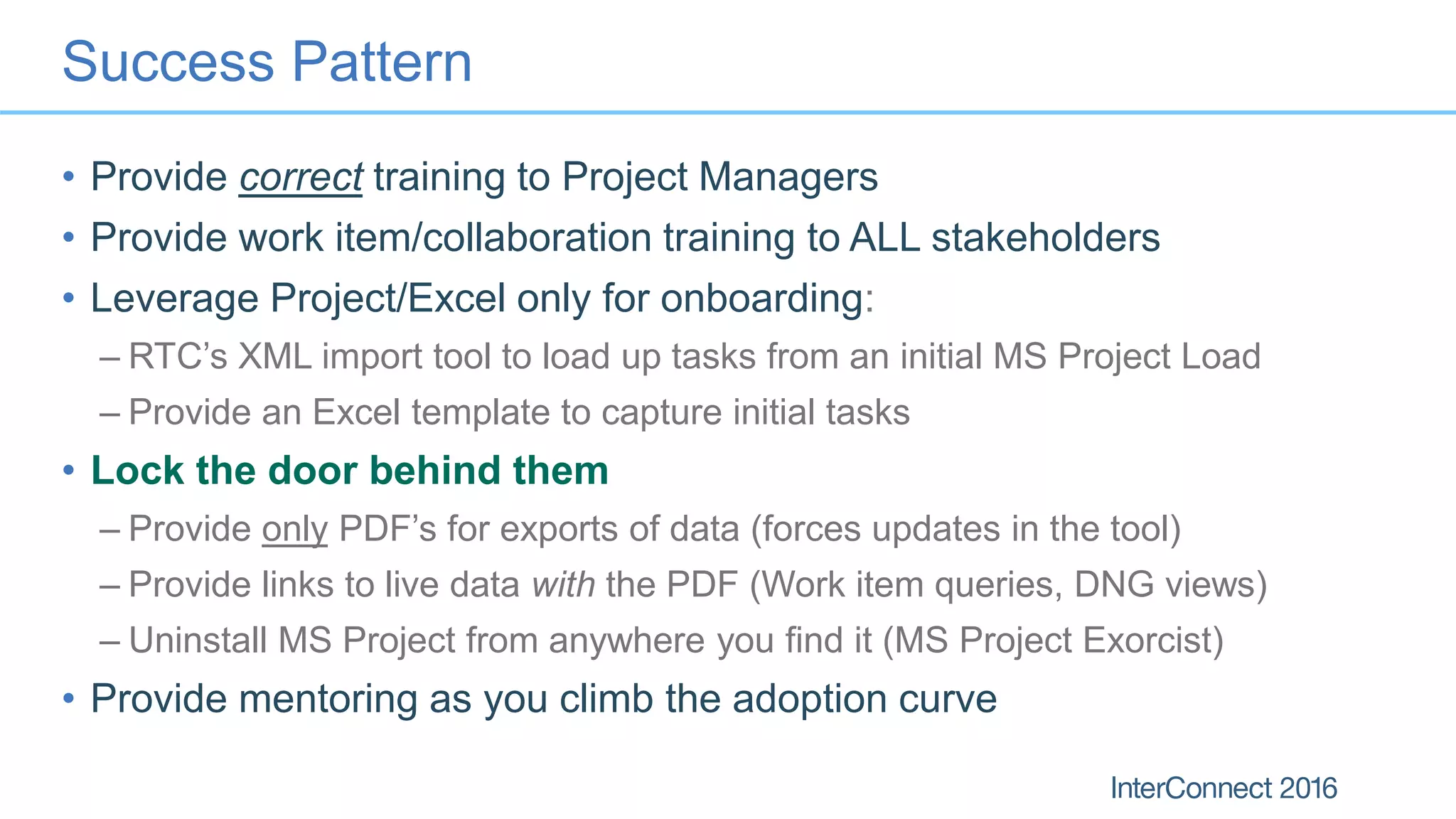
Success Pattern
• Provide correct training to Project Managers
• Provide work item/collaboration training to ALL stakeholders
• Leverage Project/Excel only for onboarding:
– RTC’s XML import tool to load up tasks from an initial MS Project Load
– Provide an Excel template to capture initial tasks
• Lock the door behind them
– Provide only PDF’s for exports of data (forces updates in the tool)
– Provide links to live data with the PDF (Work item queries, DNG views)
– Uninstall MS Project from anywhere you find it (MS Project Exorcist)
• Provide mentoring as you climb the adoption curve
Anti-Pattern 9: Using the Wrong Tool
A.K.A. “RTC is not a robust requirements management tool, and
DNG is not a test plan management tool.”
44
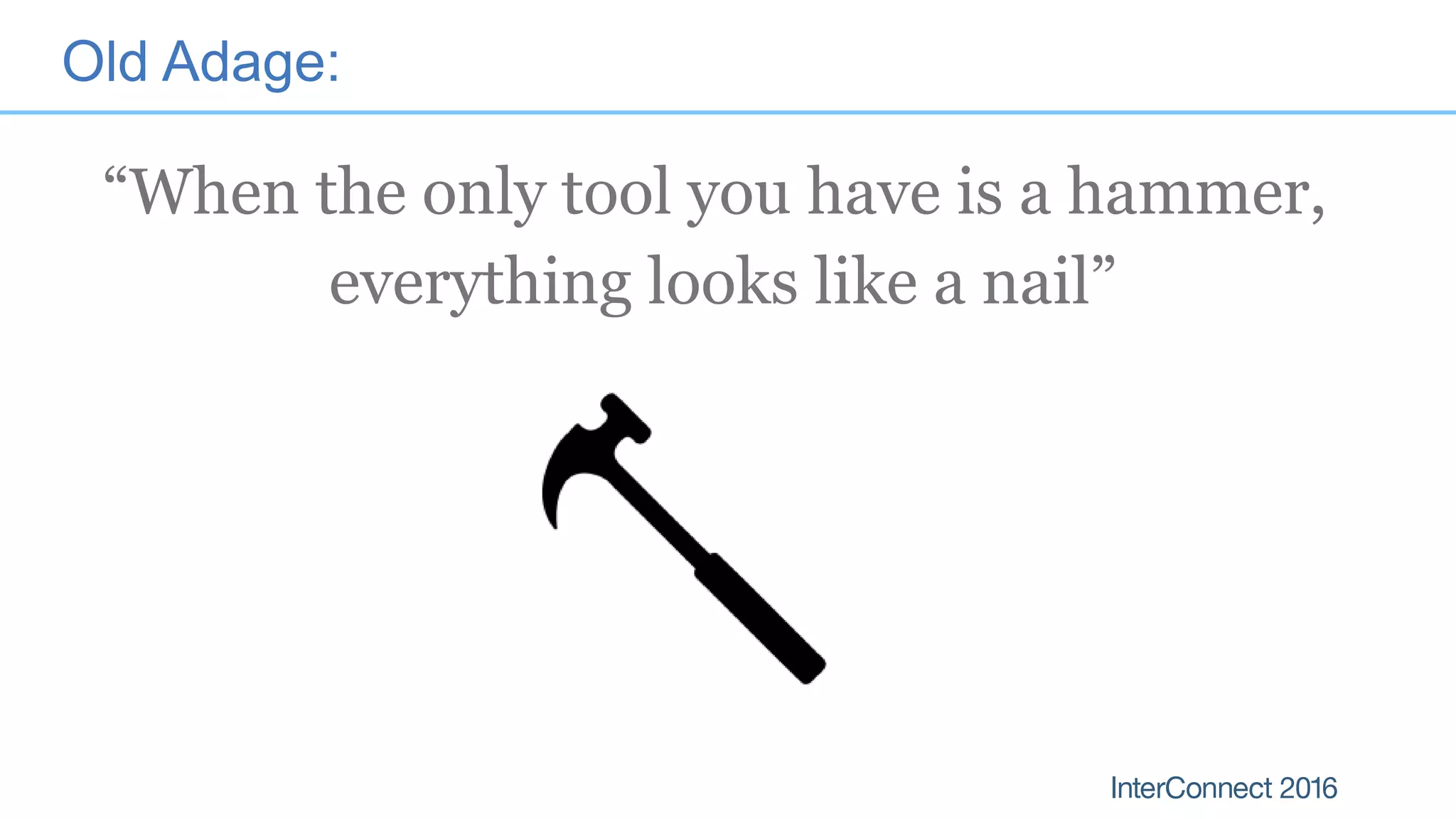
Old Adage:
“When the only tool you have is a hammer,
everything looks like a nail”
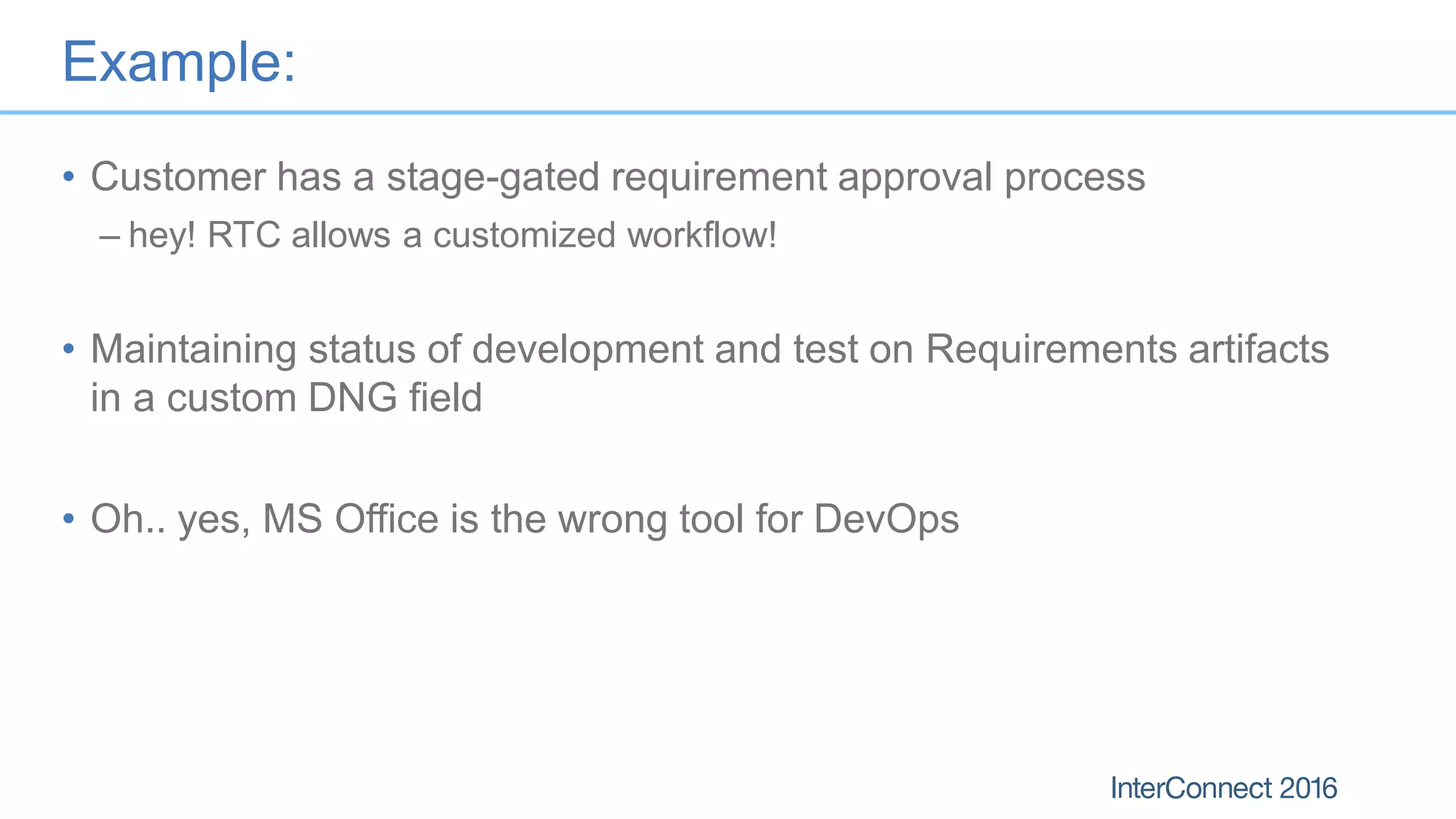
Example:
• Customer has a stage-gated requirement approval process
– hey! RTC allows a customized workflow!
• Maintaining status of development and test on Requirements artifacts
in a custom DNG field
• Oh.. yes, MS Office is the wrong tool for DevOps
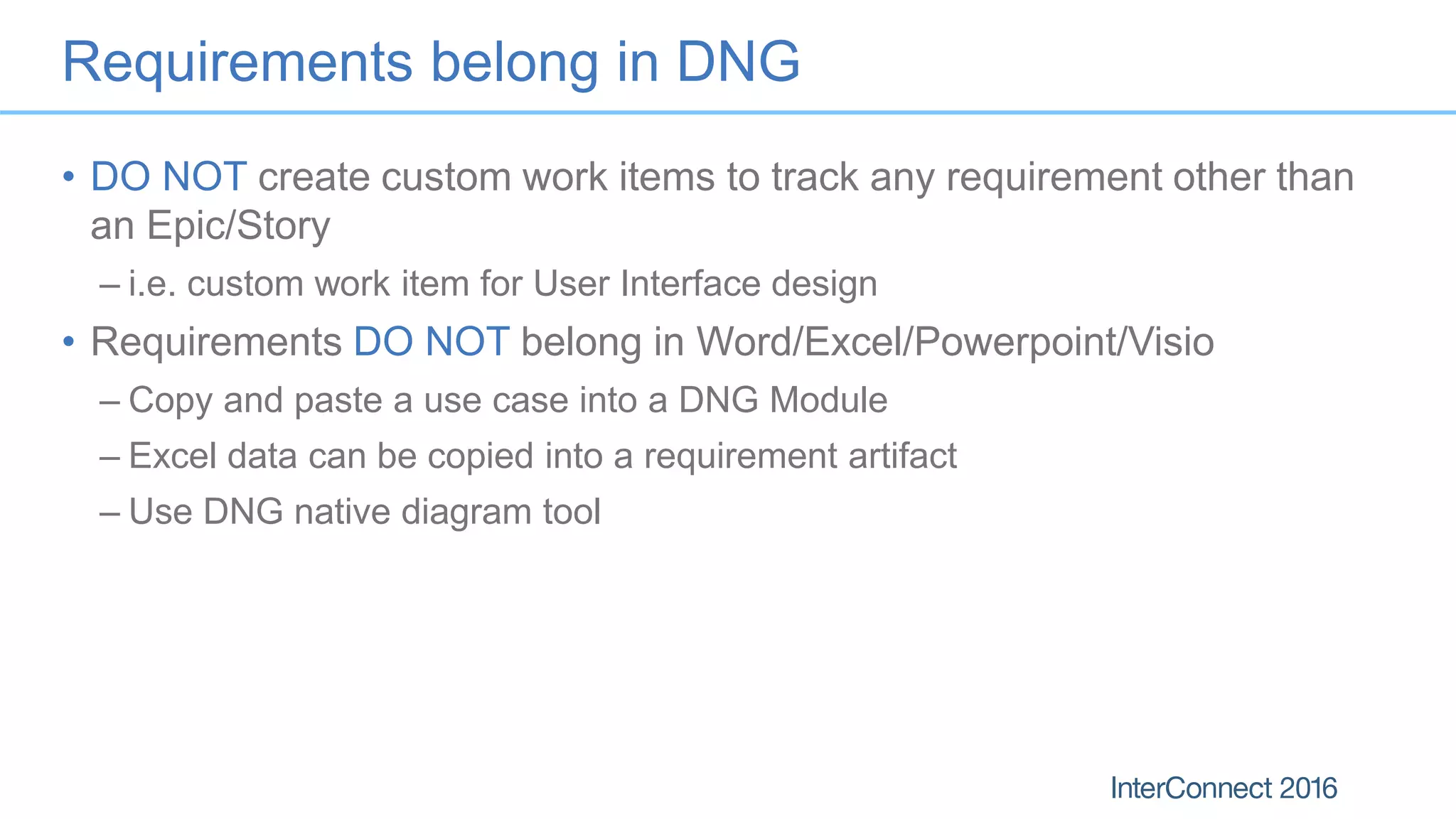
Requirements belong in DNG
• DO NOT create custom work items to track any requirement other than
an Epic/Story
– i.e. custom work item for User Interface design
• Requirements DO NOT belong in Word/Excel/Powerpoint/Visio
– Copy and paste a use case into a DNG Module
– Excel data can be copied into a requirement artifact
– Use DNG native diagram tool
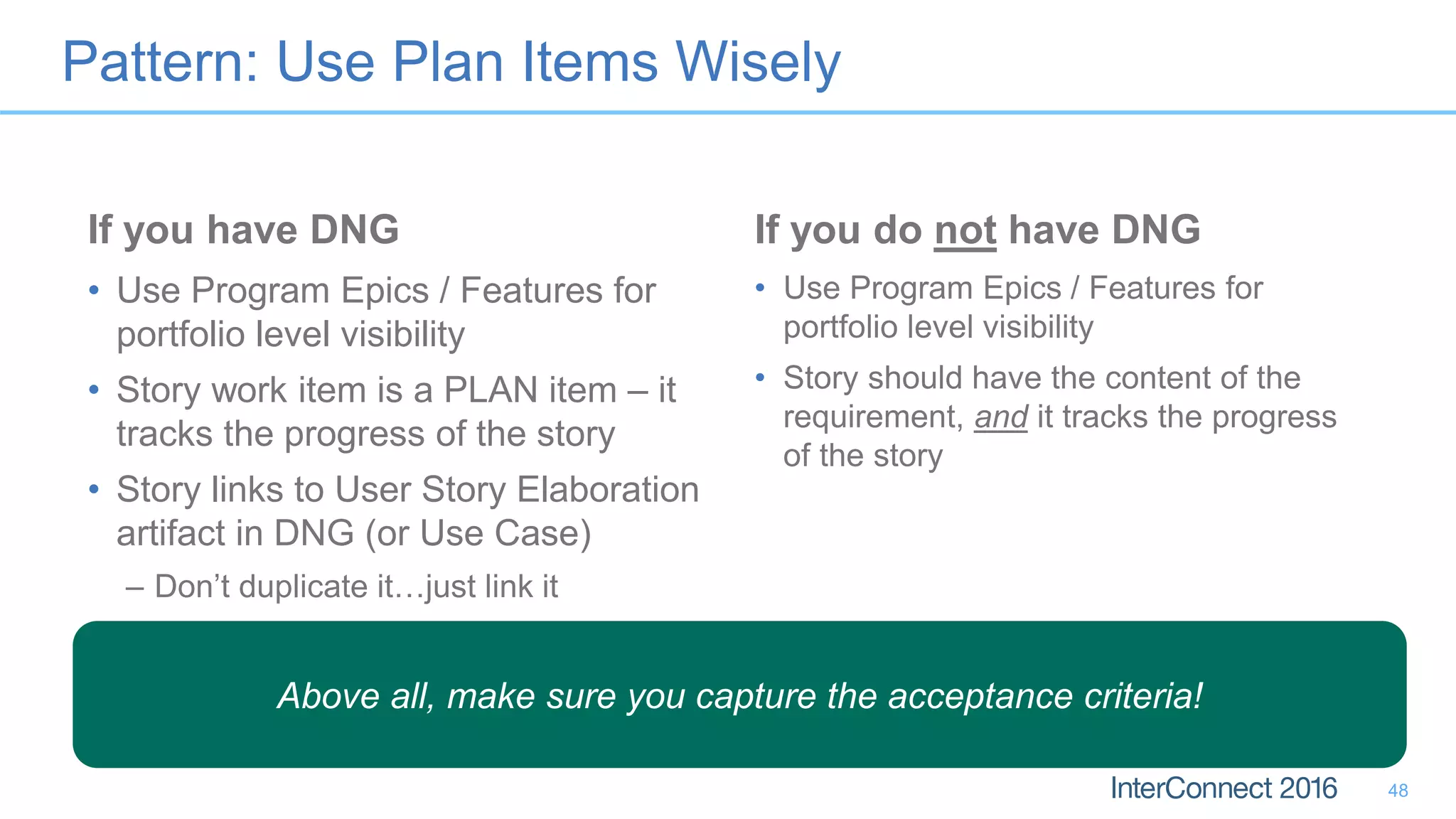
Pattern: Use Plan Items Wisely
If you have DNG
• Use Program Epics / Features for
portfolio level visibility
• Story work item is a PLAN item – it
tracks the progress of the story
• Story links to User Story Elaboration
artifact in DNG (or Use Case)
– Don’t duplicate it…just link it
If you do not have DNG
• Use Program Epics / Features for
portfolio level visibility
• Story should have the content of the
requirement, and it tracks the progress
of the story
48
Above all, make sure you capture the acceptance criteria!
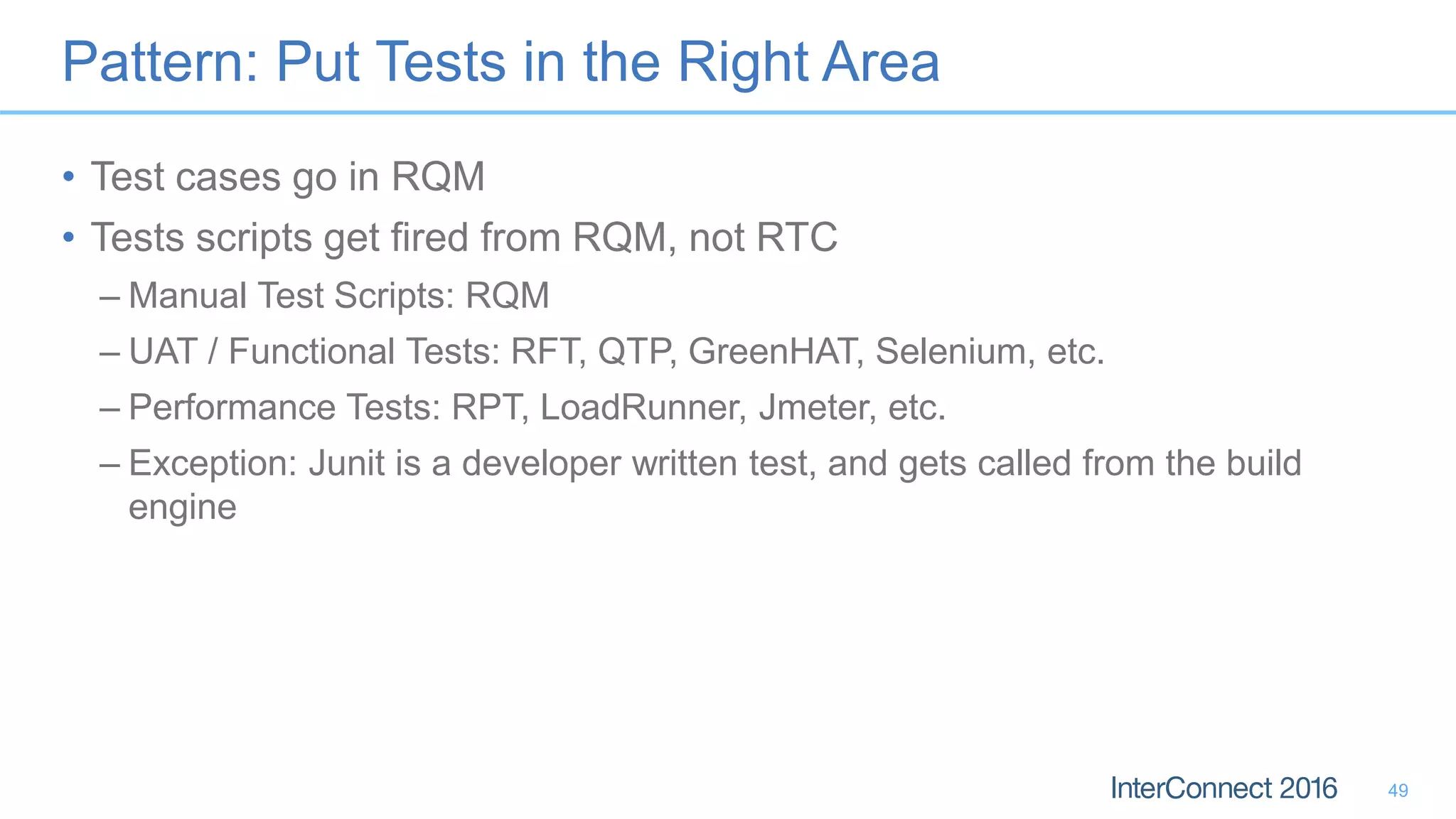
Pattern: Put Tests in the Right Area
• Test cases go in RQM
• Tests scripts get fired from RQM, not RTC
– Manual Test Scripts: RQM
– UAT / Functional Tests: RFT, QTP, GreenHAT, Selenium, etc.
– Performance Tests: RPT, LoadRunner, Jmeter, etc.
– Exception: Junit is a developer written test, and gets called from the build
engine
49
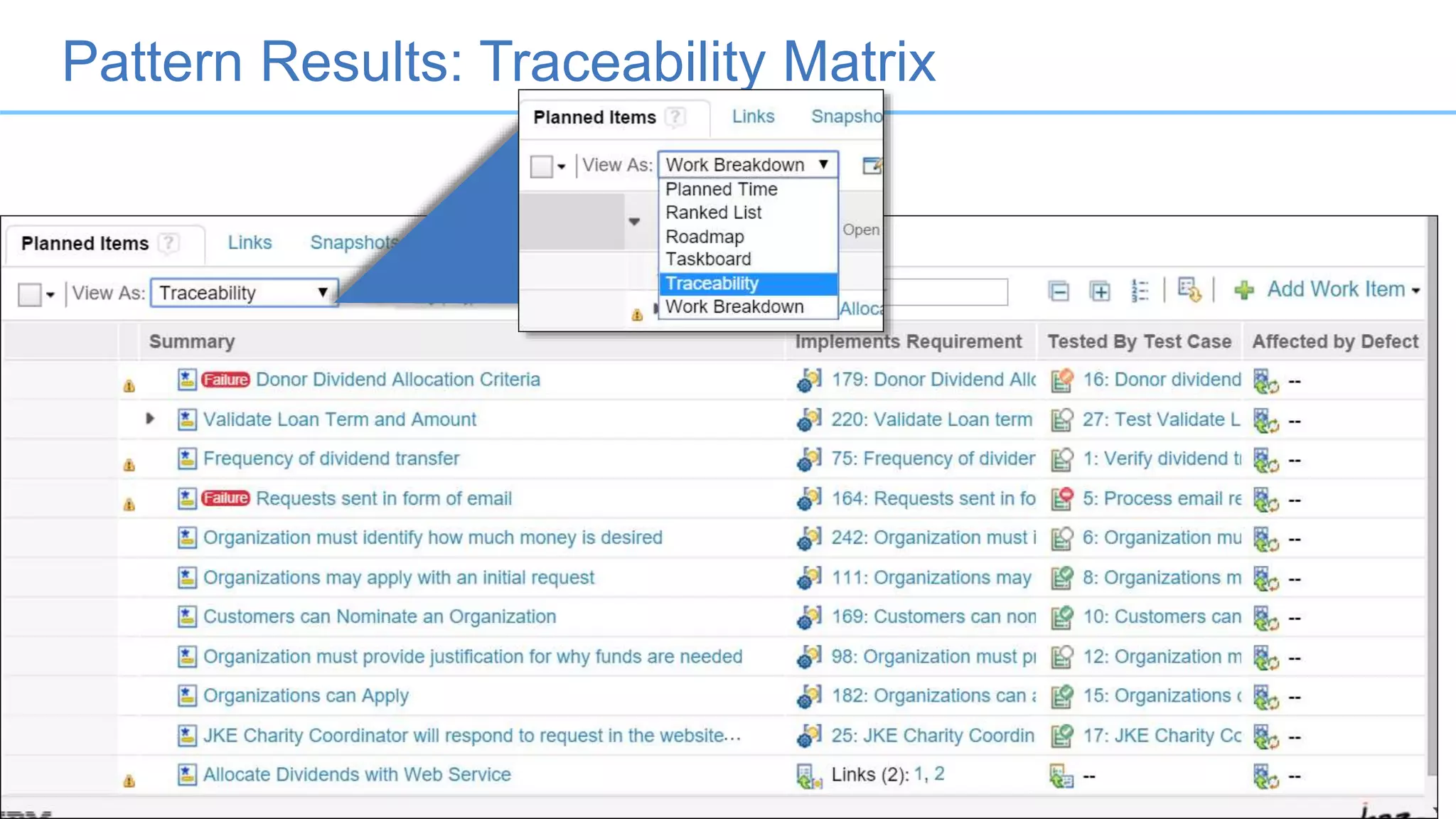
Pattern Results: Traceability Matrix
50
Anti-Pattern 10: Using ANY Part of
CLM for a Help Desk
A.K.A. “Team concert requires a lot of customization to become a
help desk”
51
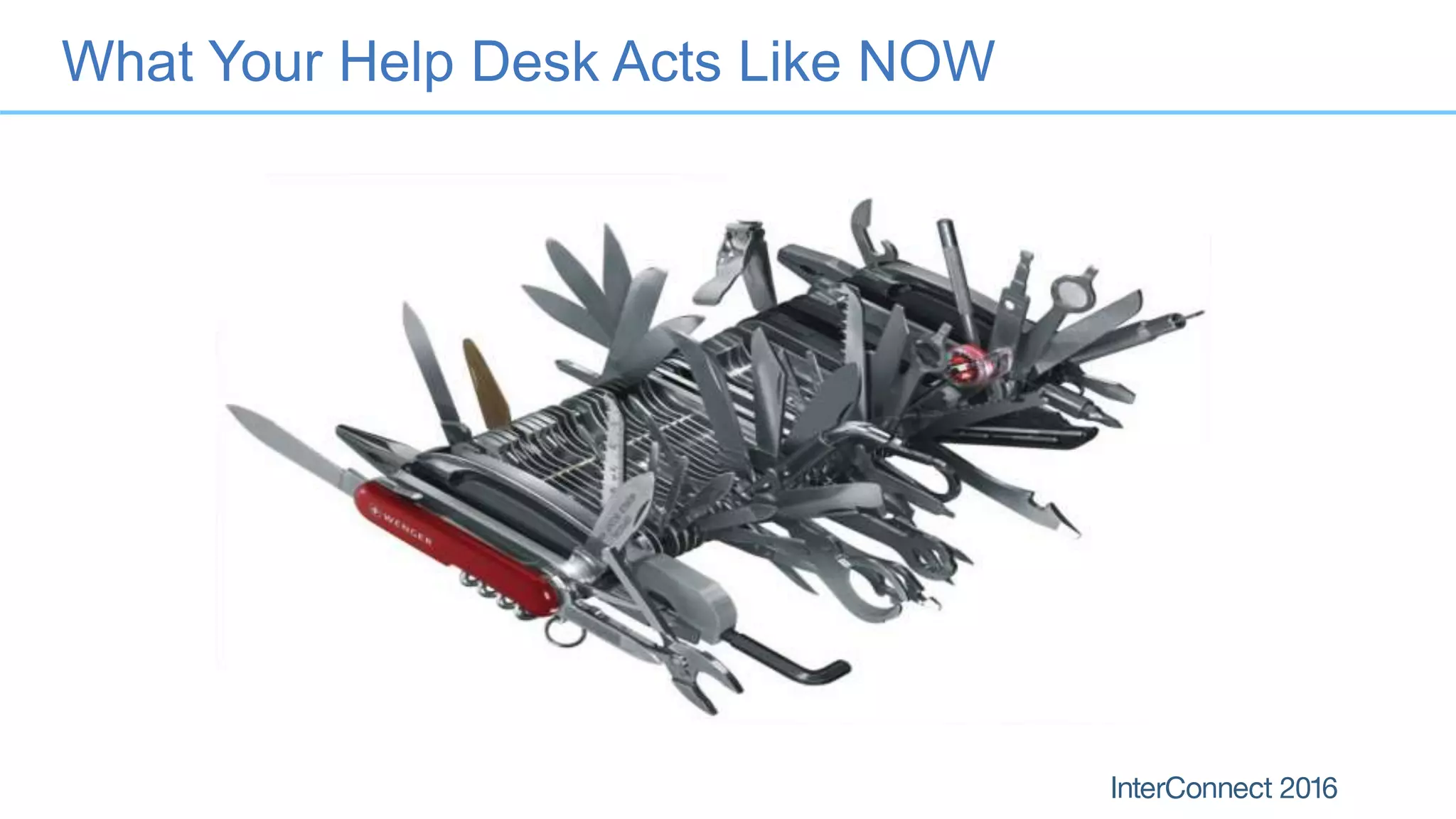
What Your Help Desk Acts Like NOW
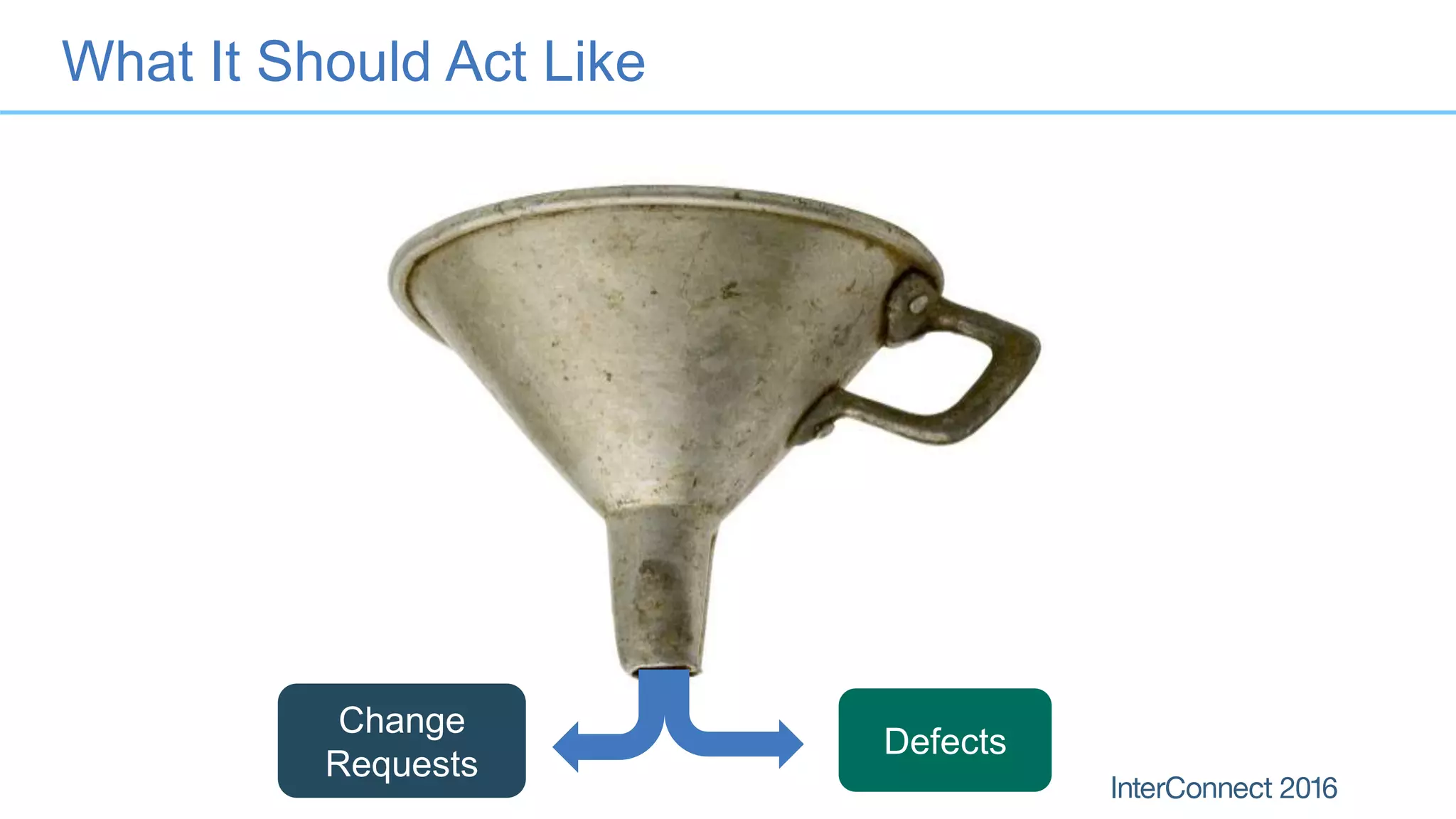
What It Should Act Like
Defects
Change
Requests
Why RTC does not make a good help desk
• Help Desk Analysts (typically) have less experience than your B.A.’s
• Tickets follow a different workflow than RTC work items
• Tickets often contain data that is useless to software lifecycle
management
– RTFM calls
– Complaints
– “My cup holder broke”
• It requires a lot of customization
• Licenses for the help desk get expensive
• There are FAR cheaper alternatives
Success Pattern: Find Alternatives
• IBM Control Desk (a.k.a Tivoli Service Desk)
– Direct integration with RTC via OSLC
– API creates Defect work items from Service Desk
• SmartCloud Control Desk
• Kovair Omnibus
55
Success Pattern: Setup the support structure
• Use a true help desk system that offers OSLC integration
• Filter defects and change requests (enhancements) via the API
• Within RTC:
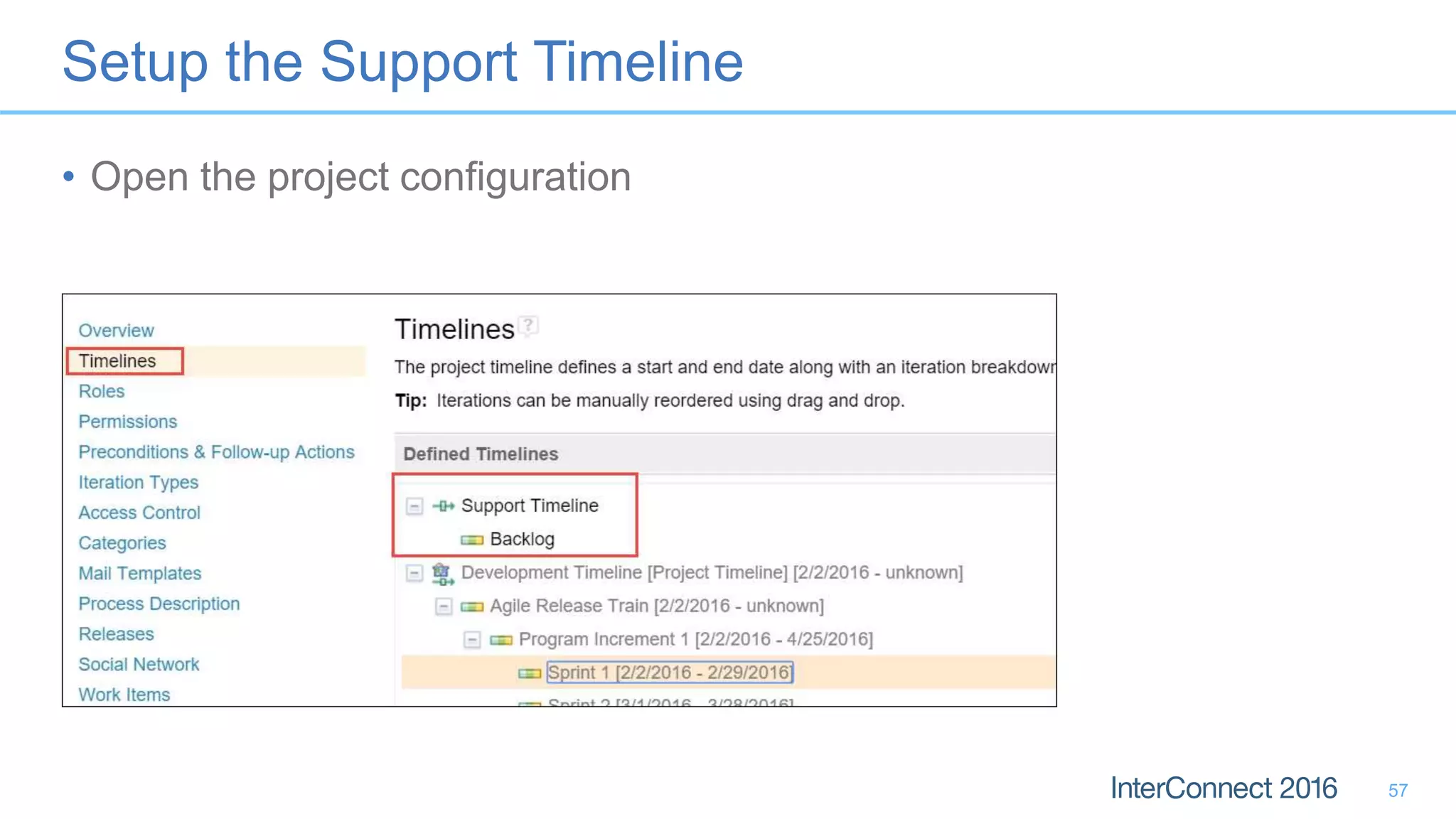
– Use a second timeline for support
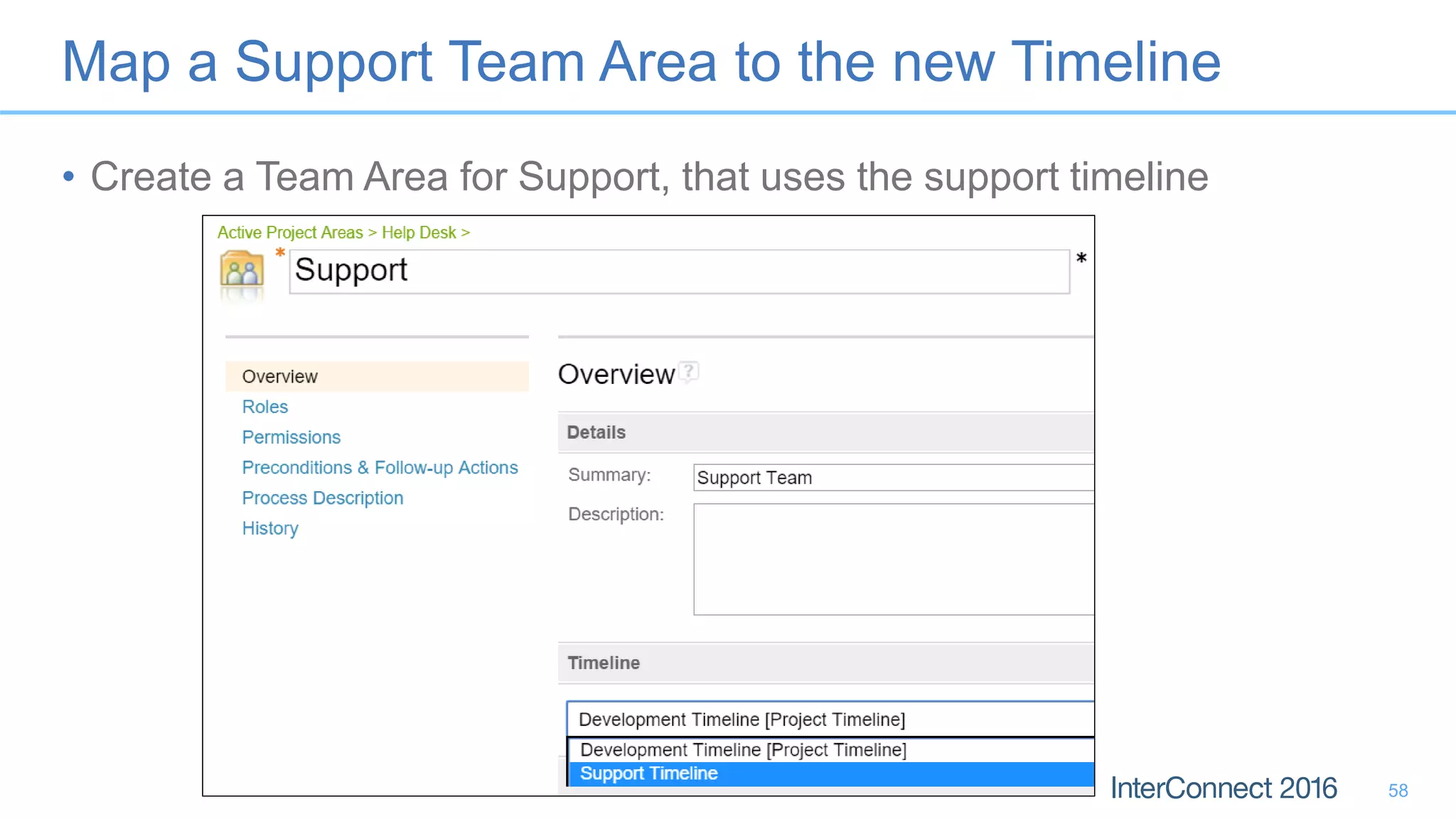
– Setup a Team for support
– Make the team area march to the new timeline
56
Setup the Support Timeline
• Open the project configuration
57
Map a Support Team Area to the new Timeline
• Create a Team Area for Support, that uses the support timeline
58
Summary
What did I just learn?
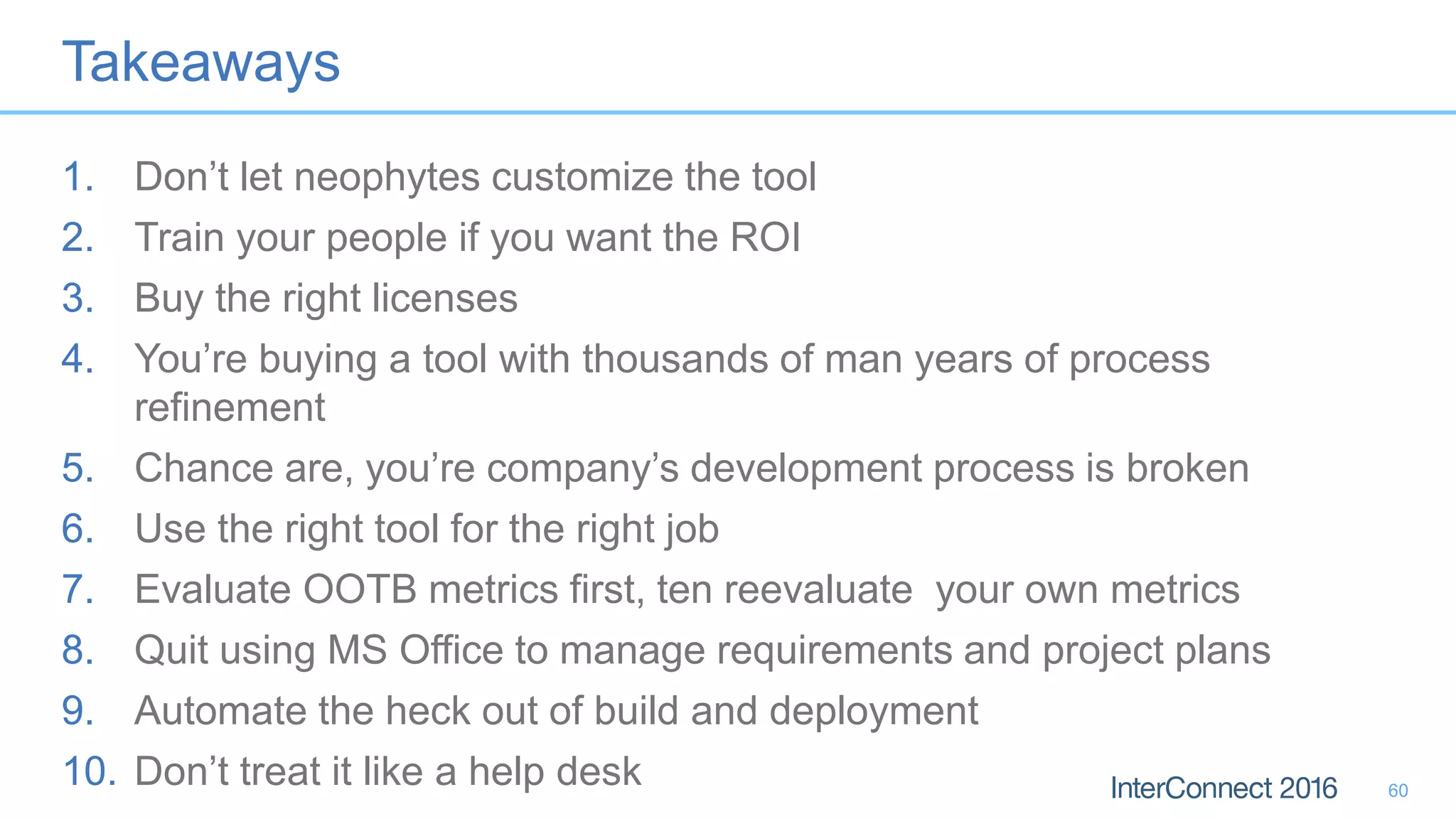
Takeaways
1. Don’t let neophytes customize the tool
2. Train your people if you want the ROI
3. Buy the right licenses
4. You’re buying a tool with thousands of man years of process
refinement
5. Chance are, you’re company’s development process is broken
6. Use the right tool for the right job
7. Evaluate OOTB metrics first, ten reevaluate your own metrics
8. Quit using MS Office to manage requirements and project plans
9. Automate the heck out of build and deployment
10. Don’t treat it like a help desk 60
About Strongback Consulting
• IBM Advanced Business Partner
– Rational, WebSphere, ICS SVP certified
– Strongly focused on DevOps, Enterprise Modernization, and application infrastructure
– Key Industries Served: Finance, Insurance, Travel, Logistics, Healthcare, Manufacturing, Government
– Rational Design Partner for HATS and other Rational enterprise modernization technologies
Discover us at:
http://www.strongback.us
Subscribe to us at
http://blog.strongbackconsulting.com
Socialize with us on Facebook & LinkedIn
http://www.facebook.com/StrongbackConsulting
http://www.linkedin.com/company/290754

Patterns and Antipatterns for Adopting IBM DevOps Tools

  • 1.
    Patterns and Antipatternsfor Adopting IBM DevOps Tools DII-2365 Kenny Smith, Principal Consultant Strongback Consulting
  • 2.
    About Strongback Consulting •IBM Advanced Business Partner – Rational, WebSphere, ICS SVP certified – Strongly focused on DevOps, Enterprise Modernization, and application infrastructure – Key Industries Served: Finance, Insurance, Travel, Logistics, Healthcare, Manufacturing, Government – Rational Design Partner for HATS and other Rational enterprise modernization technologies Discover us at: http://www.strongback.us Subscribe to us at http://blog.strongbackconsulting.com Socialize with us on Facebook & LinkedIn http://www.facebook.com/StrongbackConsulting http://www.linkedin.com/company/290754
  • 3.
    What do wemean by patterns? 2 …a general repeatable solution to a commonly occurring problem in software design.
  • 4.
    What is anAnti-Pattern 3 An anti-pattern (or antipattern) is a common response to a recurring problem that is usually ineffective and risks being highly counterproductive.
  • 5.
    Anti-Pattern 1: Premature Customization A.K.A.“Don’t let people who’ve never used it start customizing it!”
  • 6.
    Why You ShouldNot Customize • Your own process is slow, or problematic – Can your process show metrics that exceeds the OOTB ROI? • Your people have not used these tools before – Would you allow a med student to remove your appendix?
  • 7.
    My prior experiencewith bad customizations
  • 8.
    General symptoms ofa bad customization • Broken traceability • Broken planning ability • Impossible to follow processes • Requires entirely new training material • Requires expert on staff to keep up with internal process changes • Invalidates anyone’s prior experience with the products • Stakeholders refuse to use it
  • 9.
    Success Pattern: Customizeslowly…gradually • The built in process works • Migrate your processes to SAFe / SCRUM / Agile first • Add only a few changes at a time – i.e. add salt to your food, not food to your salt • When in doubt, DON’T! • Just because you can, does NOT mean you should!
  • 10.
    Anti-Pattern 2: Failureto Train Personnel A.K.A. “Assuming your people are smarter than they are” 9
  • 11.
    Investing in Employees Whathappens if we don’t train them and they stay? “We can’t afford to spend any money on training. After all, what if we train our people and they leave?”
  • 12.
    Would you operatethis without training? 11
  • 13.
    Avoid “Shelfware” 12 Damages yourbudget Hurts the sellers credibility Confuses the developer Frustrates the executives who bought it
  • 14.
    Benefits of Training •Reduces the learning curve – How much do you pay your people to learn on the job without training? • Increased productivity – People spend more time working than learning in the long run! • Improved Quality of Experience – Higher consistency of work – Everyone is better able to work to expectations • Improved Employee Satisfaction – No one likes working in the dark – Makes employees feel valued, increases retention
  • 15.
    Success Pattern: Trainjust in time • Train when rolling out – Just in time – 1-2 weeks, not 2 months before rollout • On-boarding – Have a plan for new hires, and job switchers • Continuous Education – Plan to educate on new features – Incorporate methodology as you go • i.e. Unit Testing, User Story authoring, Requirements decomposition, Automated Testing, etc
  • 16.
    Anti-Pattern 3: Adoptingthe tool, but not the process A.K.A. “Your process probably stinks” 15
  • 17.
    Don’t be aLego head
  • 18.
    MANY Case StudiesAvailable (Hyperlinks here) 17 http://www.scrumcasestudies.com/ SAFe Case Studies LEAN MANAGEMENT CASE STUDIES IBM Lean and agile development Get this PDF! Click on these links!
  • 19.
    Lean, SAFe, SCRUM,Agile Methods Work! • Hundreds of Case Studies across multiple industries – Reduced delivery cycle – Increased quality – i.e. SAFe case study reduced delivery cycle from 12 mo. to 4 mo. • Compare to your own process success metrics – Use apples to apples metrics. – Do you have any!? • NO, YOUR COMPANY’S ISSUES ARE NOT UNIQUE! – Within an industry: same problems, just different packaging – Source of the symptoms are often caused by poor business practices
  • 20.
    Pattern: Adopt theproduct and the process • Several templates in RTC, DNG, RQM • Pick the right one for your size organization – Small to mid size project: SCRUM Template – Enterprise project: SAFe Program Template (get the 6.0.1 version or later) – Very large organization: Multiple projects, with the SAFe Portfolio Template to manage at the portfolio level 19
  • 21.
    Anti-Pattern 4: IgnoringBuild Automation A.K.A. “Nah, I prefer pushing my car to work” 20
  • 22.
    IBM Automation • Distributed –Team Concert’s Jazz Build Engine – Team Concert’s integration with Hudson & Jenkins – Urbancode Release & Deploy • Enterprise Platforms – RTC’s Rational Build Agent for IBM i/OS – RTC’s Rational Build Agent for IBM z/OS – Urbancode Deploy for z/OS
  • 23.
    The basics: TheJazz Build Engine • Java based engine that executes build scripting languages – Runs on (almost) any platform • Reports results back to RTC • Results stored over time provide trending and traceability 22
  • 24.
    Rational Build Agent •Agent for compiling/deploying on IBM i/z – RPG, COBOL, C/C++, PL/I, HLASM, Fortran • Multi-threaded, secure, robust – Parallel compilation, promotion and deployment 23
  • 25.
    Build Result 24 • Compilation •Unit Tests • Downloads – compiled binaries • Logs • Properties – ANT, Maven • Traceability – Work item – Snapshot – Change set • Trends
  • 26.
    Success Pattern • TwoPhases: Build, Deploy • Require Junit run before delivery of change set – RTC operational behavior • Run Junit on every build • Successful build triggers deployment to UAT / QA – Deploy via UrbanCode Deploy • This triggers automated User Acceptance Tests, Functional Tests, Performance Tests in RQM 25
  • 27.
    Anti-Pattern 5: SplitSCM Repositories A.K.A. “Consolidate to only one ivory tower” 26
  • 28.
    Distributed IBM iIBM z Many SCM Vendors Serena Changeman Subversion VersionOne CVS Team Studio CA Endeavor Panvalet LibrarianMKS Aldon GIT Arcad* PerForce Star Team
  • 29.
    What you getwith a split SCM • Loss of traceability from source to work item to requirement • Increased TOC: must manage additional systems for SCM – RTC is the same TOC to manage with SCM as without • Poorer SCM abilities – RTC has a 3 tier SCM mode – Less capable branching/streaming abilities • No enforcement of policies during check in – i.e. RTC can force a Junit test BEFORE delivery of code to source stream 28
  • 30.
    Invalid reasons tostick with split SCM • “My developers are used to subversion” – RTC SCM is not any more complex, but much for flexible • “My operating system source needs to stay on the mainframe” – RTC Build Agent puts in your PDS’s before compilation • “We need to be able to compile in production” – What kind of masochist are you? • “Our .NET team uses Team Studio” – RTC has a visual studio client, and superior project management abilities • “We only use Jenkins for build, and have to use existing SCM” – RTC has its own build engine, and also works with Hudson/Jenkins OOTB 29
  • 31.
    Legitimate Reasons toKeep A Split SCM • Outsourced development – Vendor has no licenses for RTC – Regulatory, security constraint (i.e. defense industry) • Complexity of existing mainframe build environment – Can be quite difficult to unravel, but may have long term ROI • GIT: RTC Integrates directly with GIT • ARCAD*: IBM licenses ARCAD - has superior dependency build for IBM i. – Can store source in RTC, Build via ARCAD. This allows for complete work item traceability – Use ARCAD Skipper: no traceability, but less expensive solution 30
  • 32.
    Anti-Pattern 6: PoorLicensing A.K.A. “I bought what???” 31
  • 33.
    Example of BadLicensing • Wrong license type for Enterprise Systems – bought RTC Developer for Workgroups, not RTC for IEP • Bought developer licenses when I needed Contributor – Developer grants more features than contributor – 3x as expensive as a contributor license • Bought Contributor for every tool – One contributor for DNG acts as contributor for all Jazz tools • Did not know about Stakeholder licenses – About 1/5 as expensive as a developer license
  • 34.
    Authorized vs. FloatingUser 33 $ $$$ Small # of users Mobile, disconnected users Full time users (>80% usage) Large # of users Infrequent users Easier license management
  • 35.
    Licenses you mightnot know about 34 • Stakeholder – For Executives, LOB Stakeholders • Contributor – For Project managers, directors, no SCM/build abilities – One license applies to all products • RTC Developer for Workgroups – For groups of less than 50 people • Rational solution for Collaborative Lifecycle Management Practitioner – Combine the highest license ability for all 3 products – For architects who need read/write access to everything Less expensive, less features More expensive, More features
  • 36.
    Pattern: Have knowledgeableBP create license strategy • Most BP’s have sales reps with experience directly from IBM • Authorized resellers require extensive sales training • Make sure you work with the TECHNICAL seller – we are the ones who usually install and implement the software • Know the available licenses • Be sure to share ALL the users, developers, & stakeholders – We all want it right the first time – Don’t go back to the well, and don’t leave it dry
  • 37.
    Anti-Pattern 7: Reportingfor Old Metrics A.K.A. “No, I don’t have your TPS report!” 36
  • 38.
    Old Metrics, orIrrelevant Metrics • Do your KPI’s align with your current business strategy? • Do they reflect the amount of business value delivered? • Do they reflect out of date processes? • Examples: – Waterfall metrics – MLC, or other ancient, irrelevant metric • Have you tried new metrics? – i.e. Burn Down, Burn Up, WIP, Team Velocity, etc.
  • 39.
    OOTB Reports &Dashboards 38
  • 40.
    Success Pattern: EvaluateOOTB Reports First • Benefit: Speak in the same language as the rest of the industry – Story points – Team velocity – Burndown / Burnup • Benefit: less to change “under the hood” – built in reports available out of the box – Custom reporting on custom work items costs $$$ ** but we’ll be happy to offer you some consulting services on that! 39
  • 41.
    Anti-Pattern 8: Round-Tripping with MS Excel and MS Project A.K.A. “You can have my spreadsheet when you rip it out of my cold dead hands!” 40
  • 42.
    Export XLS to CSV Import CSV into RTC Update RTC Export queryto CSV Import CSV to XLS Update XLS What we mean by Round Tripping 41
  • 43.
    Why it’s bad •Loss of fidelity • Interaction/collaboration out of context • Play the game of “who has the latest version of the spreadsheet” • Potentially loses data during export/import • Woefully unproductive!! • Solution: EDIT THE %@#$& DATA IN RTC! 42
  • 44.
    Success Pattern • Providecorrect training to Project Managers • Provide work item/collaboration training to ALL stakeholders • Leverage Project/Excel only for onboarding: – RTC’s XML import tool to load up tasks from an initial MS Project Load – Provide an Excel template to capture initial tasks • Lock the door behind them – Provide only PDF’s for exports of data (forces updates in the tool) – Provide links to live data with the PDF (Work item queries, DNG views) – Uninstall MS Project from anywhere you find it (MS Project Exorcist) • Provide mentoring as you climb the adoption curve
  • 45.
    Anti-Pattern 9: Usingthe Wrong Tool A.K.A. “RTC is not a robust requirements management tool, and DNG is not a test plan management tool.” 44
  • 46.
    Old Adage: “When theonly tool you have is a hammer, everything looks like a nail”
  • 47.
    Example: • Customer hasa stage-gated requirement approval process – hey! RTC allows a customized workflow! • Maintaining status of development and test on Requirements artifacts in a custom DNG field • Oh.. yes, MS Office is the wrong tool for DevOps
  • 48.
    Requirements belong inDNG • DO NOT create custom work items to track any requirement other than an Epic/Story – i.e. custom work item for User Interface design • Requirements DO NOT belong in Word/Excel/Powerpoint/Visio – Copy and paste a use case into a DNG Module – Excel data can be copied into a requirement artifact – Use DNG native diagram tool
  • 49.
    Pattern: Use PlanItems Wisely If you have DNG • Use Program Epics / Features for portfolio level visibility • Story work item is a PLAN item – it tracks the progress of the story • Story links to User Story Elaboration artifact in DNG (or Use Case) – Don’t duplicate it…just link it If you do not have DNG • Use Program Epics / Features for portfolio level visibility • Story should have the content of the requirement, and it tracks the progress of the story 48 Above all, make sure you capture the acceptance criteria!
  • 50.
    Pattern: Put Testsin the Right Area • Test cases go in RQM • Tests scripts get fired from RQM, not RTC – Manual Test Scripts: RQM – UAT / Functional Tests: RFT, QTP, GreenHAT, Selenium, etc. – Performance Tests: RPT, LoadRunner, Jmeter, etc. – Exception: Junit is a developer written test, and gets called from the build engine 49
  • 51.
  • 52.
    Anti-Pattern 10: UsingANY Part of CLM for a Help Desk A.K.A. “Team concert requires a lot of customization to become a help desk” 51
  • 53.
    What Your HelpDesk Acts Like NOW
  • 54.
    What It ShouldAct Like Defects Change Requests
  • 55.
    Why RTC doesnot make a good help desk • Help Desk Analysts (typically) have less experience than your B.A.’s • Tickets follow a different workflow than RTC work items • Tickets often contain data that is useless to software lifecycle management – RTFM calls – Complaints – “My cup holder broke” • It requires a lot of customization • Licenses for the help desk get expensive • There are FAR cheaper alternatives
  • 56.
    Success Pattern: FindAlternatives • IBM Control Desk (a.k.a Tivoli Service Desk) – Direct integration with RTC via OSLC – API creates Defect work items from Service Desk • SmartCloud Control Desk • Kovair Omnibus 55
  • 57.
    Success Pattern: Setupthe support structure • Use a true help desk system that offers OSLC integration • Filter defects and change requests (enhancements) via the API • Within RTC: – Use a second timeline for support – Setup a Team for support – Make the team area march to the new timeline 56
  • 58.
    Setup the SupportTimeline • Open the project configuration 57
  • 59.
    Map a SupportTeam Area to the new Timeline • Create a Team Area for Support, that uses the support timeline 58
  • 60.
    Summary What did Ijust learn?
  • 61.
    Takeaways 1. Don’t letneophytes customize the tool 2. Train your people if you want the ROI 3. Buy the right licenses 4. You’re buying a tool with thousands of man years of process refinement 5. Chance are, you’re company’s development process is broken 6. Use the right tool for the right job 7. Evaluate OOTB metrics first, ten reevaluate your own metrics 8. Quit using MS Office to manage requirements and project plans 9. Automate the heck out of build and deployment 10. Don’t treat it like a help desk 60
  • 62.
    About Strongback Consulting •IBM Advanced Business Partner – Rational, WebSphere, ICS SVP certified – Strongly focused on DevOps, Enterprise Modernization, and application infrastructure – Key Industries Served: Finance, Insurance, Travel, Logistics, Healthcare, Manufacturing, Government – Rational Design Partner for HATS and other Rational enterprise modernization technologies Discover us at: http://www.strongback.us Subscribe to us at http://blog.strongbackconsulting.com Socialize with us on Facebook & LinkedIn http://www.facebook.com/StrongbackConsulting http://www.linkedin.com/company/290754