

Painless Persistence
on Android
Christian Melchior
@chrmelchior
cm@realm.io
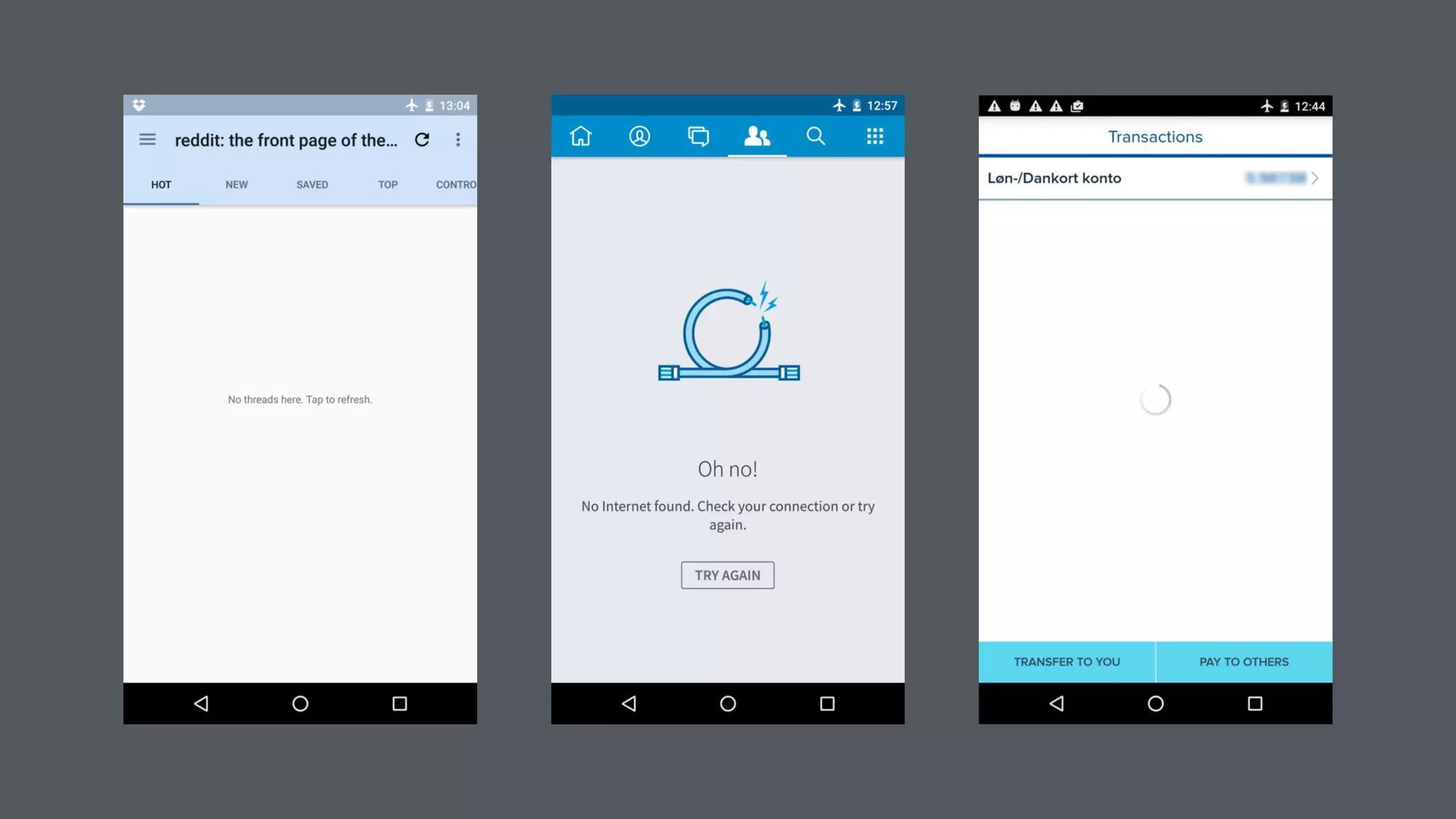
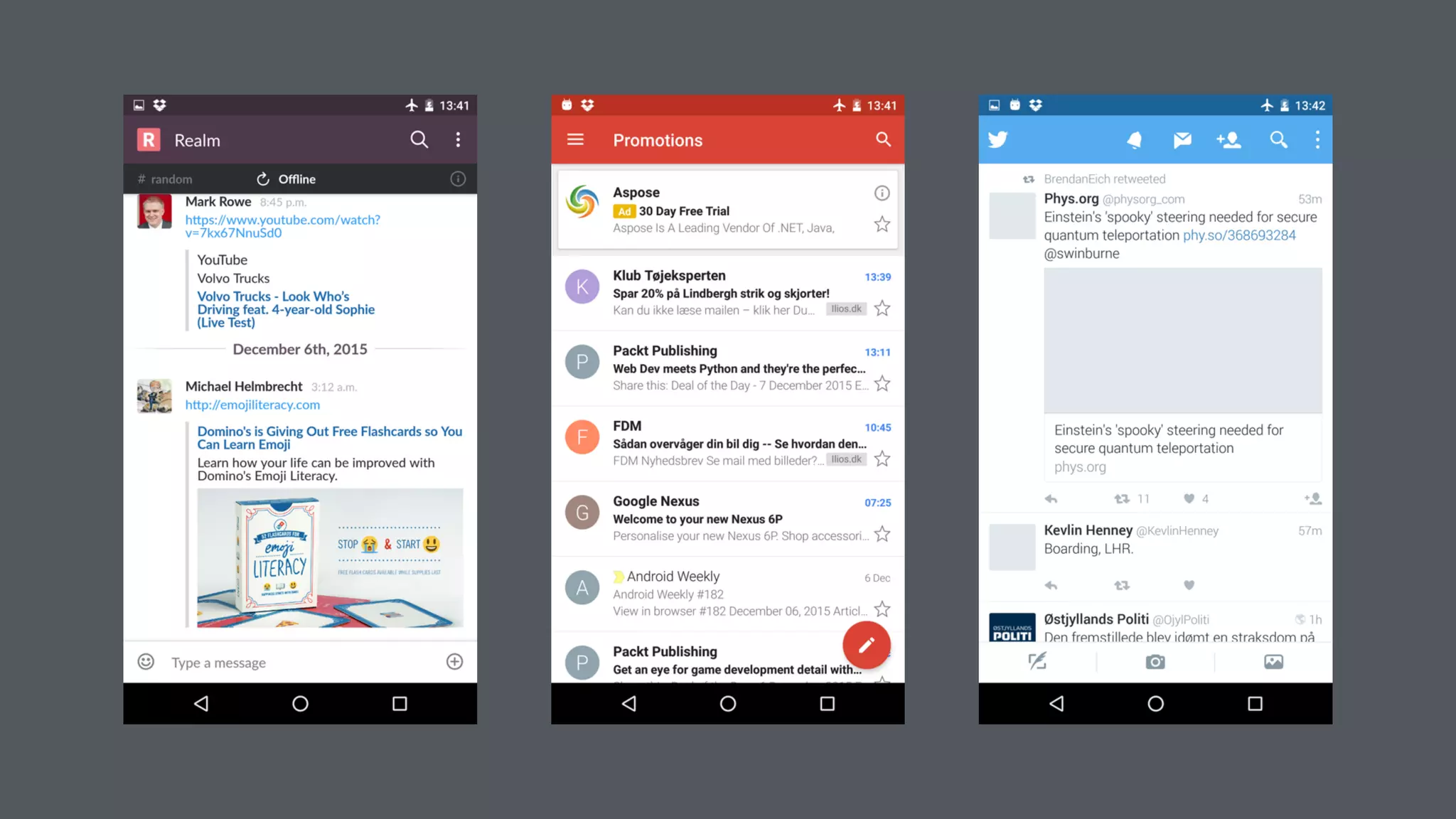
Why design for offline?
• A better USER EXPERIENCE!
• You always have something to show the user
• Reduce network requests and data transferred
• Saves battery
Designing for Offline
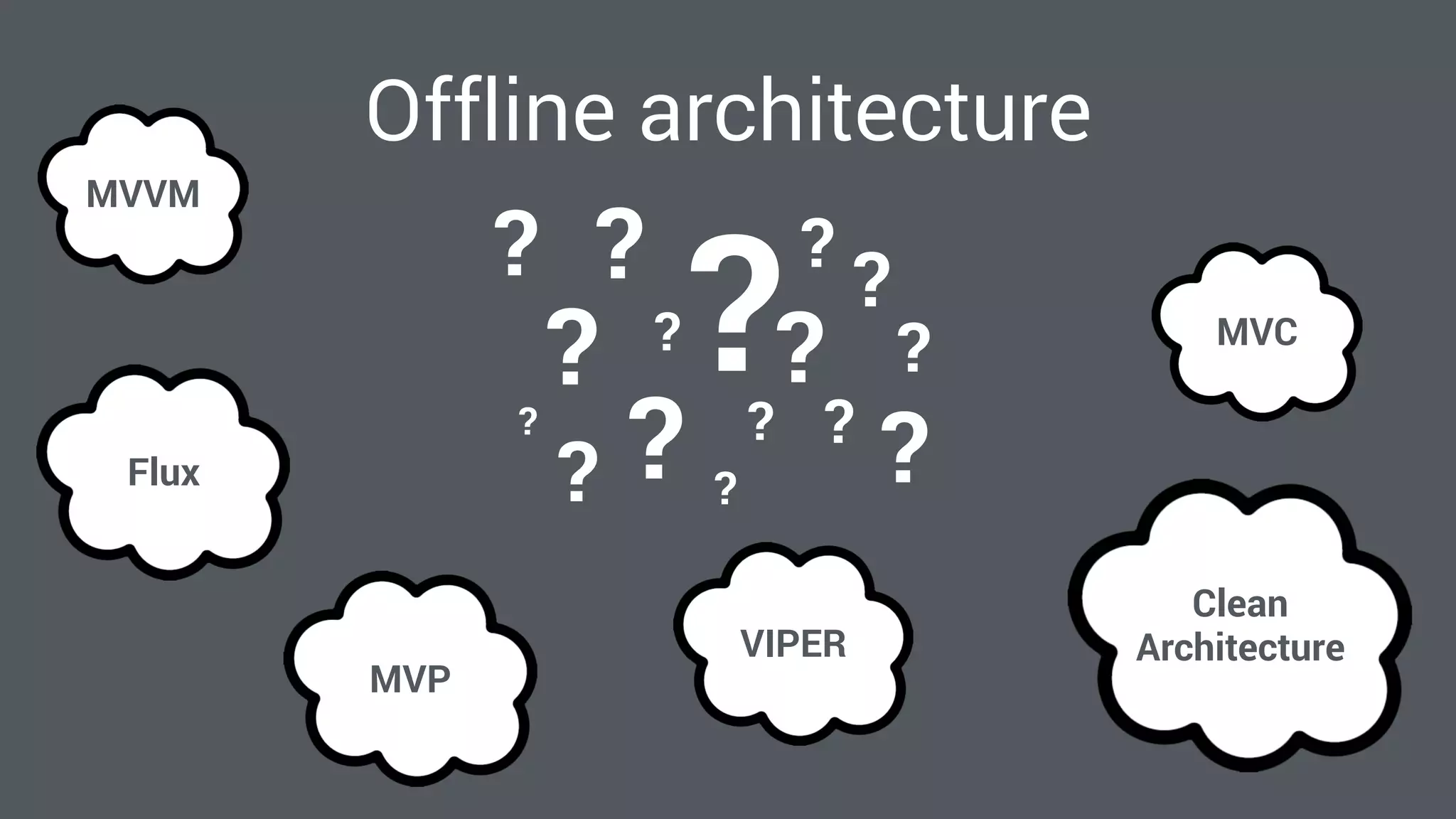
Offline architecture
MVVM
MVP
MVC
VIPER
Flux
Clean
Architecture
?
?
? ?
?
?
?
?
?
?
?
?
??
??
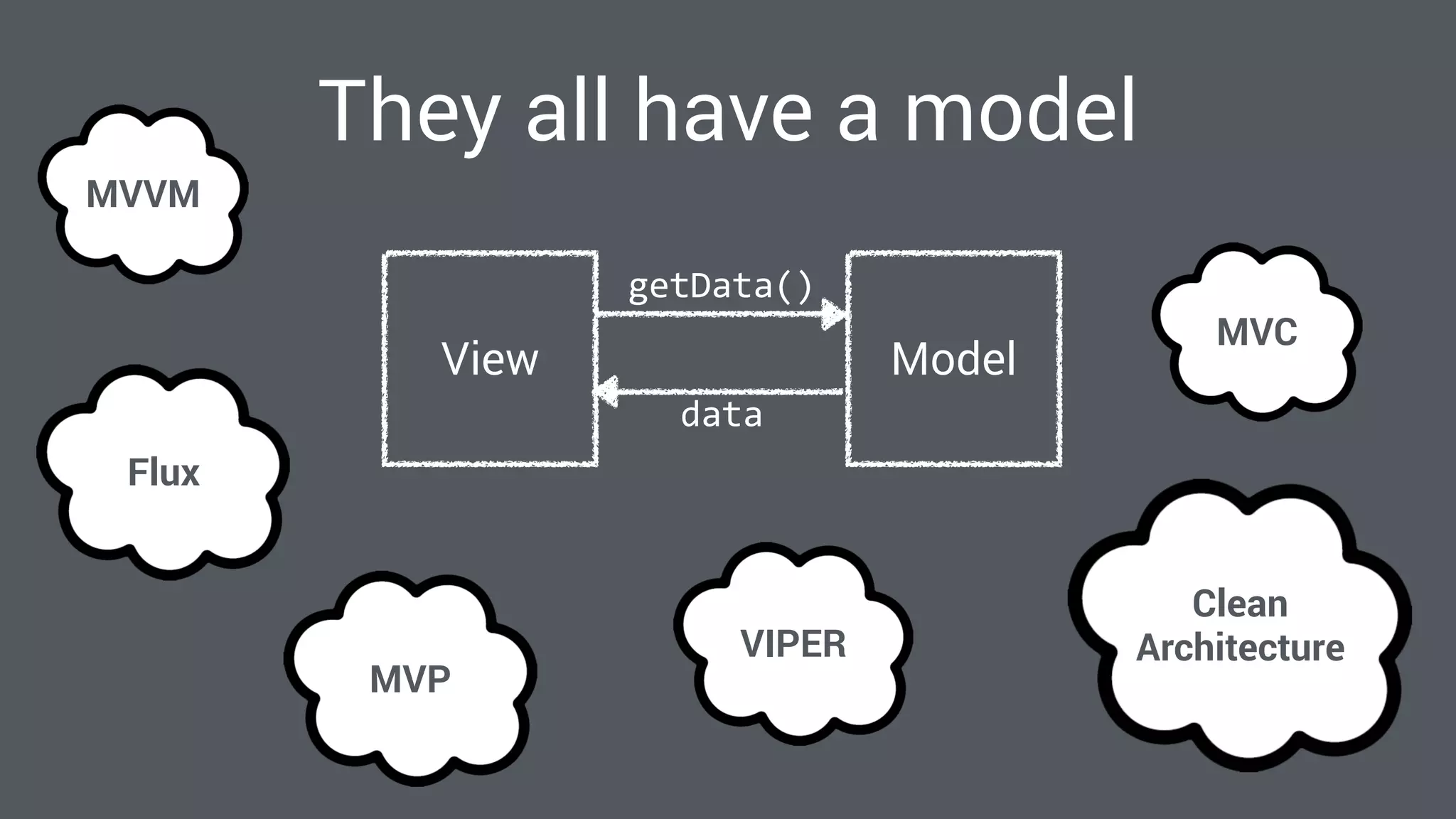
They all have a model
MVVM
MVP
MVC
VIPER
Flux
Clean
Architecture
ModelView
getData()
data
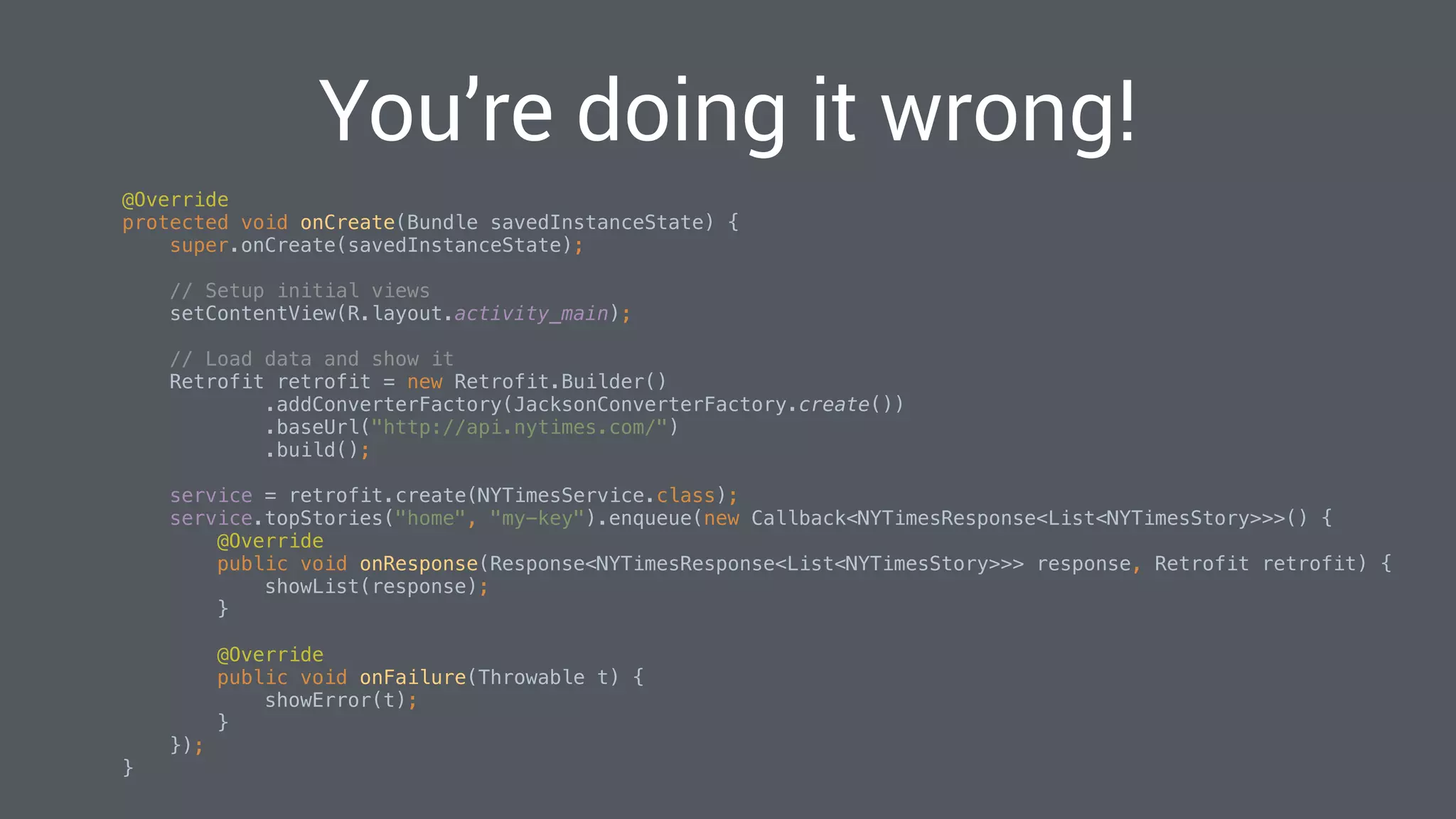
You’re doing it wrong!
@Override

protected void onCreate(Bundle savedInstanceState) {

super.onCreate(savedInstanceState);


// Setup initial views

setContentView(R.layout.activity_main);


// Load data and show it

Retrofit retrofit = new Retrofit.Builder()

.addConverterFactory(JacksonConverterFactory.create())

.baseUrl("http://api.nytimes.com/")

.build();


service = retrofit.create(NYTimesService.class);

service.topStories("home", "my-key").enqueue(new Callback<NYTimesResponse<List<NYTimesStory>>>() {

@Override

public void onResponse(Response<NYTimesResponse<List<NYTimesStory>>> response, Retrofit retrofit) {

showList(response);

}


@Override

public void onFailure(Throwable t) {

showError(t);

}

});

}

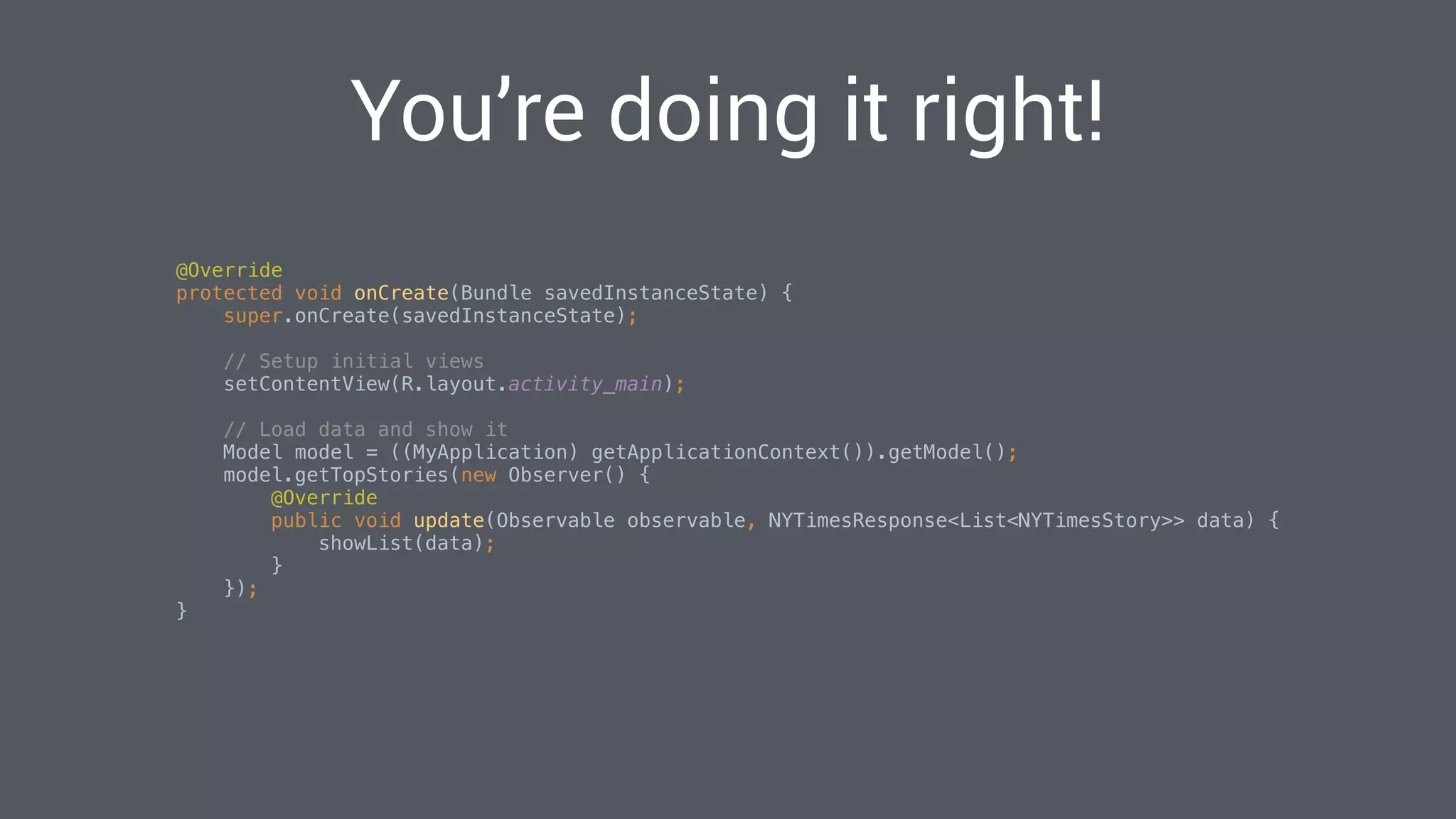
You’re doing it right!
@Override

protected void onCreate(Bundle savedInstanceState) {

super.onCreate(savedInstanceState);


// Setup initial views

setContentView(R.layout.activity_main);


// Load data and show it

Model model = ((MyApplication) getApplicationContext()).getModel();

model.getTopStories(new Observer() {

@Override

public void update(Observable observable, NYTimesResponse<List<NYTimesStory>> data) {

showList(data);

}

});

}

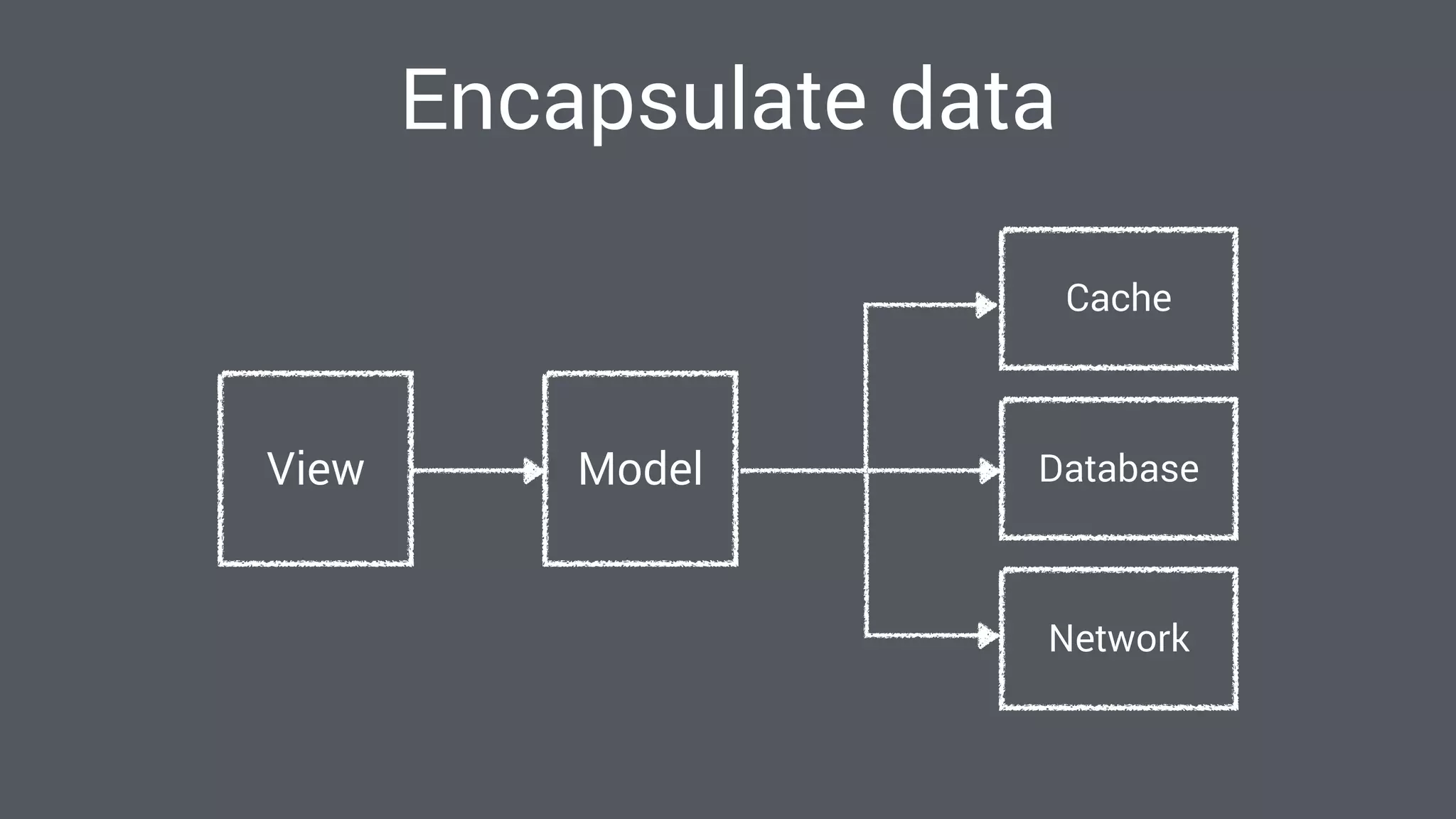
Encapsulate data
ModelView
Cache
Database
Network
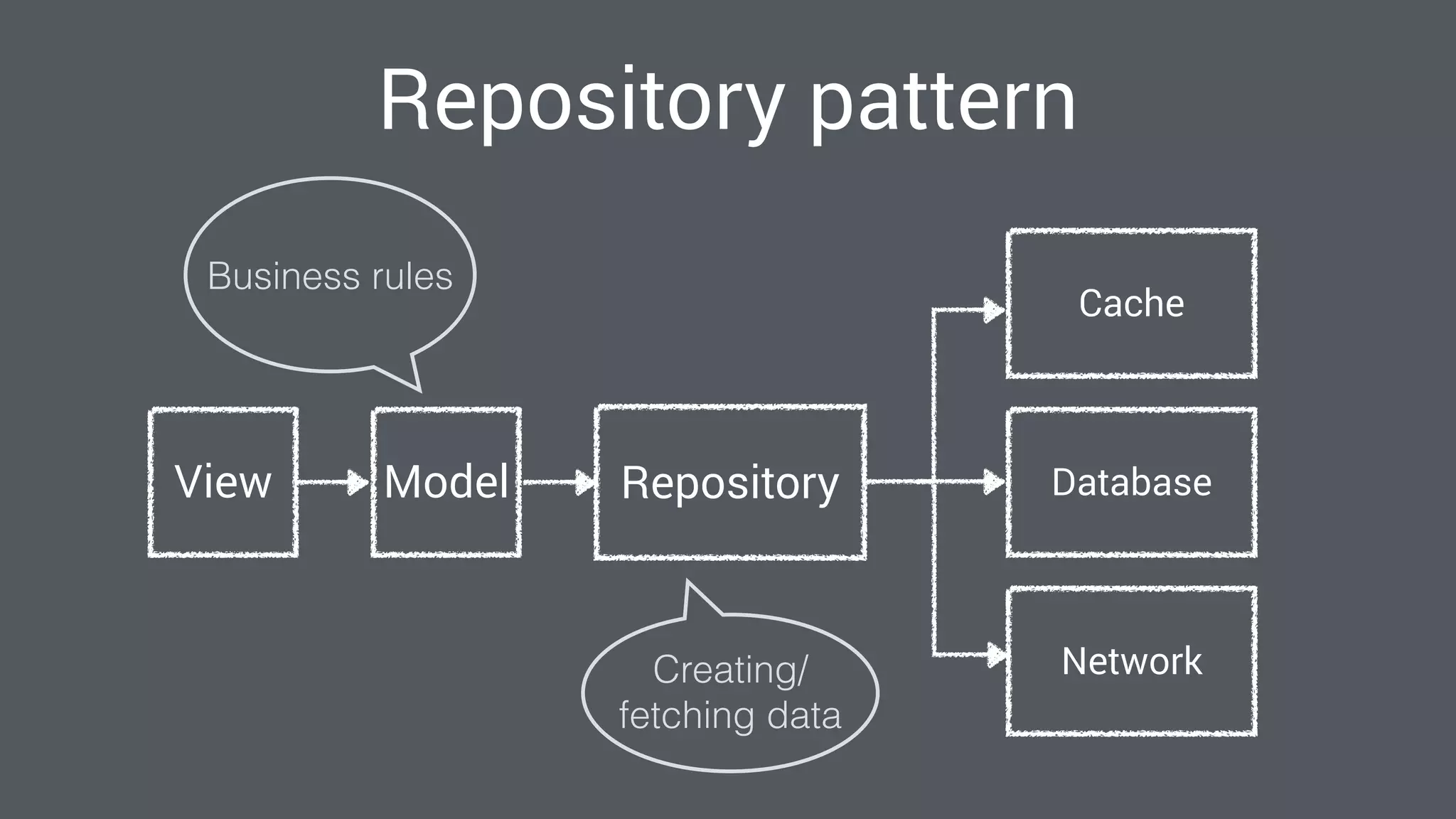
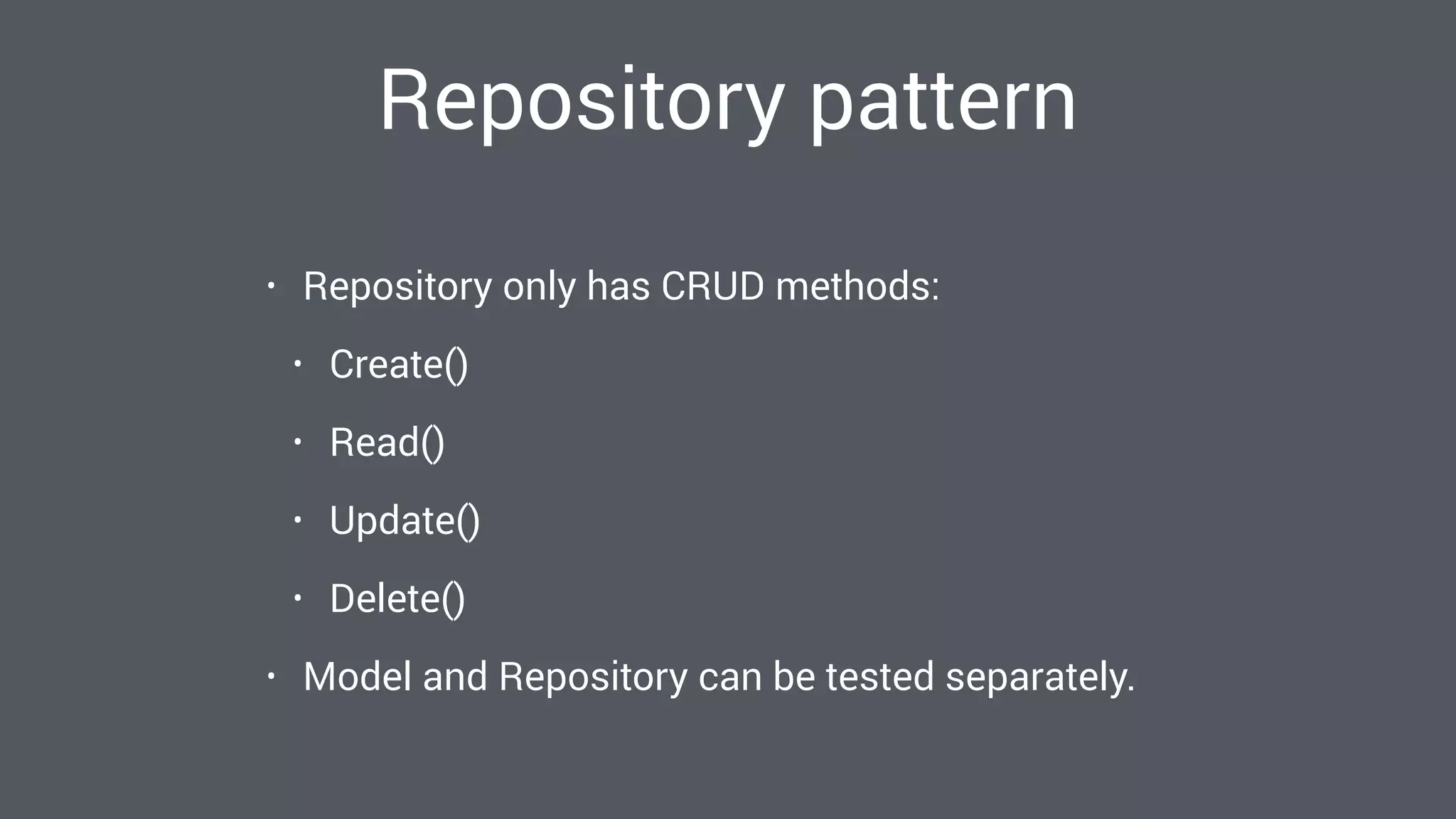
Repository pattern
ModelView
Cache
Database
Network
Repository
Business rules
Creating/
fetching data
Repository pattern
• Repository only has CRUD methods:
• Create()
• Read()
• Update()
• Delete()
• Model and Repository can be tested separately.
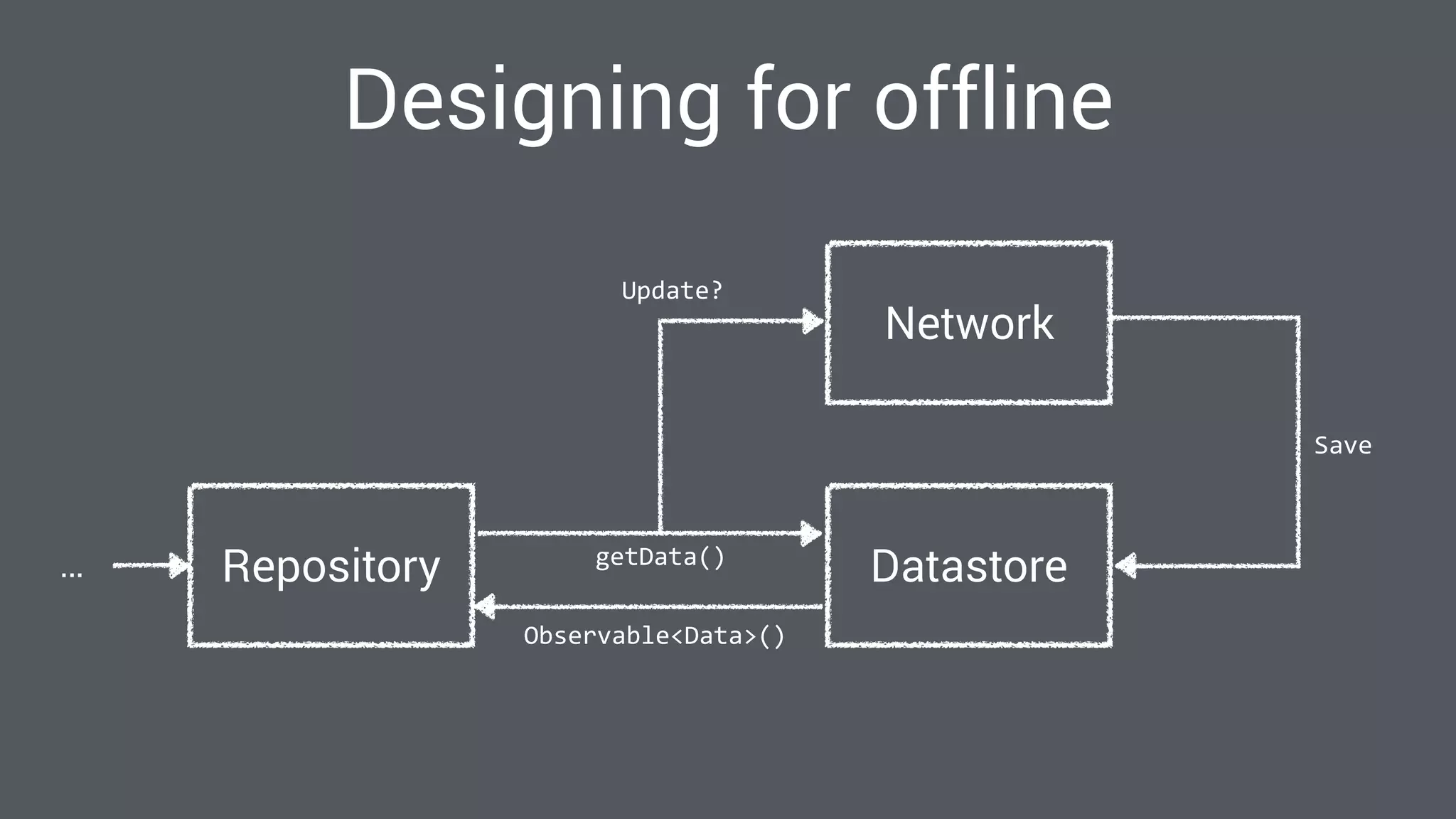
Designing for offline
Repository… DatastoregetData()
Observable<Data>()
Network
Update?
Save
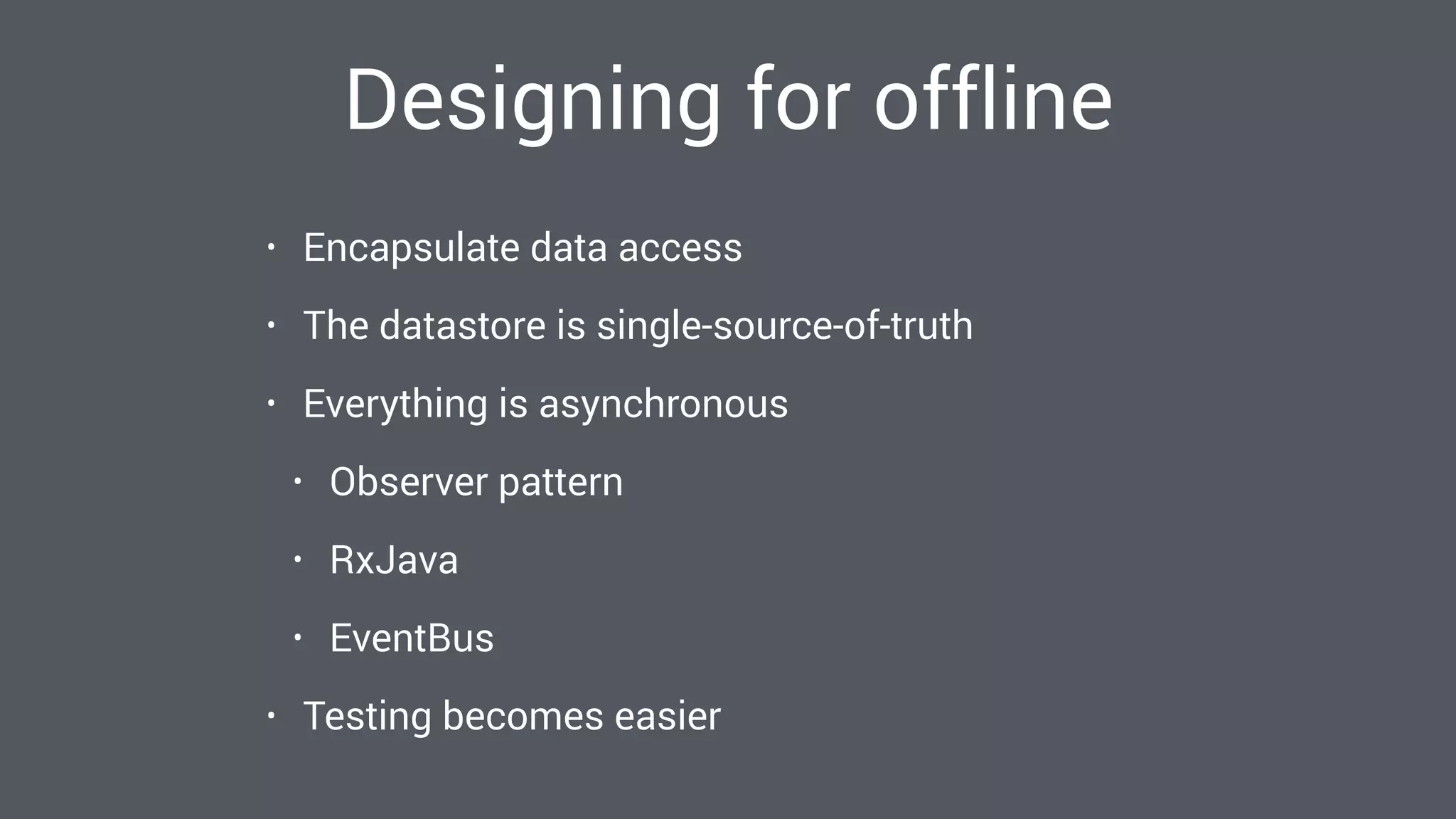
Designing for offline
• Encapsulate data access
• The datastore is single-source-of-truth
• Everything is asynchronous
• Observer pattern
• RxJava
• EventBus
• Testing becomes easier
Persisting data
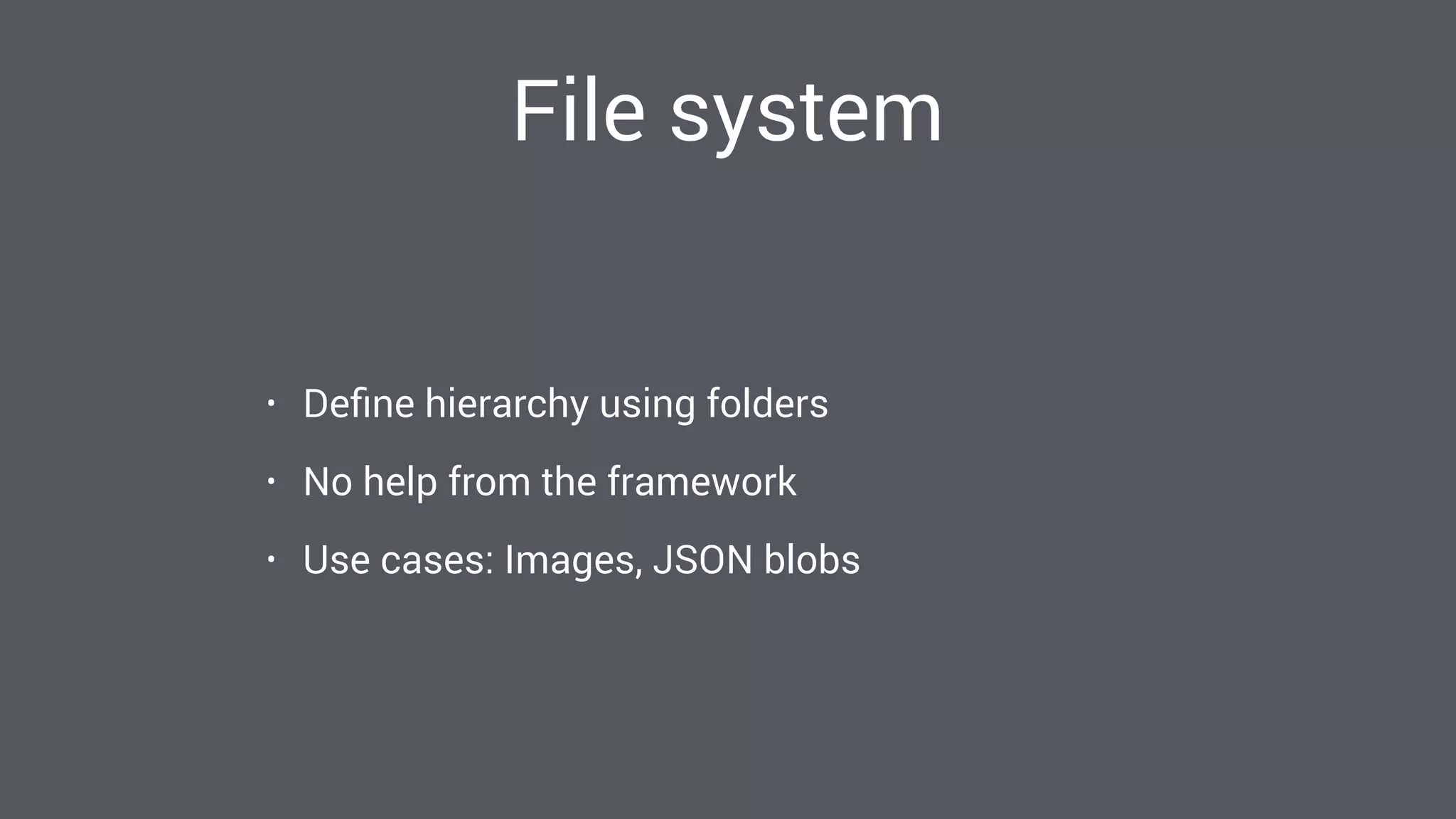
File system
• Define hierarchy using folders
• No help from the framework
• Use cases: Images, JSON blobs
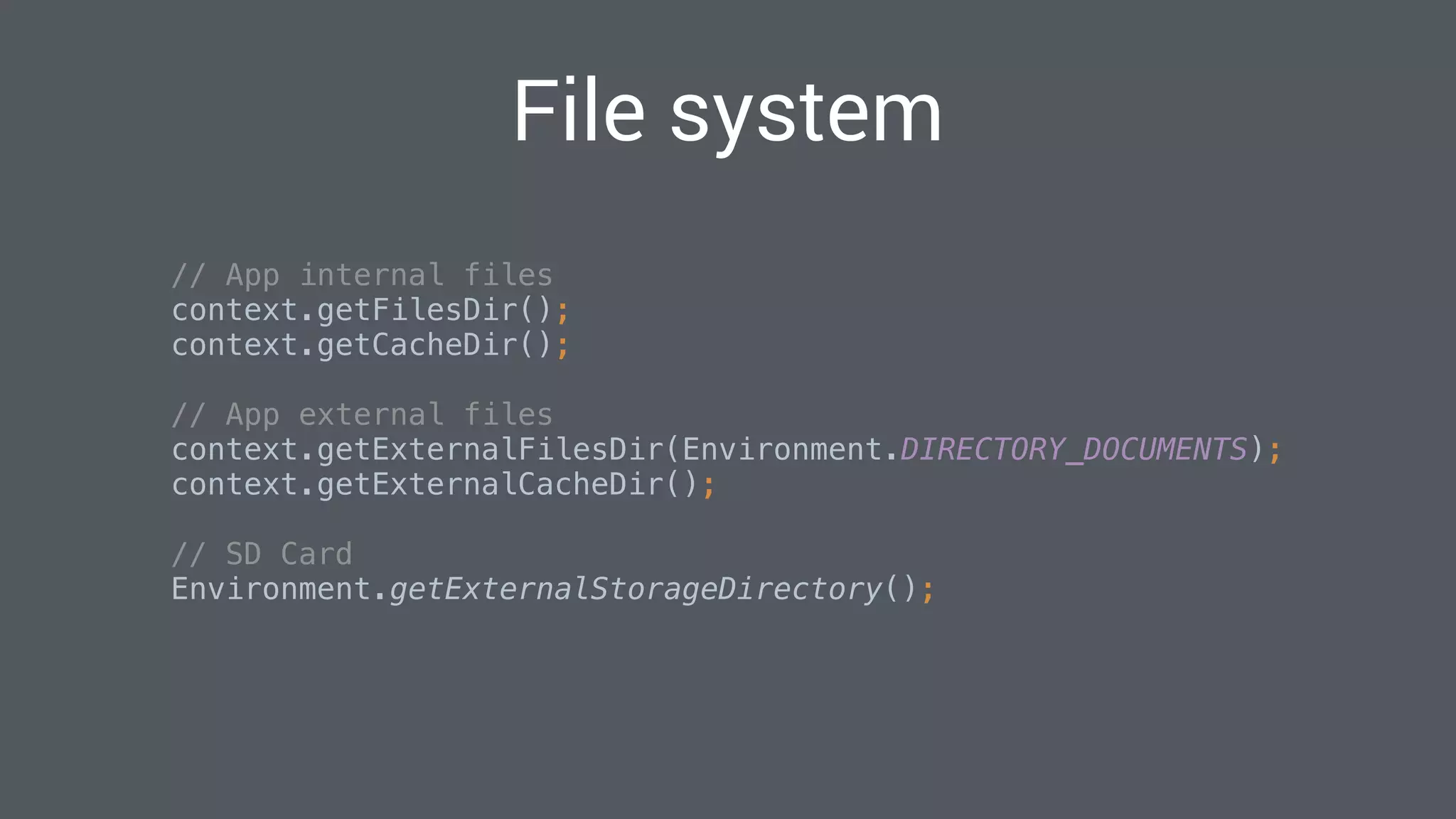
File system
// App internal files

context.getFilesDir();

context.getCacheDir();


// App external files

context.getExternalFilesDir(Environment.DIRECTORY_DOCUMENTS);

context.getExternalCacheDir();


// SD Card

Environment.getExternalStorageDirectory();

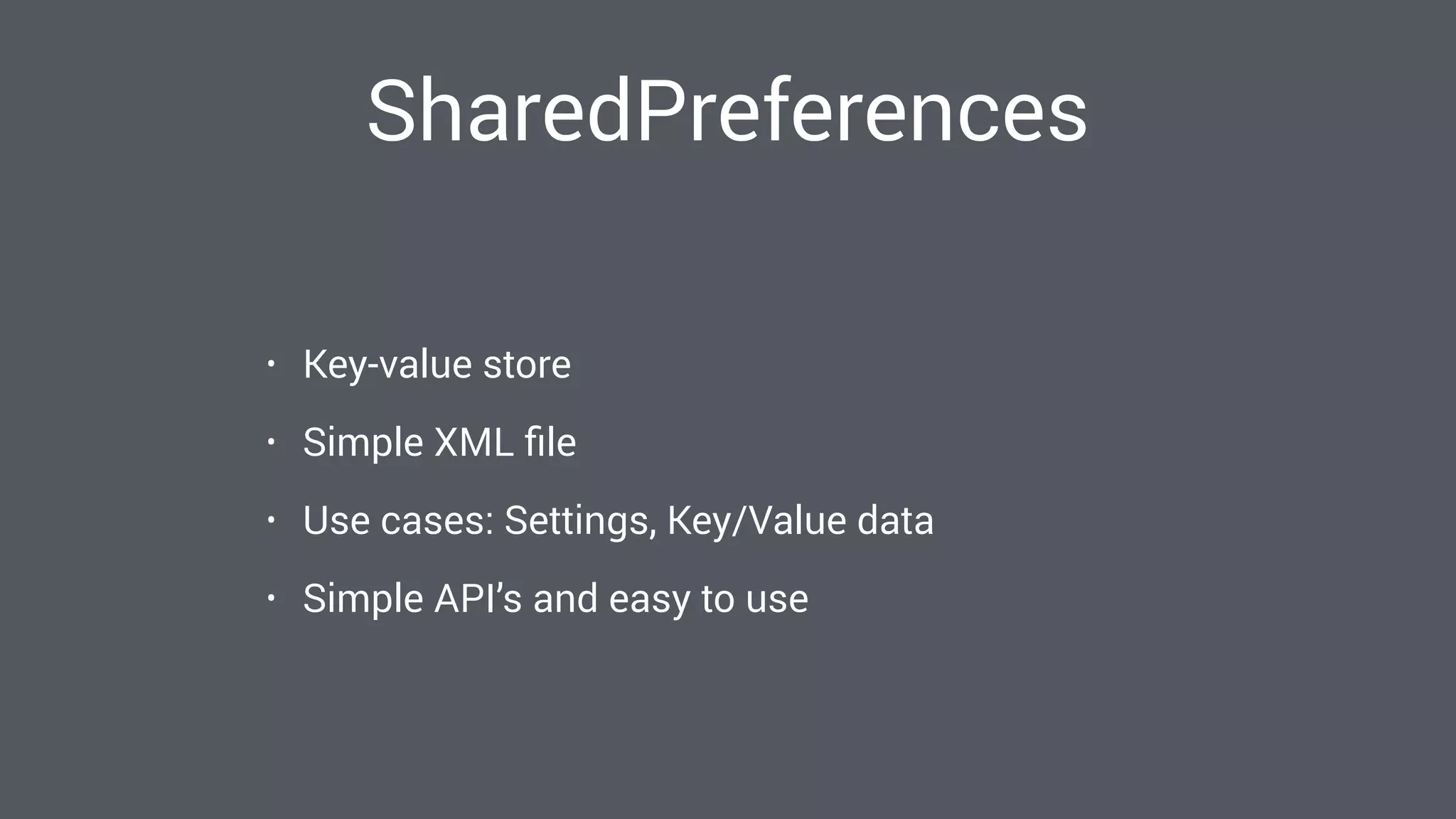
SharedPreferences
• Key-value store
• Simple XML file
• Use cases: Settings, Key/Value data
• Simple API’s and easy to use
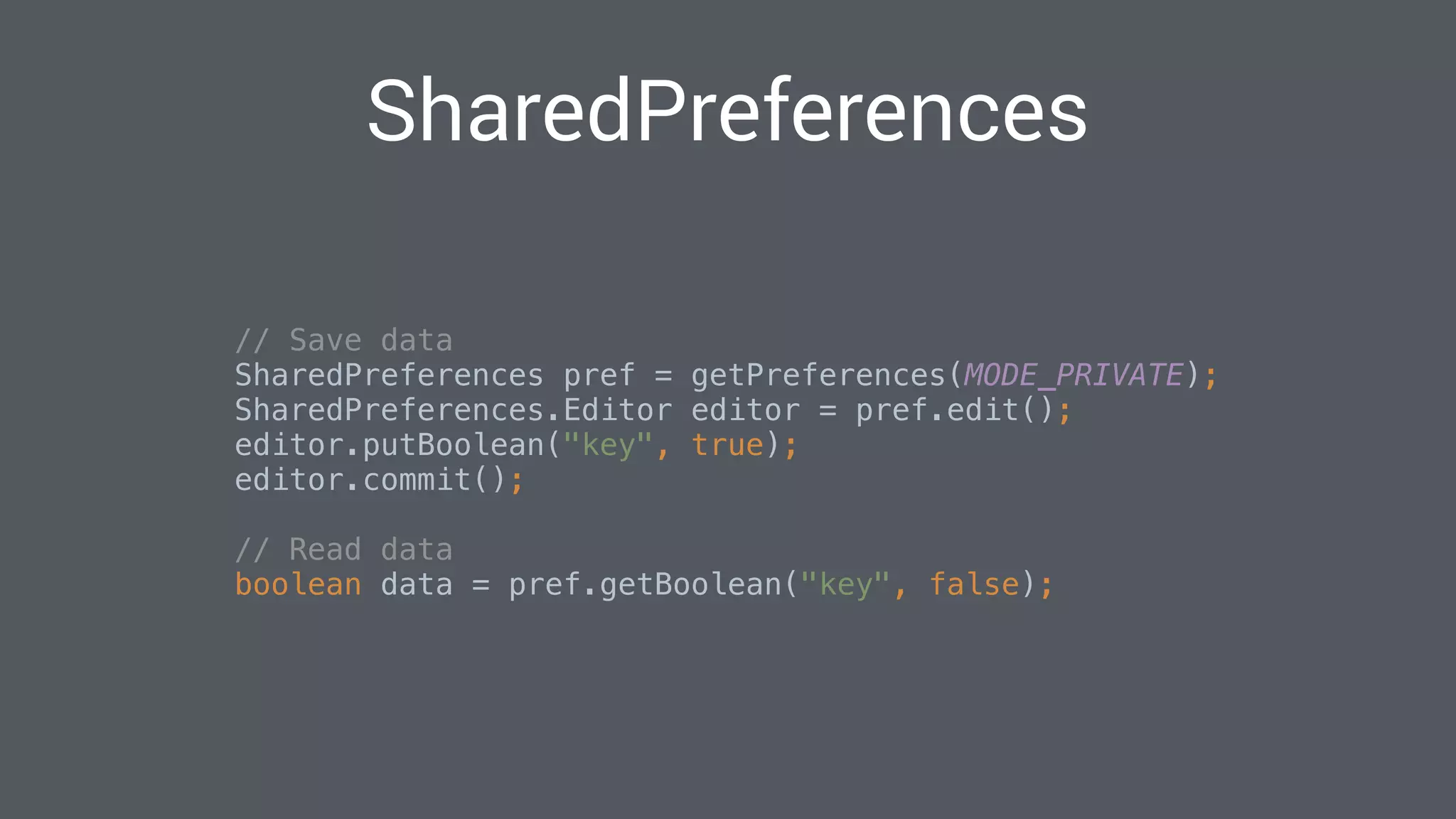
SharedPreferences
// Save data

SharedPreferences pref = getPreferences(MODE_PRIVATE);

SharedPreferences.Editor editor = pref.edit();

editor.putBoolean("key", true);

editor.commit();

// Read data
boolean data = pref.getBoolean("key", false);

Databases
• Use cases: Structured data sets
• Advanced composing and query capabilities
• Complex API’s
SQLite vs. the World
• SQLite (Relational)
• Realm (Object store)
• Firebase (Document oriented)
• Couchbase Lite (Document oriented)
• Parse (Document oriented)
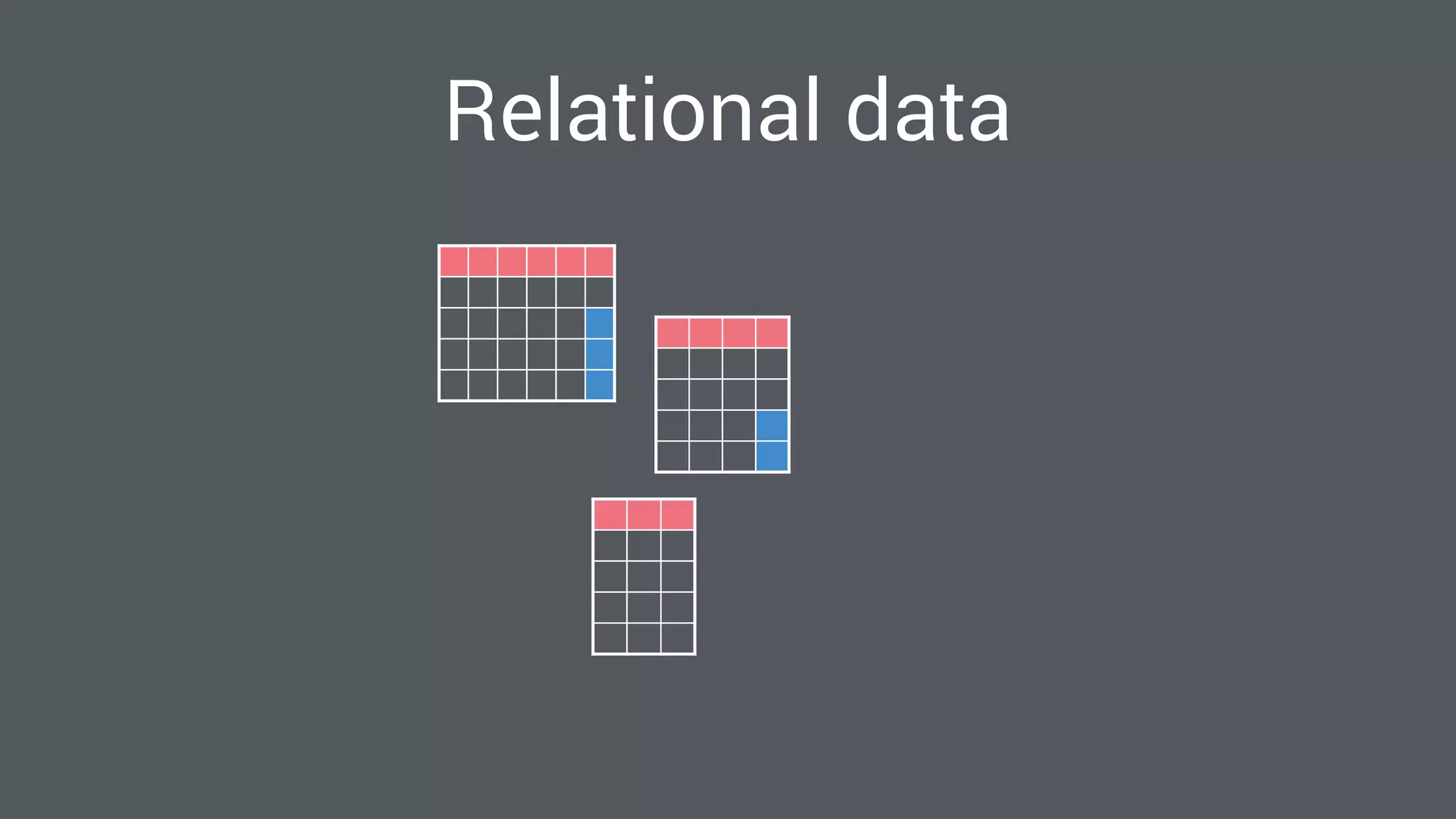
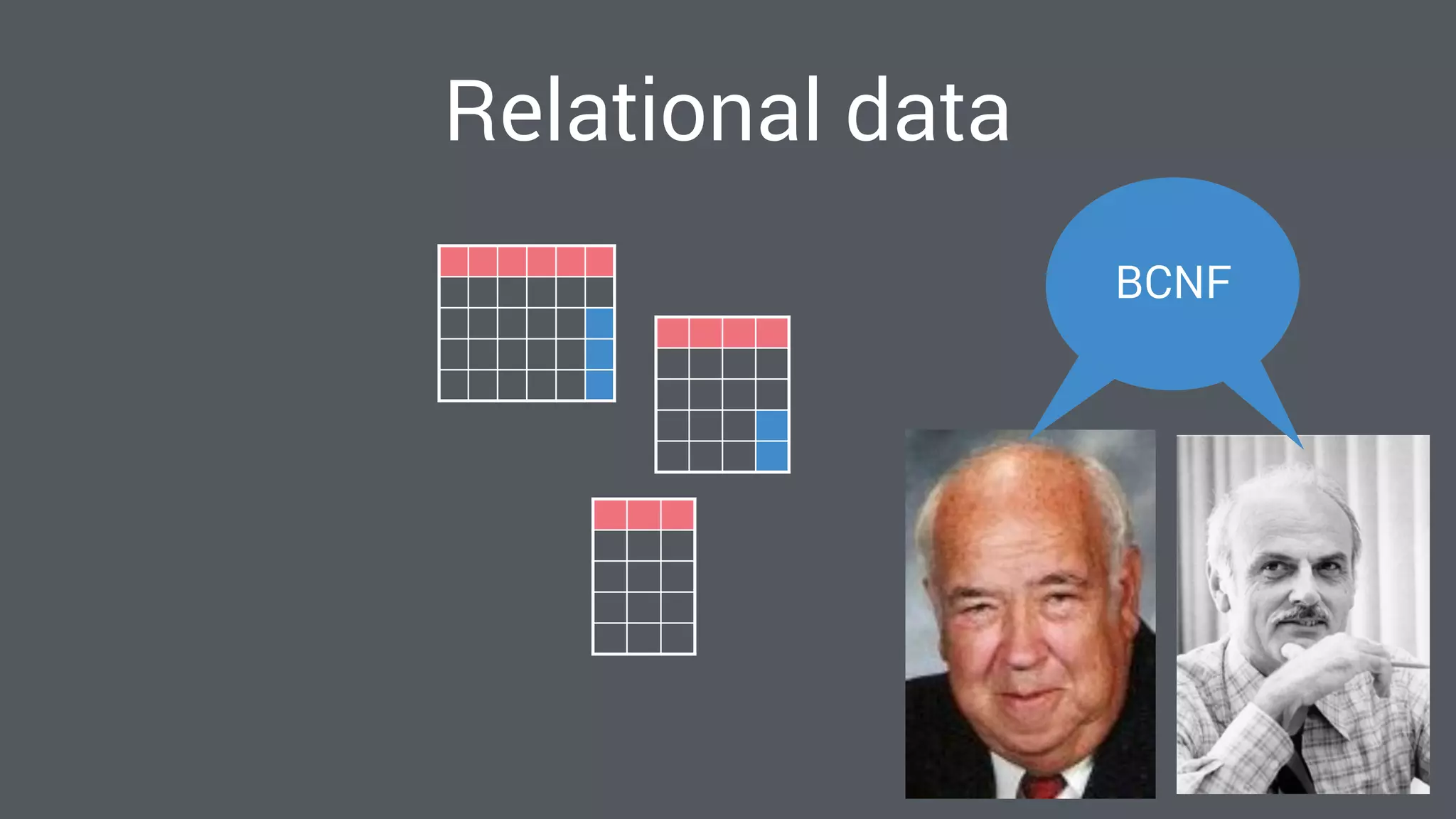
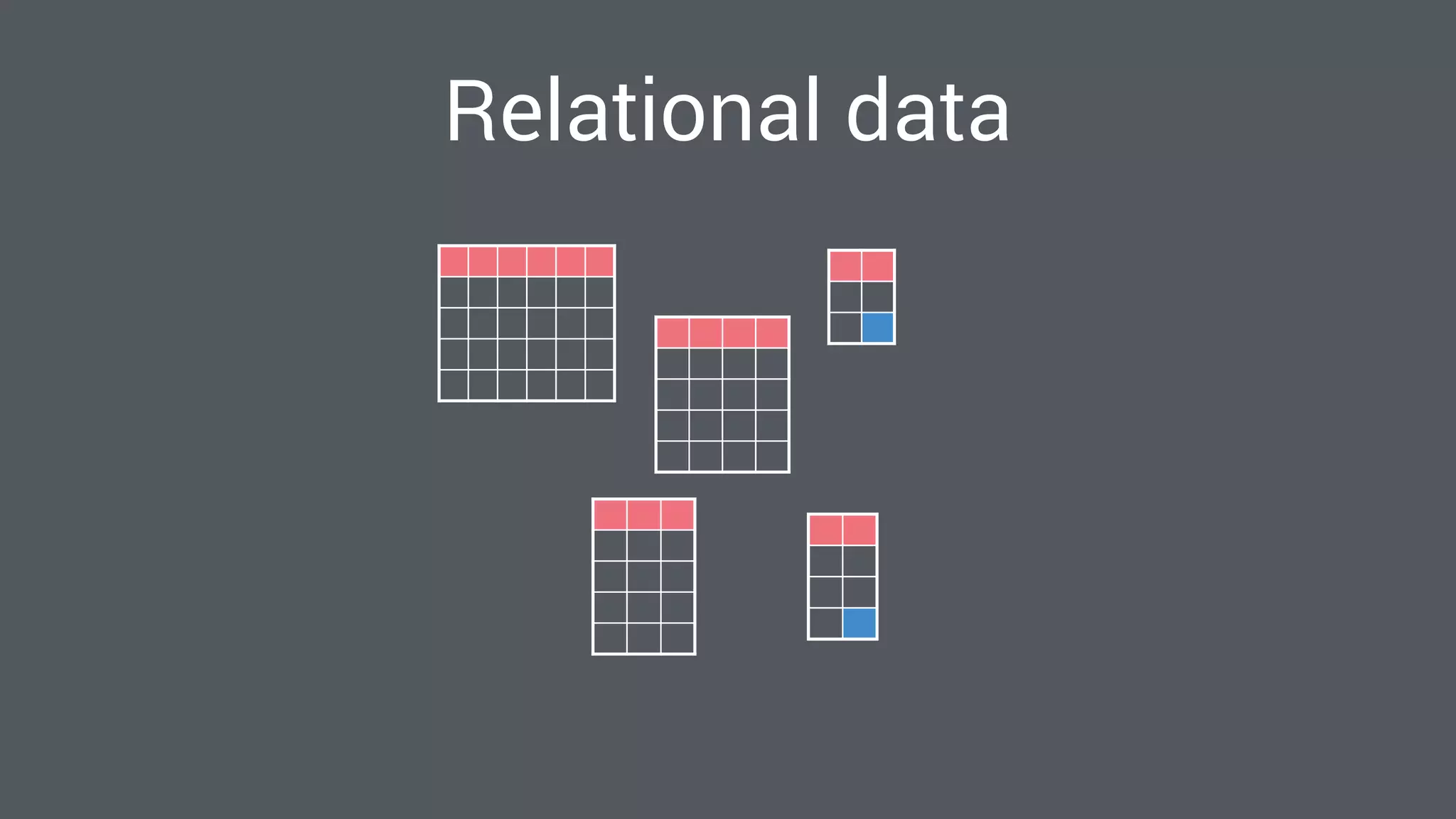
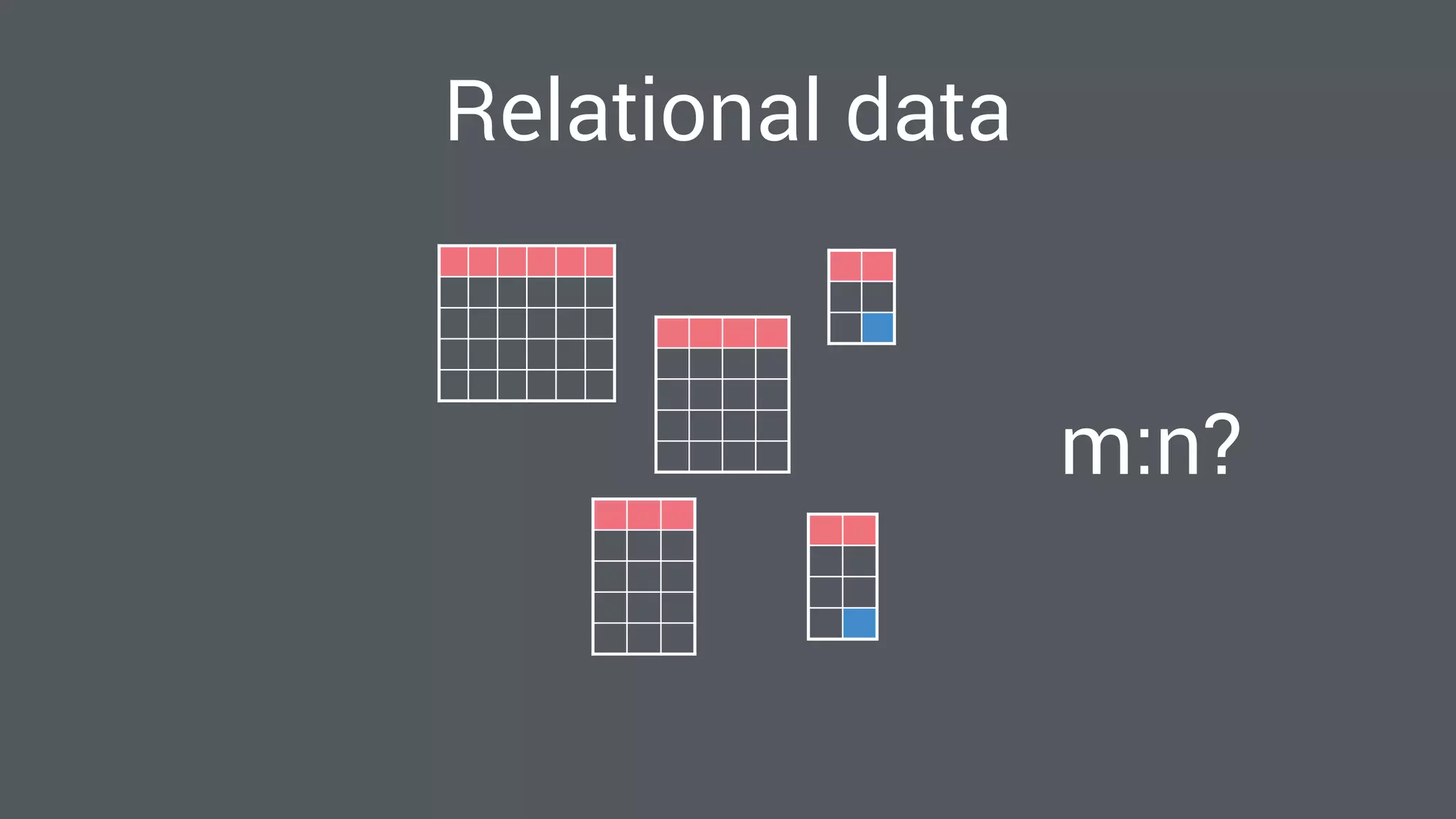
The Relational Model
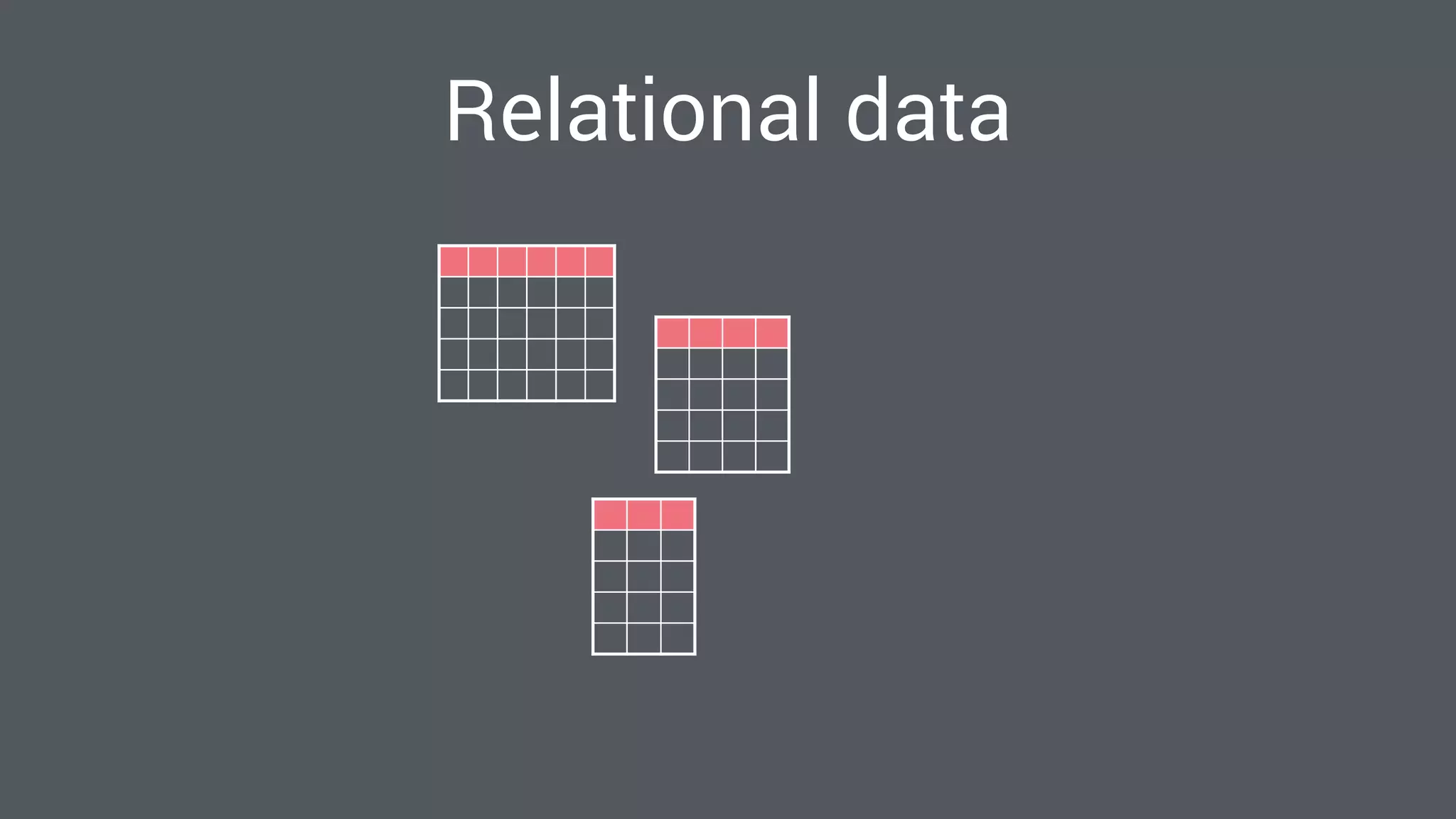
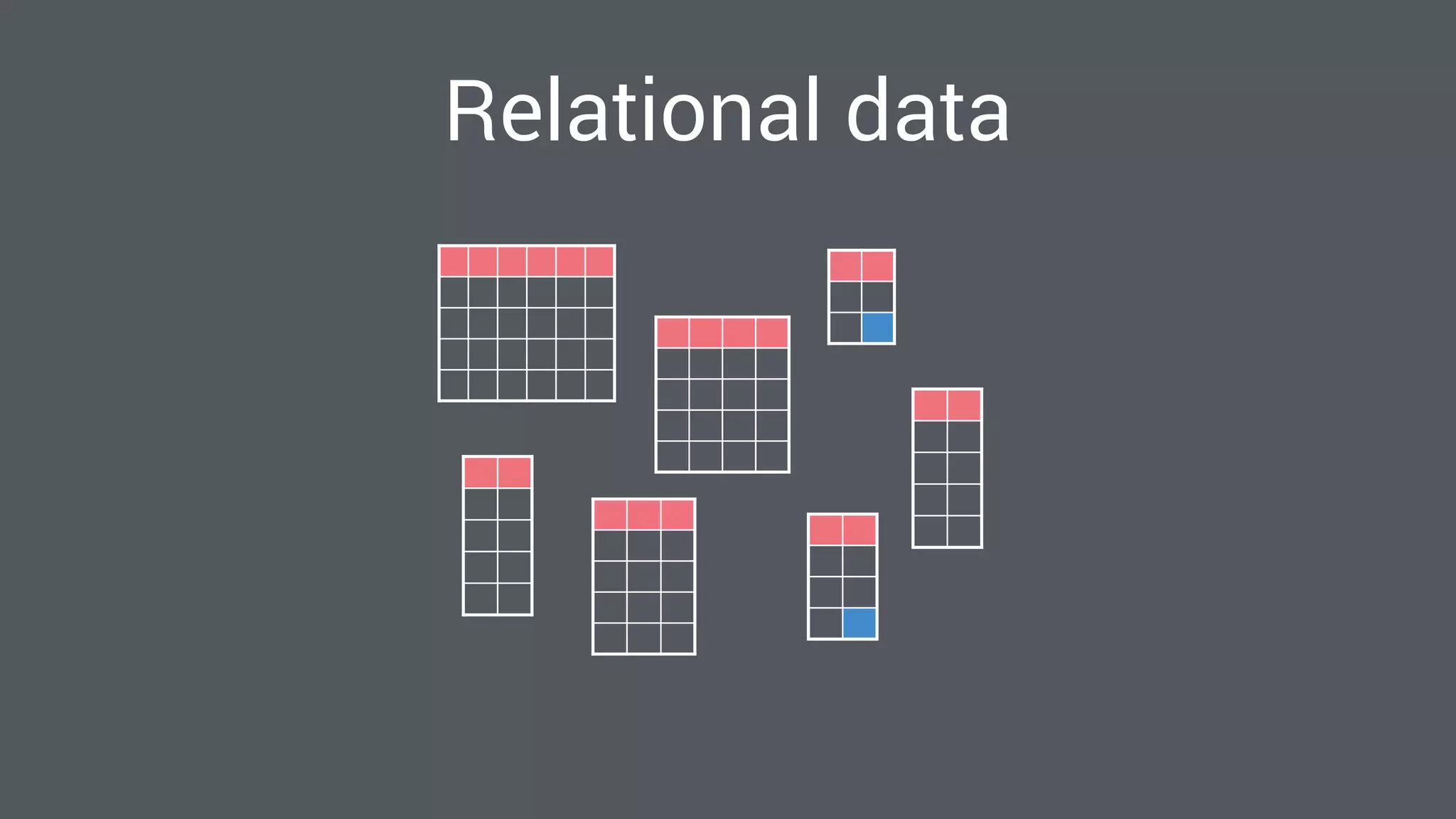
Relational data
Relational data
BCNF
Relational data
Relational data
m:n?
Relational data
Relational data
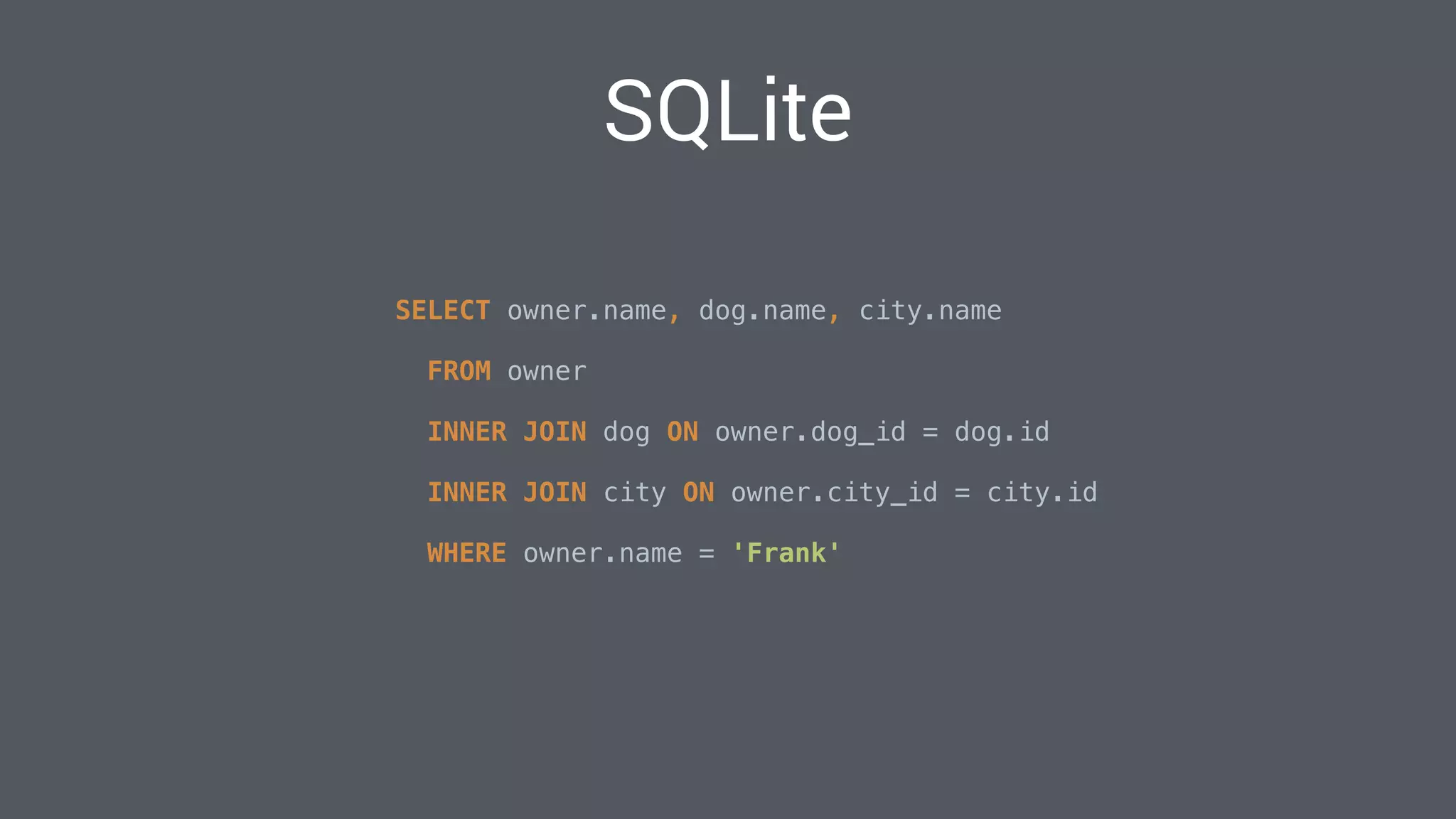
SELECT owner.name, dog.name, city.name


FROM owner

INNER JOIN dog ON owner.dog_id = dog.id

INNER JOIN city ON owner.city_id = city.id

WHERE owner.name = 'Frank'
SQLite
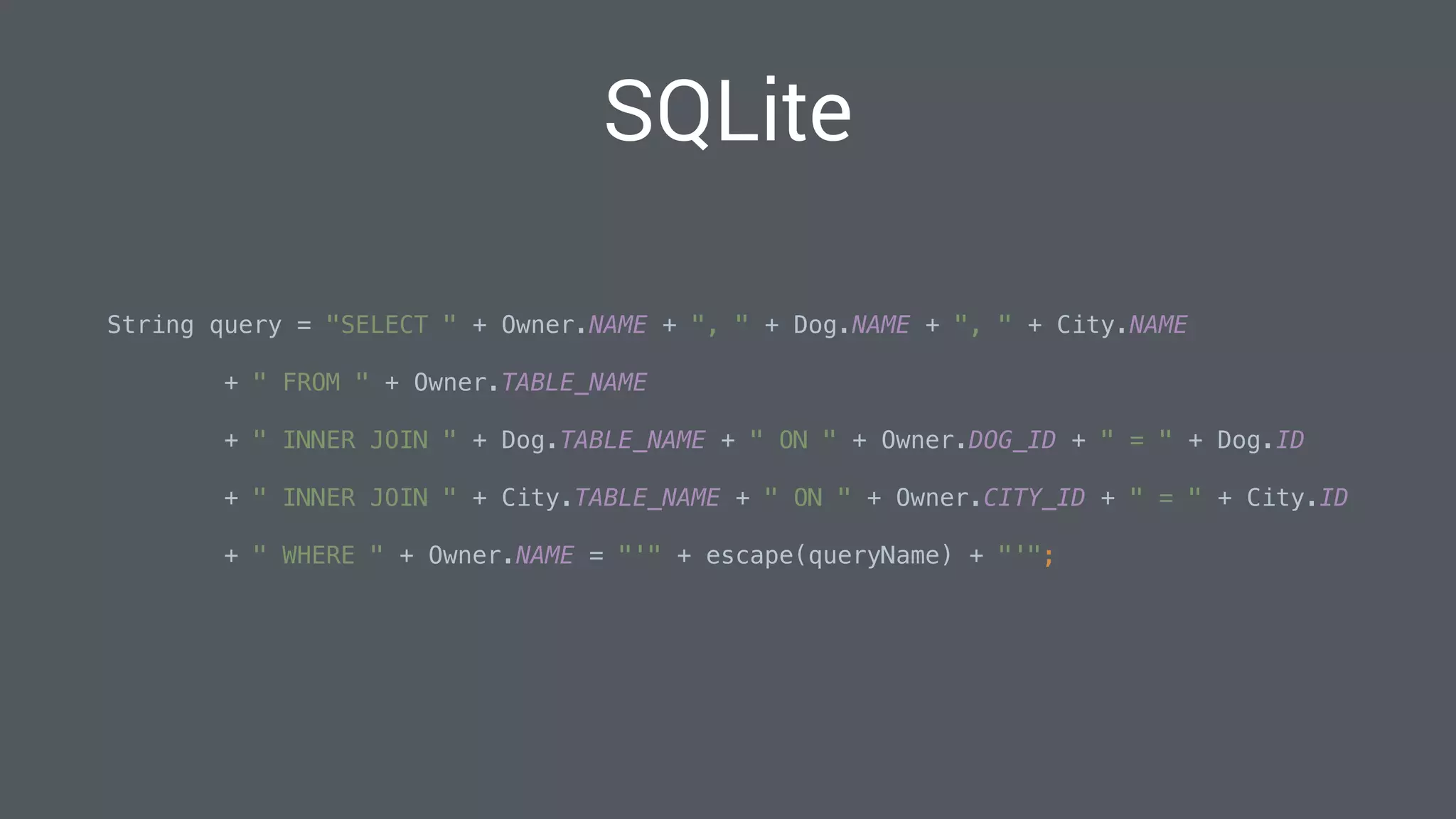
String query = "SELECT " + Owner.NAME + ", " + Dog.NAME + ", " + City.NAME


+ " FROM " + Owner.TABLE_NAME

+ " INNER JOIN " + Dog.TABLE_NAME + " ON " + Owner.DOG_ID + " = " + Dog.ID

+ " INNER JOIN " + City.TABLE_NAME + " ON " + Owner.CITY_ID + " = " + City.ID

+ " WHERE " + Owner.NAME = "'" + escape(queryName) + "'";

SQLite
“Lets use an ORM”
Abstract the problem away
–Joel Spolsky
“All non-trivial abstractions, to some degree,
are leaky.”
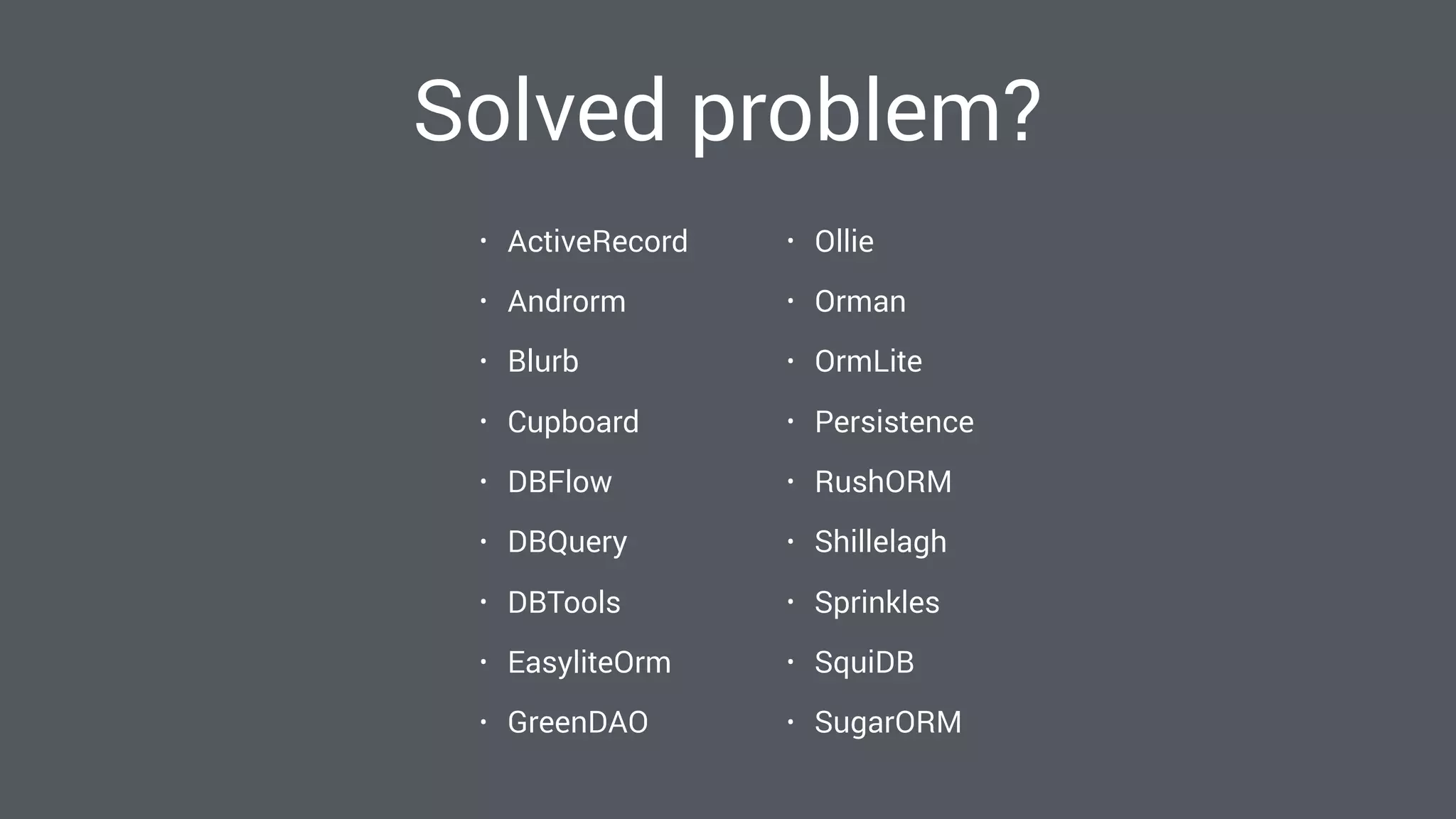
Solved problem?
• ActiveRecord
• Androrm
• Blurb
• Cupboard
• DBFlow
• DBQuery
• DBTools
• EasyliteOrm
• GreenDAO
• Ollie
• Orman
• OrmLite
• Persistence
• RushORM
• Shillelagh
• Sprinkles
• SquiDB
• SugarORM
Realm?
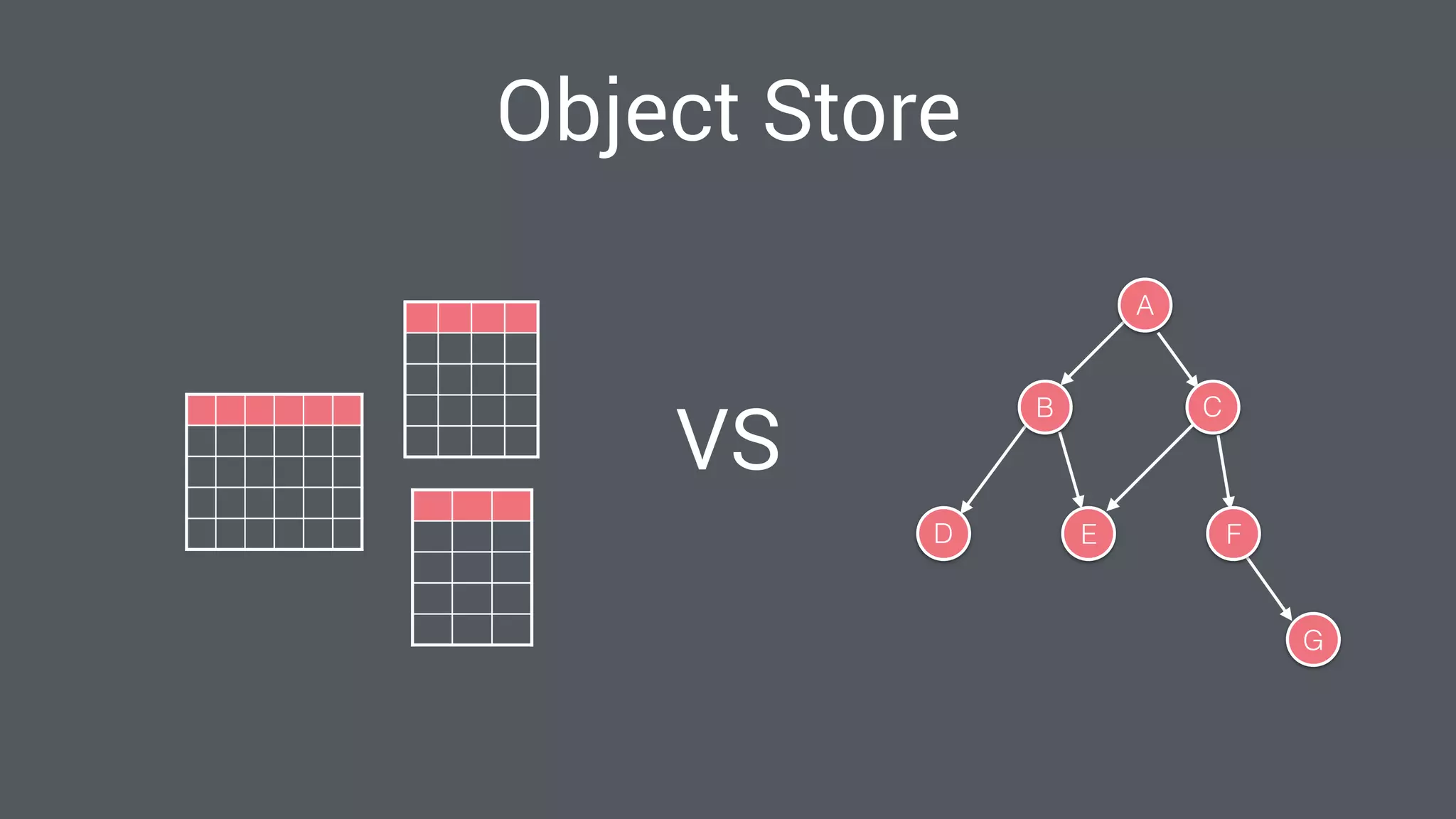
Object Store
A
B C
D E F
G
VS
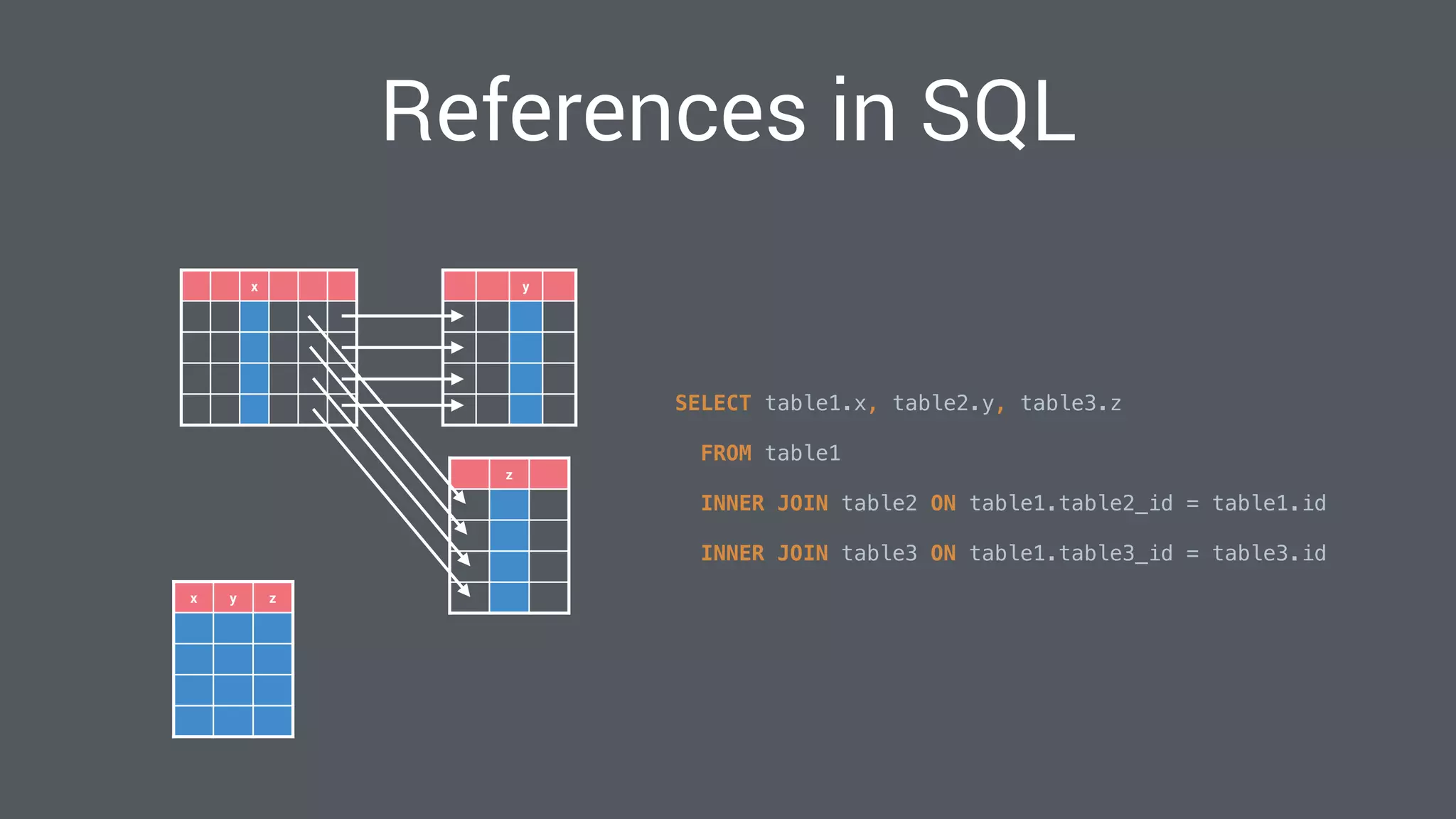
x
z
y
x y z
SELECT table1.x, table2.y, table3.z

FROM table1

INNER JOIN table2 ON table1.table2_id = table1.id

INNER JOIN table3 ON table1.table3_id = table3.id

References in SQL
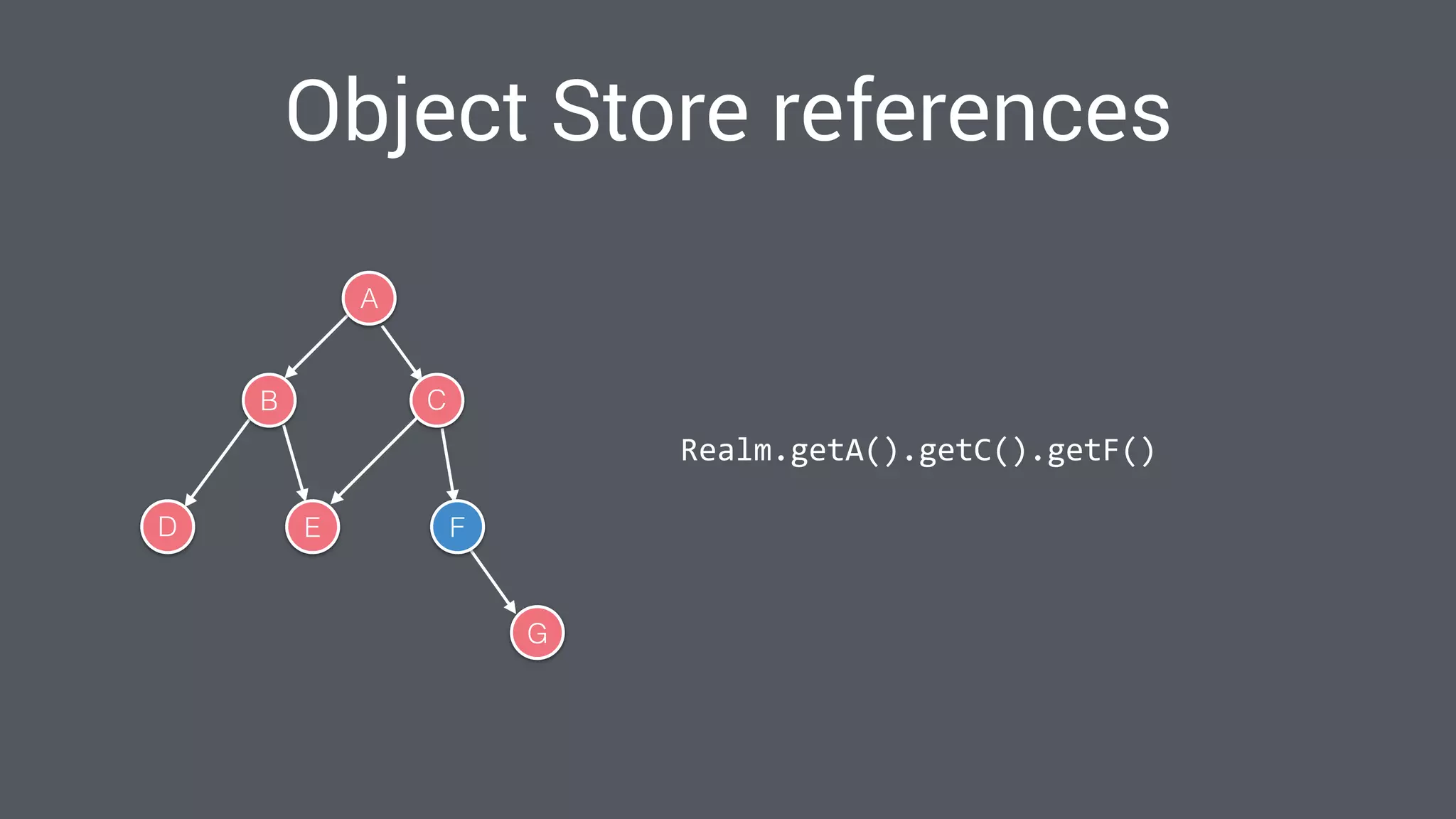
A
B C
D E F
G
Realm.getA().getC().getF()
Object Store references
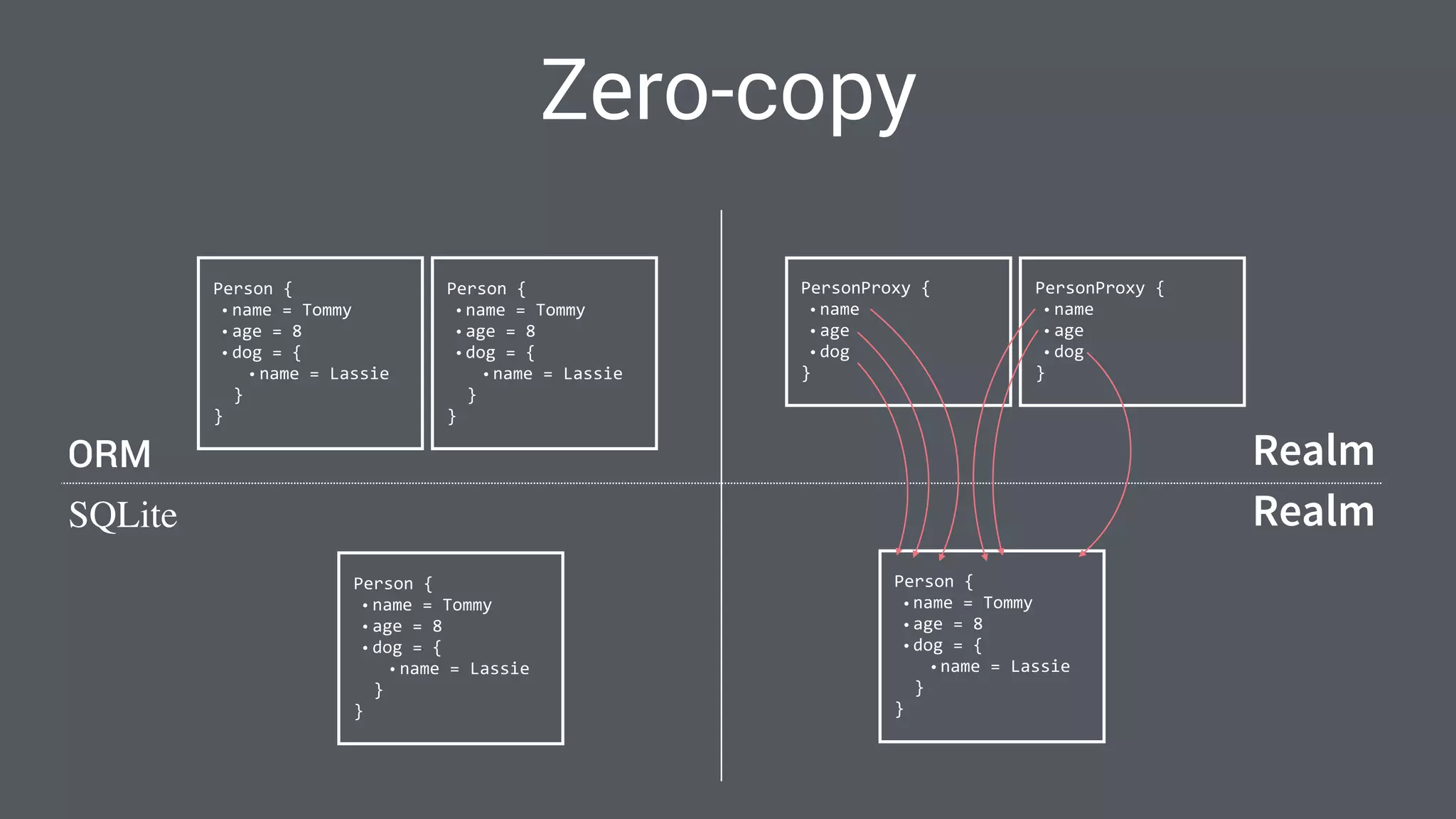
Zero-copy
	
  Person	
  {	
  
• name	
  =	
  Tommy	
  
• age	
  =	
  8	
  
• dog	
  =	
  {	
  
• name	
  =	
  Lassie	


  }	
  
	
  }
	
  Person	
  {	
  
• name	
  =	
  Tommy	
  
• age	
  =	
  8	
  
• dog	
  =	
  {	
  
• name	
  =	
  Lassie	


  }	
  
	
  }
	
  Person	
  {	
  
• name	
  =	
  Tommy	
  
• age	
  =	
  8	
  
• dog	
  =	
  {	
  
• name	
  =	
  Lassie	


  }	
  
	
  }
	
  PersonProxy	
  {	
  
• name	
  
• age	
  
• dog	


  }
	
  PersonProxy	
  {	
  
• name	
  
• age	
  
• dog	


  }
	
  Person	
  {	
  
• name	
  =	
  Tommy	
  
• age	
  =	
  8	
  
• dog	
  =	
  {	
  
• name	
  =	
  Lassie	


  }	
  
	
  }
Realm
ORM Realm
SQLite
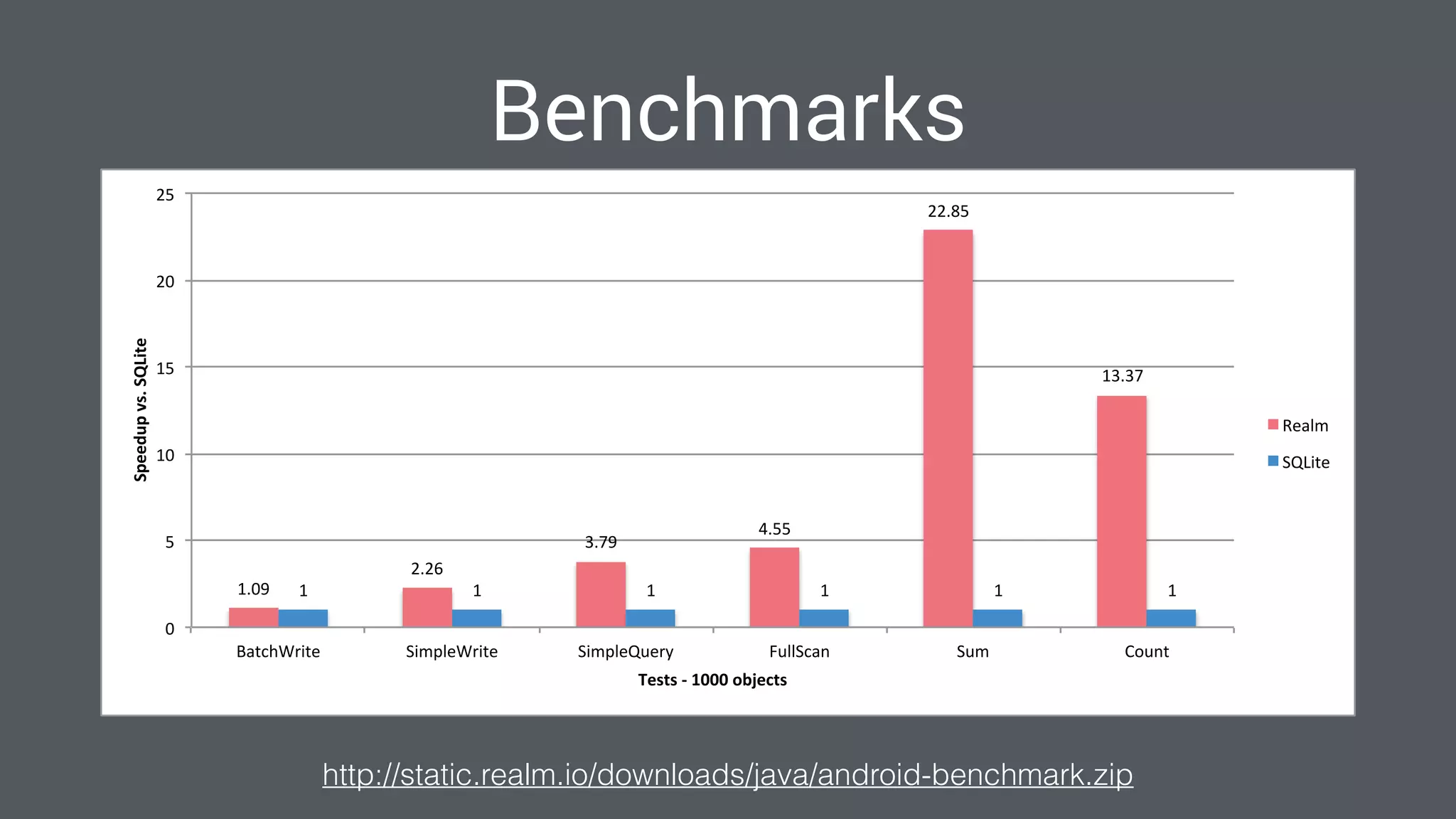
Benchmarks
http://static.realm.io/downloads/java/android-benchmark.zip
1.09%
2.26%
3.79%
4.55%
22.85%
13.37%
1% 1% 1% 1% 1% 1%
0%
5%
10%
15%
20%
25%
BatchWrite% SimpleWrite% SimpleQuery% FullScan% Sum% Count%
Speedup&vs.&SQLite&
Tests&/&1000&objects&
Realm%
SQLite%
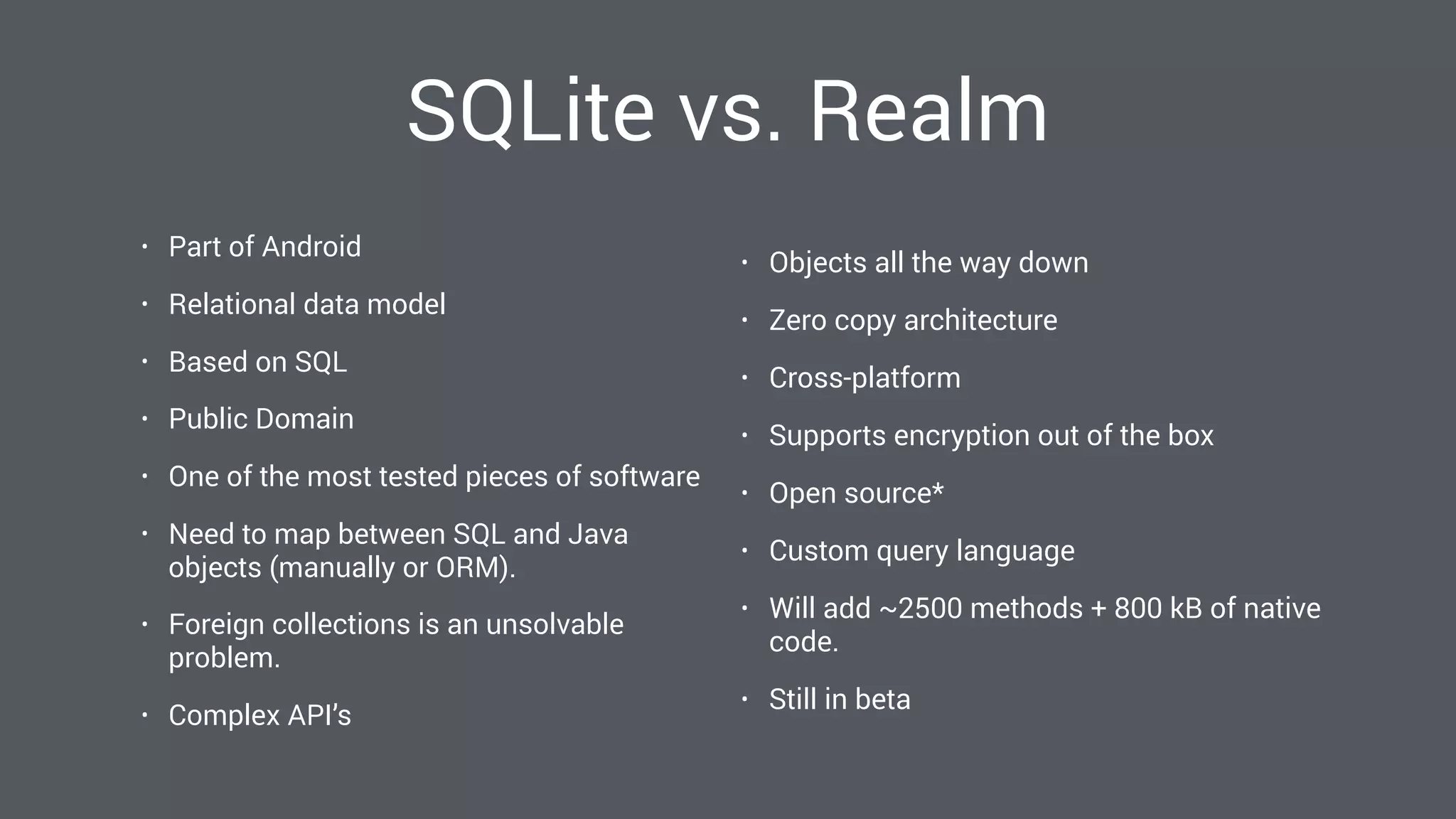
SQLite vs. Realm
• Part of Android
• Relational data model
• Based on SQL
• Public Domain
• One of the most tested pieces of software
• Need to map between SQL and Java
objects (manually or ORM).
• Foreign collections is an unsolvable
problem.
• Complex API’s
• Objects all the way down
• Zero copy architecture
• Cross-platform
• Supports encryption out of the box
• Open source*
• Custom query language
• Will add ~2500 methods + 800 kB of native
code.
• Still in beta
“Talk is cheap. Show
me the code.”
–Linus Torvalds
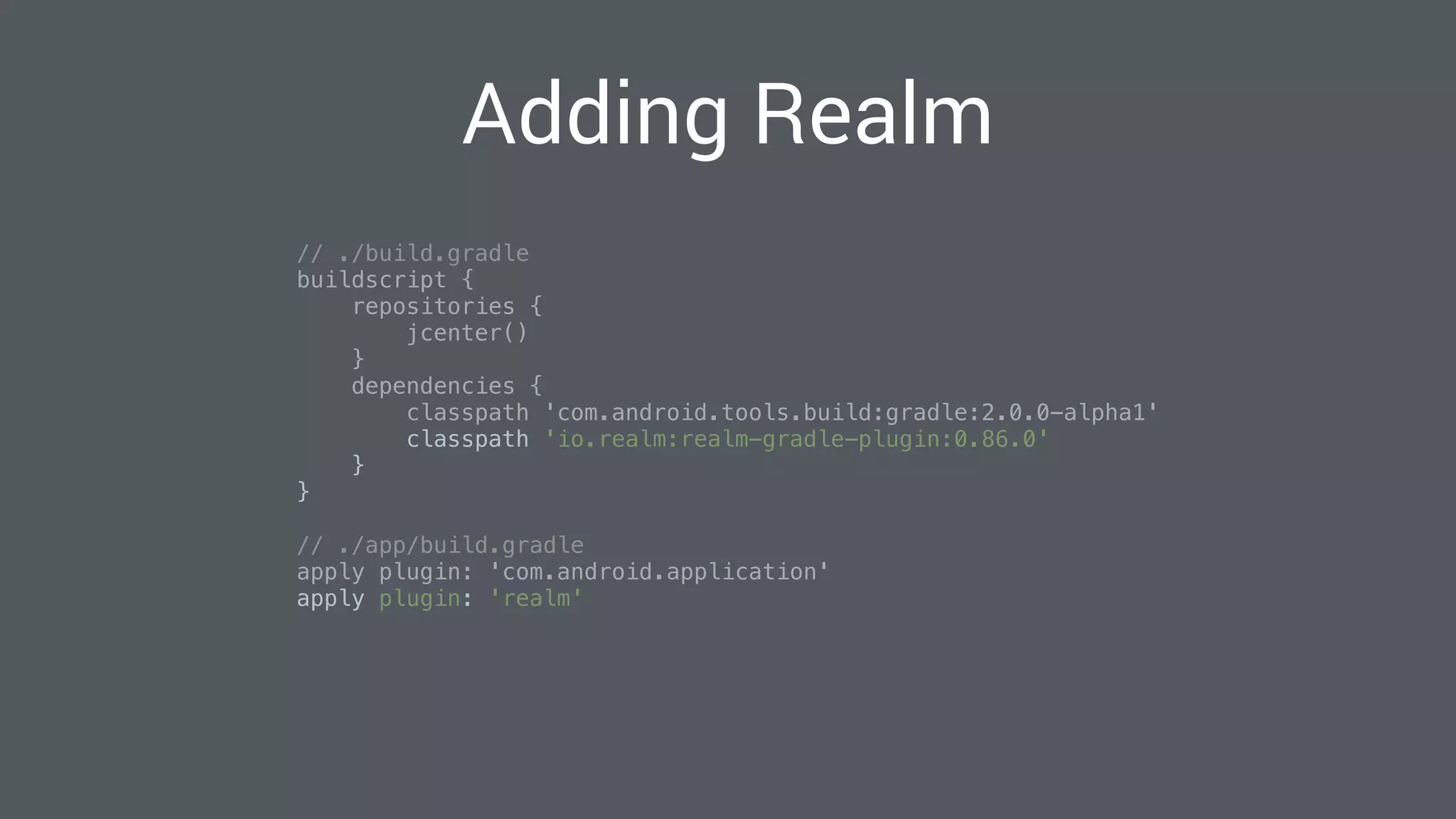
Adding Realm
// ./build.gradle

buildscript {

repositories {

jcenter()

}

dependencies {

classpath 'com.android.tools.build:gradle:2.0.0-alpha1'

classpath 'io.realm:realm-gradle-plugin:0.86.0'

}

}

// ./app/build.gradle

apply plugin: 'com.android.application'

apply plugin: 'realm'

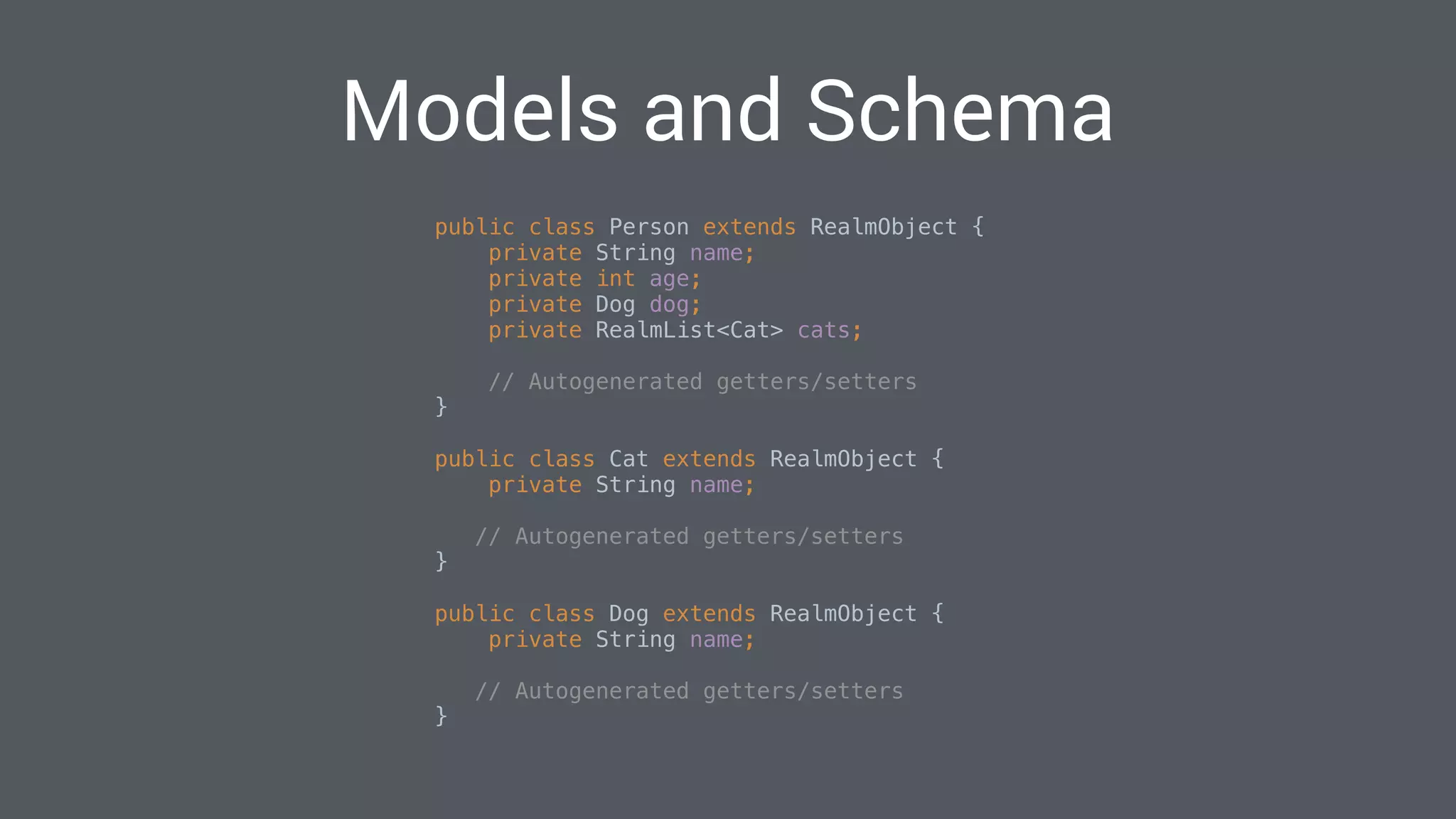
Models and Schema
public class Person extends RealmObject {

private String name;

private int age;

private Dog dog;

private RealmList<Cat> cats;
// Autogenerated getters/setters

}
public class Cat extends RealmObject {

private String name;

// Autogenerated getters/setters

}
public class Dog extends RealmObject {

private String name;

// Autogenerated getters/setters

}
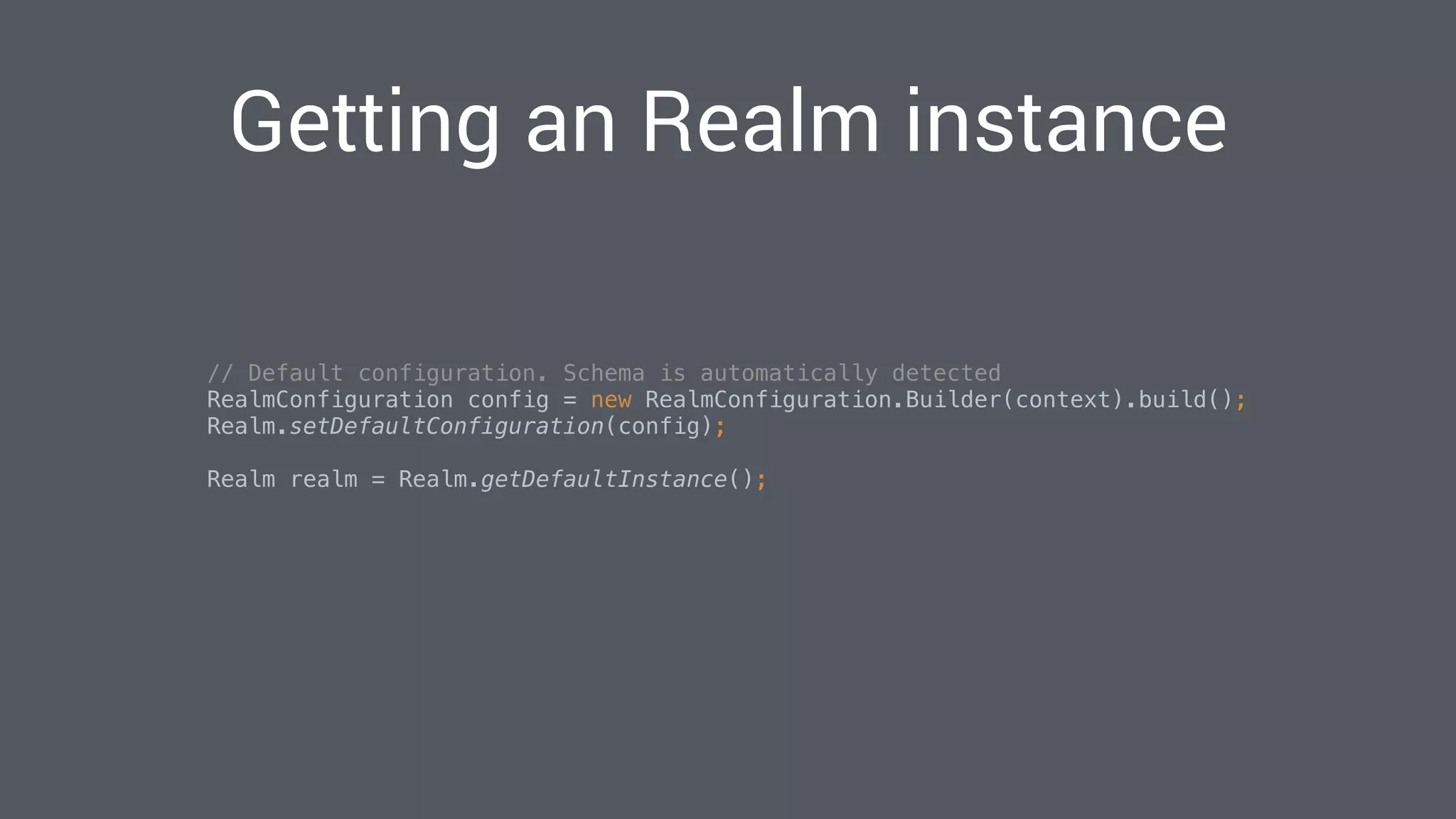
Getting an Realm instance
// Default configuration. Schema is automatically detected
RealmConfiguration config = new RealmConfiguration.Builder(context).build();

Realm.setDefaultConfiguration(config);

Realm realm = Realm.getDefaultInstance();


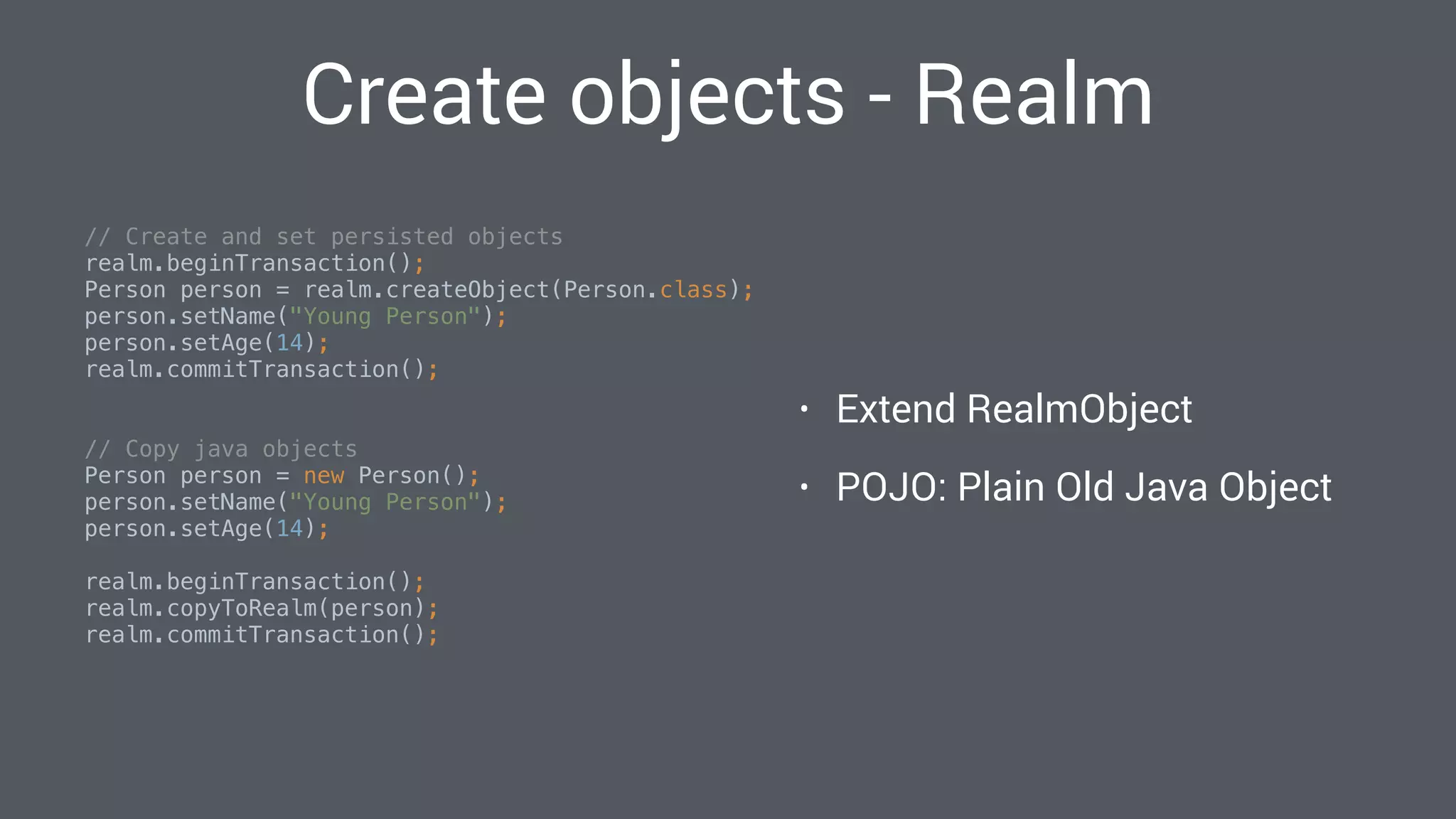
Create objects - Realm
// Create and set persisted objects

realm.beginTransaction();

Person person = realm.createObject(Person.class);

person.setName("Young Person");

person.setAge(14);

realm.commitTransaction();

// Copy java objects

Person person = new Person();

person.setName("Young Person");

person.setAge(14);


realm.beginTransaction();

realm.copyToRealm(person);

realm.commitTransaction();

• Extend RealmObject
• POJO: Plain Old Java Object
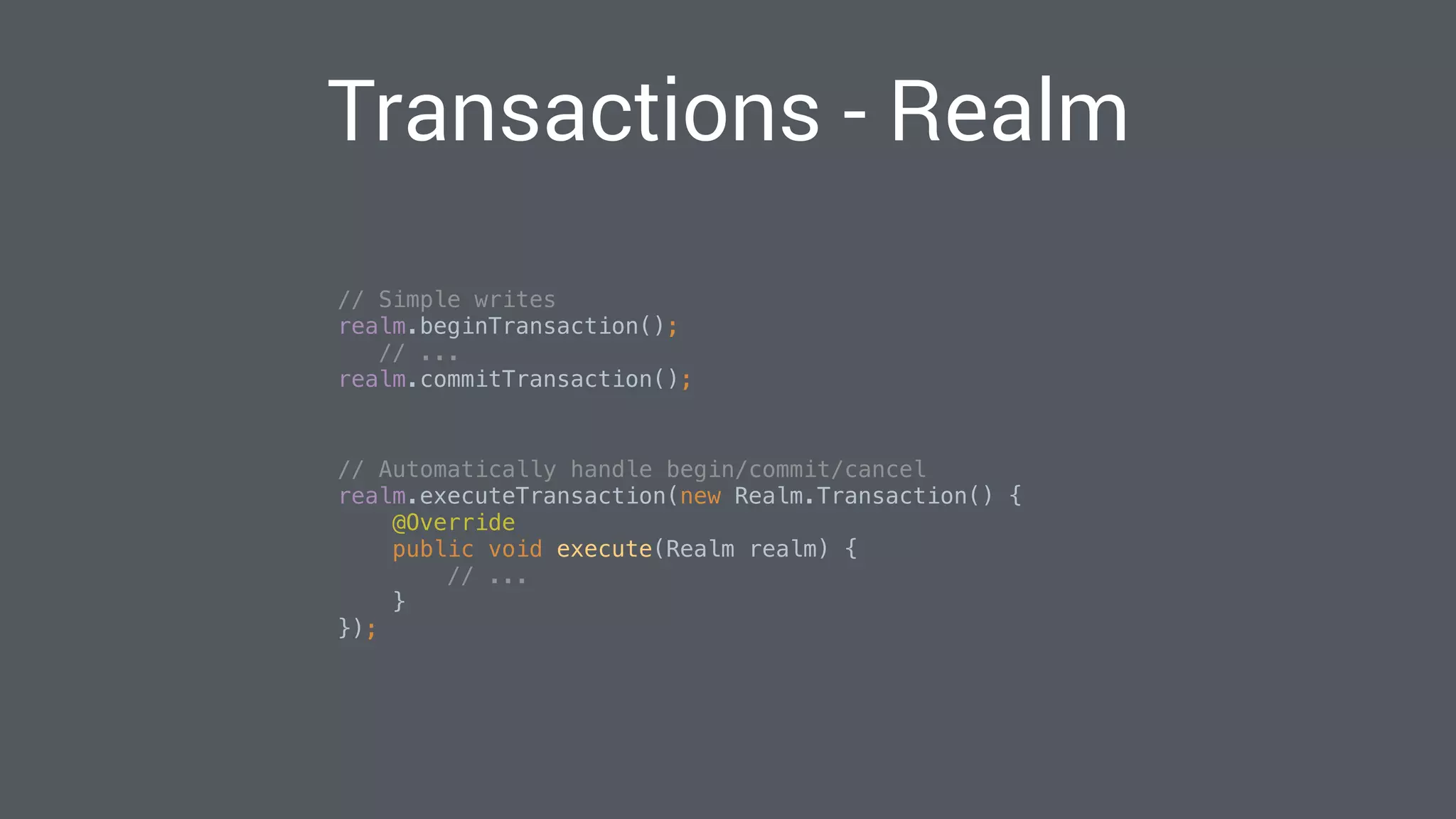
Transactions - Realm
// Simple writes

realm.beginTransaction();

// ...

realm.commitTransaction();

// Automatically handle begin/commit/cancel

realm.executeTransaction(new Realm.Transaction() {

@Override

public void execute(Realm realm) {

// ...

}

});

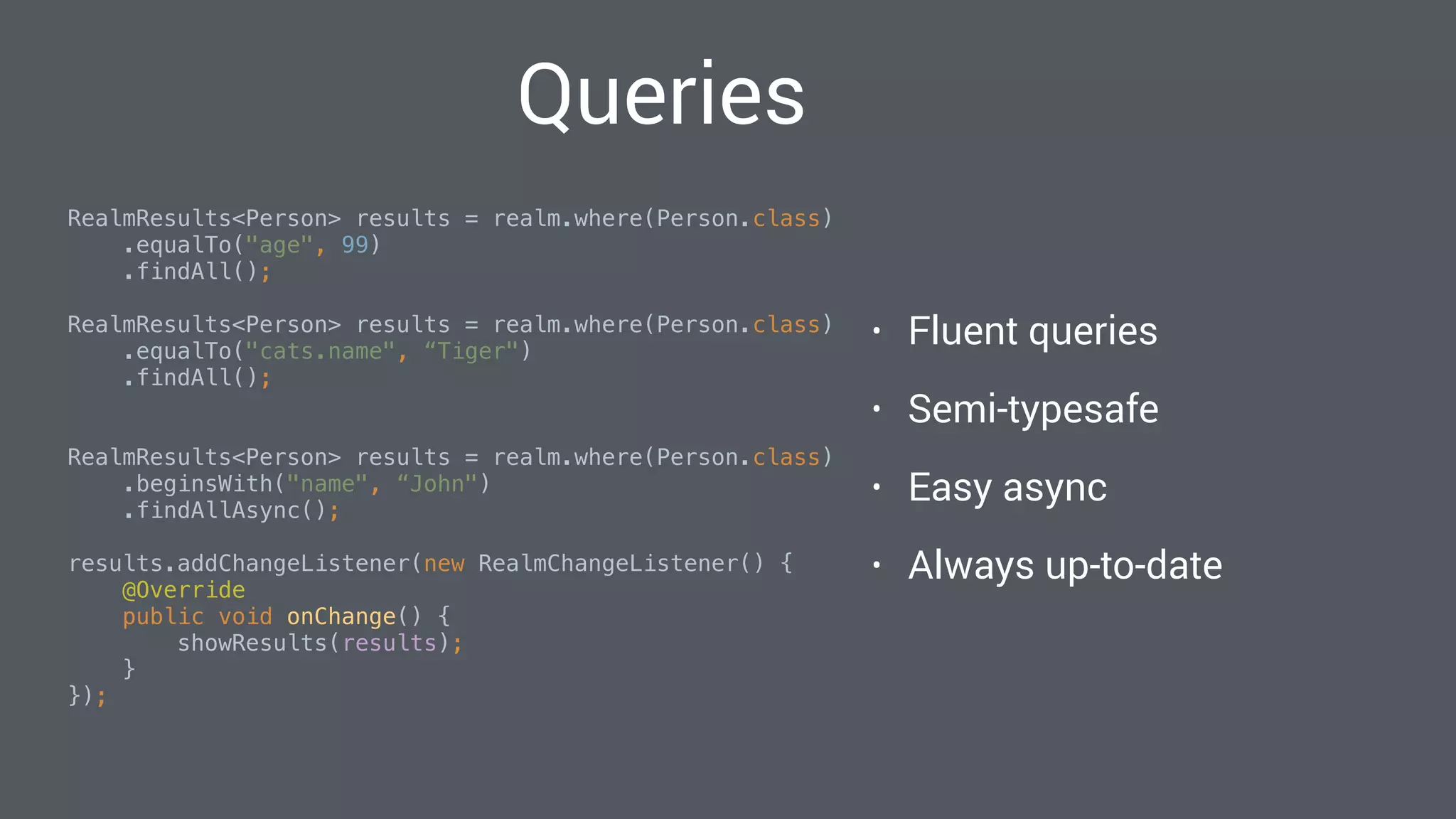
Queries
RealmResults<Person> results = realm.where(Person.class)
.equalTo("age", 99)
.findAll();

RealmResults<Person> results = realm.where(Person.class)
.equalTo("cats.name", “Tiger")
.findAll();

RealmResults<Person> results = realm.where(Person.class)
.beginsWith("name", “John")
.findAllAsync();

results.addChangeListener(new RealmChangeListener() {

@Override

public void onChange() {

showResults(results);

}

});

• Fluent queries
• Semi-typesafe
• Easy async
• Always up-to-date
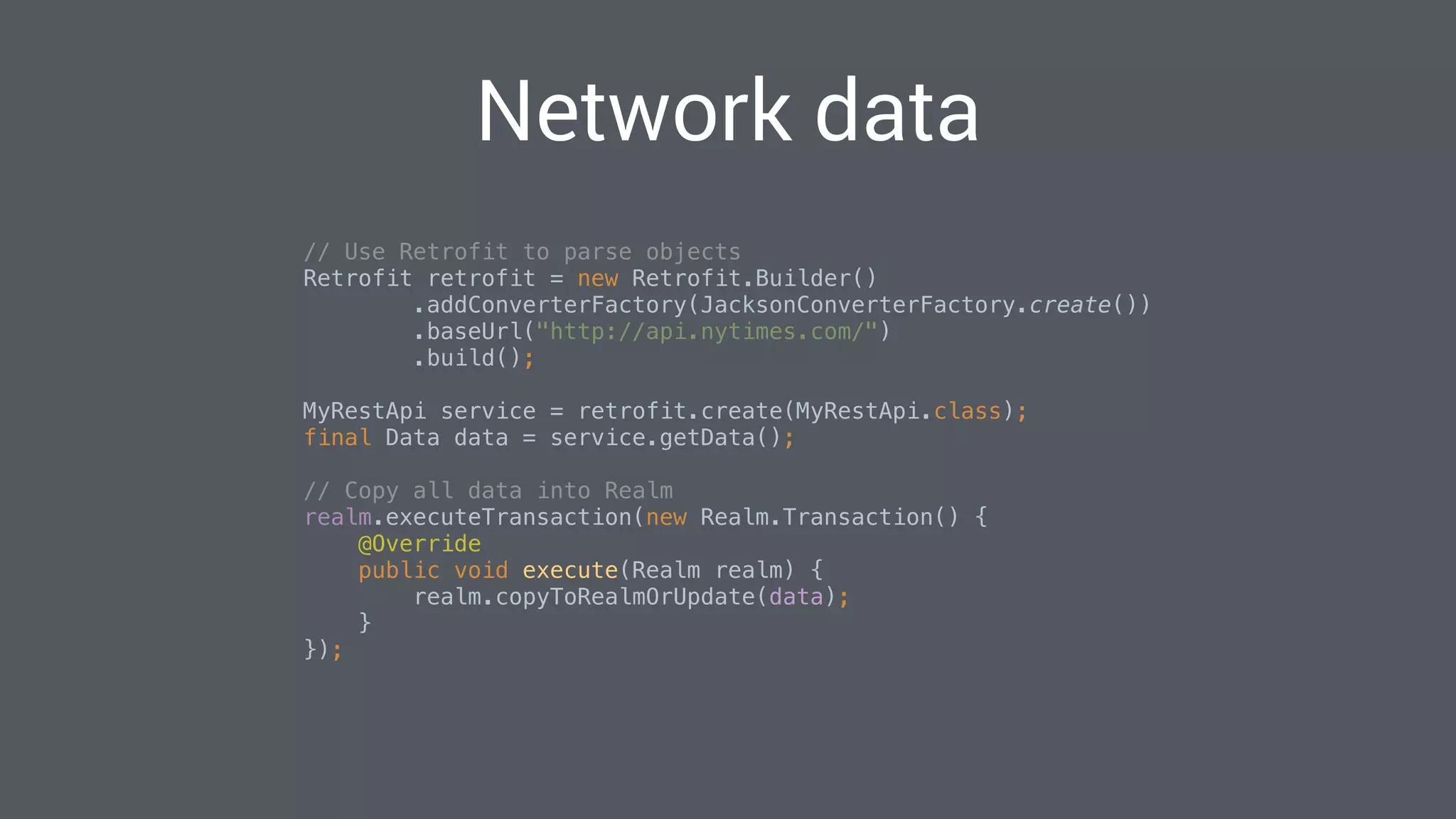
Network data
// Use Retrofit to parse objects

Retrofit retrofit = new Retrofit.Builder()

.addConverterFactory(JacksonConverterFactory.create())

.baseUrl("http://api.nytimes.com/")

.build();


MyRestApi service = retrofit.create(MyRestApi.class);

final Data data = service.getData();


// Copy all data into Realm

realm.executeTransaction(new Realm.Transaction() {

@Override

public void execute(Realm realm) {

realm.copyToRealmOrUpdate(data);

}

});

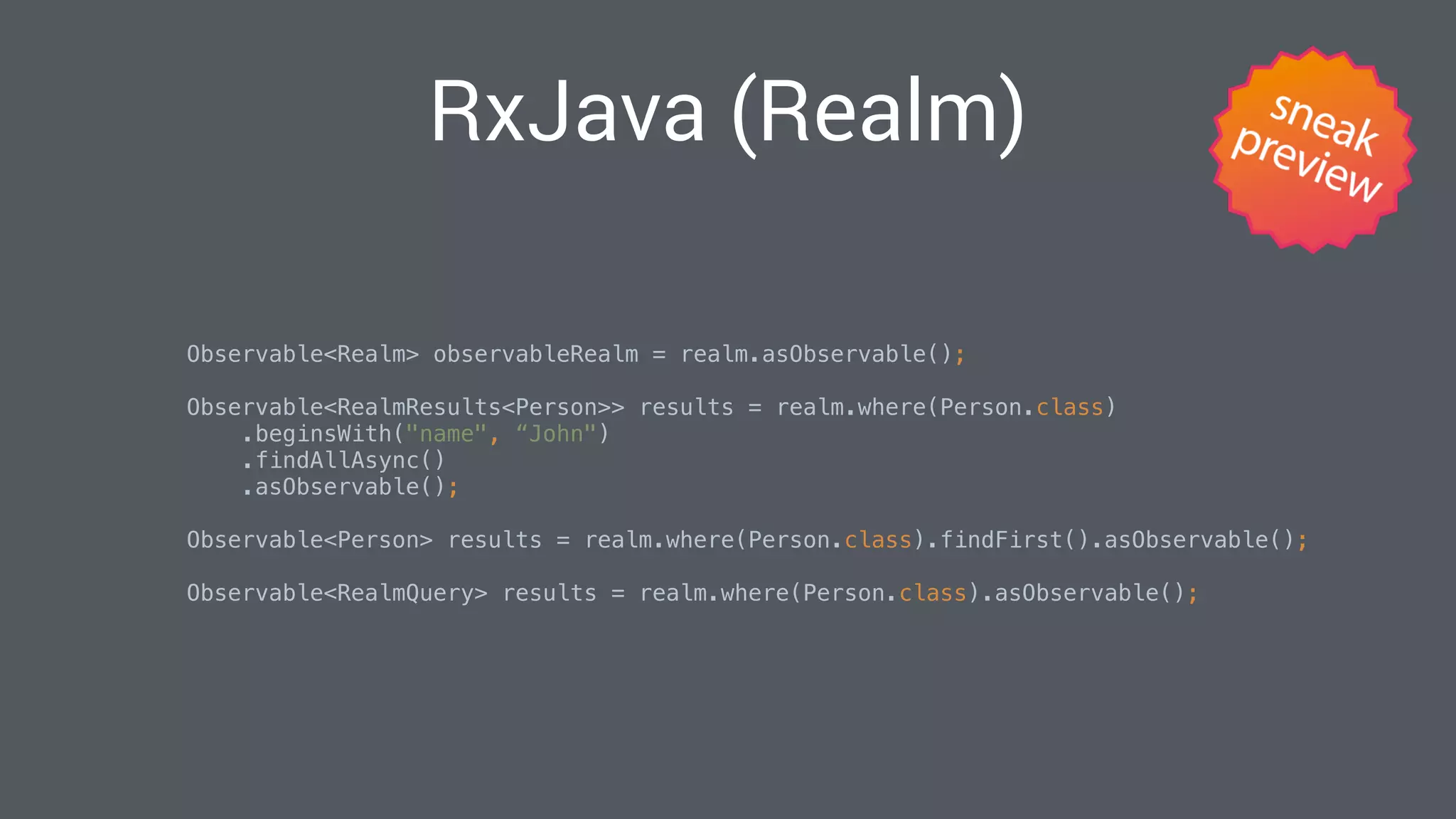
RxJava (Realm)
Observable<Realm> observableRealm = realm.asObservable();

Observable<RealmResults<Person>> results = realm.where(Person.class)
.beginsWith("name", “John")
.findAllAsync()
.asObservable();

Observable<Person> results = realm.where(Person.class).findFirst().asObservable();

Observable<RealmQuery> results = realm.where(Person.class).asObservable();

Example
https://github.com/realm/realm-java/tree/cm/offline-
newsreader/examples/newsreaderExample
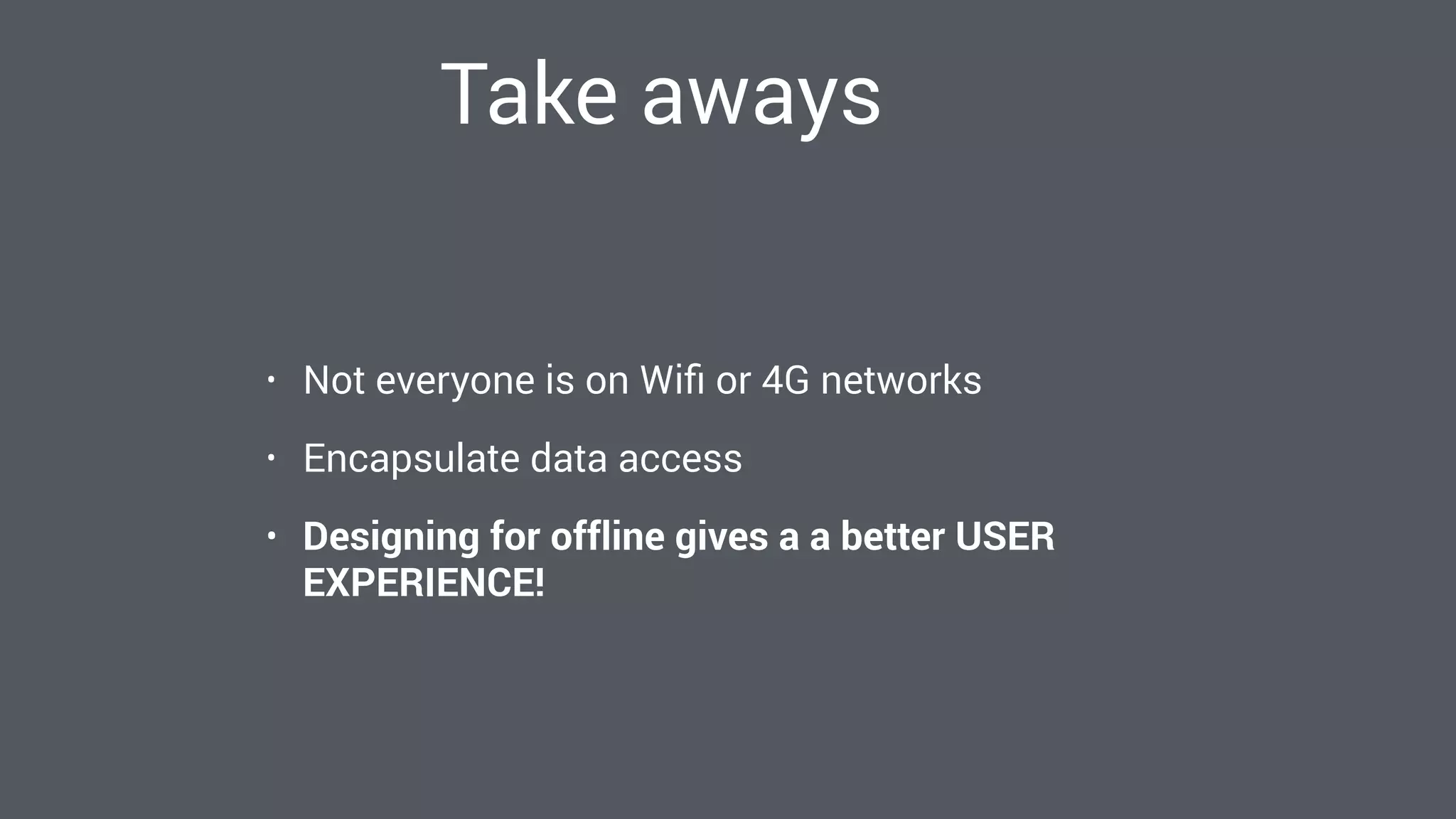
Take aways
• Not everyone is on Wifi or 4G networks
• Encapsulate data access
• Designing for offline gives a a better USER
EXPERIENCE!
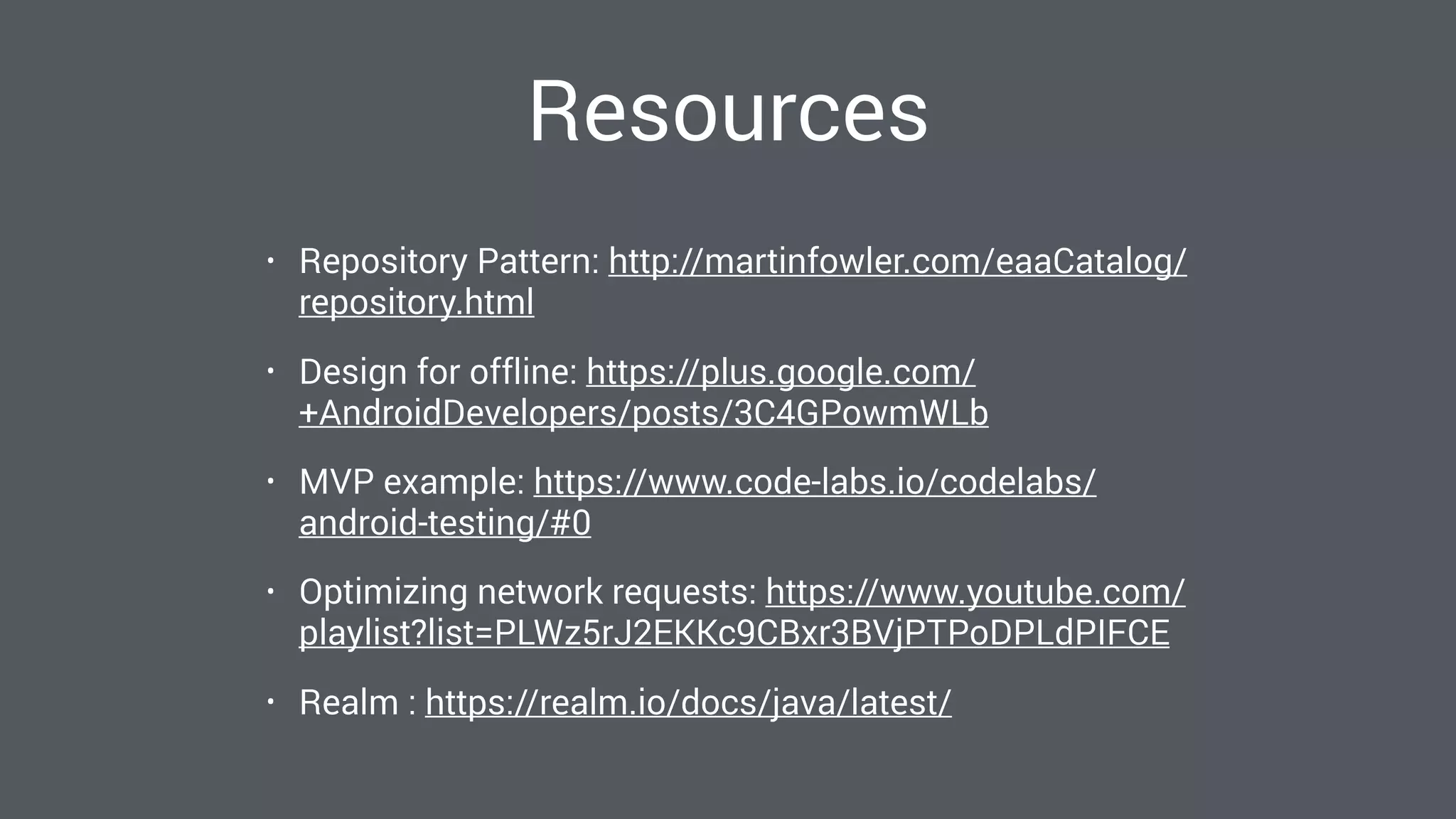
Resources
• Repository Pattern: http://martinfowler.com/eaaCatalog/
repository.html
• Design for offline: https://plus.google.com/
+AndroidDevelopers/posts/3C4GPowmWLb
• MVP example: https://www.code-labs.io/codelabs/
android-testing/#0
• Optimizing network requests: https://www.youtube.com/
playlist?list=PLWz5rJ2EKKc9CBxr3BVjPTPoDPLdPIFCE
• Realm : https://realm.io/docs/java/latest/
Questions?
@chrmelchior
cm@realm.io
We are hiring
https://realm.io/jobs/

Painless Persistence in a Disconnected World

  • 1.
    Painless Persistence on Android ChristianMelchior @chrmelchior cm@realm.io
  • 5.
    Why design foroffline? • A better USER EXPERIENCE! • You always have something to show the user • Reduce network requests and data transferred • Saves battery
  • 6.
  • 7.
  • 8.
    They all havea model MVVM MVP MVC VIPER Flux Clean Architecture ModelView getData() data
  • 9.
    You’re doing itwrong! @Override
 protected void onCreate(Bundle savedInstanceState) {
 super.onCreate(savedInstanceState);
 
 // Setup initial views
 setContentView(R.layout.activity_main);
 
 // Load data and show it
 Retrofit retrofit = new Retrofit.Builder()
 .addConverterFactory(JacksonConverterFactory.create())
 .baseUrl("http://api.nytimes.com/")
 .build();
 
 service = retrofit.create(NYTimesService.class);
 service.topStories("home", "my-key").enqueue(new Callback<NYTimesResponse<List<NYTimesStory>>>() {
 @Override
 public void onResponse(Response<NYTimesResponse<List<NYTimesStory>>> response, Retrofit retrofit) {
 showList(response);
 }
 
 @Override
 public void onFailure(Throwable t) {
 showError(t);
 }
 });
 }

  • 10.
    You’re doing itright! @Override
 protected void onCreate(Bundle savedInstanceState) {
 super.onCreate(savedInstanceState);
 
 // Setup initial views
 setContentView(R.layout.activity_main);
 
 // Load data and show it
 Model model = ((MyApplication) getApplicationContext()).getModel();
 model.getTopStories(new Observer() {
 @Override
 public void update(Observable observable, NYTimesResponse<List<NYTimesStory>> data) {
 showList(data);
 }
 });
 }

  • 11.
  • 12.
  • 13.
    Repository pattern • Repositoryonly has CRUD methods: • Create() • Read() • Update() • Delete() • Model and Repository can be tested separately.
  • 14.
    Designing for offline Repository…DatastoregetData() Observable<Data>() Network Update? Save
  • 15.
    Designing for offline •Encapsulate data access • The datastore is single-source-of-truth • Everything is asynchronous • Observer pattern • RxJava • EventBus • Testing becomes easier
  • 16.
  • 17.
    File system • Definehierarchy using folders • No help from the framework • Use cases: Images, JSON blobs
  • 18.
    File system // Appinternal files
 context.getFilesDir();
 context.getCacheDir();
 
 // App external files
 context.getExternalFilesDir(Environment.DIRECTORY_DOCUMENTS);
 context.getExternalCacheDir();
 
 // SD Card
 Environment.getExternalStorageDirectory();

  • 19.
    SharedPreferences • Key-value store •Simple XML file • Use cases: Settings, Key/Value data • Simple API’s and easy to use
  • 20.
    SharedPreferences // Save data
 SharedPreferencespref = getPreferences(MODE_PRIVATE);
 SharedPreferences.Editor editor = pref.edit();
 editor.putBoolean("key", true);
 editor.commit();
 // Read data boolean data = pref.getBoolean("key", false);

  • 21.
    Databases • Use cases:Structured data sets • Advanced composing and query capabilities • Complex API’s
  • 22.
    SQLite vs. theWorld • SQLite (Relational) • Realm (Object store) • Firebase (Document oriented) • Couchbase Lite (Document oriented) • Parse (Document oriented)
  • 23.
  • 24.
  • 25.
  • 26.
  • 27.
  • 28.
  • 29.
  • 30.
    SELECT owner.name, dog.name,city.name 
 FROM owner
 INNER JOIN dog ON owner.dog_id = dog.id
 INNER JOIN city ON owner.city_id = city.id
 WHERE owner.name = 'Frank' SQLite
  • 31.
    String query ="SELECT " + Owner.NAME + ", " + Dog.NAME + ", " + City.NAME 
 + " FROM " + Owner.TABLE_NAME
 + " INNER JOIN " + Dog.TABLE_NAME + " ON " + Owner.DOG_ID + " = " + Dog.ID
 + " INNER JOIN " + City.TABLE_NAME + " ON " + Owner.CITY_ID + " = " + City.ID
 + " WHERE " + Owner.NAME = "'" + escape(queryName) + "'";
 SQLite
  • 33.
    “Lets use anORM” Abstract the problem away
  • 34.
    –Joel Spolsky “All non-trivialabstractions, to some degree, are leaky.”
  • 35.
    Solved problem? • ActiveRecord •Androrm • Blurb • Cupboard • DBFlow • DBQuery • DBTools • EasyliteOrm • GreenDAO • Ollie • Orman • OrmLite • Persistence • RushORM • Shillelagh • Sprinkles • SquiDB • SugarORM
  • 36.
  • 37.
  • 38.
    x z y x y z SELECTtable1.x, table2.y, table3.z
 FROM table1
 INNER JOIN table2 ON table1.table2_id = table1.id
 INNER JOIN table3 ON table1.table3_id = table3.id
 References in SQL
  • 39.
    A B C D EF G Realm.getA().getC().getF() Object Store references
  • 40.
    Zero-copy  Person  {   • name  =  Tommy   • age  =  8   • dog  =  {   • name  =  Lassie          }    }  Person  {   • name  =  Tommy   • age  =  8   • dog  =  {   • name  =  Lassie          }    }  Person  {   • name  =  Tommy   • age  =  8   • dog  =  {   • name  =  Lassie          }    }  PersonProxy  {   • name   • age   • dog      }  PersonProxy  {   • name   • age   • dog      }  Person  {   • name  =  Tommy   • age  =  8   • dog  =  {   • name  =  Lassie          }    } Realm ORM Realm SQLite
  • 41.
    Benchmarks http://static.realm.io/downloads/java/android-benchmark.zip 1.09% 2.26% 3.79% 4.55% 22.85% 13.37% 1% 1% 1%1% 1% 1% 0% 5% 10% 15% 20% 25% BatchWrite% SimpleWrite% SimpleQuery% FullScan% Sum% Count% Speedup&vs.&SQLite& Tests&/&1000&objects& Realm% SQLite%
  • 42.
    SQLite vs. Realm •Part of Android • Relational data model • Based on SQL • Public Domain • One of the most tested pieces of software • Need to map between SQL and Java objects (manually or ORM). • Foreign collections is an unsolvable problem. • Complex API’s • Objects all the way down • Zero copy architecture • Cross-platform • Supports encryption out of the box • Open source* • Custom query language • Will add ~2500 methods + 800 kB of native code. • Still in beta
  • 43.
    “Talk is cheap.Show me the code.” –Linus Torvalds
  • 44.
    Adding Realm // ./build.gradle
 buildscript{
 repositories {
 jcenter()
 }
 dependencies {
 classpath 'com.android.tools.build:gradle:2.0.0-alpha1'
 classpath 'io.realm:realm-gradle-plugin:0.86.0'
 }
 }
 // ./app/build.gradle
 apply plugin: 'com.android.application'
 apply plugin: 'realm'

  • 45.
    Models and Schema publicclass Person extends RealmObject {
 private String name;
 private int age;
 private Dog dog;
 private RealmList<Cat> cats; // Autogenerated getters/setters
 } public class Cat extends RealmObject {
 private String name;
 // Autogenerated getters/setters
 } public class Dog extends RealmObject {
 private String name;
 // Autogenerated getters/setters
 }
  • 46.
    Getting an Realminstance // Default configuration. Schema is automatically detected RealmConfiguration config = new RealmConfiguration.Builder(context).build();
 Realm.setDefaultConfiguration(config);
 Realm realm = Realm.getDefaultInstance();
 

  • 47.
    Create objects -Realm // Create and set persisted objects
 realm.beginTransaction();
 Person person = realm.createObject(Person.class);
 person.setName("Young Person");
 person.setAge(14);
 realm.commitTransaction();
 // Copy java objects
 Person person = new Person();
 person.setName("Young Person");
 person.setAge(14);
 
 realm.beginTransaction();
 realm.copyToRealm(person);
 realm.commitTransaction();
 • Extend RealmObject • POJO: Plain Old Java Object
  • 48.
    Transactions - Realm //Simple writes
 realm.beginTransaction();
 // ...
 realm.commitTransaction();
 // Automatically handle begin/commit/cancel
 realm.executeTransaction(new Realm.Transaction() {
 @Override
 public void execute(Realm realm) {
 // ...
 }
 });

  • 49.
    Queries RealmResults<Person> results =realm.where(Person.class) .equalTo("age", 99) .findAll();
 RealmResults<Person> results = realm.where(Person.class) .equalTo("cats.name", “Tiger") .findAll();
 RealmResults<Person> results = realm.where(Person.class) .beginsWith("name", “John") .findAllAsync();
 results.addChangeListener(new RealmChangeListener() {
 @Override
 public void onChange() {
 showResults(results);
 }
 });
 • Fluent queries • Semi-typesafe • Easy async • Always up-to-date
  • 50.
    Network data // UseRetrofit to parse objects
 Retrofit retrofit = new Retrofit.Builder()
 .addConverterFactory(JacksonConverterFactory.create())
 .baseUrl("http://api.nytimes.com/")
 .build();
 
 MyRestApi service = retrofit.create(MyRestApi.class);
 final Data data = service.getData();
 
 // Copy all data into Realm
 realm.executeTransaction(new Realm.Transaction() {
 @Override
 public void execute(Realm realm) {
 realm.copyToRealmOrUpdate(data);
 }
 });

  • 51.
    RxJava (Realm) Observable<Realm> observableRealm= realm.asObservable();
 Observable<RealmResults<Person>> results = realm.where(Person.class) .beginsWith("name", “John") .findAllAsync() .asObservable();
 Observable<Person> results = realm.where(Person.class).findFirst().asObservable();
 Observable<RealmQuery> results = realm.where(Person.class).asObservable();

  • 52.
  • 53.
    Take aways • Noteveryone is on Wifi or 4G networks • Encapsulate data access • Designing for offline gives a a better USER EXPERIENCE!
  • 54.
    Resources • Repository Pattern:http://martinfowler.com/eaaCatalog/ repository.html • Design for offline: https://plus.google.com/ +AndroidDevelopers/posts/3C4GPowmWLb • MVP example: https://www.code-labs.io/codelabs/ android-testing/#0 • Optimizing network requests: https://www.youtube.com/ playlist?list=PLWz5rJ2EKKc9CBxr3BVjPTPoDPLdPIFCE • Realm : https://realm.io/docs/java/latest/
  • 55.