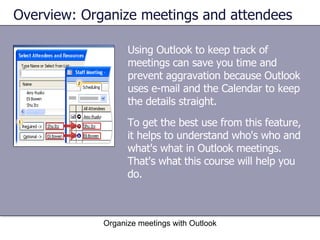
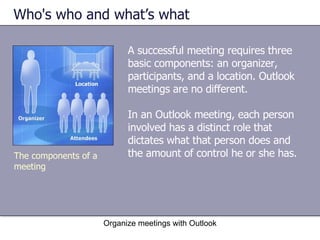
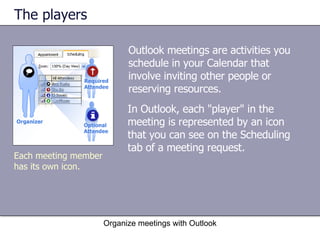
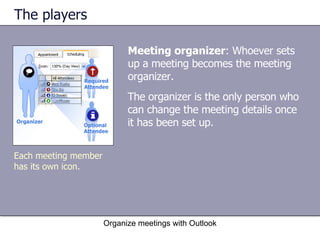
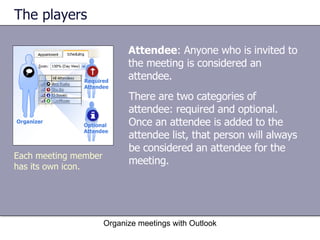
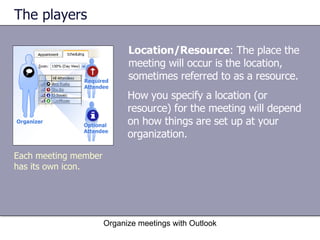
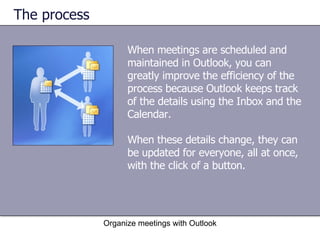
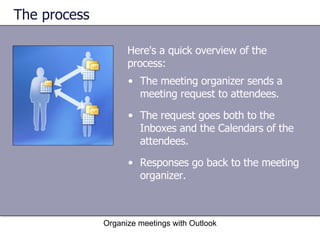
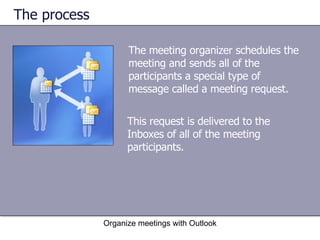
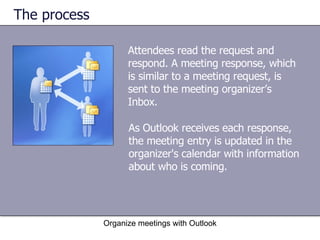
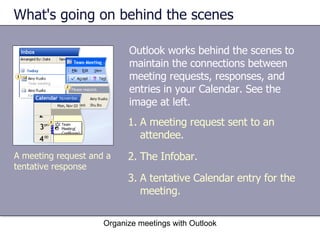
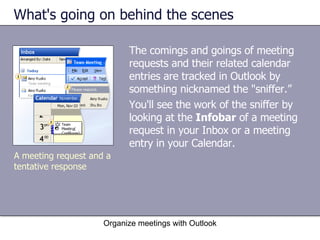
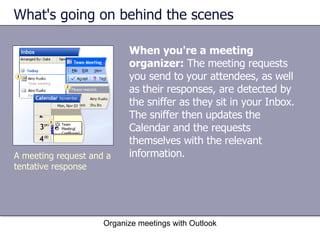
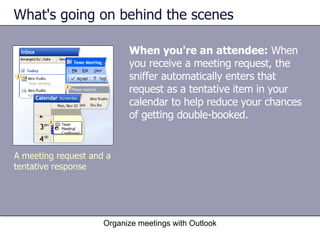
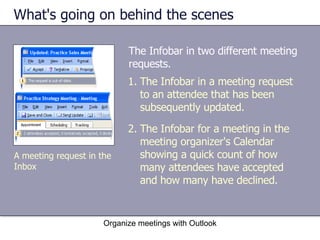
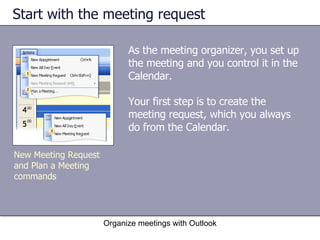
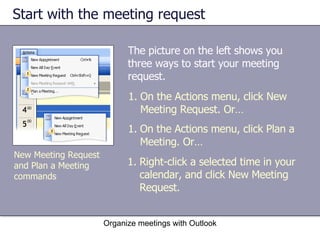
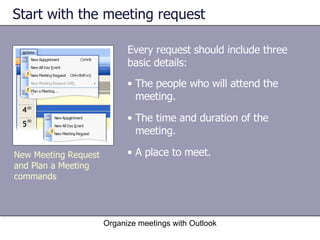
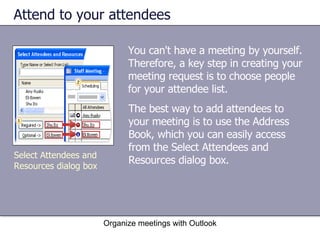
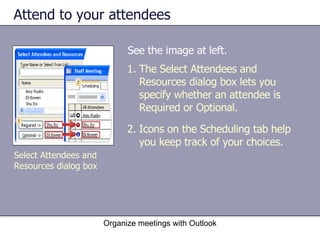
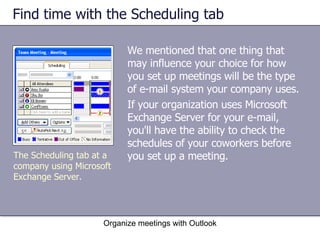
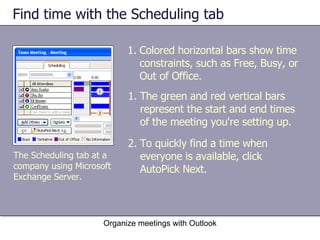
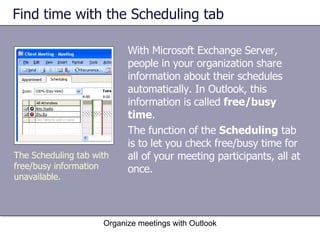
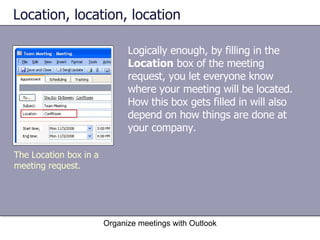
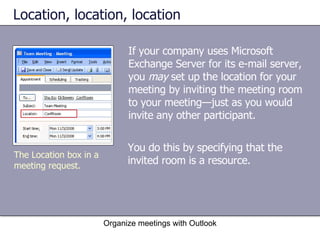
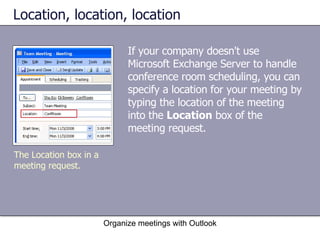
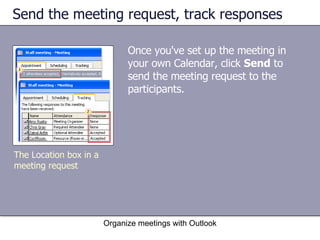
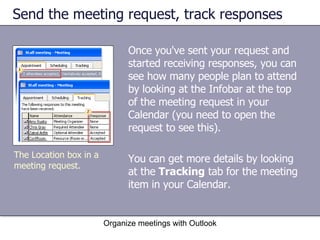
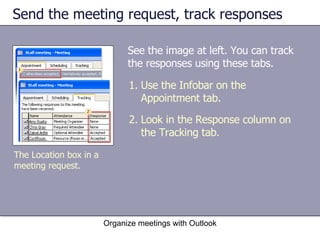
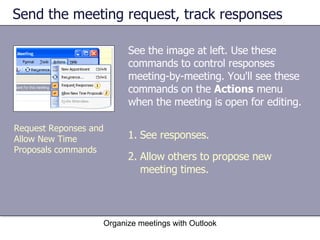
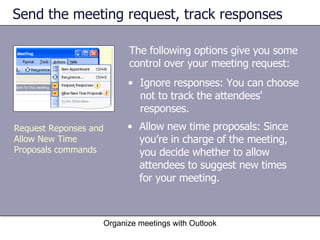
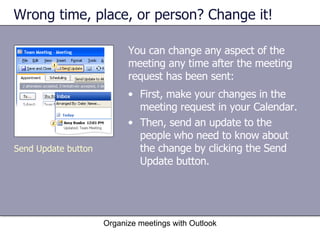
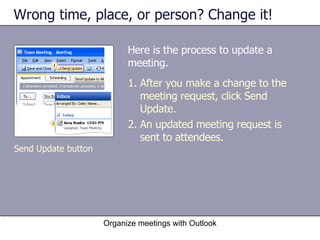
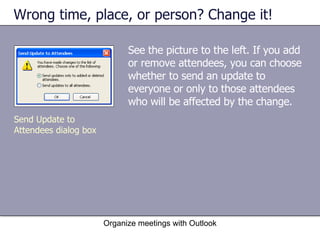
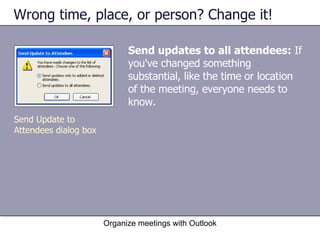
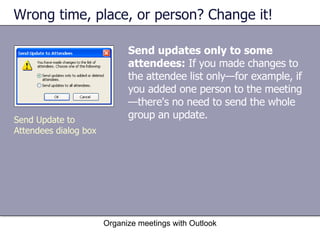
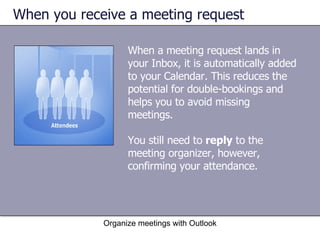
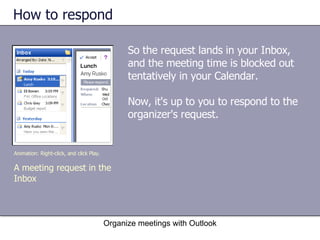
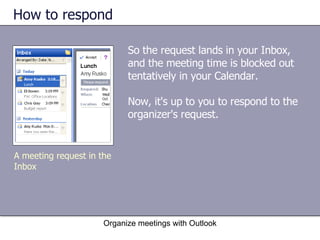
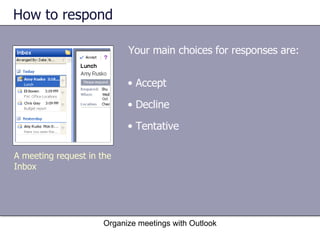
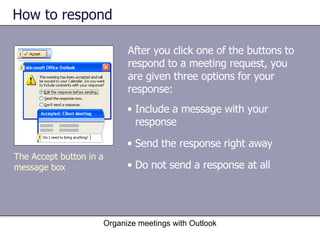
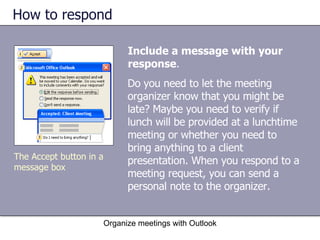
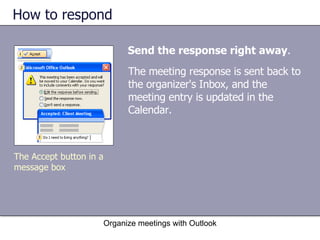
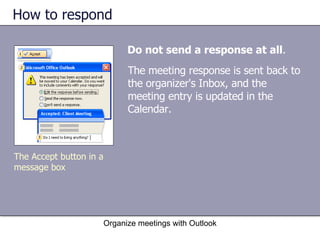
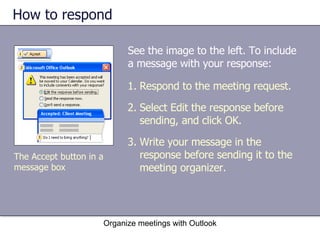
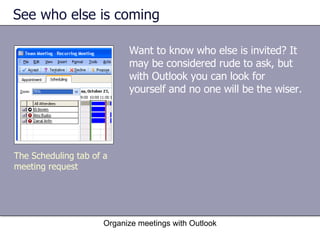
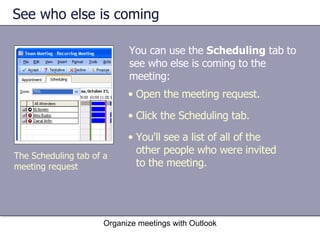
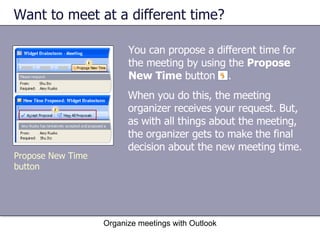
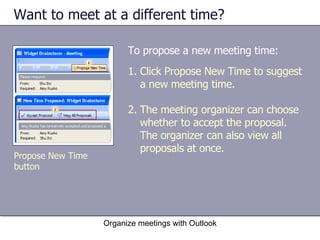
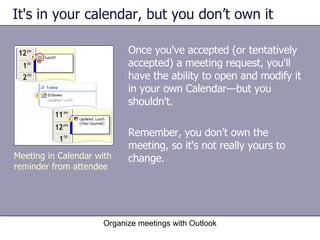
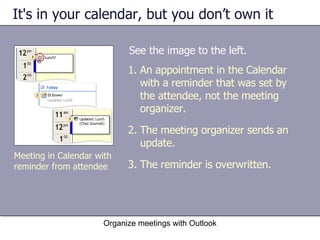
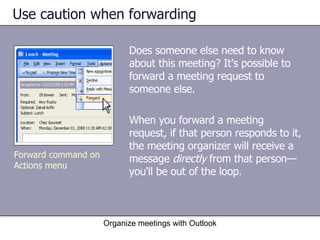
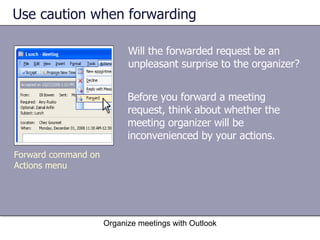
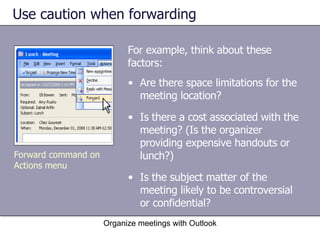
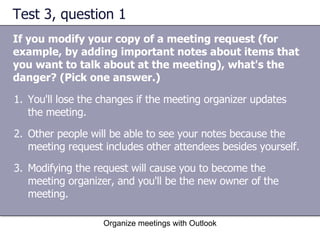
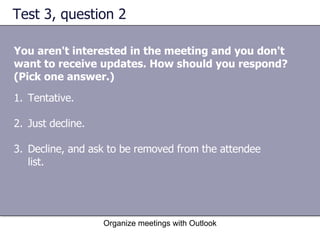
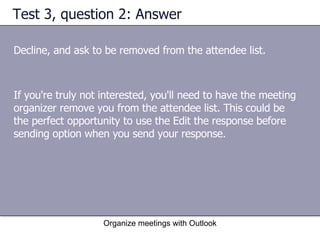
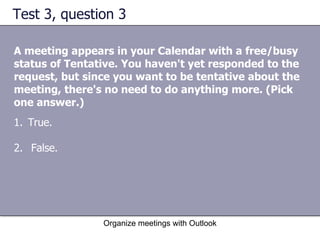
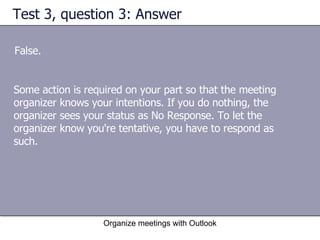

This document provides an overview and lessons for using Microsoft Outlook to organize meetings. It covers the roles of meeting organizers and attendees, how to set up a meeting request, track responses, and make changes. Key points include identifying the meeting organizer, attendee and location icons, using the scheduling tab to find available times, and sending updates only to affected attendees when changes are made. The lessons include interactive elements like tasks and self-assessment questions.


