Download as PDF, PPTX






Org merges involve combining two Salesforce organizations into one. Key steps include setting up a project team, migrating business processes, metadata like profiles and custom fields, code including triggers and unit tests, and data. The Force.com Migration Tool allows migrating metadata between orgs using Ant scripts and the Metadata API. Project management is important to orchestrate the various migration tracks and deployment plan.
Introduction to organizational merging practices presented by Ryan Lambert and Julian Devassy.
Legal disclaimers regarding forward-looking statements and associated risks for Salesforce.com, Inc.
Introduction to Ryan Lambert, Senior Technical Solution Architect at Salesforce.
Introduction to Julian Devassy, Senior IT Manager of Customer Care at Vantiv.
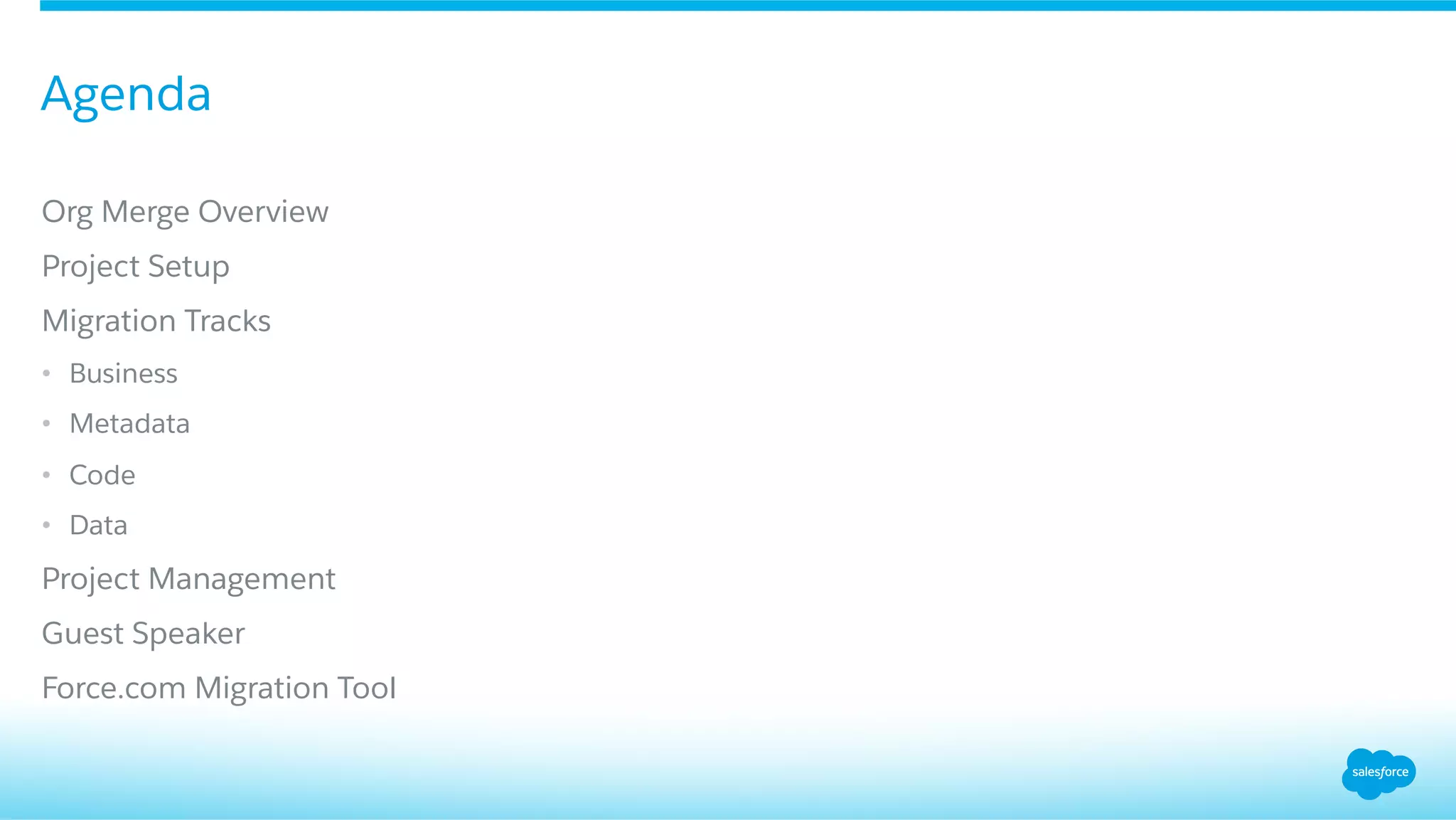
Outline of the presentation covering org merge overview, project setup, migration tracks, project management, and tools used.
Discusses the concept that merging organizations may not always yield better outcomes.
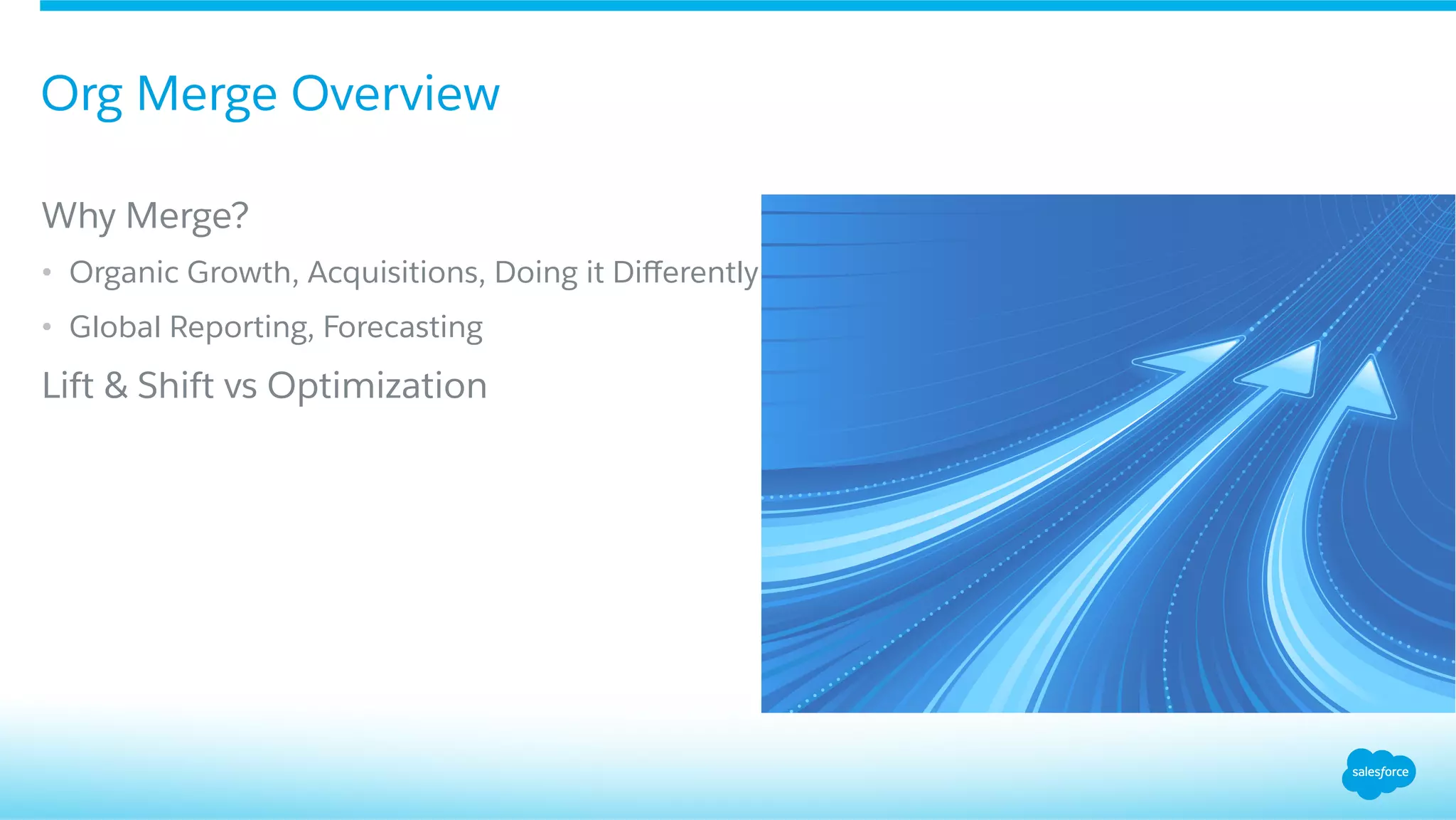
Highlights reasons for merging organizations like growth and global reporting, differentiating between lift and shift vs optimization.
Emphasizes the importance of assembling a competent project team for successful merging.
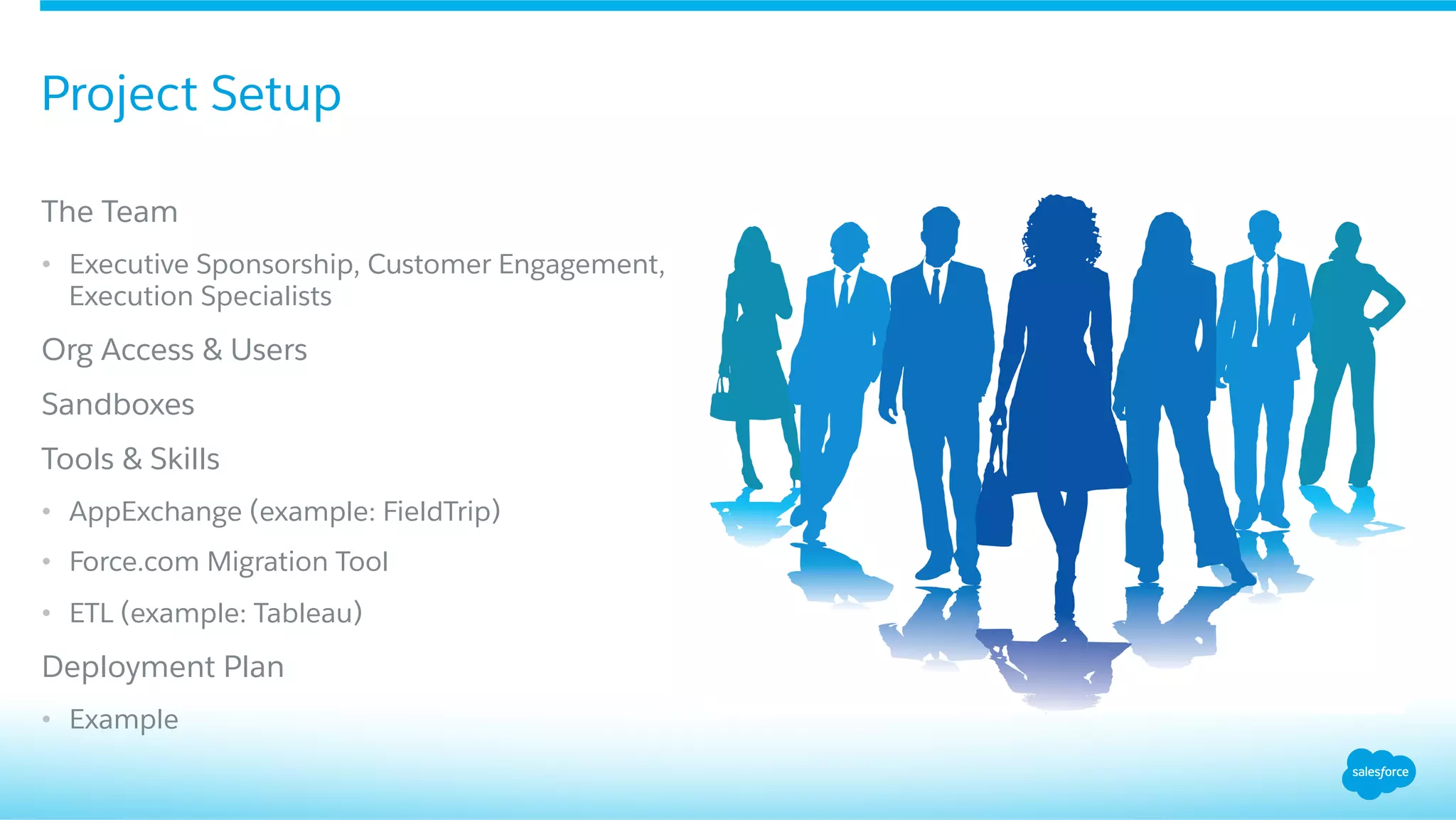
Defines roles in the project including executive sponsorship, necessary tools, sandboxes, and user access.
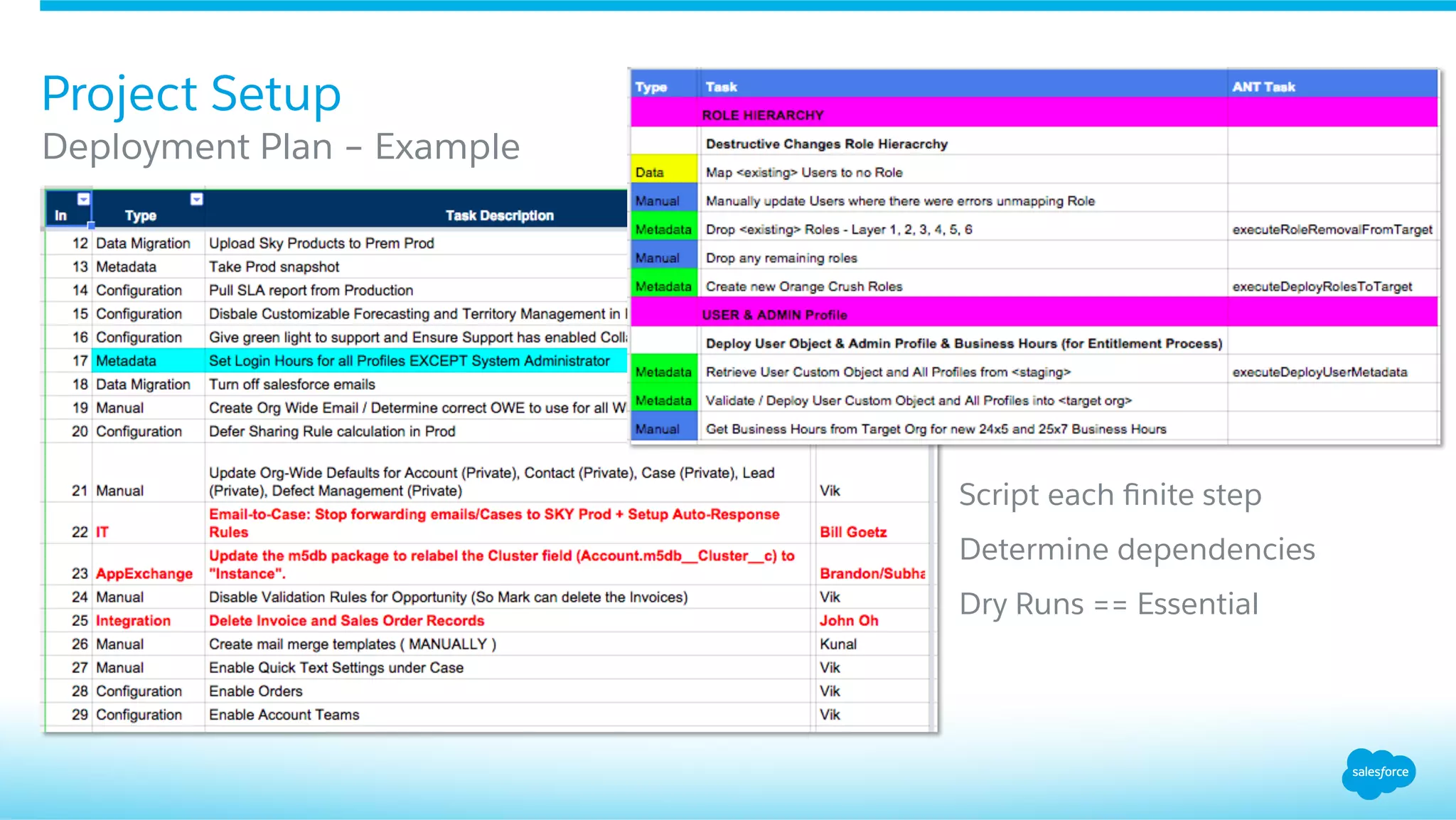
Detailing the creation of a structured deployment plan with essential steps and dry runs.
Focus on understanding the business motivations driving the org merge.
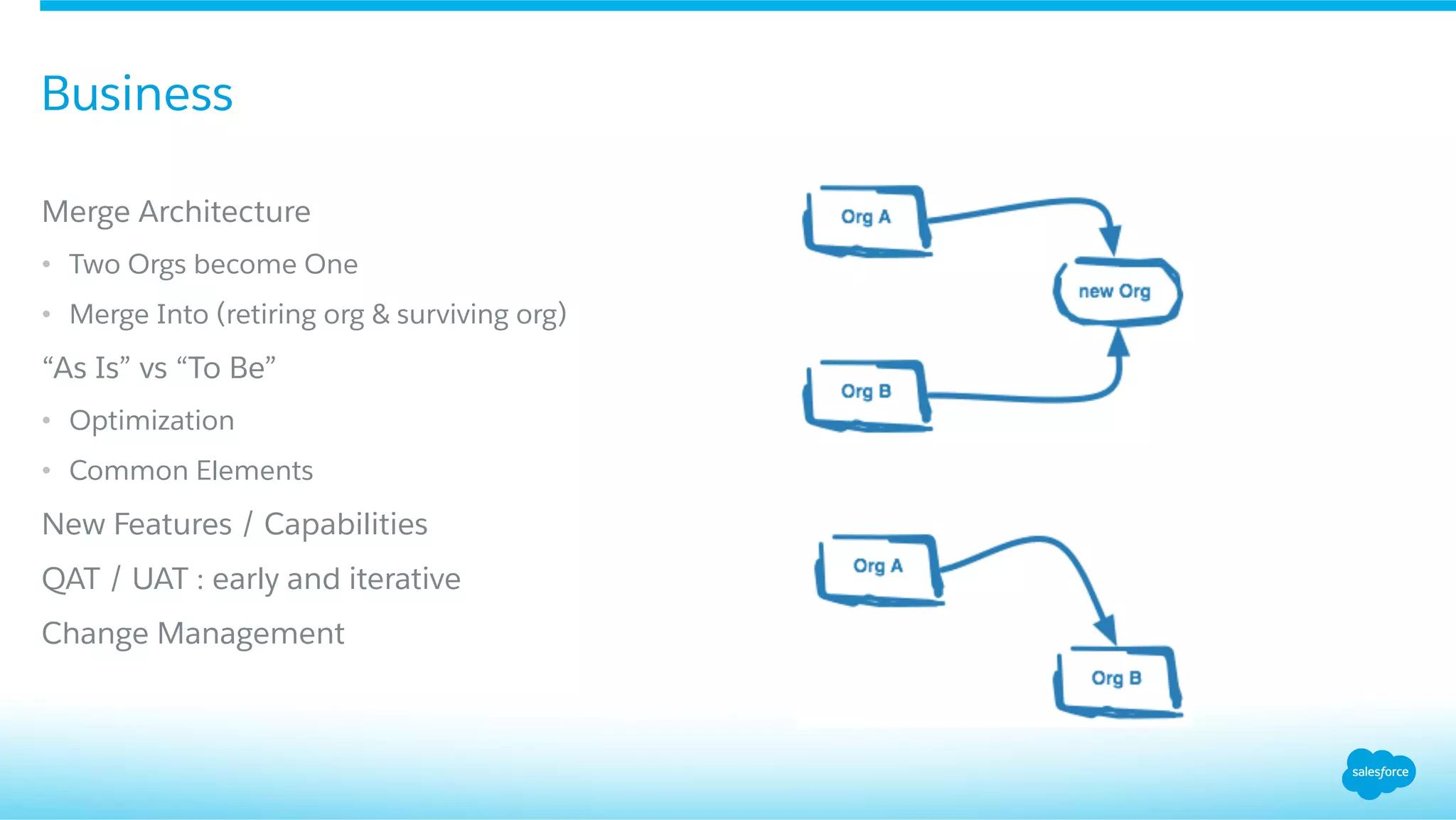
Technical overview on how two organizations merge into one and the optimization processes involved.
Discusses the significance of metadata in the org merging process.
Highlights tools and limitations related to metadata management in the merge.
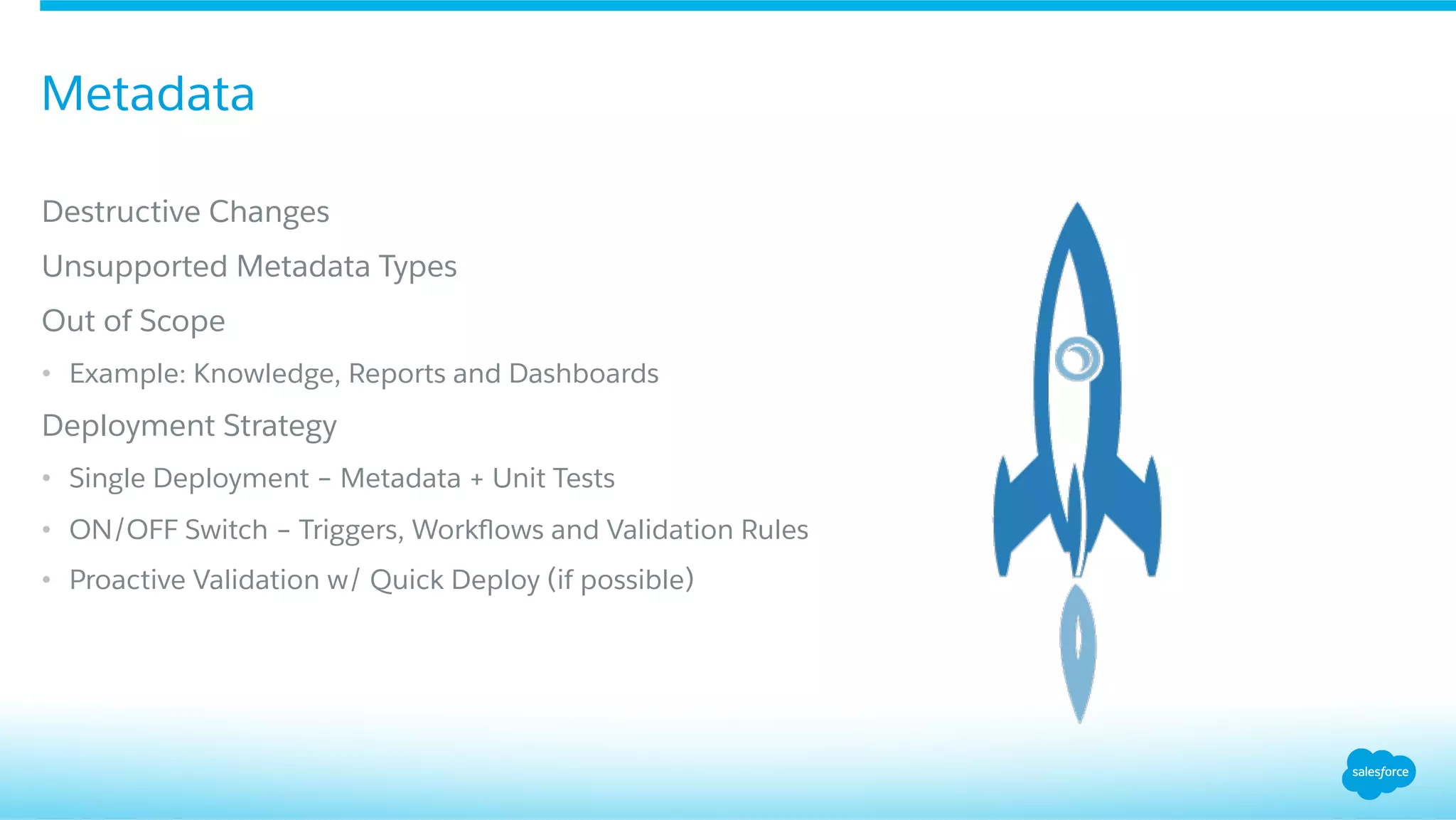
Strategies for handling metadata deployment including managing destructive changes and validation.
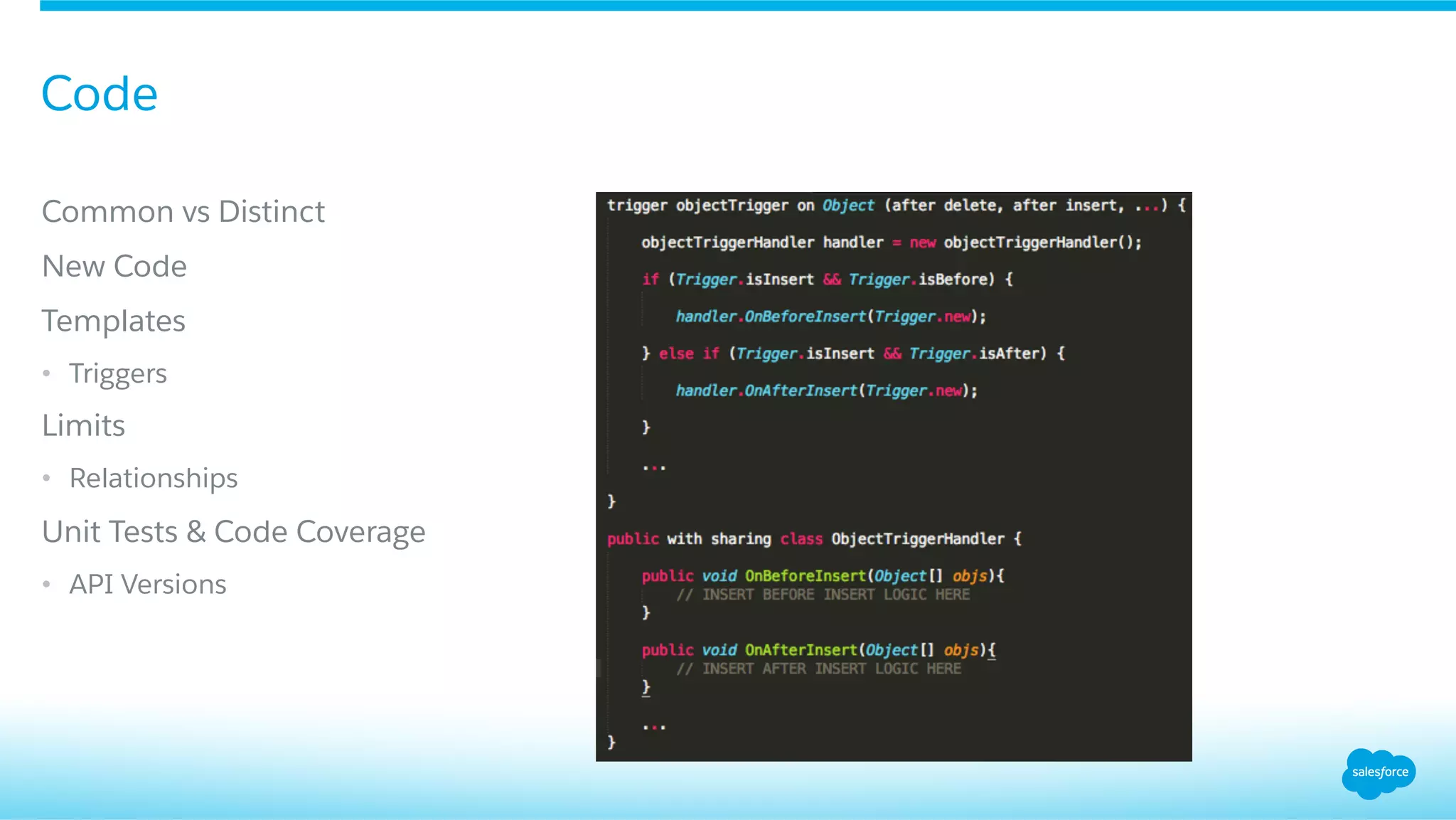
Focus on treating code with care during the merging process.
Covers common coding practices and templates crucial for successful merge.
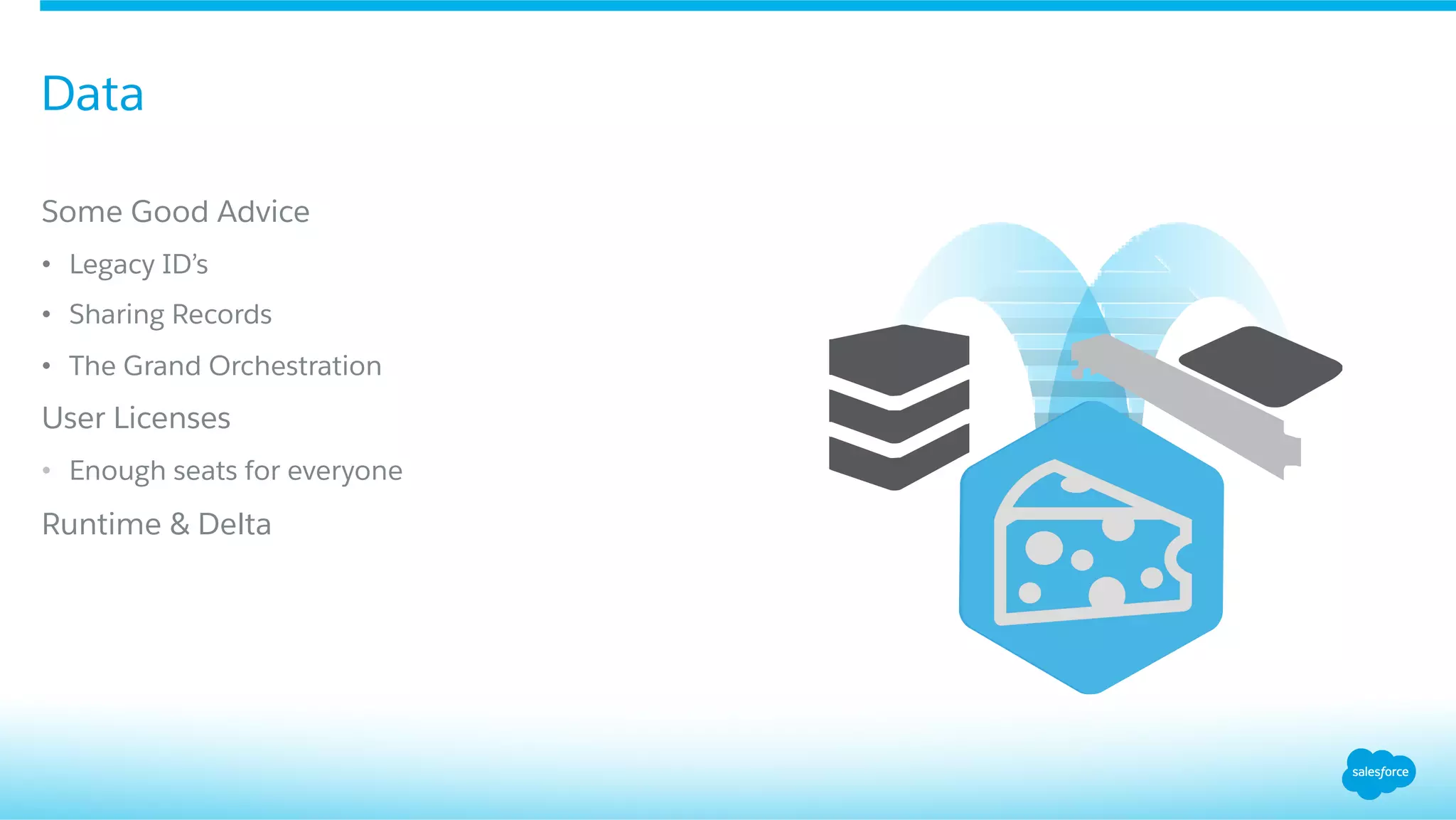
Focuses on managing data and its critical importance in the org merging process.
Discusses data cleansing and selective migration strategies to optimize data.
Advice on user licenses and data orchestration in the context of merging.
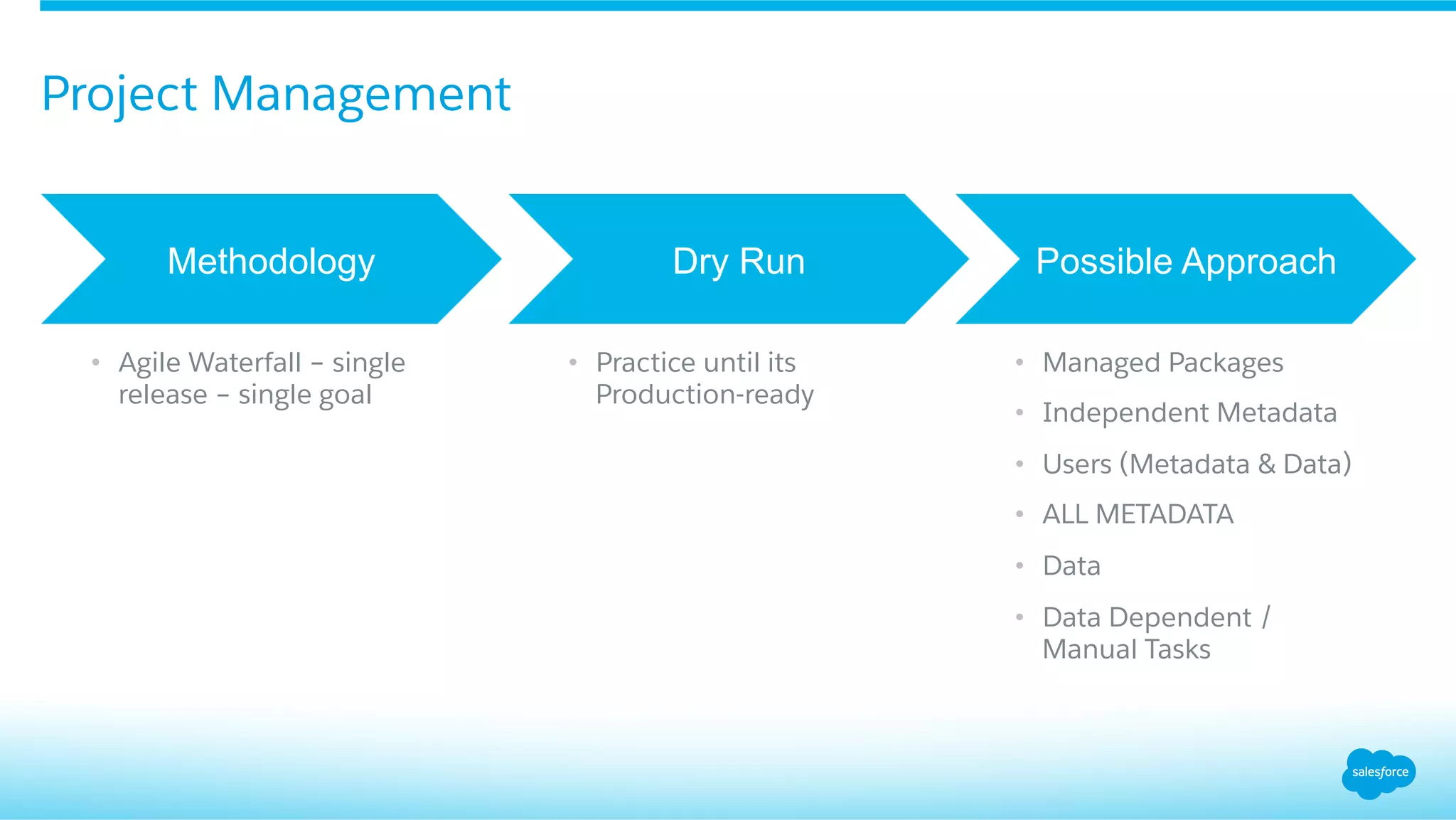
Emphasizes the importance of project management in maintaining organizational merges effectively.
Presents possible approaches and methodologies for managing the org merge project.
Reintroduction of Julian Devassy, emphasizing his role in the presentation.
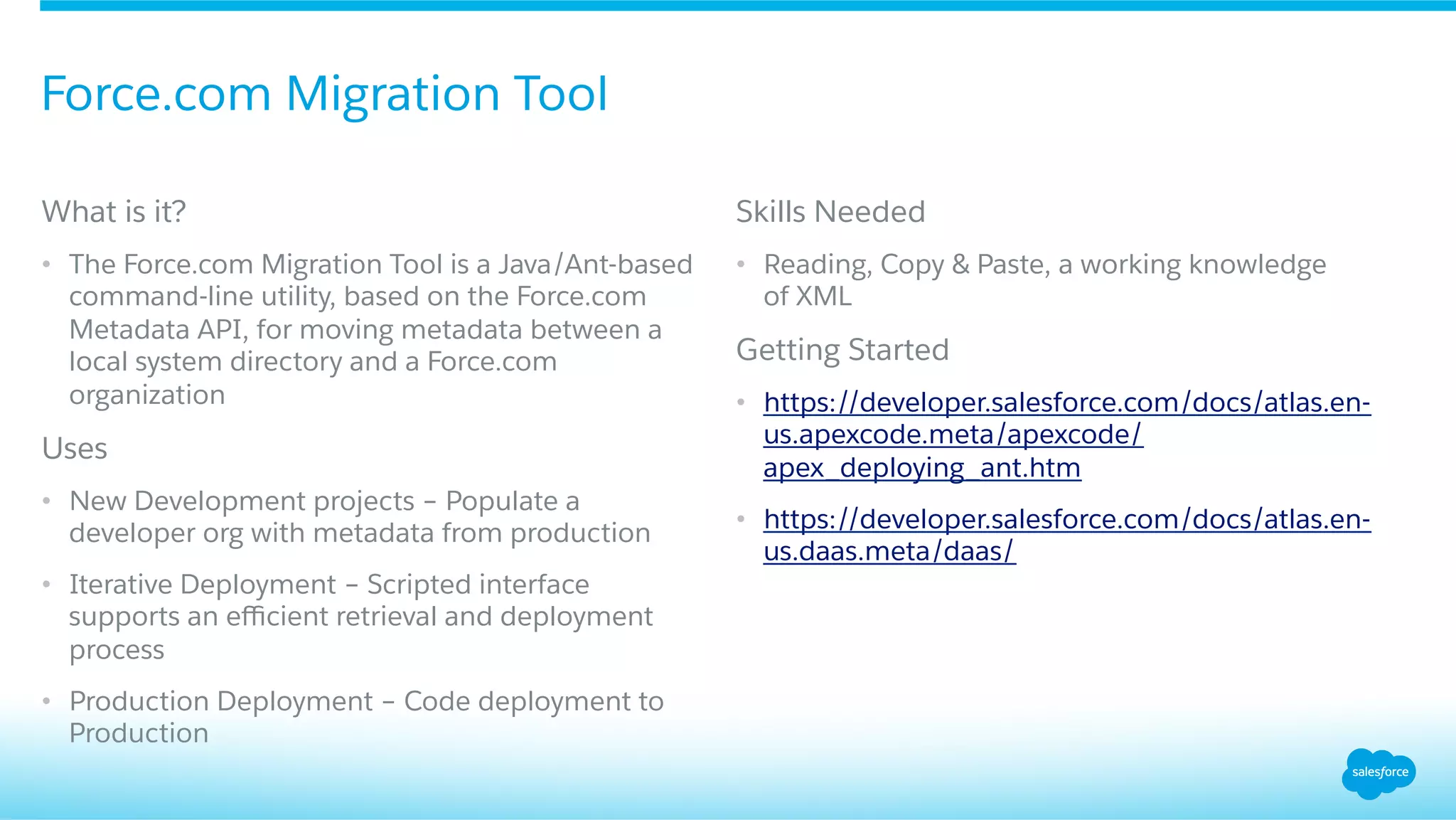
Introduces the Force.com Migration Tool used for metadata migration in the merging process.
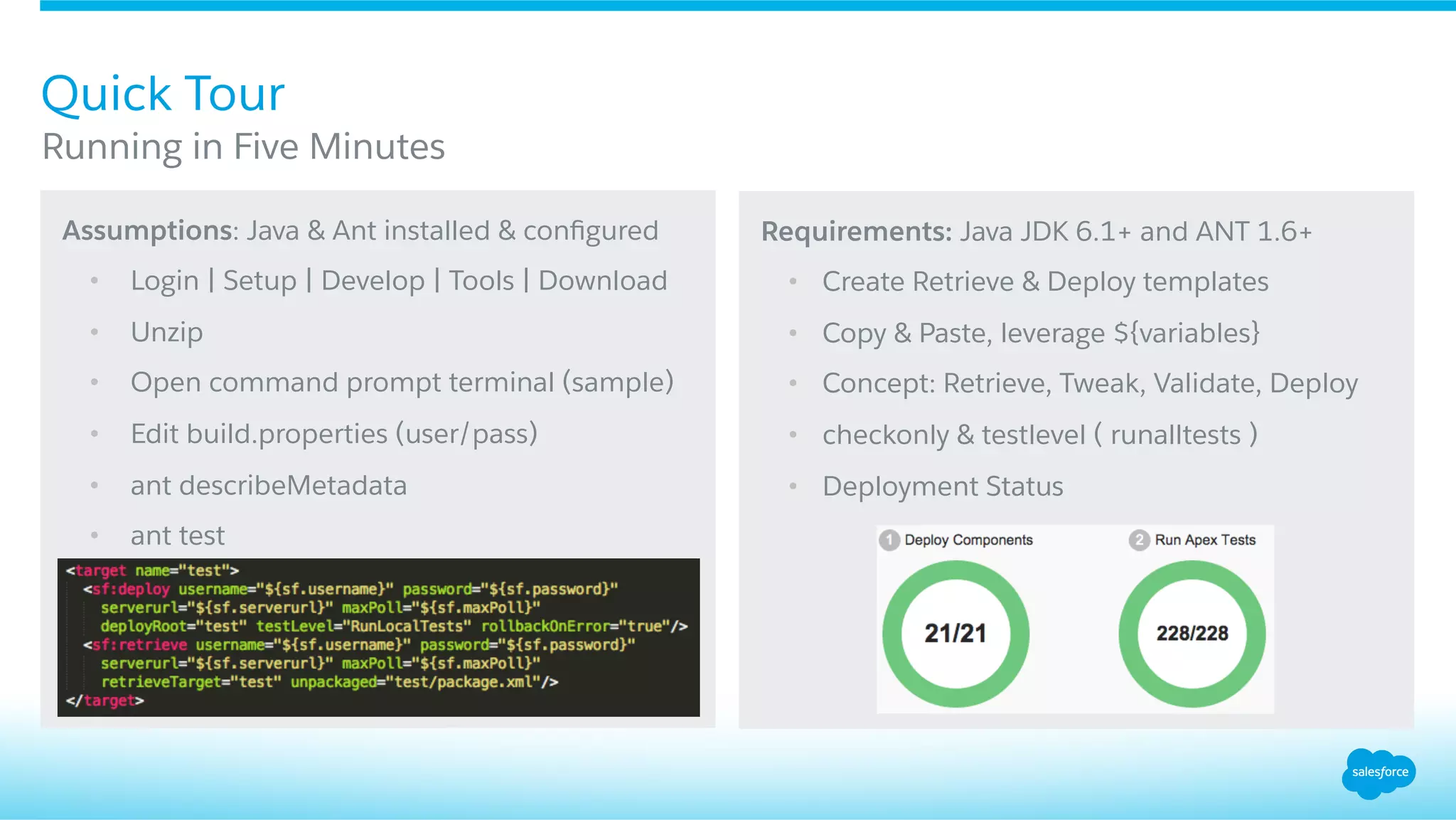
Description of the tool's usage, setup requirements, and main functions for metadata management.
Step-by-step guide to quickly set up and use the Force.com Migration Tool.
Open floor for questions and answers regarding the presentation content.
Concludes the session with thanks and final thoughts from the presenters.


![Vibe Coding vs. Spec-Driven Development [Free Meetup]](https://cdn.slidesharecdn.com/ss_thumbnails/vibecodingvsspecdrivendevelopment-251209105622-43f455e7-thumbnail.jpg?width=640&height=640&fit=bounds)


