OPERATING SYSTEM
meaning
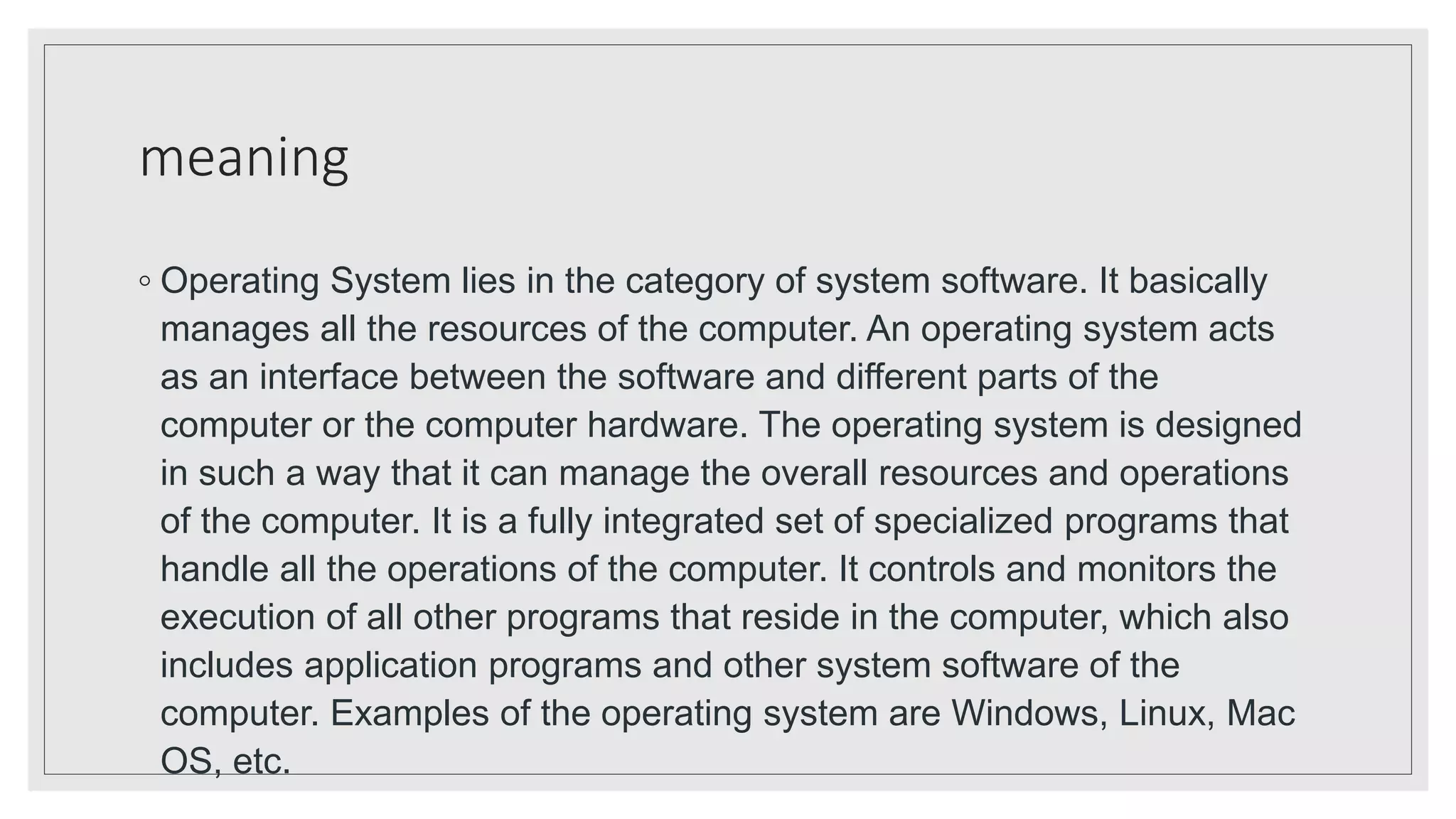
◦ Operating System lies in the category of system software. It basically
manages all the resources of the computer. An operating system acts
as an interface between the software and different parts of the
computer or the computer hardware. The operating system is designed
in such a way that it can manage the overall resources and operations
of the computer. It is a fully integrated set of specialized programs that
handle all the operations of the computer. It controls and monitors the
execution of all other programs that reside in the computer, which also
includes application programs and other system software of the
computer. Examples of the operating system are Windows, Linux, Mac
OS, etc.
objectives
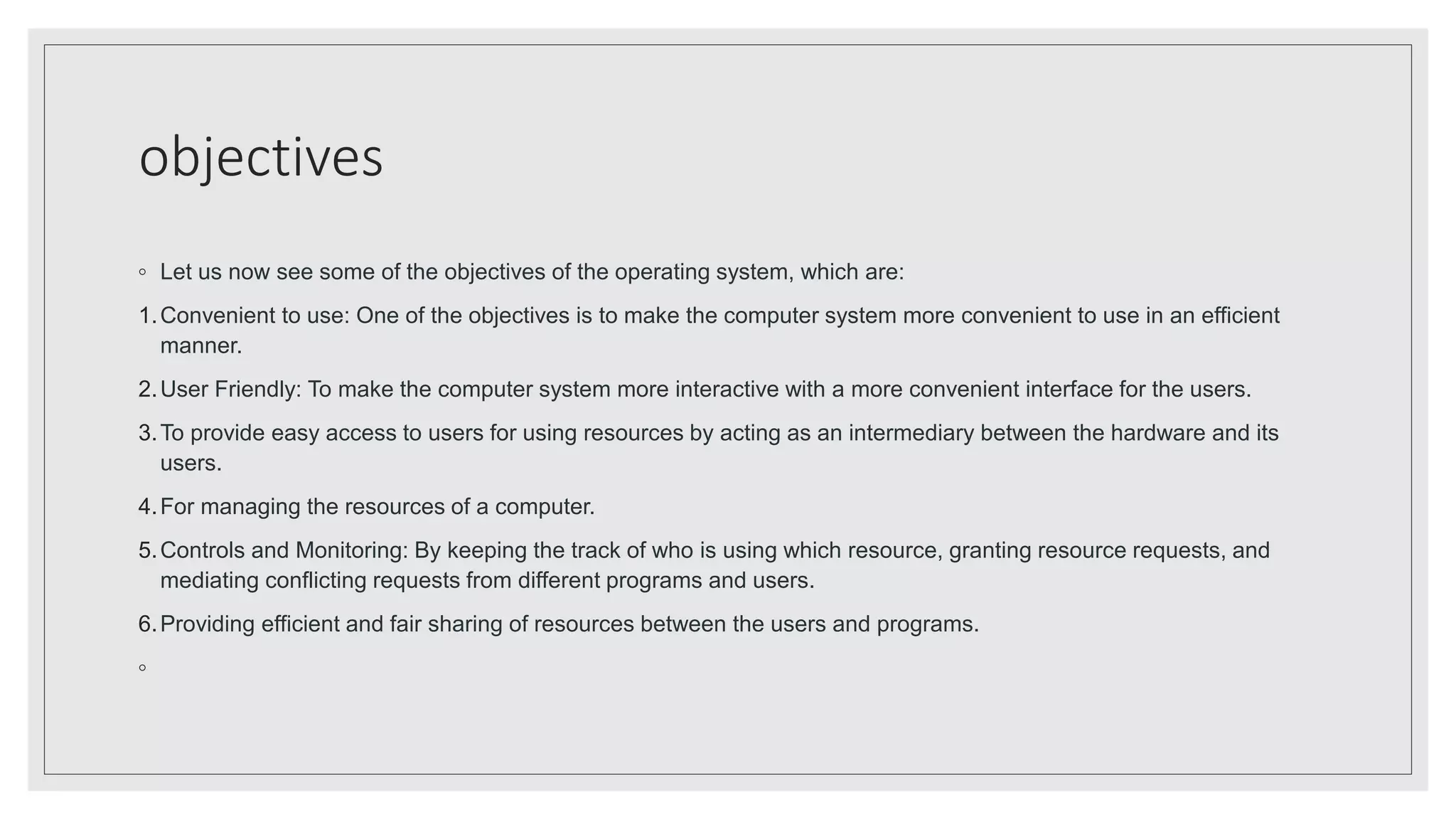
◦ Let us now see some of the objectives of the operating system, which are:
1.Convenient to use: One of the objectives is to make the computer system more convenient to use in an efficient
manner.
2.User Friendly: To make the computer system more interactive with a more convenient interface for the users.
3.To provide easy access to users for using resources by acting as an intermediary between the hardware and its
users.
4.For managing the resources of a computer.
5.Controls and Monitoring: By keeping the track of who is using which resource, granting resource requests, and
mediating conflicting requests from different programs and users.
6.Providing efficient and fair sharing of resources between the users and programs.
◦
characterstics
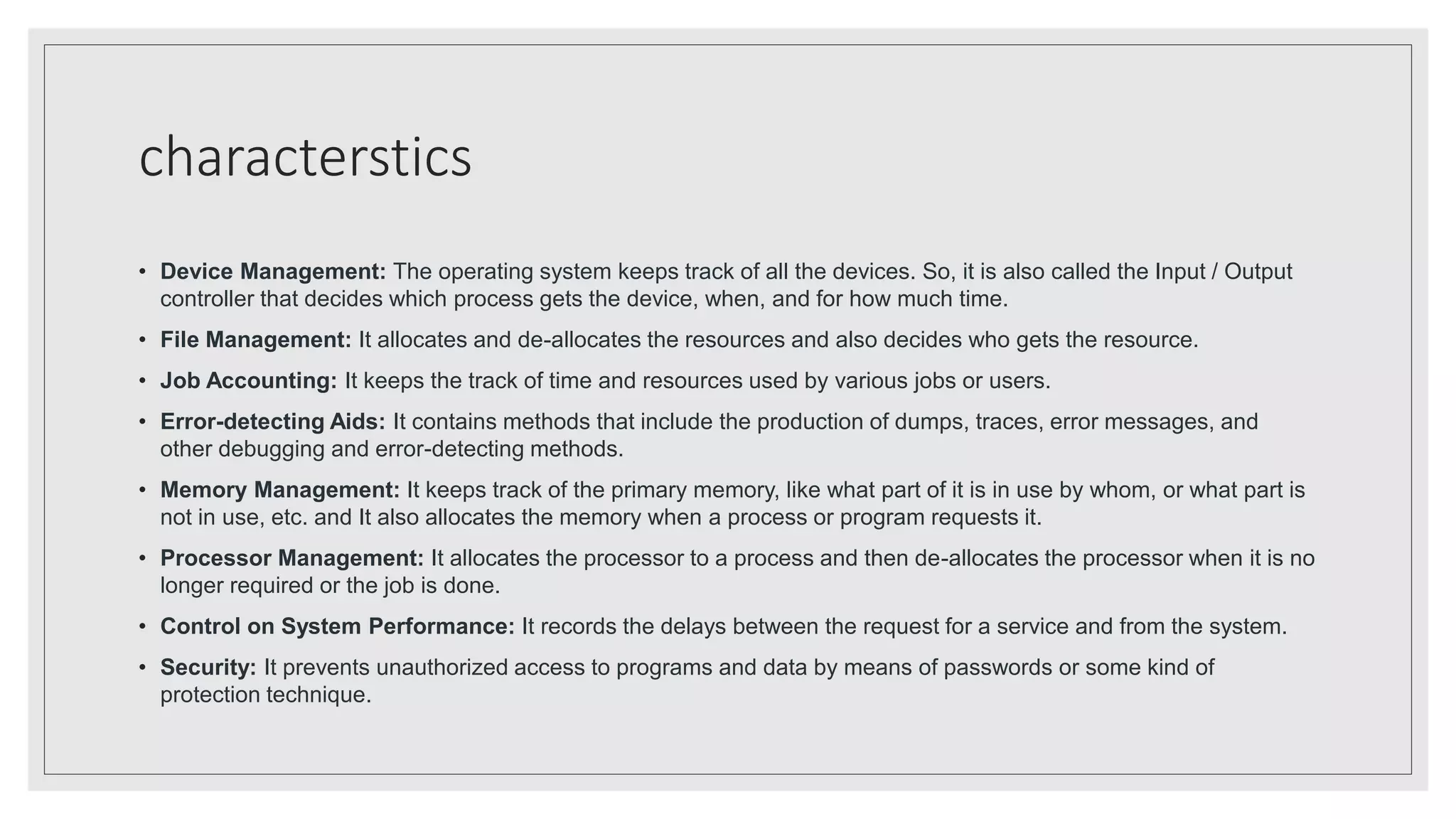
• Device Management: The operating system keeps track of all the devices. So, it is also called the Input / Output
controller that decides which process gets the device, when, and for how much time.
• File Management: It allocates and de-allocates the resources and also decides who gets the resource.
• Job Accounting: It keeps the track of time and resources used by various jobs or users.
• Error-detecting Aids: It contains methods that include the production of dumps, traces, error messages, and
other debugging and error-detecting methods.
• Memory Management: It keeps track of the primary memory, like what part of it is in use by whom, or what part is
not in use, etc. and It also allocates the memory when a process or program requests it.
• Processor Management: It allocates the processor to a process and then de-allocates the processor when it is no
longer required or the job is done.
• Control on System Performance: It records the delays between the request for a service and from the system.
• Security: It prevents unauthorized access to programs and data by means of passwords or some kind of
protection technique.
types
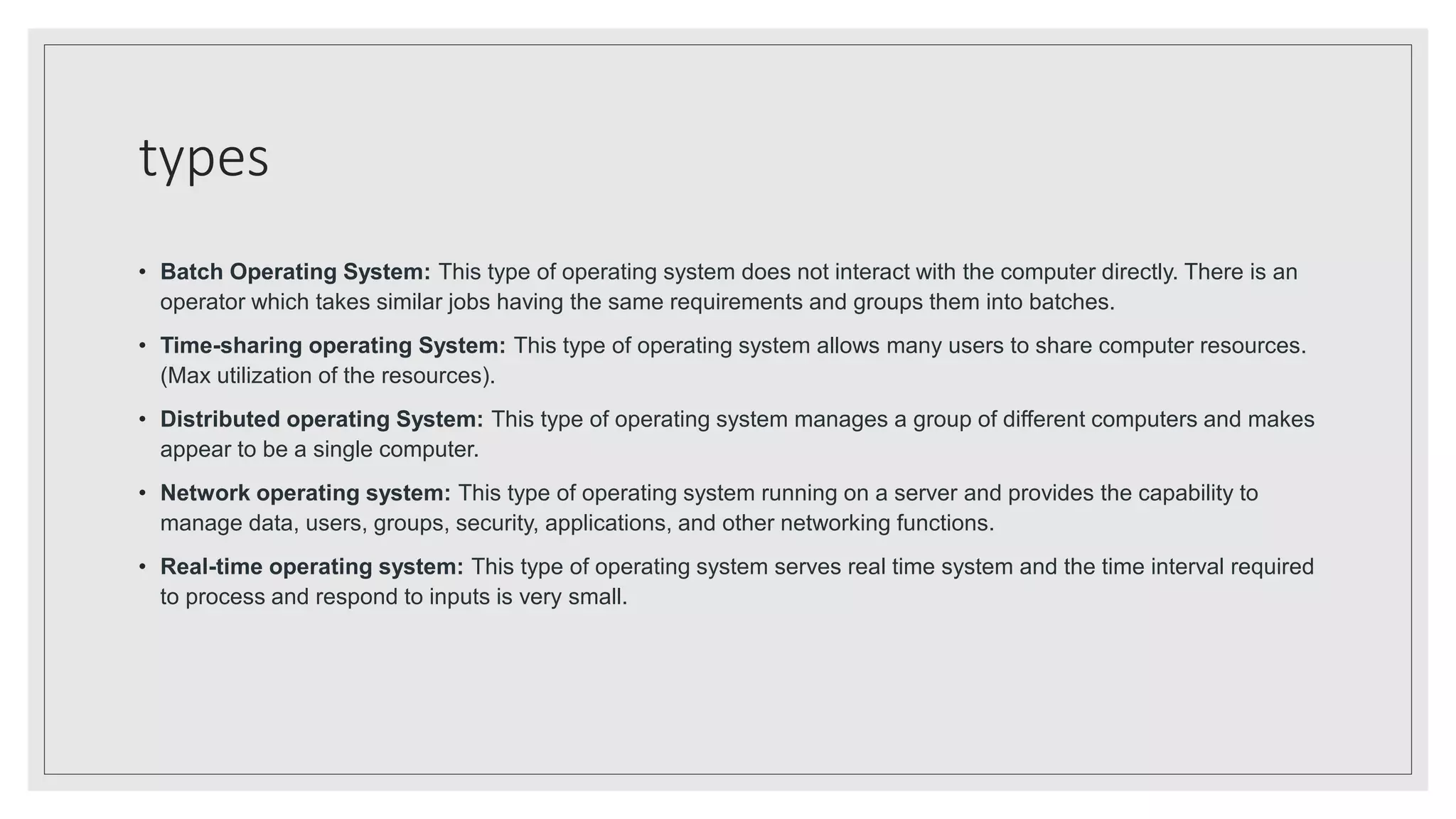
• Batch Operating System: This type of operating system does not interact with the computer directly. There is an
operator which takes similar jobs having the same requirements and groups them into batches.
• Time-sharing operating System: This type of operating system allows many users to share computer resources.
(Max utilization of the resources).
• Distributed operating System: This type of operating system manages a group of different computers and makes
appear to be a single computer.
• Network operating system: This type of operating system running on a server and provides the capability to
manage data, users, groups, security, applications, and other networking functions.
• Real-time operating system: This type of operating system serves real time system and the time interval required
to process and respond to inputs is very small.
Title Lorem Ipsum
LOREM IPSUM DOLOR SIT AMET,
CONSECTETUER ADIPISCING ELIT.
NUNC VIVERRA IMPERDIET ENIM.
FUSCE EST. VIVAMUS A TELLUS.
PELLENTESQUE HABITANT MORBI
TRISTIQUE SENECTUS ET NETUS.

Operating system.pptx

  • 1.
  • 2.
    meaning ◦ Operating Systemlies in the category of system software. It basically manages all the resources of the computer. An operating system acts as an interface between the software and different parts of the computer or the computer hardware. The operating system is designed in such a way that it can manage the overall resources and operations of the computer. It is a fully integrated set of specialized programs that handle all the operations of the computer. It controls and monitors the execution of all other programs that reside in the computer, which also includes application programs and other system software of the computer. Examples of the operating system are Windows, Linux, Mac OS, etc.
  • 3.
    objectives ◦ Let usnow see some of the objectives of the operating system, which are: 1.Convenient to use: One of the objectives is to make the computer system more convenient to use in an efficient manner. 2.User Friendly: To make the computer system more interactive with a more convenient interface for the users. 3.To provide easy access to users for using resources by acting as an intermediary between the hardware and its users. 4.For managing the resources of a computer. 5.Controls and Monitoring: By keeping the track of who is using which resource, granting resource requests, and mediating conflicting requests from different programs and users. 6.Providing efficient and fair sharing of resources between the users and programs. ◦
  • 4.
    characterstics • Device Management:The operating system keeps track of all the devices. So, it is also called the Input / Output controller that decides which process gets the device, when, and for how much time. • File Management: It allocates and de-allocates the resources and also decides who gets the resource. • Job Accounting: It keeps the track of time and resources used by various jobs or users. • Error-detecting Aids: It contains methods that include the production of dumps, traces, error messages, and other debugging and error-detecting methods. • Memory Management: It keeps track of the primary memory, like what part of it is in use by whom, or what part is not in use, etc. and It also allocates the memory when a process or program requests it. • Processor Management: It allocates the processor to a process and then de-allocates the processor when it is no longer required or the job is done. • Control on System Performance: It records the delays between the request for a service and from the system. • Security: It prevents unauthorized access to programs and data by means of passwords or some kind of protection technique.
  • 5.
    types • Batch OperatingSystem: This type of operating system does not interact with the computer directly. There is an operator which takes similar jobs having the same requirements and groups them into batches. • Time-sharing operating System: This type of operating system allows many users to share computer resources. (Max utilization of the resources). • Distributed operating System: This type of operating system manages a group of different computers and makes appear to be a single computer. • Network operating system: This type of operating system running on a server and provides the capability to manage data, users, groups, security, applications, and other networking functions. • Real-time operating system: This type of operating system serves real time system and the time interval required to process and respond to inputs is very small.
  • 6.
    Title Lorem Ipsum LOREMIPSUM DOLOR SIT AMET, CONSECTETUER ADIPISCING ELIT. NUNC VIVERRA IMPERDIET ENIM. FUSCE EST. VIVAMUS A TELLUS. PELLENTESQUE HABITANT MORBI TRISTIQUE SENECTUS ET NETUS.