





“
Open Source Saturday

Introduction

”
“

Open Source Saturday

How can I
contribute to
Ruby on Rails?

”
“

I Want You

”
To Contribute To Rails
“
”
Sure You Can!

“
”
I felt like that too!

“
”
“
”
Find something you want to fix, then...

“
”
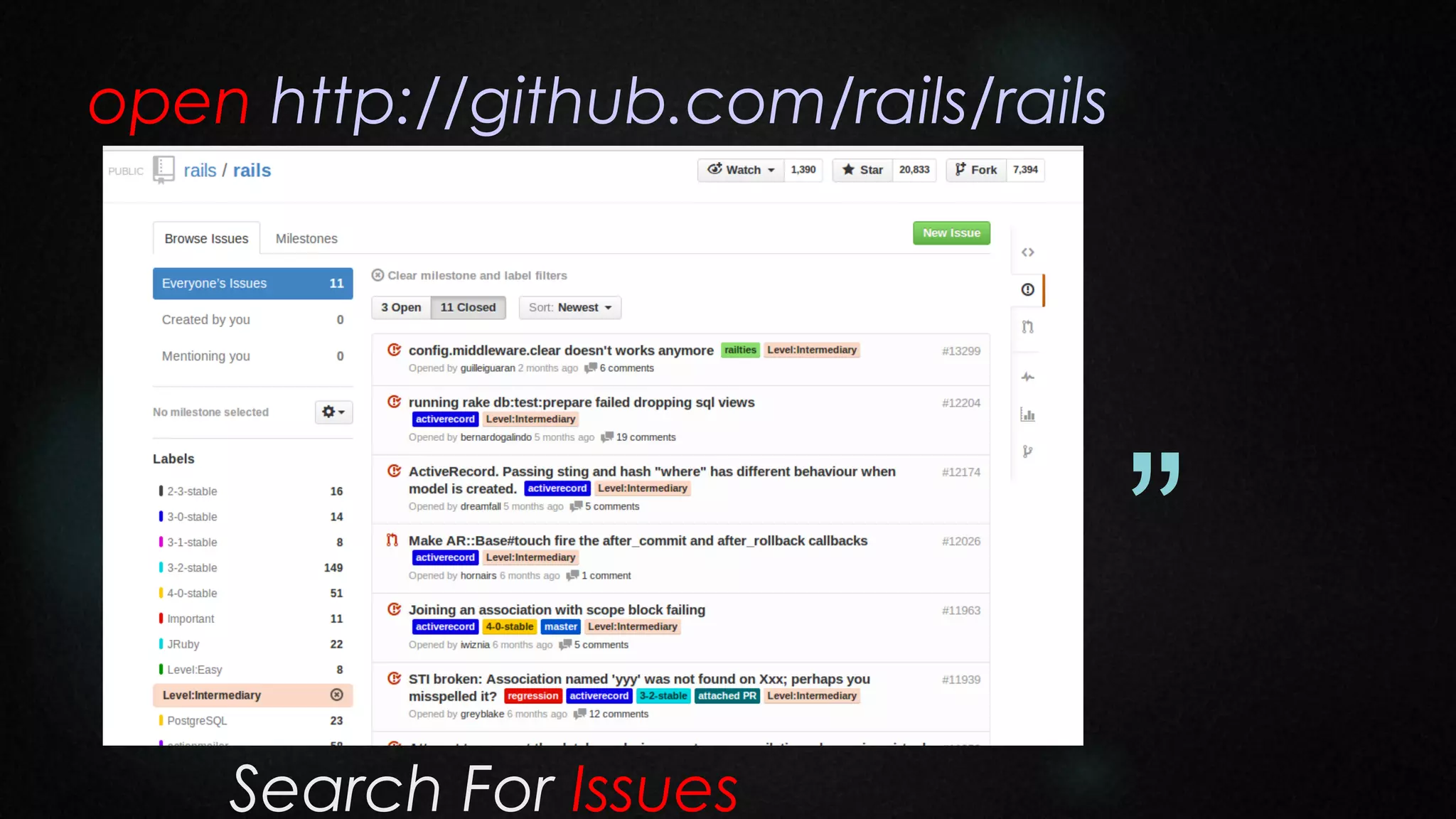
open http://github.com/rails/rails

“
”
Search For Issues
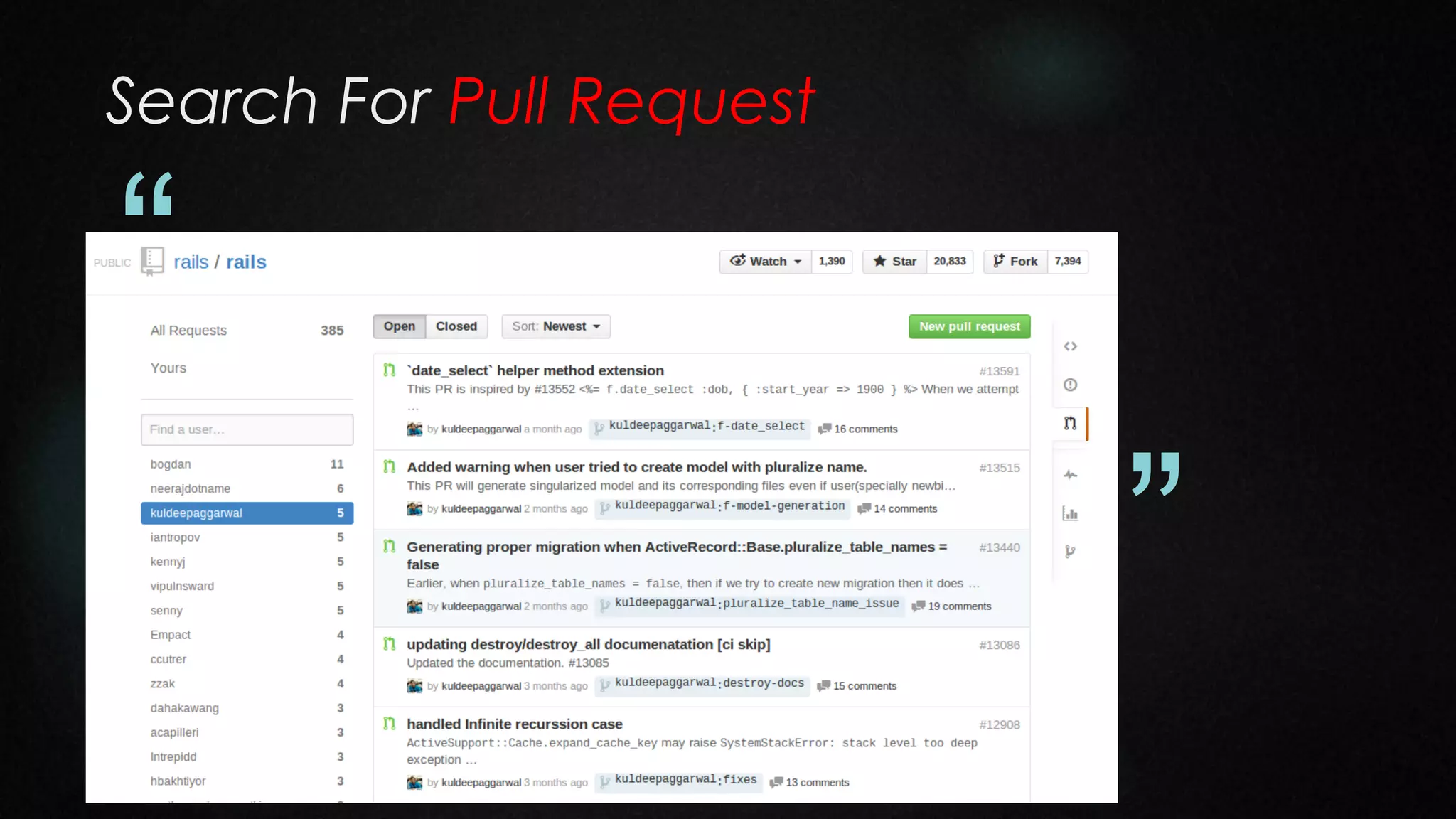
Search For Pull Request

“
”
Set up a local copy

“

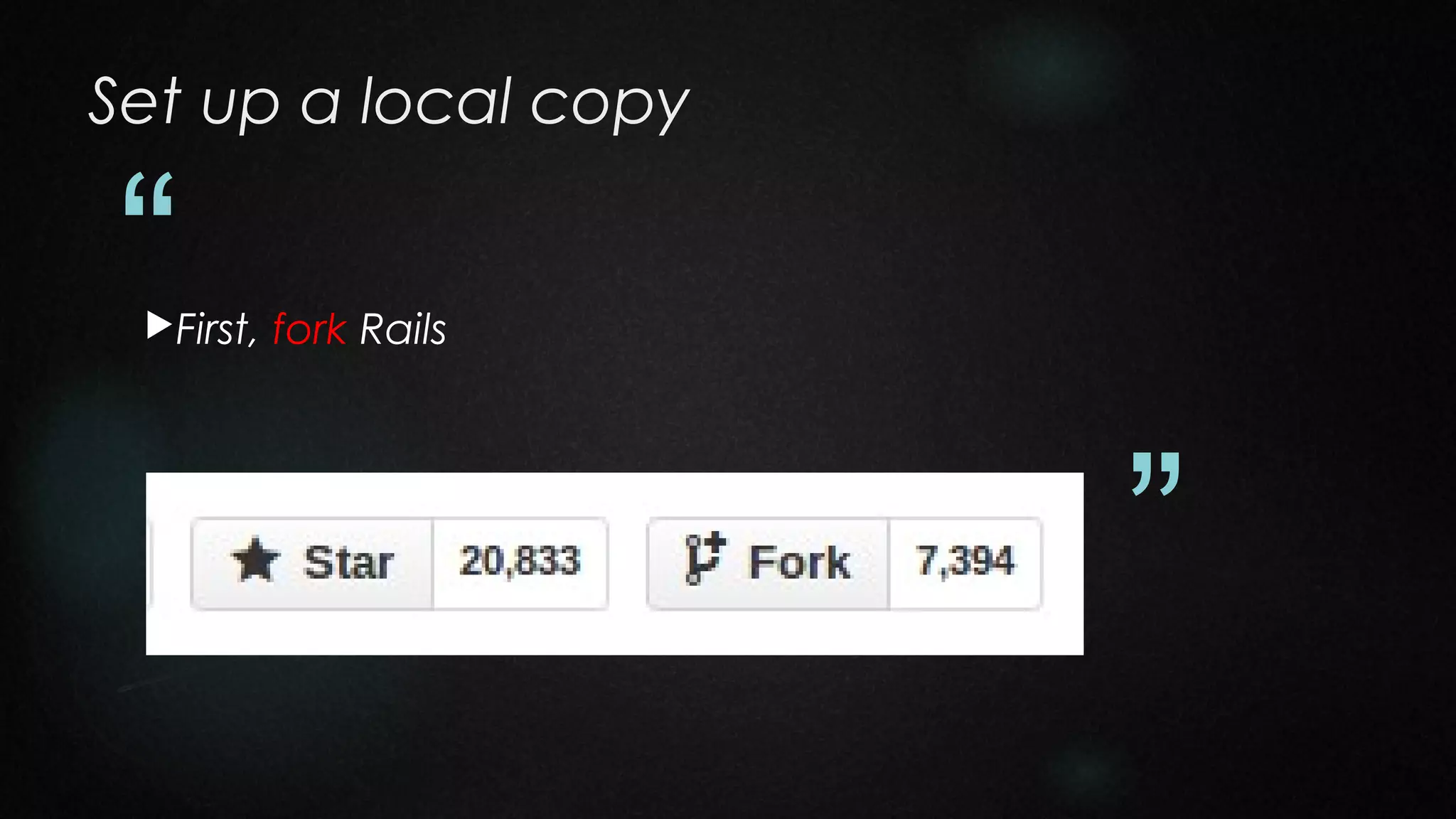
First,

fork Rails

”
Forking rails/rails

“
”
Set up a local copy

“

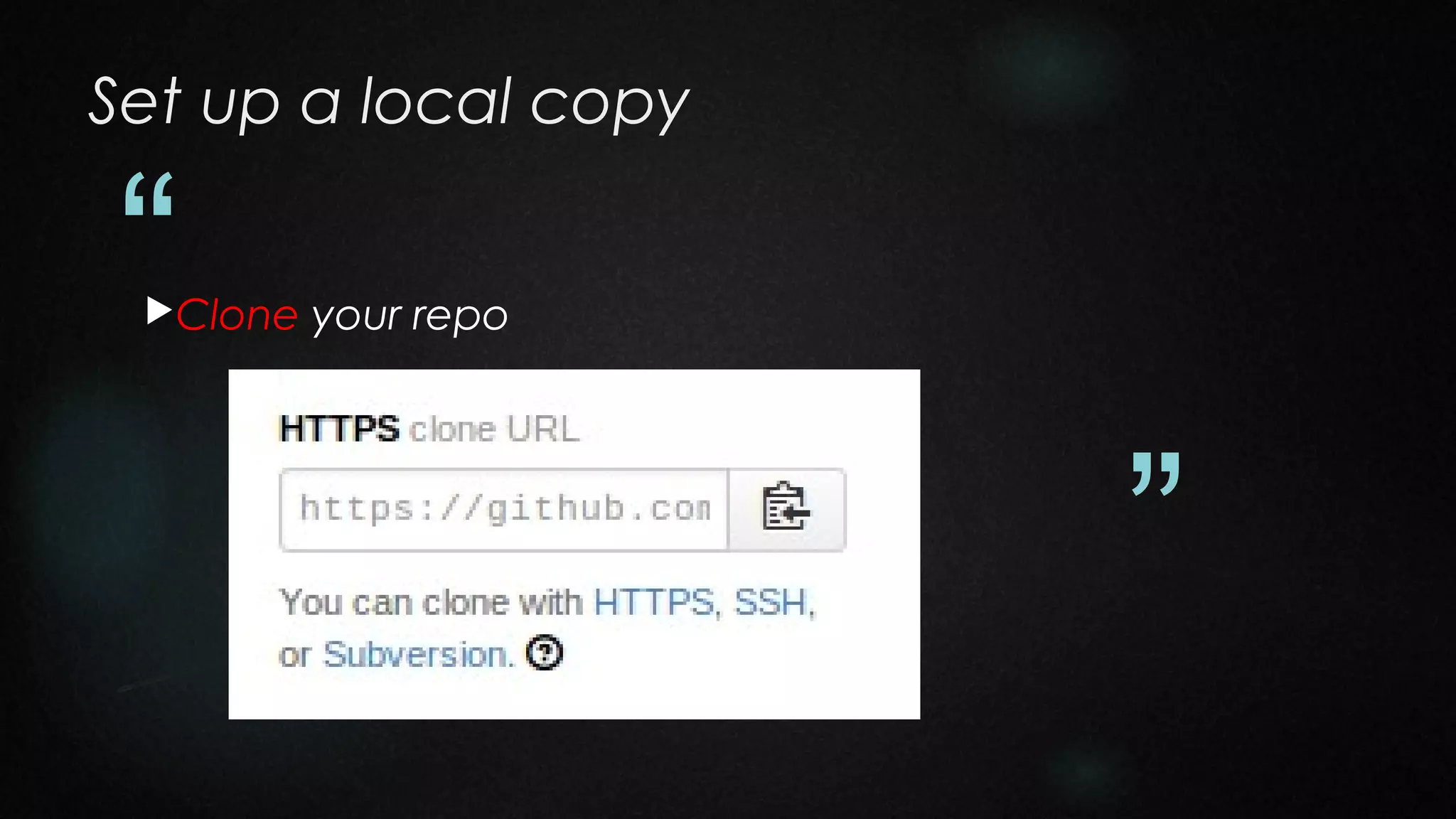
Clone

your repo

”
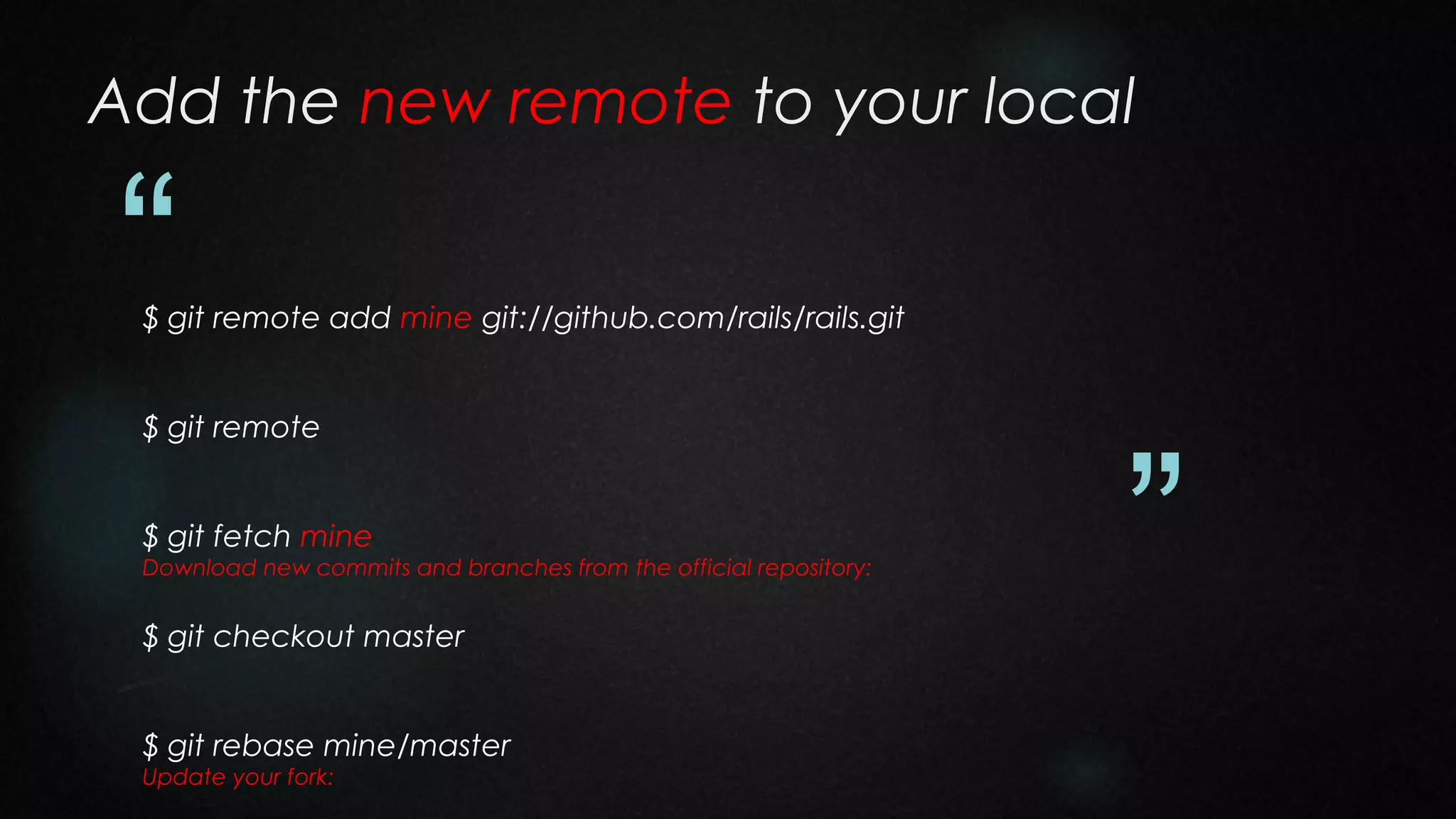
Add the new remote to your local

“

$ git remote add mine git://github.com/rails/rails.git
$ git remote
$ git fetch mine
Download new commits and branches from the official repository:

$ git checkout master
$ git rebase mine/master
Update your fork:

”
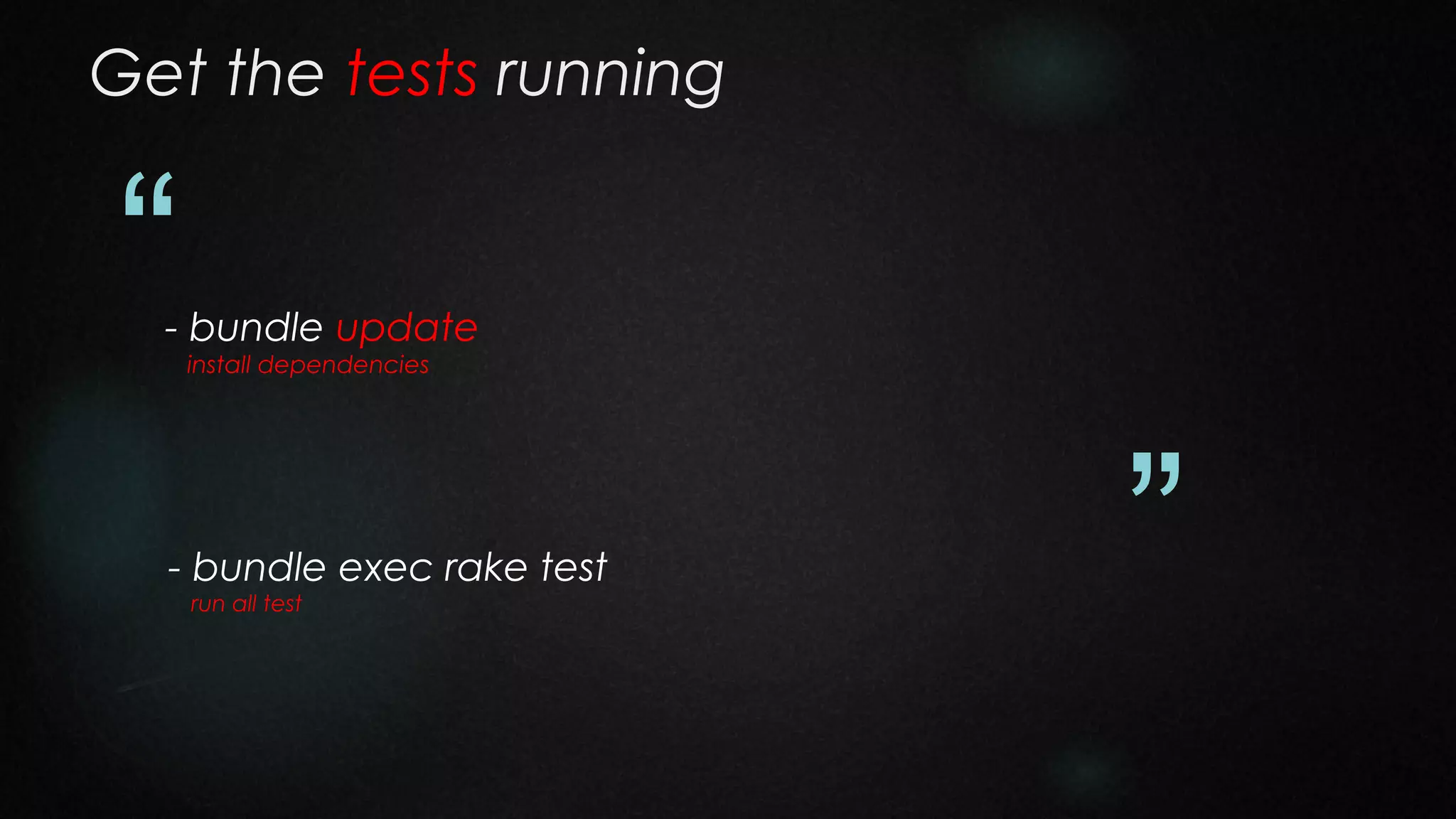
Get the tests running

“

- bundle update
install dependencies

- bundle exec rake test
run all test

”
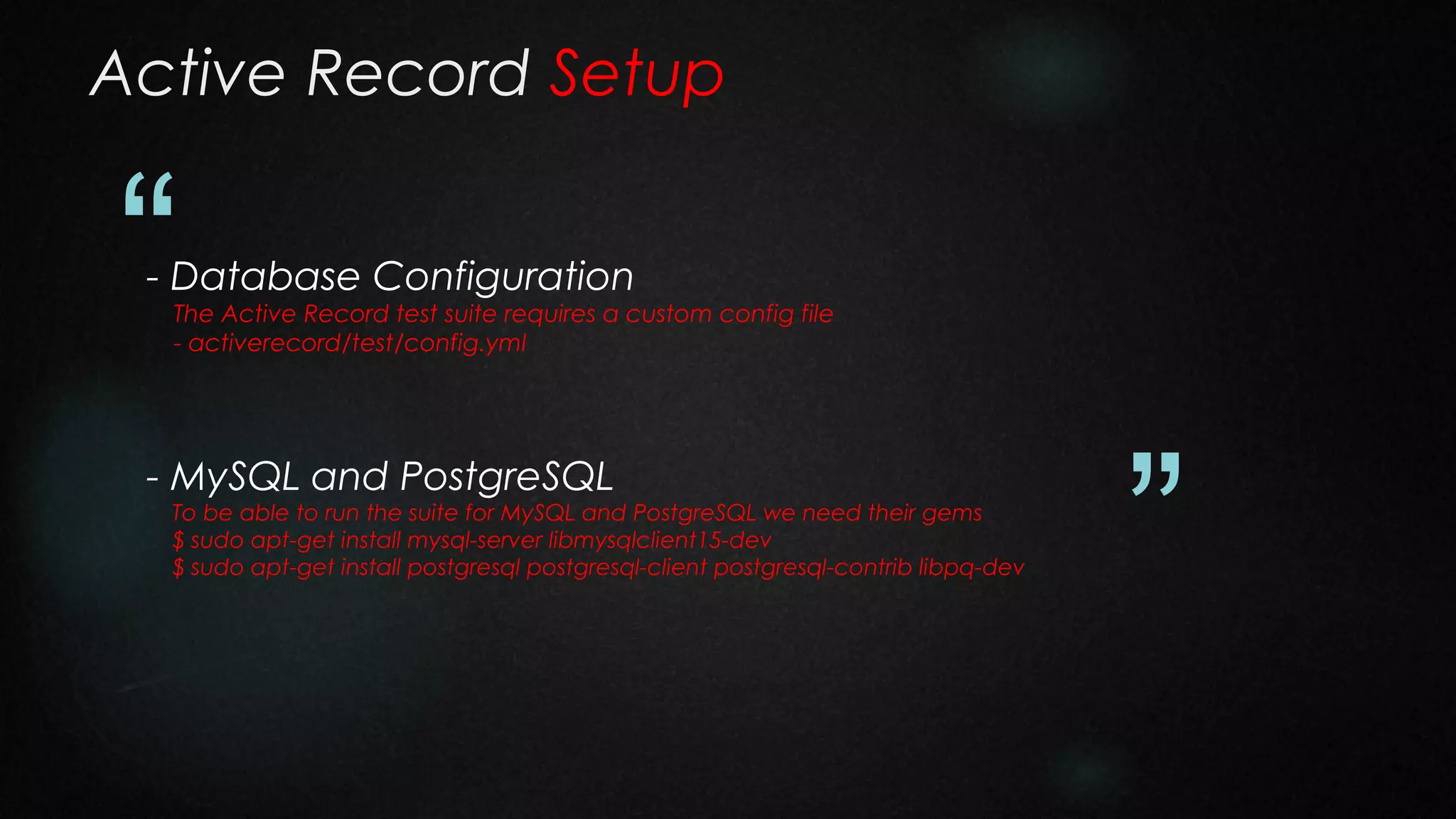
Active Record Setup

“

- Database Configuration

The Active Record test suite requires a custom config file
- activerecord/test/config.yml

- MySQL and PostgreSQL

To be able to run the suite for MySQL and PostgreSQL we need their gems
$ sudo apt-get install mysql-server libmysqlclient15-dev
$ sudo apt-get install postgresql postgresql-client postgresql-contrib libpq-dev

”
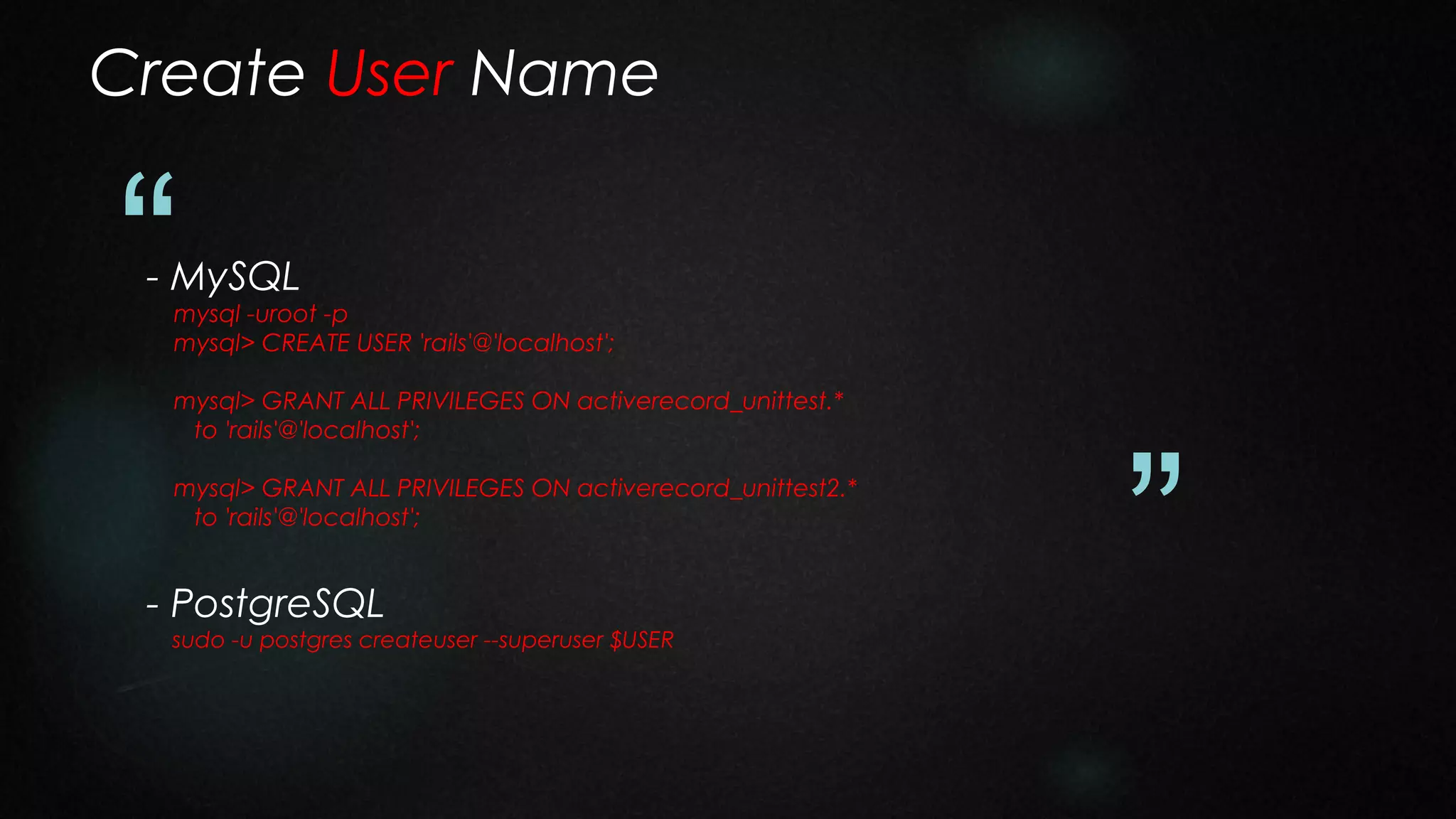
Create User Name

“

- MySQL

mysql -uroot -p
mysql> CREATE USER 'rails'@'localhost';
mysql> GRANT ALL PRIVILEGES ON activerecord_unittest.*
to 'rails'@'localhost';
mysql> GRANT ALL PRIVILEGES ON activerecord_unittest2.*
to 'rails'@'localhost';

- PostgreSQL

sudo -u postgres createuser --superuser $USER

”
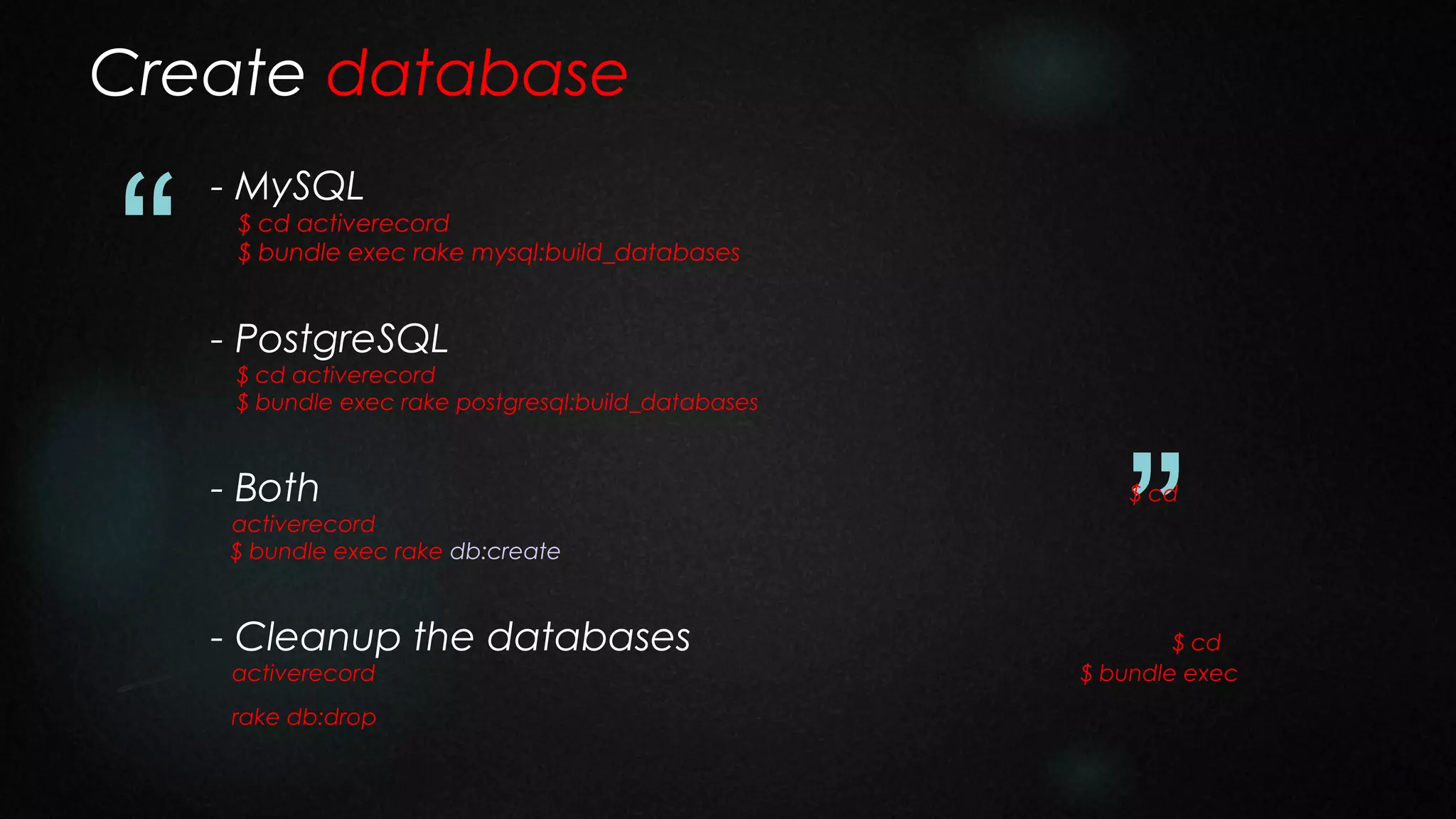
Create database

“

- MySQL

$ cd activerecord
$ bundle exec rake mysql:build_databases

- PostgreSQL

$ cd activerecord
$ bundle exec rake postgresql:build_databases

- Both

activerecord
$ bundle exec rake db:create

- Cleanup the databases
activerecord

rake db:drop

”
$ cd

$ cd
$ bundle exec
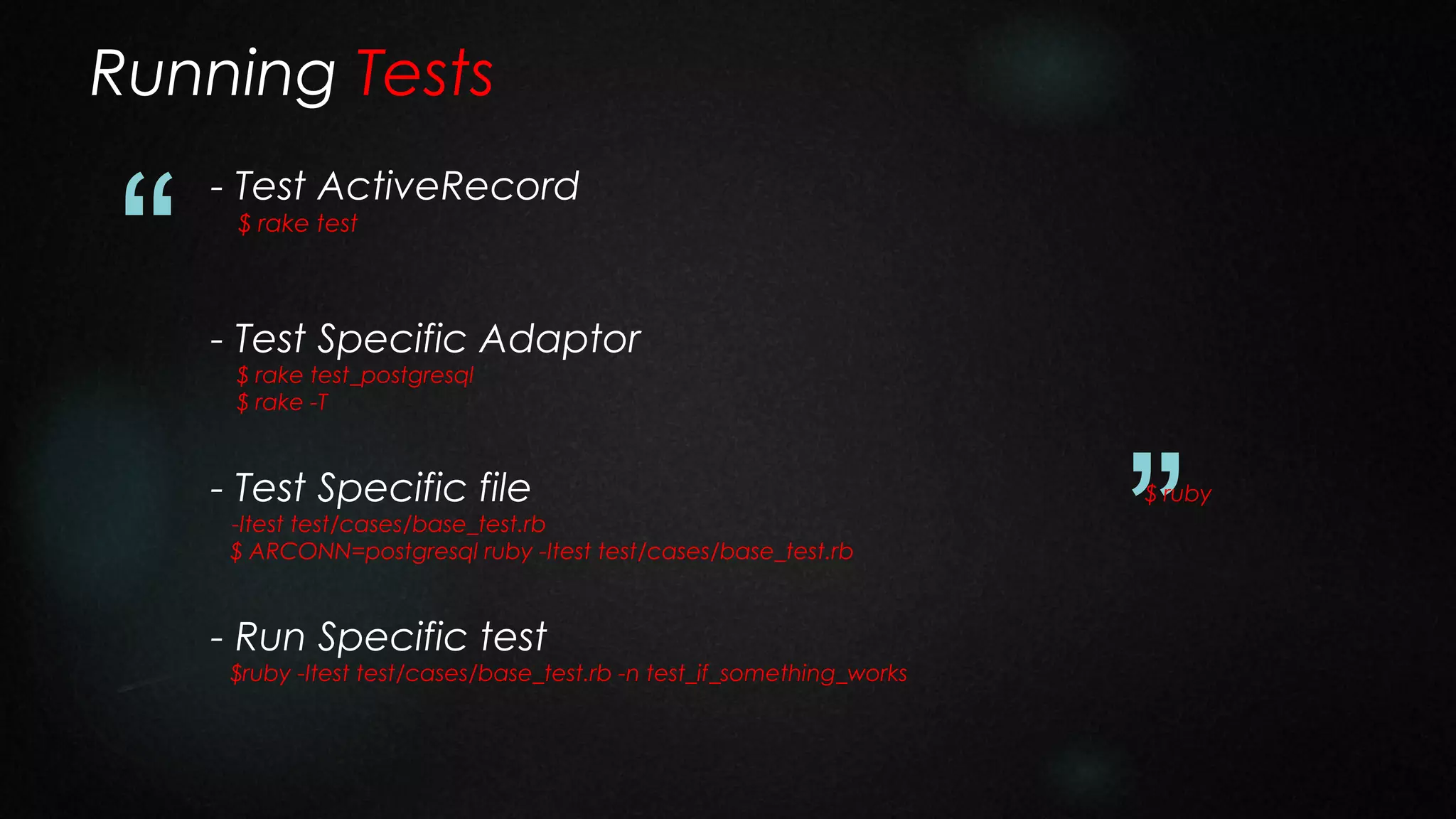
Running Tests

“

- Test ActiveRecord
$ rake test

- Test Specific Adaptor
$ rake test_postgresql
$ rake -T

- Test Specific file

-Itest test/cases/base_test.rb
$ ARCONN=postgresql ruby -Itest test/cases/base_test.rb

- Run Specific test

$ruby -Itest test/cases/base_test.rb -n test_if_something_works

”

$ ruby
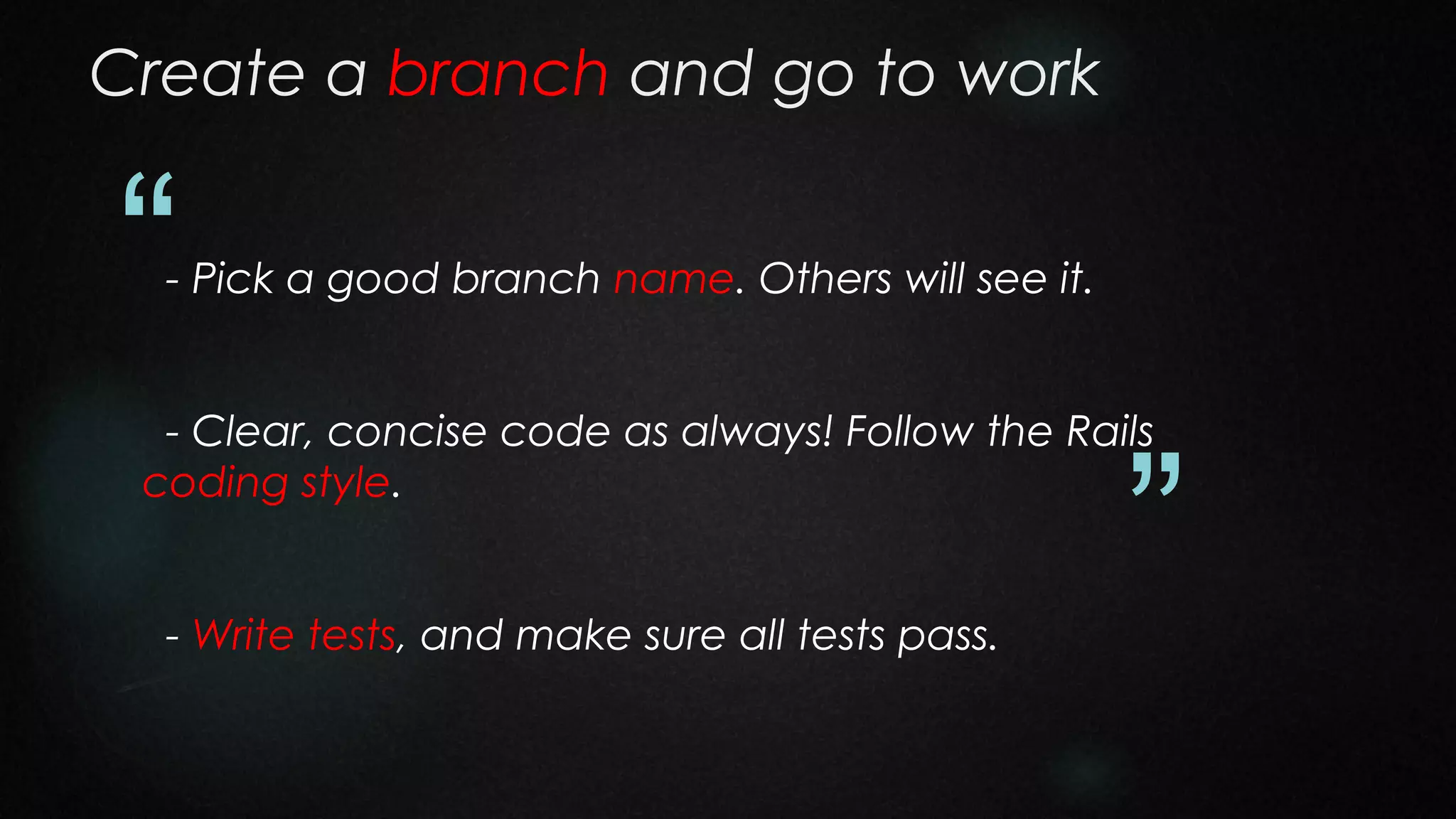
Create a branch and go to work

“

- Pick a good branch name. Others will see it.

- Clear, concise code as always! Follow the Rails
coding style.
- Write tests, and make sure all tests pass.

”
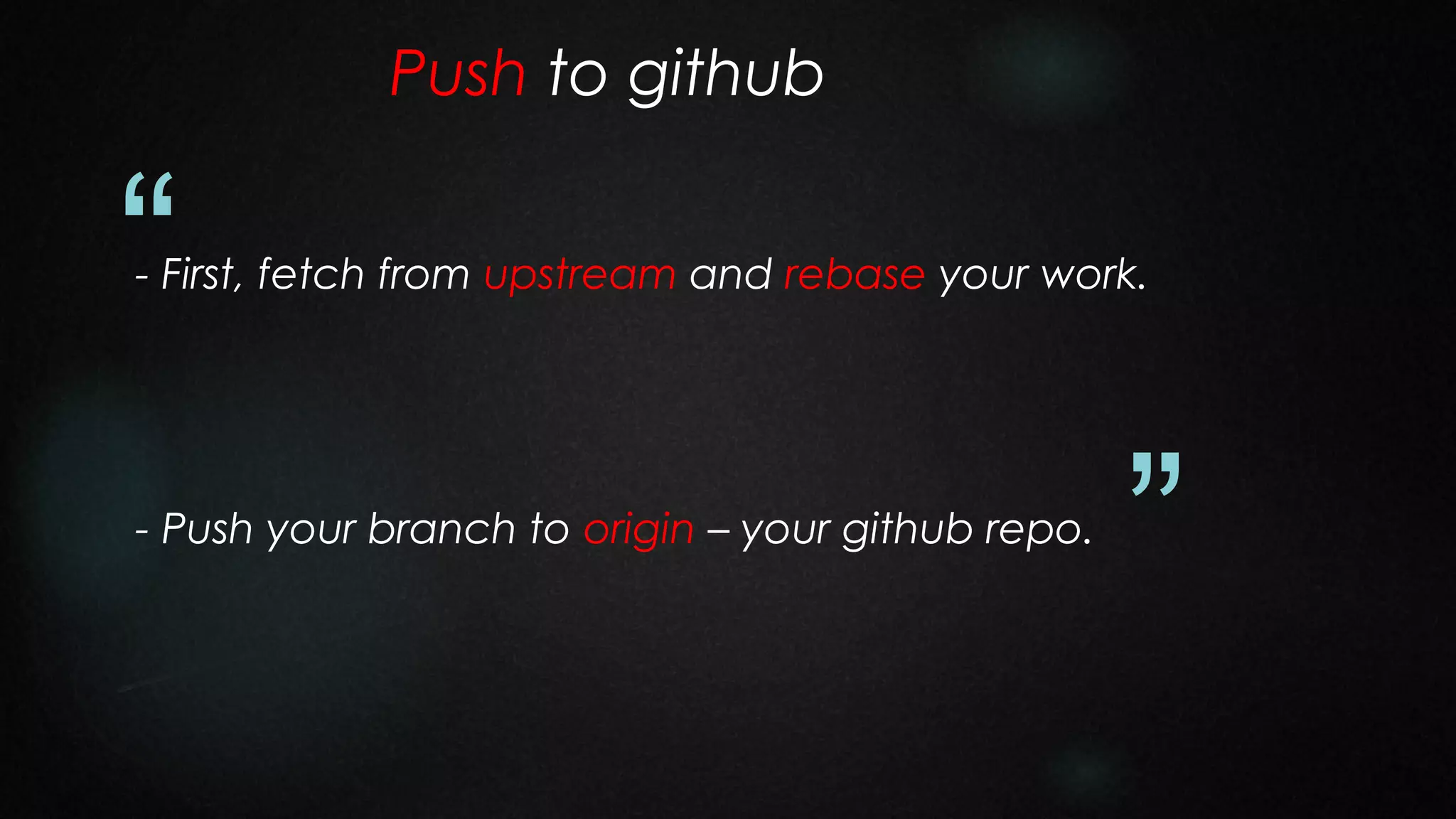
Push to github

“

- First, fetch from upstream and rebase your work.

- Push your branch to origin – your github repo.

”
do Pull Request

“

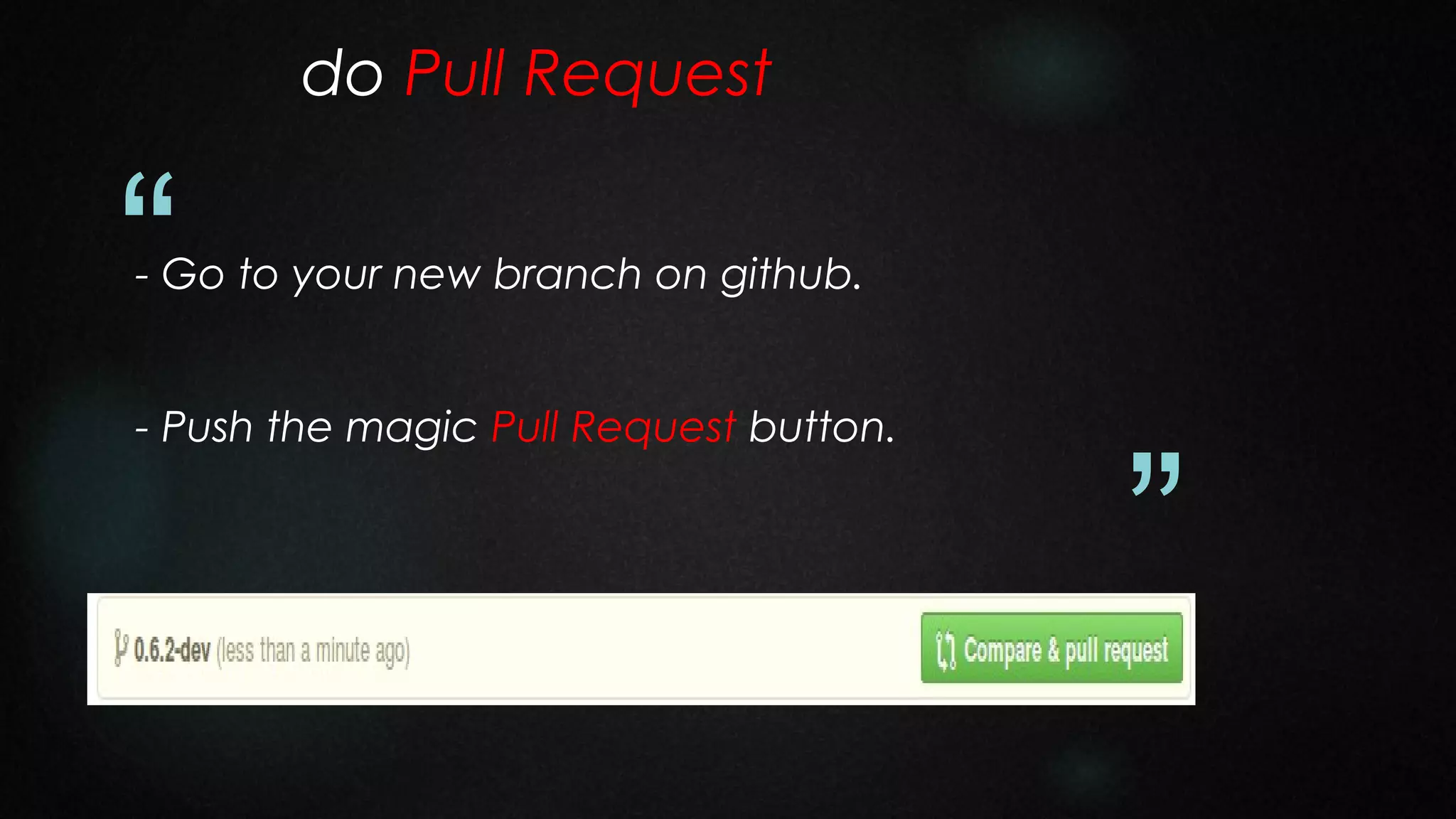
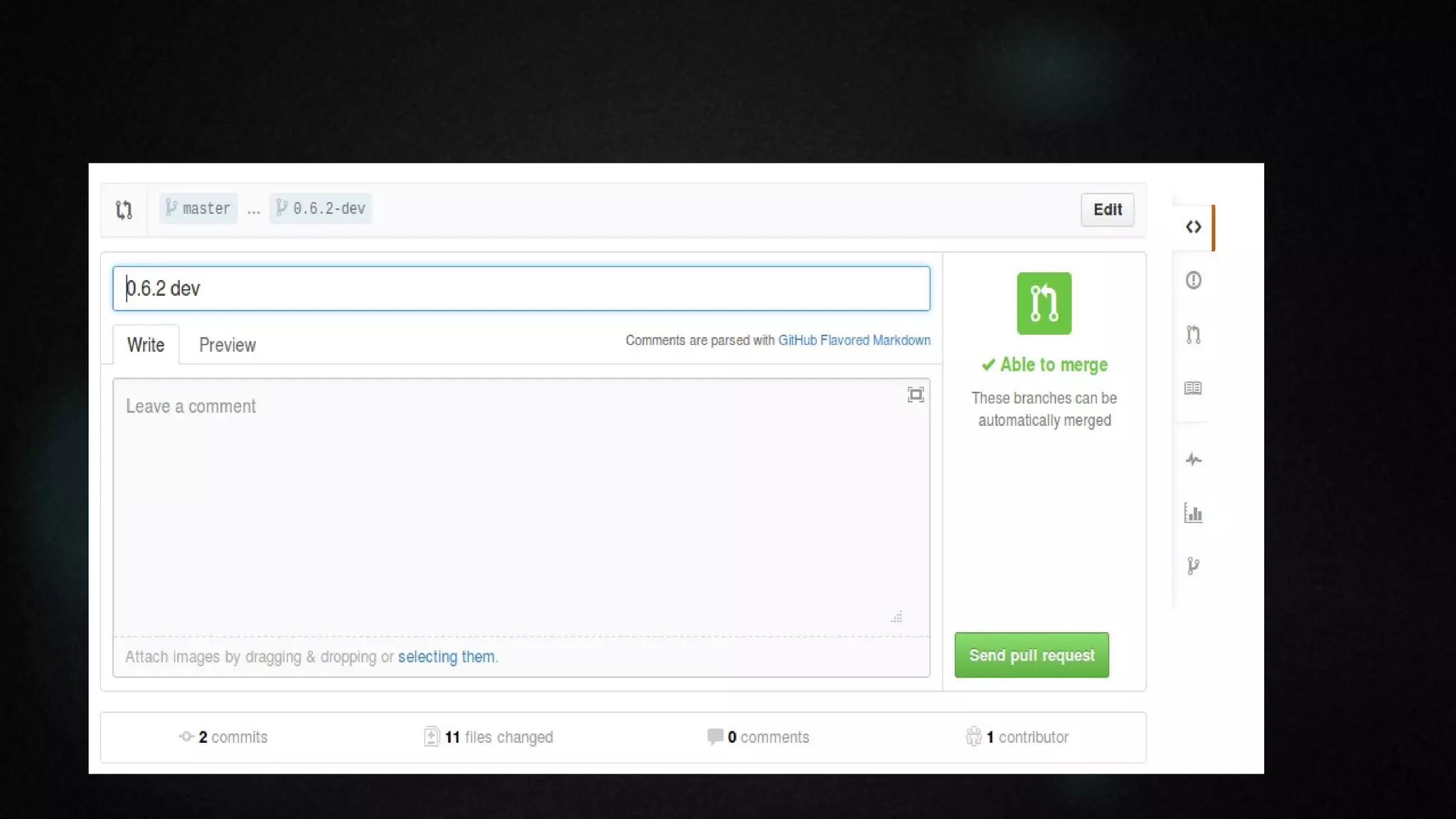
- Go to your new branch on github.
- Push the magic Pull Request button.

”
“
”
Pull Request primer

“

- Explain your code and why it should be merged into
Rails.
- Your message starts a discussion thread.

”

- If you need to make changes, do them and push
them. The pull request will be automatically updated.
- Help the Rails team. Be kind. In return, they'll help
you.
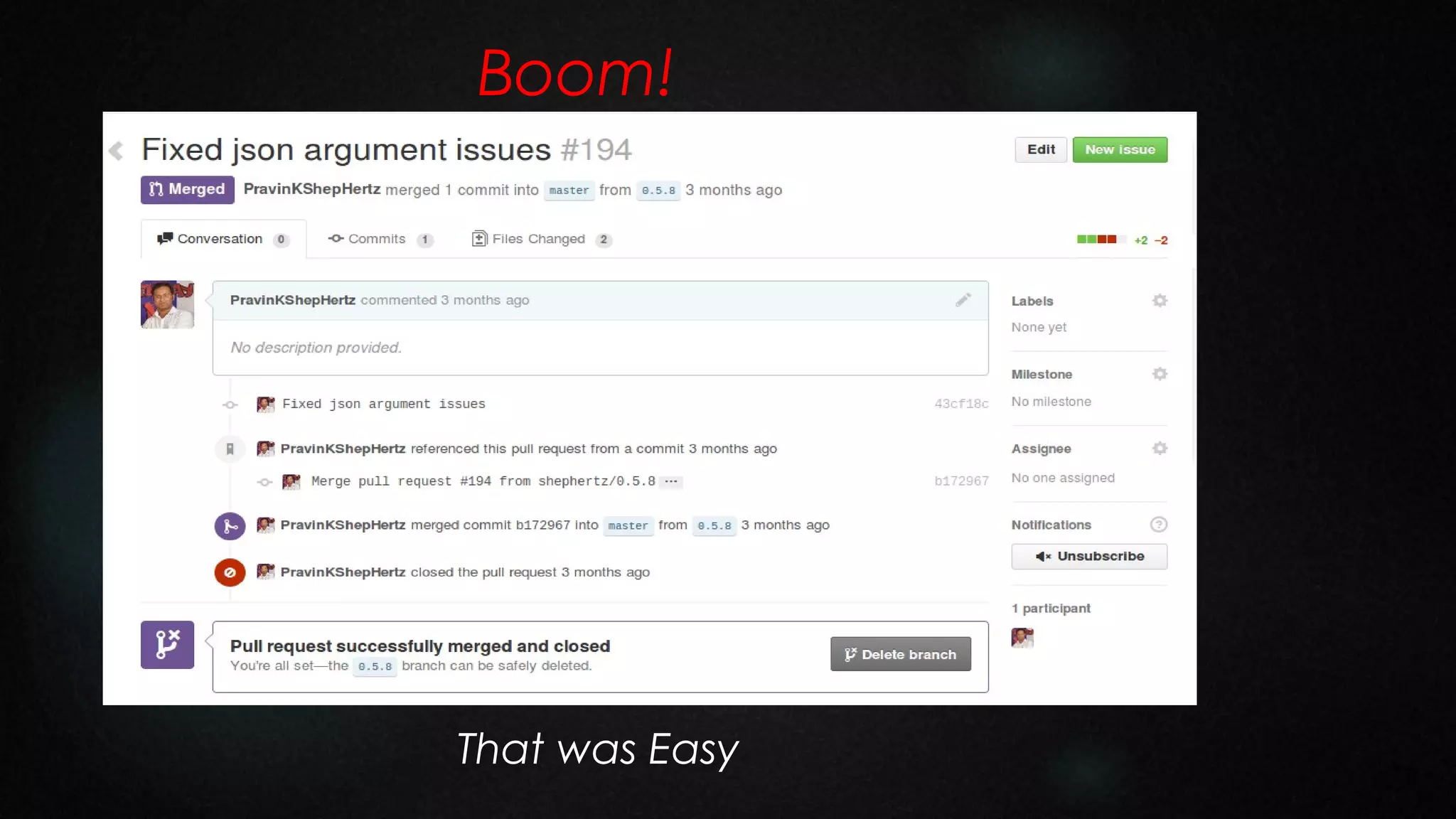
Boom!

“
”
That was Easy
Now you're one of THEM

“
http://contributors.rubyonrails.org/

”
“

Question?

Thanks
By:
Pravin Mishra
Twitter: pravinmishra88

”

Open Source Saturday - How can I contribute to Ruby on Rails?

  • 1.
  • 2.
    “ Open Source Saturday Howcan I contribute to Ruby on Rails? ”
  • 3.
    “ I Want You ” ToContribute To Rails
  • 4.
  • 5.
  • 6.
    I felt likethat too! “ ”
  • 7.
  • 8.
    Find something youwant to fix, then... “ ”
  • 9.
  • 10.
    Search For PullRequest “ ”
  • 11.
    Set up alocal copy “ First, fork Rails ”
  • 12.
  • 13.
    Set up alocal copy “ Clone your repo ”
  • 14.
    Add the newremote to your local “ $ git remote add mine git://github.com/rails/rails.git $ git remote $ git fetch mine Download new commits and branches from the official repository: $ git checkout master $ git rebase mine/master Update your fork: ”
  • 15.
    Get the testsrunning “ - bundle update install dependencies - bundle exec rake test run all test ”
  • 16.
    Active Record Setup “ -Database Configuration The Active Record test suite requires a custom config file - activerecord/test/config.yml - MySQL and PostgreSQL To be able to run the suite for MySQL and PostgreSQL we need their gems $ sudo apt-get install mysql-server libmysqlclient15-dev $ sudo apt-get install postgresql postgresql-client postgresql-contrib libpq-dev ”
  • 17.
    Create User Name “ -MySQL mysql -uroot -p mysql> CREATE USER 'rails'@'localhost'; mysql> GRANT ALL PRIVILEGES ON activerecord_unittest.* to 'rails'@'localhost'; mysql> GRANT ALL PRIVILEGES ON activerecord_unittest2.* to 'rails'@'localhost'; - PostgreSQL sudo -u postgres createuser --superuser $USER ”
  • 18.
    Create database “ - MySQL $cd activerecord $ bundle exec rake mysql:build_databases - PostgreSQL $ cd activerecord $ bundle exec rake postgresql:build_databases - Both activerecord $ bundle exec rake db:create - Cleanup the databases activerecord rake db:drop ” $ cd $ cd $ bundle exec
  • 19.
    Running Tests “ - TestActiveRecord $ rake test - Test Specific Adaptor $ rake test_postgresql $ rake -T - Test Specific file -Itest test/cases/base_test.rb $ ARCONN=postgresql ruby -Itest test/cases/base_test.rb - Run Specific test $ruby -Itest test/cases/base_test.rb -n test_if_something_works ” $ ruby
  • 20.
    Create a branchand go to work “ - Pick a good branch name. Others will see it. - Clear, concise code as always! Follow the Rails coding style. - Write tests, and make sure all tests pass. ”
  • 21.
    Push to github “ -First, fetch from upstream and rebase your work. - Push your branch to origin – your github repo. ”
  • 22.
    do Pull Request “ -Go to your new branch on github. - Push the magic Pull Request button. ”
  • 23.
  • 24.
    Pull Request primer “ -Explain your code and why it should be merged into Rails. - Your message starts a discussion thread. ” - If you need to make changes, do them and push them. The pull request will be automatically updated. - Help the Rails team. Be kind. In return, they'll help you.
  • 25.
  • 26.
    Now you're oneof THEM “ http://contributors.rubyonrails.org/ ”
  • 27.