This document provides an overview of object-oriented programming (OOP) including:
- The history and key concepts of OOP like classes, objects, inheritance, polymorphism, and encapsulation.
- Popular OOP languages like C++, Java, and Python.
- Differences between procedural and OOP like top-down design and modularity.
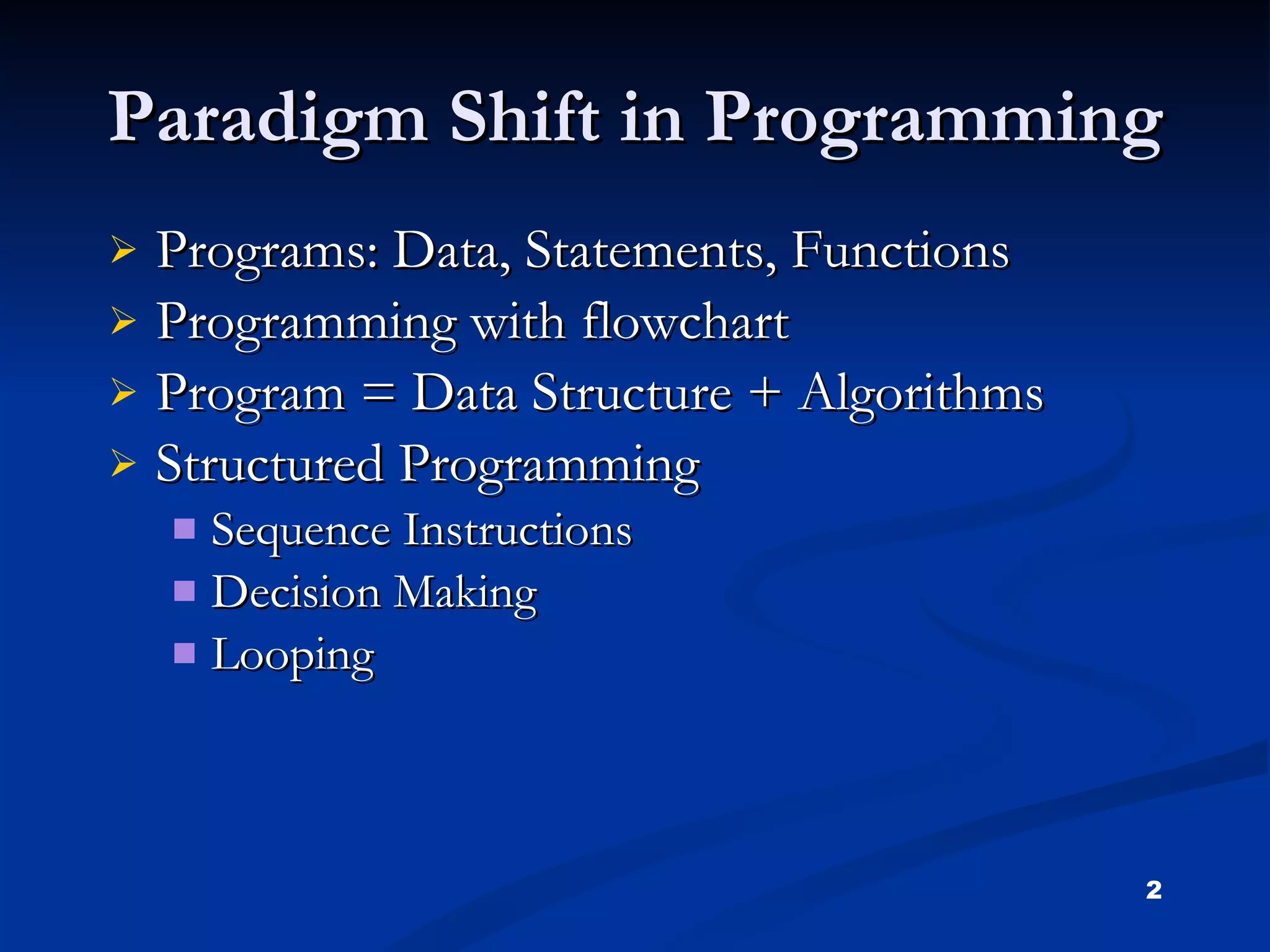
Paradigm Shift inProgramming Programs: Data, Statements, Functions Programming with flowchart Program = Data Structure + Algorithms Structured Programming Sequence Instructions Decision Making Looping
3.
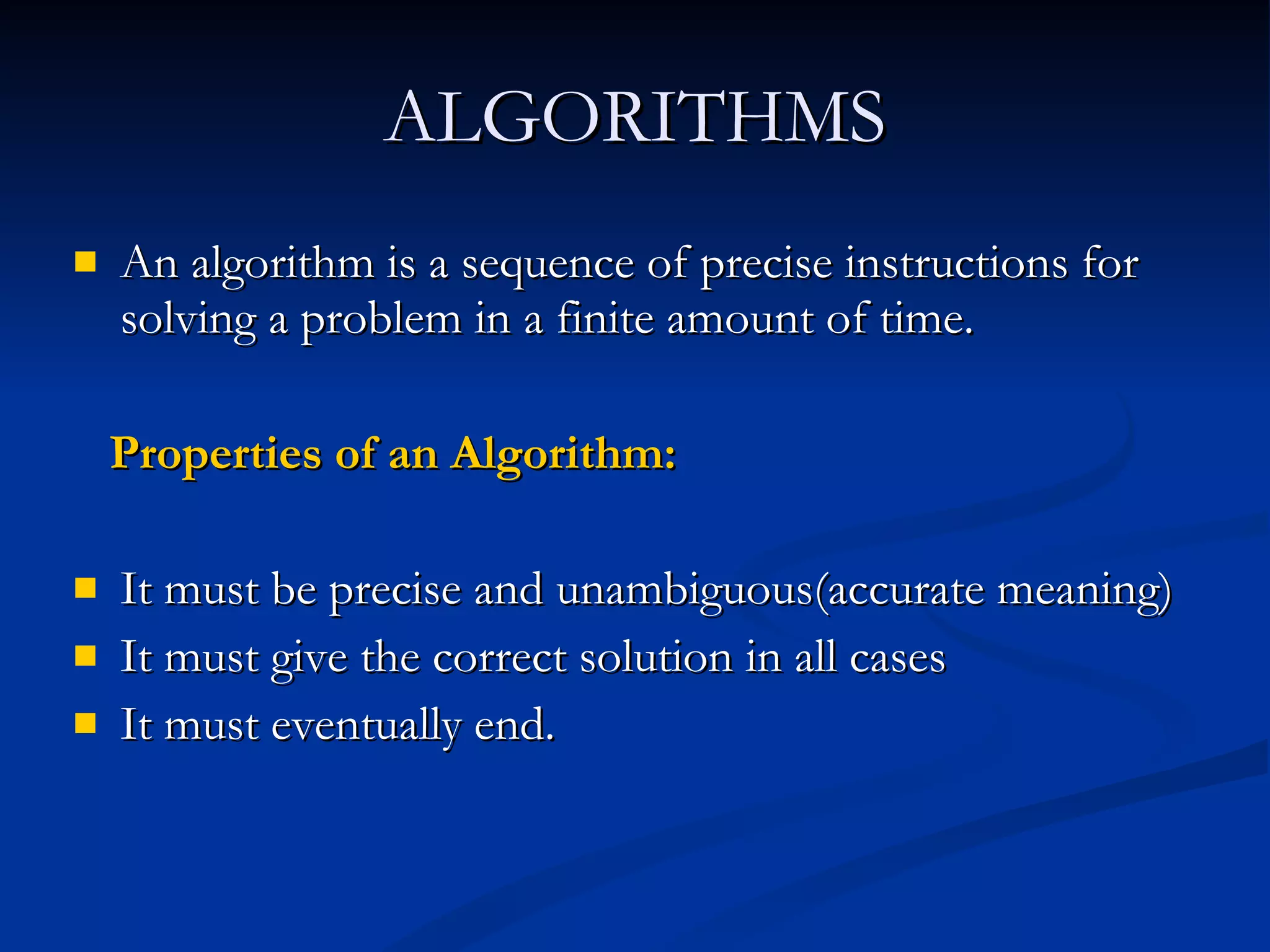
ALGORITHMS An algorithmis a sequence of precise instructions for solving a problem in a finite amount of time. Properties of an Algorithm: It must be precise and unambiguous(accurate meaning) It must give the correct solution in all cases It must eventually end.
4.
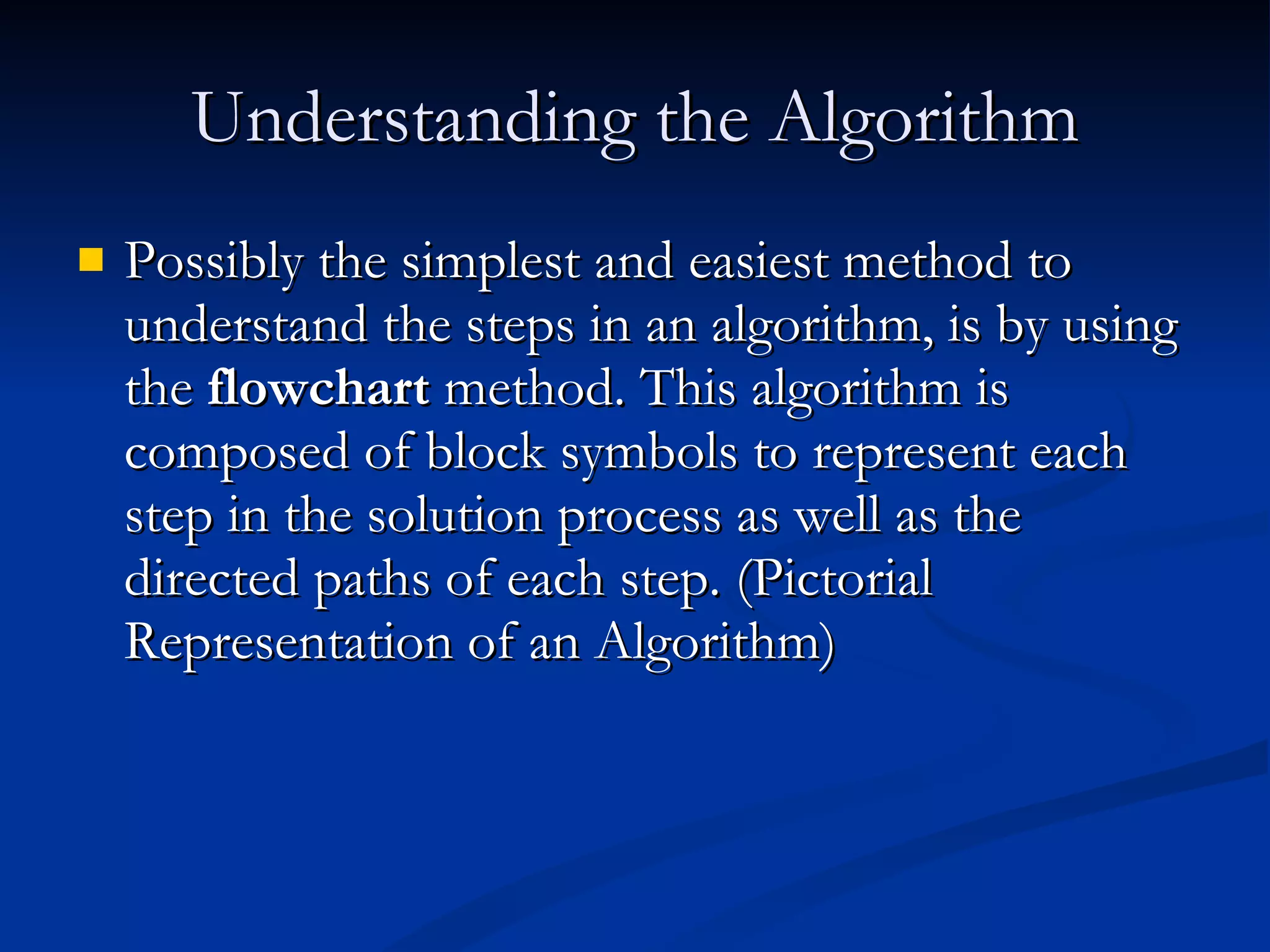
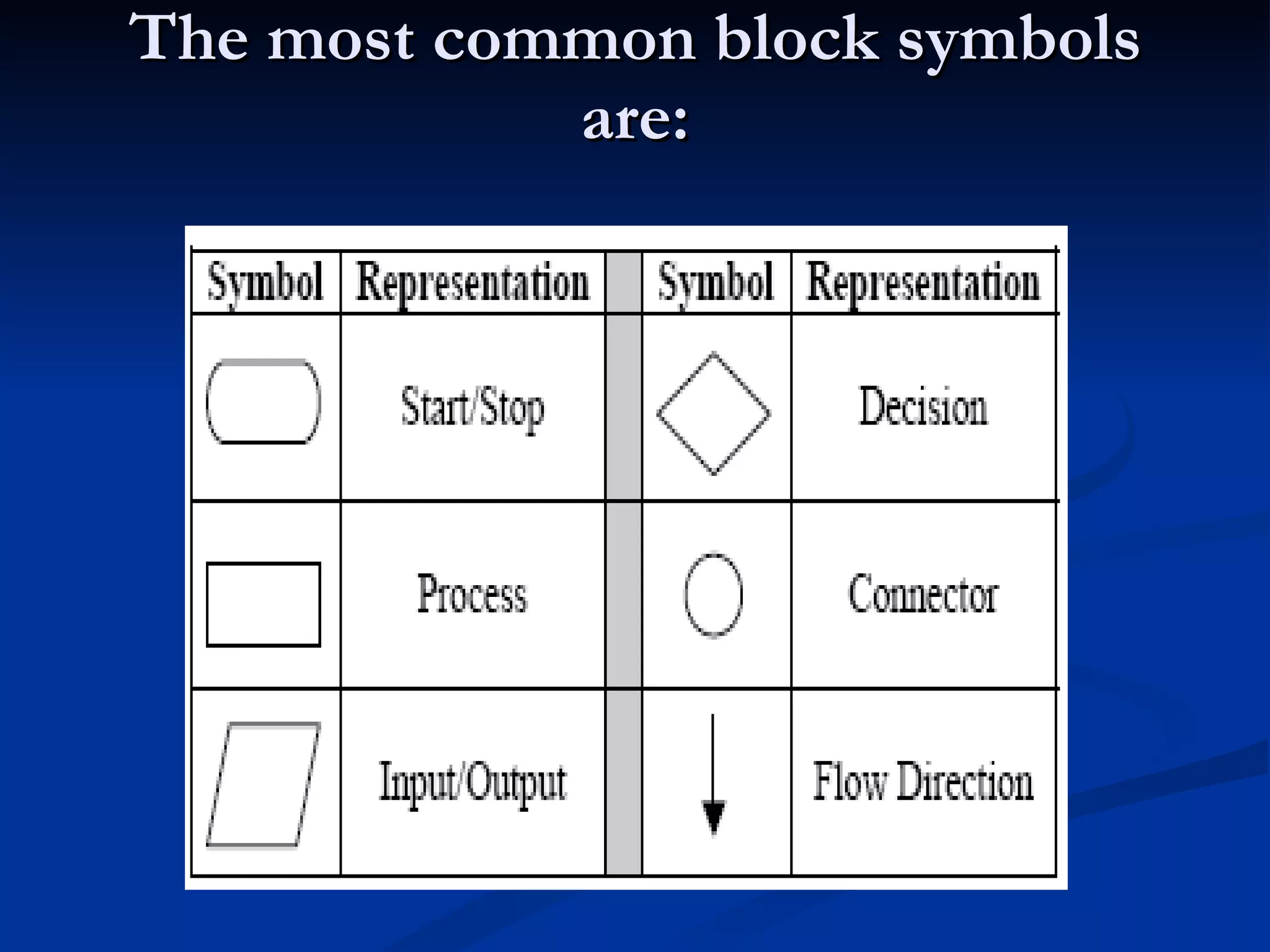
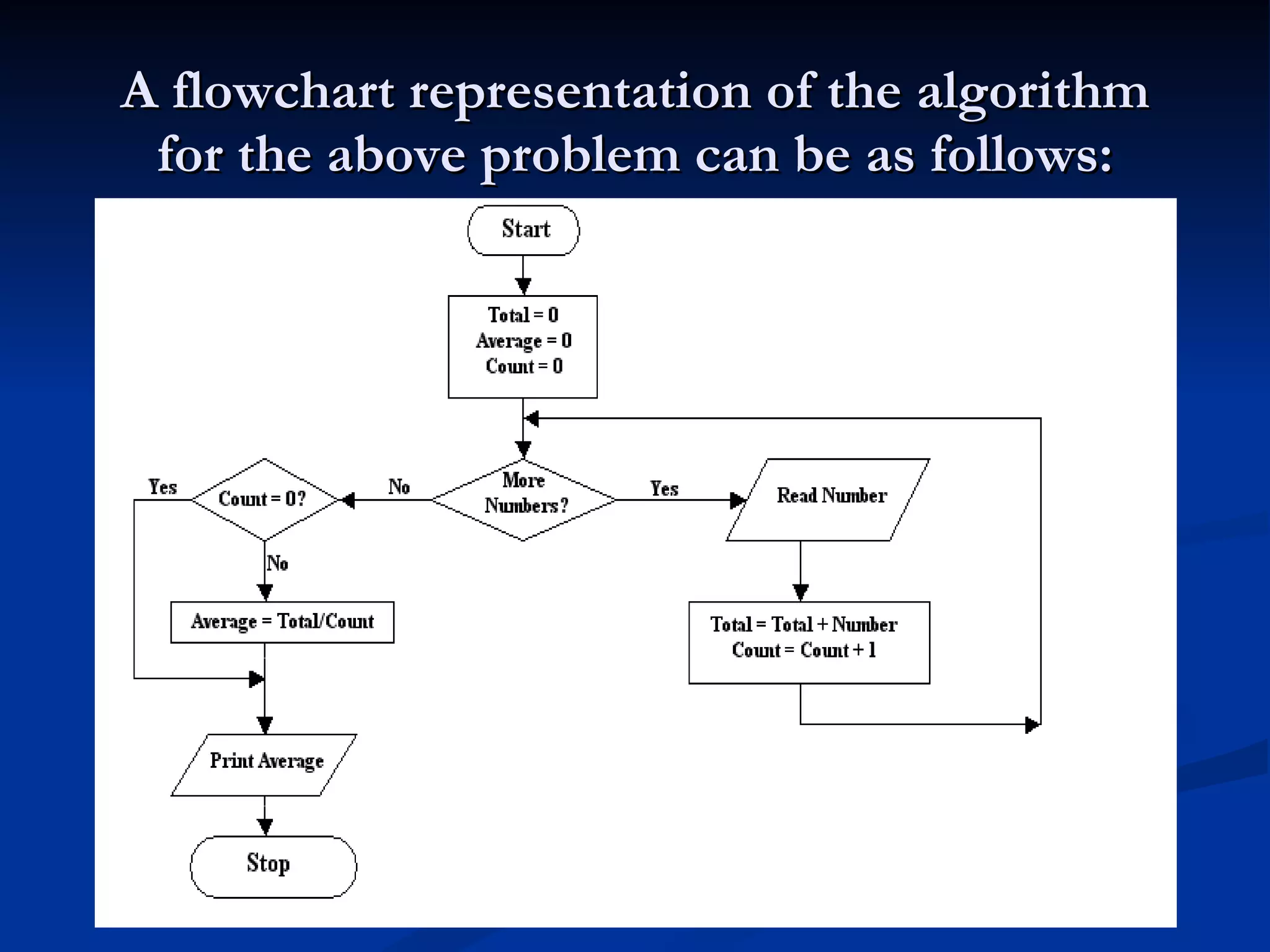
Understanding the AlgorithmPossibly the simplest and easiest method to understand the steps in an algorithm, is by using the flowchart method. This algorithm is composed of block symbols to represent each step in the solution process as well as the directed paths of each step. (Pictorial Representation of an Algorithm)
Problem for FlowchartA variable is a symbolic name assigned to a computer memory which stores a particular value. e.g. COUNTER, SUM, AVE Calculate its Average ?
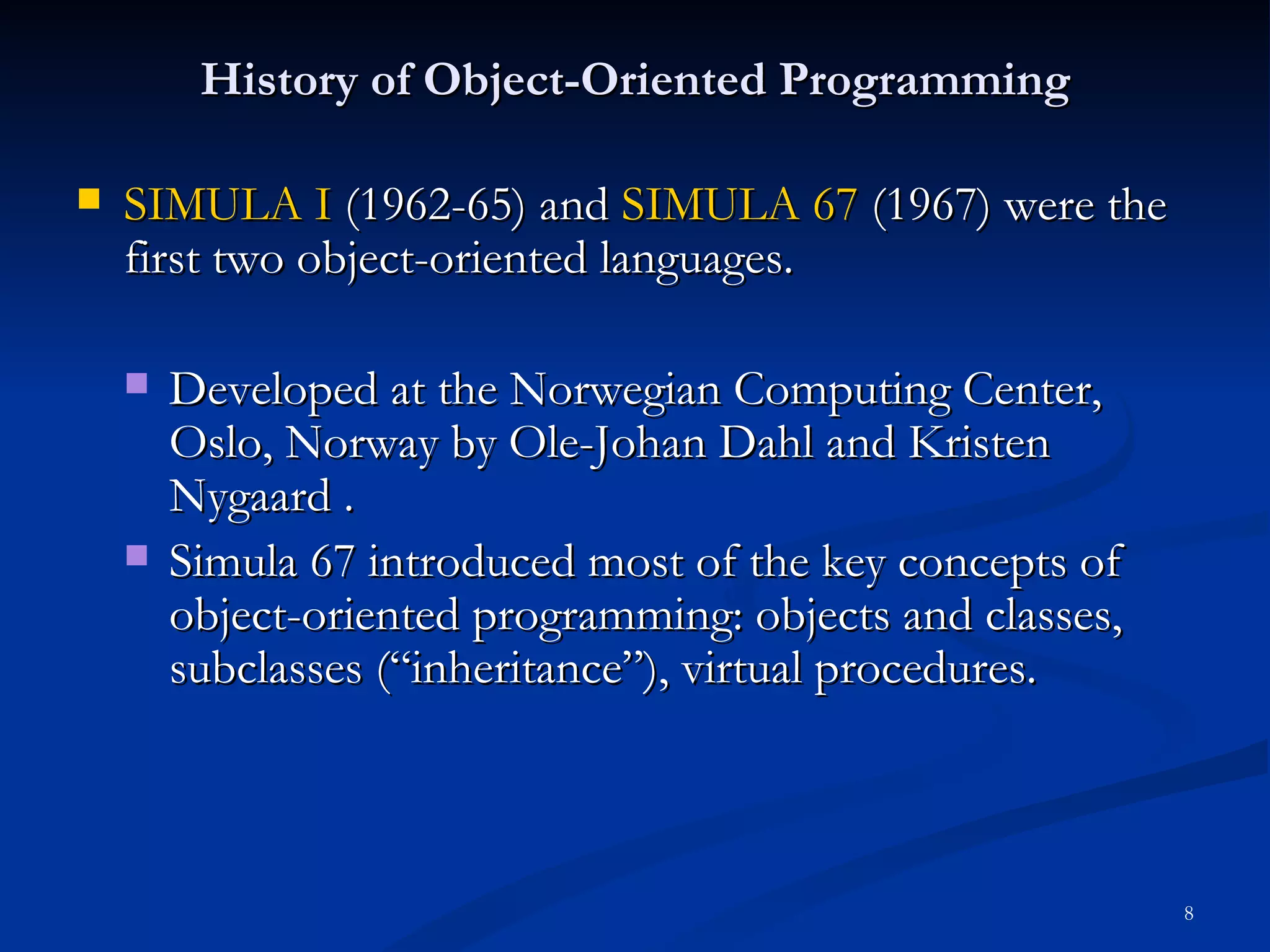
History of Object-OrientedProgramming SIMULA I (1962-65) and SIMULA 67 (1967) were the first two object-oriented languages. Developed at the Norwegian Computing Center, Oslo, Norway by Ole-Johan Dahl and Kristen Nygaard . Simula 67 introduced most of the key concepts of object-oriented programming: objects and classes, subclasses (“inheritance”), virtual procedures.
9.
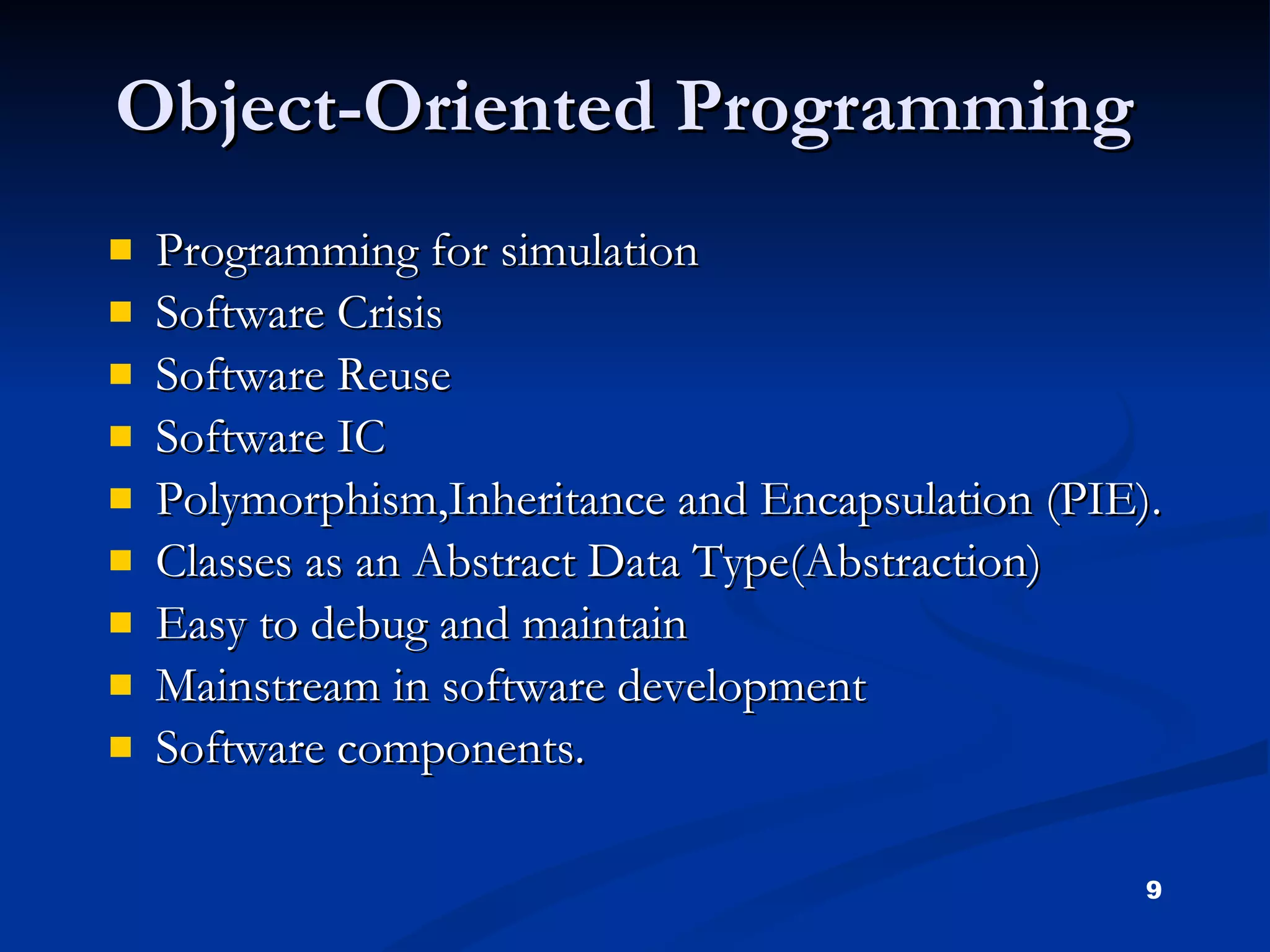
Object-Oriented Programming Programmingfor simulation Software Crisis Software Reuse Software IC Polymorphism,Inheritance and Encapsulation (PIE). Classes as an Abstract Data Type(Abstraction) Easy to debug and maintain Mainstream in software development Software components.
10.
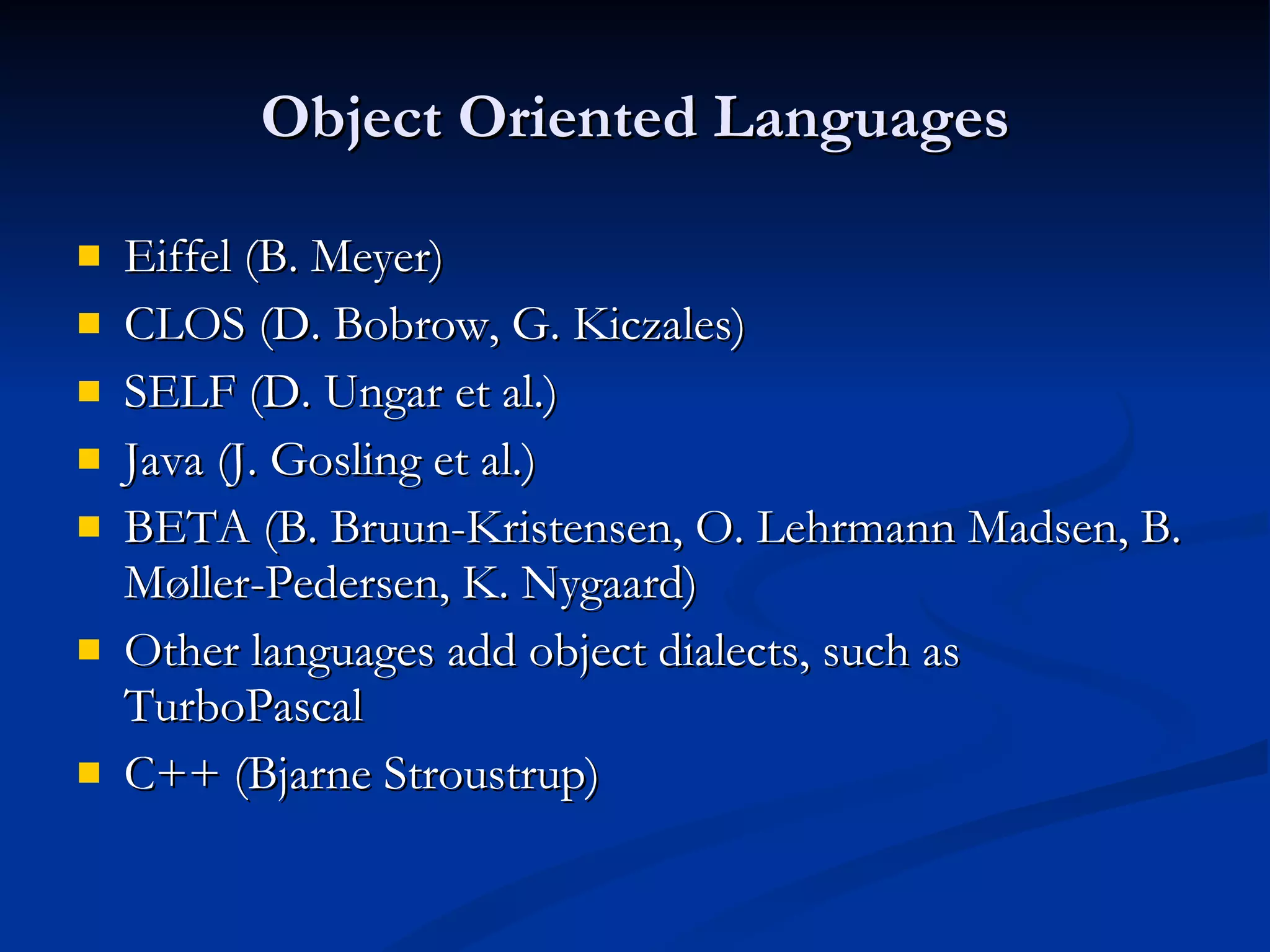
Object Oriented LanguagesEiffel (B. Meyer) CLOS (D. Bobrow, G. Kiczales) SELF (D. Ungar et al.) Java (J. Gosling et al.) BETA (B. Bruun-Kristensen, O. Lehrmann Madsen, B. Møller-Pedersen, K. Nygaard) Other languages add object dialects, such as TurboPascal C++ (Bjarne Stroustrup)
11.
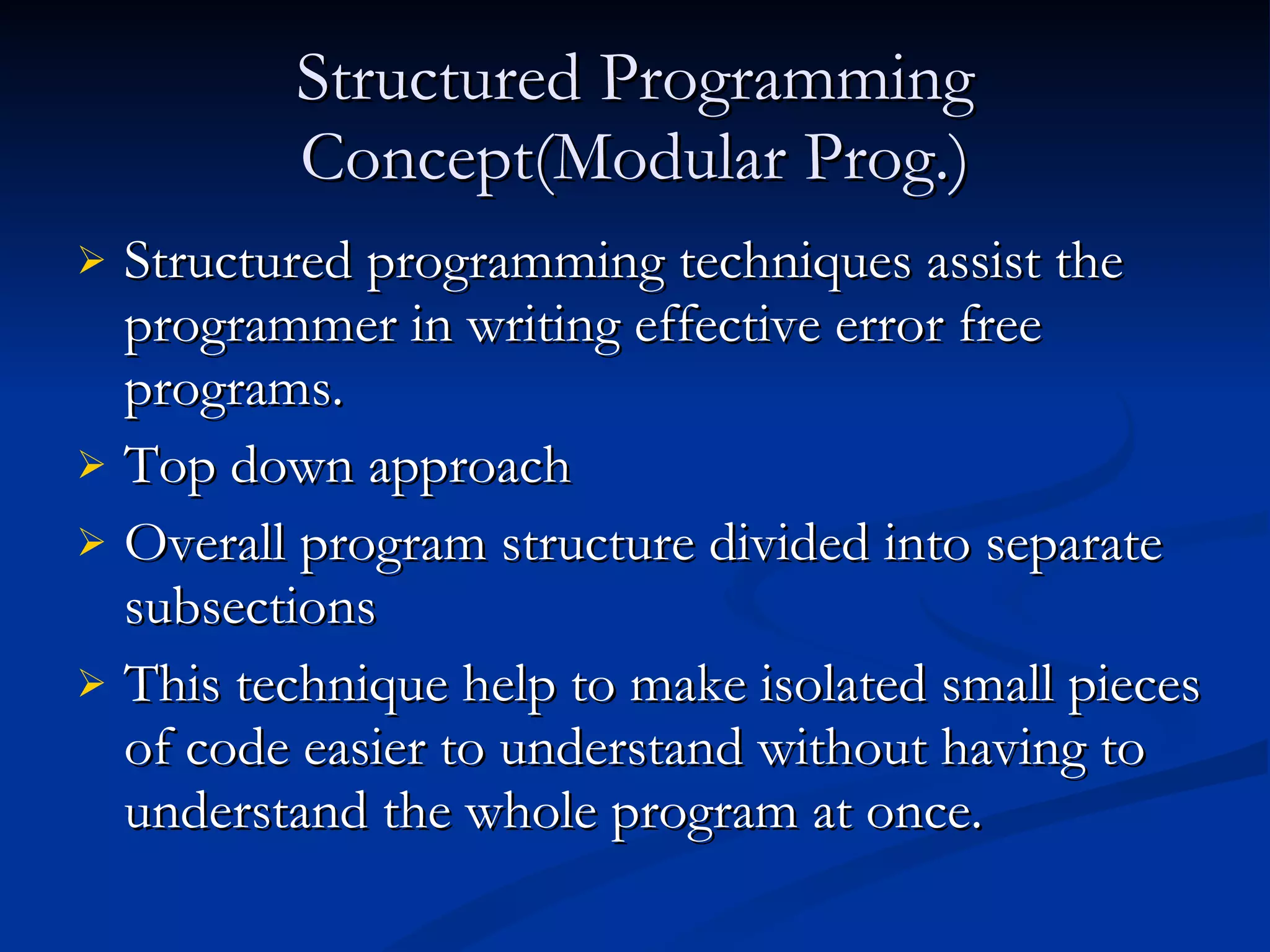
Structured Programming Concept(ModularProg.) Structured programming techniques assist the programmer in writing effective error free programs. Top down approach Overall program structure divided into separate subsections This technique help to make isolated small pieces of code easier to understand without having to understand the whole program at once.
12.
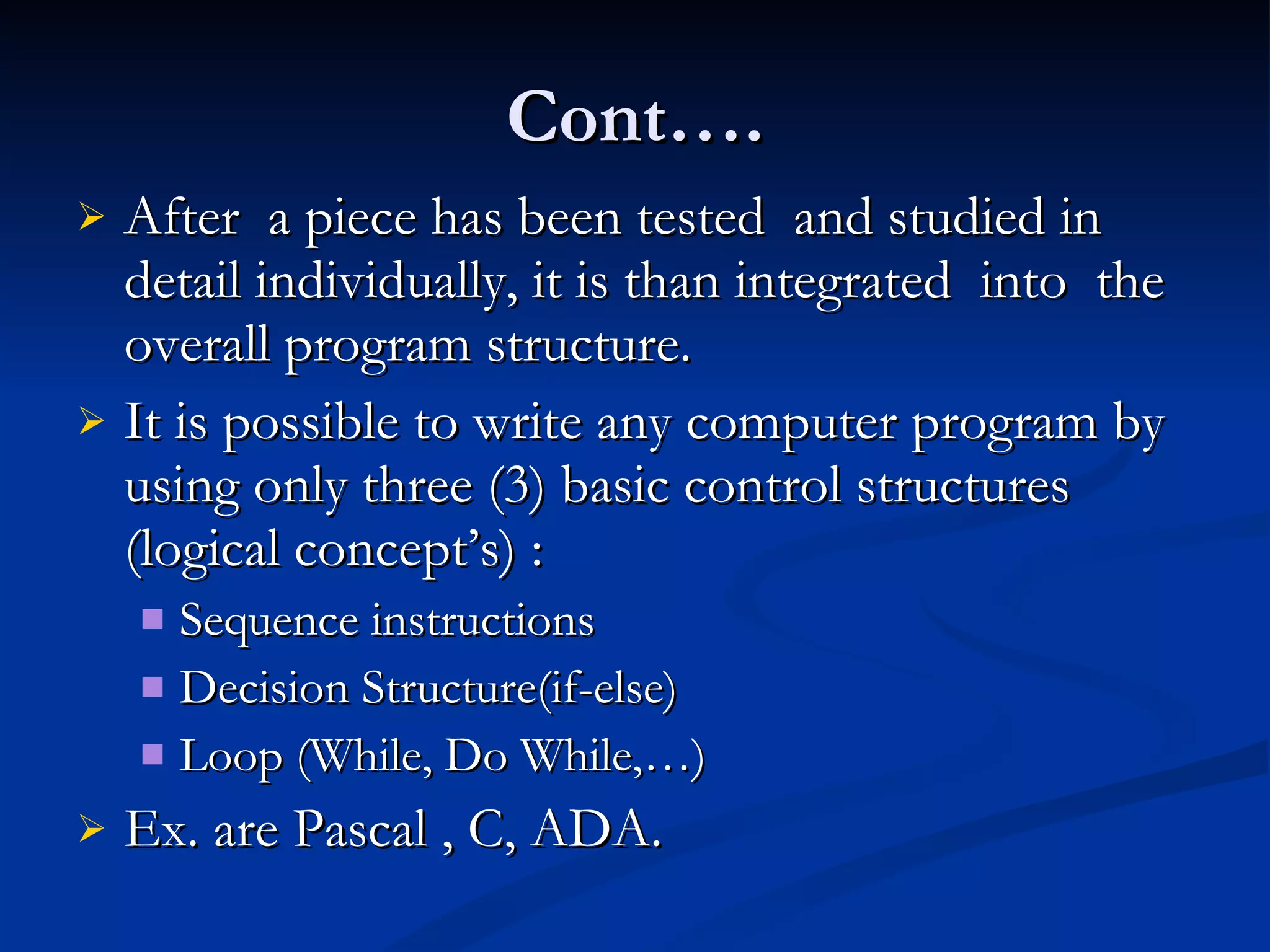
Cont…. After a piece has been tested and studied in detail individually, it is than integrated into the overall program structure. It is possible to write any computer program by using only three (3) basic control structures (logical concept’s) : Sequence instructions Decision Structure(if-else) Loop (While, Do While,…) Ex. are Pascal , C, ADA.
13.
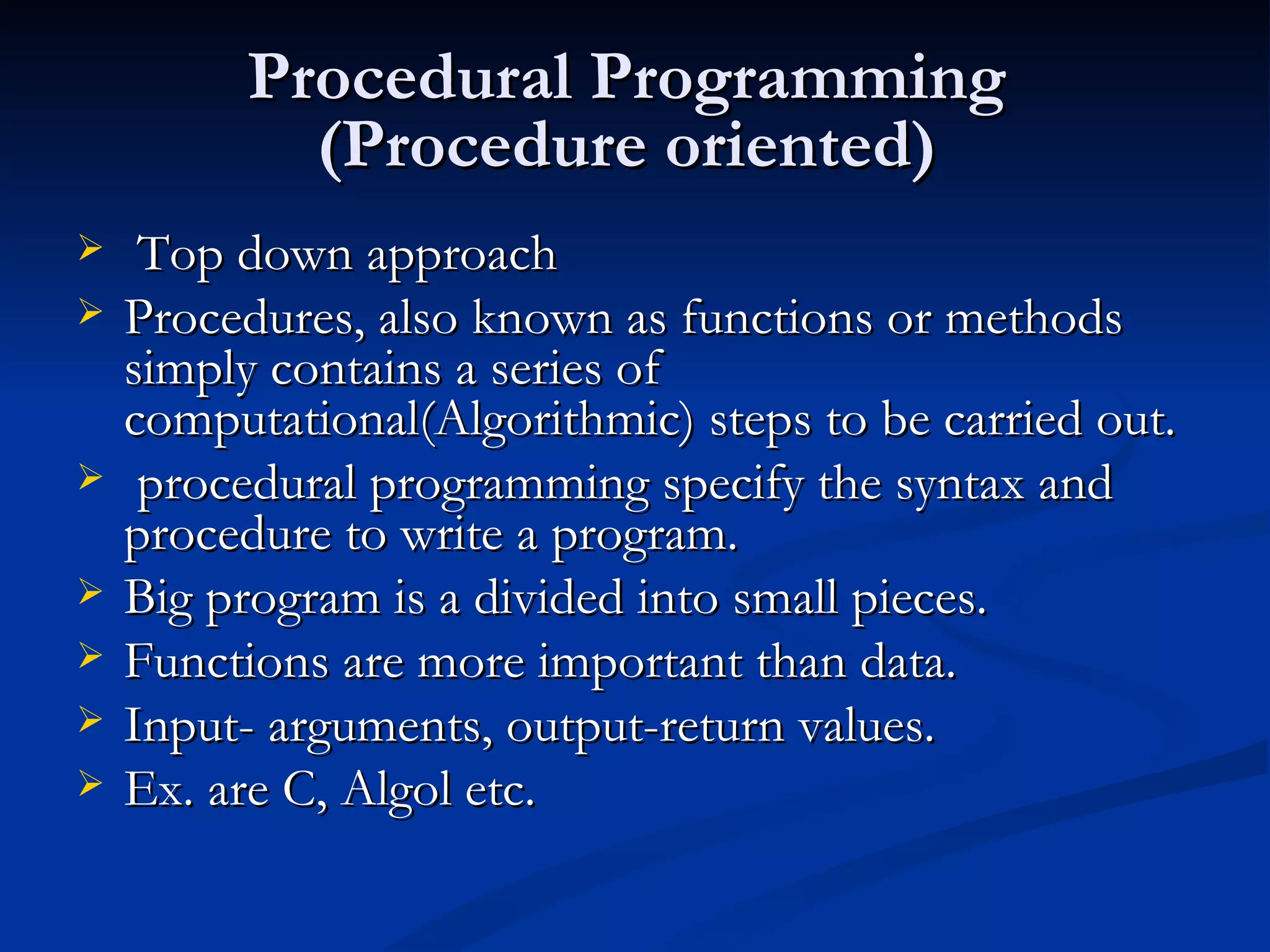
Procedural Programming (Procedure oriented) Top down approach Procedures, also known as functions or methods simply contains a series of computational(Algorithmic) steps to be carried out. procedural programming specify the syntax and procedure to write a program. Big program is a divided into small pieces. Functions are more important than data. Input- arguments, output-return values. Ex. are C, Algol etc.
14.
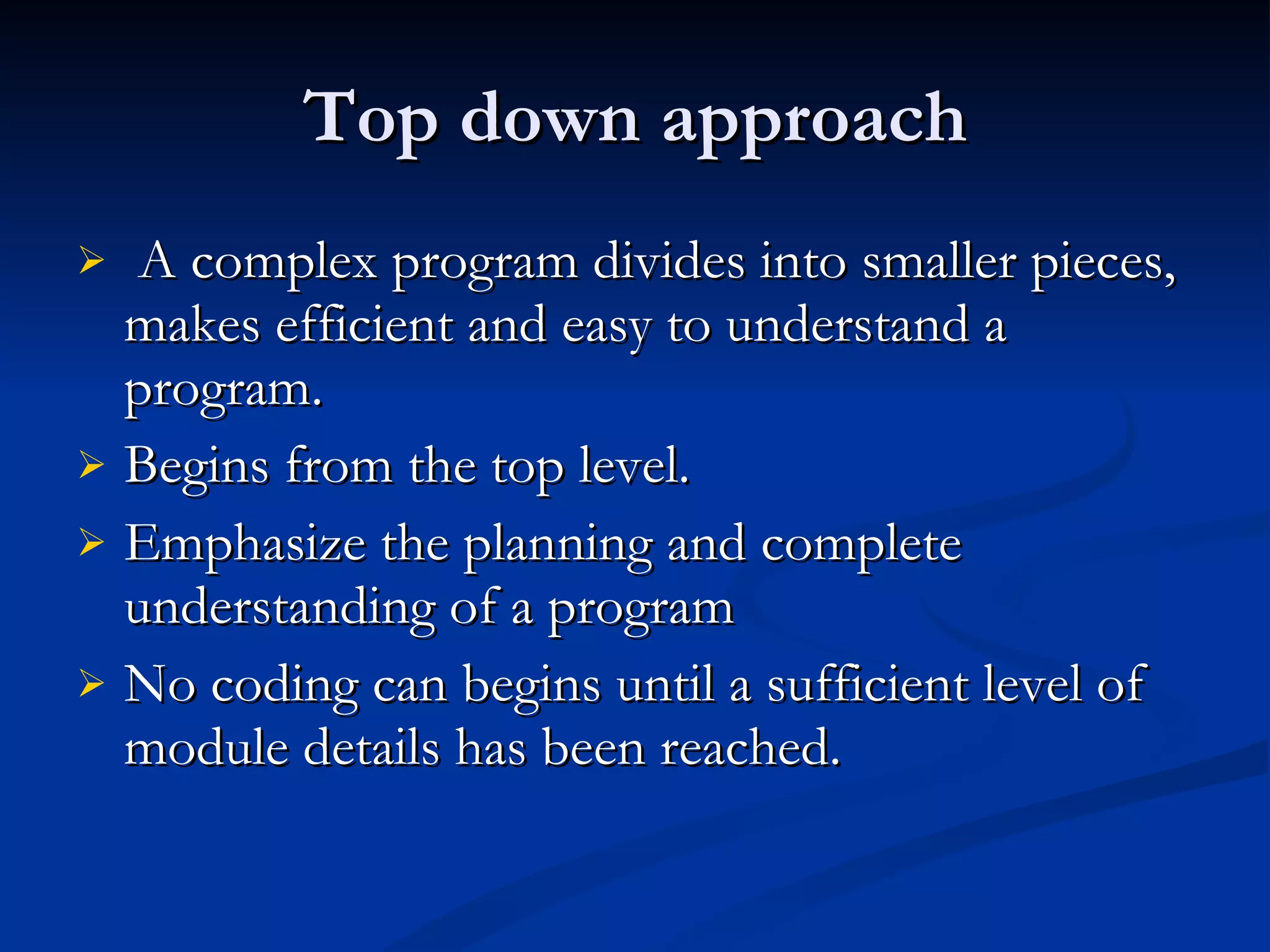
Top down approachA complex program divides into smaller pieces, makes efficient and easy to understand a program. Begins from the top level. Emphasize the planning and complete understanding of a program No coding can begins until a sufficient level of module details has been reached.
15.
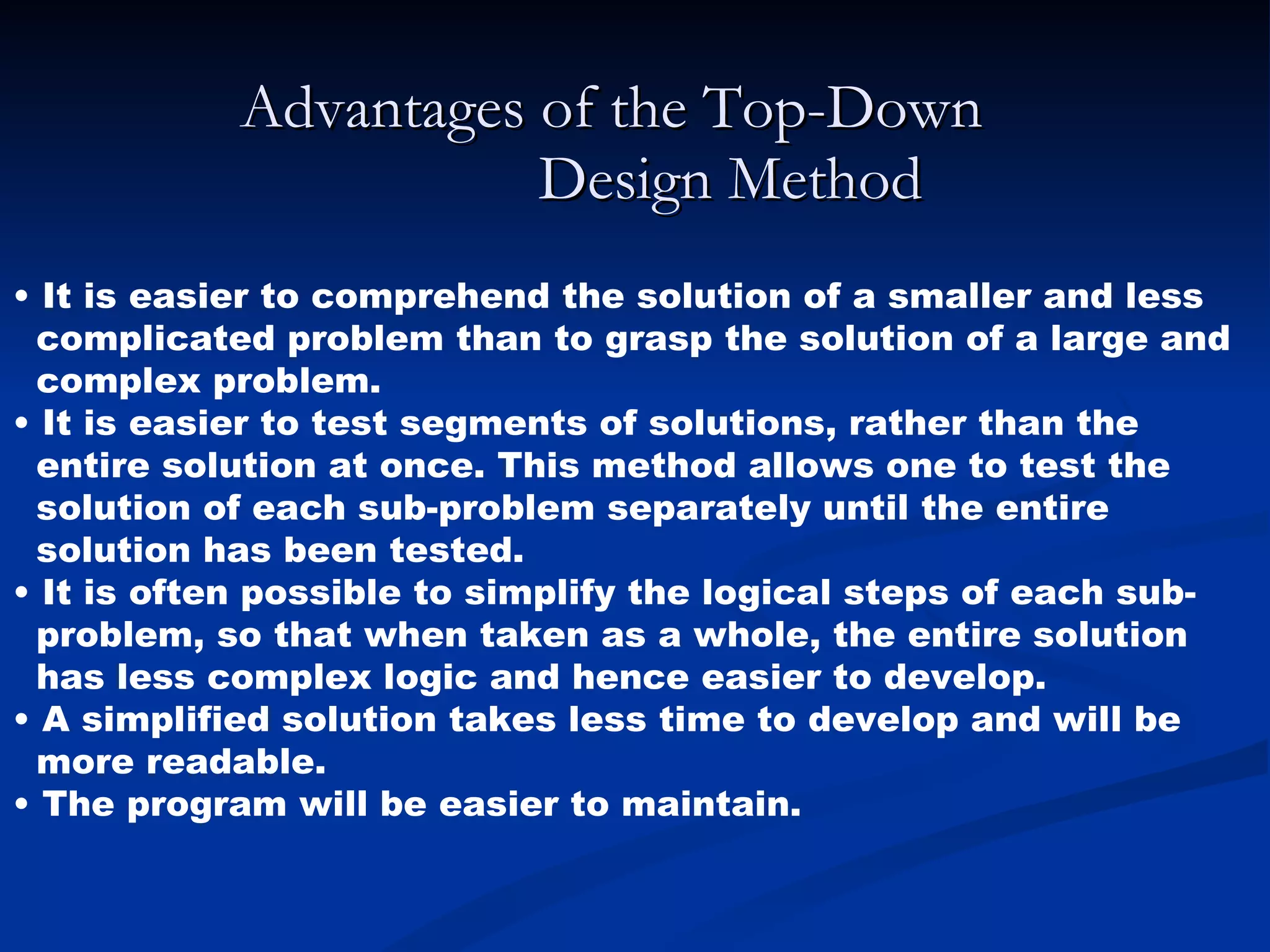
Advantages of theTop-Down Design Method • It is easier to comprehend the solution of a smaller and less complicated problem than to grasp the solution of a large and complex problem. • It is easier to test segments of solutions, rather than the entire solution at once. This method allows one to test the solution of each sub-problem separately until the entire solution has been tested. • It is often possible to simplify the logical steps of each sub- problem, so that when taken as a whole, the entire solution has less complex logic and hence easier to develop. • A simplified solution takes less time to develop and will be more readable. • The program will be easier to maintain.
16.
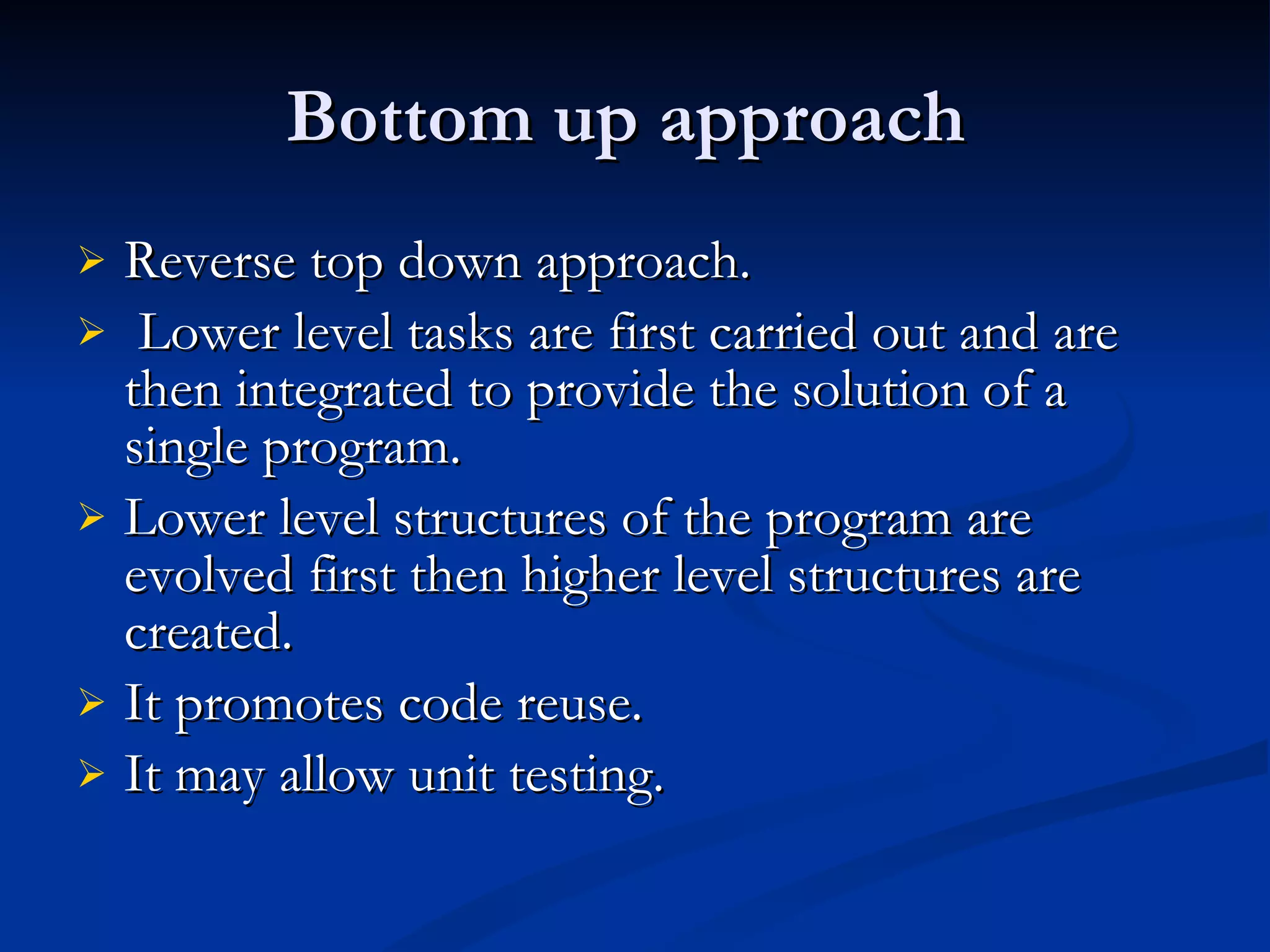
Bottom up approach Reverse top down approach. Lower level tasks are first carried out and are then integrated to provide the solution of a single program. Lower level structures of the program are evolved first then higher level structures are created. It promotes code reuse. It may allow unit testing.
17.
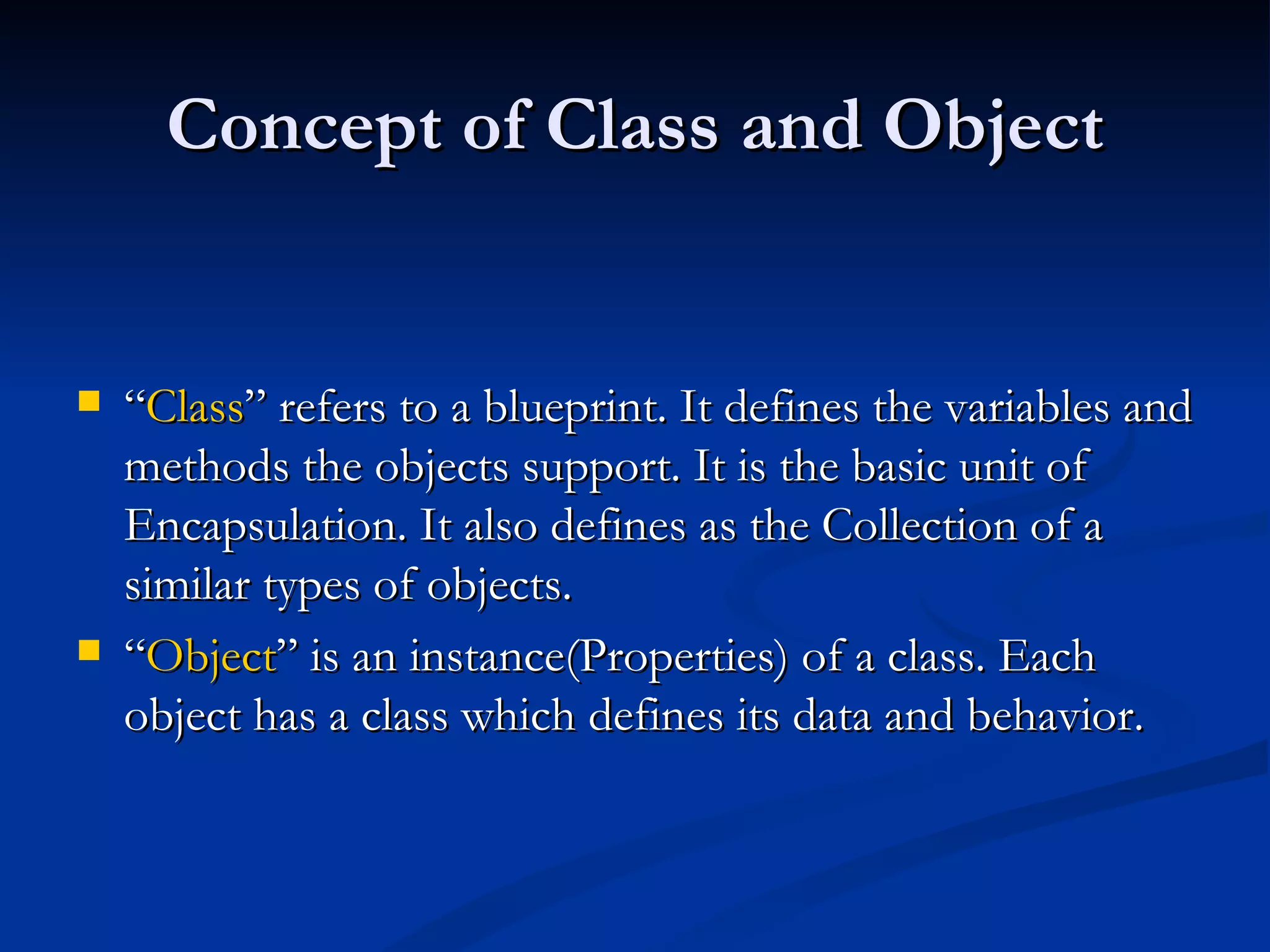
Concept of Classand Object “ Class ” refers to a blueprint. It defines the variables and methods the objects support. It is the basic unit of Encapsulation. It also defines as the Collection of a similar types of objects. “ Object ” is an instance(Properties) of a class. Each object has a class which defines its data and behavior.
18.
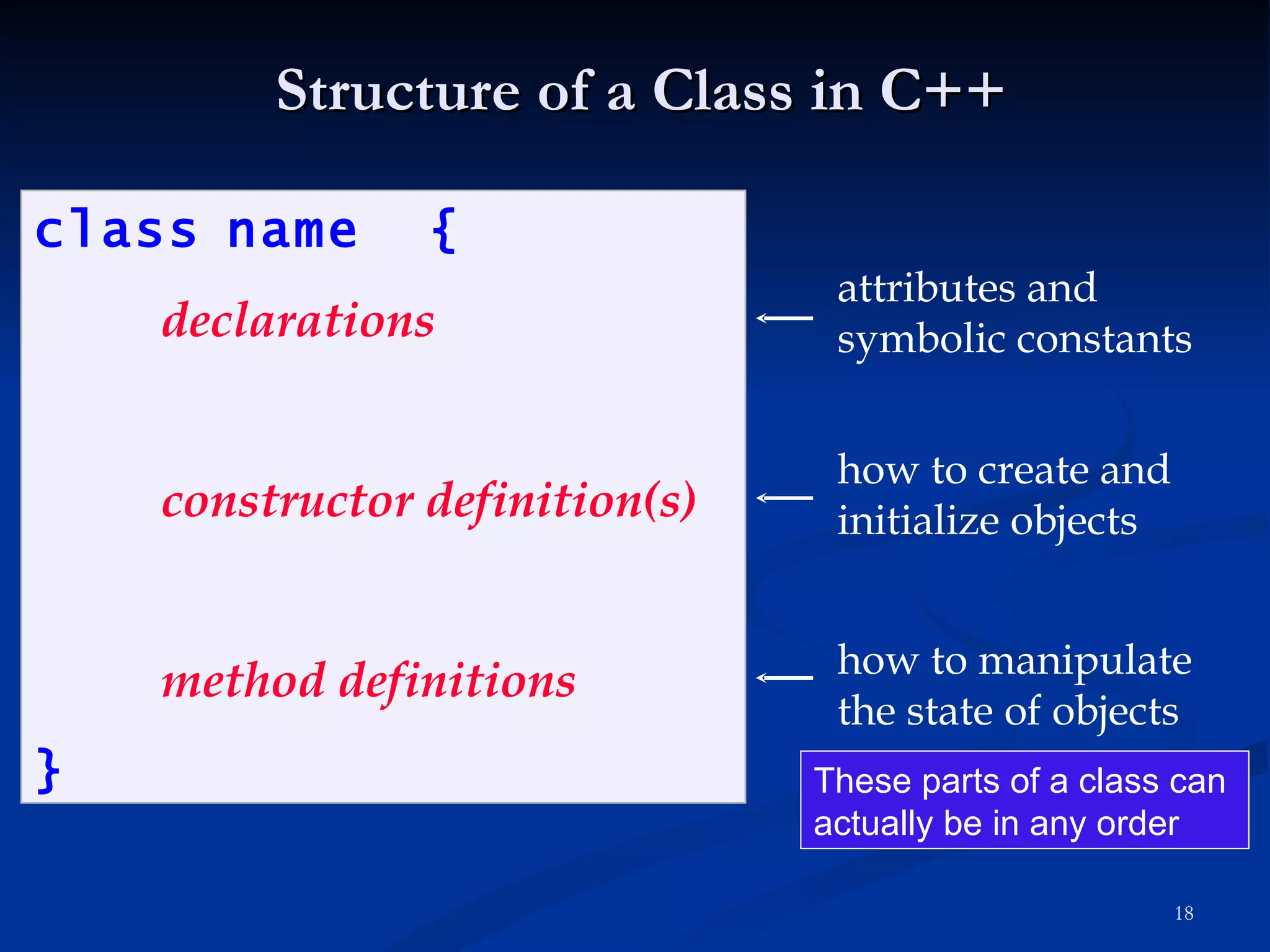
Structure of aClass in C++ class name { declarations constructor definition(s) method definitions } attributes and symbolic constants how to create and initialize objects how to manipulate the state of objects These parts of a class can actually be in any order
19.
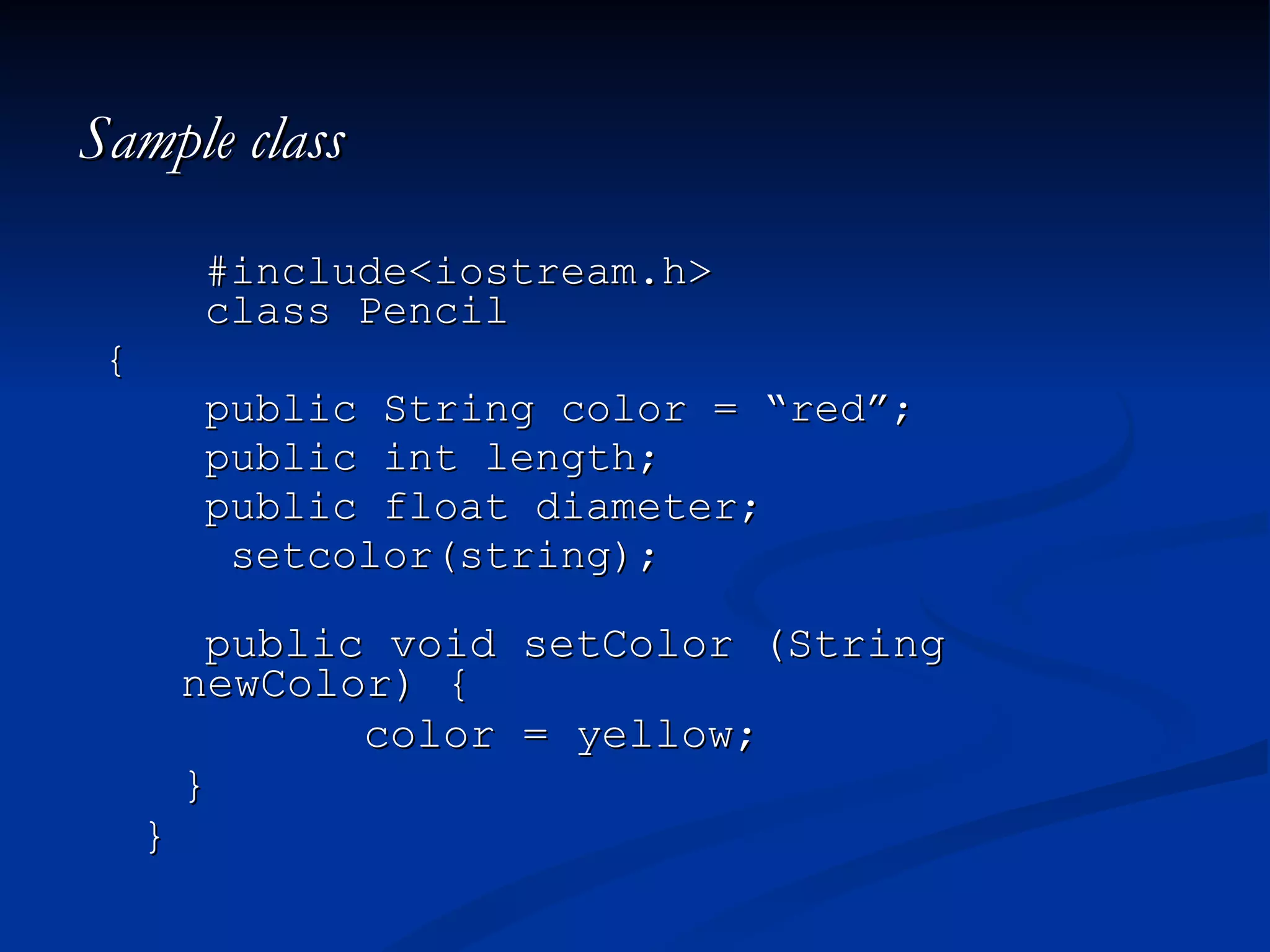
Sample class #include<iostream.h>class Pencil { public String color = “red”; public int length; public float diameter; setcolor(string); public void setColor (String newColor) { color = yellow; } }
20.
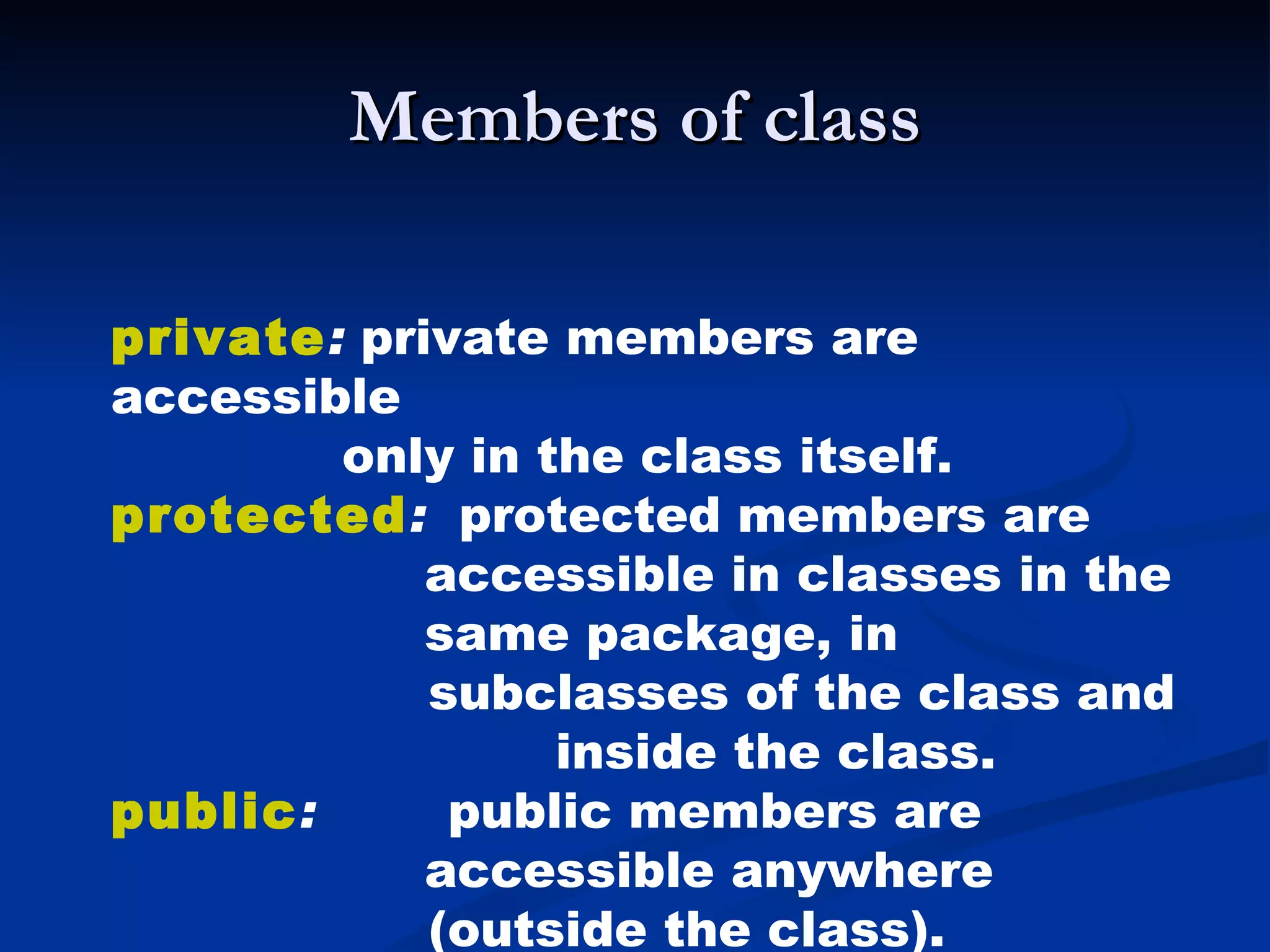
Members of classprivate : private members are accessible only in the class itself. protected : protected members are accessible in classes in the same package, in subclasses of the class and inside the class. public : public members are accessible anywhere (outside the class).
21.
Features of OOP Polymorphism Inheritance Encapsulation (PIE)
22.
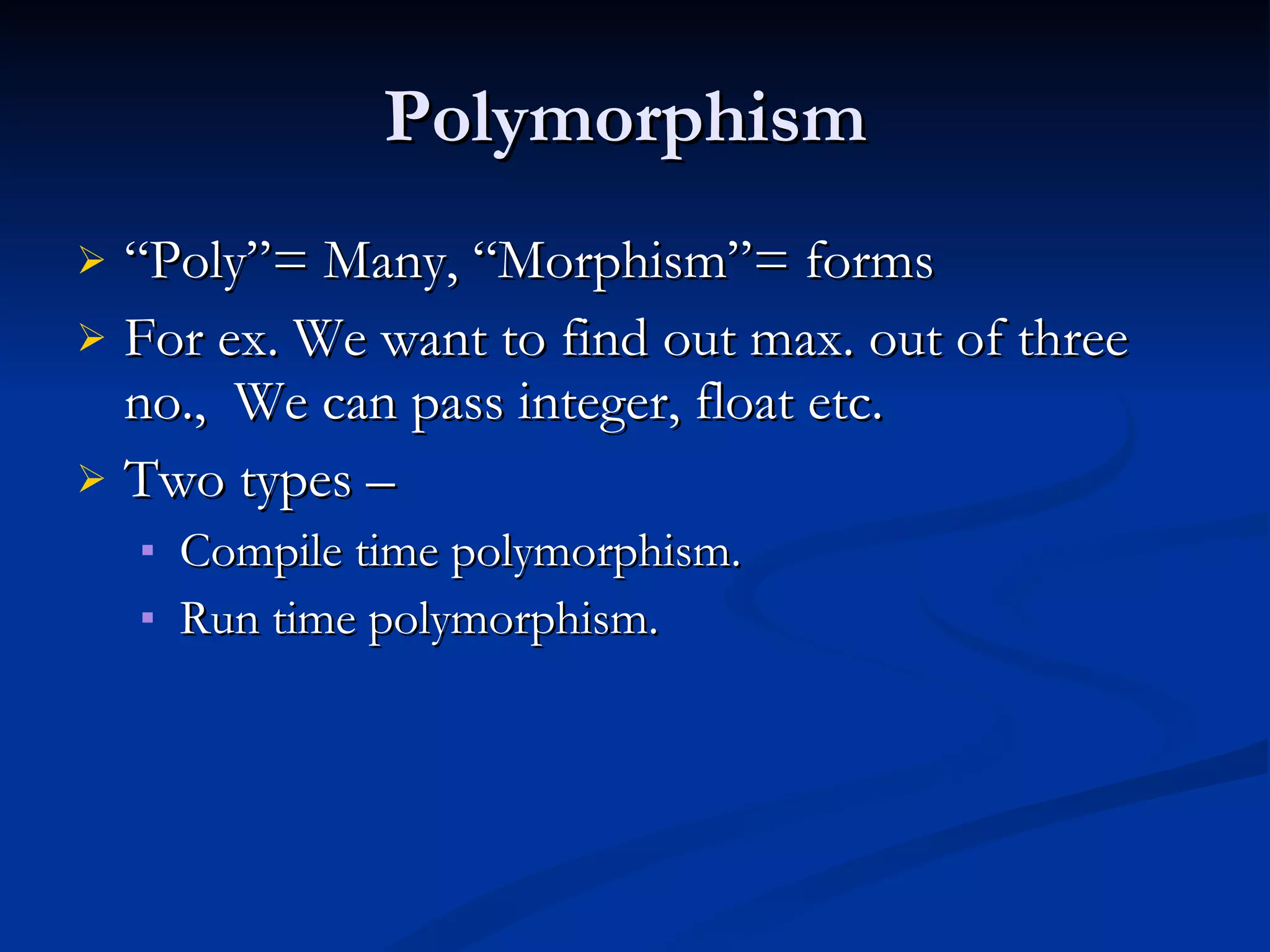
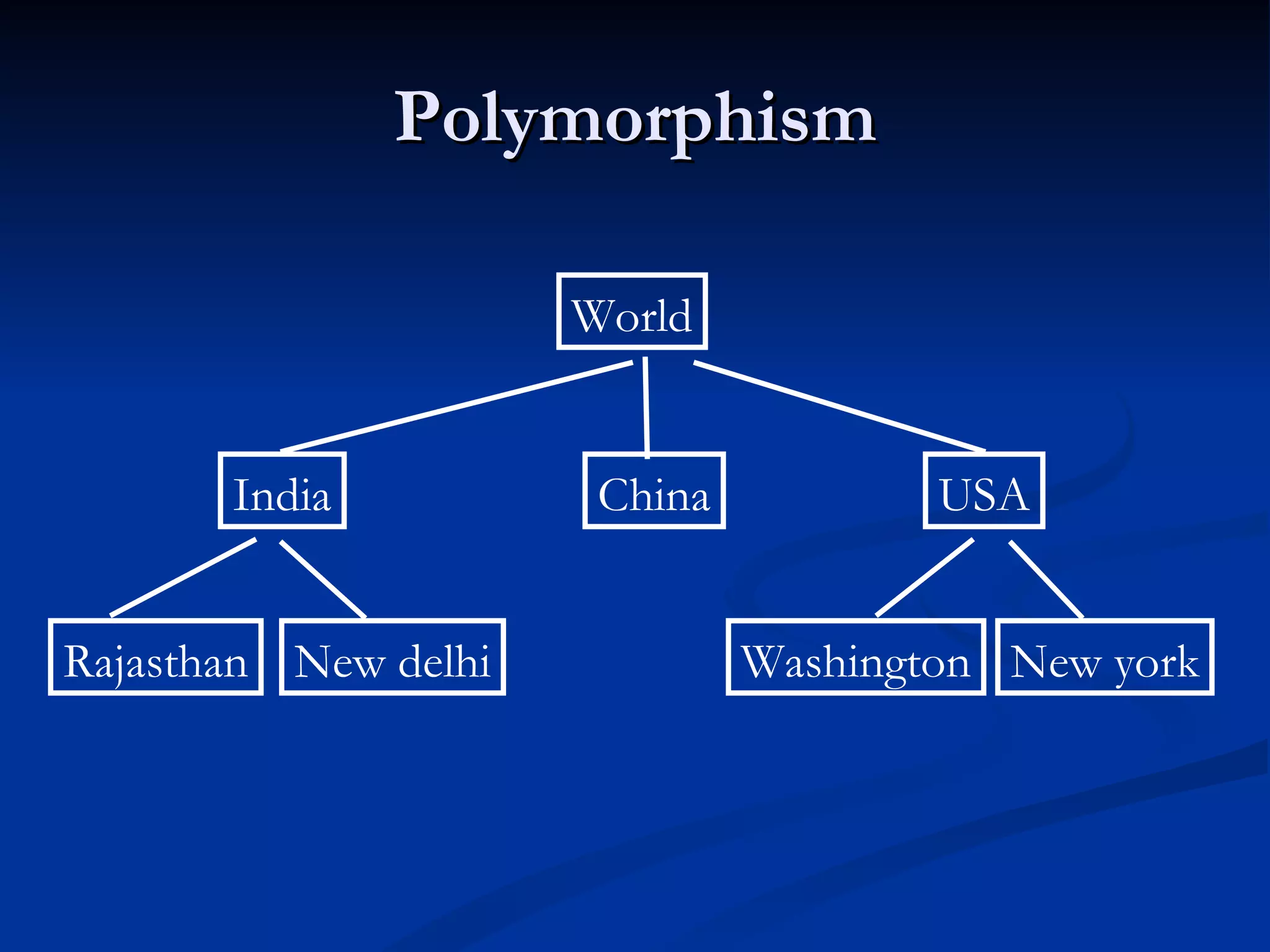
Polymorphism “Poly”= Many, “Morphism”= forms For ex. We want to find out max. out of three no., We can pass integer, float etc. Two types – Compile time polymorphism. Run time polymorphism.
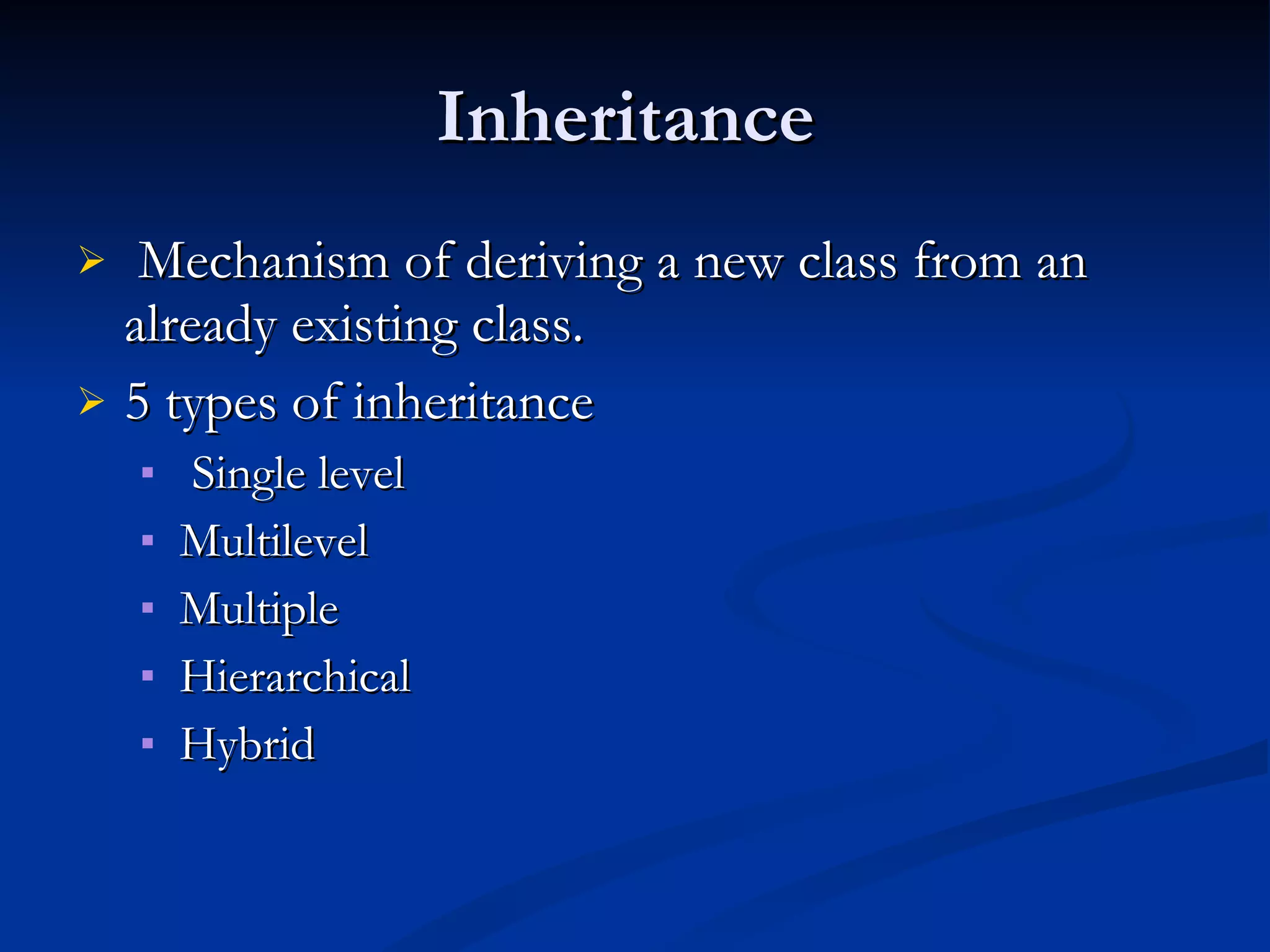
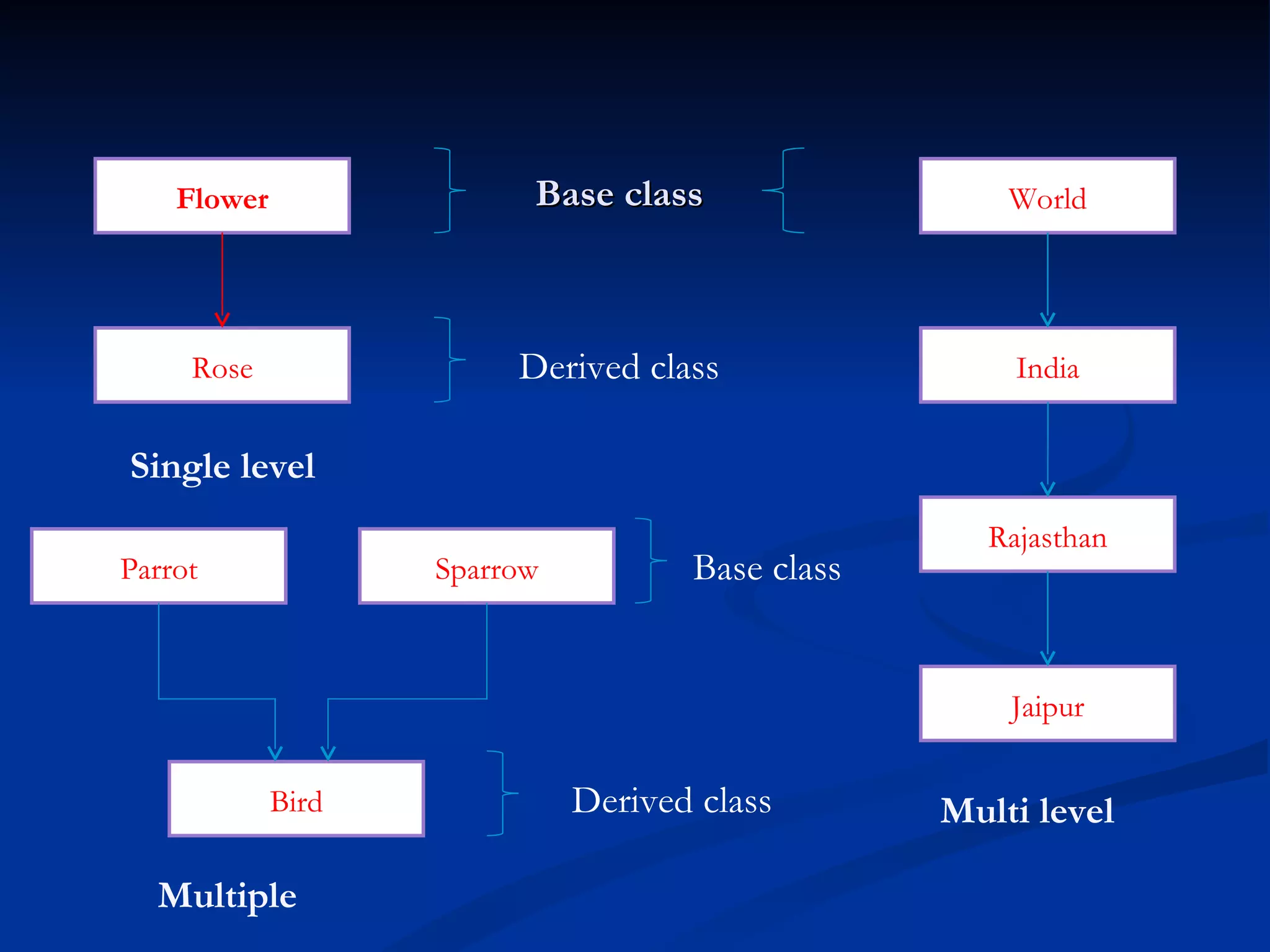
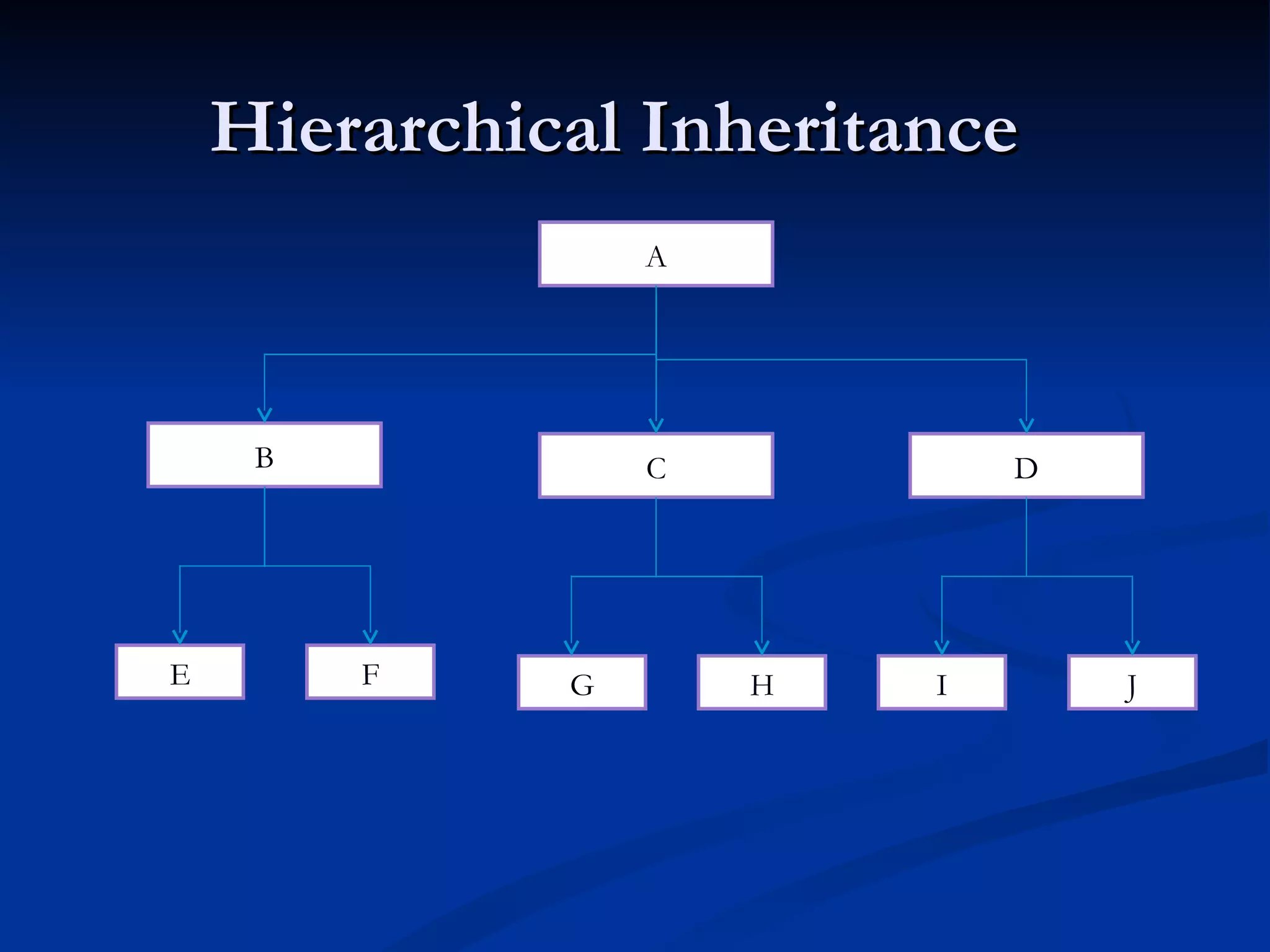
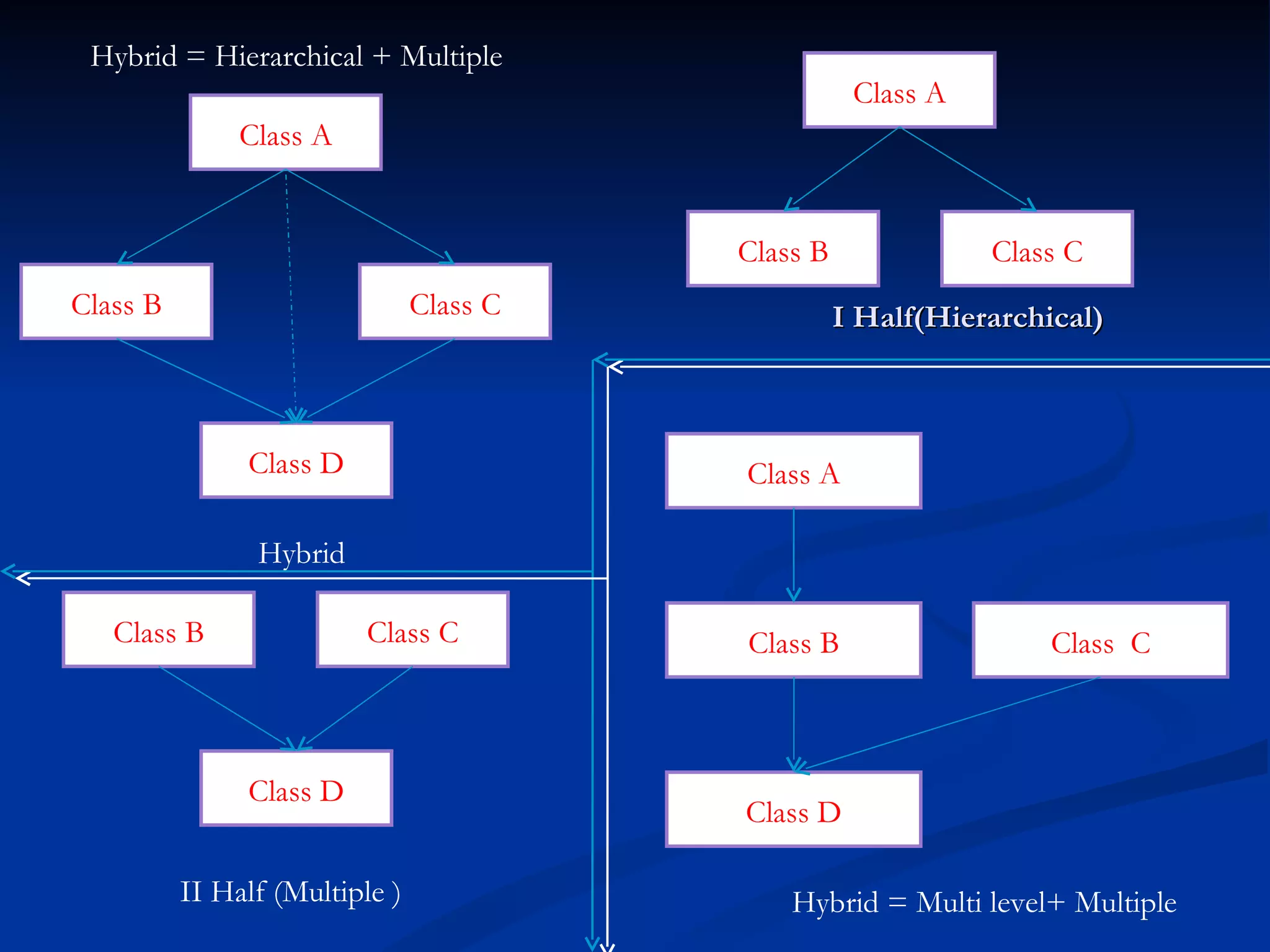
Inheritance Mechanismof deriving a new class from an already existing class. 5 types of inheritance Single level Multilevel Multiple Hierarchical Hybrid
25.
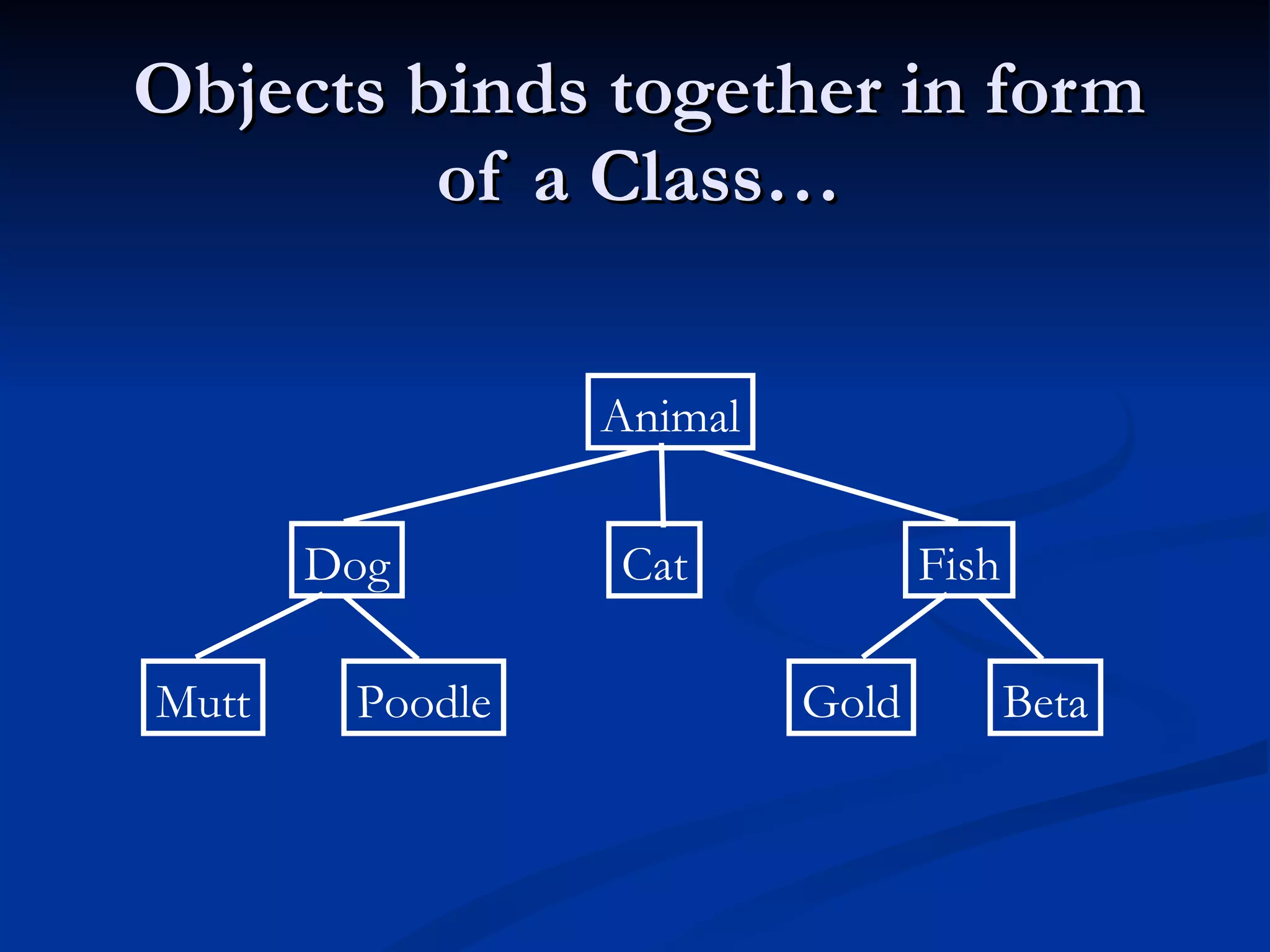
Base class FlowerRose Rajasthan Jaipur World India Derived class Single level Multi level Multiple Base class Derived class Bird Parrot Sparrow
26.
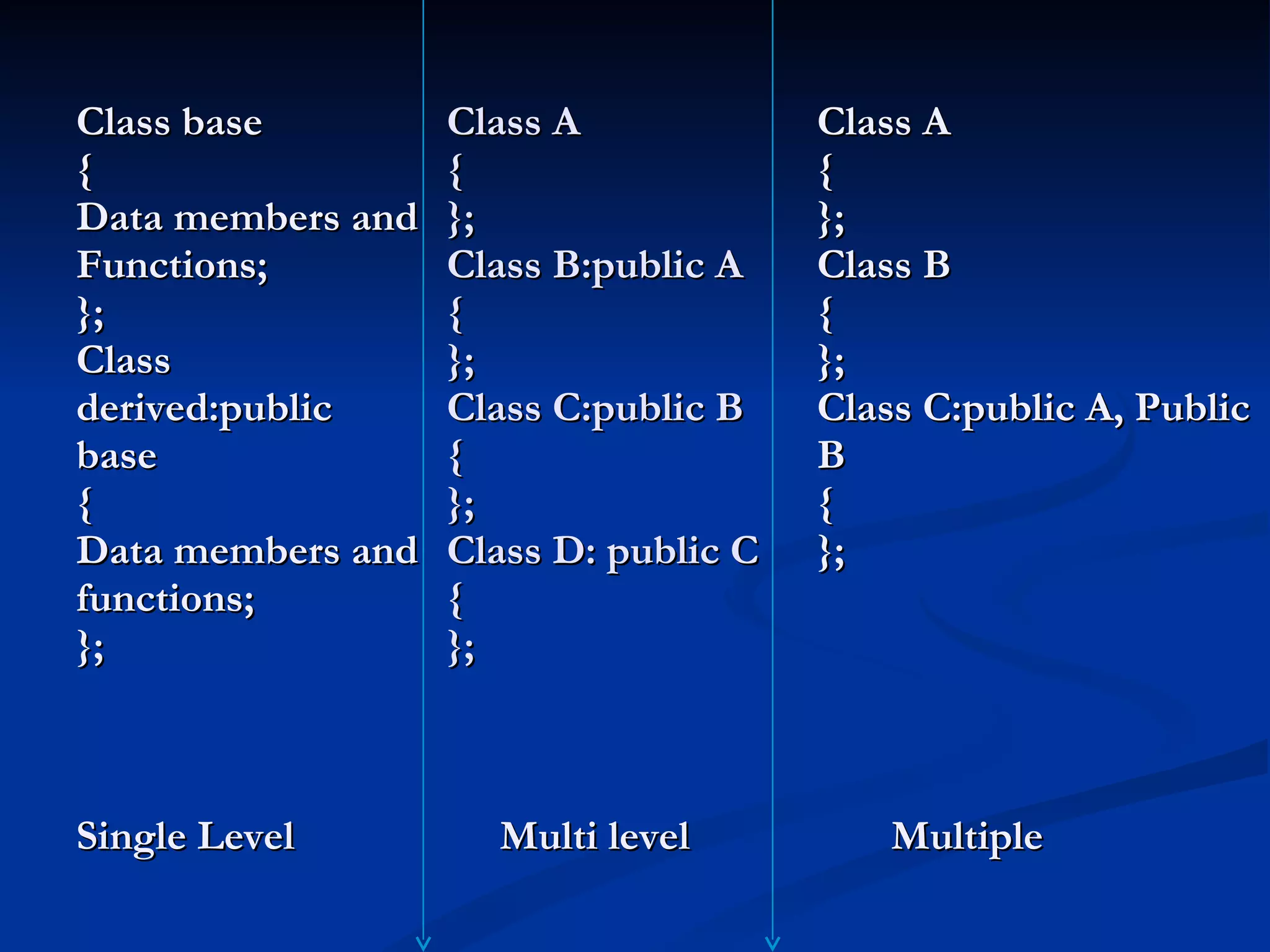
Class A {}; Class B:public A { }; Class C:public B { }; Class D: public C { }; Multi level Class A { }; Class B { }; Class C:public A, Public B { }; Multiple Class base { Data members and Functions; }; Class derived:public base { Data members and functions; }; Single Level
I Half(Hierarchical) IIHalf (Multiple ) Hybrid Hybrid = Hierarchical + Multiple Class D Class A Class B Class C Hybrid = Multi level+ Multiple Class D Class B Class C Class A Class C Class B Class D Class B Class C Class A
29.
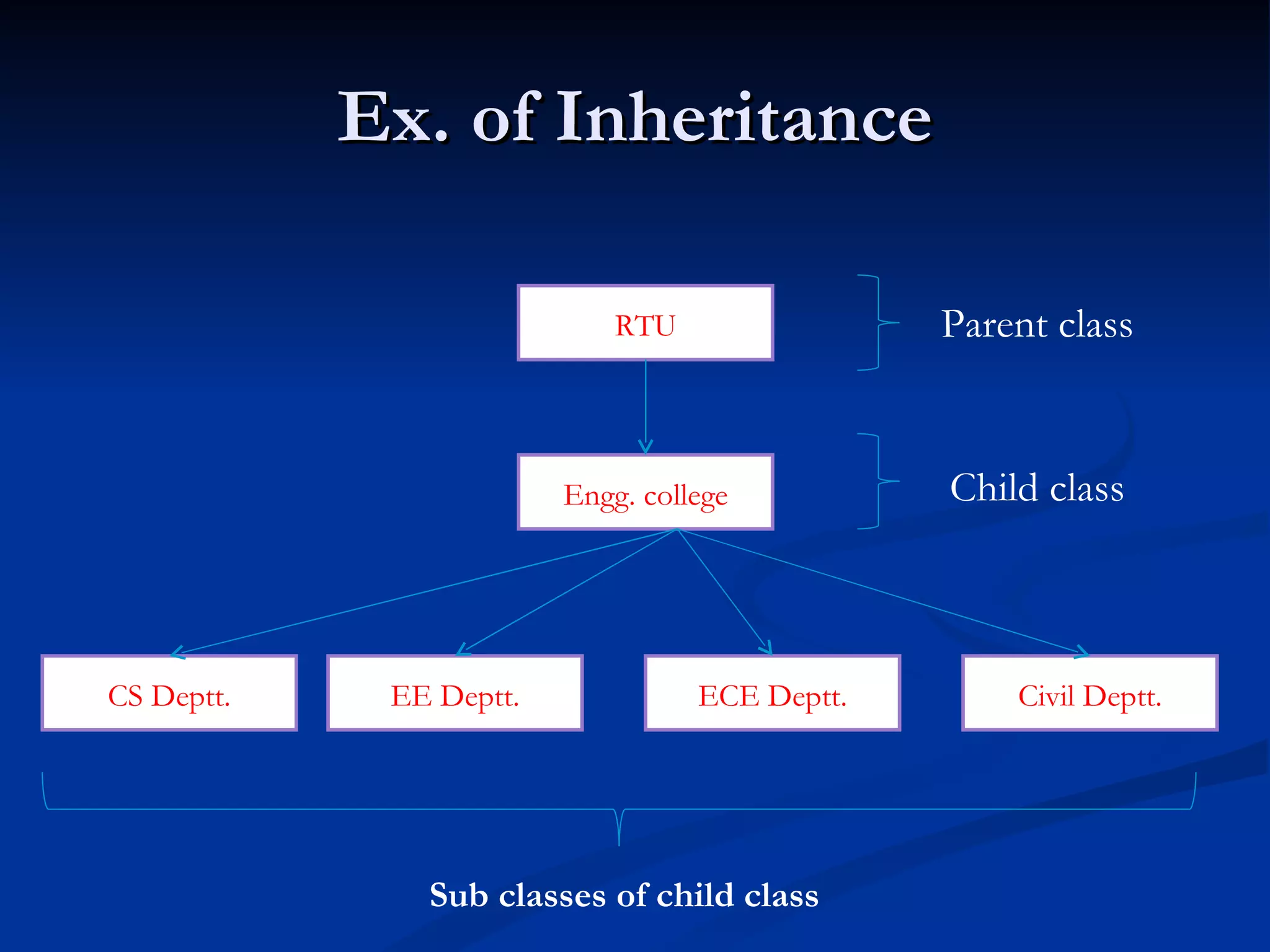
Ex. of InheritanceRTU Engg. college ECE Deptt. EE Deptt. CS Deptt. Civil Deptt. Parent class Child class Sub classes of child class
30.
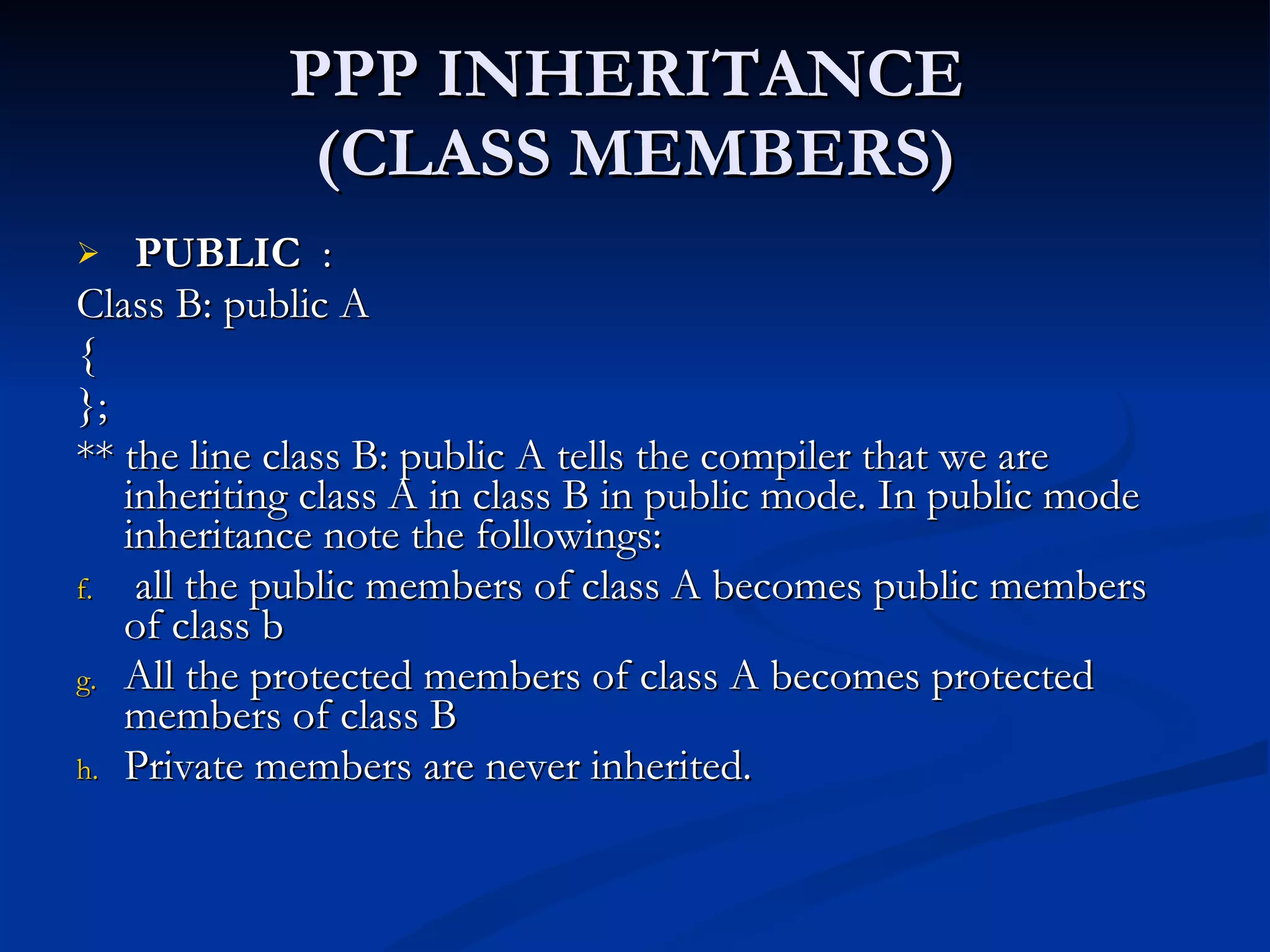
PPP INHERITANCE (CLASS MEMBERS) PUBLIC : Class B: public A { }; ** the line class B: public A tells the compiler that we are inheriting class A in class B in public mode. In public mode inheritance note the followings: all the public members of class A becomes public members of class b All the protected members of class A becomes protected members of class B Private members are never inherited.
31.
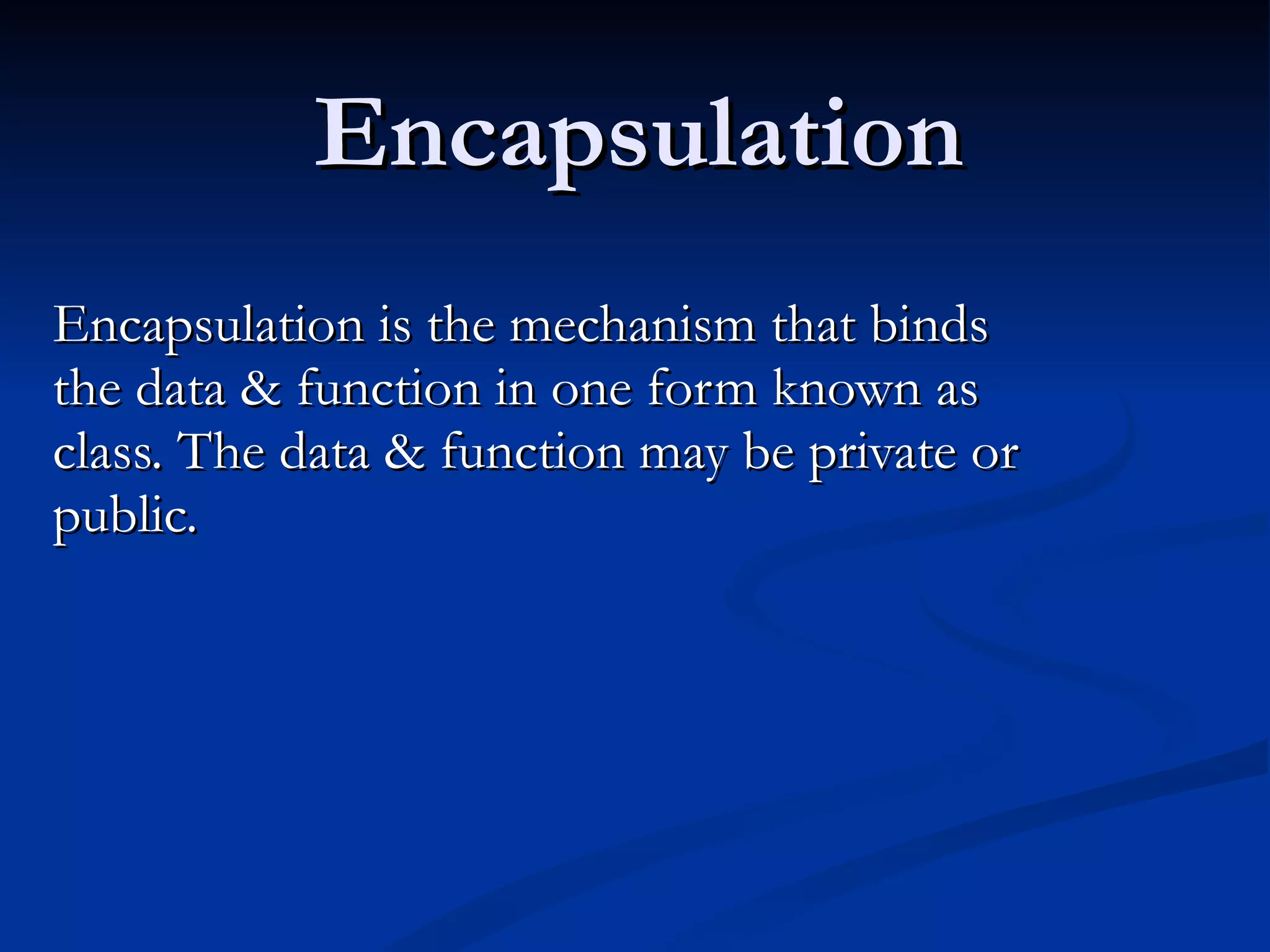
Encapsulation Encapsulation isthe mechanism that binds the data & function in one form known as class. The data & function may be private or public.
“ Bjarne Stroustrup” develops C++ (1980’s) Brings object oriented concepts into the C programming language
34.
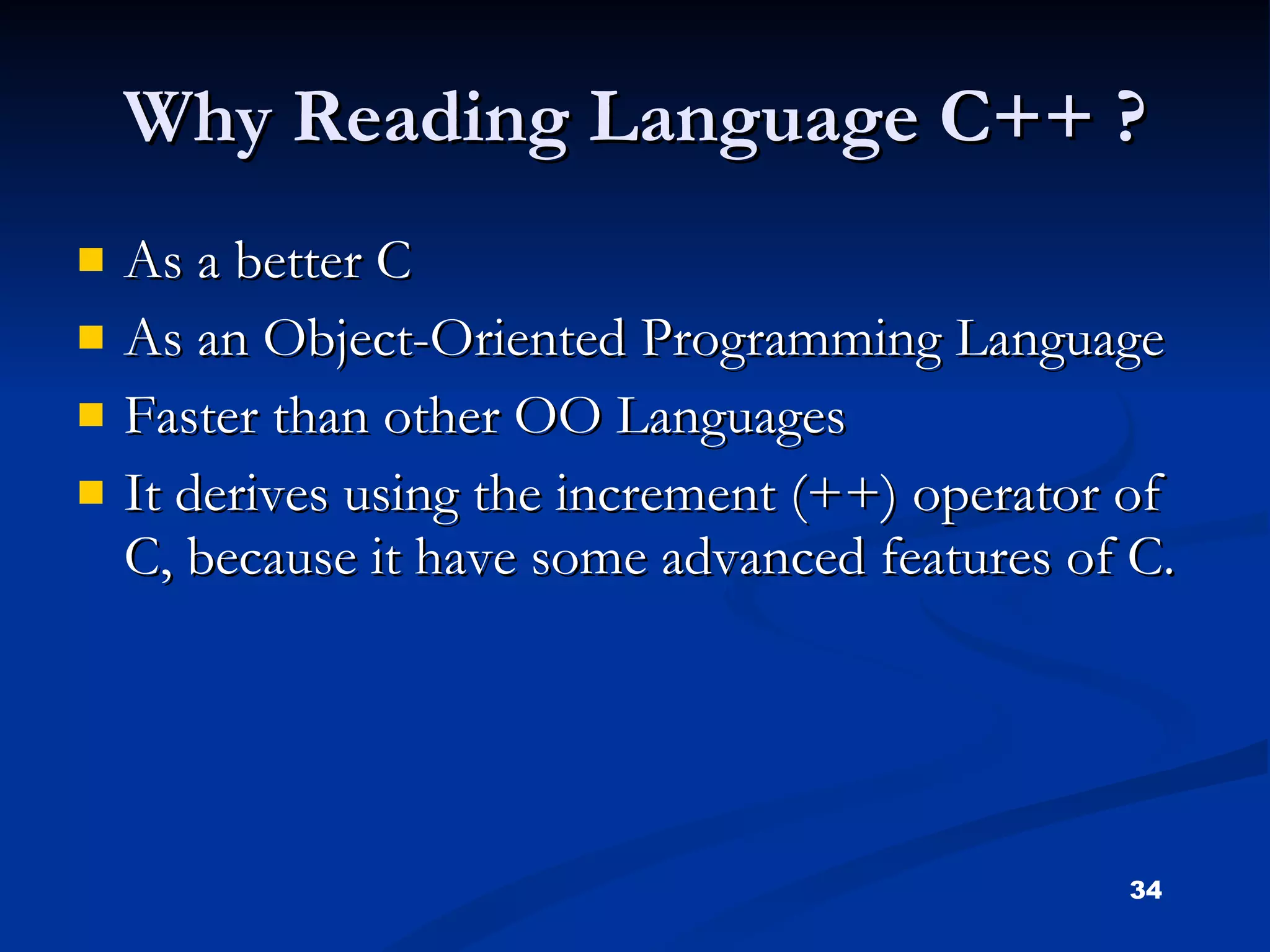
Why Reading LanguageC++ ? As a better C As an Object-Oriented Programming Language Faster than other OO Languages It derives using the increment (++) operator of C, because it have some advanced features of C.
35.
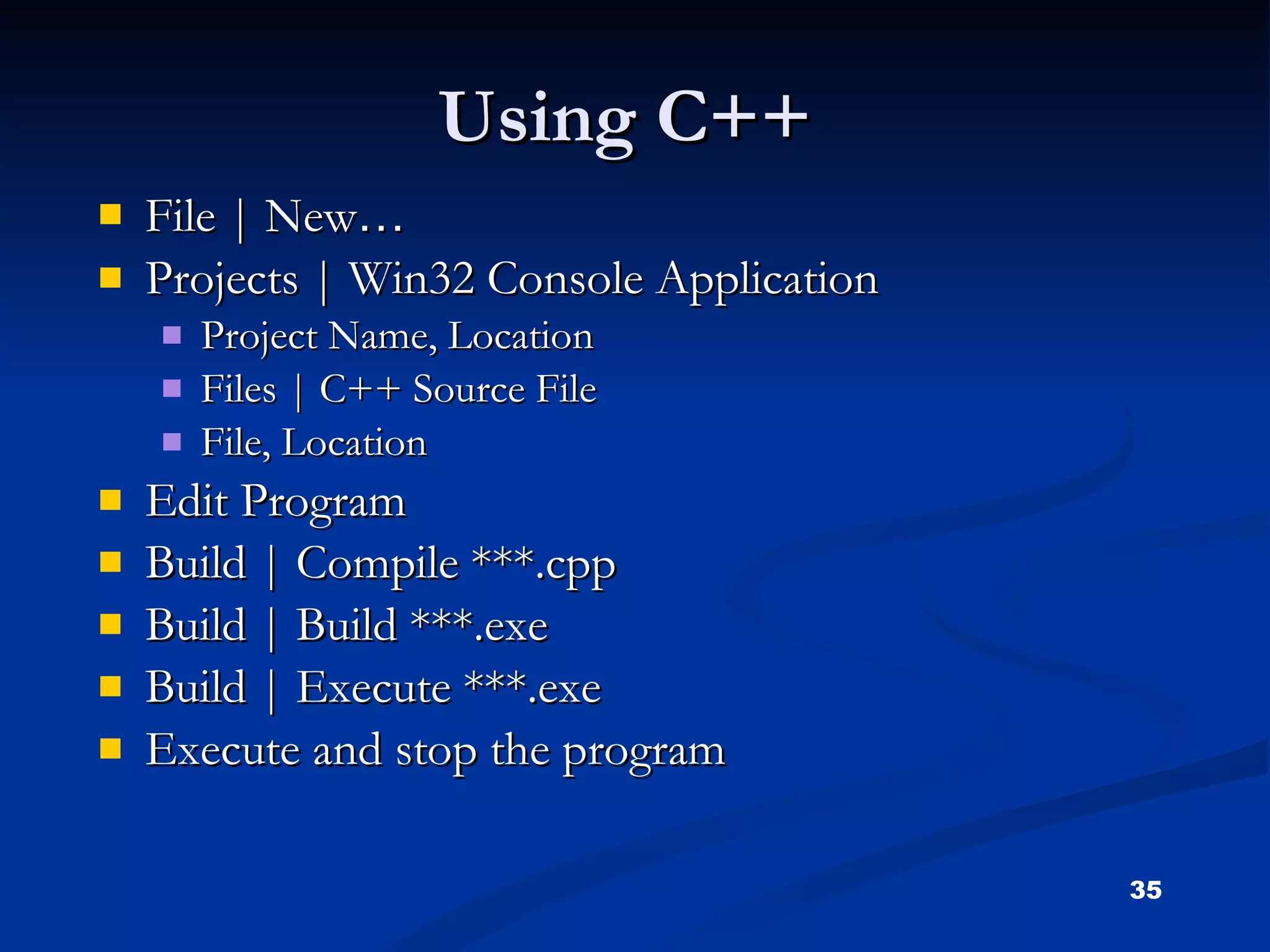
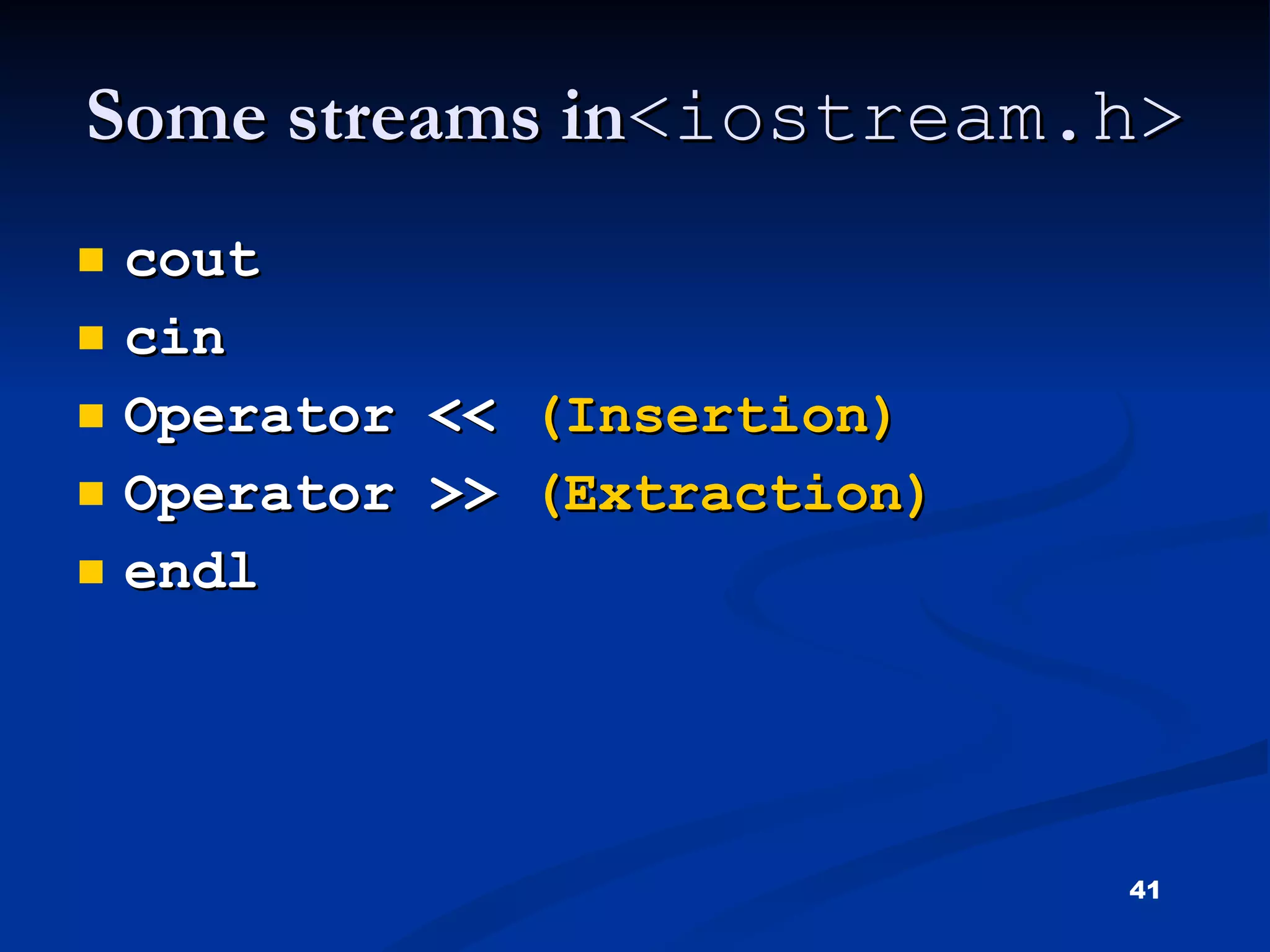
Using C++ File| New … Projects | Win32 Console Application Project Name, Location Files | C++ Source File File, Location Edit Program Build | Compile ***.cpp Build | Build ***.exe Build | Execute ***.exe Execute and stop the program
36.
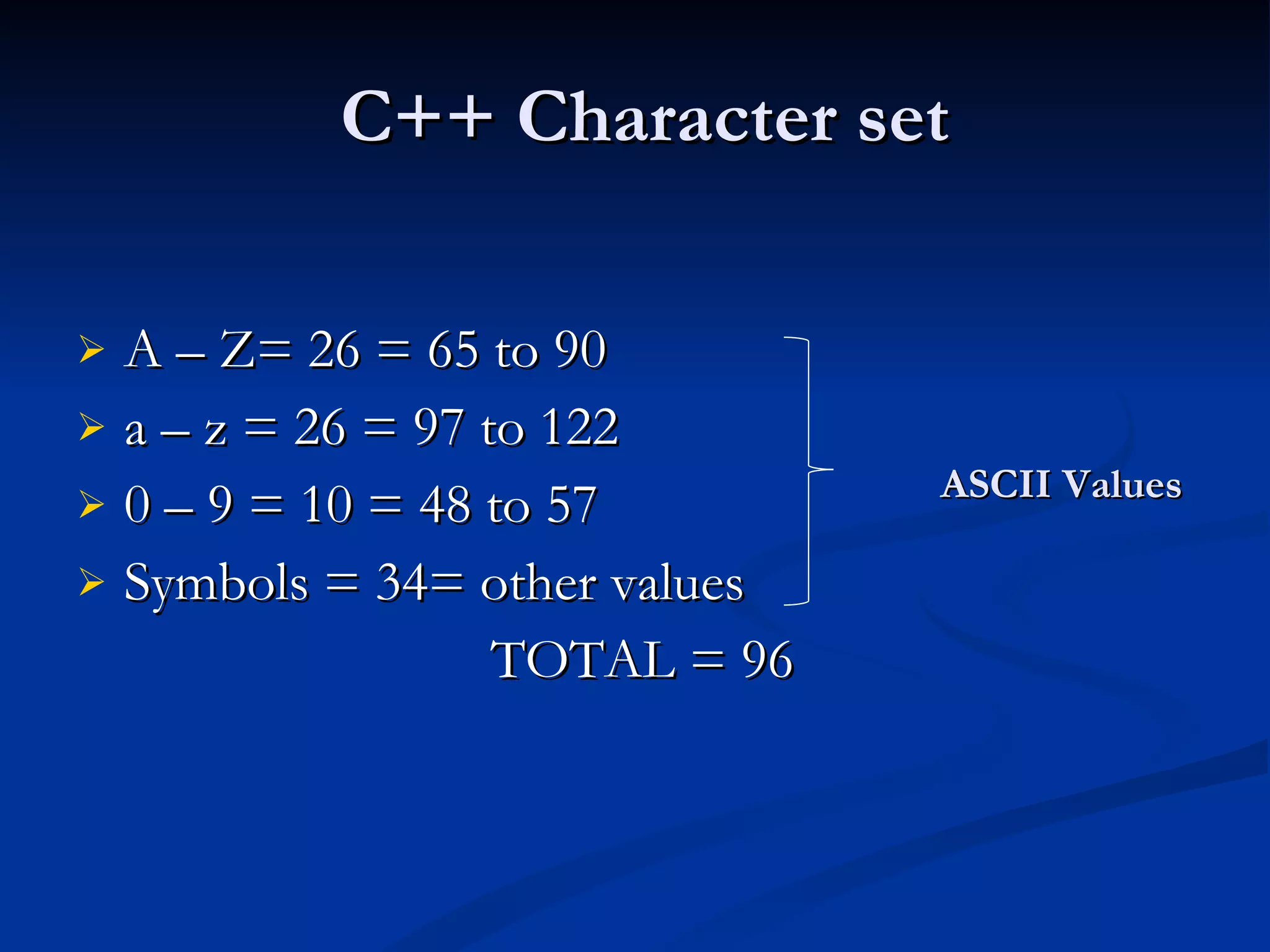
C++ Character setA – Z= 26 = 65 to 90 a – z = 26 = 97 to 122 0 – 9 = 10 = 48 to 57 Symbols = 34= other values TOTAL = 96 ASCII Values
37.
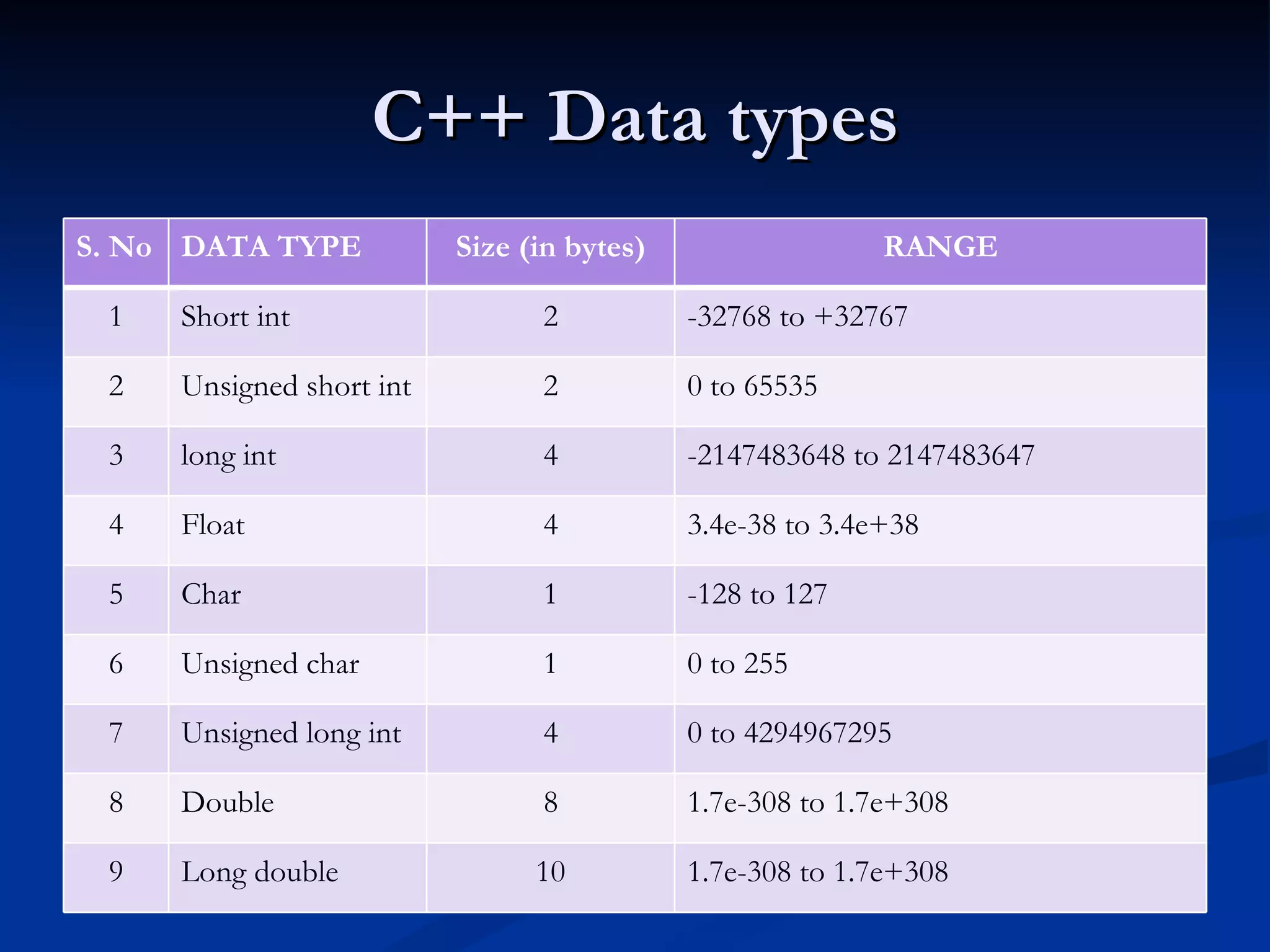
C++ Data typesS. No DATA TYPE Size (in bytes) RANGE 1 Short int 2 -32768 to +32767 2 Unsigned short int 2 0 to 65535 3 long int 4 -2147483648 to 2147483647 4 Float 4 3.4e-38 to 3.4e+38 5 Char 1 -128 to 127 6 Unsigned char 1 0 to 255 7 Unsigned long int 4 0 to 4294967295 8 Double 8 1.7e-308 to 1.7e+308 9 Long double 10 1.7e-308 to 1.7e+308
38.
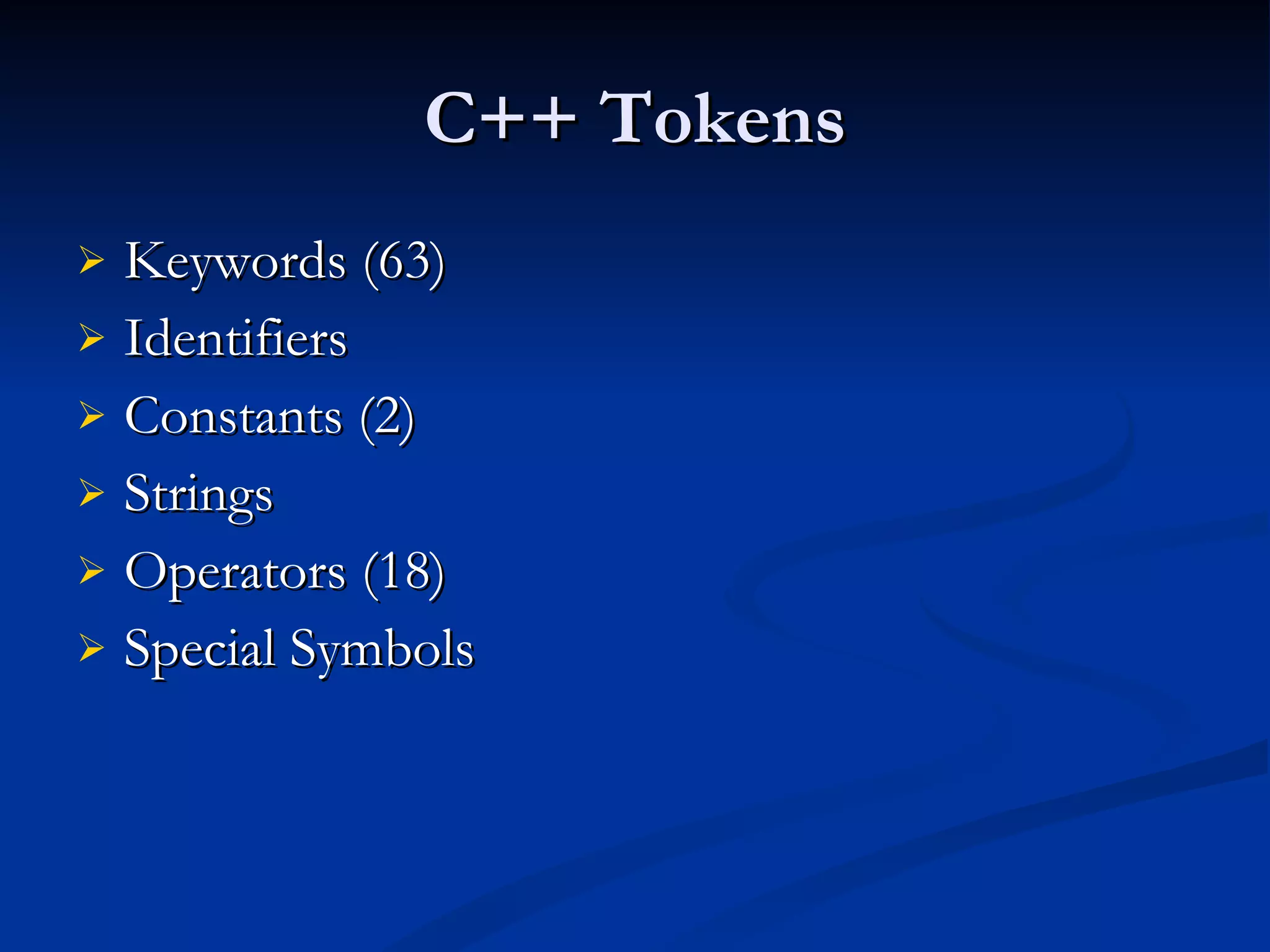
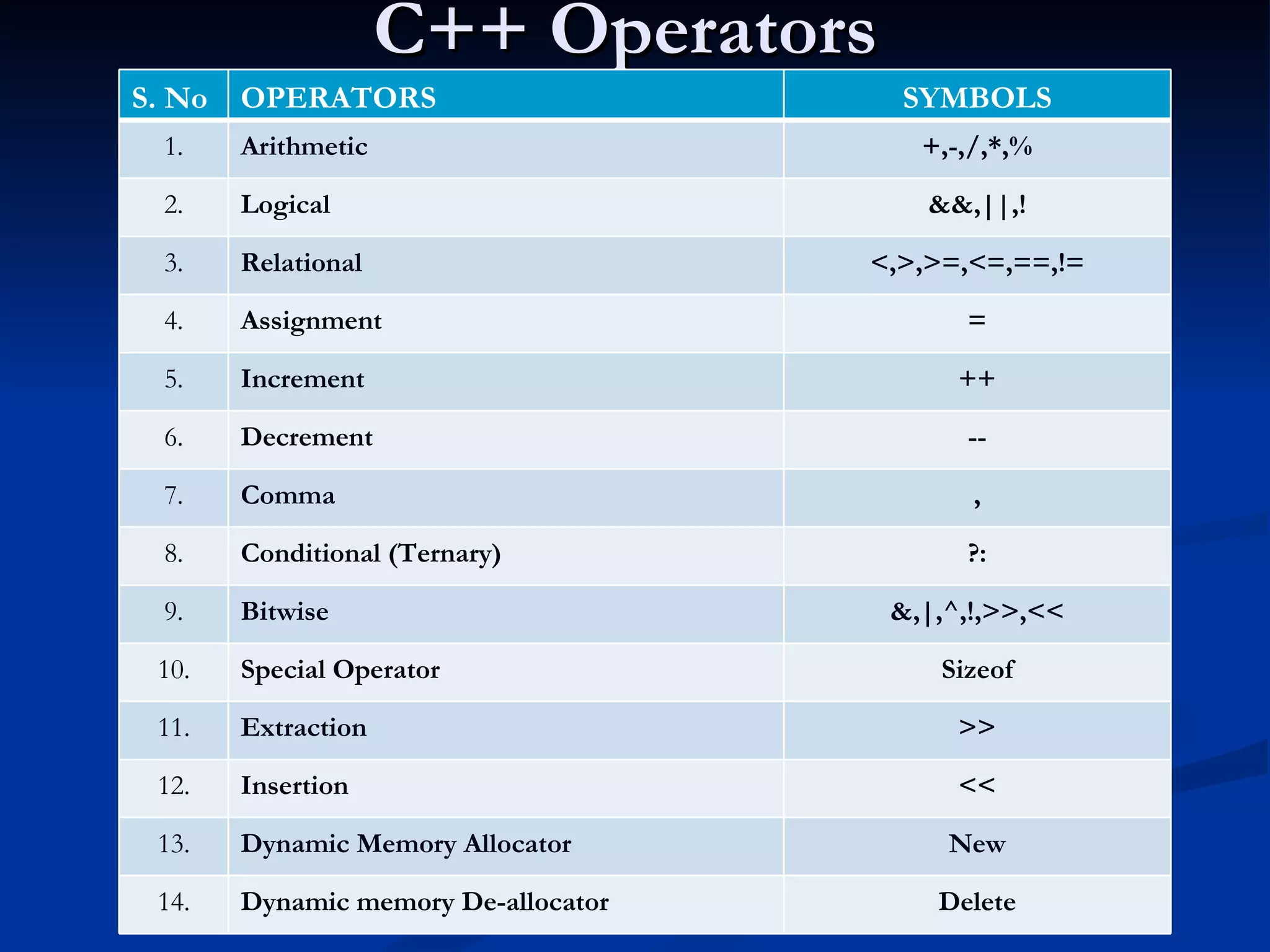
C++ Tokens Keywords(63) Identifiers Constants (2) Strings Operators (18) Special Symbols
39.
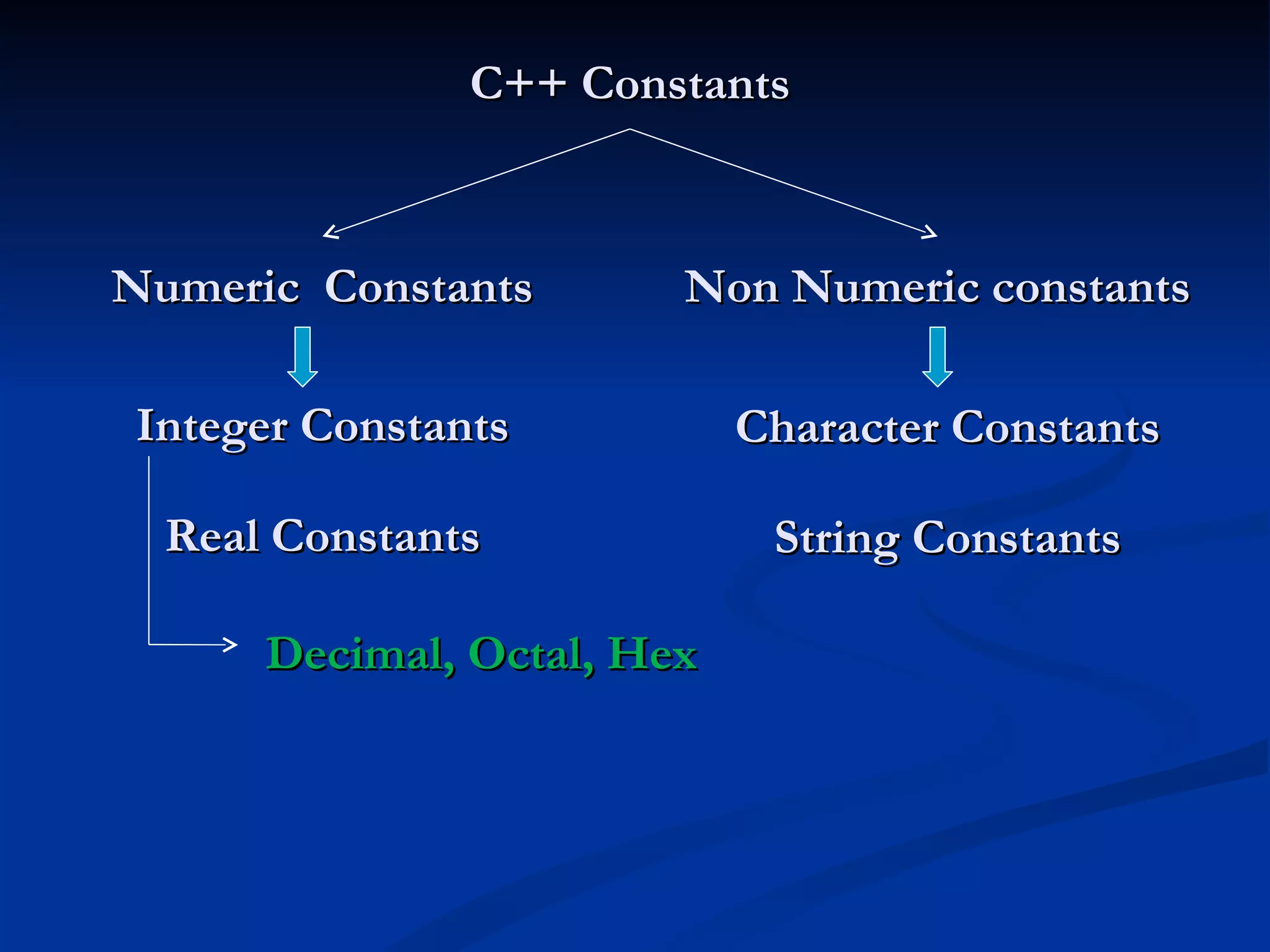
C++ Constants NonNumeric constants Numeric Constants Real Constants Integer Constants String Constants Character Constants Decimal, Octal, Hex
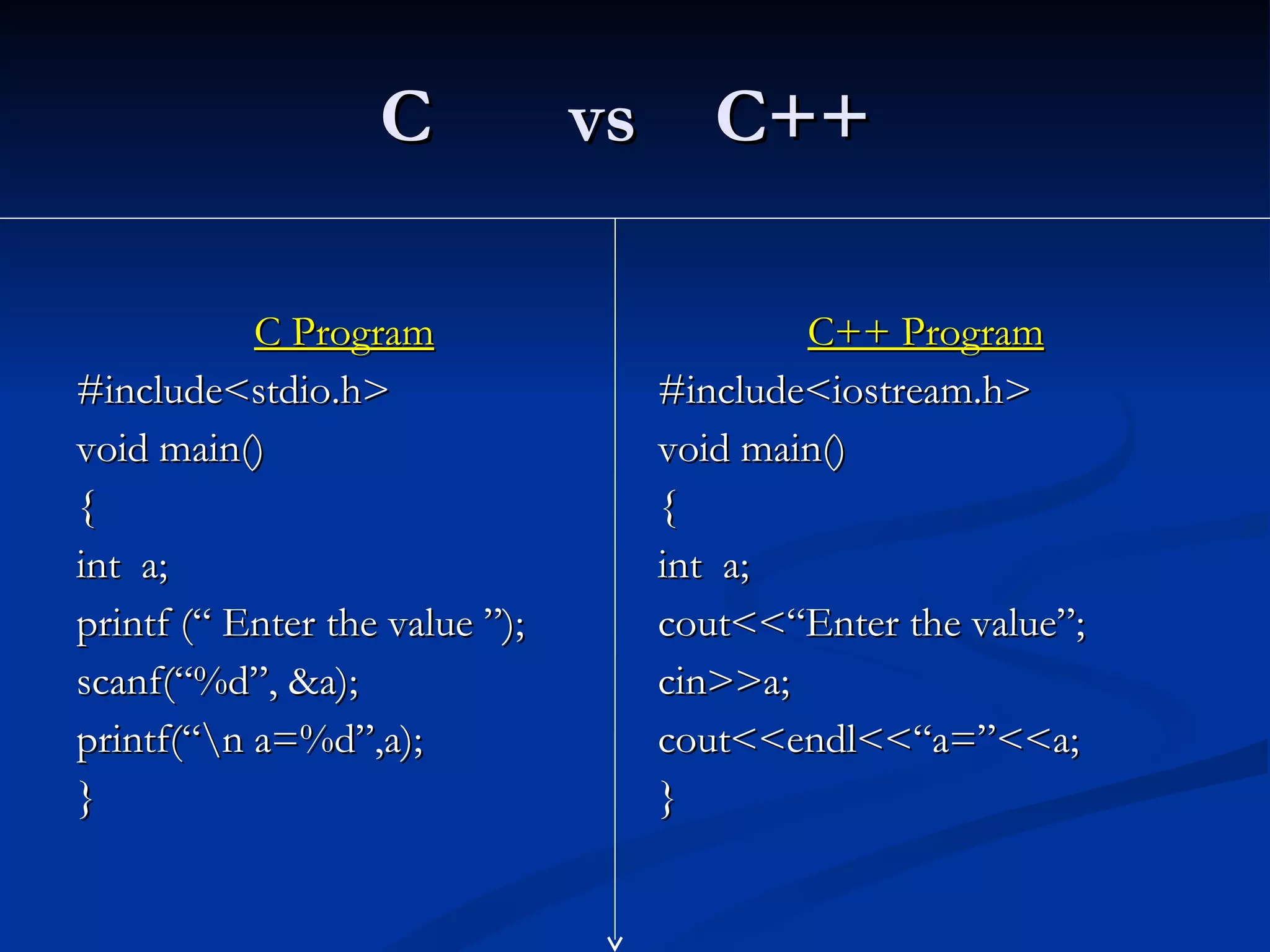
C vs C++ C Program #include<stdio.h> void main() { int a; printf (“ Enter the value ”); scanf(“%d”, &a); printf(“\n a=%d”,a); } C++ Program #include<iostream.h> void main() { int a; cout<<“Enter the value”; cin>>a; cout<<endl<<“a=”<<a; }
43.
Program Hello// This program outputs the message // Hello! to the screen #include <iostream.h> void main() { cout <<"Hello!"<< endl; }
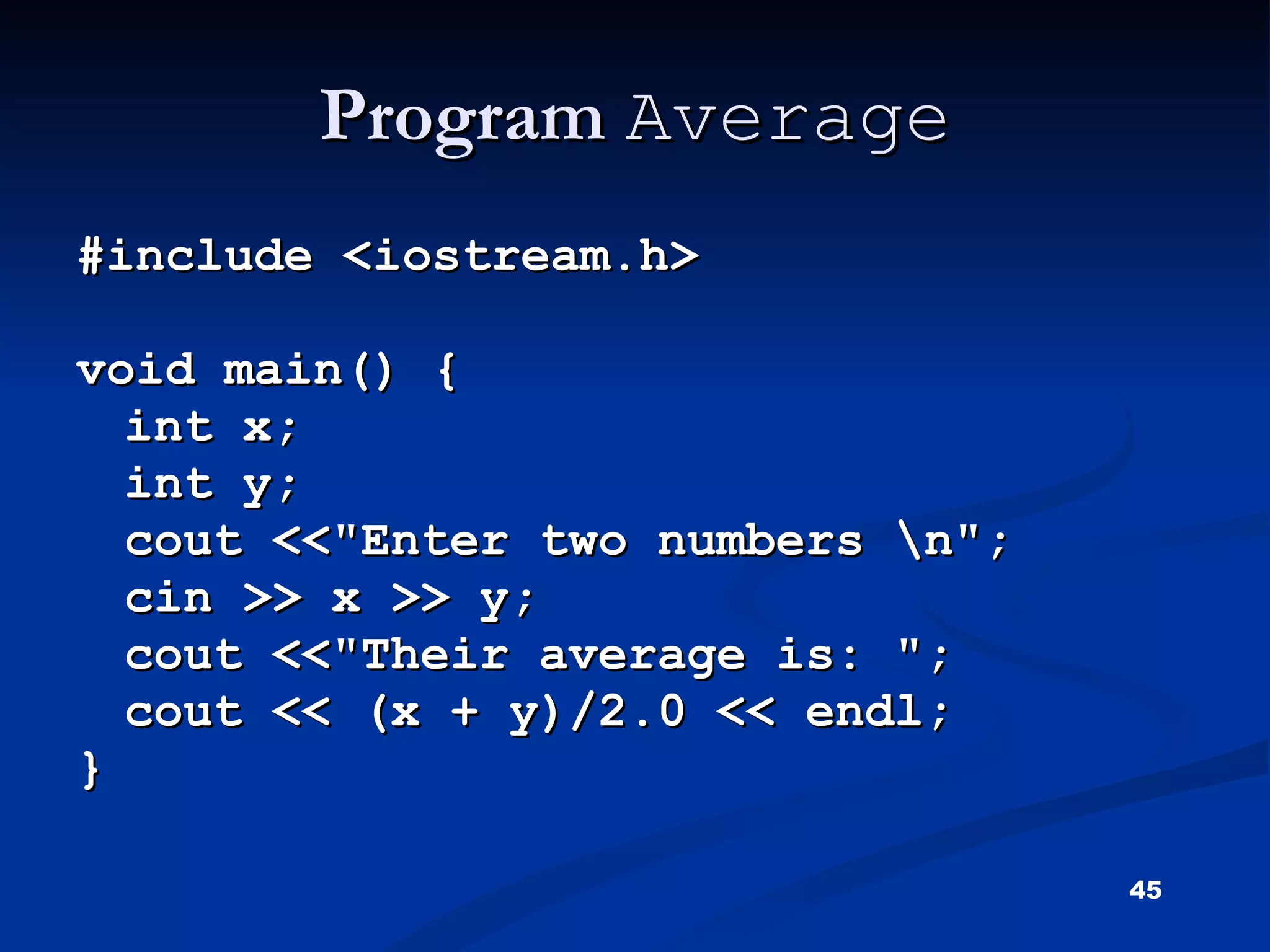
Program Average#include <iostream.h> void main() { int x; int y; cout <<"Enter two numbers \n"; cin >> x >> y; cout <<"Their average is: "; cout << (x + y)/2.0 << endl; }
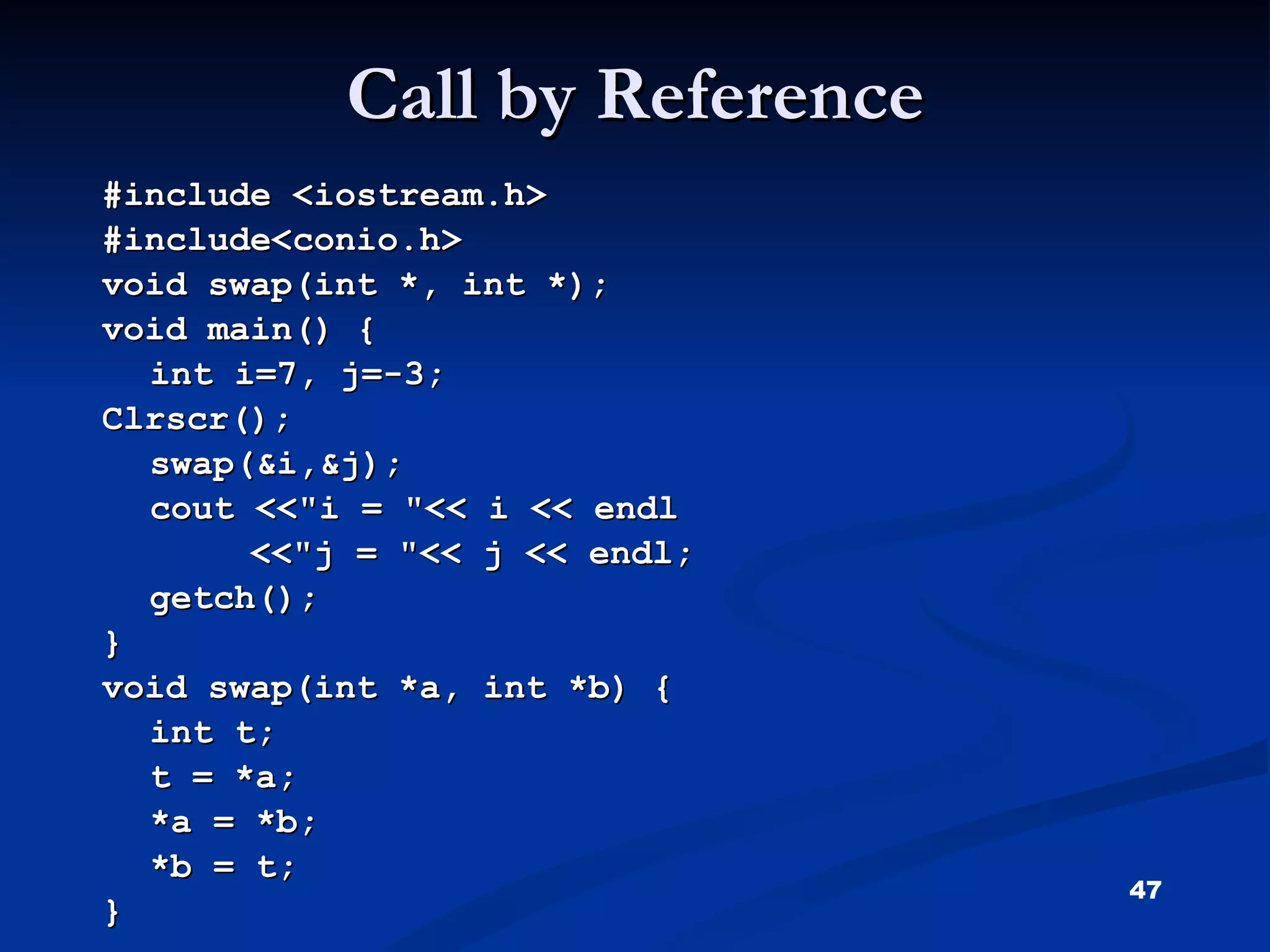
Call by Reference #include <iostream.h> #include<conio.h> void swap(int *, int *); void main() { int i=7, j=-3; Clrscr(); swap(&i,&j); cout <<"i = "<< i << endl <<"j = "<< j << endl; getch(); } void swap(int *a, int *b) { int t; t = *a; *a = *b; *b = t; }
48.
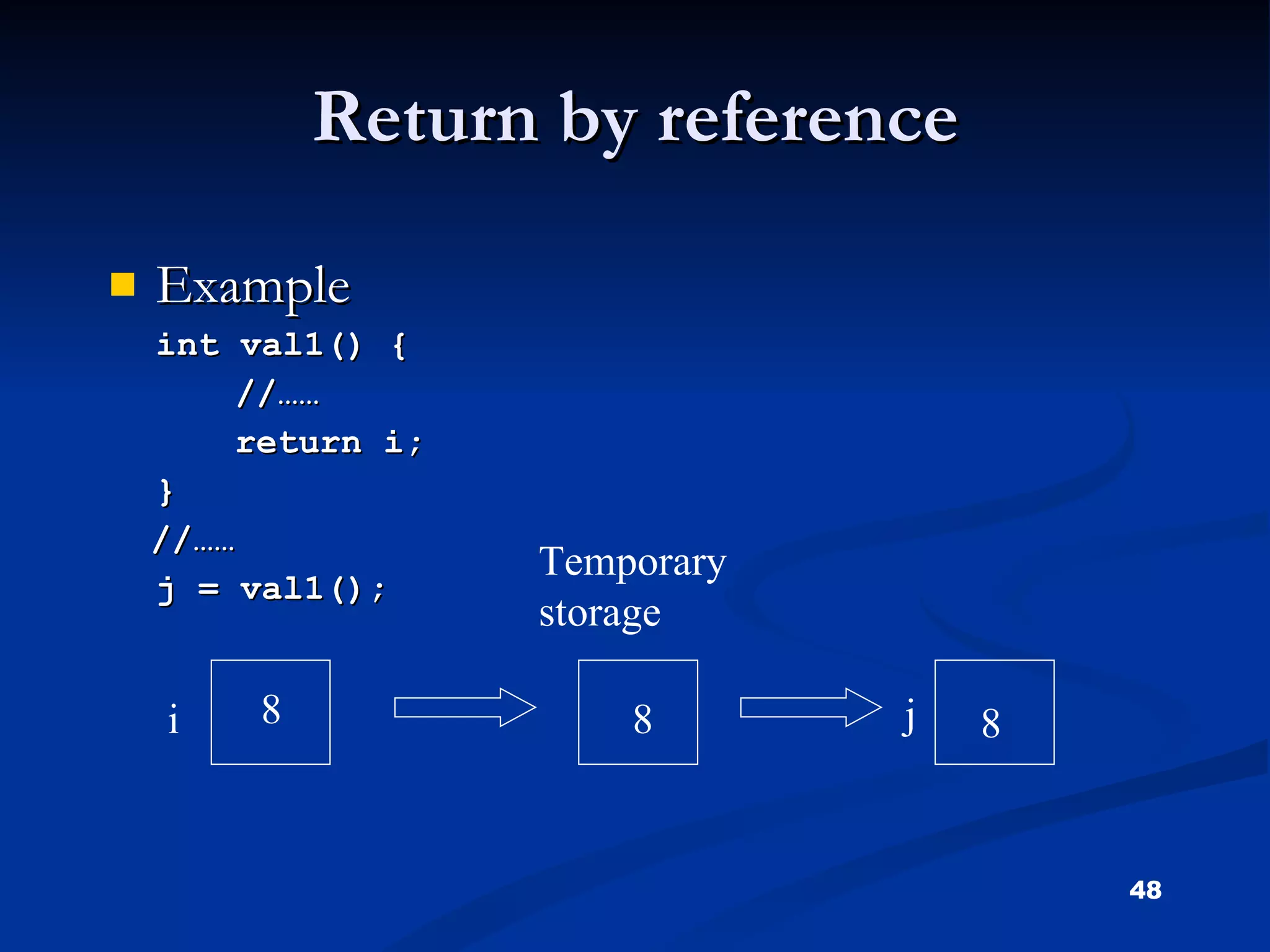
Return by referenceExample int val1() { //…… return i; } //…… j = val1(); i j Temporary storage 8 8 8
49.
Matrix Multiplication #include<iostream.h>#include<conio.h> void main() { int row1,col1,row2,col2; int i,j,k; int mat1[5][5],mat2[5][5],multi[5][5]; clrscr(); cout<<"enter the row for first matrix\n";
50.
cin>>row1; cout<<"enter columnfor first matrix\n"; cin>>col1; cout<<"enter elements of first matrix\n"; for(i=0;i<row1;i++) { for(j=0;j<col1;j++) { cin>>mat1[i][j]; } } cout<<"enter the row of second matrix\n"; cin>>row2; cout<<"enter column for second matrix\n"; cin>>col2; cout<<"enter elements of second matrix\n";
multi[i][j]=0; for(k=0;k<col1;k++) {multi[i][j]+=mat1[i][k]*mat2[k][j]; } cout<<multi[i][j]; } cout<<endl; } } else cout<<"multiplication is not compatible"; getch(); }
53.
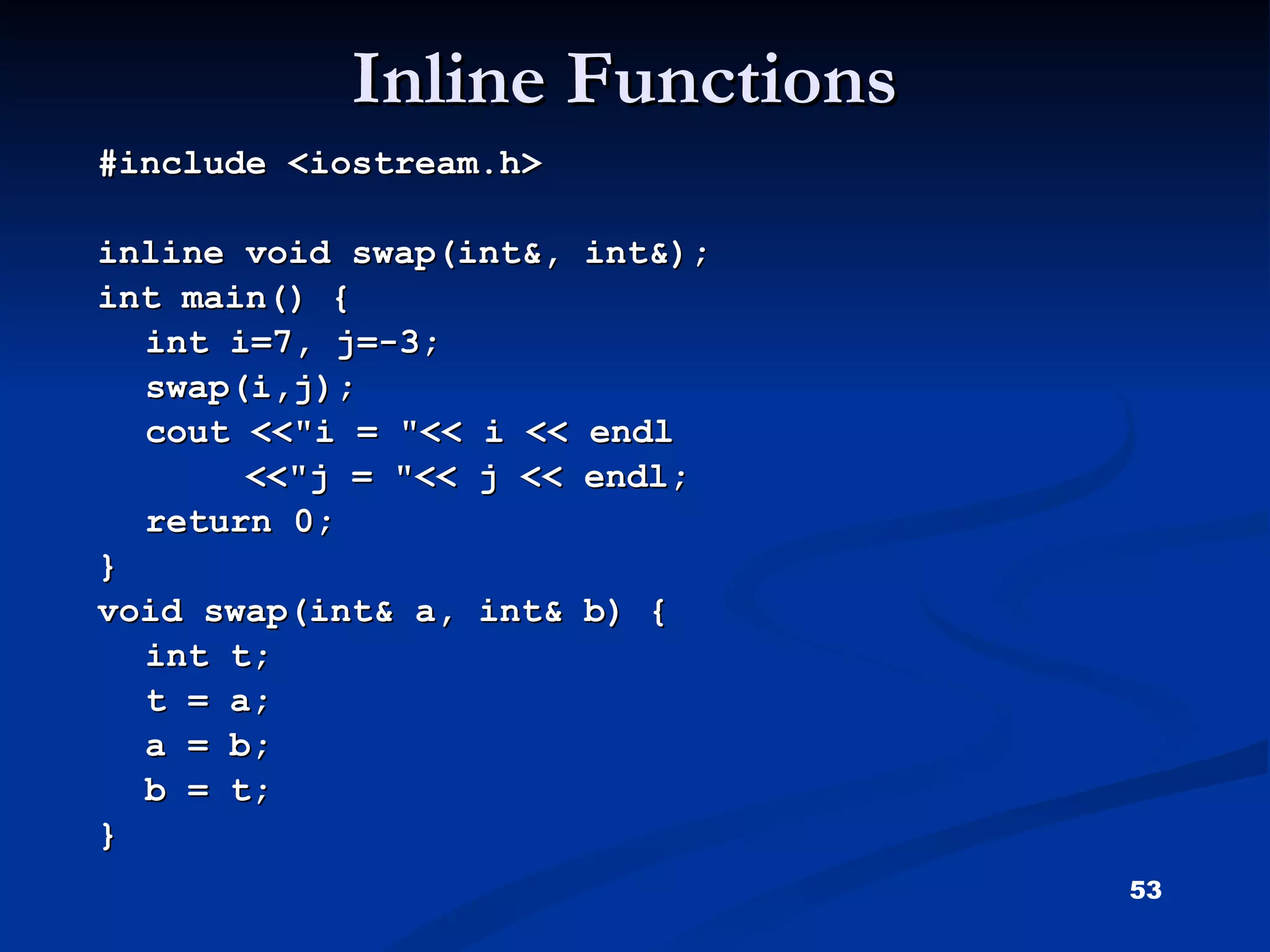
Inline Functions #include<iostream.h> inline void swap(int&, int&); int main() { int i=7, j=-3; swap(i,j); cout <<"i = "<< i << endl <<"j = "<< j << endl; return 0; } void swap(int& a, int& b) { int t; t = a; a = b; b = t; }
54.
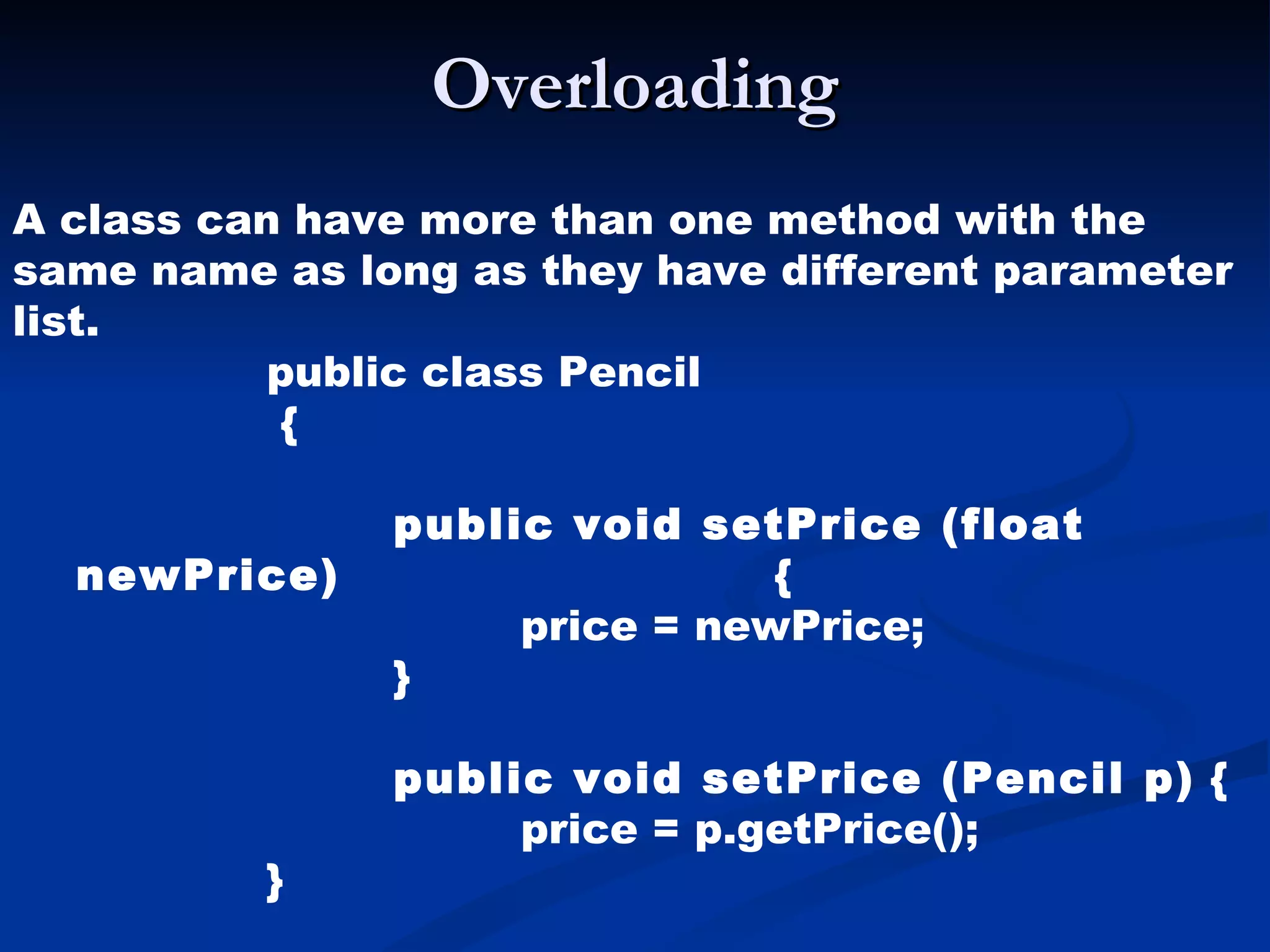
Overloading A classcan have more than one method with the same name as long as they have different parameter list. public class Pencil { public void setPrice (float newPrice) { price = newPrice; } public void setPrice (Pencil p) { price = p.getPrice(); }


![Structures #include<iostream.h> Void main() { struct book{ int page_no; char name[15]; }; book b1; b1.page_no=125; b1.name =“oops”; cout <<“Book Name"<< b1.name <<“Book page no"<< b1.page_no <<endl; }](https://image.slidesharecdn.com/oopsppt-111124143037-phpapp01/75/Oops-ppt-46-2048.jpg)
![Matrix Multiplication #include<iostream.h> #include<conio.h> void main() { int row1,col1,row2,col2; int i,j,k; int mat1[5][5],mat2[5][5],multi[5][5]; clrscr(); cout<<"enter the row for first matrix\n";](https://image.slidesharecdn.com/oopsppt-111124143037-phpapp01/75/Oops-ppt-49-2048.jpg)
![cin>>row1; cout<<"enter column for first matrix\n"; cin>>col1; cout<<"enter elements of first matrix\n"; for(i=0;i<row1;i++) { for(j=0;j<col1;j++) { cin>>mat1[i][j]; } } cout<<"enter the row of second matrix\n"; cin>>row2; cout<<"enter column for second matrix\n"; cin>>col2; cout<<"enter elements of second matrix\n";](https://image.slidesharecdn.com/oopsppt-111124143037-phpapp01/75/Oops-ppt-50-2048.jpg)
![for(i=0;i<row2;i++) { for(j=0;j<col2;j++) { cin>>mat2[i][j]; } } if(col1==row2) { cout<<"multiplication of matrices is\n"; for(i=0;i<row1;i++) { for(j=0;j<col1;j++) {](https://image.slidesharecdn.com/oopsppt-111124143037-phpapp01/75/Oops-ppt-51-2048.jpg)
![multi[i][j]=0; for(k=0;k<col1;k++) { multi[i][j]+=mat1[i][k]*mat2[k][j]; } cout<<multi[i][j]; } cout<<endl; } } else cout<<"multiplication is not compatible"; getch(); }](https://image.slidesharecdn.com/oopsppt-111124143037-phpapp01/75/Oops-ppt-52-2048.jpg)