Citrix XenDesktop 4Ready for the future!Michael  MellorSystems Engineer Channelmichael.mellor@citrix.com
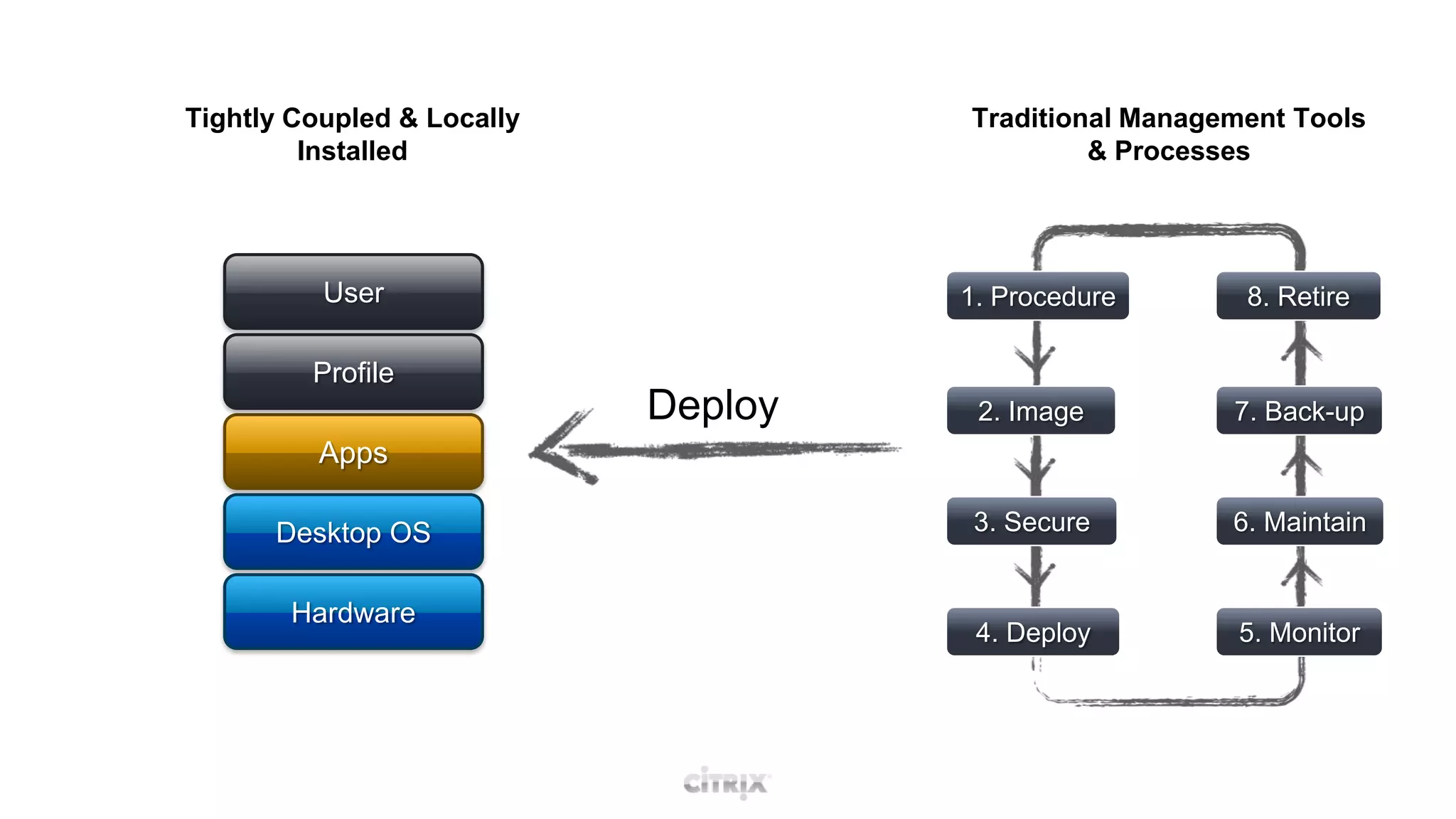
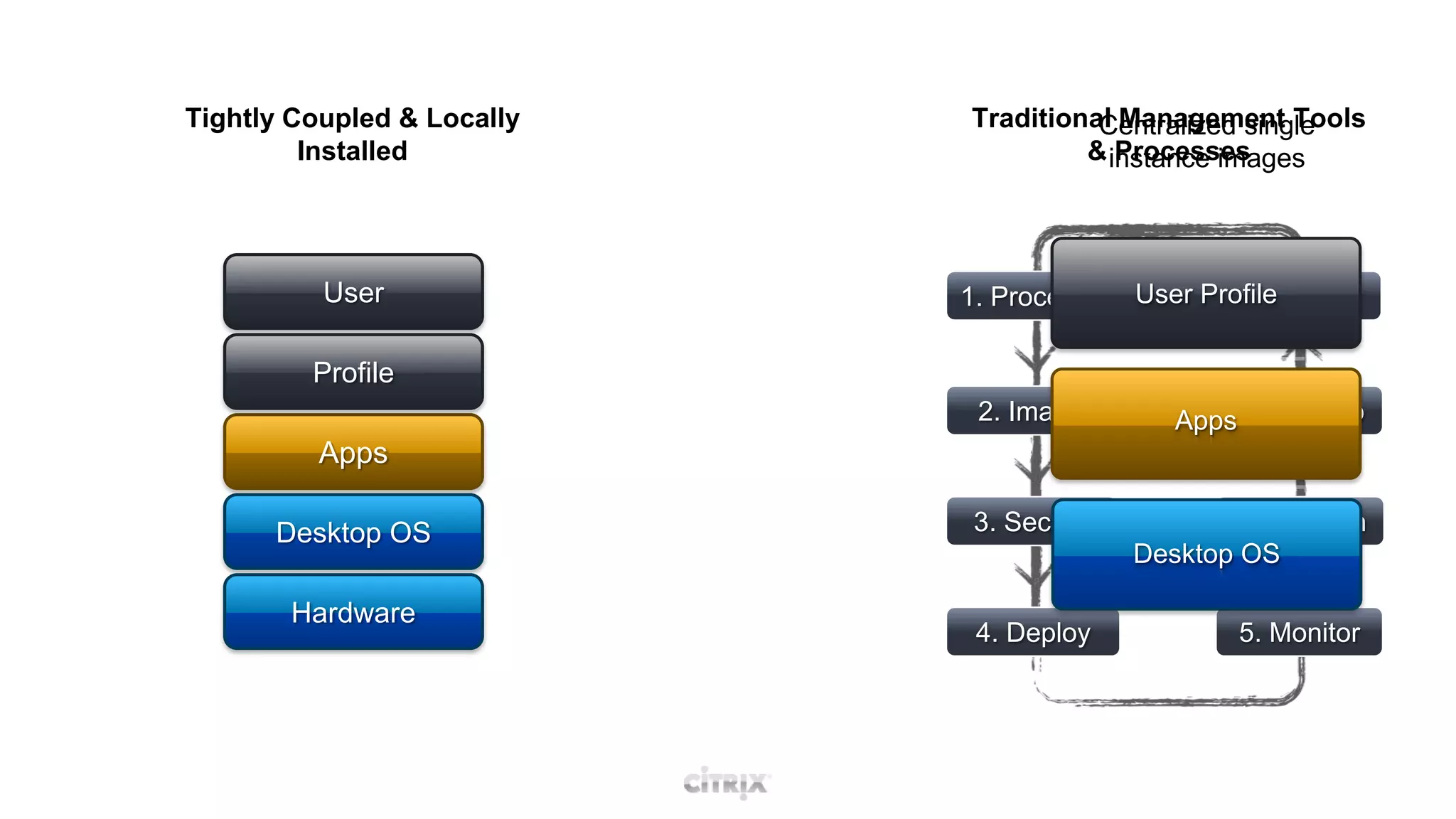
Tightly Coupled & Locally InstalledTraditional Management Tools & ProcessesUser1. Procedure8. RetireProfileDeploy2. Image7. Back-upAppsDesktop OS3. Secure6. MaintainHardware4. Deploy5. Monitor
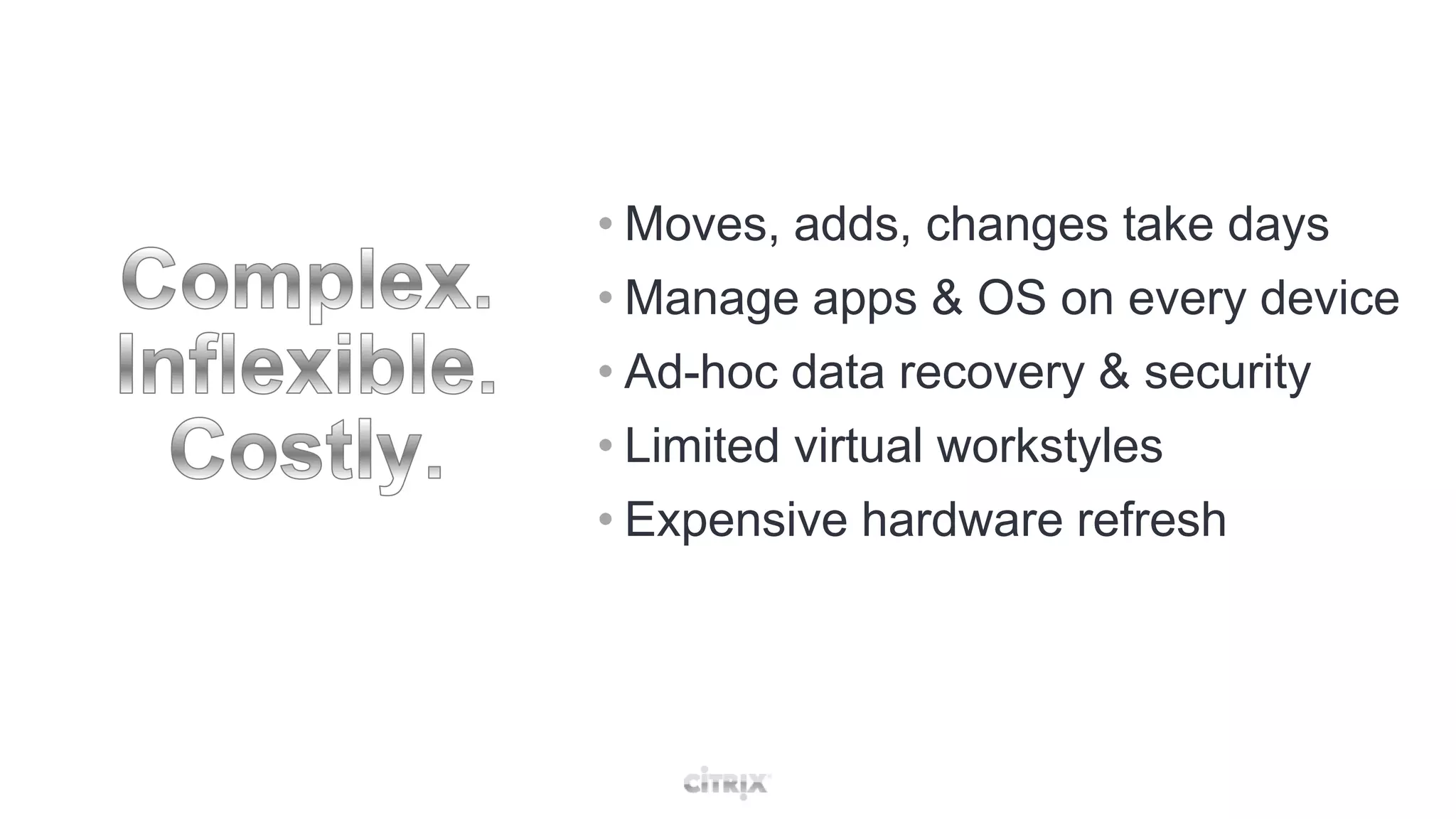
Complex.Inflexible.Costly.Moves, adds, changes take days
Manage apps & OS on every device
Ad-hoc data recovery & security
Limited virtual workstyles
Expensive hardware refreshRedefine the DesktopDevice + OS + Apps + Profile
Traditional Management Tools & ProcessesTightly Coupled & Locally InstalledCentralized single instance imagesUser1. Procedure8. RetireUser ProfileProfile2. Image7. Back-upAppsAppsDesktop OSDesktop OS3. Secure6. MaintainHardware4. Deploy5. Monitor
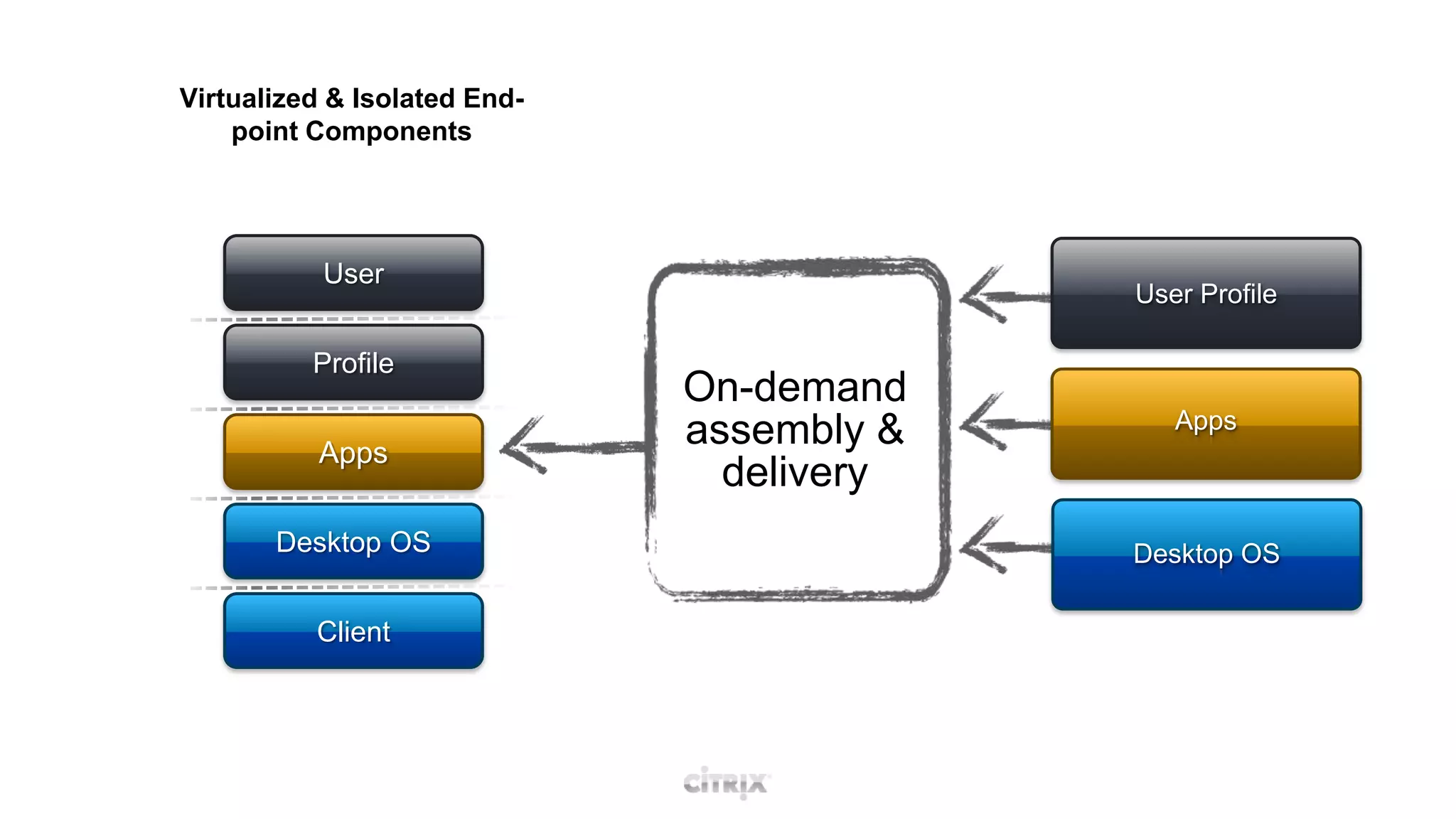
Virtualized & Isolated End-point ComponentsTightly Coupled & Locally InstalledUserUser ProfileProfile VirtualizationProfileOn-demand assembly & deliveryAppsApp VirtualizationAppsDesktop OSDesktop VirtualizationDesktop OSClient
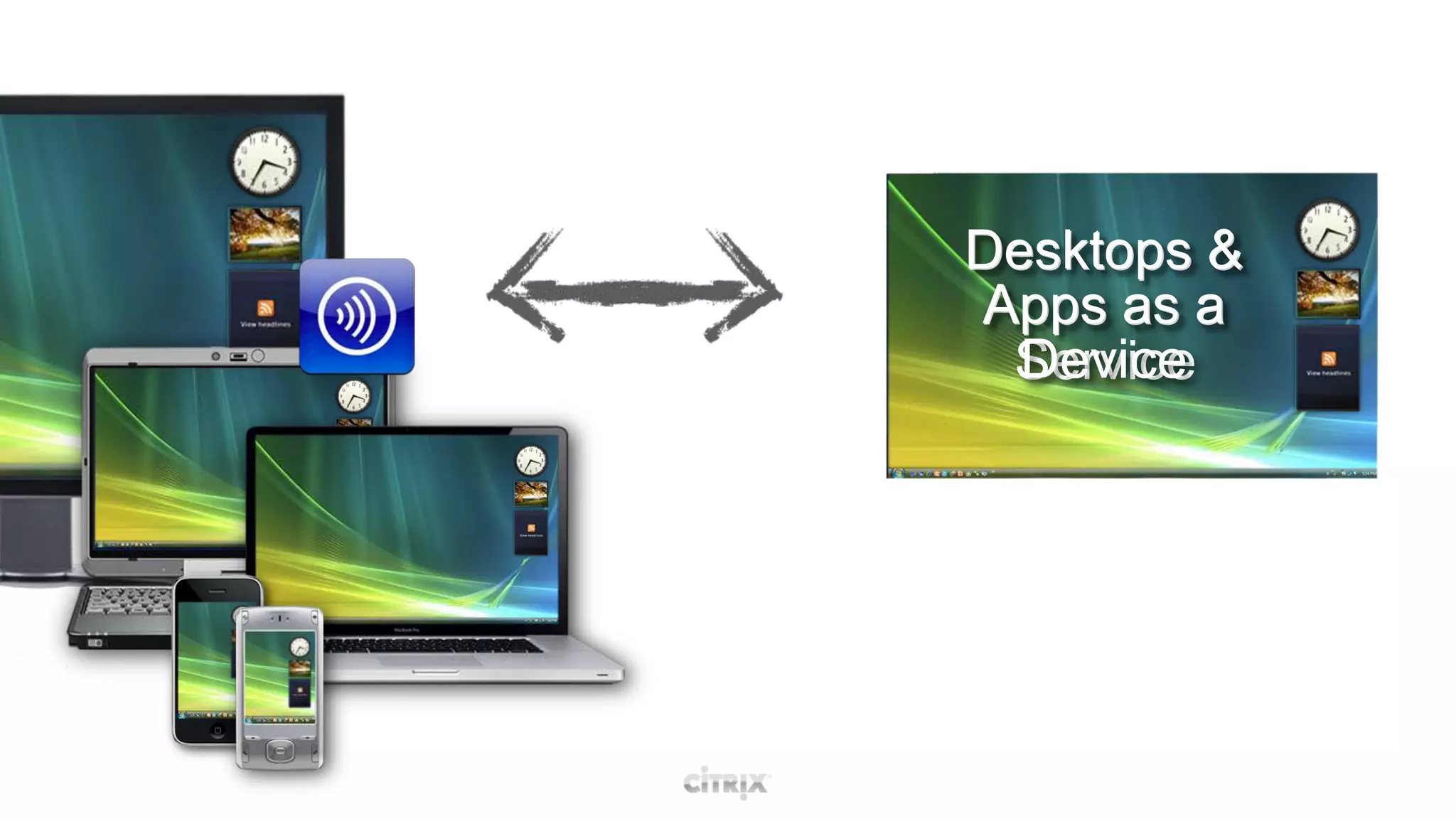
Desktops & Apps as aDeviceDesktops & Apps as aService
Open a branch office
Start an offshore project
On-board a new employee
Move a dept from building A to Z
Add, delete & update apps
Apply security patches
Implement ‘BYOC’ Simple.Fast.Easy.
Key New Features and EnhancementsOpen Architecture
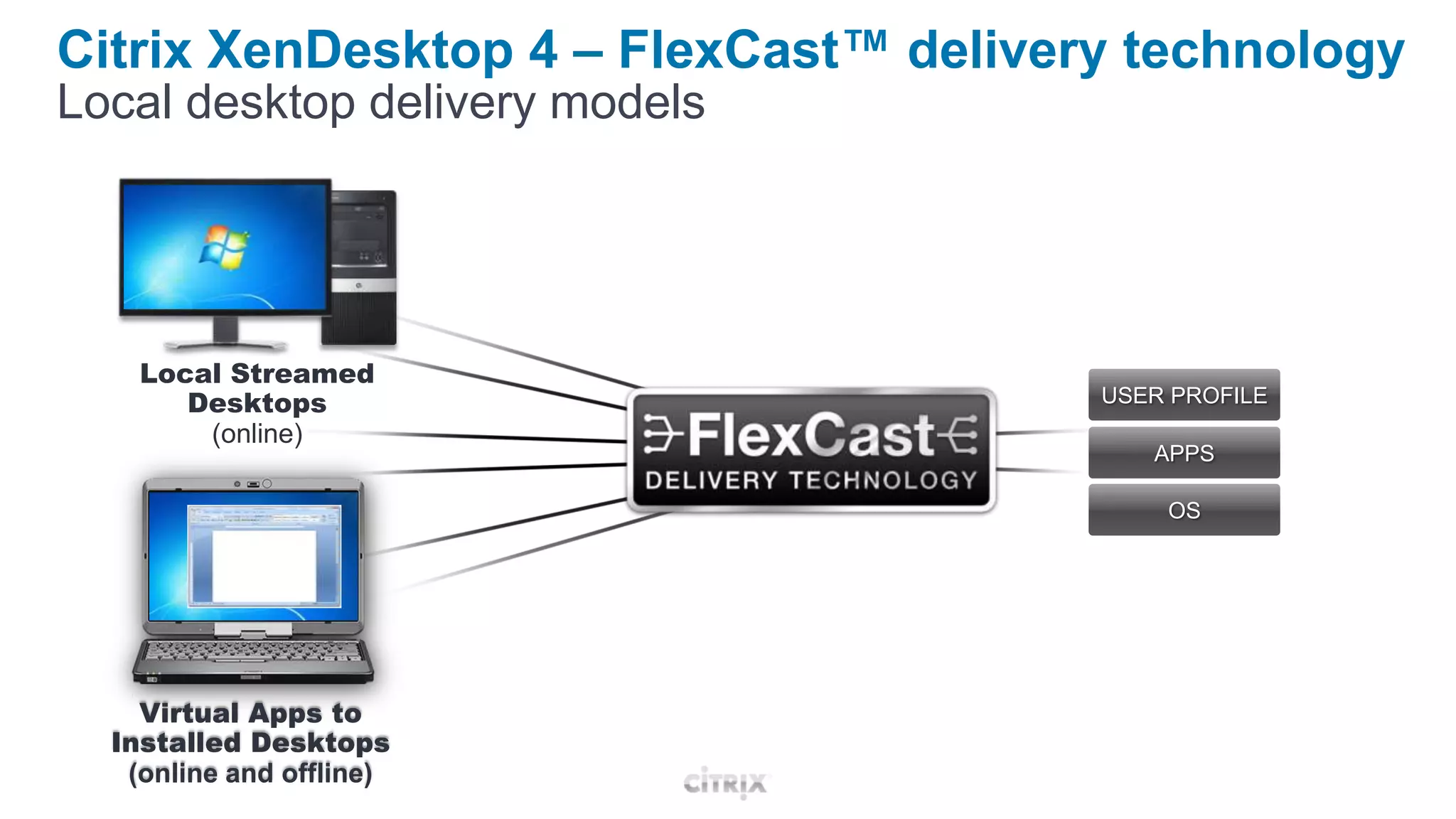
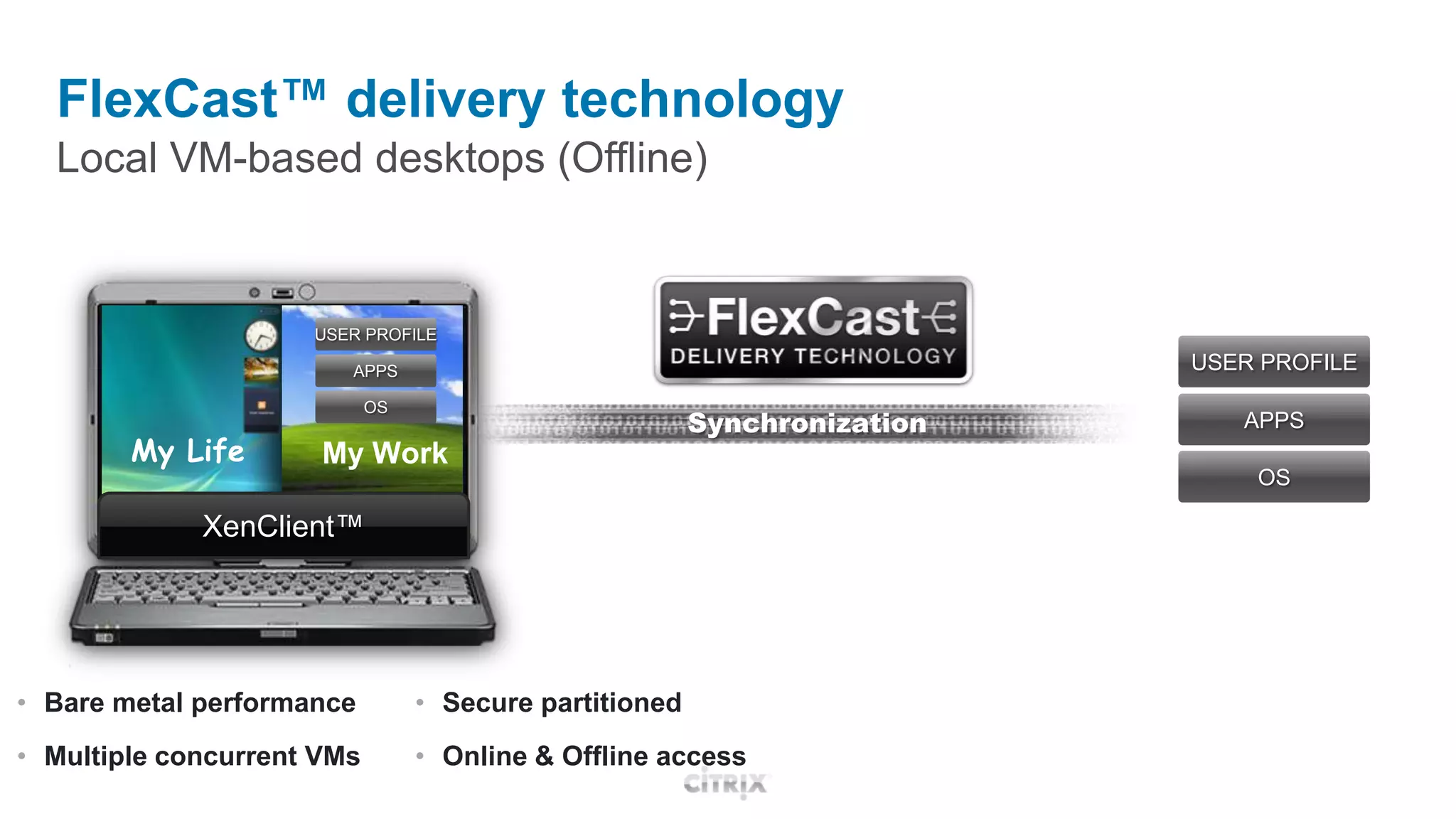
FlexCast™ delivery technology
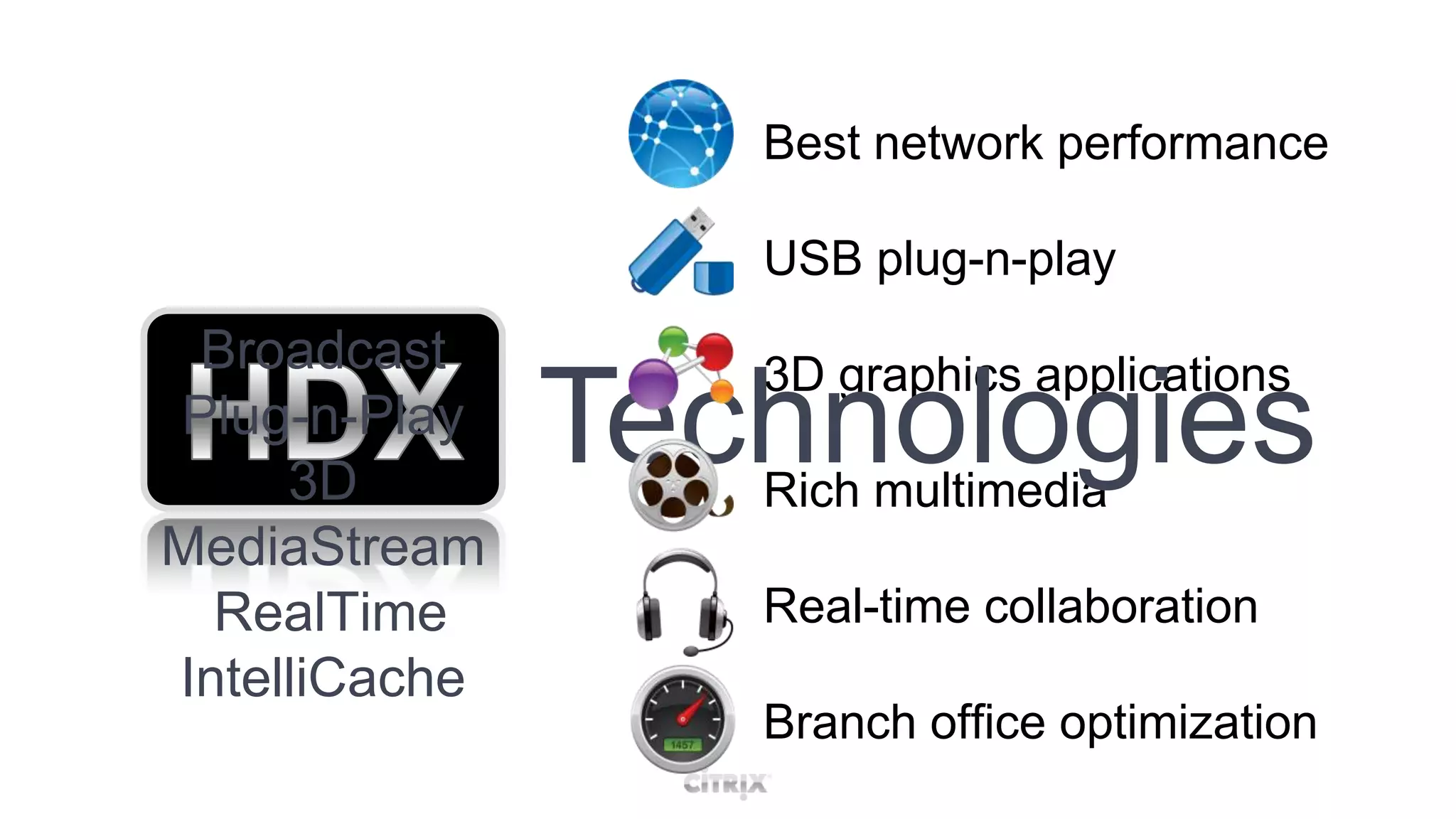
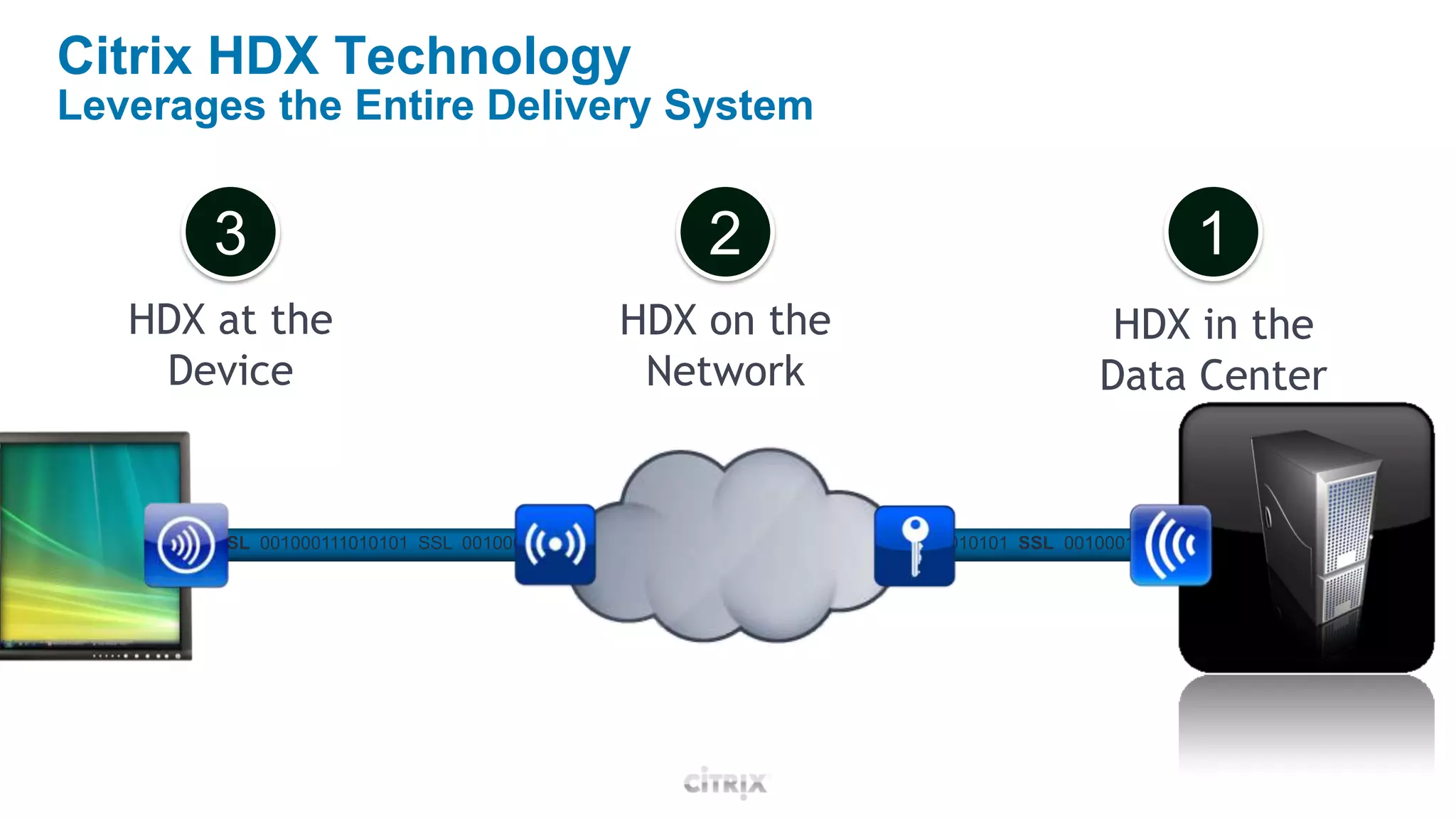
HDX™ user experience
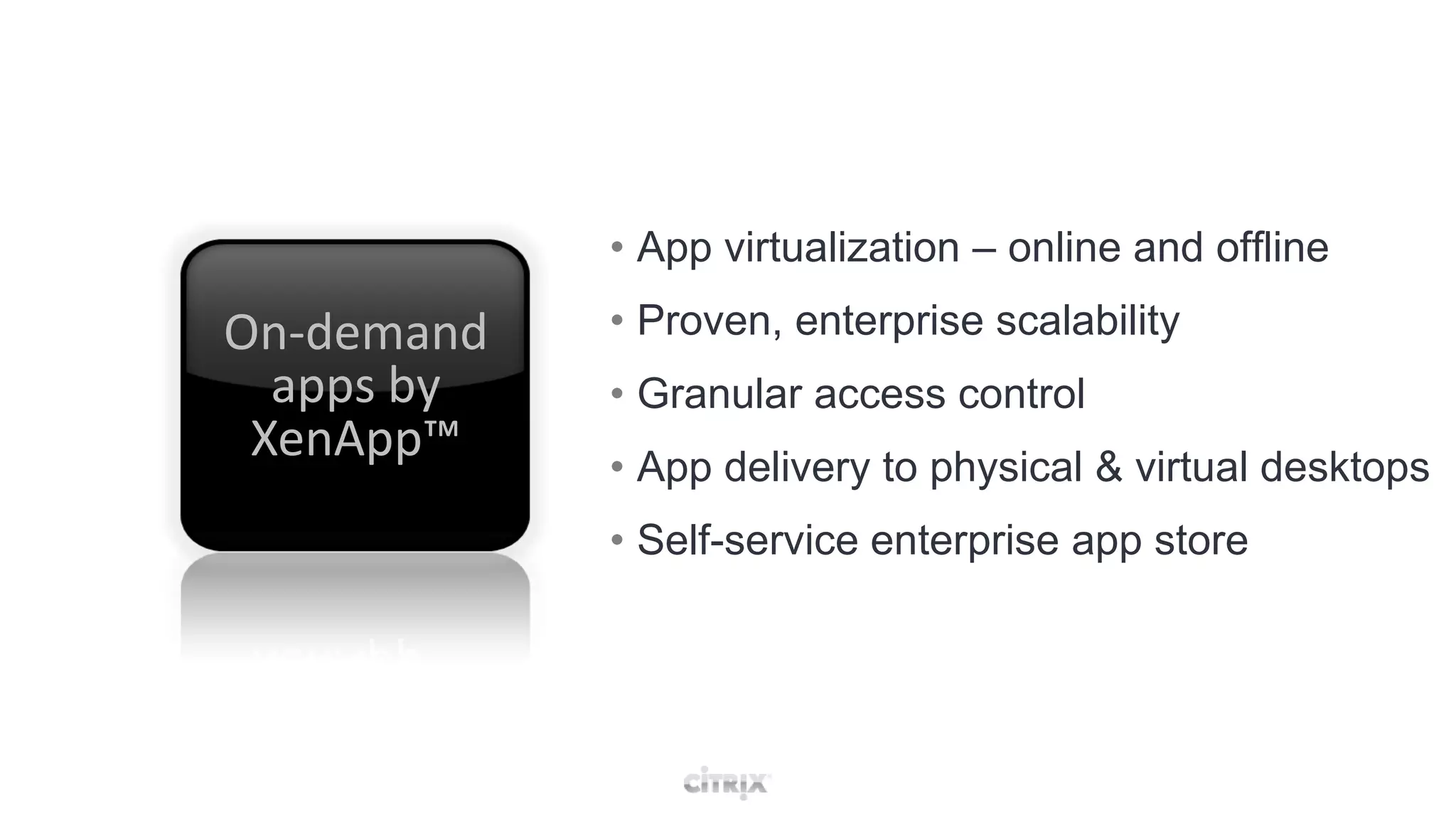
On-demand apps by XenApp™XenDesktop 4
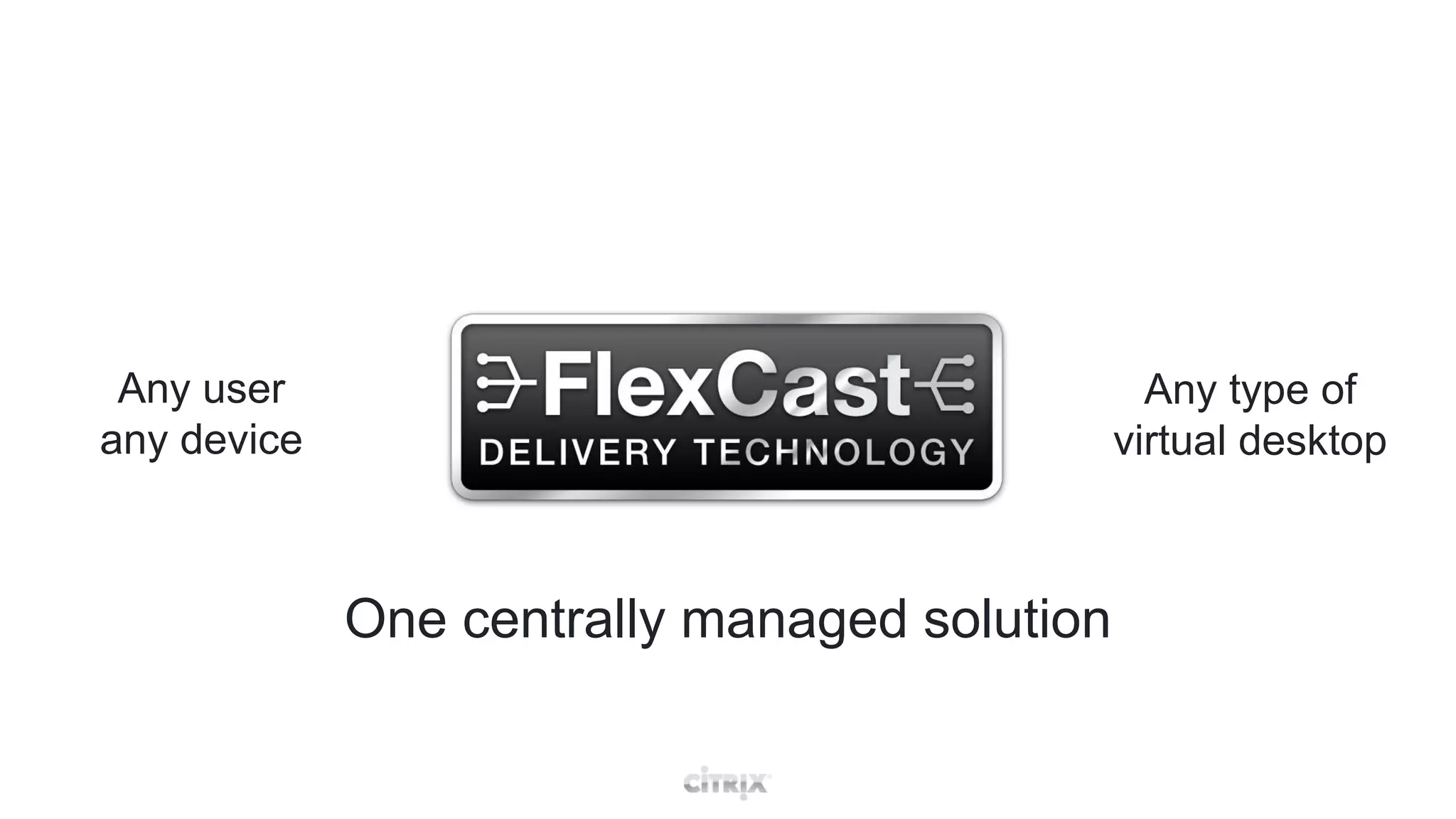
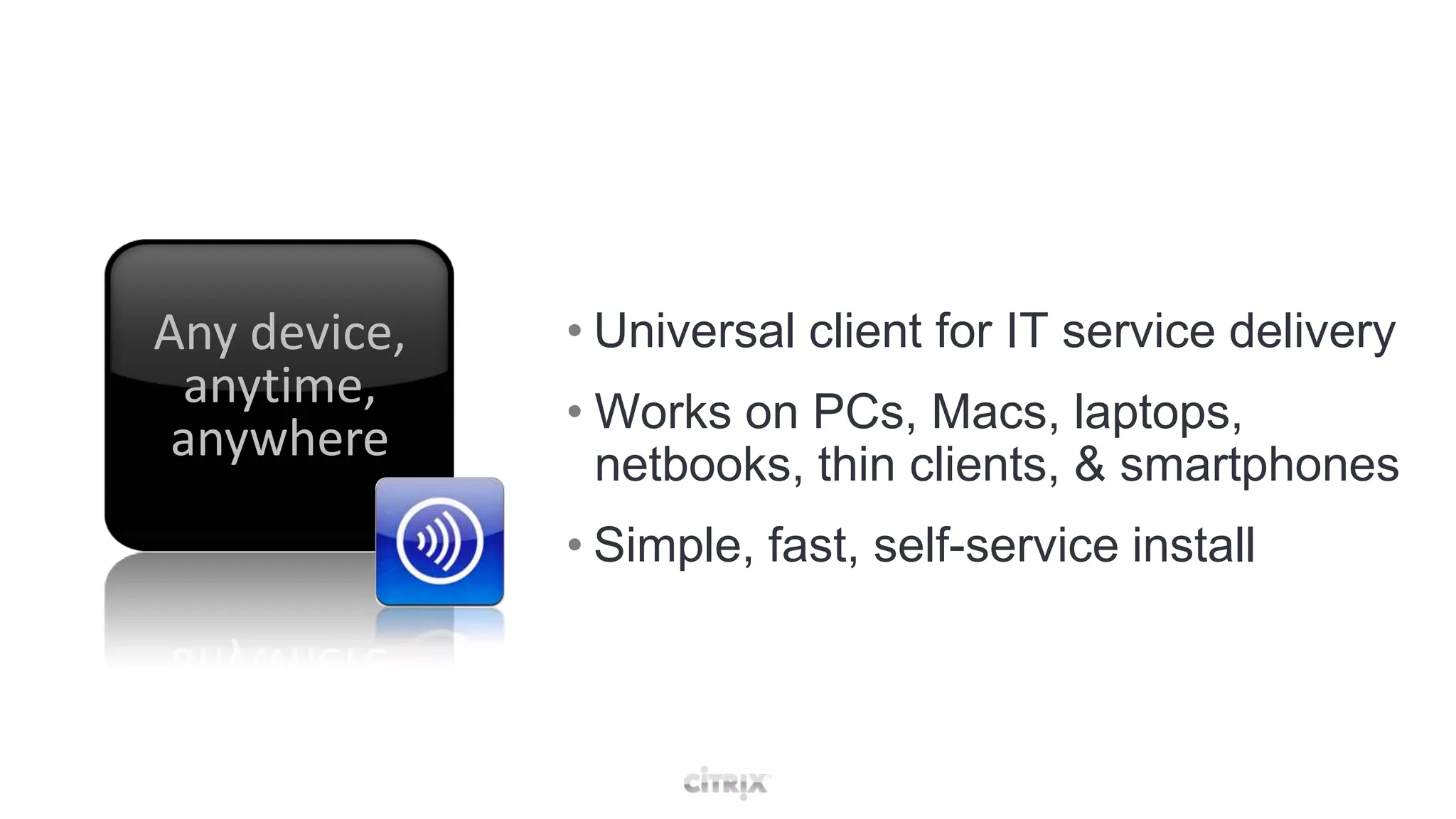
Any user any deviceAny type of virtual desktopOne centrally managed solution
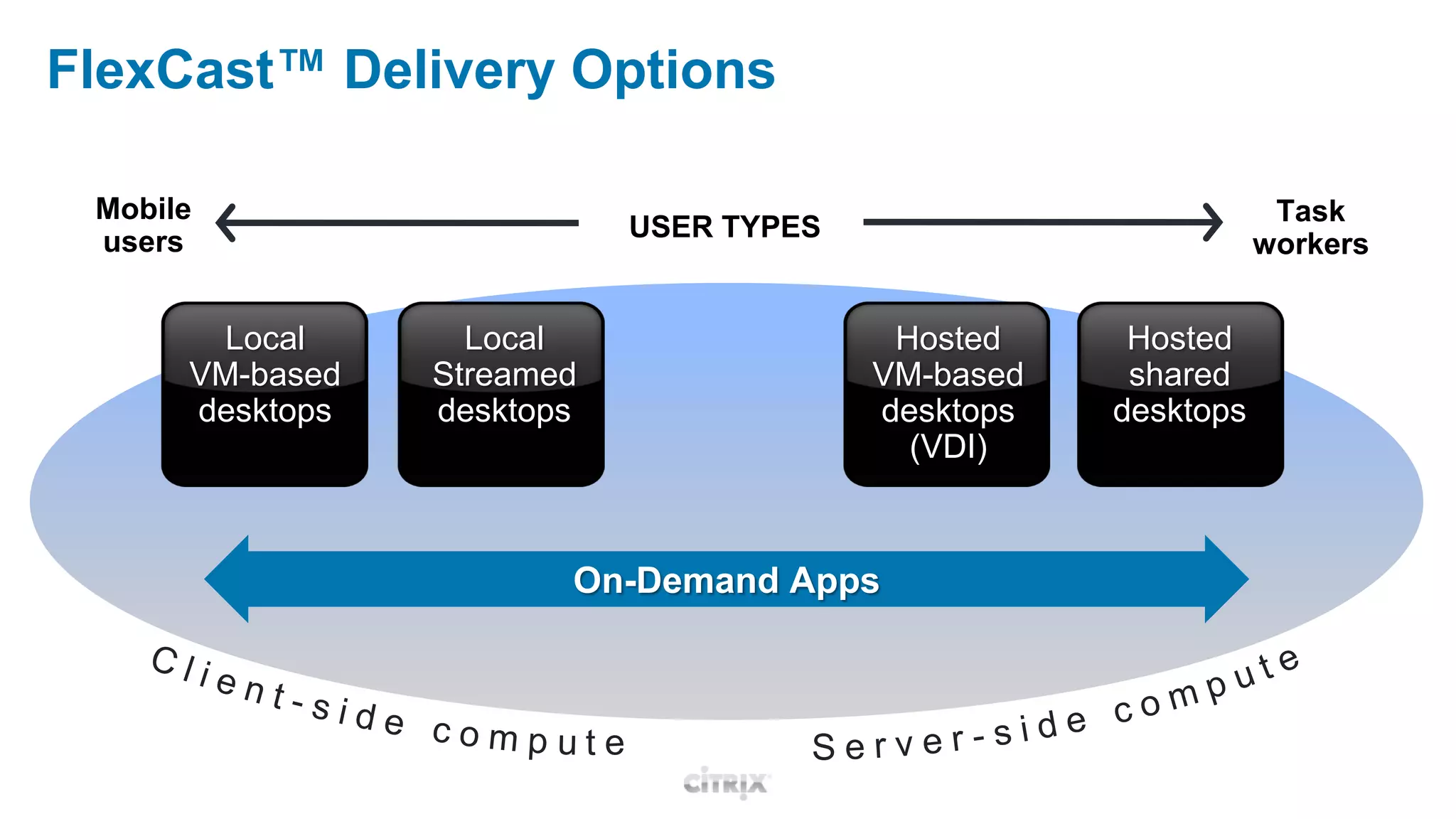
FlexCast™ Delivery OptionsMobileusersTaskworkersUSER TYPESHosted shareddesktopsLocal StreameddesktopsLocal VM-baseddesktopsHosted VM-based desktops(VDI)On-Demand AppsClient-side computeServer-side compute

OGD BINAIR 2010 - VDI toegepast met Citrix XenDesktop

Editor's Notes

  • #3 Describe typical desktop scenario, tightly couple components depended on onaother. Changes causes other components to need to be reconfigured (For example: new OS means reinstalling apps)1. Prodecure, buy new PCs, determine memory, CPU, disk, etc2. Image the machine, typically more than once3. Keep machine secure using NTFS, user rights, virus scanner updates, etc4. Deploy machines to working place5. Monitor the system, typically not even done due to complexity6. Update OS, applications, etc fix if needed7. Keep backups of userdata8. Retire machine, circle begins again
  • #4 Complexity sum up:Changes in the stack are HARD!Management typically happens on every station, result different machines and even harder to manageSneaker-netNo smooth roaming of user sessions and dataHardware refresh = new PC = expensive….
  • #5 What if we could decouple these components
  • #6 Virtualization is the key word, power of _one_ image/package/whatever for each component not dependant on underlying technology….
  • #8 Delivering desktop on demand to user independent of endpoint device (Fat client, laptop, mobile phone, etc), location (offline on a plane or 100mbit lan in the office) and time (24/7)
  • #9 List benefits….. As long as there is a client device you can work….
  • #10 Name key features by name, next slides will do the explaining
  • #11 We use FlexCast to choose the best way to offer the user a desktop
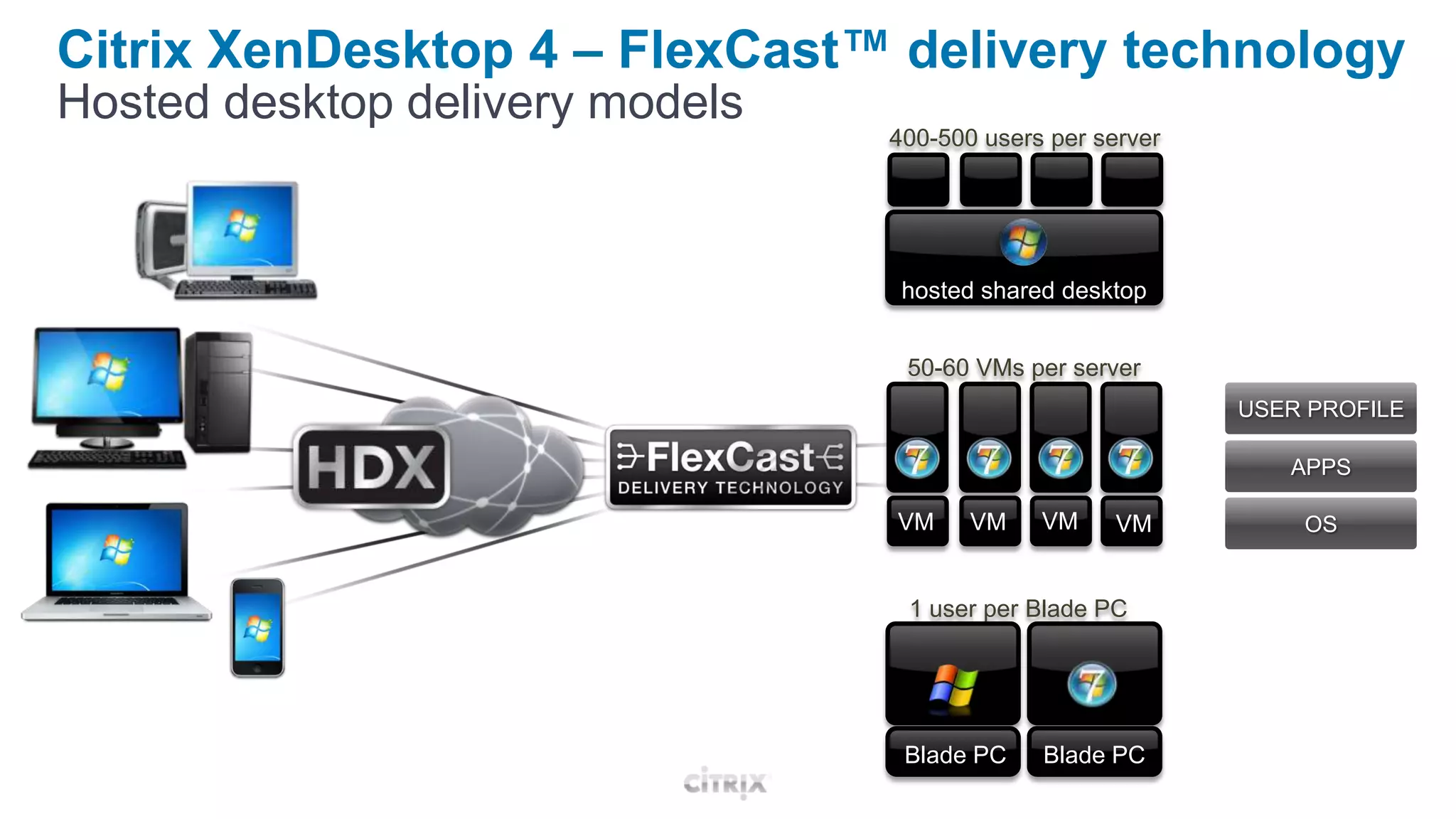
  • #12 SBC for “normal” users and VDI for the powerusers. Note scalibility! For offline users we can stream apps to local cache or a whole VM!
  • #16 Show login on TS 2003 (old intertface), TS2008 R2 (new internetface, Desktop Experience pack switched on) and Windows 7 VDICompare VDI vs TS do you see a difference?