Downloaded 31 times
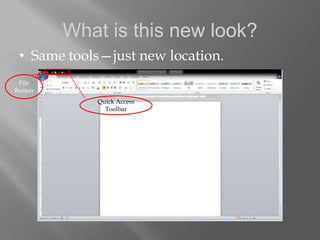
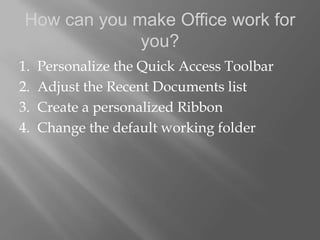
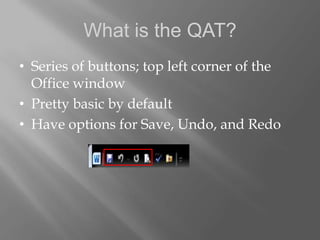
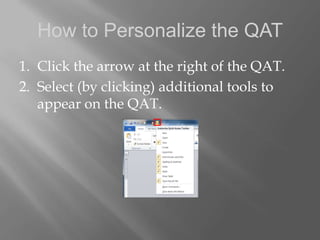

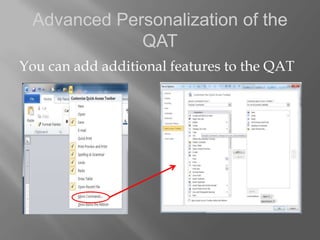
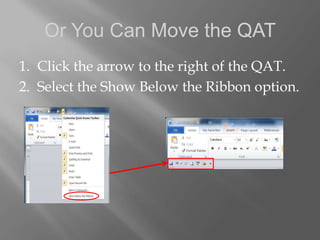
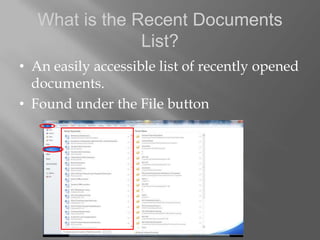
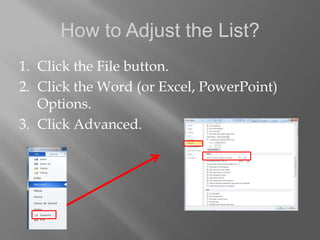
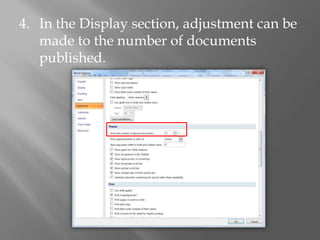
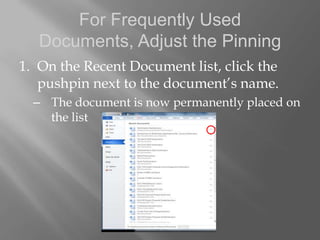

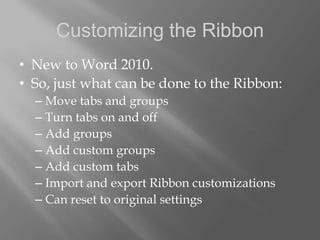
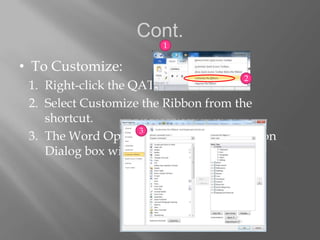
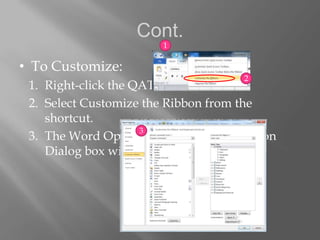
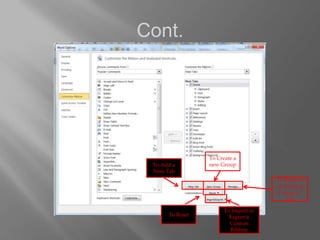
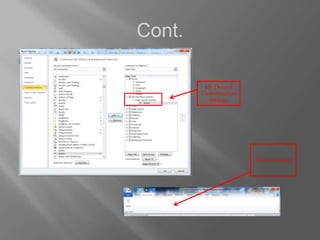
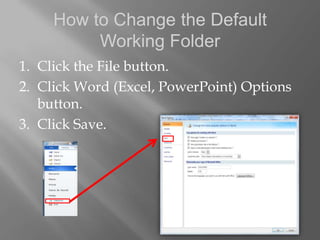
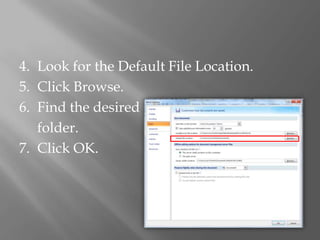
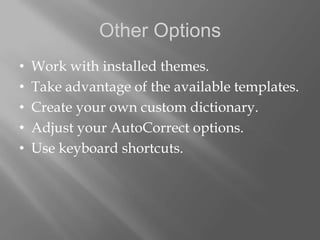

This document provides tips for optimizing Microsoft Office 2010. It discusses how to personalize the Quick Access Toolbar by adding or rearranging buttons. It also describes how to adjust the Recent Documents list by changing the number displayed or pinning frequently used documents. The document outlines how to customize the Ribbon by moving, adding, or removing tabs and groups. Finally, it explains how to change the default working folder to save files in a different location to save time. The tips are meant to help make Office 2010 work more efficiently for individual users.


![Trabajo en ingles[1]](https://cdn.slidesharecdn.com/ss_thumbnails/trabajoeningles1-101206133007-phpapp01-thumbnail.jpg?width=640&height=640&fit=bounds)


![5G Explained! A High Level Overview [Introduction]](https://cdn.slidesharecdn.com/ss_thumbnails/5gexplainedahighleveloverview-260119165306-cc137a3e-thumbnail.jpg?width=640&height=640&fit=bounds)


