1
Slide
1
What You Need to Know About
Migrating to Exchange Online in
2017
Steve Goodman
2
Slide
2
What You Need to Know About Migrating to Exchange Online in 2017 | Steve Goodman | 10:15 - 11:30 20th June
Follow us:
#O365ENGAGE17
What you need to know about migrating to
Exchange Online in 2017
• How are migrations changing?
• What structure do you need to support a project?
• Assessing your environment
• Remediation and preparation tasks
• Enabling Exchange for migration
• Testing for readiness
• Planning your migration
• Getting help performing the migration
• Clean up and decommissioning tasks
3
Slide
3
Follow us:
#O365ENGAGE17
How are migrations changing?
4
Slide
4
What You Need to Know About Migrating to Exchange Online in 2017 | Steve Goodman | 10:15 - 11:30 20th June
Follow us:
#O365ENGAGE17
Migrations, 2011-2015
• In past many Exchange migrations to the cloud were breaking
new ground just by migrating mailboxes successfully with happy
users and working clients
• Many projects stalled or failed because they had bad advice
and made mistakes, either assuming it was too easy or over-
complicating things.
• Early offerings for assistance from Microsoft focused on paying
a partner, whoever they were to help with some limited support
from Microsoft
5
Slide
5
What You Need to Know About Migrating to Exchange Online in 2017 | Steve Goodman | 10:15 - 11:30 20th June
Follow us:
#O365ENGAGE17
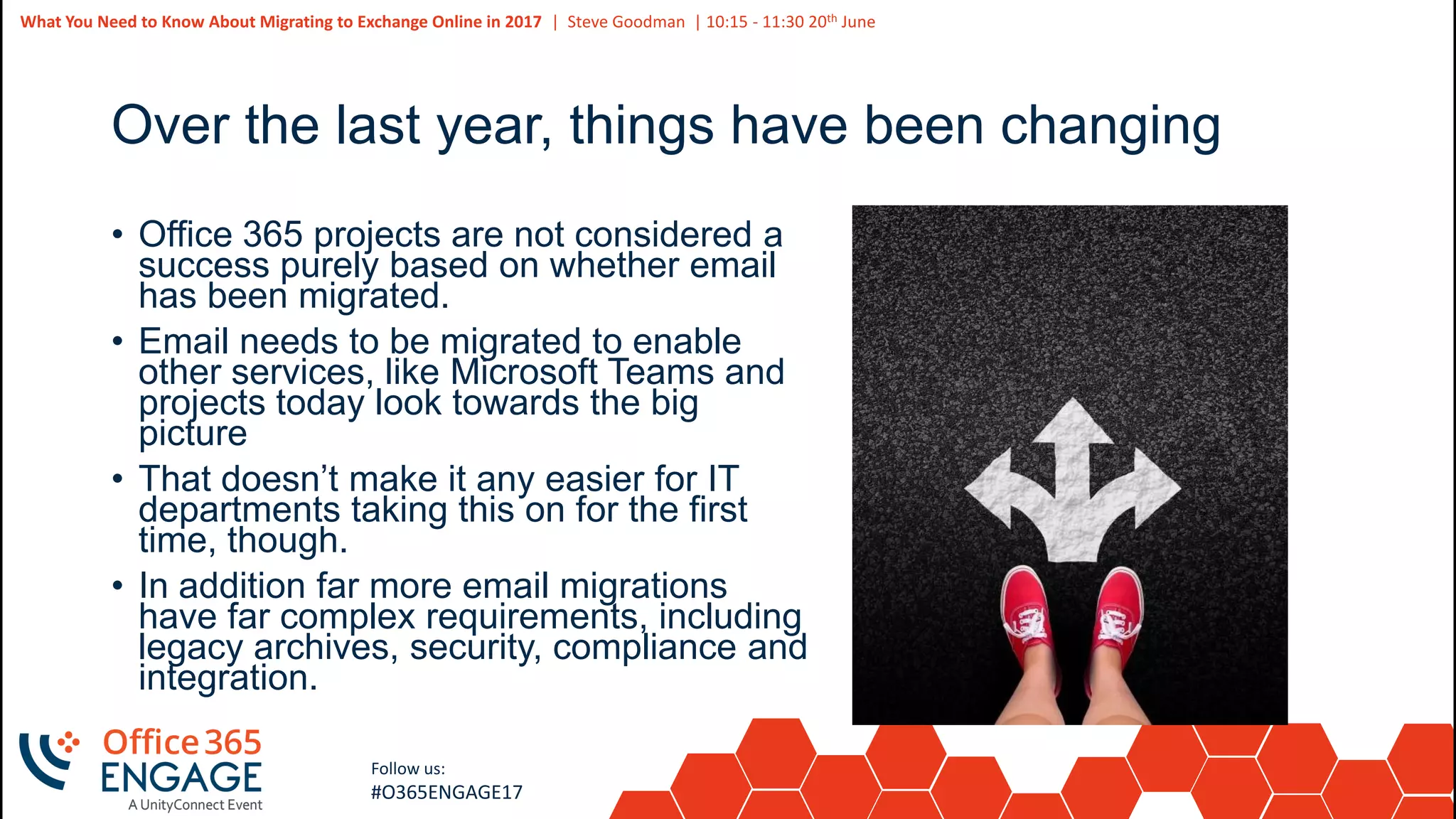
Over the last year, things have been changing
• Office 365 projects are not considered a
success purely based on whether email
has been migrated.
• Email needs to be migrated to enable
other services, like Microsoft Teams and
projects today look towards the big
picture
• That doesn’t make it any easier for IT
departments taking this on for the first
time, though.
• In addition far more email migrations
have far complex requirements, including
legacy archives, security, compliance and
integration.
6
Slide
6
What You Need to Know About Migrating to Exchange Online in 2017 | Steve Goodman | 10:15 - 11:30 20th June
Follow us:
#O365ENGAGE17
How have migrations changed?
• Many projects now are supported by the
Fast Track Center
• The Fast Track Center is provided for free
from Microsoft as a service for Office 365
customers with 150 or more mailboxes.
• Structure, guidance and support during the
migration of mailboxes removes three
challenges:
• What’s the best way to do the whole end-to-end
migration?
• Who can I ask for half decent advice?
• Who is on the hook for spending their evenings
monitoring and completing mailbox migrations?
7
Slide
7
What You Need to Know About Migrating to Exchange Online in 2017 | Steve Goodman | 10:15 - 11:30 20th June
Follow us:
#O365ENGAGE17
Myth busting – Fast Track will do it for me
• The amount of effort you need to spend getting ready to migrate
doesn’t drop - Fast Track do not perform the work to get you ready
to migrate.
• Fast Track do not come on site* and act as consultants. It is a
remote service, and it is not “custom consultancy”
• Fast Track provide you the right Microsoft documentation to follow
based on what you need, specifically for the areas they provide
advice on.
• Fast Track will perform migrations of mailboxes based on the list
you create at the time windows you specify and identify pre-
validation errors for you to fix.
8
Slide
8
What You Need to Know About Migrating to Exchange Online in 2017 | Steve Goodman | 10:15 - 11:30 20th June
Follow us:
#O365ENGAGE17
The reality – Fast Track can take more effort, and
that is a good thing
• Many projects do not have the correct structure to succeed and
underestimate what needs to be done to get everything ready. Fast
Track makes sure important steps are not missed.
• Apart from the migration of mailboxes themselves, which should be
the easy bit if you’ve prepared properly, the same tasks need to
be performed to get everything ready. You need to allocate extra
time to accommodate the Fast Track Center and manage what they
will do.
• But - some projects over estimate what needs to be done. These
projects may duplicate Fast Track tasks or perform unnecessary
work, so some projects will indeed require less effort.
9
Slide
9
What You Need to Know About Migrating to Exchange Online in 2017 | Steve Goodman | 10:15 - 11:30 20th June
Follow us:
#O365ENGAGE17
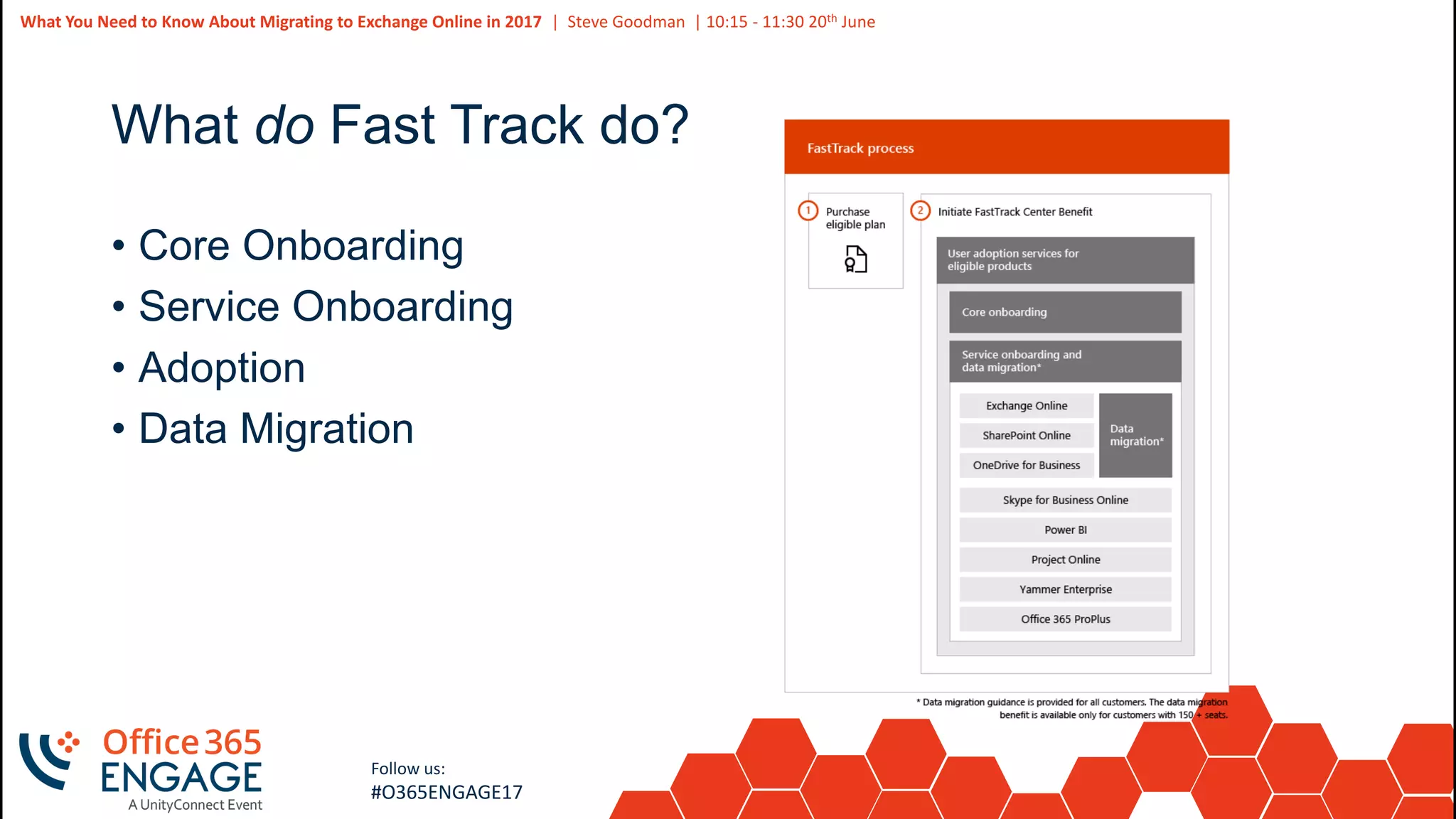
What do Fast Track do?
• Core Onboarding
• Service Onboarding
• Adoption
• Data Migration
10
Slide
10
What You Need to Know About Migrating to Exchange Online in 2017 | Steve Goodman | 10:15 - 11:30 20th June
Follow us:
#O365ENGAGE17
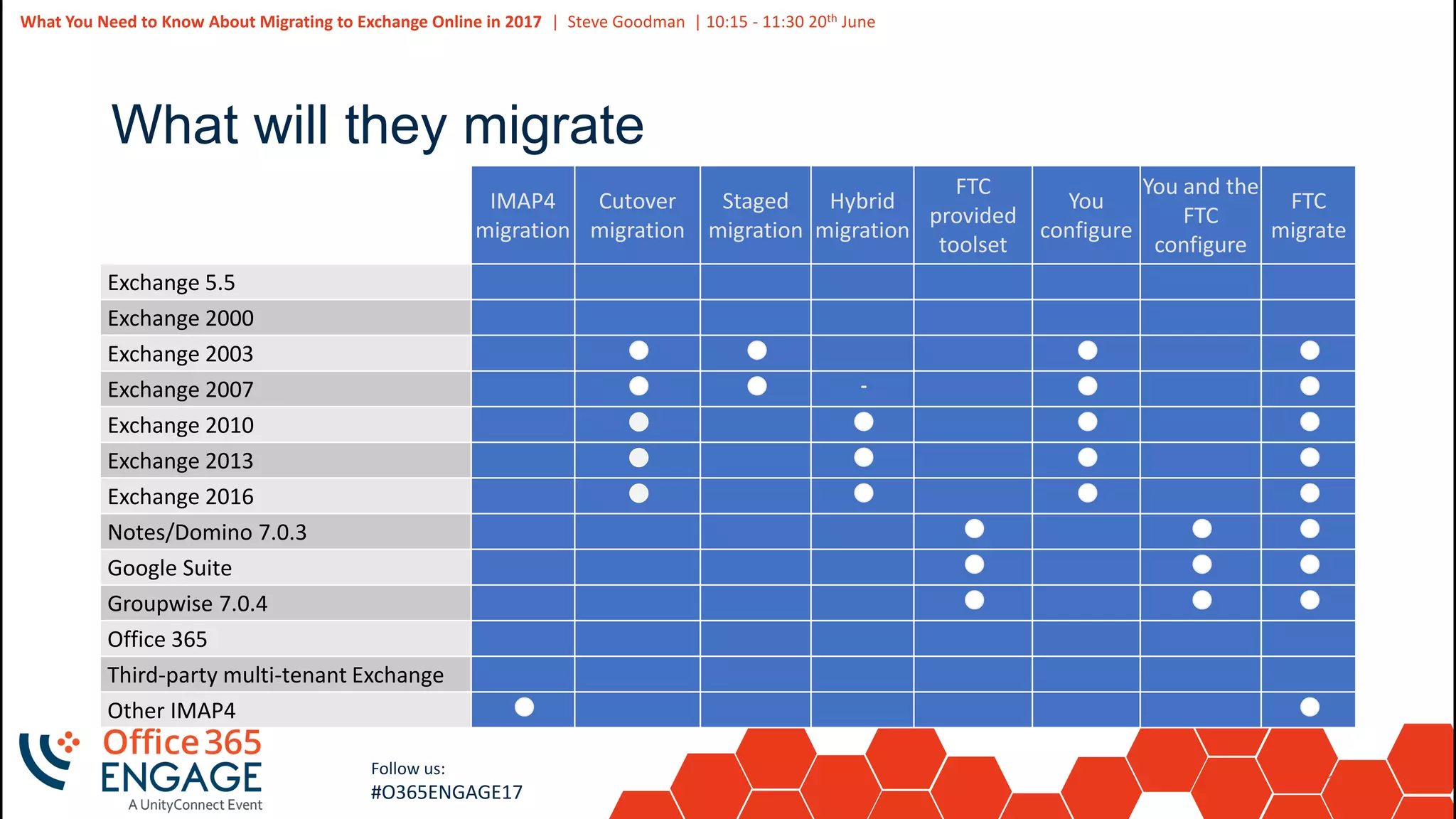
What will they migrate
IMAP4
migration
Cutover
migration
Staged
migration
Hybrid
migration
FTC
provided
toolset
You
configure
You and the
FTC
configure
FTC
migrate
Exchange 5.5
Exchange 2000
Exchange 2003
Exchange 2007
Exchange 2010
Exchange 2013
Exchange 2016
Notes/Domino 7.0.3
Google Suite
Groupwise 7.0.4
Office 365
Third-party multi-tenant Exchange
Other IMAP4
11
Slide
11
What You Need to Know About Migrating to Exchange Online in 2017 | Steve Goodman | 10:15 - 11:30 20th June
Follow us:
#O365ENGAGE17
Core Onboarding
• Set up of the basic Office 365 tenant and applies to more than
just Exchange Online
• For example, telling you to run IDFix, then install and configure
Azure AD Connect
• Guidance to help you understand core remediation tasks you
need to perform to use any of Office 365
12
Slide
12
What You Need to Know About Migrating to Exchange Online in 2017 | Steve Goodman | 10:15 - 11:30 20th June
Follow us:
#O365ENGAGE17
Service Onboarding
• This applies to the service you want to onboard, in this case
Exchange Online
• Fast Track help you understand the tasks you need to complete
to configure your source email server and Exchange Online so
that mailboxes can be migrated and users can access them
• This can be for Exchange on-premises, and other third party
systems including IBM Domino, Novell Groupwise, Google
Suite and standard IMAP servers.
13
Slide
13
What You Need to Know About Migrating to Exchange Online in 2017 | Steve Goodman | 10:15 - 11:30 20th June
Follow us:
#O365ENGAGE17
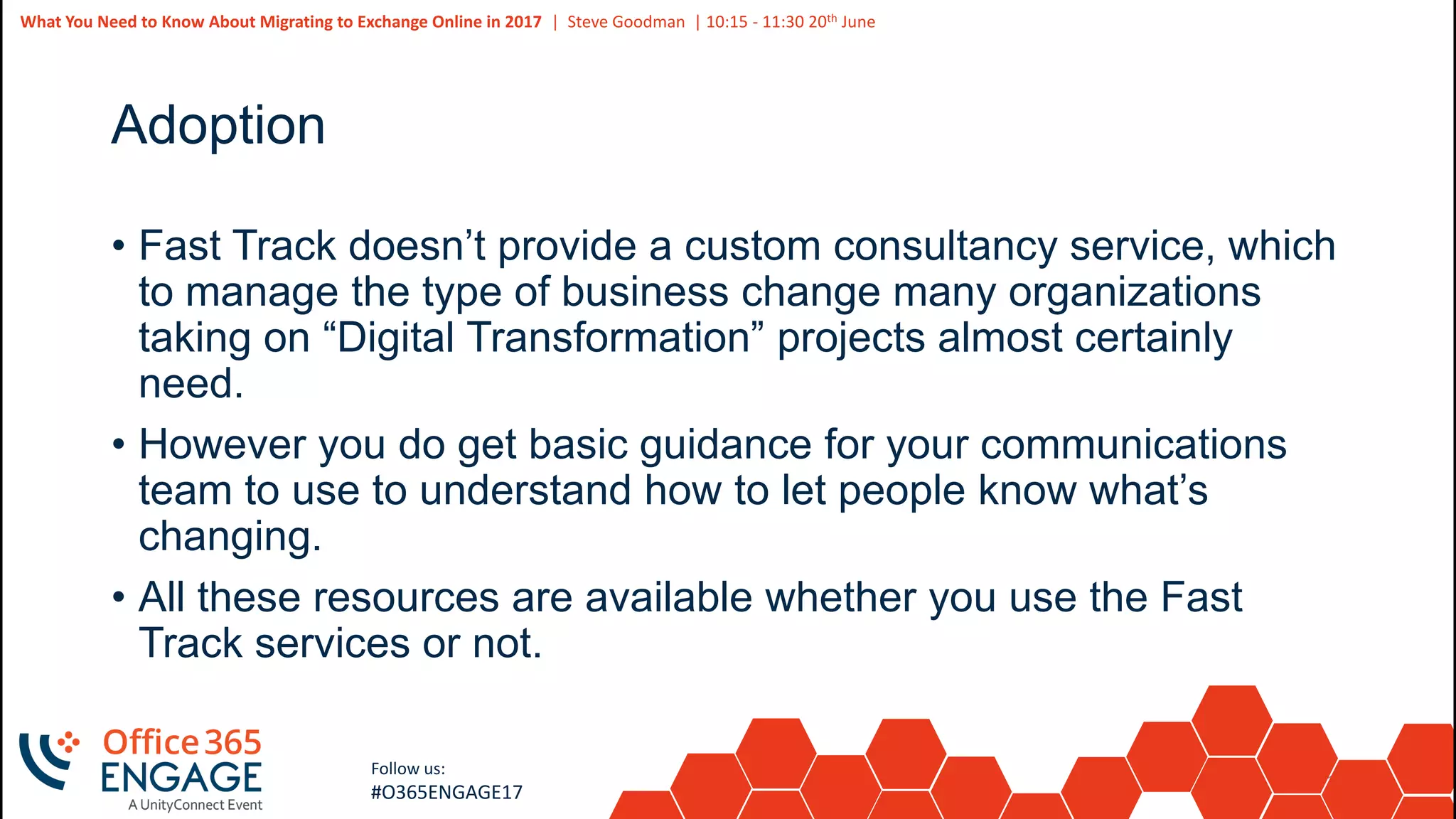
Adoption
• Fast Track doesn’t provide a custom consultancy service, which
to manage the type of business change many organizations
taking on “Digital Transformation” projects almost certainly
need.
• However you do get basic guidance for your communications
team to use to understand how to let people know what’s
changing.
• All these resources are available whether you use the Fast
Track services or not.
14
Slide
14
What You Need to Know About Migrating to Exchange Online in 2017 | Steve Goodman | 10:15 - 11:30 20th June
Follow us:
#O365ENGAGE17
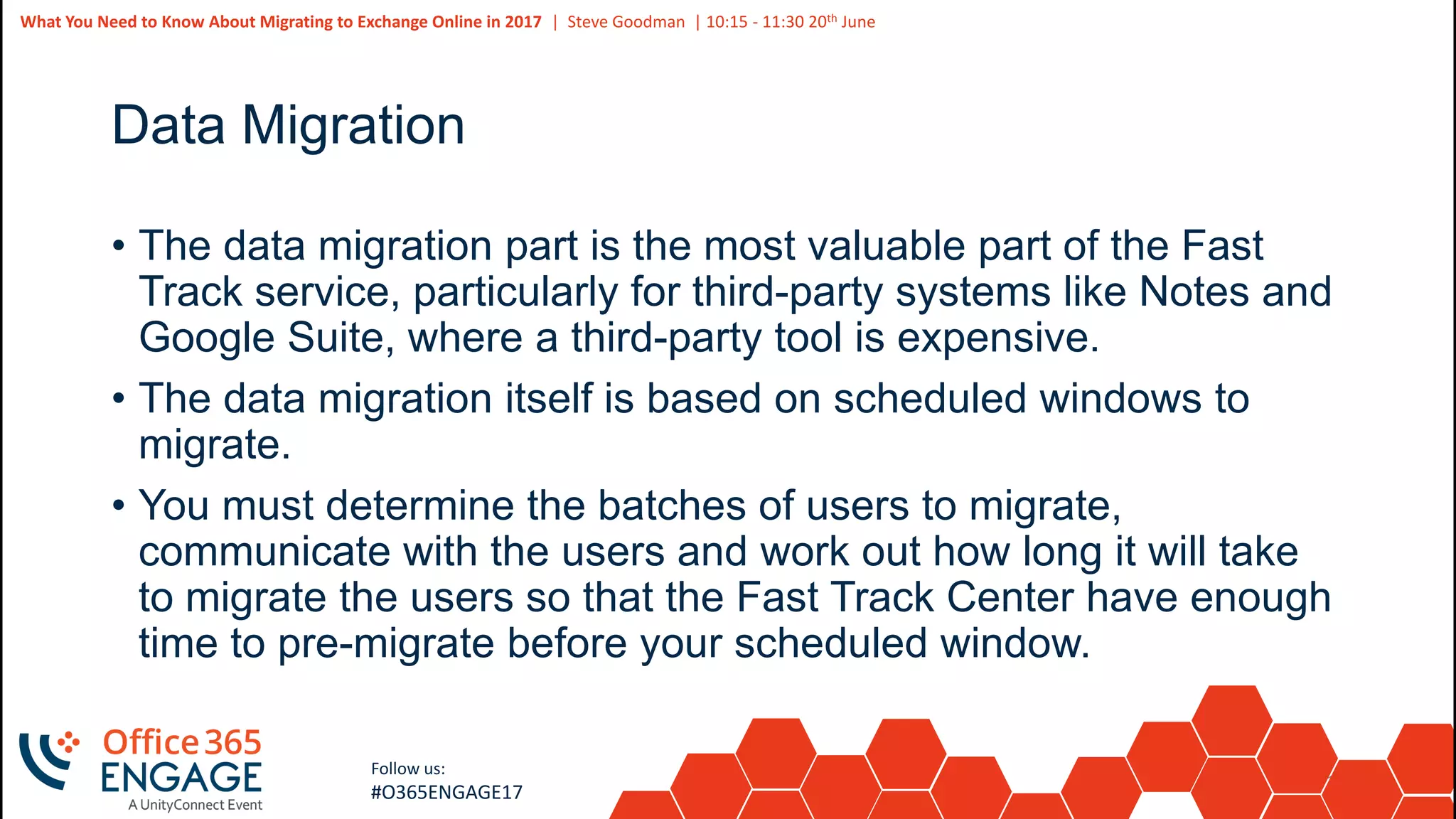
Data Migration
• The data migration part is the most valuable part of the Fast
Track service, particularly for third-party systems like Notes and
Google Suite, where a third-party tool is expensive.
• The data migration itself is based on scheduled windows to
migrate.
• You must determine the batches of users to migrate,
communicate with the users and work out how long it will take
to migrate the users so that the Fast Track Center have enough
time to pre-migrate before your scheduled window.
15
Slide
15
What You Need to Know About Migrating to Exchange Online in 2017 | Steve Goodman | 10:15 - 11:30 20th June
Follow us:
#O365ENGAGE17
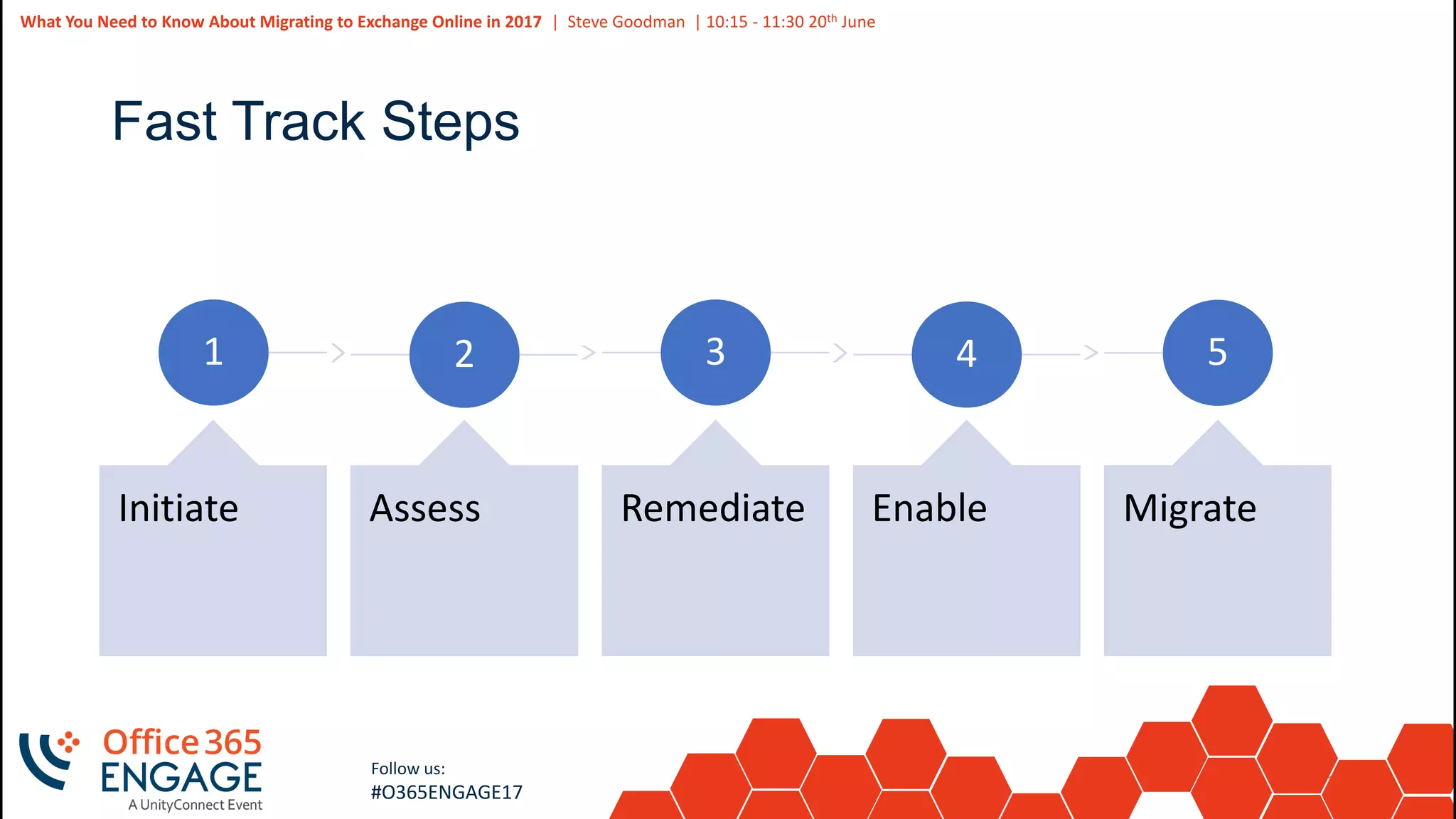
Fast Track Steps
1
Initiate
2
Assess
3
Remediate
4
Enable
5
Migrate
16
Slide
16
What You Need to Know About Migrating to Exchange Online in 2017 | Steve Goodman | 10:15 - 11:30 20th June
Follow us:
#O365ENGAGE17
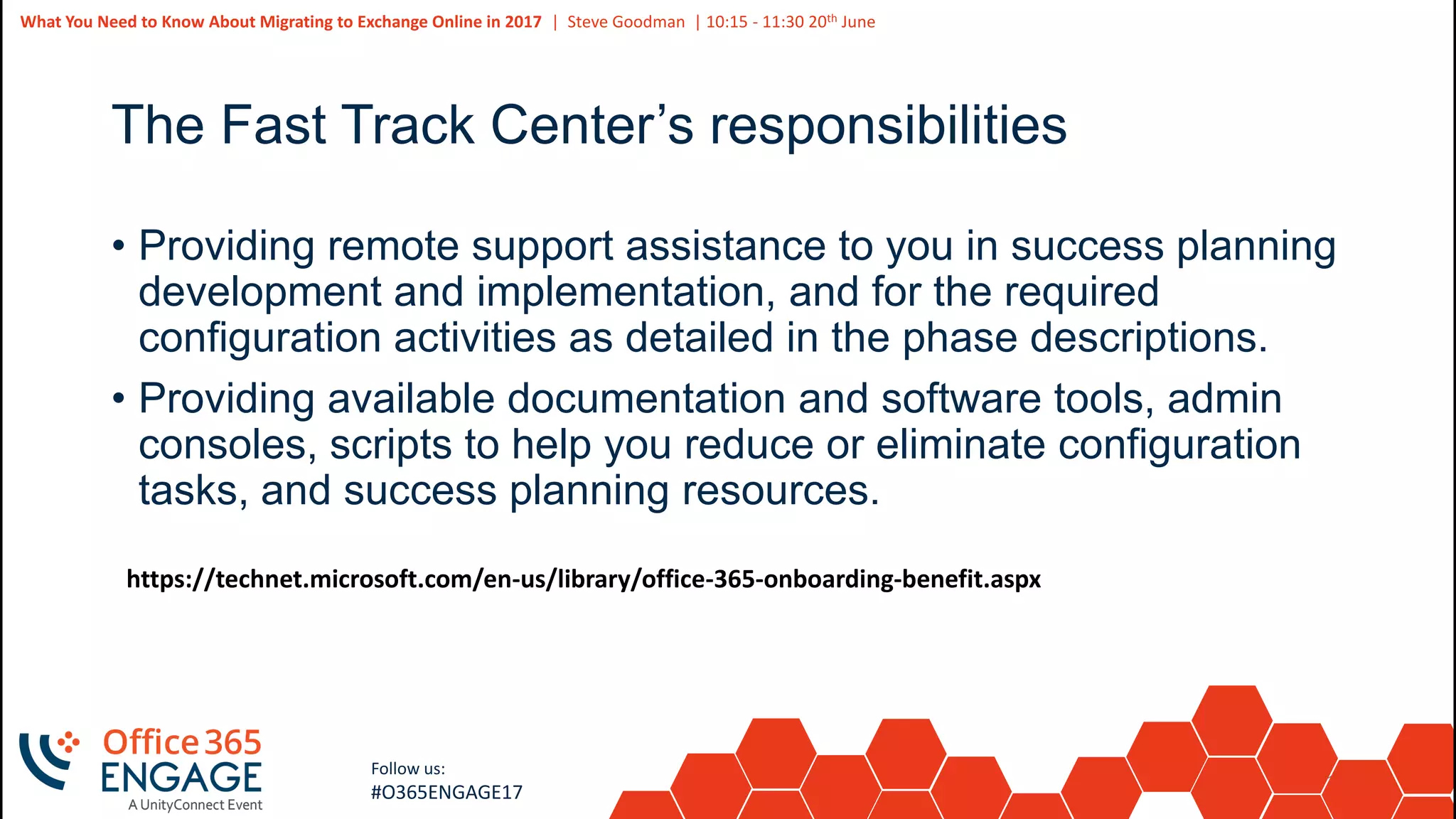
The Fast Track Center’s responsibilities
• Providing remote support assistance to you in success planning
development and implementation, and for the required
configuration activities as detailed in the phase descriptions.
• Providing available documentation and software tools, admin
consoles, scripts to help you reduce or eliminate configuration
tasks, and success planning resources.
https://technet.microsoft.com/en-us/library/office-365-onboarding-benefit.aspx
17
Slide
17
What You Need to Know About Migrating to Exchange Online in 2017 | Steve Goodman | 10:15 - 11:30 20th June
Follow us:
#O365ENGAGE17
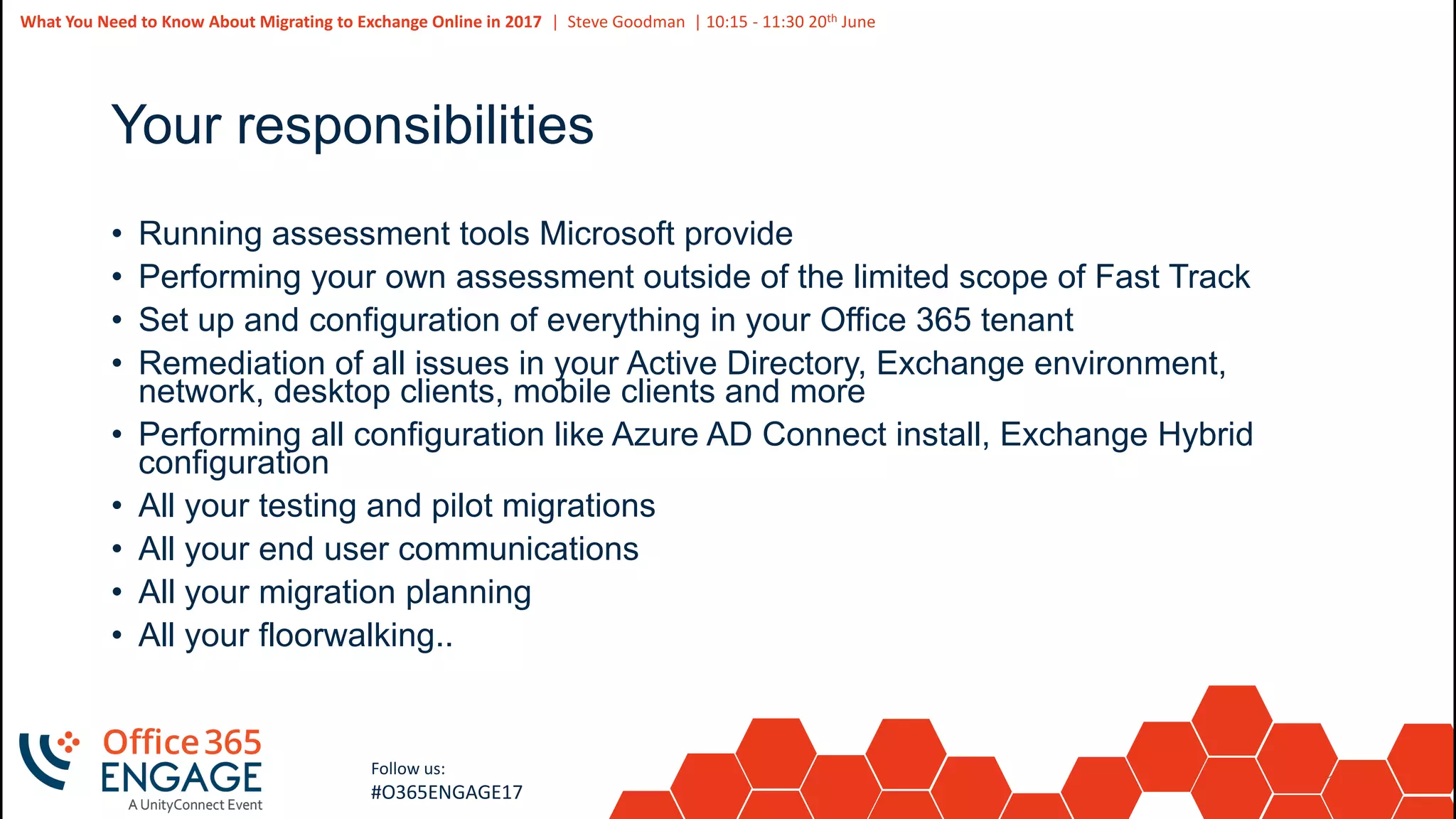
Your responsibilities
• Running assessment tools Microsoft provide
• Performing your own assessment outside of the limited scope of Fast Track
• Set up and configuration of everything in your Office 365 tenant
• Remediation of all issues in your Active Directory, Exchange environment,
network, desktop clients, mobile clients and more
• Performing all configuration like Azure AD Connect install, Exchange Hybrid
configuration
• All your testing and pilot migrations
• All your end user communications
• All your migration planning
• All your floorwalking..
18
Slide
18
What You Need to Know About Migrating to Exchange Online in 2017 | Steve Goodman | 10:15 - 11:30 20th June
Follow us:
#O365ENGAGE17
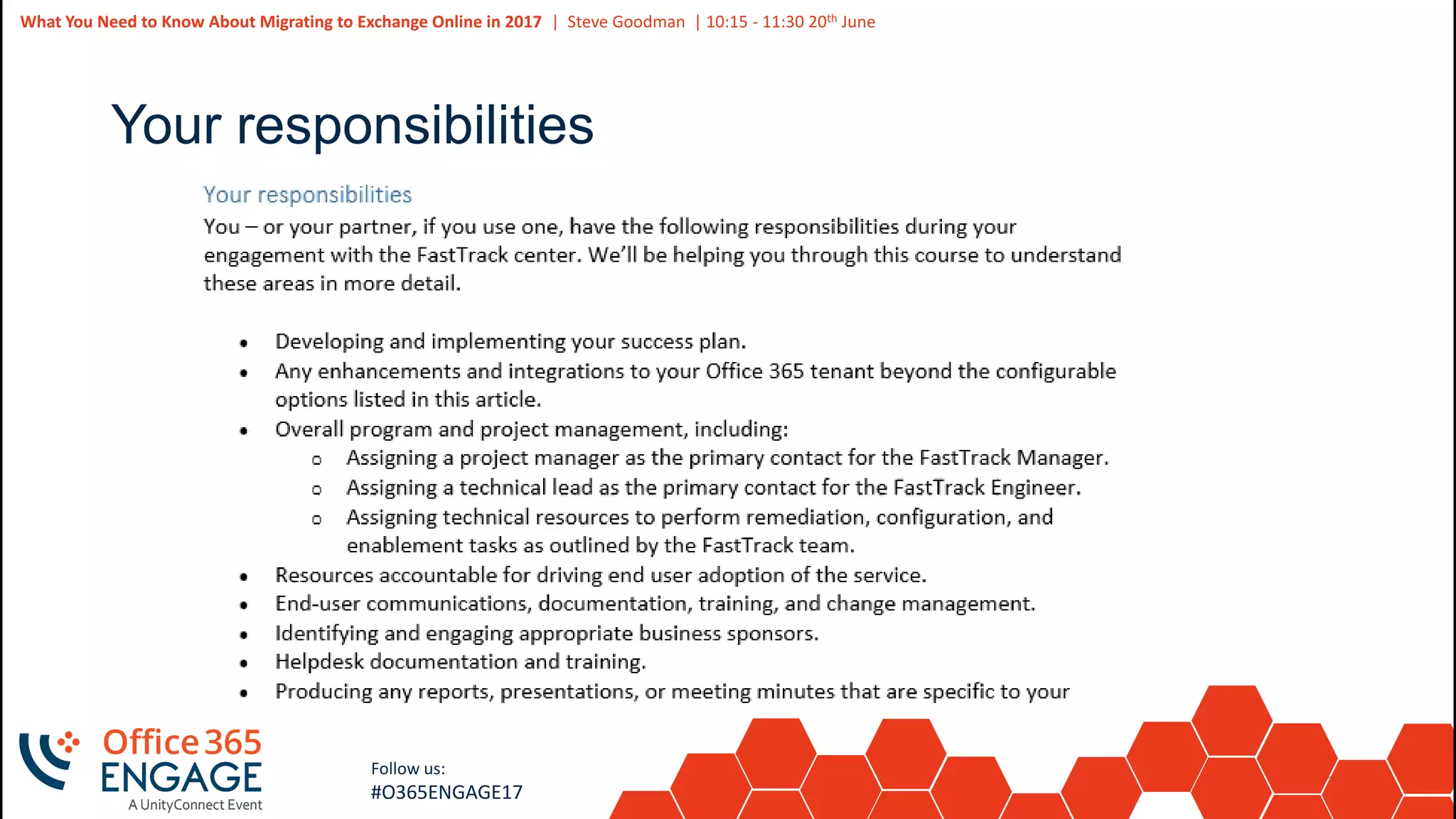
Your responsibilities
19
Slide
19
Follow us:
#O365ENGAGE17
Project support structure
20
Slide
20
What You Need to Know About Migrating to Exchange Online in 2017 | Steve Goodman | 10:15 - 11:30 20th June
Follow us:
#O365ENGAGE17
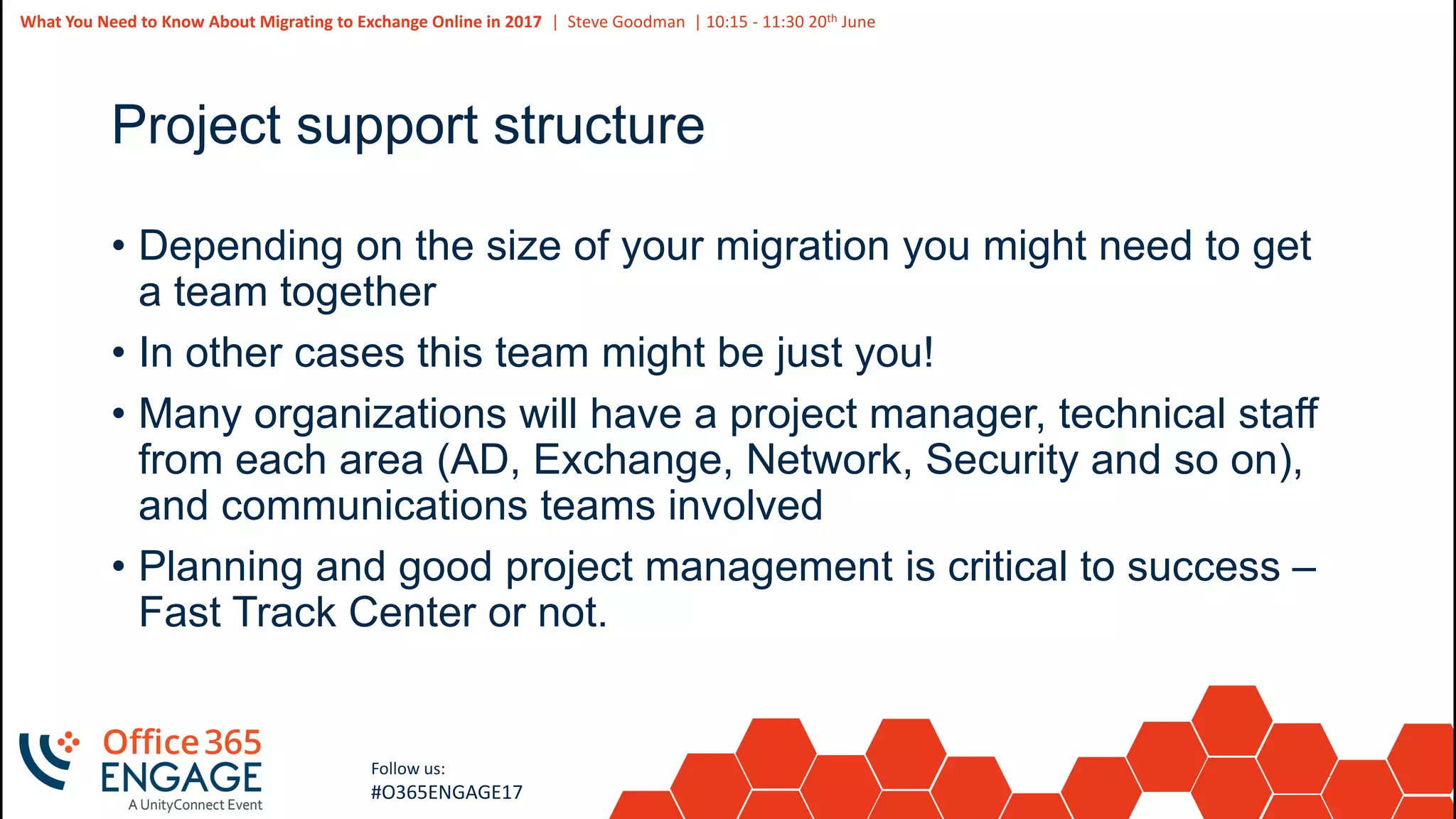
Project support structure
• Depending on the size of your migration you might need to get
a team together
• In other cases this team might be just you!
• Many organizations will have a project manager, technical staff
from each area (AD, Exchange, Network, Security and so on),
and communications teams involved
• Planning and good project management is critical to success –
Fast Track Center or not.
21
Slide
21
What You Need to Know About Migrating to Exchange Online in 2017 | Steve Goodman | 10:15 - 11:30 20th June
Follow us:
#O365ENGAGE17
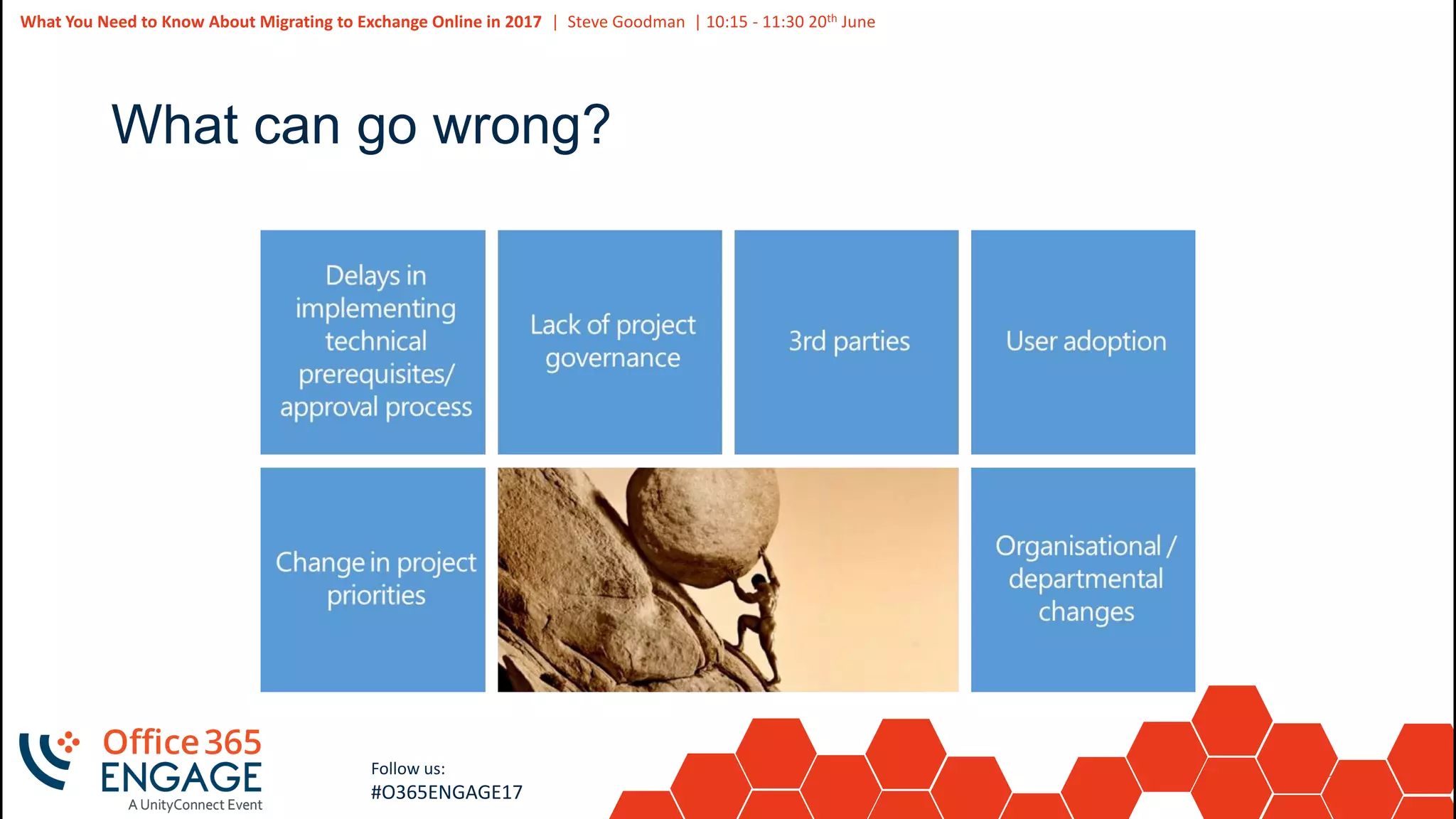
What can go wrong?
22
Slide
22
What You Need to Know About Migrating to Exchange Online in 2017 | Steve Goodman | 10:15 - 11:30 20th June
Follow us:
#O365ENGAGE17
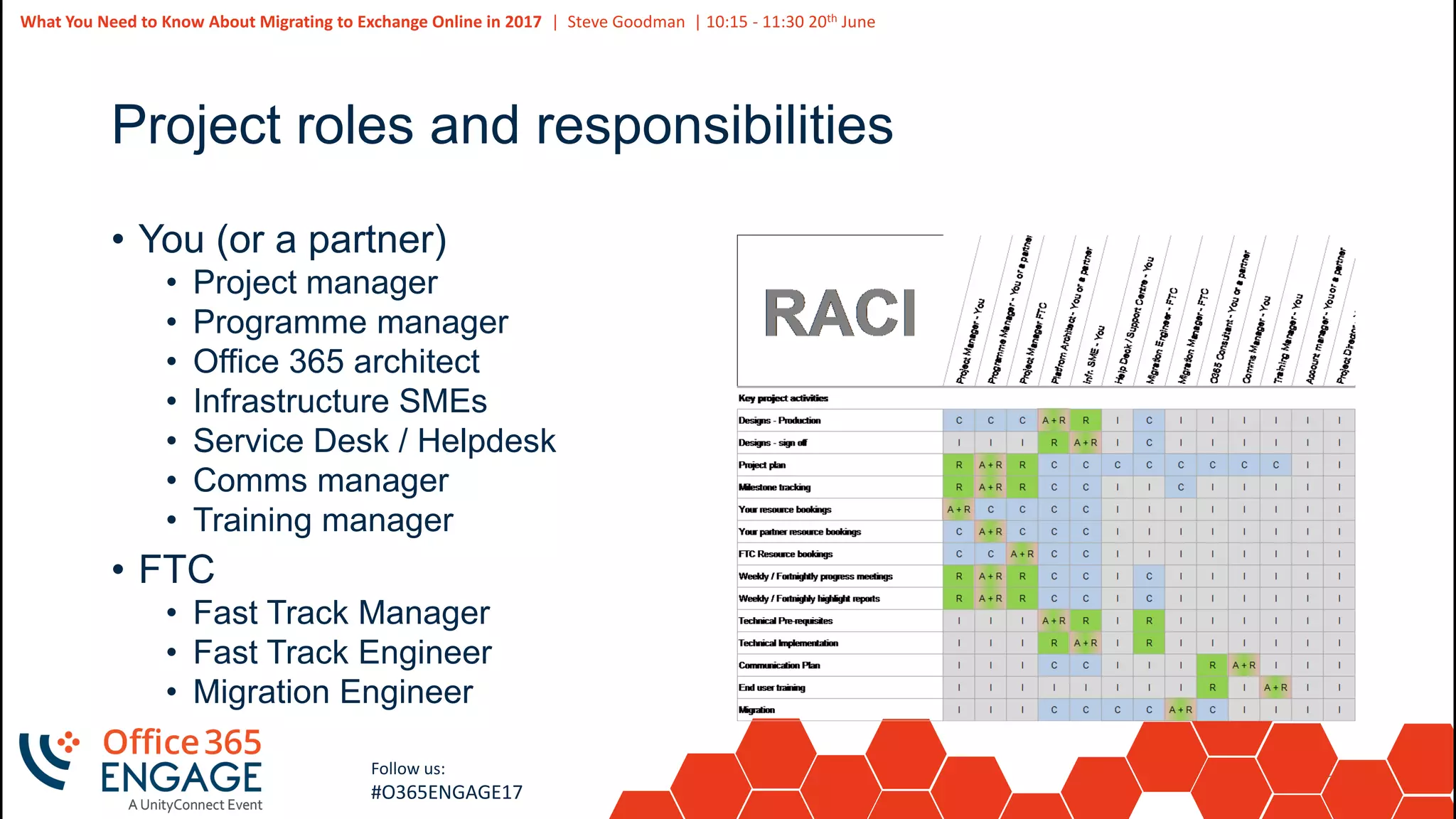
Project roles and responsibilities
• You (or a partner)
• Project manager
• Programme manager
• Office 365 architect
• Infrastructure SMEs
• Service Desk / Helpdesk
• Comms manager
• Training manager
• FTC
• Fast Track Manager
• Fast Track Engineer
• Migration Engineer
23
Slide
23
Follow us:
#O365ENGAGE17
Assessing your environment
24
Slide
24
What You Need to Know About Migrating to Exchange Online in 2017 | Steve Goodman | 10:15 - 11:30 20th June
Follow us:
#O365ENGAGE17
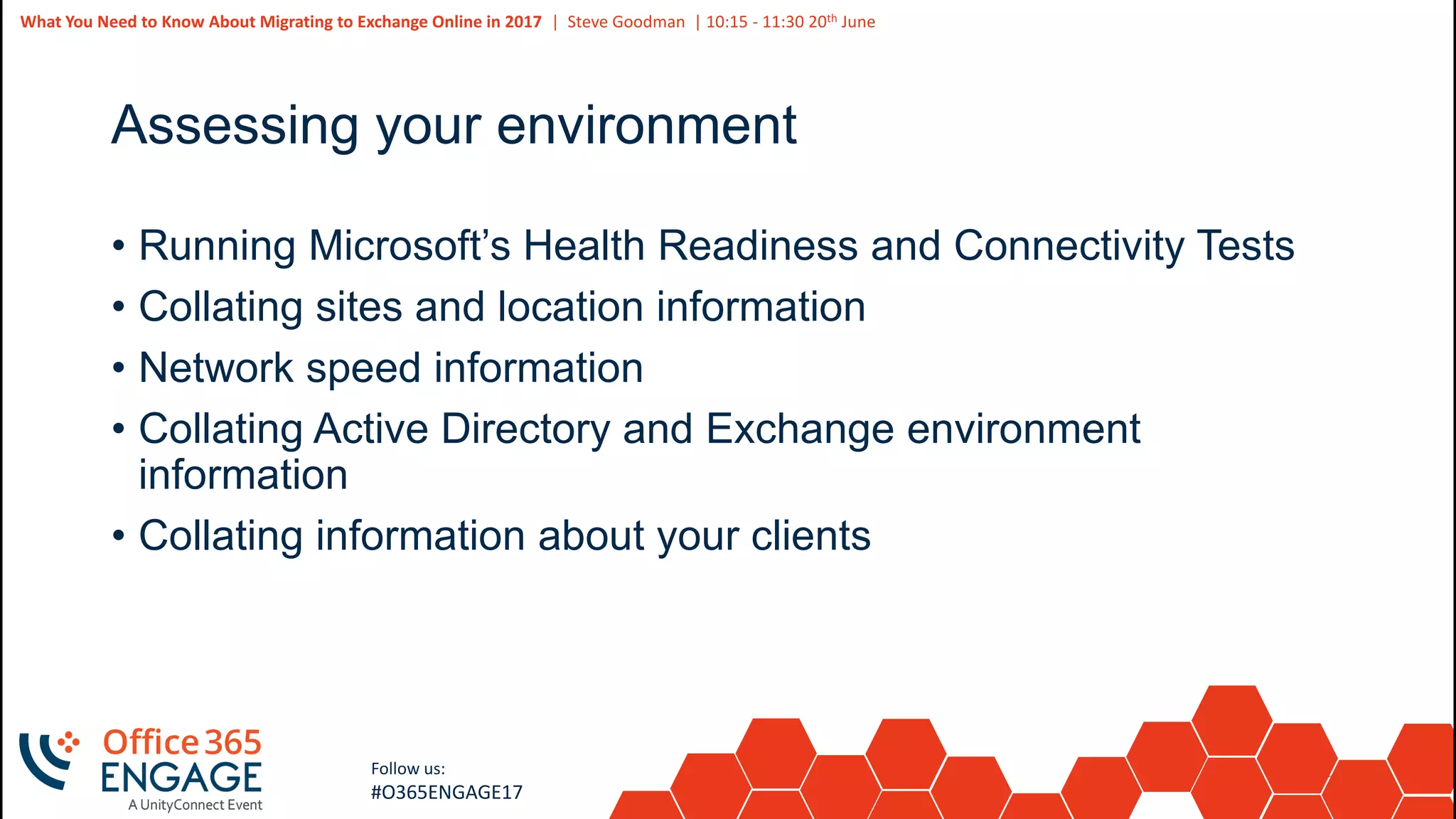
Assessing your environment
• Running Microsoft’s Health Readiness and Connectivity Tests
• Collating sites and location information
• Network speed information
• Collating Active Directory and Exchange environment
information
• Collating information about your clients
25
Slide
25
What You Need to Know About Migrating to Exchange Online in 2017 | Steve Goodman | 10:15 - 11:30 20th June
Follow us:
#O365ENGAGE17
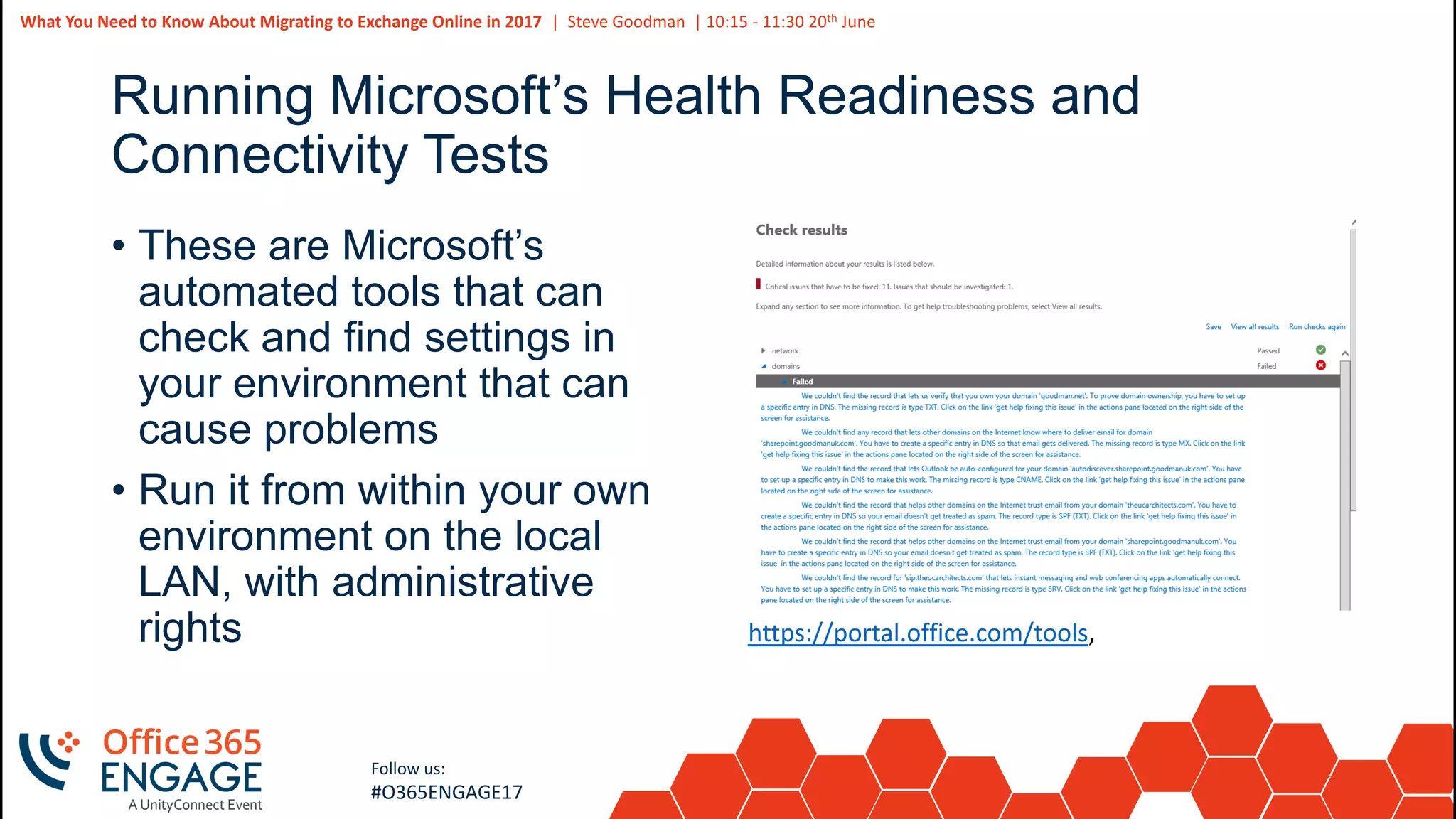
Running Microsoft’s Health Readiness and
Connectivity Tests
• These are Microsoft’s
automated tools that can
check and find settings in
your environment that can
cause problems
• Run it from within your own
environment on the local
LAN, with administrative
rights https://portal.office.com/tools,
26
Slide
26
What You Need to Know About Migrating to Exchange Online in 2017 | Steve Goodman | 10:15 - 11:30 20th June
Follow us:
#O365ENGAGE17
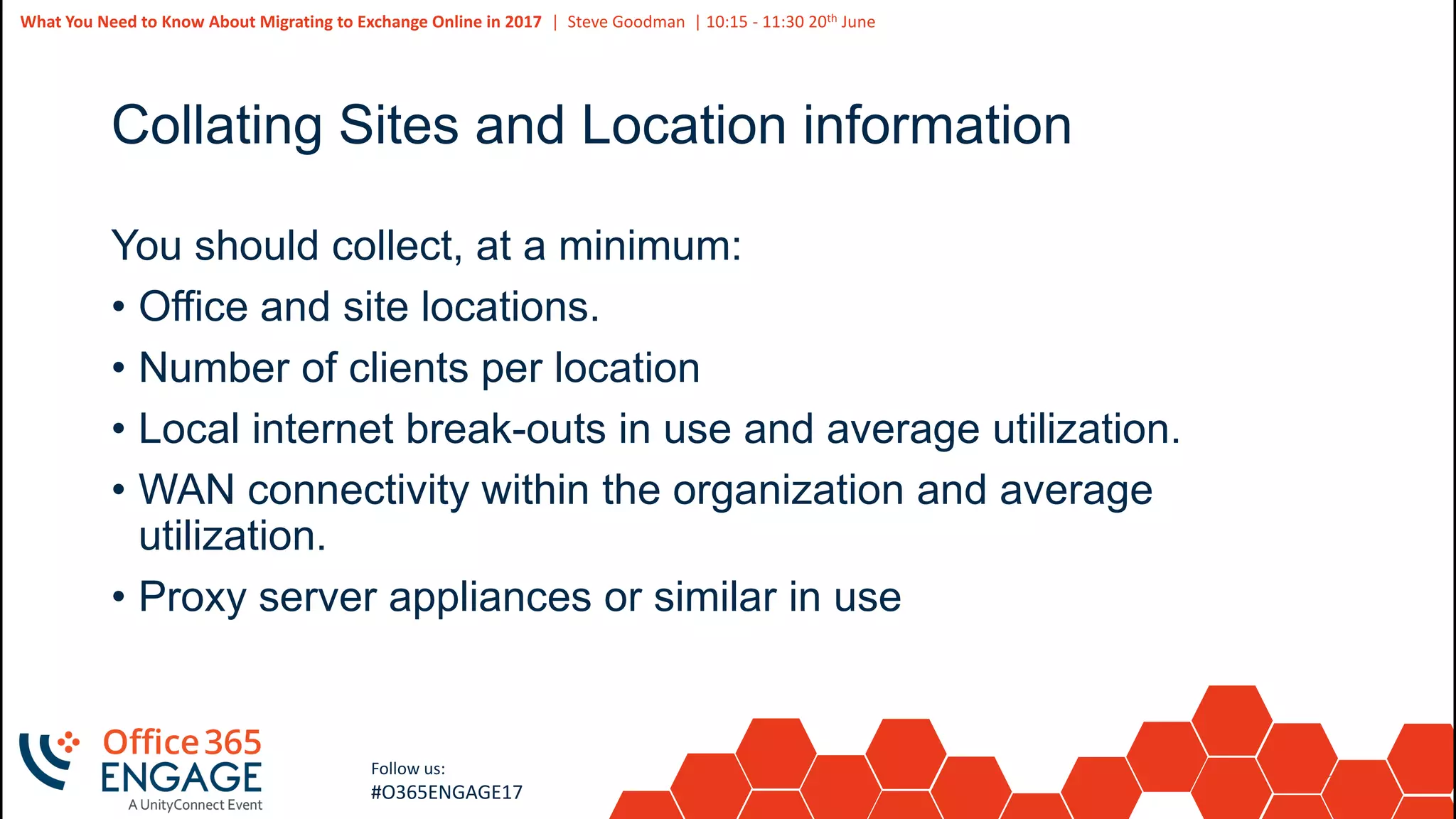
Collating Sites and Location information
You should collect, at a minimum:
• Office and site locations.
• Number of clients per location
• Local internet break-outs in use and average utilization.
• WAN connectivity within the organization and average
utilization.
• Proxy server appliances or similar in use
27
Slide
27
What You Need to Know About Migrating to Exchange Online in 2017 | Steve Goodman | 10:15 - 11:30 20th June
Follow us:
#O365ENGAGE17
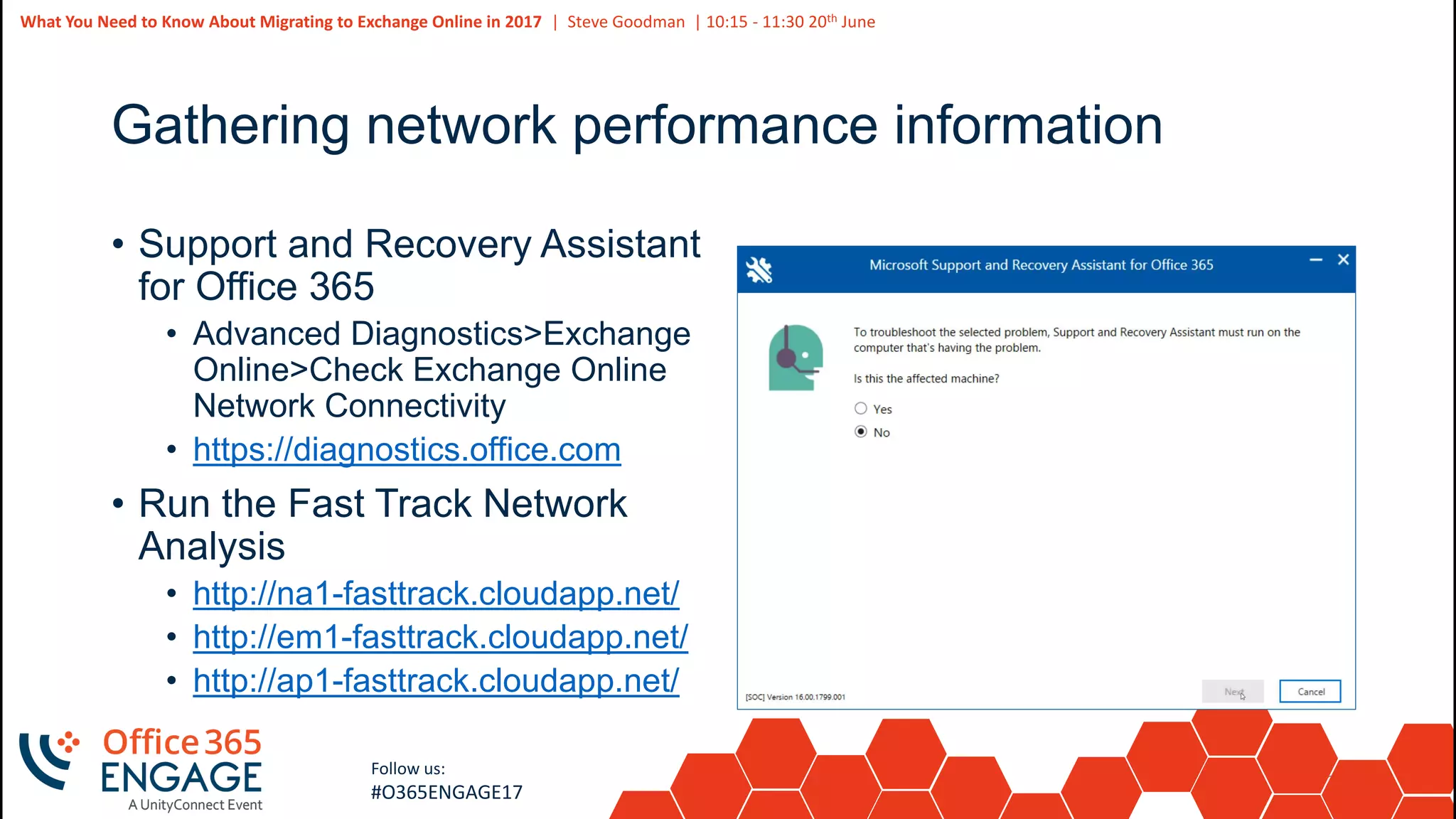
Gathering network performance information
• Support and Recovery Assistant
for Office 365
• Advanced Diagnostics>Exchange
Online>Check Exchange Online
Network Connectivity
• https://diagnostics.office.com
• Run the Fast Track Network
Analysis
• http://na1-fasttrack.cloudapp.net/
• http://em1-fasttrack.cloudapp.net/
• http://ap1-fasttrack.cloudapp.net/
28
Slide
28
What You Need to Know About Migrating to Exchange Online in 2017 | Steve Goodman | 10:15 - 11:30 20th June
Follow us:
#O365ENGAGE17
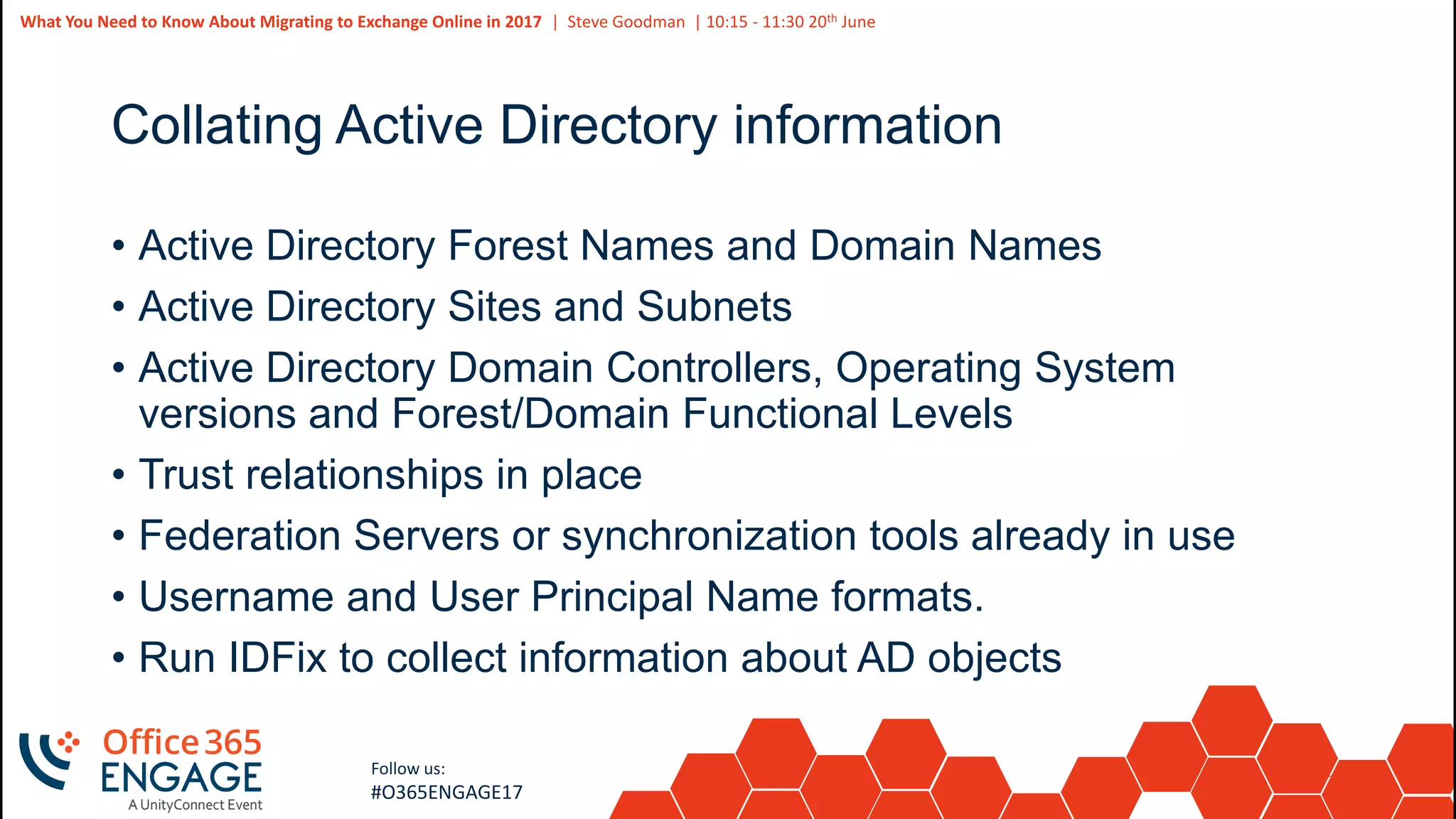
Collating Active Directory information
• Active Directory Forest Names and Domain Names
• Active Directory Sites and Subnets
• Active Directory Domain Controllers, Operating System
versions and Forest/Domain Functional Levels
• Trust relationships in place
• Federation Servers or synchronization tools already in use
• Username and User Principal Name formats.
• Run IDFix to collect information about AD objects
29
Slide
29
What You Need to Know About Migrating to Exchange Online in 2017 | Steve Goodman | 10:15 - 11:30 20th June
Follow us:
#O365ENGAGE17
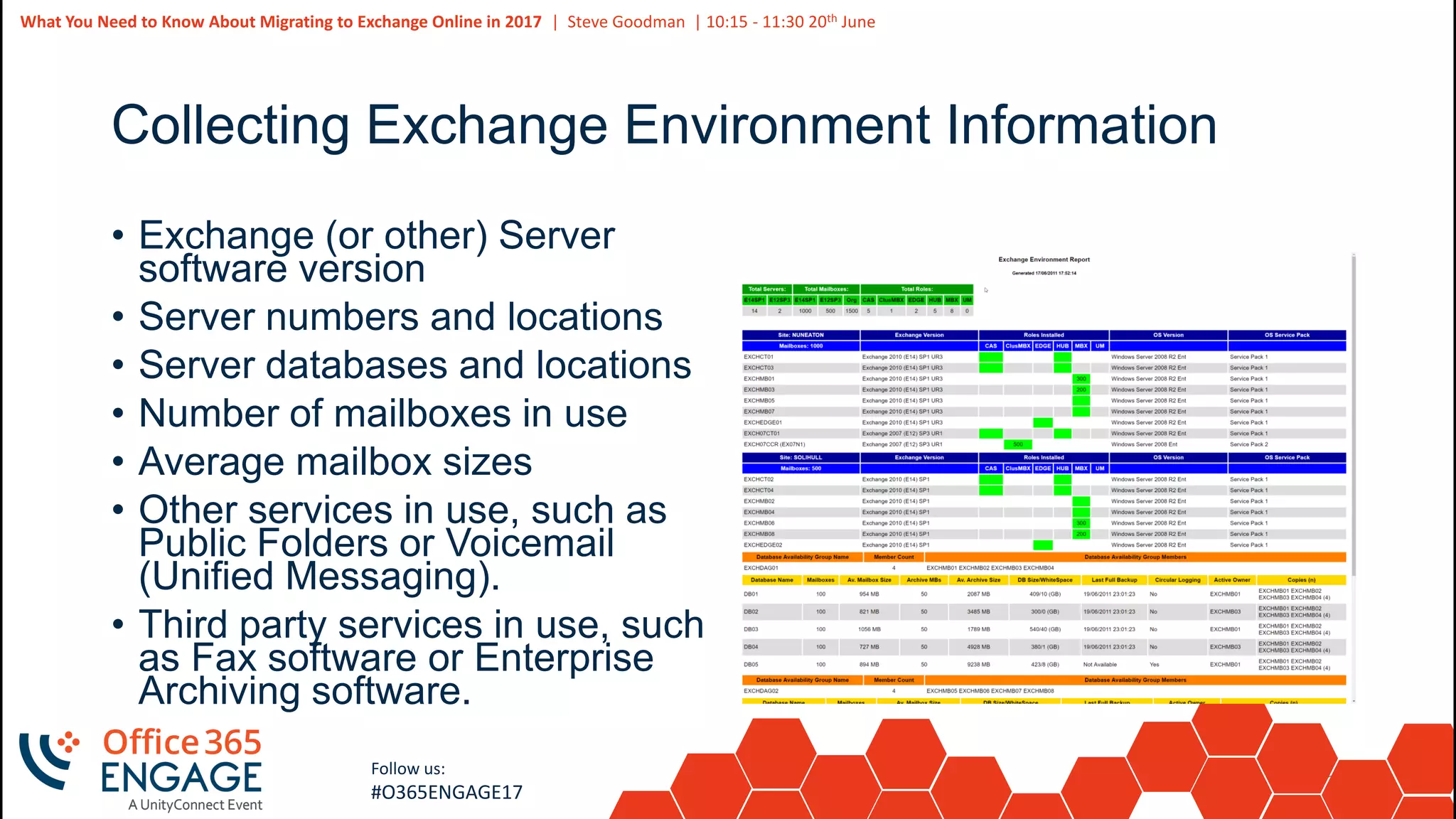
Collecting Exchange Environment Information
• Exchange (or other) Server
software version
• Server numbers and locations
• Server databases and locations
• Number of mailboxes in use
• Average mailbox sizes
• Other services in use, such as
Public Folders or Voicemail
(Unified Messaging).
• Third party services in use, such
as Fax software or Enterprise
Archiving software.
30
Slide
30
What You Need to Know About Migrating to Exchange Online in 2017 | Steve Goodman | 10:15 - 11:30 20th June
Follow us:
#O365ENGAGE17
Assessing Office clients
• Information from your own inventory or software update
management solution
• Deploy the Microsoft Assessment and Planning toolkit
• Use scripts to gather information from Exchange Servers
31
Slide
31
Follow us:
#O365ENGAGE17
Remediation and preparation
32
Slide
32
What You Need to Know About Migrating to Exchange Online in 2017 | Steve Goodman | 10:15 - 11:30 20th June
Follow us:
#O365ENGAGE17
Remediation and Preparation
• Do you need a messaging / migration design?
• Planning adoption activities
• Performing pre-requisites and remediation activities
33
Slide
33
What You Need to Know About Migrating to Exchange Online in 2017 | Steve Goodman | 10:15 - 11:30 20th June
Follow us:
#O365ENGAGE17
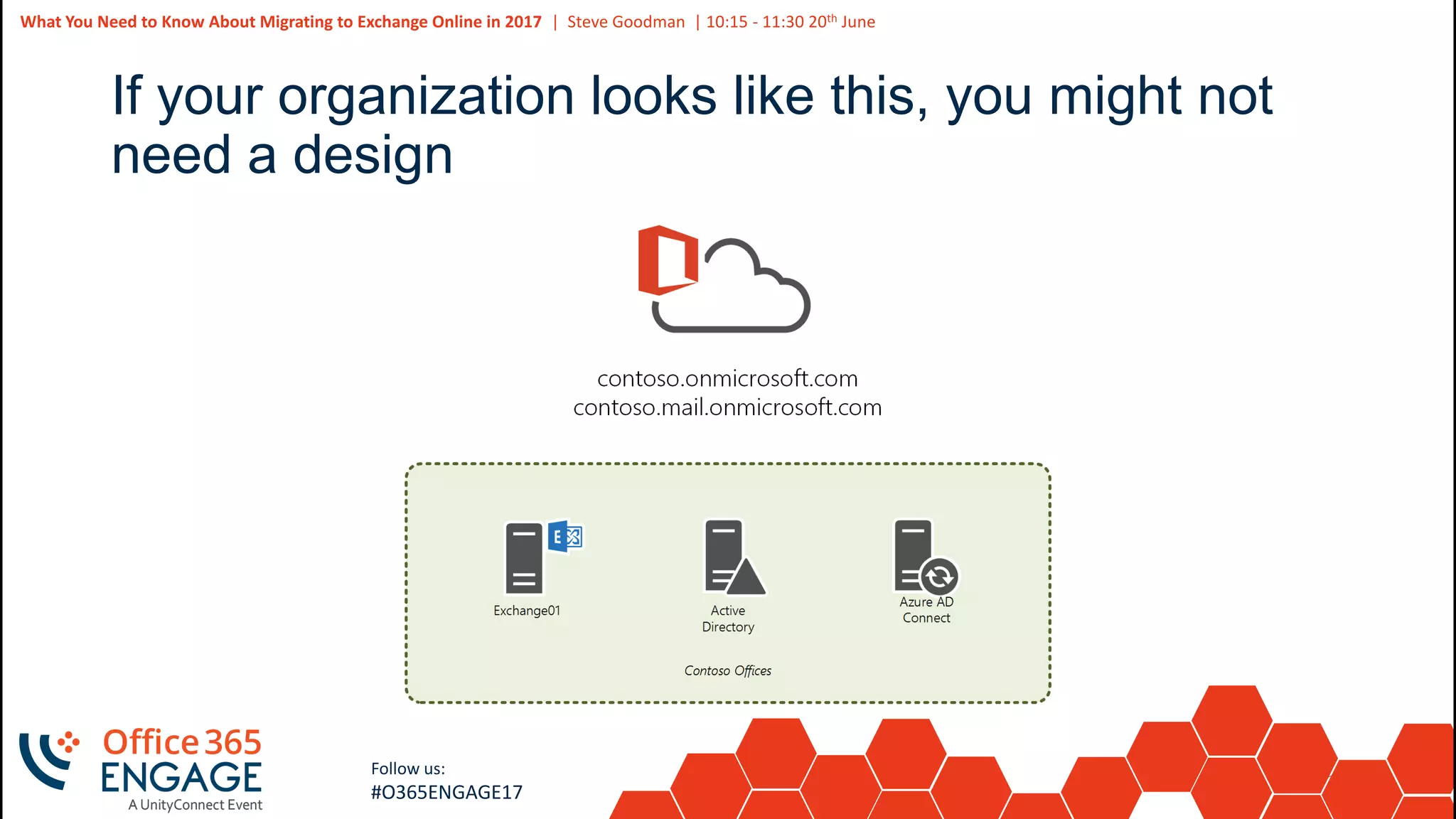
If your organization looks like this, you might not
need a design
34
Slide
34
What You Need to Know About Migrating to Exchange Online in 2017 | Steve Goodman | 10:15 - 11:30 20th June
Follow us:
#O365ENGAGE17
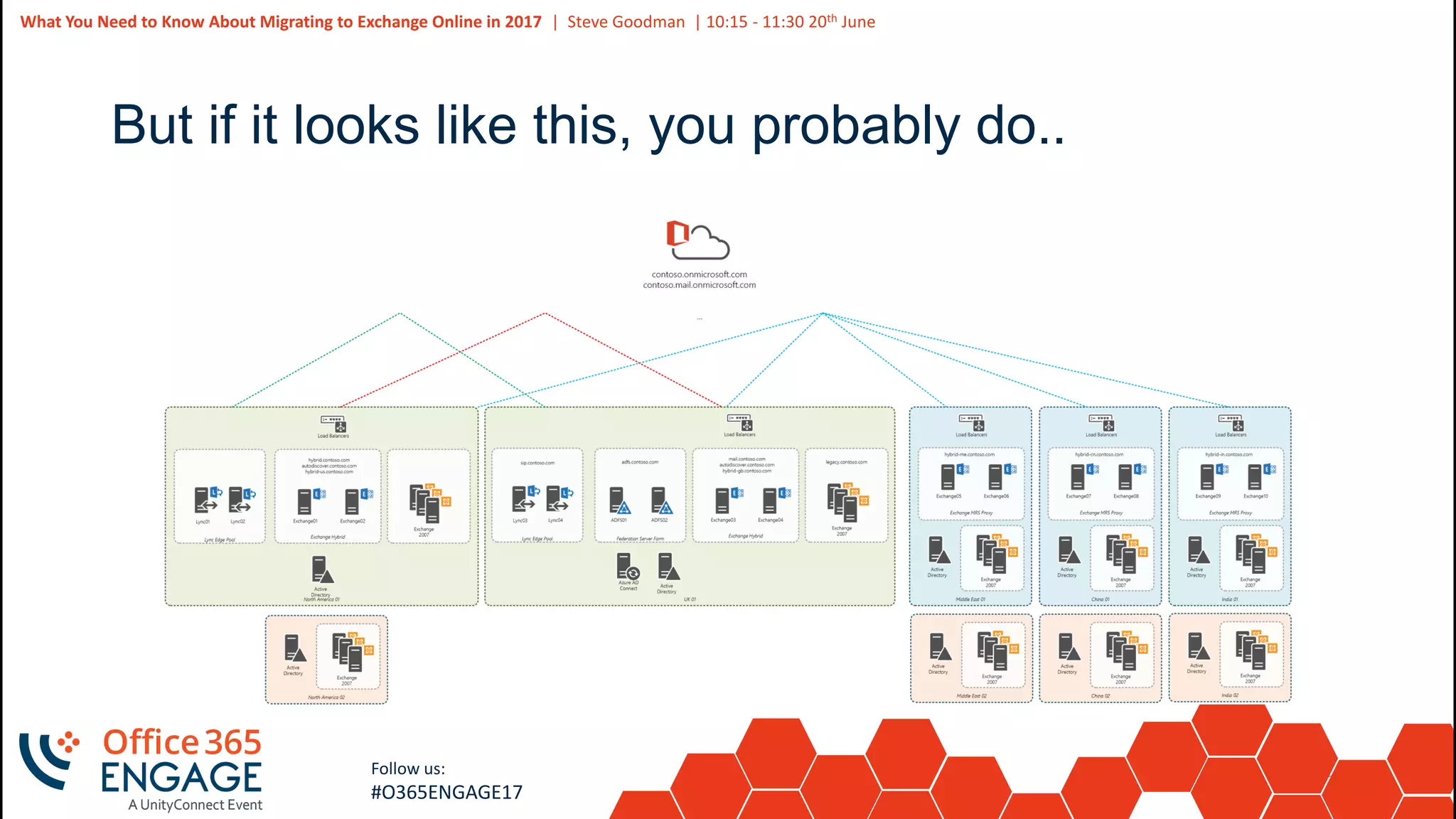
But if it looks like this, you probably do..
35
Slide
35
What You Need to Know About Migrating to Exchange Online in 2017 | Steve Goodman | 10:15 - 11:30 20th June
Follow us:
#O365ENGAGE17
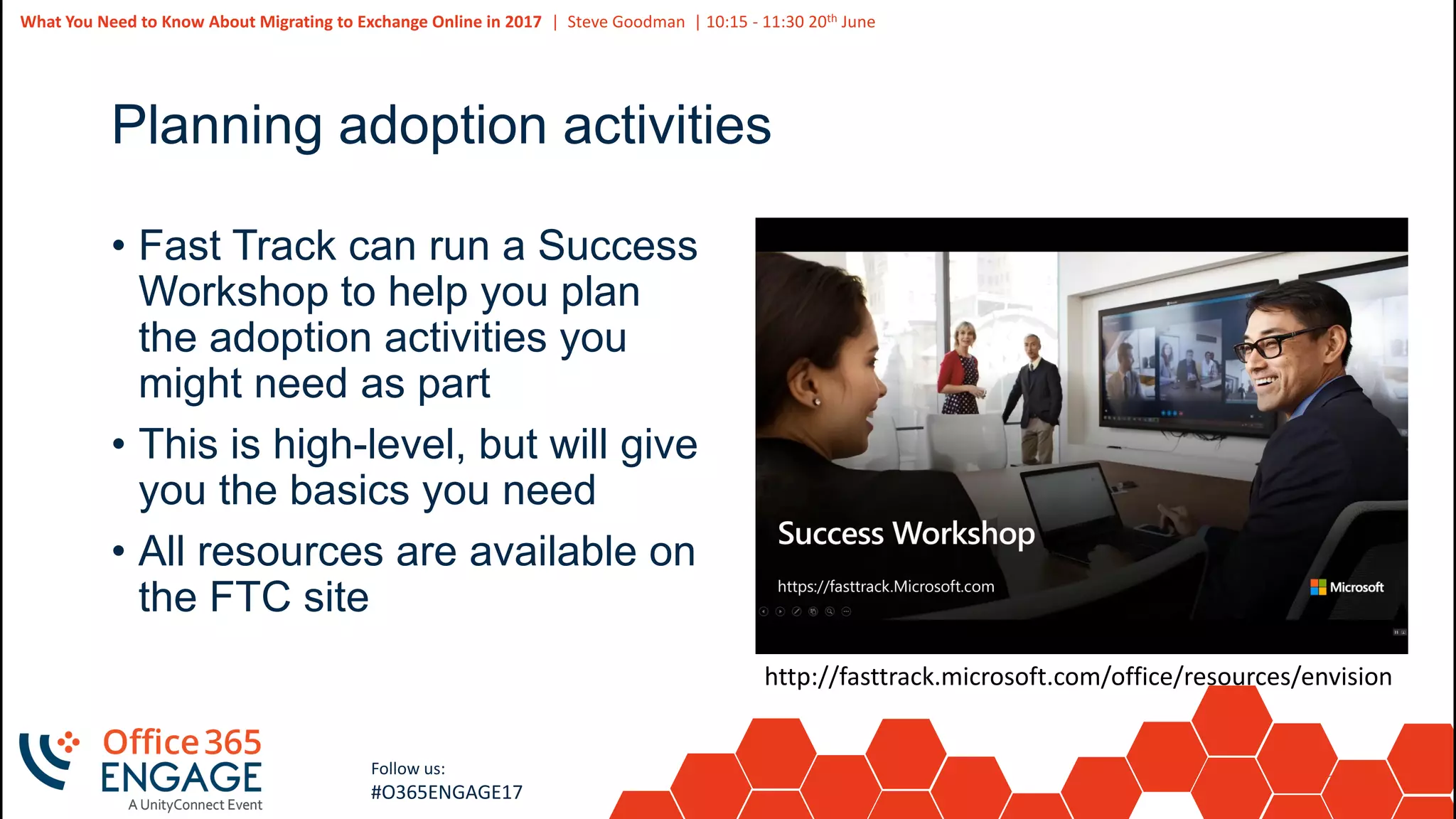
Planning adoption activities
• Fast Track can run a Success
Workshop to help you plan
the adoption activities you
might need as part
• This is high-level, but will give
you the basics you need
• All resources are available on
the FTC site
http://fasttrack.microsoft.com/office/resources/envision
36
Slide
36
What You Need to Know About Migrating to Exchange Online in 2017 | Steve Goodman | 10:15 - 11:30 20th June
Follow us:
#O365ENGAGE17
Performing pre-requisites and remediation
• As part of your investigation you may identify obvious pre-
requisites you need and remediation tasks
• Pre-requisites are common areas of configuration you will need
to perform, such as firewall rules
• Remediation tasks are where your environment has something
wrong with it that needs resolving
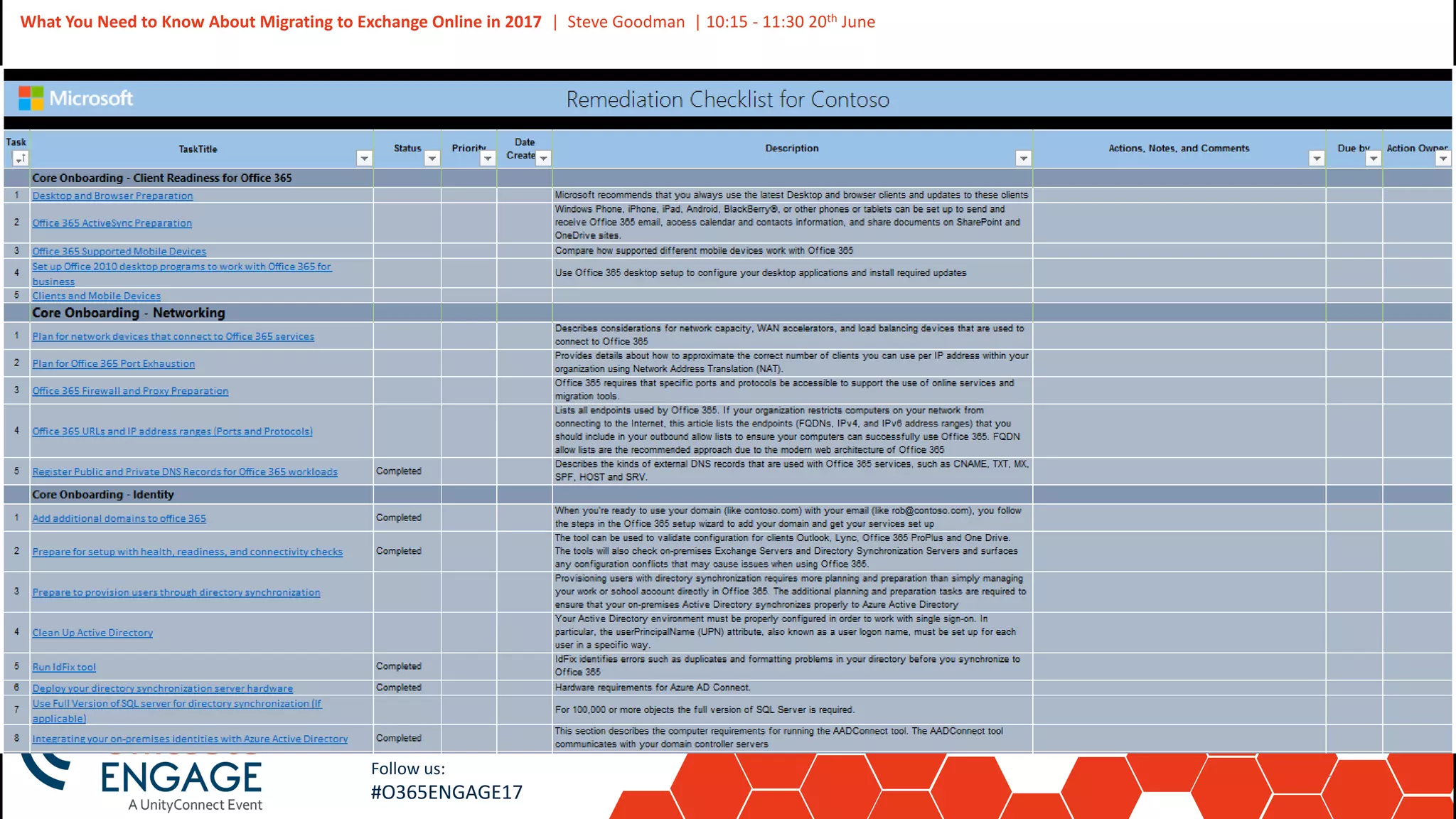
• The Fast Track Center will provide a custom remediation
checklist for the areas within their scope
• All other areas are for you to identify and resolve
37
Slide
37
What You Need to Know About Migrating to Exchange Online in 2017 | Steve Goodman | 10:15 - 11:30 20th June
Follow us:
#O365ENGAGE17
38
Slide
38
Follow us:
#O365ENGAGE17
Enabling Exchange for migration
39
Slide
39
What You Need to Know About Migrating to Exchange Online in 2017 | Steve Goodman | 10:15 - 11:30 20th June
Follow us:
#O365ENGAGE17
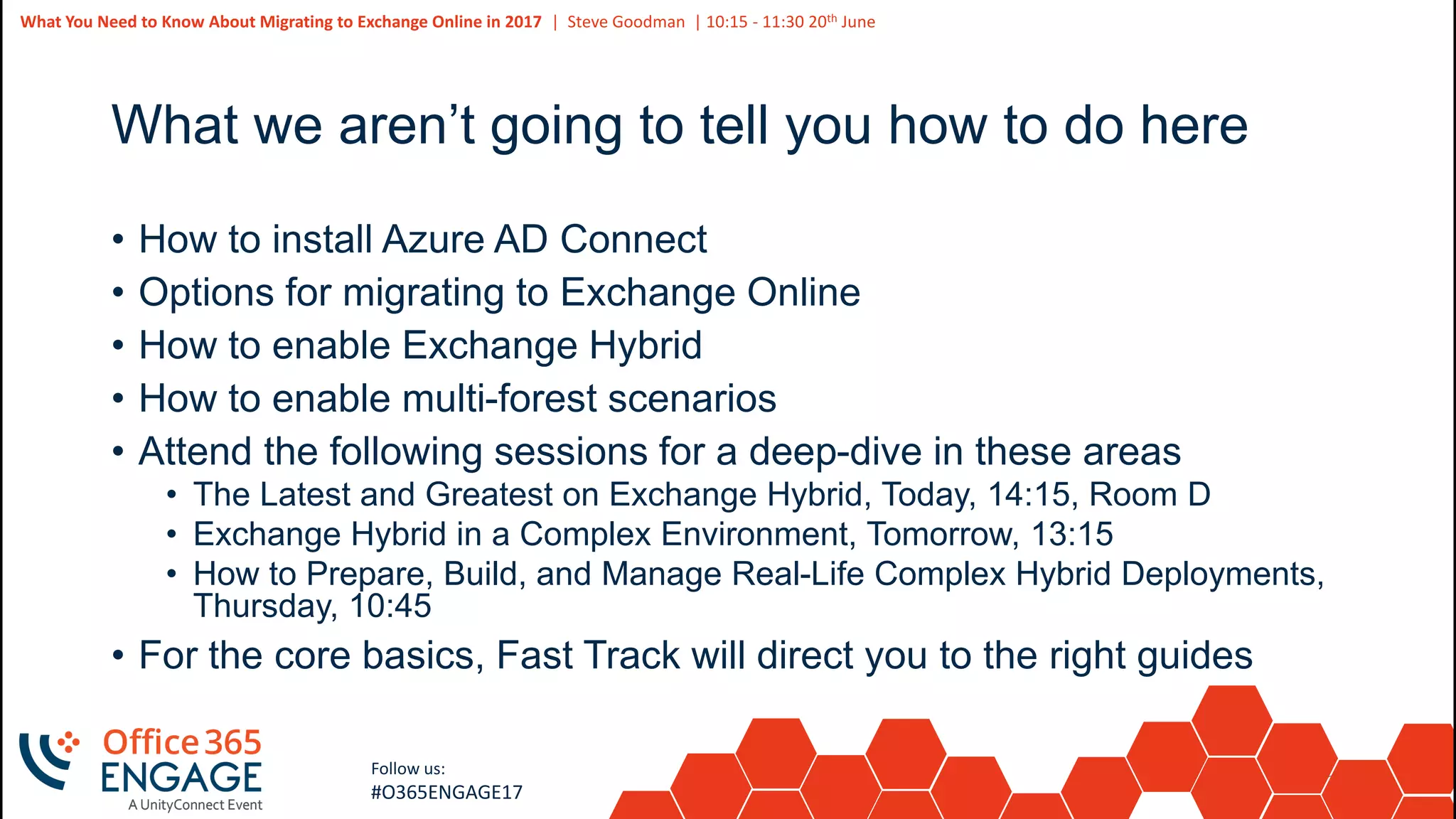
What we aren’t going to tell you how to do here
• How to install Azure AD Connect
• Options for migrating to Exchange Online
• How to enable Exchange Hybrid
• How to enable multi-forest scenarios
• Attend the following sessions for a deep-dive in these areas
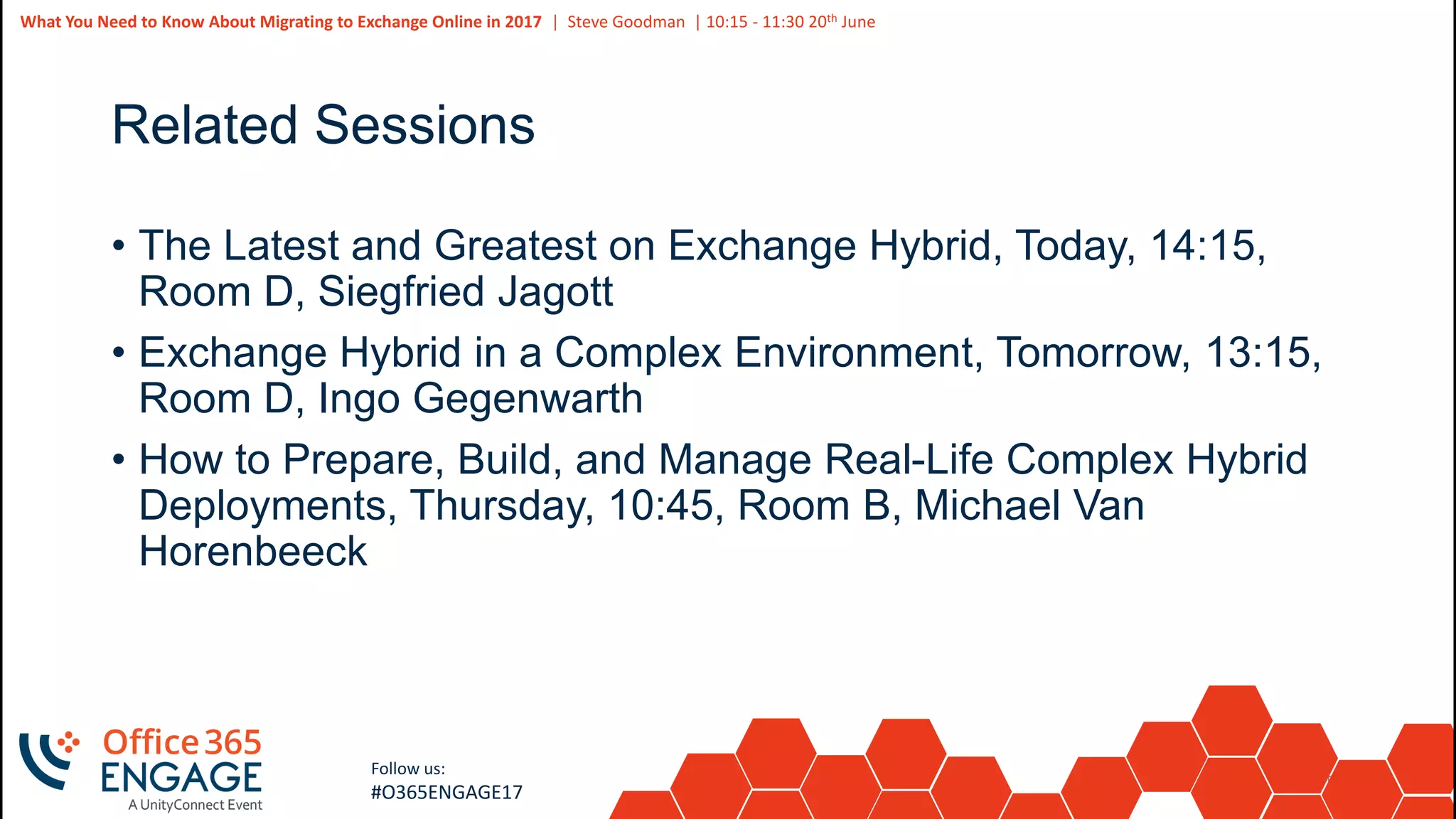
• The Latest and Greatest on Exchange Hybrid, Today, 14:15, Room D
• Exchange Hybrid in a Complex Environment, Tomorrow, 13:15
• How to Prepare, Build, and Manage Real-Life Complex Hybrid Deployments,
Thursday, 10:45
• For the core basics, Fast Track will direct you to the right guides
40
Slide
40
What You Need to Know About Migrating to Exchange Online in 2017 | Steve Goodman | 10:15 - 11:30 20th June
Follow us:
#O365ENGAGE17
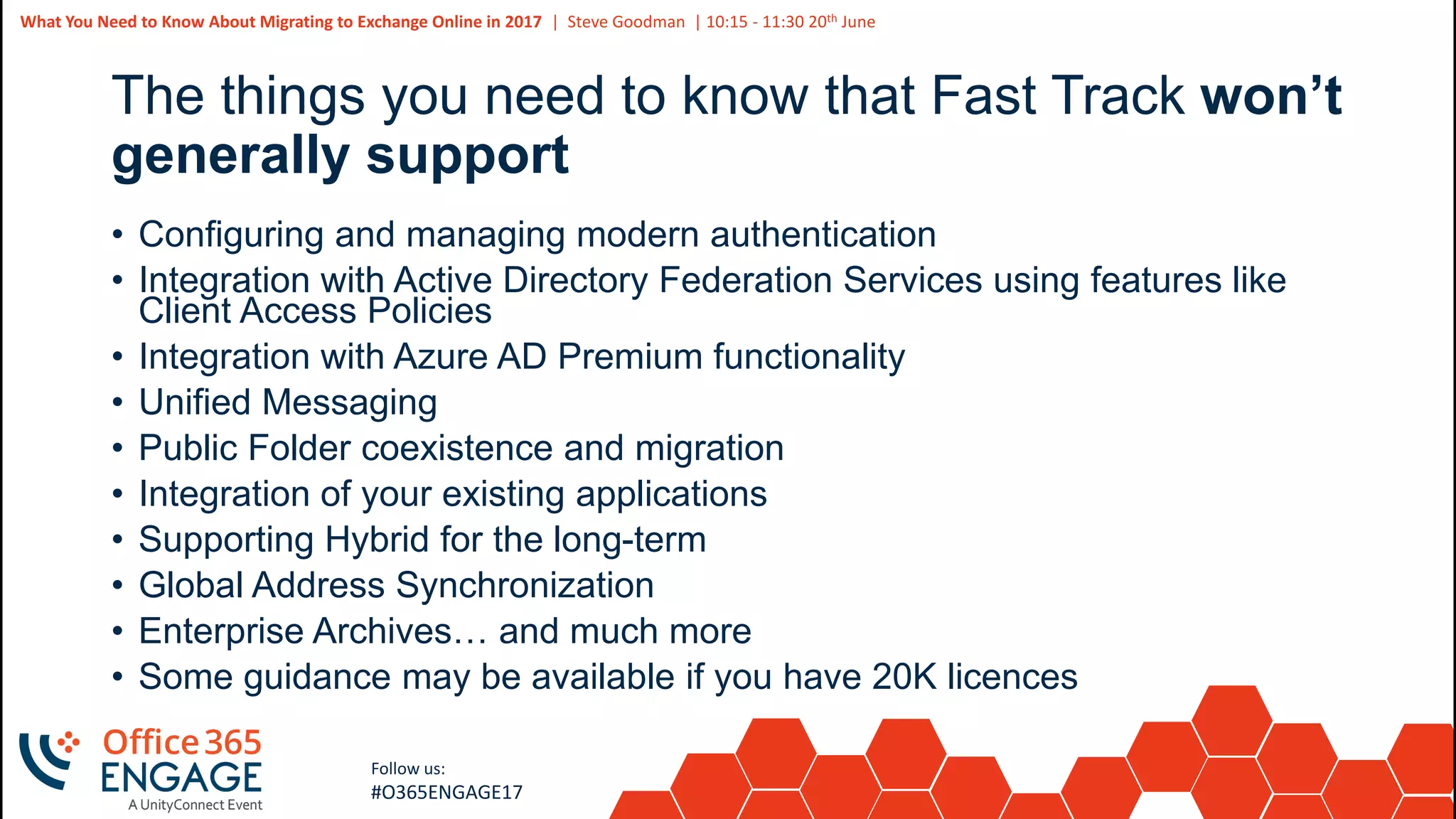
The things you need to know that Fast Track won’t
generally support
• Configuring and managing modern authentication
• Integration with Active Directory Federation Services using features like
Client Access Policies
• Integration with Azure AD Premium functionality
• Unified Messaging
• Public Folder coexistence and migration
• Integration of your existing applications
• Supporting Hybrid for the long-term
• Global Address Synchronization
• Enterprise Archives… and much more
• Some guidance may be available if you have 20K licences
41
Slide
41
Follow us:
#O365ENGAGE17
Testing for readiness
42
Slide
42
What You Need to Know About Migrating to Exchange Online in 2017 | Steve Goodman | 10:15 - 11:30 20th June
Follow us:
#O365ENGAGE17
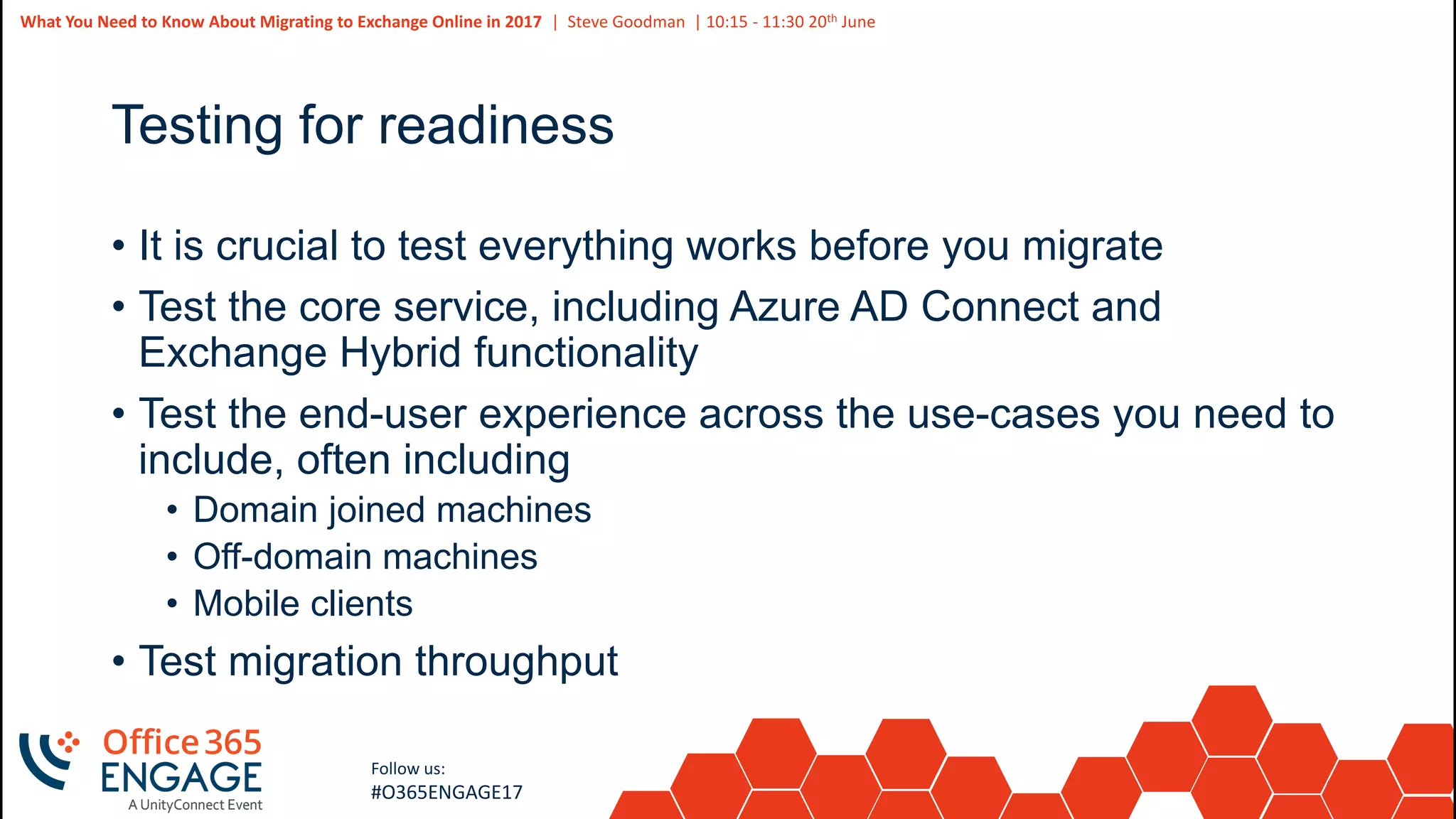
Testing for readiness
• It is crucial to test everything works before you migrate
• Test the core service, including Azure AD Connect and
Exchange Hybrid functionality
• Test the end-user experience across the use-cases you need to
include, often including
• Domain joined machines
• Off-domain machines
• Mobile clients
• Test migration throughput
43
Slide
43
What You Need to Know About Migrating to Exchange Online in 2017 | Steve Goodman | 10:15 - 11:30 20th June
Follow us:
#O365ENGAGE17
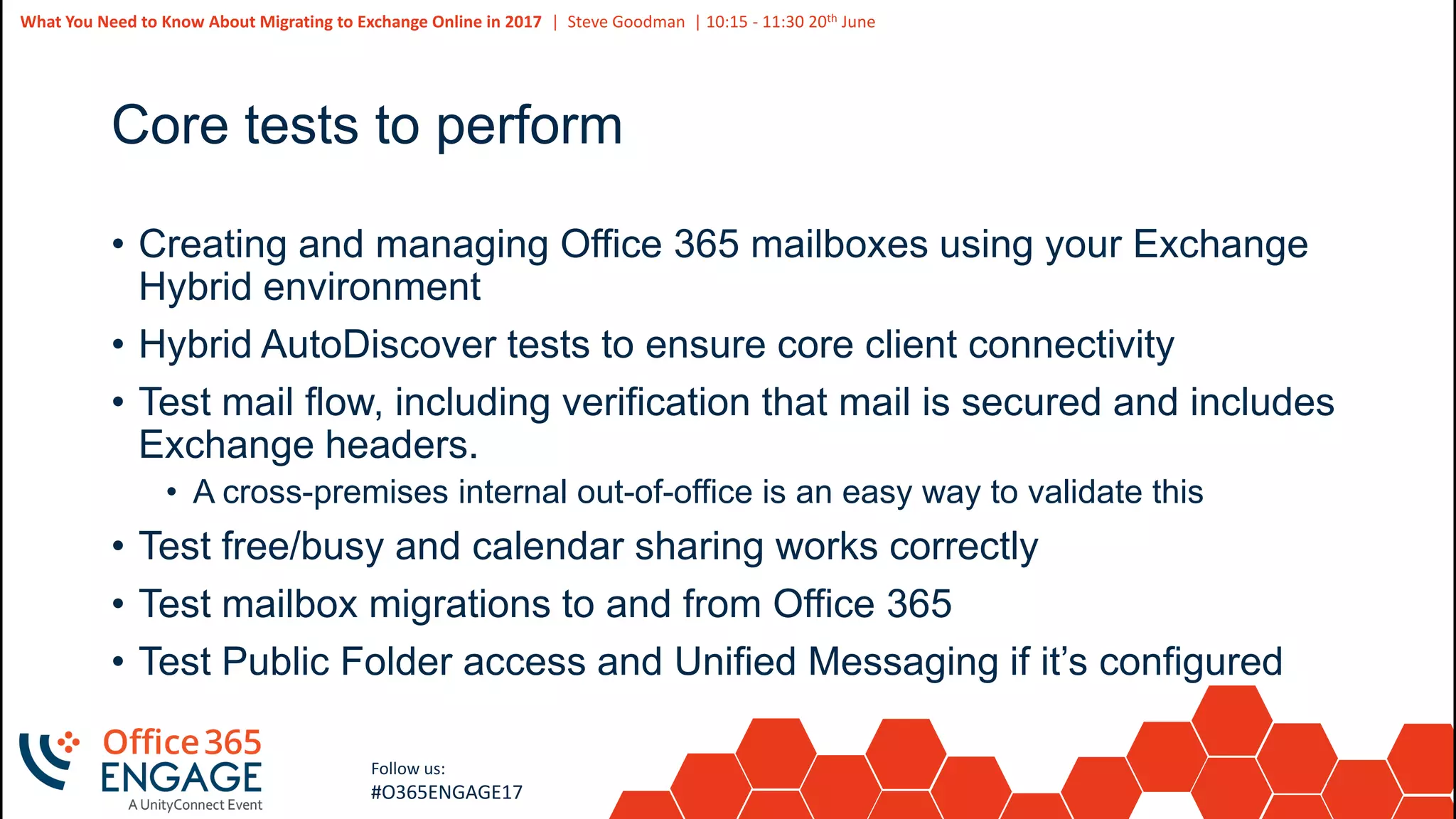
Core tests to perform
• Creating and managing Office 365 mailboxes using your Exchange
Hybrid environment
• Hybrid AutoDiscover tests to ensure core client connectivity
• Test mail flow, including verification that mail is secured and includes
Exchange headers.
• A cross-premises internal out-of-office is an easy way to validate this
• Test free/busy and calendar sharing works correctly
• Test mailbox migrations to and from Office 365
• Test Public Folder access and Unified Messaging if it’s configured
44
Slide
44
What You Need to Know About Migrating to Exchange Online in 2017 | Steve Goodman | 10:15 - 11:30 20th June
Follow us:
#O365ENGAGE17
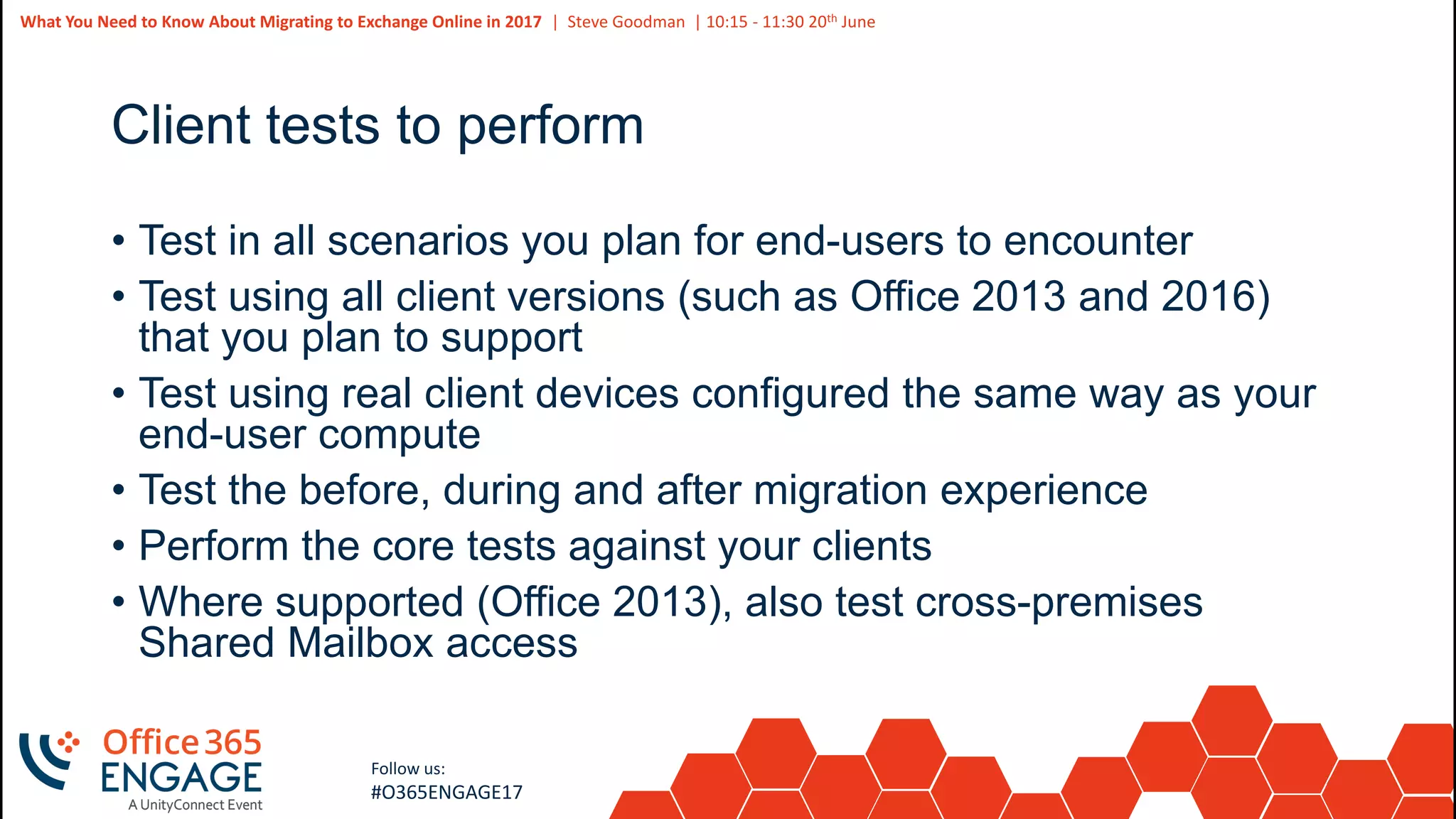
Client tests to perform
• Test in all scenarios you plan for end-users to encounter
• Test using all client versions (such as Office 2013 and 2016)
that you plan to support
• Test using real client devices configured the same way as your
end-user compute
• Test the before, during and after migration experience
• Perform the core tests against your clients
• Where supported (Office 2013), also test cross-premises
Shared Mailbox access
45
Slide
45
What You Need to Know About Migrating to Exchange Online in 2017 | Steve Goodman | 10:15 - 11:30 20th June
Follow us:
#O365ENGAGE17
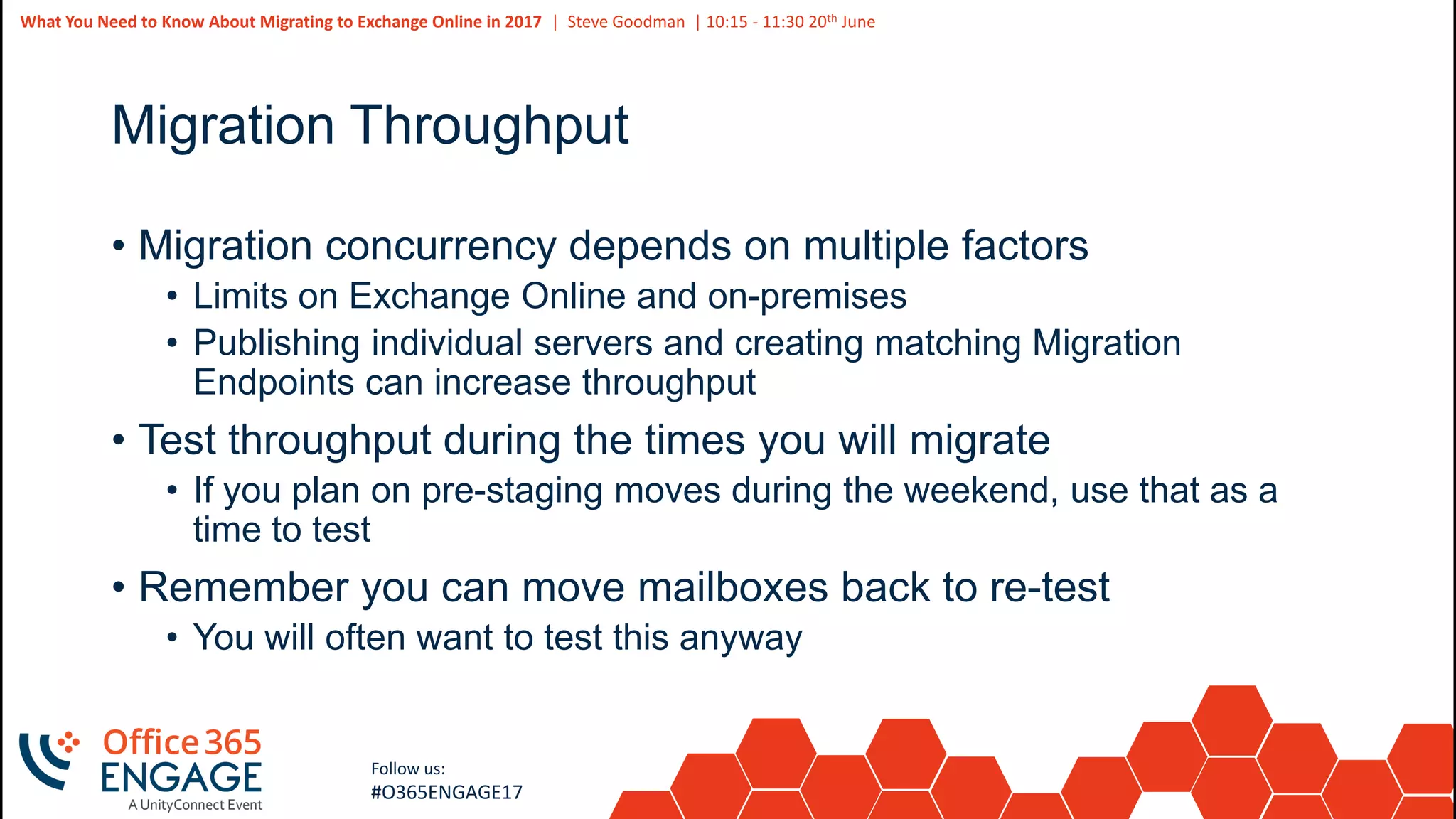
Migration Throughput
• Migration concurrency depends on multiple factors
• Limits on Exchange Online and on-premises
• Publishing individual servers and creating matching Migration
Endpoints can increase throughput
• Test throughput during the times you will migrate
• If you plan on pre-staging moves during the weekend, use that as a
time to test
• Remember you can move mailboxes back to re-test
• You will often want to test this anyway
46
Slide
46
Follow us:
#O365ENGAGE17
Planning your migration
47
Slide
47
What You Need to Know About Migrating to Exchange Online in 2017 | Steve Goodman | 10:15 - 11:30 20th June
Follow us:
#O365ENGAGE17
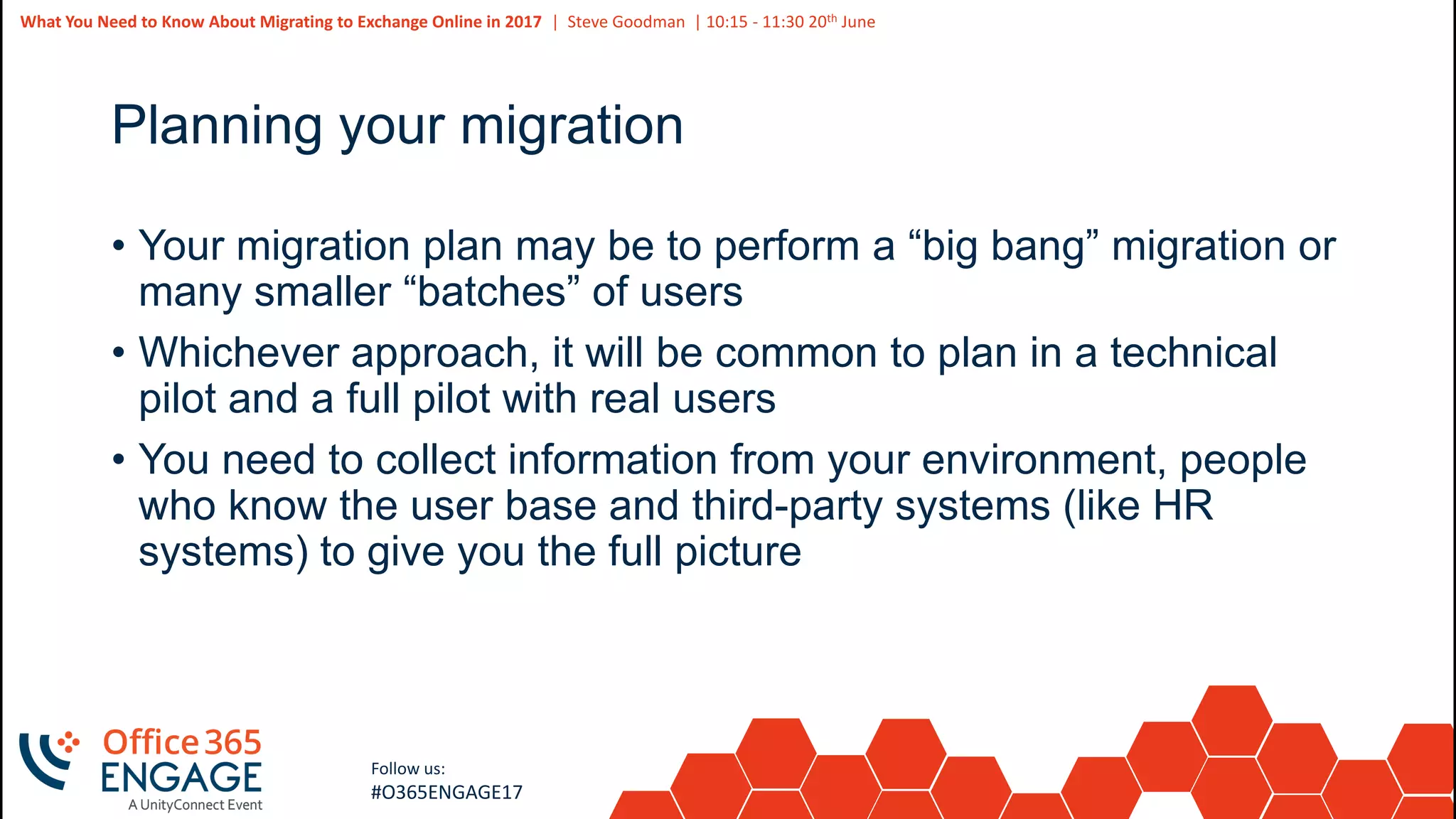
Planning your migration
• Your migration plan may be to perform a “big bang” migration or
many smaller “batches” of users
• Whichever approach, it will be common to plan in a technical
pilot and a full pilot with real users
• You need to collect information from your environment, people
who know the user base and third-party systems (like HR
systems) to give you the full picture
48
Slide
48
What You Need to Know About Migrating to Exchange Online in 2017 | Steve Goodman | 10:15 - 11:30 20th June
Follow us:
#O365ENGAGE17
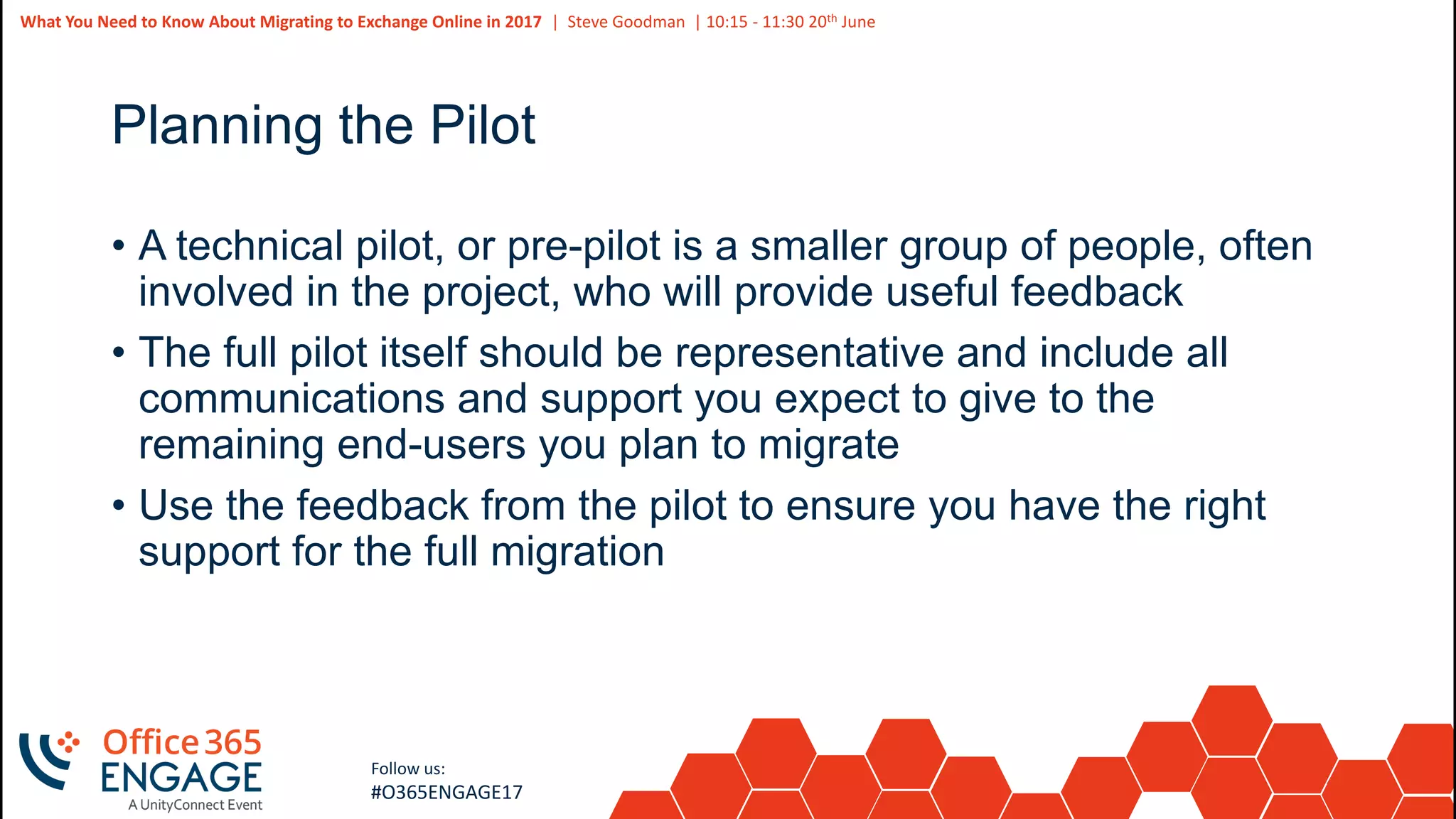
Planning the Pilot
• A technical pilot, or pre-pilot is a smaller group of people, often
involved in the project, who will provide useful feedback
• The full pilot itself should be representative and include all
communications and support you expect to give to the
remaining end-users you plan to migrate
• Use the feedback from the pilot to ensure you have the right
support for the full migration
49
Slide
49
What You Need to Know About Migrating to Exchange Online in 2017 | Steve Goodman | 10:15 - 11:30 20th June
Follow us:
#O365ENGAGE17
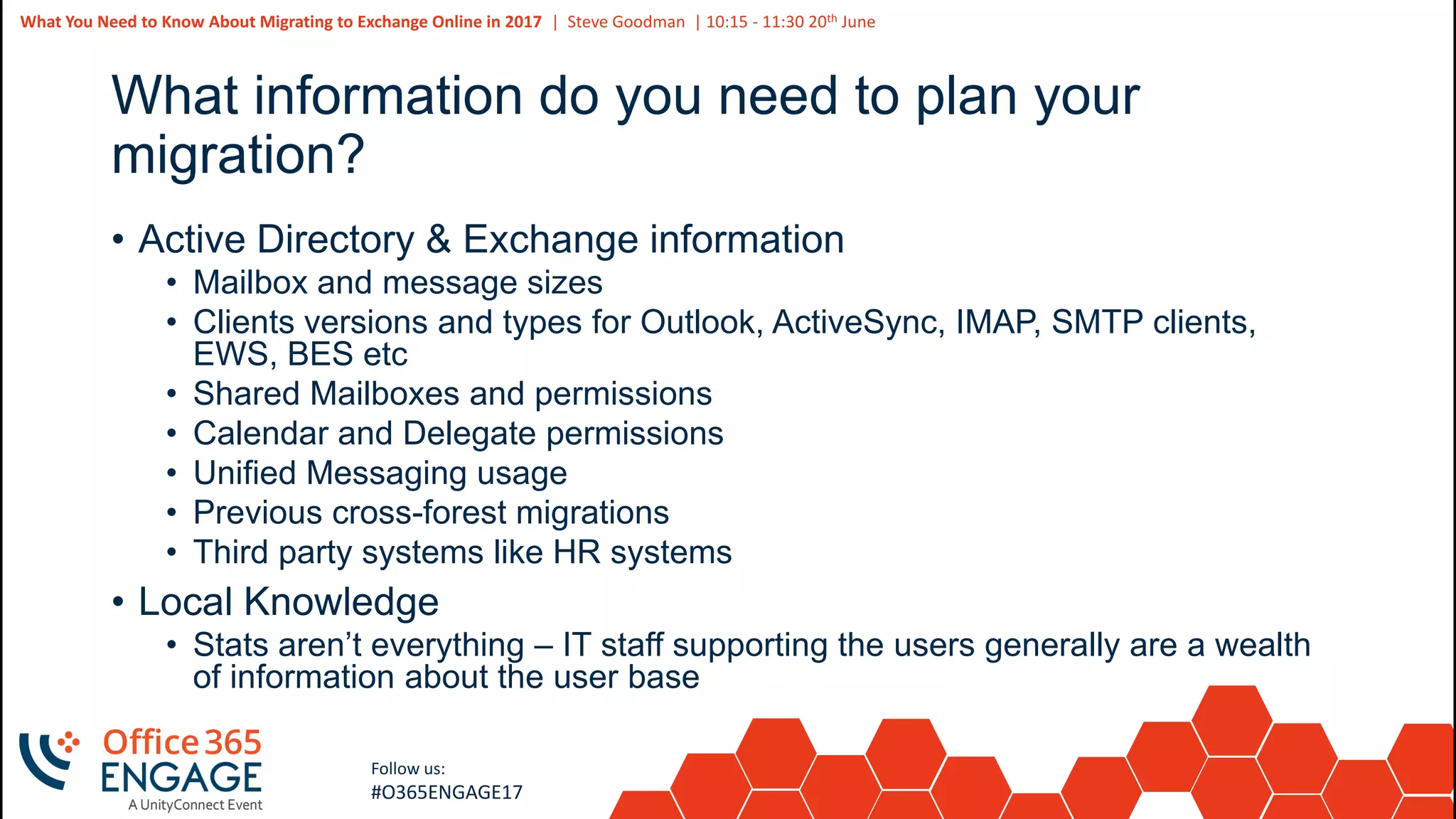
What information do you need to plan your
migration?
• Active Directory & Exchange information
• Mailbox and message sizes
• Clients versions and types for Outlook, ActiveSync, IMAP, SMTP clients,
EWS, BES etc
• Shared Mailboxes and permissions
• Calendar and Delegate permissions
• Unified Messaging usage
• Previous cross-forest migrations
• Third party systems like HR systems
• Local Knowledge
• Stats aren’t everything – IT staff supporting the users generally are a wealth
of information about the user base
50
Slide
50
What You Need to Know About Migrating to Exchange Online in 2017 | Steve Goodman | 10:15 - 11:30 20th June
Follow us:
#O365ENGAGE17
51
Slide
51
Follow us:
#O365ENGAGE17
Getting help performing migrations
52
Slide
52
What You Need to Know About Migrating to Exchange Online in 2017 | Steve Goodman | 10:15 - 11:30 20th June
Follow us:
#O365ENGAGE17
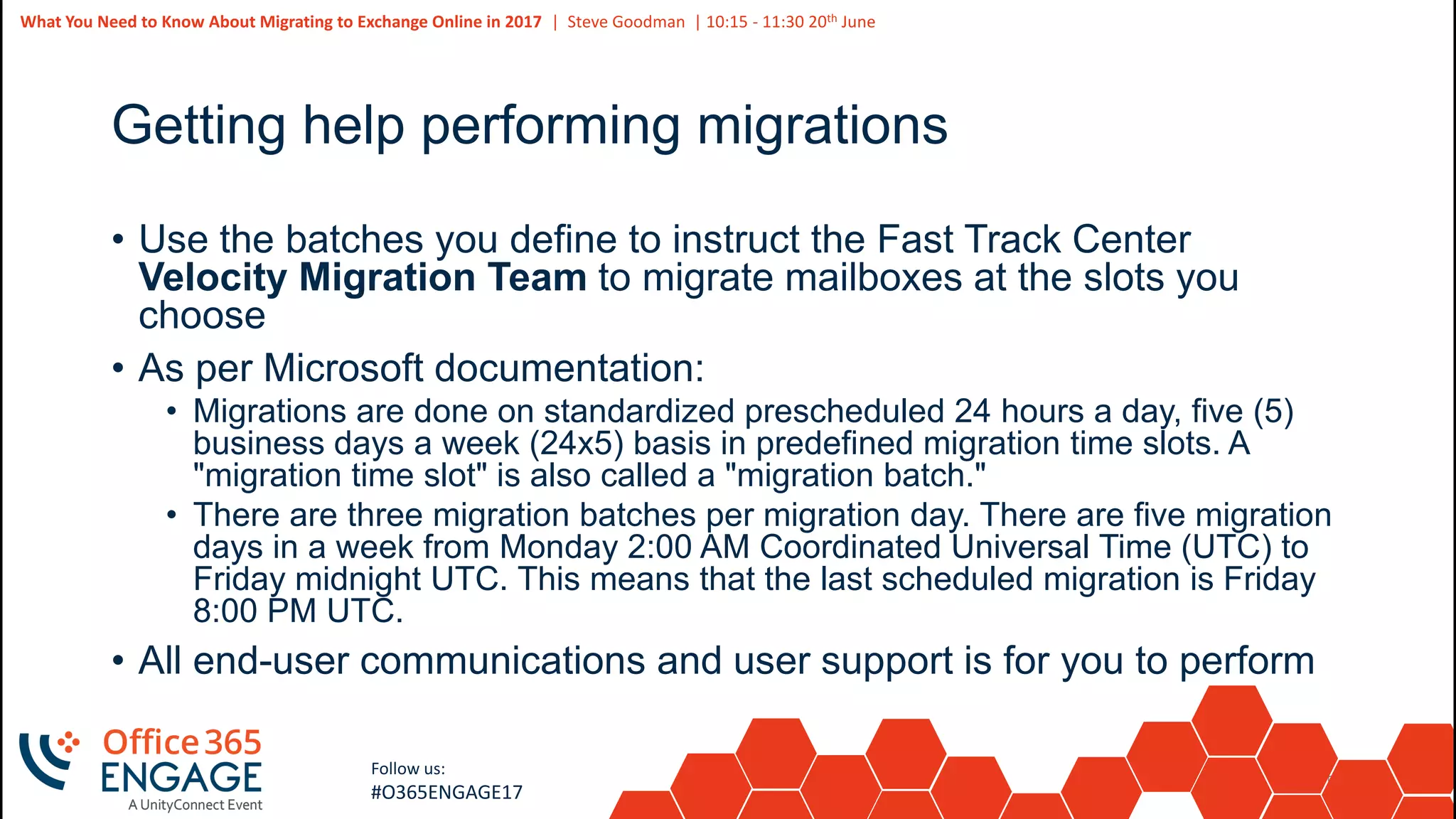
Getting help performing migrations
• Use the batches you define to instruct the Fast Track Center
Velocity Migration Team to migrate mailboxes at the slots you
choose
• As per Microsoft documentation:
• Migrations are done on standardized prescheduled 24 hours a day, five (5)
business days a week (24x5) basis in predefined migration time slots. A
"migration time slot" is also called a "migration batch."
• There are three migration batches per migration day. There are five migration
days in a week from Monday 2:00 AM Coordinated Universal Time (UTC) to
Friday midnight UTC. This means that the last scheduled migration is Friday
8:00 PM UTC.
• All end-user communications and user support is for you to perform
53
Slide
53
What You Need to Know About Migrating to Exchange Online in 2017 | Steve Goodman | 10:15 - 11:30 20th June
Follow us:
#O365ENGAGE17
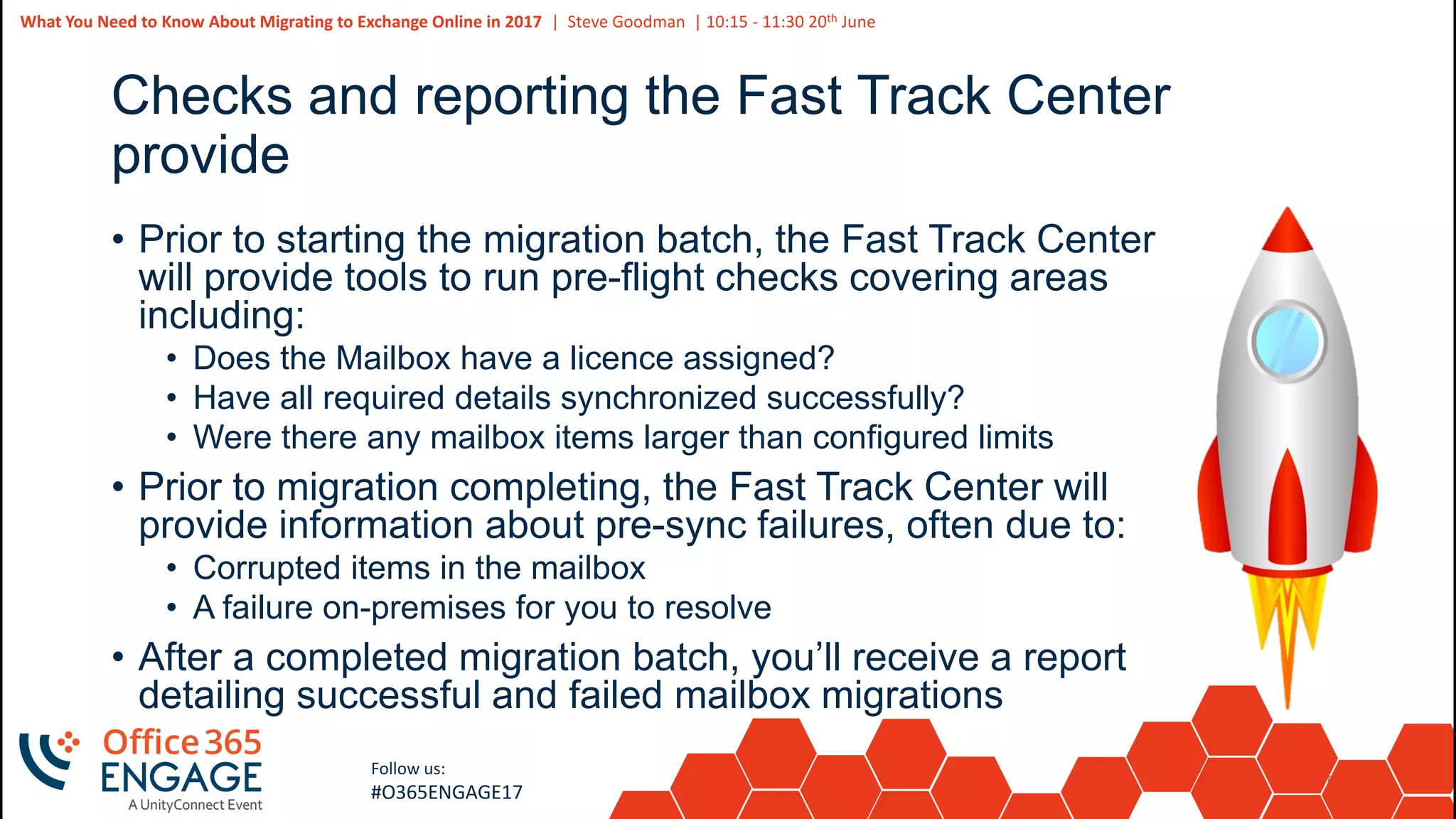
Checks and reporting the Fast Track Center
provide
• Prior to starting the migration batch, the Fast Track Center
will provide tools to run pre-flight checks covering areas
including:
• Does the Mailbox have a licence assigned?
• Have all required details synchronized successfully?
• Were there any mailbox items larger than configured limits
• Prior to migration completing, the Fast Track Center will
provide information about pre-sync failures, often due to:
• Corrupted items in the mailbox
• A failure on-premises for you to resolve
• After a completed migration batch, you’ll receive a report
detailing successful and failed mailbox migrations
54
Slide
54
Follow us:
#O365ENGAGE17
Clean up and decommissioning your on-
premises environment
55
Slide
55
What You Need to Know About Migrating to Exchange Online in 2017 | Steve Goodman | 10:15 - 11:30 20th June
Follow us:
#O365ENGAGE17
Clean up and decommissioning
• You need a Hybrid “management” server to manage mailbox attributes
• If you maintain Azure AD Connect then Active Directory remains the master for AD
attributes
• Editing AD attributes for Exchange is not supported.
• For simple mailbox management tasks you don’t need to continue to publish it to the
Internet
• You may still need to relay unauthenticated SMTP
• IIS SMTP or EXO Inbound Connectors can do this too. It may be simpler to use Exchange
• Remember you need to patch and maintain the server
• You will need to patch Exchange Server regularly in line with supportability guidance from
MS
• This could be a good use for Azure IaaS
• Exchange is supported within Azure and is not cost prohibitive for a Hybrid “management”
server.
56
Slide
56
What You Need to Know About Migrating to Exchange Online in 2017 | Steve Goodman | 10:15 - 11:30 20th June
Follow us:
#O365ENGAGE17
Even though the “Fast Track” migration might be
over, it could just be the beginning..
• Do you have Enterprise Archives to migrate to Office 365?
• Do you have Public Folders to migrate to Office 365?
• Do you have application servers to re-configure?
• And of course, which Office 365 services will you be using
next?
57
Slide
57
What You Need to Know About Migrating to Exchange Online in 2017 | Steve Goodman | 10:15 - 11:30 20th June
Follow us:
#O365ENGAGE17
Related Sessions
• The Latest and Greatest on Exchange Hybrid, Today, 14:15,
Room D, Siegfried Jagott
• Exchange Hybrid in a Complex Environment, Tomorrow, 13:15,
Room D, Ingo Gegenwarth
• How to Prepare, Build, and Manage Real-Life Complex Hybrid
Deployments, Thursday, 10:45, Room B, Michael Van
Horenbeeck
58
Slide
58
What You Need to Know About Migrating to Exchange Online in 2017 | Steve Goodman | 10:15 - 11:30 20th June
Follow us:
#O365ENGAGE17
Questions? | Thank You
Steve Goodman
steve@stevieg.org
We’d like to know what you think!
Please fill out the evaluation form you
received at the registration desk for this
session
Session recordings and materials:
Materials will be available on
Office365Engage.com soon

O365Engage17 - What You Need to Know About Migrating to Exchange Online in 2017

  • 1.
    1 Slide 1 What You Needto Know About Migrating to Exchange Online in 2017 Steve Goodman
  • 2.
    2 Slide 2 What You Needto Know About Migrating to Exchange Online in 2017 | Steve Goodman | 10:15 - 11:30 20th June Follow us: #O365ENGAGE17 What you need to know about migrating to Exchange Online in 2017 • How are migrations changing? • What structure do you need to support a project? • Assessing your environment • Remediation and preparation tasks • Enabling Exchange for migration • Testing for readiness • Planning your migration • Getting help performing the migration • Clean up and decommissioning tasks
  • 3.
  • 4.
    4 Slide 4 What You Needto Know About Migrating to Exchange Online in 2017 | Steve Goodman | 10:15 - 11:30 20th June Follow us: #O365ENGAGE17 Migrations, 2011-2015 • In past many Exchange migrations to the cloud were breaking new ground just by migrating mailboxes successfully with happy users and working clients • Many projects stalled or failed because they had bad advice and made mistakes, either assuming it was too easy or over- complicating things. • Early offerings for assistance from Microsoft focused on paying a partner, whoever they were to help with some limited support from Microsoft
  • 5.
    5 Slide 5 What You Needto Know About Migrating to Exchange Online in 2017 | Steve Goodman | 10:15 - 11:30 20th June Follow us: #O365ENGAGE17 Over the last year, things have been changing • Office 365 projects are not considered a success purely based on whether email has been migrated. • Email needs to be migrated to enable other services, like Microsoft Teams and projects today look towards the big picture • That doesn’t make it any easier for IT departments taking this on for the first time, though. • In addition far more email migrations have far complex requirements, including legacy archives, security, compliance and integration.
  • 6.
    6 Slide 6 What You Needto Know About Migrating to Exchange Online in 2017 | Steve Goodman | 10:15 - 11:30 20th June Follow us: #O365ENGAGE17 How have migrations changed? • Many projects now are supported by the Fast Track Center • The Fast Track Center is provided for free from Microsoft as a service for Office 365 customers with 150 or more mailboxes. • Structure, guidance and support during the migration of mailboxes removes three challenges: • What’s the best way to do the whole end-to-end migration? • Who can I ask for half decent advice? • Who is on the hook for spending their evenings monitoring and completing mailbox migrations?
  • 7.
    7 Slide 7 What You Needto Know About Migrating to Exchange Online in 2017 | Steve Goodman | 10:15 - 11:30 20th June Follow us: #O365ENGAGE17 Myth busting – Fast Track will do it for me • The amount of effort you need to spend getting ready to migrate doesn’t drop - Fast Track do not perform the work to get you ready to migrate. • Fast Track do not come on site* and act as consultants. It is a remote service, and it is not “custom consultancy” • Fast Track provide you the right Microsoft documentation to follow based on what you need, specifically for the areas they provide advice on. • Fast Track will perform migrations of mailboxes based on the list you create at the time windows you specify and identify pre- validation errors for you to fix.
  • 8.
    8 Slide 8 What You Needto Know About Migrating to Exchange Online in 2017 | Steve Goodman | 10:15 - 11:30 20th June Follow us: #O365ENGAGE17 The reality – Fast Track can take more effort, and that is a good thing • Many projects do not have the correct structure to succeed and underestimate what needs to be done to get everything ready. Fast Track makes sure important steps are not missed. • Apart from the migration of mailboxes themselves, which should be the easy bit if you’ve prepared properly, the same tasks need to be performed to get everything ready. You need to allocate extra time to accommodate the Fast Track Center and manage what they will do. • But - some projects over estimate what needs to be done. These projects may duplicate Fast Track tasks or perform unnecessary work, so some projects will indeed require less effort.
  • 9.
    9 Slide 9 What You Needto Know About Migrating to Exchange Online in 2017 | Steve Goodman | 10:15 - 11:30 20th June Follow us: #O365ENGAGE17 What do Fast Track do? • Core Onboarding • Service Onboarding • Adoption • Data Migration
  • 10.
    10 Slide 10 What You Needto Know About Migrating to Exchange Online in 2017 | Steve Goodman | 10:15 - 11:30 20th June Follow us: #O365ENGAGE17 What will they migrate IMAP4 migration Cutover migration Staged migration Hybrid migration FTC provided toolset You configure You and the FTC configure FTC migrate Exchange 5.5 Exchange 2000 Exchange 2003 Exchange 2007 Exchange 2010 Exchange 2013 Exchange 2016 Notes/Domino 7.0.3 Google Suite Groupwise 7.0.4 Office 365 Third-party multi-tenant Exchange Other IMAP4
  • 11.
    11 Slide 11 What You Needto Know About Migrating to Exchange Online in 2017 | Steve Goodman | 10:15 - 11:30 20th June Follow us: #O365ENGAGE17 Core Onboarding • Set up of the basic Office 365 tenant and applies to more than just Exchange Online • For example, telling you to run IDFix, then install and configure Azure AD Connect • Guidance to help you understand core remediation tasks you need to perform to use any of Office 365
  • 12.
    12 Slide 12 What You Needto Know About Migrating to Exchange Online in 2017 | Steve Goodman | 10:15 - 11:30 20th June Follow us: #O365ENGAGE17 Service Onboarding • This applies to the service you want to onboard, in this case Exchange Online • Fast Track help you understand the tasks you need to complete to configure your source email server and Exchange Online so that mailboxes can be migrated and users can access them • This can be for Exchange on-premises, and other third party systems including IBM Domino, Novell Groupwise, Google Suite and standard IMAP servers.
  • 13.
    13 Slide 13 What You Needto Know About Migrating to Exchange Online in 2017 | Steve Goodman | 10:15 - 11:30 20th June Follow us: #O365ENGAGE17 Adoption • Fast Track doesn’t provide a custom consultancy service, which to manage the type of business change many organizations taking on “Digital Transformation” projects almost certainly need. • However you do get basic guidance for your communications team to use to understand how to let people know what’s changing. • All these resources are available whether you use the Fast Track services or not.
  • 14.
    14 Slide 14 What You Needto Know About Migrating to Exchange Online in 2017 | Steve Goodman | 10:15 - 11:30 20th June Follow us: #O365ENGAGE17 Data Migration • The data migration part is the most valuable part of the Fast Track service, particularly for third-party systems like Notes and Google Suite, where a third-party tool is expensive. • The data migration itself is based on scheduled windows to migrate. • You must determine the batches of users to migrate, communicate with the users and work out how long it will take to migrate the users so that the Fast Track Center have enough time to pre-migrate before your scheduled window.
  • 15.
    15 Slide 15 What You Needto Know About Migrating to Exchange Online in 2017 | Steve Goodman | 10:15 - 11:30 20th June Follow us: #O365ENGAGE17 Fast Track Steps 1 Initiate 2 Assess 3 Remediate 4 Enable 5 Migrate
  • 16.
    16 Slide 16 What You Needto Know About Migrating to Exchange Online in 2017 | Steve Goodman | 10:15 - 11:30 20th June Follow us: #O365ENGAGE17 The Fast Track Center’s responsibilities • Providing remote support assistance to you in success planning development and implementation, and for the required configuration activities as detailed in the phase descriptions. • Providing available documentation and software tools, admin consoles, scripts to help you reduce or eliminate configuration tasks, and success planning resources. https://technet.microsoft.com/en-us/library/office-365-onboarding-benefit.aspx
  • 17.
    17 Slide 17 What You Needto Know About Migrating to Exchange Online in 2017 | Steve Goodman | 10:15 - 11:30 20th June Follow us: #O365ENGAGE17 Your responsibilities • Running assessment tools Microsoft provide • Performing your own assessment outside of the limited scope of Fast Track • Set up and configuration of everything in your Office 365 tenant • Remediation of all issues in your Active Directory, Exchange environment, network, desktop clients, mobile clients and more • Performing all configuration like Azure AD Connect install, Exchange Hybrid configuration • All your testing and pilot migrations • All your end user communications • All your migration planning • All your floorwalking..
  • 18.
    18 Slide 18 What You Needto Know About Migrating to Exchange Online in 2017 | Steve Goodman | 10:15 - 11:30 20th June Follow us: #O365ENGAGE17 Your responsibilities
  • 19.
  • 20.
    20 Slide 20 What You Needto Know About Migrating to Exchange Online in 2017 | Steve Goodman | 10:15 - 11:30 20th June Follow us: #O365ENGAGE17 Project support structure • Depending on the size of your migration you might need to get a team together • In other cases this team might be just you! • Many organizations will have a project manager, technical staff from each area (AD, Exchange, Network, Security and so on), and communications teams involved • Planning and good project management is critical to success – Fast Track Center or not.
  • 21.
    21 Slide 21 What You Needto Know About Migrating to Exchange Online in 2017 | Steve Goodman | 10:15 - 11:30 20th June Follow us: #O365ENGAGE17 What can go wrong?
  • 22.
    22 Slide 22 What You Needto Know About Migrating to Exchange Online in 2017 | Steve Goodman | 10:15 - 11:30 20th June Follow us: #O365ENGAGE17 Project roles and responsibilities • You (or a partner) • Project manager • Programme manager • Office 365 architect • Infrastructure SMEs • Service Desk / Helpdesk • Comms manager • Training manager • FTC • Fast Track Manager • Fast Track Engineer • Migration Engineer
  • 23.
  • 24.
    24 Slide 24 What You Needto Know About Migrating to Exchange Online in 2017 | Steve Goodman | 10:15 - 11:30 20th June Follow us: #O365ENGAGE17 Assessing your environment • Running Microsoft’s Health Readiness and Connectivity Tests • Collating sites and location information • Network speed information • Collating Active Directory and Exchange environment information • Collating information about your clients
  • 25.
    25 Slide 25 What You Needto Know About Migrating to Exchange Online in 2017 | Steve Goodman | 10:15 - 11:30 20th June Follow us: #O365ENGAGE17 Running Microsoft’s Health Readiness and Connectivity Tests • These are Microsoft’s automated tools that can check and find settings in your environment that can cause problems • Run it from within your own environment on the local LAN, with administrative rights https://portal.office.com/tools,
  • 26.
    26 Slide 26 What You Needto Know About Migrating to Exchange Online in 2017 | Steve Goodman | 10:15 - 11:30 20th June Follow us: #O365ENGAGE17 Collating Sites and Location information You should collect, at a minimum: • Office and site locations. • Number of clients per location • Local internet break-outs in use and average utilization. • WAN connectivity within the organization and average utilization. • Proxy server appliances or similar in use
  • 27.
    27 Slide 27 What You Needto Know About Migrating to Exchange Online in 2017 | Steve Goodman | 10:15 - 11:30 20th June Follow us: #O365ENGAGE17 Gathering network performance information • Support and Recovery Assistant for Office 365 • Advanced Diagnostics>Exchange Online>Check Exchange Online Network Connectivity • https://diagnostics.office.com • Run the Fast Track Network Analysis • http://na1-fasttrack.cloudapp.net/ • http://em1-fasttrack.cloudapp.net/ • http://ap1-fasttrack.cloudapp.net/
  • 28.
    28 Slide 28 What You Needto Know About Migrating to Exchange Online in 2017 | Steve Goodman | 10:15 - 11:30 20th June Follow us: #O365ENGAGE17 Collating Active Directory information • Active Directory Forest Names and Domain Names • Active Directory Sites and Subnets • Active Directory Domain Controllers, Operating System versions and Forest/Domain Functional Levels • Trust relationships in place • Federation Servers or synchronization tools already in use • Username and User Principal Name formats. • Run IDFix to collect information about AD objects
  • 29.
    29 Slide 29 What You Needto Know About Migrating to Exchange Online in 2017 | Steve Goodman | 10:15 - 11:30 20th June Follow us: #O365ENGAGE17 Collecting Exchange Environment Information • Exchange (or other) Server software version • Server numbers and locations • Server databases and locations • Number of mailboxes in use • Average mailbox sizes • Other services in use, such as Public Folders or Voicemail (Unified Messaging). • Third party services in use, such as Fax software or Enterprise Archiving software.
  • 30.
    30 Slide 30 What You Needto Know About Migrating to Exchange Online in 2017 | Steve Goodman | 10:15 - 11:30 20th June Follow us: #O365ENGAGE17 Assessing Office clients • Information from your own inventory or software update management solution • Deploy the Microsoft Assessment and Planning toolkit • Use scripts to gather information from Exchange Servers
  • 31.
  • 32.
    32 Slide 32 What You Needto Know About Migrating to Exchange Online in 2017 | Steve Goodman | 10:15 - 11:30 20th June Follow us: #O365ENGAGE17 Remediation and Preparation • Do you need a messaging / migration design? • Planning adoption activities • Performing pre-requisites and remediation activities
  • 33.
    33 Slide 33 What You Needto Know About Migrating to Exchange Online in 2017 | Steve Goodman | 10:15 - 11:30 20th June Follow us: #O365ENGAGE17 If your organization looks like this, you might not need a design
  • 34.
    34 Slide 34 What You Needto Know About Migrating to Exchange Online in 2017 | Steve Goodman | 10:15 - 11:30 20th June Follow us: #O365ENGAGE17 But if it looks like this, you probably do..
  • 35.
    35 Slide 35 What You Needto Know About Migrating to Exchange Online in 2017 | Steve Goodman | 10:15 - 11:30 20th June Follow us: #O365ENGAGE17 Planning adoption activities • Fast Track can run a Success Workshop to help you plan the adoption activities you might need as part • This is high-level, but will give you the basics you need • All resources are available on the FTC site http://fasttrack.microsoft.com/office/resources/envision
  • 36.
    36 Slide 36 What You Needto Know About Migrating to Exchange Online in 2017 | Steve Goodman | 10:15 - 11:30 20th June Follow us: #O365ENGAGE17 Performing pre-requisites and remediation • As part of your investigation you may identify obvious pre- requisites you need and remediation tasks • Pre-requisites are common areas of configuration you will need to perform, such as firewall rules • Remediation tasks are where your environment has something wrong with it that needs resolving • The Fast Track Center will provide a custom remediation checklist for the areas within their scope • All other areas are for you to identify and resolve
  • 37.
    37 Slide 37 What You Needto Know About Migrating to Exchange Online in 2017 | Steve Goodman | 10:15 - 11:30 20th June Follow us: #O365ENGAGE17
  • 38.
  • 39.
    39 Slide 39 What You Needto Know About Migrating to Exchange Online in 2017 | Steve Goodman | 10:15 - 11:30 20th June Follow us: #O365ENGAGE17 What we aren’t going to tell you how to do here • How to install Azure AD Connect • Options for migrating to Exchange Online • How to enable Exchange Hybrid • How to enable multi-forest scenarios • Attend the following sessions for a deep-dive in these areas • The Latest and Greatest on Exchange Hybrid, Today, 14:15, Room D • Exchange Hybrid in a Complex Environment, Tomorrow, 13:15 • How to Prepare, Build, and Manage Real-Life Complex Hybrid Deployments, Thursday, 10:45 • For the core basics, Fast Track will direct you to the right guides
  • 40.
    40 Slide 40 What You Needto Know About Migrating to Exchange Online in 2017 | Steve Goodman | 10:15 - 11:30 20th June Follow us: #O365ENGAGE17 The things you need to know that Fast Track won’t generally support • Configuring and managing modern authentication • Integration with Active Directory Federation Services using features like Client Access Policies • Integration with Azure AD Premium functionality • Unified Messaging • Public Folder coexistence and migration • Integration of your existing applications • Supporting Hybrid for the long-term • Global Address Synchronization • Enterprise Archives… and much more • Some guidance may be available if you have 20K licences
  • 41.
  • 42.
    42 Slide 42 What You Needto Know About Migrating to Exchange Online in 2017 | Steve Goodman | 10:15 - 11:30 20th June Follow us: #O365ENGAGE17 Testing for readiness • It is crucial to test everything works before you migrate • Test the core service, including Azure AD Connect and Exchange Hybrid functionality • Test the end-user experience across the use-cases you need to include, often including • Domain joined machines • Off-domain machines • Mobile clients • Test migration throughput
  • 43.
    43 Slide 43 What You Needto Know About Migrating to Exchange Online in 2017 | Steve Goodman | 10:15 - 11:30 20th June Follow us: #O365ENGAGE17 Core tests to perform • Creating and managing Office 365 mailboxes using your Exchange Hybrid environment • Hybrid AutoDiscover tests to ensure core client connectivity • Test mail flow, including verification that mail is secured and includes Exchange headers. • A cross-premises internal out-of-office is an easy way to validate this • Test free/busy and calendar sharing works correctly • Test mailbox migrations to and from Office 365 • Test Public Folder access and Unified Messaging if it’s configured
  • 44.
    44 Slide 44 What You Needto Know About Migrating to Exchange Online in 2017 | Steve Goodman | 10:15 - 11:30 20th June Follow us: #O365ENGAGE17 Client tests to perform • Test in all scenarios you plan for end-users to encounter • Test using all client versions (such as Office 2013 and 2016) that you plan to support • Test using real client devices configured the same way as your end-user compute • Test the before, during and after migration experience • Perform the core tests against your clients • Where supported (Office 2013), also test cross-premises Shared Mailbox access
  • 45.
    45 Slide 45 What You Needto Know About Migrating to Exchange Online in 2017 | Steve Goodman | 10:15 - 11:30 20th June Follow us: #O365ENGAGE17 Migration Throughput • Migration concurrency depends on multiple factors • Limits on Exchange Online and on-premises • Publishing individual servers and creating matching Migration Endpoints can increase throughput • Test throughput during the times you will migrate • If you plan on pre-staging moves during the weekend, use that as a time to test • Remember you can move mailboxes back to re-test • You will often want to test this anyway
  • 46.
  • 47.
    47 Slide 47 What You Needto Know About Migrating to Exchange Online in 2017 | Steve Goodman | 10:15 - 11:30 20th June Follow us: #O365ENGAGE17 Planning your migration • Your migration plan may be to perform a “big bang” migration or many smaller “batches” of users • Whichever approach, it will be common to plan in a technical pilot and a full pilot with real users • You need to collect information from your environment, people who know the user base and third-party systems (like HR systems) to give you the full picture
  • 48.
    48 Slide 48 What You Needto Know About Migrating to Exchange Online in 2017 | Steve Goodman | 10:15 - 11:30 20th June Follow us: #O365ENGAGE17 Planning the Pilot • A technical pilot, or pre-pilot is a smaller group of people, often involved in the project, who will provide useful feedback • The full pilot itself should be representative and include all communications and support you expect to give to the remaining end-users you plan to migrate • Use the feedback from the pilot to ensure you have the right support for the full migration
  • 49.
    49 Slide 49 What You Needto Know About Migrating to Exchange Online in 2017 | Steve Goodman | 10:15 - 11:30 20th June Follow us: #O365ENGAGE17 What information do you need to plan your migration? • Active Directory & Exchange information • Mailbox and message sizes • Clients versions and types for Outlook, ActiveSync, IMAP, SMTP clients, EWS, BES etc • Shared Mailboxes and permissions • Calendar and Delegate permissions • Unified Messaging usage • Previous cross-forest migrations • Third party systems like HR systems • Local Knowledge • Stats aren’t everything – IT staff supporting the users generally are a wealth of information about the user base
  • 50.
    50 Slide 50 What You Needto Know About Migrating to Exchange Online in 2017 | Steve Goodman | 10:15 - 11:30 20th June Follow us: #O365ENGAGE17
  • 51.
  • 52.
    52 Slide 52 What You Needto Know About Migrating to Exchange Online in 2017 | Steve Goodman | 10:15 - 11:30 20th June Follow us: #O365ENGAGE17 Getting help performing migrations • Use the batches you define to instruct the Fast Track Center Velocity Migration Team to migrate mailboxes at the slots you choose • As per Microsoft documentation: • Migrations are done on standardized prescheduled 24 hours a day, five (5) business days a week (24x5) basis in predefined migration time slots. A "migration time slot" is also called a "migration batch." • There are three migration batches per migration day. There are five migration days in a week from Monday 2:00 AM Coordinated Universal Time (UTC) to Friday midnight UTC. This means that the last scheduled migration is Friday 8:00 PM UTC. • All end-user communications and user support is for you to perform
  • 53.
    53 Slide 53 What You Needto Know About Migrating to Exchange Online in 2017 | Steve Goodman | 10:15 - 11:30 20th June Follow us: #O365ENGAGE17 Checks and reporting the Fast Track Center provide • Prior to starting the migration batch, the Fast Track Center will provide tools to run pre-flight checks covering areas including: • Does the Mailbox have a licence assigned? • Have all required details synchronized successfully? • Were there any mailbox items larger than configured limits • Prior to migration completing, the Fast Track Center will provide information about pre-sync failures, often due to: • Corrupted items in the mailbox • A failure on-premises for you to resolve • After a completed migration batch, you’ll receive a report detailing successful and failed mailbox migrations
  • 54.
    54 Slide 54 Follow us: #O365ENGAGE17 Clean upand decommissioning your on- premises environment
  • 55.
    55 Slide 55 What You Needto Know About Migrating to Exchange Online in 2017 | Steve Goodman | 10:15 - 11:30 20th June Follow us: #O365ENGAGE17 Clean up and decommissioning • You need a Hybrid “management” server to manage mailbox attributes • If you maintain Azure AD Connect then Active Directory remains the master for AD attributes • Editing AD attributes for Exchange is not supported. • For simple mailbox management tasks you don’t need to continue to publish it to the Internet • You may still need to relay unauthenticated SMTP • IIS SMTP or EXO Inbound Connectors can do this too. It may be simpler to use Exchange • Remember you need to patch and maintain the server • You will need to patch Exchange Server regularly in line with supportability guidance from MS • This could be a good use for Azure IaaS • Exchange is supported within Azure and is not cost prohibitive for a Hybrid “management” server.
  • 56.
    56 Slide 56 What You Needto Know About Migrating to Exchange Online in 2017 | Steve Goodman | 10:15 - 11:30 20th June Follow us: #O365ENGAGE17 Even though the “Fast Track” migration might be over, it could just be the beginning.. • Do you have Enterprise Archives to migrate to Office 365? • Do you have Public Folders to migrate to Office 365? • Do you have application servers to re-configure? • And of course, which Office 365 services will you be using next?
  • 57.
    57 Slide 57 What You Needto Know About Migrating to Exchange Online in 2017 | Steve Goodman | 10:15 - 11:30 20th June Follow us: #O365ENGAGE17 Related Sessions • The Latest and Greatest on Exchange Hybrid, Today, 14:15, Room D, Siegfried Jagott • Exchange Hybrid in a Complex Environment, Tomorrow, 13:15, Room D, Ingo Gegenwarth • How to Prepare, Build, and Manage Real-Life Complex Hybrid Deployments, Thursday, 10:45, Room B, Michael Van Horenbeeck
  • 58.
    58 Slide 58 What You Needto Know About Migrating to Exchange Online in 2017 | Steve Goodman | 10:15 - 11:30 20th June Follow us: #O365ENGAGE17 Questions? | Thank You Steve Goodman steve@stevieg.org We’d like to know what you think! Please fill out the evaluation form you received at the registration desk for this session Session recordings and materials: Materials will be available on Office365Engage.com soon