Patch Tuesday Webinar
Wednesday, Nov 14, 2018
Hosted by: Chris Goettl & Todd Schell
Dial in: 1-877-668-4490 (US)
Agenda
November 2018 Patch Tuesday Overview
In the News
Bulletins
Q & A
1
2
3
4
 Overview
 In the News
In the News
PortSmash side-channel attack:
“It is a local attack in the sense that the malicious process must be running on the same physical core as
the victim (an OpenSSL-powered TLS server in this case).
For the attack to be successful, the attacker has to run malicious code on the same core as the legitimate
code running on the same processor, the challenge here is whether the hypervisor will schedule both the
legitimate and malicious code to run on the same core in the case of IaaS. A determined attacker (nation
state attackers) could keep trying. If so, the outcome is going to be huge.”
It is unclear if additional changes have been made to mitigate this new variant of side-channel attack, but
the Windows 10 updates included the following text:
Provides protections against an additional subclass of speculative execution side-channel vulnerability
known as Speculative Store Bypass (CVE-2018-3639) for AMD-based computers. These protections aren't
enabled by default. For Windows client (IT pro) guidance, follow the instructions in KB4073119. For
Windows Server guidance, follow the instructions in KB4072698. Use these guidance documents to enable
mitigations for Speculative Store Bypass (CVE-2018-3639). Additionally, use the mitigations that have
already been released for Spectre Variant 2 (CVE-2017-5715) and Meltdown (CVE-2017-5754).
In the News
Microsoft Kills Hotfix Service:
Microsoft has had a hotfix service for some time. This service provided engineering fixes for issues that
affected edge cases. Recent examples from October include hardware issues after monthly updates.
Intel Audio Driver stops working
HP Devices may experience blue screen error WDF_Violation after installing HP keyboard Driver
Both of these were released within days of the October Patch Tuesday release.
Recently Microsoft quietly update the Hotfix Service with this announcement.
“The Hotfix service is no longer available. Instead you can find your fix or patch by upgrading to the latest
update available for your product.
You can also obtain Microsoft drivers, software updates, and other support files by downloading them from
the Microsoft Catalog, the Microsoft Download Center, or upgrade to Windows 10. Windows 10 contains
the most up-to-date security and other features built right in.”
New Microsoft Announcements
 Windows 10, Version 1809 Released Again!
 https://cloudblogs.microsoft.com/windowsserver/2018/11/13/update-on-windows-
server-2019-availability/
 Fixes Known Major Issues
 Deletion of files in C:/Users/[username]/Documents/
 Compatibility issue with Intel Display Audio device drivers
 Incorrect CPU usage reported in Task Manager
 Issues opening compressed files
 New Latest Cumulative Update (LCU) update file
 Still some issues
 Mapped network drives don’t connect
 https://support.microsoft.com/en-us/help/4471218/mapped-network-drives-don-t-
work-in-windows-10-version-1809
 Workaround – Scripts in article
Microsoft Patch Tuesday Updates of Interest
 Advisory 990001 Latest Servicing Stack Updates
 https://portal.msrc.microsoft.com/en-US/security-guidance/advisory/ADV990001
 Some known issues where updates will hang but do complete
 Some dependencies between service stack updates and cumulative
updates
 Read carefully!
 Development Tools
 Chakra Core
 Powershell Core 6.0 and 6.1
 Azure App Service on Azure Stack
 Team Foundation Server 2017 and 2018
 .NET Core 2.1
Zero-day Exploited Vulnerability
 CVE-2018-8589 - Win32k Elevation of Privilege Vulnerability
 An attacker who successfully exploited this vulnerability could run arbitrary code
in the security context of the local system. An attacker could then install
programs; view, change, or delete data; or create new accounts with full user
rights.
 To exploit this vulnerability, an attacker would first have to log on to the system.
An attacker could then run a specially crafted application that could exploit the
vulnerability and take control over an affected system.
Publicly Disclosed Vulnerability
 CVE-2018-8566 - BitLocker Security Feature Bypass Vulnerability
 A security feature bypass vulnerability exists when Windows improperly
suspends BitLocker Device Encryption. An attacker with physical access to a
powered off system could exploit this vulnerability to gain access to encrypted
data.
 To exploit the vulnerability, an attacker must gain physical access to the target
system prior to the next system reboot.
 CVE-2018-15979 - NTLM SSO Vulnerability
 Successful exploitation could lead to an inadvertent leak of the user’s hashed
NTLM password.
Windows 10 Lifecycle Awareness
 Windows 10 Branch Support
 Complete Lifecycle Fact Sheet
 https://support.microsoft.com/en-us/help/13853/windows-lifecycle-fact-sheet
Source: Microsoft
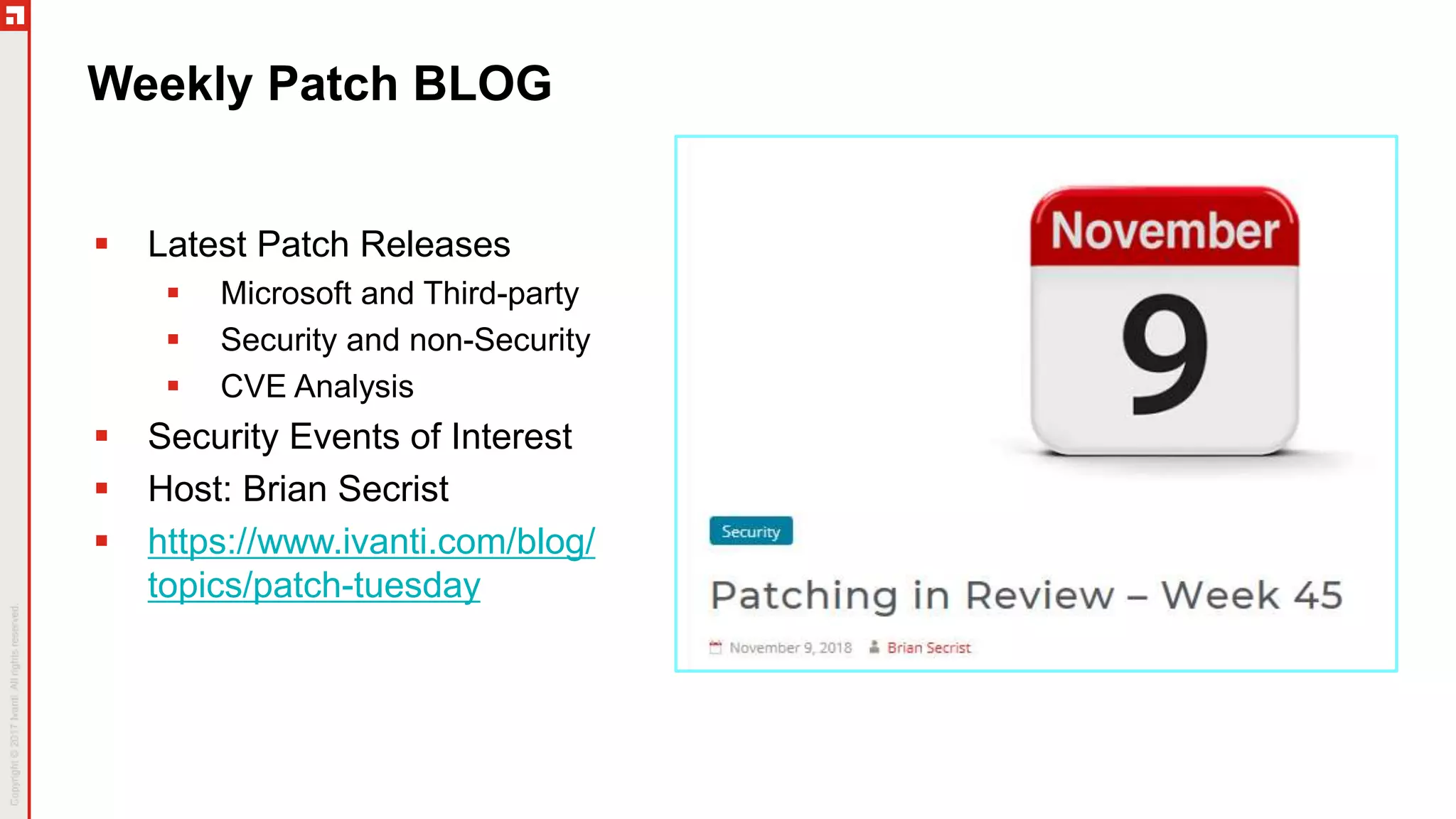
Weekly Patch BLOG
 Latest Patch Releases
 Microsoft and Third-party
 Security and non-Security
 CVE Analysis
 Security Events of Interest
 Host: Brian Secrist
 https://www.ivanti.com/blog/
topics/patch-tuesday
Patch Content Announcement System
Announcements Posted on Community Pages
 https://community.ivanti.com/community/other/bulletins/patch-content-
notifications
 Subscribe to receive email or RSS notifications for desired product(s)
Ivanti Product Announcements
 Patch for Windows 9.2
 Final update was 2017-08-27
 Final content release provided yesterday, November Patch Tuesday
 Upgrade to 9.3.4510
 Bulletins
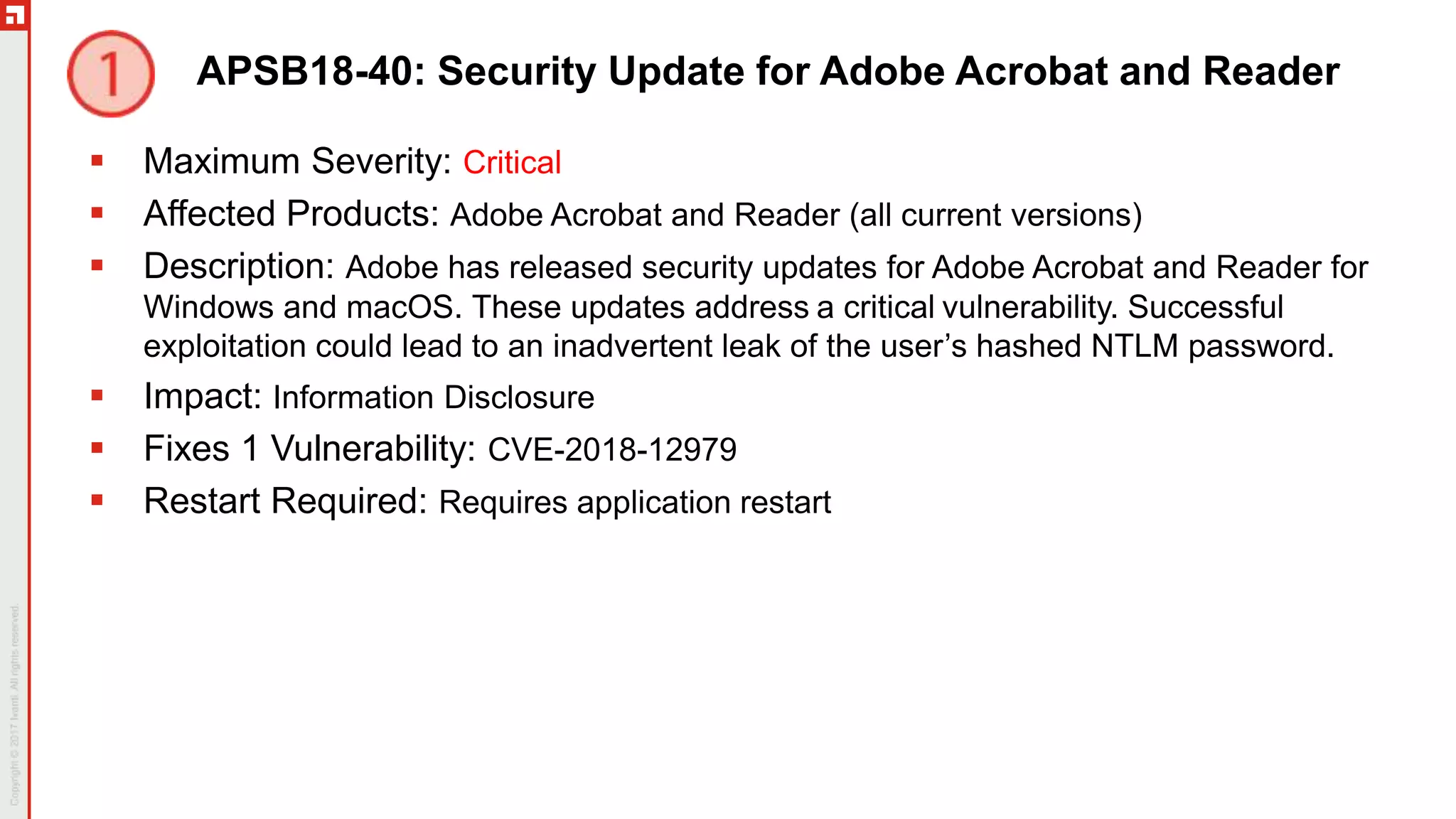
APSB18-40: Security Update for Adobe Acrobat and Reader
 Maximum Severity: Critical
 Affected Products: Adobe Acrobat and Reader (all current versions)
 Description: Adobe has released security updates for Adobe Acrobat and Reader for
Windows and macOS. These updates address a critical vulnerability. Successful
exploitation could lead to an inadvertent leak of the user’s hashed NTLM password.
 Impact: Information Disclosure
 Fixes 1 Vulnerability: CVE-2018-12979
 Restart Required: Requires application restart
MS18-11-W10: Windows 10 Update
 Maximum Severity: Critical
 Affected Products: Microsoft Windows 10 Versions 1607, 1703, 1709, 1803, 1809,
Server 2016, Server 2019, Server 1709, Server 1803, IE 11 and Microsoft Edge
 Description: This bulletin references 12 KB articles. See KBs for the list of changes.
 Impact: Remote Code Execution, Security Feature Bypass, Tampering, Spoofing,
Elevation of Privilege, and Information Disclosure
 Fixes 33 Vulnerabilities: CVE-2018-8566 is publicly disclosed. See Details column
of Security Update Guide for complete list of CVEs.
 Restart Required: Requires restart
 Known Issues: See next slide.
 Note: The Servicing Stack Update for Windows 10 addresses the BitLocker
vulnerability CVE-2018-8566. There are 7 servicing stack Windows 10 KBs.
November Known Issues for Windows 10
 KB 4467708 - Windows 10, version 1809
 After installing this update, some users cannot set Win32 program defaults for certain app and
file type combinations using the Open with… command or Settings > Apps > Default apps. In
some cases, Microsoft Notepad or other Win32 programs cannot be set as the default.
 Workaround – None. Microsoft is still working on a resolution.
 KB 4467702 – Windows 10, Version 1803
 After you install the August Preview of Quality Rollup or September 11, 2018 .NET Framework
update, instantiation of SqlConnection can throw an exception. For more information about this
issue, see the following article in the Microsoft Knowledge Base:
4470809 SqlConnection instantiation exception on .NET 4.6 and later after August-September
2018 .NET Framework updates.
 After installing this update, some users cannot set Win32 program defaults for certain app and
file type combinations using the Open with… command or Settings > Apps > Default apps. In
some cases, Microsoft Notepad or other Win32 programs cannot be set as the default.
 Workaround – None. Microsoft is still working on a resolution.
November Known Issues for Windows 10 (cont)
 KB 4467686 - Windows 10, version 1709
 KB 4467696 - Windows 10, version 1703
 KB 4467691 - Windows 10, version 1607
 After you install the August Preview of Quality Rollup or September 11, 2018 .NET Framework
update, instantiation of SqlConnection can throw an exception. For more information about this
issue, see the following article in the Microsoft Knowledge Base:
4470809 SqlConnection instantiation exception on .NET 4.6 and later after August-September
2018 .NET Framework updates.
 Workaround – None. Microsoft is still working on a resolution.
 KB 4467691 - Windows 10, version 1607
 After installing this update, installation and client activation of Windows Server 2019 and 1809
LTSC Key Management Service (KMS) (CSVLK) host keys do not work as expected.
 After installing this update, Windows Server 2016 promotions that create non-root domains fail
in forests in which optional features like Active Directory recycle have been enabled. The error
is, “The replication operation encountered a database error”.
 Workaround – Use servers running Windows Server 2012 R2 or earlier to promote the first
domain controller in a non-root domain until a resolution is available.
MS18-11-MR2K8: Monthly Rollup for Windows Server 2008
 Maximum Severity: Critical
 Affected Products: Microsoft Windows Server 2008
 Description: This security update includes improvements and fixes that were a part of
update KB 4463105 (released October 18, 2018) It includes security updates for
Windows App Platform and Frameworks, Windows Graphics, Windows Wireless
Networking , and Windows Kernel. This bulletin is based on KB 4467706.
 Impact: Remote Code Execution, Elevation of Privilege, and Information Disclosure
 Fixes 10 Vulnerabilities: CVE-2018-8407, CVE-2018-8408, CVE-2018-8450, CVE-
2018-8476, CVE-2018-8544, CVE-2018-8550, CVE-2018-8553, CVE-2018-8562, CVE-
2018-8565, CVE-2018-8589
 Restart Required: Requires restart
 Known Issues: None reported
 Note: Servicing Stack Update KB 3020369
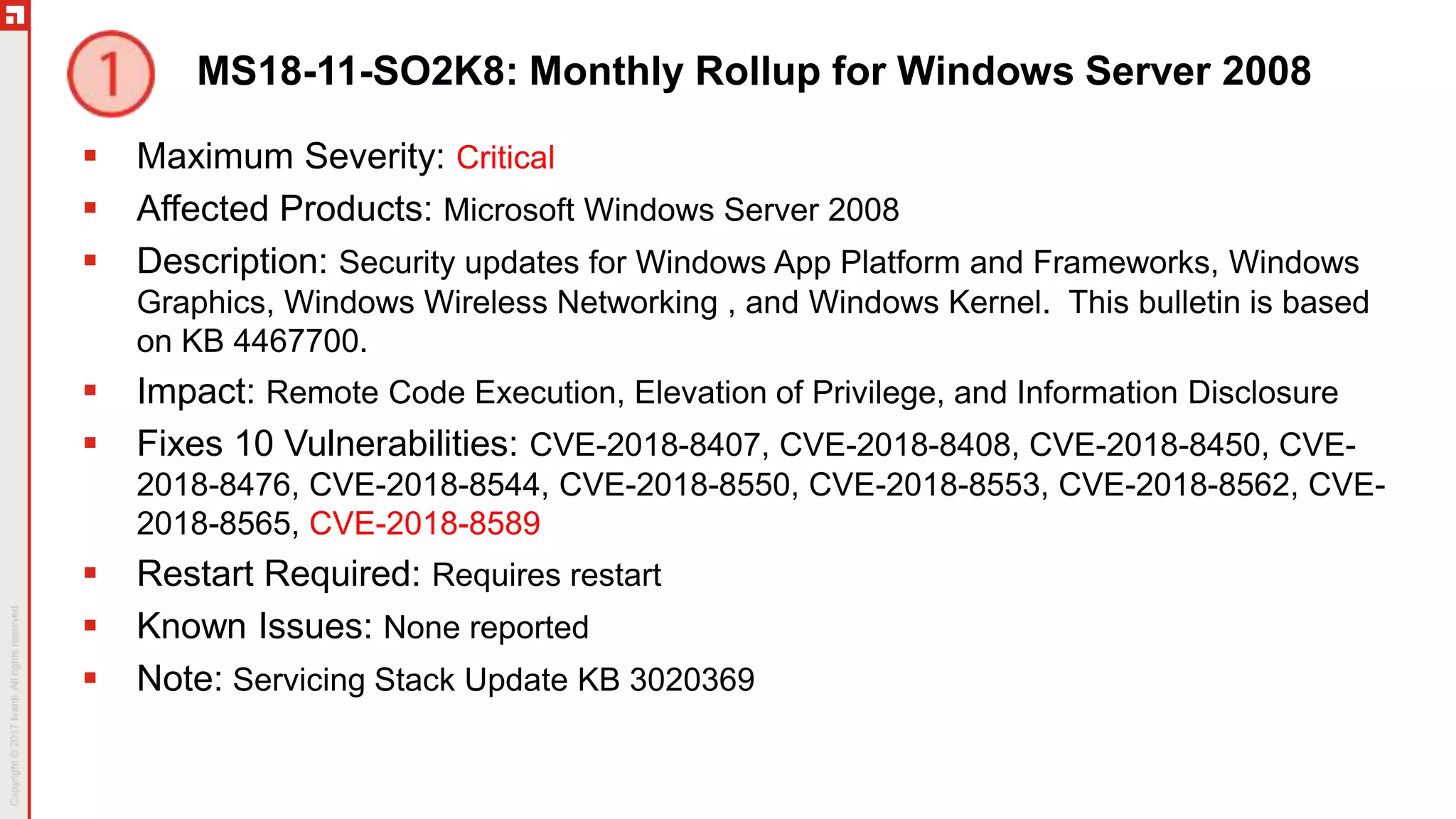
MS18-11-SO2K8: Monthly Rollup for Windows Server 2008
 Maximum Severity: Critical
 Affected Products: Microsoft Windows Server 2008
 Description: Security updates for Windows App Platform and Frameworks, Windows
Graphics, Windows Wireless Networking , and Windows Kernel. This bulletin is based
on KB 4467700.
 Impact: Remote Code Execution, Elevation of Privilege, and Information Disclosure
 Fixes 10 Vulnerabilities: CVE-2018-8407, CVE-2018-8408, CVE-2018-8450, CVE-
2018-8476, CVE-2018-8544, CVE-2018-8550, CVE-2018-8553, CVE-2018-8562, CVE-
2018-8565, CVE-2018-8589
 Restart Required: Requires restart
 Known Issues: None reported
 Note: Servicing Stack Update KB 3020369
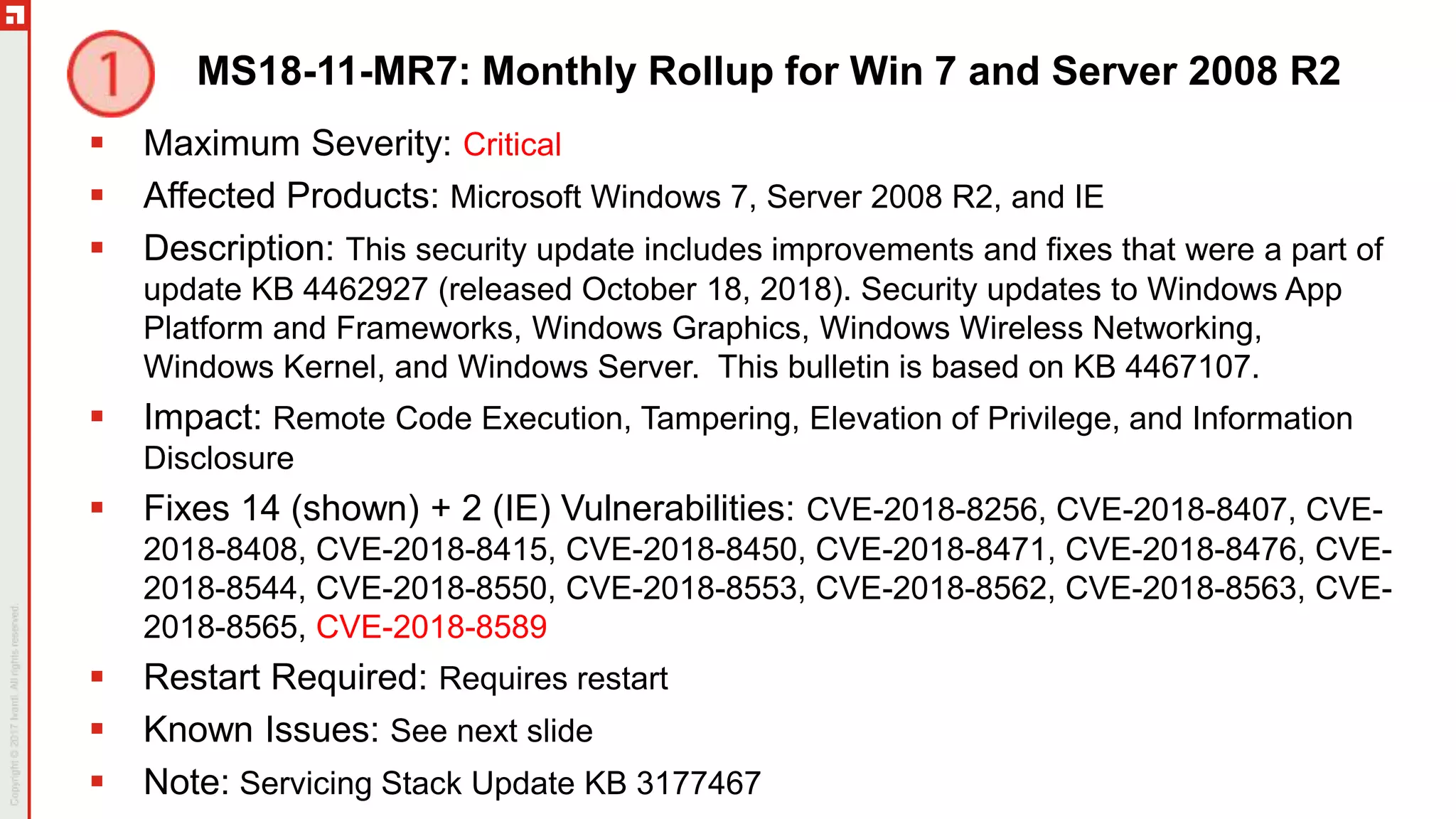
MS18-11-MR7: Monthly Rollup for Win 7 and Server 2008 R2
 Maximum Severity: Critical
 Affected Products: Microsoft Windows 7, Server 2008 R2, and IE
 Description: This security update includes improvements and fixes that were a part of
update KB 4462927 (released October 18, 2018). Security updates to Windows App
Platform and Frameworks, Windows Graphics, Windows Wireless Networking,
Windows Kernel, and Windows Server. This bulletin is based on KB 4467107.
 Impact: Remote Code Execution, Tampering, Elevation of Privilege, and Information
Disclosure
 Fixes 14 (shown) + 2 (IE) Vulnerabilities: CVE-2018-8256, CVE-2018-8407, CVE-
2018-8408, CVE-2018-8415, CVE-2018-8450, CVE-2018-8471, CVE-2018-8476, CVE-
2018-8544, CVE-2018-8550, CVE-2018-8553, CVE-2018-8562, CVE-2018-8563, CVE-
2018-8565, CVE-2018-8589
 Restart Required: Requires restart
 Known Issues: See next slide
 Note: Servicing Stack Update KB 3177467
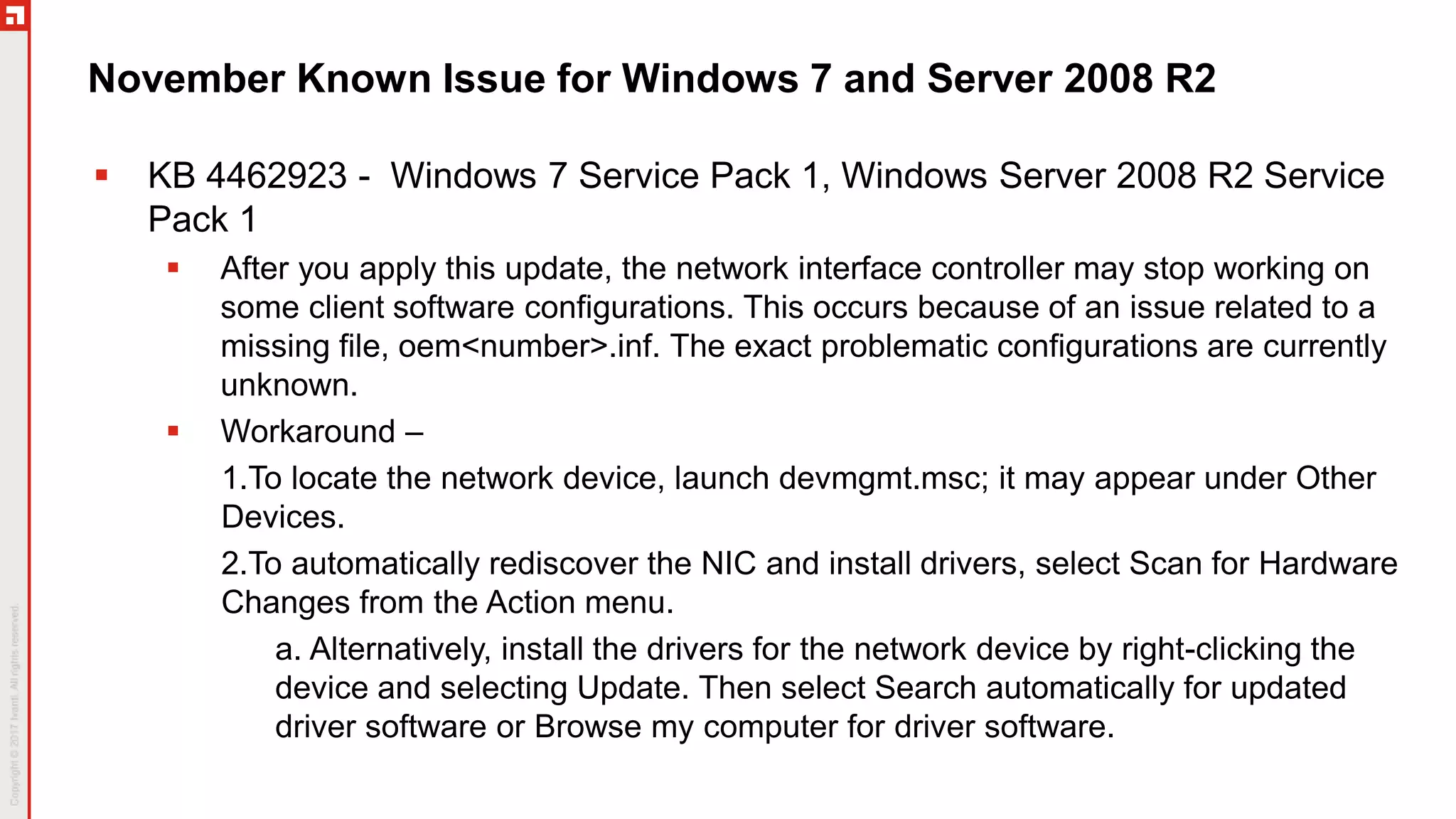
November Known Issue for Windows 7 and Server 2008 R2
 KB 4462923 - Windows 7 Service Pack 1, Windows Server 2008 R2 Service
Pack 1
 After you apply this update, the network interface controller may stop working on
some client software configurations. This occurs because of an issue related to a
missing file, oem<number>.inf. The exact problematic configurations are currently
unknown.
 Workaround –
1.To locate the network device, launch devmgmt.msc; it may appear under Other
Devices.
2.To automatically rediscover the NIC and install drivers, select Scan for Hardware
Changes from the Action menu.
a. Alternatively, install the drivers for the network device by right-clicking the
device and selecting Update. Then select Search automatically for updated
driver software or Browse my computer for driver software.
MS18-11-SO7: Security-only Update for Win 7 and Server 2008 R2
 Maximum Severity: Critical
 Affected Products: Microsoft Windows 7, Server 2008 R2
 Description: Security updates to Windows App Platform and Frameworks, Windows
Graphics, Windows Wireless Networking, Windows Kernel, and Windows Server. This
bulletin is based on KB 4467106.
 Impact: Remote Code Execution, Tampering, Elevation of Privilege, and Information
Disclosure
 Fixes 14 Vulnerabilities: CVE-2018-8256, CVE-2018-8407, CVE-2018-8408, CVE-
2018-8415, CVE-2018-8450, CVE-2018-8471, CVE-2018-8476, CVE-2018-8544, CVE-
2018-8550, CVE-2018-8553, CVE-2018-8562, CVE-2018-8563, CVE-2018-8565, CVE-
2018-8589
 Restart Required: Requires restart
 Known Issues: None reported
 Note: Servicing Stack Update KB 3177467
MS18-11-MR8: Monthly Rollup for Server 2012
 Maximum Severity: Critical
 Affected Products: Microsoft Server 2012 and IE
 Description: This security update includes improvements and fixes that were a part of
update KB 4462925 (released October 18, 2018). Security updates to Windows App
Platform and Frameworks, Windows Graphics, Windows Wireless Networking,
Windows Kernel, and Windows Server. This bulletin is based on KB 4467701.
 Impact: Remote Code Execution, Security Feature Bypass, Tampering, Elevation of
Privilege, and Information Disclosure
 Fixes 15 (shown) + 2 (IE) Vulnerabilities: CVE-2018-8256, CVE-2018-8407, CVE-
2018-8408, CVE-2018-8415, CVE-2018-8450, CVE-2018-8476, CVE-2018-8485, CVE-
2018-8544, CVE-2018-8549, CVE-2018-8550, CVE-2018-8553, CVE-2018-8561, CVE-
2018-8562, CVE-2018-8563, CVE-2018-8565
 Restart Required: Requires restart
 Known Issues: None reported
 Note: Servicing Stack Update KB 3173426
MS18-11-SO8: Security-only Update for Server 2012
 Maximum Severity: Critical
 Affected Products: Microsoft Server 2012
 Description: Security updates to Windows App Platform and Frameworks, Windows
Graphics, Windows Wireless Networking, Windows Kernel, and Windows Server. This
bulletin is based on KB 4467678.
 Impact: Remote Code Execution, Security Feature Bypass, Tampering, Elevation of
Privilege, and Information Disclosure
 Fixes 15 Vulnerabilities: CVE-2018-8256, CVE-2018-8407, CVE-2018-8408, CVE-
2018-8415, CVE-2018-8450, CVE-2018-8476, CVE-2018-8485, CVE-2018-8544, CVE-
2018-8549, CVE-2018-8550, CVE-2018-8553, CVE-2018-8561, CVE-2018-8562, CVE-
2018-8563, CVE-2018-8565
 Restart Required: Requires restart
 Known Issues: None reported
 Note: Servicing Stack Update KB 3173426
MS18-11-MR81: Monthly Rollup for Win 8.1 and Server 2012 R2
 Maximum Severity: Critical
 Affected Products: Microsoft Windows 8.1, Server 2012 R2, and IE
 Description: This security update includes improvements and fixes that were a part of update KB
4462921 (released October 18, 2018). Security updates to Windows App Platform and Frameworks,
Windows Graphics, Internet Explorer, Windows Wireless Networking, Windows Kernel, and
Windows Server. This bulletin is based on KB 4467697.
 Impact: Remote Code Execution, Security Feature Bypass, Tampering, Spoofing, Elevation of
Privilege, and Information Disclosure
 Fixes 17 (shown) + 2 (IE) Vulnerabilities: CVE-2018-8256, CVE-2018-8407, CVE-2018-8408,
CVE-2018-8415, CVE-2018-8450, CVE-2018-8471, CVE-2018-8476, CVE-2018-8485, CVE-2018-
8544, CVE-2018-8547, CVE-2018-8549, CVE-2018-8550, CVE-2018-8553, CVE-2018-8561, CVE-
2018-8562, CVE-2018-8563, CVE-2018-8565
 Restart Required: Requires restart
 Known Issues: None reported
 Note: Servicing Stack Update KB 3173424
MS18-11-SO81: Security-only Update for Win 8.1 and Server 2012 R2
 Maximum Severity: Critical
 Affected Products: Microsoft Windows 8.1, Server 2012 R2
 Description: Security updates to Windows App Platform and Frameworks, Windows Graphics,
Internet Explorer, Windows Wireless Networking, Windows Kernel, and Windows Server. This
bulletin is based on KB 4467703.
 Impact: Remote Code Execution, Security Feature Bypass, Tampering, Spoofing, Elevation of
Privilege, and Information Disclosure
 Fixes 17 Vulnerabilities: CVE-2018-8256, CVE-2018-8407, CVE-2018-8408, CVE-2018-8415,
CVE-2018-8450, CVE-2018-8471, CVE-2018-8476, CVE-2018-8485, CVE-2018-8544, CVE-2018-
8547, CVE-2018-8549, CVE-2018-8550, CVE-2018-8553, CVE-2018-8561, CVE-2018-8562, CVE-
2018-8563, CVE-2018-8565
 Restart Required: Requires restart
 Known Issues: None reported
 Note: Servicing Stack Update KB 3173424
MS18-11-IE: Security Updates for Internet Explorer
 Maximum Severity: Important
 Affected Products: Microsoft Internet Explorer 9,10,11
 Description: The fixes that are included in the cumulative Security Update for Internet
Explorer are also included in the November 2018 Security Monthly Quality Rollup.
Installing either the Security Update for Internet Explorer or the Security Monthly
Quality Rollup installs the fixes that are in the cumulative update. This bulletin
references 11 KB articles.
 Impact: Remote Code Execution, Information Disclosure
 Fixes 2 vulnerabilities: CVE-2018-8552, CVE-2018-8570
 Restart Required: Requires browser restart
 Known Issues: None reported
MS18-11-O365: Security Updates for Office 365 ProPlus
 Maximum Severity: Important
 Affected Products: Office 365 ProPlus, Office 2019
 Description: This security update resolves vulnerabilities in most Microsoft Office 365
applications. Information on Office 365 ProPlus updates is available at
https://docs.microsoft.com/en-us/officeupdates/release-notes-office365-proplus
 Impact: Remote Code Execution, Denial of Service, Information Disclosure
 Fixes 11 Vulnerabilities: CVE-2018-8522, CVE-2018-8524, CVE-2018-8546, CVE-
2018-8555, CVE-2018-8573, CVE-2018-8574, CVE-2018-8575, CVE-2018-8576, CVE-
2018-8577, CVE-2018-8579, CVE-2018-8582
 Restart Required: Requires application restart
 Known Issues: None reported
 NOTE: New naming convention to align with Microsoft branding
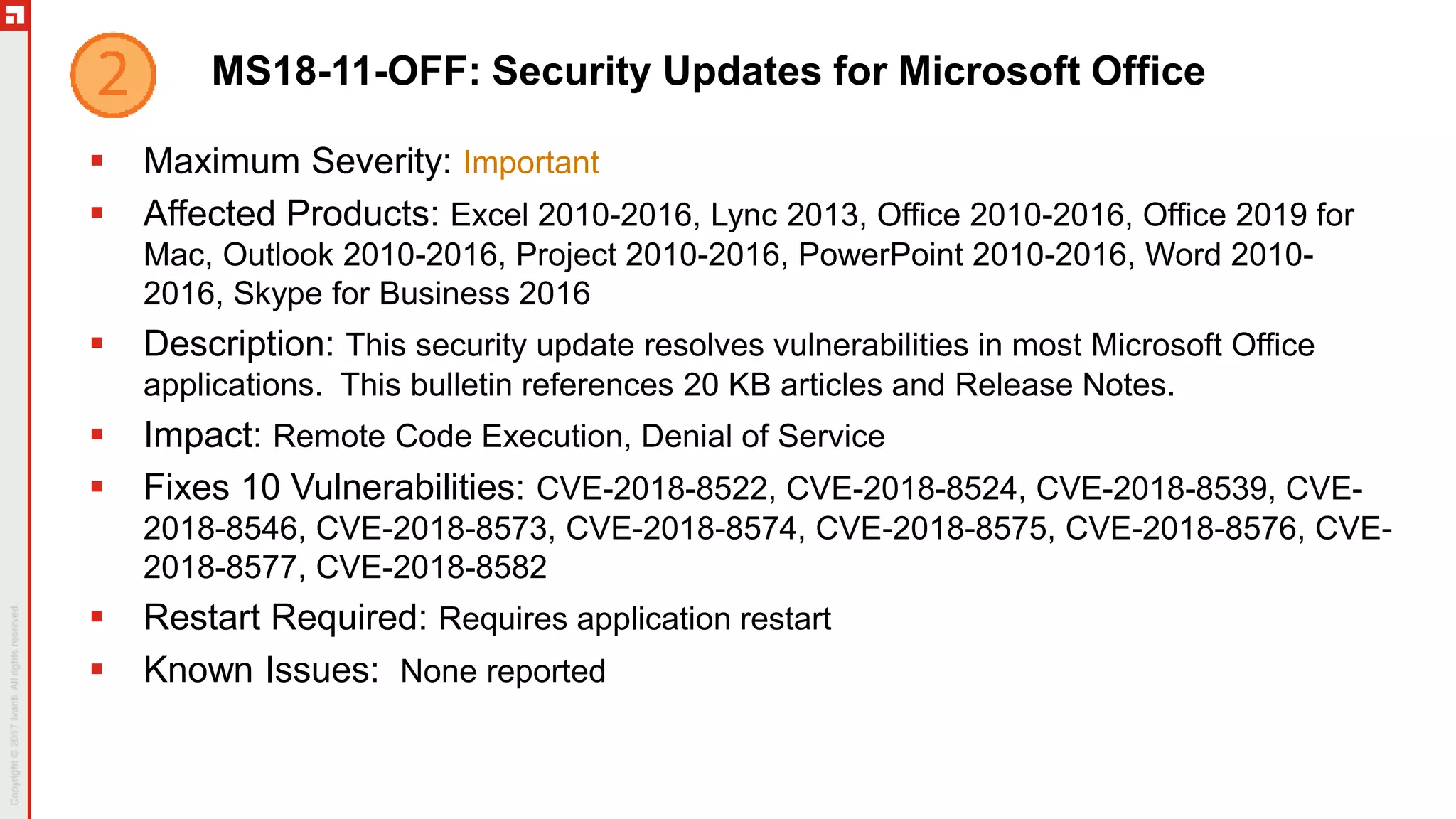
MS18-11-OFF: Security Updates for Microsoft Office
 Maximum Severity: Important
 Affected Products: Excel 2010-2016, Lync 2013, Office 2010-2016, Office 2019 for
Mac, Outlook 2010-2016, Project 2010-2016, PowerPoint 2010-2016, Word 2010-
2016, Skype for Business 2016
 Description: This security update resolves vulnerabilities in most Microsoft Office
applications. This bulletin references 20 KB articles and Release Notes.
 Impact: Remote Code Execution, Denial of Service
 Fixes 10 Vulnerabilities: CVE-2018-8522, CVE-2018-8524, CVE-2018-8539, CVE-
2018-8546, CVE-2018-8573, CVE-2018-8574, CVE-2018-8575, CVE-2018-8576, CVE-
2018-8577, CVE-2018-8582
 Restart Required: Requires application restart
 Known Issues: None reported
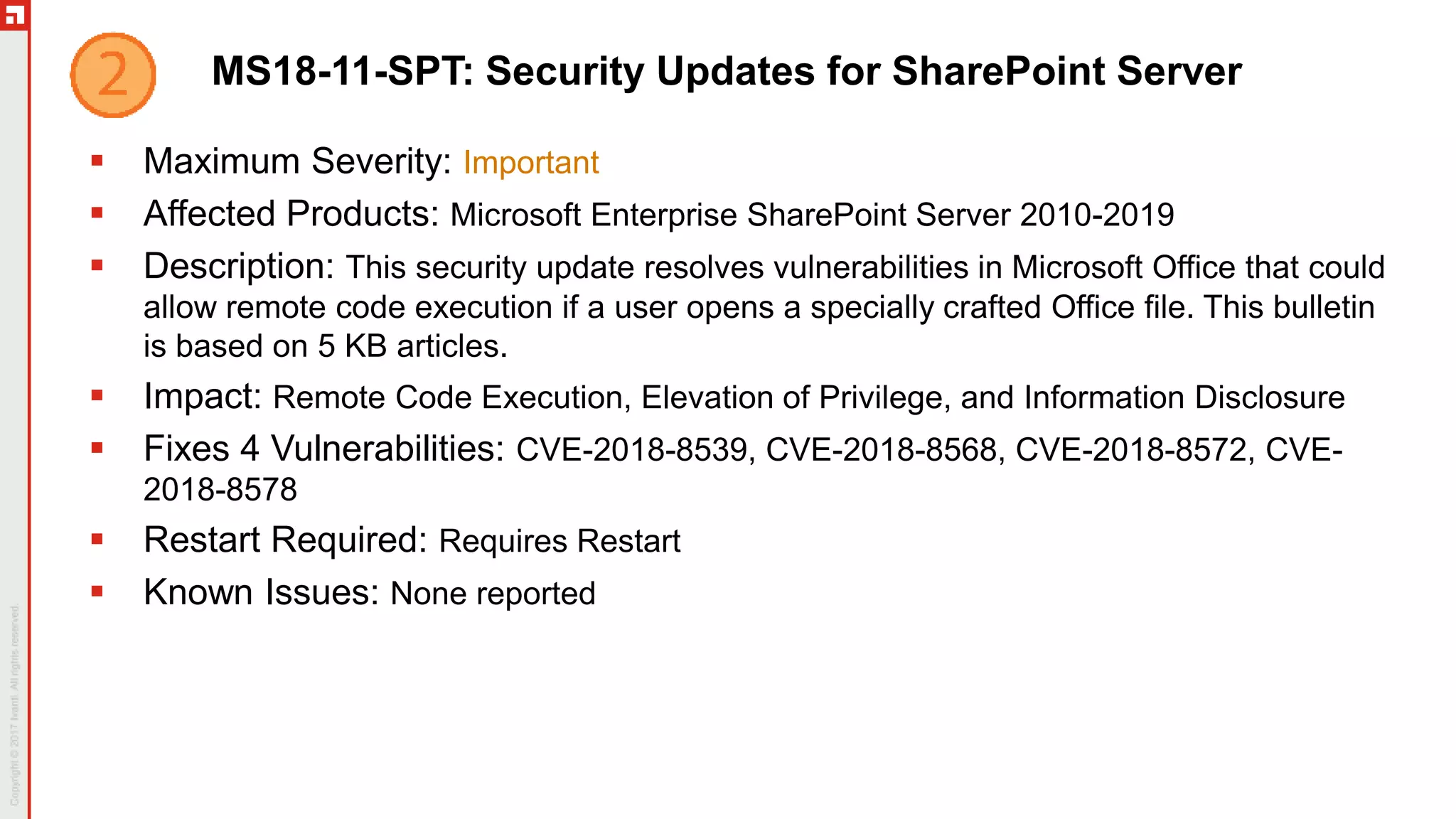
MS18-11-SPT: Security Updates for SharePoint Server
 Maximum Severity: Important
 Affected Products: Microsoft Enterprise SharePoint Server 2010-2019
 Description: This security update resolves vulnerabilities in Microsoft Office that could
allow remote code execution if a user opens a specially crafted Office file. This bulletin
is based on 5 KB articles.
 Impact: Remote Code Execution, Elevation of Privilege, and Information Disclosure
 Fixes 4 Vulnerabilities: CVE-2018-8539, CVE-2018-8568, CVE-2018-8572, CVE-
2018-8578
 Restart Required: Requires Restart
 Known Issues: None reported
MS18-11-EX: Security Updates for Exchange Server
 Maximum Severity: Important
 Affected Products: Microsoft Exchange Server 2010-2019
 Description: This security update privilege elevation vulnerability in Microsoft
Exchange. The associated KB article(s) has not been released.
 Impact: Elevation of Privilege
 Fixes 1 Vulnerability: CVE-2018-8581
 Restart Required: Requires Restart
 Known Issues: TBD
MS18-11-AFP: Security Update for Adobe Flash Player
 Maximum Severity: Important
 Affected Products: Adobe Flash Player
 Description: This security update resolves vulnerabilities in Adobe Flash Player that is
installed on any supported edition of Windows Server 2016, Windows 10 Version 1809,
Windows 10 Version 1803, Windows 10 Version 1709, Windows 10 Version 1703,
Windows 10 Version 1607, Windows 10 (RTM), Windows Server 2012, Windows
Server 2012 R2, Windows 8.1, or Windows RT 8.1. This bulletin is based on
ADV180025.
 Impact: Remote Code Execution
 Fixes 1 Vulnerability: CVE-2018-15978
 Restart Required: Requires application restart
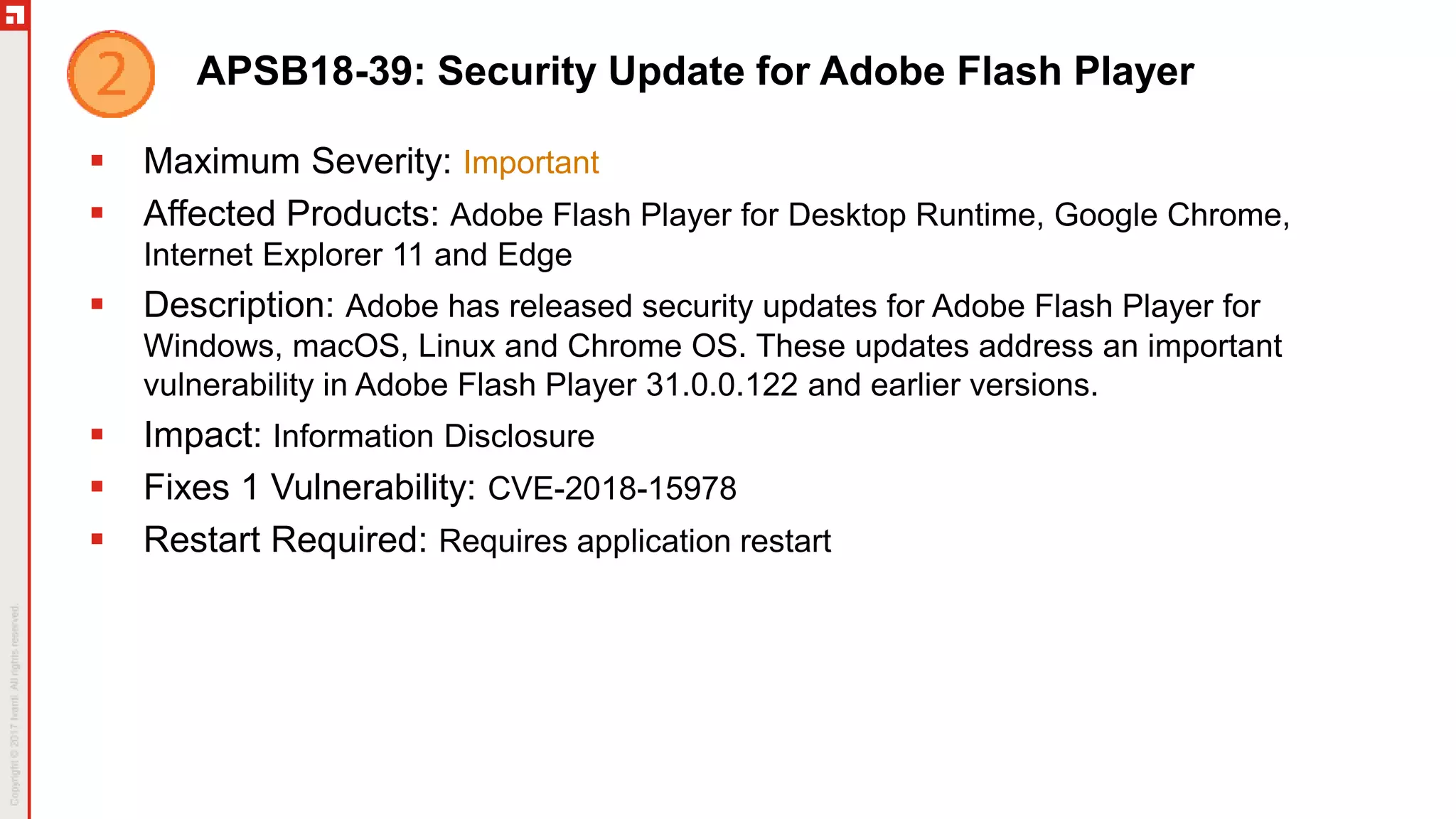
APSB18-39: Security Update for Adobe Flash Player
 Maximum Severity: Important
 Affected Products: Adobe Flash Player for Desktop Runtime, Google Chrome,
Internet Explorer 11 and Edge
 Description: Adobe has released security updates for Adobe Flash Player for
Windows, macOS, Linux and Chrome OS. These updates address an important
vulnerability in Adobe Flash Player 31.0.0.122 and earlier versions.
 Impact: Information Disclosure
 Fixes 1 Vulnerability: CVE-2018-15978
 Restart Required: Requires application restart
Between Patch Tuesday’s
New Product Support: Cisco Webex Meetings Desktop App, Microsoft SharePoint
Server 2019
Security Updates: Apple (3), Adobe Acrobat (1), CCleaner (2), Cisco Webex Meetings
Desktop (1), GOM Player (1), Google Chrome (3), Firefox (2), Firefox ESR (1), FileZilla
(2), GIMP (1), Oracle Java (2), LibreOffice (2), Nitro Pro (1), NotePad++ (1), Opera (4),
VirtualBox (2), Plex Media Server (1), PeaZip (1), Splunk Forwarder (1), Thunderbird (1),
Apache Tomcat (2), TortoiseSVN (1), UltraVNC (1), VMware Player (2), VMware Tools (1),
VMware Workstation (2), Wireshark (2)
Non-Security Updates: Beyond Compare (2), Camtasia (2), CDBurnerXP (1),
DropBox (3), Evernote (1), Google Drive File Stream (2), Google Earth Pro (1), GoodSync
(5), GoToMeeting (3), Google Drive (1), Oracle Java (2), Microsoft (38), Mozy (2), NVivo
(1), Power BI Desktop (2), PDF-XChange Pro (1), Paint.net (1), Plex Media Player (1),
Royal TS (1), RealVNC Connect (1), Skype (2), Snagit (1), TortoiseHG (1), Webex
Productivity Tools (1), WinZip (1), Zoom Client (1), Zoom Outlook Plugin (1)
Third Party CVE Information
 VMware Workstation 15.0.1 Pro
 VMWW-015, QVMWW1501
 Fixes 2 Vulnerabilities: CVE-2018-6981, CVE-2018-6982
 VMware Workstation 15.0.1 Player
 VMWP-040, QVMWP1501
 Fixes 2 Vulnerabilities: CVE-2018-6981, CVE-2018-6982
 VMware Workstation 14.1.4 Pro
 VMWW-016, QVMWW1414
 Fixes 2 Vulnerabilities: CVE-2018-6981, CVE-2018-6982
 VMware Workstation 14.1.4 Player
 VMWP-039, QVMWP1414
 Fixes 2 Vulnerabilities: CVE-2018-6981, CVE-2018-6982
Third Party CVE Information (cont)
 Google Chrome 70.0.3538.102
 CHROME-238, QGC7003538102
 Fixes 1 Vulnerability: CVE-2018-17478
 Evernote 6.16.4.8094
 ENOT-013, QENOT61648094
 Fixes 1 Vulnerability: CVE-2018-18524
 Thunderbird 60.3.0
 TB18-6030, QTB6030
 Fixes 5 Vulnerabilities: CVE-2018-12389, CVE-2018-12390, CVE-2018-
12391, CVE-2018-12392, CVE-2018-12393
 Webex Productivity Tools 33.0.5.1
 WPT-024, QWPT33051
 Fixes 1 Vulnerability: CVE-2018-15442
Third Party CVE Information (cont)
 Apple iCloud 7.8.0
 ICLOUD-014, QICLOUD7807
 Fixes 13 Vulnerabilities: CVE-2018-4372, CVE-2018-4373, CVE-2018-4374, CVE-
2018-4375, CVE-2018-4376, CVE-2018-4377, CVE-2018-4378, CVE-2018-4382, CVE-
2018-4386, CVE-2018-4392, CVE-2018-4398, CVE-2018-4409, CVE-2018-4416
 iTunes 12.9.1.4
 AI18-007, QAI12914
 Fixes 14 Vulnerabilities: CVE-2018-4372, CVE-2018-4373, CVE-2018-4374, CVE-
2018-4375, CVE-2018-4376, CVE-2018-4377, CVE-2018-4378, CVE-2018-4382, CVE-
2018-4386, CVE-2018-4392, CVE-2018-4394, CVE-2018-4398, CVE-2018-4409, CVE-
2018-4416
 Firefox ESR 60.3.0
 FFE18-6030, QFFE6030
 Fixes 8 Vulnerabilities: CVE-2018-12389, CVE-2018-12390, CVE-2018-12391, CVE-
2018-12392, CVE-2018-12393, CVE-2018-12395, CVE-2018-12396, CVE-2018-12397
Third Party CVE Information (cont)
 Wireshark 2.6.4
 WIRES-083, QWIRES264
 Fixes 4 Vulnerabilities: CVE-2018-12086, CVE-2018-18225, CVE-2018-18226, CVE-
2018-18227
 Wireshark 2.4.10
 WIRES-084, QWIRES2410
 Fixes 2 Vulnerabilities: CVE-2018-12086,CVE-2018-18227
Madrid | March 11-14, 2019 | Interchange.ivanti.com
Engage in
Deep-Dive Technical
Training
Meet One-on-One
with Product
Experts
Gain Product
Roadm ap
Insights
Hear from
IT Industry
Experts
Network with
Leaders and
Peers
Early Bird: €695 til February 8
€50 off with code INTWEBMAD19
Nashville | April 29-May 2, 2019 | Interchange.ivanti.com
Engage in
Deep-Dive Technical
Training
Meet One-on-One
with Product
Experts
Gain Product
Roadm ap
Insights
Hear from
IT Industry
Experts
Network with
Leaders and
Peers
Early Bird: $1,495 til March 29
$100 off with code INTWEBNASH19
Thank You

November Patch Tuesday Analysis

  • 1.
    Patch Tuesday Webinar Wednesday,Nov 14, 2018 Hosted by: Chris Goettl & Todd Schell Dial in: 1-877-668-4490 (US)
  • 2.
    Agenda November 2018 PatchTuesday Overview In the News Bulletins Q & A 1 2 3 4
  • 3.
  • 5.
  • 6.
    In the News PortSmashside-channel attack: “It is a local attack in the sense that the malicious process must be running on the same physical core as the victim (an OpenSSL-powered TLS server in this case). For the attack to be successful, the attacker has to run malicious code on the same core as the legitimate code running on the same processor, the challenge here is whether the hypervisor will schedule both the legitimate and malicious code to run on the same core in the case of IaaS. A determined attacker (nation state attackers) could keep trying. If so, the outcome is going to be huge.” It is unclear if additional changes have been made to mitigate this new variant of side-channel attack, but the Windows 10 updates included the following text: Provides protections against an additional subclass of speculative execution side-channel vulnerability known as Speculative Store Bypass (CVE-2018-3639) for AMD-based computers. These protections aren't enabled by default. For Windows client (IT pro) guidance, follow the instructions in KB4073119. For Windows Server guidance, follow the instructions in KB4072698. Use these guidance documents to enable mitigations for Speculative Store Bypass (CVE-2018-3639). Additionally, use the mitigations that have already been released for Spectre Variant 2 (CVE-2017-5715) and Meltdown (CVE-2017-5754).
  • 7.
    In the News MicrosoftKills Hotfix Service: Microsoft has had a hotfix service for some time. This service provided engineering fixes for issues that affected edge cases. Recent examples from October include hardware issues after monthly updates. Intel Audio Driver stops working HP Devices may experience blue screen error WDF_Violation after installing HP keyboard Driver Both of these were released within days of the October Patch Tuesday release. Recently Microsoft quietly update the Hotfix Service with this announcement. “The Hotfix service is no longer available. Instead you can find your fix or patch by upgrading to the latest update available for your product. You can also obtain Microsoft drivers, software updates, and other support files by downloading them from the Microsoft Catalog, the Microsoft Download Center, or upgrade to Windows 10. Windows 10 contains the most up-to-date security and other features built right in.”
  • 8.
    New Microsoft Announcements Windows 10, Version 1809 Released Again!  https://cloudblogs.microsoft.com/windowsserver/2018/11/13/update-on-windows- server-2019-availability/  Fixes Known Major Issues  Deletion of files in C:/Users/[username]/Documents/  Compatibility issue with Intel Display Audio device drivers  Incorrect CPU usage reported in Task Manager  Issues opening compressed files  New Latest Cumulative Update (LCU) update file  Still some issues  Mapped network drives don’t connect  https://support.microsoft.com/en-us/help/4471218/mapped-network-drives-don-t- work-in-windows-10-version-1809  Workaround – Scripts in article
  • 9.
    Microsoft Patch TuesdayUpdates of Interest  Advisory 990001 Latest Servicing Stack Updates  https://portal.msrc.microsoft.com/en-US/security-guidance/advisory/ADV990001  Some known issues where updates will hang but do complete  Some dependencies between service stack updates and cumulative updates  Read carefully!  Development Tools  Chakra Core  Powershell Core 6.0 and 6.1  Azure App Service on Azure Stack  Team Foundation Server 2017 and 2018  .NET Core 2.1
  • 10.
    Zero-day Exploited Vulnerability CVE-2018-8589 - Win32k Elevation of Privilege Vulnerability  An attacker who successfully exploited this vulnerability could run arbitrary code in the security context of the local system. An attacker could then install programs; view, change, or delete data; or create new accounts with full user rights.  To exploit this vulnerability, an attacker would first have to log on to the system. An attacker could then run a specially crafted application that could exploit the vulnerability and take control over an affected system.
  • 11.
    Publicly Disclosed Vulnerability CVE-2018-8566 - BitLocker Security Feature Bypass Vulnerability  A security feature bypass vulnerability exists when Windows improperly suspends BitLocker Device Encryption. An attacker with physical access to a powered off system could exploit this vulnerability to gain access to encrypted data.  To exploit the vulnerability, an attacker must gain physical access to the target system prior to the next system reboot.  CVE-2018-15979 - NTLM SSO Vulnerability  Successful exploitation could lead to an inadvertent leak of the user’s hashed NTLM password.
  • 12.
    Windows 10 LifecycleAwareness  Windows 10 Branch Support  Complete Lifecycle Fact Sheet  https://support.microsoft.com/en-us/help/13853/windows-lifecycle-fact-sheet Source: Microsoft
  • 13.
    Weekly Patch BLOG Latest Patch Releases  Microsoft and Third-party  Security and non-Security  CVE Analysis  Security Events of Interest  Host: Brian Secrist  https://www.ivanti.com/blog/ topics/patch-tuesday
  • 14.
    Patch Content AnnouncementSystem Announcements Posted on Community Pages  https://community.ivanti.com/community/other/bulletins/patch-content- notifications  Subscribe to receive email or RSS notifications for desired product(s)
  • 15.
    Ivanti Product Announcements Patch for Windows 9.2  Final update was 2017-08-27  Final content release provided yesterday, November Patch Tuesday  Upgrade to 9.3.4510
  • 16.
  • 17.
    APSB18-40: Security Updatefor Adobe Acrobat and Reader  Maximum Severity: Critical  Affected Products: Adobe Acrobat and Reader (all current versions)  Description: Adobe has released security updates for Adobe Acrobat and Reader for Windows and macOS. These updates address a critical vulnerability. Successful exploitation could lead to an inadvertent leak of the user’s hashed NTLM password.  Impact: Information Disclosure  Fixes 1 Vulnerability: CVE-2018-12979  Restart Required: Requires application restart
  • 18.
    MS18-11-W10: Windows 10Update  Maximum Severity: Critical  Affected Products: Microsoft Windows 10 Versions 1607, 1703, 1709, 1803, 1809, Server 2016, Server 2019, Server 1709, Server 1803, IE 11 and Microsoft Edge  Description: This bulletin references 12 KB articles. See KBs for the list of changes.  Impact: Remote Code Execution, Security Feature Bypass, Tampering, Spoofing, Elevation of Privilege, and Information Disclosure  Fixes 33 Vulnerabilities: CVE-2018-8566 is publicly disclosed. See Details column of Security Update Guide for complete list of CVEs.  Restart Required: Requires restart  Known Issues: See next slide.  Note: The Servicing Stack Update for Windows 10 addresses the BitLocker vulnerability CVE-2018-8566. There are 7 servicing stack Windows 10 KBs.
  • 19.
    November Known Issuesfor Windows 10  KB 4467708 - Windows 10, version 1809  After installing this update, some users cannot set Win32 program defaults for certain app and file type combinations using the Open with… command or Settings > Apps > Default apps. In some cases, Microsoft Notepad or other Win32 programs cannot be set as the default.  Workaround – None. Microsoft is still working on a resolution.  KB 4467702 – Windows 10, Version 1803  After you install the August Preview of Quality Rollup or September 11, 2018 .NET Framework update, instantiation of SqlConnection can throw an exception. For more information about this issue, see the following article in the Microsoft Knowledge Base: 4470809 SqlConnection instantiation exception on .NET 4.6 and later after August-September 2018 .NET Framework updates.  After installing this update, some users cannot set Win32 program defaults for certain app and file type combinations using the Open with… command or Settings > Apps > Default apps. In some cases, Microsoft Notepad or other Win32 programs cannot be set as the default.  Workaround – None. Microsoft is still working on a resolution.
  • 20.
    November Known Issuesfor Windows 10 (cont)  KB 4467686 - Windows 10, version 1709  KB 4467696 - Windows 10, version 1703  KB 4467691 - Windows 10, version 1607  After you install the August Preview of Quality Rollup or September 11, 2018 .NET Framework update, instantiation of SqlConnection can throw an exception. For more information about this issue, see the following article in the Microsoft Knowledge Base: 4470809 SqlConnection instantiation exception on .NET 4.6 and later after August-September 2018 .NET Framework updates.  Workaround – None. Microsoft is still working on a resolution.  KB 4467691 - Windows 10, version 1607  After installing this update, installation and client activation of Windows Server 2019 and 1809 LTSC Key Management Service (KMS) (CSVLK) host keys do not work as expected.  After installing this update, Windows Server 2016 promotions that create non-root domains fail in forests in which optional features like Active Directory recycle have been enabled. The error is, “The replication operation encountered a database error”.  Workaround – Use servers running Windows Server 2012 R2 or earlier to promote the first domain controller in a non-root domain until a resolution is available.
  • 21.
    MS18-11-MR2K8: Monthly Rollupfor Windows Server 2008  Maximum Severity: Critical  Affected Products: Microsoft Windows Server 2008  Description: This security update includes improvements and fixes that were a part of update KB 4463105 (released October 18, 2018) It includes security updates for Windows App Platform and Frameworks, Windows Graphics, Windows Wireless Networking , and Windows Kernel. This bulletin is based on KB 4467706.  Impact: Remote Code Execution, Elevation of Privilege, and Information Disclosure  Fixes 10 Vulnerabilities: CVE-2018-8407, CVE-2018-8408, CVE-2018-8450, CVE- 2018-8476, CVE-2018-8544, CVE-2018-8550, CVE-2018-8553, CVE-2018-8562, CVE- 2018-8565, CVE-2018-8589  Restart Required: Requires restart  Known Issues: None reported  Note: Servicing Stack Update KB 3020369
  • 22.
    MS18-11-SO2K8: Monthly Rollupfor Windows Server 2008  Maximum Severity: Critical  Affected Products: Microsoft Windows Server 2008  Description: Security updates for Windows App Platform and Frameworks, Windows Graphics, Windows Wireless Networking , and Windows Kernel. This bulletin is based on KB 4467700.  Impact: Remote Code Execution, Elevation of Privilege, and Information Disclosure  Fixes 10 Vulnerabilities: CVE-2018-8407, CVE-2018-8408, CVE-2018-8450, CVE- 2018-8476, CVE-2018-8544, CVE-2018-8550, CVE-2018-8553, CVE-2018-8562, CVE- 2018-8565, CVE-2018-8589  Restart Required: Requires restart  Known Issues: None reported  Note: Servicing Stack Update KB 3020369
  • 23.
    MS18-11-MR7: Monthly Rollupfor Win 7 and Server 2008 R2  Maximum Severity: Critical  Affected Products: Microsoft Windows 7, Server 2008 R2, and IE  Description: This security update includes improvements and fixes that were a part of update KB 4462927 (released October 18, 2018). Security updates to Windows App Platform and Frameworks, Windows Graphics, Windows Wireless Networking, Windows Kernel, and Windows Server. This bulletin is based on KB 4467107.  Impact: Remote Code Execution, Tampering, Elevation of Privilege, and Information Disclosure  Fixes 14 (shown) + 2 (IE) Vulnerabilities: CVE-2018-8256, CVE-2018-8407, CVE- 2018-8408, CVE-2018-8415, CVE-2018-8450, CVE-2018-8471, CVE-2018-8476, CVE- 2018-8544, CVE-2018-8550, CVE-2018-8553, CVE-2018-8562, CVE-2018-8563, CVE- 2018-8565, CVE-2018-8589  Restart Required: Requires restart  Known Issues: See next slide  Note: Servicing Stack Update KB 3177467
  • 24.
    November Known Issuefor Windows 7 and Server 2008 R2  KB 4462923 - Windows 7 Service Pack 1, Windows Server 2008 R2 Service Pack 1  After you apply this update, the network interface controller may stop working on some client software configurations. This occurs because of an issue related to a missing file, oem<number>.inf. The exact problematic configurations are currently unknown.  Workaround – 1.To locate the network device, launch devmgmt.msc; it may appear under Other Devices. 2.To automatically rediscover the NIC and install drivers, select Scan for Hardware Changes from the Action menu. a. Alternatively, install the drivers for the network device by right-clicking the device and selecting Update. Then select Search automatically for updated driver software or Browse my computer for driver software.
  • 25.
    MS18-11-SO7: Security-only Updatefor Win 7 and Server 2008 R2  Maximum Severity: Critical  Affected Products: Microsoft Windows 7, Server 2008 R2  Description: Security updates to Windows App Platform and Frameworks, Windows Graphics, Windows Wireless Networking, Windows Kernel, and Windows Server. This bulletin is based on KB 4467106.  Impact: Remote Code Execution, Tampering, Elevation of Privilege, and Information Disclosure  Fixes 14 Vulnerabilities: CVE-2018-8256, CVE-2018-8407, CVE-2018-8408, CVE- 2018-8415, CVE-2018-8450, CVE-2018-8471, CVE-2018-8476, CVE-2018-8544, CVE- 2018-8550, CVE-2018-8553, CVE-2018-8562, CVE-2018-8563, CVE-2018-8565, CVE- 2018-8589  Restart Required: Requires restart  Known Issues: None reported  Note: Servicing Stack Update KB 3177467
  • 26.
    MS18-11-MR8: Monthly Rollupfor Server 2012  Maximum Severity: Critical  Affected Products: Microsoft Server 2012 and IE  Description: This security update includes improvements and fixes that were a part of update KB 4462925 (released October 18, 2018). Security updates to Windows App Platform and Frameworks, Windows Graphics, Windows Wireless Networking, Windows Kernel, and Windows Server. This bulletin is based on KB 4467701.  Impact: Remote Code Execution, Security Feature Bypass, Tampering, Elevation of Privilege, and Information Disclosure  Fixes 15 (shown) + 2 (IE) Vulnerabilities: CVE-2018-8256, CVE-2018-8407, CVE- 2018-8408, CVE-2018-8415, CVE-2018-8450, CVE-2018-8476, CVE-2018-8485, CVE- 2018-8544, CVE-2018-8549, CVE-2018-8550, CVE-2018-8553, CVE-2018-8561, CVE- 2018-8562, CVE-2018-8563, CVE-2018-8565  Restart Required: Requires restart  Known Issues: None reported  Note: Servicing Stack Update KB 3173426
  • 27.
    MS18-11-SO8: Security-only Updatefor Server 2012  Maximum Severity: Critical  Affected Products: Microsoft Server 2012  Description: Security updates to Windows App Platform and Frameworks, Windows Graphics, Windows Wireless Networking, Windows Kernel, and Windows Server. This bulletin is based on KB 4467678.  Impact: Remote Code Execution, Security Feature Bypass, Tampering, Elevation of Privilege, and Information Disclosure  Fixes 15 Vulnerabilities: CVE-2018-8256, CVE-2018-8407, CVE-2018-8408, CVE- 2018-8415, CVE-2018-8450, CVE-2018-8476, CVE-2018-8485, CVE-2018-8544, CVE- 2018-8549, CVE-2018-8550, CVE-2018-8553, CVE-2018-8561, CVE-2018-8562, CVE- 2018-8563, CVE-2018-8565  Restart Required: Requires restart  Known Issues: None reported  Note: Servicing Stack Update KB 3173426
  • 28.
    MS18-11-MR81: Monthly Rollupfor Win 8.1 and Server 2012 R2  Maximum Severity: Critical  Affected Products: Microsoft Windows 8.1, Server 2012 R2, and IE  Description: This security update includes improvements and fixes that were a part of update KB 4462921 (released October 18, 2018). Security updates to Windows App Platform and Frameworks, Windows Graphics, Internet Explorer, Windows Wireless Networking, Windows Kernel, and Windows Server. This bulletin is based on KB 4467697.  Impact: Remote Code Execution, Security Feature Bypass, Tampering, Spoofing, Elevation of Privilege, and Information Disclosure  Fixes 17 (shown) + 2 (IE) Vulnerabilities: CVE-2018-8256, CVE-2018-8407, CVE-2018-8408, CVE-2018-8415, CVE-2018-8450, CVE-2018-8471, CVE-2018-8476, CVE-2018-8485, CVE-2018- 8544, CVE-2018-8547, CVE-2018-8549, CVE-2018-8550, CVE-2018-8553, CVE-2018-8561, CVE- 2018-8562, CVE-2018-8563, CVE-2018-8565  Restart Required: Requires restart  Known Issues: None reported  Note: Servicing Stack Update KB 3173424
  • 29.
    MS18-11-SO81: Security-only Updatefor Win 8.1 and Server 2012 R2  Maximum Severity: Critical  Affected Products: Microsoft Windows 8.1, Server 2012 R2  Description: Security updates to Windows App Platform and Frameworks, Windows Graphics, Internet Explorer, Windows Wireless Networking, Windows Kernel, and Windows Server. This bulletin is based on KB 4467703.  Impact: Remote Code Execution, Security Feature Bypass, Tampering, Spoofing, Elevation of Privilege, and Information Disclosure  Fixes 17 Vulnerabilities: CVE-2018-8256, CVE-2018-8407, CVE-2018-8408, CVE-2018-8415, CVE-2018-8450, CVE-2018-8471, CVE-2018-8476, CVE-2018-8485, CVE-2018-8544, CVE-2018- 8547, CVE-2018-8549, CVE-2018-8550, CVE-2018-8553, CVE-2018-8561, CVE-2018-8562, CVE- 2018-8563, CVE-2018-8565  Restart Required: Requires restart  Known Issues: None reported  Note: Servicing Stack Update KB 3173424
  • 30.
    MS18-11-IE: Security Updatesfor Internet Explorer  Maximum Severity: Important  Affected Products: Microsoft Internet Explorer 9,10,11  Description: The fixes that are included in the cumulative Security Update for Internet Explorer are also included in the November 2018 Security Monthly Quality Rollup. Installing either the Security Update for Internet Explorer or the Security Monthly Quality Rollup installs the fixes that are in the cumulative update. This bulletin references 11 KB articles.  Impact: Remote Code Execution, Information Disclosure  Fixes 2 vulnerabilities: CVE-2018-8552, CVE-2018-8570  Restart Required: Requires browser restart  Known Issues: None reported
  • 31.
    MS18-11-O365: Security Updatesfor Office 365 ProPlus  Maximum Severity: Important  Affected Products: Office 365 ProPlus, Office 2019  Description: This security update resolves vulnerabilities in most Microsoft Office 365 applications. Information on Office 365 ProPlus updates is available at https://docs.microsoft.com/en-us/officeupdates/release-notes-office365-proplus  Impact: Remote Code Execution, Denial of Service, Information Disclosure  Fixes 11 Vulnerabilities: CVE-2018-8522, CVE-2018-8524, CVE-2018-8546, CVE- 2018-8555, CVE-2018-8573, CVE-2018-8574, CVE-2018-8575, CVE-2018-8576, CVE- 2018-8577, CVE-2018-8579, CVE-2018-8582  Restart Required: Requires application restart  Known Issues: None reported  NOTE: New naming convention to align with Microsoft branding
  • 32.
    MS18-11-OFF: Security Updatesfor Microsoft Office  Maximum Severity: Important  Affected Products: Excel 2010-2016, Lync 2013, Office 2010-2016, Office 2019 for Mac, Outlook 2010-2016, Project 2010-2016, PowerPoint 2010-2016, Word 2010- 2016, Skype for Business 2016  Description: This security update resolves vulnerabilities in most Microsoft Office applications. This bulletin references 20 KB articles and Release Notes.  Impact: Remote Code Execution, Denial of Service  Fixes 10 Vulnerabilities: CVE-2018-8522, CVE-2018-8524, CVE-2018-8539, CVE- 2018-8546, CVE-2018-8573, CVE-2018-8574, CVE-2018-8575, CVE-2018-8576, CVE- 2018-8577, CVE-2018-8582  Restart Required: Requires application restart  Known Issues: None reported
  • 33.
    MS18-11-SPT: Security Updatesfor SharePoint Server  Maximum Severity: Important  Affected Products: Microsoft Enterprise SharePoint Server 2010-2019  Description: This security update resolves vulnerabilities in Microsoft Office that could allow remote code execution if a user opens a specially crafted Office file. This bulletin is based on 5 KB articles.  Impact: Remote Code Execution, Elevation of Privilege, and Information Disclosure  Fixes 4 Vulnerabilities: CVE-2018-8539, CVE-2018-8568, CVE-2018-8572, CVE- 2018-8578  Restart Required: Requires Restart  Known Issues: None reported
  • 34.
    MS18-11-EX: Security Updatesfor Exchange Server  Maximum Severity: Important  Affected Products: Microsoft Exchange Server 2010-2019  Description: This security update privilege elevation vulnerability in Microsoft Exchange. The associated KB article(s) has not been released.  Impact: Elevation of Privilege  Fixes 1 Vulnerability: CVE-2018-8581  Restart Required: Requires Restart  Known Issues: TBD
  • 35.
    MS18-11-AFP: Security Updatefor Adobe Flash Player  Maximum Severity: Important  Affected Products: Adobe Flash Player  Description: This security update resolves vulnerabilities in Adobe Flash Player that is installed on any supported edition of Windows Server 2016, Windows 10 Version 1809, Windows 10 Version 1803, Windows 10 Version 1709, Windows 10 Version 1703, Windows 10 Version 1607, Windows 10 (RTM), Windows Server 2012, Windows Server 2012 R2, Windows 8.1, or Windows RT 8.1. This bulletin is based on ADV180025.  Impact: Remote Code Execution  Fixes 1 Vulnerability: CVE-2018-15978  Restart Required: Requires application restart
  • 36.
    APSB18-39: Security Updatefor Adobe Flash Player  Maximum Severity: Important  Affected Products: Adobe Flash Player for Desktop Runtime, Google Chrome, Internet Explorer 11 and Edge  Description: Adobe has released security updates for Adobe Flash Player for Windows, macOS, Linux and Chrome OS. These updates address an important vulnerability in Adobe Flash Player 31.0.0.122 and earlier versions.  Impact: Information Disclosure  Fixes 1 Vulnerability: CVE-2018-15978  Restart Required: Requires application restart
  • 37.
    Between Patch Tuesday’s NewProduct Support: Cisco Webex Meetings Desktop App, Microsoft SharePoint Server 2019 Security Updates: Apple (3), Adobe Acrobat (1), CCleaner (2), Cisco Webex Meetings Desktop (1), GOM Player (1), Google Chrome (3), Firefox (2), Firefox ESR (1), FileZilla (2), GIMP (1), Oracle Java (2), LibreOffice (2), Nitro Pro (1), NotePad++ (1), Opera (4), VirtualBox (2), Plex Media Server (1), PeaZip (1), Splunk Forwarder (1), Thunderbird (1), Apache Tomcat (2), TortoiseSVN (1), UltraVNC (1), VMware Player (2), VMware Tools (1), VMware Workstation (2), Wireshark (2) Non-Security Updates: Beyond Compare (2), Camtasia (2), CDBurnerXP (1), DropBox (3), Evernote (1), Google Drive File Stream (2), Google Earth Pro (1), GoodSync (5), GoToMeeting (3), Google Drive (1), Oracle Java (2), Microsoft (38), Mozy (2), NVivo (1), Power BI Desktop (2), PDF-XChange Pro (1), Paint.net (1), Plex Media Player (1), Royal TS (1), RealVNC Connect (1), Skype (2), Snagit (1), TortoiseHG (1), Webex Productivity Tools (1), WinZip (1), Zoom Client (1), Zoom Outlook Plugin (1)
  • 38.
    Third Party CVEInformation  VMware Workstation 15.0.1 Pro  VMWW-015, QVMWW1501  Fixes 2 Vulnerabilities: CVE-2018-6981, CVE-2018-6982  VMware Workstation 15.0.1 Player  VMWP-040, QVMWP1501  Fixes 2 Vulnerabilities: CVE-2018-6981, CVE-2018-6982  VMware Workstation 14.1.4 Pro  VMWW-016, QVMWW1414  Fixes 2 Vulnerabilities: CVE-2018-6981, CVE-2018-6982  VMware Workstation 14.1.4 Player  VMWP-039, QVMWP1414  Fixes 2 Vulnerabilities: CVE-2018-6981, CVE-2018-6982
  • 39.
    Third Party CVEInformation (cont)  Google Chrome 70.0.3538.102  CHROME-238, QGC7003538102  Fixes 1 Vulnerability: CVE-2018-17478  Evernote 6.16.4.8094  ENOT-013, QENOT61648094  Fixes 1 Vulnerability: CVE-2018-18524  Thunderbird 60.3.0  TB18-6030, QTB6030  Fixes 5 Vulnerabilities: CVE-2018-12389, CVE-2018-12390, CVE-2018- 12391, CVE-2018-12392, CVE-2018-12393  Webex Productivity Tools 33.0.5.1  WPT-024, QWPT33051  Fixes 1 Vulnerability: CVE-2018-15442
  • 40.
    Third Party CVEInformation (cont)  Apple iCloud 7.8.0  ICLOUD-014, QICLOUD7807  Fixes 13 Vulnerabilities: CVE-2018-4372, CVE-2018-4373, CVE-2018-4374, CVE- 2018-4375, CVE-2018-4376, CVE-2018-4377, CVE-2018-4378, CVE-2018-4382, CVE- 2018-4386, CVE-2018-4392, CVE-2018-4398, CVE-2018-4409, CVE-2018-4416  iTunes 12.9.1.4  AI18-007, QAI12914  Fixes 14 Vulnerabilities: CVE-2018-4372, CVE-2018-4373, CVE-2018-4374, CVE- 2018-4375, CVE-2018-4376, CVE-2018-4377, CVE-2018-4378, CVE-2018-4382, CVE- 2018-4386, CVE-2018-4392, CVE-2018-4394, CVE-2018-4398, CVE-2018-4409, CVE- 2018-4416  Firefox ESR 60.3.0  FFE18-6030, QFFE6030  Fixes 8 Vulnerabilities: CVE-2018-12389, CVE-2018-12390, CVE-2018-12391, CVE- 2018-12392, CVE-2018-12393, CVE-2018-12395, CVE-2018-12396, CVE-2018-12397
  • 41.
    Third Party CVEInformation (cont)  Wireshark 2.6.4  WIRES-083, QWIRES264  Fixes 4 Vulnerabilities: CVE-2018-12086, CVE-2018-18225, CVE-2018-18226, CVE- 2018-18227  Wireshark 2.4.10  WIRES-084, QWIRES2410  Fixes 2 Vulnerabilities: CVE-2018-12086,CVE-2018-18227
  • 43.
    Madrid | March11-14, 2019 | Interchange.ivanti.com Engage in Deep-Dive Technical Training Meet One-on-One with Product Experts Gain Product Roadm ap Insights Hear from IT Industry Experts Network with Leaders and Peers Early Bird: €695 til February 8 €50 off with code INTWEBMAD19
  • 44.
    Nashville | April29-May 2, 2019 | Interchange.ivanti.com Engage in Deep-Dive Technical Training Meet One-on-One with Product Experts Gain Product Roadm ap Insights Hear from IT Industry Experts Network with Leaders and Peers Early Bird: $1,495 til March 29 $100 off with code INTWEBNASH19
  • 46.

Editor's Notes

  • #18 Current versions are Classic 2015, Classic 2017, and DC Continuous.
  • #44 1- Engage in Deep-Dive Technical Training 2- Meet One-on-One with Product Experts 3- Gain Product Roadmap Insights 4- Hear from IT Industry Experts- Keynotes 5- Network with Leaders and Peers
  • #45 1- Engage in Deep-Dive Technical Training 2- Meet One-on-One with Product Experts 3- Gain Product Roadmap Insights 4- Hear from IT Industry Experts- Keynotes 5- Network with Leaders and Peers