NoodleBib Creating a Works Cited or References Page
What is NoodleBib? Create, organize and store Create a bibliography Take notes online Organize your notes Create your research paper
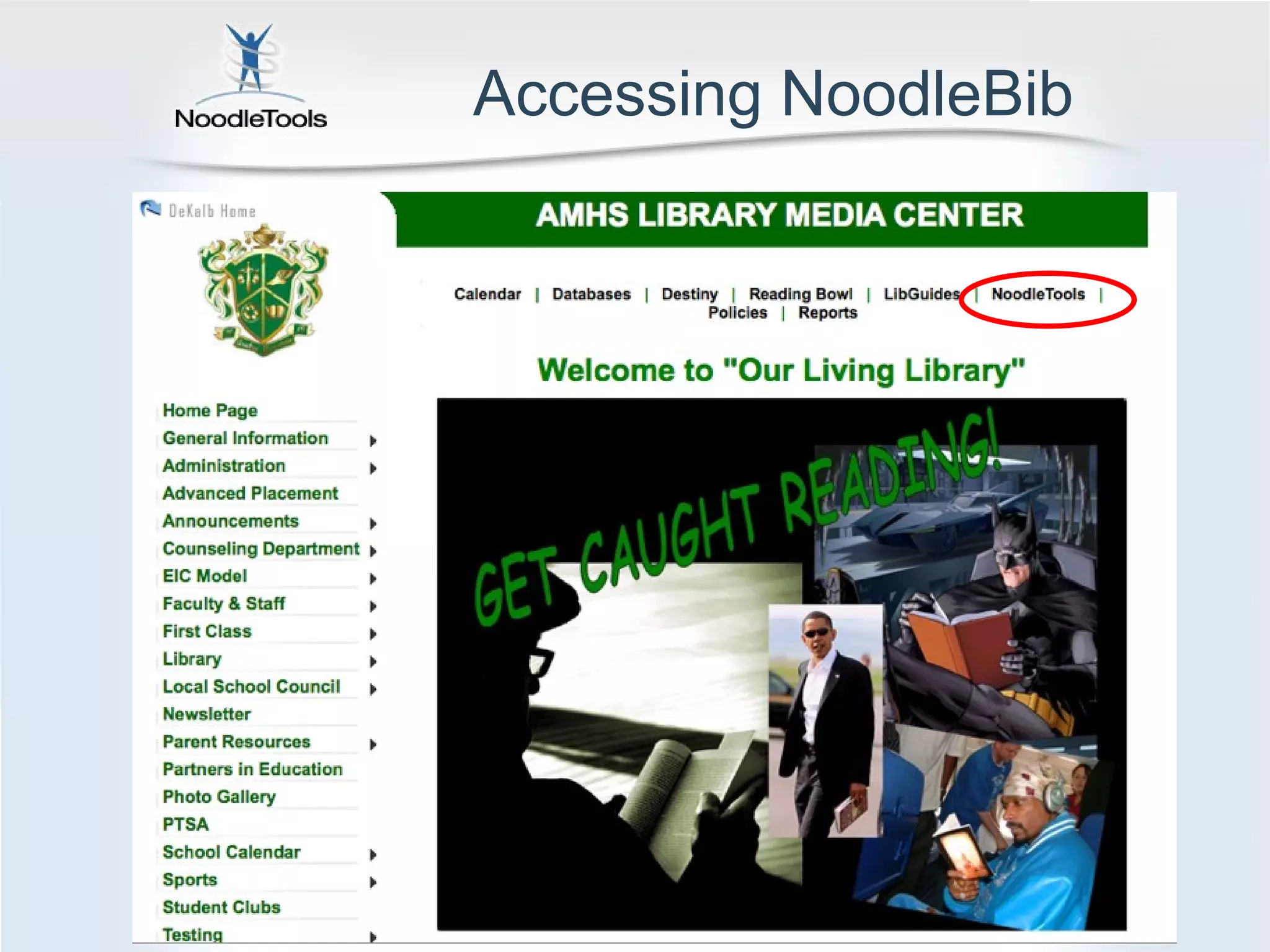
Accessing NoodleBib
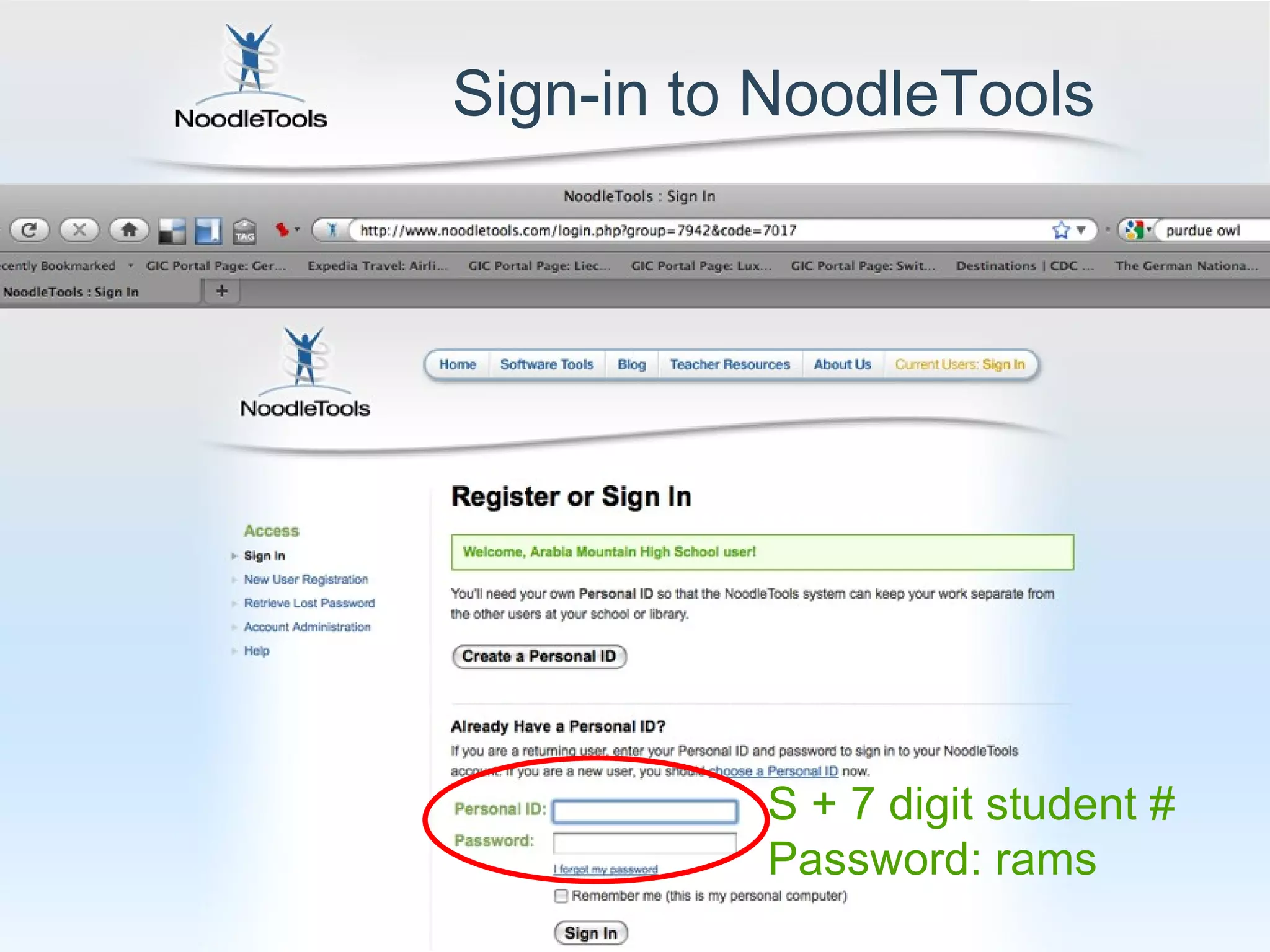
Sign-in to NoodleTools S + 7 digit student # Password: rams
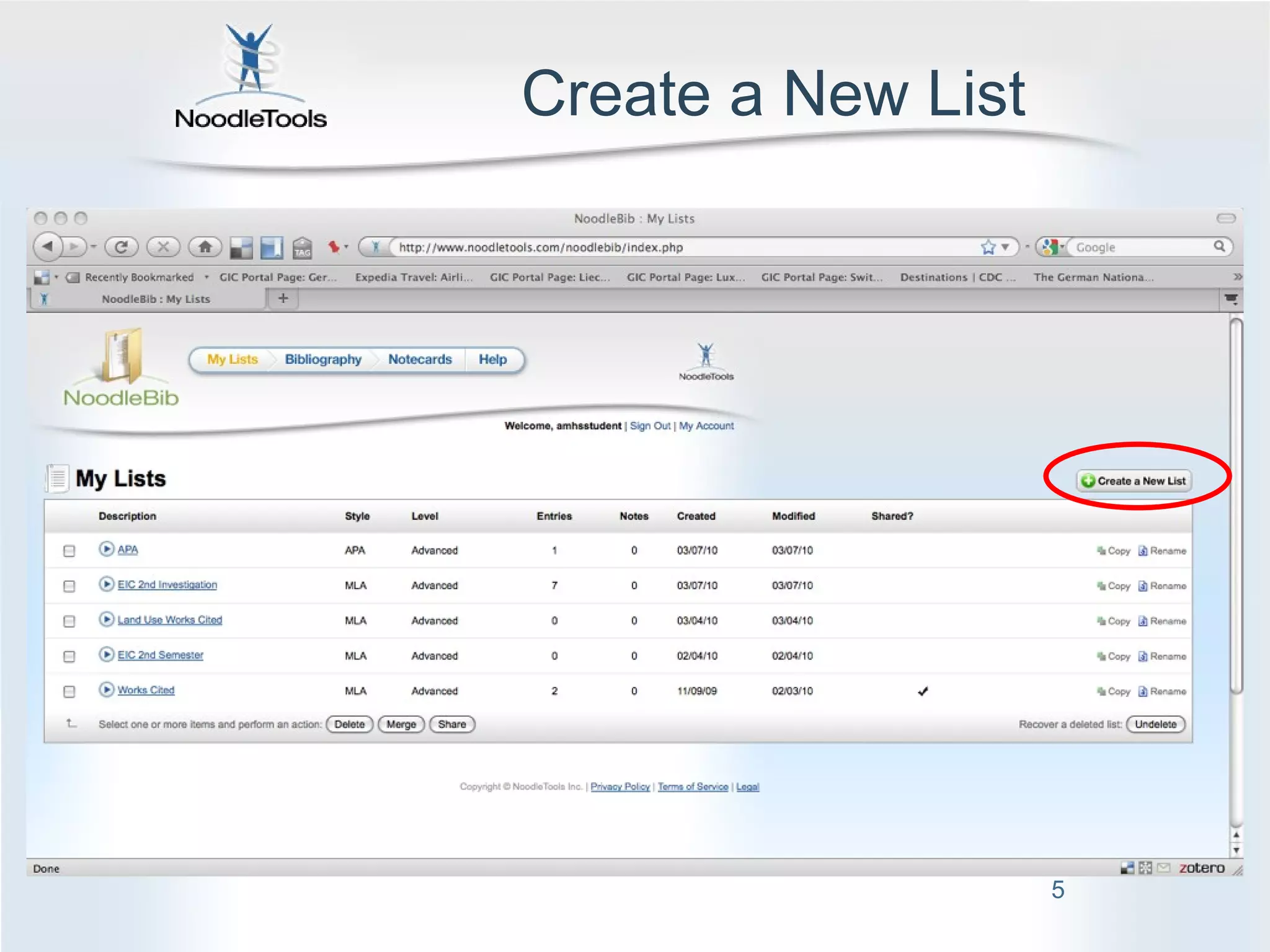
Create a New List
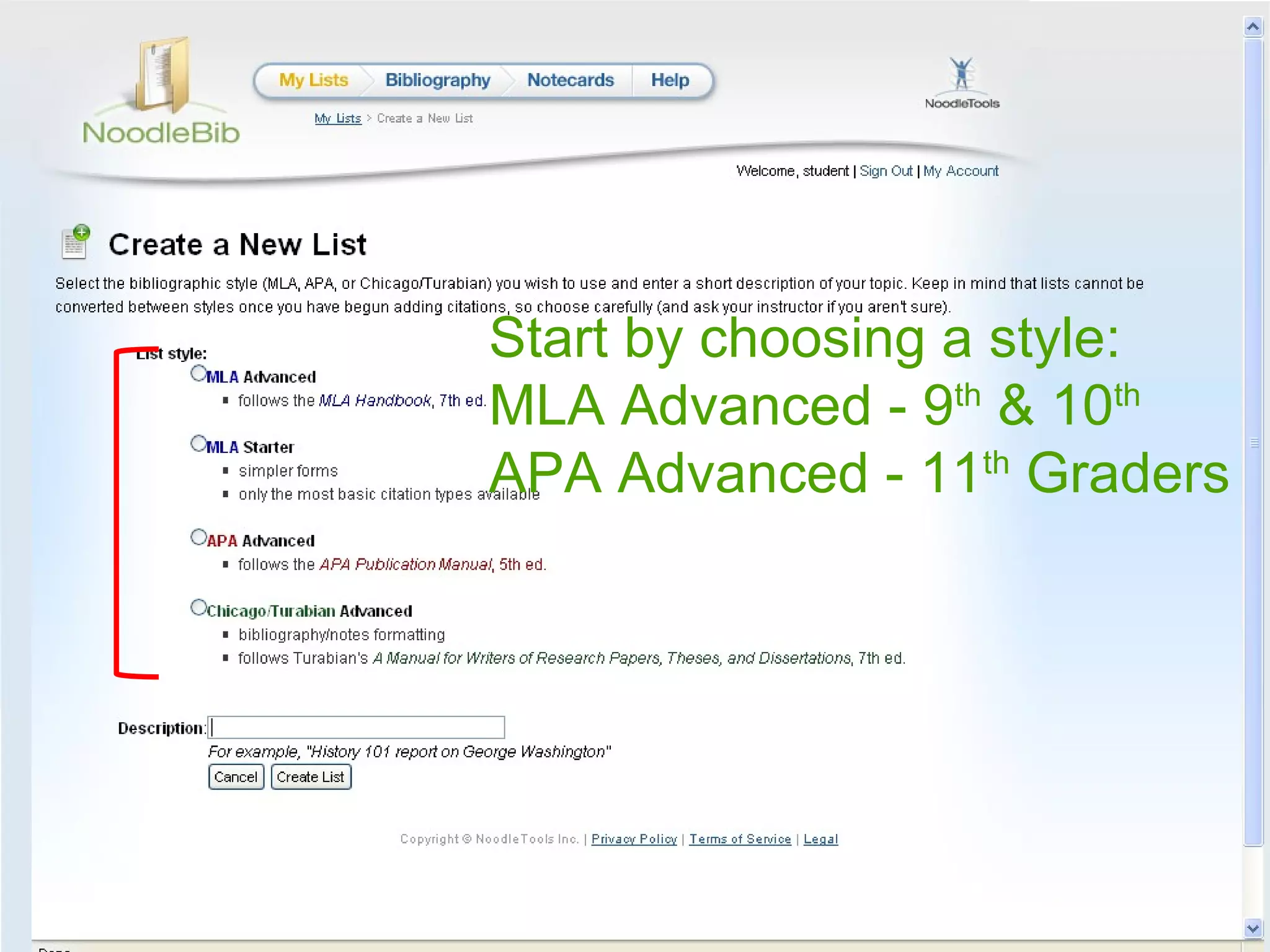
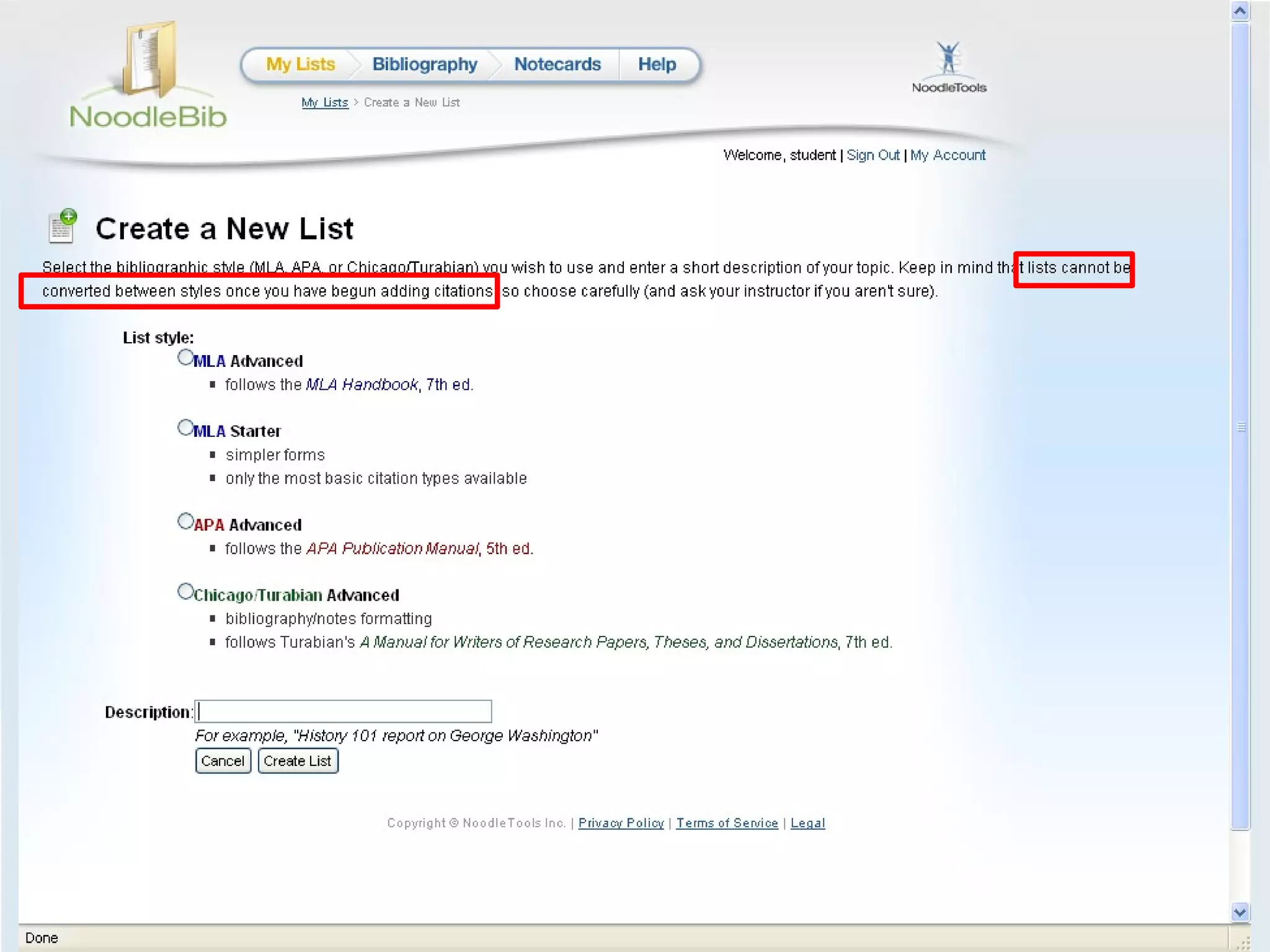
Start by choosing a style: MLA Advanced - 9 th  & 10 th APA Advanced - 11 th  Graders
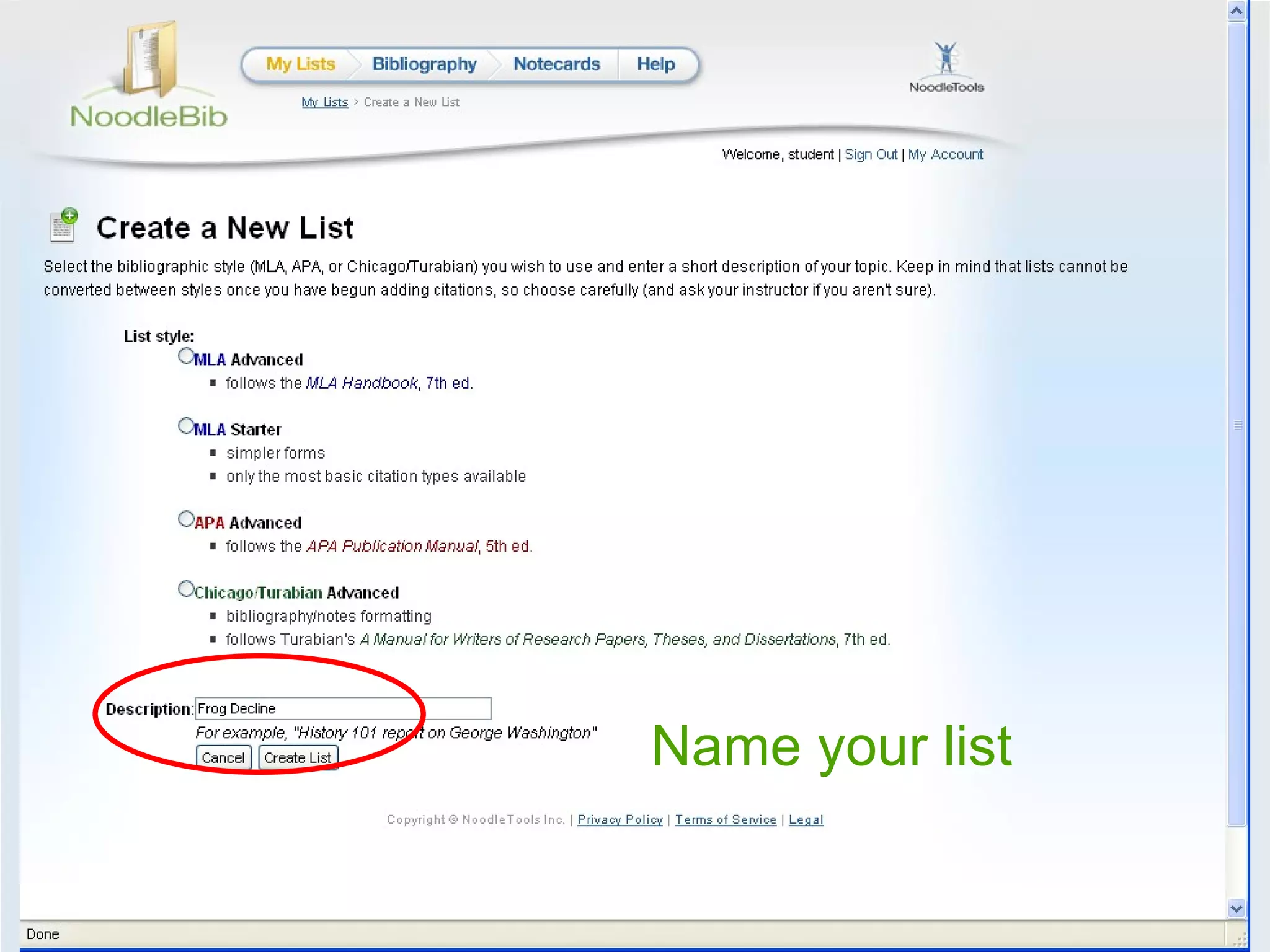
Name your list
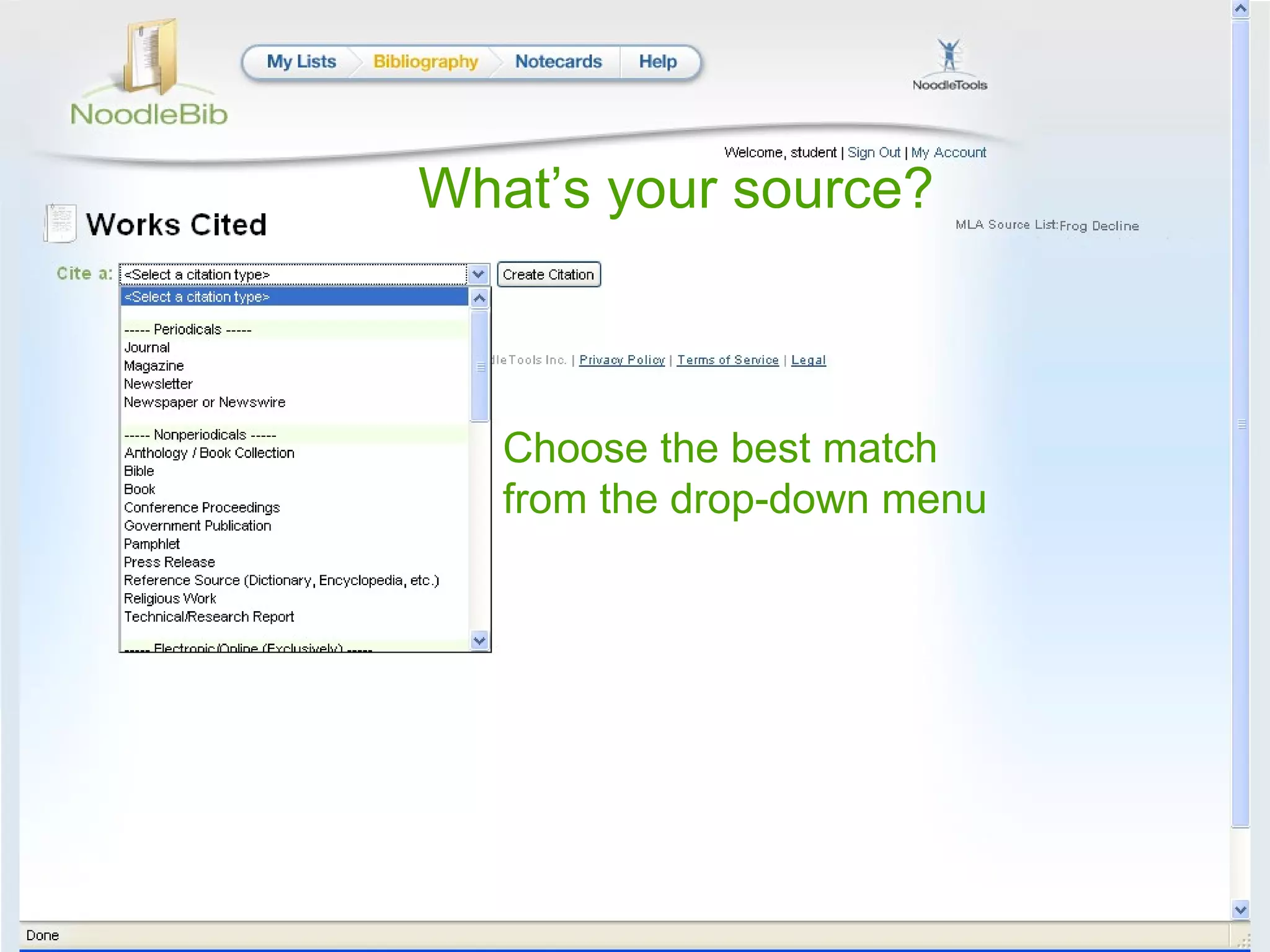
What’s your source? Choose the best match from the drop-down menu
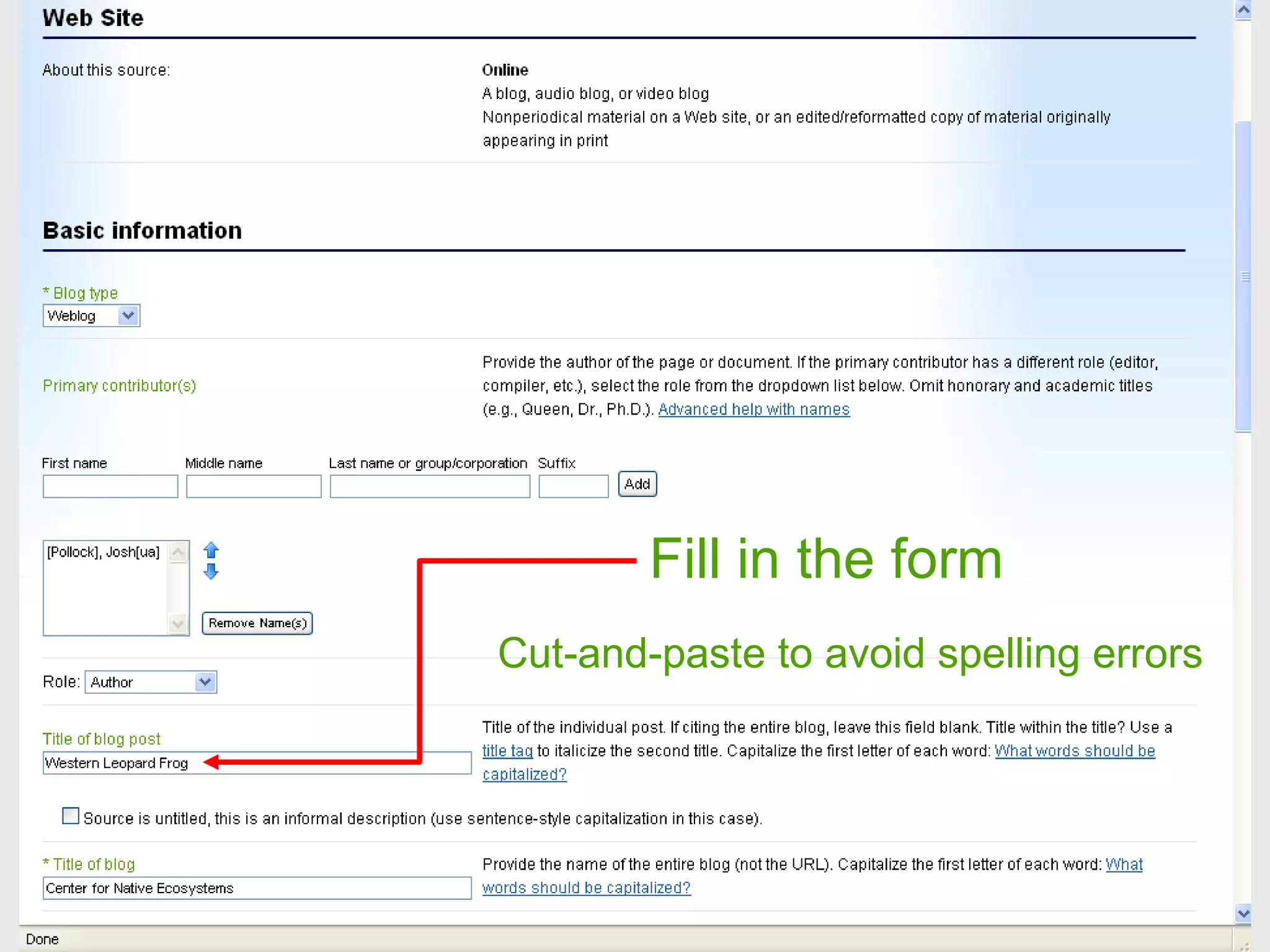
Cut-and-paste to avoid spelling errors Fill in the form
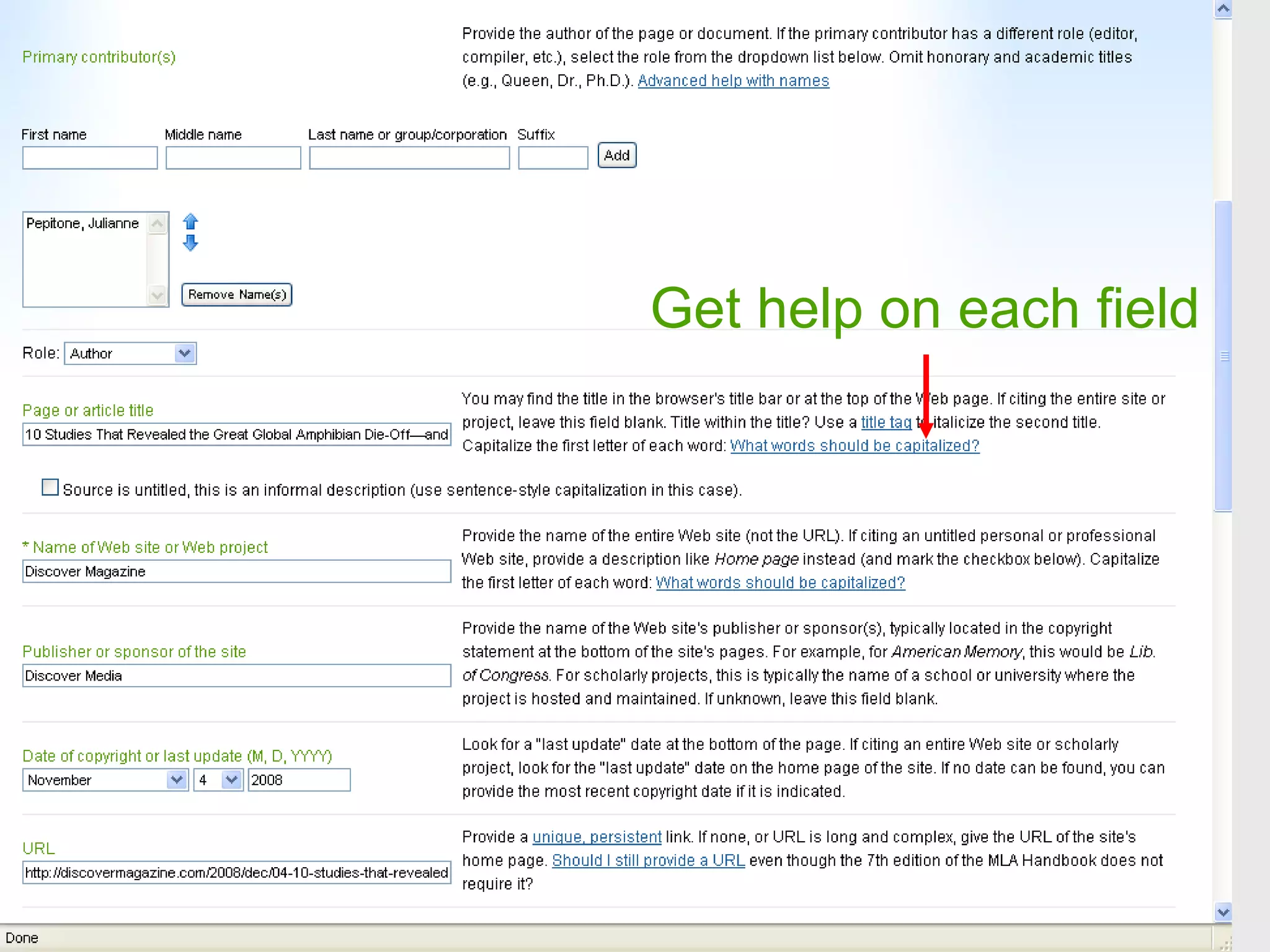
Get help on each field
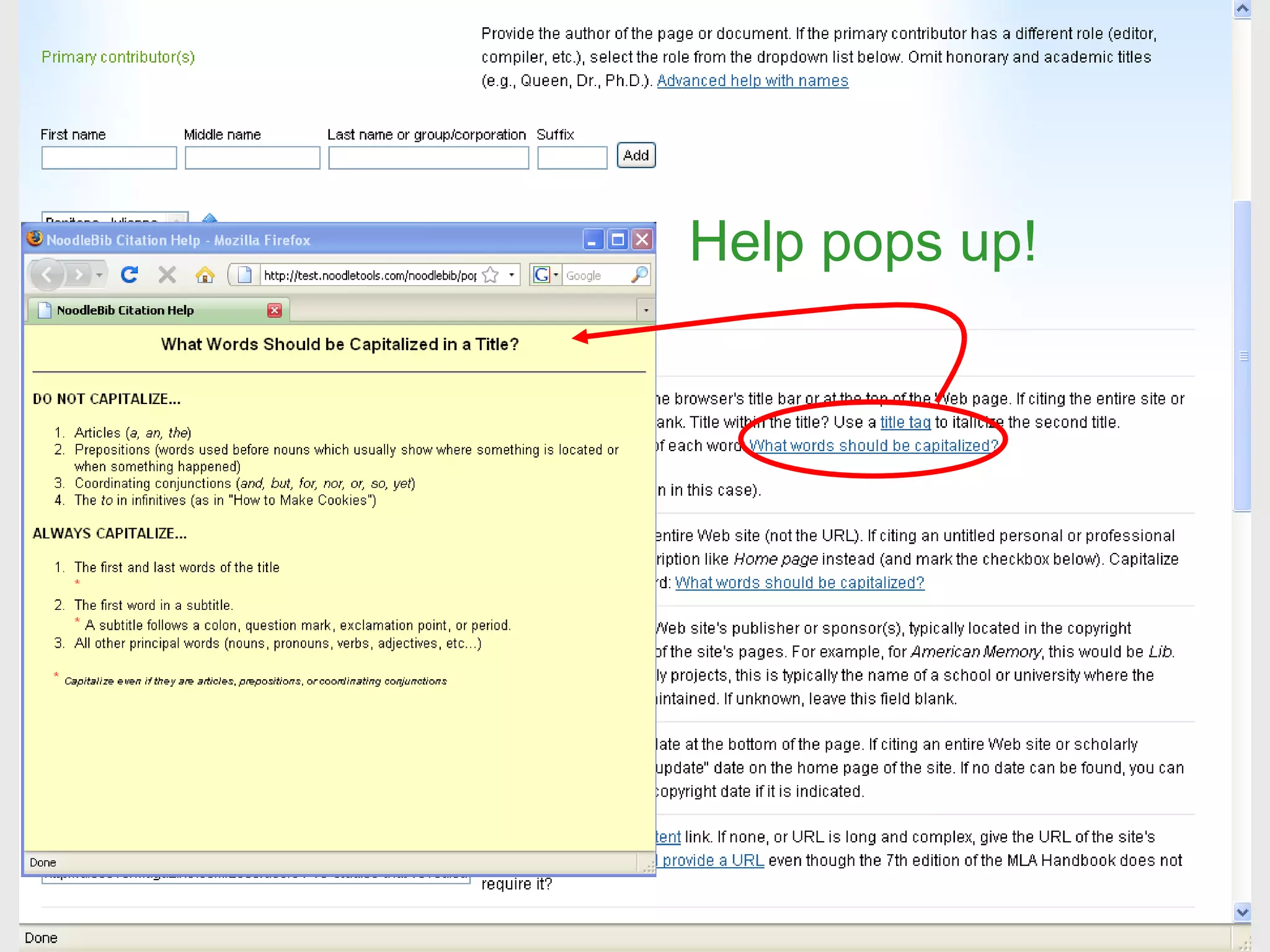
Help pops up!
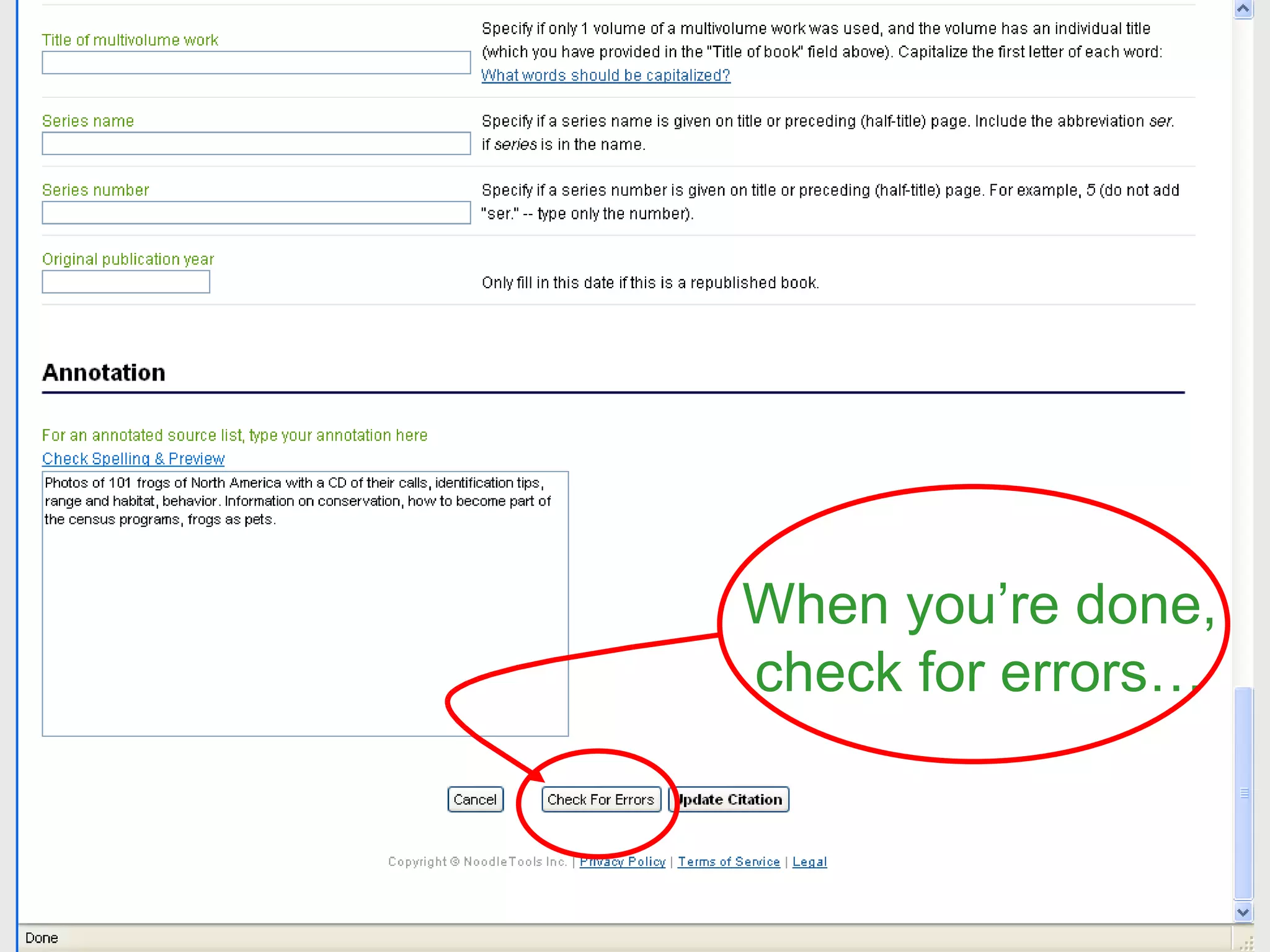
When you’re done, check for errors…
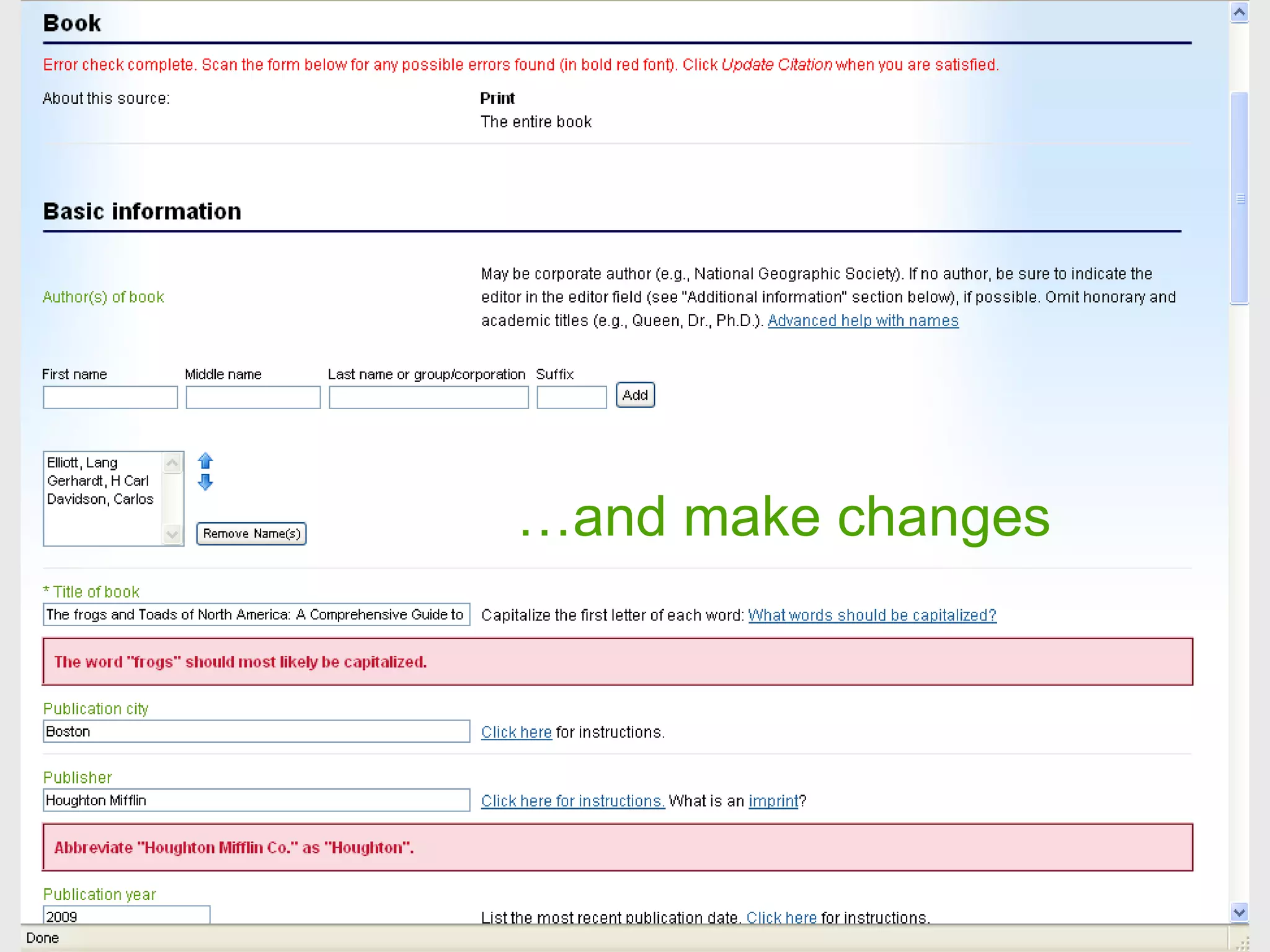
… and make changes
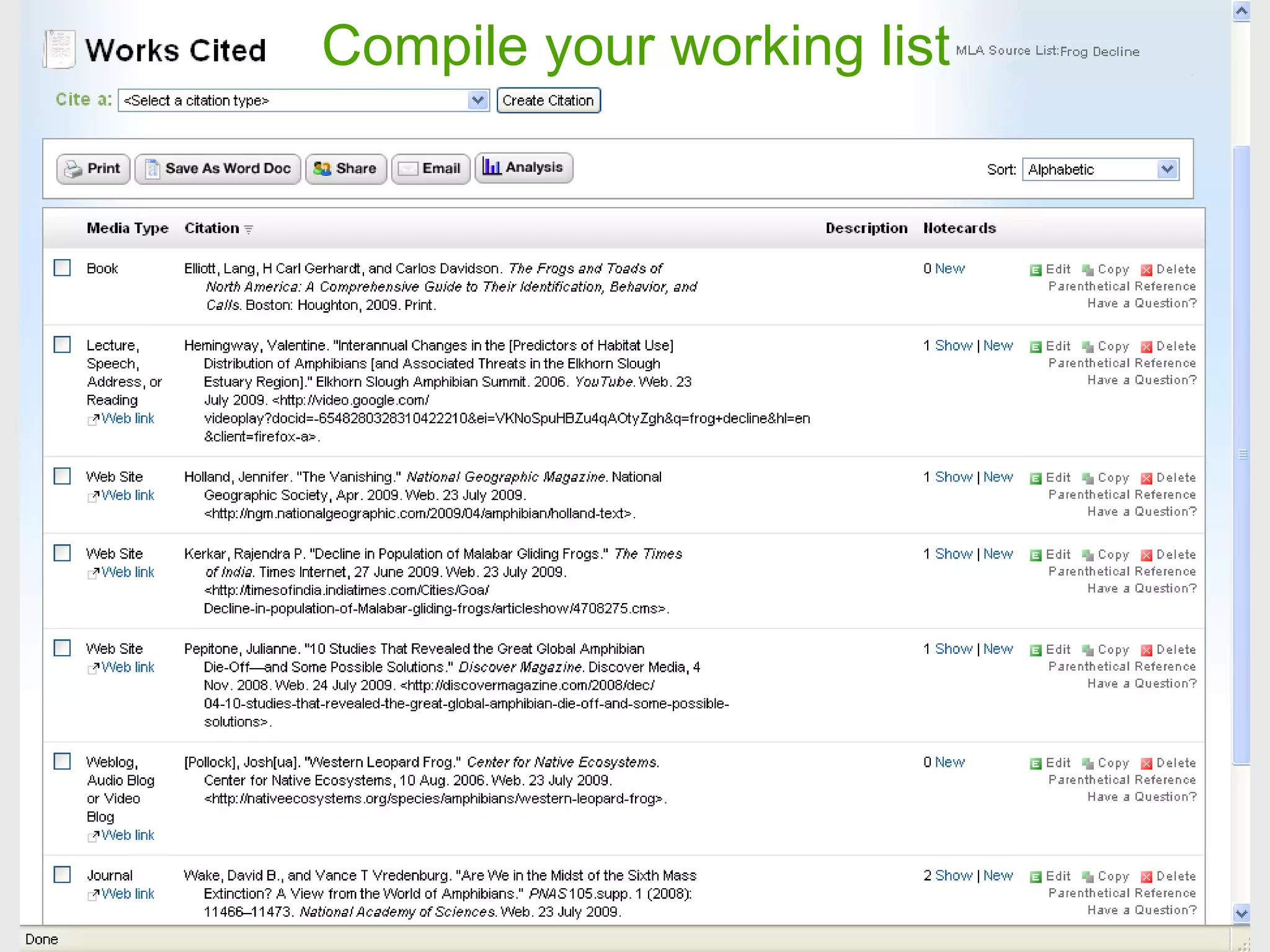
Compile your working list
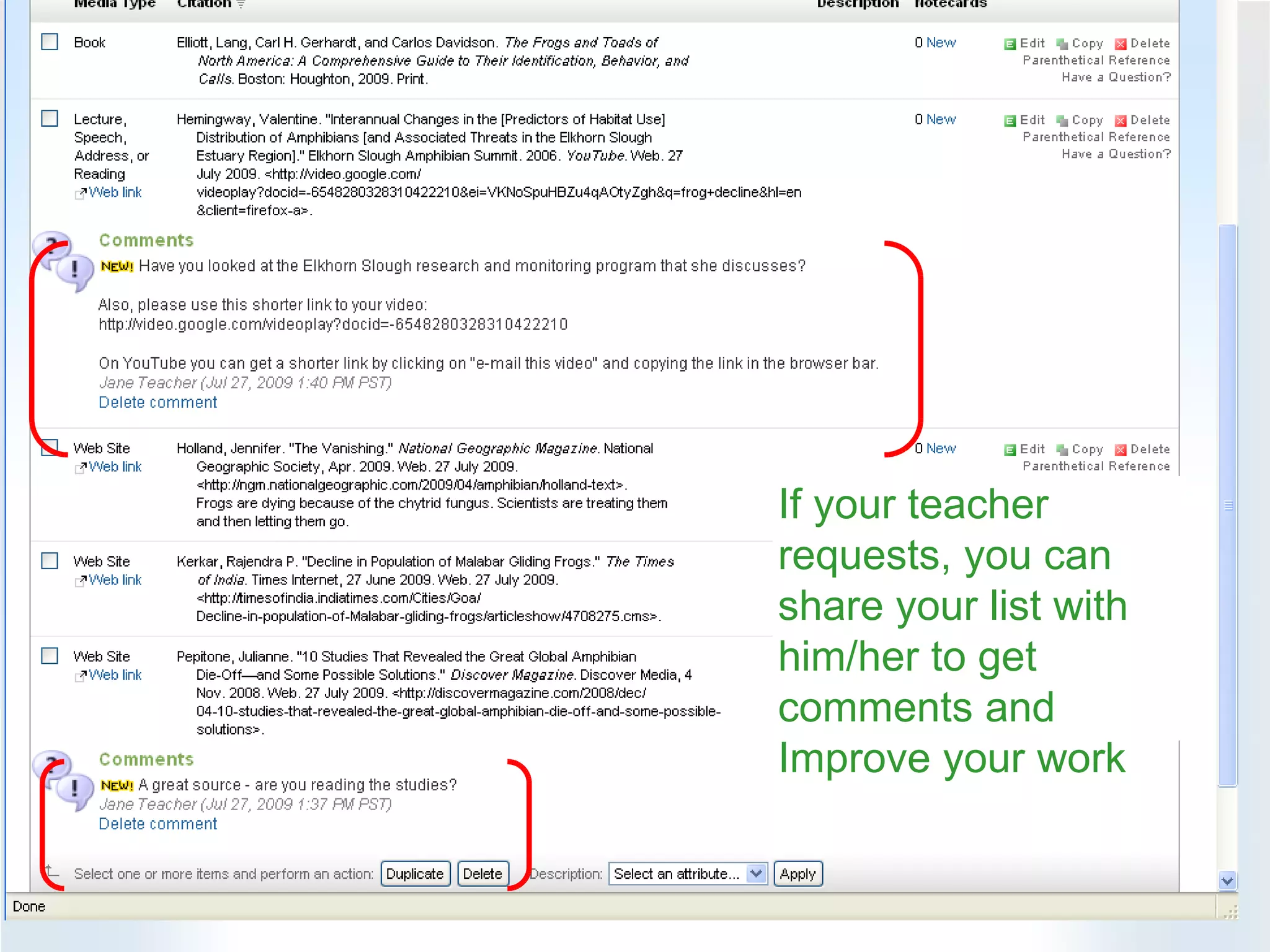
If your teacher requests, you can share your list with him/her to get comments and Improve your work
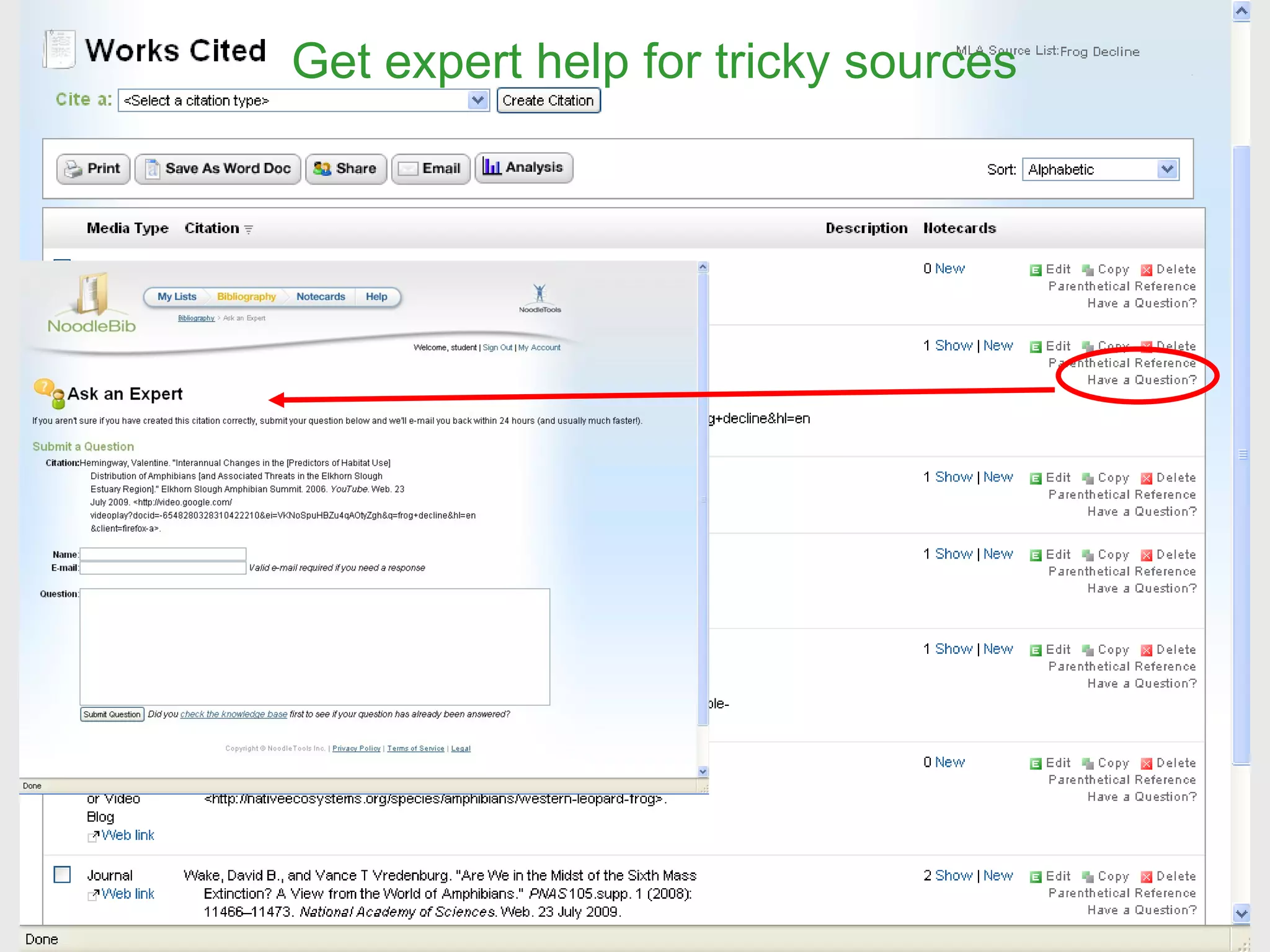
Get expert help for tricky sources
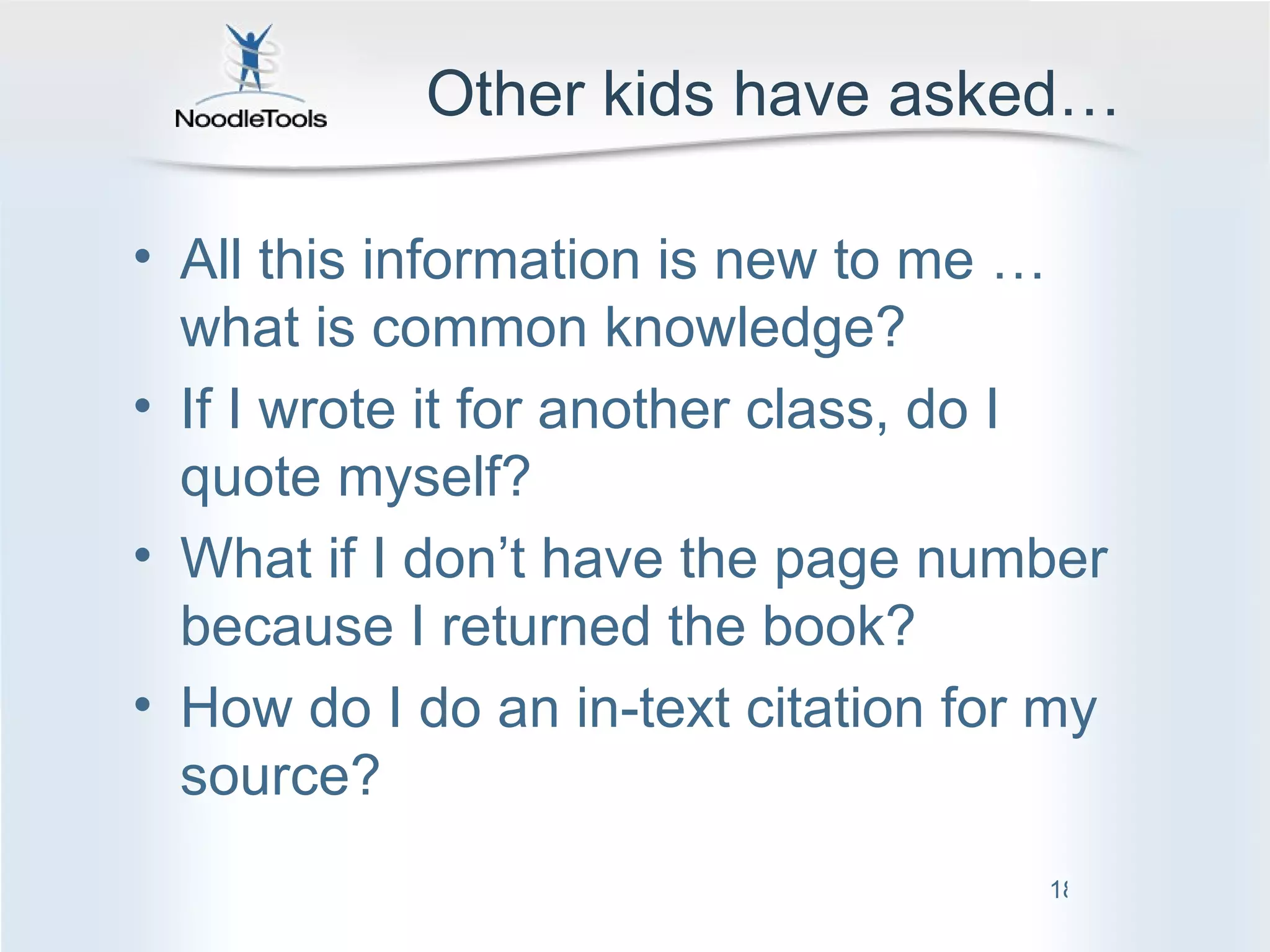
Other kids have asked… All this information is new to me …what is common knowledge? If I wrote it for another class, do I quote myself? What if I don’t have the page number because I returned the book? How do I do an in-text citation for my source?
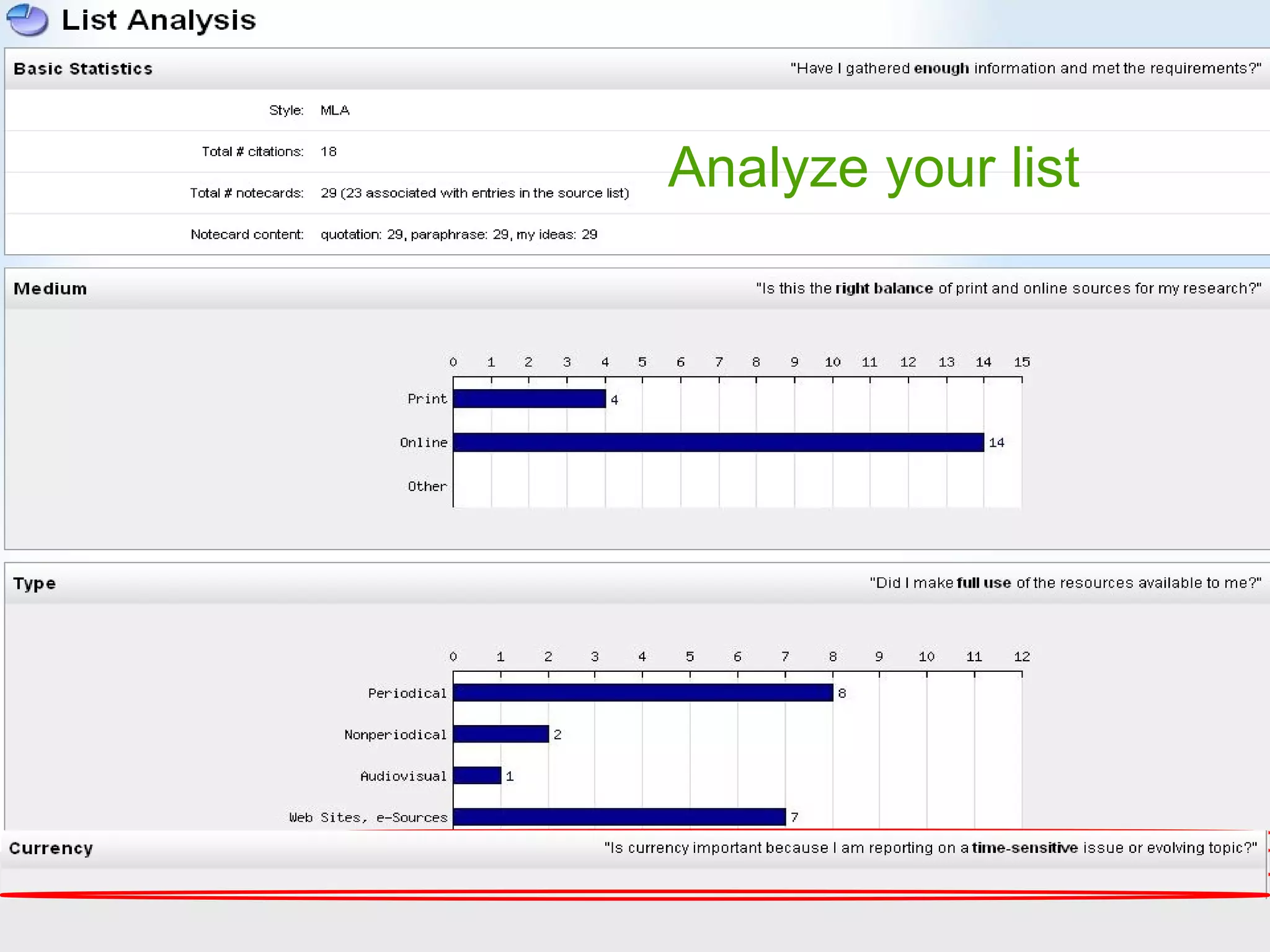
Analyze your list
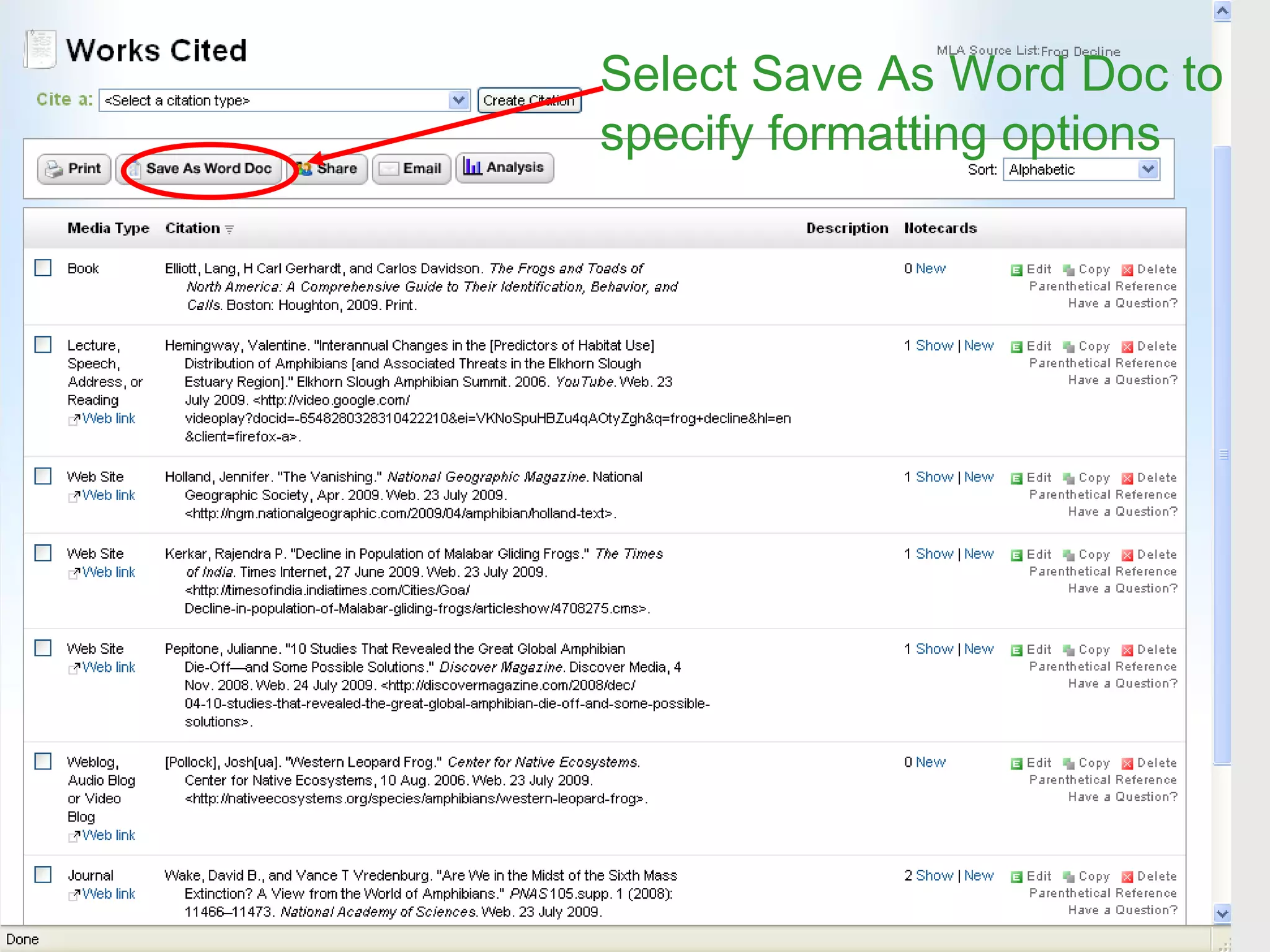
Select Save As Word Doc to specify formatting options
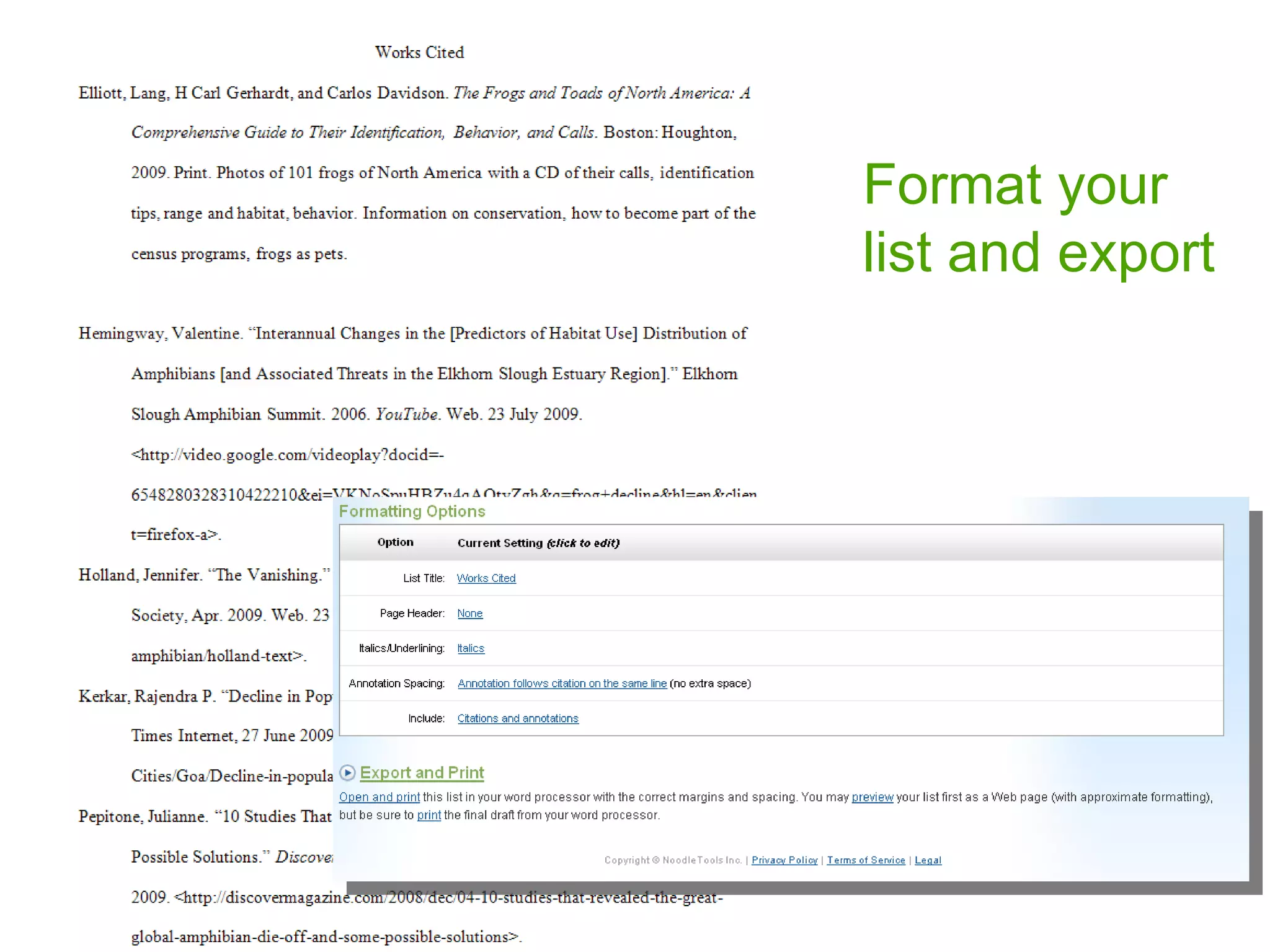
Format your list and export
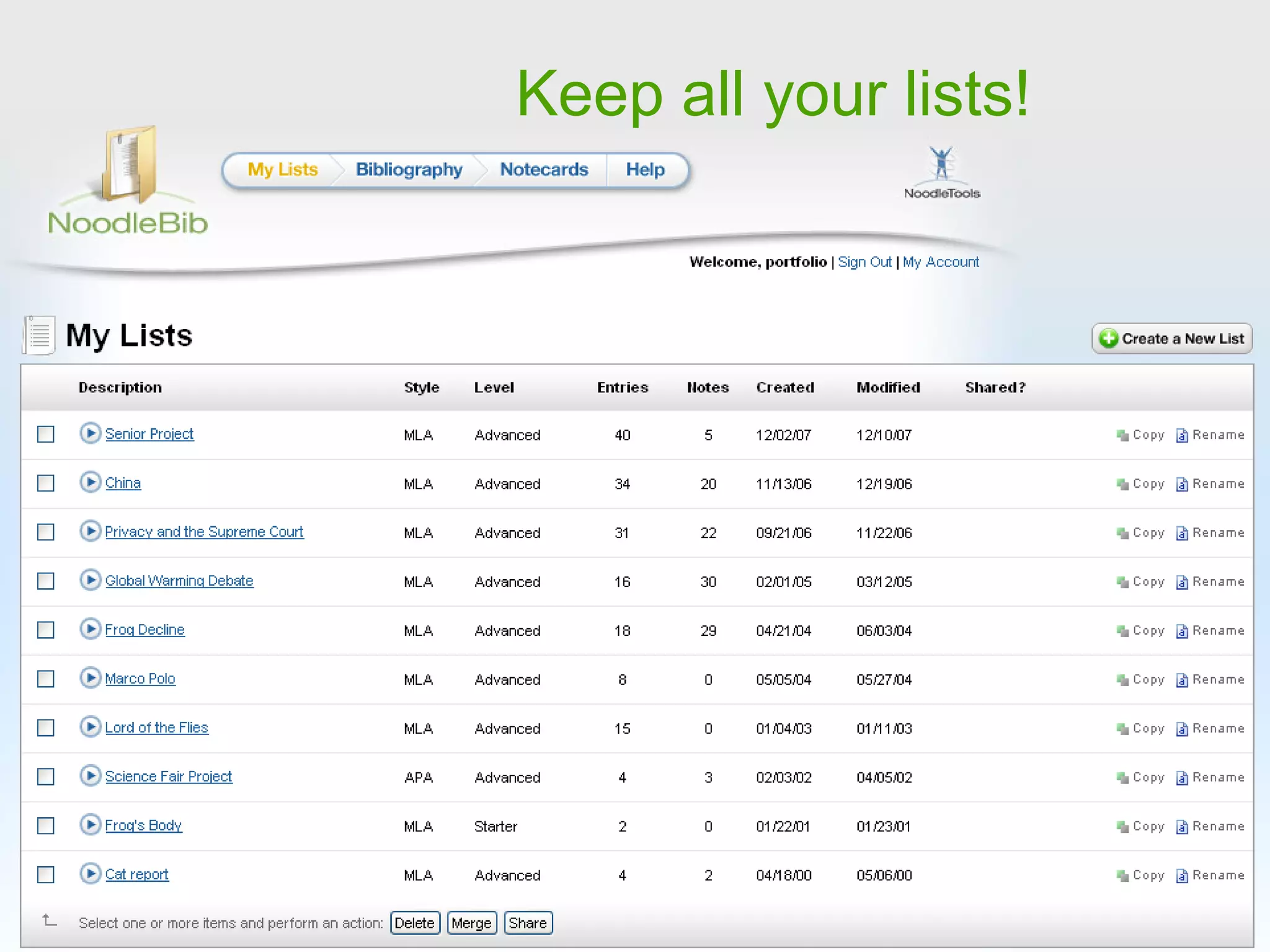
Keep all your lists!
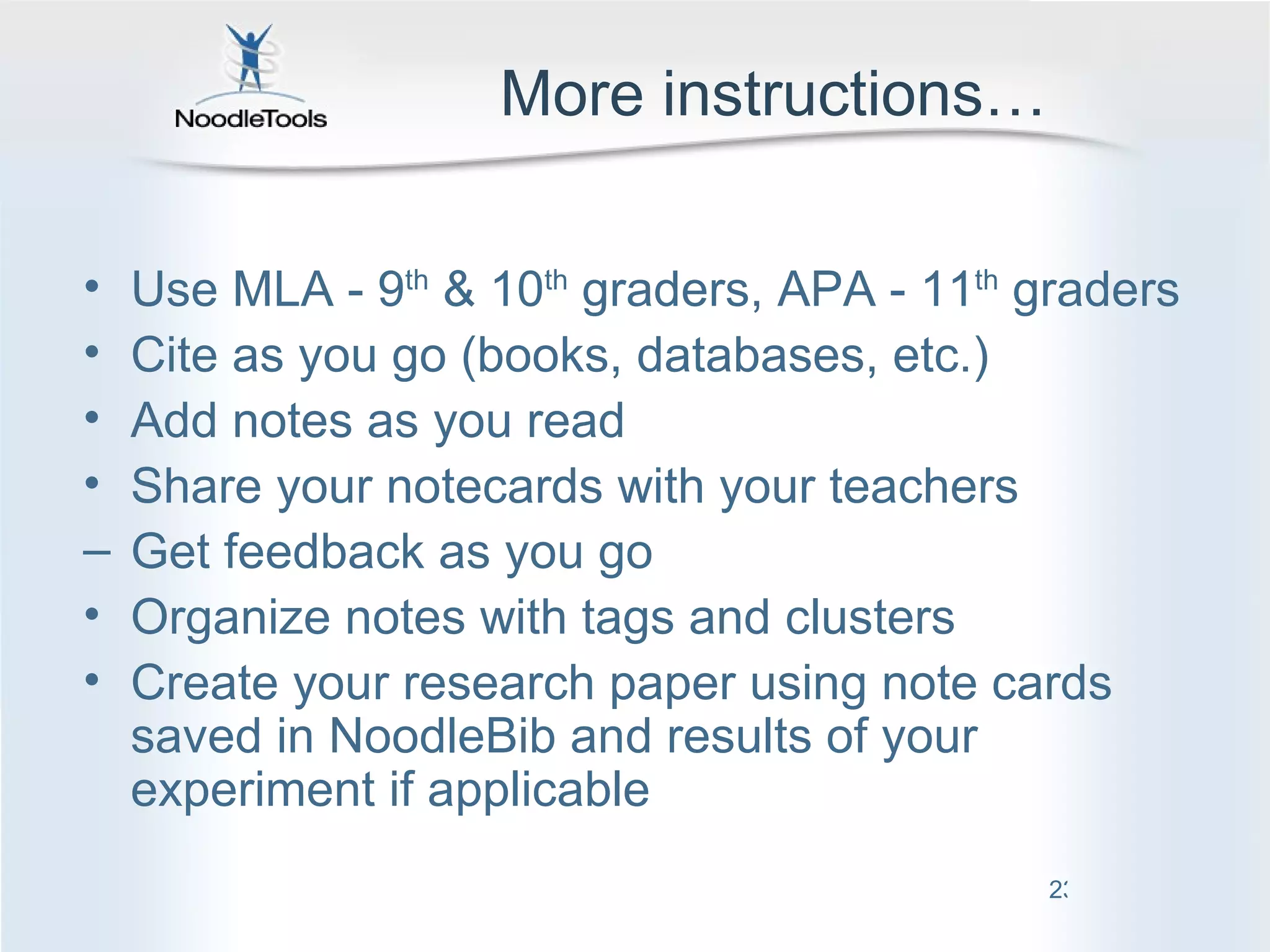
More instructions… Use MLA - 9 th  & 10 th  graders, APA - 11 th  graders Cite as you go (books, databases, etc.) Add notes as you read Share your notecards with your teachers Get feedback as you go Organize notes with tags and clusters  Create your research paper using note cards saved in NoodleBib and results of your experiment if applicable
NoodleBib Start your source list! Questions? Mr. Osborn or Mrs. Washington  are available to help

NoodleBib: Creating and Exporting Citation Lists