Phil Ewels
phil.ewels@scilifelab.se
Getting started with nf-core
Nextflow Camp 2019
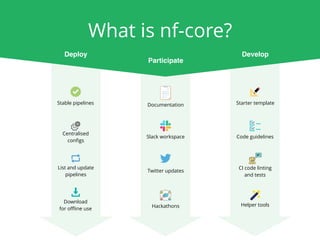
Documentation
Slack workspace
Hackathons
Twitter updates
Starter template
Code guidelines
Helper tools
CI code linting
and tests
Stable pipelines
Centralised
configs
Download

for offline use
List and update
pipelines
What is nf-core?
Participate
DevelopDeploy
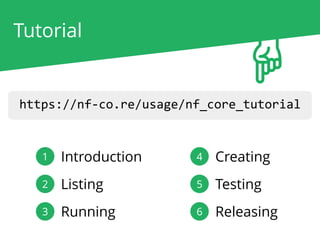
https://nf-co.re/usage/nf_core_tutorial
2 Listing
3 Running
4 Creating
5 Testing
6 Releasing
1 Introduction
Tutorial
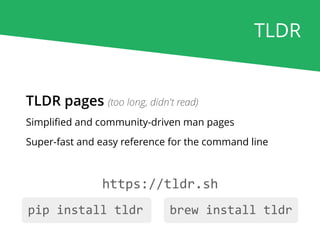
https://tldr.sh
TLDR pages (too long, didn't read)
Simplified and community-driven man pages
Super-fast and easy reference for the command line
pip install tldr brew install tldr
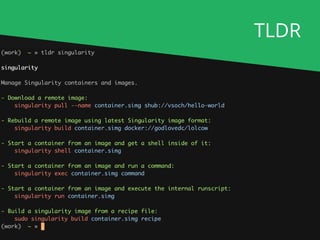
TLDR
TLDR
Help!
https://nf-co.re/join
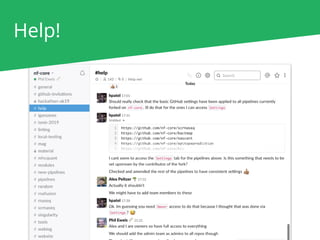
Help!
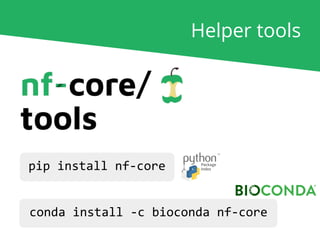
Helper tools
pip install nf-core
conda install -c bioconda nf-core
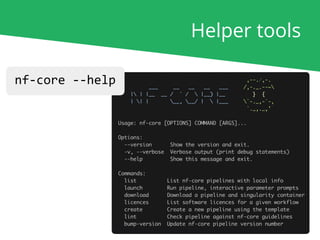
Helper tools
nf-core --help
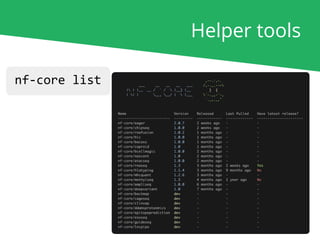
Helper tools
nf-core list
Running pipelines
Software required
OR
OR
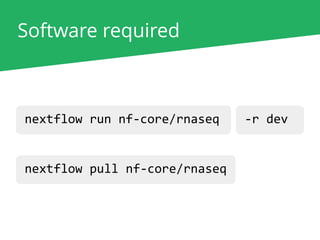
Software required
nextflow run nf-core/rnaseq
nextflow pull nf-core/rnaseq
-r 1.3-latest-r dev
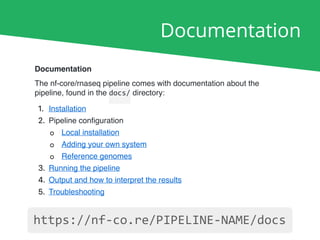
Documentation
Documentation
The nf-core/rnaseq pipeline comes with documentation about the
pipeline, found in the docs/ directory:
1. Installation
2. Pipeline configuration
◦ Local installation
◦ Adding your own system
◦ Reference genomes
3. Running the pipeline
4. Output and how to interpret the results
5. Troubleshooting
https://nf-co.re/PIPELINE-NAME/docs
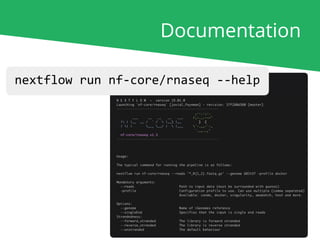
Documentation
nextflow run nf-core/rnaseq --help
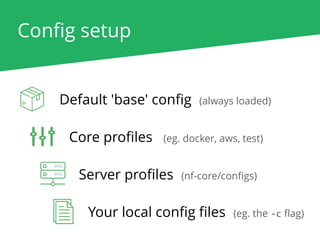
Config setup
Default 'base' config (always loaded)
Core profiles (eg. docker, aws, test)
Server profiles (nf-core/configs)
Your local config files (eg. the -c flag)
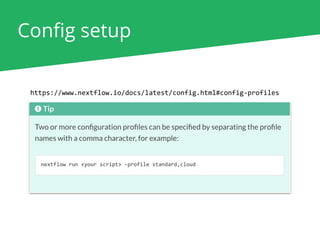
Config setup
https://www.nextflow.io/docs/latest/config.html#config-profiles
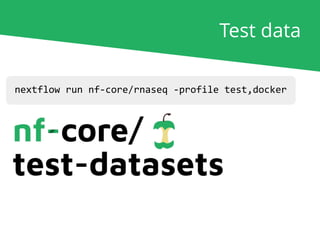
nextflow run nf-core/rnaseq -profile test,docker
Test data
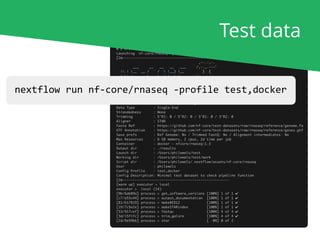
nextflow run nf-core/rnaseq -profile test,docker
Test data
Running for real
nextflow run nf-core/rnaseq [...]
nf-core launch rnaseq
nf-core download rnaseq
If you've read the documentation..
If not.. (command-line wizard with prompts)
If you're running offline..
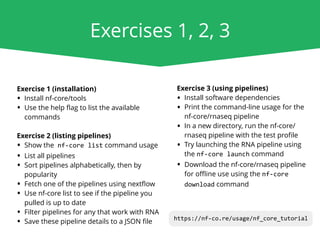
Exercises 1, 2, 3
Exercise 1 (installation)
• Install nf-core/tools
• Use the help flag to list the available
commands
Exercise 2 (listing pipelines)
• Show the nf-core list command usage
• List all pipelines
• Sort pipelines alphabetically, then by
popularity
• Fetch one of the pipelines using nextflow
• Use nf-core list to see if the pipeline you
pulled is up to date
• Filter pipelines for any that work with RNA
• Save these pipeline details to a JSON file
Exercise 3 (using pipelines)
• Install software dependencies
• Print the command-line usage for the
nf-core/rnaseq pipeline
• In a new directory, run the nf-core/
rnaseq pipeline with the test profile
• Try launching the RNA pipeline using
the nf-core launch command
• Download the nf-core/rnaseq pipeline
for offline use using the nf-core
download command
https://nf-co.re/usage/nf_core_tutorial
Creating pipelines 01

0110

0001

01101
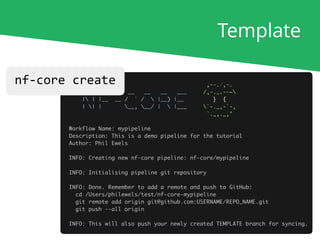
nf-core create
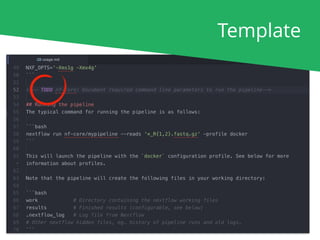
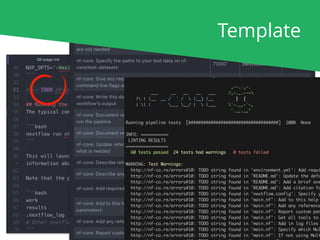
Template
nf-core create
Template
Template
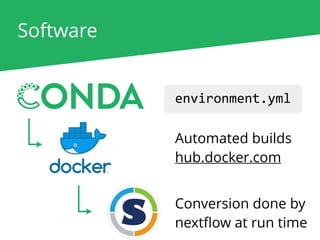
Software
environment.yml
Automated builds
hub.docker.com
Conversion done by
nextflow at run time
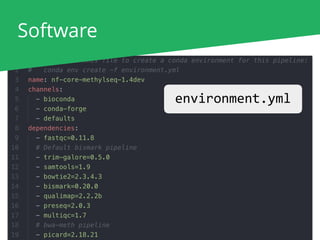
Software
environment.yml
Software
docker build -t nfcore/pipeline:dev .
For local development with
docker, build the image and tag
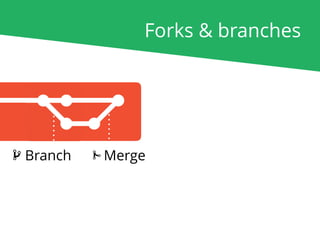
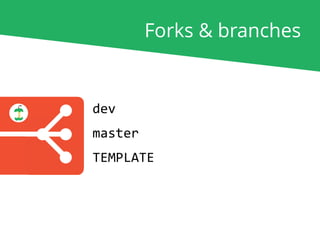
Forks & branches
Forks & branches
Branch Merge
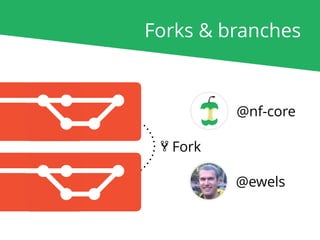
Forks & branches
@ewels
@nf-core
Fork
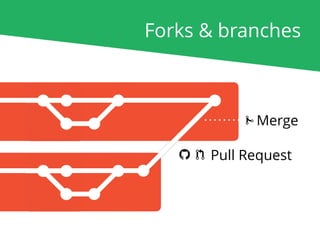
Forks & branches
Pull Request
Merge
dev
master
TEMPLATE
Forks & branches
dev
master
TEMPLATE
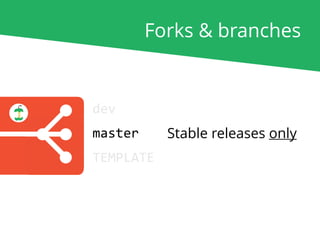
Forks & branches
Stable releases only
dev
master
TEMPLATE
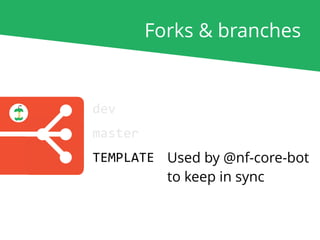
Forks & branches
Used by @nf-core-bot
to keep in sync
dev
master
TEMPLATE
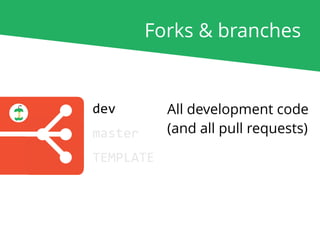
Forks & branches
All development code
(and all pull requests)
Forks & branches
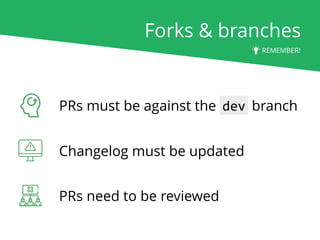
PRs must be against the dev branch
Changelog must be updated
PRs need to be reviewed
REMEMBER!
Setting up
You can set up dockerhub
and Travis CI on your own fork!
https://travis-ci.com
https://hub.docker.com
Testing pipelines
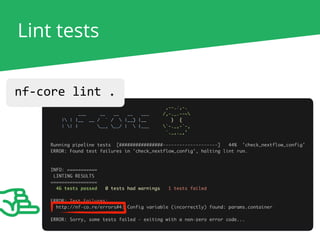
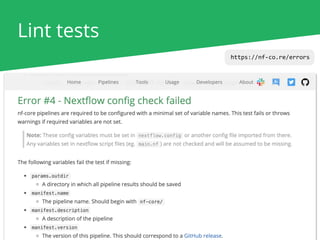
Lint tests
nf-core lint .
Lint tests
nf-core lint .
https://nf-co.re/errors
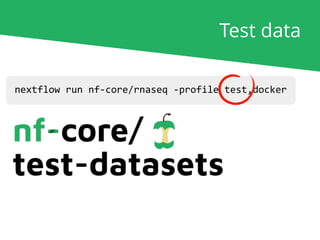
nextflow run nf-core/rnaseq -profile test,docker
Test data
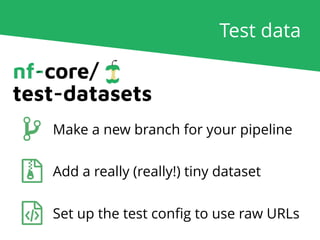
Test data
Make a new branch for your pipeline
Add a really (really!) tiny dataset
Set up the test config to use raw URLs
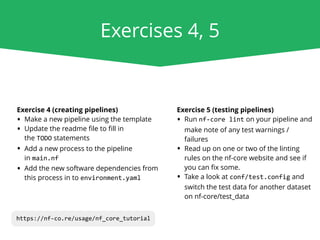
Exercises 4, 5
Exercise 4 (creating pipelines)
• Make a new pipeline using the template
• Update the readme file to fill in
the TODO statements
• Add a new process to the pipeline
in main.nf
• Add the new software dependencies from
this process in to environment.yaml
Exercise 5 (testing pipelines)
• Run nf-core lint on your pipeline and
make note of any test warnings /
failures
• Read up on one or two of the linting
rules on the nf-core website and see if
you can fix some.
• Take a look at conf/test.config and
switch the test data for another dataset
on nf-core/test_data
https://nf-co.re/usage/nf_core_tutorial
Releasing pipelines
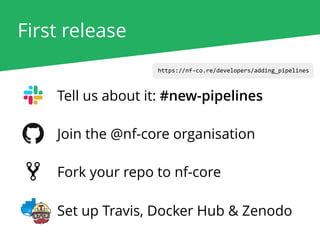
First release
https://nf-co.re/developers/adding_pipelines
Tell us about it: #new-pipelines
Join the @nf-core organisation
Fork your repo to nf-core
Set up Travis, Docker Hub & Zenodo
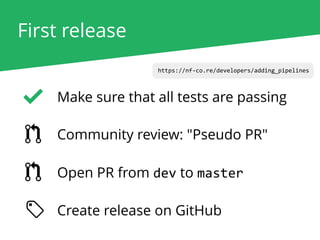
First release
https://nf-co.re/developers/adding_pipelines
Community review: "Pseudo PR"
Open PR from dev to master
Make sure that all tests are passing
Create release on GitHub
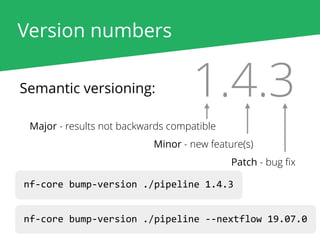
Version numbers
Semantic versioning: 1.4.3
Major - results not backwards compatible
Minor - new feature(s)
Patch - bug fix
nf-core bump-version ./pipeline 1.4.3
nf-core bump-version ./pipeline --nextflow 19.07.0
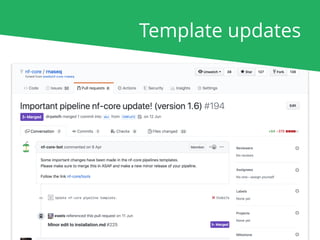
Template updates
Exercise 6
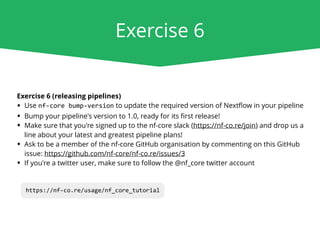
Exercise 6 (releasing pipelines)
• Use nf-core bump-version to update the required version of Nextflow in your pipeline
• Bump your pipeline's version to 1.0, ready for its first release!
• Make sure that you're signed up to the nf-core slack (https://nf-co.re/join) and drop us a
line about your latest and greatest pipeline plans!
• Ask to be a member of the nf-core GitHub organisation by commenting on this GitHub
issue: https://github.com/nf-core/nf-co.re/issues/3
• If you're a twitter user, make sure to follow the @nf_core twitter account
https://nf-co.re/usage/nf_core_tutorial
Phil Ewels
phil.ewels@scilifelab.se
tallphil ewels
https://nf-co.re nf_core
@apeltzer
@sven1103
@drpatelh
@MaxUlysse
@alneberg
Alexander Peltzer
Sven F.
Harshil Patel
Maxime Garcia
Johannes Alneberg
@nf-core/core

Nextflow Camp 2019: nf-core tutorial