.NET Programming with C#
Hanoi University of Science and Technology
Module 1:
Overview of the Microsoft
.NET framework
Overview of the Microsoft .NET framework
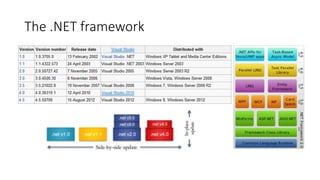
• The .NET framework
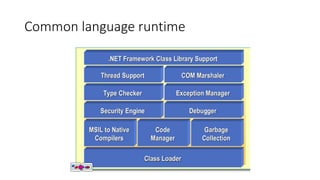
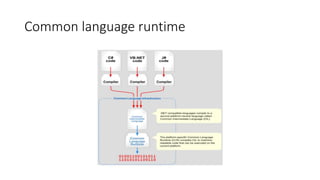
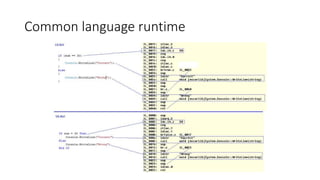
• Common language runtime
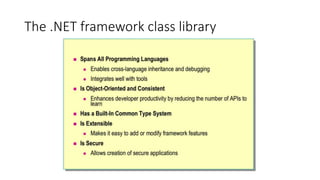
• The .NET framework class library
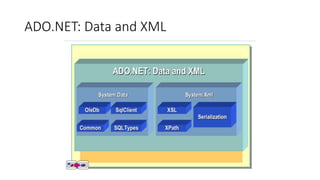
• ADO.NET: Data and XML
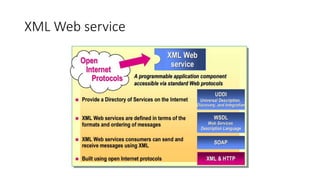
• XML Web service
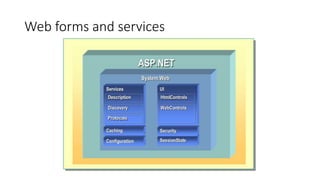
• Web forms and services
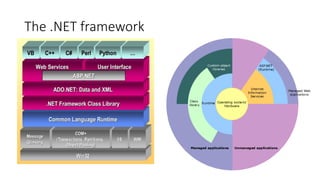
The .NET framework
The .NET framework
Common language runtime
The .NET framework class library
ADO.NET: Data and XML
XML Web service
Web forms and services
Overview of Namespaces
• Namespaces
• Some commonly used namespaces
• Other important namespaces
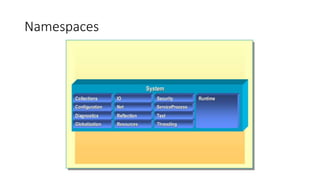
Namespaces
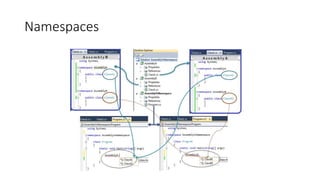
Namespaces
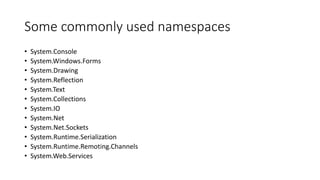
Some commonly used namespaces
• System.Console
• System.Windows.Forms
• System.Drawing
• System.Reflection
• System.Text
• System.Collections
• System.IO
• System.Net
• System.Net.Sockets
• System.Runtime.Serialization
• System.Runtime.Remoting.Channels
• System.Web.Services
Other important namespaces
• System.Threading
• System.Data
• System.Reflection
Module 2:
Introduction to a Managed
Execution Environment
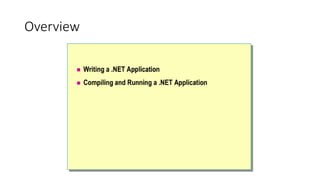
Overview
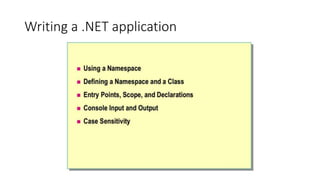
Writing a .NET application
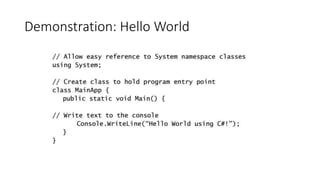
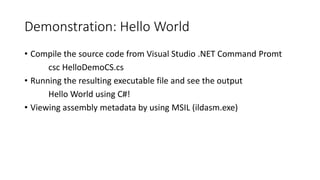
Demonstration: Hello World
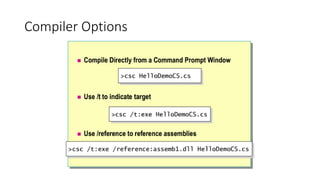
• Compile the source code from Visual Studio .NET Command Promt
csc HelloDemoCS.cs
• Running the resulting executable file and see the output
Hello World using C#!
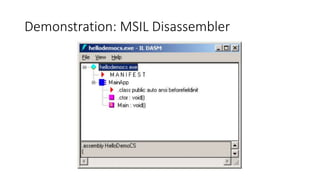
• Viewing assembly metadata by using MSIL (ildasm.exe)
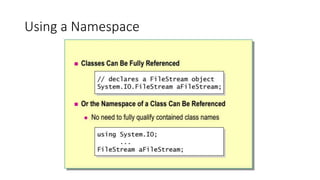
Using a Namespace
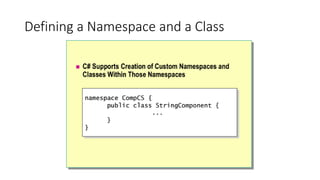
Defining a Namespace and a Class
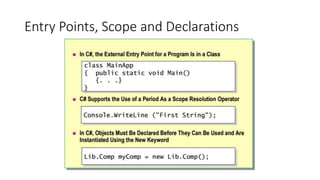
Entry Points, Scope and Declarations
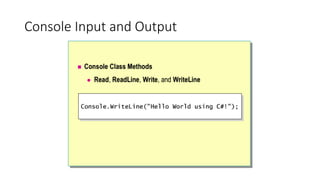
Console Input and Output
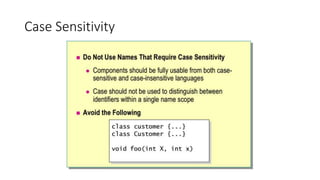
Case Sensitivity
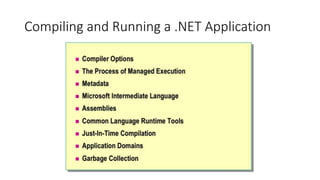
Compiling and Running a .NET Application
Compiler Options
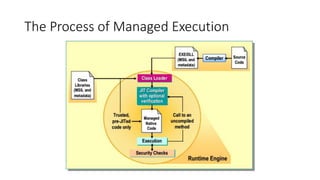
The Process of Managed Execution
• Compilation outputs an executable module (PE – portable executable)
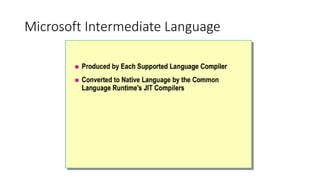
• Microsoft Intermediate Language (MSIL): CPU-independent set of instructions
that can be converted to native code efficiently
• Type Metadata: types, members, references used by CLR at runtime
• Resources: .jpg, .bmp, .wav,…
• When a user executes a managed application:
• Operating System loads CLR
• CLR converts MSIL instructions to native code (only when needed - JIT)
• JIT improve the memory usage and initialization time
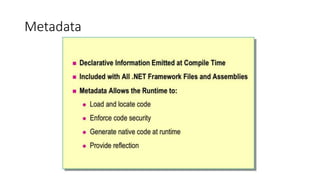
Metadata
Microsoft Intermediate Language
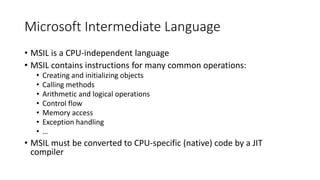
• MSIL is a CPU-independent language
• MSIL contains instructions for many common operations:
• Creating and initializing objects
• Calling methods
• Arithmetic and logical operations
• Control flow
• Memory access
• Exception handling
• …
• MSIL must be converted to CPU-specific (native) code by a JIT
compiler
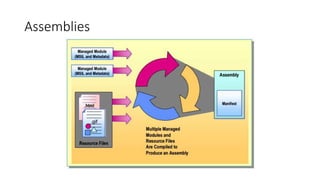
Assemblies
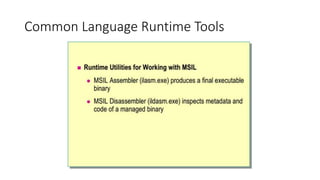
Common Language Runtime Tools
Demonstration: MSIL Disassembler
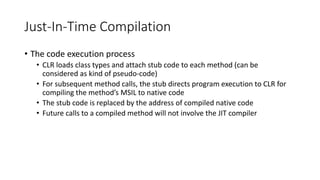
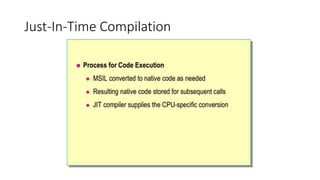
Just-In-Time Compilation
• The code execution process
• CLR loads class types and attach stub code to each method (can be
considered as kind of pseudo-code)
• For subsequent method calls, the stub directs program execution to CLR for
compiling the method’s MSIL to native code
• The stub code is replaced by the address of compiled native code
• Future calls to a compiled method will not involve the JIT compiler
Application Domains
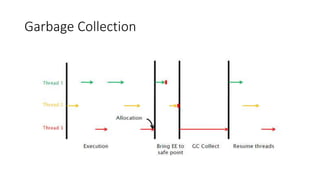
Garbage Collection
Garbage Collection
Garbage Collection
Module 3:
Working with Components
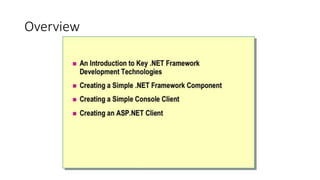
Overview
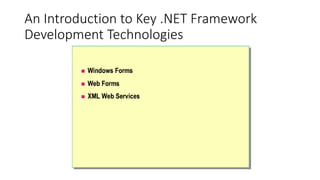
An Introduction to Key .NET Framework
Development Technologies
Windows Forms
• To develop applications in which the client computer handles most of
the application processing
• System.Windows.Forms contains classes used to create Windows
forms
Web Forms
• To create applications in which the primary user interface is a browser
• Web Forms applications are platform-independent
• System.Web contains classes to create Web Forms
XML Web Services
• A programmable entity residing on a Web server and is exposed
through standard Internet protocols
• Programming using XML web services is similar to using COM-based
component (local library)
• XML web services are using SOAP for transferring messages from/to a
Web server, SOAP is almost transparent to the developer
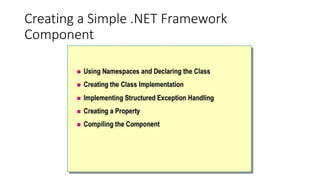
Creating a Simple .NET Framework
Component
Creating a Simple .NET Framework
Component
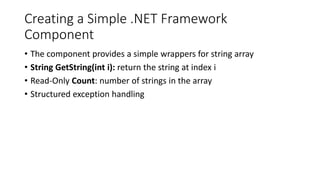
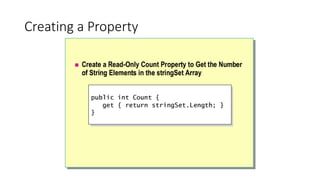
• The component provides a simple wrappers for string array
• String GetString(int i): return the string at index i
• Read-Only Count: number of strings in the array
• Structured exception handling
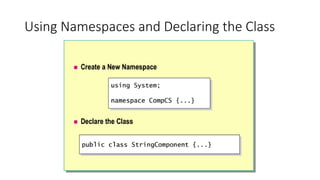
Using Namespaces and Declaring the Class
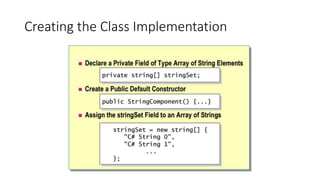
Creating the Class Implementation
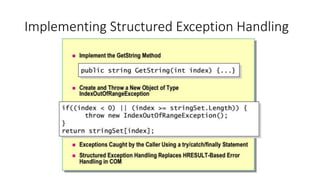
Implementing Structured Exception Handling
Creating a Property
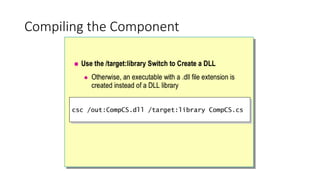
Compiling the Component
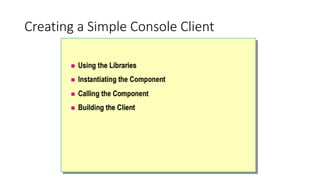
Creating a Simple Console Client
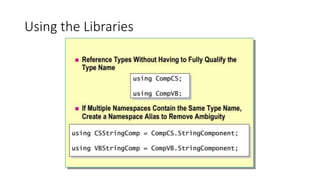
Using the Libraries
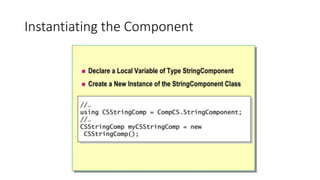
Instantiating the Component
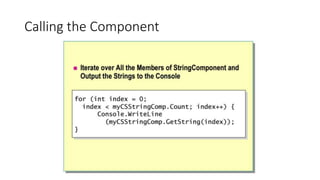
Calling the Component
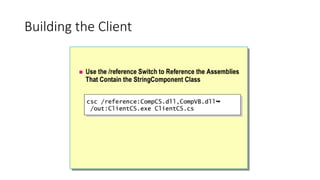
Building the Client
Demonstration: Creating a Windows Forms
Client
Creating an ASP.NET Client
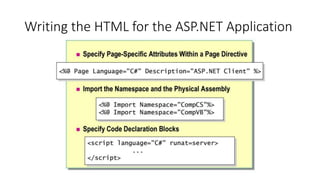
Writing the HTML for the ASP.NET Application
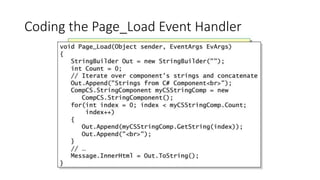
Coding the Page_Load Event Handler
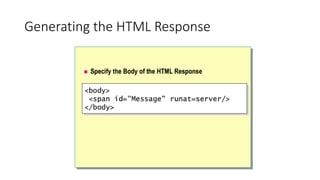
Generating the HTML Response
Demonstration: Testing the ASP.NET Client
Module 4:
Deployment and Versioning
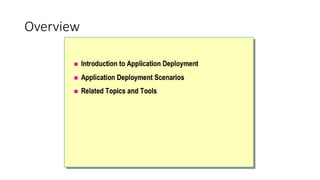
Overview
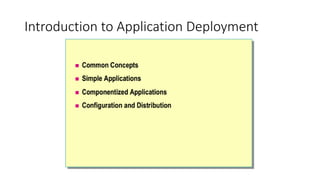
Introduction to Application Deployment
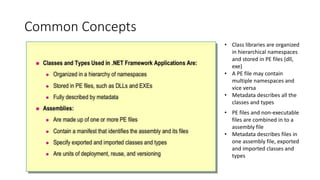
Common Concepts
• Class libraries are organized
in hierarchical namespaces
and stored in PE files (dll,
exe)
• A PE file may contain
multiple namespaces and
vice versa
• Metadata describes all the
classes and types
• PE files and non-executable
files are combined in to a
assembly file
• Metadata describes files in
one assembly file, exported
and imported classes and
types
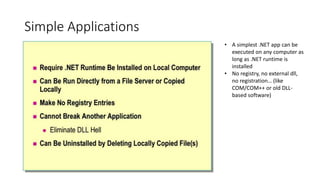
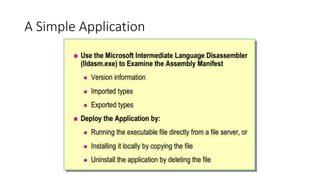
Simple Applications
• A simplest .NET app can be
executed on any computer as
long as .NET runtime is
installed
• No registry, no external dll,
no registration… (like
COM/COM++ or old DLL-
based software)
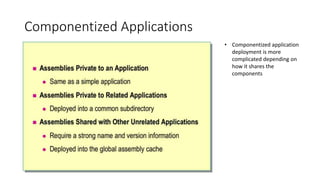
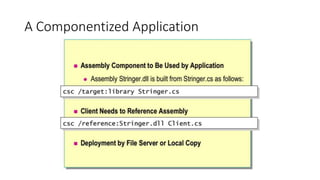
Componentized Applications
• Componentized application
deployment is more
complicated depending on
how it shares the
components
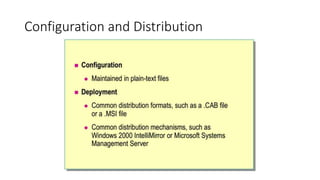
Configuration and Distribution
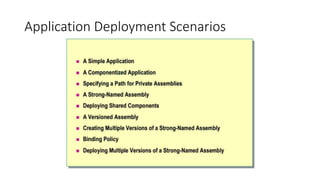
Application Deployment Scenarios
A Simple Application
A Componentized Application
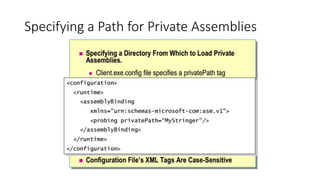
Specifying a Path for Private Assemblies
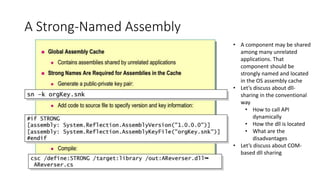
A Strong-Named Assembly
• A component may be shared
among many unrelated
applications. That
component should be
strongly named and located
in the OS assembly cache
• Let’s discuss about dll-
sharing in the conventional
way
• How to call API
dynamically
• How the dll is located
• What are the
disadvantages
• Let’s discuss about COM-
based dll sharing
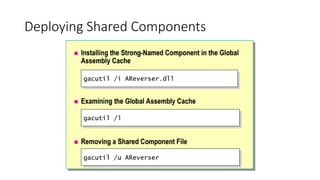
Deploying Shared Components
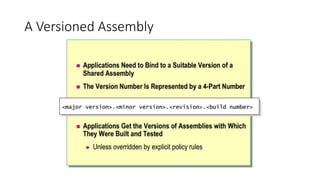
A Versioned Assembly
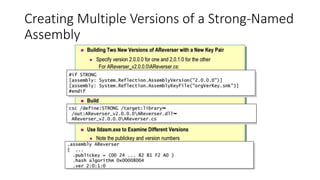
Creating Multiple Versions of a Strong-Named
Assembly
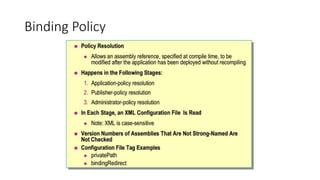
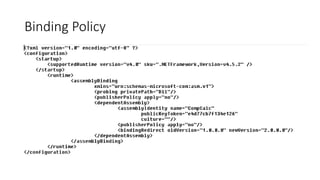
Binding Policy
Binding Policy
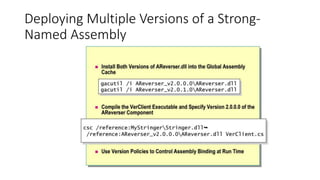
Deploying Multiple Versions of a Strong-
Named Assembly
Related Topics and Tools
Related Topics
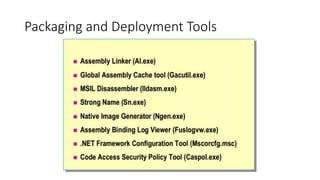
Packaging and Deployment Tools
Module 5:
Common Type System
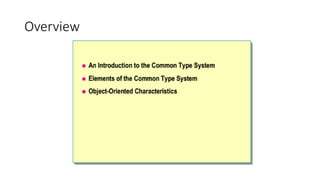
Overview
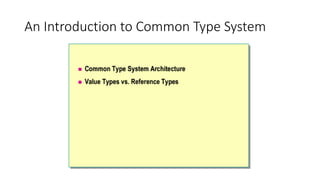
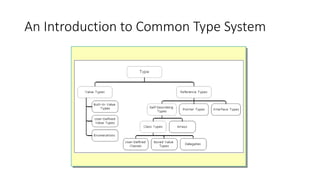
An Introduction to Common Type System
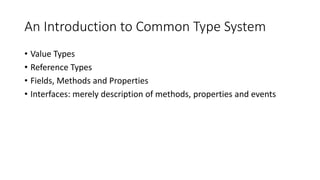
• Value Types
• Reference Types
• Fields, Methods and Properties
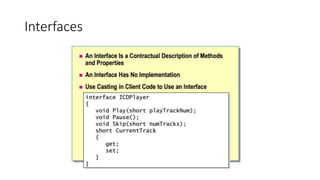
• Interfaces: merely description of methods, properties and events
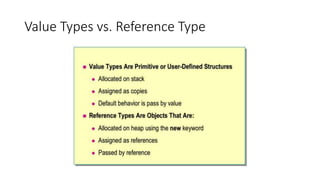
Value Types vs. Reference Type
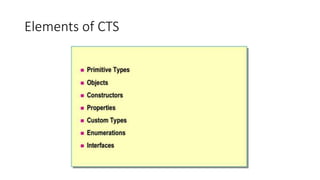
Elements of CTS
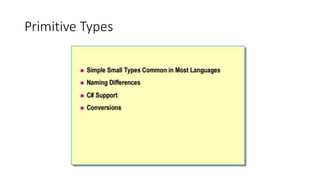
Primitive Types
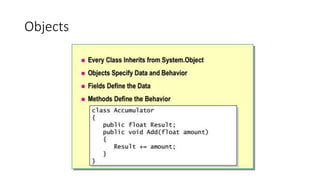
Objects
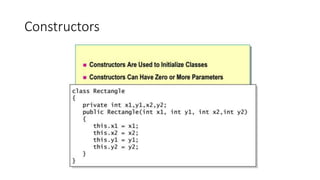
Constructors
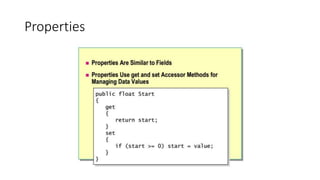
Properties
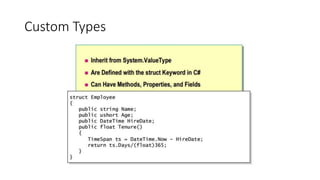
Custom Types
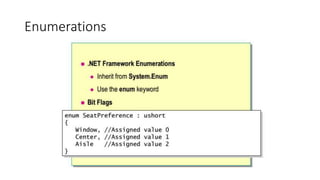
Enumerations
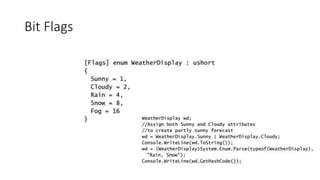
Bit Flags
Interfaces
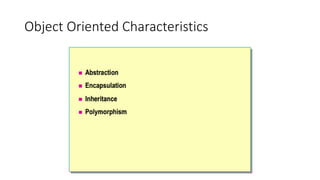
Object Oriented Characteristics
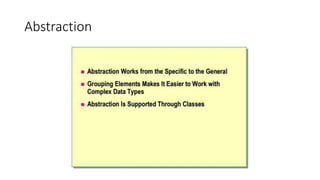
Abstraction
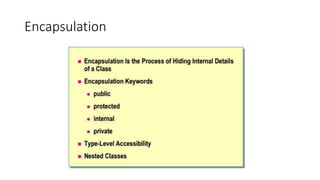
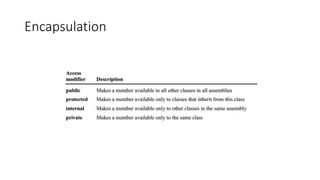
Encapsulation
Encapsulation
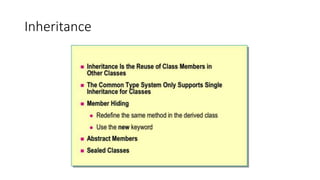
Inheritance
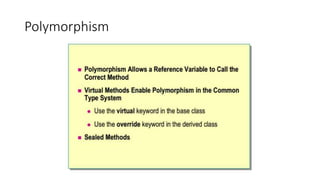
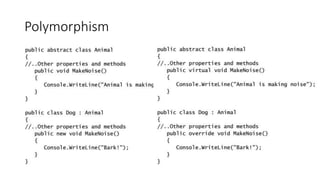
Polymorphism
Polymorphism
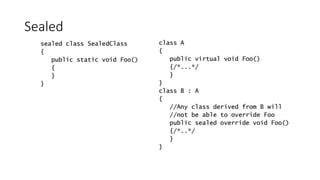
Sealed
Module 6:
Working with Types
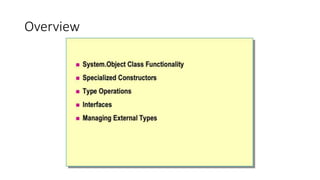
Overview
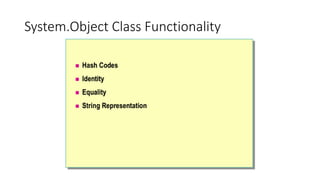
System.Object Class Functionality
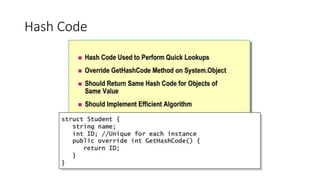
Hash Code
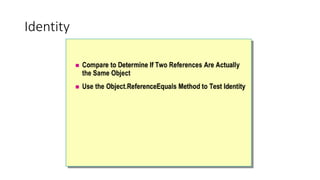
Identity
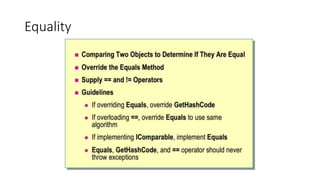
Equality
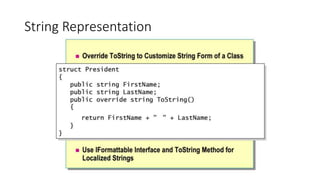
String Representation
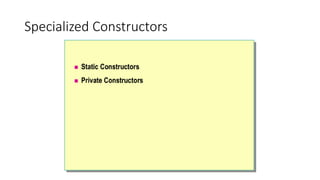
Specialized Constructors
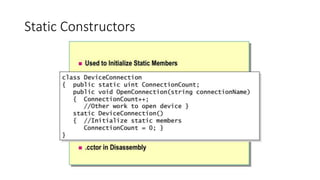
Static Constructors
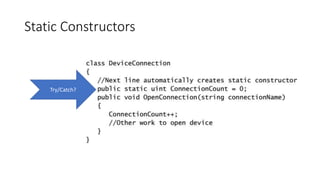
Static Constructors
Try/Catch?
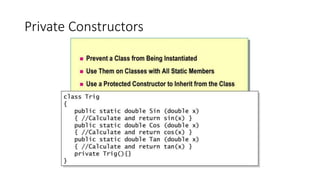
Private Constructors
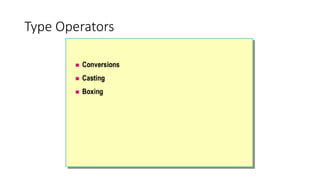
Type Operators
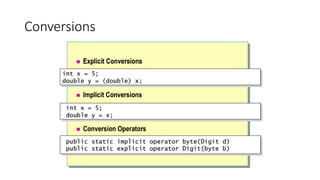
Conversions
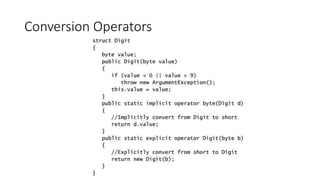
Conversion Operators
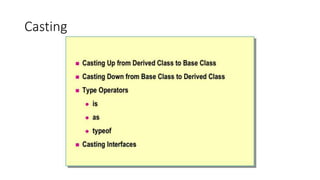
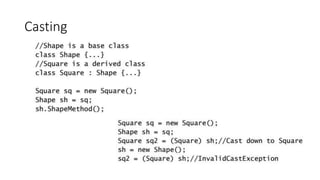
Casting
Casting
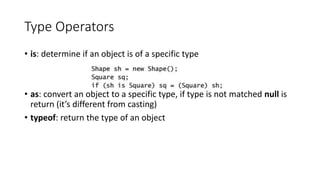
Type Operators
• is: determine if an object is of a specific type
• as: convert an object to a specific type, if type is not matched null is
return (it’s different from casting)
• typeof: return the type of an object
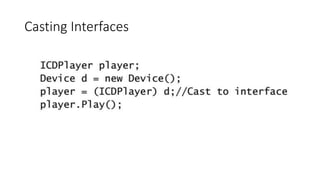
Casting Interfaces
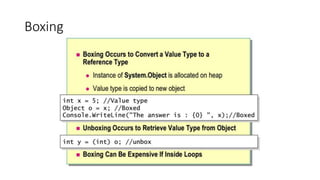
Boxing
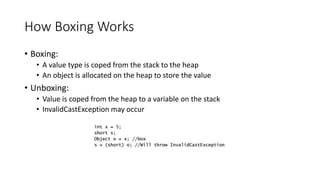
How Boxing Works
• Boxing:
• A value type is coped from the stack to the heap
• An object is allocated on the heap to store the value
• Unboxing:
• Value is coped from the heap to a variable on the stack
• InvalidCastException may occur
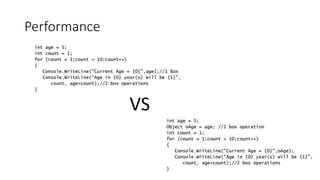
Performance
VS
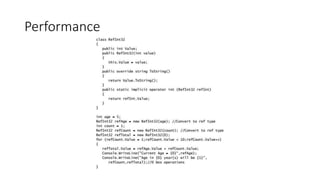
Performance
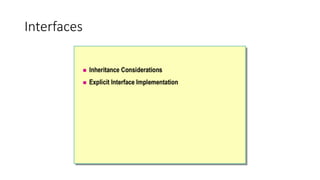
Interfaces
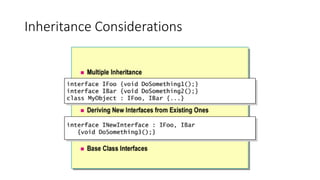
Inheritance Considerations
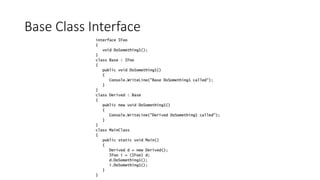
Base Class Interface
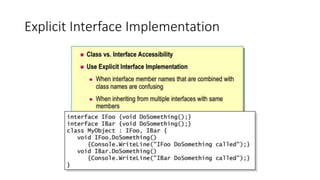
Explicit Interface Implementation
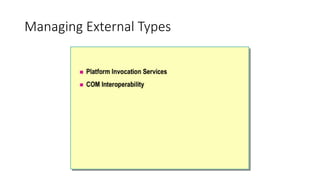
Managing External Types
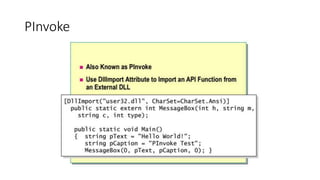
PInvoke

.Net programming with C#