Neo4j	Fundamentals
Today’s	first	graph

(:Person { name:”Max De Marzi"} )-[:TEACHES]-> (:Database { name:"Neo4j"} )
Logistics
• WIFI-SSID:		IvyRoomGuest			Password:	no	password	
• Install	Neo4j	3.2.1	from	USB	or	from		neo4j.com/download	
• Coffee	break	
• Working	together	today	
• Pair	on	the	exercises	and	help	each	other!	
• Ask	relevant	questions	immediately:	raise	your	hand	if	you	have	problems	
• Keep	larger	questions	to	the	breaks	/	end	
• Use	the	scratch-pad	google	doc:	bit.ly/_fundamentals	
• Join	neo4j.com/slack	and	go	to	the		#training-fundamentals		channel	
• Please	fill	out	the	feedback	form:	bit.ly/neo-survey	(gives	a	discount	code)
What	are	we	going	to	do	today?
• Module	I	 	 Intro	to	graphs	and	Neo4j		
• Module	III	 	 First	steps	in	Cypher	
• Module	III	 	 Hands-on	Cypher	
• Resources
Module	I:	Intro	to	Graphs	and	Neo4j
• Why	graphs?	
• Intro	to	the	property	graph	model	
• Querying	the	graph
Module	I:	Intro	to	Graphs	and	Neo4j
• Why	graphs?	
• Intro	to	the	property	graph	model	
• Querying	the	graph
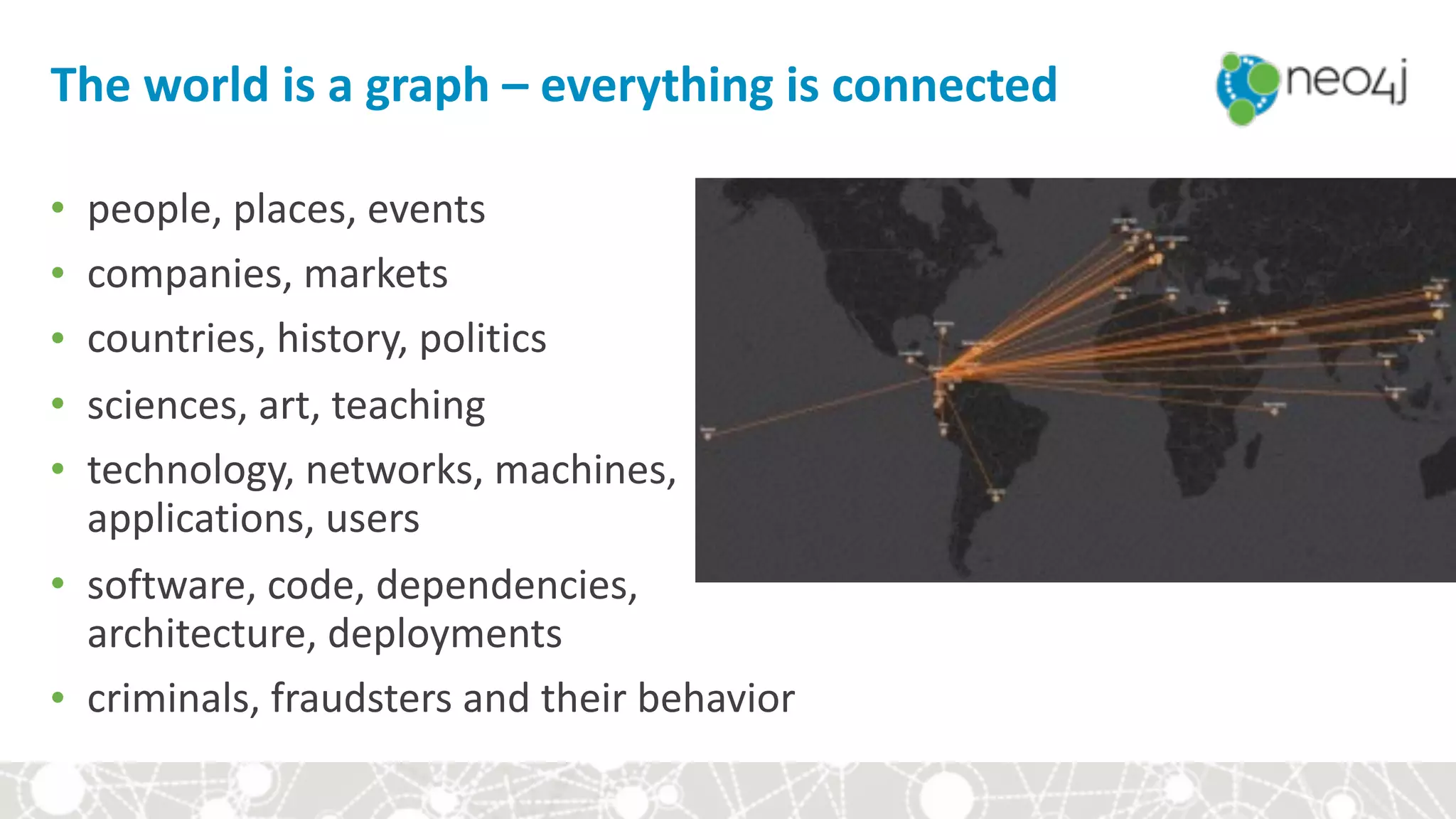
The	world	is	a	graph	–	everything	is	connected
• people,	places,	events	
• companies,	markets	
• countries,	history,	politics	
• sciences,	art,	teaching	
• technology,	networks,	machines,	

applications,	users	
• software,	code,	dependencies,	

architecture,	deployments	
• criminals,	fraudsters	and	their	behavior
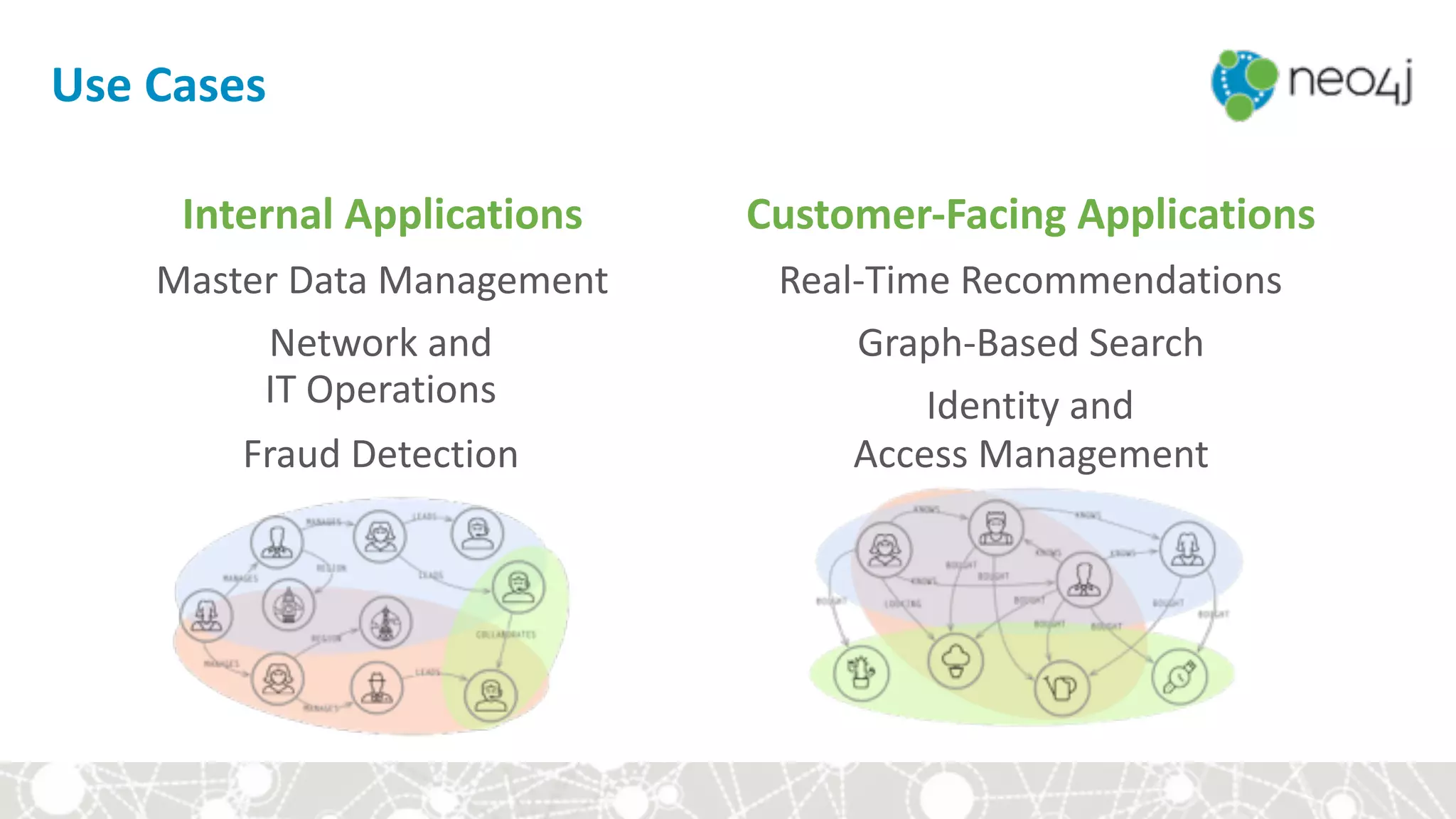
Use	Cases
Internal	Applications	
Master	Data	Management		
Network	and	

IT	Operations	
Fraud	Detection
Customer-Facing	Applications	
Real-Time	Recommendations	
Graph-Based	Search	
Identity	and	

Access	Management
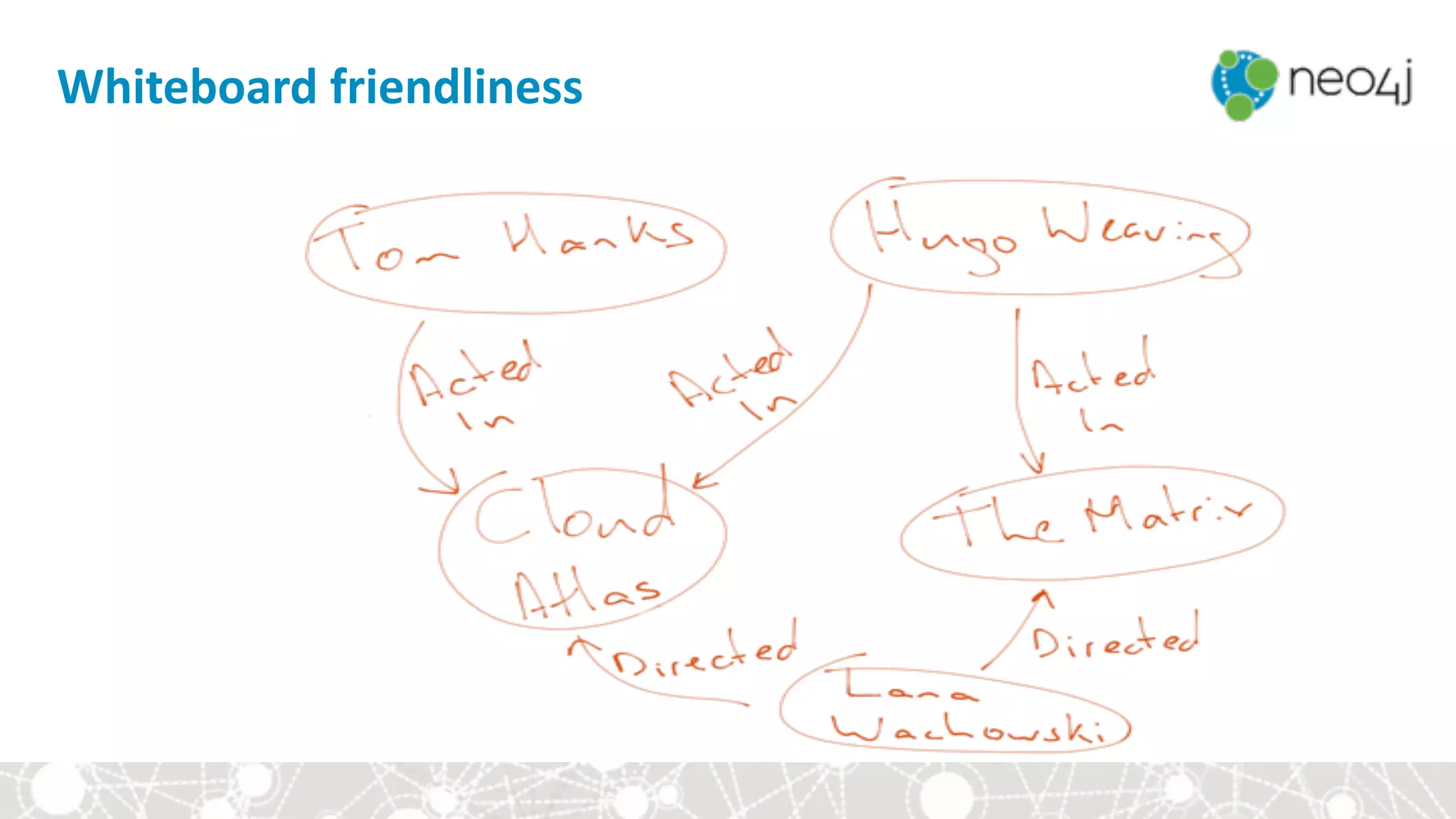
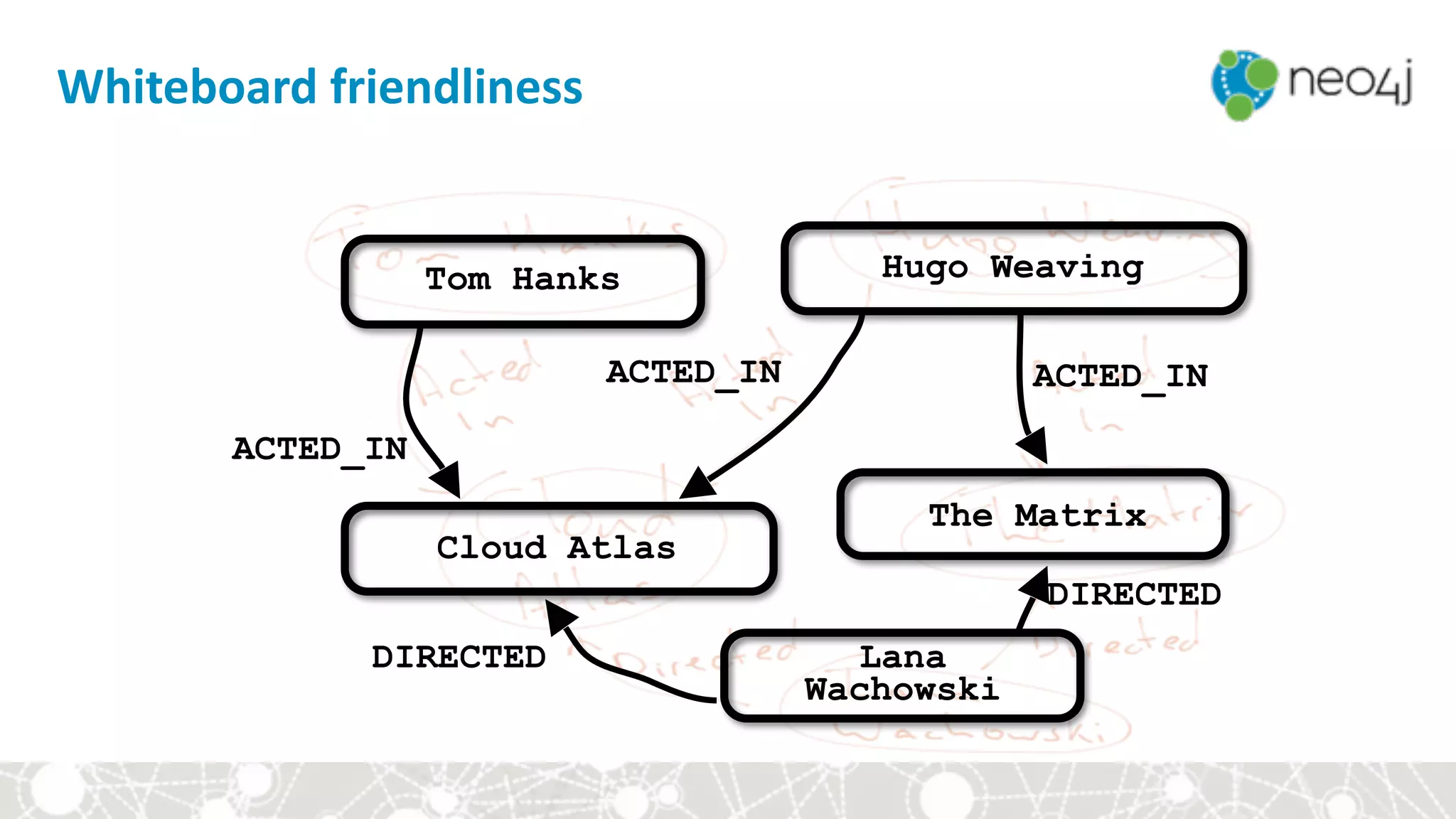
Whiteboard	friendliness
Tom Hanks Hugo Weaving
Cloud Atlas
The Matrix
Lana
Wachowski
ACTED_IN
ACTED_IN ACTED_IN
DIRECTED
DIRECTED
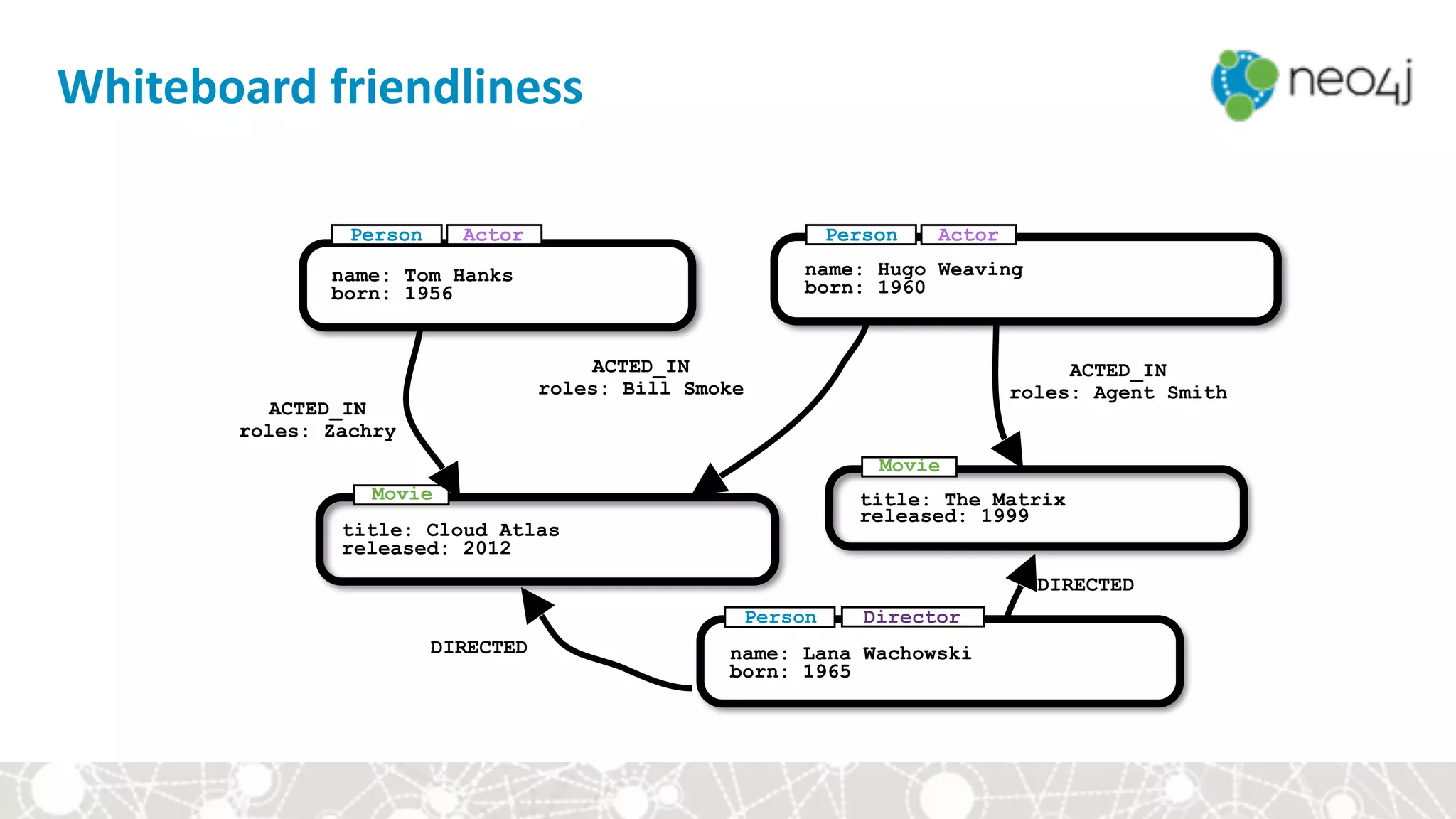
Whiteboard	friendliness
name: Tom Hanks
born: 1956
title: Cloud Atlas
released: 2012
title: The Matrix
released: 1999
name: Lana Wachowski
born: 1965
ACTED_IN
roles: Zachry
ACTED_IN
roles: Bill Smoke
DIRECTED
DIRECTED
ACTED_IN
roles: Agent Smith
name: Hugo Weaving
born: 1960
Person
Movie
Movie
Person Director
ActorPerson Actor
Whiteboard	friendliness
Module	I:	Intro	to	Graphs	and	Neo4j
• Why	graphs?	
• Intro	to	the	property	graph	model	
• Querying	the	graph
Neo4j	Fundamentals
• Nodes
• Relationships
• Properties
• Labels
CAR
Property	Graph	Model	Components
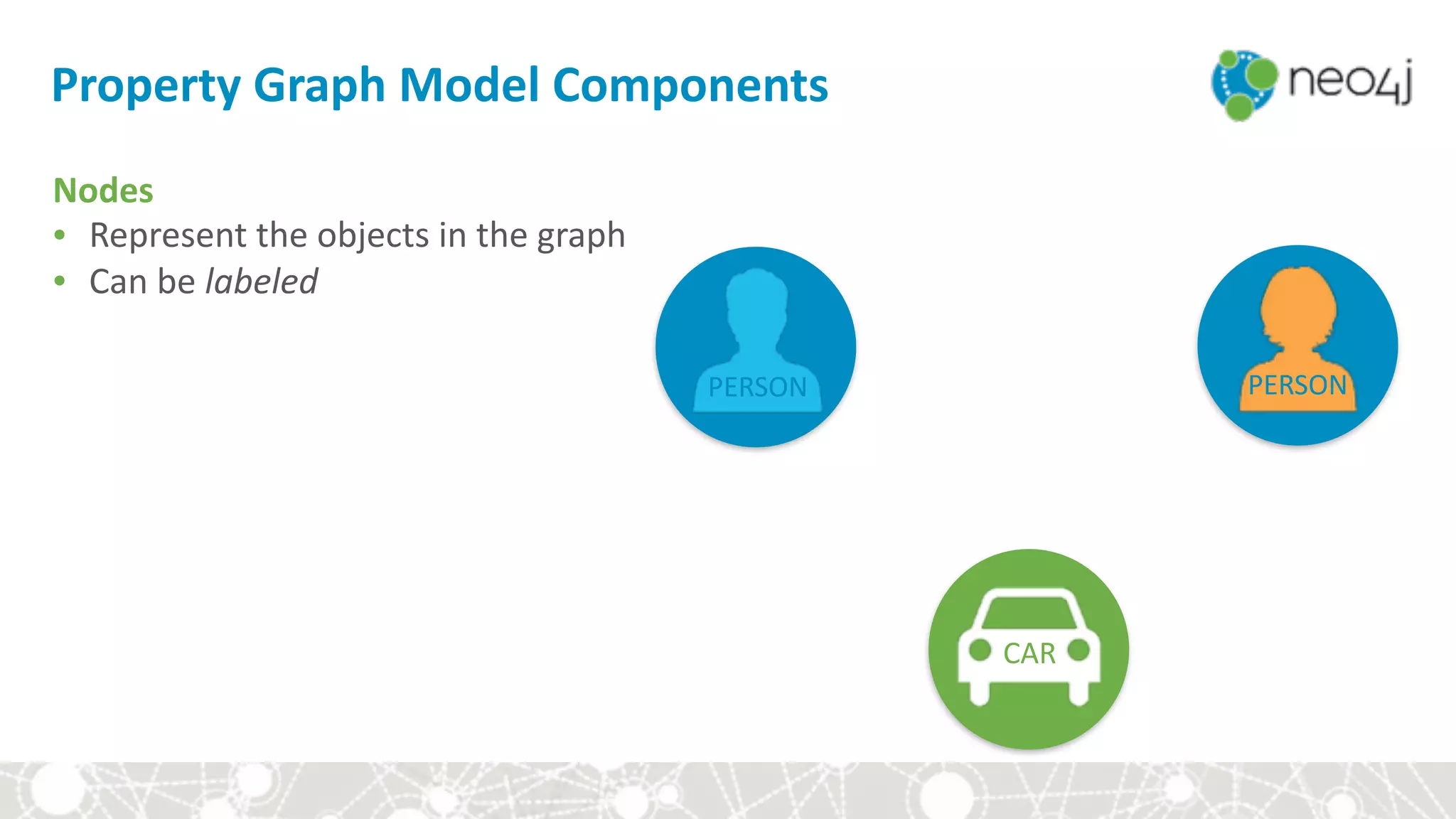
Nodes	
• Represent	the	objects	in	the	graph	
• Can	be	labeled
PERSON PERSON
CAR
DRIVES
Property	Graph	Model	Components
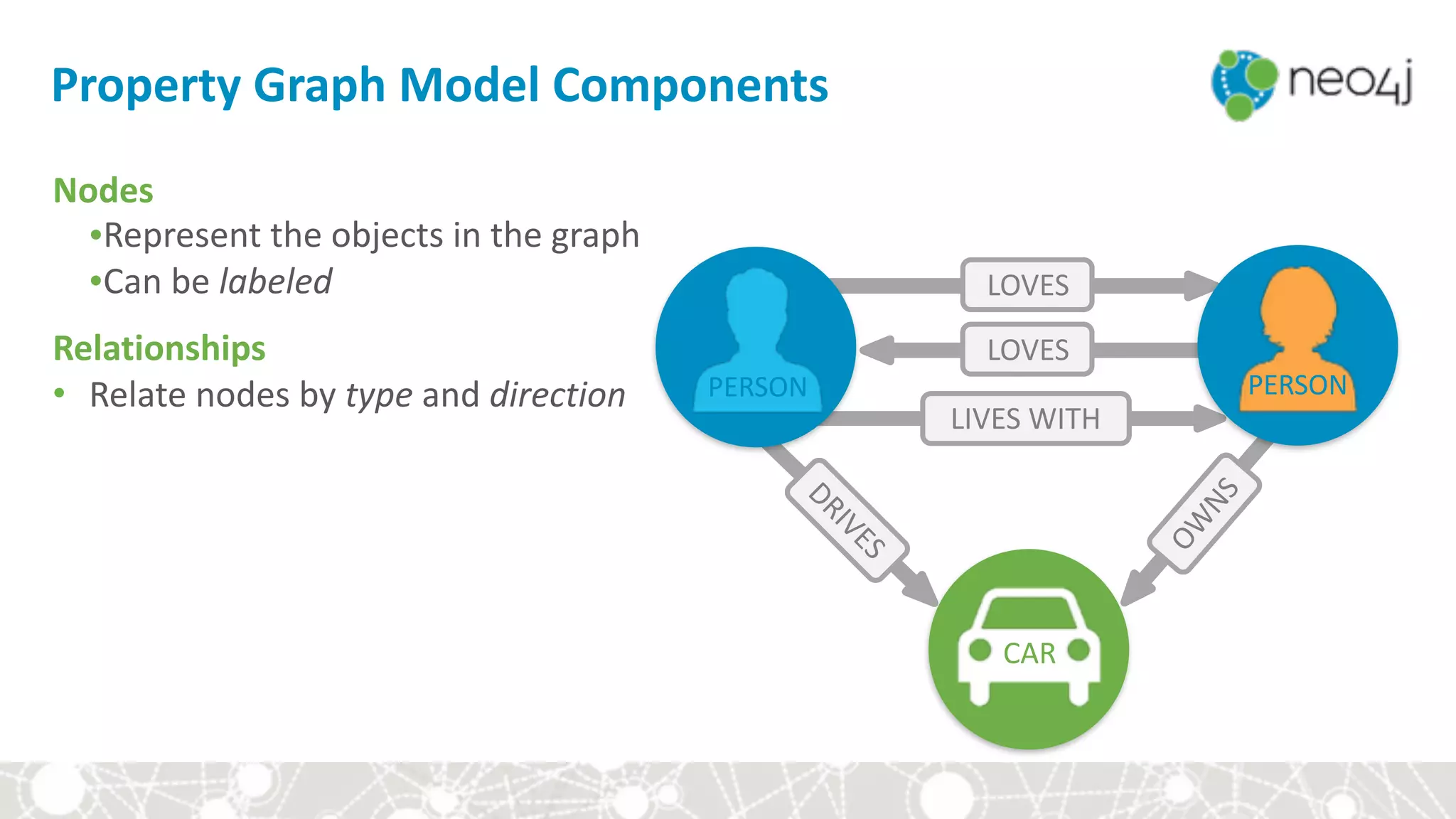
Nodes	
•Represent	the	objects	in	the	graph	
•Can	be	labeled	
Relationships	
• Relate	nodes	by	type	and	direction
LOVES
LOVES
LIVES	WITH
OW
NS
PERSON PERSON
CAR
DRIVES
name:	“Dan”	
born:	May	29,	1970	
twitter:	“@dan”
name:	“Ann”	
born:		Dec	5,	1975
since:	

Jan	10,	2011
brand:	“Volvo”	
model:	“V70”
Property	Graph	Model	Components
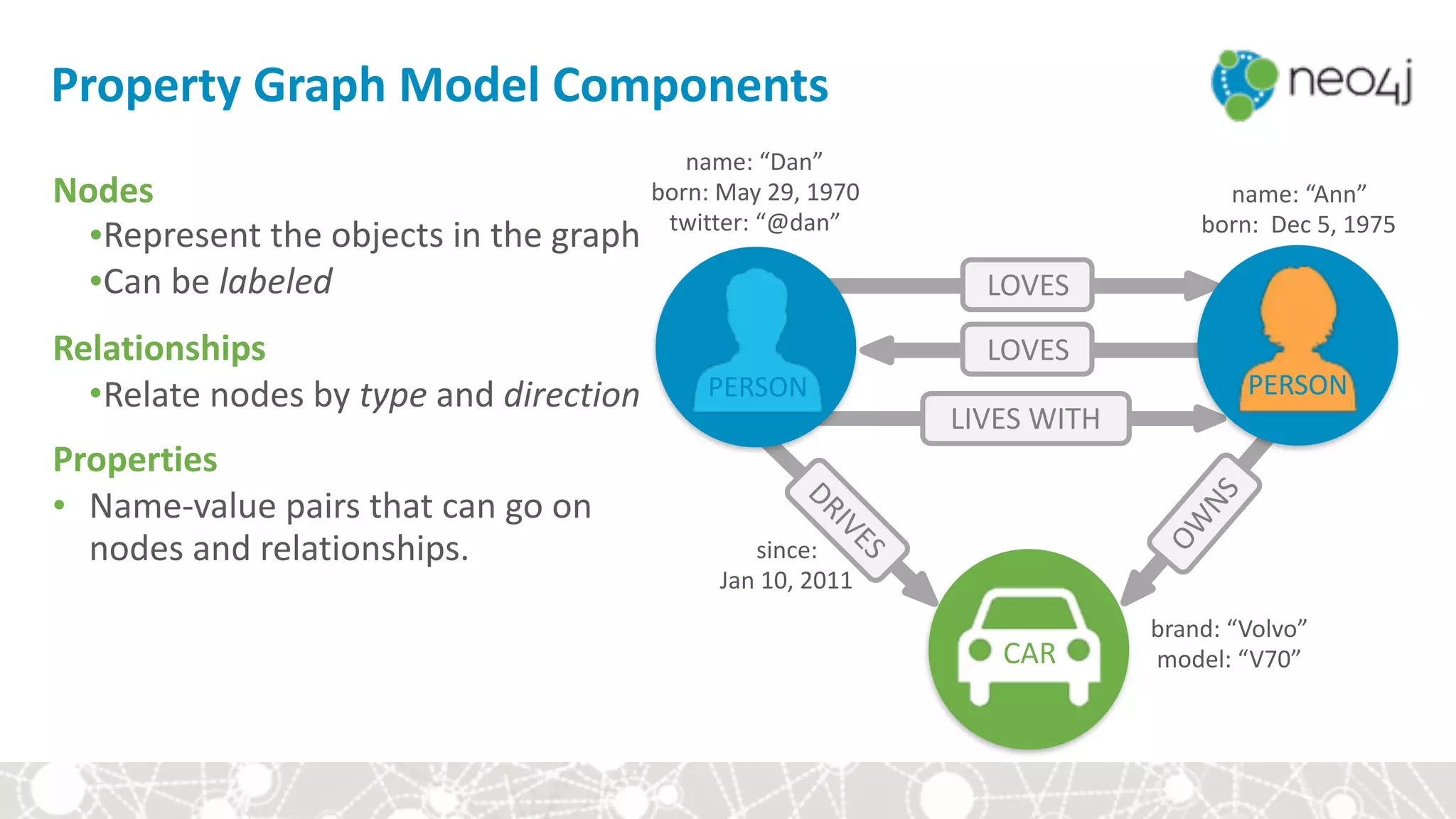
Nodes	
•Represent	the	objects	in	the	graph	
•Can	be	labeled	
Relationships	
•Relate	nodes	by	type	and	direction	
Properties	
• Name-value	pairs	that	can	go	on	
nodes	and	relationships.
LOVES
LOVES
LIVES	WITH
OW
NS
PERSON PERSON
Exercise:	Graphs	are	all	around	us
Can you identify nodes and relationships in the room?
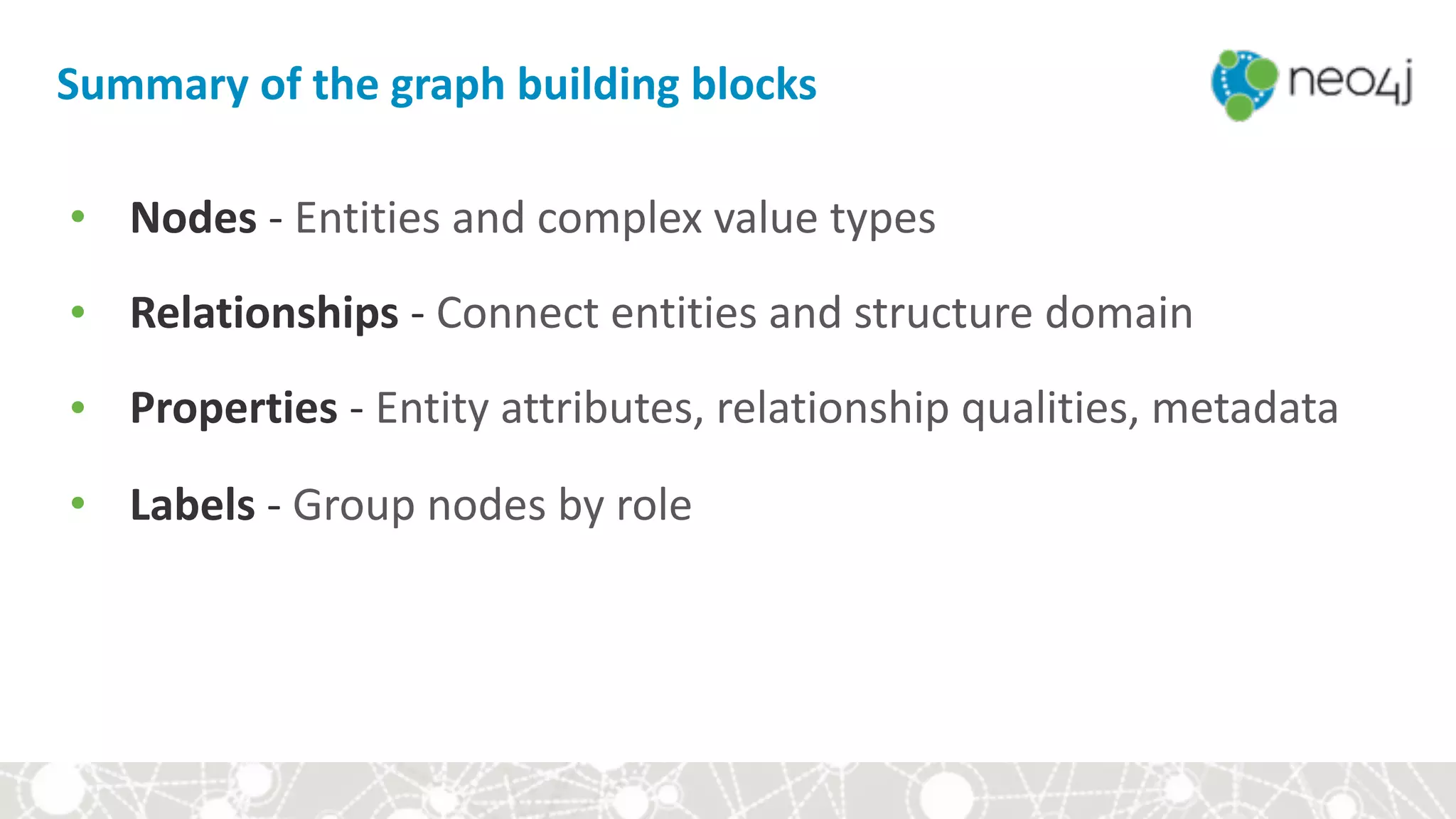
Summary	of	the	graph	building	blocks
• Nodes	-	Entities	and	complex	value	types	
• Relationships	-	Connect	entities	and	structure	domain	
• Properties	-	Entity	attributes,	relationship	qualities,	metadata	
• Labels	-	Group	nodes	by	role
Module	I:	Intro	to	Graphs	and	Neo4j
• Why	graphs?	
• Intro	to	the	property	graph	model	
• Querying	the	graph
A	pattern	matching	query	language	made	for	graphs
21
Cypher
22
• Declarative	
• Expressive	
• Pattern	Matching
Cypher
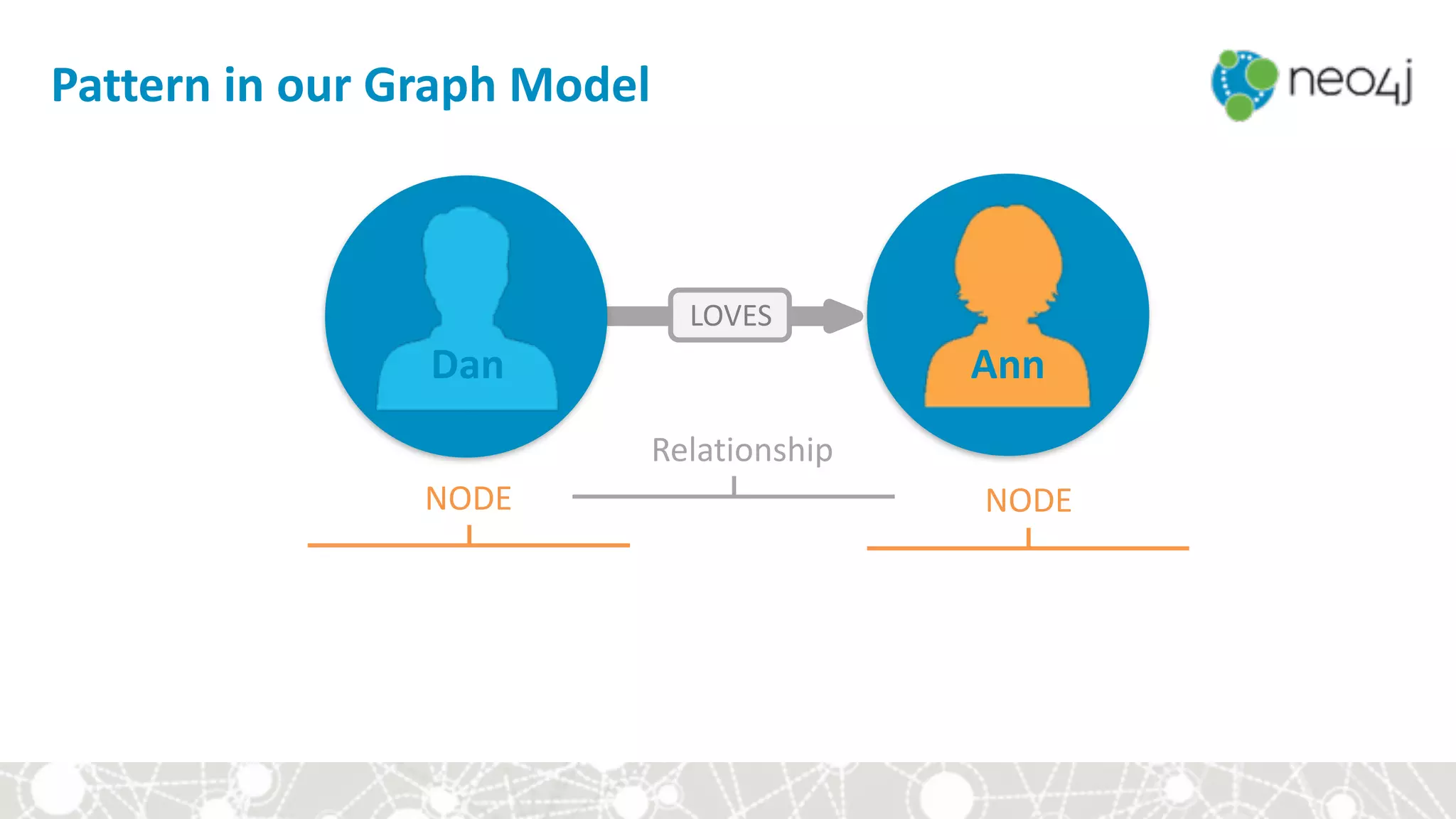
Pattern	in	our	Graph	Model
LOVES
Dan Ann
NODE NODE
Relationship
Cypher:	Express	Graph	Patterns
												(:Person	{	name:"Dan"}	)	-[:LOVES]->	(:Person	{	name:"Ann"}	)	
LOVES
Dan Ann
LABEL PROPERTY
NODE NODE
LABEL PROPERTY
Relationship
Cypher:	CREATE	Graph	Patterns
CREATE	(:Person	{	name:"Dan"}	)	-[:LOVES]->	(:Person	{	name:"Ann"}	)	
LOVES
Dan Ann
LABEL PROPERTY
NODE NODE
LABEL PROPERTY
Relationship
Cypher:	MATCH	Graph	Patterns
			MATCH	(:Person	{	name:"Dan"}	)	-[:LOVES]->	(	whom	)	RETURN	whom
LOVES
Dan ?
VARIABLE
NODE NODE
LABEL PROPERTY
Relationship
Module	II:	First	steps	in	Cypher
• ASCII-Art	
• Demo	
• Constraints	
• Let's	graph	our	group!
Module	II:	First	steps	in	Cypher	
We	will	learn	how	to:
• represent	nodes	and	relationships	in	Cypher	
• create	and	find	nodes	
• add	properties	
• use	constraints	and	create	nodes	uniquely	
• create	relationships	
• find	patterns	
• delete	data
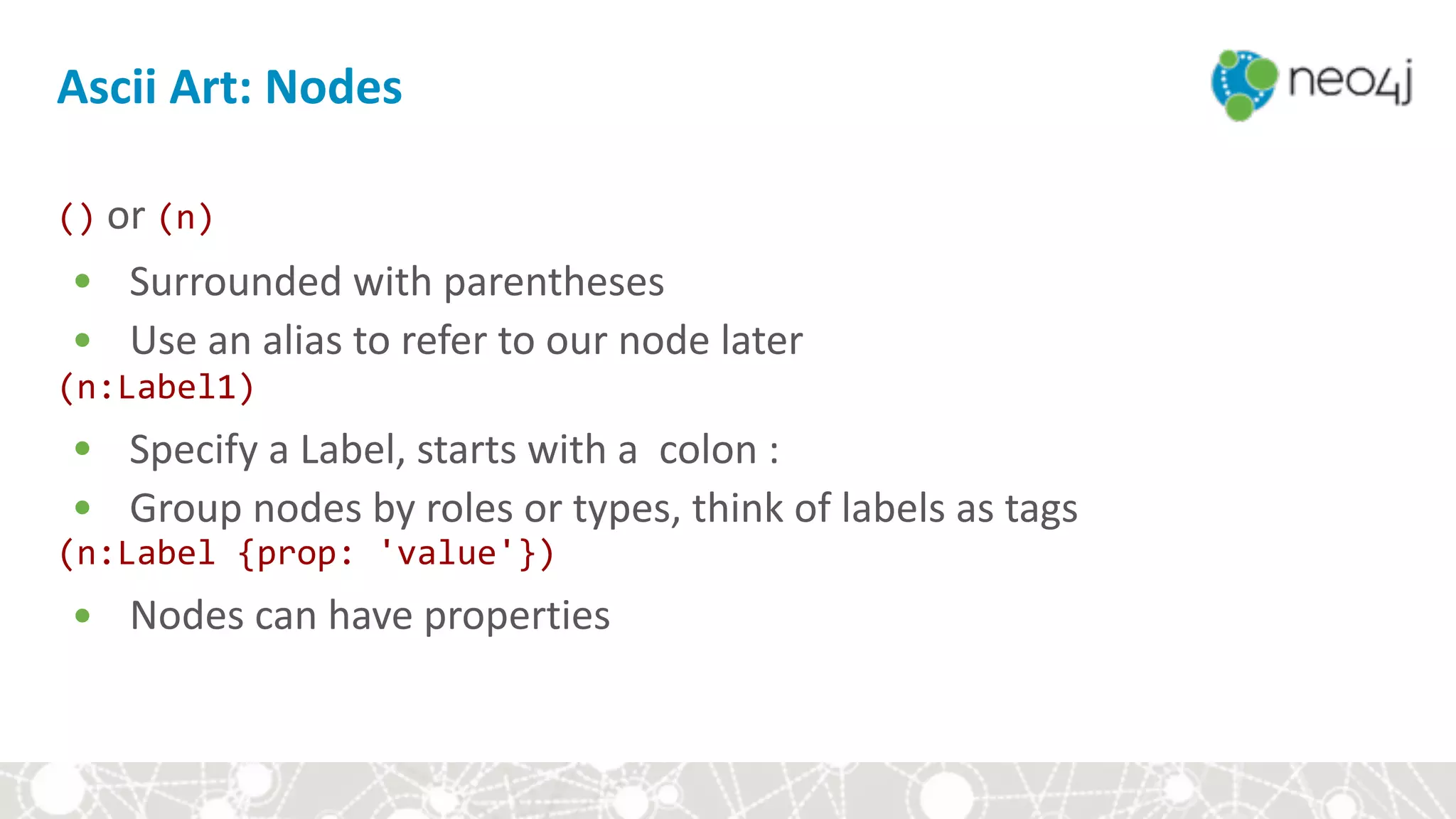
Ascii	Art:	Nodes
()	or	(n)	
• Surrounded	with	parentheses	
• Use	an	alias	to	refer	to	our	node	later	
(n:Label1)	
• Specify	a	Label,	starts	with	a		colon	:	
• Group	nodes	by	roles	or	types,	think	of	labels	as	tags	
(n:Label	{prop:	'value'})	
• Nodes	can	have	properties
Ascii	Art:	Relationships
-->	or	-[r:TYPE]->	
• Wrapped	with	hyphens	&	square	brackets	
• Like	labels,	a	relationship	type	starts	with	a	colon	:	
<	>	Specify	the	direction	of	the	relationship	
-[:KNOWS	{since:	2010}]->	
• Relationships	can	have	properties	too!
Ascii	Art:	Relationships
(n:Label	{prop:'value'})-[:TYPE]->(m:Label)	
• mini	graph	examples	that	we	want	to	search	for	
• use	variables	for	later	use	
(p1:Person	{name:'Alice'})-[:KNOWS]->(p2:Person	{name:'Bob')
Module	II:	First	steps	in	Cypher
• ASCII-Art	
• Demo	
• Constraints	
• Let's	graph	our	group!
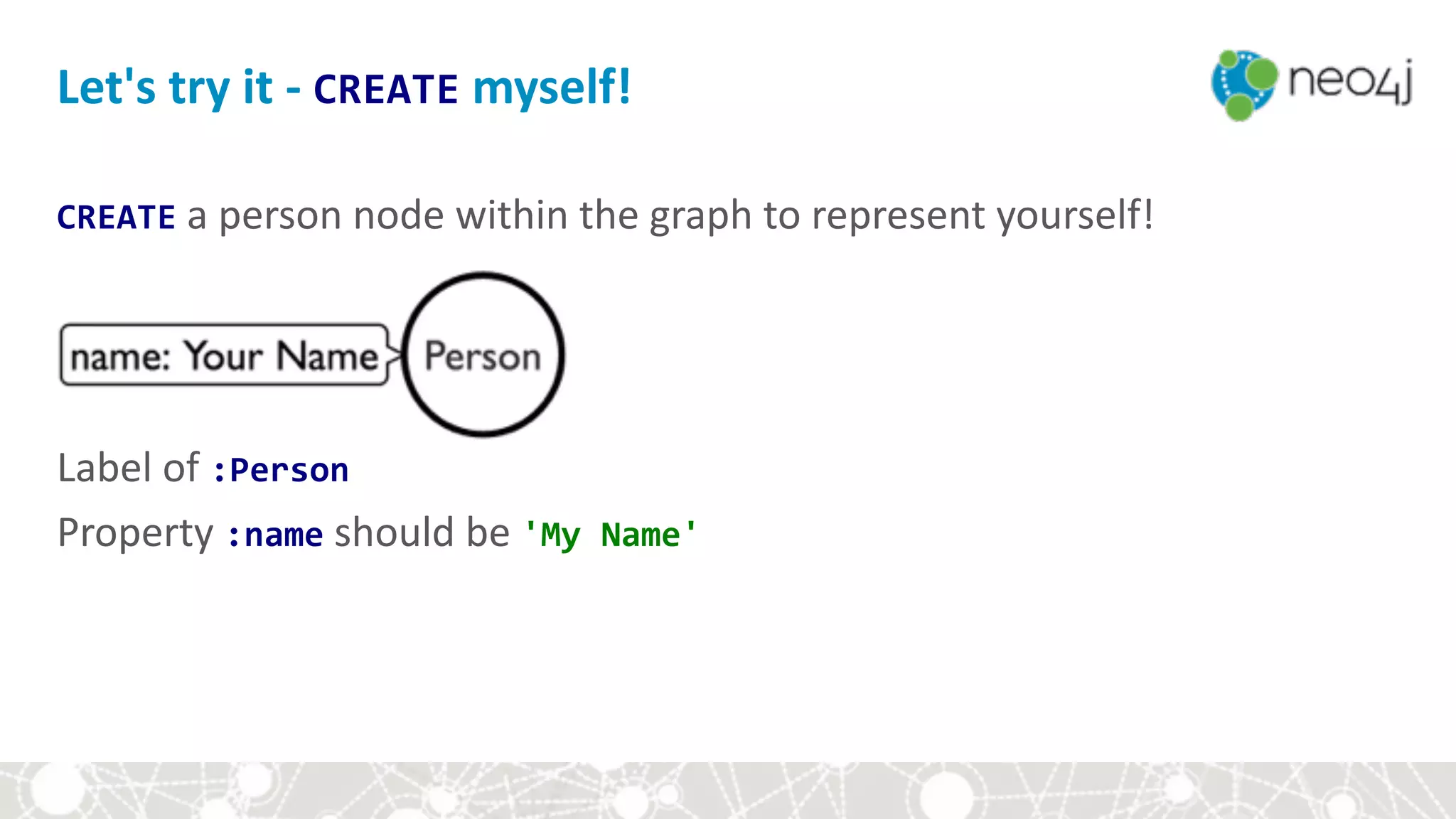
CREATE	a	person	node	within	the	graph	to	represent	yourself!


Label	of	:Person	
Property	:name	should	be	'My	Name'	
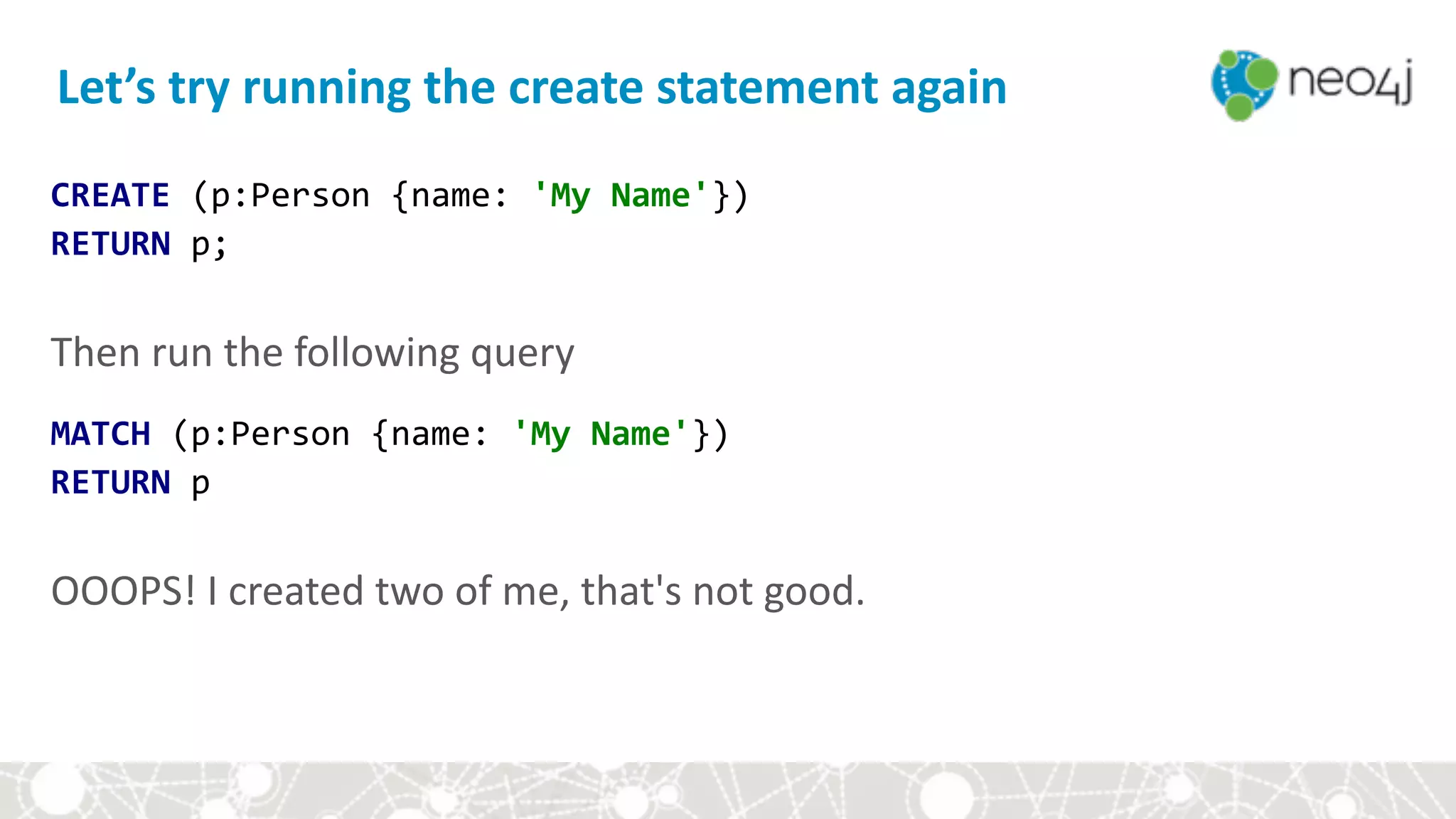
Let's	try	it	-	CREATE	myself!
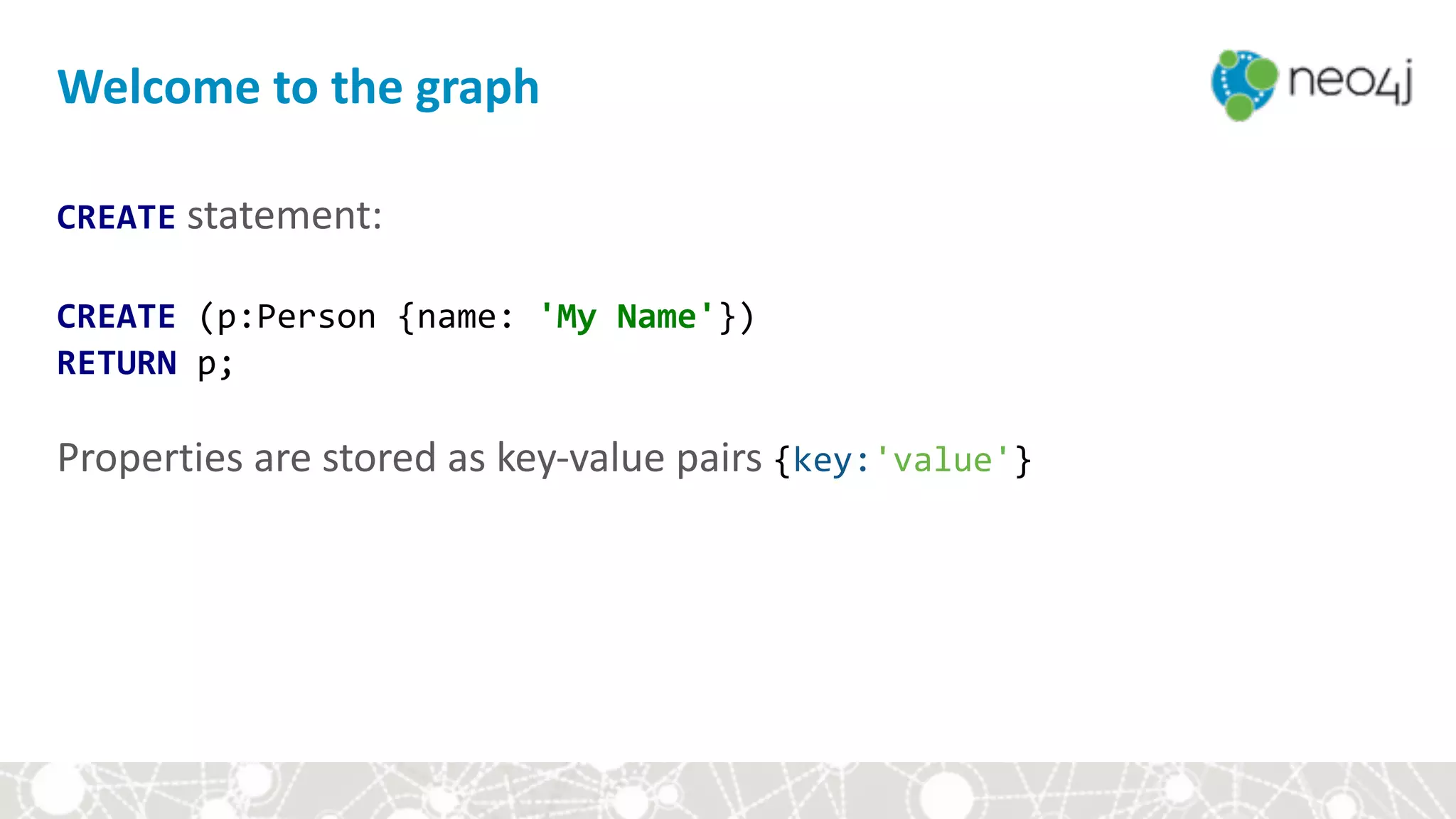
CREATE	statement:	
CREATE	(p:Person	{name:	'My	Name'})

RETURN	p;	
Properties	are	stored	as	key-value	pairs	{key:'value'}	
Welcome	to	the	graph
CREATE	(p:Person	{name:	'My	Name'})

RETURN	p;


Then	run	the	following	query	
MATCH	(p:Person	{name:	'My	Name'})

RETURN	p


OOOPS!	I	created	two	of	me,	that's	not	good.
Let’s	try	running	the	create	statement	again
Module	II:	First	steps	in	Cypher
• ASCII-Art	
• Demo	
• Constraints	
• Let's	graph	our	group!
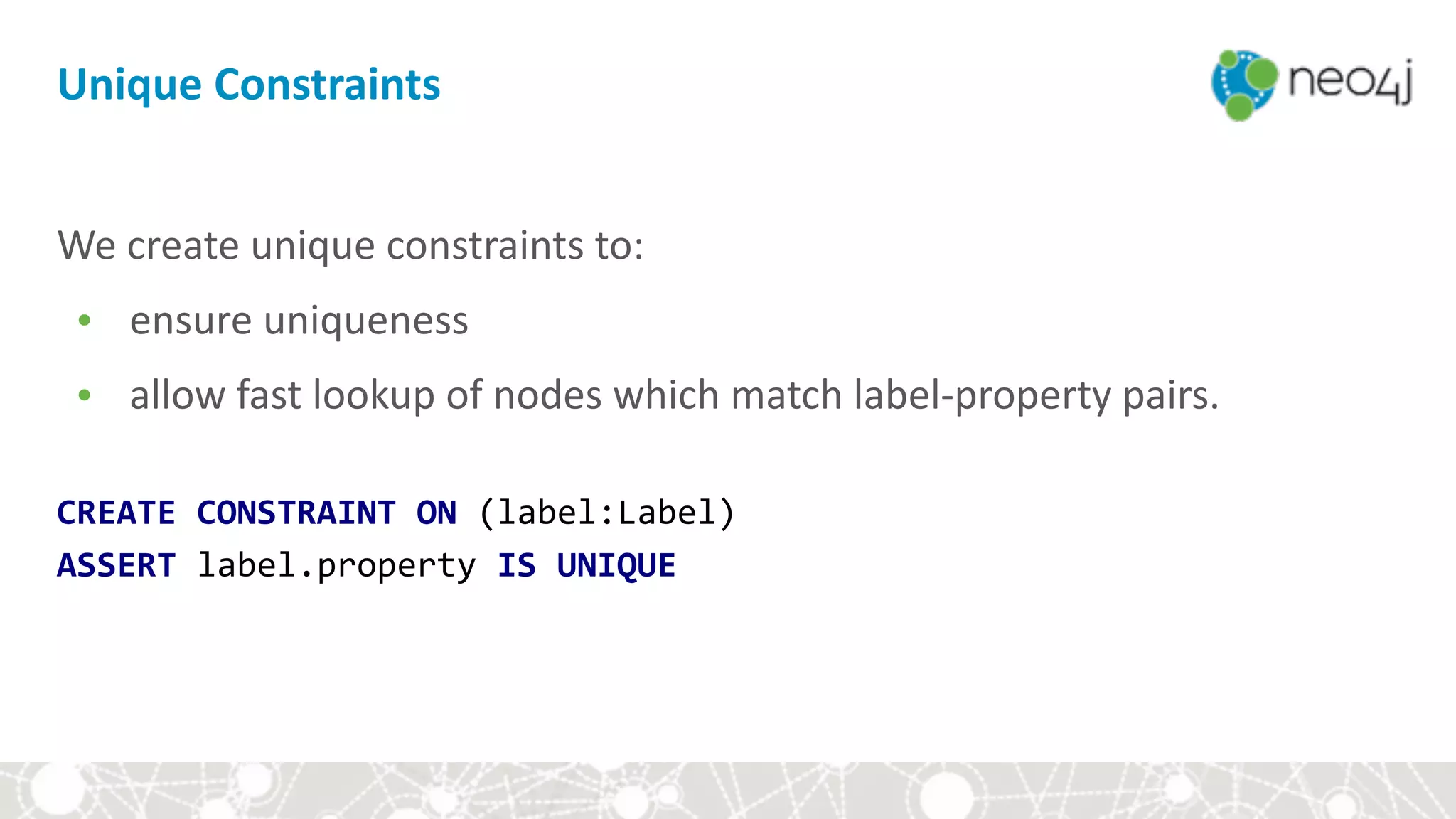
Unique	Constraints
We	create	unique	constraints	to:		
• ensure	uniqueness		
• allow	fast	lookup	of	nodes	which	match	label-property	pairs.
We	create	unique	constraints	to:		
• ensure	uniqueness		
• allow	fast	lookup	of	nodes	which	match	label-property	pairs.	


CREATE	CONSTRAINT	ON	(label:Label)

ASSERT	label.property	IS	UNIQUE
Unique	Constraints
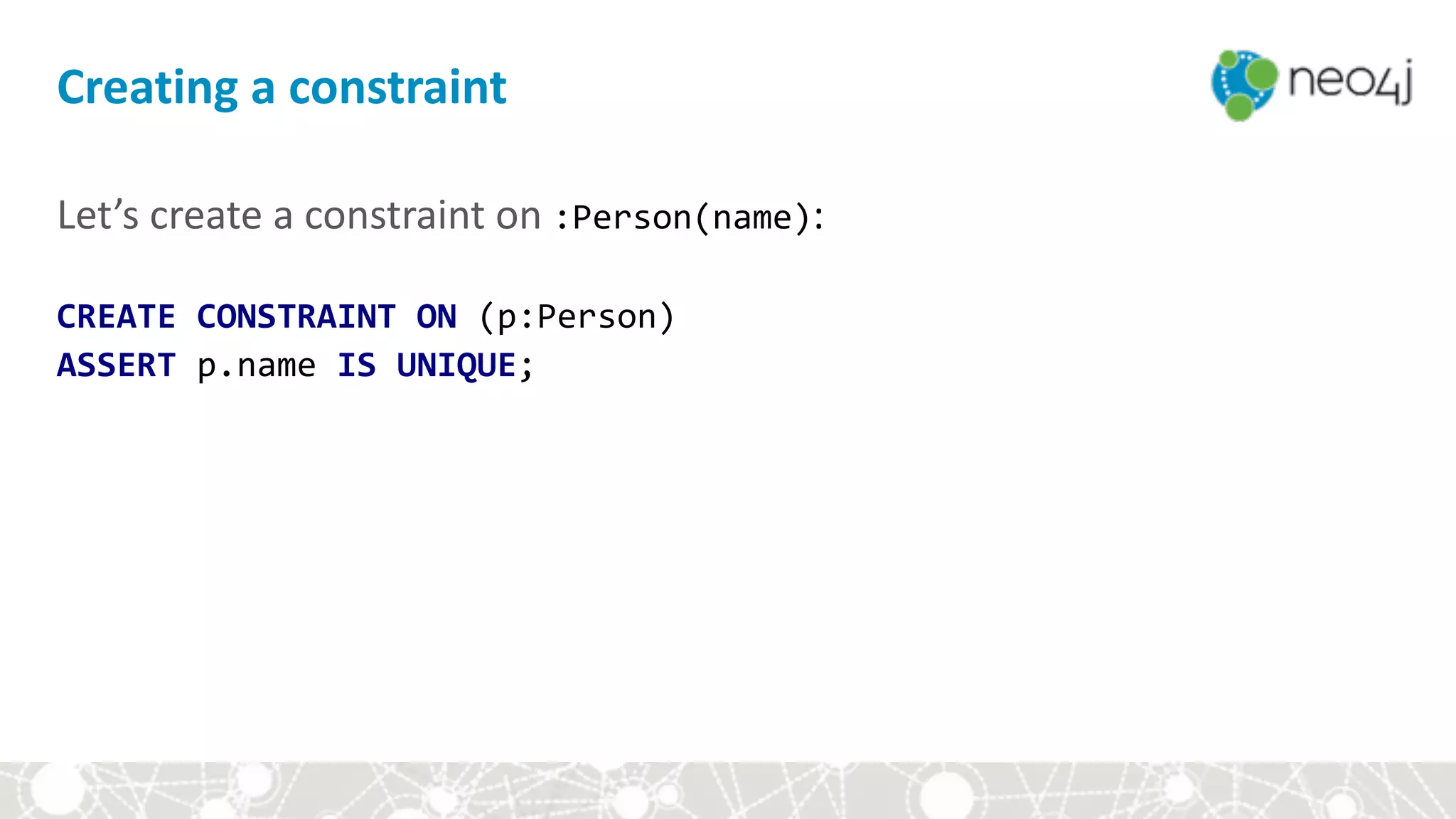
Let’s	create	a	constraint	on	:Person(name):

CREATE	CONSTRAINT	ON	(p:Person)		
ASSERT	p.name	IS	UNIQUE;
Creating	a	constraint
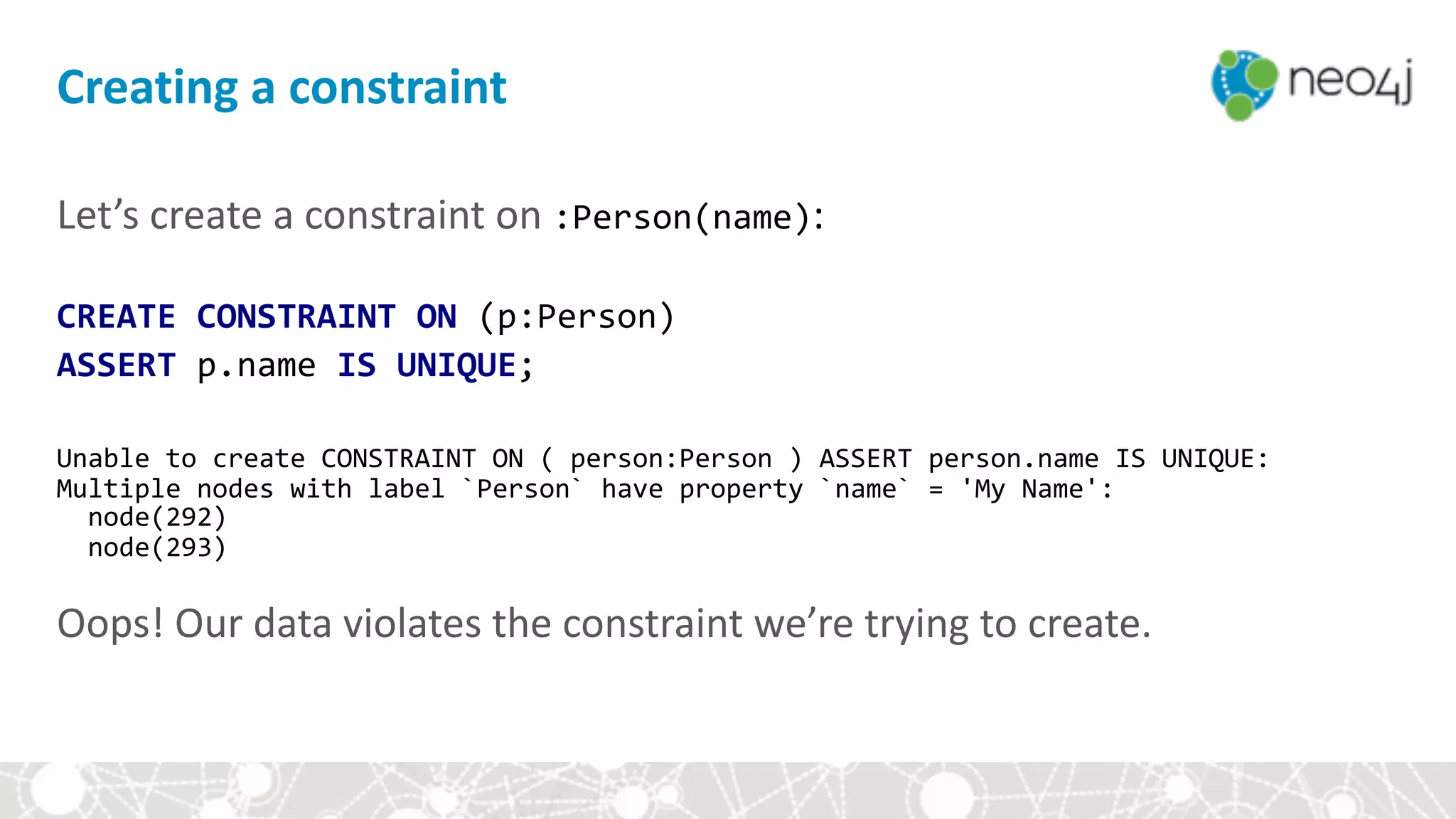
Let’s	create	a	constraint	on	:Person(name):

CREATE	CONSTRAINT	ON	(p:Person)		
ASSERT	p.name	IS	UNIQUE;	


Unable	to	create	CONSTRAINT	ON	(	person:Person	)	ASSERT	person.name	IS	UNIQUE:

Multiple	nodes	with	label	`Person`	have	property	`name`	=	'My	Name':

		node(292)

		node(293)


Oops!	Our	data	violates	the	constraint	we’re	trying	to	create.
Creating	a	constraint
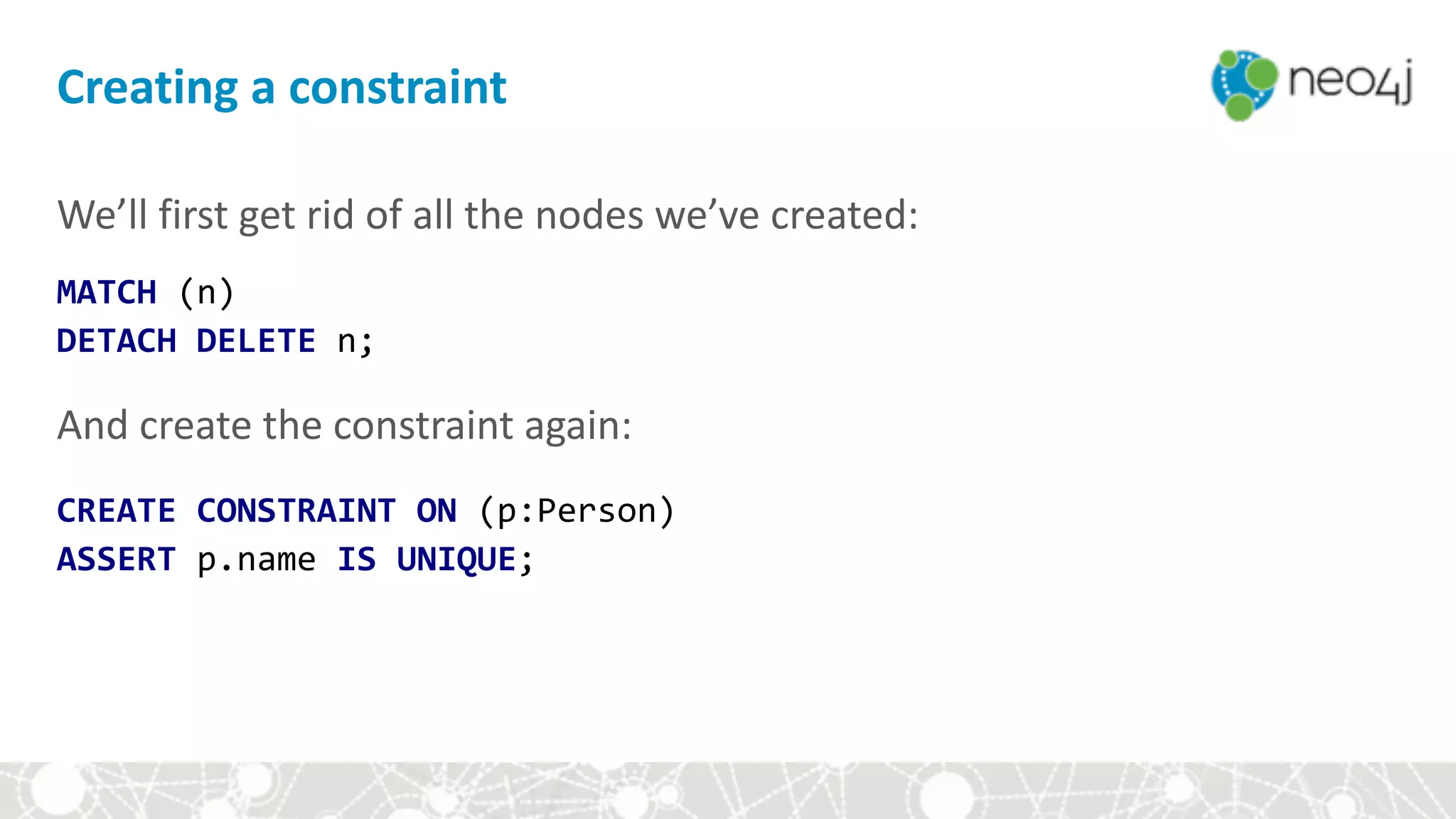
We’ll	first	get	rid	of	all	the	nodes	we’ve	created:	
MATCH	(n)		
DETACH	DELETE	n;	


And	create	the	constraint	again:


CREATE	CONSTRAINT	ON	(p:Person)		
ASSERT	p.name	IS	UNIQUE;	


Module	II:	First	steps	in	Cypher
• ASCII-Art	
• Demo	
• Constraints	
• Let's	graph	our	group!
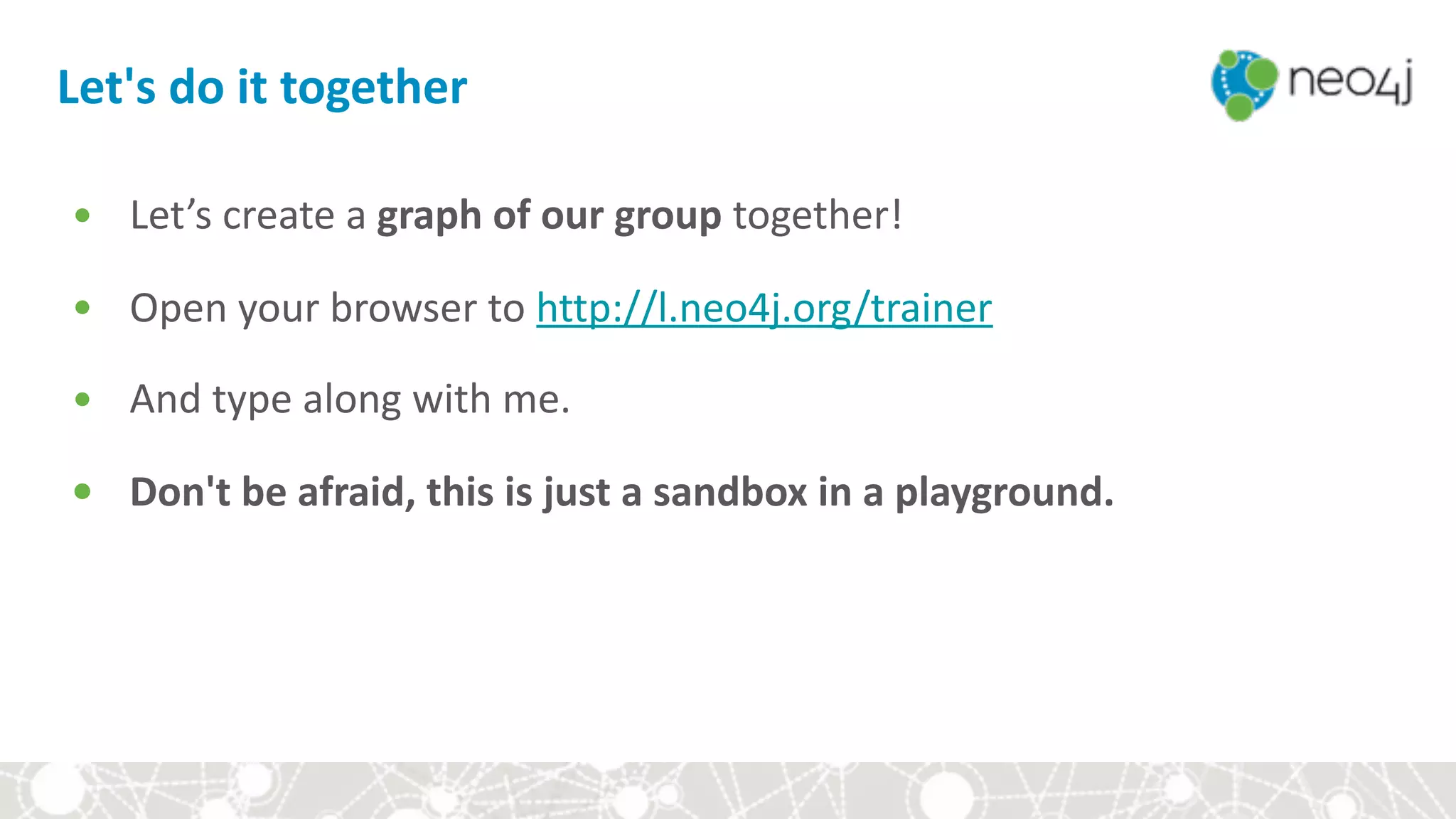
Let's	do	it	together
• Let’s	create	a	graph	of	our	group	together!	
• Open	your	browser	to	http://l.neo4j.org/trainer	
• And	type	along	with	me.	
• Don't	be	afraid,	this	is	just	a	sandbox	in	a	playground.	


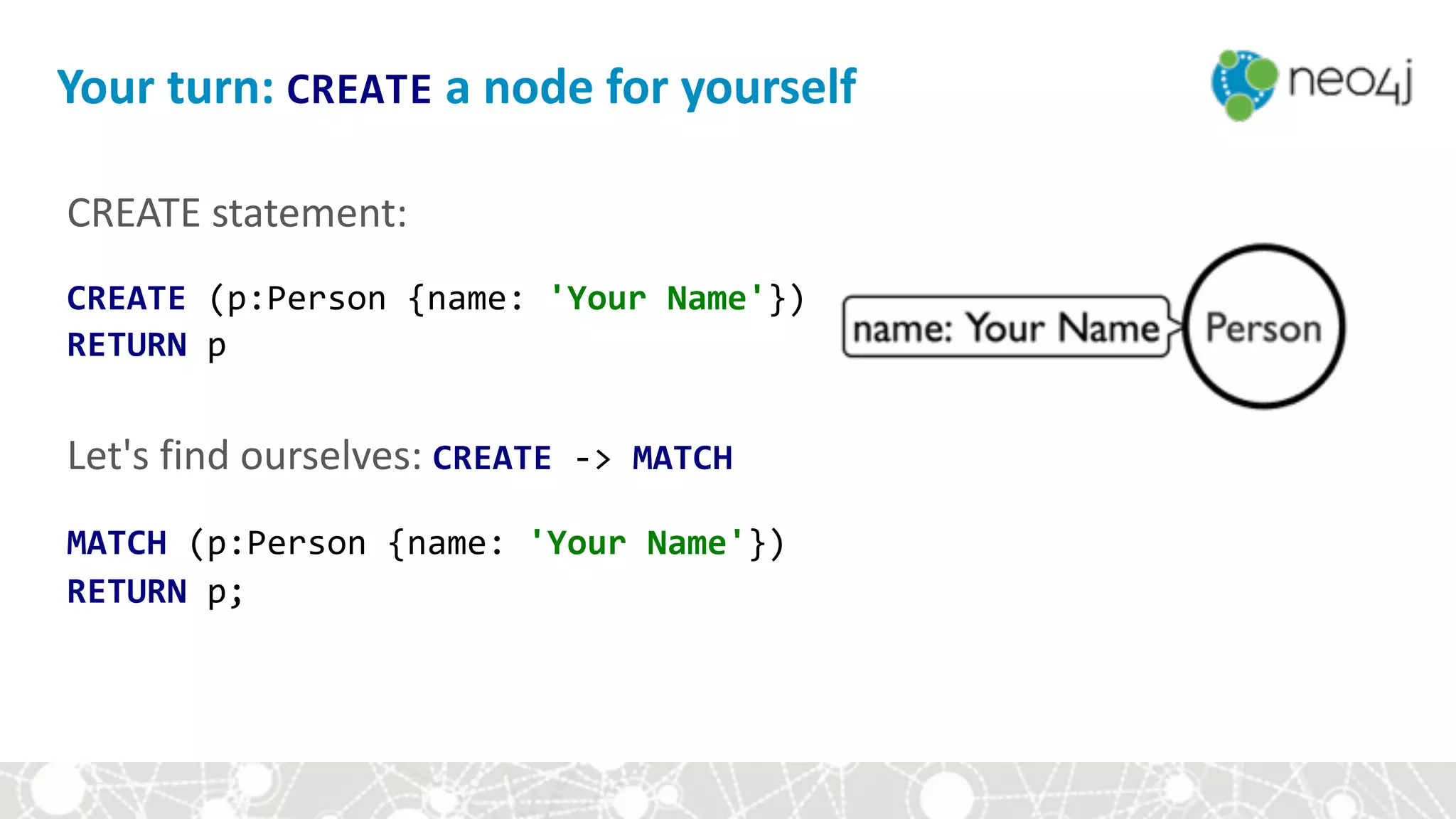
CREATE	statement:

CREATE	(p:Person	{name:	'Your	Name'})

RETURN	p


Let's	find	ourselves:	CREATE	->	MATCH	
MATCH	(p:Person	{name:	'Your	Name'})	
RETURN	p;	
Your	turn:	CREATE	a	node	for	yourself
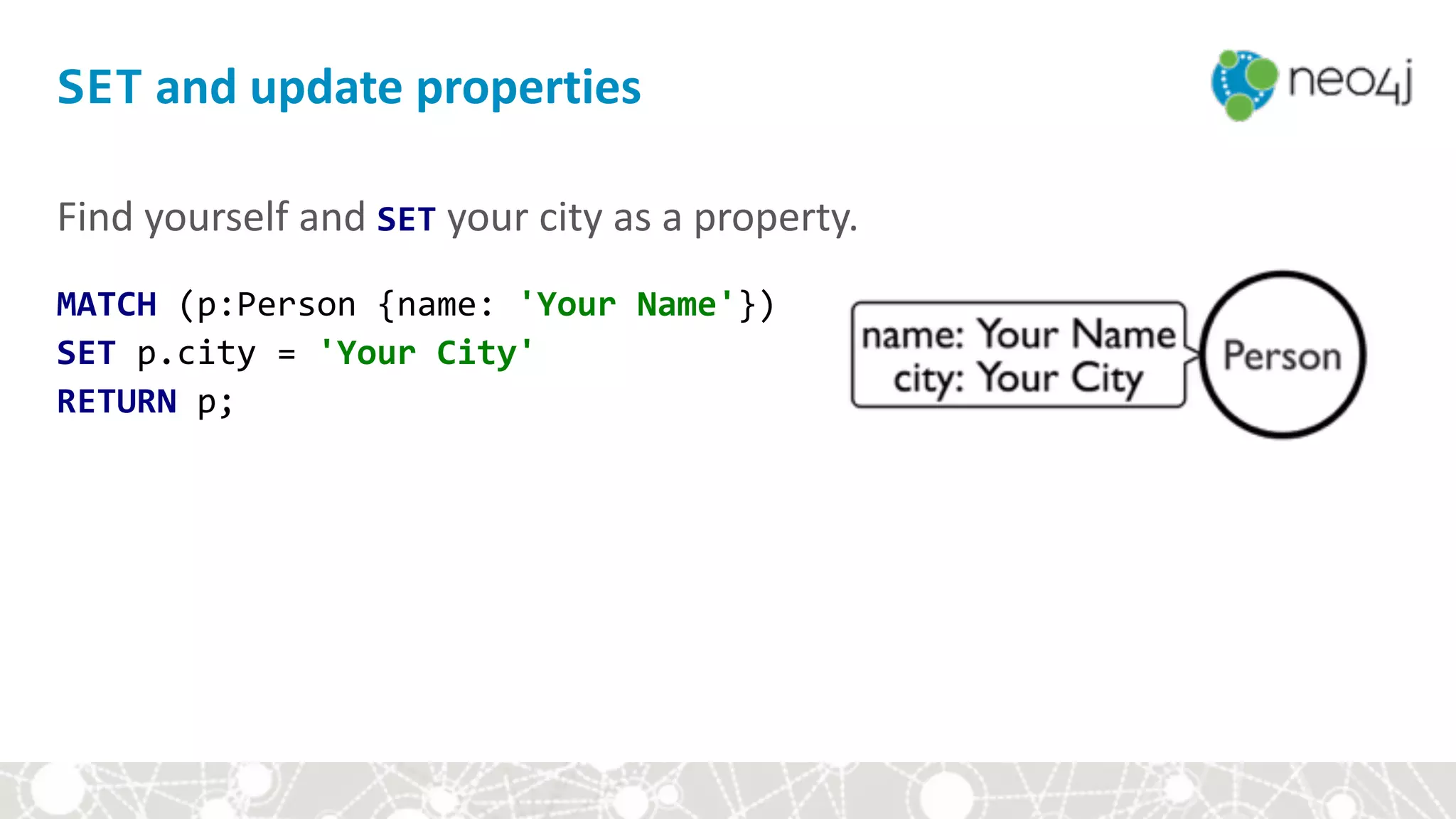
SET	and	update	properties
Find	yourself	and	SET	your	city	as	a	property.	
MATCH	(p:Person	{name:	'Your	Name'})	
SET	p.city	=	'Your	City'	
RETURN	p;
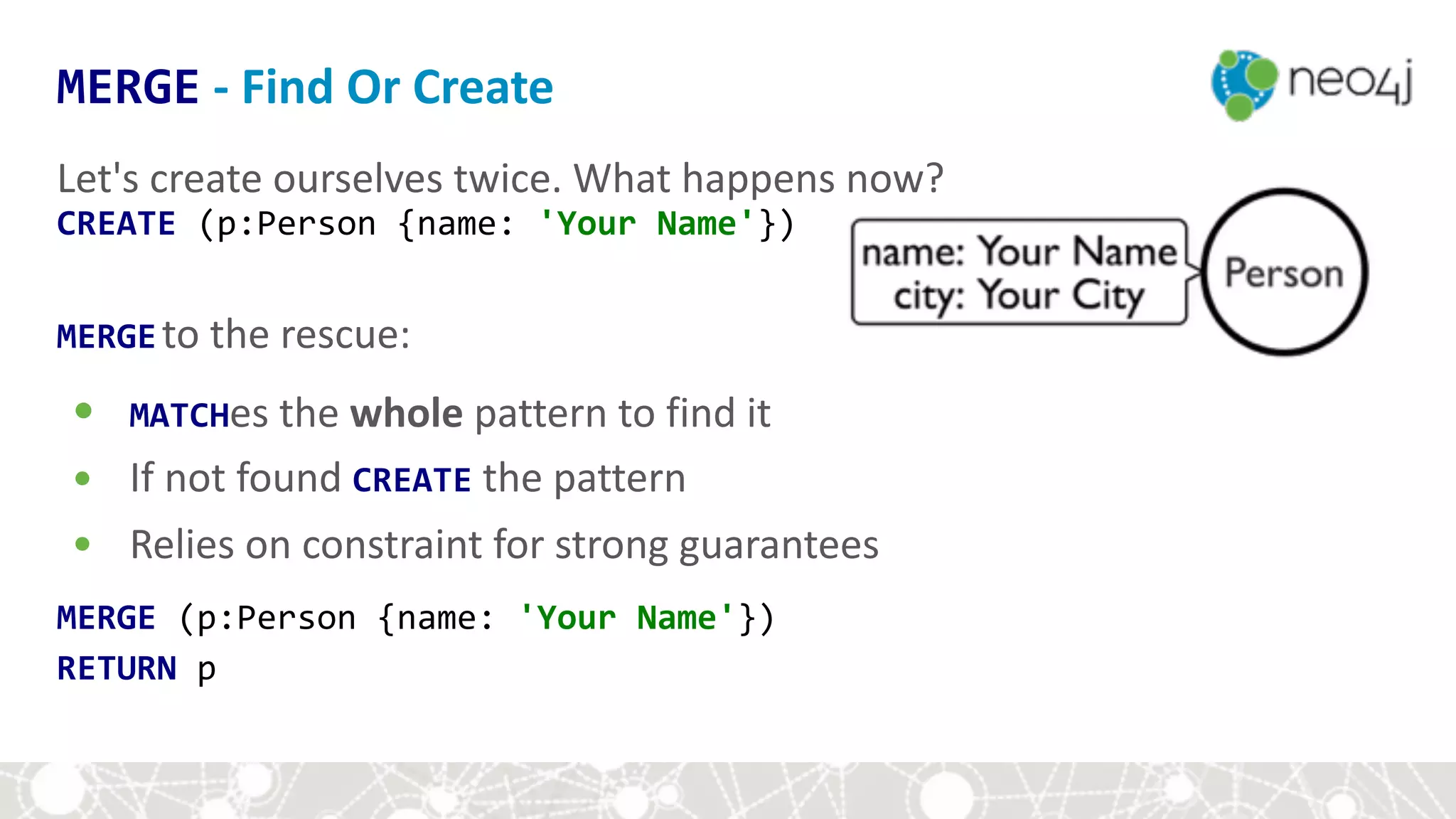
Let's	create	ourselves	twice.	What	happens	now?	
CREATE	(p:Person	{name:	'Your	Name'})	
MERGEto	the	rescue:	
• MATCHes	the	whole	pattern	to	find	it	
• If	not	found	CREATE	the	pattern	
• Relies	on	constraint	for	strong	guarantees	
MERGE	(p:Person	{name:	'Your	Name'})	
RETURN	p	
MERGE	-	Find	Or	Create
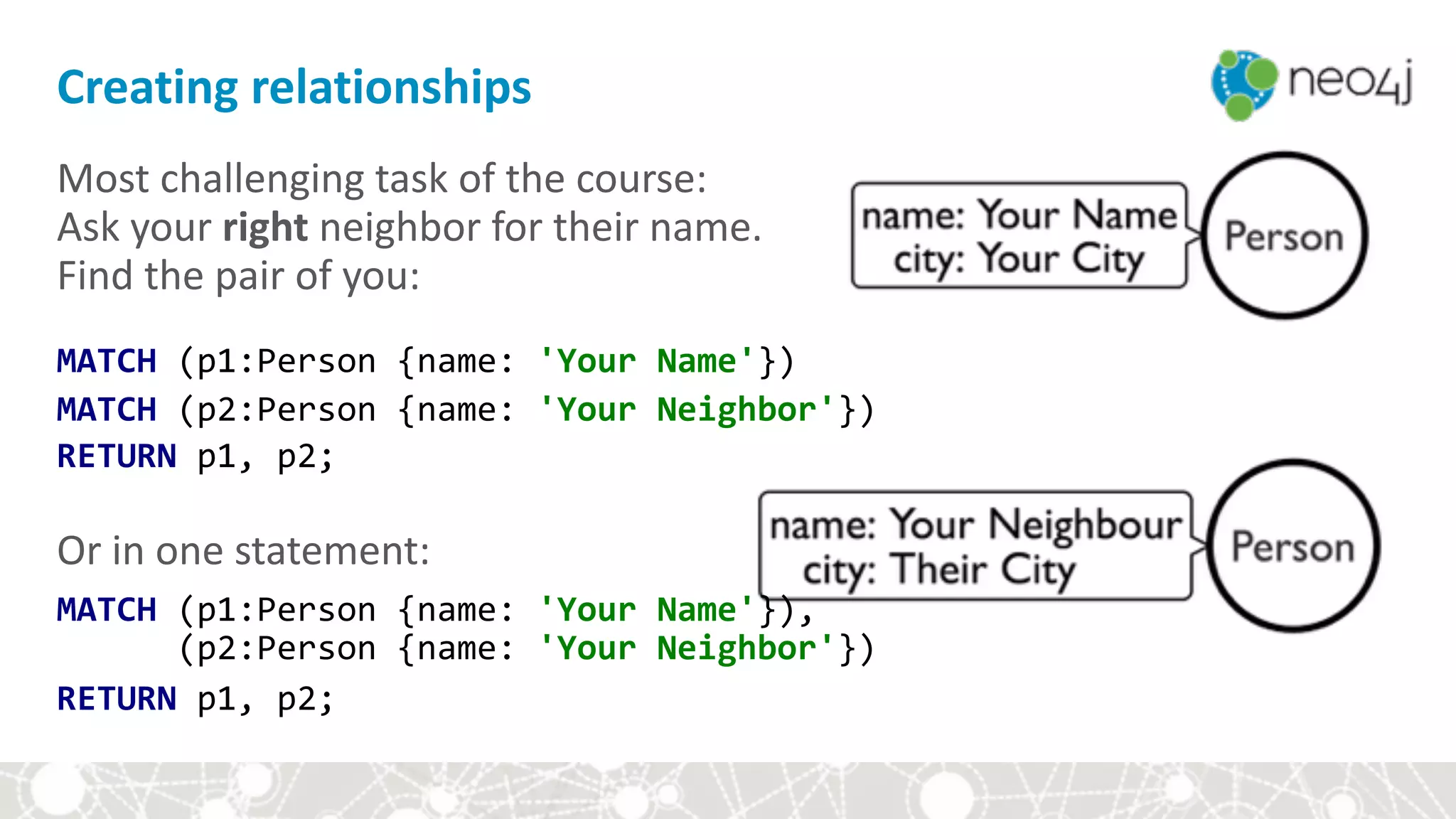
Most	challenging	task	of	the	course:	

Ask	your	right	neighbor	for	their	name.

Find	the	pair	of	you:

MATCH	(p1:Person	{name:	'Your	Name'})

MATCH	(p2:Person	{name:	'Your	Neighbor'})

RETURN	p1,	p2;	
Or	in	one	statement:	
MATCH	(p1:Person	{name:	'Your	Name'}),

						(p2:Person	{name:	'Your	Neighbor'})	
RETURN	p1,	p2;	
Creating	relationships
Create	a	relationship	between	you	and	your	neighbor:

MATCH	(p1:Person	{name:	'Your	Name'})	
MATCH	(p2:Person	{name:	'Your	Neighbor'})	
CREATE	(p1)-[:KNOWS]->(p2);	
CREATEing	relationships
To	avoid	duplicate	relationships,	use	MERGE	
MERGE	(p1:Person	{name:	'Your	Name'})

MERGE	(p2:Person	{name:	'Your	Neighbor'})

MERGE	(p1)-[:KNOWS]->(p2);	
Relationship	is	created	uniquely	by	
• type	
• direction	(can	be	left	off)	
• properties	
MERGEing	relationships
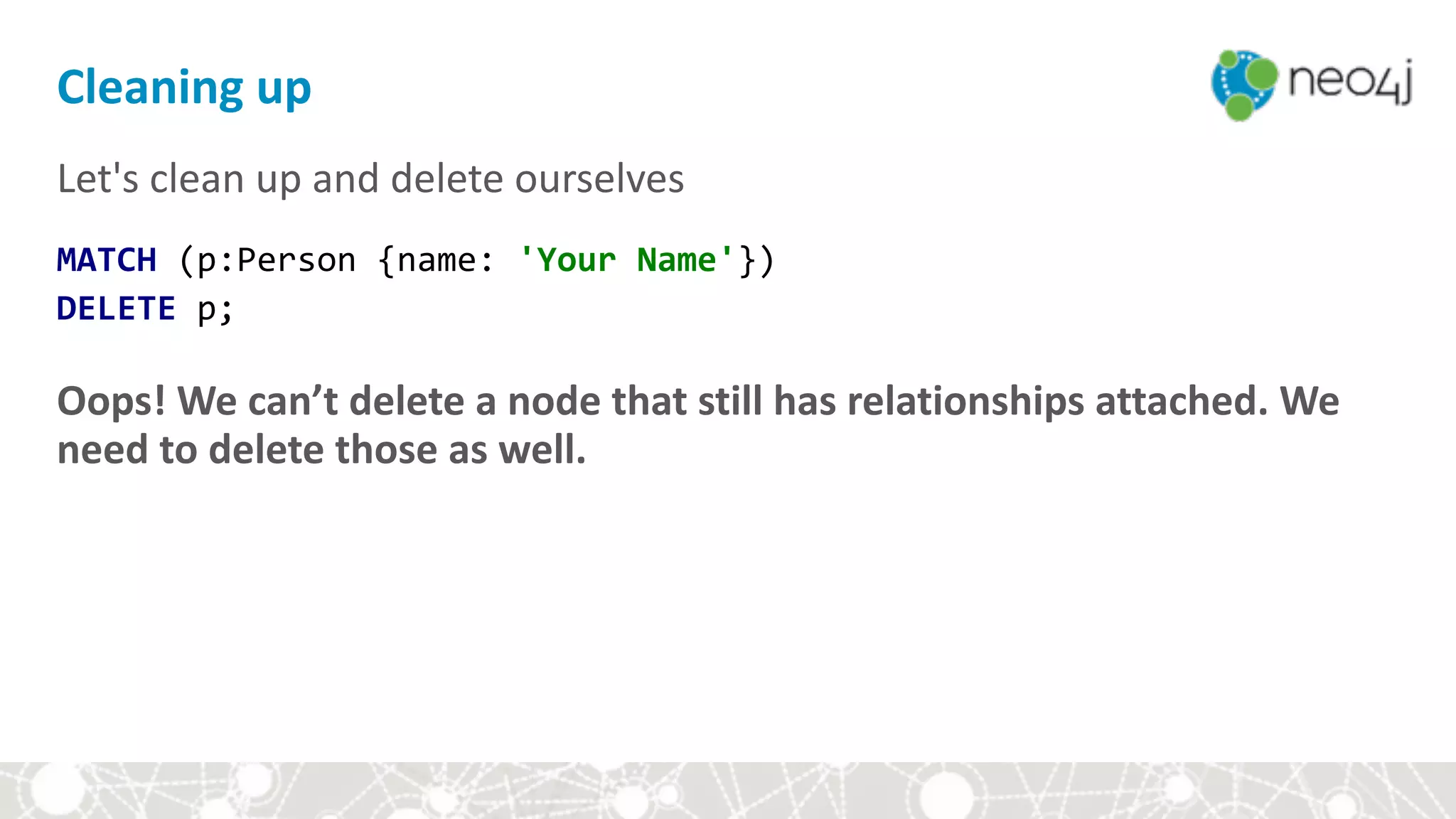
Let's	clean	up	and	delete	ourselves	
MATCH	(p:Person	{name:	'Your	Name'})

DELETE	p;	
Oops!	We	can’t	delete	a	node	that	still	has	relationships	attached.	We	
need	to	delete	those	as	well.	
Cleaning	up
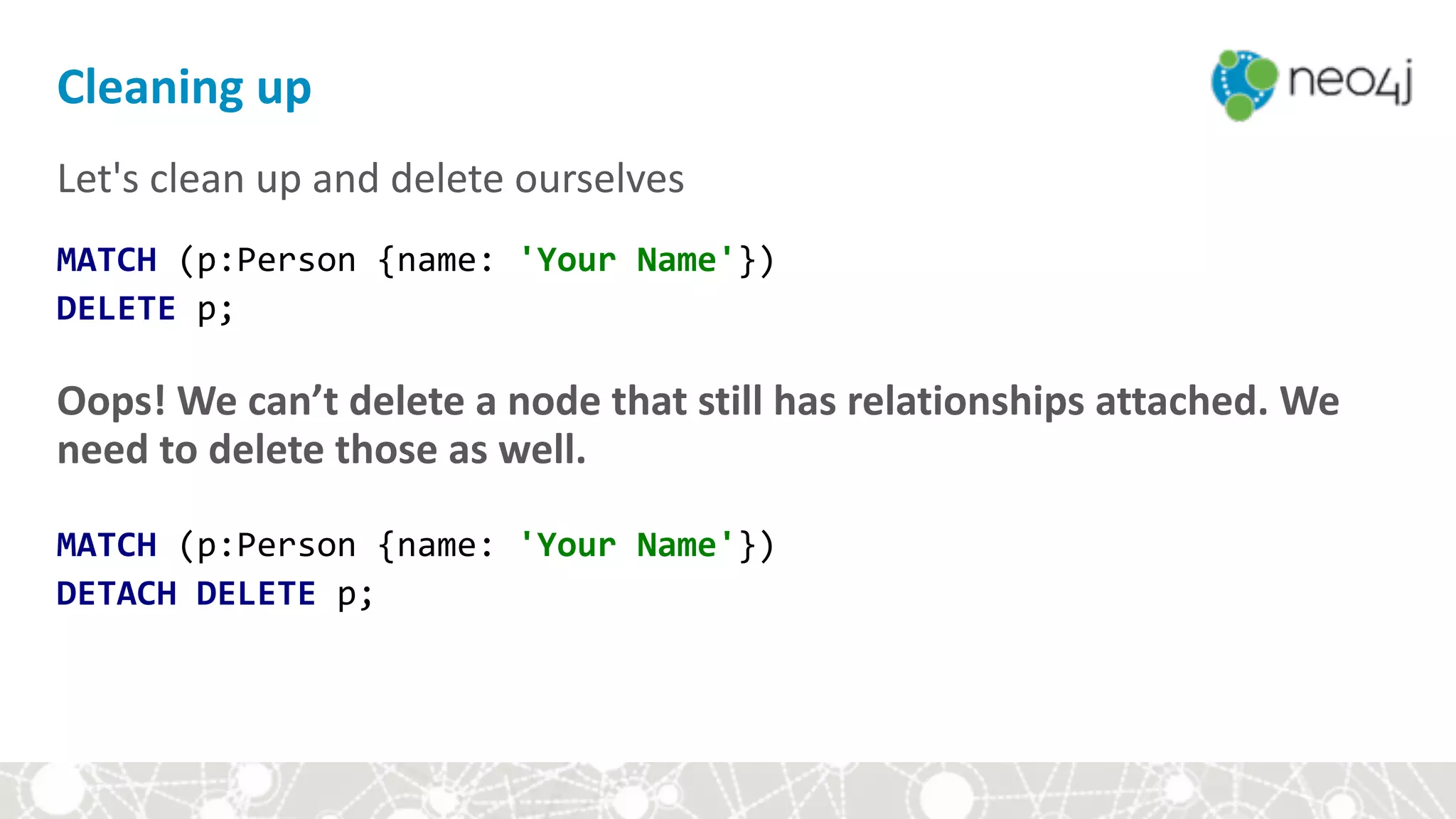
Let's	clean	up	and	delete	ourselves	
MATCH	(p:Person	{name:	'Your	Name'})

DELETE	p;	
Oops!	We	can’t	delete	a	node	that	still	has	relationships	attached.	We	
need	to	delete	those	as	well.	


MATCH	(p:Person	{name:	'Your	Name'})	
DETACH	DELETE	p;	
Cleaning	up
Open	these	in	your	browser.	They’ll	be	useful	for	the	rest	of	the	session:	
● Cypher	Reference	Card

http://neo4j.com/docs/cypher-refcard/	
● Neo4j	Developer	Pages		 

http://neo4j.com/developer/cypher	
● Neo4j	Documentation		 	 

http://neo4j.com/docs	
Useful	resources	for	learning	Cypher
Module	III:	Hands-on	with	Cypher
• Setup	
• Cypher	basics	
• Aggregates	
• Constraints	and	indexes	
• Write	queries	
• Style	and	modeling	conventions	
• Modeling	exercise:	Movie	genres
We	will	learn	how	to
• represent	nodes	and	relationships	in	Cypher	
• create	and	find	nodes	
• add	properties	
• use	constraints	and	create	nodes	uniquely	
• create	relationships	
• find	patterns	
• delete	data
Module	III:	Hands-on	with	Cypher
• Setup	
• Cypher	basics	
• Aggregates	
• Constraints	and	indexes	
• Write	queries	
• Style	and	modeling	conventions	
• Modeling	exercise:	Movie	genres
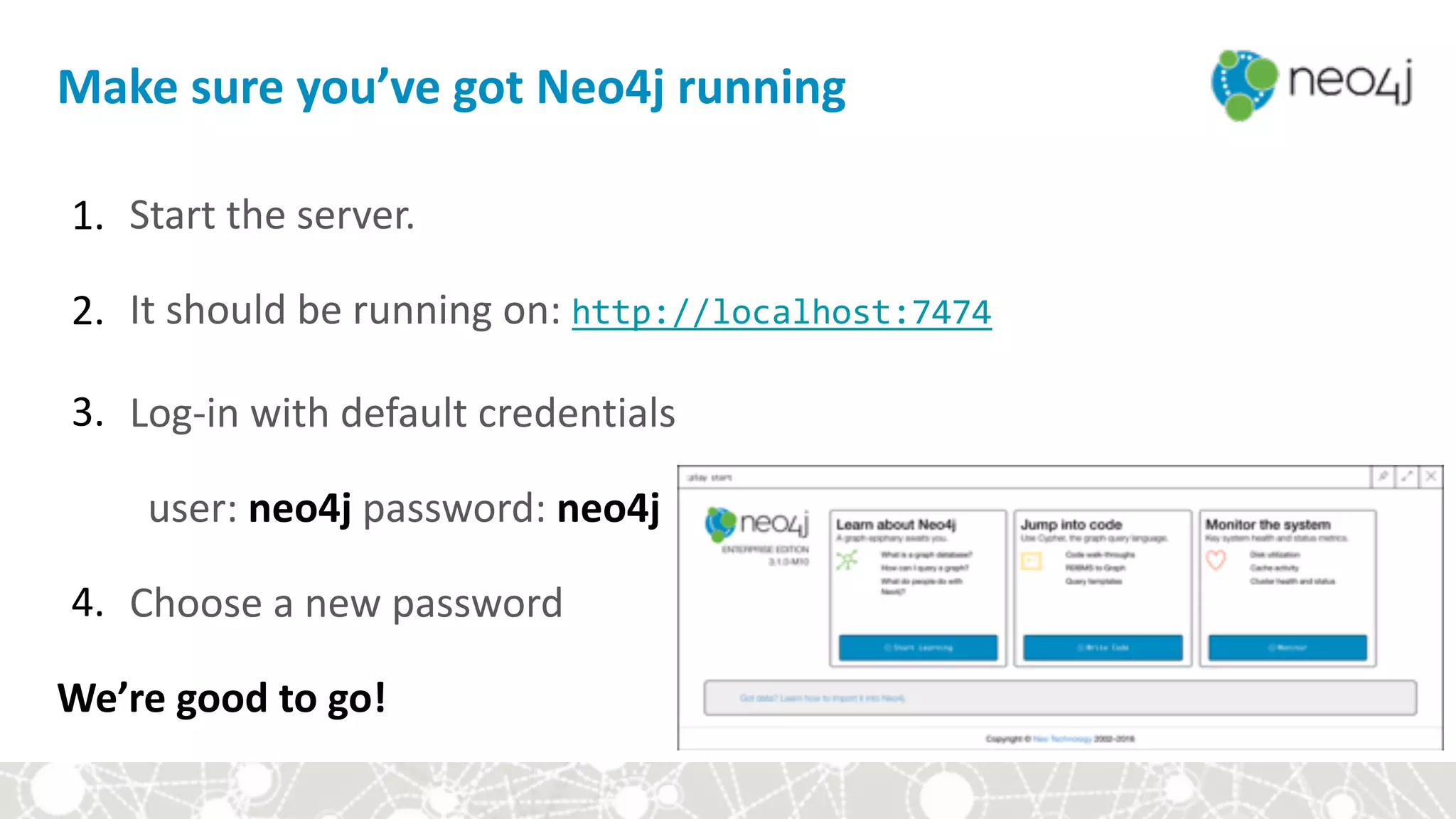
1. Start	the	server.	
2. It	should	be	running	on:	http://localhost:7474		
3. Log-in	with	default	credentials		
user:	neo4j	password:	neo4j	
4. Choose	a	new	password	
We’re	good	to	go!	
Make	sure	you’ve	got	Neo4j	running
:play	movies
Type	the	following	command	into	the	query	editor:


:play	movies
:play	movies
Type	the	following	command	into	the	query	editor:


:play	movies
• Change	node	colors	
• Change	which	node	property	is	displayed	
• Run	queries	with	CMD	(CTRL)	+	Enter	
• Insert	new	line	with	SHIFT	+	Enter	
• Expand	the	query	bar	with	ESC	
• Double-click	a	node	and	see	what	happens!	
• Use	:clear	to	clear	past	results	
• CMD	(CTRL)	+	Up	Arrow	to	scroll	through	past	queries
Neo4j	Browser	101
Module	III:	Hands-on	with	Cypher
• Setup	
• Cypher	basics	
• Aggregates	
• Constraints	and	indexes	
• Write	queries	
• Style	and	modeling	conventions	
• Modeling	exercise:	Movie	genres
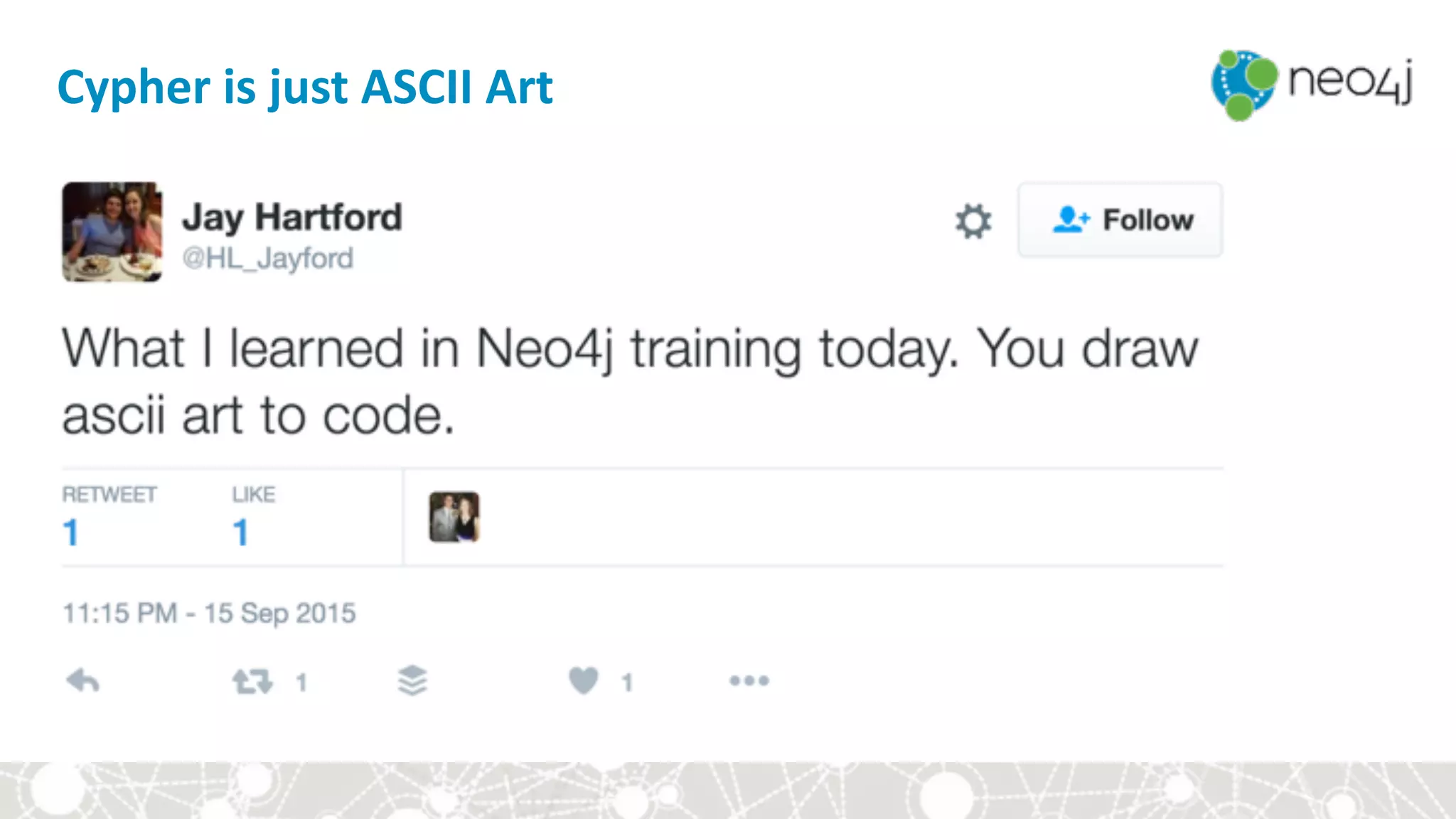
Cypher	is	just	ASCII	Art
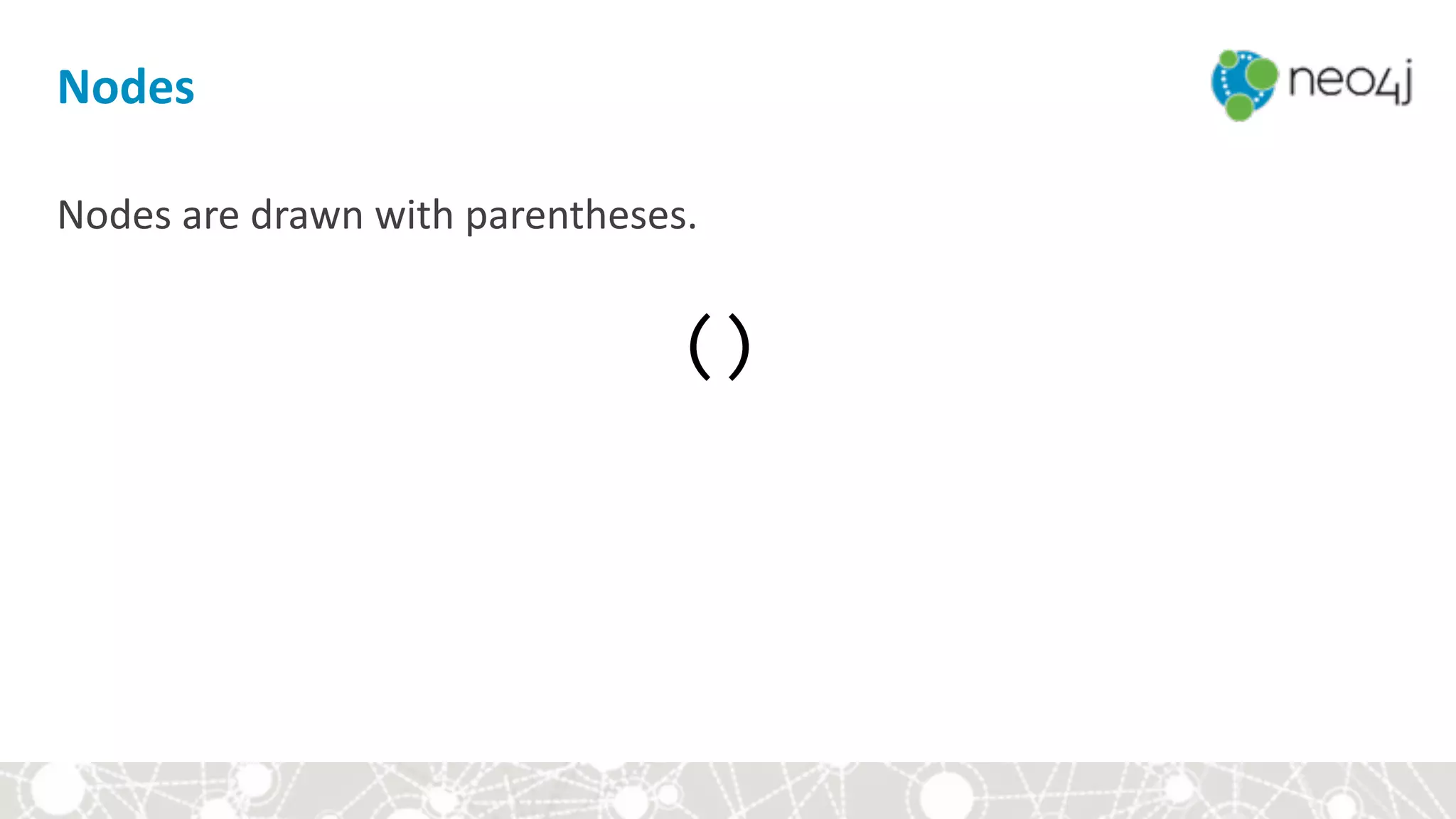
Nodes
Nodes	are	drawn	with	parentheses.

()
Relationships
Relationships	are	drawn	with	square	brackets.

[]
Patterns
Patterns	are	drawn	by	connecting	nodes	and	relationships	with	hyphens,	
optionally	specifying	a	direction	with	>	and	<	signs.


()-[]-()	
()-[]->()	
()<-[]-()
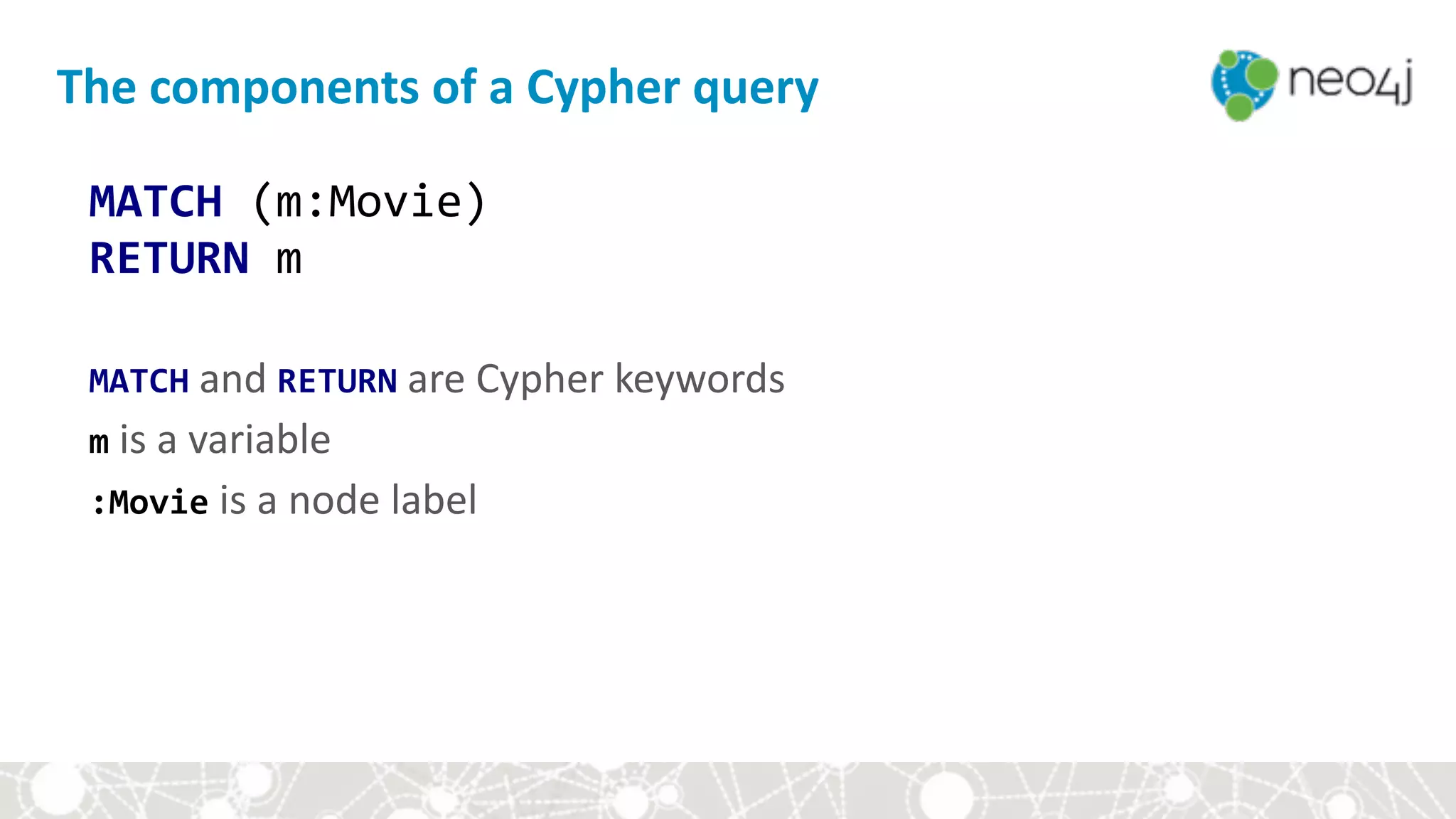
The	components	of	a	Cypher	query
MATCH	(m:Movie)

RETURN	m


MATCH	and	RETURN	are	Cypher	keywords

m	is	a	variable

:Movie	is	a	node	label
The	components	of	a	Cypher	query
MATCH	(p:Person)-[r:ACTED_IN]->(m:Movie)

RETURN	p,	r,	m


MATCH	and	RETURN	are	Cypher	keywords

p,r,	and	m	are	variables

:Movie	is	a	node	label

:ACTED_IN	is	a	relationship	type
The	components	of	a	Cypher	query
MATCH	path	=	(:Person)-[:ACTED_IN]->(:Movie)

RETURN	path


MATCH	and	RETURN	are	Cypher	keywords

path	is	a	variable

:Movie	is	a	node	label

:ACTED_IN	is	a	relationship	type
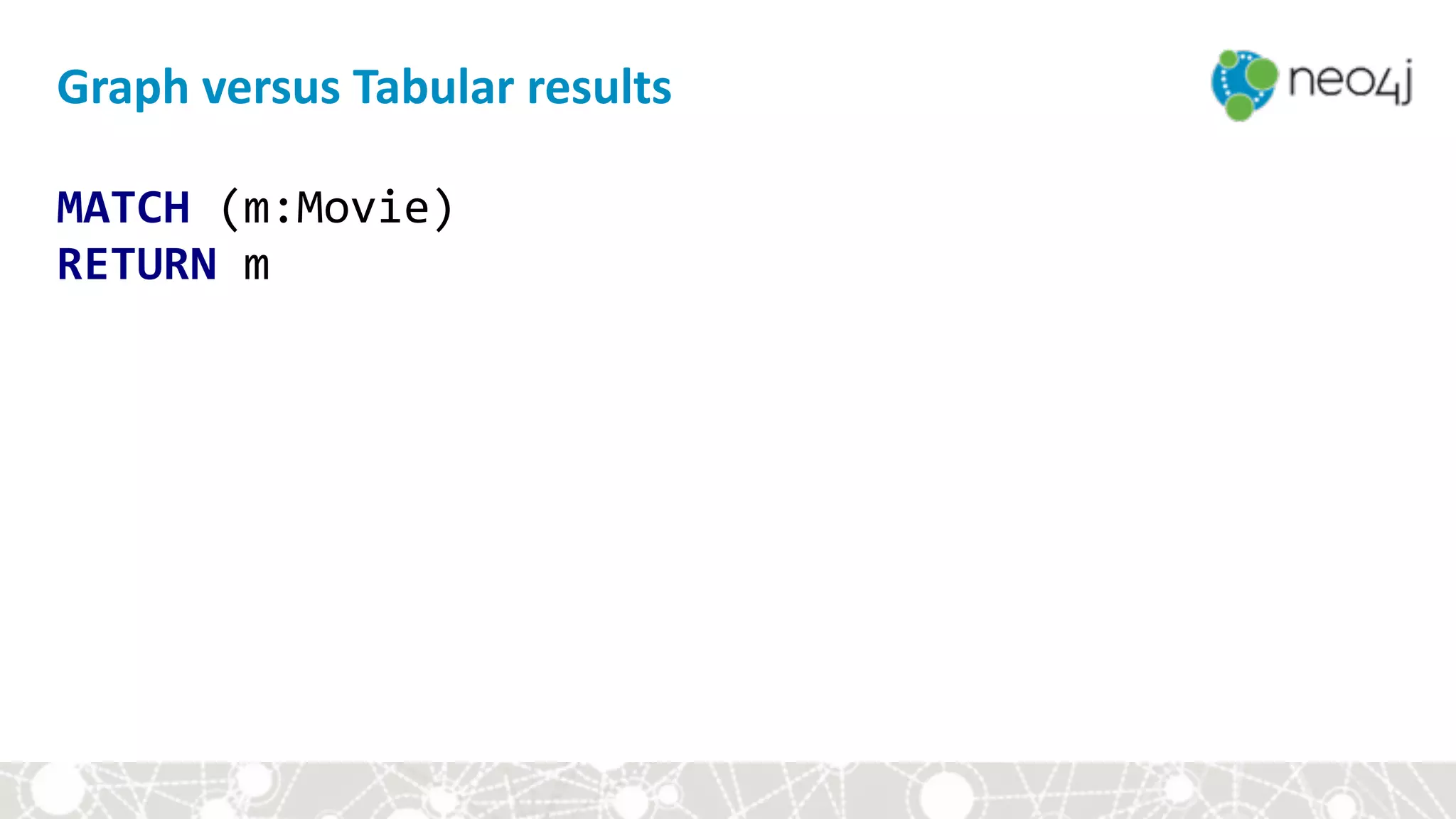
MATCH	(m:Movie)

RETURN	m
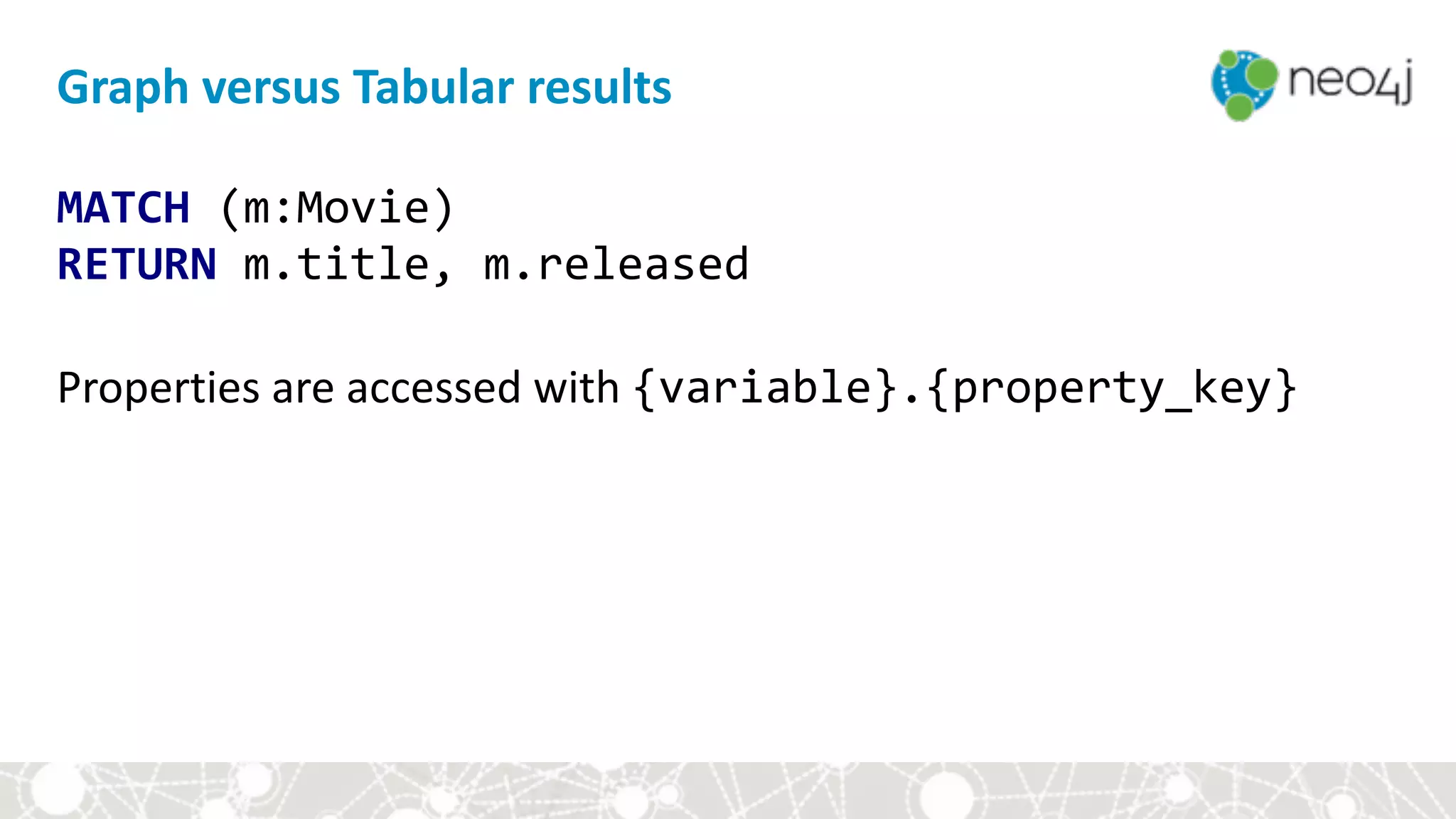
Graph	versus	Tabular	results
MATCH	(m:Movie)

RETURN	m.title,	m.released


Properties	are	accessed	with	{variable}.{property_key}	
Graph	versus	Tabular	results
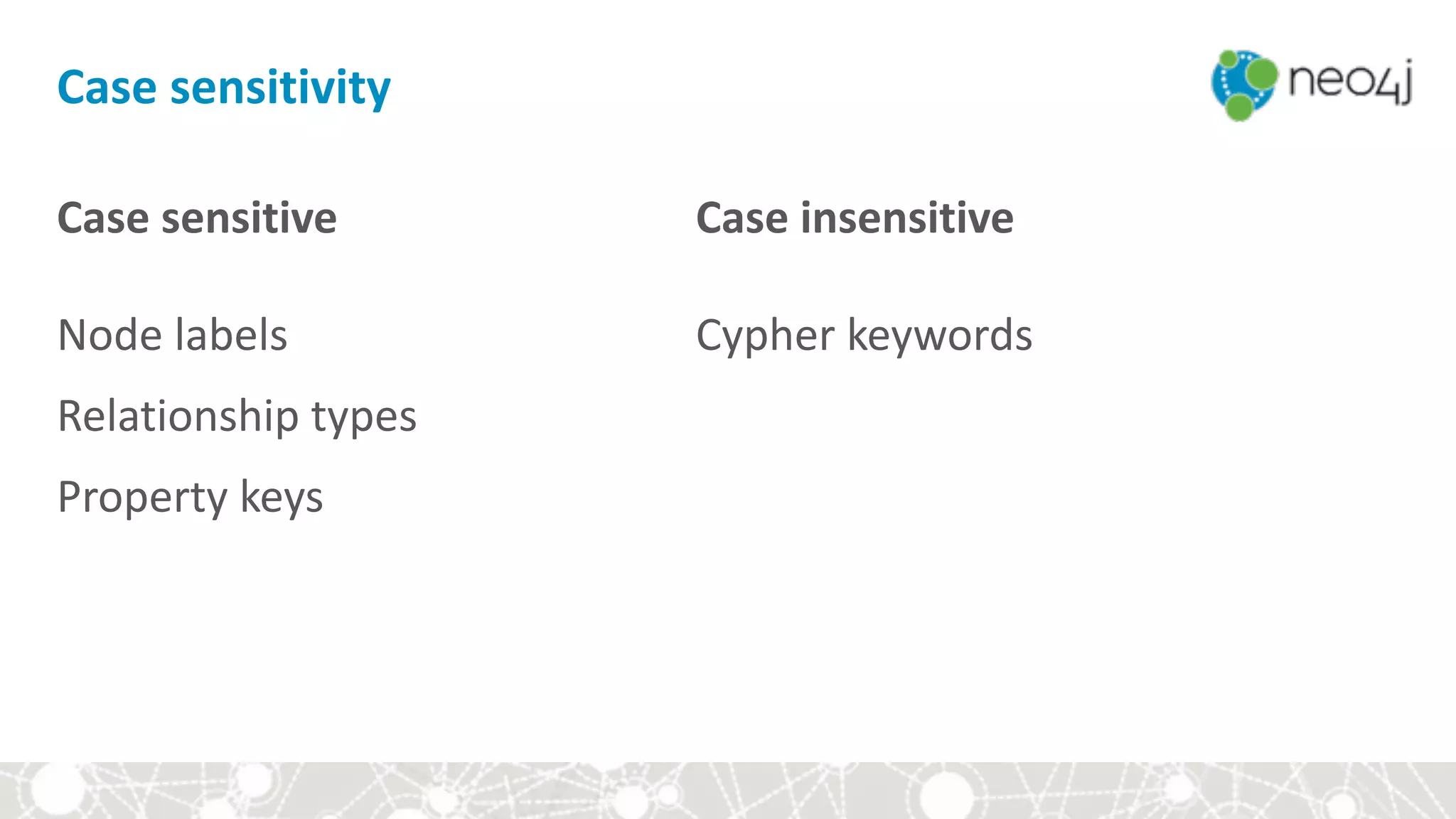
Case	sensitive


Node	labels	
Relationship	types	
Property	keys
Case	insensitive


Cypher	keywords

Case	sensitivity
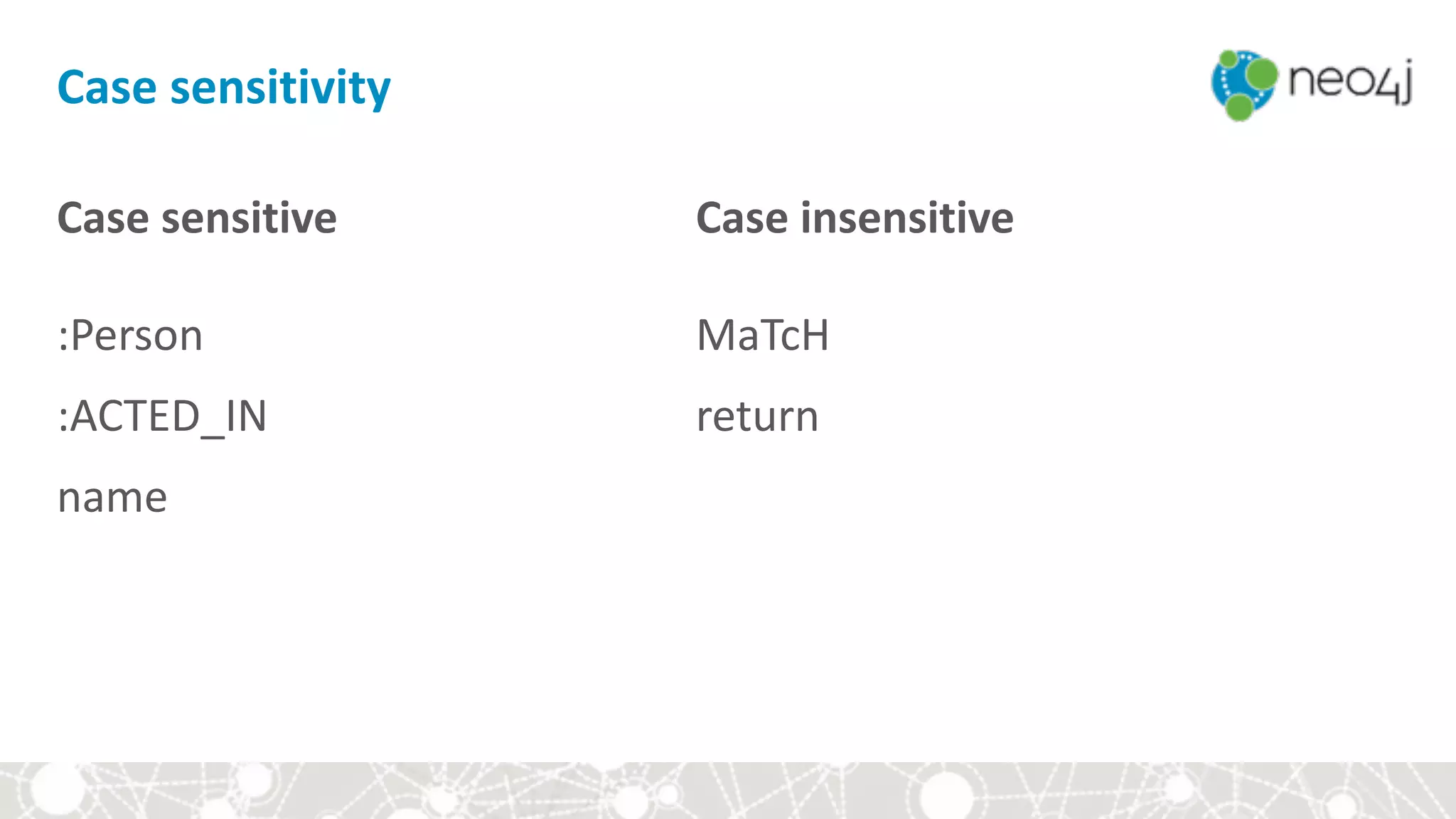
Case	sensitive


:Person	
:ACTED_IN	
name
Case	insensitive


MaTcH	
return	


Case	sensitivity
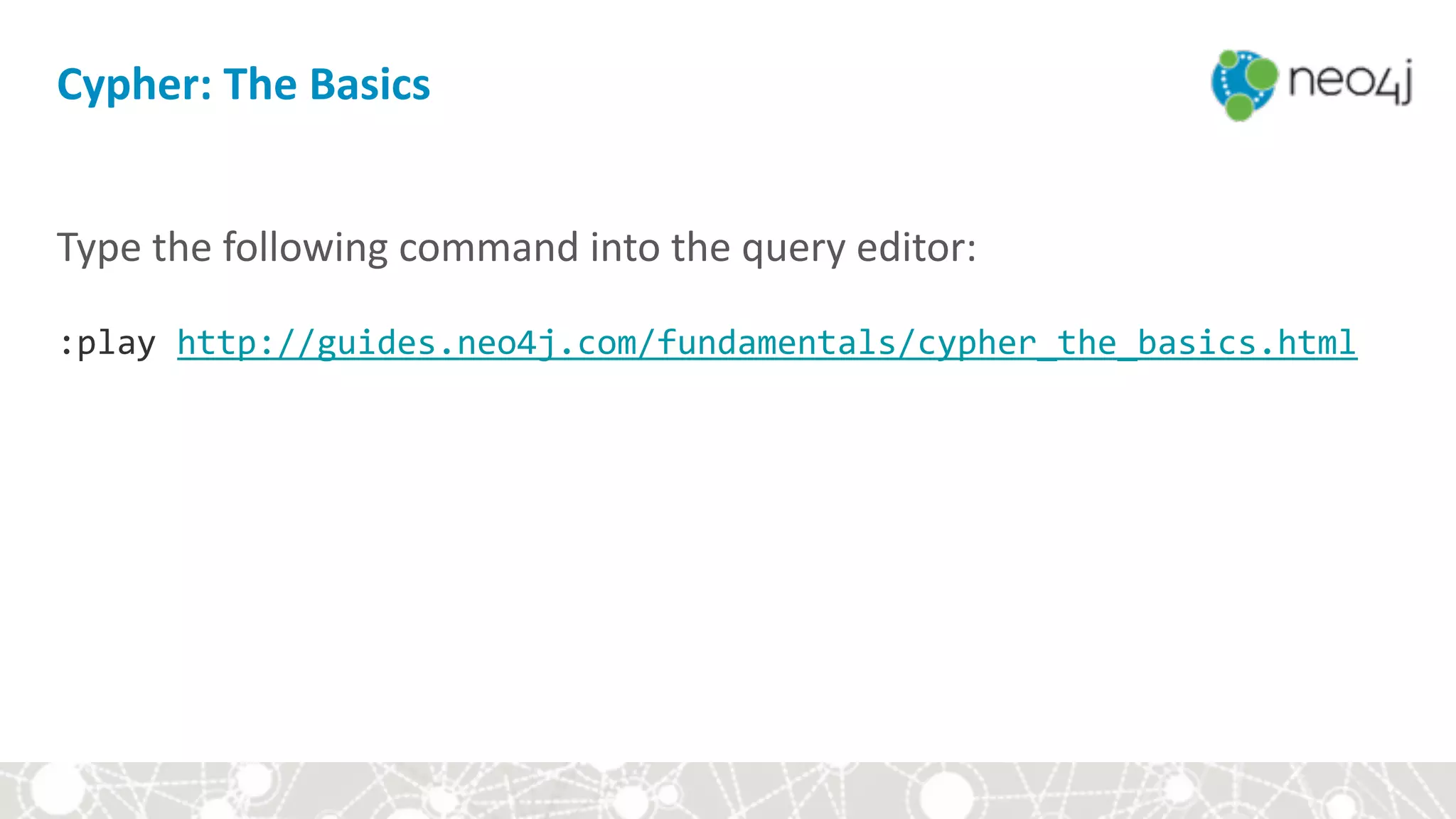
Cypher:	The	Basics
Type	the	following	command	into	the	query	editor:


:play	http://guides.neo4j.com/fundamentals/cypher_the_basics.html
Follow	the	guides	in	your	browser	until	you	see...
Module	III:	Hands-on	with	Cypher
• Setup	
• Cypher	basics	
• Aggregates	
• Constraints	and	indexes	
• Write	queries	
• Style	and	modeling	conventions	
• Modeling	exercise:	Movie	genres
Aggregates
Aggregate	queries	in	Cypher	are	a	little	bit	different	than	in	SQL	as	we	
don’t	need	to	specify	a	grouping	key.
Aggregates
We	implicitly	group	by	any	non	aggregate	fields	in	the	RETURN	
statement.

//	implicitly	groups	by	p.name

MATCH	(p:Person)-[:ACTED_IN]->(m:Movie)

RETURN	p.name,	count(*)	AS	movies
Other	aggregate	functions
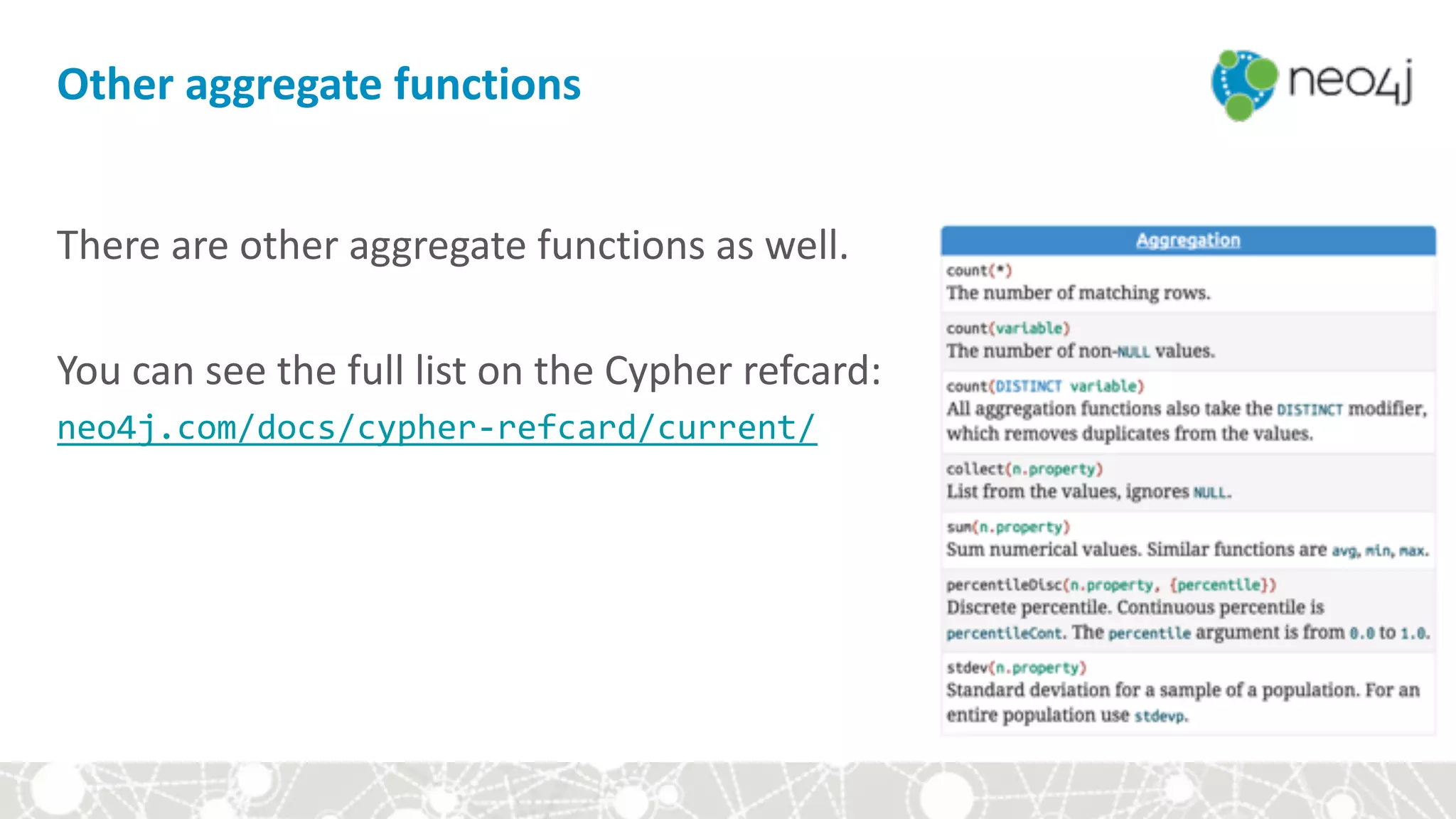
There	are	other	aggregate	functions	as	well.	


You	can	see	the	full	list	on	the	Cypher	refcard:

neo4j.com/docs/cypher-refcard/current/
Continue	with	the	guide
Continue	with	the	guide	in	your	browser
Module	III:	Hands-on	with	Cypher
• Setup	
• Cypher	basics	
• Aggregates	
• Constraints	and	indexes	
• Write	queries	
• Style	and	modeling	conventions	
• Modeling	exercise:	Movie	genres
:schema
Type	the	following	command	into	the	query	editor:


:schema
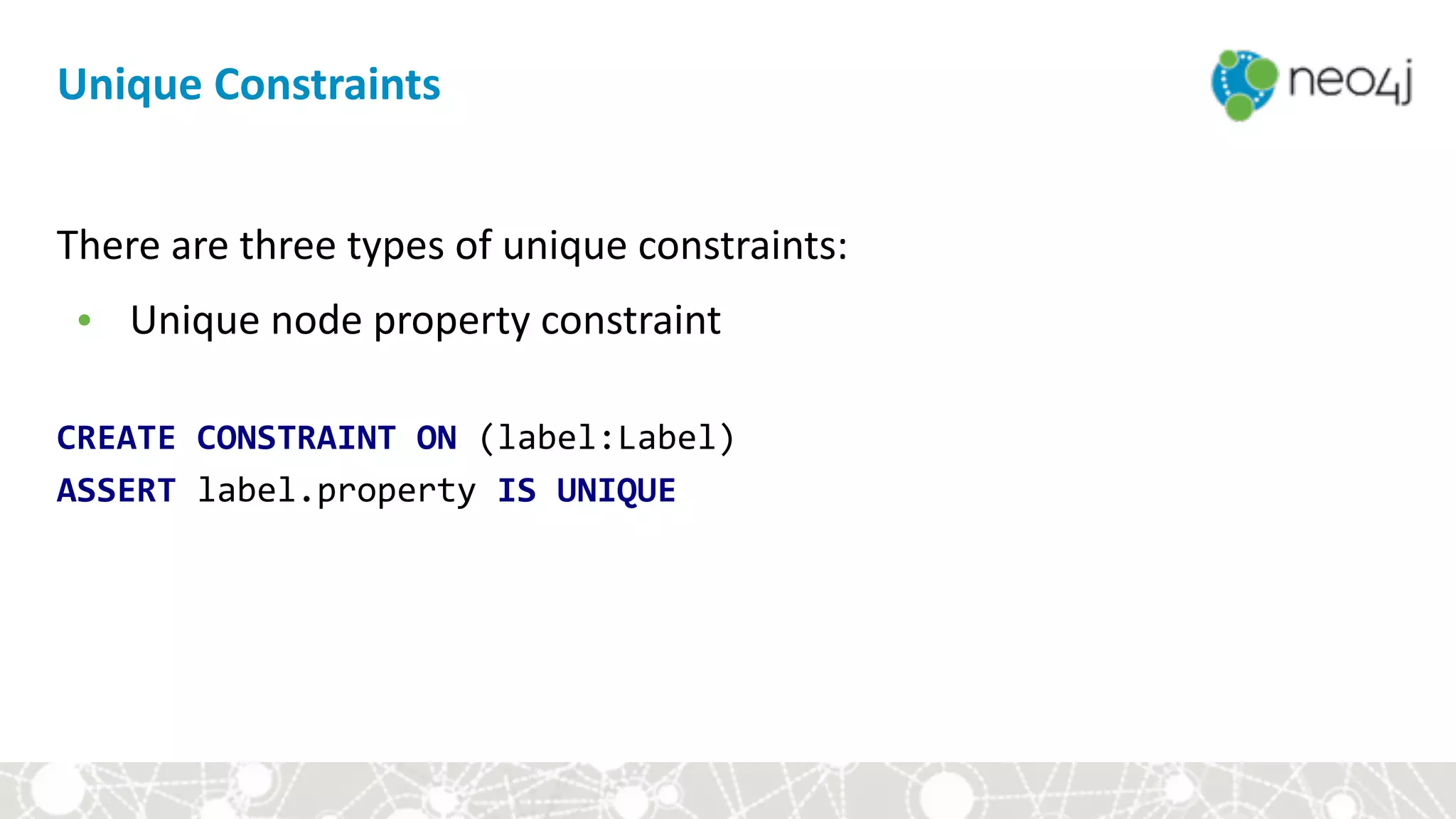
There	are	three	types	of	unique	constraints:	
• Unique	node	property	constraint
Unique	Constraints
There	are	three	types	of	unique	constraints:	
• Unique	node	property	constraint	


CREATE	CONSTRAINT	ON	(label:Label)

ASSERT	label.property	IS	UNIQUE
Unique	Constraints
There	are	three	types	of	unique	constraints:	
• Unique	node	property	constraint	
• Node	property	existence	constraint
Unique	Constraints
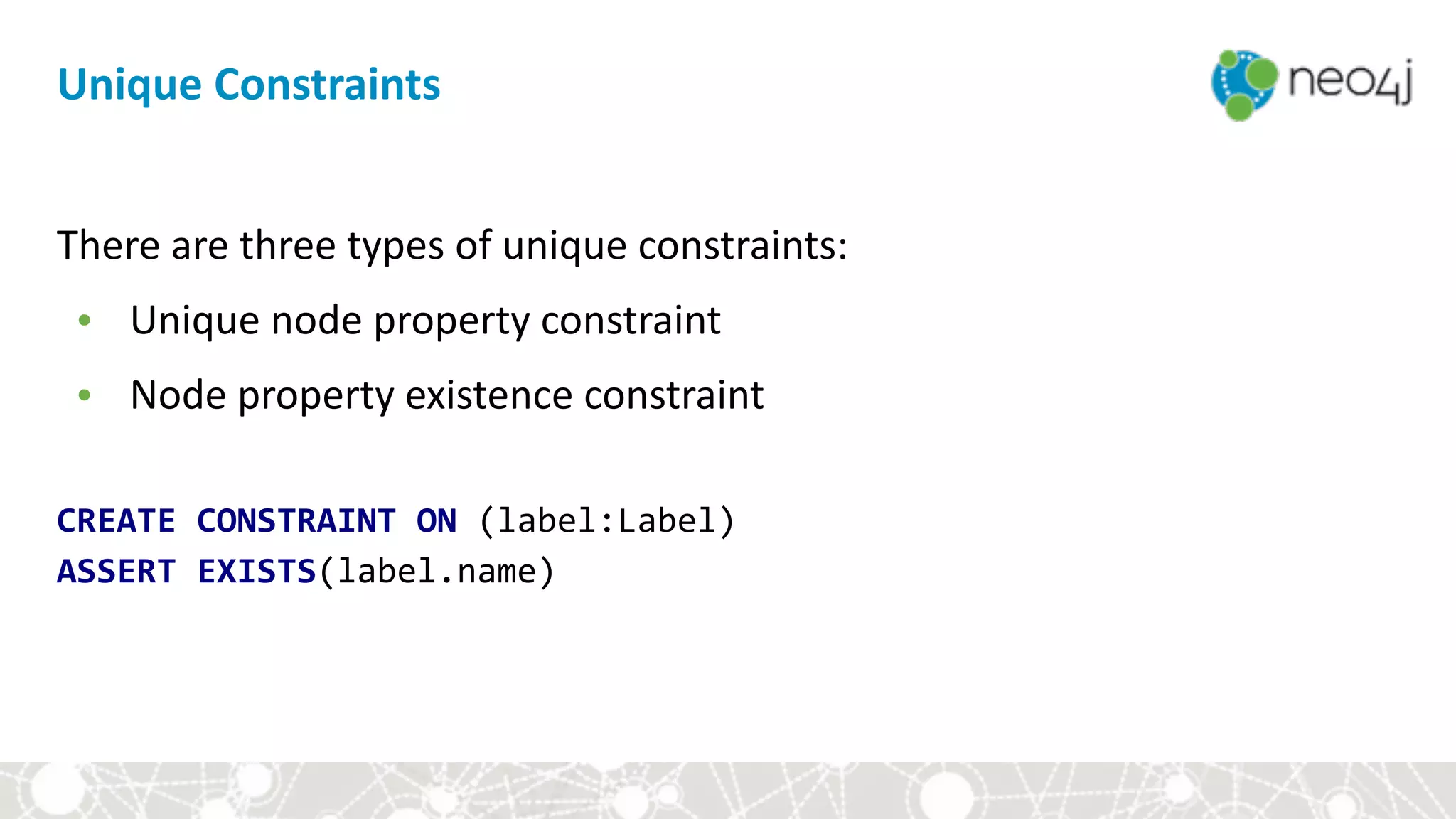
There	are	three	types	of	unique	constraints:	
• Unique	node	property	constraint	
• Node	property	existence	constraint	
CREATE	CONSTRAINT	ON	(label:Label)

ASSERT	EXISTS(label.name)
Unique	Constraints
There	are	three	types	of	unique	constraints:	
• Unique	node	property	constraint	
• Node	property	existence	constraint	
• Relationship	property	existence	constraint
Unique	Constraints
There	are	three	types	of	unique	constraints:	
• Unique	node	property	constraint	
• Node	property	existence	constraint	
• Relationship	property	existence	constraint	
CREATE	CONSTRAINT	ON	()-[rel:REL_TYPE]->()

ASSERT	EXISTS(rel.name)
Unique	Constraints
Indexes
We	create	indexes	to:		
• allow	fast	lookup	of	nodes	which	match	label-property	pairs.
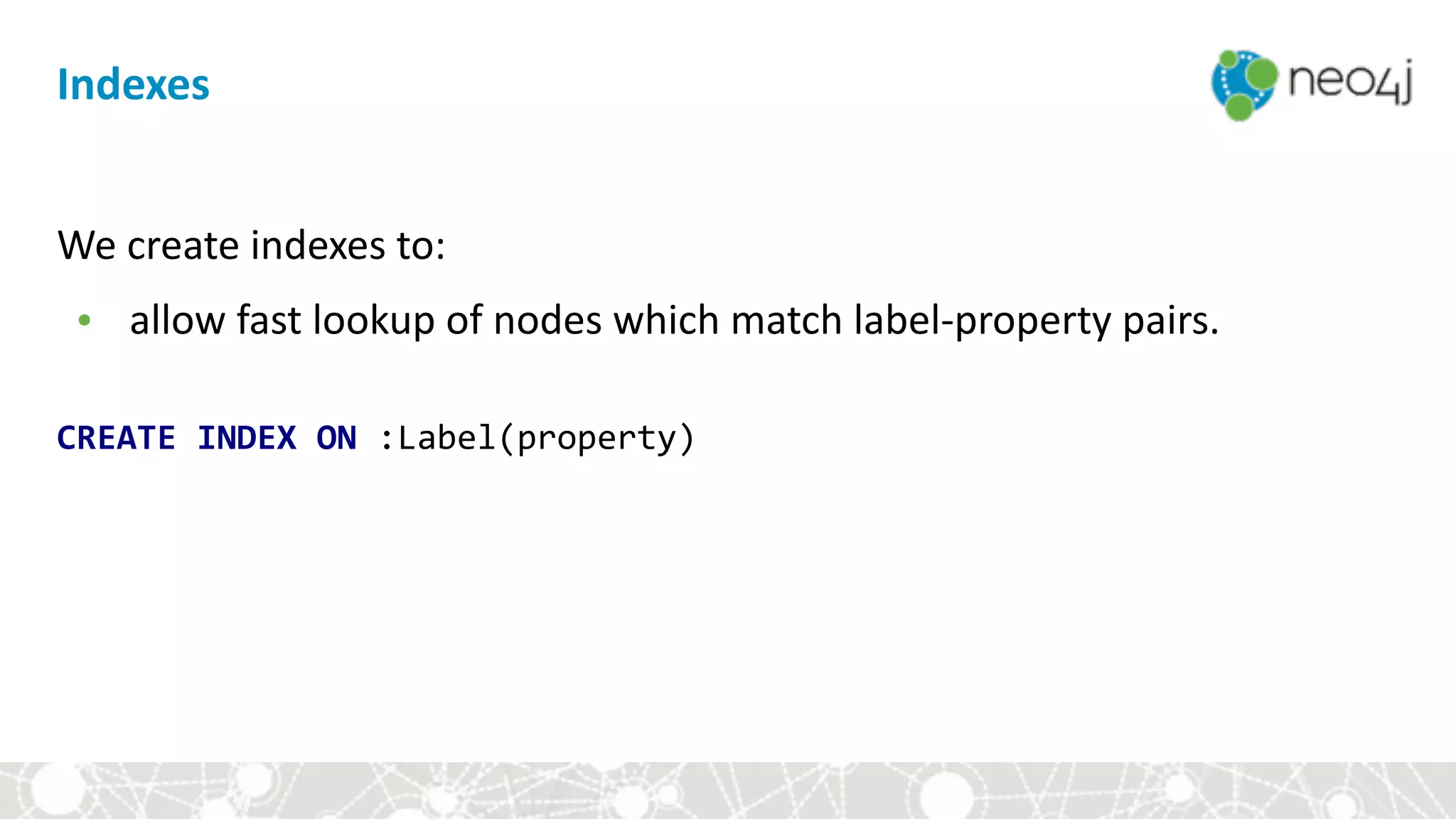
Indexes
We	create	indexes	to:		
• allow	fast	lookup	of	nodes	which	match	label-property	pairs.	


CREATE	INDEX	ON	:Label(property)
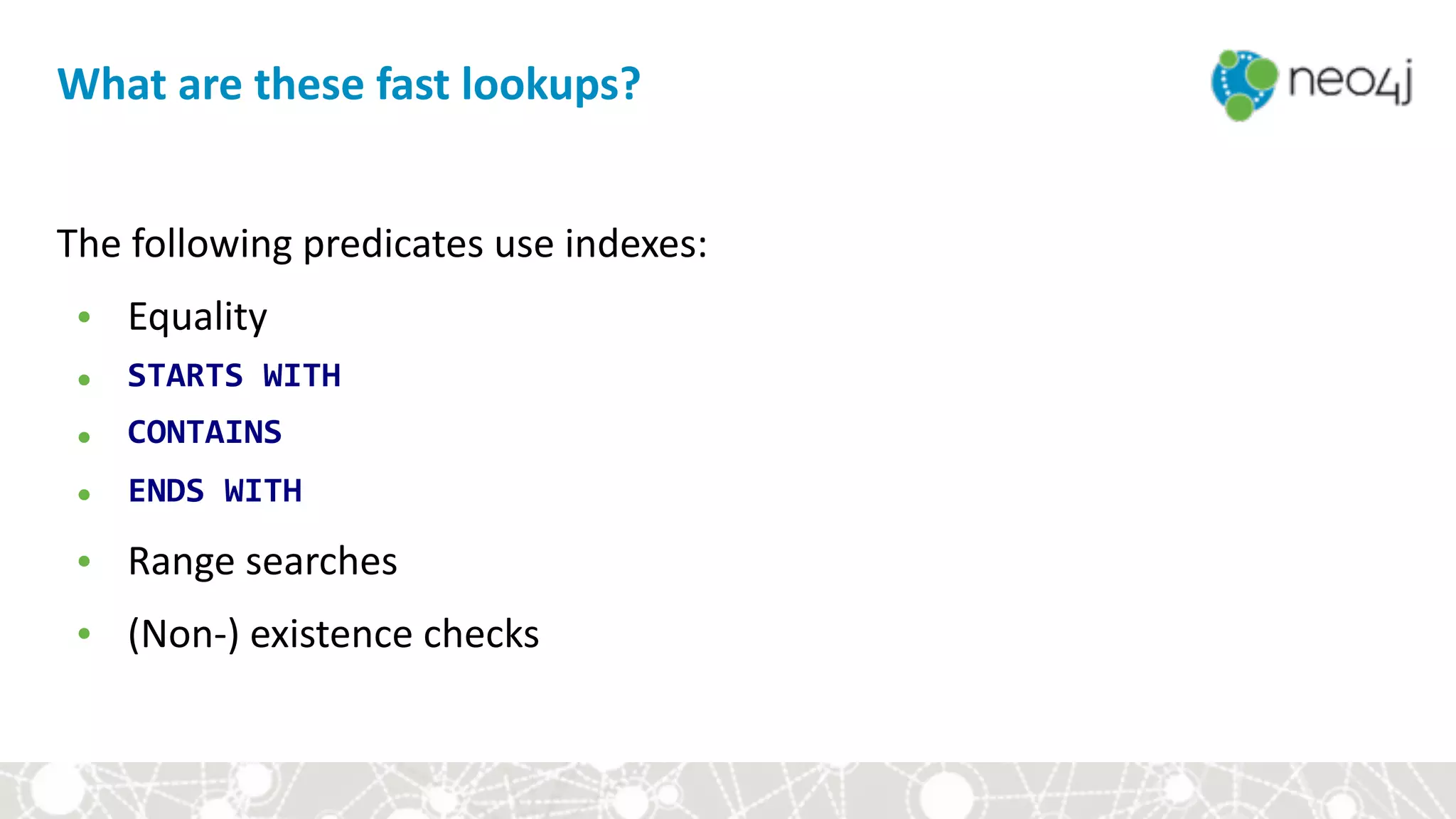
What	are	these	fast	lookups?
The	following	predicates	use	indexes:	
• Equality	
• STARTS	WITH	
• CONTAINS	
• ENDS	WITH	
• Range	searches	
• (Non-)	existence	checks
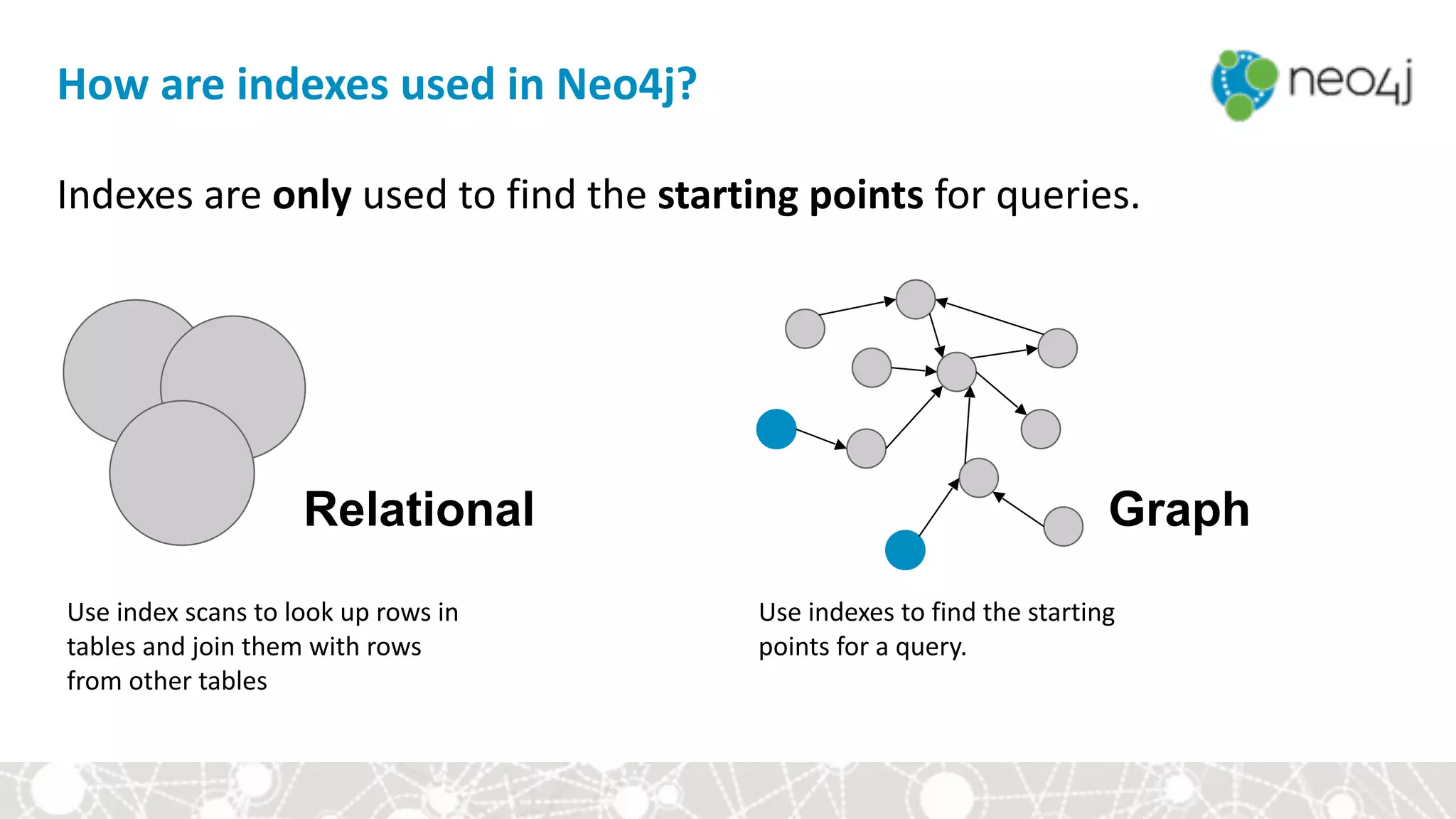
How	are	indexes	used	in	Neo4j?
Indexes	are	only	used	to	find	the	starting	points	for	queries.	
Use	index	scans	to	look	up	rows	in	
tables	and	join	them	with	rows	
from	other	tables
Use	indexes	to	find	the	starting	
points	for	a	query.	
Relational Graph
Cypher:	The	Basics
Type	the	following	command	into	the	query	editor:


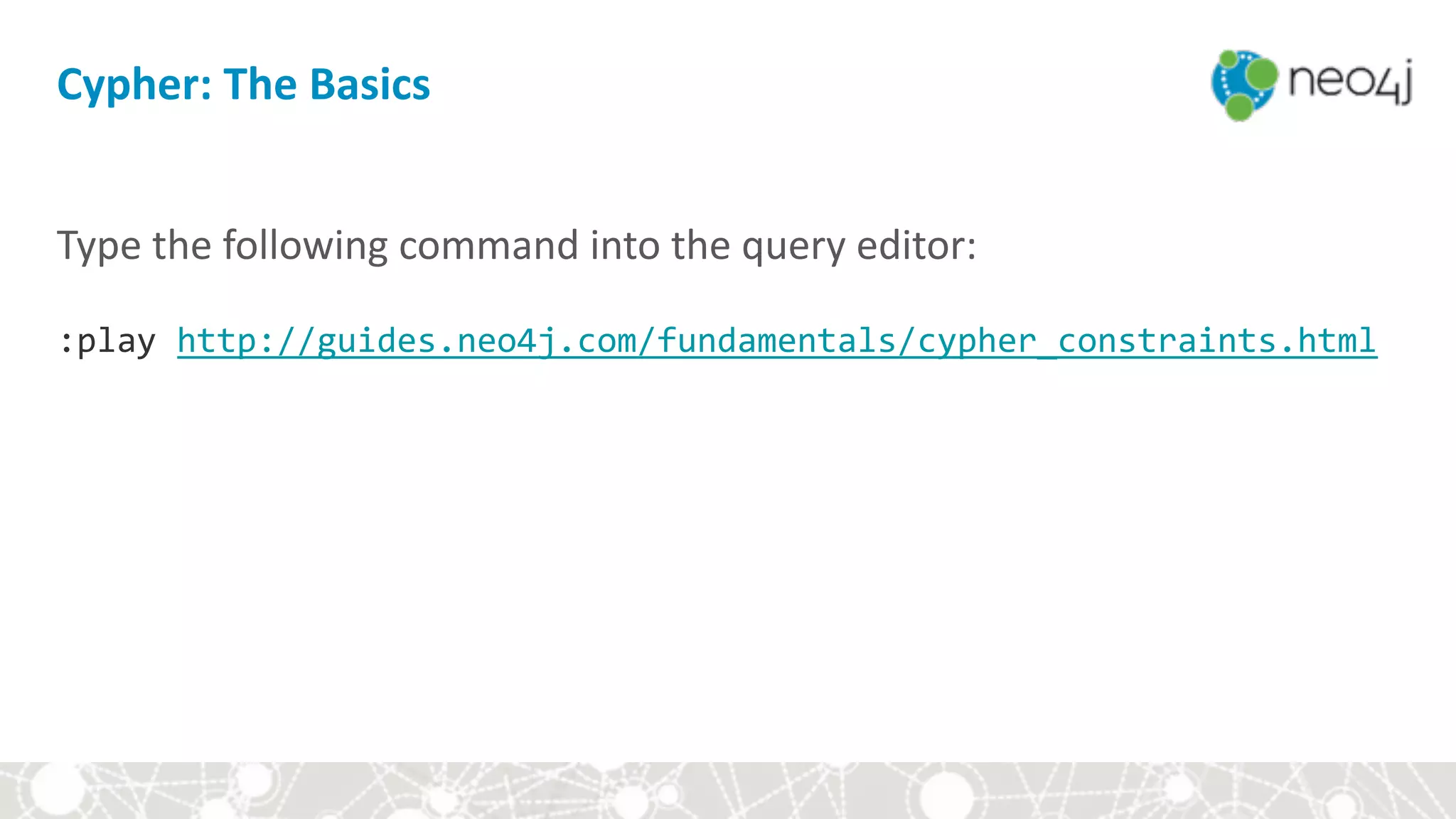
:play	http://guides.neo4j.com/fundamentals/cypher_constraints.html
Module	III:	Hands-on	with	Cypher
• Setup	
• Cypher	basics	
• Aggregates	
• Constraints	and	indexes	
• Write	queries	
• Style	and	modeling	conventions	
• Modeling	exercise:	Movie	genres
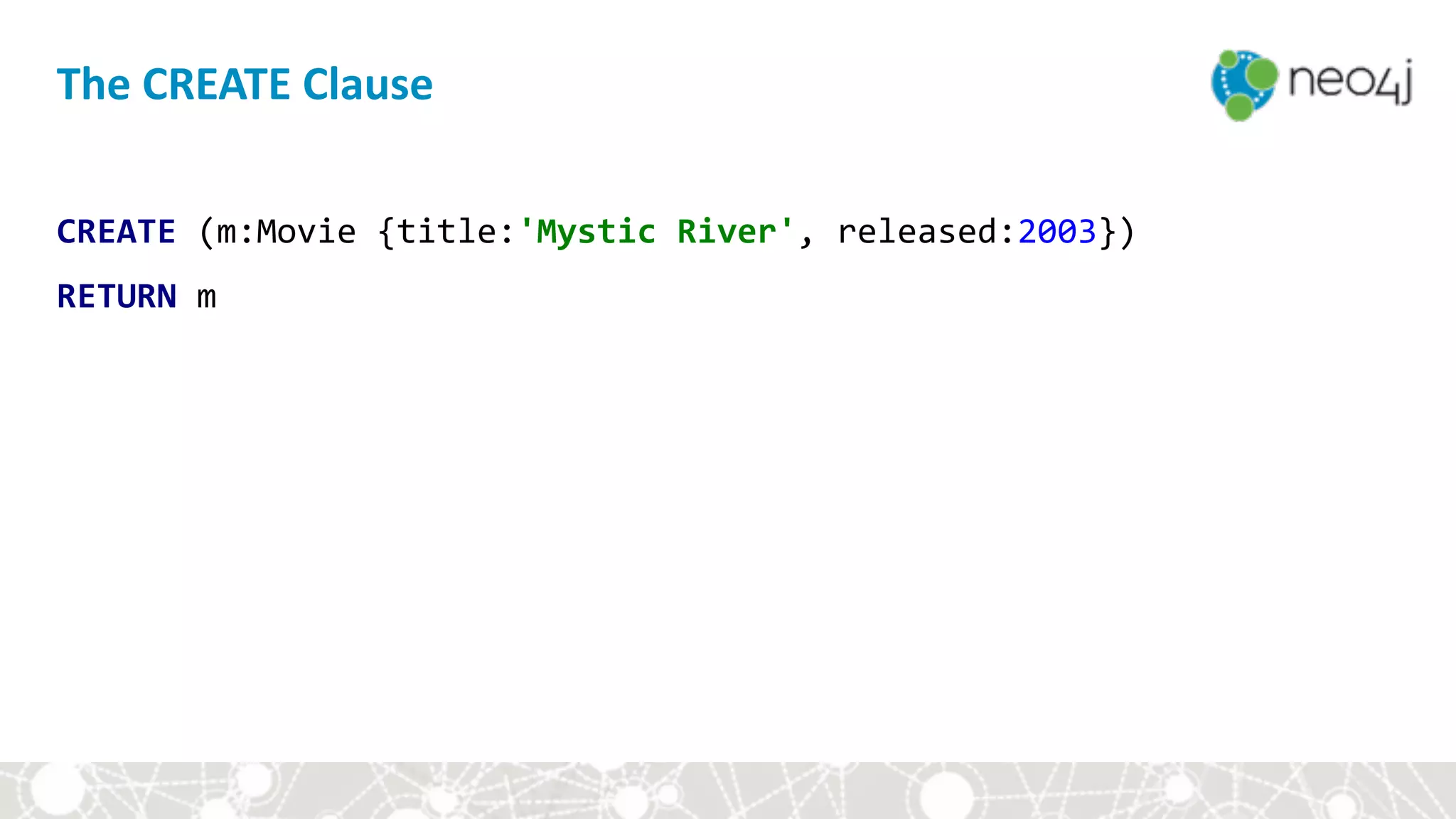
The	CREATE	Clause
CREATE	(m:Movie	{title:'Mystic	River',	released:2003})	
RETURN	m
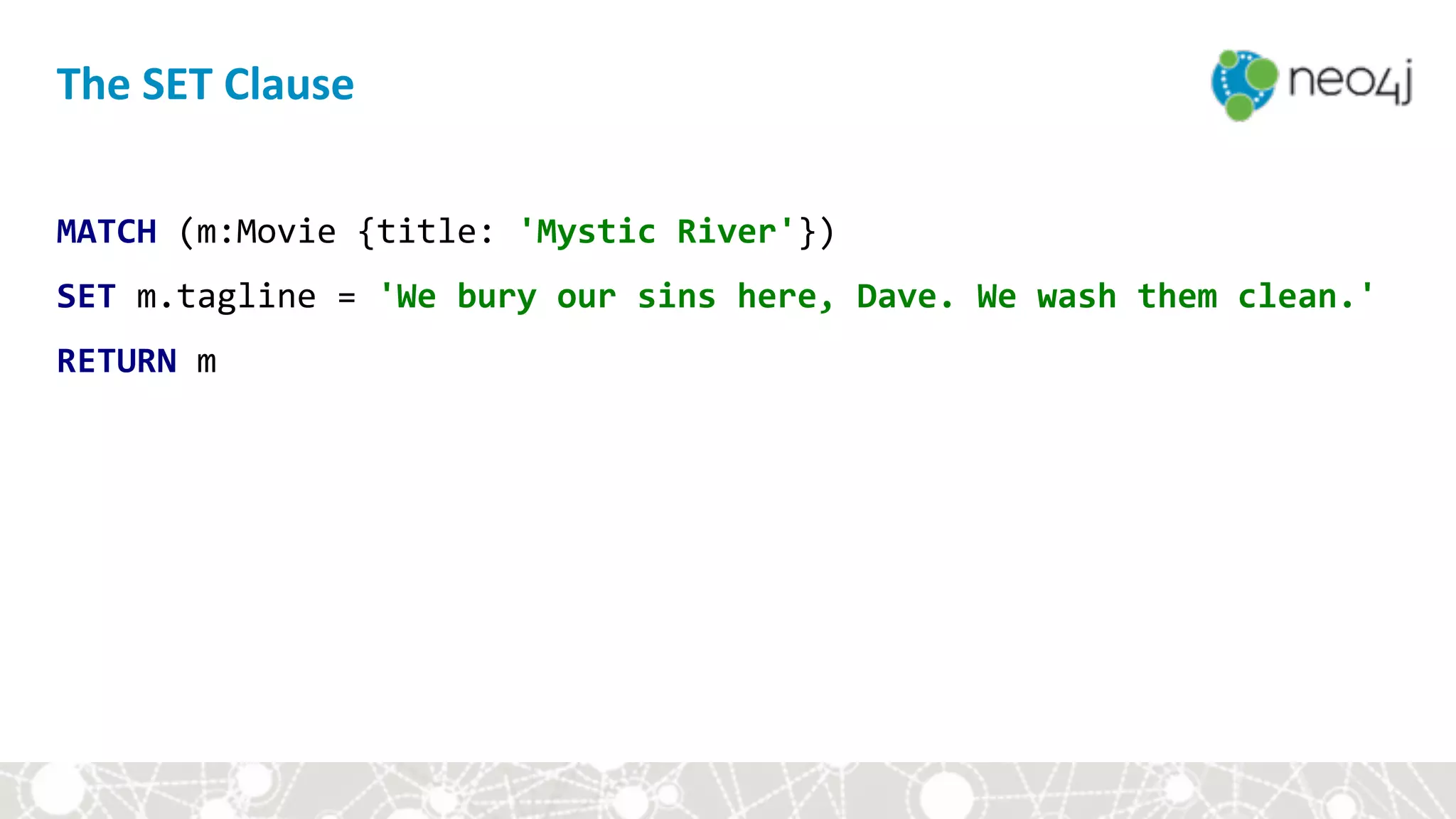
The	SET	Clause
MATCH	(m:Movie	{title:	'Mystic	River'})	
SET	m.tagline	=	'We	bury	our	sins	here,	Dave.	We	wash	them	clean.'		
RETURN	m
The	CREATE	Clause
MATCH	(m:Movie	{title:	'Mystic	River'})	
MATCH	(p:Person	{name:	'Kevin	Bacon'})	
CREATE	(p)-[r:ACTED_IN	{roles:	['Sean']}]->(m)	
RETURN	p,	r,	m
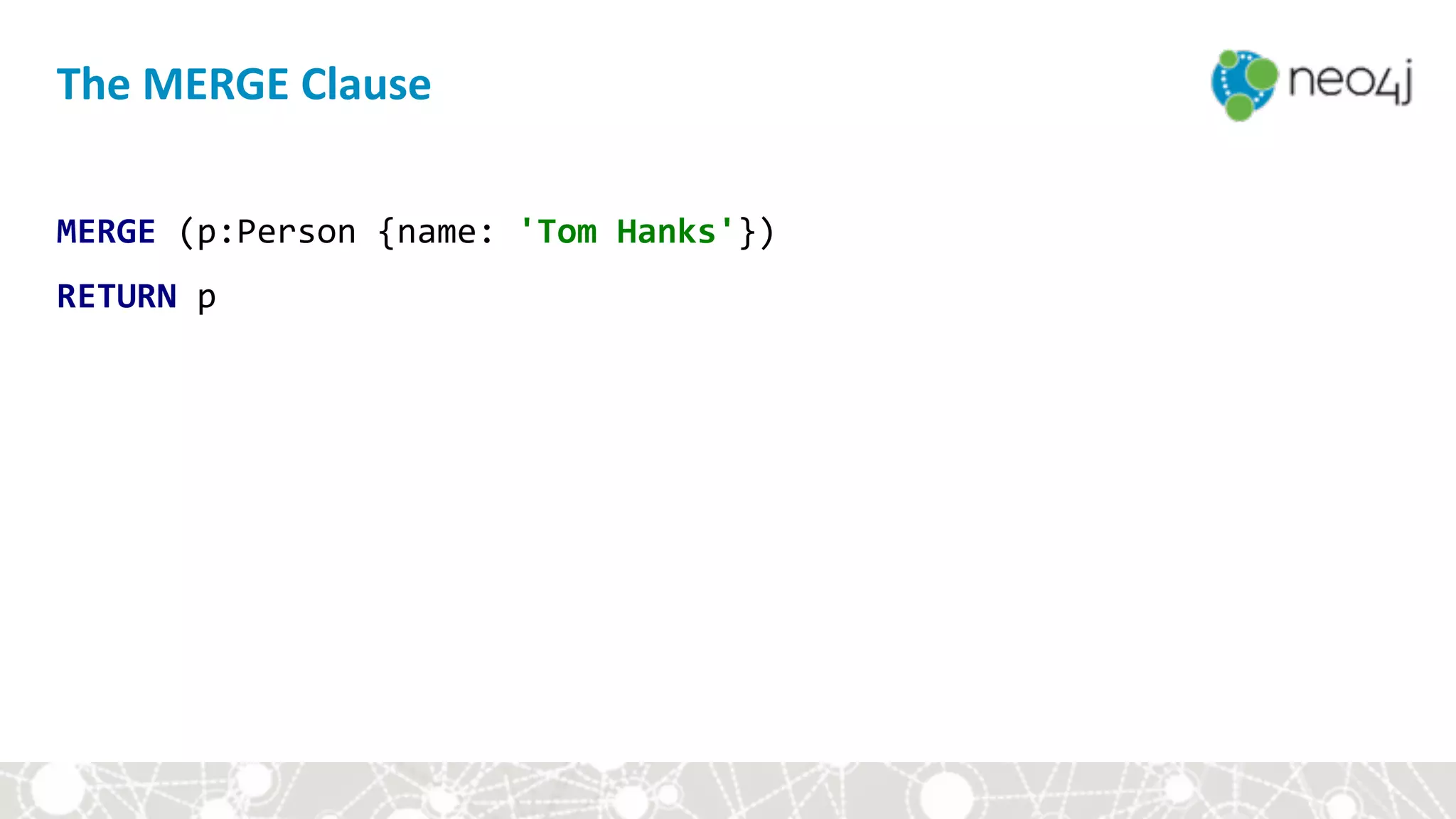
The	MERGE	Clause
MERGE	(p:Person	{name:	'Tom	Hanks'})	
RETURN	p
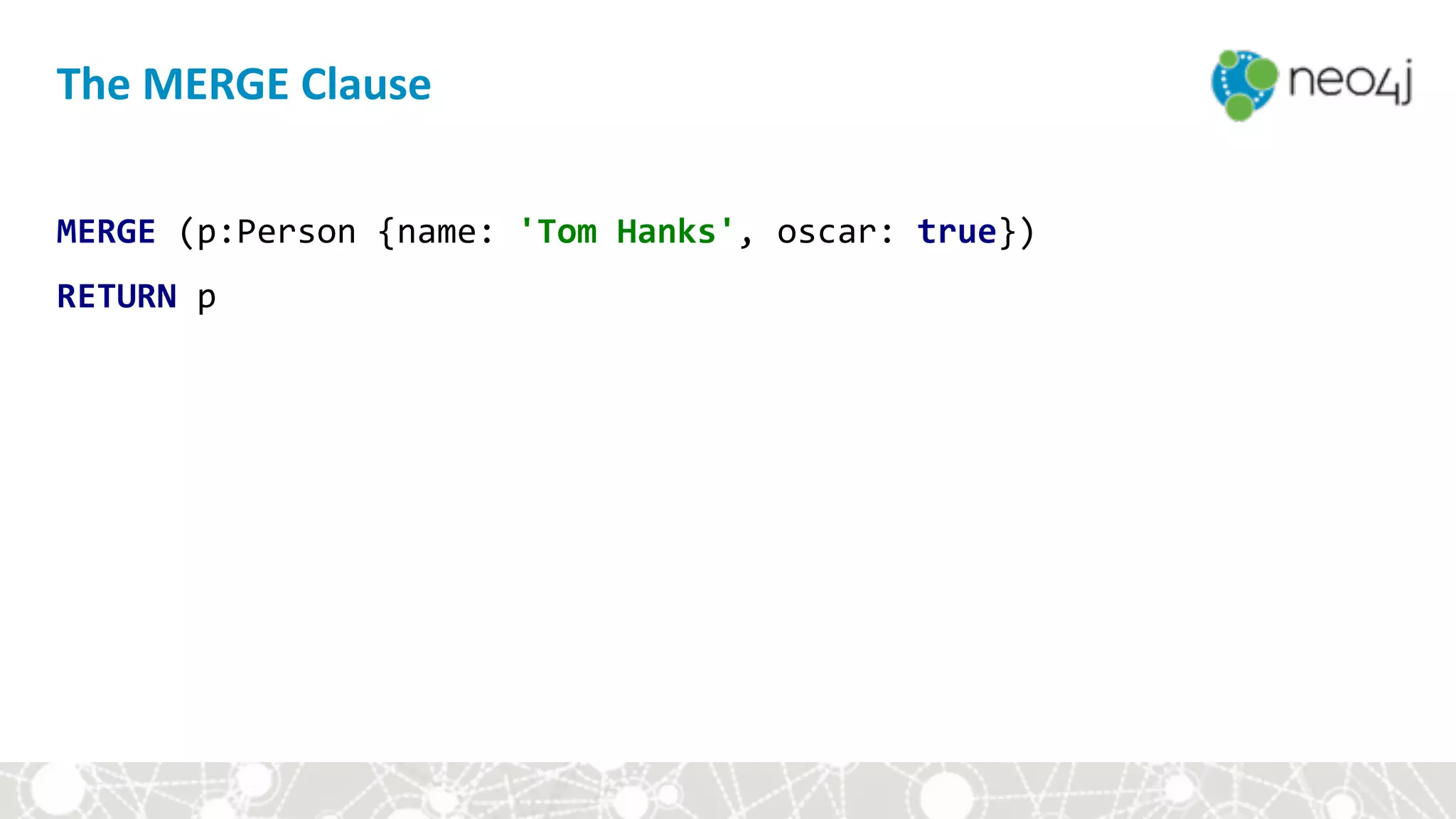
The	MERGE	Clause
MERGE	(p:Person	{name:	'Tom	Hanks',	oscar:	true})	
RETURN	p
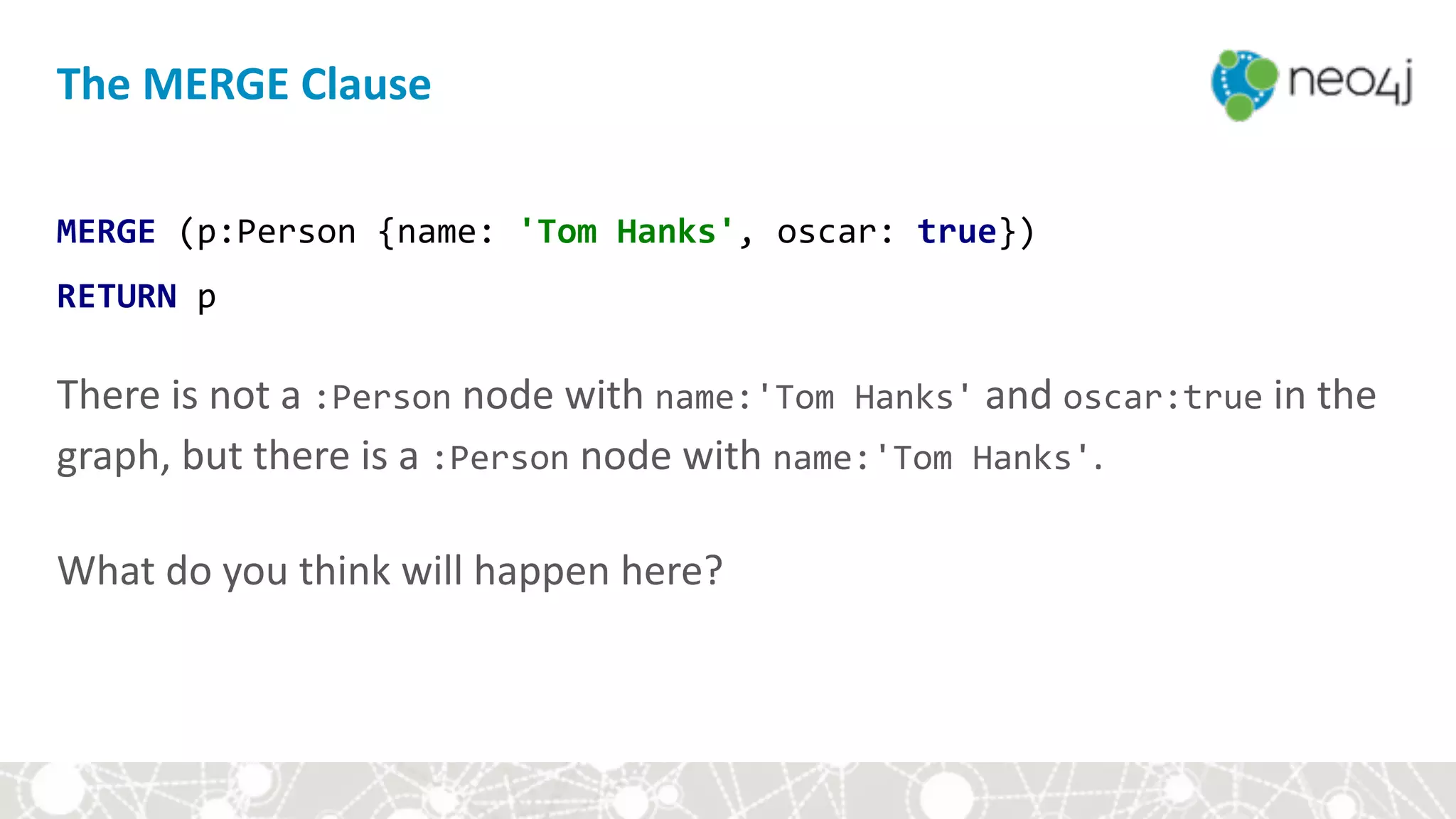
The	MERGE	Clause
MERGE	(p:Person	{name:	'Tom	Hanks',	oscar:	true})	
RETURN	p


There	is	not	a	:Person	node	with	name:'Tom	Hanks'	and	oscar:true	in	the	
graph,	but	there	is	a	:Person	node	with	name:'Tom	Hanks'.	


What	do	you	think	will	happen	here?
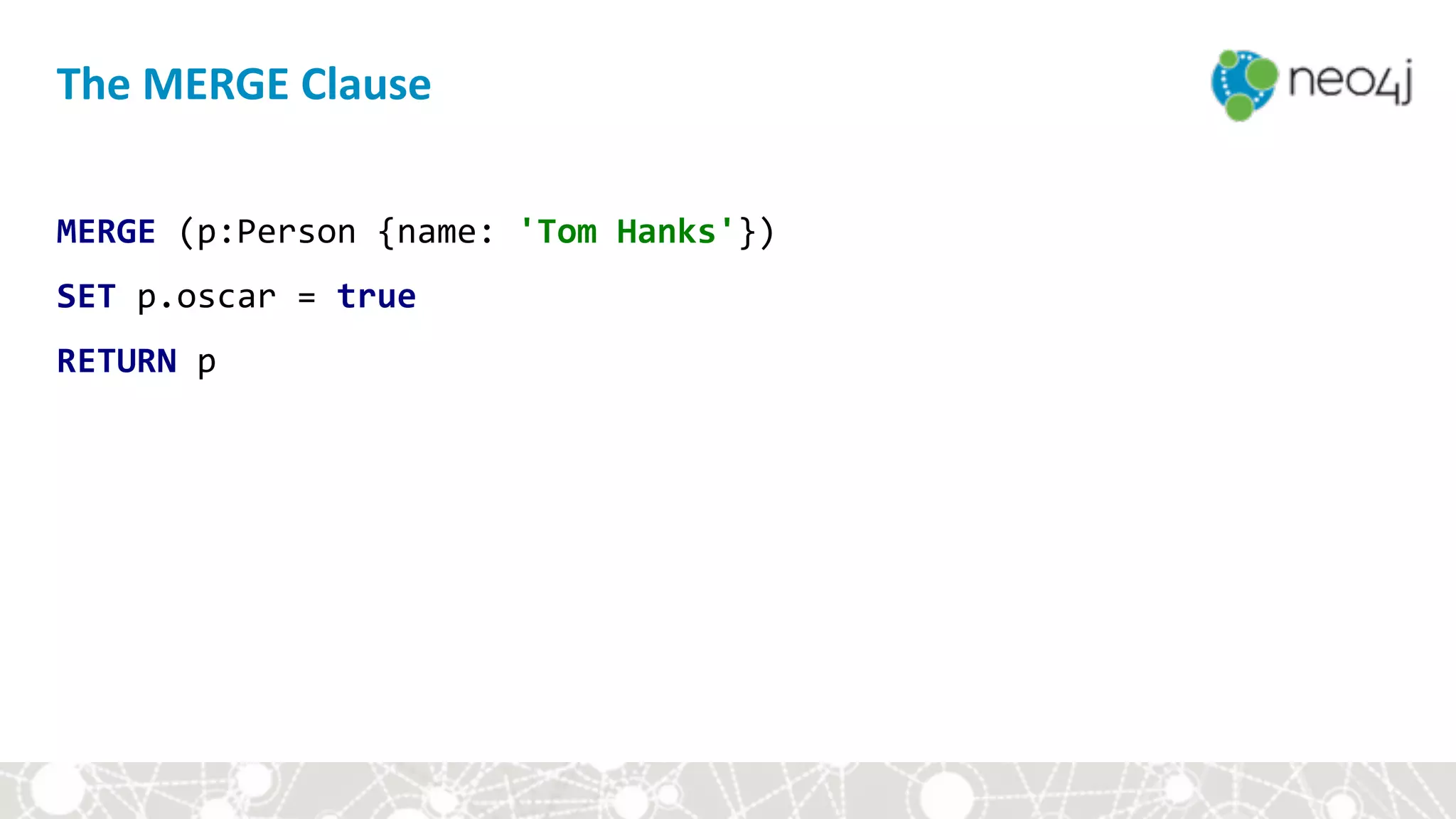
The	MERGE	Clause
MERGE	(p:Person	{name:	'Tom	Hanks'})	
SET	p.oscar	=	true	
RETURN	p
The	MERGE	Clause
MERGE	(p:Person	{name:	'Tom	Hanks'})-[:ACTED_IN]	
							->(m:Movie	{title:	'The	Terminal'})	
RETURN	p,	m
The	MERGE	Clause
MERGE	(p:Person	{name:	'Tom	Hanks'})-[:ACTED_IN]	
							->(m:Movie	{title:	'The	Terminal'})	
RETURN	p,	m	


There	is	not	a	:Movie	node	with	title:"The	Terminal"	in	the	graph,	but	there	
is	a	:Person	node	with	name:"Tom	Hanks".	


What	do	you	think	will	happen	here?
MERGE	(p:Person	{name:	'Tom	Hanks'})	
MERGE	(m:Movie	{title:	'The	Terminal'})	
MERGE	(p)-[r:ACTED_IN]->(m)	
RETURN	p,	r,	m
The	MERGE	Clause
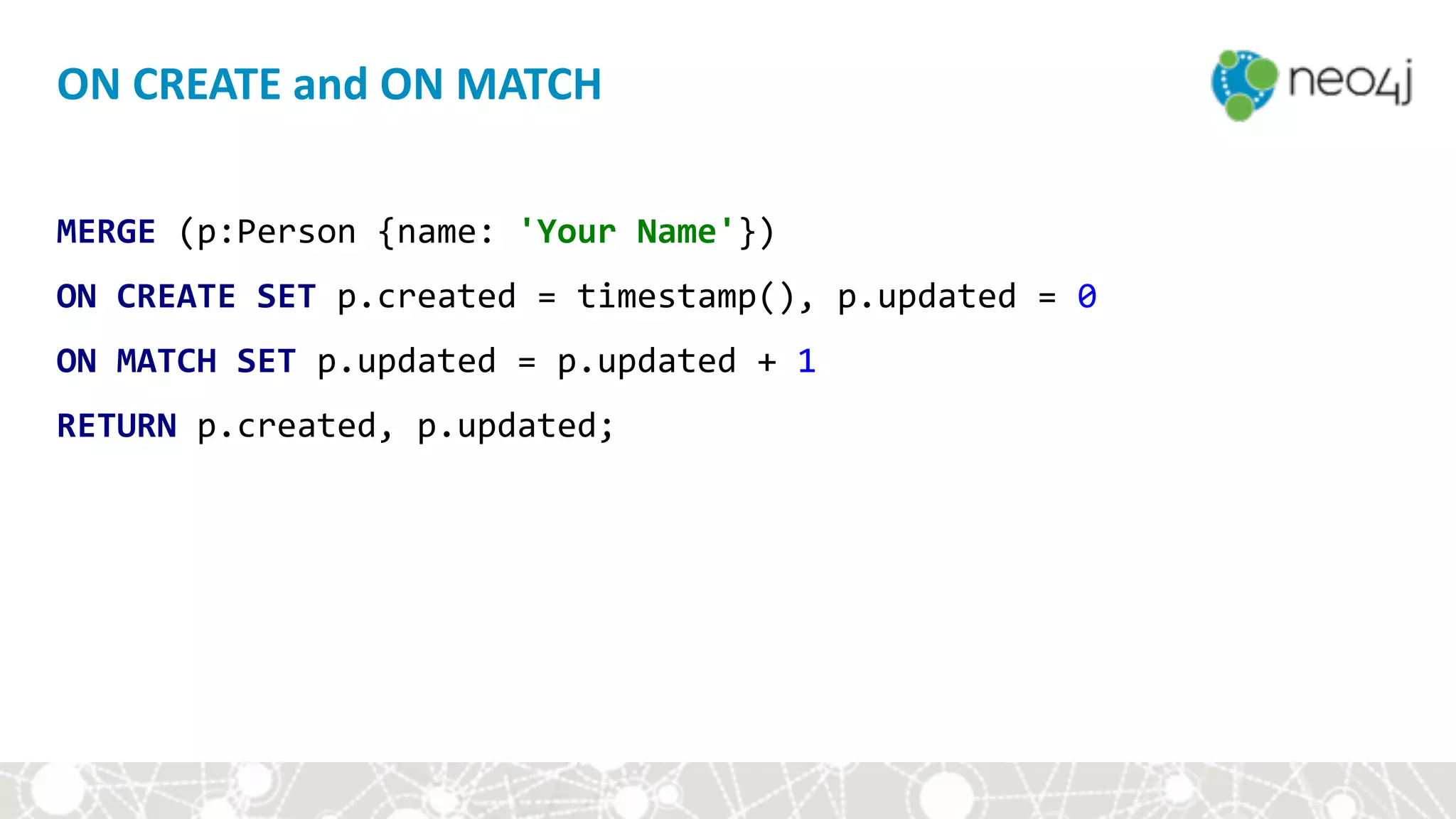
MERGE	(p:Person	{name:	'Your	Name'})	
ON	CREATE	SET	p.created	=	timestamp(),	p.updated	=	0	
ON	MATCH	SET	p.updated	=	p.updated	+	1	
RETURN	p.created,	p.updated;
ON	CREATE	and	ON	MATCH
Module	III:	Hands-on	with	Cypher
• Setup	
• Cypher	basics	
• Aggregates	
• Constraints	and	indexes	
• Write	queries	
• Style	and	modeling	conventions	
• Modeling	exercise:	Movie	genres
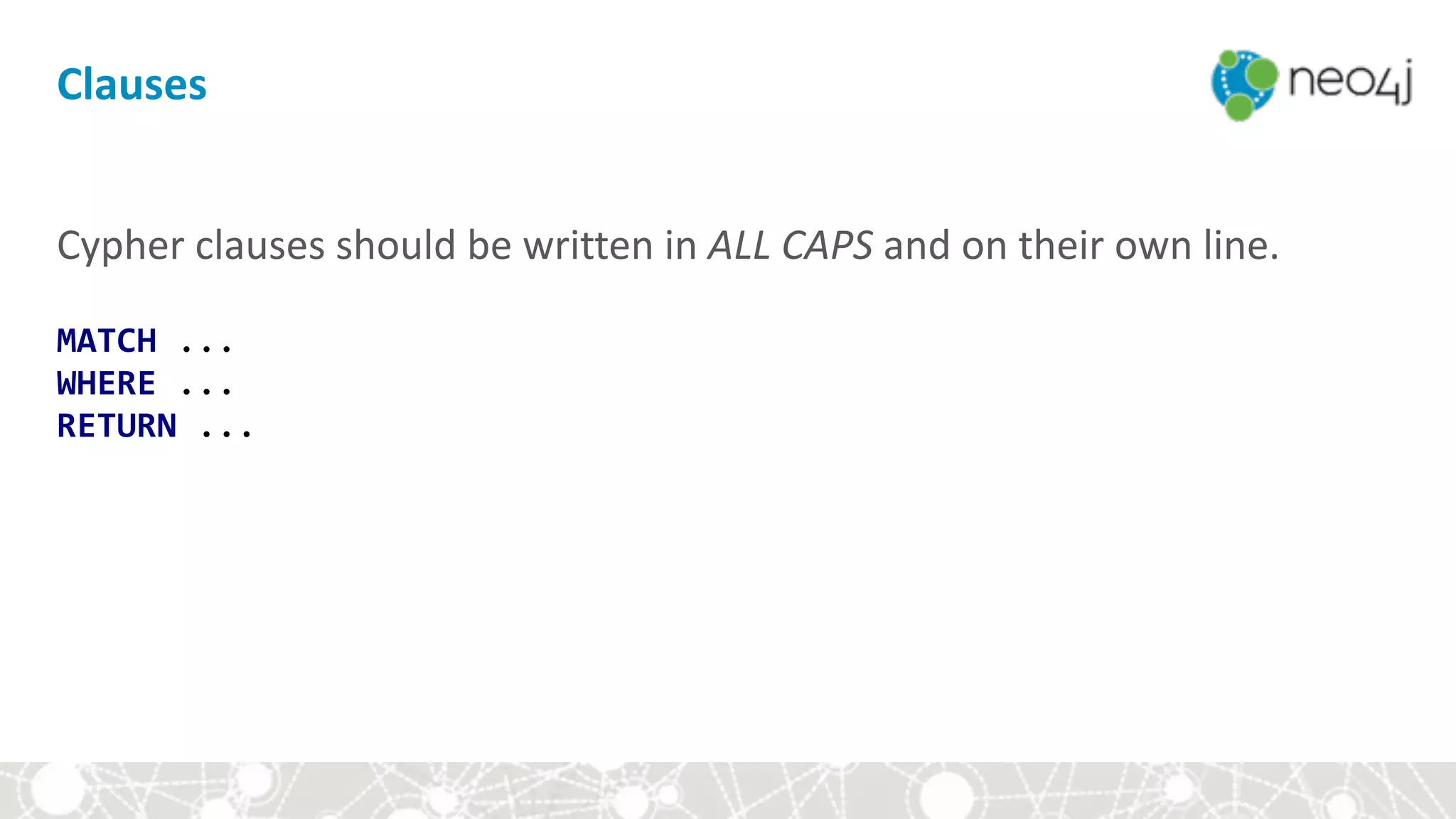
Clauses
Cypher	clauses	should	be	written	in	ALL	CAPS	and	on	their	own	line.


MATCH	...

WHERE	...

RETURN	...
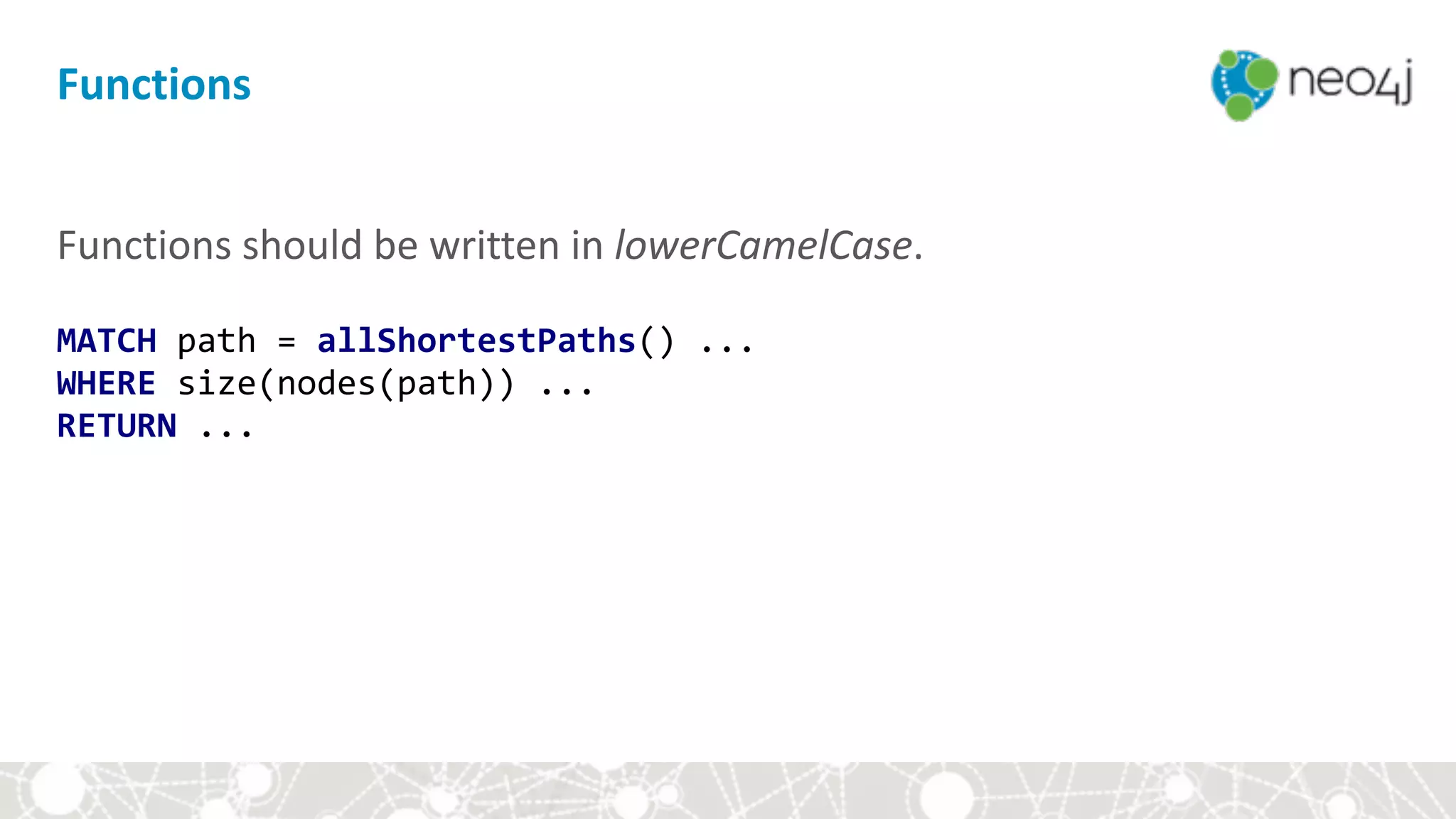
Functions
Functions	should	be	written	in	lowerCamelCase.


MATCH	path	=	allShortestPaths()	...

WHERE	size(nodes(path))	...	

RETURN	...
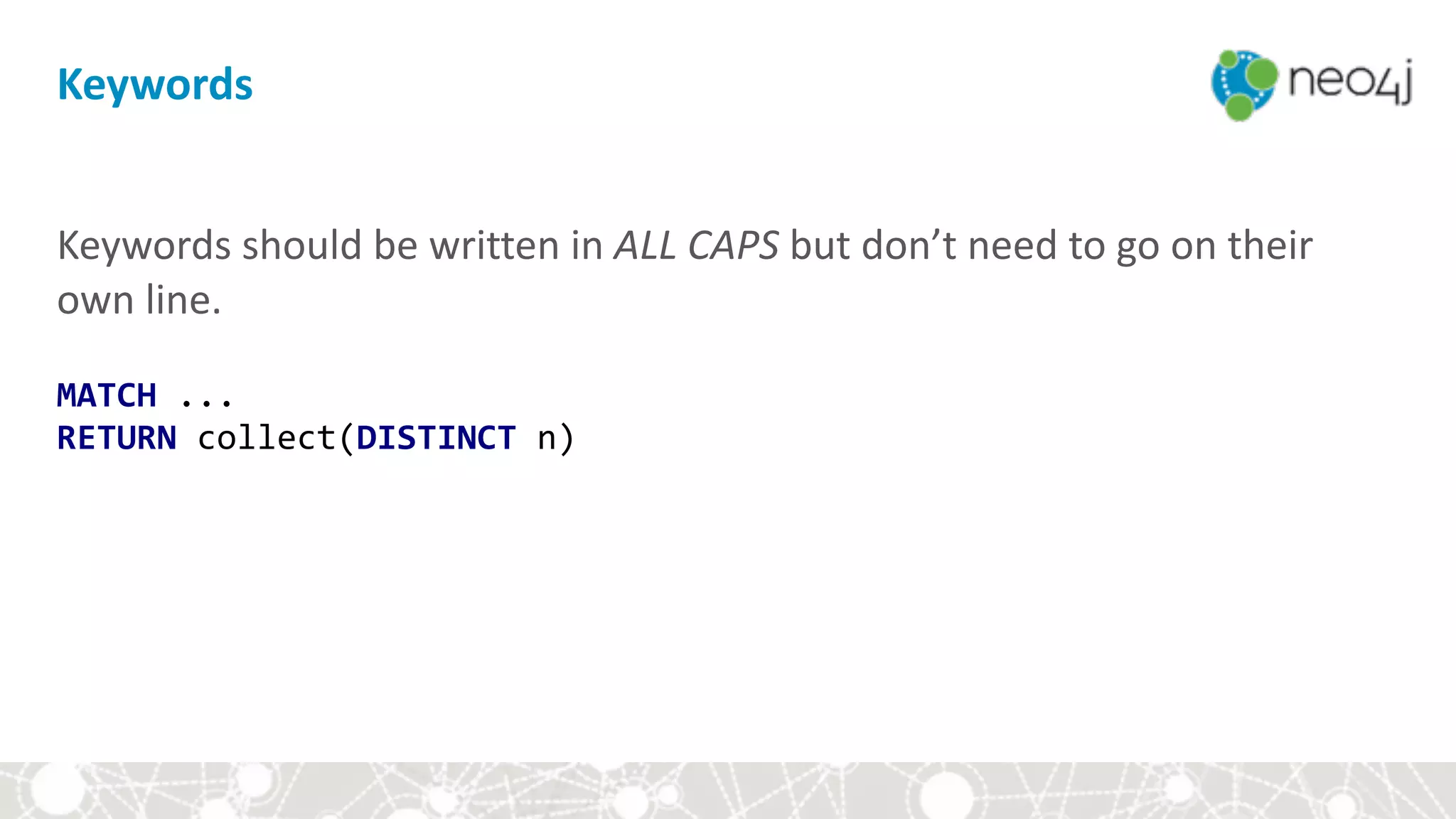
Keywords
Keywords	should	be	written	in	ALL	CAPS	but	don’t	need	to	go	on	their	
own	line.


MATCH	...

RETURN	collect(DISTINCT	n)
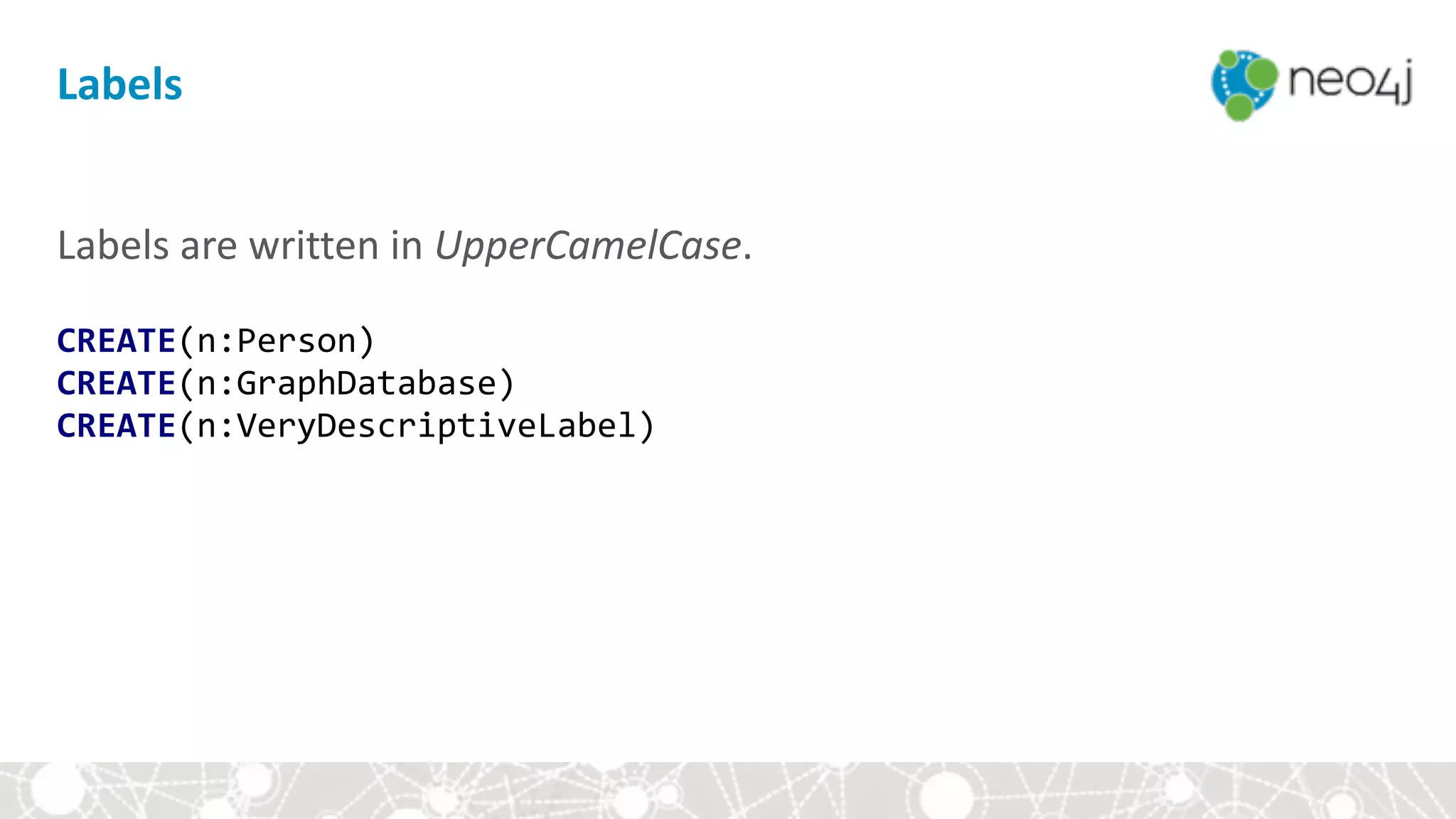
Labels
Labels	are	written	in	UpperCamelCase.


CREATE(n:Person)

CREATE(n:GraphDatabase)

CREATE(n:VeryDescriptiveLabel)
Relationship	Types
Relationships	are	written	in	UPPERCASE_WITH_UNDERSCORES	(to	
separate	words).


CREATE(n)-[:LOVES]->(m)

CREATE(n)-[:REALLY_LOVES]->(m)

CREATE(n)-[:IS_IN_LOVE_WITH]->(m)
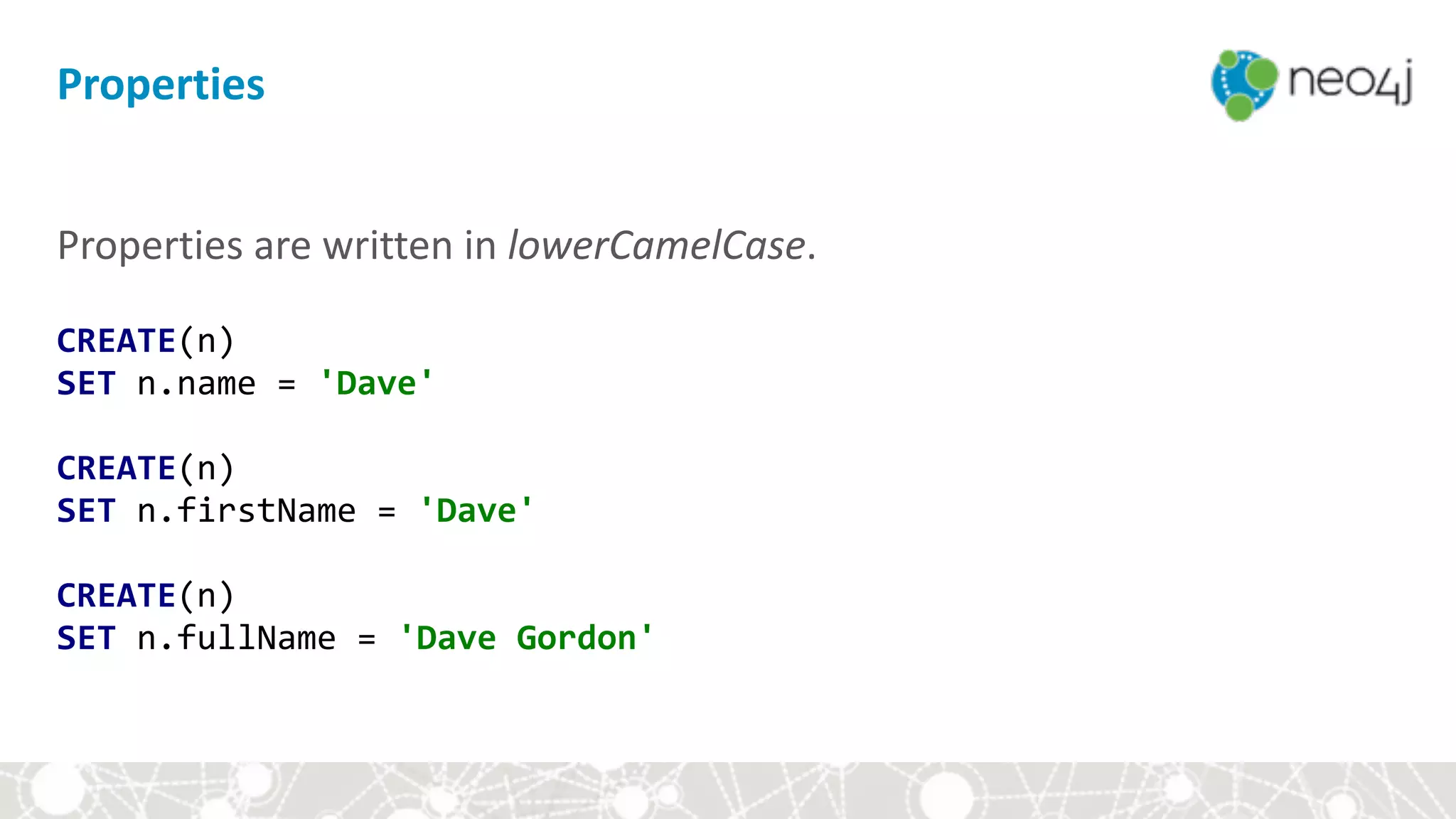
Properties	are	written	in	lowerCamelCase.


CREATE(n)

SET	n.name	=	'Dave'


CREATE(n)

SET	n.firstName	=	'Dave'


CREATE(n)

SET	n.fullName	=	'Dave	Gordon'
Properties
Module	III:	Hands-on	with	Cypher
• Setup	
• Cypher	basics	
• Aggregates	
• Constraints	and	indexes	
• Write	queries	
• Style	and	modeling	conventions	
• Modeling	exercise:	Movie	genres
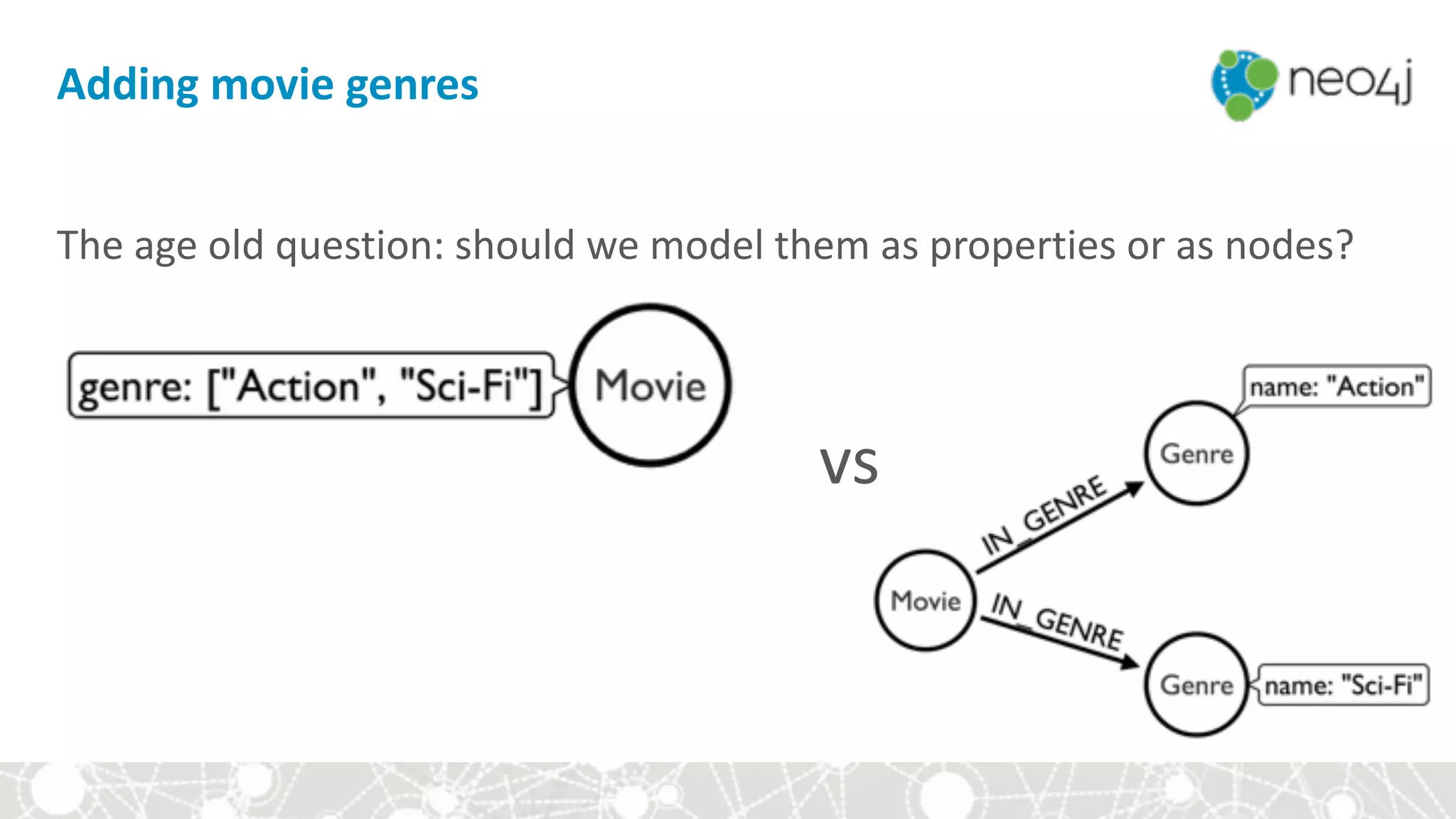
The	age	old	question:	should	we	model	them	as	properties	or	as	nodes?


Adding	movie	genres
vs
MATCH	(m:Movie	{title:	'The	Matrix'})

SET	m.genre	=	['Action',	'Sci-Fi']

RETURN	m
Genres	as	properties
MATCH	(m:Movie	{title:	'Mystic	River'})

SET	m.genre	=	['Action',	'Mystery']

RETURN	m	


Genres	as	properties
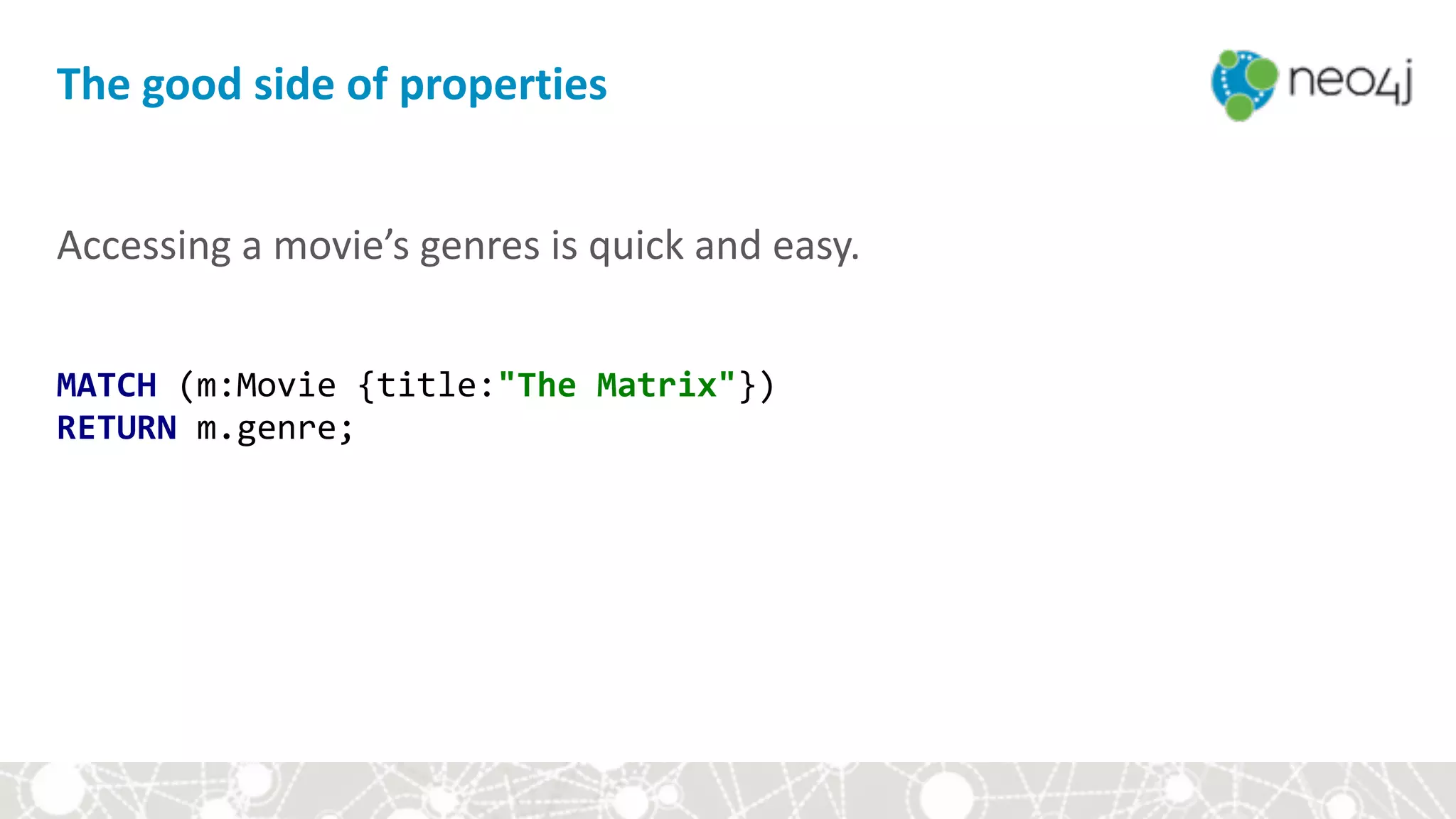
Accessing	a	movie’s	genres	is	quick	and	easy.	
MATCH	(m:Movie	{title:"The	Matrix"})

RETURN	m.genre;
The	good	side	of	properties
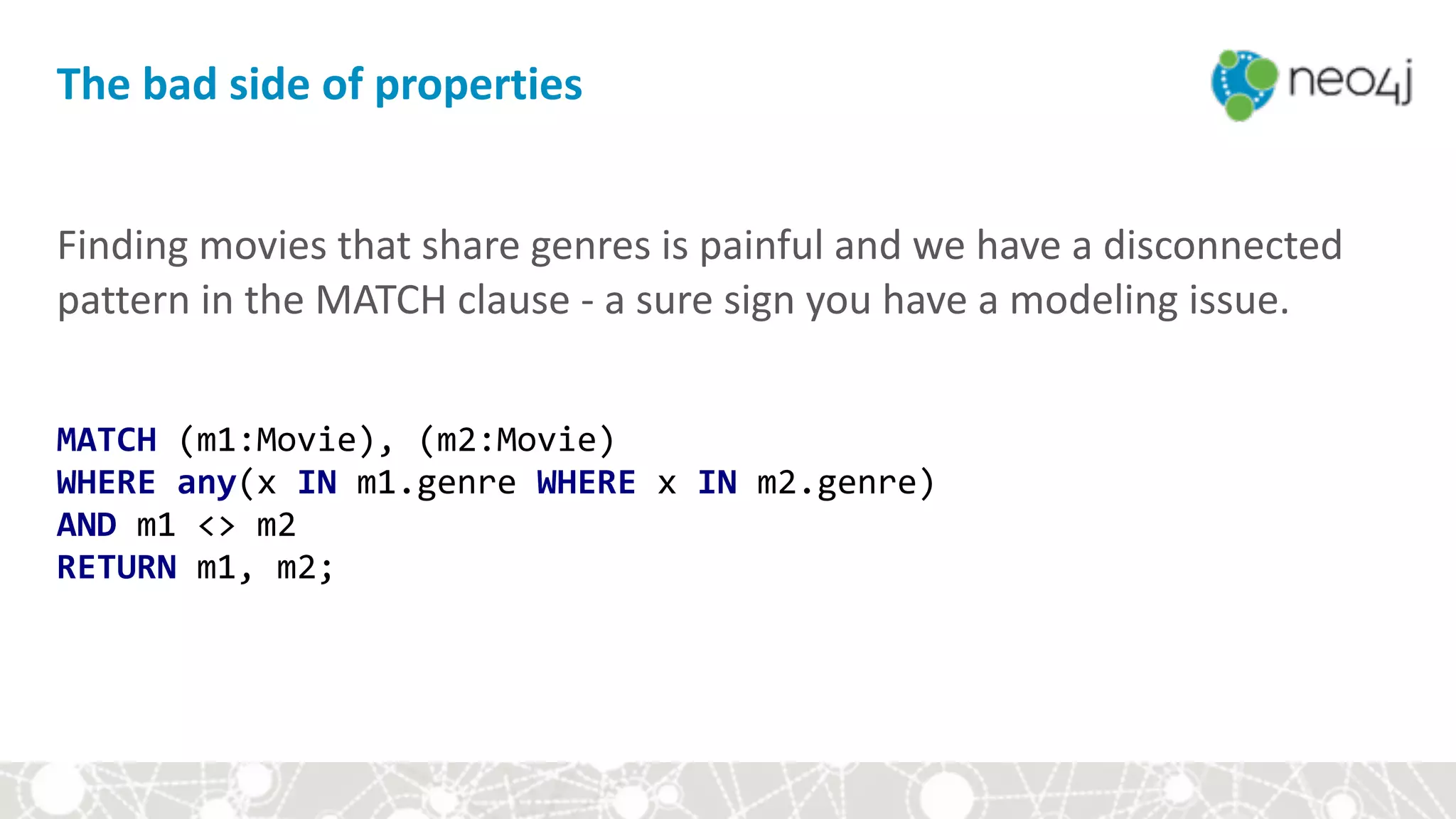
Finding	movies	that	share	genres	is	painful	and	we	have	a	disconnected	
pattern	in	the	MATCH	clause	-	a	sure	sign	you	have	a	modeling	issue.	
MATCH	(m1:Movie),	(m2:Movie)

WHERE	any(x	IN	m1.genre	WHERE	x	IN	m2.genre)

AND	m1	<>	m2

RETURN	m1,	m2;
The	bad	side	of	properties
MATCH	(m:Movie	{title:"The	Matrix"})

MERGE	(action:Genre	{name:"Action"})

MERGE	(scifi:Genre	{name:"Sci-Fi"})

MERGE	(m)-[:IN_GENRE]->(action)

MERGE	(m)-[:IN_GENRE]->(scifi)	


Genres	as	nodes
MATCH	(m:Movie	{title:"Mystic	River"})

MERGE	(action:Genre	{name:"Action"})

MERGE	(mystery:Genre	{name:"Mystery"})

MERGE	(m)-[:IN_GENRE]->(action)

MERGE	(m)-[:IN_GENRE]->(mystery)
Genres	as	nodes
Finding	movies	that	share	genres	is	a	natural	graph	pattern.	
MATCH	(m1:Movie)-[:IN_GENRE]->(g:Genre),

						(m2:Movie)-[:IN_GENRE]->(g)

RETURN	m1,	m2,	g
The	good	side	of	nodes
Accessing	the	genres	of	movies	requires	a	bit	more	typing.	
MATCH	(m:Movie	{title:"The	Matrix"}),

						(m)-[:IN_GENRE]->(g:Genre)

RETURN	g.name;
The	(not	too)	bad	side	of	nodes
Add	summary	slide!
Thank	you	for	your	time!

Please	help	us	improve:	bit.ly/neo-survey	.	
A	filled-out	survey	gives	you	discount	on	your	next	Neo4j	
class!

Neo4j Fundamentals