n C r y p t y e d C l o u d
Team :-
DHRUB
DARVIN GUPTA
What is ncrypted Cloud?
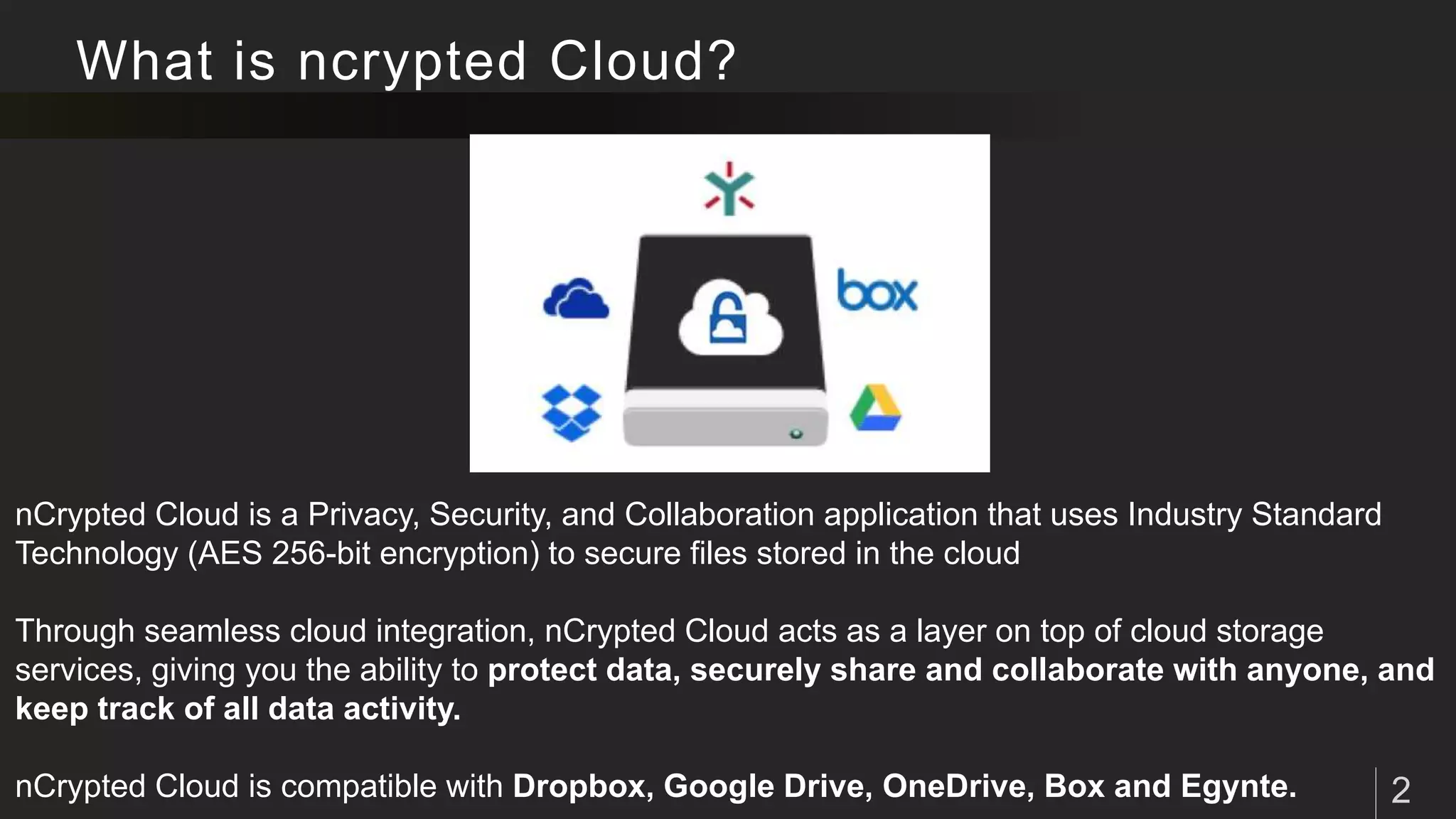
nCrypted Cloud is a Privacy, Security, and Collaboration application that uses Industry Standard
Technology (AES 256-bit encryption) to secure files stored in the cloud
Through seamless cloud integration, nCrypted Cloud acts as a layer on top of cloud storage
services, giving you the ability to protect data, securely share and collaborate with anyone, and
keep track of all data activity.
nCrypted Cloud is compatible with Dropbox, Google Drive, OneDrive, Box and Egynte.
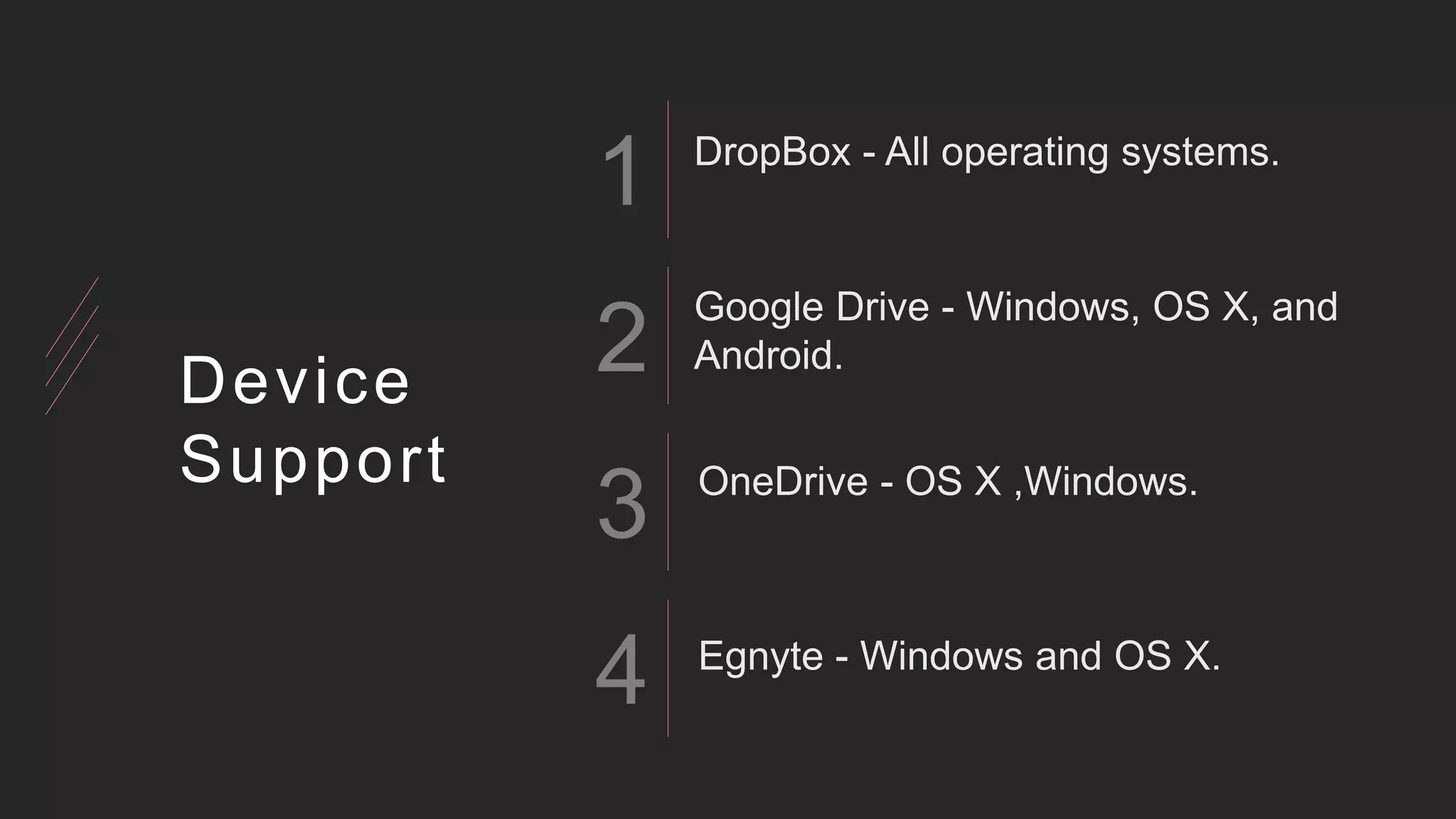
1
2
3
4
Device
Support
How nCrypted Cloud Works?
How much nCrypted Cloud Is Secure ?
nCrypted Cloud uses Industry Standard Encryption Technology (AES 256-bit
encryption) to secure your data both at-rest (when it is stored) and in-flight (when it is
being sent).
Your cloud storage provider stores your files, and nCrypted Cloud manages the keys
used to secure these files. nCrypted Cloud never has access to your files, and
your cloud storage provider never has access to our keys.
The privacy and security controls you apply to your data remain with that data no
matter where it goes. The second you revoke access to data, access is revoked
entirely, on every platform. This means that the receiver will lose access to the data on
the cloud and wherever else the data was saved or forwarded to.
FOUNDER Of nCrypted Cloud
Nick Stamos Founder/CEO
About Technology
Encryption
Rotating Password
Technology
SAML 2.0
How To Connect Your Cloud
Click the nCrypted Cloud icon in your taskbar and select “Preferences” from the drop-down
menu
Go to the “Account” tab and check the boxes next to the cloud providers you wish to sync.
Once these boxes are checked, nCrypted Cloud will automatically sync with these cloud
providers
Multi-Identity
You can have one personal, and potentially many corporate identities with
which you can manage and collaborate. Having multiple identities allows you
to keep personal data separate from corporate data in the same cloud.
Proxy
The Proxy tab gives you the ability to customize your proxy settings.
Which cloud storage service should use?
As of today we support Dropbox, Google Drive, Box, and Egnyte. These cloud
storage providers have proven to be the most popular among cloud users.
And these All Cloud Services Are Portable With nCrypted cloud
nCryptedCloud adapts the visual format you currently have to view and access
files/folders on your desktop, enabling you to easily perform actions on your data
using basic commands.
T H A N K Y O U !
A n y Q u e s t i o n s ?
Jun Akizaki – The Power of PowerPoint
Used Font: Crimson Text

N cryptedcloud

  • 1.
    n C ry p t y e d C l o u d Team :- DHRUB DARVIN GUPTA
  • 2.
    What is ncryptedCloud? nCrypted Cloud is a Privacy, Security, and Collaboration application that uses Industry Standard Technology (AES 256-bit encryption) to secure files stored in the cloud Through seamless cloud integration, nCrypted Cloud acts as a layer on top of cloud storage services, giving you the ability to protect data, securely share and collaborate with anyone, and keep track of all data activity. nCrypted Cloud is compatible with Dropbox, Google Drive, OneDrive, Box and Egynte.
  • 3.
  • 4.
  • 5.
    How much nCryptedCloud Is Secure ? nCrypted Cloud uses Industry Standard Encryption Technology (AES 256-bit encryption) to secure your data both at-rest (when it is stored) and in-flight (when it is being sent). Your cloud storage provider stores your files, and nCrypted Cloud manages the keys used to secure these files. nCrypted Cloud never has access to your files, and your cloud storage provider never has access to our keys. The privacy and security controls you apply to your data remain with that data no matter where it goes. The second you revoke access to data, access is revoked entirely, on every platform. This means that the receiver will lose access to the data on the cloud and wherever else the data was saved or forwarded to.
  • 6.
    FOUNDER Of nCryptedCloud Nick Stamos Founder/CEO
  • 7.
  • 8.
    How To ConnectYour Cloud Click the nCrypted Cloud icon in your taskbar and select “Preferences” from the drop-down menu Go to the “Account” tab and check the boxes next to the cloud providers you wish to sync. Once these boxes are checked, nCrypted Cloud will automatically sync with these cloud providers
  • 9.
    Multi-Identity You can haveone personal, and potentially many corporate identities with which you can manage and collaborate. Having multiple identities allows you to keep personal data separate from corporate data in the same cloud.
  • 10.
    Proxy The Proxy tabgives you the ability to customize your proxy settings.
  • 11.
    Which cloud storageservice should use? As of today we support Dropbox, Google Drive, Box, and Egnyte. These cloud storage providers have proven to be the most popular among cloud users. And these All Cloud Services Are Portable With nCrypted cloud nCryptedCloud adapts the visual format you currently have to view and access files/folders on your desktop, enabling you to easily perform actions on your data using basic commands.
  • 12.
    T H AN K Y O U ! A n y Q u e s t i o n s ? Jun Akizaki – The Power of PowerPoint Used Font: Crimson Text