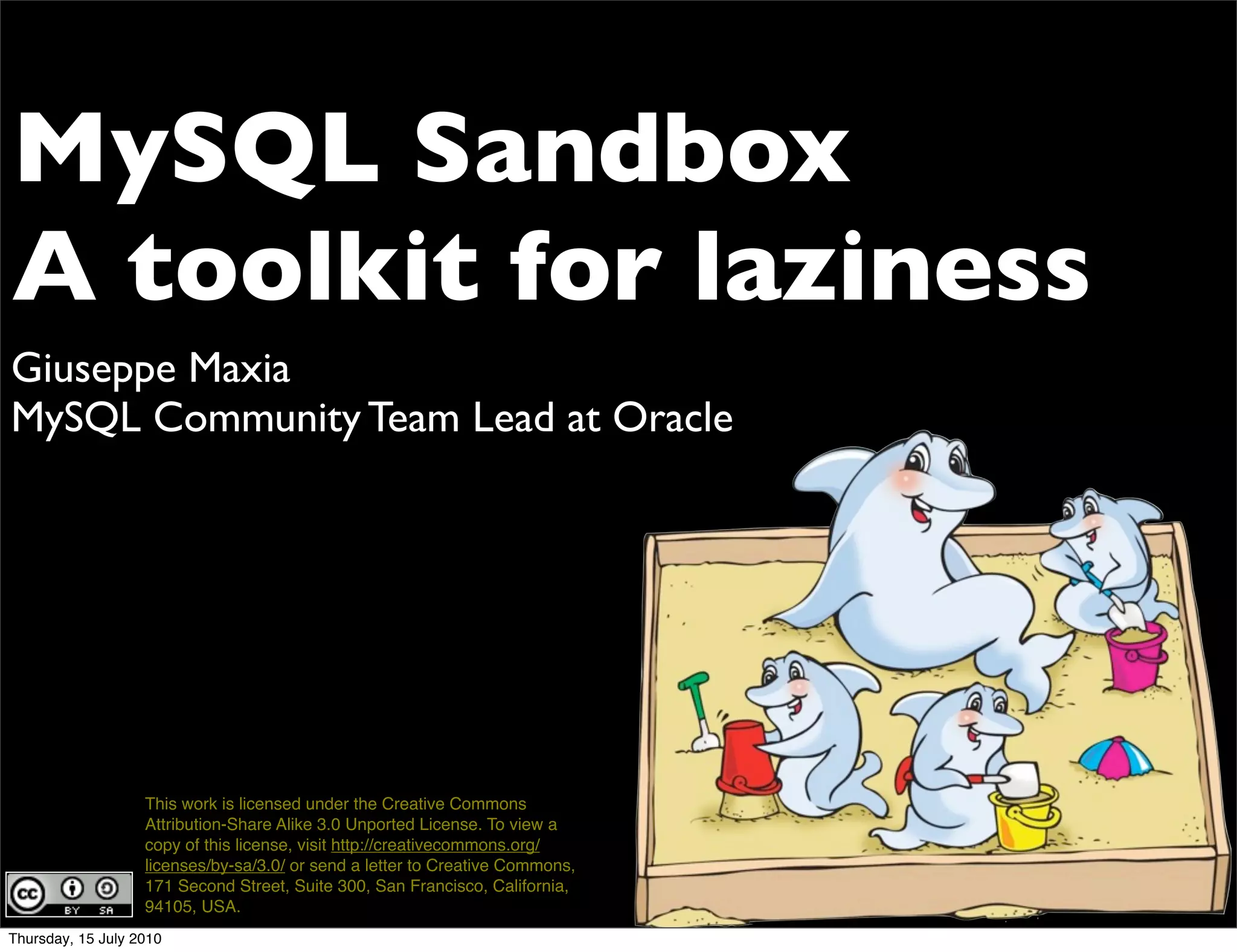







MySQL Sandbox
A toolkit for laziness
Giuseppe Maxia
MySQL Community Team Lead at Oracle


                   This work is licensed under the Creative Commons
                   Attribution-Share Alike 3.0 Unported License. To view a
                   copy of this license, visit http://creativecommons.org/
                   licenses/by-sa/3.0/ or send a letter to Creative Commons,
                   171 Second Street, Suite 300, San Francisco, California,
                   94105, USA.
Thursday, 15 July 2010
about me - Giuseppe Maxia
 •       a.k.a. The Data Charmer
 •       MySQL Community Team Lead
 •       Long time hacking with MySQL features
 •       Formerly, database consultant, designer, coder.
 •       A passion for QA
 •       An even greater passion for open source
 •       ... and community
 •       Passionate blogger

 • http://datacharmer.blogspot.com
Thursday, 15 July 2010
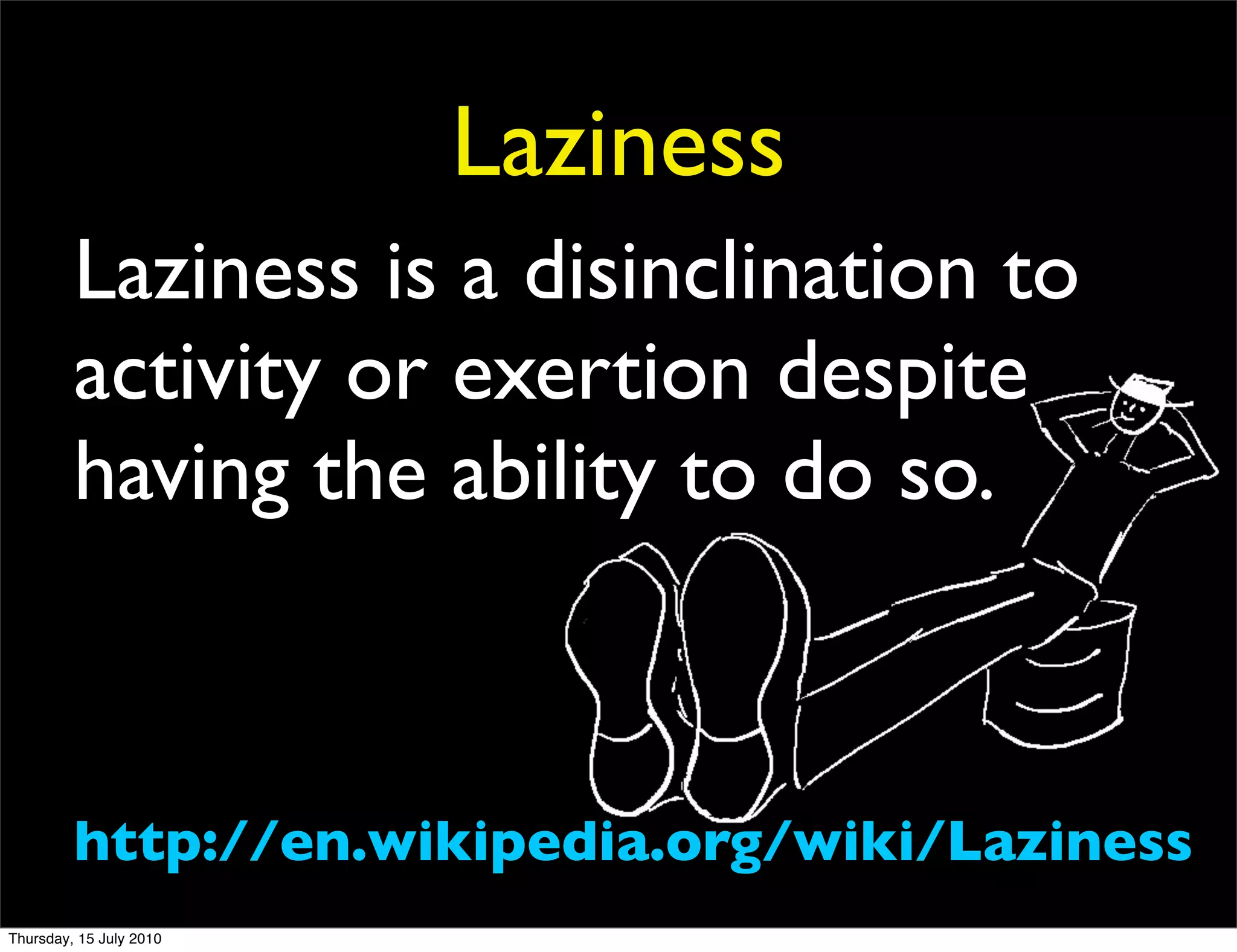
Laziness
         Laziness is a disinclination to
         activity or exertion despite
         having the ability to do so.


         http://en.wikipedia.org/wiki/Laziness
Thursday, 15 July 2010
I am an experienced DBA
                     • I have the ability of installing
                         multiple MySQL servers.
                     • In the same host.
                     • Without conflicting.
                     • Manually.
                     • Do I feel inclined to do so?
                     • Several times a day?
                     • I DON'T THINK SO.
Thursday, 15 July 2010
I am a command line wizard
                     • After installing multiple servers
                     • I can use them
                     • with various long options.
                     • Manually.
                     • Do I feel inclined to do so?
                     • Many dozen times a day?
                     • I DEFINITELY DON'T THINK SO.
Thursday, 15 July 2010
I can set up replication

                     • Almost without errors.
                     • And then I can connect to masters
                         and slaves with long options on the
                         command line.
                     • Do I feel inclined to do so?
                     • I DON'T THINK SO.

Thursday, 15 July 2010
I can set up circular
                              replication

                     • Almost always with errors.
                     • And cursing.
                     • Do I feel inclined to do so?
                     • I DON'T THINK SO.


Thursday, 15 July 2010
I can install plugins

          • After reading the manual.
          • And translating from intentions to reality.
          • And copying-and-pasting.
          • Do I feel inclined to do so?
          • I DON'T THINK SO.

Thursday, 15 July 2010
I have the ability
                     • but I don't feel inclined to do repetitive
                         work
                     • I ADMIT IT: I AM LAZY


Thursday, 15 July 2010
YES: I AM A
                           LAZY
                         DEVELOPER


Thursday, 15 July 2010
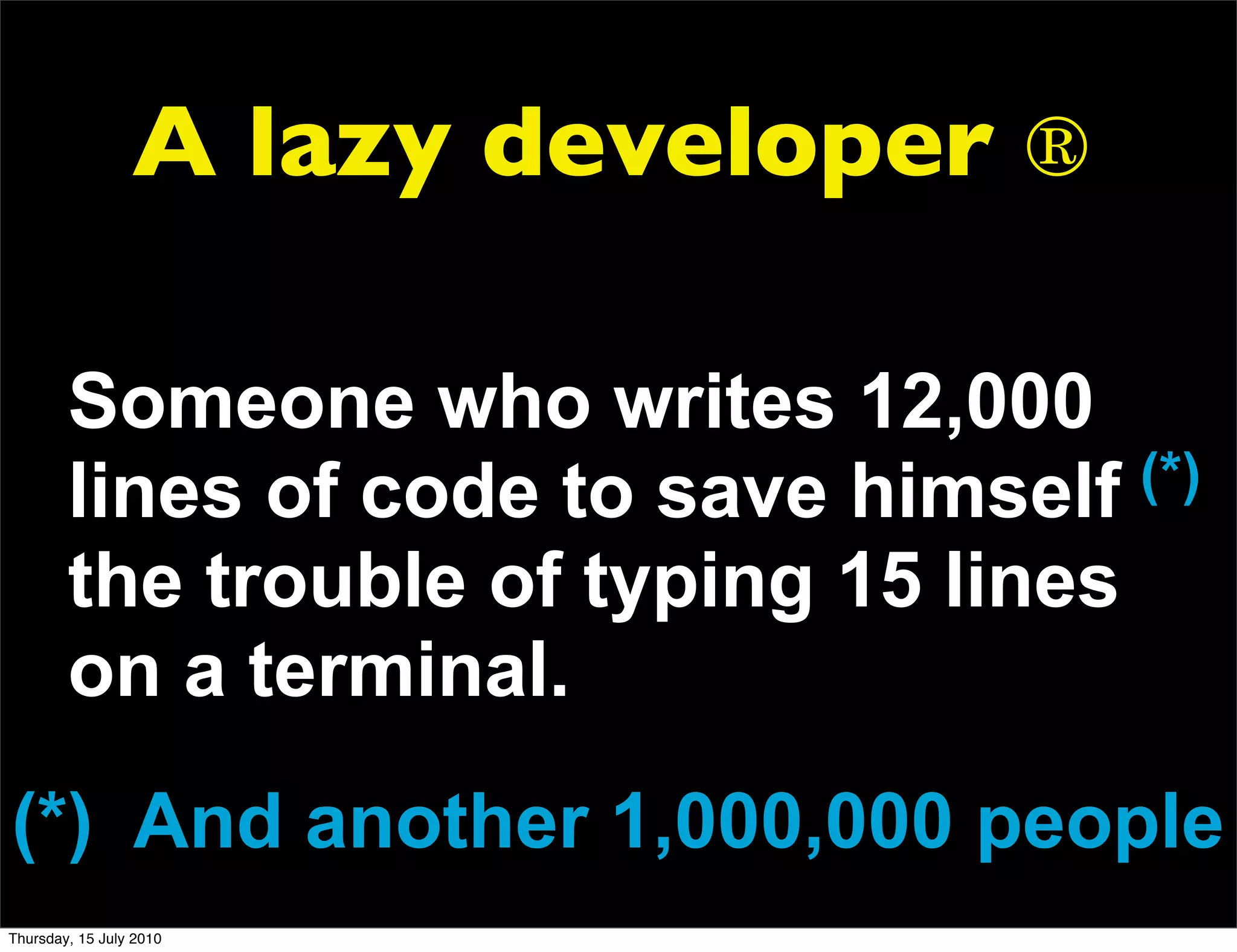
A lazy developer ®

        Someone who writes 12,000
        lines of code to save himself  (*)
        the trouble of typing 15 lines
        on a terminal.
(*) And another 1,000,000 people
Thursday, 15 July 2010
That's me


Thursday, 15 July 2010
And after this
                          presentation,
                         you will feel lazy
                               too

Thursday, 15 July 2010
MySQL Sandbox
                        lightning
                      presentation

Thursday, 15 July 2010
I used to install a lot
                         of MySQL databases
                              for testing

                   MANUALLY
Thursday, 15 July 2010
Then, I decided to
                     use Perl ...


Thursday, 15 July 2010
DBA pop
                           quiz
Thursday, 15 July 2010
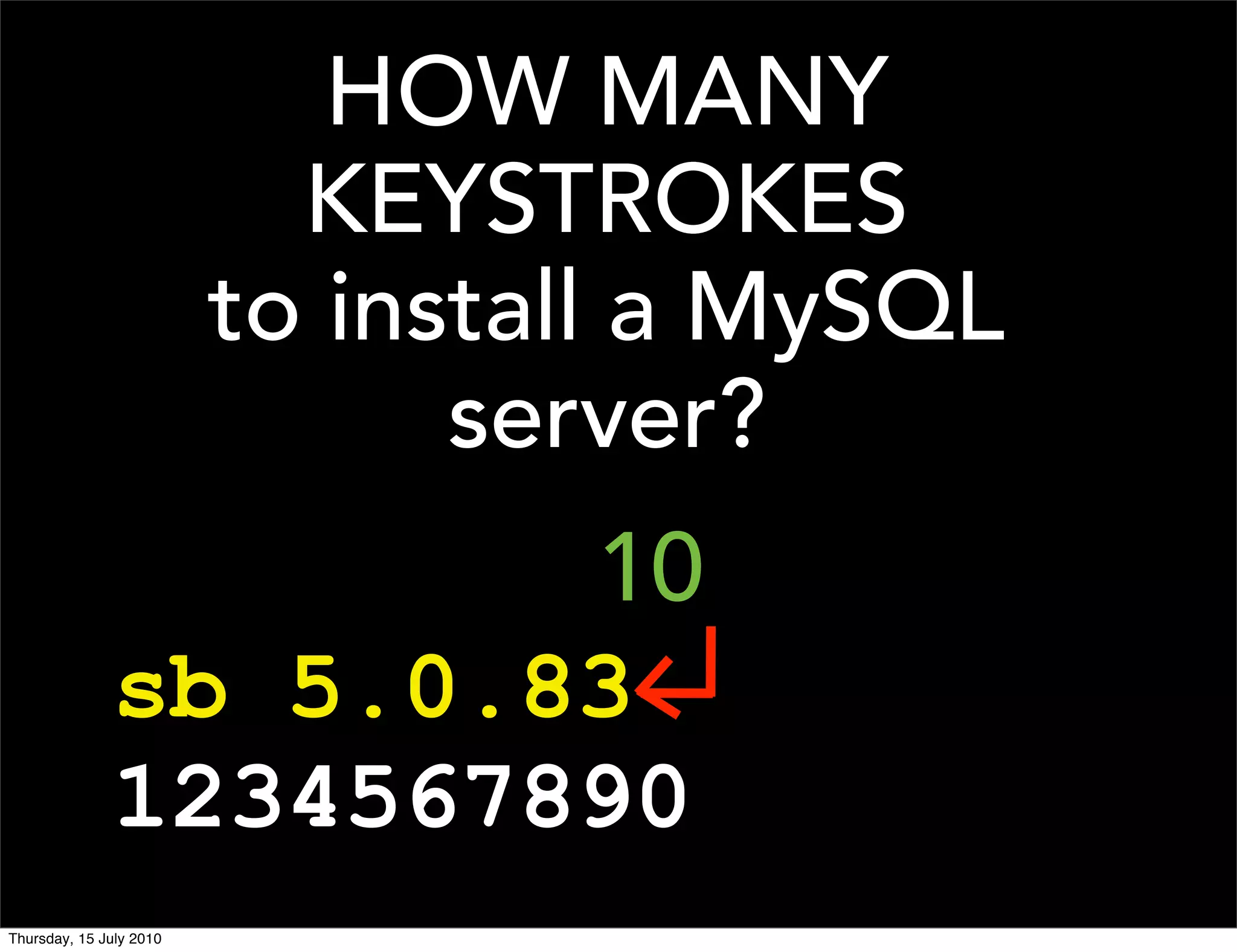
HOW MANY
                           KEYSTROKES
                         to install a MySQL
                               server?
                      10
              sb 5.0.83
              1234567890
Thursday, 15 July 2010
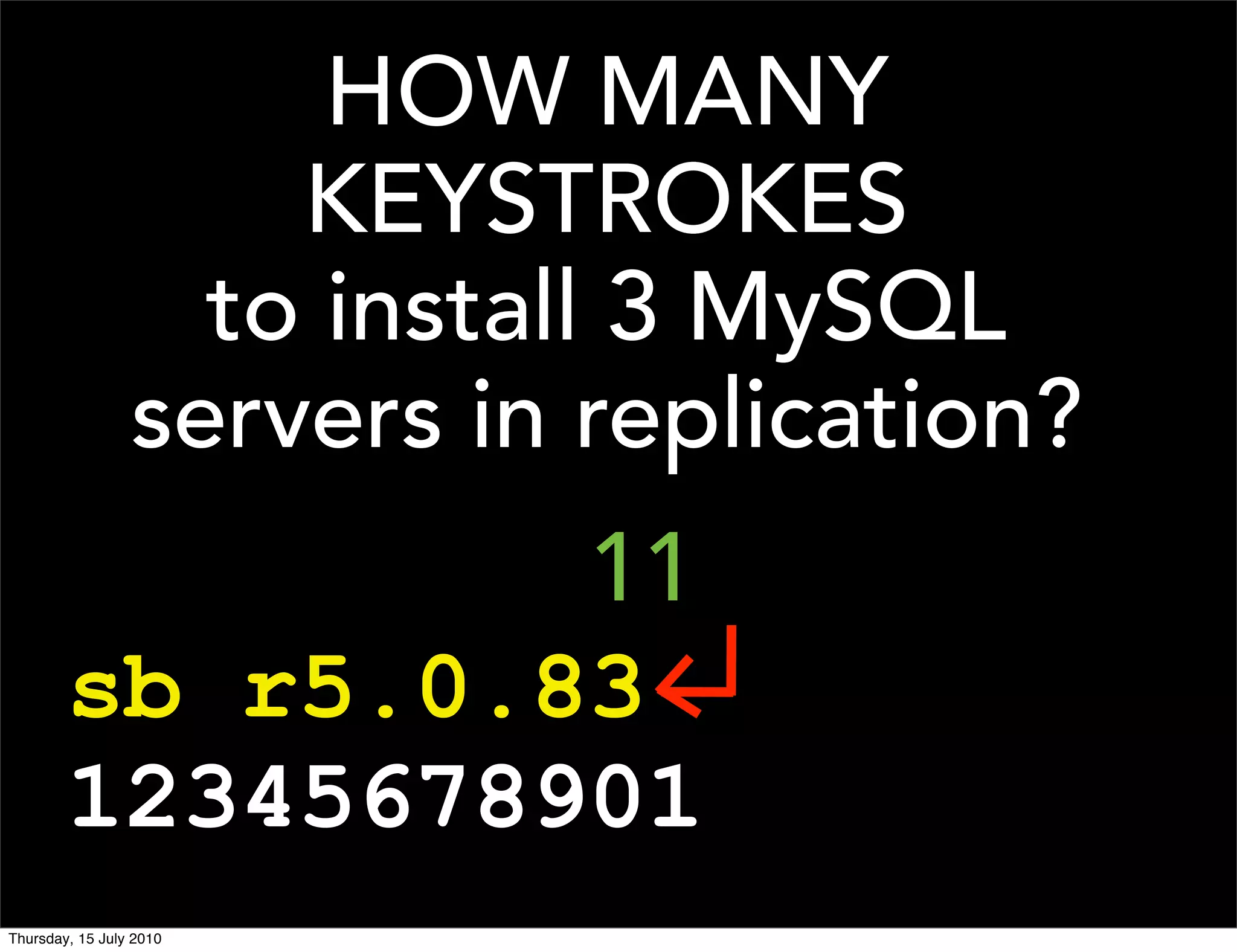
HOW MANY
                     KEYSTROKES
                   to install 3 MySQL
                 servers in replication?
                 11
        sb r5.0.83
        12345678901
Thursday, 15 July 2010
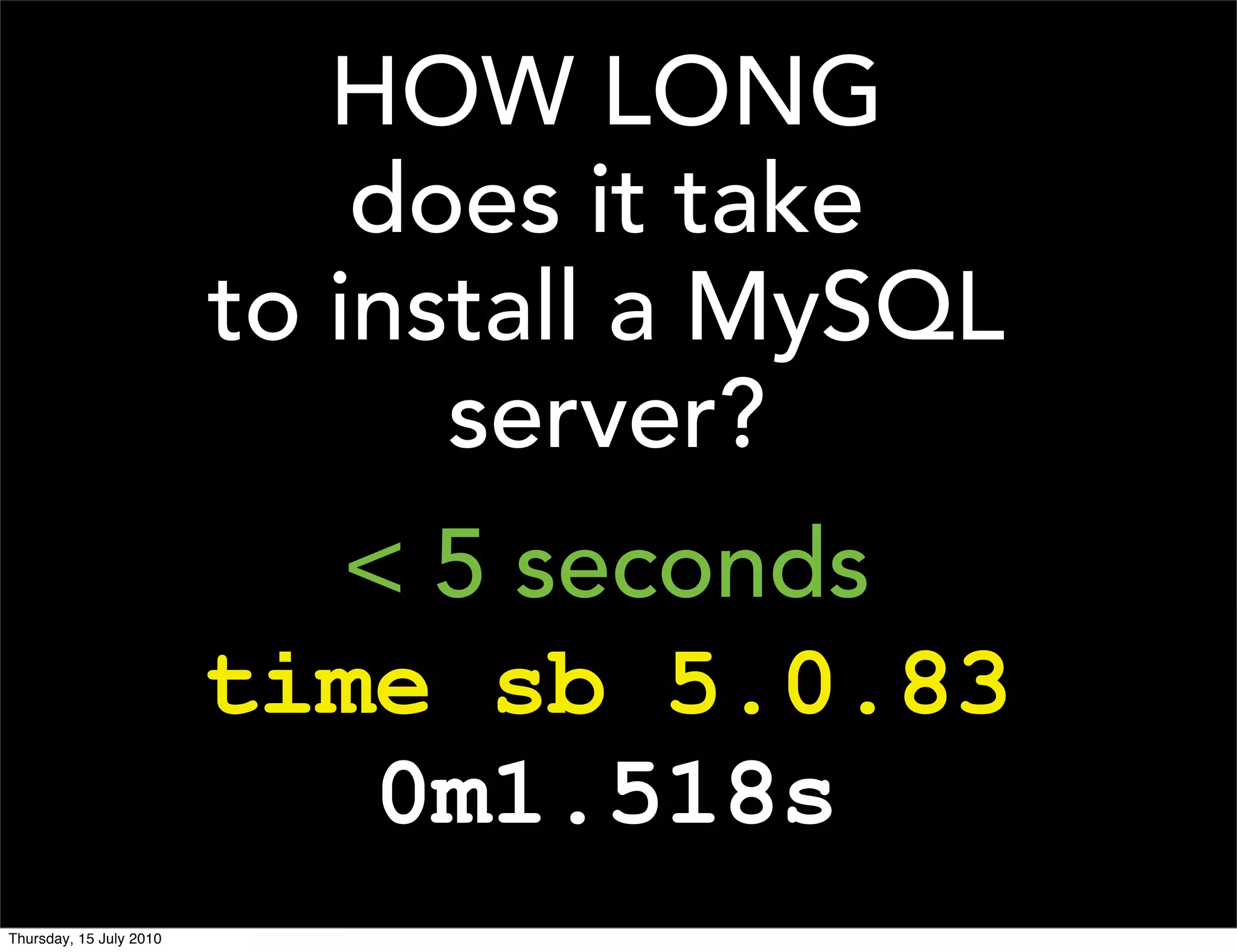
HOW LONG
                             does it take
                         to install a MySQL
                               server?
                           < 5 seconds
                         time sb 5.0.83
                            0m1.518s
Thursday, 15 July 2010
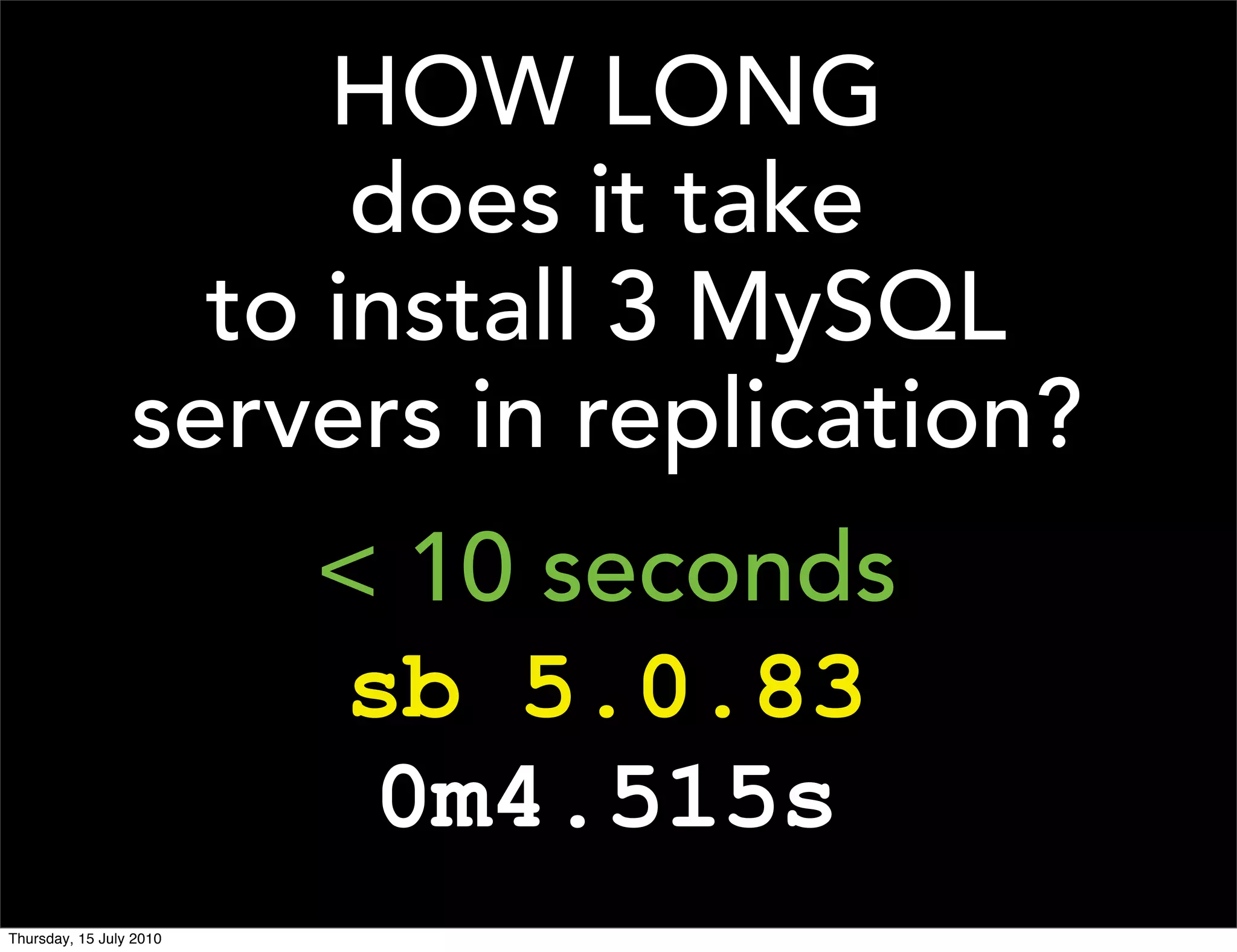
HOW LONG
                       does it take
                   to install 3 MySQL
                 servers in replication?
                         < 10 seconds
                         sb 5.0.83
                          0m4.515s
Thursday, 15 July 2010
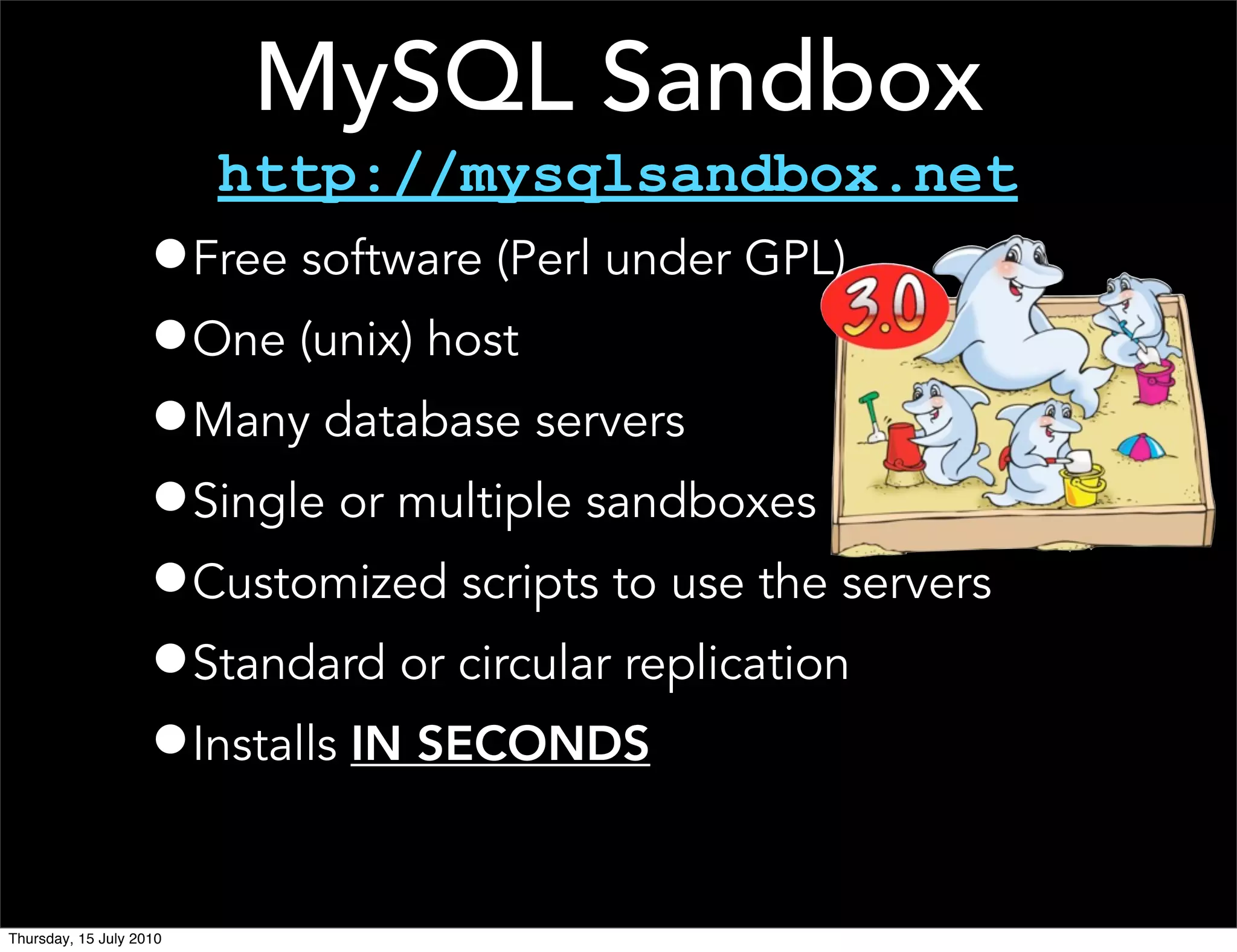
MySQL Sandbox
                         http://mysqlsandbox.net
                    •Free software (Perl under GPL)
                    •One (unix) host
                    •Many database servers
                    •Single or multiple sandboxes
                    •Customized scripts to use the servers
                    •Standard or circular replication
                    •Installs IN SECONDS

Thursday, 15 July 2010
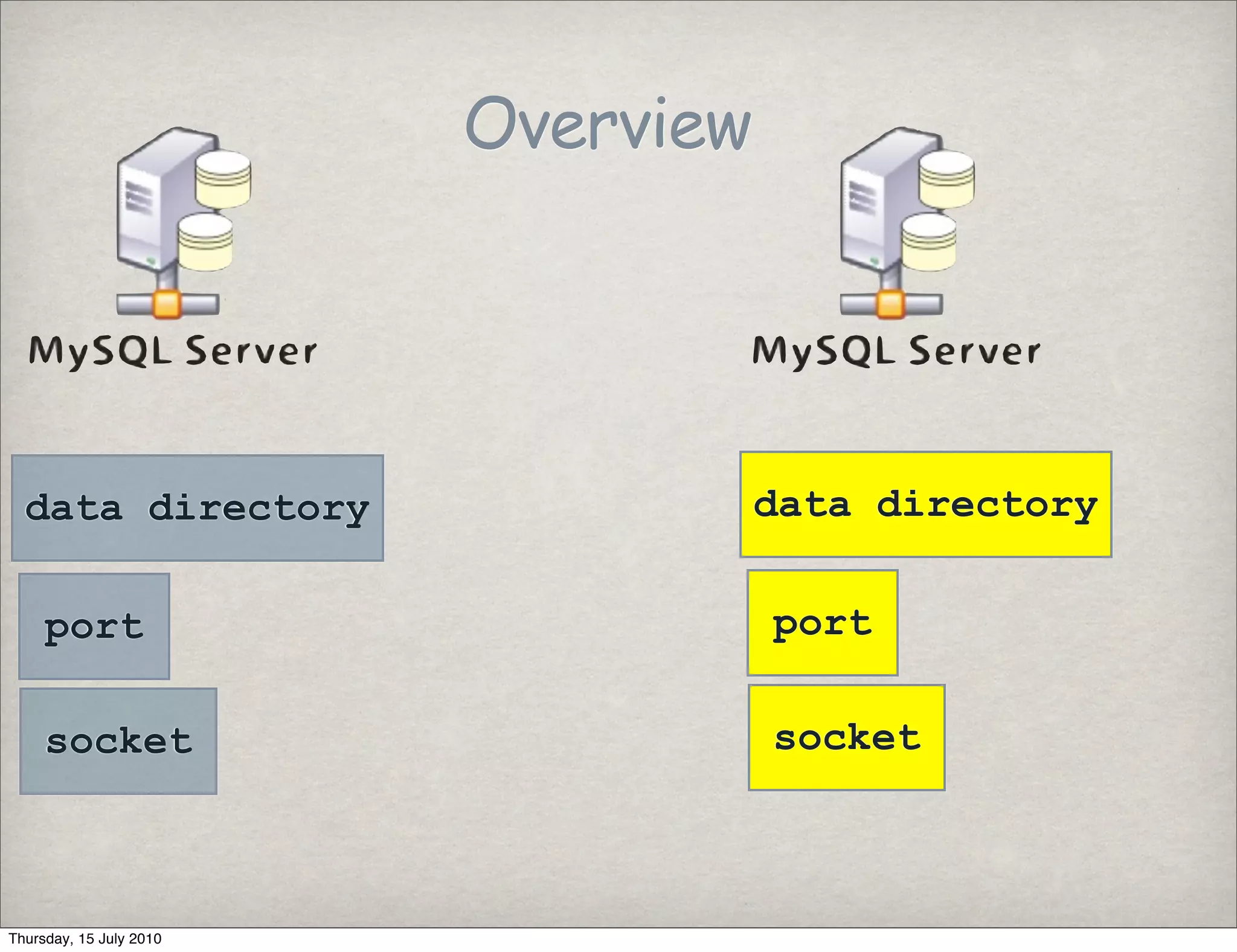
Overview


  data directory                    data directory

     port                           port

     socket                         socket


Thursday, 15 July 2010
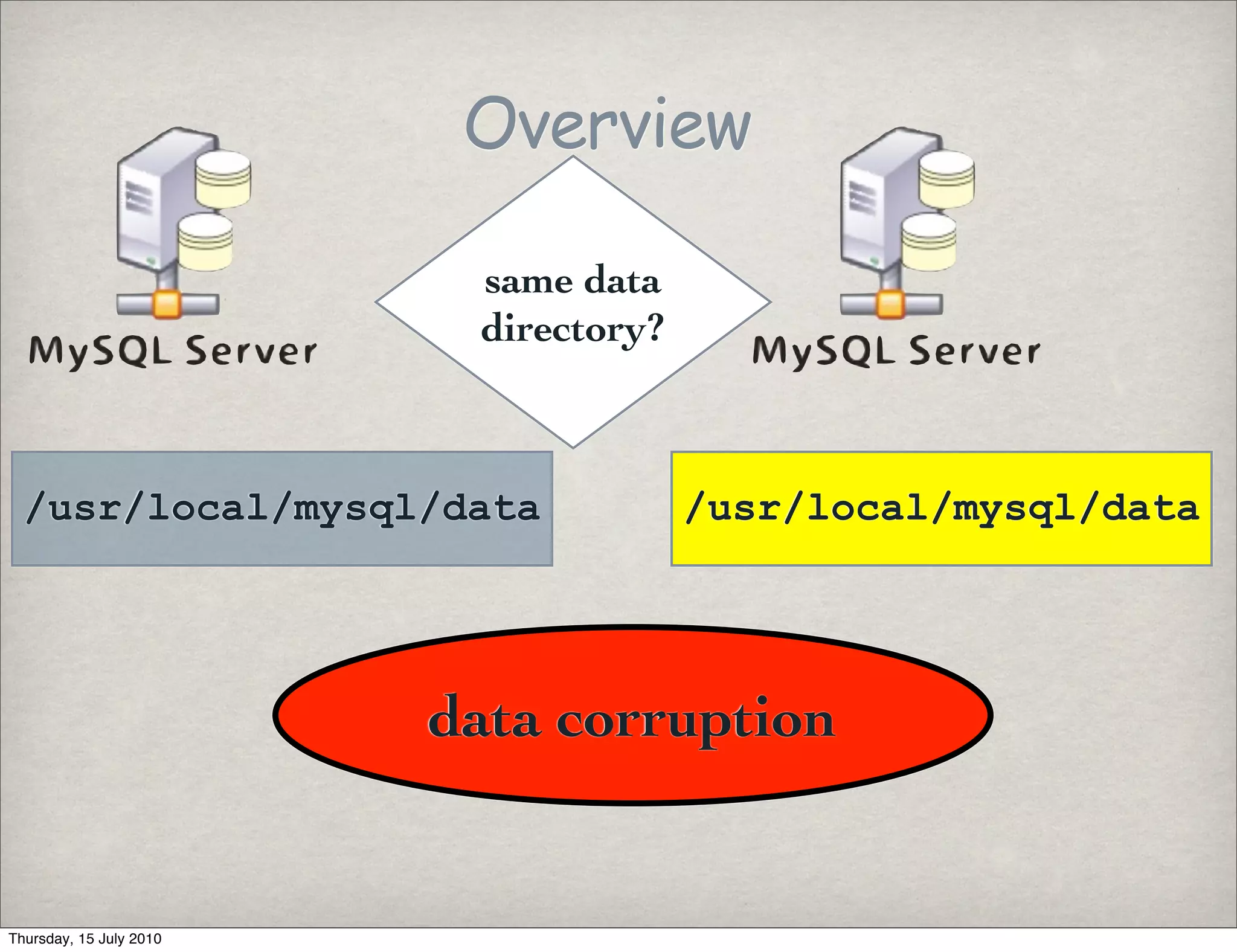
Overview

                          same data
                          directory?


  /usr/local/mysql/data                /usr/local/mysql/data


                         data corruption


Thursday, 15 July 2010
Overview
                                same data
                                 port or
                                 socket?

           3306                             3306

              /tmp/mysql.sock               /tmp/mysql.sock


                            does not start

Thursday, 15 July 2010
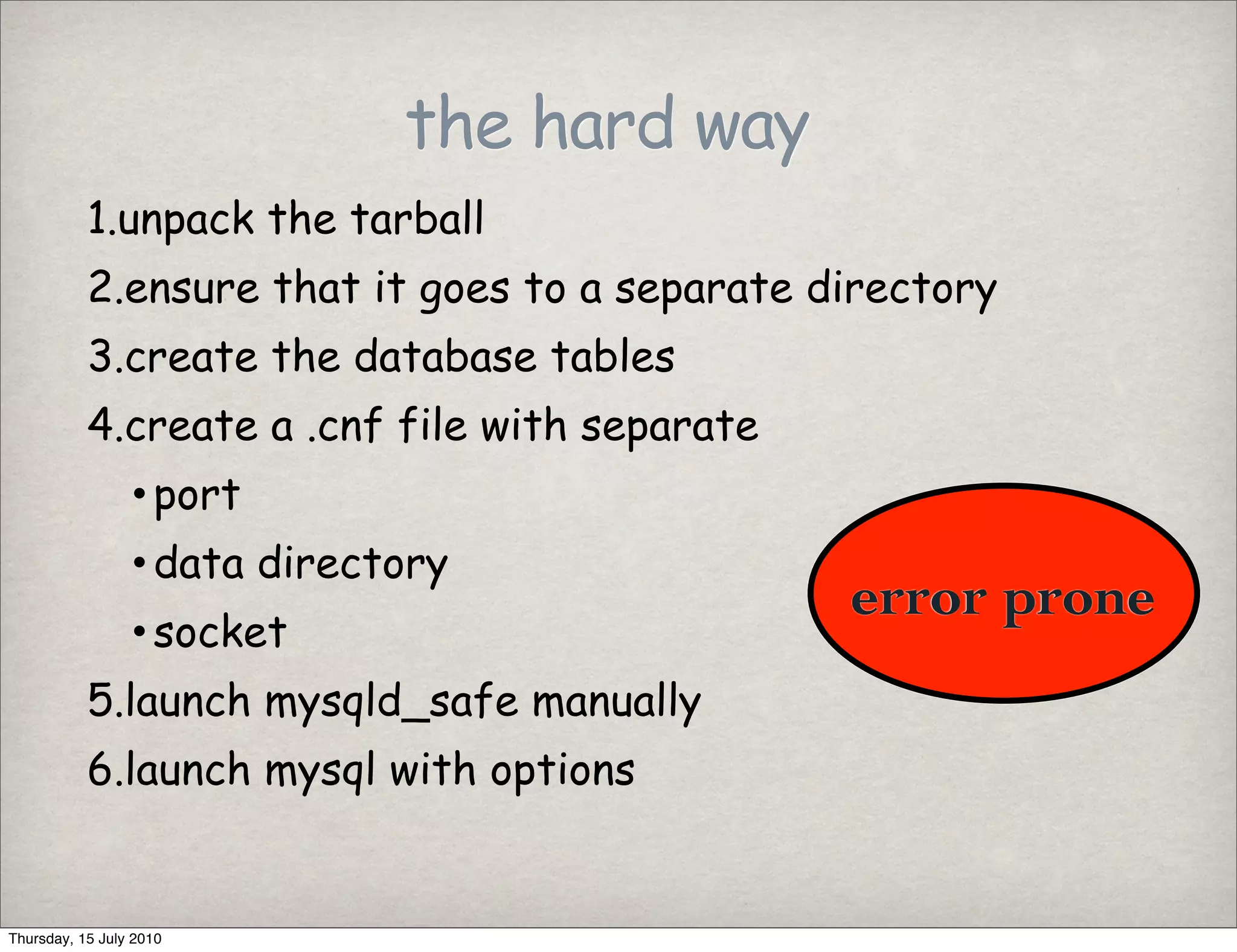
the hard way
           1.unpack the tarball
           2.ensure that it goes to a separate directory
           3.create the database tables
           4.create a .cnf file with separate
                 • port
                 • data directory
                                                error prone
                 • socket
           5.launch mysqld_safe manually
           6.launch mysql with options


Thursday, 15 July 2010
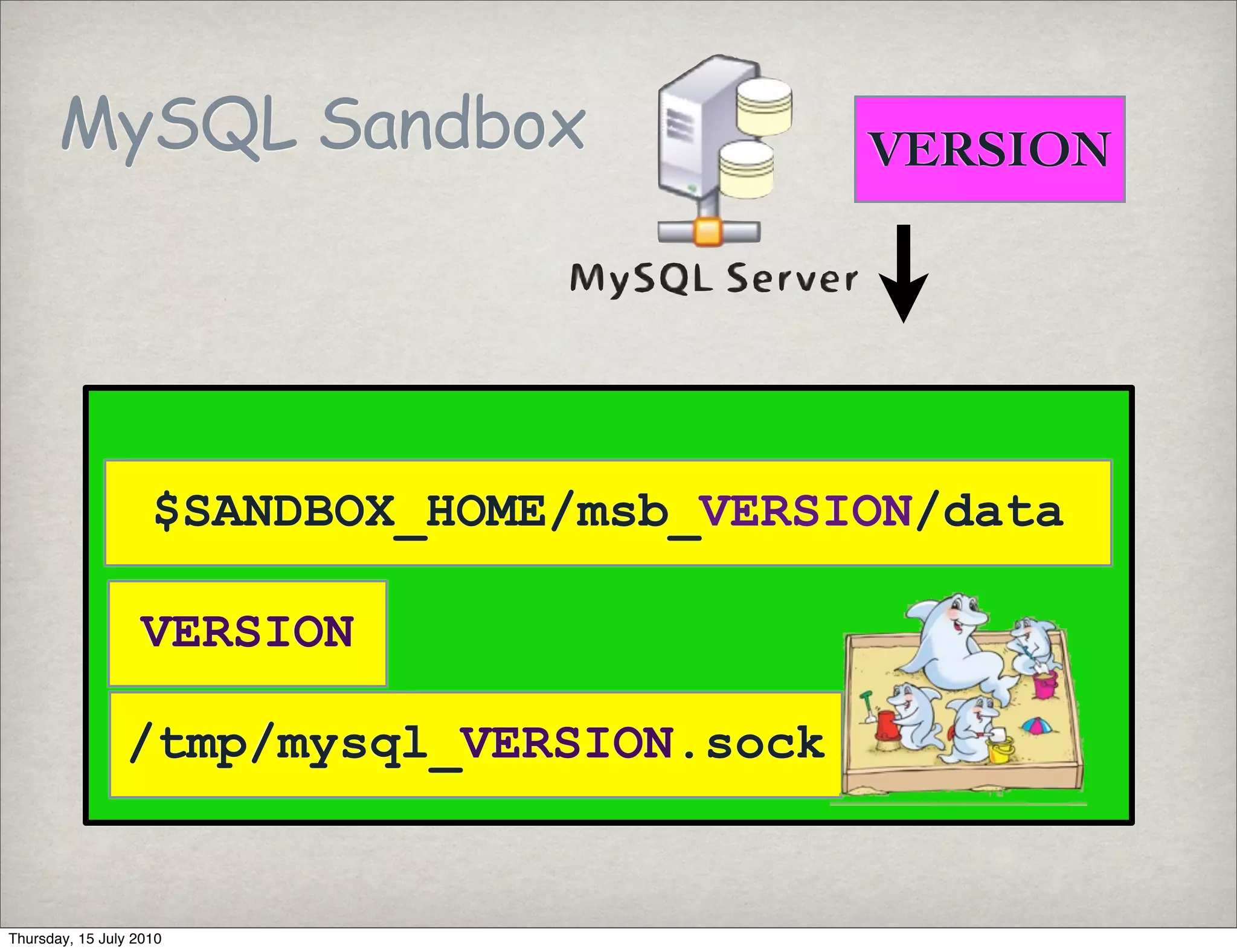
MySQL Sandbox                       VERSION


                    $SANDBOX_HOME/msb_VERSION/data

                   VERSION

                /tmp/mysql_VERSION.sock


Thursday, 15 July 2010
MySQL Sandbox                             5.1.37


                         $SANDBOX_HOME/msb_5_1_37/data

                         5137

                         /tmp/mysql_5137.sock


Thursday, 15 July 2010
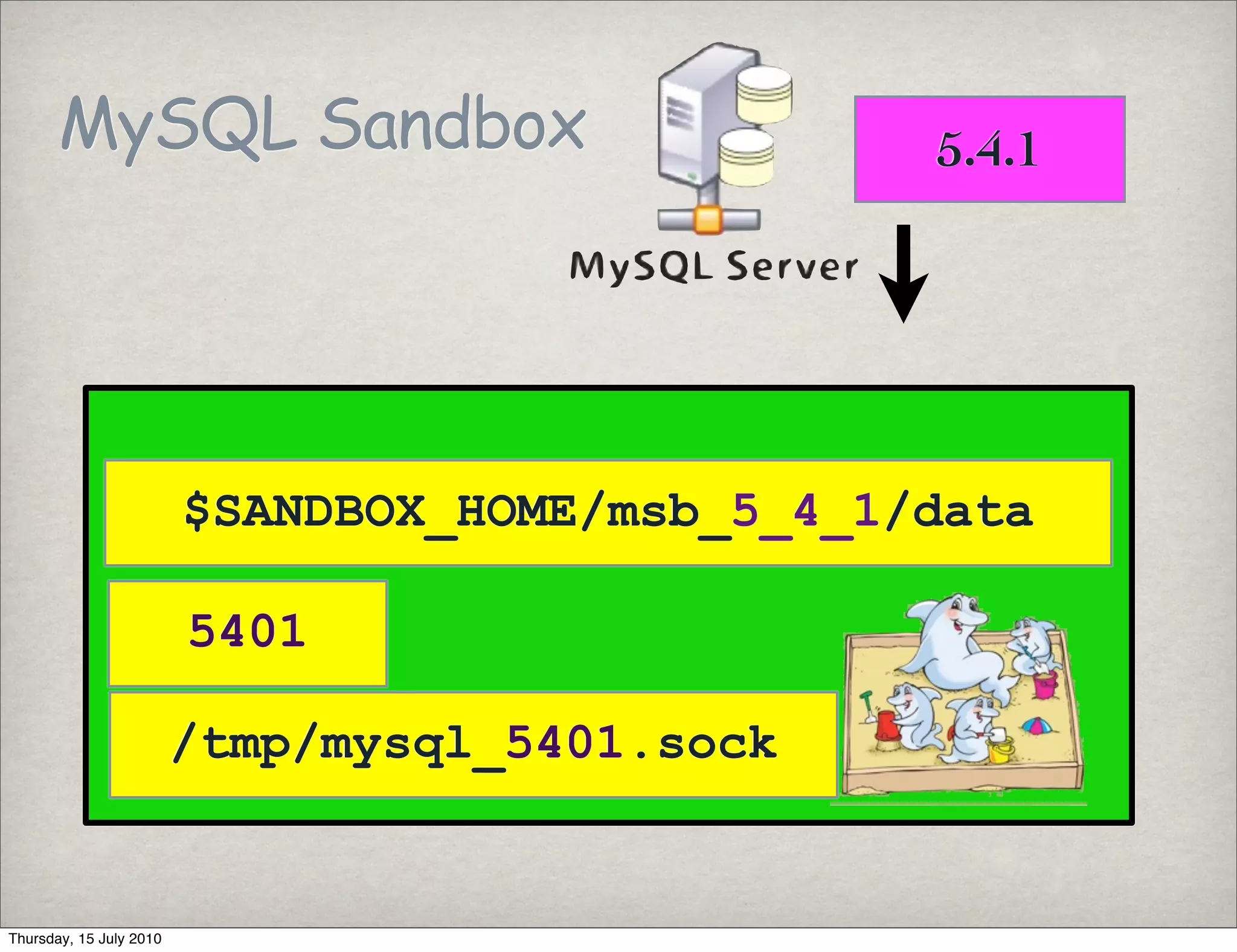
MySQL Sandbox                             5.4.1


                         $SANDBOX_HOME/msb_5_4_1/data

                         5401

                         /tmp/mysql_5401.sock


Thursday, 15 July 2010
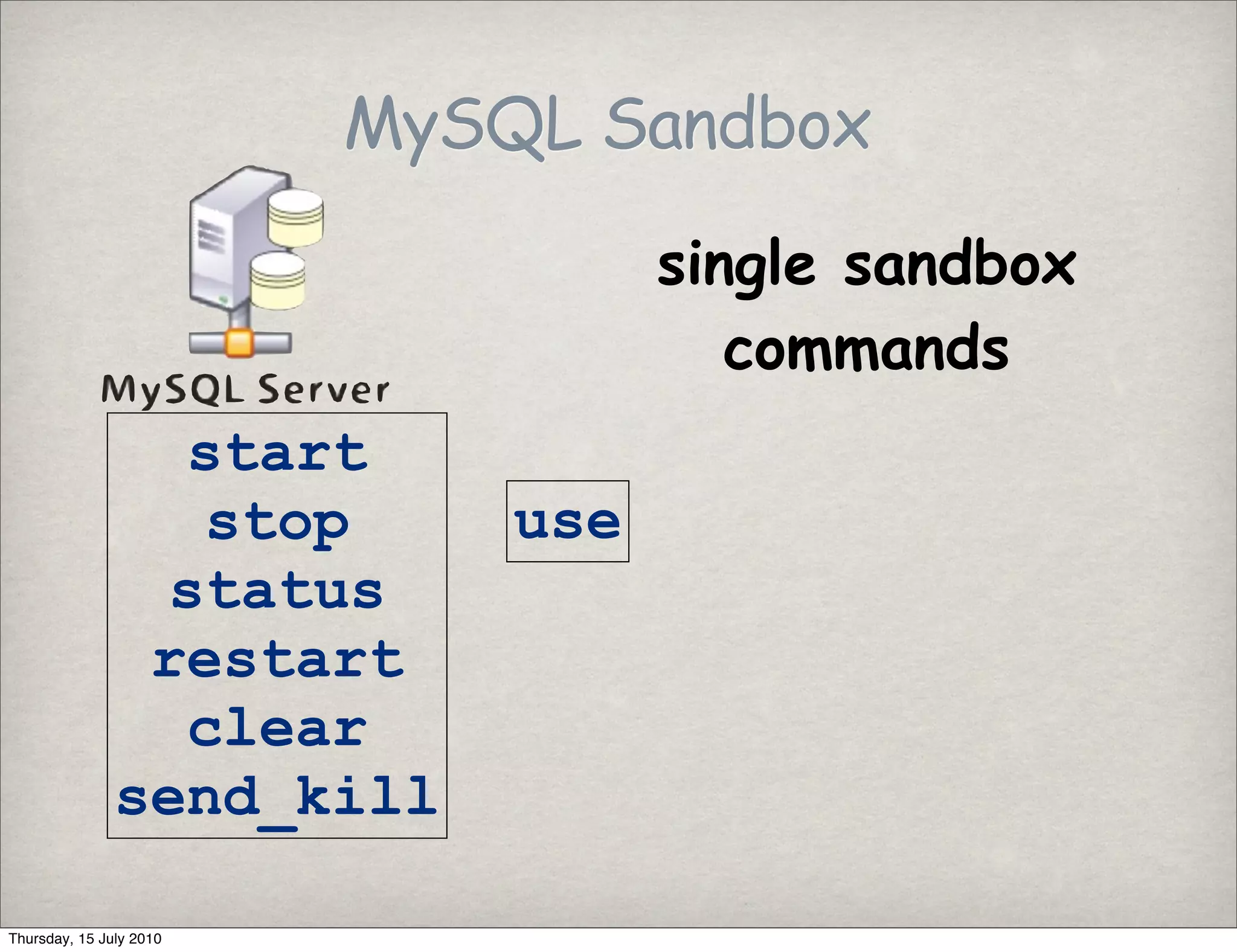
MySQL Sandbox
                                   single sandbox
                                      commands
                 start
                 stop        use
                status
                restart
                 clear
               send_kill

Thursday, 15 July 2010
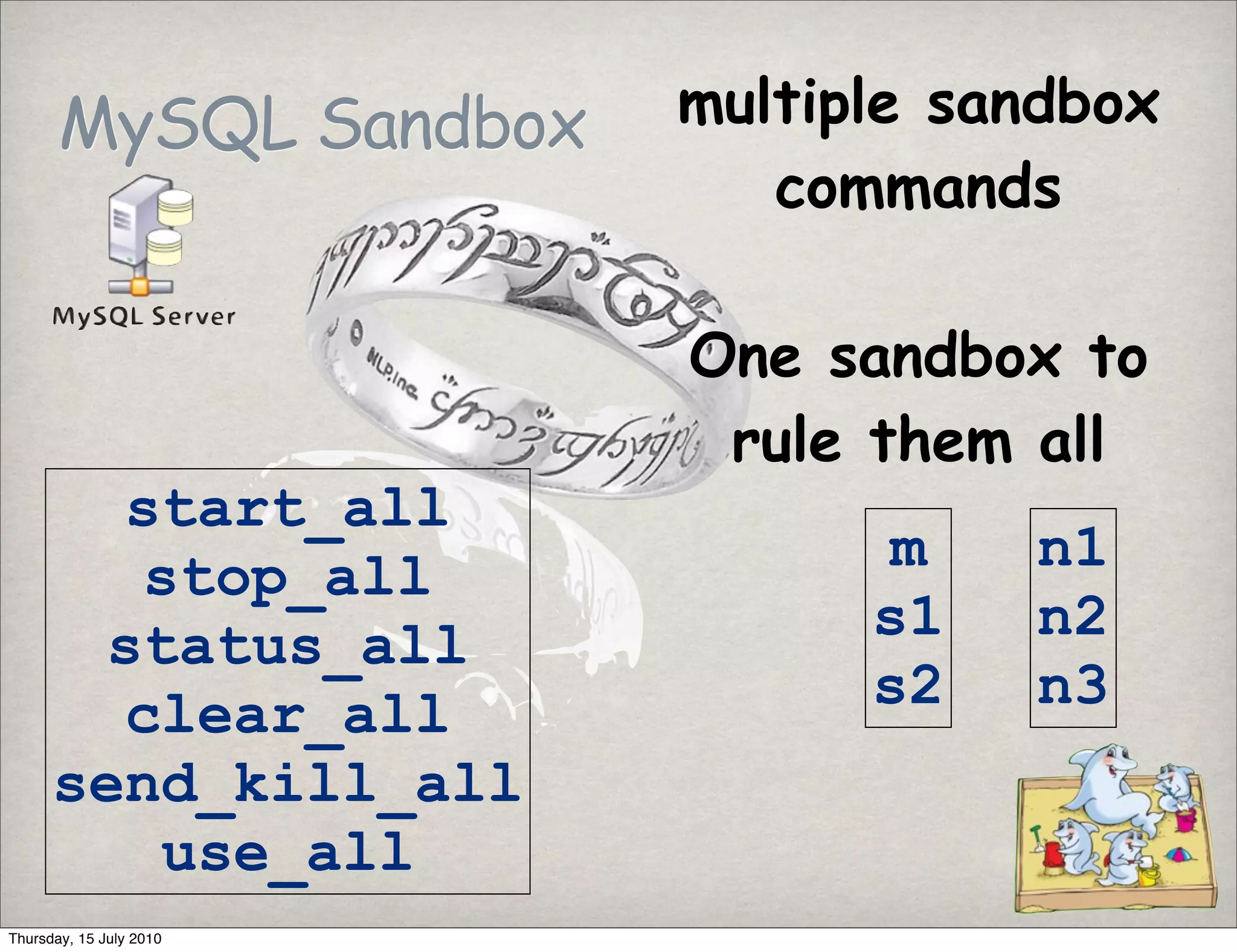
MySQL Sandbox     multiple sandbox
                            commands

                         One sandbox to
                          rule them all
        start_all
        stop_all               m    n1
       status_all              s1   n2
        clear_all              s2   n3
      send_kill_all
         use_all
Thursday, 15 July 2010
The easy way - installation

 # as root
 $ cpan
 cpan> install MySQL::Sandbox


Thursday, 15 July 2010
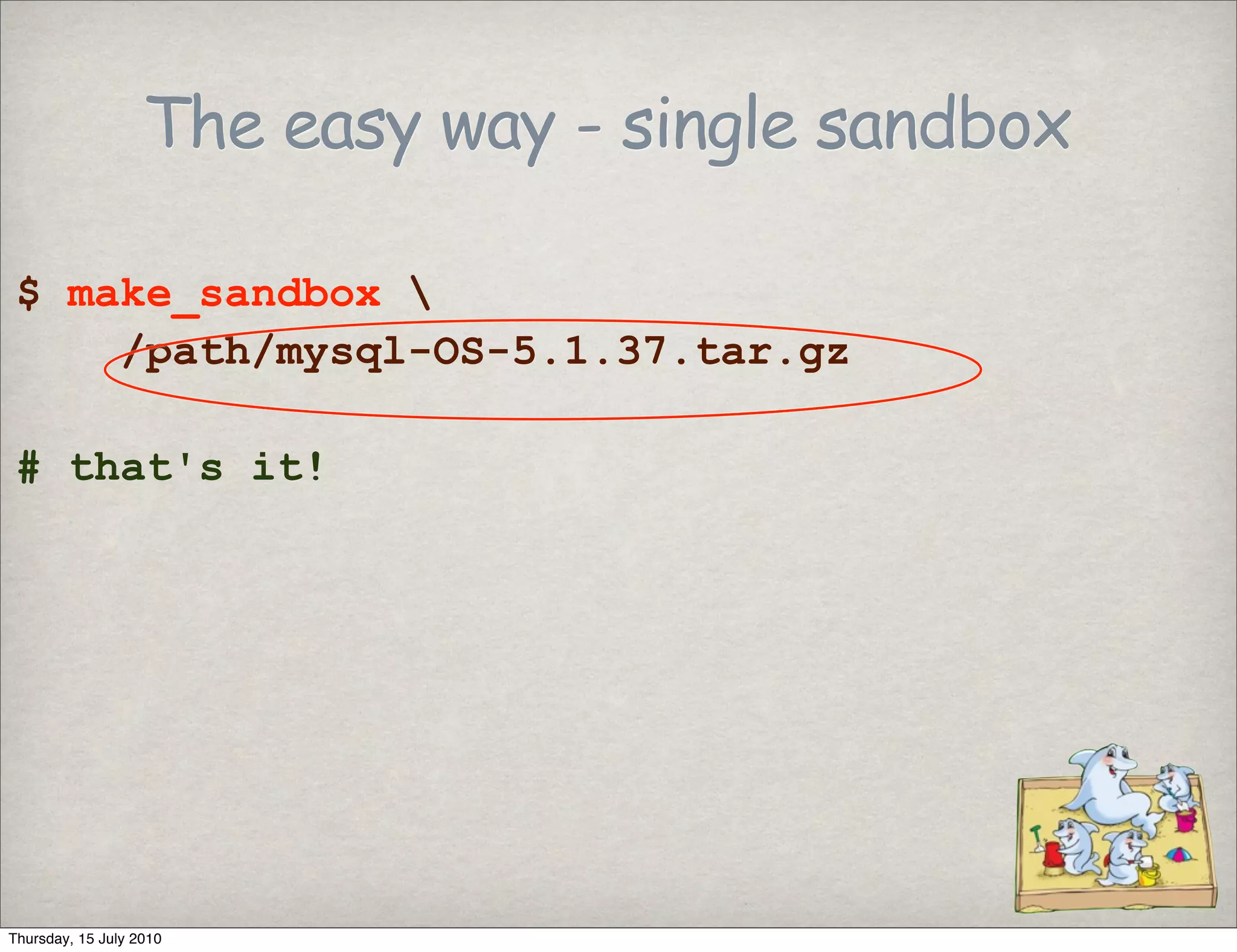
The easy way - single sandbox

 $ make_sandbox 
     /path/mysql-OS-5.1.37.tar.gz

 # that's it!


Thursday, 15 July 2010
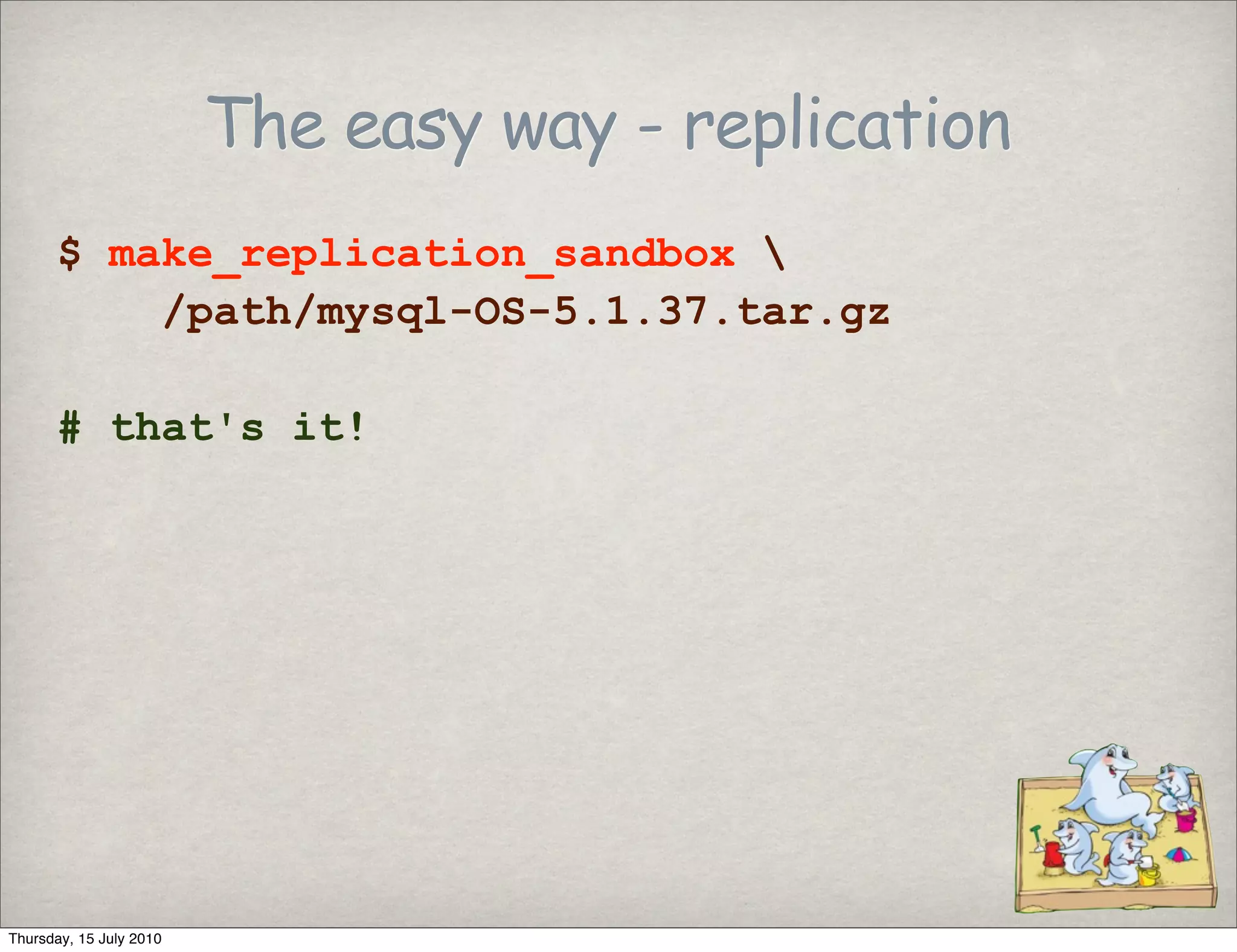
The easy way - replication
      $ make_replication_sandbox 
          /path/mysql-OS-5.1.37.tar.gz

      # that's it!


Thursday, 15 July 2010
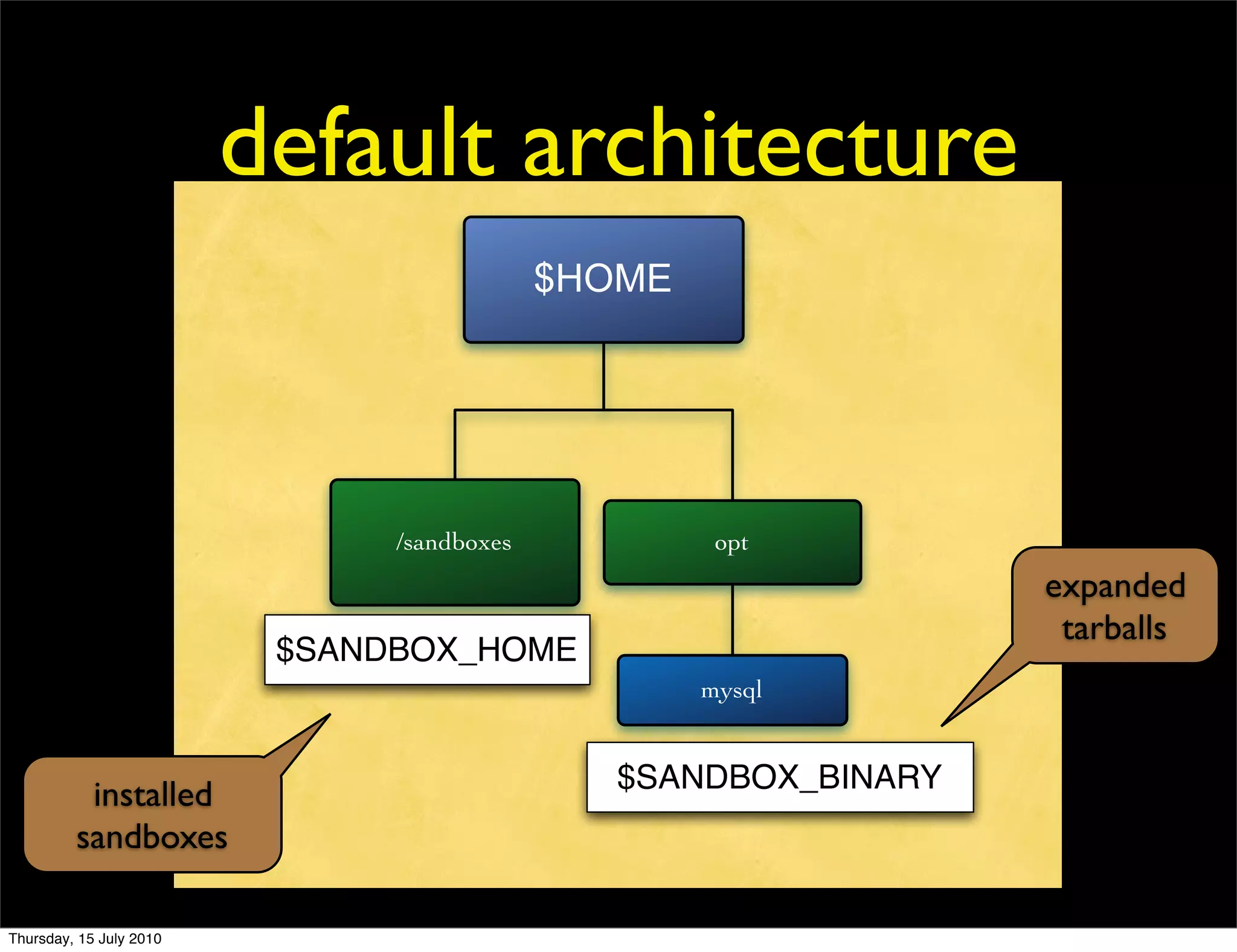
default architecture
                                            $HOME


                               /sandboxes            opt
                                                                 expanded
                                                                  tarballs
                          $SANDBOX_HOME
                                                    mysql


                                               $SANDBOX_BINARY
          installed
         sandboxes

Thursday, 15 July 2010
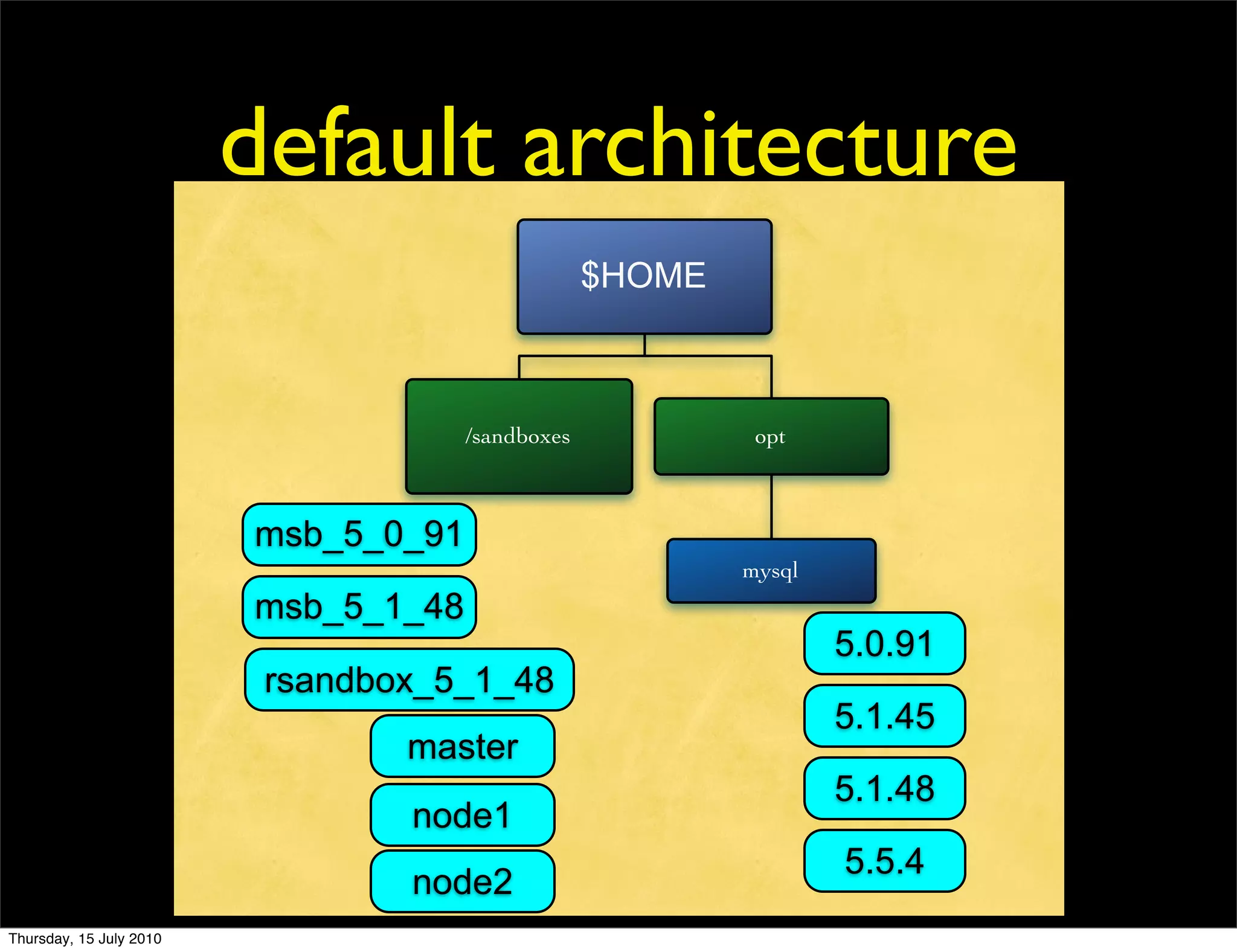
default architecture
                                                   $HOME


                                      /sandboxes            opt


                         msb_5_0_91
                                                           mysql
                         msb_5_1_48
                                                                   5.0.91
                          rsandbox_5_1_48
                                                                   5.1.45
                                 master
                                                                   5.1.48
                                 node1
                                                                   5.5.4
                                 node2
Thursday, 15 July 2010
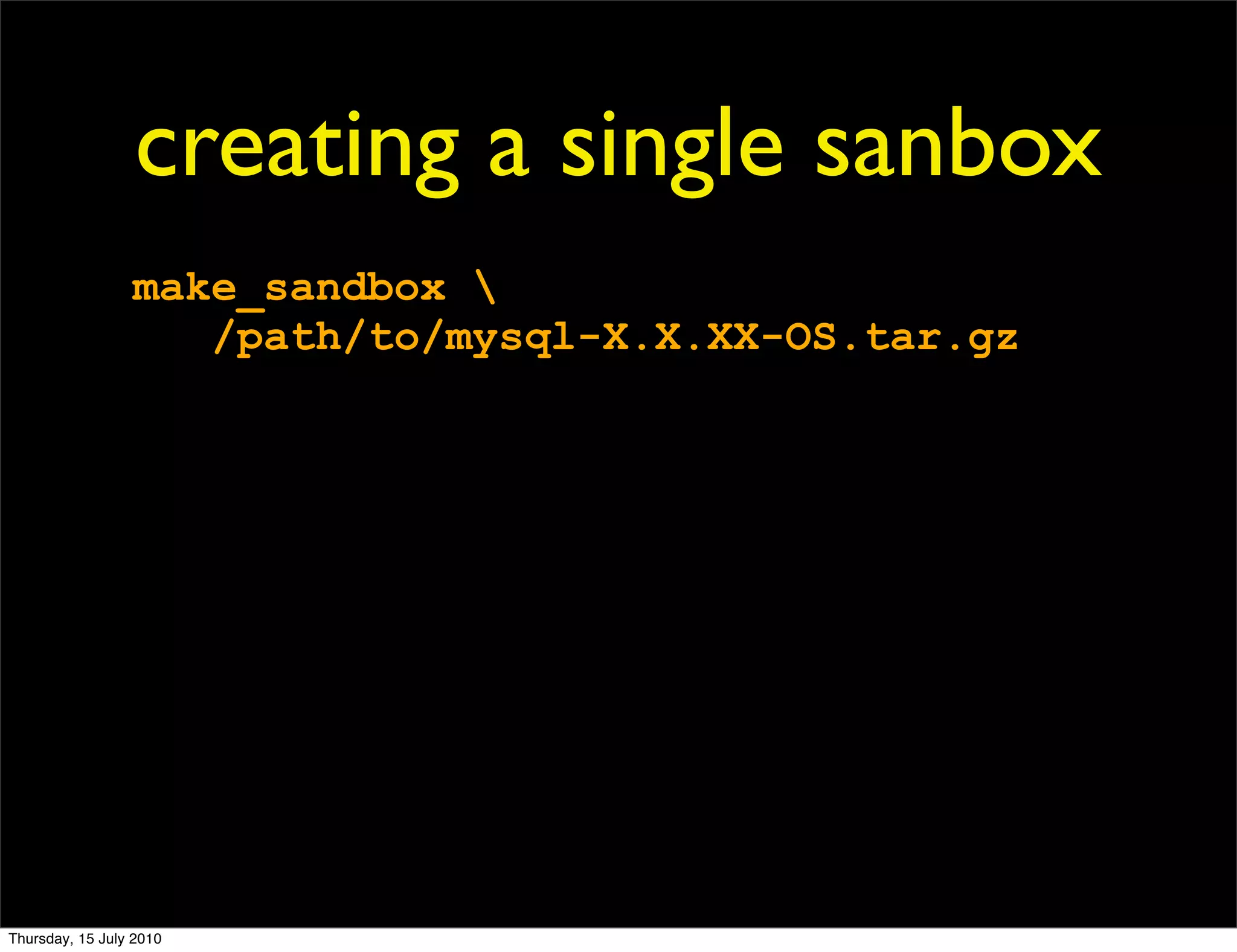
creating a single sanbox
                 make_sandbox 
                    /path/to/mysql-X.X.XX-OS.tar.gz


Thursday, 15 July 2010
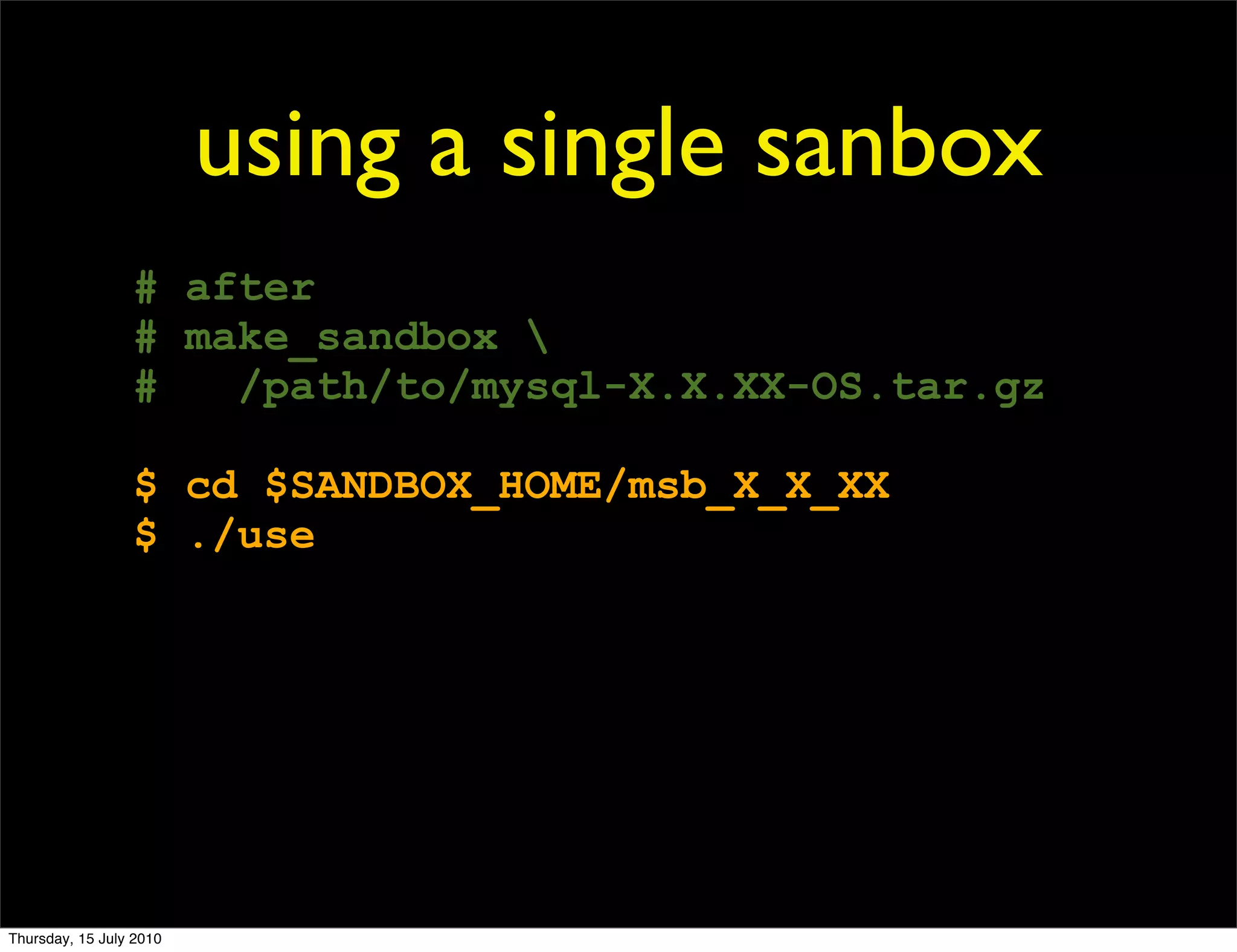
using a single sanbox
                 # after
                 # make_sandbox 
                 #   /path/to/mysql-X.X.XX-OS.tar.gz

                 $ cd $SANDBOX_HOME/msb_X_X_XX
                 $ ./use


Thursday, 15 July 2010
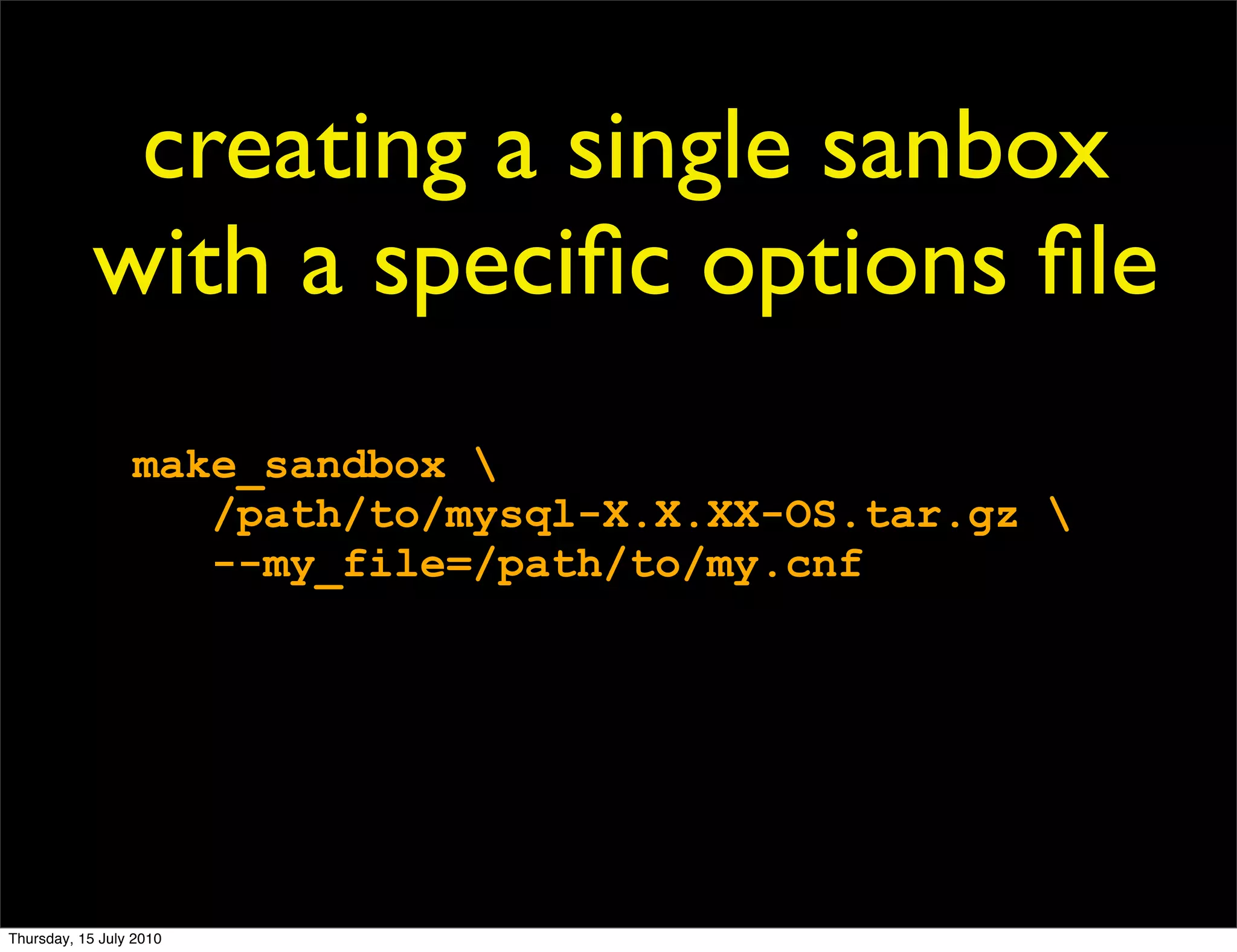
creating a single sanbox
            with a specific options file
                 make_sandbox 
                    /path/to/mysql-X.X.XX-OS.tar.gz 
                    --my_file=/path/to/my.cnf


Thursday, 15 July 2010
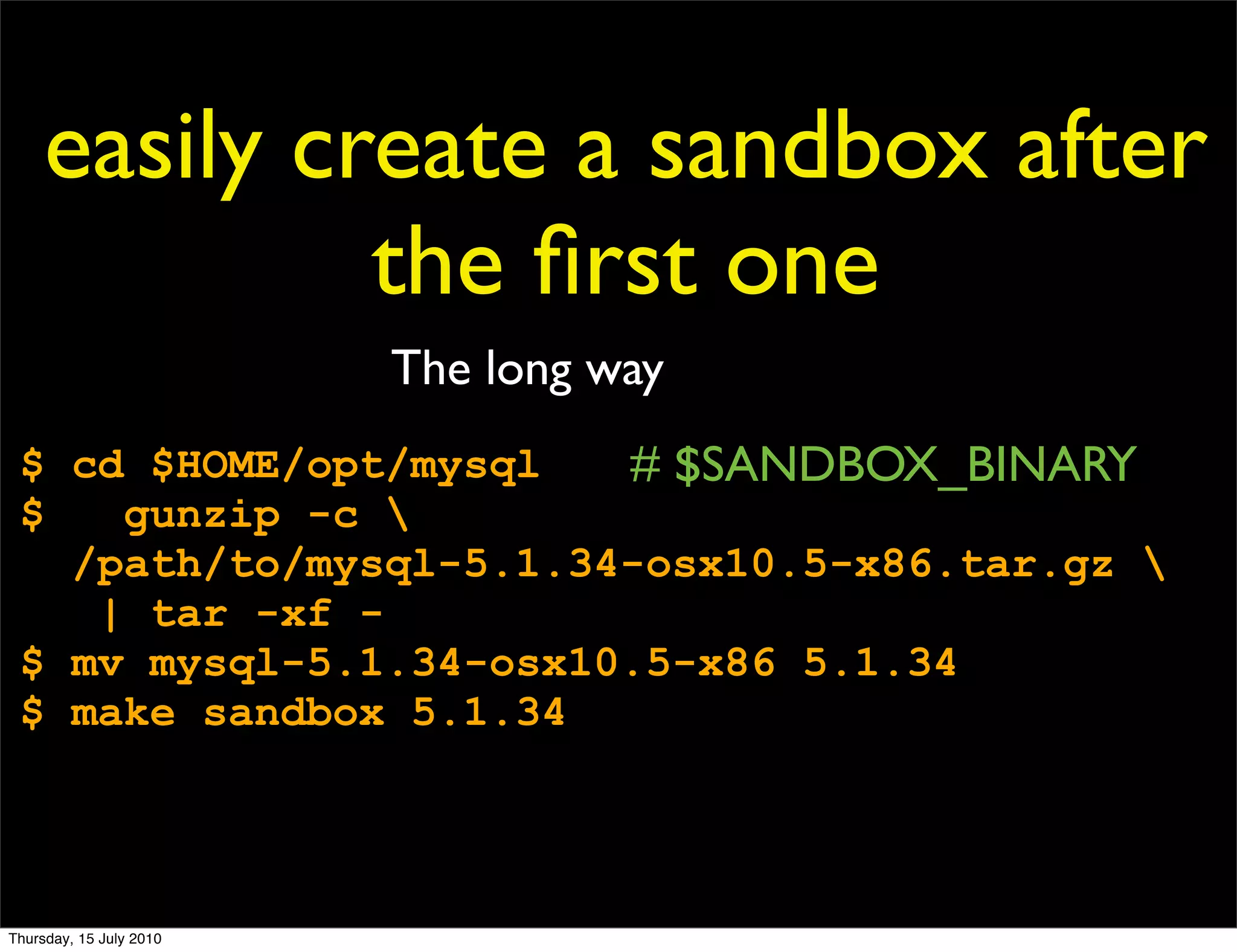
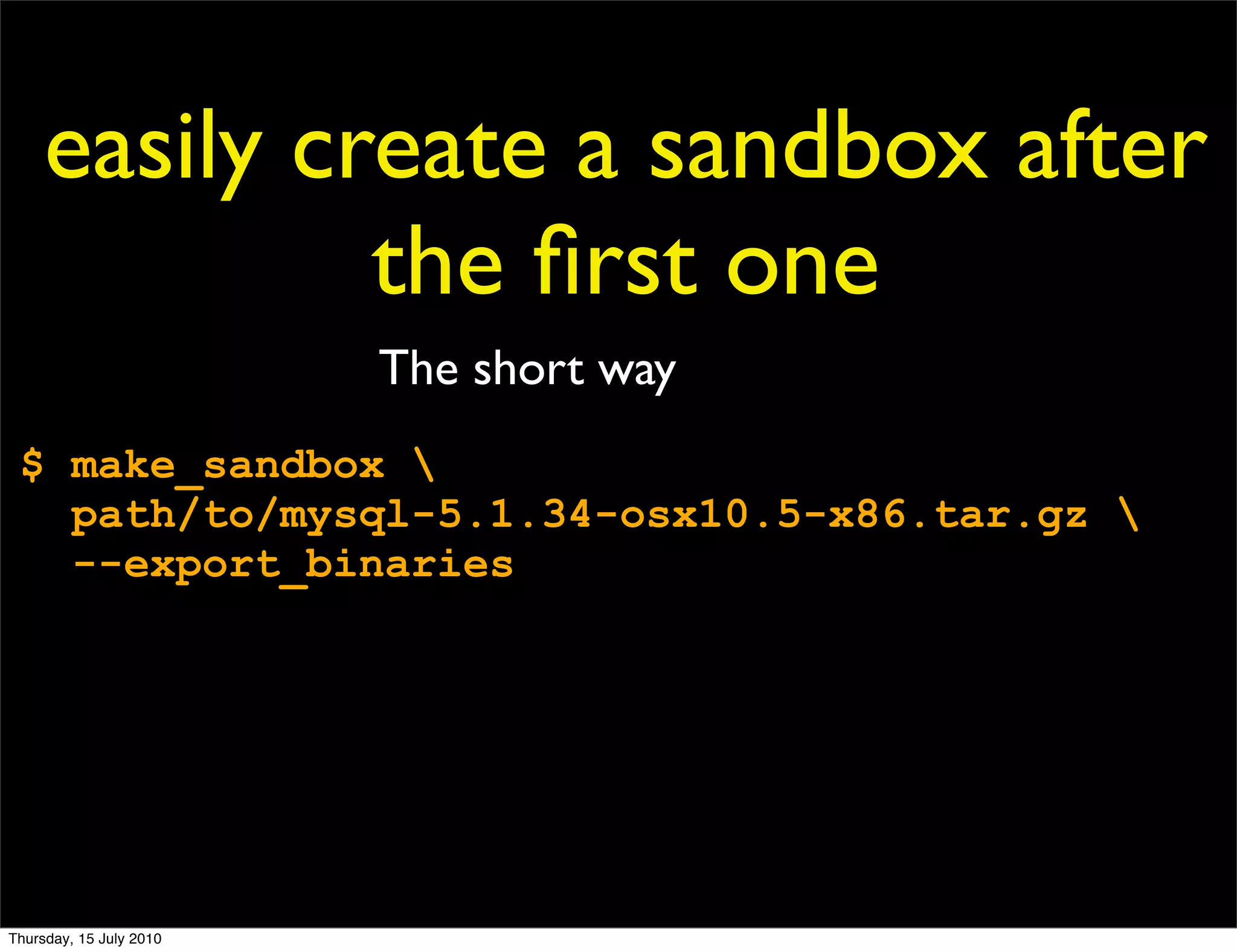
easily create a sandbox after
              the first one
                         The long way
 $ cd $HOME/opt/mysql   # $SANDBOX_BINARY
 $   gunzip -c 
   /path/to/mysql-5.1.34-osx10.5-x86.tar.gz 
    | tar -xf -
 $ mv mysql-5.1.34-osx10.5-x86 5.1.34
 $ make sandbox 5.1.34


Thursday, 15 July 2010
easily create a sandbox after
              the first one
                         The short way
 $ make_sandbox 
   path/to/mysql-5.1.34-osx10.5-x86.tar.gz 
   --export_binaries


Thursday, 15 July 2010
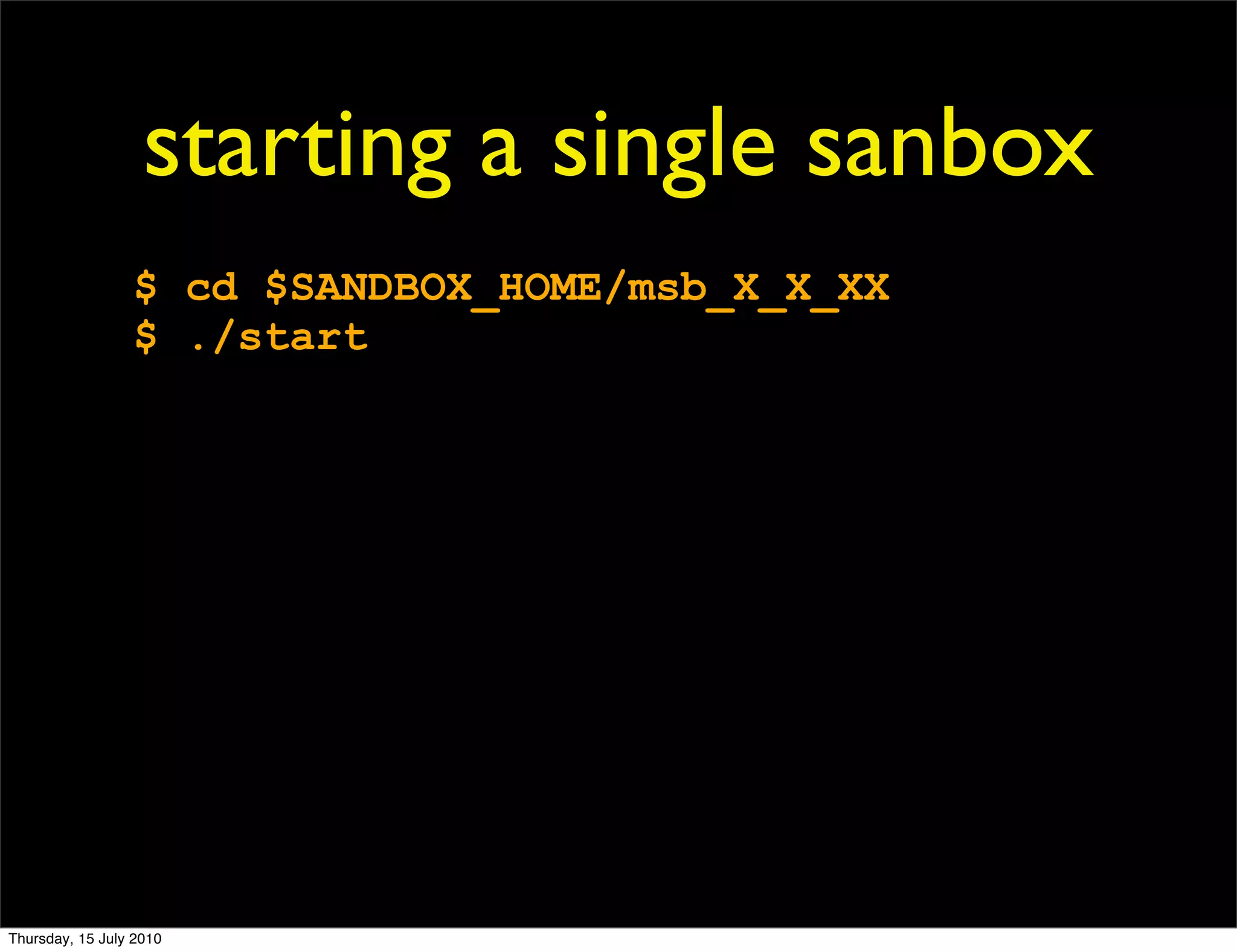
starting a single sanbox
                 $ cd $SANDBOX_HOME/msb_X_X_XX
                 $ ./start


Thursday, 15 July 2010
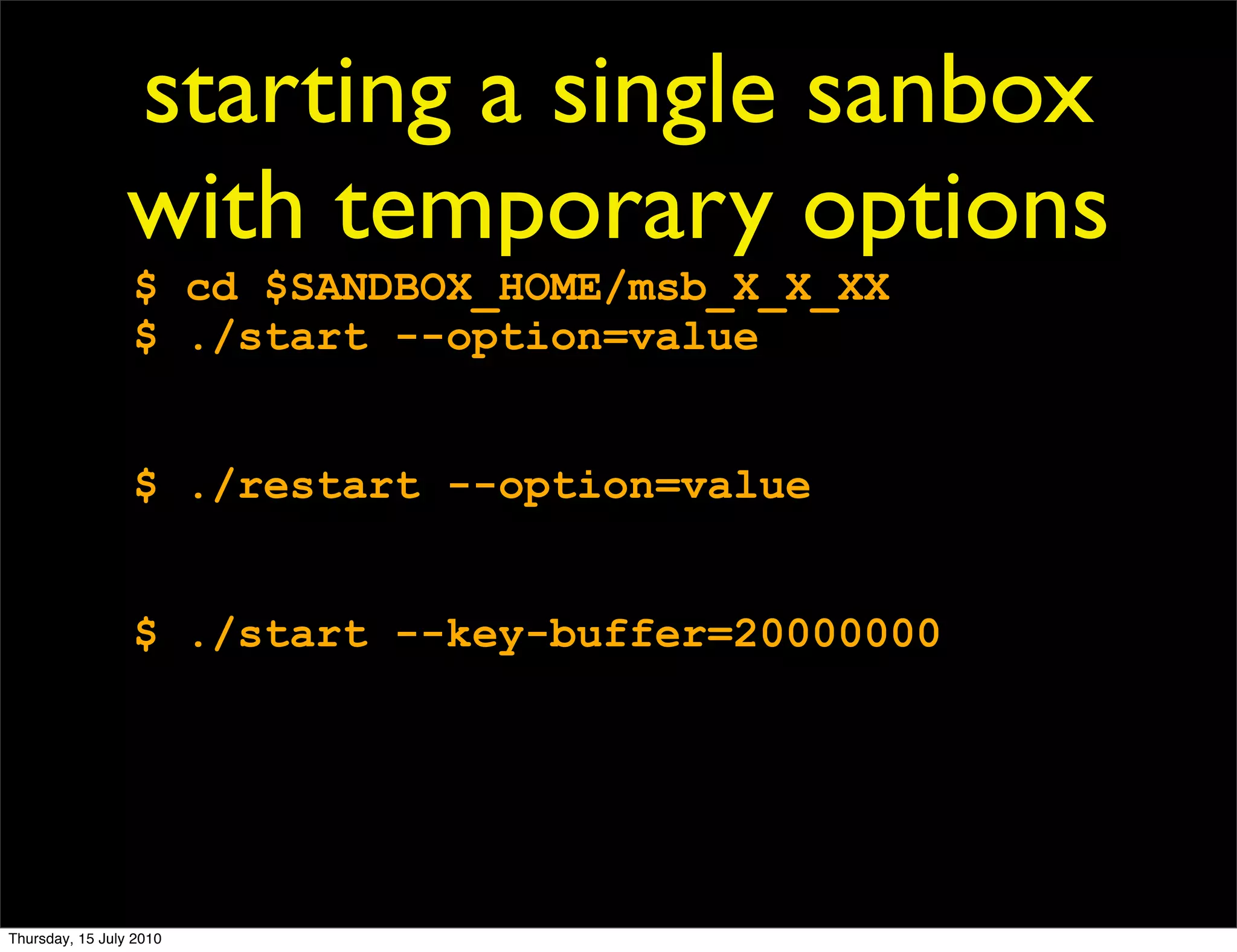
starting a single sanbox
                 with temporary options
                 $ cd $SANDBOX_HOME/msb_X_X_XX
                 $ ./start --option=value


                 $ ./restart --option=value


                 $ ./start --key-buffer=20000000


Thursday, 15 July 2010
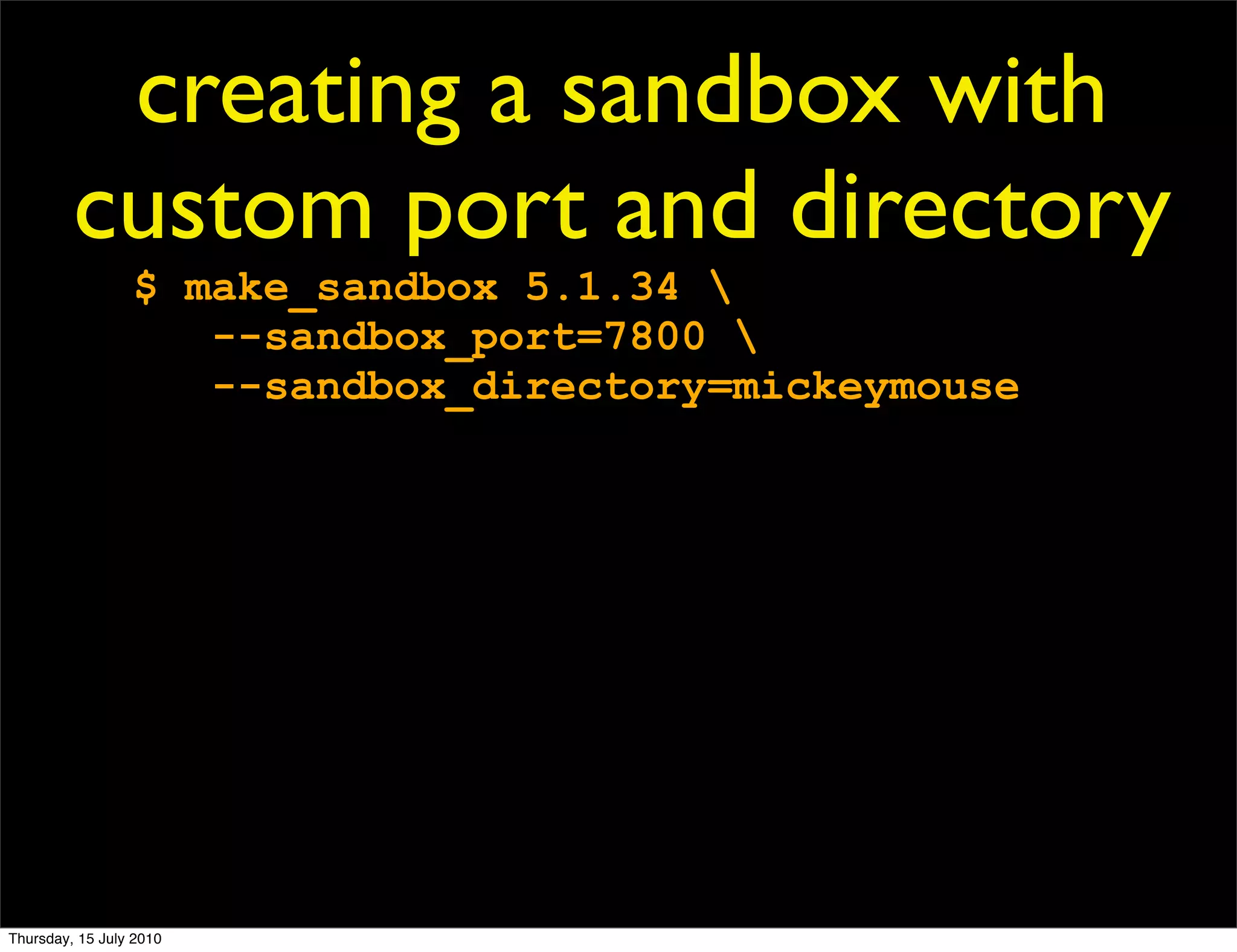
creating a sandbox with
         custom port and directory
                 $ make_sandbox 5.1.34 
                    --sandbox_port=7800 
                    --sandbox_directory=mickeymouse


Thursday, 15 July 2010
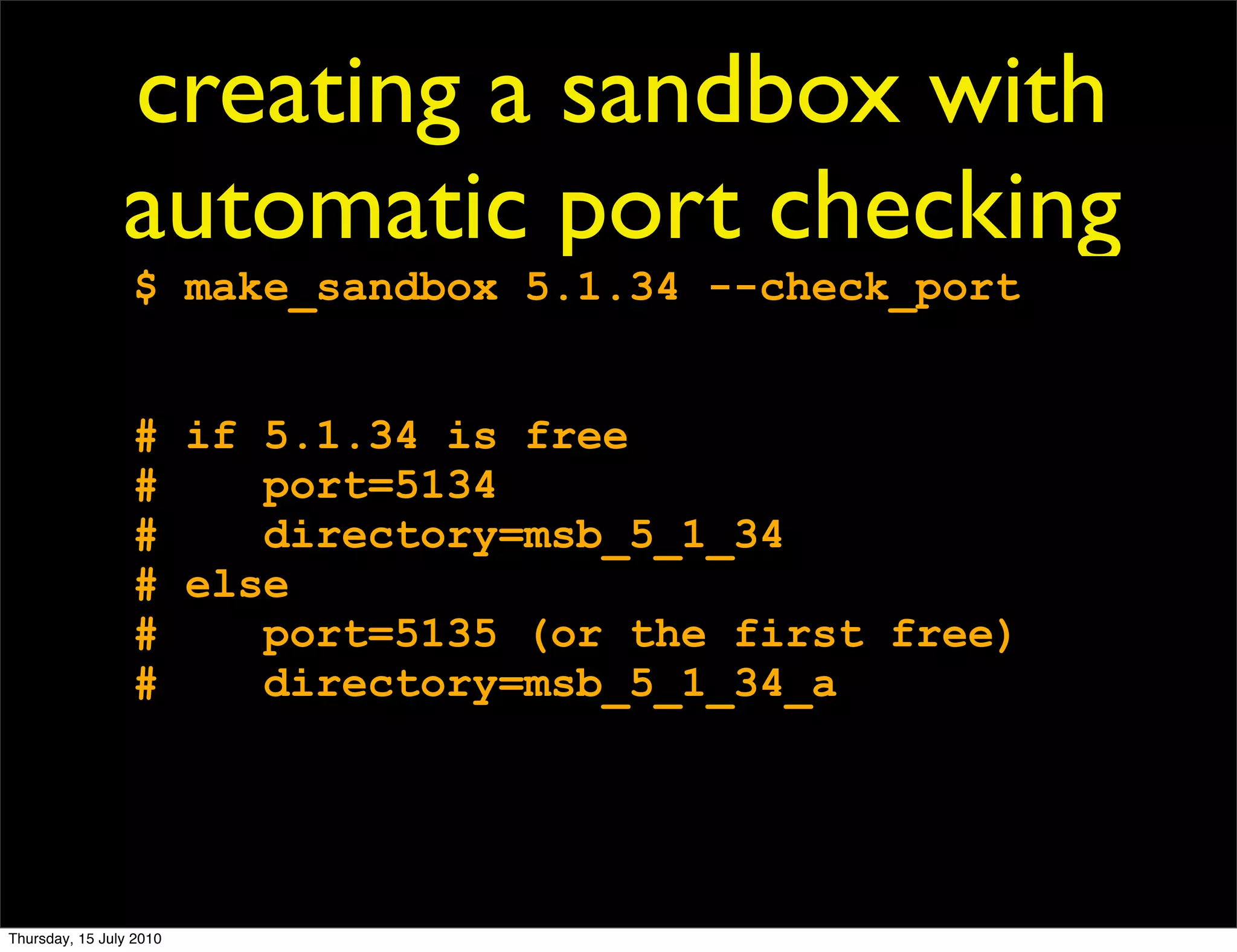
creating a sandbox with
                automatic port checking
                 $ make_sandbox 5.1.34 --check_port


                 # if 5.1.34 is free
                 #    port=5134
                 #    directory=msb_5_1_34
                 # else
                 #    port=5135 (or the first free)
                 #    directory=msb_5_1_34_a


Thursday, 15 July 2010
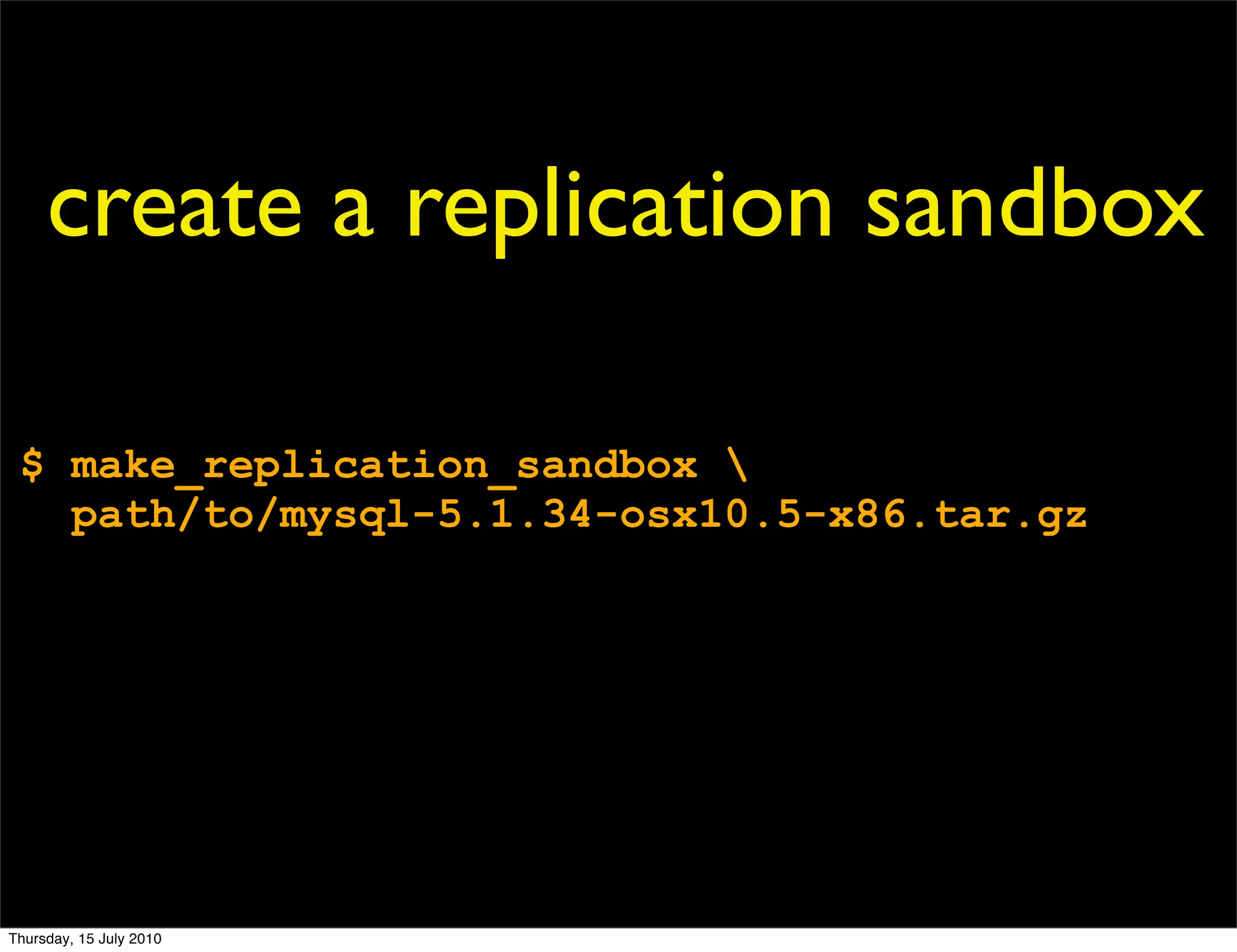
create a replication sandbox

 $ make_replication_sandbox 
   path/to/mysql-5.1.34-osx10.5-x86.tar.gz


Thursday, 15 July 2010
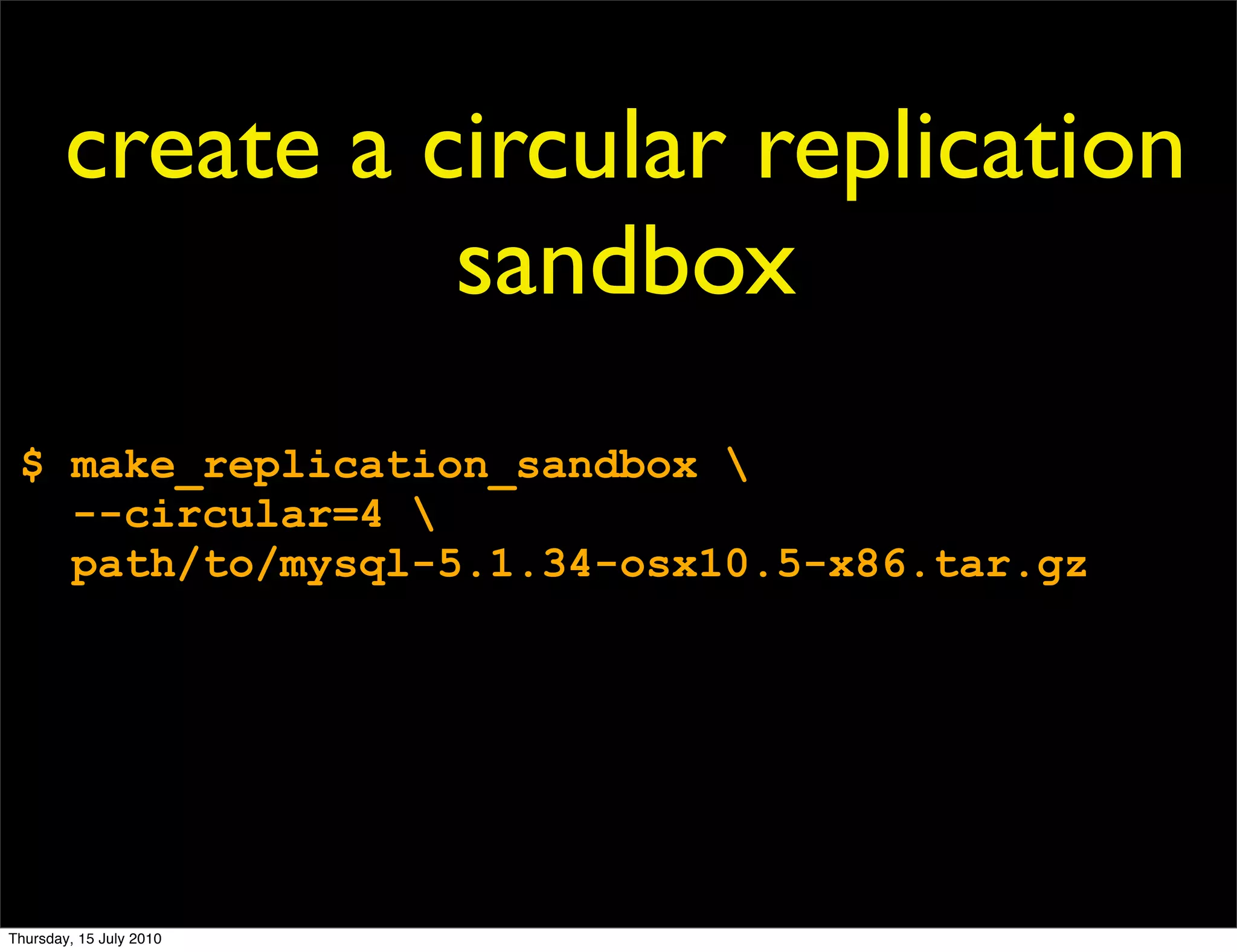
create a circular replication
                  sandbox
 $ make_replication_sandbox 
   --circular=4 
   path/to/mysql-5.1.34-osx10.5-x86.tar.gz


Thursday, 15 July 2010
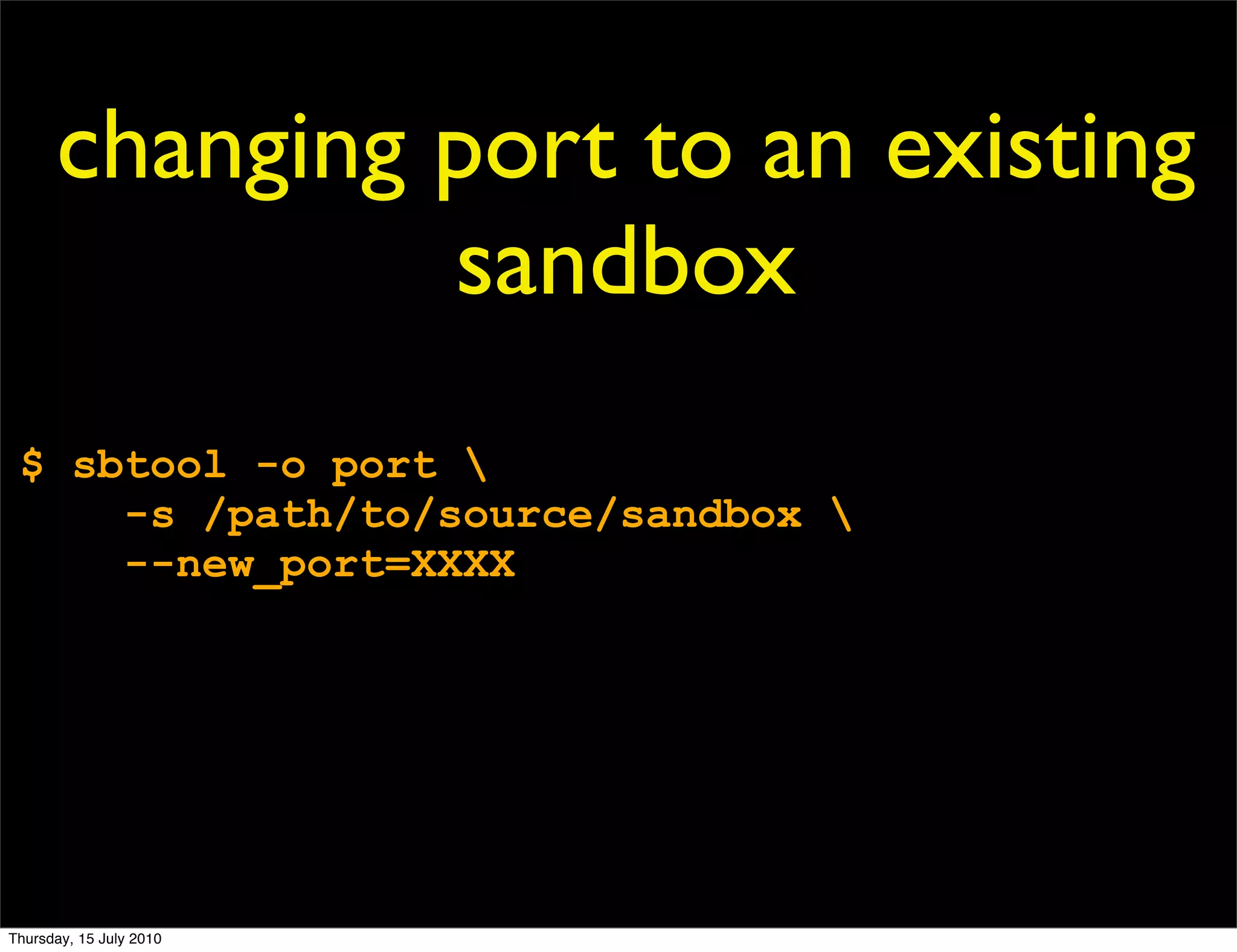
changing port to an existing
               sandbox
 $ sbtool -o port 
     -s /path/to/source/sandbox 
     --new_port=XXXX


Thursday, 15 July 2010
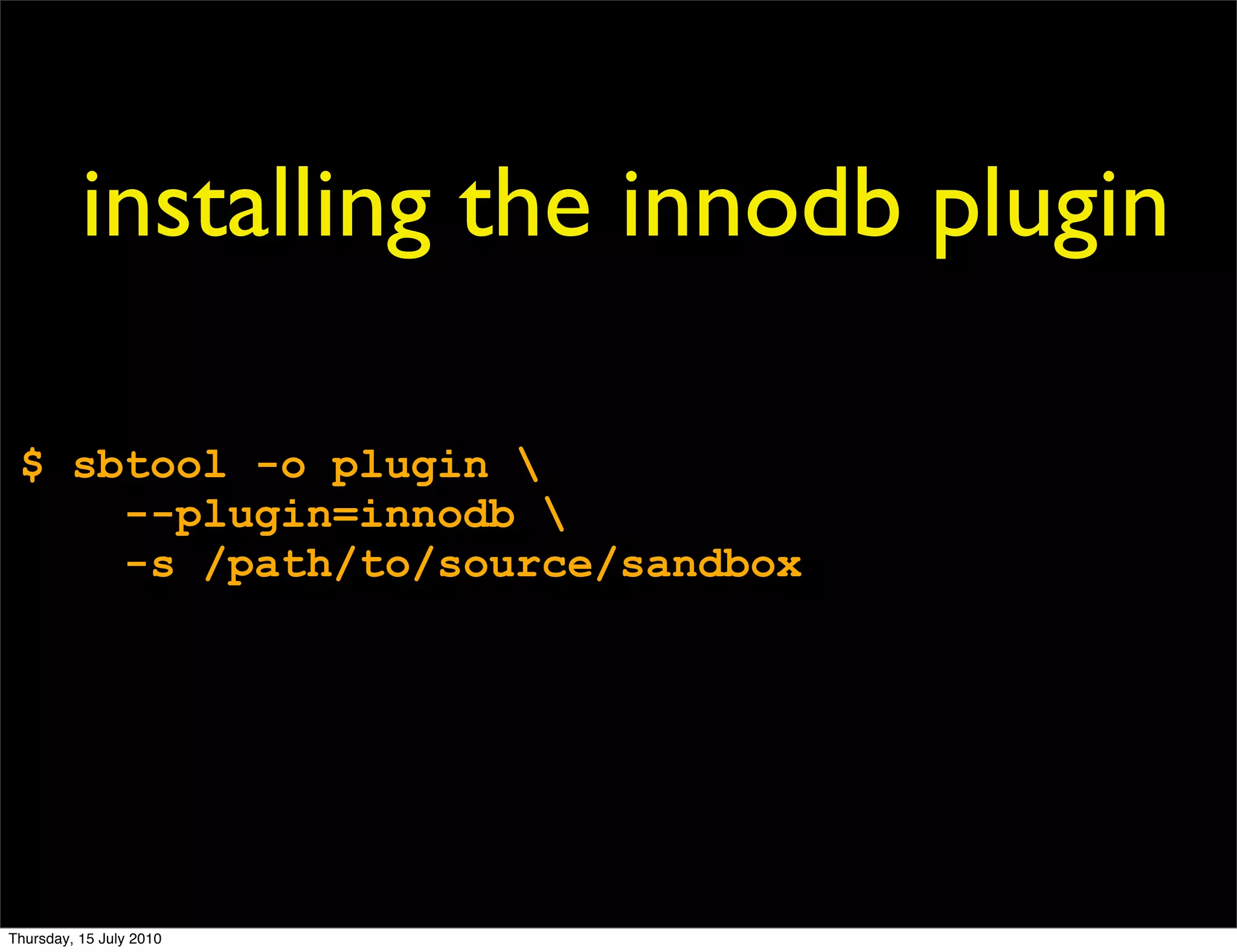
installing the innodb plugin

 $ sbtool -o plugin 
     --plugin=innodb 
     -s /path/to/source/sandbox


Thursday, 15 July 2010
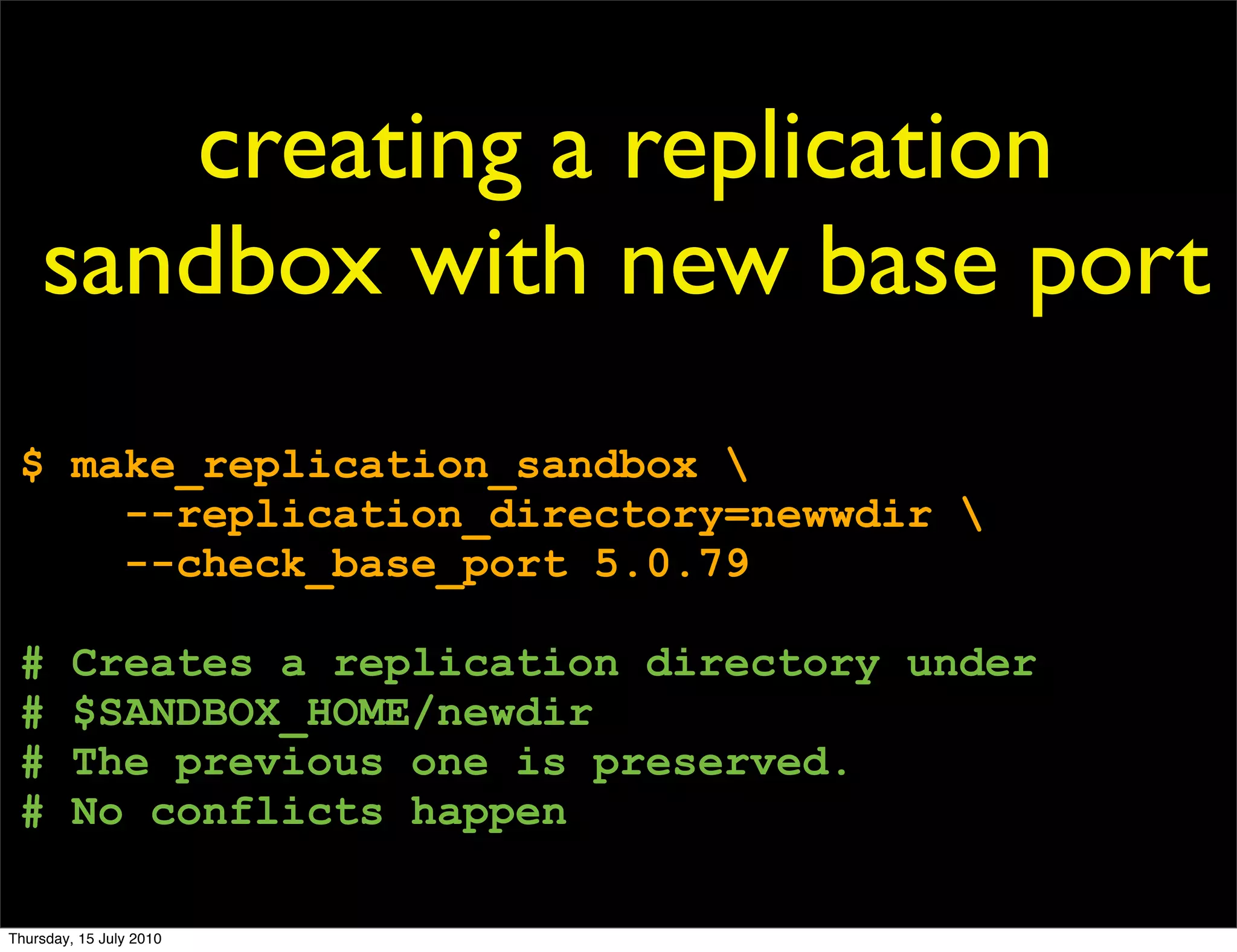
creating a replication
    sandbox with new base port
 $ make_replication_sandbox 
     --replication_directory=newwdir 
     --check_base_port 5.0.79

 #       Creates a replication directory under
 #       $SANDBOX_HOME/newdir
 #       The previous one is preserved.
 #       No conflicts happen

Thursday, 15 July 2010
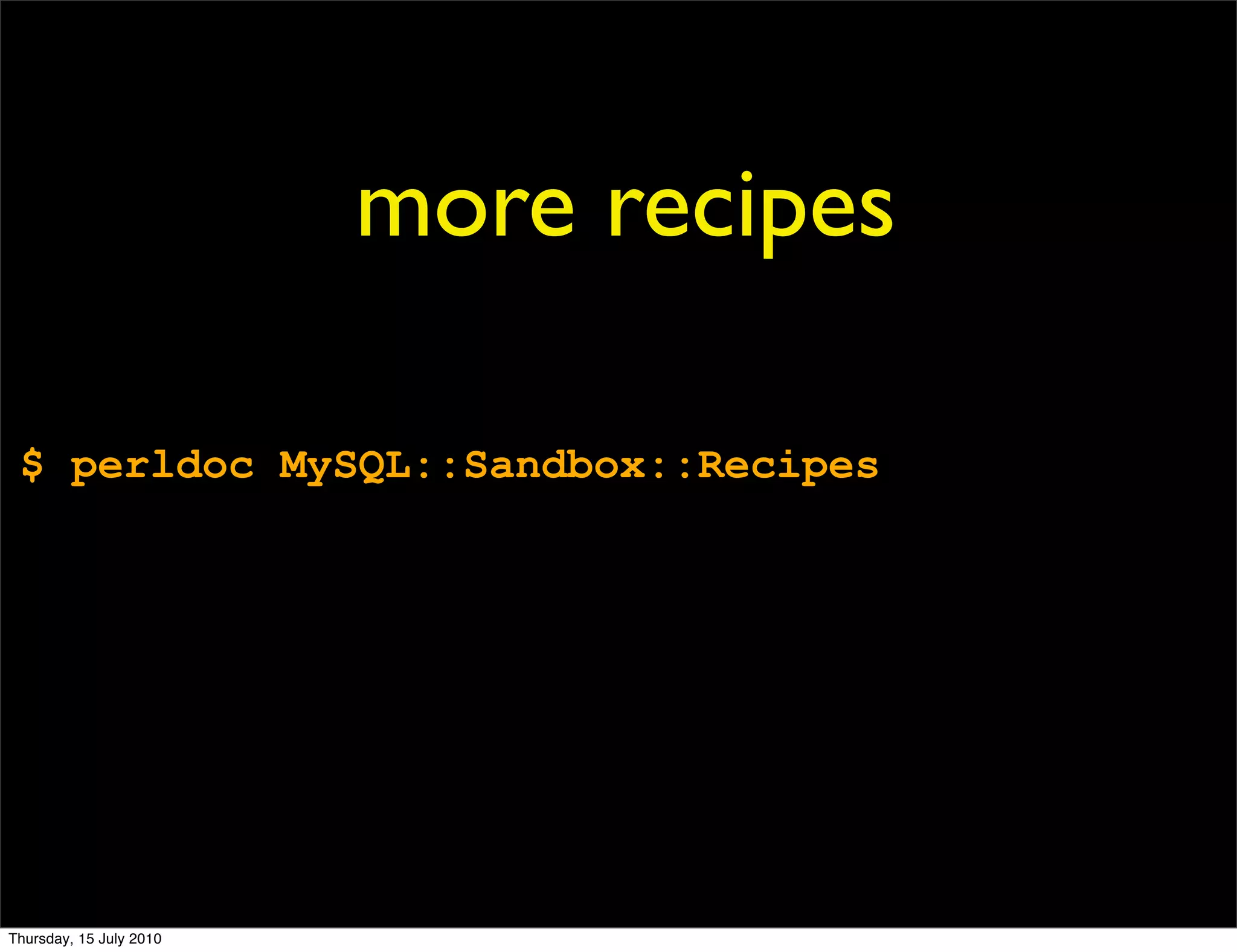
more recipes

 $ perldoc MySQL::Sandbox::Recipes


Thursday, 15 July 2010
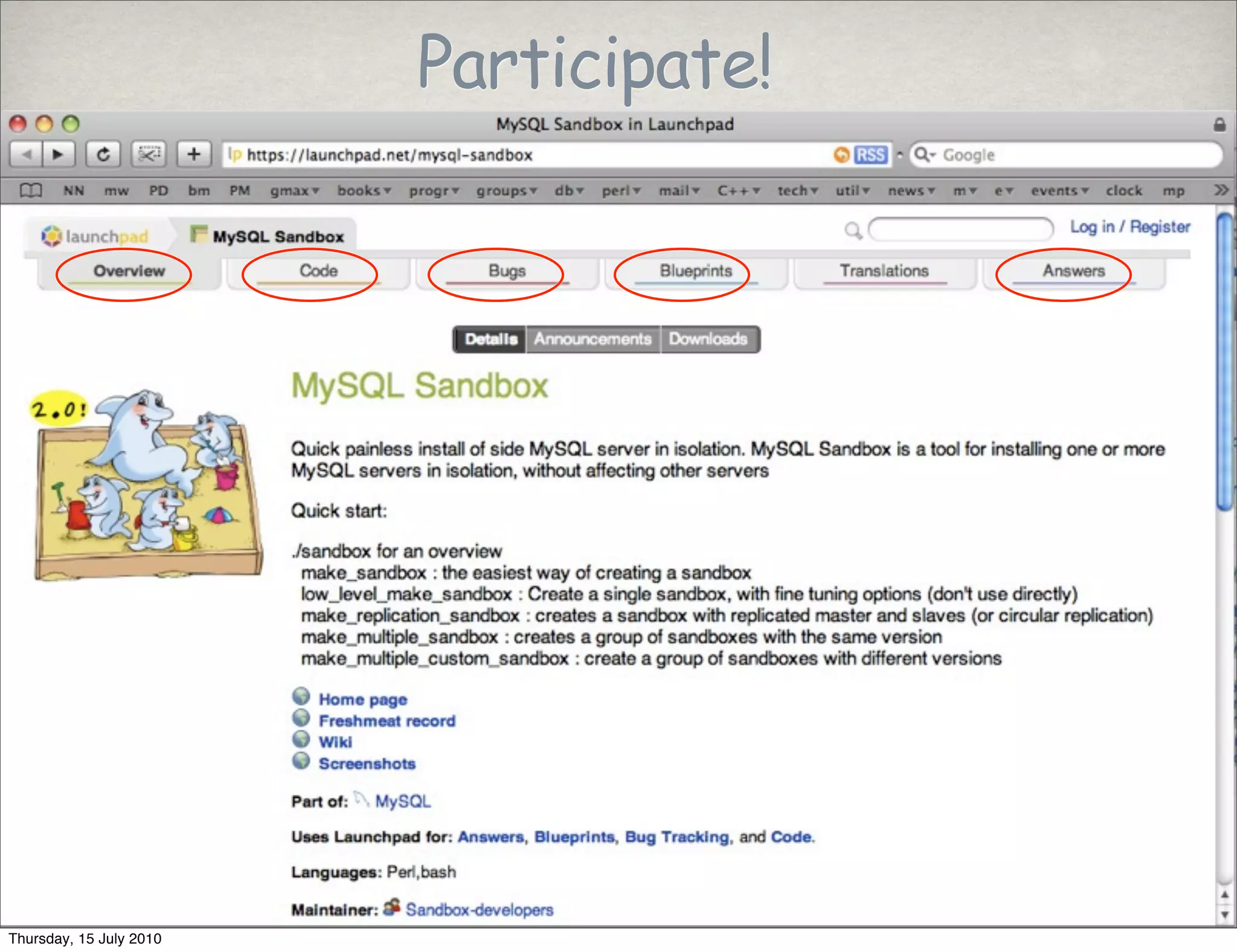
Participate!


Thursday, 15 July 2010
roadmap
                                     NORTH


                         WEST   66            95   EAST


                                      SOUTH


Thursday, 15 July 2010
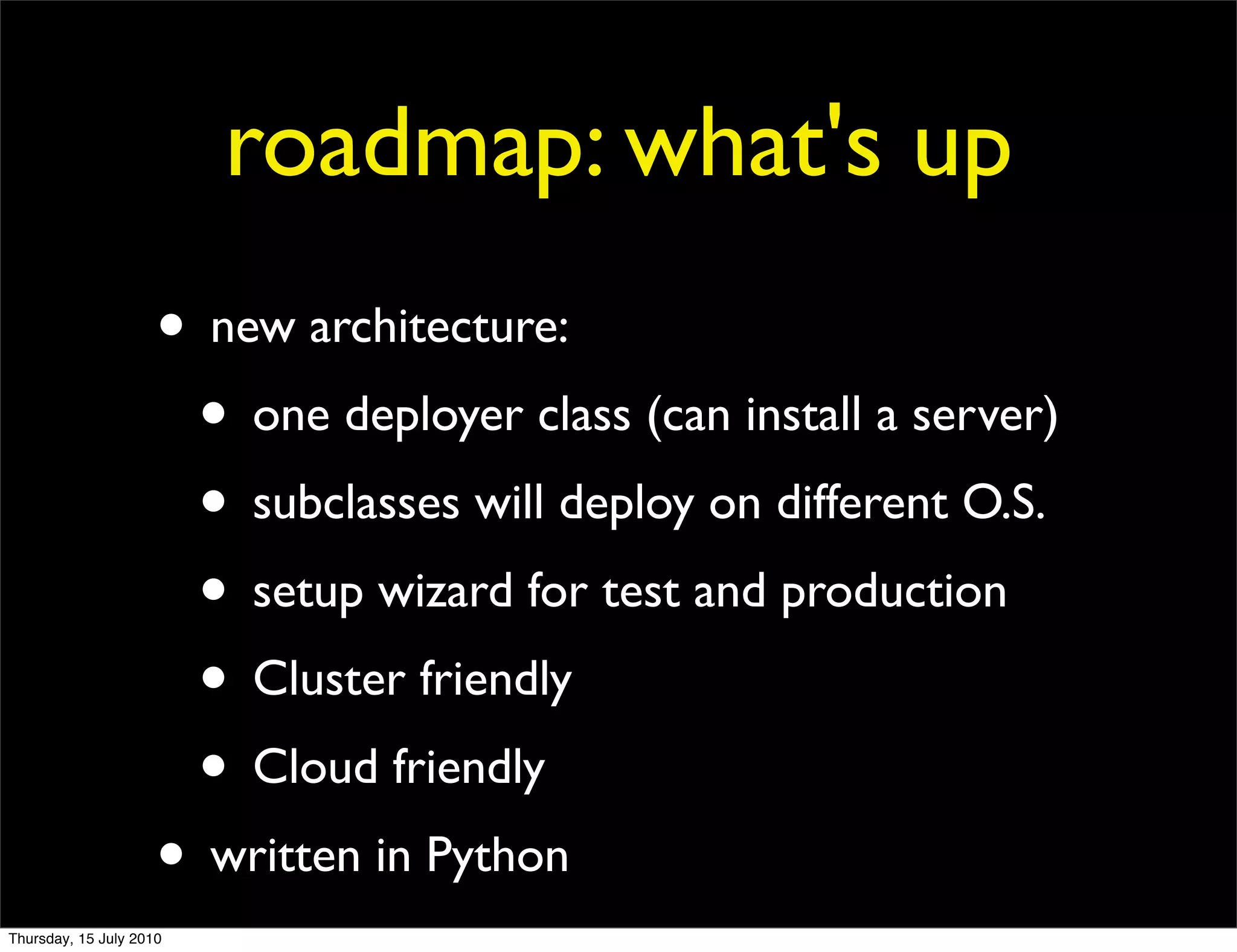
roadmap: what's up
                     • new architecture:
                      • one deployer class (can install a server)
                      • subclasses will deploy on different O.S.
                      • setup wizard for test and production
                      • Cluster friendly
                      • Cloud friendly
                     • written in Python
Thursday, 15 July 2010
THANKS
                                                                                 Let's talk!


 This work is licensed under the Creative Commons Attribution-Share Alike 3.0 Unported License. To view a copy of this license, visit http://
 creativecommons.org/licenses/by-sa/3.0/ or send a letter to Creative Commons, 171 Second Street, Suite 300, San Francisco, California,
 94105, USA.
Thursday, 15 July 2010

MySQL Sandbox - A toolkit for laziness

  • 1.
    MySQL Sandbox A toolkitfor laziness Giuseppe Maxia MySQL Community Team Lead at Oracle This work is licensed under the Creative Commons Attribution-Share Alike 3.0 Unported License. To view a copy of this license, visit http://creativecommons.org/ licenses/by-sa/3.0/ or send a letter to Creative Commons, 171 Second Street, Suite 300, San Francisco, California, 94105, USA. Thursday, 15 July 2010
  • 2.
    about me -Giuseppe Maxia • a.k.a. The Data Charmer • MySQL Community Team Lead • Long time hacking with MySQL features • Formerly, database consultant, designer, coder. • A passion for QA • An even greater passion for open source • ... and community • Passionate blogger • http://datacharmer.blogspot.com Thursday, 15 July 2010
  • 3.
    Laziness Laziness is a disinclination to activity or exertion despite having the ability to do so. http://en.wikipedia.org/wiki/Laziness Thursday, 15 July 2010
  • 4.
    I am anexperienced DBA • I have the ability of installing multiple MySQL servers. • In the same host. • Without conflicting. • Manually. • Do I feel inclined to do so? • Several times a day? • I DON'T THINK SO. Thursday, 15 July 2010
  • 5.
    I am acommand line wizard • After installing multiple servers • I can use them • with various long options. • Manually. • Do I feel inclined to do so? • Many dozen times a day? • I DEFINITELY DON'T THINK SO. Thursday, 15 July 2010
  • 6.
    I can setup replication • Almost without errors. • And then I can connect to masters and slaves with long options on the command line. • Do I feel inclined to do so? • I DON'T THINK SO. Thursday, 15 July 2010
  • 7.
    I can setup circular replication • Almost always with errors. • And cursing. • Do I feel inclined to do so? • I DON'T THINK SO. Thursday, 15 July 2010
  • 8.
    I can installplugins • After reading the manual. • And translating from intentions to reality. • And copying-and-pasting. • Do I feel inclined to do so? • I DON'T THINK SO. Thursday, 15 July 2010
  • 9.
    I have theability • but I don't feel inclined to do repetitive work • I ADMIT IT: I AM LAZY Thursday, 15 July 2010
  • 10.
    YES: I AMA LAZY DEVELOPER Thursday, 15 July 2010
  • 11.
    A lazy developer® Someone who writes 12,000 lines of code to save himself (*) the trouble of typing 15 lines on a terminal. (*) And another 1,000,000 people Thursday, 15 July 2010
  • 12.
  • 13.
    And after this presentation, you will feel lazy too Thursday, 15 July 2010
  • 14.
    MySQL Sandbox lightning presentation Thursday, 15 July 2010
  • 15.
    I used toinstall a lot of MySQL databases for testing MANUALLY Thursday, 15 July 2010
  • 16.
    Then, I decidedto use Perl ... Thursday, 15 July 2010
  • 17.
    DBA pop quiz Thursday, 15 July 2010
  • 18.
    HOW MANY KEYSTROKES to install a MySQL server? 10 sb 5.0.83 1234567890 Thursday, 15 July 2010
  • 19.
    HOW MANY KEYSTROKES to install 3 MySQL servers in replication? 11 sb r5.0.83 12345678901 Thursday, 15 July 2010
  • 20.
    HOW LONG does it take to install a MySQL server? < 5 seconds time sb 5.0.83 0m1.518s Thursday, 15 July 2010
  • 21.
    HOW LONG does it take to install 3 MySQL servers in replication? < 10 seconds sb 5.0.83 0m4.515s Thursday, 15 July 2010
  • 22.
    MySQL Sandbox http://mysqlsandbox.net •Free software (Perl under GPL) •One (unix) host •Many database servers •Single or multiple sandboxes •Customized scripts to use the servers •Standard or circular replication •Installs IN SECONDS Thursday, 15 July 2010
  • 23.
    Overview datadirectory data directory port port socket socket Thursday, 15 July 2010
  • 24.
    Overview same data directory? /usr/local/mysql/data /usr/local/mysql/data data corruption Thursday, 15 July 2010
  • 25.
    Overview same data port or socket? 3306 3306 /tmp/mysql.sock /tmp/mysql.sock does not start Thursday, 15 July 2010
  • 26.
    the hard way 1.unpack the tarball 2.ensure that it goes to a separate directory 3.create the database tables 4.create a .cnf file with separate • port • data directory error prone • socket 5.launch mysqld_safe manually 6.launch mysql with options Thursday, 15 July 2010
  • 27.
    MySQL Sandbox VERSION $SANDBOX_HOME/msb_VERSION/data VERSION /tmp/mysql_VERSION.sock Thursday, 15 July 2010
  • 28.
    MySQL Sandbox 5.1.37 $SANDBOX_HOME/msb_5_1_37/data 5137 /tmp/mysql_5137.sock Thursday, 15 July 2010
  • 29.
    MySQL Sandbox 5.4.1 $SANDBOX_HOME/msb_5_4_1/data 5401 /tmp/mysql_5401.sock Thursday, 15 July 2010
  • 30.
    MySQL Sandbox single sandbox commands start stop use status restart clear send_kill Thursday, 15 July 2010
  • 31.
    MySQL Sandbox multiple sandbox commands One sandbox to rule them all start_all stop_all m n1 status_all s1 n2 clear_all s2 n3 send_kill_all use_all Thursday, 15 July 2010
  • 32.
    The easy way- installation # as root $ cpan cpan> install MySQL::Sandbox Thursday, 15 July 2010
  • 33.
    The easy way- single sandbox $ make_sandbox /path/mysql-OS-5.1.37.tar.gz # that's it! Thursday, 15 July 2010
  • 34.
    The easy way- replication $ make_replication_sandbox /path/mysql-OS-5.1.37.tar.gz # that's it! Thursday, 15 July 2010
  • 35.
    default architecture $HOME /sandboxes opt expanded tarballs $SANDBOX_HOME mysql $SANDBOX_BINARY installed sandboxes Thursday, 15 July 2010
  • 36.
    default architecture $HOME /sandboxes opt msb_5_0_91 mysql msb_5_1_48 5.0.91 rsandbox_5_1_48 5.1.45 master 5.1.48 node1 5.5.4 node2 Thursday, 15 July 2010
  • 37.
  • 38.
    creating a singlesanbox make_sandbox /path/to/mysql-X.X.XX-OS.tar.gz Thursday, 15 July 2010
  • 39.
    using a singlesanbox # after # make_sandbox # /path/to/mysql-X.X.XX-OS.tar.gz $ cd $SANDBOX_HOME/msb_X_X_XX $ ./use Thursday, 15 July 2010
  • 40.
    creating a singlesanbox with a specific options file make_sandbox /path/to/mysql-X.X.XX-OS.tar.gz --my_file=/path/to/my.cnf Thursday, 15 July 2010
  • 41.
    easily create asandbox after the first one The long way $ cd $HOME/opt/mysql # $SANDBOX_BINARY $ gunzip -c /path/to/mysql-5.1.34-osx10.5-x86.tar.gz | tar -xf - $ mv mysql-5.1.34-osx10.5-x86 5.1.34 $ make sandbox 5.1.34 Thursday, 15 July 2010
  • 42.
    easily create asandbox after the first one The short way $ make_sandbox path/to/mysql-5.1.34-osx10.5-x86.tar.gz --export_binaries Thursday, 15 July 2010
  • 43.
    starting a singlesanbox $ cd $SANDBOX_HOME/msb_X_X_XX $ ./start Thursday, 15 July 2010
  • 44.
    starting a singlesanbox with temporary options $ cd $SANDBOX_HOME/msb_X_X_XX $ ./start --option=value $ ./restart --option=value $ ./start --key-buffer=20000000 Thursday, 15 July 2010
  • 45.
    creating a sandboxwith custom port and directory $ make_sandbox 5.1.34 --sandbox_port=7800 --sandbox_directory=mickeymouse Thursday, 15 July 2010
  • 46.
    creating a sandboxwith automatic port checking $ make_sandbox 5.1.34 --check_port # if 5.1.34 is free # port=5134 # directory=msb_5_1_34 # else # port=5135 (or the first free) # directory=msb_5_1_34_a Thursday, 15 July 2010
  • 47.
    create a replicationsandbox $ make_replication_sandbox path/to/mysql-5.1.34-osx10.5-x86.tar.gz Thursday, 15 July 2010
  • 48.
    create a circularreplication sandbox $ make_replication_sandbox --circular=4 path/to/mysql-5.1.34-osx10.5-x86.tar.gz Thursday, 15 July 2010
  • 49.
    changing port toan existing sandbox $ sbtool -o port -s /path/to/source/sandbox --new_port=XXXX Thursday, 15 July 2010
  • 50.
    installing the innodbplugin $ sbtool -o plugin --plugin=innodb -s /path/to/source/sandbox Thursday, 15 July 2010
  • 51.
    creating a replication sandbox with new base port $ make_replication_sandbox --replication_directory=newwdir --check_base_port 5.0.79 # Creates a replication directory under # $SANDBOX_HOME/newdir # The previous one is preserved. # No conflicts happen Thursday, 15 July 2010
  • 52.
    more recipes $perldoc MySQL::Sandbox::Recipes Thursday, 15 July 2010
  • 53.
  • 54.
    roadmap NORTH WEST 66 95 EAST SOUTH Thursday, 15 July 2010
  • 55.
    roadmap: what's up • new architecture: • one deployer class (can install a server) • subclasses will deploy on different O.S. • setup wizard for test and production • Cluster friendly • Cloud friendly • written in Python Thursday, 15 July 2010
  • 56.
    THANKS Let's talk! This work is licensed under the Creative Commons Attribution-Share Alike 3.0 Unported License. To view a copy of this license, visit http:// creativecommons.org/licenses/by-sa/3.0/ or send a letter to Creative Commons, 171 Second Street, Suite 300, San Francisco, California, 94105, USA. Thursday, 15 July 2010