
Copyright © 2014 Oracle and/or its affiliates. All rights reserved. |
MySQL Partitioning
When, Why and How
John Kehoe, OCP, OCE
Technical Consultant
Oracle MySQL
19 August 2014
Oracle Confidential – Internal/Restricted/Highly Restricted
Copyright © 2014 Oracle and/or its affiliates. All rights reserved. |
Safe Harbor Statement
The following is intended to outline our general product direction. It is intended for
information purposes only, and may not be incorporated into any contract. It is not a
commitment to deliver any material, code, or functionality, and should not be relied upon
in making purchasing decisions. The development, release, and timing of any features or
functionality described for Oracle’s products remains at the sole discretion of Oracle.
Copyright © 2014 Oracle and/or its affiliates. All rights reserved. |
Agenda
• What is Partitioning?
• Why Partition?
• Partitioning 101
– Types of partitioning in MySQL
– Managing Partitions
• Partitions and Indexes
• Short Term Rolling Data
• Long Term Rolling Data
• Maintenance by Partition
• Partition Evolution
Copyright © 2014 Oracle and/or its affiliates. All rights reserved. |
What is Partitioning?
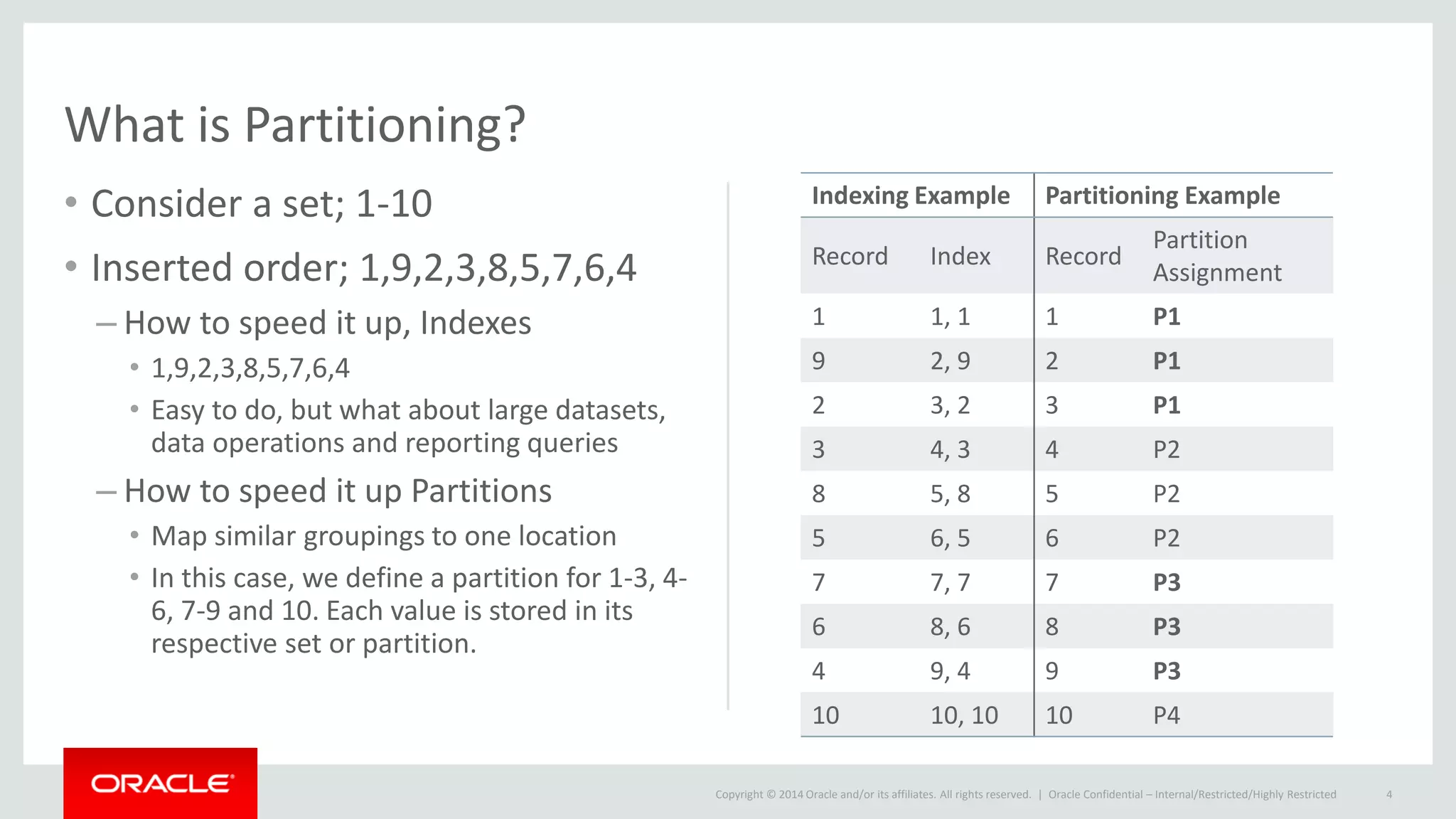
• Consider a set; 1-10
• Inserted order; 1,9,2,3,8,5,7,6,4
– How to speed it up, Indexes
• 1,9,2,3,8,5,7,6,4
• Easy to do, but what about large datasets,
data operations and reporting queries
– How to speed it up Partitions
• Map similar groupings to one location
• In this case, we define a partition for 1-3, 4-
6, 7-9 and 10. Each value is stored in its
respective set or partition.
Indexing Example Partitioning Example
Record Index Record
Partition
Assignment
1 1, 1 1 P1
9 2, 9 2 P1
2 3, 2 3 P1
3 4, 3 4 P2
8 5, 8 5 P2
5 6, 5 6 P2
7 7, 7 7 P3
6 8, 6 8 P3
4 9, 4 9 P3
10 10, 10 10 P4
Oracle Confidential – Internal/Restricted/Highly Restricted 4
Copyright © 2014 Oracle and/or its affiliates. All rights reserved. |
What is Partitioning?
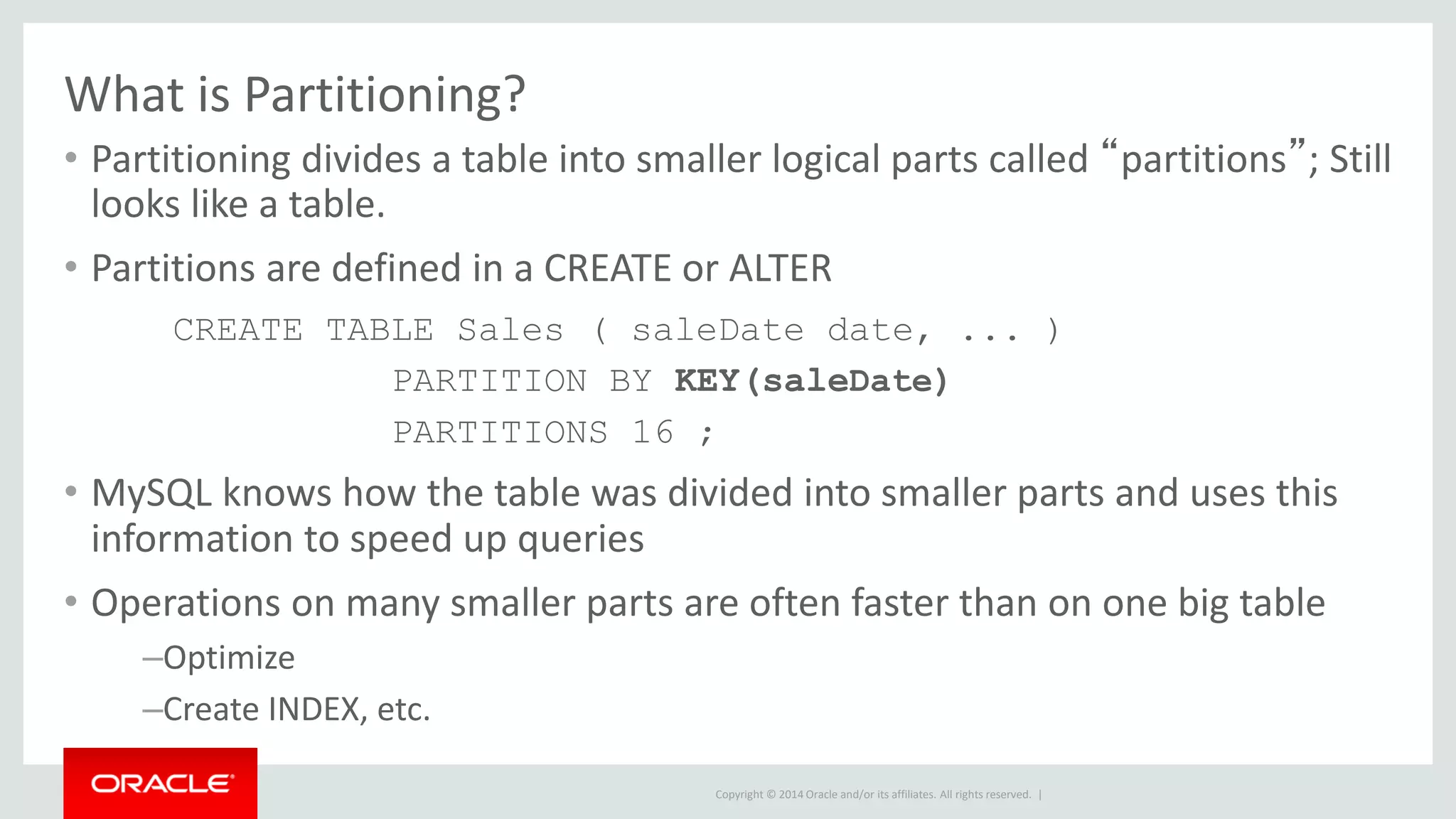
• Partitioning divides a table into smaller logical parts called “partitions”; Still
looks like a table.
• Partitions are defined in a CREATE or ALTER
CREATE TABLE Sales ( saleDate date, ... )
PARTITION BY KEY(saleDate)
PARTITIONS 16 ;
• MySQL knows how the table was divided into smaller parts and uses this
information to speed up queries
• Operations on many smaller parts are often faster than on one big table
–Optimize
–Create INDEX, etc.
Copyright © 2014 Oracle and/or its affiliates. All rights reserved. |
The way of Partitions
When and Why should you Partition
Copyright © 2014 Oracle and/or its affiliates. All rights reserved. |
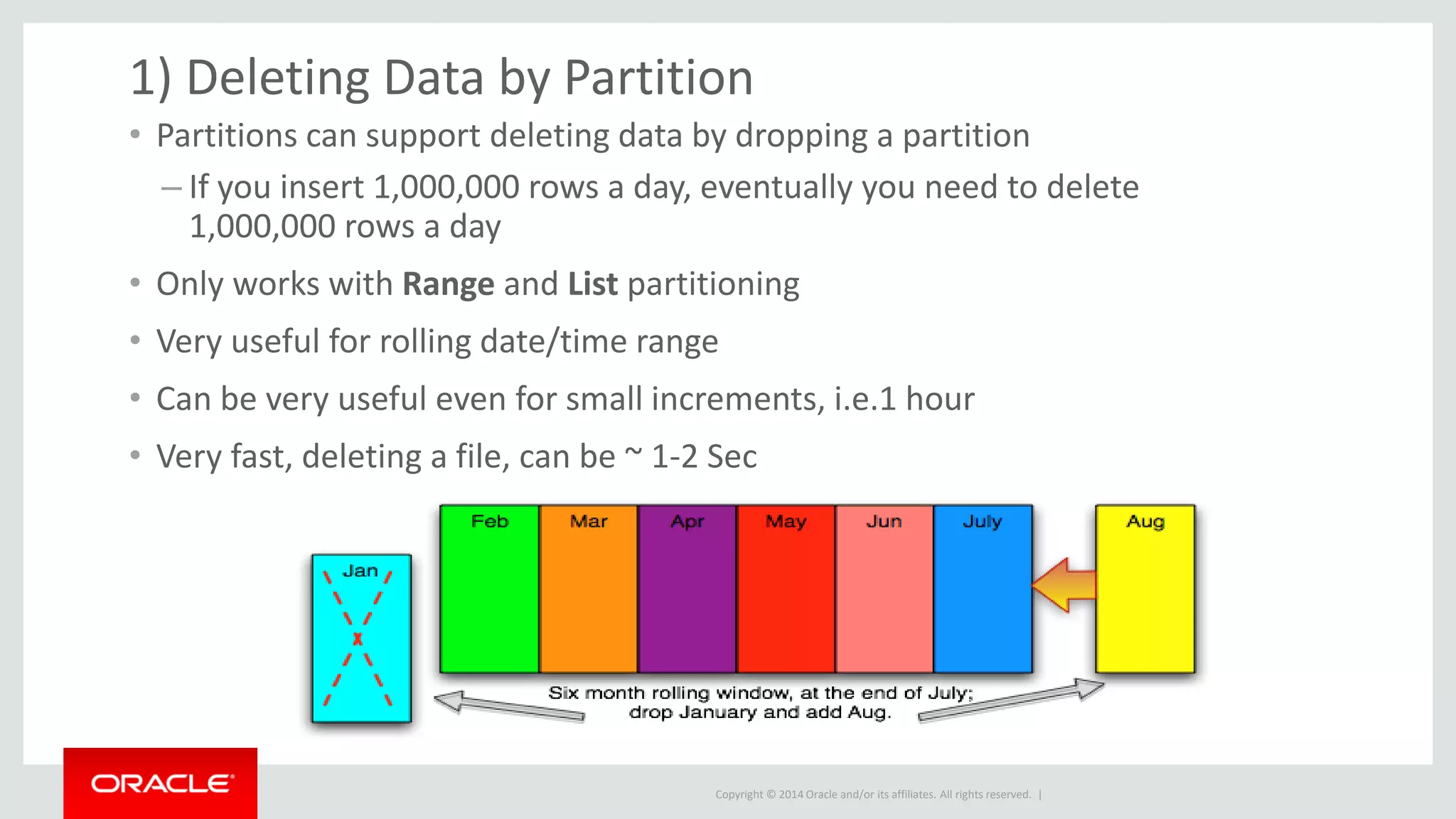
• Partitions can support deleting data by dropping a partition
– If you insert 1,000,000 rows a day, eventually you need to delete
1,000,000 rows a day
• Only works with Range and List partitioning
• Very useful for rolling date/time range
• Can be very useful even for small increments, i.e.1 hour
• Very fast, deleting a file, can be ~ 1-2 Sec
1) Deleting Data by Partition
Copyright © 2014 Oracle and/or its affiliates. All rights reserved. |
2) Faster non-index Data Access -Pruning
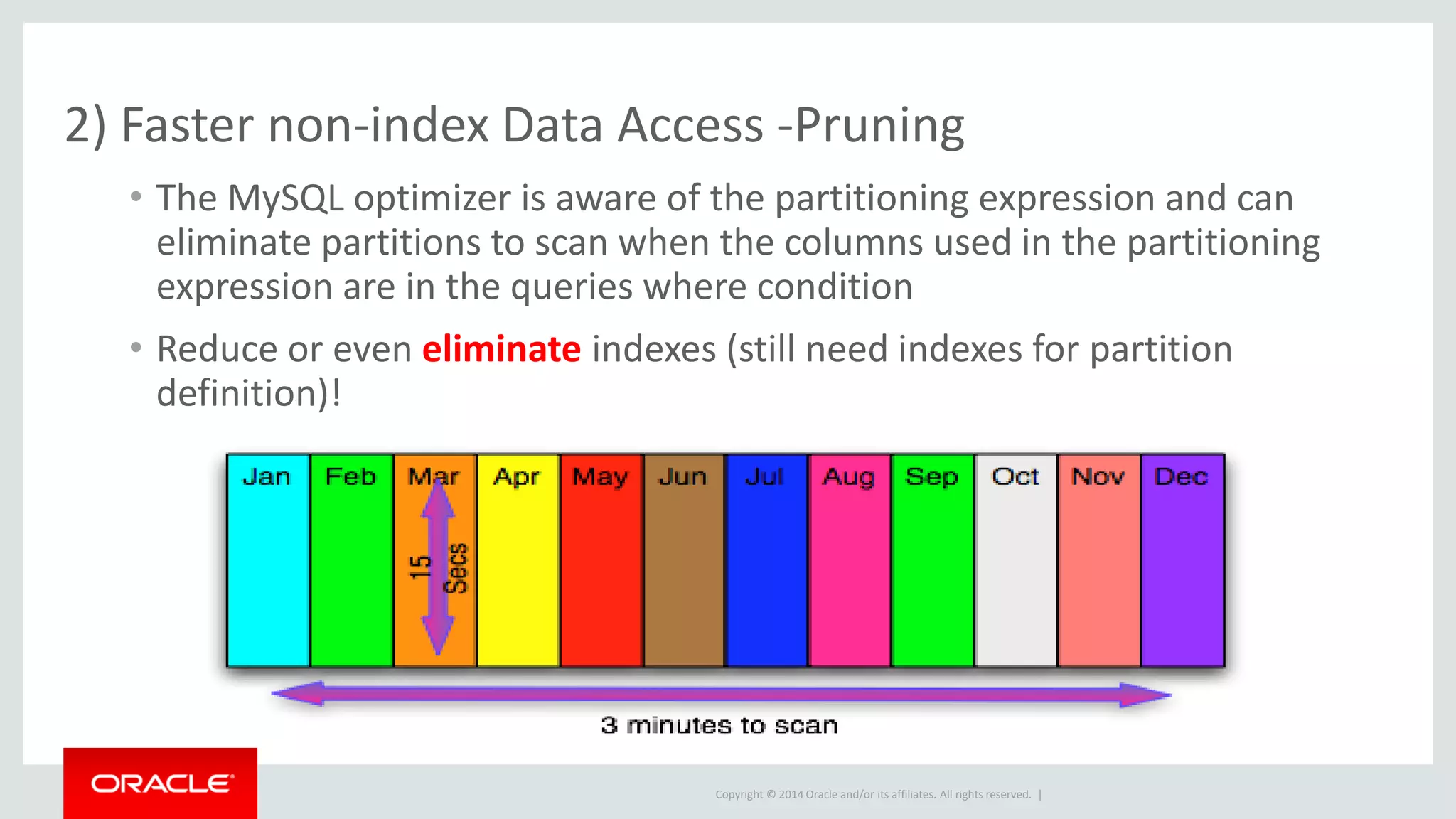
• The MySQL optimizer is aware of the partitioning expression and can
eliminate partitions to scan when the columns used in the partitioning
expression are in the queries where condition
• Reduce or even eliminate indexes (still need indexes for partition
definition)!
Copyright © 2014 Oracle and/or its affiliates. All rights reserved. |
3) Some operations are faster
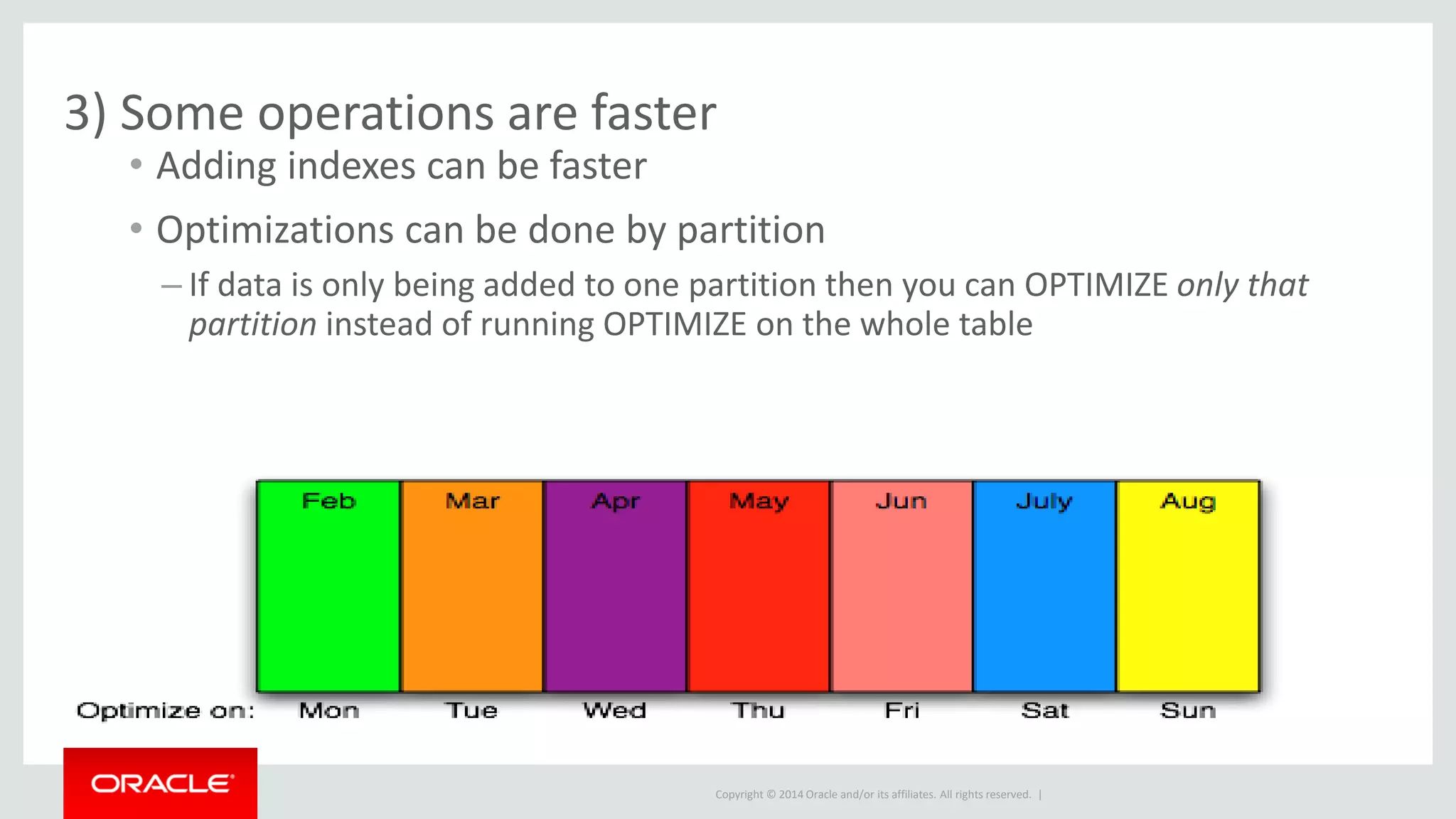
• Adding indexes can be faster
• Optimizations can be done by partition
– If data is only being added to one partition then you can OPTIMIZE only that
partition instead of running OPTIMIZE on the whole table
Copyright © 2014 Oracle and/or its affiliates. All rights reserved. |
Partitioning Types
Copyright © 2014 Oracle and/or its affiliates. All rights reserved. |
Types of MySQL Partitioning
• Key/Hash - Not useful for Deleting by partition
– Key(column list) - Uses internal hash function
– Hash(INT expr) - Mod on user expression
– Both very easy to define and maintain
Copyright © 2014 Oracle and/or its affiliates. All rights reserved. |
Types of MySQL Partitioning
• List/Range - Supports Deleting by Partition
– List(INT expr) - IN list partitioning
• List of IN ( A, ..., N ) expressions
– Range(INT expr) - Range expressions
• list of less than expressions
• List and Range can be sub-partitioned by Key or Hash
Copyright © 2014 Oracle and/or its affiliates. All rights reserved. |
Hash Partitioning
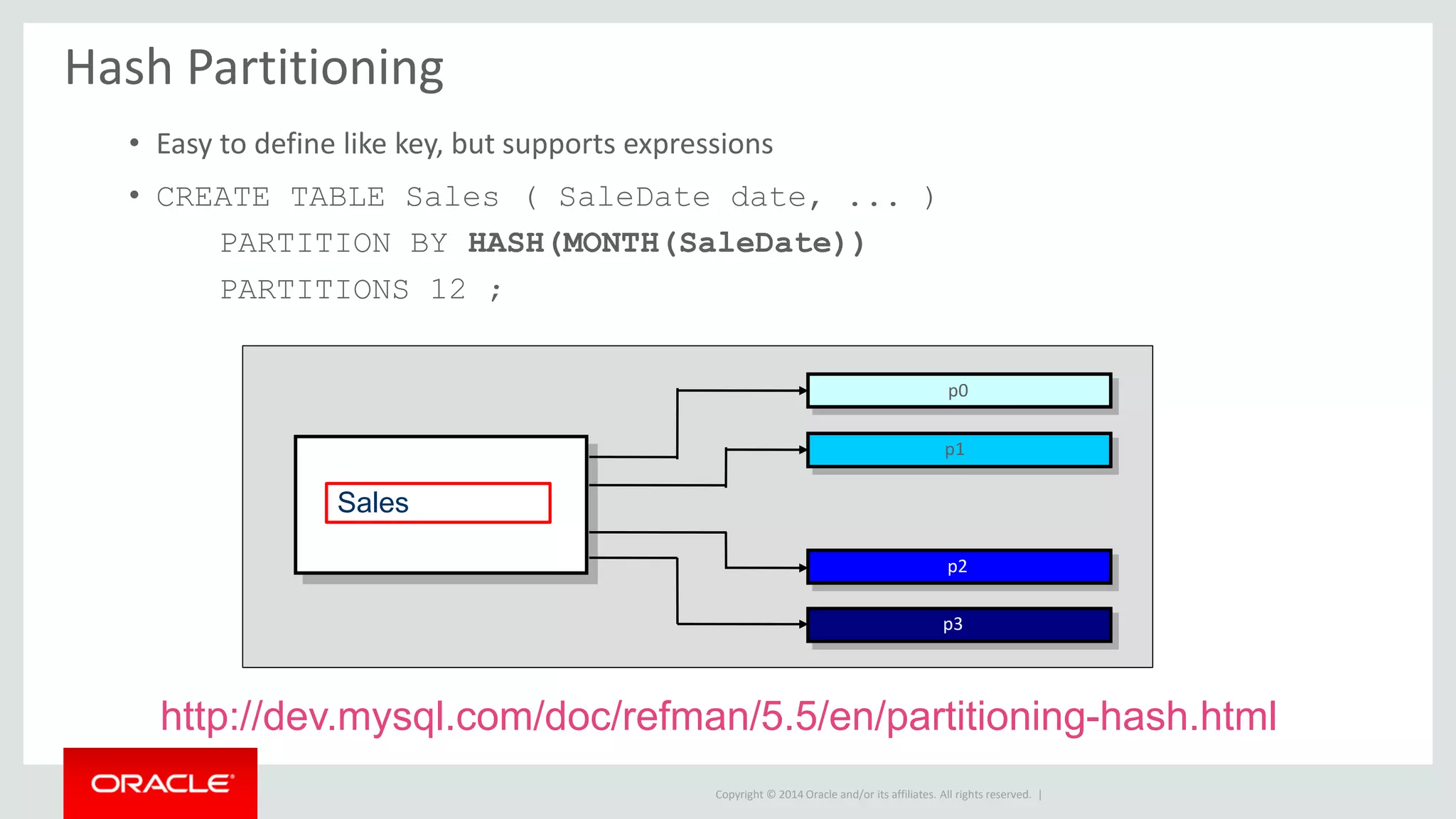
• Easy to define like key, but supports expressions
• CREATE TABLE Sales ( SaleDate date, ... )
PARTITION BY HASH(MONTH(SaleDate))
PARTITIONS 12 ;
Sales
p0
p1
p2
p3
http://dev.mysql.com/doc/refman/5.5/en/partitioning-hash.html
Copyright © 2014 Oracle and/or its affiliates. All rights reserved. |
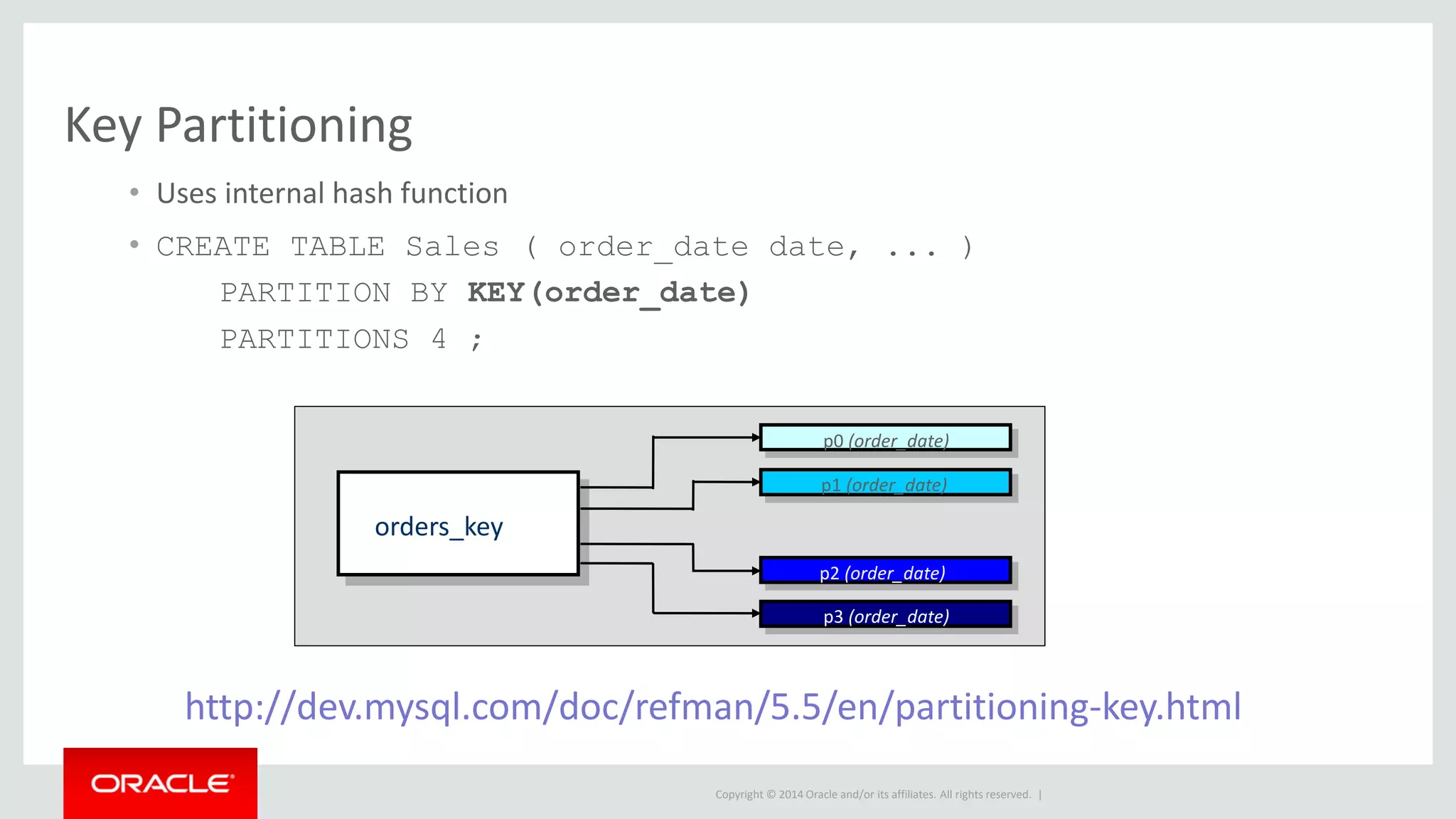
Key Partitioning
• Uses internal hash function
• CREATE TABLE Sales ( order_date date, ... )
PARTITION BY KEY(order_date)
PARTITIONS 4 ;
orders_key
p0 (order_date)
p1 (order_date)
p2 (order_date)
p3 (order_date)
http://dev.mysql.com/doc/refman/5.5/en/partitioning-key.html
Copyright © 2014 Oracle and/or its affiliates. All rights reserved. |
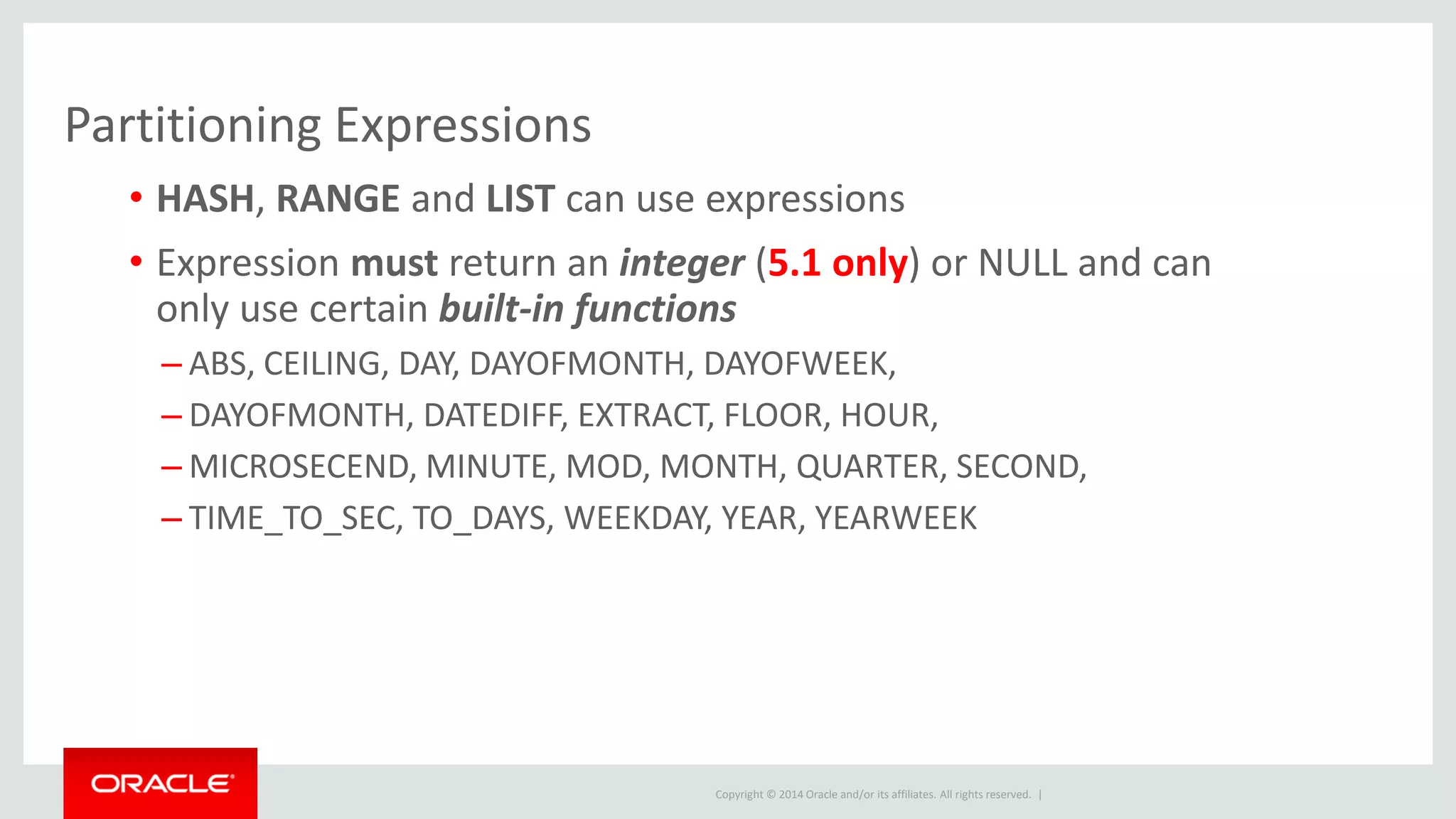
Partitioning Expressions
• HASH, RANGE and LIST can use expressions
• Expression must return an integer (5.1 only) or NULL and can
only use certain built-in functions
– ABS, CEILING, DAY, DAYOFMONTH, DAYOFWEEK,
– DAYOFMONTH, DATEDIFF, EXTRACT, FLOOR, HOUR,
– MICROSECEND, MINUTE, MOD, MONTH, QUARTER, SECOND,
– TIME_TO_SEC, TO_DAYS, WEEKDAY, YEAR, YEARWEEK
Copyright © 2014 Oracle and/or its affiliates. All rights reserved. |
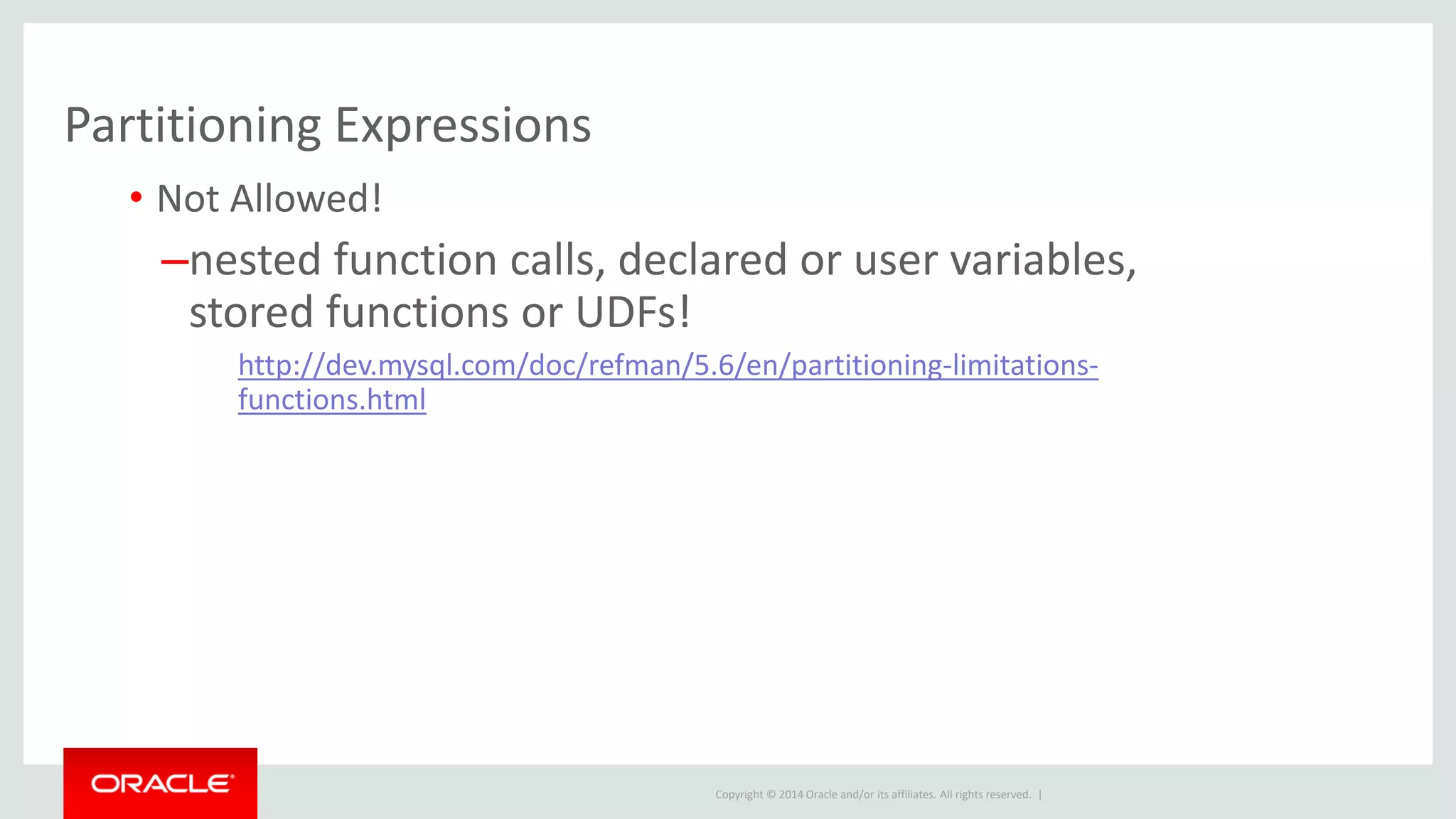
Partitioning Expressions
• Not Allowed!
–nested function calls, declared or user variables,
stored functions or UDFs!
http://dev.mysql.com/doc/refman/5.6/en/partitioning-limitations-
functions.html
Copyright © 2014 Oracle and/or its affiliates. All rights reserved. |
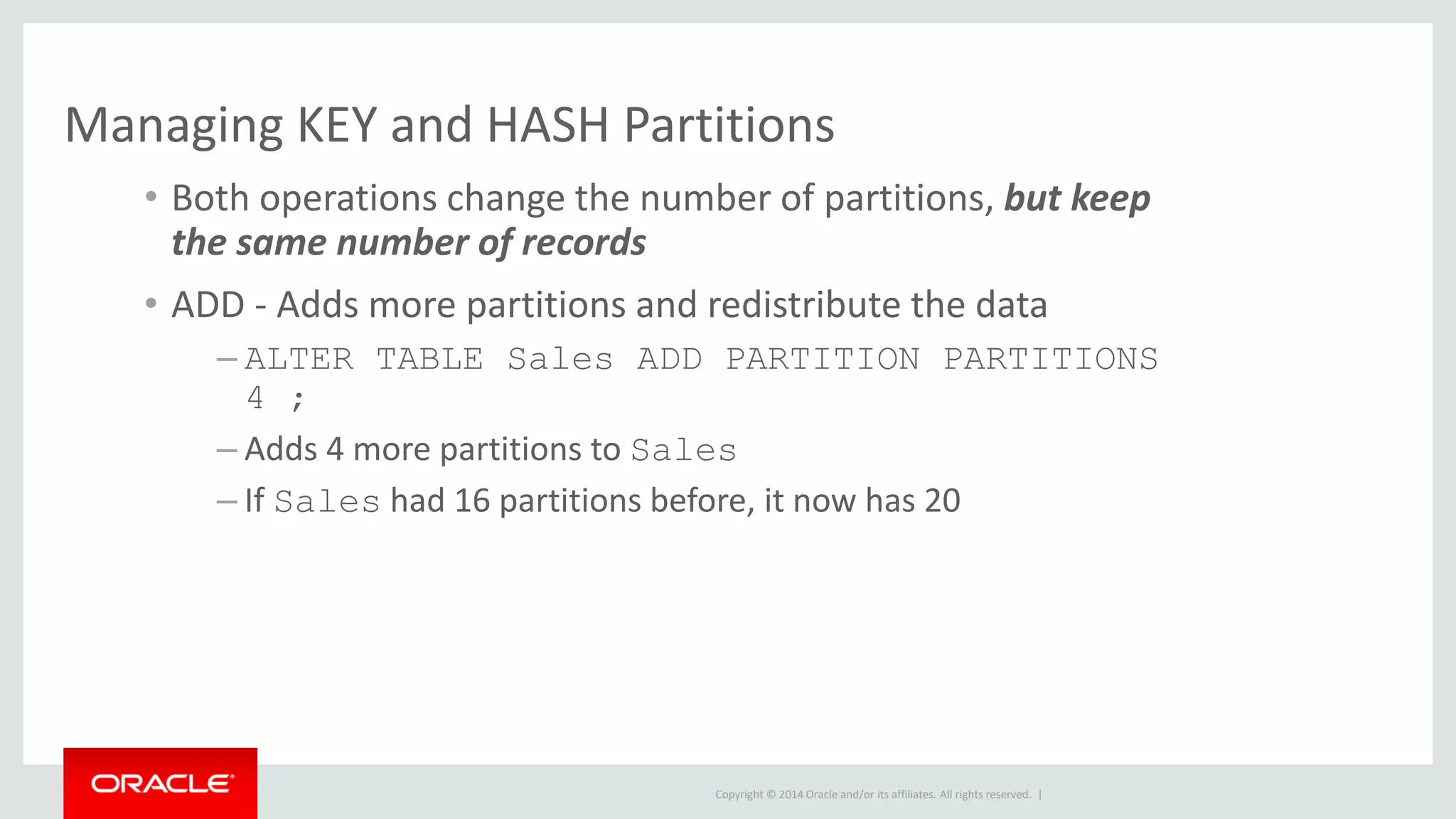
Managing KEY and HASH Partitions
• Both operations change the number of partitions, but keep
the same number of records
• ADD - Adds more partitions and redistribute the data
– ALTER TABLE Sales ADD PARTITION PARTITIONS
4 ;
– Adds 4 more partitions to Sales
– If Sales had 16 partitions before, it now has 20
Copyright © 2014 Oracle and/or its affiliates. All rights reserved. |
Managing KEY and HASH Partitions
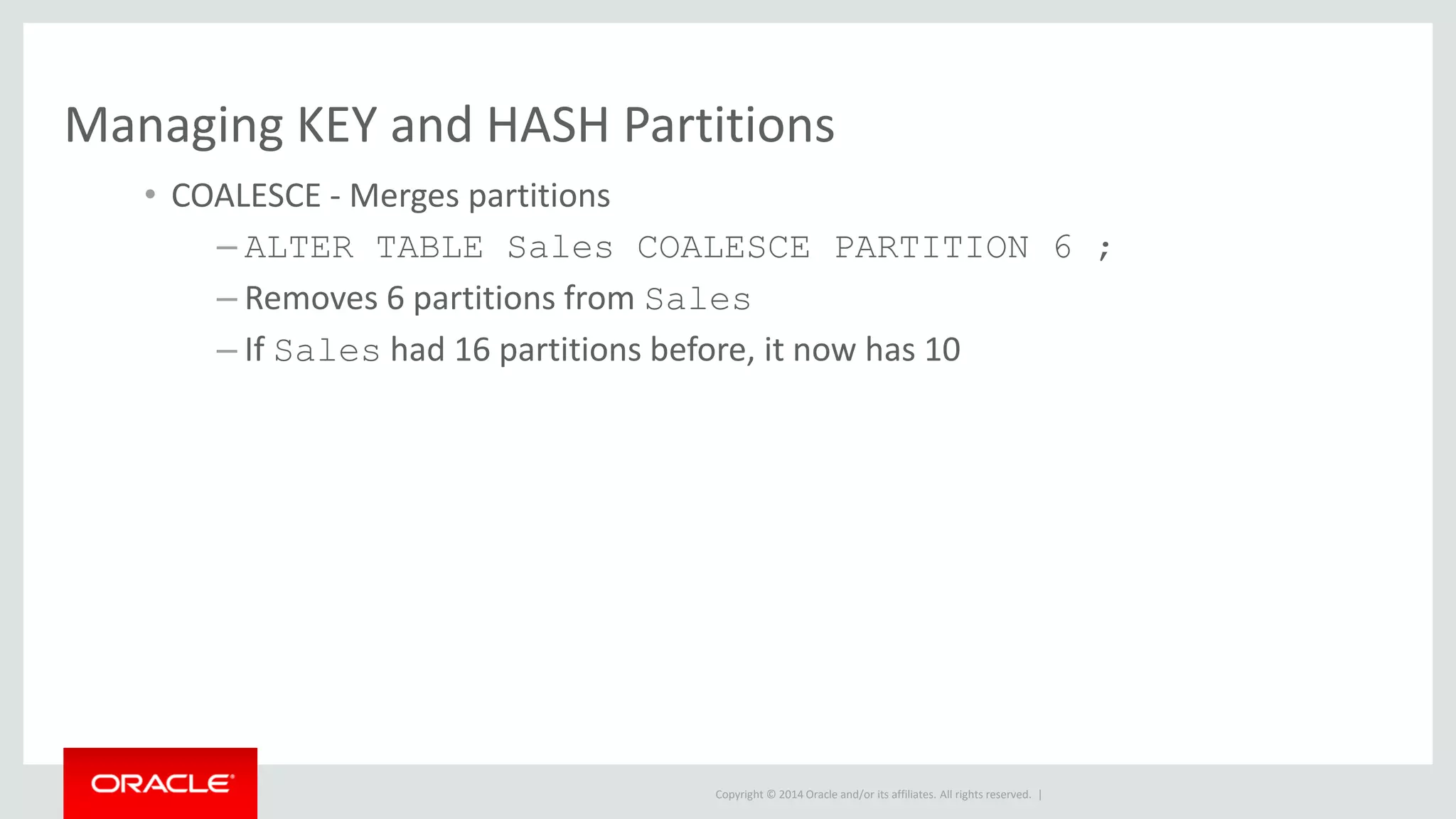
• COALESCE - Merges partitions
– ALTER TABLE Sales COALESCE PARTITION 6 ;
– Removes 6 partitions from Sales
– If Sales had 16 partitions before, it now has 10
Copyright © 2014 Oracle and/or its affiliates. All rights reserved. |
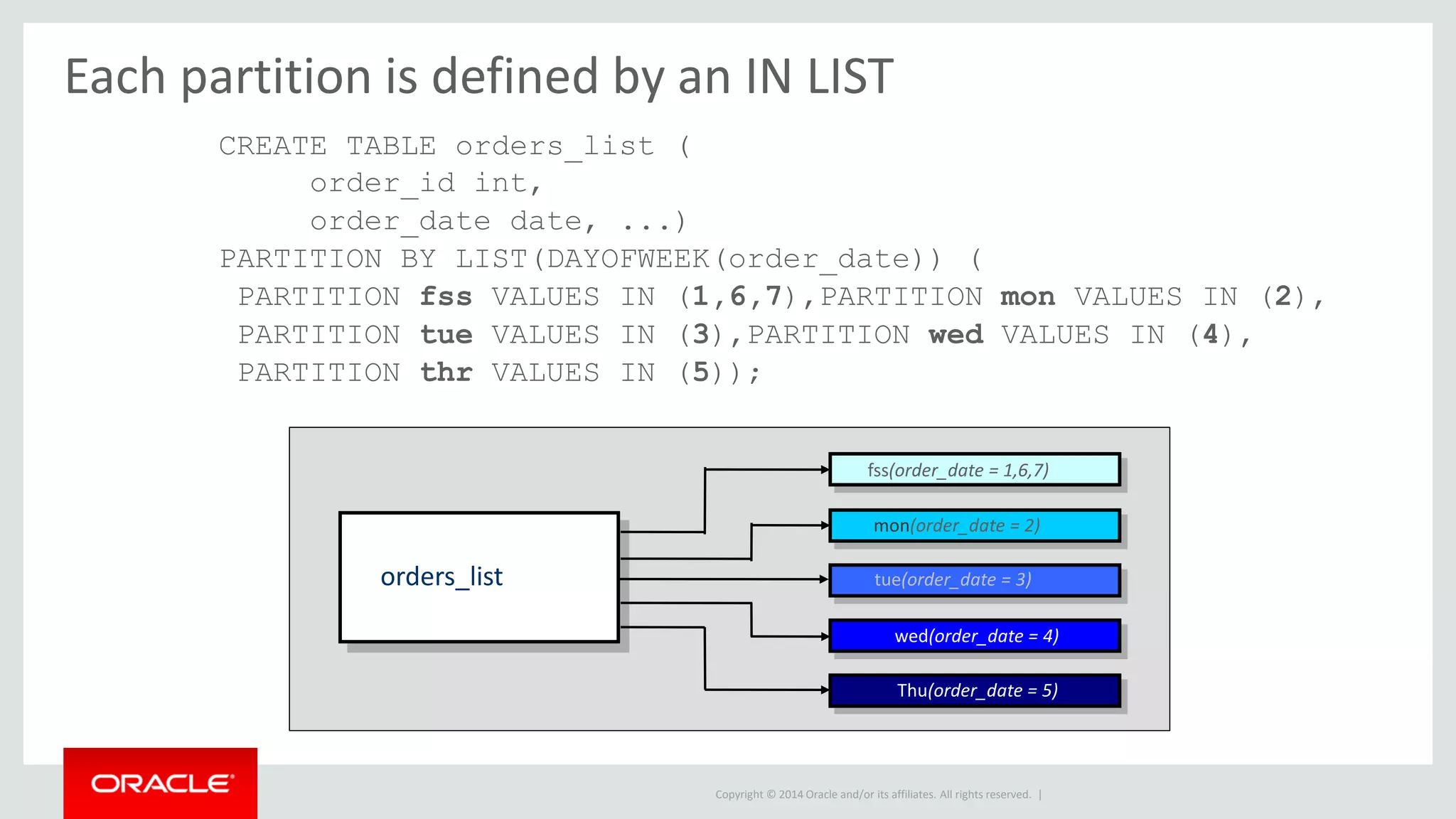
Each partition is defined by an IN LIST
CREATE TABLE orders_list (
order_id int,
order_date date, ...)
PARTITION BY LIST(DAYOFWEEK(order_date)) (
PARTITION fss VALUES IN (1,6,7),PARTITION mon VALUES IN (2),
PARTITION tue VALUES IN (3),PARTITION wed VALUES IN (4),
PARTITION thr VALUES IN (5));
orders_list
fss(order_date = 1,6,7)
mon(order_date = 2)
tue(order_date = 3)
wed(order_date = 4)
Thu(order_date = 5)
Copyright © 2014 Oracle and/or its affiliates. All rights reserved. |
Range Partitioning
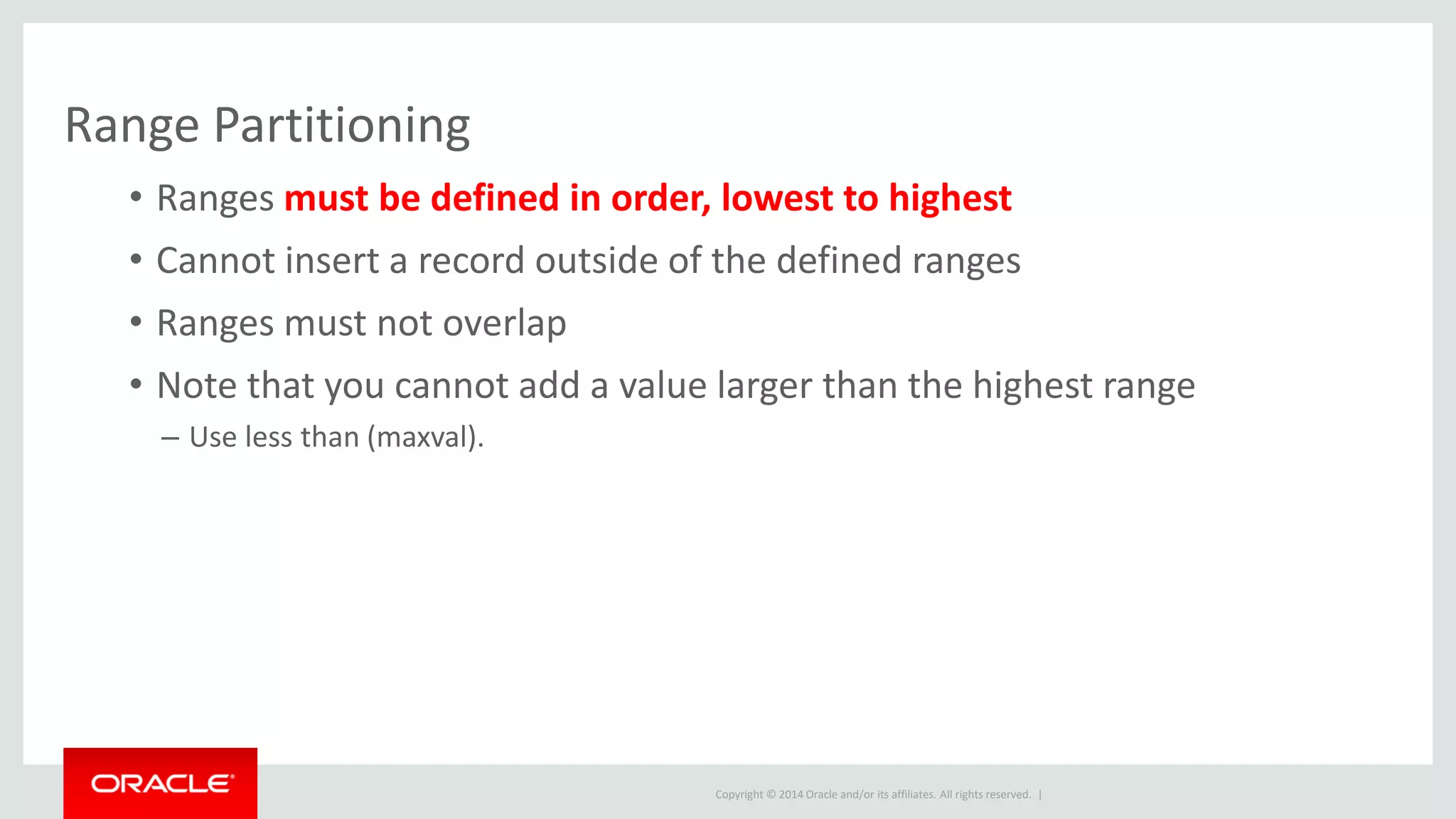
• Ranges must be defined in order, lowest to highest
• Cannot insert a record outside of the defined ranges
• Ranges must not overlap
• Note that you cannot add a value larger than the highest range
– Use less than (maxval).
Copyright © 2014 Oracle and/or its affiliates. All rights reserved. |
Range Partitioning
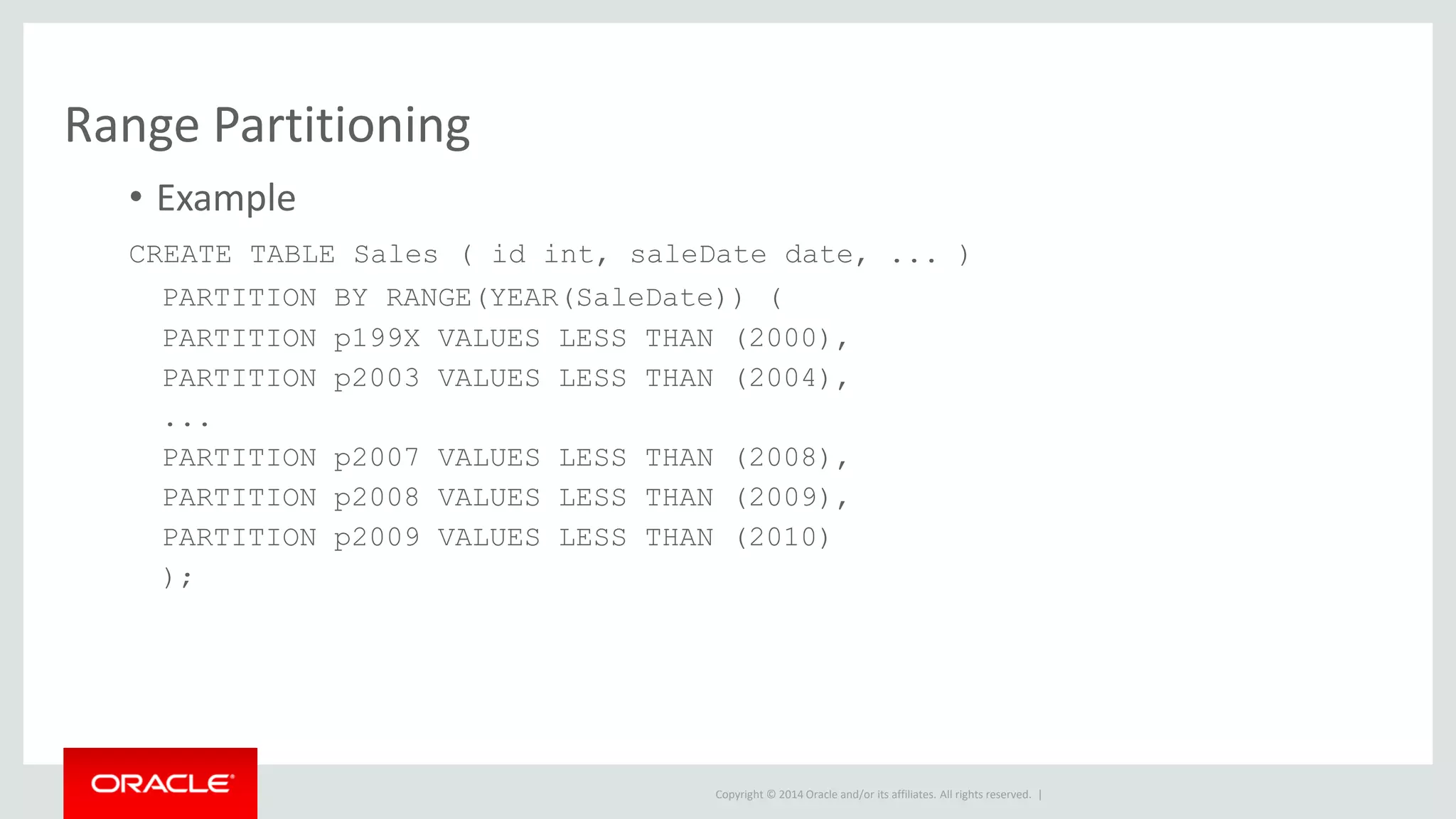
• Example
CREATE TABLE Sales ( id int, saleDate date, ... )
PARTITION BY RANGE(YEAR(SaleDate)) (
PARTITION p199X VALUES LESS THAN (2000),
PARTITION p2003 VALUES LESS THAN (2004),
...
PARTITION p2007 VALUES LESS THAN (2008),
PARTITION p2008 VALUES LESS THAN (2009),
PARTITION p2009 VALUES LESS THAN (2010)
);
Copyright © 2014 Oracle and/or its affiliates. All rights reserved. |
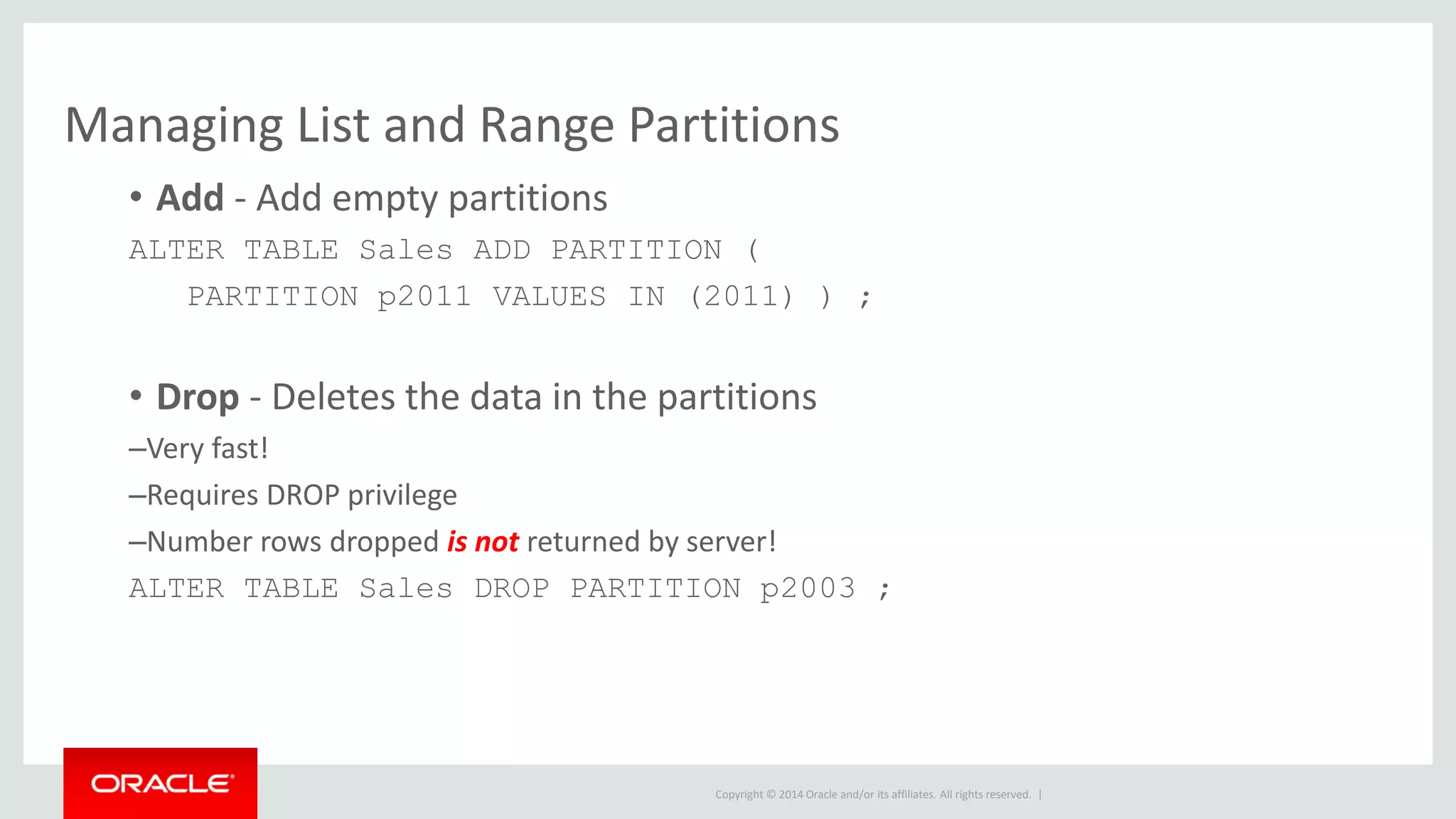
Managing List and Range Partitions
• Add - Add empty partitions
ALTER TABLE Sales ADD PARTITION (
PARTITION p2011 VALUES IN (2011) ) ;
• Drop - Deletes the data in the partitions
–Very fast!
–Requires DROP privilege
–Number rows dropped is not returned by server!
ALTER TABLE Sales DROP PARTITION p2003 ;
Copyright © 2014 Oracle and/or its affiliates. All rights reserved. |
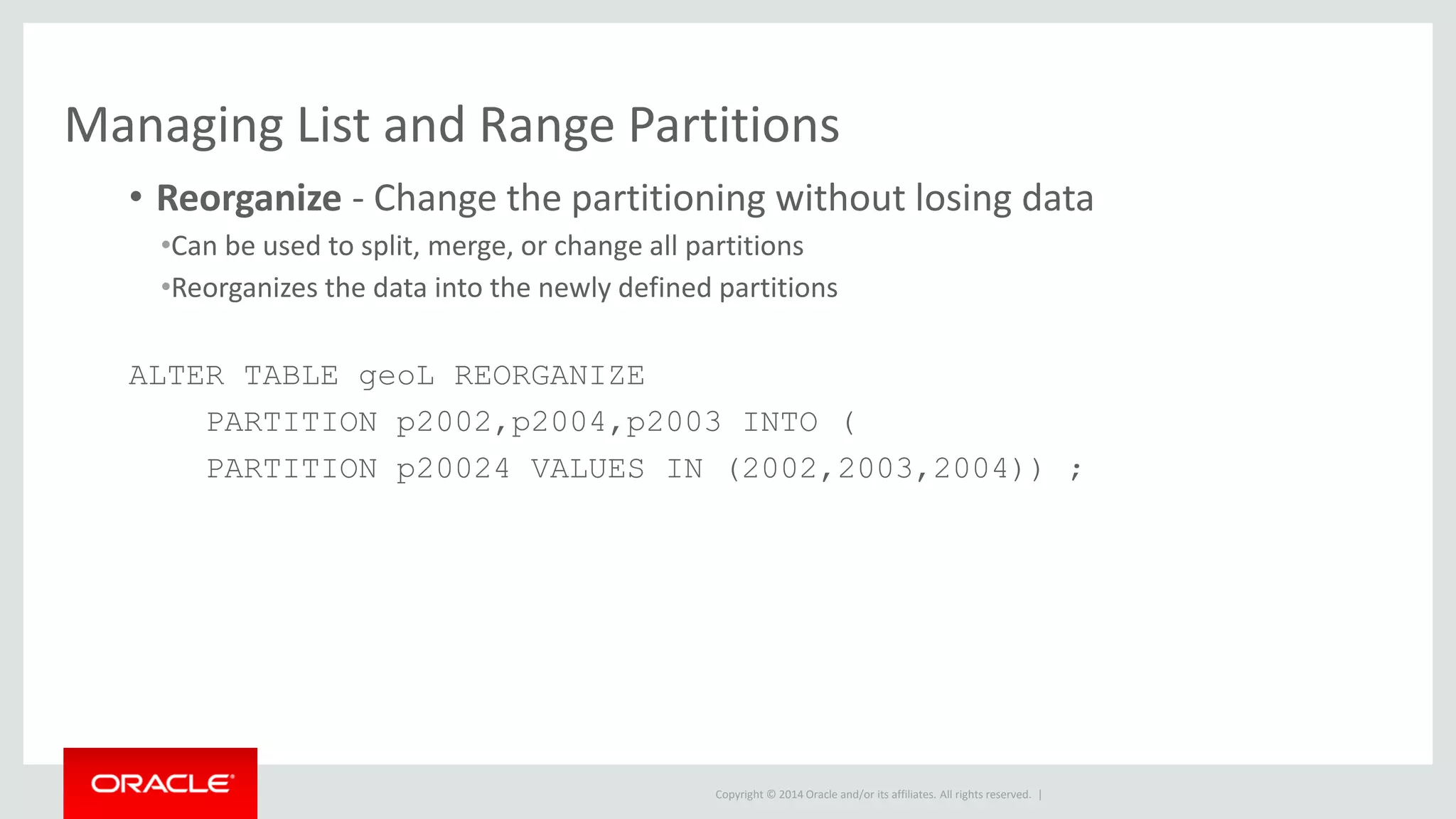
Managing List and Range Partitions
• Reorganize - Change the partitioning without losing data
•Can be used to split, merge, or change all partitions
•Reorganizes the data into the newly defined partitions
ALTER TABLE geoL REORGANIZE
PARTITION p2002,p2004,p2003 INTO (
PARTITION p20024 VALUES IN (2002,2003,2004)) ;
Copyright © 2014 Oracle and/or its affiliates. All rights reserved. |
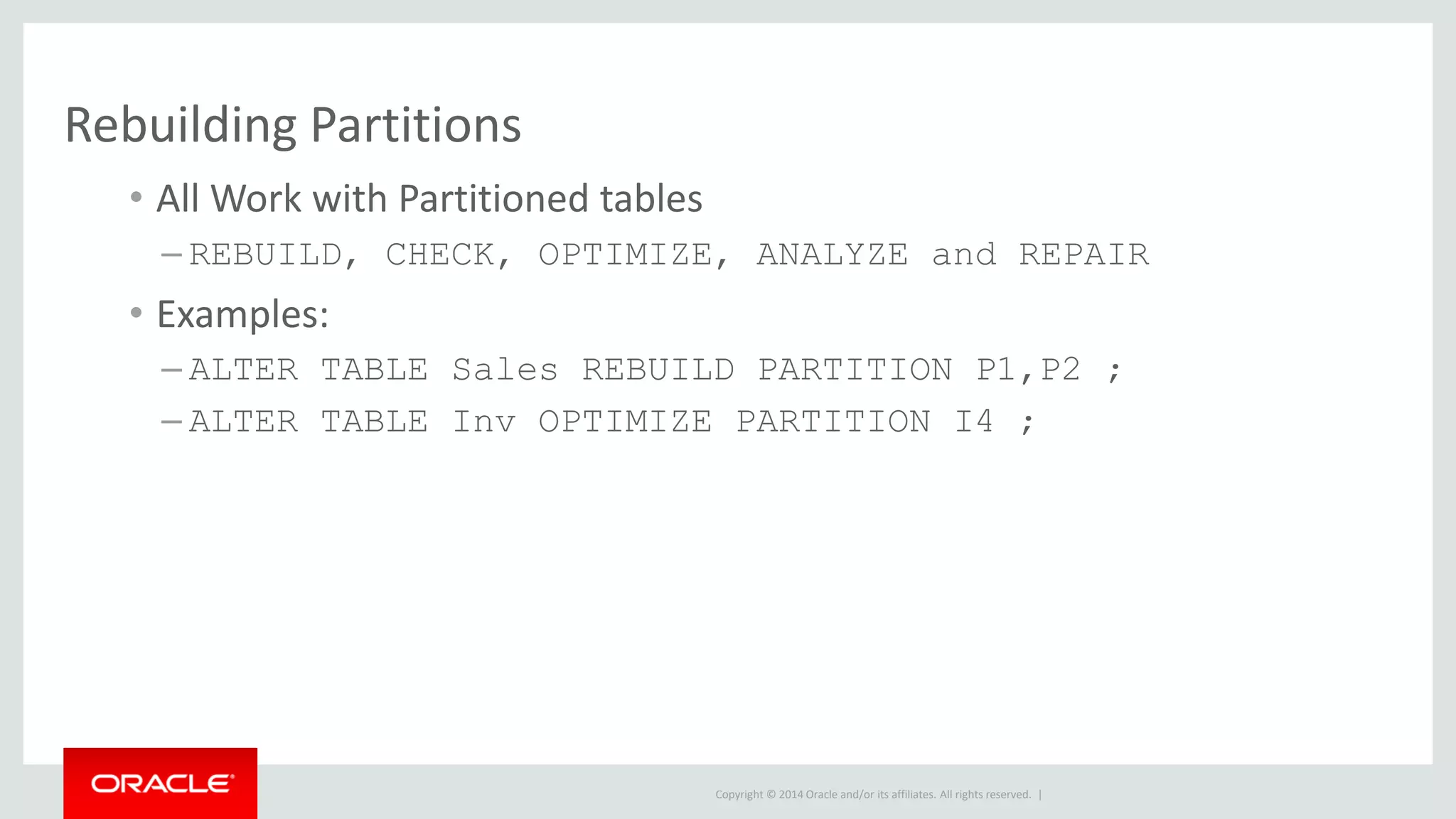
Rebuilding Partitions
• All Work with Partitioned tables
– REBUILD, CHECK, OPTIMIZE, ANALYZE and REPAIR
• Examples:
– ALTER TABLE Sales REBUILD PARTITION P1,P2 ;
– ALTER TABLE Inv OPTIMIZE PARTITION I4 ;
Copyright © 2014 Oracle and/or its affiliates. All rights reserved. |
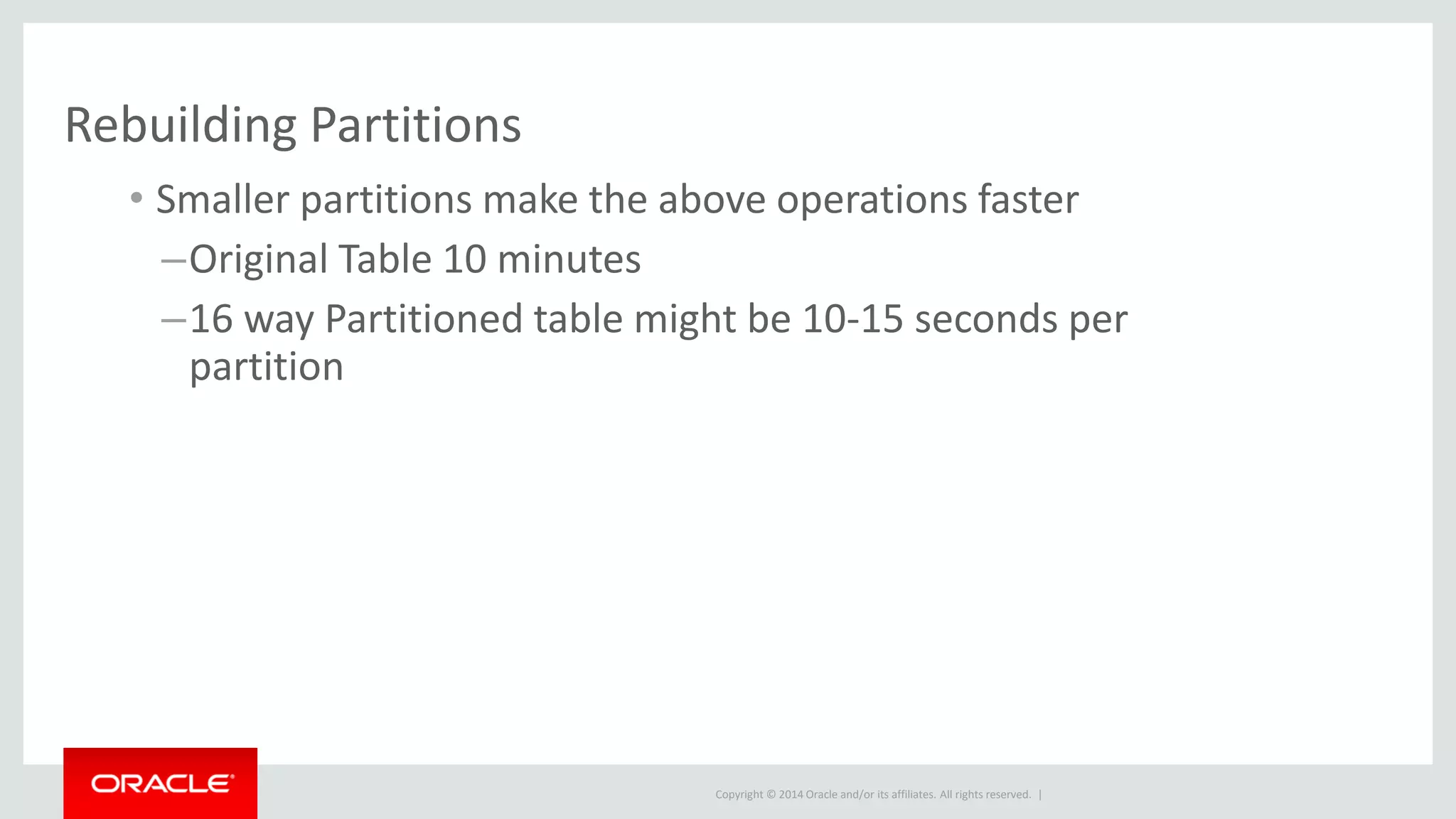
Rebuilding Partitions
• Smaller partitions make the above operations faster
–Original Table 10 minutes
–16 way Partitioned table might be 10-15 seconds per
partition
Copyright © 2014 Oracle and/or its affiliates. All rights reserved. |
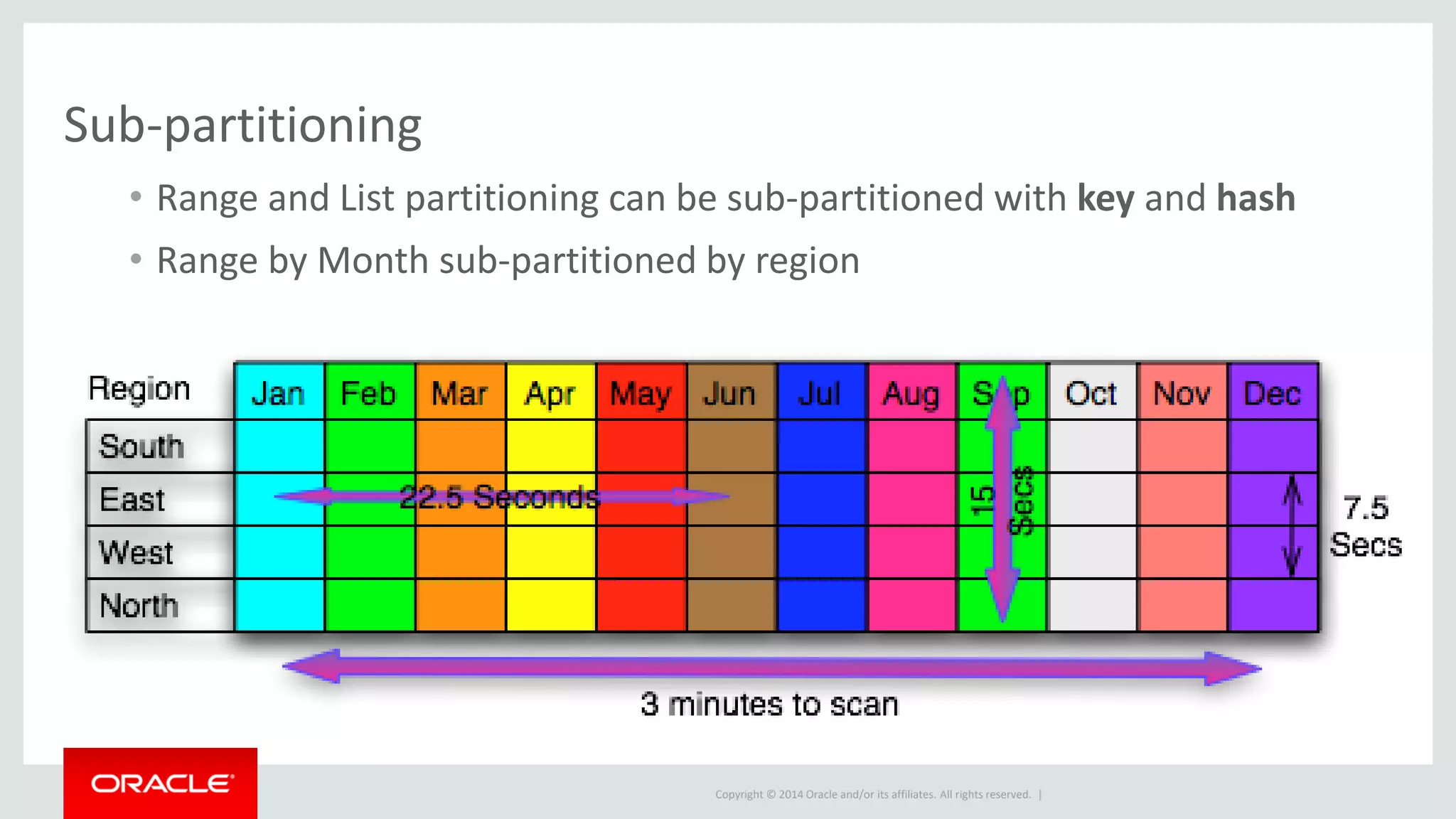
Sub-partitioning
• Range and List partitioning can be sub-partitioned with key and hash
• Range by Month sub-partitioned by region
Copyright © 2014 Oracle and/or its affiliates. All rights reserved. |
Pruning
MySQL can handle lots of data, use it in smaller chunks
Copyright © 2014 Oracle and/or its affiliates. All rights reserved. |
Partition pruning
• Pruning happens when the MySQL optimizer only references
partitions needed for a particular query
– Optimizer’s partition pruning mechanism provides performance
increase
– “Do not scan partitions where there can be no matching values.”
Copyright © 2014 Oracle and/or its affiliates. All rights reserved. |
Partition pruning
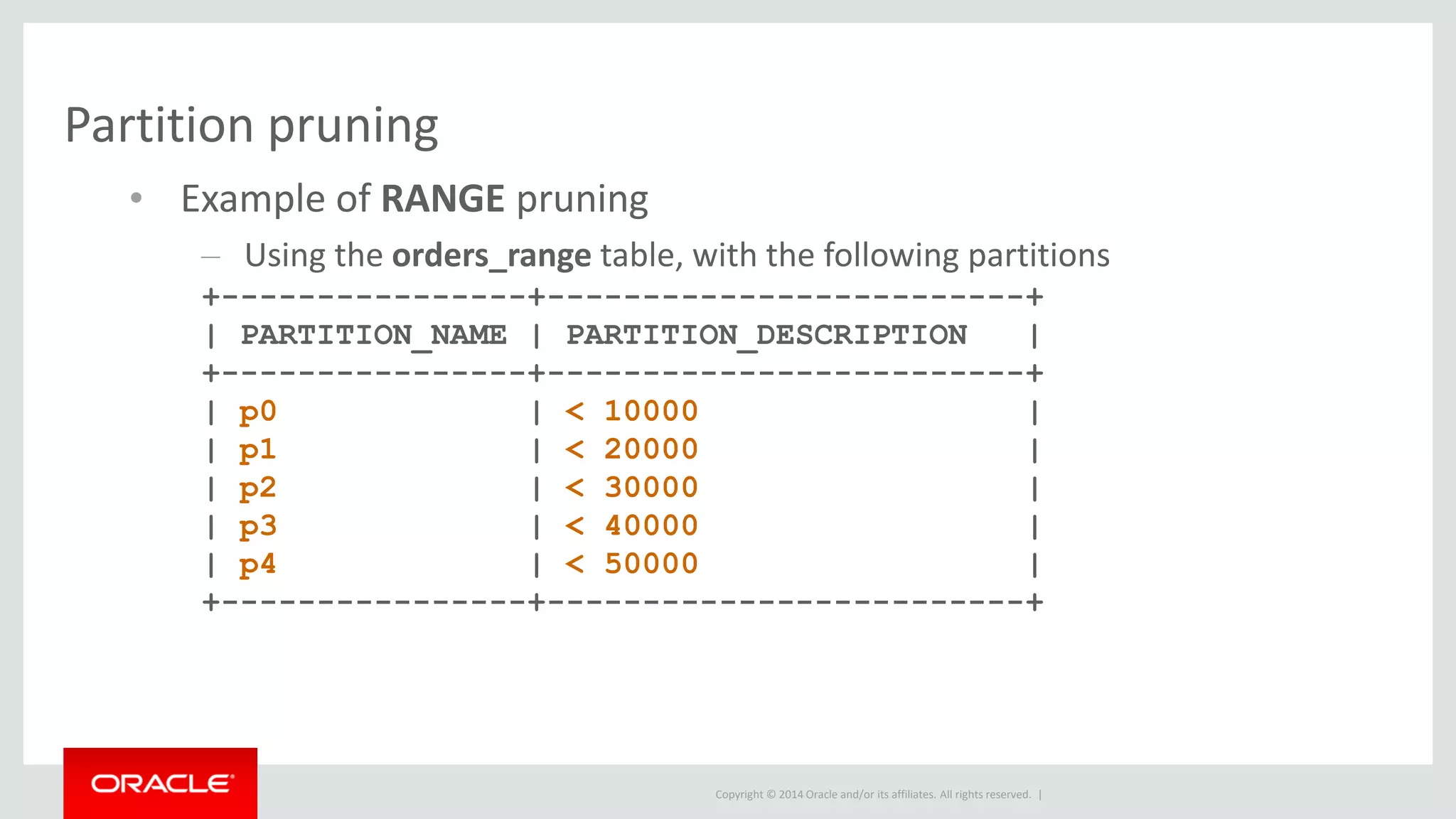
• Example of RANGE pruning
– Using the orders_range table, with the following partitions
+----------------+-------------------------+
| PARTITION_NAME | PARTITION_DESCRIPTION |
+----------------+-------------------------+
| p0 | < 10000 |
| p1 | < 20000 |
| p2 | < 30000 |
| p3 | < 40000 |
| p4 | < 50000 |
+----------------+-------------------------+
Copyright © 2014 Oracle and/or its affiliates. All rights reserved. |
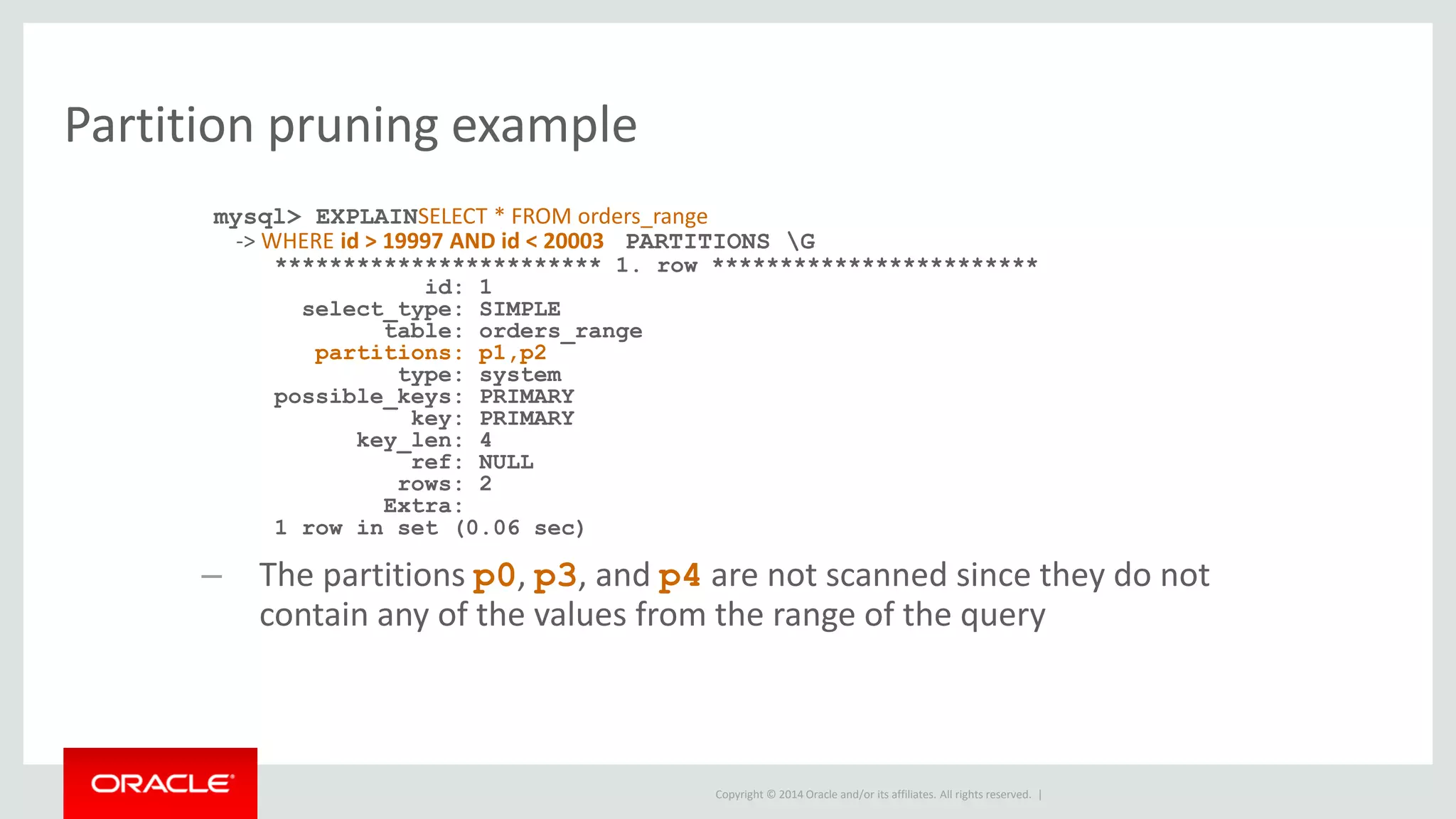
Partition pruning example
mysql> EXPLAINSELECT * FROM orders_range
-> WHERE id > 19997 AND id < 20003 PARTITIONS G
************************ 1. row ************************
id: 1
select_type: SIMPLE
table: orders_range
partitions: p1,p2
type: system
possible_keys: PRIMARY
key: PRIMARY
key_len: 4
ref: NULL
rows: 2
Extra:
1 row in set (0.06 sec)
– The partitions p0, p3, and p4 are not scanned since they do not
contain any of the values from the range of the query
Copyright © 2014 Oracle and/or its affiliates. All rights reserved. |
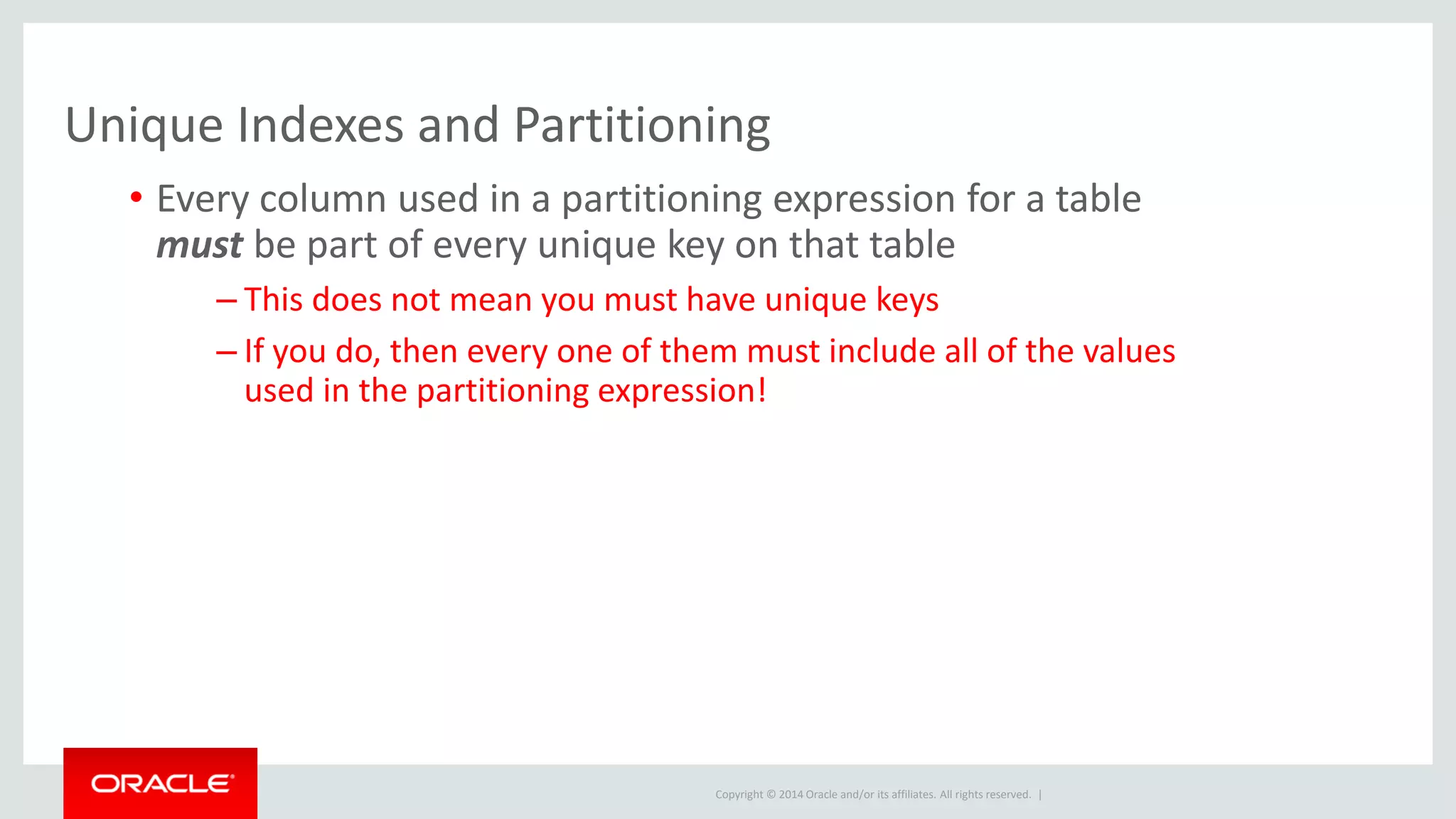
Unique Indexes and Partitioning
• Every column used in a partitioning expression for a table
must be part of every unique key on that table
– This does not mean you must have unique keys
– If you do, then every one of them must include all of the values
used in the partitioning expression!
Copyright © 2014 Oracle and/or its affiliates. All rights reserved. |
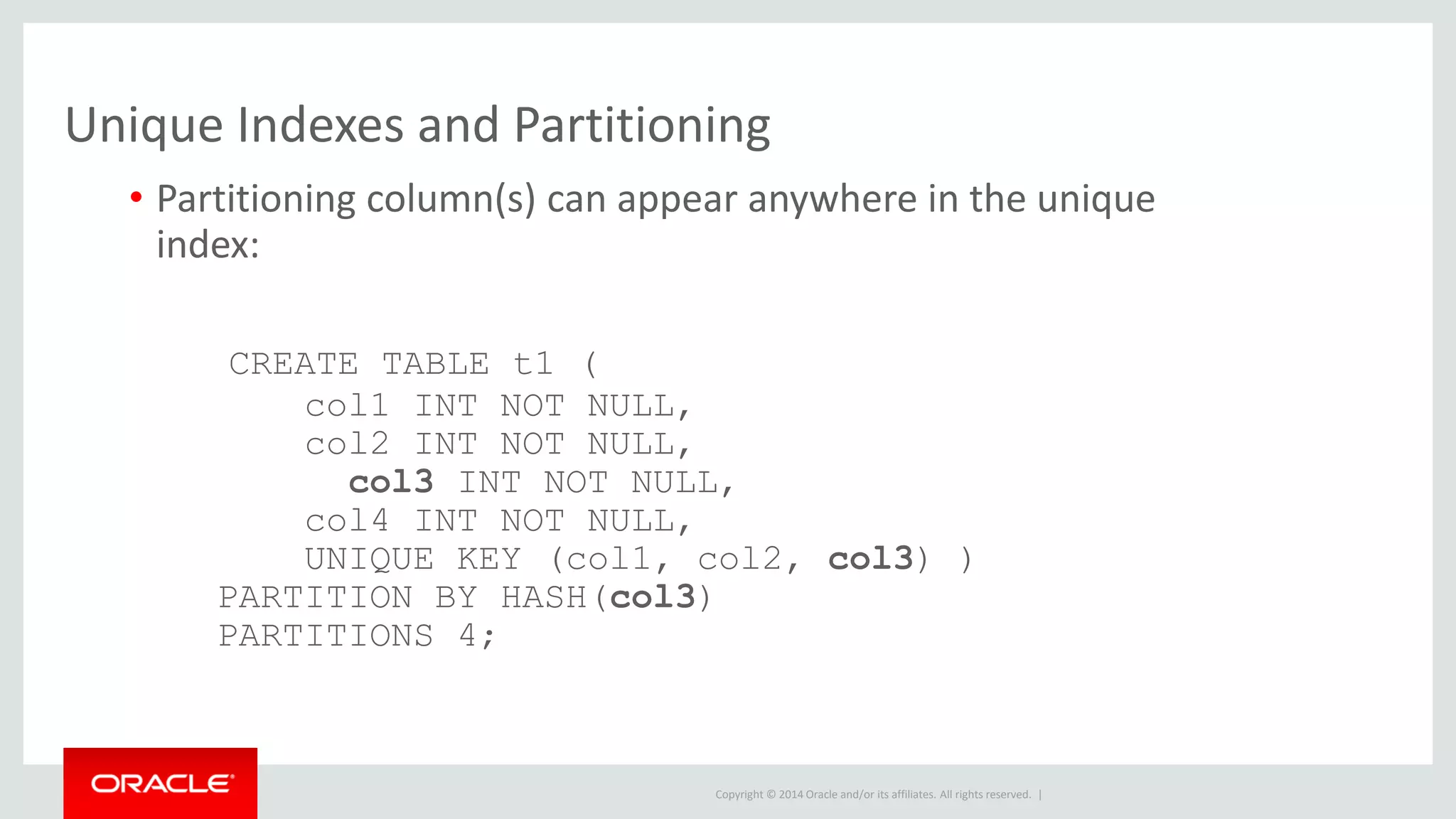
Unique Indexes and Partitioning
• Partitioning column(s) can appear anywhere in the unique
index:
CREATE TABLE t1 (
col1 INT NOT NULL,
col2 INT NOT NULL,
col3 INT NOT NULL,
col4 INT NOT NULL,
UNIQUE KEY (col1, col2, col3) )
PARTITION BY HASH(col3)
PARTITIONS 4;
Copyright © 2014 Oracle and/or its affiliates. All rights reserved. |
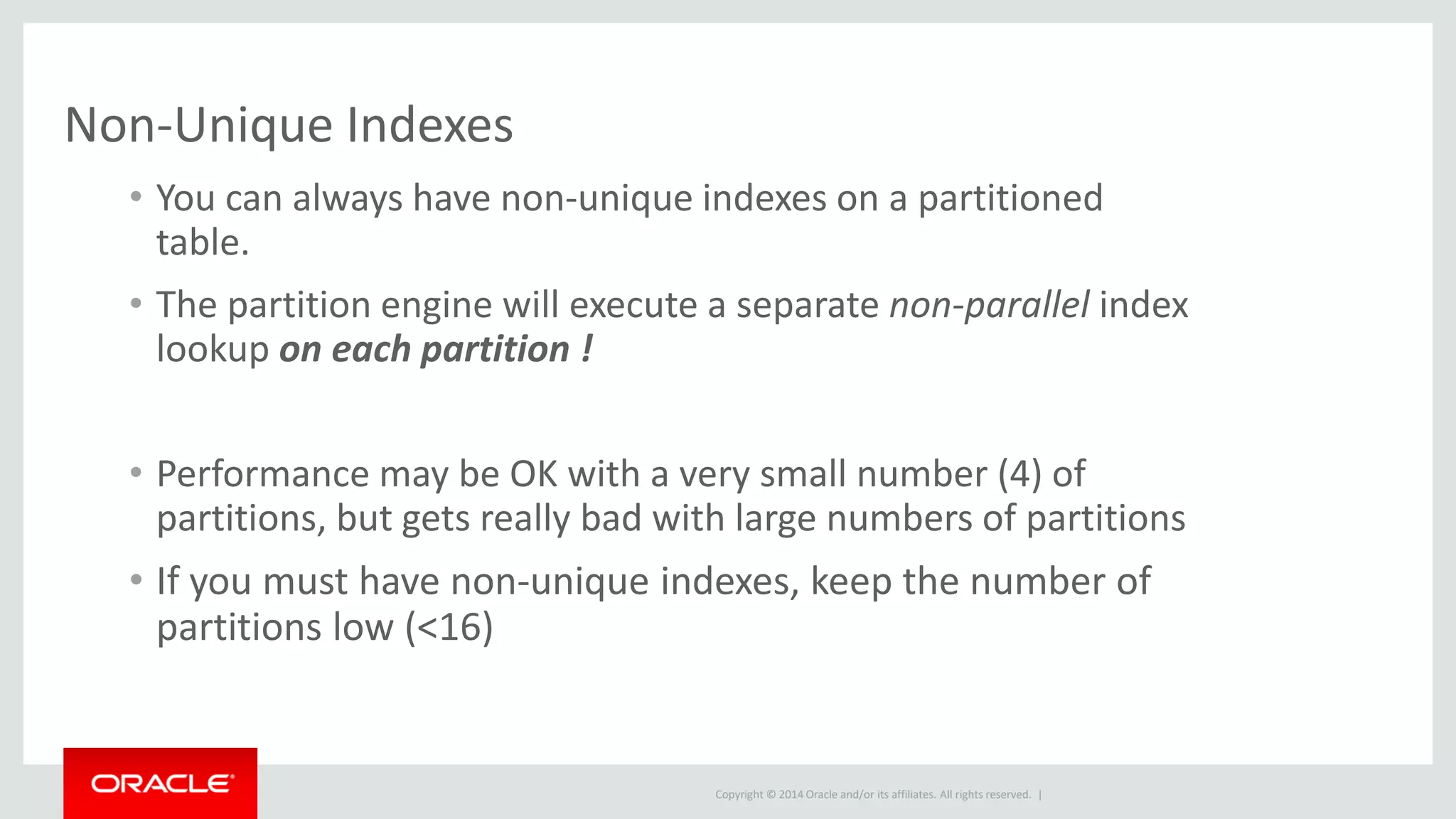
Non-Unique Indexes
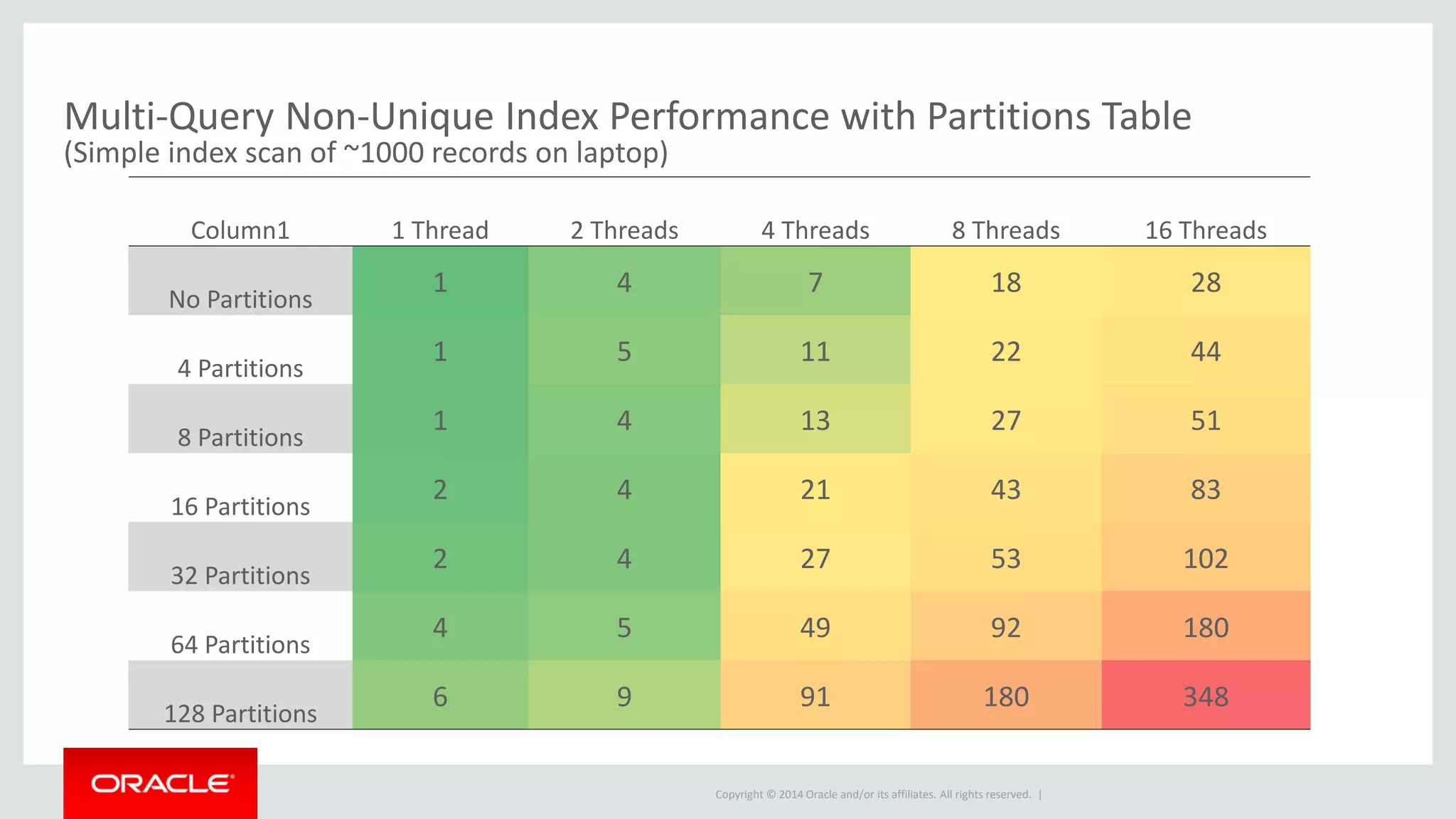
• You can always have non-unique indexes on a partitioned
table.
• The partition engine will execute a separate non-parallel index
lookup on each partition !
• Performance may be OK with a very small number (4) of
partitions, but gets really bad with large numbers of partitions
• If you must have non-unique indexes, keep the number of
partitions low (<16)
Copyright © 2014 Oracle and/or its affiliates. All rights reserved. |
Column1 1 Thread 2 Threads 4 Threads 8 Threads 16 Threads
No Partitions
1 4 7 18 28
4 Partitions
1 5 11 22 44
8 Partitions
1 4 13 27 51
16 Partitions
2 4 21 43 83
32 Partitions
2 4 27 53 102
64 Partitions
4 5 49 92 180
128 Partitions
6 9 91 180 348
Multi-Query Non-Unique Index Performance with Partitions Table
(Simple index scan of ~1000 records on laptop)
Copyright © 2014 Oracle and/or its affiliates. All rights reserved. |
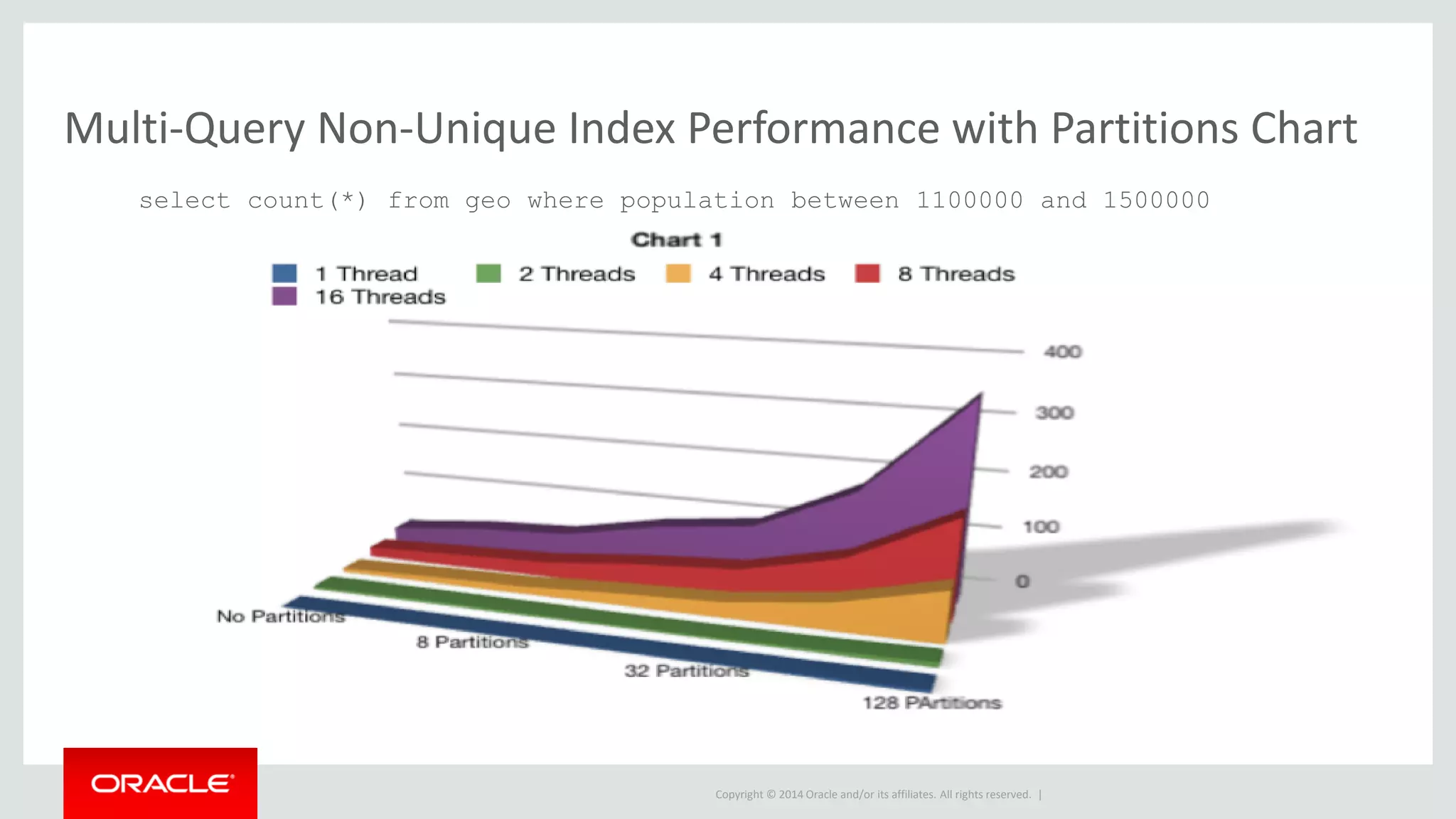
Multi-Query Non-Unique Index Performance with Partitions Chart
select count(*) from geo where population between 1100000 and 1500000
Copyright © 2014 Oracle and/or its affiliates. All rights reserved. |
Indexes and Partitioning
• A well designed partitioned table has few or even NO
indexes!
– Should always have less than the non-partitioned table!
• Need to re-design indexes!
• Too many partitions over 124 start to really slow down non-
unique index lookups
Copyright © 2014 Oracle and/or its affiliates. All rights reserved. |
Data Rolling
Copyright © 2014 Oracle and/or its affiliates. All rights reserved. |
Short Term Rolling Data
• Goal:
– Reduce or eliminate delete overhead
• When to Use:
– Data only needs to be kept for a few hours or days
– Not a lot of data, indexes work fine for lookups
– It's hard to balance the deletes against other operations
Copyright © 2014 Oracle and/or its affiliates. All rights reserved. |
Short Term Rolling Data
• Steps:
– Create a table (LIST or RANGE) with at least three partitions
– Let partitions 1 and 2 fill
– Drop part 1 and add part 3
• Goal: not for select query performance, only for fast
deletes
Copyright © 2014 Oracle and/or its affiliates. All rights reserved. |
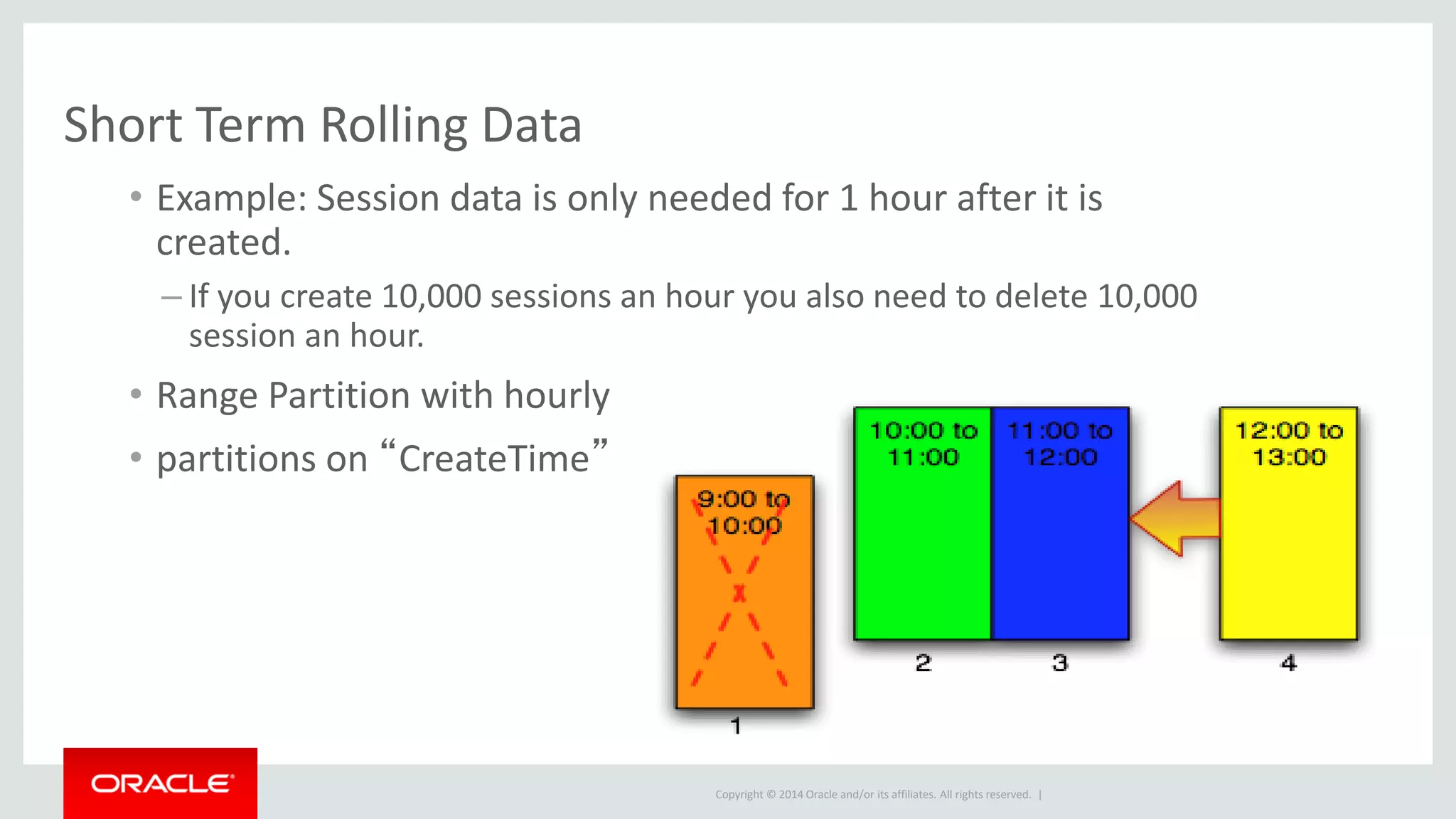
Short Term Rolling Data
• Example: Session data is only needed for 1 hour after it is
created.
– If you create 10,000 sessions an hour you also need to delete 10,000
session an hour.
• Range Partition with hourly
• partitions on “CreateTime”
Copyright © 2014 Oracle and/or its affiliates. All rights reserved. |
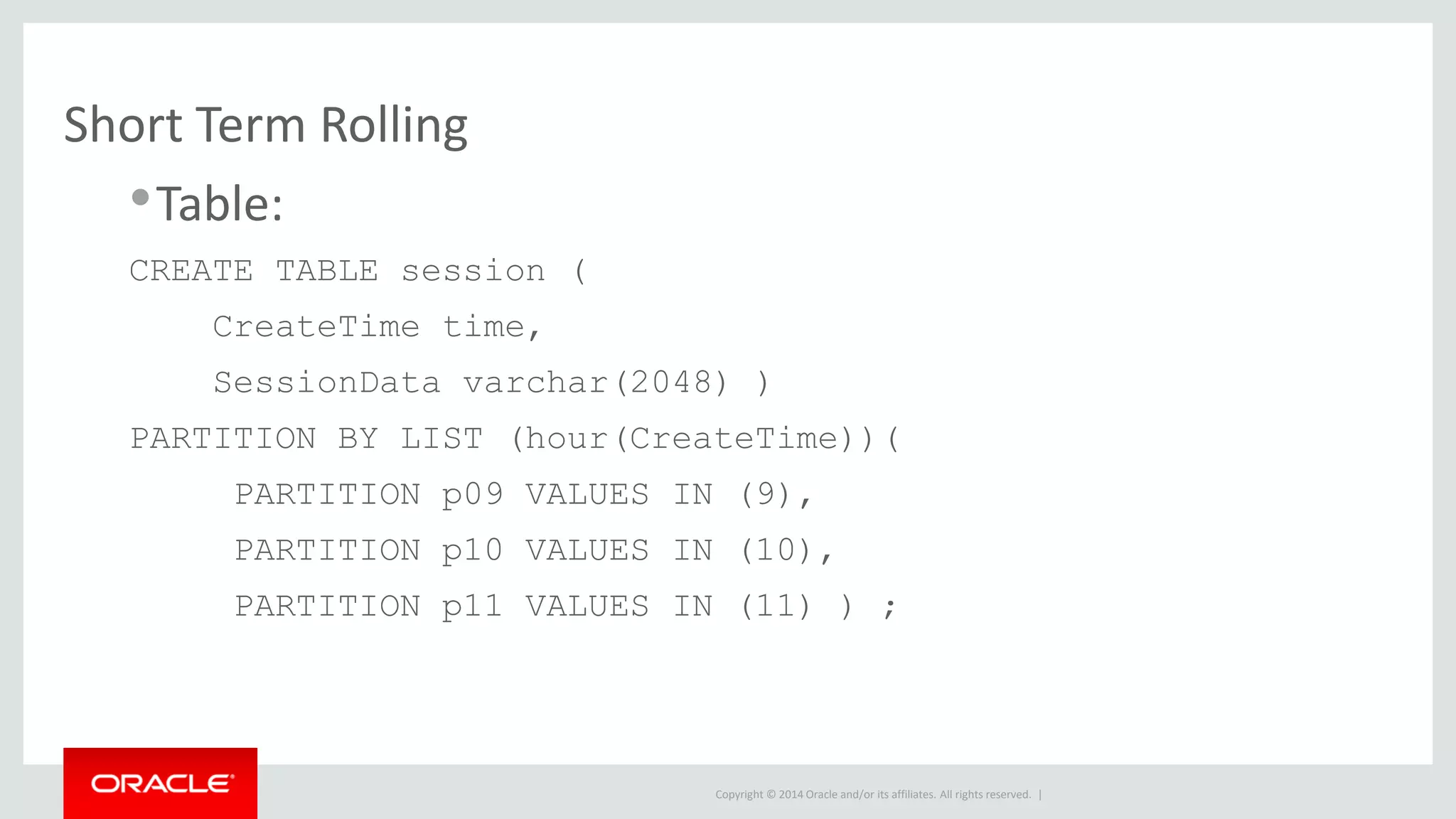
Short Term Rolling
•Table:
CREATE TABLE session (
CreateTime time,
SessionData varchar(2048) )
PARTITION BY LIST (hour(CreateTime))(
PARTITION p09 VALUES IN (9),
PARTITION p10 VALUES IN (10),
PARTITION p11 VALUES IN (11) ) ;
Copyright © 2014 Oracle and/or its affiliates. All rights reserved. |
Short Term Rolling
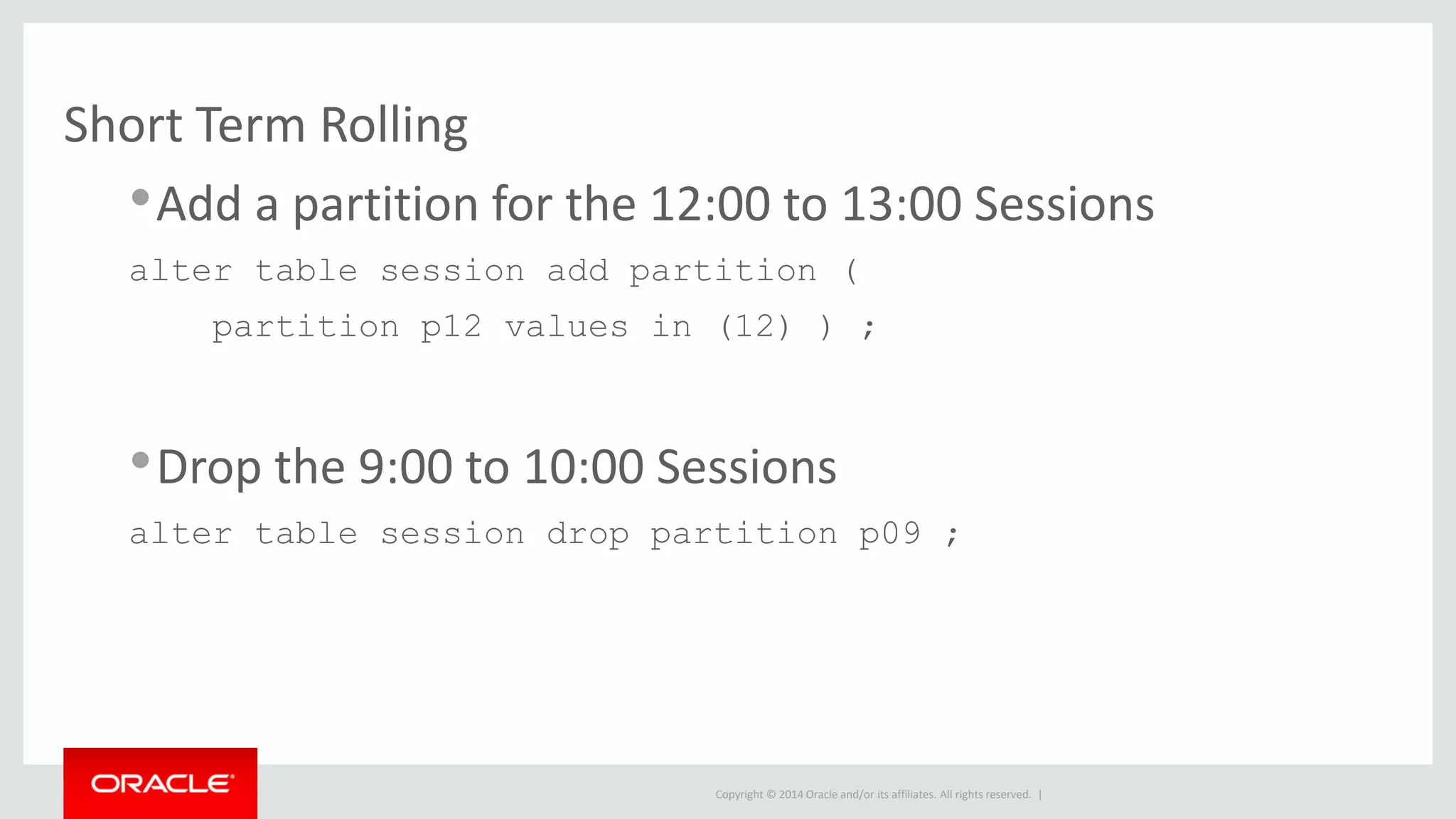
•Add a partition for the 12:00 to 13:00 Sessions
alter table session add partition (
partition p12 values in (12) ) ;
•Drop the 9:00 to 10:00 Sessions
alter table session drop partition p09 ;
Copyright © 2014 Oracle and/or its affiliates. All rights reserved. |
Long Term Rolling Data
• Goals:
– Reduce optimize and other maintenance overhead
– Eliminate delete overhead
– Speed up selects and inserts
• Steps:
– Partition the table into many (usually 32+) partitions
– Roll N partitions out for each N you add.
Copyright © 2014 Oracle and/or its affiliates. All rights reserved. |
Long Term Rolling Data
• When to use:
– Very large tables 100 GB or more, too big for cache
– date column or similar to partition on
– Most of your queries filter on the partitioning column
– Most queries currently do large index scans
– Inserts are getting too slow
– Optimize, add index, etc. are taking far too long
Copyright © 2014 Oracle and/or its affiliates. All rights reserved. |
Long Term Rolling Data
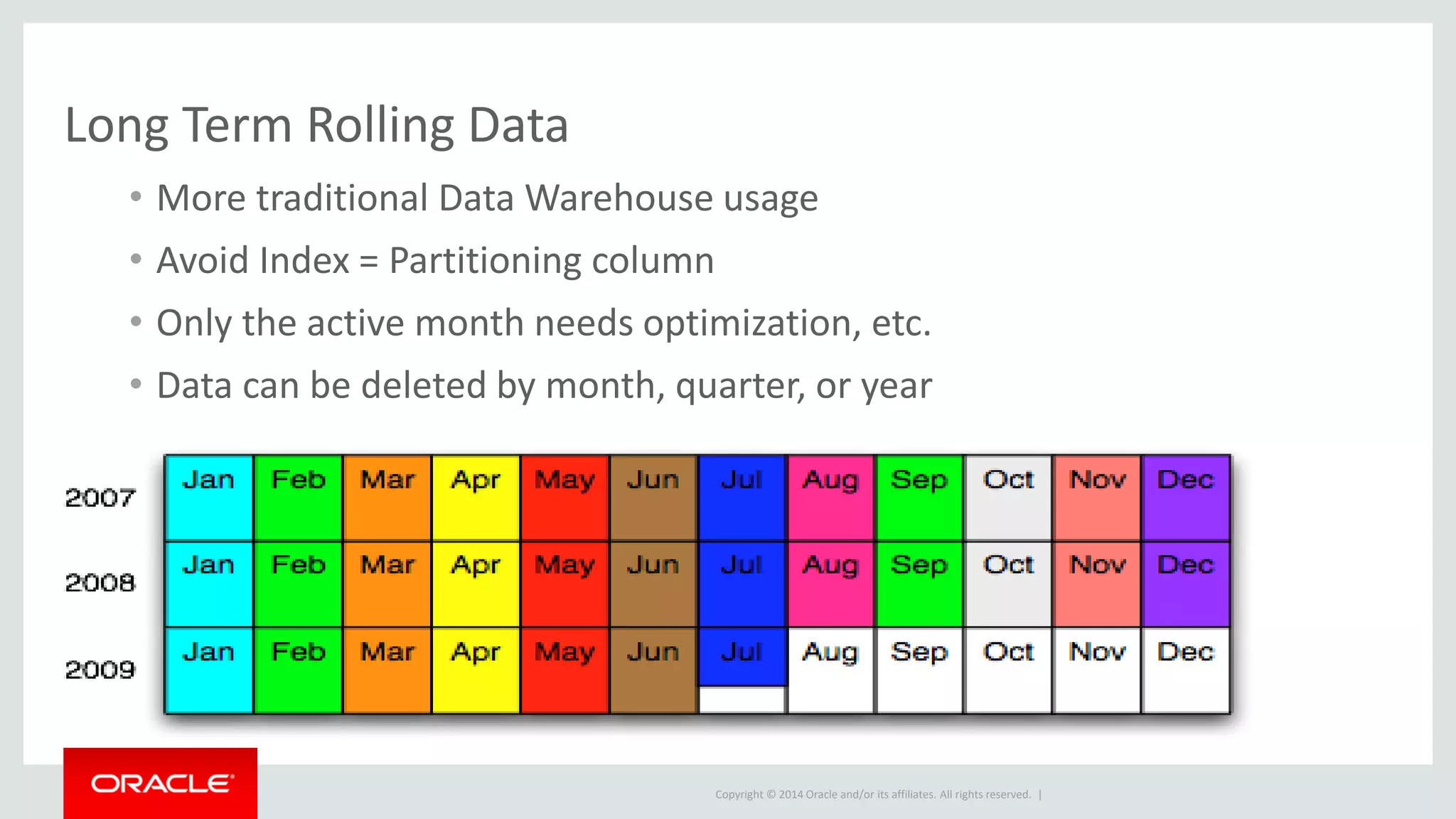
• More traditional Data Warehouse usage
• Avoid Index = Partitioning column
• Only the active month needs optimization, etc.
• Data can be deleted by month, quarter, or year
Copyright © 2014 Oracle and/or its affiliates. All rights reserved. |
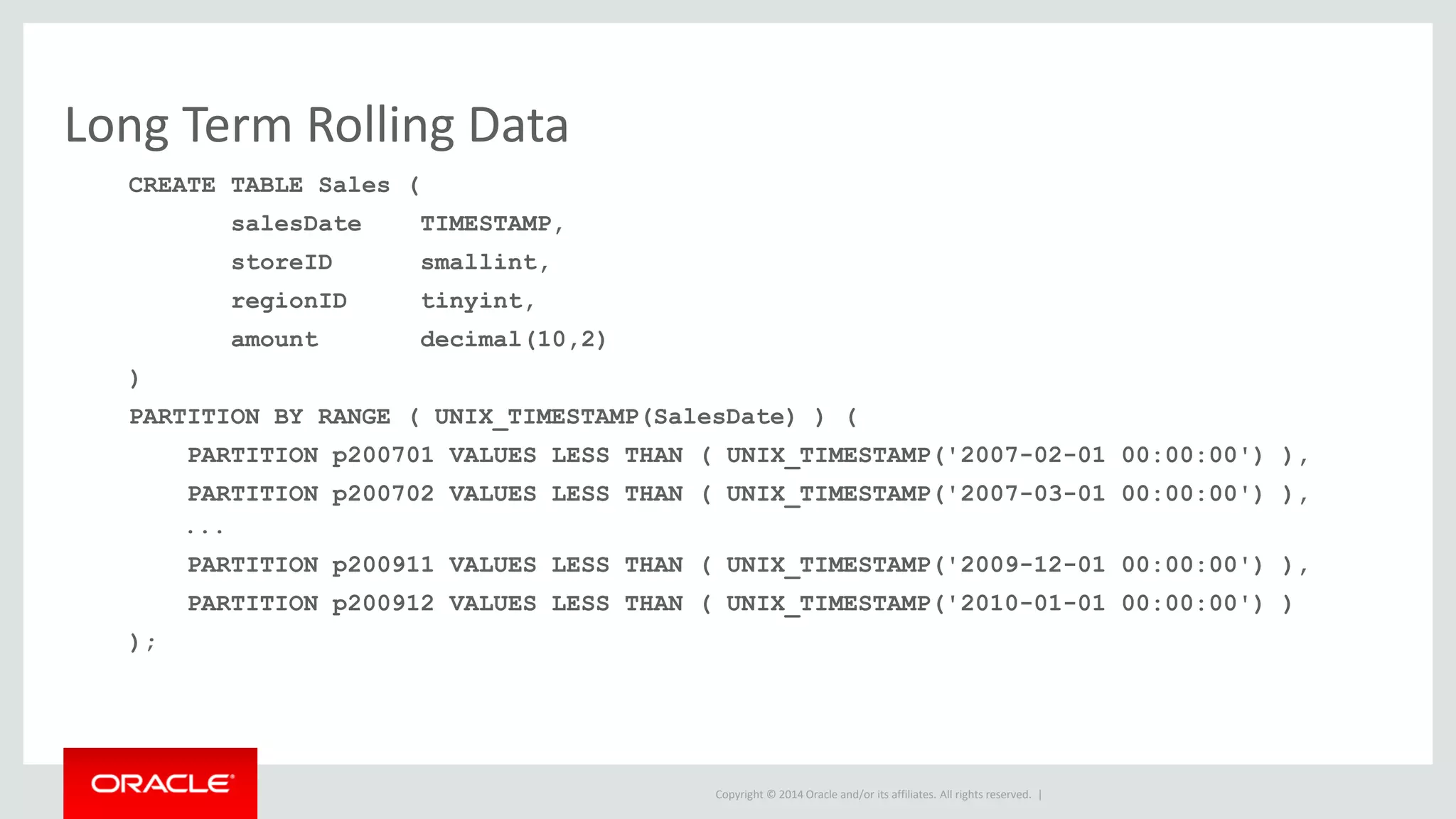
Long Term Rolling Data
CREATE TABLE Sales (
salesDate TIMESTAMP,
storeID smallint,
regionID tinyint,
amount decimal(10,2)
)
PARTITION BY RANGE ( UNIX_TIMESTAMP(SalesDate) ) (
PARTITION p200701 VALUES LESS THAN ( UNIX_TIMESTAMP('2007-02-01 00:00:00') ),
PARTITION p200702 VALUES LESS THAN ( UNIX_TIMESTAMP('2007-03-01 00:00:00') ),
...
PARTITION p200911 VALUES LESS THAN ( UNIX_TIMESTAMP('2009-12-01 00:00:00') ),
PARTITION p200912 VALUES LESS THAN ( UNIX_TIMESTAMP('2010-01-01 00:00:00') )
);
Copyright © 2014 Oracle and/or its affiliates. All rights reserved. |
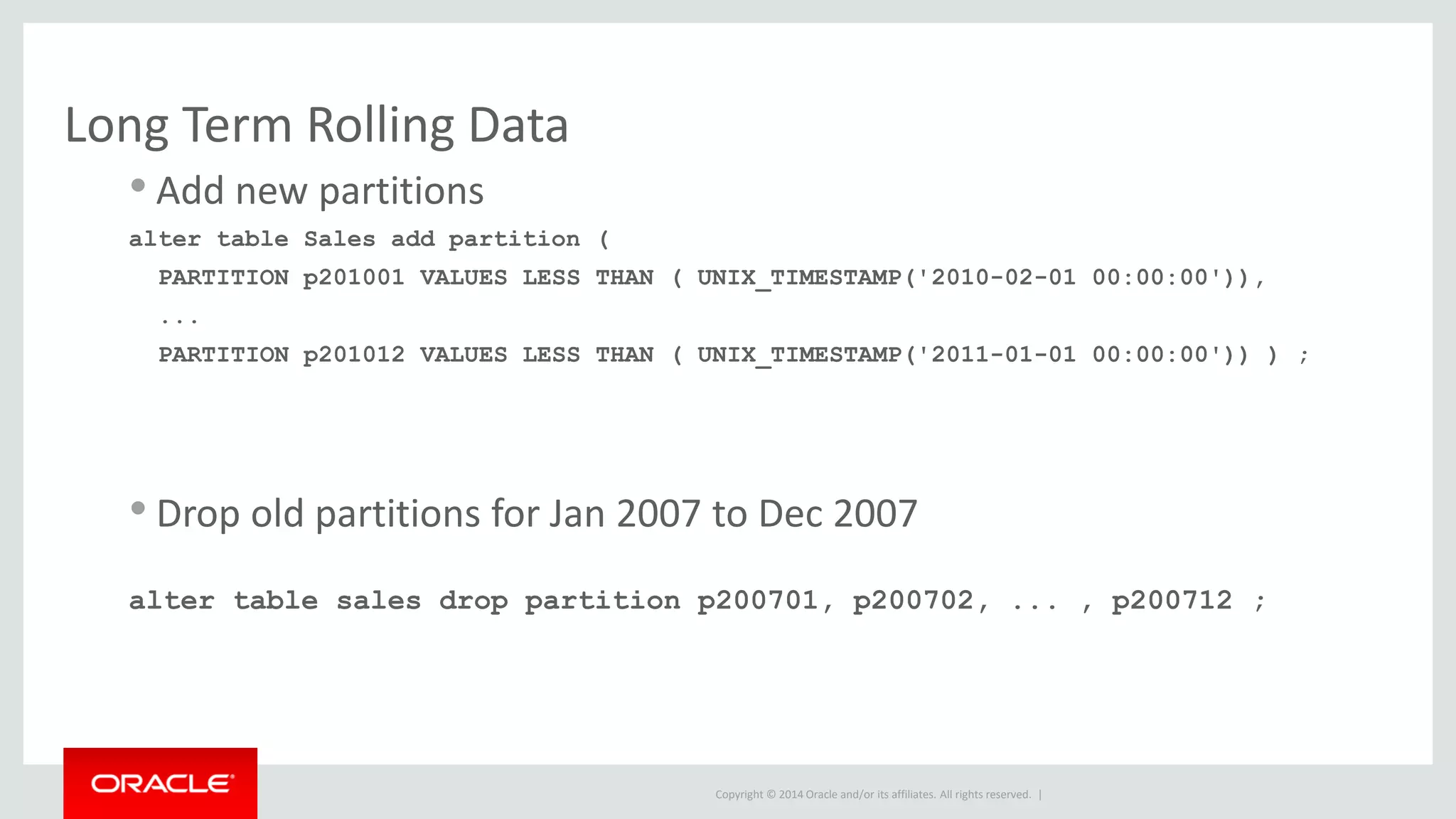
Long Term Rolling Data
• Add new partitions
alter table Sales add partition (
PARTITION p201001 VALUES LESS THAN ( UNIX_TIMESTAMP('2010-02-01 00:00:00')),
...
PARTITION p201012 VALUES LESS THAN ( UNIX_TIMESTAMP('2011-01-01 00:00:00')) ) ;
• Drop old partitions for Jan 2007 to Dec 2007
alter table sales drop partition p200701, p200702, ... , p200712 ;
Copyright © 2014 Oracle and/or its affiliates. All rights reserved. |
Partition Maintenance
Copyright © 2014 Oracle and/or its affiliates. All rights reserved. |
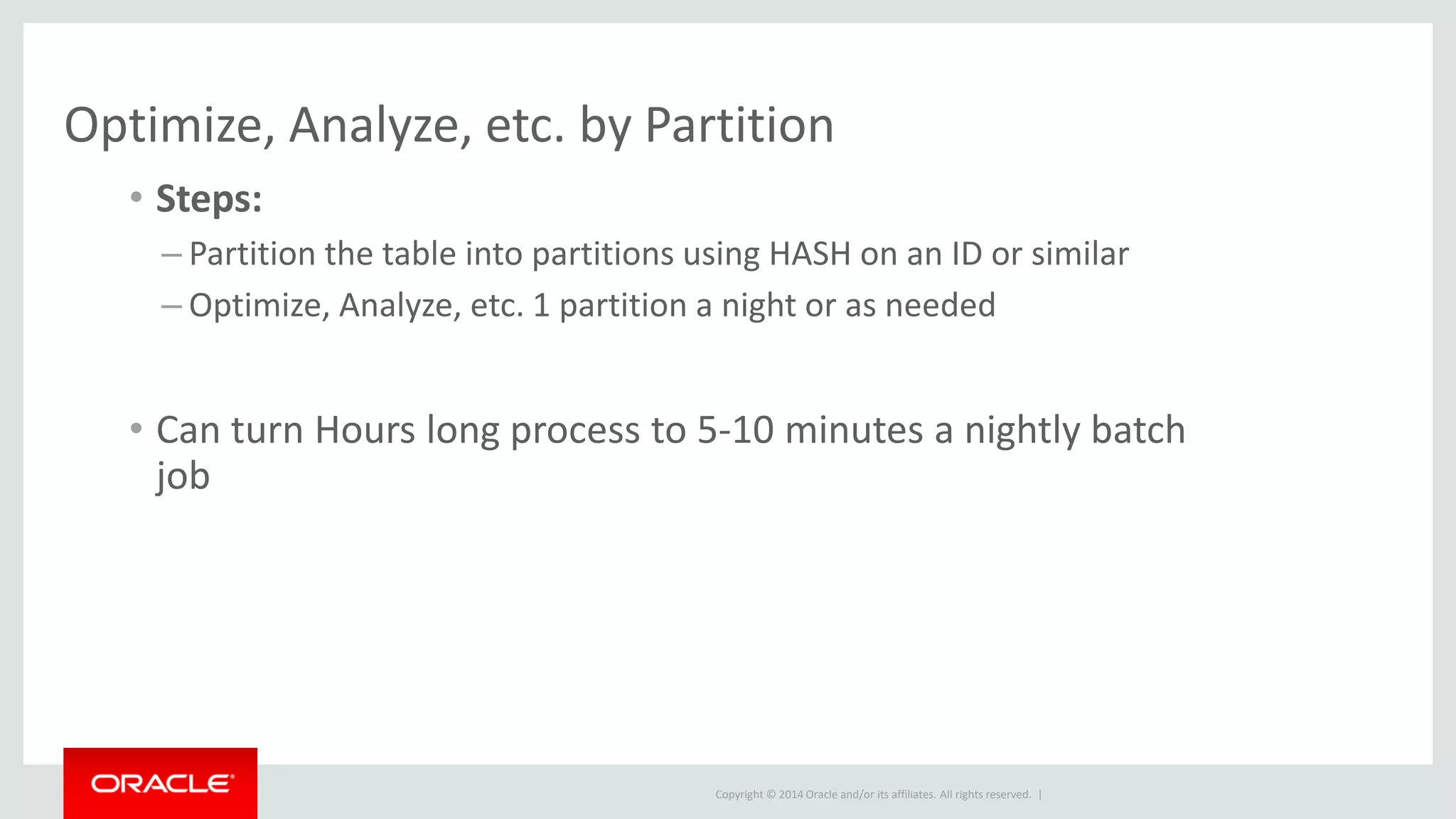
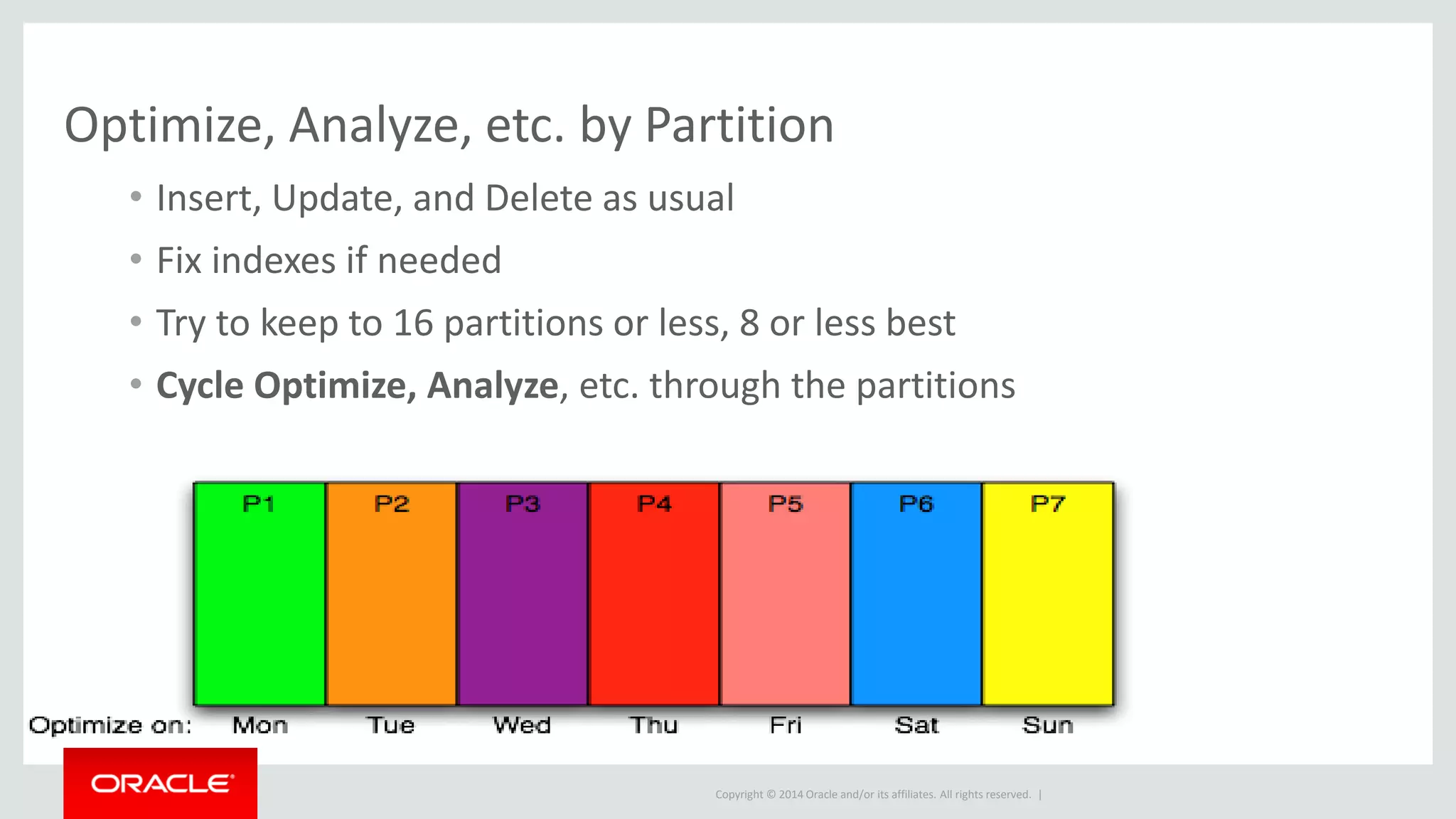
Optimize, Analyze, etc. by Partition
• Steps:
– Partition the table into partitions using HASH on an ID or similar
– Optimize, Analyze, etc. 1 partition a night or as needed
• Can turn Hours long process to 5-10 minutes a nightly batch
job
Copyright © 2014 Oracle and/or its affiliates. All rights reserved. |
Optimize, Analyze, etc. by Partition
• Insert, Update, and Delete as usual
• Fix indexes if needed
• Try to keep to 16 partitions or less, 8 or less best
• Cycle Optimize, Analyze, etc. through the partitions
Copyright © 2014 Oracle and/or its affiliates. All rights reserved. |
Optimize, Analyze, etc. by Partition
• Original Table definition
CREATE TABLE Sale (
saleID INT AUTO_INCREMENT PRIMARY KEY,
salesDate TIMESTAMP,
storeID smallint,
amount decimal(10,2)
);
Copyright © 2014 Oracle and/or its affiliates. All rights reserved. |
Optimize, Analyze, etc. by Partition
• Add partitions
Alter table Sale Partition by hash(saleID)
partitions 7 ;
• Optimize the first partition (Partitions are P0 to P6)
alter table sale optimize partition P0 ;
Copyright © 2014 Oracle and/or its affiliates. All rights reserved. |
Evolution of MySQL Partitioning
Changes from 5.1, 5.5, 5.6 to 5.7
Copyright © 2014 Oracle and/or its affiliates. All rights reserved. |
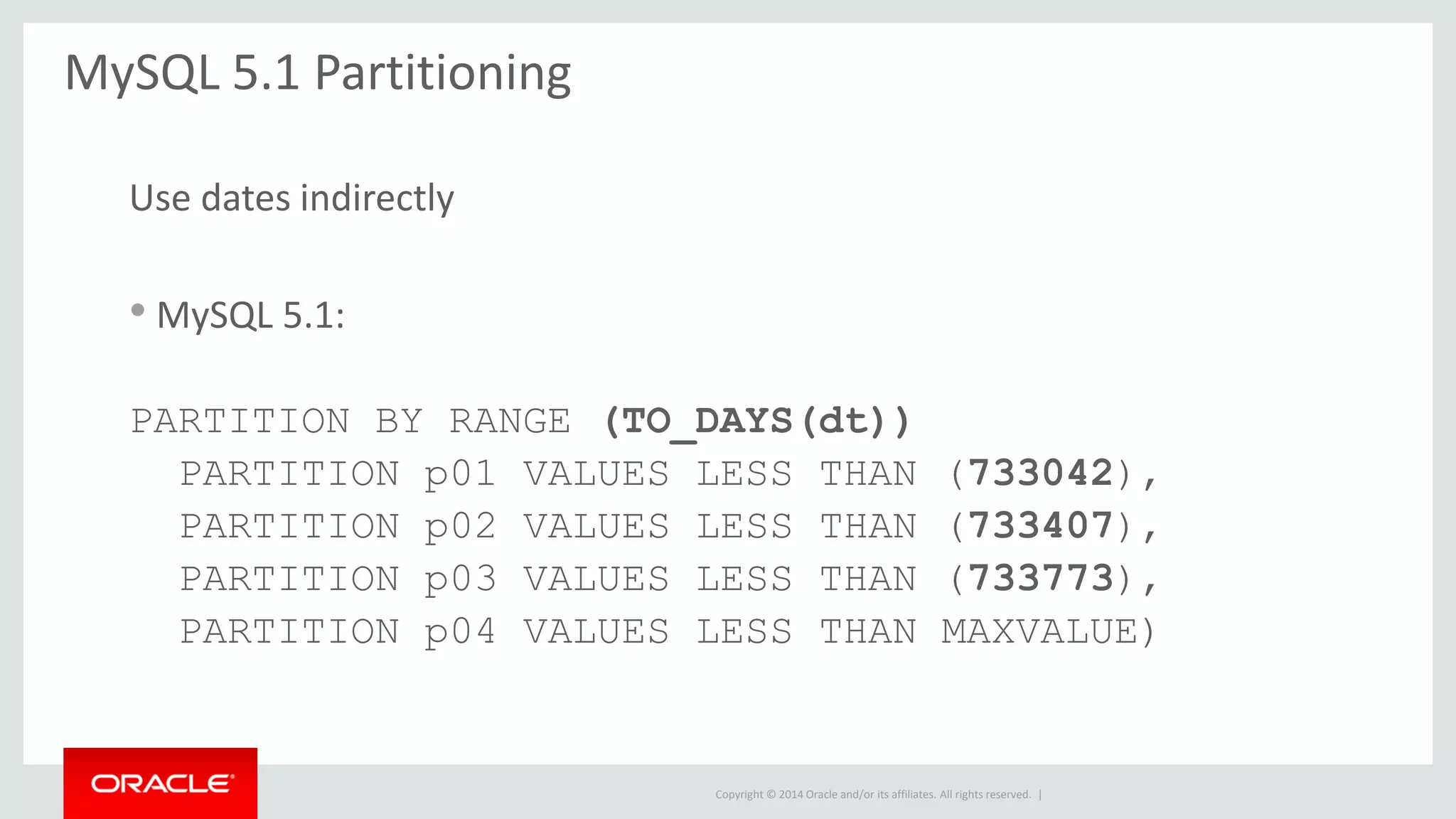
MySQL 5.1 Partitioning
Use dates indirectly
• MySQL 5.1:
PARTITION BY RANGE (TO_DAYS(dt))
PARTITION p01 VALUES LESS THAN (733042),
PARTITION p02 VALUES LESS THAN (733407),
PARTITION p03 VALUES LESS THAN (733773),
PARTITION p04 VALUES LESS THAN MAXVALUE)
Copyright © 2014 Oracle and/or its affiliates. All rights reserved. |
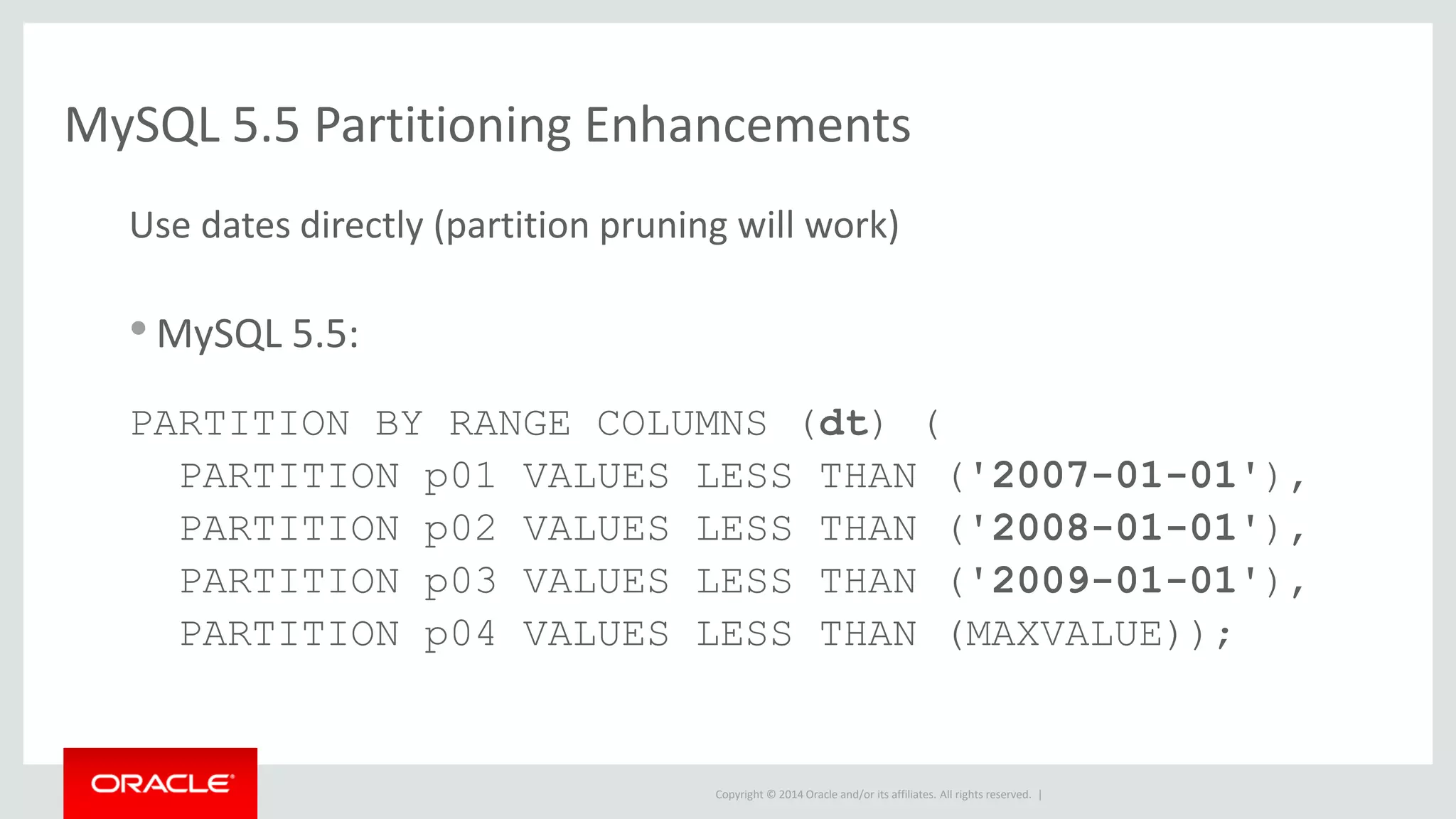
MySQL 5.5 Partitioning Enhancements
Use dates directly (partition pruning will work)
•MySQL 5.5:
PARTITION BY RANGE COLUMNS (dt) (
PARTITION p01 VALUES LESS THAN ('2007-01-01'),
PARTITION p02 VALUES LESS THAN ('2008-01-01'),
PARTITION p03 VALUES LESS THAN ('2009-01-01'),
PARTITION p04 VALUES LESS THAN (MAXVALUE));
Copyright © 2014 Oracle and/or its affiliates. All rights reserved. |
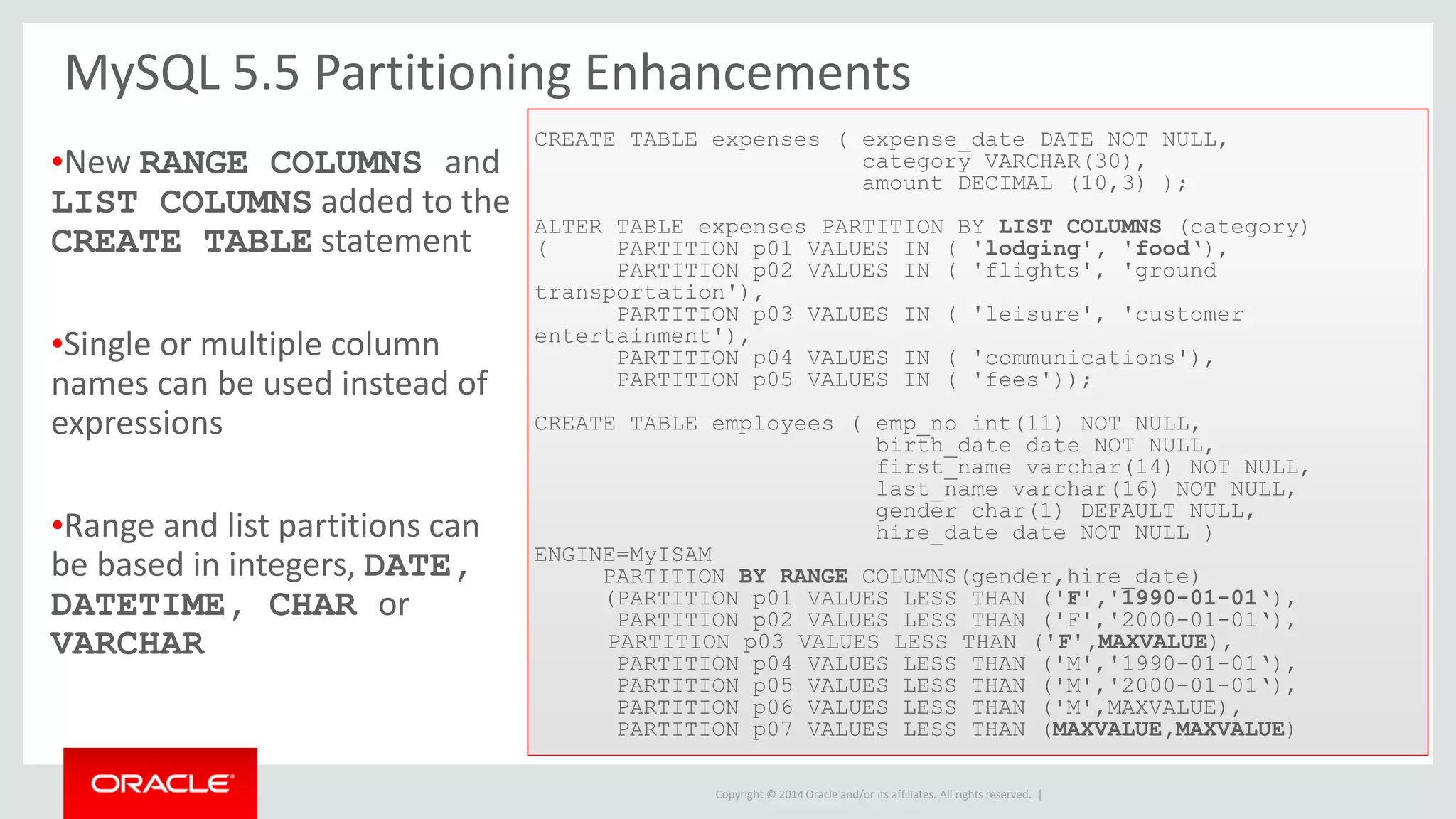
MySQL 5.5 Partitioning Enhancements
CREATE TABLE expenses ( expense_date DATE NOT NULL,
category VARCHAR(30),
amount DECIMAL (10,3) );
ALTER TABLE expenses PARTITION BY LIST COLUMNS (category)
( PARTITION p01 VALUES IN ( 'lodging', 'food‘),
PARTITION p02 VALUES IN ( 'flights', 'ground
transportation'),
PARTITION p03 VALUES IN ( 'leisure', 'customer
entertainment'),
PARTITION p04 VALUES IN ( 'communications'),
PARTITION p05 VALUES IN ( 'fees'));
CREATE TABLE employees ( emp_no int(11) NOT NULL,
birth_date date NOT NULL,
first_name varchar(14) NOT NULL,
last_name varchar(16) NOT NULL,
gender char(1) DEFAULT NULL,
hire_date date NOT NULL )
ENGINE=MyISAM
PARTITION BY RANGE COLUMNS(gender,hire_date)
(PARTITION p01 VALUES LESS THAN ('F','1990-01-01‘),
PARTITION p02 VALUES LESS THAN ('F','2000-01-01‘),
PARTITION p03 VALUES LESS THAN ('F',MAXVALUE),
PARTITION p04 VALUES LESS THAN ('M','1990-01-01‘),
PARTITION p05 VALUES LESS THAN ('M','2000-01-01‘),
PARTITION p06 VALUES LESS THAN ('M',MAXVALUE),
PARTITION p07 VALUES LESS THAN (MAXVALUE,MAXVALUE)
•New RANGE COLUMNS and
LIST COLUMNS added to the
CREATE TABLE statement
•Single or multiple column
names can be used instead of
expressions
•Range and list partitions can
be based in integers, DATE,
DATETIME, CHAR or
VARCHAR
Copyright © 2014 Oracle and/or its affiliates. All rights reserved. |
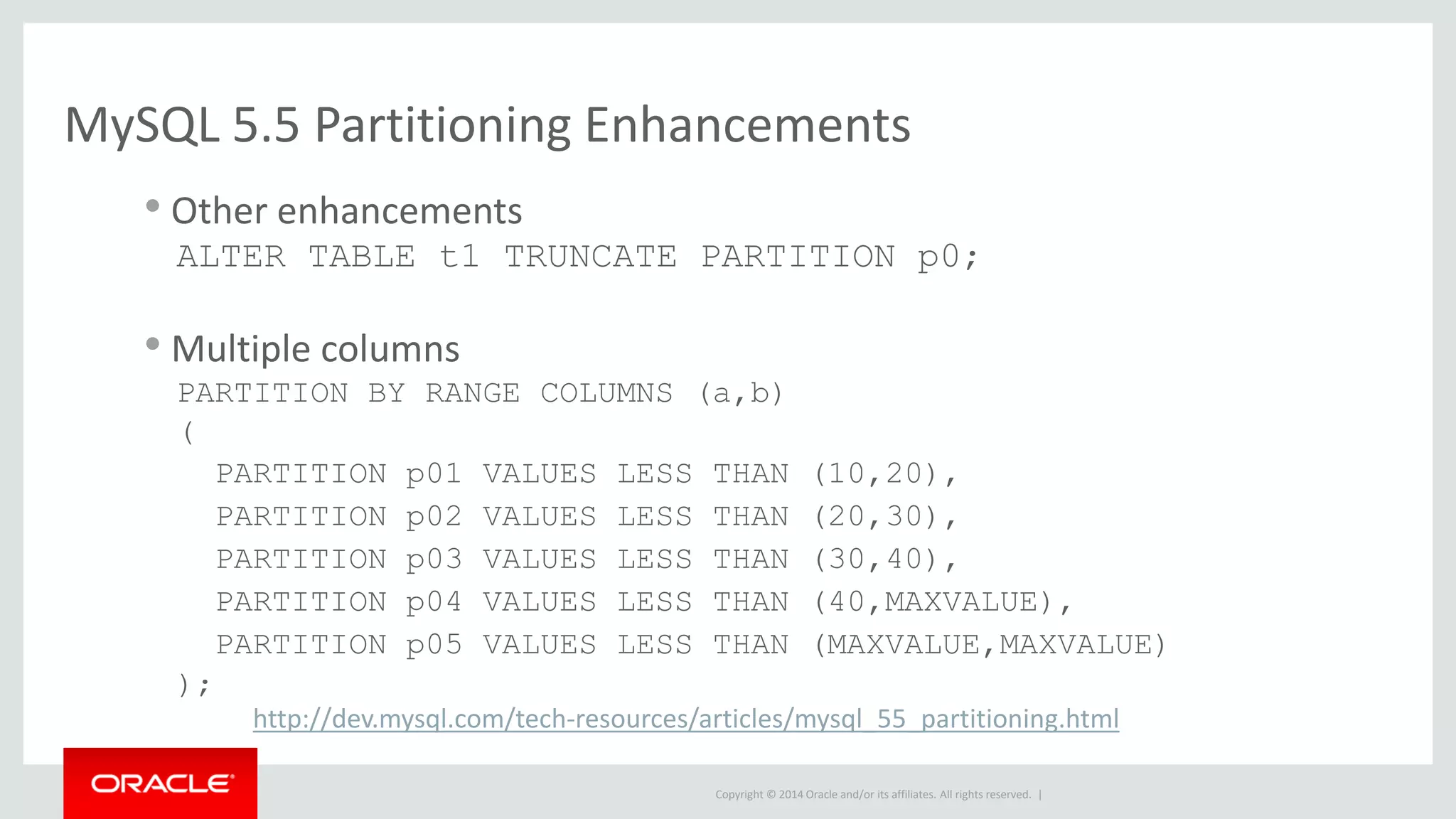
MySQL 5.5 Partitioning Enhancements
• Other enhancements
ALTER TABLE t1 TRUNCATE PARTITION p0;
• Multiple columns
PARTITION BY RANGE COLUMNS (a,b)
(
PARTITION p01 VALUES LESS THAN (10,20),
PARTITION p02 VALUES LESS THAN (20,30),
PARTITION p03 VALUES LESS THAN (30,40),
PARTITION p04 VALUES LESS THAN (40,MAXVALUE),
PARTITION p05 VALUES LESS THAN (MAXVALUE,MAXVALUE)
);
http://dev.mysql.com/tech-resources/articles/mysql_55_partitioning.html
Copyright © 2014 Oracle and/or its affiliates. All rights reserved. |
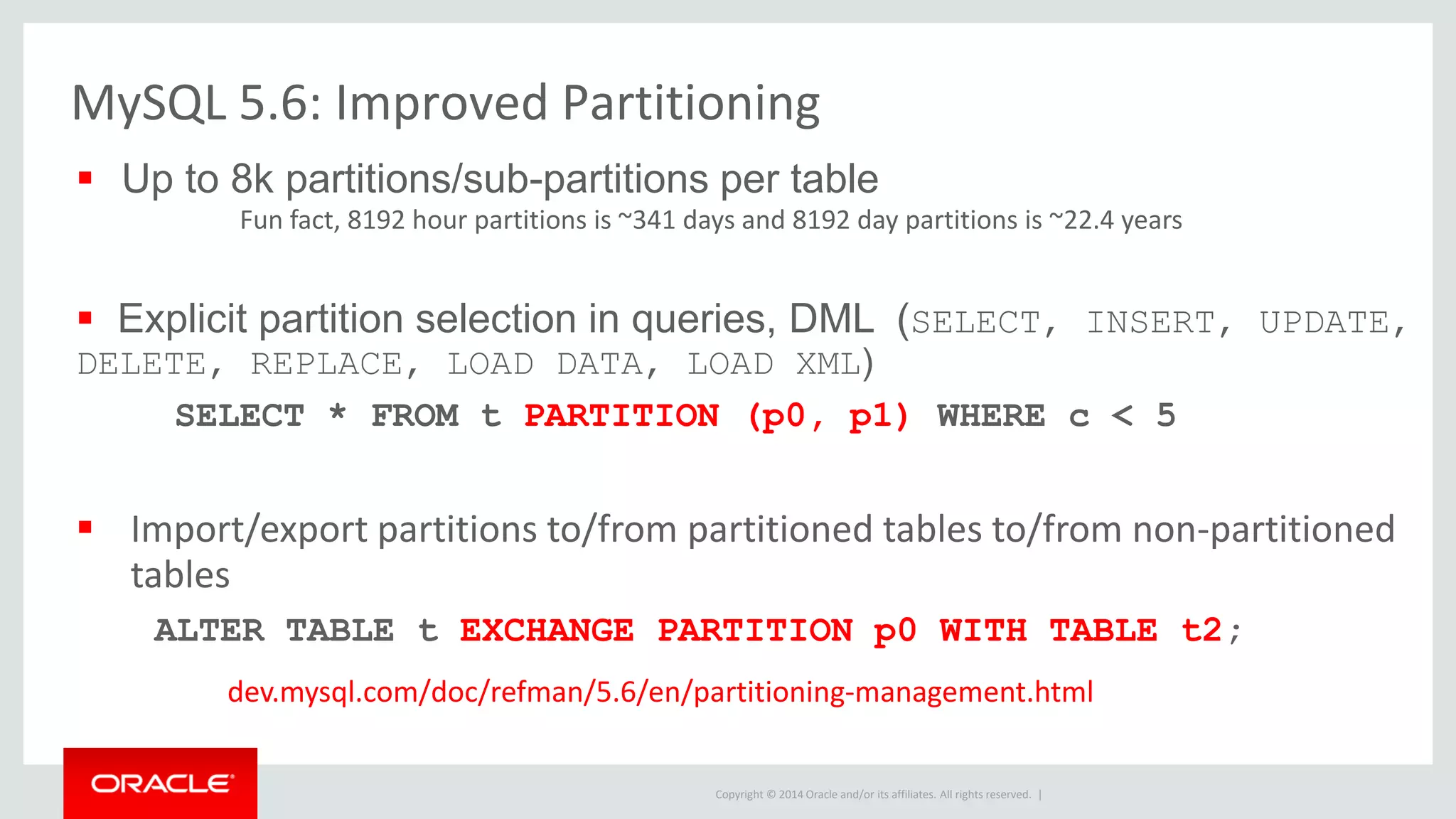
 Up to 8k partitions/sub-partitions per table
Fun fact, 8192 hour partitions is ~341 days and 8192 day partitions is ~22.4 years
 Explicit partition selection in queries, DML (SELECT, INSERT, UPDATE,
DELETE, REPLACE, LOAD DATA, LOAD XML)
SELECT * FROM t PARTITION (p0, p1) WHERE c < 5
 Import/export partitions to/from partitioned tables to/from non-partitioned
tables
ALTER TABLE t EXCHANGE PARTITION p0 WITH TABLE t2;
dev.mysql.com/doc/refman/5.6/en/partitioning-management.html
MySQL 5.6: Improved Partitioning
Copyright © 2014 Oracle and/or its affiliates. All rights reserved. |
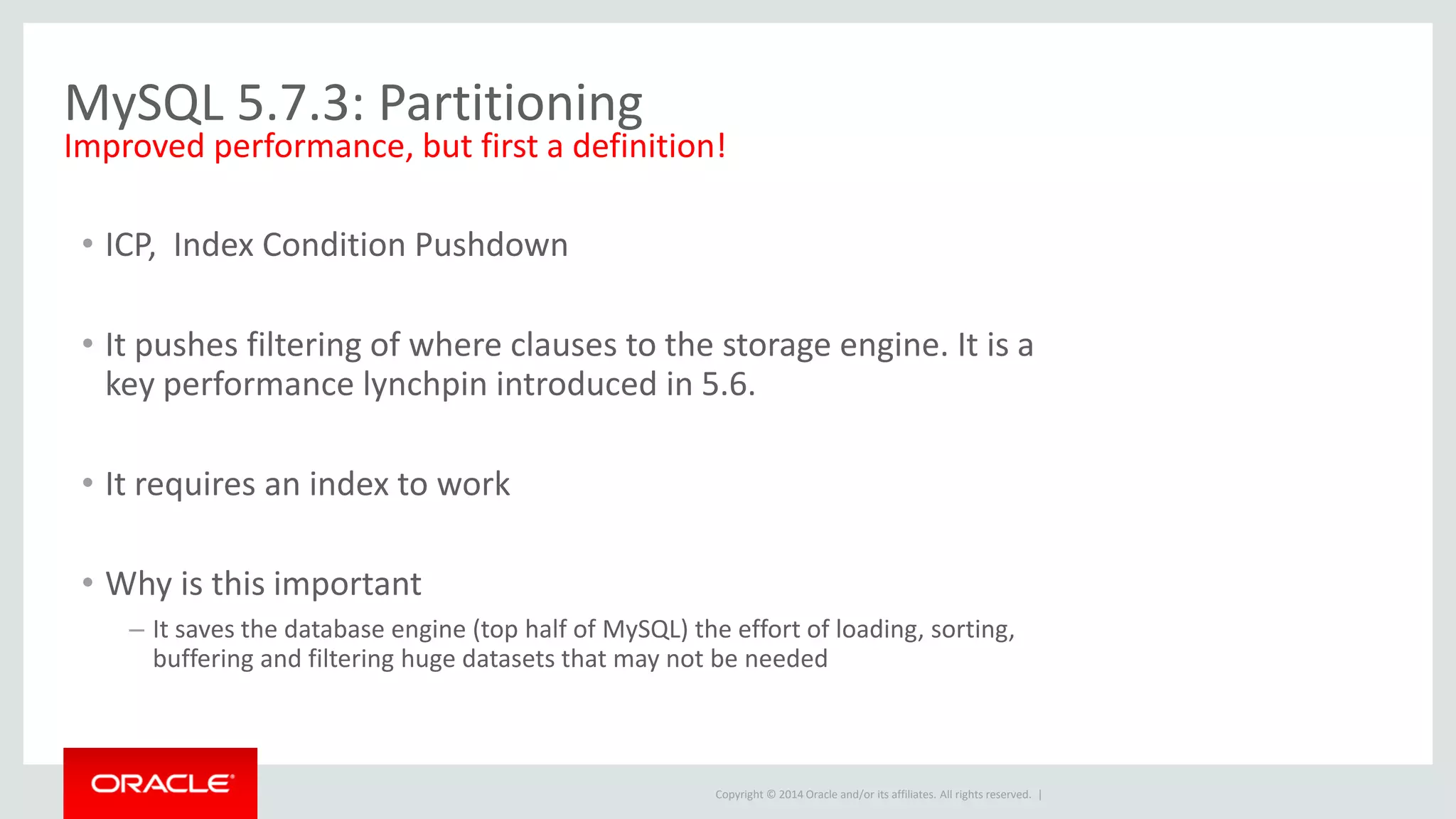
MySQL 5.7.3: Partitioning
• ICP, Index Condition Pushdown
• It pushes filtering of where clauses to the storage engine. It is a
key performance lynchpin introduced in 5.6.
• It requires an index to work
• Why is this important
– It saves the database engine (top half of MySQL) the effort of loading, sorting,
buffering and filtering huge datasets that may not be needed
Improved performance, but first a definition!
Copyright © 2014 Oracle and/or its affiliates. All rights reserved. |
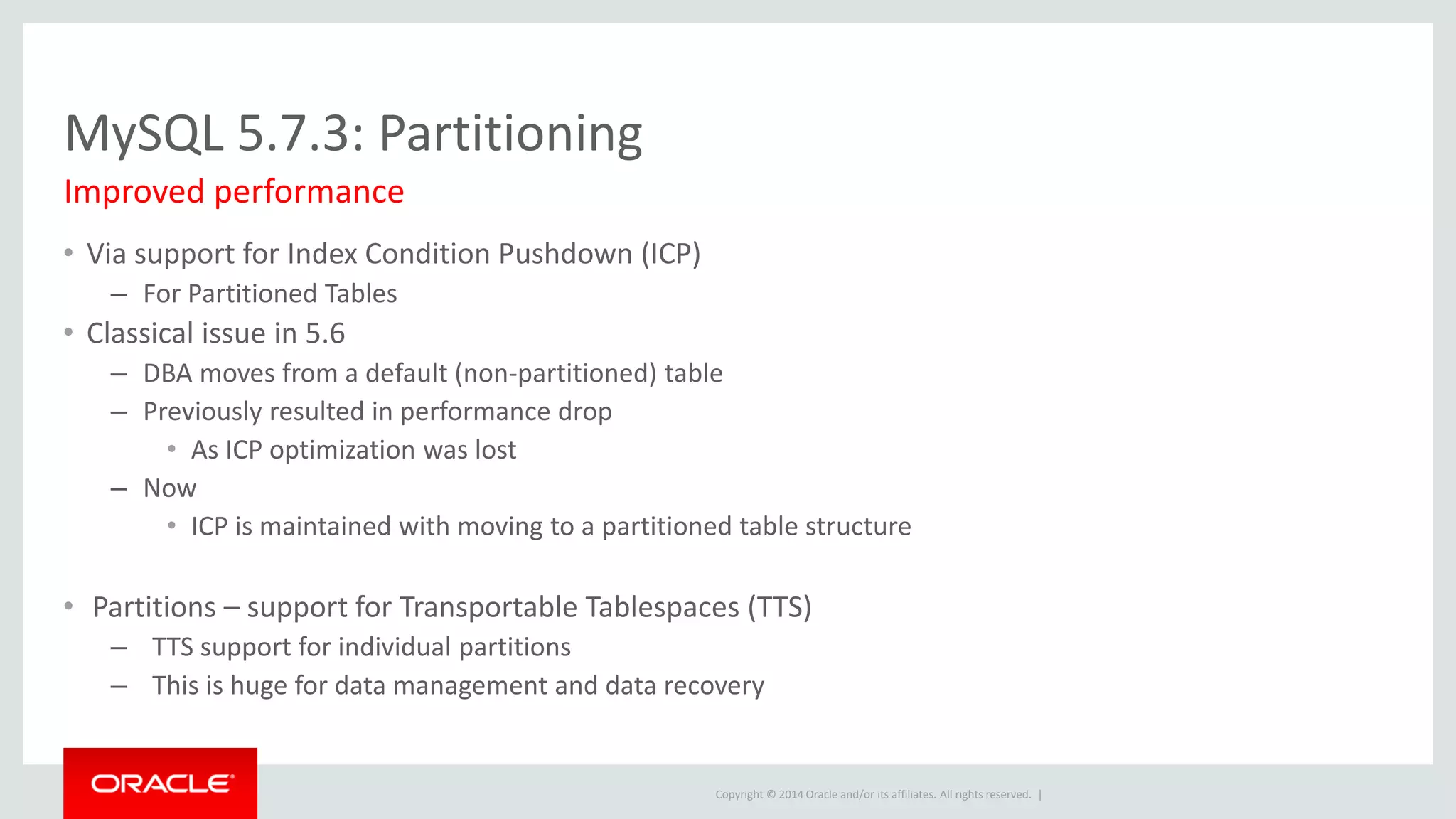
MySQL 5.7.3: Partitioning
• Via support for Index Condition Pushdown (ICP)
– For Partitioned Tables
• Classical issue in 5.6
– DBA moves from a default (non-partitioned) table
– Previously resulted in performance drop
• As ICP optimization was lost
– Now
• ICP is maintained with moving to a partitioned table structure
• Partitions – support for Transportable Tablespaces (TTS)
– TTS support for individual partitions
– This is huge for data management and data recovery
Improved performance
Copyright © 2014 Oracle and/or its affiliates. All rights reserved. |
Q & A : Prequel
Copyright © 2014 Oracle and/or its affiliates. All rights reserved. |
Q & A : Prequel
• Is Partitioning with Partition Elimination always faster than using an
Index?
– No, many queries are much faster with indexes
• Does partitioning use parallel access for each query?
– No, MySQL uses a pruning algorithm and is not parallel
– Good partitioning design is required to benefit from pruning, concentrate on
aligning query filters to partitioning scheme
• When is Partitioning faster?
– When the index scan would have scanned 10-20% or more of the non-Eliminated
partitions
– Typically reporting queries
Copyright © 2014 Oracle and/or its affiliates. All rights reserved. |
Q & A : Prequel
• Why is Partitioning faster in this case (large index scans)?
– Because a table scan (used by partition based queries) is faster than an index scan on a
row by row basis.
– This advantage is multiplied when all of the data will not fit into cache
• Can a partitioned table have NO INDEXES?
– Yes in many cases
– Best practice for very large tables (fact tables)
– Use Memory engine for Dimensions
Copyright © 2014 Oracle and/or its affiliates. All rights reserved. |
Additional Resources
Copyright © 2014 Oracle and/or its affiliates. All rights reserved. |
Resources and Q&A
Documents
• “Guide to MySQL Partitioning” white paper
– http://mysql.com/why-mysql/white-papers/mysql_wp_partitioning.php
• “MySQL Partitioning” Topic Guide for 5.6
– http://downloads.mysql.com/docs/mysql-partitioning-excerpt-5.6-en.pdf
Links I find valuable
Copyright © 2014 Oracle and/or its affiliates. All rights reserved. |
Resources and Q&A
Recorded Webinars
• 50 tips to improve MySQL Performance
– http://www.mysql.com/news-and-events/web-seminars/50-tips-to-boost-mysql-performance/
• Tuning MySQL for Great Performance
– http://www.mysql.com/news-and-events/web-seminars/tuning-mysql-for-great-product-
performance-the-fundamentals-updated-for-mysql-5-6/
• MySQL Explain, Explained
– http://www.mysql.com/news-and-events/web-seminars/mysql-explain-explained/
Links I find valuable
Copyright © 2014 Oracle and/or its affiliates. All rights reserved. |
Resources and Q&A
• MySQL Resources – select by topic, type and language
– http://www.mysql.com/why-mysql/
• Questions?
– http://www.mysql.com/about/contact/
– Phone: USA=+1-866-221-0634; Outside USA = +1-208-327-6494
Copyright © 2014 Oracle and/or its affiliates. All rights reserved. |
John Kehoe, OCP, OCE
MySQL Cluster Technical Consultant
MySQL Partitioning: When, Why and How

MySQL partitioning

  • 1.
    Copyright © 2014Oracle and/or its affiliates. All rights reserved. | MySQL Partitioning When, Why and How John Kehoe, OCP, OCE Technical Consultant Oracle MySQL 19 August 2014 Oracle Confidential – Internal/Restricted/Highly Restricted
  • 2.
    Copyright © 2014Oracle and/or its affiliates. All rights reserved. | Safe Harbor Statement The following is intended to outline our general product direction. It is intended for information purposes only, and may not be incorporated into any contract. It is not a commitment to deliver any material, code, or functionality, and should not be relied upon in making purchasing decisions. The development, release, and timing of any features or functionality described for Oracle’s products remains at the sole discretion of Oracle.
  • 3.
    Copyright © 2014Oracle and/or its affiliates. All rights reserved. | Agenda • What is Partitioning? • Why Partition? • Partitioning 101 – Types of partitioning in MySQL – Managing Partitions • Partitions and Indexes • Short Term Rolling Data • Long Term Rolling Data • Maintenance by Partition • Partition Evolution
  • 4.
    Copyright © 2014Oracle and/or its affiliates. All rights reserved. | What is Partitioning? • Consider a set; 1-10 • Inserted order; 1,9,2,3,8,5,7,6,4 – How to speed it up, Indexes • 1,9,2,3,8,5,7,6,4 • Easy to do, but what about large datasets, data operations and reporting queries – How to speed it up Partitions • Map similar groupings to one location • In this case, we define a partition for 1-3, 4- 6, 7-9 and 10. Each value is stored in its respective set or partition. Indexing Example Partitioning Example Record Index Record Partition Assignment 1 1, 1 1 P1 9 2, 9 2 P1 2 3, 2 3 P1 3 4, 3 4 P2 8 5, 8 5 P2 5 6, 5 6 P2 7 7, 7 7 P3 6 8, 6 8 P3 4 9, 4 9 P3 10 10, 10 10 P4 Oracle Confidential – Internal/Restricted/Highly Restricted 4
  • 5.
    Copyright © 2014Oracle and/or its affiliates. All rights reserved. | What is Partitioning? • Partitioning divides a table into smaller logical parts called “partitions”; Still looks like a table. • Partitions are defined in a CREATE or ALTER CREATE TABLE Sales ( saleDate date, ... ) PARTITION BY KEY(saleDate) PARTITIONS 16 ; • MySQL knows how the table was divided into smaller parts and uses this information to speed up queries • Operations on many smaller parts are often faster than on one big table –Optimize –Create INDEX, etc.
  • 6.
    Copyright © 2014Oracle and/or its affiliates. All rights reserved. | The way of Partitions When and Why should you Partition
  • 7.
    Copyright © 2014Oracle and/or its affiliates. All rights reserved. | • Partitions can support deleting data by dropping a partition – If you insert 1,000,000 rows a day, eventually you need to delete 1,000,000 rows a day • Only works with Range and List partitioning • Very useful for rolling date/time range • Can be very useful even for small increments, i.e.1 hour • Very fast, deleting a file, can be ~ 1-2 Sec 1) Deleting Data by Partition
  • 8.
    Copyright © 2014Oracle and/or its affiliates. All rights reserved. | 2) Faster non-index Data Access -Pruning • The MySQL optimizer is aware of the partitioning expression and can eliminate partitions to scan when the columns used in the partitioning expression are in the queries where condition • Reduce or even eliminate indexes (still need indexes for partition definition)!
  • 9.
    Copyright © 2014Oracle and/or its affiliates. All rights reserved. | 3) Some operations are faster • Adding indexes can be faster • Optimizations can be done by partition – If data is only being added to one partition then you can OPTIMIZE only that partition instead of running OPTIMIZE on the whole table
  • 10.
    Copyright © 2014Oracle and/or its affiliates. All rights reserved. | Partitioning Types
  • 11.
    Copyright © 2014Oracle and/or its affiliates. All rights reserved. | Types of MySQL Partitioning • Key/Hash - Not useful for Deleting by partition – Key(column list) - Uses internal hash function – Hash(INT expr) - Mod on user expression – Both very easy to define and maintain
  • 12.
    Copyright © 2014Oracle and/or its affiliates. All rights reserved. | Types of MySQL Partitioning • List/Range - Supports Deleting by Partition – List(INT expr) - IN list partitioning • List of IN ( A, ..., N ) expressions – Range(INT expr) - Range expressions • list of less than expressions • List and Range can be sub-partitioned by Key or Hash
  • 13.
    Copyright © 2014Oracle and/or its affiliates. All rights reserved. | Hash Partitioning • Easy to define like key, but supports expressions • CREATE TABLE Sales ( SaleDate date, ... ) PARTITION BY HASH(MONTH(SaleDate)) PARTITIONS 12 ; Sales p0 p1 p2 p3 http://dev.mysql.com/doc/refman/5.5/en/partitioning-hash.html
  • 14.
    Copyright © 2014Oracle and/or its affiliates. All rights reserved. | Key Partitioning • Uses internal hash function • CREATE TABLE Sales ( order_date date, ... ) PARTITION BY KEY(order_date) PARTITIONS 4 ; orders_key p0 (order_date) p1 (order_date) p2 (order_date) p3 (order_date) http://dev.mysql.com/doc/refman/5.5/en/partitioning-key.html
  • 15.
    Copyright © 2014Oracle and/or its affiliates. All rights reserved. | Partitioning Expressions • HASH, RANGE and LIST can use expressions • Expression must return an integer (5.1 only) or NULL and can only use certain built-in functions – ABS, CEILING, DAY, DAYOFMONTH, DAYOFWEEK, – DAYOFMONTH, DATEDIFF, EXTRACT, FLOOR, HOUR, – MICROSECEND, MINUTE, MOD, MONTH, QUARTER, SECOND, – TIME_TO_SEC, TO_DAYS, WEEKDAY, YEAR, YEARWEEK
  • 16.
    Copyright © 2014Oracle and/or its affiliates. All rights reserved. | Partitioning Expressions • Not Allowed! –nested function calls, declared or user variables, stored functions or UDFs! http://dev.mysql.com/doc/refman/5.6/en/partitioning-limitations- functions.html
  • 17.
    Copyright © 2014Oracle and/or its affiliates. All rights reserved. | Managing KEY and HASH Partitions • Both operations change the number of partitions, but keep the same number of records • ADD - Adds more partitions and redistribute the data – ALTER TABLE Sales ADD PARTITION PARTITIONS 4 ; – Adds 4 more partitions to Sales – If Sales had 16 partitions before, it now has 20
  • 18.
    Copyright © 2014Oracle and/or its affiliates. All rights reserved. | Managing KEY and HASH Partitions • COALESCE - Merges partitions – ALTER TABLE Sales COALESCE PARTITION 6 ; – Removes 6 partitions from Sales – If Sales had 16 partitions before, it now has 10
  • 19.
    Copyright © 2014Oracle and/or its affiliates. All rights reserved. | Each partition is defined by an IN LIST CREATE TABLE orders_list ( order_id int, order_date date, ...) PARTITION BY LIST(DAYOFWEEK(order_date)) ( PARTITION fss VALUES IN (1,6,7),PARTITION mon VALUES IN (2), PARTITION tue VALUES IN (3),PARTITION wed VALUES IN (4), PARTITION thr VALUES IN (5)); orders_list fss(order_date = 1,6,7) mon(order_date = 2) tue(order_date = 3) wed(order_date = 4) Thu(order_date = 5)
  • 20.
    Copyright © 2014Oracle and/or its affiliates. All rights reserved. | Range Partitioning • Ranges must be defined in order, lowest to highest • Cannot insert a record outside of the defined ranges • Ranges must not overlap • Note that you cannot add a value larger than the highest range – Use less than (maxval).
  • 21.
    Copyright © 2014Oracle and/or its affiliates. All rights reserved. | Range Partitioning • Example CREATE TABLE Sales ( id int, saleDate date, ... ) PARTITION BY RANGE(YEAR(SaleDate)) ( PARTITION p199X VALUES LESS THAN (2000), PARTITION p2003 VALUES LESS THAN (2004), ... PARTITION p2007 VALUES LESS THAN (2008), PARTITION p2008 VALUES LESS THAN (2009), PARTITION p2009 VALUES LESS THAN (2010) );
  • 22.
    Copyright © 2014Oracle and/or its affiliates. All rights reserved. | Managing List and Range Partitions • Add - Add empty partitions ALTER TABLE Sales ADD PARTITION ( PARTITION p2011 VALUES IN (2011) ) ; • Drop - Deletes the data in the partitions –Very fast! –Requires DROP privilege –Number rows dropped is not returned by server! ALTER TABLE Sales DROP PARTITION p2003 ;
  • 23.
    Copyright © 2014Oracle and/or its affiliates. All rights reserved. | Managing List and Range Partitions • Reorganize - Change the partitioning without losing data •Can be used to split, merge, or change all partitions •Reorganizes the data into the newly defined partitions ALTER TABLE geoL REORGANIZE PARTITION p2002,p2004,p2003 INTO ( PARTITION p20024 VALUES IN (2002,2003,2004)) ;
  • 24.
    Copyright © 2014Oracle and/or its affiliates. All rights reserved. | Rebuilding Partitions • All Work with Partitioned tables – REBUILD, CHECK, OPTIMIZE, ANALYZE and REPAIR • Examples: – ALTER TABLE Sales REBUILD PARTITION P1,P2 ; – ALTER TABLE Inv OPTIMIZE PARTITION I4 ;
  • 25.
    Copyright © 2014Oracle and/or its affiliates. All rights reserved. | Rebuilding Partitions • Smaller partitions make the above operations faster –Original Table 10 minutes –16 way Partitioned table might be 10-15 seconds per partition
  • 26.
    Copyright © 2014Oracle and/or its affiliates. All rights reserved. | Sub-partitioning • Range and List partitioning can be sub-partitioned with key and hash • Range by Month sub-partitioned by region
  • 27.
    Copyright © 2014Oracle and/or its affiliates. All rights reserved. | Pruning MySQL can handle lots of data, use it in smaller chunks
  • 28.
    Copyright © 2014Oracle and/or its affiliates. All rights reserved. | Partition pruning • Pruning happens when the MySQL optimizer only references partitions needed for a particular query – Optimizer’s partition pruning mechanism provides performance increase – “Do not scan partitions where there can be no matching values.”
  • 29.
    Copyright © 2014Oracle and/or its affiliates. All rights reserved. | Partition pruning • Example of RANGE pruning – Using the orders_range table, with the following partitions +----------------+-------------------------+ | PARTITION_NAME | PARTITION_DESCRIPTION | +----------------+-------------------------+ | p0 | < 10000 | | p1 | < 20000 | | p2 | < 30000 | | p3 | < 40000 | | p4 | < 50000 | +----------------+-------------------------+
  • 30.
    Copyright © 2014Oracle and/or its affiliates. All rights reserved. | Partition pruning example mysql> EXPLAINSELECT * FROM orders_range -> WHERE id > 19997 AND id < 20003 PARTITIONS G ************************ 1. row ************************ id: 1 select_type: SIMPLE table: orders_range partitions: p1,p2 type: system possible_keys: PRIMARY key: PRIMARY key_len: 4 ref: NULL rows: 2 Extra: 1 row in set (0.06 sec) – The partitions p0, p3, and p4 are not scanned since they do not contain any of the values from the range of the query
  • 31.
    Copyright © 2014Oracle and/or its affiliates. All rights reserved. | Unique Indexes and Partitioning • Every column used in a partitioning expression for a table must be part of every unique key on that table – This does not mean you must have unique keys – If you do, then every one of them must include all of the values used in the partitioning expression!
  • 32.
    Copyright © 2014Oracle and/or its affiliates. All rights reserved. | Unique Indexes and Partitioning • Partitioning column(s) can appear anywhere in the unique index: CREATE TABLE t1 ( col1 INT NOT NULL, col2 INT NOT NULL, col3 INT NOT NULL, col4 INT NOT NULL, UNIQUE KEY (col1, col2, col3) ) PARTITION BY HASH(col3) PARTITIONS 4;
  • 33.
    Copyright © 2014Oracle and/or its affiliates. All rights reserved. | Non-Unique Indexes • You can always have non-unique indexes on a partitioned table. • The partition engine will execute a separate non-parallel index lookup on each partition ! • Performance may be OK with a very small number (4) of partitions, but gets really bad with large numbers of partitions • If you must have non-unique indexes, keep the number of partitions low (<16)
  • 34.
    Copyright © 2014Oracle and/or its affiliates. All rights reserved. | Column1 1 Thread 2 Threads 4 Threads 8 Threads 16 Threads No Partitions 1 4 7 18 28 4 Partitions 1 5 11 22 44 8 Partitions 1 4 13 27 51 16 Partitions 2 4 21 43 83 32 Partitions 2 4 27 53 102 64 Partitions 4 5 49 92 180 128 Partitions 6 9 91 180 348 Multi-Query Non-Unique Index Performance with Partitions Table (Simple index scan of ~1000 records on laptop)
  • 35.
    Copyright © 2014Oracle and/or its affiliates. All rights reserved. | Multi-Query Non-Unique Index Performance with Partitions Chart select count(*) from geo where population between 1100000 and 1500000
  • 36.
    Copyright © 2014Oracle and/or its affiliates. All rights reserved. | Indexes and Partitioning • A well designed partitioned table has few or even NO indexes! – Should always have less than the non-partitioned table! • Need to re-design indexes! • Too many partitions over 124 start to really slow down non- unique index lookups
  • 37.
    Copyright © 2014Oracle and/or its affiliates. All rights reserved. | Data Rolling
  • 38.
    Copyright © 2014Oracle and/or its affiliates. All rights reserved. | Short Term Rolling Data • Goal: – Reduce or eliminate delete overhead • When to Use: – Data only needs to be kept for a few hours or days – Not a lot of data, indexes work fine for lookups – It's hard to balance the deletes against other operations
  • 39.
    Copyright © 2014Oracle and/or its affiliates. All rights reserved. | Short Term Rolling Data • Steps: – Create a table (LIST or RANGE) with at least three partitions – Let partitions 1 and 2 fill – Drop part 1 and add part 3 • Goal: not for select query performance, only for fast deletes
  • 40.
    Copyright © 2014Oracle and/or its affiliates. All rights reserved. | Short Term Rolling Data • Example: Session data is only needed for 1 hour after it is created. – If you create 10,000 sessions an hour you also need to delete 10,000 session an hour. • Range Partition with hourly • partitions on “CreateTime”
  • 41.
    Copyright © 2014Oracle and/or its affiliates. All rights reserved. | Short Term Rolling •Table: CREATE TABLE session ( CreateTime time, SessionData varchar(2048) ) PARTITION BY LIST (hour(CreateTime))( PARTITION p09 VALUES IN (9), PARTITION p10 VALUES IN (10), PARTITION p11 VALUES IN (11) ) ;
  • 42.
    Copyright © 2014Oracle and/or its affiliates. All rights reserved. | Short Term Rolling •Add a partition for the 12:00 to 13:00 Sessions alter table session add partition ( partition p12 values in (12) ) ; •Drop the 9:00 to 10:00 Sessions alter table session drop partition p09 ;
  • 43.
    Copyright © 2014Oracle and/or its affiliates. All rights reserved. | Long Term Rolling Data • Goals: – Reduce optimize and other maintenance overhead – Eliminate delete overhead – Speed up selects and inserts • Steps: – Partition the table into many (usually 32+) partitions – Roll N partitions out for each N you add.
  • 44.
    Copyright © 2014Oracle and/or its affiliates. All rights reserved. | Long Term Rolling Data • When to use: – Very large tables 100 GB or more, too big for cache – date column or similar to partition on – Most of your queries filter on the partitioning column – Most queries currently do large index scans – Inserts are getting too slow – Optimize, add index, etc. are taking far too long
  • 45.
    Copyright © 2014Oracle and/or its affiliates. All rights reserved. | Long Term Rolling Data • More traditional Data Warehouse usage • Avoid Index = Partitioning column • Only the active month needs optimization, etc. • Data can be deleted by month, quarter, or year
  • 46.
    Copyright © 2014Oracle and/or its affiliates. All rights reserved. | Long Term Rolling Data CREATE TABLE Sales ( salesDate TIMESTAMP, storeID smallint, regionID tinyint, amount decimal(10,2) ) PARTITION BY RANGE ( UNIX_TIMESTAMP(SalesDate) ) ( PARTITION p200701 VALUES LESS THAN ( UNIX_TIMESTAMP('2007-02-01 00:00:00') ), PARTITION p200702 VALUES LESS THAN ( UNIX_TIMESTAMP('2007-03-01 00:00:00') ), ... PARTITION p200911 VALUES LESS THAN ( UNIX_TIMESTAMP('2009-12-01 00:00:00') ), PARTITION p200912 VALUES LESS THAN ( UNIX_TIMESTAMP('2010-01-01 00:00:00') ) );
  • 47.
    Copyright © 2014Oracle and/or its affiliates. All rights reserved. | Long Term Rolling Data • Add new partitions alter table Sales add partition ( PARTITION p201001 VALUES LESS THAN ( UNIX_TIMESTAMP('2010-02-01 00:00:00')), ... PARTITION p201012 VALUES LESS THAN ( UNIX_TIMESTAMP('2011-01-01 00:00:00')) ) ; • Drop old partitions for Jan 2007 to Dec 2007 alter table sales drop partition p200701, p200702, ... , p200712 ;
  • 48.
    Copyright © 2014Oracle and/or its affiliates. All rights reserved. | Partition Maintenance
  • 49.
    Copyright © 2014Oracle and/or its affiliates. All rights reserved. | Optimize, Analyze, etc. by Partition • Steps: – Partition the table into partitions using HASH on an ID or similar – Optimize, Analyze, etc. 1 partition a night or as needed • Can turn Hours long process to 5-10 minutes a nightly batch job
  • 50.
    Copyright © 2014Oracle and/or its affiliates. All rights reserved. | Optimize, Analyze, etc. by Partition • Insert, Update, and Delete as usual • Fix indexes if needed • Try to keep to 16 partitions or less, 8 or less best • Cycle Optimize, Analyze, etc. through the partitions
  • 51.
    Copyright © 2014Oracle and/or its affiliates. All rights reserved. | Optimize, Analyze, etc. by Partition • Original Table definition CREATE TABLE Sale ( saleID INT AUTO_INCREMENT PRIMARY KEY, salesDate TIMESTAMP, storeID smallint, amount decimal(10,2) );
  • 52.
    Copyright © 2014Oracle and/or its affiliates. All rights reserved. | Optimize, Analyze, etc. by Partition • Add partitions Alter table Sale Partition by hash(saleID) partitions 7 ; • Optimize the first partition (Partitions are P0 to P6) alter table sale optimize partition P0 ;
  • 53.
    Copyright © 2014Oracle and/or its affiliates. All rights reserved. | Evolution of MySQL Partitioning Changes from 5.1, 5.5, 5.6 to 5.7
  • 54.
    Copyright © 2014Oracle and/or its affiliates. All rights reserved. | MySQL 5.1 Partitioning Use dates indirectly • MySQL 5.1: PARTITION BY RANGE (TO_DAYS(dt)) PARTITION p01 VALUES LESS THAN (733042), PARTITION p02 VALUES LESS THAN (733407), PARTITION p03 VALUES LESS THAN (733773), PARTITION p04 VALUES LESS THAN MAXVALUE)
  • 55.
    Copyright © 2014Oracle and/or its affiliates. All rights reserved. | MySQL 5.5 Partitioning Enhancements Use dates directly (partition pruning will work) •MySQL 5.5: PARTITION BY RANGE COLUMNS (dt) ( PARTITION p01 VALUES LESS THAN ('2007-01-01'), PARTITION p02 VALUES LESS THAN ('2008-01-01'), PARTITION p03 VALUES LESS THAN ('2009-01-01'), PARTITION p04 VALUES LESS THAN (MAXVALUE));
  • 56.
    Copyright © 2014Oracle and/or its affiliates. All rights reserved. | MySQL 5.5 Partitioning Enhancements CREATE TABLE expenses ( expense_date DATE NOT NULL, category VARCHAR(30), amount DECIMAL (10,3) ); ALTER TABLE expenses PARTITION BY LIST COLUMNS (category) ( PARTITION p01 VALUES IN ( 'lodging', 'food‘), PARTITION p02 VALUES IN ( 'flights', 'ground transportation'), PARTITION p03 VALUES IN ( 'leisure', 'customer entertainment'), PARTITION p04 VALUES IN ( 'communications'), PARTITION p05 VALUES IN ( 'fees')); CREATE TABLE employees ( emp_no int(11) NOT NULL, birth_date date NOT NULL, first_name varchar(14) NOT NULL, last_name varchar(16) NOT NULL, gender char(1) DEFAULT NULL, hire_date date NOT NULL ) ENGINE=MyISAM PARTITION BY RANGE COLUMNS(gender,hire_date) (PARTITION p01 VALUES LESS THAN ('F','1990-01-01‘), PARTITION p02 VALUES LESS THAN ('F','2000-01-01‘), PARTITION p03 VALUES LESS THAN ('F',MAXVALUE), PARTITION p04 VALUES LESS THAN ('M','1990-01-01‘), PARTITION p05 VALUES LESS THAN ('M','2000-01-01‘), PARTITION p06 VALUES LESS THAN ('M',MAXVALUE), PARTITION p07 VALUES LESS THAN (MAXVALUE,MAXVALUE) •New RANGE COLUMNS and LIST COLUMNS added to the CREATE TABLE statement •Single or multiple column names can be used instead of expressions •Range and list partitions can be based in integers, DATE, DATETIME, CHAR or VARCHAR
  • 57.
    Copyright © 2014Oracle and/or its affiliates. All rights reserved. | MySQL 5.5 Partitioning Enhancements • Other enhancements ALTER TABLE t1 TRUNCATE PARTITION p0; • Multiple columns PARTITION BY RANGE COLUMNS (a,b) ( PARTITION p01 VALUES LESS THAN (10,20), PARTITION p02 VALUES LESS THAN (20,30), PARTITION p03 VALUES LESS THAN (30,40), PARTITION p04 VALUES LESS THAN (40,MAXVALUE), PARTITION p05 VALUES LESS THAN (MAXVALUE,MAXVALUE) ); http://dev.mysql.com/tech-resources/articles/mysql_55_partitioning.html
  • 58.
    Copyright © 2014Oracle and/or its affiliates. All rights reserved. |  Up to 8k partitions/sub-partitions per table Fun fact, 8192 hour partitions is ~341 days and 8192 day partitions is ~22.4 years  Explicit partition selection in queries, DML (SELECT, INSERT, UPDATE, DELETE, REPLACE, LOAD DATA, LOAD XML) SELECT * FROM t PARTITION (p0, p1) WHERE c < 5  Import/export partitions to/from partitioned tables to/from non-partitioned tables ALTER TABLE t EXCHANGE PARTITION p0 WITH TABLE t2; dev.mysql.com/doc/refman/5.6/en/partitioning-management.html MySQL 5.6: Improved Partitioning
  • 59.
    Copyright © 2014Oracle and/or its affiliates. All rights reserved. | MySQL 5.7.3: Partitioning • ICP, Index Condition Pushdown • It pushes filtering of where clauses to the storage engine. It is a key performance lynchpin introduced in 5.6. • It requires an index to work • Why is this important – It saves the database engine (top half of MySQL) the effort of loading, sorting, buffering and filtering huge datasets that may not be needed Improved performance, but first a definition!
  • 60.
    Copyright © 2014Oracle and/or its affiliates. All rights reserved. | MySQL 5.7.3: Partitioning • Via support for Index Condition Pushdown (ICP) – For Partitioned Tables • Classical issue in 5.6 – DBA moves from a default (non-partitioned) table – Previously resulted in performance drop • As ICP optimization was lost – Now • ICP is maintained with moving to a partitioned table structure • Partitions – support for Transportable Tablespaces (TTS) – TTS support for individual partitions – This is huge for data management and data recovery Improved performance
  • 61.
    Copyright © 2014Oracle and/or its affiliates. All rights reserved. | Q & A : Prequel
  • 62.
    Copyright © 2014Oracle and/or its affiliates. All rights reserved. | Q & A : Prequel • Is Partitioning with Partition Elimination always faster than using an Index? – No, many queries are much faster with indexes • Does partitioning use parallel access for each query? – No, MySQL uses a pruning algorithm and is not parallel – Good partitioning design is required to benefit from pruning, concentrate on aligning query filters to partitioning scheme • When is Partitioning faster? – When the index scan would have scanned 10-20% or more of the non-Eliminated partitions – Typically reporting queries
  • 63.
    Copyright © 2014Oracle and/or its affiliates. All rights reserved. | Q & A : Prequel • Why is Partitioning faster in this case (large index scans)? – Because a table scan (used by partition based queries) is faster than an index scan on a row by row basis. – This advantage is multiplied when all of the data will not fit into cache • Can a partitioned table have NO INDEXES? – Yes in many cases – Best practice for very large tables (fact tables) – Use Memory engine for Dimensions
  • 64.
    Copyright © 2014Oracle and/or its affiliates. All rights reserved. | Additional Resources
  • 65.
    Copyright © 2014Oracle and/or its affiliates. All rights reserved. | Resources and Q&A Documents • “Guide to MySQL Partitioning” white paper – http://mysql.com/why-mysql/white-papers/mysql_wp_partitioning.php • “MySQL Partitioning” Topic Guide for 5.6 – http://downloads.mysql.com/docs/mysql-partitioning-excerpt-5.6-en.pdf Links I find valuable
  • 66.
    Copyright © 2014Oracle and/or its affiliates. All rights reserved. | Resources and Q&A Recorded Webinars • 50 tips to improve MySQL Performance – http://www.mysql.com/news-and-events/web-seminars/50-tips-to-boost-mysql-performance/ • Tuning MySQL for Great Performance – http://www.mysql.com/news-and-events/web-seminars/tuning-mysql-for-great-product- performance-the-fundamentals-updated-for-mysql-5-6/ • MySQL Explain, Explained – http://www.mysql.com/news-and-events/web-seminars/mysql-explain-explained/ Links I find valuable
  • 67.
    Copyright © 2014Oracle and/or its affiliates. All rights reserved. | Resources and Q&A • MySQL Resources – select by topic, type and language – http://www.mysql.com/why-mysql/ • Questions? – http://www.mysql.com/about/contact/ – Phone: USA=+1-866-221-0634; Outside USA = +1-208-327-6494
  • 68.
    Copyright © 2014Oracle and/or its affiliates. All rights reserved. | John Kehoe, OCP, OCE MySQL Cluster Technical Consultant MySQL Partitioning: When, Why and How