JUnit Functional test cases
By: Prudhvi
25-July-2015
Abstract
The main theme of this is what the issues to write test
cases using JUnit are and how to overcome those
issues.
Contents
1. ABSTRACT
2. INTRODUCTION
3. PROBLEM STATEMENT
4. SOLUTION
5. CONCLUSION
6. REFERENCE
Introduction
We have multiple unit test frameworks to write unit
and functional test cases for our services. When we
write functional test cases using JUnit we can’t mock
mule components. To resolve this issues we have to use
MUnit and I am going to explain what is the problem
with JUnit and how to resolve using MUnit in the
below.
Problem Statement
When we write functional test cases using JUnit,
the test case will directly connect to original
components like SAP, Salesforce etc. and
insert/select the data. It is the issue in JUnit
functional test case why because we are writing
functional test cases to check whether entire
functionality is working as expected or not without
modifying the original components (SAP,
Salesforce, Database) data, but in JUnit functional
test cases it is directly connecting to original
components and modifying the original data.
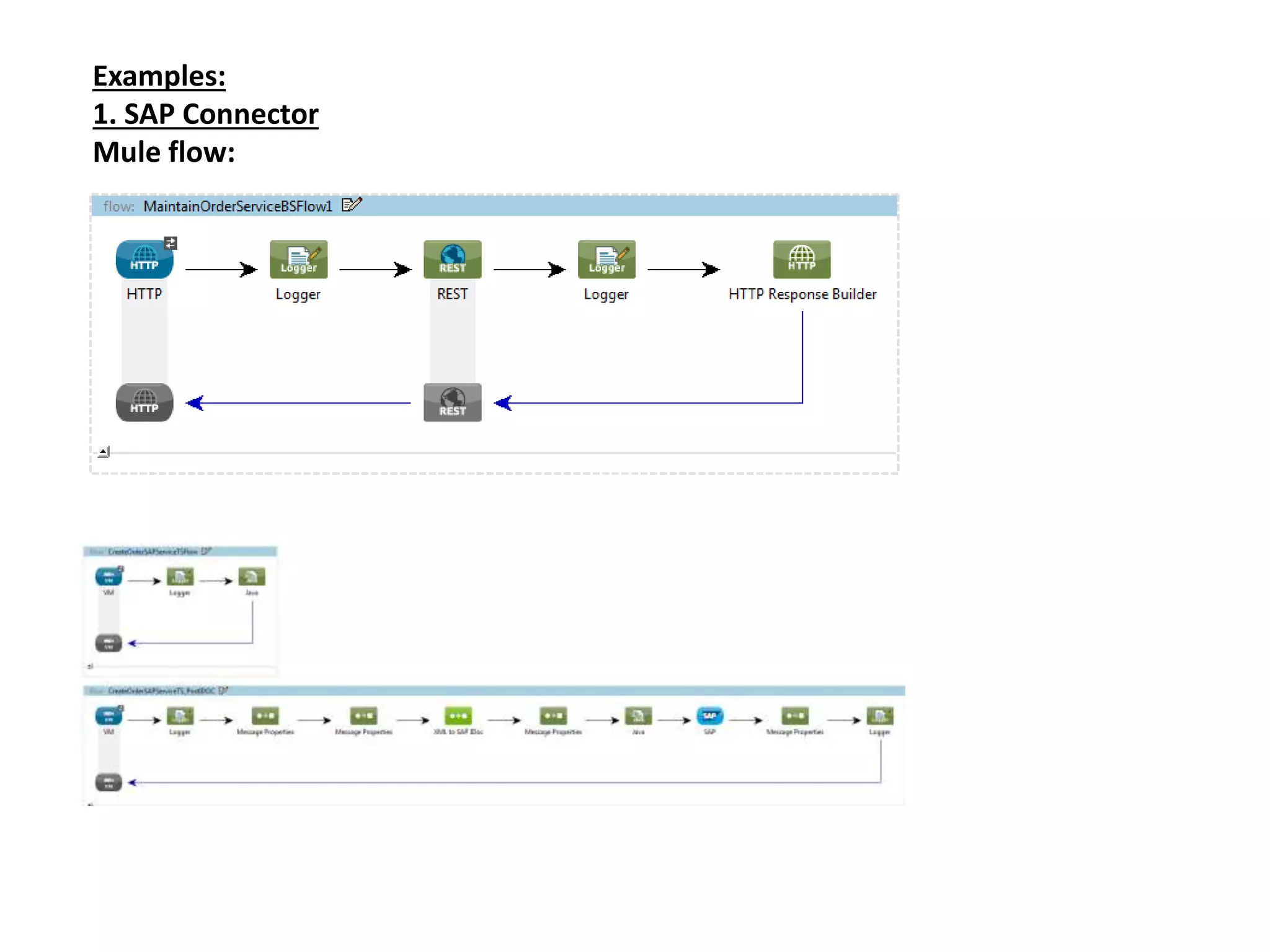
Examples:
1. SAP Connector
Mule flow:
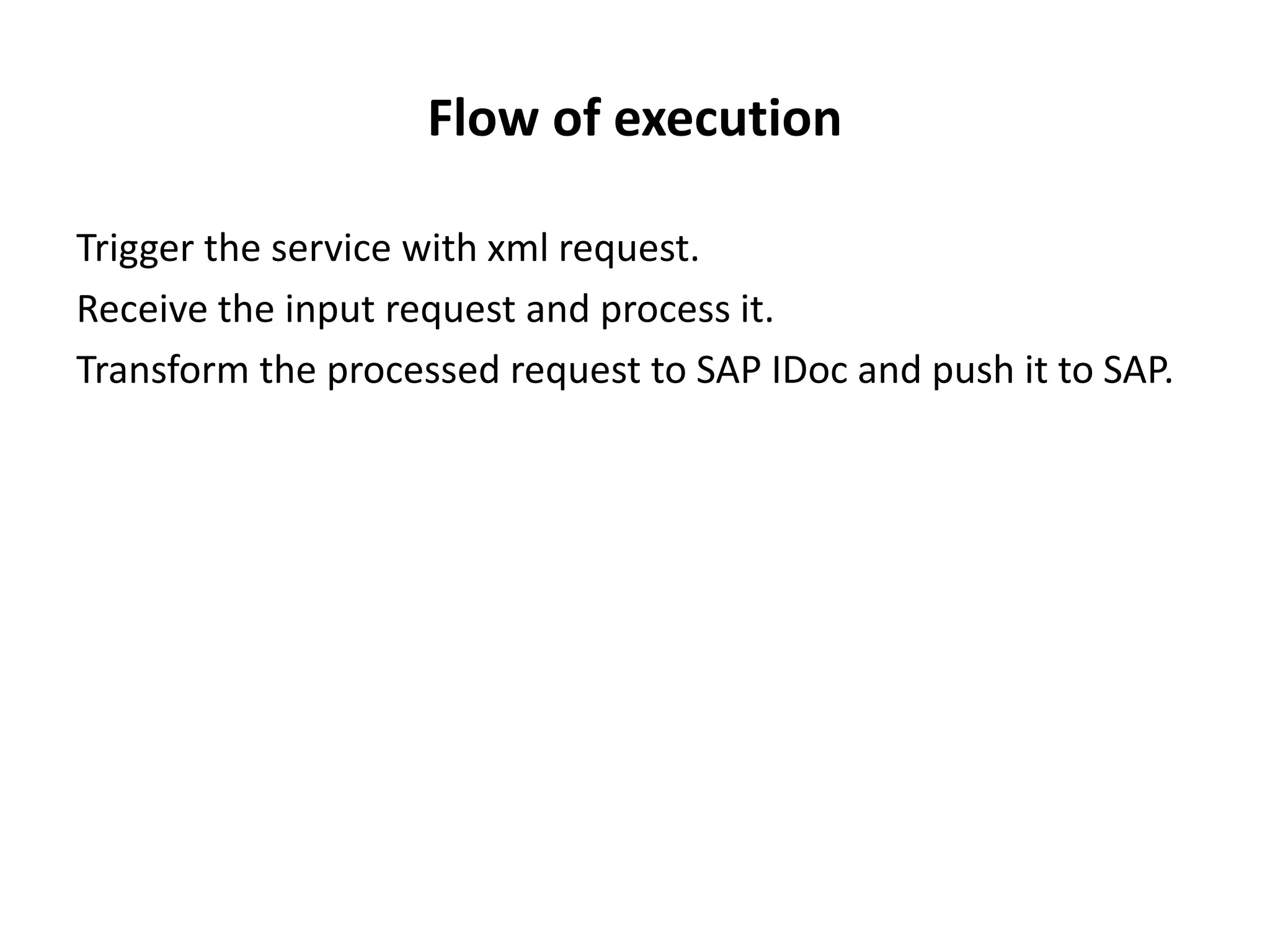
Flow of execution
Trigger the service with xml request.
Receive the input request and process it.
Transform the processed request to SAP IDoc and push it to SAP.
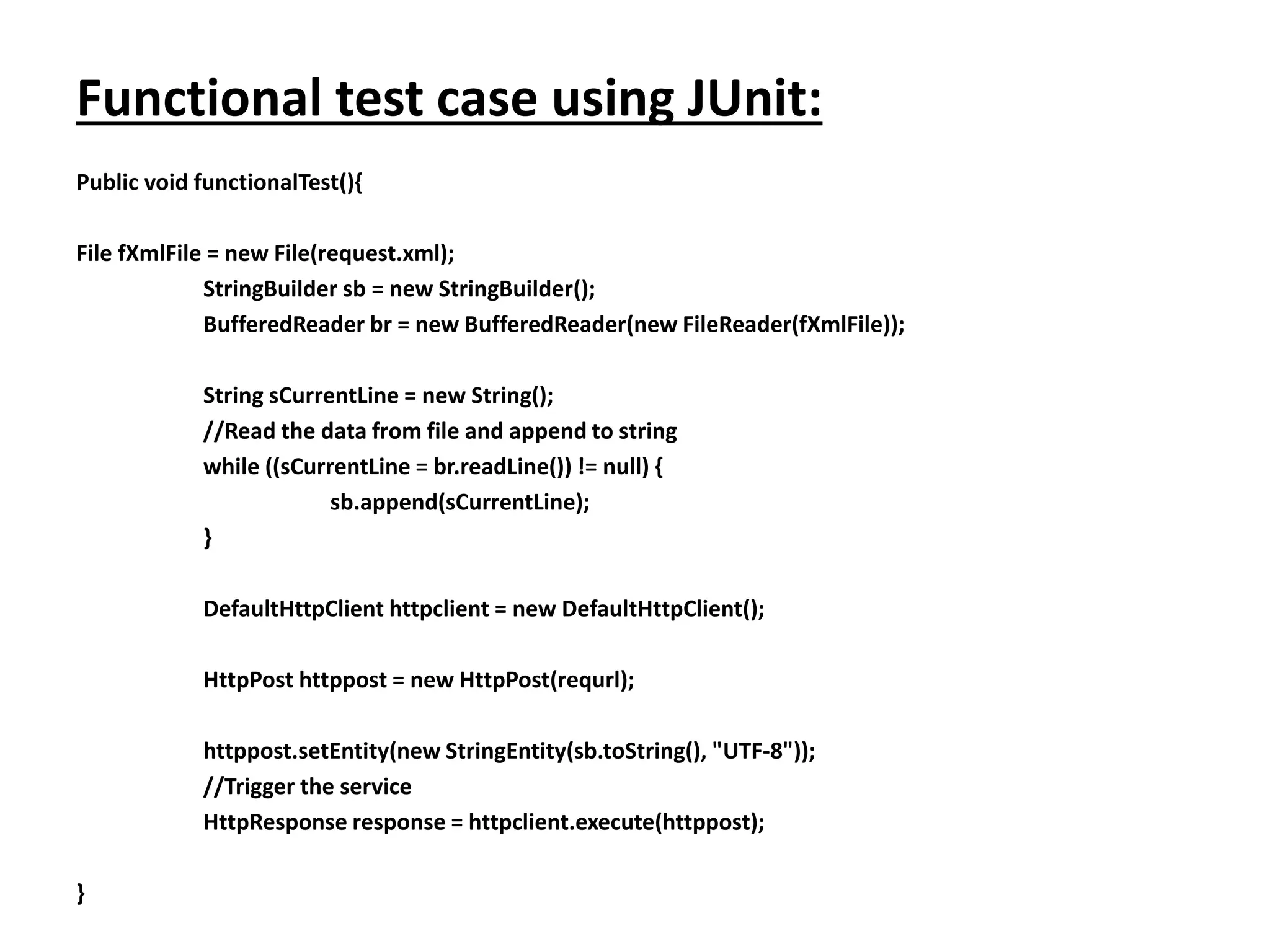
Functional test case using JUnit:
Public void functionalTest(){
File fXmlFile = new File(request.xml);
StringBuilder sb = new StringBuilder();
BufferedReader br = new BufferedReader(new FileReader(fXmlFile));
String sCurrentLine = new String();
//Read the data from file and append to string
while ((sCurrentLine = br.readLine()) != null) {
sb.append(sCurrentLine);
}
DefaultHttpClient httpclient = new DefaultHttpClient();
HttpPost httppost = new HttpPost(requrl);
httppost.setEntity(new StringEntity(sb.toString(), "UTF-8"));
//Trigger the service
HttpResponse response = httpclient.execute(httppost);
}
Flow of execution
1. Read the input request from request.xml file.
2. Trigger the service with above request.
3. Process the input request.
4. Transform the processed request to SAP IDoc and push it to
SAP.
Issue
Here we are unable to mock the SAP component so the test case
is directly pushing the IDoc to original SAP.
NOTE: Not only pushing the IDoc to SAP, at the time of
receiving IDoc from SAP also we will face same issue.
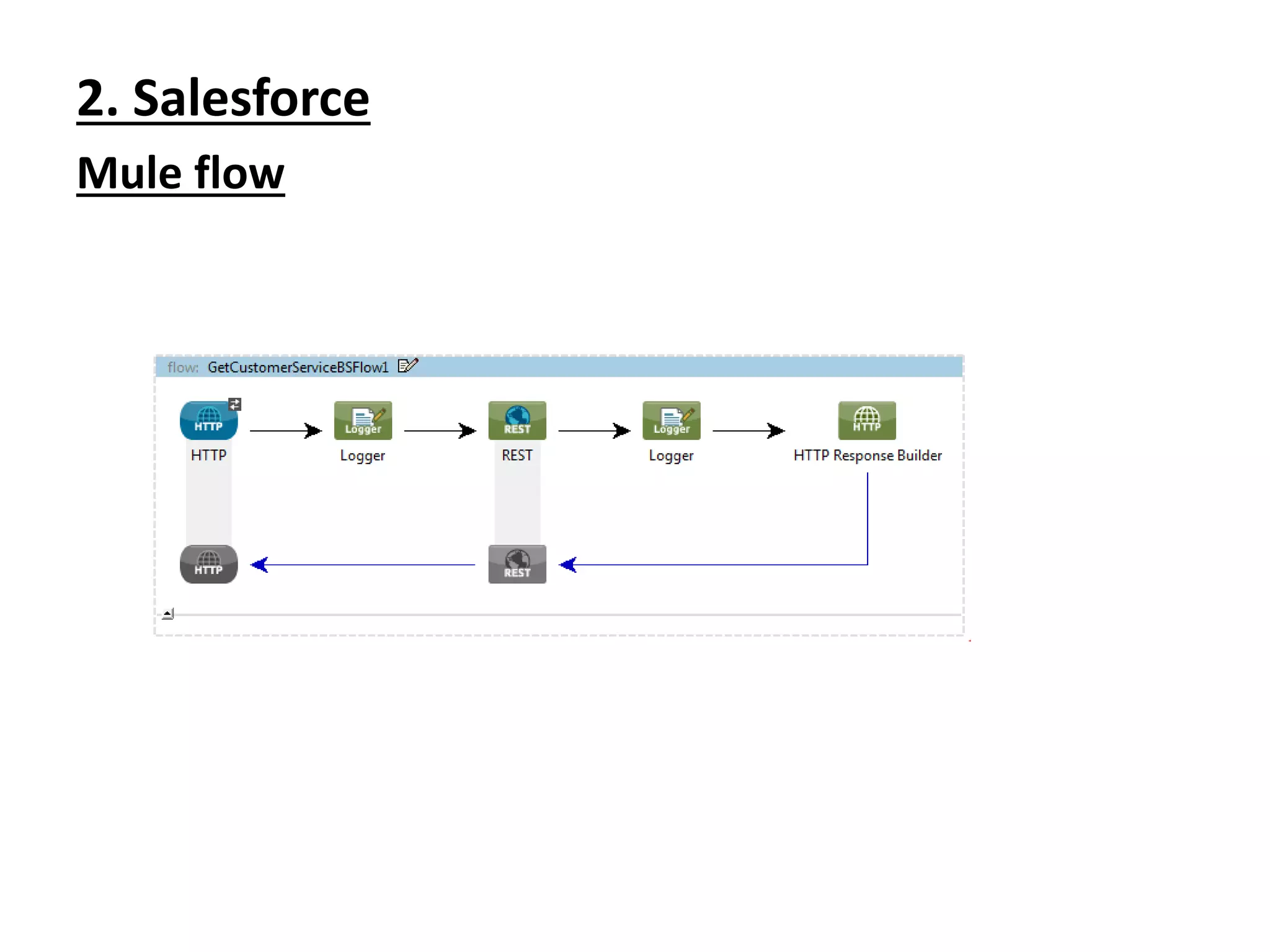
2. Salesforce
Mule flow
Flow of execution
1. Trigger the service with xml request.
2. Processes the input request.
3. Create the processed request as customer in Salesforce.
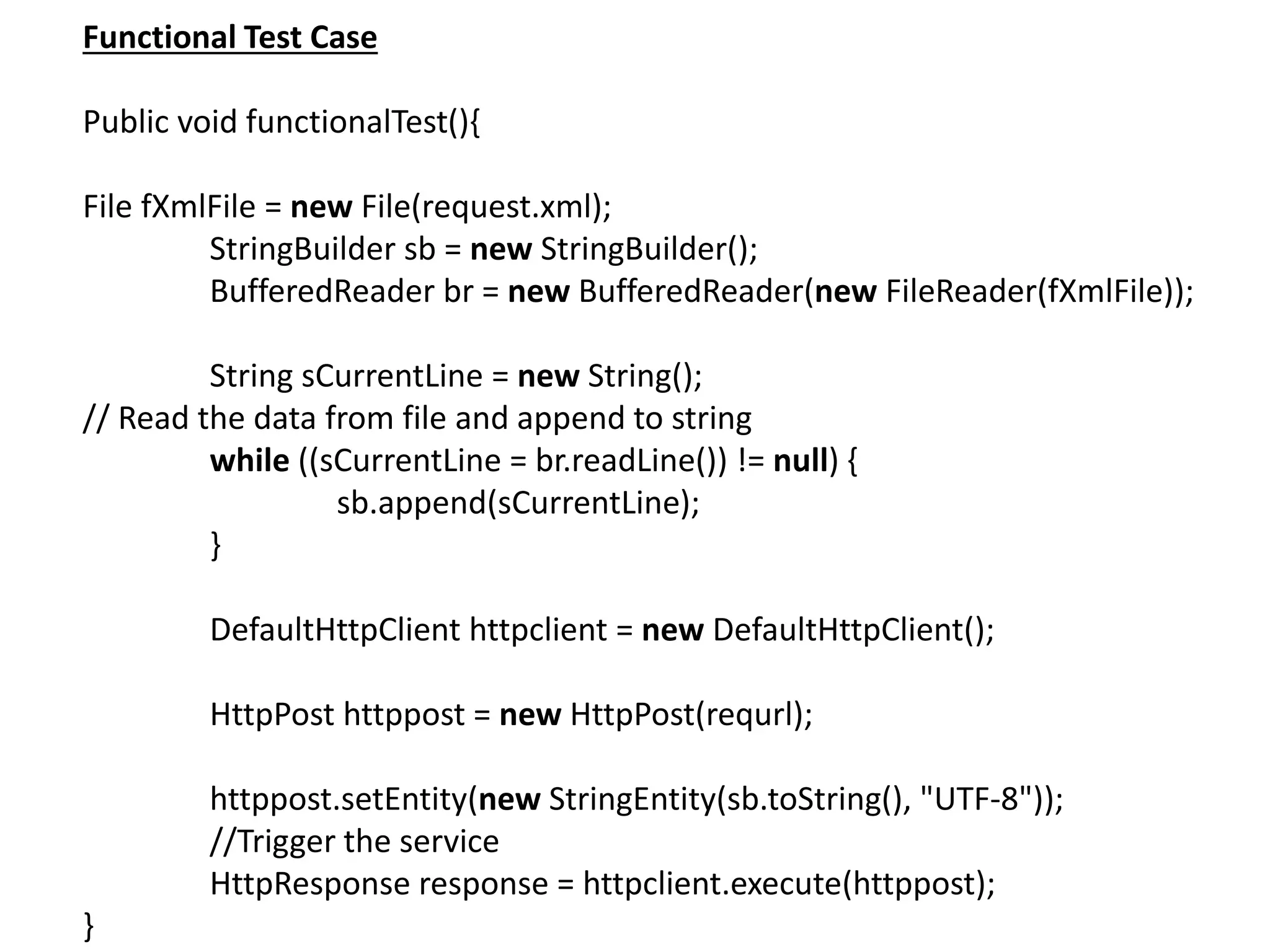
Functional Test Case
Public void functionalTest(){
File fXmlFile = new File(request.xml);
StringBuilder sb = new StringBuilder();
BufferedReader br = new BufferedReader(new FileReader(fXmlFile));
String sCurrentLine = new String();
// Read the data from file and append to string
while ((sCurrentLine = br.readLine()) != null) {
sb.append(sCurrentLine);
}
DefaultHttpClient httpclient = new DefaultHttpClient();
HttpPost httppost = new HttpPost(requrl);
httppost.setEntity(new StringEntity(sb.toString(), "UTF-8"));
//Trigger the service
HttpResponse response = httpclient.execute(httppost);
}
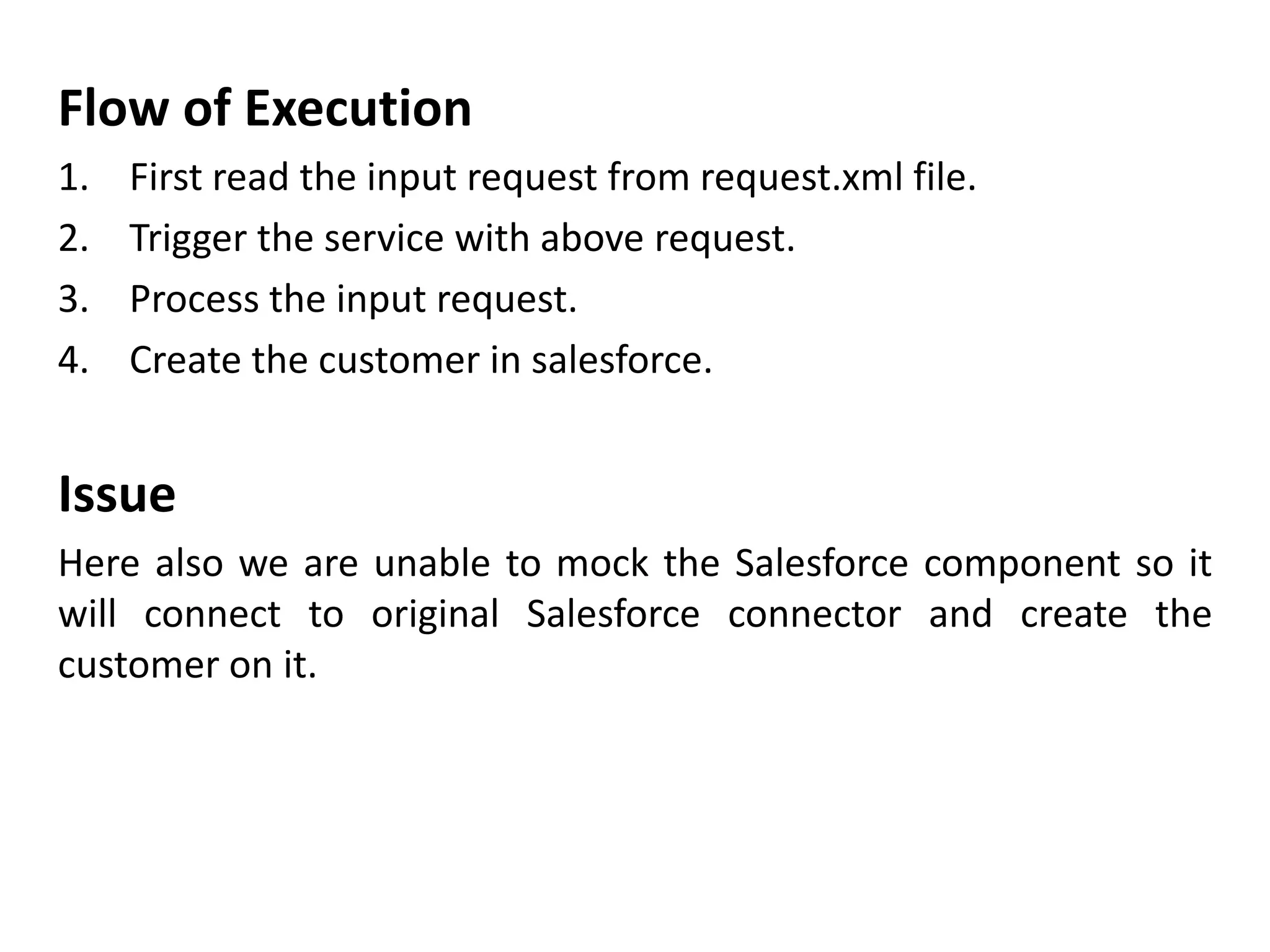
Flow of Execution
1. First read the input request from request.xml file.
2. Trigger the service with above request.
3. Process the input request.
4. Create the customer in salesforce.
Issue
Here also we are unable to mock the Salesforce component so it
will connect to original Salesforce connector and create the
customer on it.
Sample flow
<?xml version="1.0" encoding="UTF-8"?> <mule xmlns:http="http://www.mulesoft.org/schema/mule/http"
xmlns:tracking="http://www.mulesoft.org/schema/mule/ee/tracking"
xmlns="http://www.mulesoft.org/schema/mule/core"
xmlns:doc="http://www.mulesoft.org/schema/mule/documentation"
xmlns:spring="http://www.springframework.org/schema/beans" version="EE-3.6.1"
xmlns:xsi="http://www.w3.org/2001/XMLSchema-instance"
xsi:schemaLocation="http://www.springframework.org/schema/beans
http://www.springframework.org/schema/beans/spring-beans-current.xsd
http://www.mulesoft.org/schema/mule/core http://www.mulesoft.org/schema/mule/core/current/mule.xsd
http://www.mulesoft.org/schema/mule/ee/tracking
http://www.mulesoft.org/schema/mule/ee/tracking/current/mule-tracking-ee.xsd
http://www.mulesoft.org/schema/mule/http http://www.mulesoft.org/schema/mule/http/current/mule-http.xsd">
<http:listener-config name="HTTP_Listener_Configuration" host="0.0.0.0" port="9090" doc:name="HTTP Listener
Configuration"/> <flow name="exampleFlow"> <http:listener config-ref="HTTP_Listener_Configuration" path="/"
allowedMethods="GET" doc:name="HTTP"/> <set-payload
value="#[message.inboundProperties['http.query.params']['url_key']]" doc:name="Set Original Payload"/> <flow-ref
name="exampleFlow2" doc:name="exampleFlow2"/> <choice doc:name="Choice"> <when
expression="#[flowVars['my_variable'].equals('var_value_1')]"> <set-payload value="#['response_payload_1']"
doc:name="Set Response Payload"/> </when> <otherwise> <set-payload value="#['response_payload_2']"
doc:name="Set Response Payload"/> </otherwise> </choice> </flow> <flow name="exampleFlow2"> <choice
doc:name="Choice"> <when expression="#['payload_1'.equals(payload)]"> <flow-ref name="exampleSub_Flow1"
doc:name="exampleSub_Flow1"/> </when> <otherwise> <flow-ref name="exampleSub_Flow2"
doc:name="exampleSub_Flow2"/> </otherwise> </choice> </flow> <sub-flow name="exampleSub_Flow1"> <set-
variable variableName="my_variable" value="#['var_value_1']" doc:name="my_variable"/> </sub-flow> <sub-flow
name="exampleSub_Flow2"> <set-variable variableName="my_variable" value="#['var_value_2']"
doc:name="my_variable"/> </sub-flow> </mule>
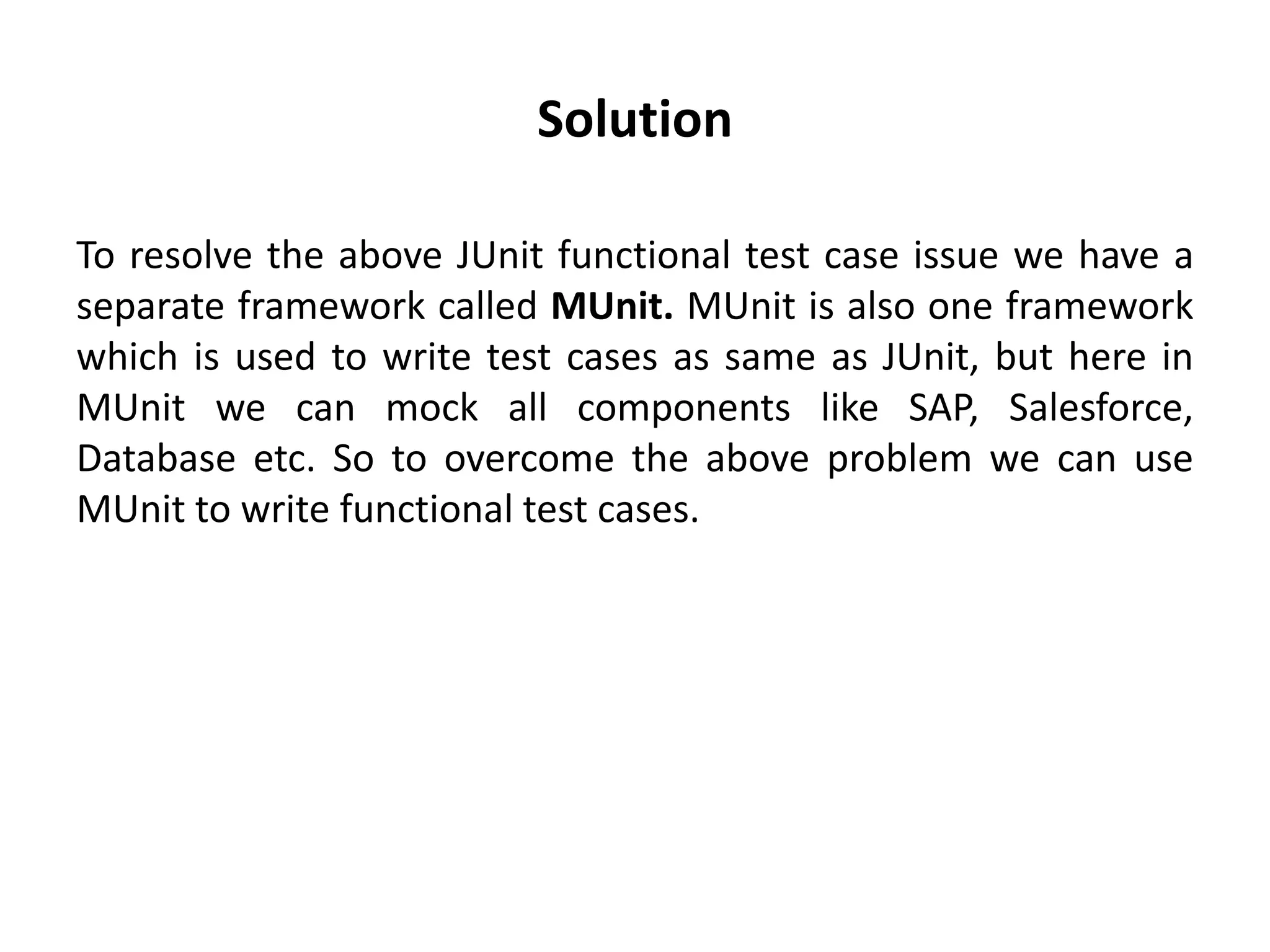
Solution
To resolve the above JUnit functional test case issue we have a
separate framework called MUnit. MUnit is also one framework
which is used to write test cases as same as JUnit, but here in
MUnit we can mock all components like SAP, Salesforce,
Database etc. So to overcome the above problem we can use
MUnit to write functional test cases.
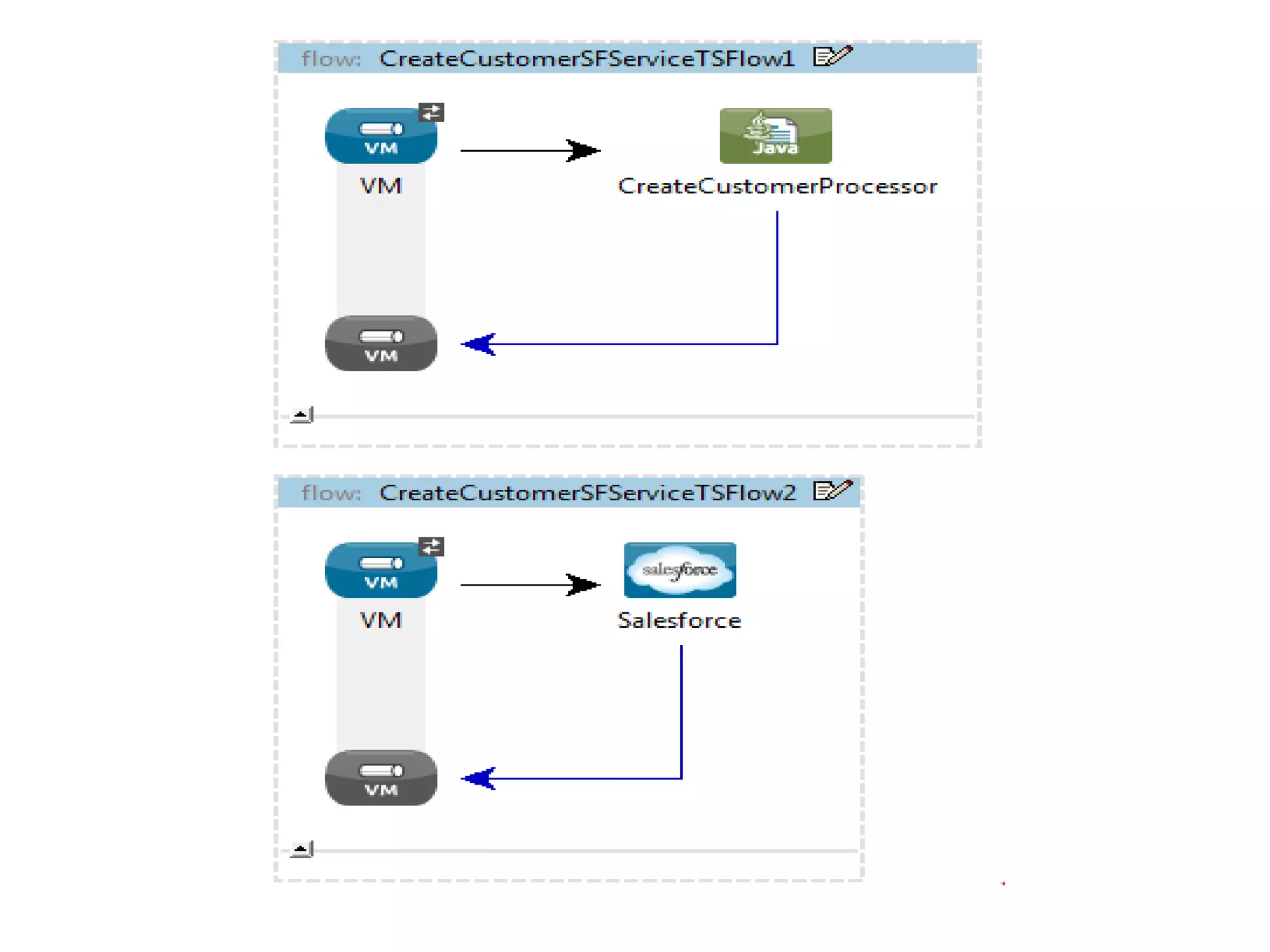
Example
Mocking Salesforce test case using Munit
mflow
<?xml version="1.0" encoding="UTF-8"?>
<mule xmlns="http://www.mulesoft.org/schema/mule/core" xmlns:vm="http://www.mulesoft.org/schema/mule/vm"
xmlns:sfdc="http://www.mulesoft.org/schema/mule/sfdc" xmlns:doc="http://www.mulesoft.org/schema/mule/documentation"
xmlns:spring="http://www.springframework.org/schema/beans" xmlns:core="http://www.mulesoft.org/schema/mule/core"
version="EE-3.4.0" xmlns:xsi="http://www.w3.org/2001/XMLSchema-instance"
xsi:schemaLocation="http://www.mulesoft.org/schema/mule/vm http://www.mulesoft.org/schema/mule/vm/current/mule-
vm.xsd
http://www.mulesoft.org/schema/mule/sfdc http://www.mulesoft.org/schema/mule/sfdc/5.0/mule-sfdc.xsd
http://www.springframework.org/schema/beans http://www.springframework.org/schema/beans/spring-beans-current.xsd
http://www.mulesoft.org/schema/mule/core http://www.mulesoft.org/schema/mule/core/current/mule.xsd">
<vm:endpoint exchange-pattern="request-response" path="CREATE_CSTMR_VM" name="CREATE_CSTMR_VM"
doc:name="VM"/>
<vm:endpoint exchange-pattern="request-response" path="INSERT_PERSON_ACT_VM" name="INSERT_PERSON_ACT_VM"
doc:name="VM"/>
<flow name="CreateCustomerSFServiceTSFlow1" doc:name="CreateCustomerSFServiceTSFlow1">
<vm:inbound-endpoint exchange-pattern="request-response" ref="CREATE_CSTMR_VM" doc:name="VM"/>
<component class="com.vertu.services.ecom.maintaincustmr.processor.CreateCustomerProcessor"
doc:name="CreateCustomerProcessor"/>
</flow>
<flow name="CreateCustomerSFServiceTSFlow2" doc:name="CreateCustomerSFServiceTSFlow2">
<vm:inbound-endpoint exchange-pattern="request-response" ref="INSERT_PERSON_ACT_VM" doc:name="VM"/>
<sfdc:create config-ref="ECOM_SALESFORCE_CONNECTOR" type="#[payload.Type]" doc:name="Salesforce">
<sfdc:objects ref="#[payload.Object]"/>
</sfdc:create>
</flow>
</mule>
Here we have a Salesforce component to create the customer in
Salesforce and return the customer-id as payload. So in
functional test case we should mock this component without
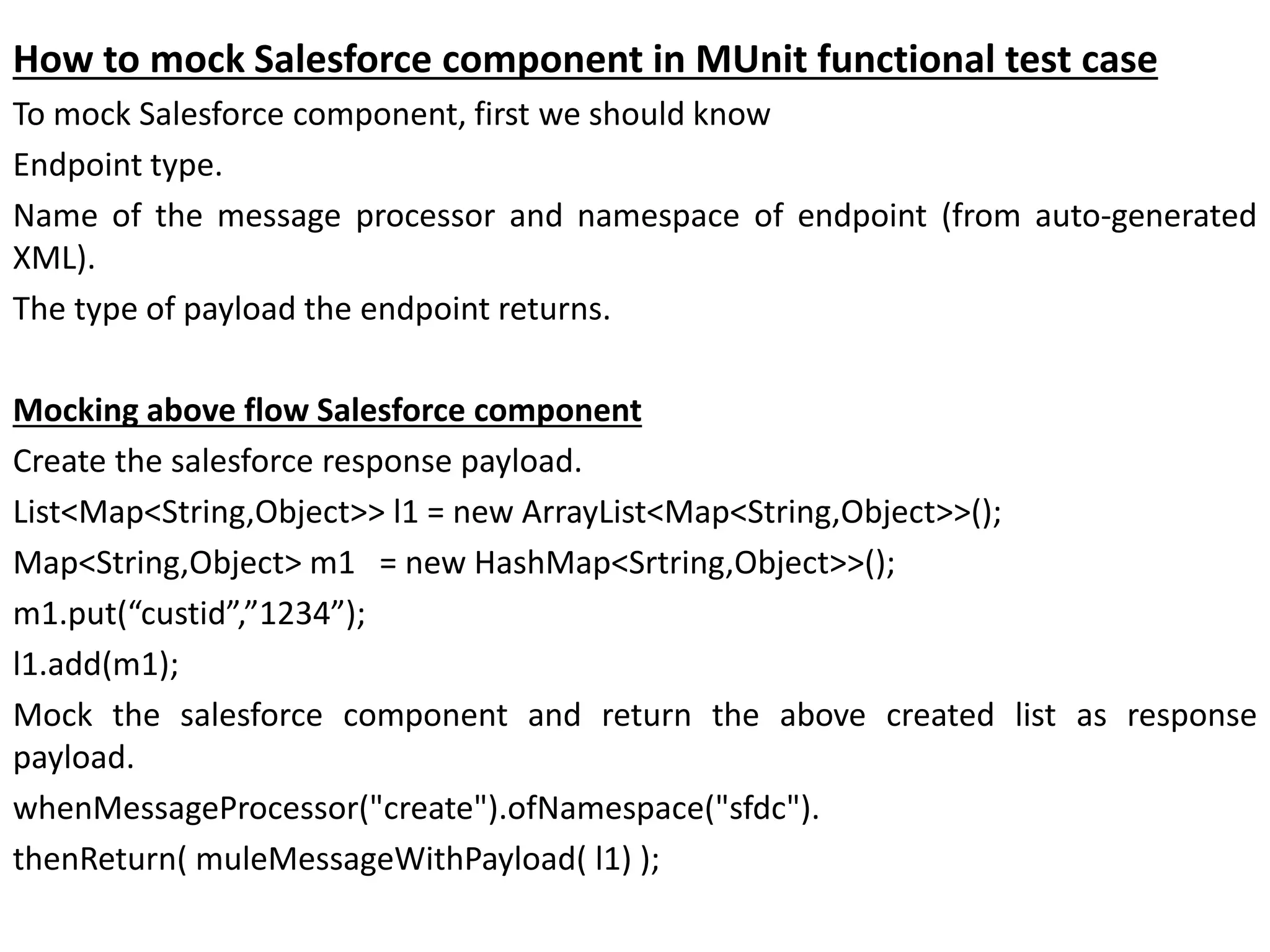
How to mock Salesforce component in MUnit functional test case
To mock Salesforce component, first we should know
Endpoint type.
Name of the message processor and namespace of endpoint (from auto-generated
XML).
The type of payload the endpoint returns.
Mocking above flow Salesforce component
Create the salesforce response payload.
List<Map<String,Object>> l1 = new ArrayList<Map<String,Object>>();
Map<String,Object> m1 = new HashMap<Srtring,Object>>();
m1.put(“custid”,”1234”);
l1.add(m1);
Mock the salesforce component and return the above created list as response
payload.
whenMessageProcessor("create").ofNamespace("sfdc").
thenReturn( muleMessageWithPayload( l1) );
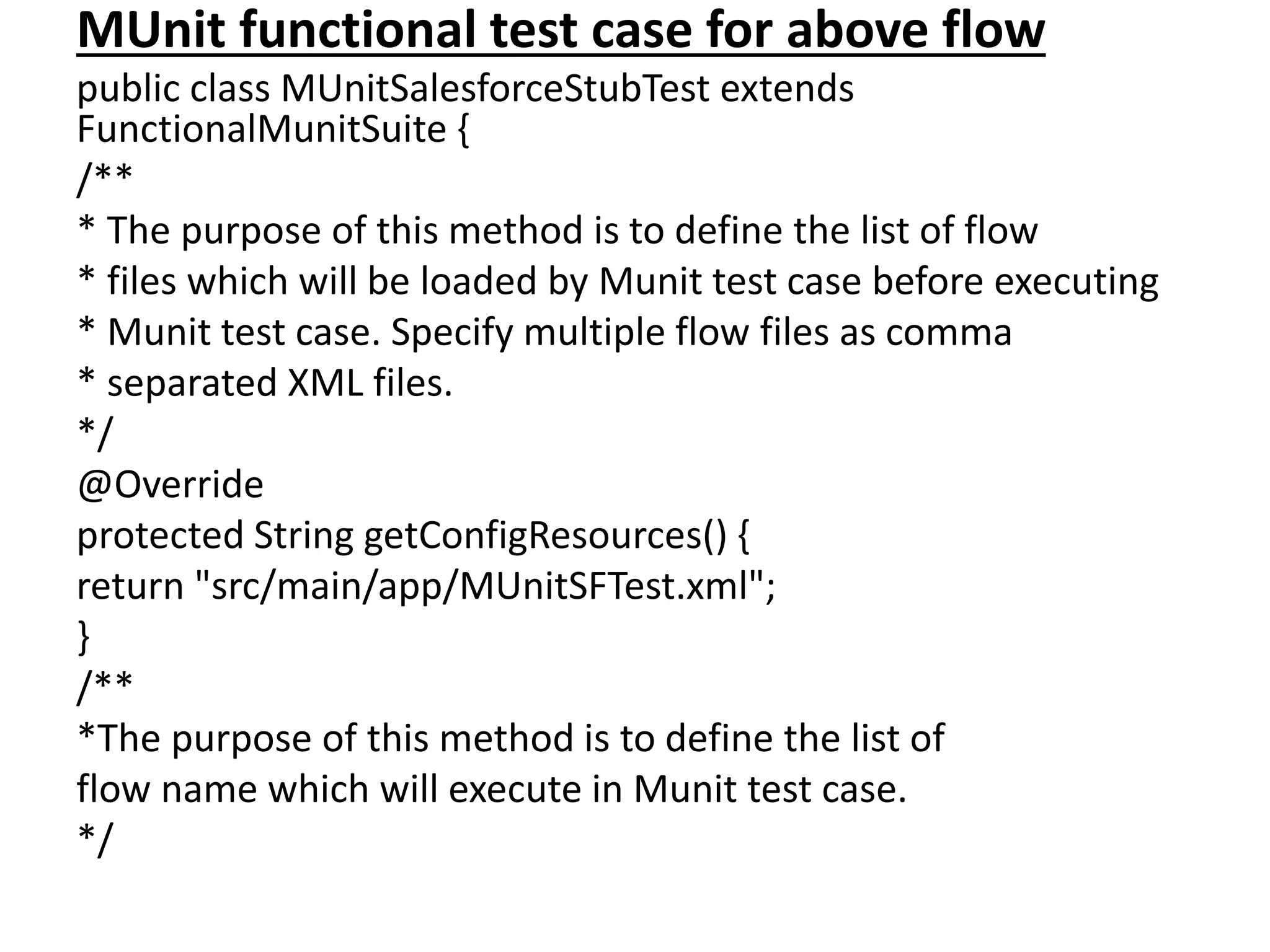
MUnit functional test case for above flow
public class MUnitSalesforceStubTest extends
FunctionalMunitSuite {
/**
* The purpose of this method is to define the list of flow
* files which will be loaded by Munit test case before executing
* Munit test case. Specify multiple flow files as comma
* separated XML files.
*/
@Override
protected String getConfigResources() {
return "src/main/app/MUnitSFTest.xml";
}
/**
*The purpose of this method is to define the list of
flow name which will execute in Munit test case.
*/
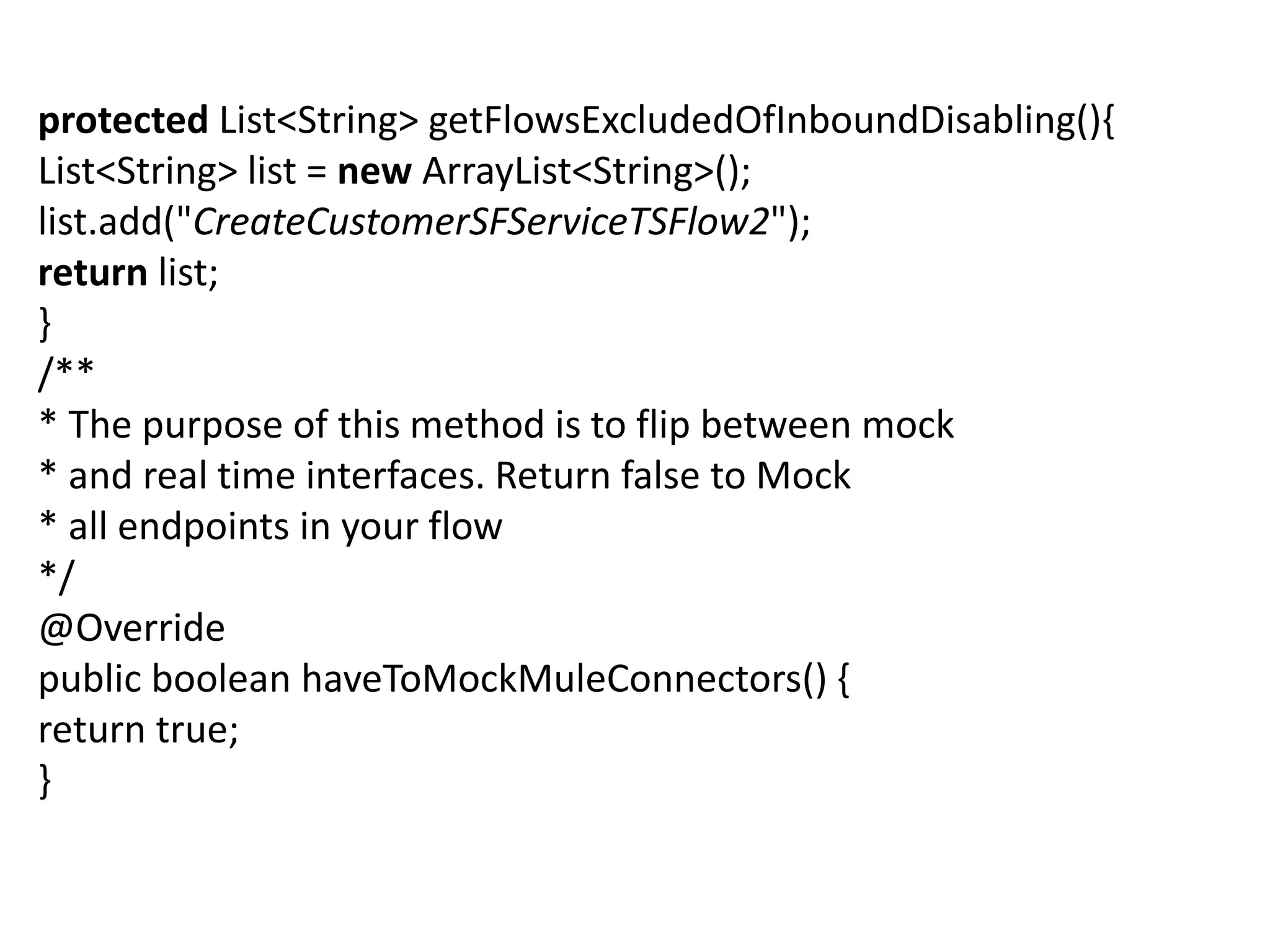
protected List<String> getFlowsExcludedOfInboundDisabling(){
List<String> list = new ArrayList<String>();
list.add("CreateCustomerSFServiceTSFlow2");
return list;
}
/**
* The purpose of this method is to flip between mock
* and real time interfaces. Return false to Mock
* all endpoints in your flow
*/
@Override
public boolean haveToMockMuleConnectors() {
return true;
}
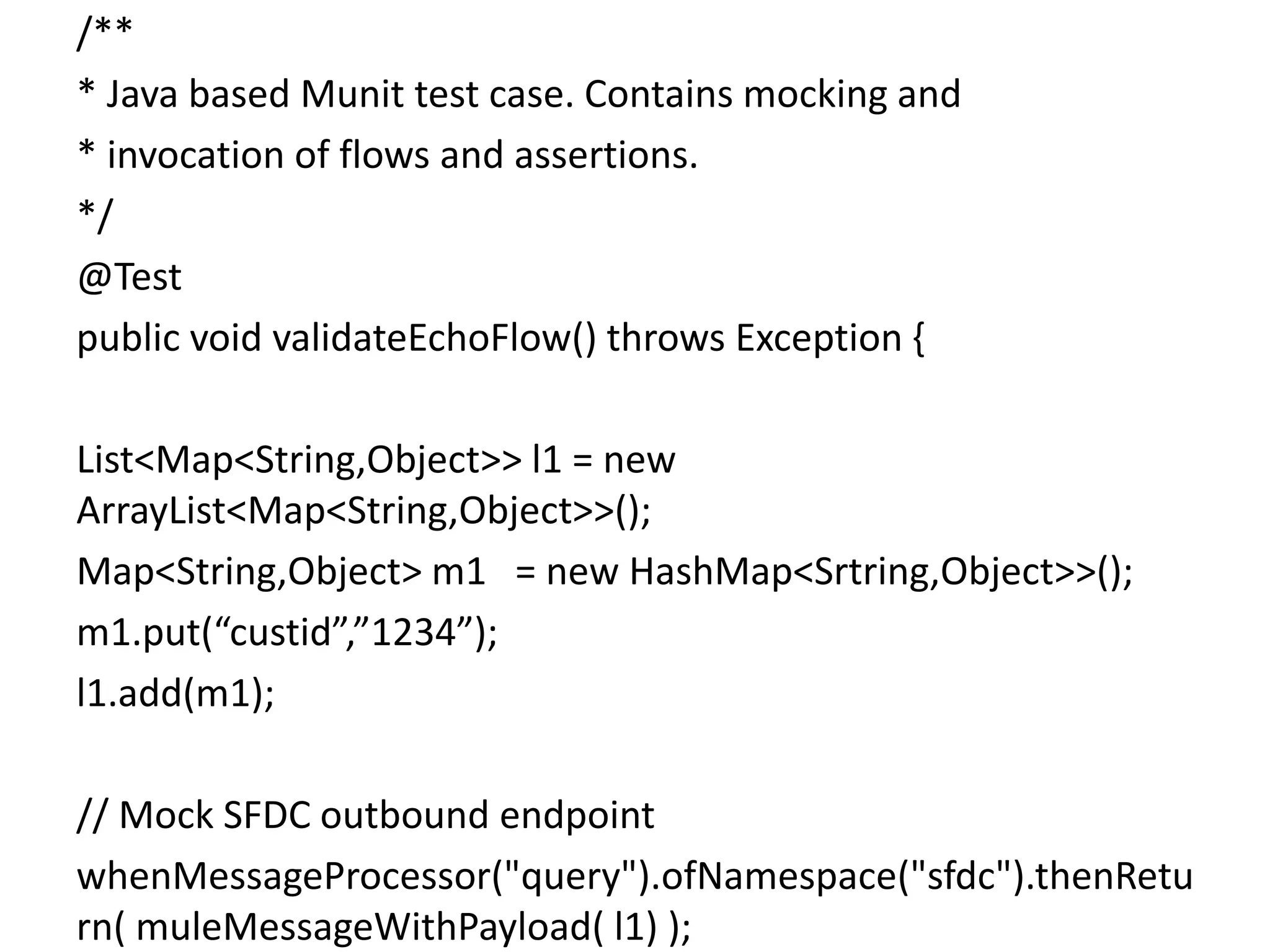
/**
* Java based Munit test case. Contains mocking and
* invocation of flows and assertions.
*/
@Test
public void validateEchoFlow() throws Exception {
List<Map<String,Object>> l1 = new
ArrayList<Map<String,Object>>();
Map<String,Object> m1 = new HashMap<Srtring,Object>>();
m1.put(“custid”,”1234”);
l1.add(m1);
// Mock SFDC outbound endpoint
whenMessageProcessor("query").ofNamespace("sfdc").thenRetu
rn( muleMessageWithPayload( l1) );
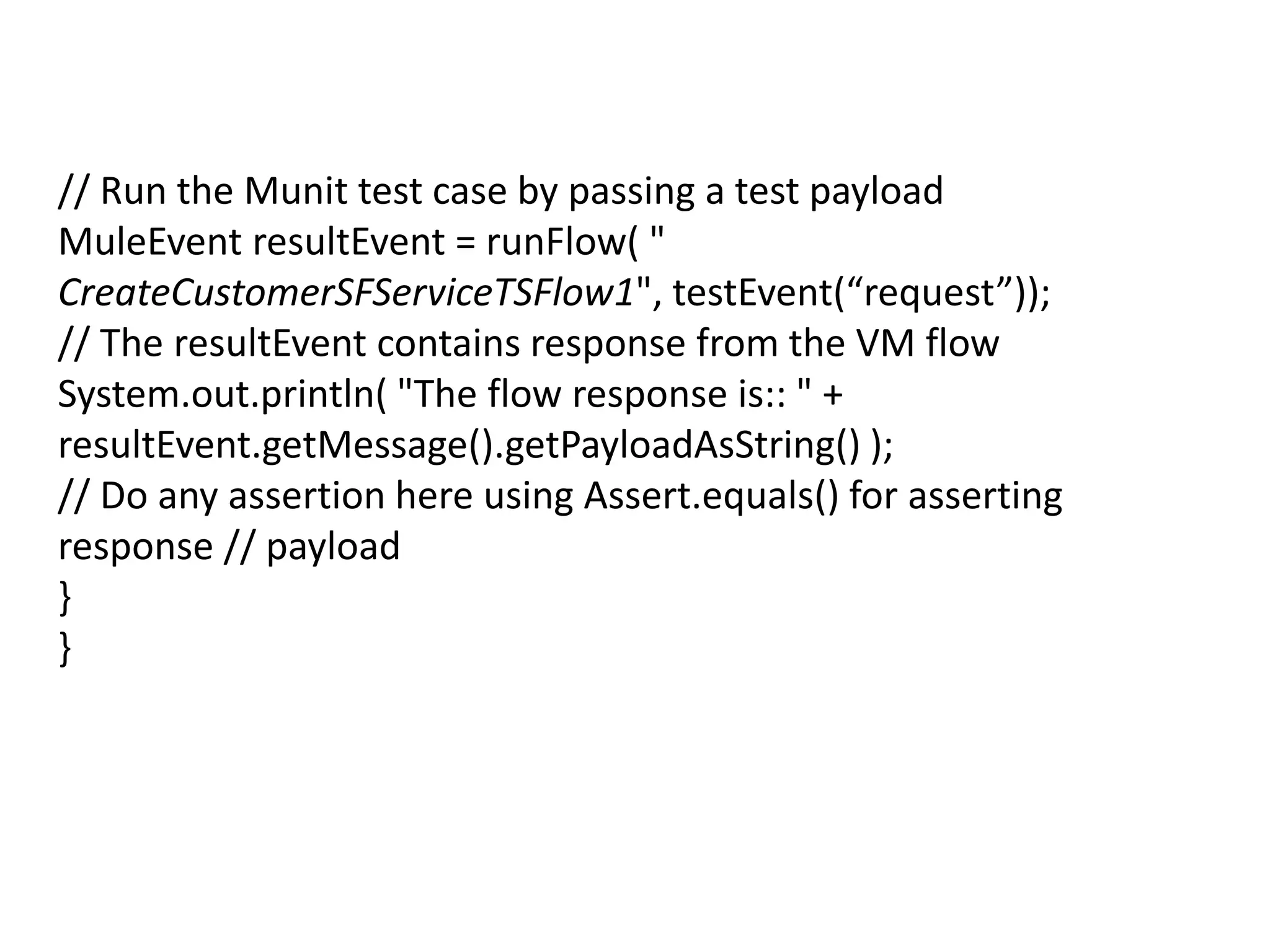
// Run the Munit test case by passing a test payload
MuleEvent resultEvent = runFlow( "
CreateCustomerSFServiceTSFlow1", testEvent(“request”));
// The resultEvent contains response from the VM flow
System.out.println( "The flow response is:: " +
resultEvent.getMessage().getPayloadAsString() );
// Do any assertion here using Assert.equals() for asserting
response // payload
}
}
Mocking Database component test case using
MUnit
Mflow:
<flow name="CheckAcctIDFlow" doc:name="CheckAcctIDFlow">
<vm:inbound-endpoint exchange-pattern="request-
response" ref="FETCH_ACT_GUID_VM1"
doc:name="FETCH_ACT_GUID_VM1"/>
<logger
message="#[message.inboundProperties['ACCT_GUID']]"
level="INFO" doc:name="Logger"/>
<jdbc-ee:outbound-endpoint exchange-pattern="request-
response" queryKey="Get_ACC_ID" queryTimeout="-1"
connector-ref="CDMR_JDBC_CONNECTOR"
doc:name="Get_ACCT_ID"/>
</flow>
• Here we have a database component used to select and
return the account-id from database. So we need to mock this
component in functional test case.
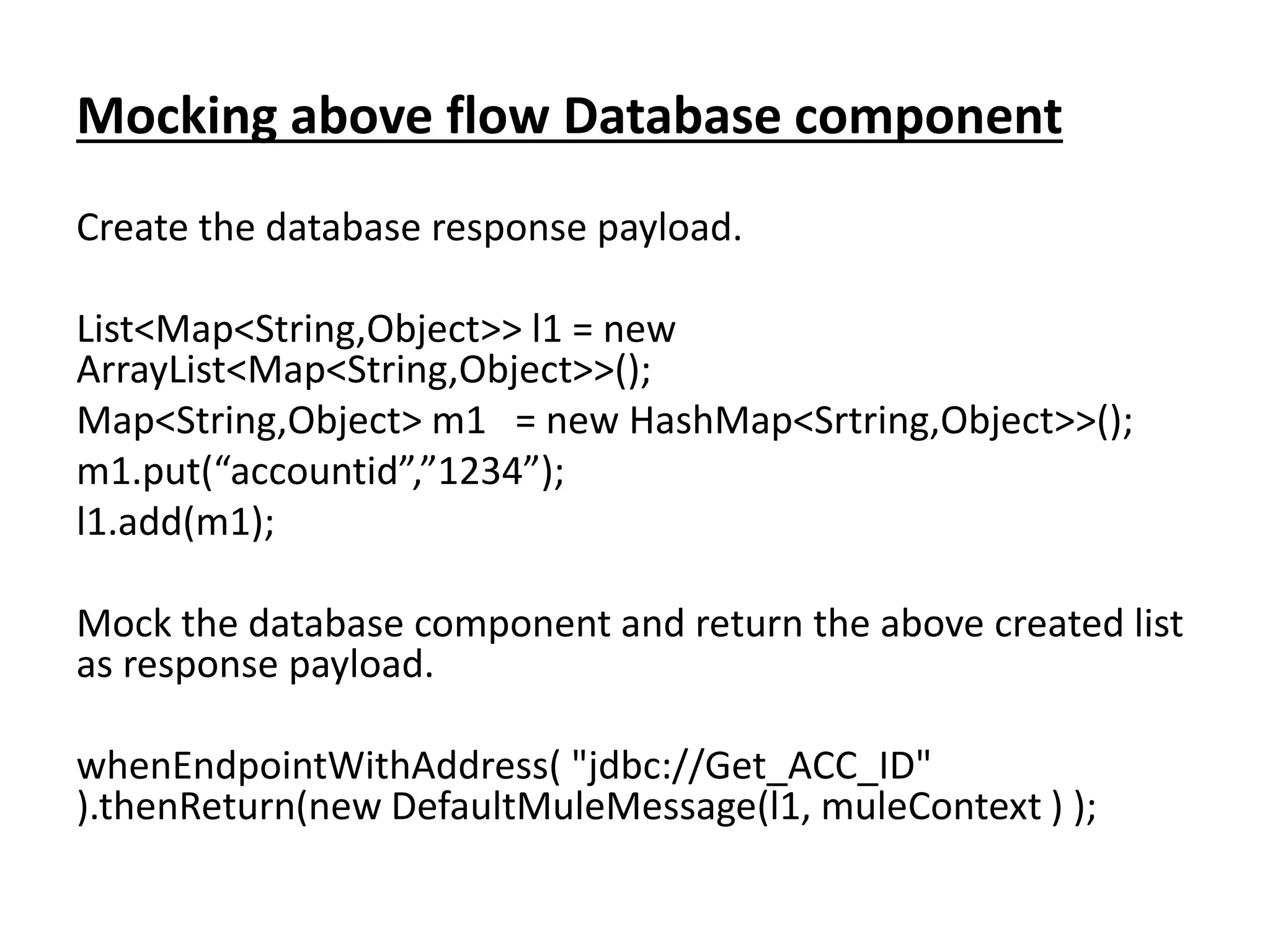
Mocking above flow Database component
Create the database response payload.
List<Map<String,Object>> l1 = new
ArrayList<Map<String,Object>>();
Map<String,Object> m1 = new HashMap<Srtring,Object>>();
m1.put(“accountid”,”1234”);
l1.add(m1);
Mock the database component and return the above created list
as response payload.
whenEndpointWithAddress( "jdbc://Get_ACC_ID"
).thenReturn(new DefaultMuleMessage(l1, muleContext ) );
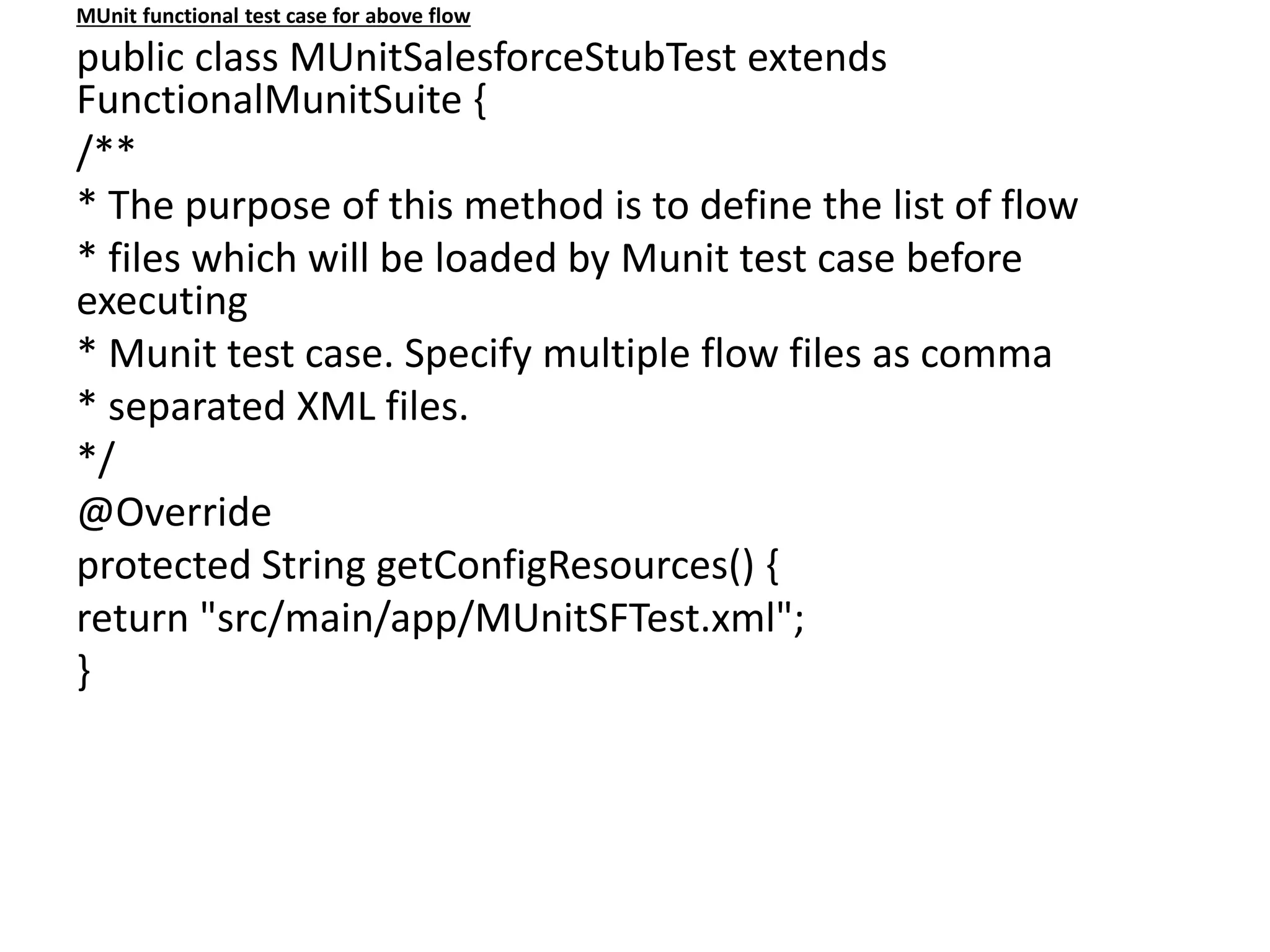
MUnit functional test case for above flow
public class MUnitSalesforceStubTest extends
FunctionalMunitSuite {
/**
* The purpose of this method is to define the list of flow
* files which will be loaded by Munit test case before
executing
* Munit test case. Specify multiple flow files as comma
* separated XML files.
*/
@Override
protected String getConfigResources() {
return "src/main/app/MUnitSFTest.xml";
}
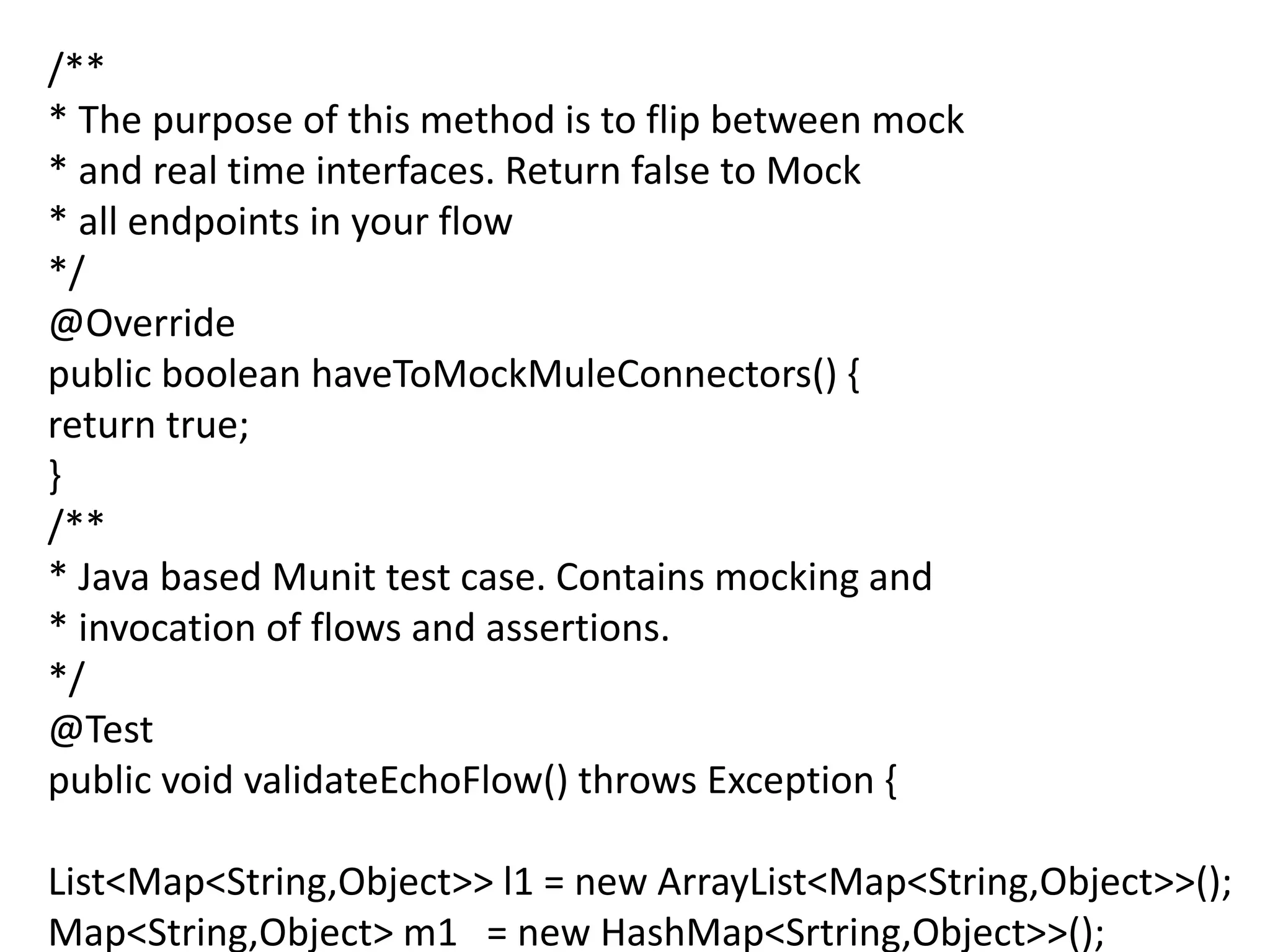
/**
* The purpose of this method is to flip between mock
* and real time interfaces. Return false to Mock
* all endpoints in your flow
*/
@Override
public boolean haveToMockMuleConnectors() {
return true;
}
/**
* Java based Munit test case. Contains mocking and
* invocation of flows and assertions.
*/
@Test
public void validateEchoFlow() throws Exception {
List<Map<String,Object>> l1 = new ArrayList<Map<String,Object>>();
Map<String,Object> m1 = new HashMap<Srtring,Object>>();
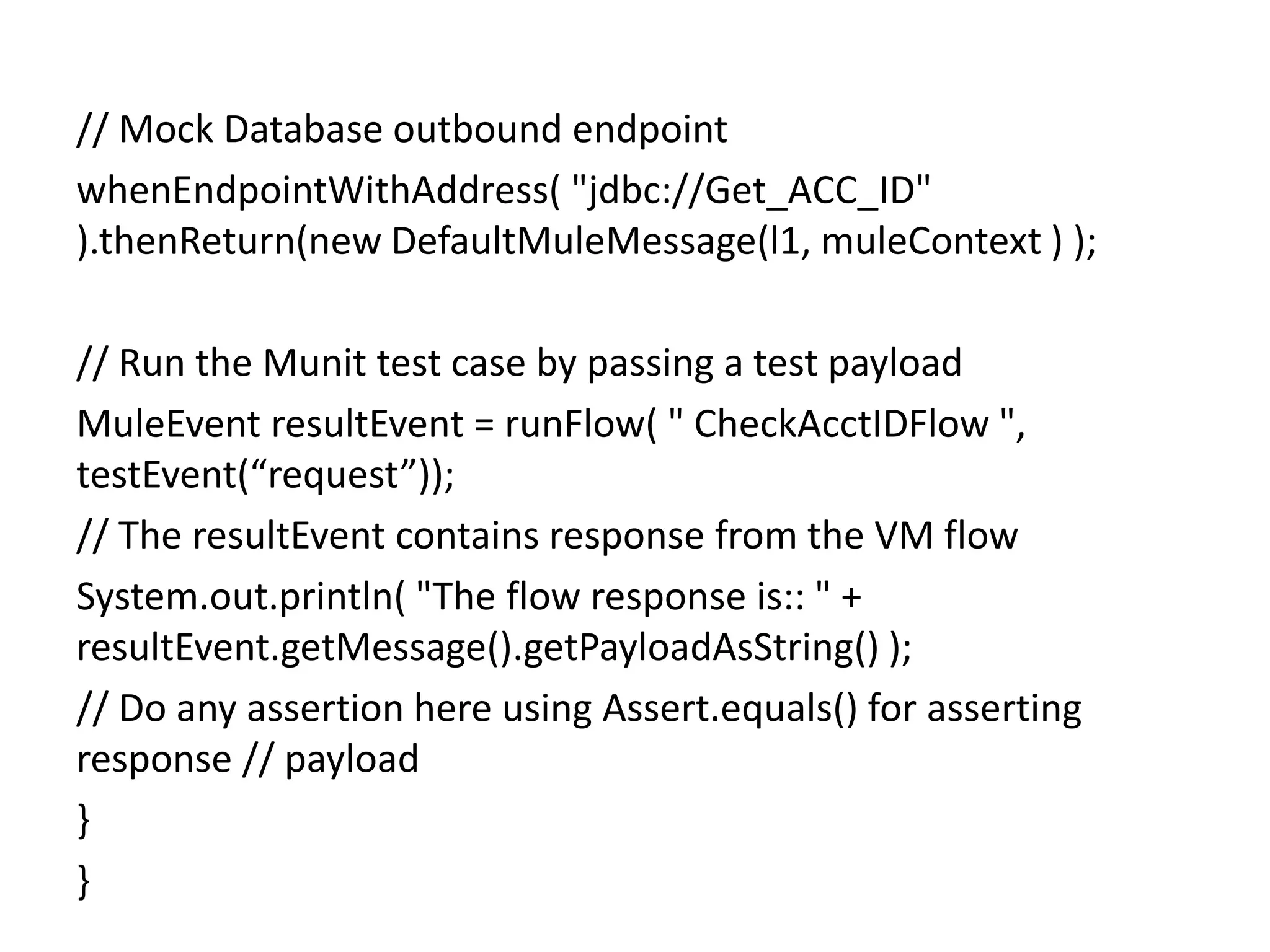
// Mock Database outbound endpoint
whenEndpointWithAddress( "jdbc://Get_ACC_ID"
).thenReturn(new DefaultMuleMessage(l1, muleContext ) );
// Run the Munit test case by passing a test payload
MuleEvent resultEvent = runFlow( " CheckAcctIDFlow ",
testEvent(“request”));
// The resultEvent contains response from the VM flow
System.out.println( "The flow response is:: " +
resultEvent.getMessage().getPayloadAsString() );
// Do any assertion here using Assert.equals() for asserting
response // payload
}
}
Benefits
• Create Java based or Mule flow based unit test cases
• Mock endpoints (Salesforce, Database, or SAP etc.) to return
custom payloads for unit testing
• Dynamically flip/parameterize Munit test cases to Mock payloads
or use real time interfaces
• Support functional unit testing similar to Mule Functional test case
• Support Assertion through Spy processors and additionally verify
flows using Message verifiers (introspect payload at different flows
for flow navigation)
• Support Asynchronous flow processing and request-response
processors
• Mock without custom database or in memory database
• Automate test cases using Maven and generate HTML reports using
Surefire plugins
Conclusion
When we write test cases using JUnit we can’t mock all mule
components and the test case will connect to original
connectors(SAP, Salesforce). So to overcome this issue we can
use MUnit to write test cases effectively.
References
• https://github.com/mulesoft/munit
• http://www.mulesoft.org/documentation/display/EARLYACCE
SS/MUnit
About the Author
Prudhvi

Munit junit test case

  • 1.
    JUnit Functional testcases By: Prudhvi 25-July-2015
  • 2.
    Abstract The main themeof this is what the issues to write test cases using JUnit are and how to overcome those issues.
  • 3.
    Contents 1. ABSTRACT 2. INTRODUCTION 3.PROBLEM STATEMENT 4. SOLUTION 5. CONCLUSION 6. REFERENCE
  • 4.
    Introduction We have multipleunit test frameworks to write unit and functional test cases for our services. When we write functional test cases using JUnit we can’t mock mule components. To resolve this issues we have to use MUnit and I am going to explain what is the problem with JUnit and how to resolve using MUnit in the below.
  • 5.
    Problem Statement When wewrite functional test cases using JUnit, the test case will directly connect to original components like SAP, Salesforce etc. and insert/select the data. It is the issue in JUnit functional test case why because we are writing functional test cases to check whether entire functionality is working as expected or not without modifying the original components (SAP, Salesforce, Database) data, but in JUnit functional test cases it is directly connecting to original components and modifying the original data.
  • 6.
  • 7.
    Flow of execution Triggerthe service with xml request. Receive the input request and process it. Transform the processed request to SAP IDoc and push it to SAP.
  • 8.
    Functional test caseusing JUnit: Public void functionalTest(){ File fXmlFile = new File(request.xml); StringBuilder sb = new StringBuilder(); BufferedReader br = new BufferedReader(new FileReader(fXmlFile)); String sCurrentLine = new String(); //Read the data from file and append to string while ((sCurrentLine = br.readLine()) != null) { sb.append(sCurrentLine); } DefaultHttpClient httpclient = new DefaultHttpClient(); HttpPost httppost = new HttpPost(requrl); httppost.setEntity(new StringEntity(sb.toString(), "UTF-8")); //Trigger the service HttpResponse response = httpclient.execute(httppost); }
  • 9.
    Flow of execution 1.Read the input request from request.xml file. 2. Trigger the service with above request. 3. Process the input request. 4. Transform the processed request to SAP IDoc and push it to SAP. Issue Here we are unable to mock the SAP component so the test case is directly pushing the IDoc to original SAP. NOTE: Not only pushing the IDoc to SAP, at the time of receiving IDoc from SAP also we will face same issue.
  • 10.
  • 12.
    Flow of execution 1.Trigger the service with xml request. 2. Processes the input request. 3. Create the processed request as customer in Salesforce.
  • 13.
    Functional Test Case Publicvoid functionalTest(){ File fXmlFile = new File(request.xml); StringBuilder sb = new StringBuilder(); BufferedReader br = new BufferedReader(new FileReader(fXmlFile)); String sCurrentLine = new String(); // Read the data from file and append to string while ((sCurrentLine = br.readLine()) != null) { sb.append(sCurrentLine); } DefaultHttpClient httpclient = new DefaultHttpClient(); HttpPost httppost = new HttpPost(requrl); httppost.setEntity(new StringEntity(sb.toString(), "UTF-8")); //Trigger the service HttpResponse response = httpclient.execute(httppost); }
  • 14.
    Flow of Execution 1.First read the input request from request.xml file. 2. Trigger the service with above request. 3. Process the input request. 4. Create the customer in salesforce. Issue Here also we are unable to mock the Salesforce component so it will connect to original Salesforce connector and create the customer on it.
  • 15.
    Sample flow <?xml version="1.0"encoding="UTF-8"?> <mule xmlns:http="http://www.mulesoft.org/schema/mule/http" xmlns:tracking="http://www.mulesoft.org/schema/mule/ee/tracking" xmlns="http://www.mulesoft.org/schema/mule/core" xmlns:doc="http://www.mulesoft.org/schema/mule/documentation" xmlns:spring="http://www.springframework.org/schema/beans" version="EE-3.6.1" xmlns:xsi="http://www.w3.org/2001/XMLSchema-instance" xsi:schemaLocation="http://www.springframework.org/schema/beans http://www.springframework.org/schema/beans/spring-beans-current.xsd http://www.mulesoft.org/schema/mule/core http://www.mulesoft.org/schema/mule/core/current/mule.xsd http://www.mulesoft.org/schema/mule/ee/tracking http://www.mulesoft.org/schema/mule/ee/tracking/current/mule-tracking-ee.xsd http://www.mulesoft.org/schema/mule/http http://www.mulesoft.org/schema/mule/http/current/mule-http.xsd"> <http:listener-config name="HTTP_Listener_Configuration" host="0.0.0.0" port="9090" doc:name="HTTP Listener Configuration"/> <flow name="exampleFlow"> <http:listener config-ref="HTTP_Listener_Configuration" path="/" allowedMethods="GET" doc:name="HTTP"/> <set-payload value="#[message.inboundProperties['http.query.params']['url_key']]" doc:name="Set Original Payload"/> <flow-ref name="exampleFlow2" doc:name="exampleFlow2"/> <choice doc:name="Choice"> <when expression="#[flowVars['my_variable'].equals('var_value_1')]"> <set-payload value="#['response_payload_1']" doc:name="Set Response Payload"/> </when> <otherwise> <set-payload value="#['response_payload_2']" doc:name="Set Response Payload"/> </otherwise> </choice> </flow> <flow name="exampleFlow2"> <choice doc:name="Choice"> <when expression="#['payload_1'.equals(payload)]"> <flow-ref name="exampleSub_Flow1" doc:name="exampleSub_Flow1"/> </when> <otherwise> <flow-ref name="exampleSub_Flow2" doc:name="exampleSub_Flow2"/> </otherwise> </choice> </flow> <sub-flow name="exampleSub_Flow1"> <set- variable variableName="my_variable" value="#['var_value_1']" doc:name="my_variable"/> </sub-flow> <sub-flow name="exampleSub_Flow2"> <set-variable variableName="my_variable" value="#['var_value_2']" doc:name="my_variable"/> </sub-flow> </mule>
  • 16.
    Solution To resolve theabove JUnit functional test case issue we have a separate framework called MUnit. MUnit is also one framework which is used to write test cases as same as JUnit, but here in MUnit we can mock all components like SAP, Salesforce, Database etc. So to overcome the above problem we can use MUnit to write functional test cases.
  • 17.
    Example Mocking Salesforce testcase using Munit mflow <?xml version="1.0" encoding="UTF-8"?> <mule xmlns="http://www.mulesoft.org/schema/mule/core" xmlns:vm="http://www.mulesoft.org/schema/mule/vm" xmlns:sfdc="http://www.mulesoft.org/schema/mule/sfdc" xmlns:doc="http://www.mulesoft.org/schema/mule/documentation" xmlns:spring="http://www.springframework.org/schema/beans" xmlns:core="http://www.mulesoft.org/schema/mule/core" version="EE-3.4.0" xmlns:xsi="http://www.w3.org/2001/XMLSchema-instance" xsi:schemaLocation="http://www.mulesoft.org/schema/mule/vm http://www.mulesoft.org/schema/mule/vm/current/mule- vm.xsd http://www.mulesoft.org/schema/mule/sfdc http://www.mulesoft.org/schema/mule/sfdc/5.0/mule-sfdc.xsd http://www.springframework.org/schema/beans http://www.springframework.org/schema/beans/spring-beans-current.xsd http://www.mulesoft.org/schema/mule/core http://www.mulesoft.org/schema/mule/core/current/mule.xsd"> <vm:endpoint exchange-pattern="request-response" path="CREATE_CSTMR_VM" name="CREATE_CSTMR_VM" doc:name="VM"/> <vm:endpoint exchange-pattern="request-response" path="INSERT_PERSON_ACT_VM" name="INSERT_PERSON_ACT_VM" doc:name="VM"/> <flow name="CreateCustomerSFServiceTSFlow1" doc:name="CreateCustomerSFServiceTSFlow1"> <vm:inbound-endpoint exchange-pattern="request-response" ref="CREATE_CSTMR_VM" doc:name="VM"/> <component class="com.vertu.services.ecom.maintaincustmr.processor.CreateCustomerProcessor" doc:name="CreateCustomerProcessor"/> </flow> <flow name="CreateCustomerSFServiceTSFlow2" doc:name="CreateCustomerSFServiceTSFlow2"> <vm:inbound-endpoint exchange-pattern="request-response" ref="INSERT_PERSON_ACT_VM" doc:name="VM"/> <sfdc:create config-ref="ECOM_SALESFORCE_CONNECTOR" type="#[payload.Type]" doc:name="Salesforce"> <sfdc:objects ref="#[payload.Object]"/> </sfdc:create> </flow> </mule> Here we have a Salesforce component to create the customer in Salesforce and return the customer-id as payload. So in functional test case we should mock this component without
  • 18.
    How to mockSalesforce component in MUnit functional test case To mock Salesforce component, first we should know Endpoint type. Name of the message processor and namespace of endpoint (from auto-generated XML). The type of payload the endpoint returns. Mocking above flow Salesforce component Create the salesforce response payload. List<Map<String,Object>> l1 = new ArrayList<Map<String,Object>>(); Map<String,Object> m1 = new HashMap<Srtring,Object>>(); m1.put(“custid”,”1234”); l1.add(m1); Mock the salesforce component and return the above created list as response payload. whenMessageProcessor("create").ofNamespace("sfdc"). thenReturn( muleMessageWithPayload( l1) );
  • 19.
    MUnit functional testcase for above flow public class MUnitSalesforceStubTest extends FunctionalMunitSuite { /** * The purpose of this method is to define the list of flow * files which will be loaded by Munit test case before executing * Munit test case. Specify multiple flow files as comma * separated XML files. */ @Override protected String getConfigResources() { return "src/main/app/MUnitSFTest.xml"; } /** *The purpose of this method is to define the list of flow name which will execute in Munit test case. */
  • 20.
    protected List<String> getFlowsExcludedOfInboundDisabling(){ List<String>list = new ArrayList<String>(); list.add("CreateCustomerSFServiceTSFlow2"); return list; } /** * The purpose of this method is to flip between mock * and real time interfaces. Return false to Mock * all endpoints in your flow */ @Override public boolean haveToMockMuleConnectors() { return true; }
  • 21.
    /** * Java basedMunit test case. Contains mocking and * invocation of flows and assertions. */ @Test public void validateEchoFlow() throws Exception { List<Map<String,Object>> l1 = new ArrayList<Map<String,Object>>(); Map<String,Object> m1 = new HashMap<Srtring,Object>>(); m1.put(“custid”,”1234”); l1.add(m1); // Mock SFDC outbound endpoint whenMessageProcessor("query").ofNamespace("sfdc").thenRetu rn( muleMessageWithPayload( l1) );
  • 22.
    // Run theMunit test case by passing a test payload MuleEvent resultEvent = runFlow( " CreateCustomerSFServiceTSFlow1", testEvent(“request”)); // The resultEvent contains response from the VM flow System.out.println( "The flow response is:: " + resultEvent.getMessage().getPayloadAsString() ); // Do any assertion here using Assert.equals() for asserting response // payload } }
  • 23.
    Mocking Database componenttest case using MUnit Mflow: <flow name="CheckAcctIDFlow" doc:name="CheckAcctIDFlow"> <vm:inbound-endpoint exchange-pattern="request- response" ref="FETCH_ACT_GUID_VM1" doc:name="FETCH_ACT_GUID_VM1"/> <logger message="#[message.inboundProperties['ACCT_GUID']]" level="INFO" doc:name="Logger"/> <jdbc-ee:outbound-endpoint exchange-pattern="request- response" queryKey="Get_ACC_ID" queryTimeout="-1" connector-ref="CDMR_JDBC_CONNECTOR" doc:name="Get_ACCT_ID"/> </flow> • Here we have a database component used to select and return the account-id from database. So we need to mock this component in functional test case.
  • 24.
    Mocking above flowDatabase component Create the database response payload. List<Map<String,Object>> l1 = new ArrayList<Map<String,Object>>(); Map<String,Object> m1 = new HashMap<Srtring,Object>>(); m1.put(“accountid”,”1234”); l1.add(m1); Mock the database component and return the above created list as response payload. whenEndpointWithAddress( "jdbc://Get_ACC_ID" ).thenReturn(new DefaultMuleMessage(l1, muleContext ) );
  • 25.
    MUnit functional testcase for above flow public class MUnitSalesforceStubTest extends FunctionalMunitSuite { /** * The purpose of this method is to define the list of flow * files which will be loaded by Munit test case before executing * Munit test case. Specify multiple flow files as comma * separated XML files. */ @Override protected String getConfigResources() { return "src/main/app/MUnitSFTest.xml"; }
  • 26.
    /** * The purposeof this method is to flip between mock * and real time interfaces. Return false to Mock * all endpoints in your flow */ @Override public boolean haveToMockMuleConnectors() { return true; } /** * Java based Munit test case. Contains mocking and * invocation of flows and assertions. */ @Test public void validateEchoFlow() throws Exception { List<Map<String,Object>> l1 = new ArrayList<Map<String,Object>>(); Map<String,Object> m1 = new HashMap<Srtring,Object>>();
  • 27.
    // Mock Databaseoutbound endpoint whenEndpointWithAddress( "jdbc://Get_ACC_ID" ).thenReturn(new DefaultMuleMessage(l1, muleContext ) ); // Run the Munit test case by passing a test payload MuleEvent resultEvent = runFlow( " CheckAcctIDFlow ", testEvent(“request”)); // The resultEvent contains response from the VM flow System.out.println( "The flow response is:: " + resultEvent.getMessage().getPayloadAsString() ); // Do any assertion here using Assert.equals() for asserting response // payload } }
  • 28.
    Benefits • Create Javabased or Mule flow based unit test cases • Mock endpoints (Salesforce, Database, or SAP etc.) to return custom payloads for unit testing • Dynamically flip/parameterize Munit test cases to Mock payloads or use real time interfaces • Support functional unit testing similar to Mule Functional test case • Support Assertion through Spy processors and additionally verify flows using Message verifiers (introspect payload at different flows for flow navigation) • Support Asynchronous flow processing and request-response processors • Mock without custom database or in memory database • Automate test cases using Maven and generate HTML reports using Surefire plugins
  • 29.
    Conclusion When we writetest cases using JUnit we can’t mock all mule components and the test case will connect to original connectors(SAP, Salesforce). So to overcome this issue we can use MUnit to write test cases effectively.
  • 30.
  • 31.