Anypoint NetSuite
Connectors
Anypoint NetSuite
Connectors
2
Anypoint NetSuite Connectors
Take advantage of the robust integration solutions MuleSoft provides for
connecting applications,data and devices for cloud and on-premises
systems
3
NetSuite Connectors
Listing down some of the connectors
Retrieving a List of Customers from NetSuite
NetSuite Connector
Salesforce and NetSuite Opportunity Aggregation
Salesforce to NetSuite Account - Customer Broadcast
Salesforce to NetSuite Opportunity - Sales Order Broadcast
Salesforce and NetSuite Opportunity Migration
4
Retrieving a List of Customers from NetSuite
Anypoint Connector for NetSuite synchronizes data and automates
business processes between NetSuite and third party applications, either
on-premise or in the cloud. This example shows you how to use the
NetSuite connector in an Anypoint integration application.
5
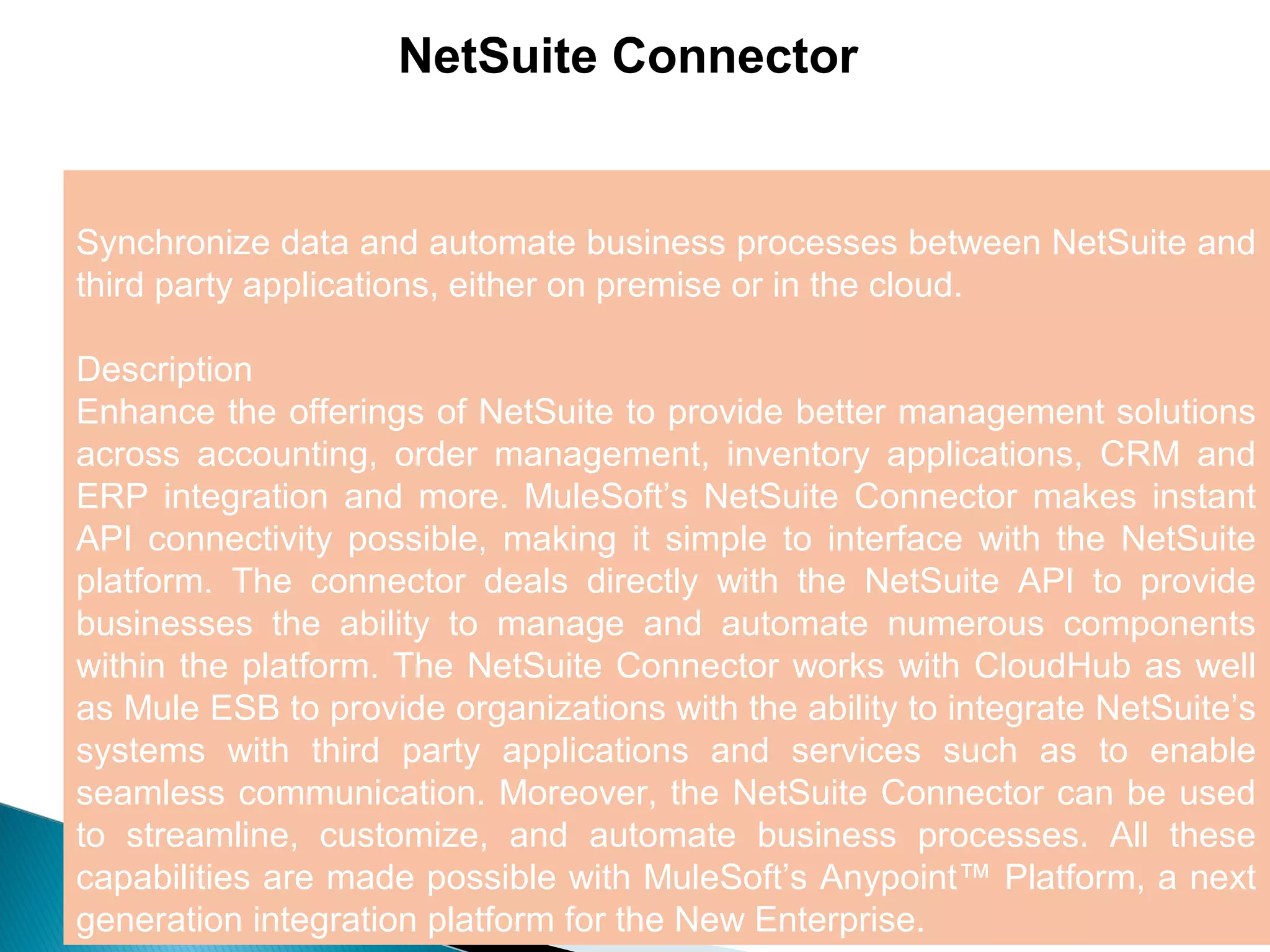
NetSuite Connector
Synchronize data and automate business processes between NetSuite and
third party applications, either on premise or in the cloud.
Description
Enhance the offerings of NetSuite to provide better management solutions
across accounting, order management, inventory applications, CRM and
ERP integration and more. MuleSoft’s NetSuite Connector makes instant
API connectivity possible, making it simple to interface with the NetSuite
platform. The connector deals directly with the NetSuite API to provide
businesses the ability to manage and automate numerous components
within the platform. The NetSuite Connector works with CloudHub as well
as Mule ESB to provide organizations with the ability to integrate NetSuite’s
systems with third party applications and services such as to enable
seamless communication. Moreover, the NetSuite Connector can be used
to streamline, customize, and automate business processes. All these
capabilities are made possible with MuleSoft’s Anypoint™ Platform, a next
generation integration platform for the New Enterprise.
6
Salesforce and NetSuite Opportunity Aggregation
Aggregate opportunities from Salesforce and NetSuite into a CSV file.
Description
This template is designed to aggregate (collect) opportunities from
Salesforce and NetSuite into a CSV file. This basic pattern can be modified
to collect from more or different sources and to produce formats other than
CSV. It is triggered by a http call so it can be used manually or
programmatically. Opportunities are sorted such that the opportunities only
in Salesforce show up first, followed by the ones only in NetSuite, and lastly
by the ones found in both systems. The custom sort or merge logic can be
easily modified to present the data as needed. This template also serves as
a great base for building APIs using the Anypoint Platform.
7
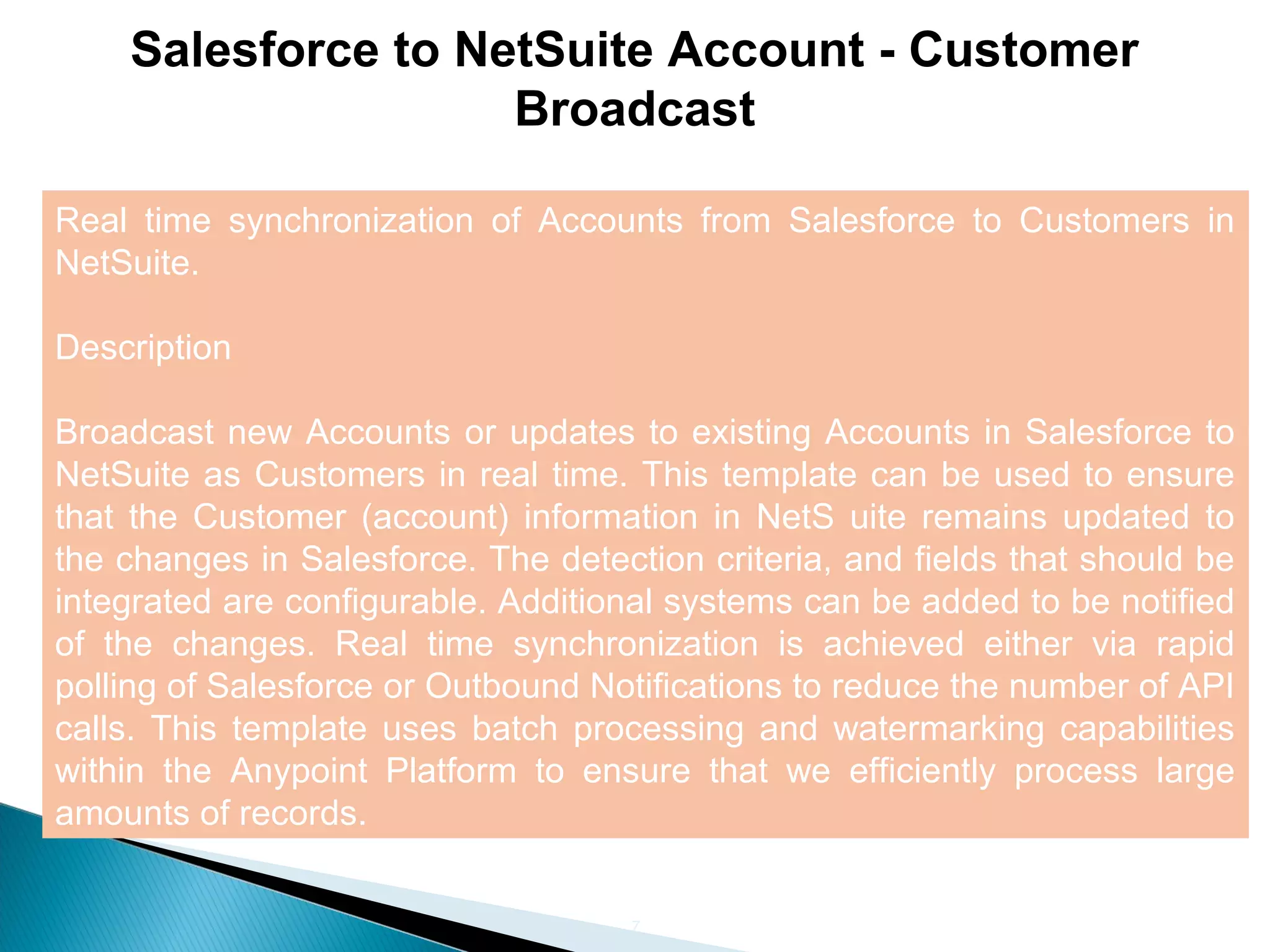
Salesforce to NetSuite Account - Customer
Broadcast
Real time synchronization of Accounts from Salesforce to Customers in
NetSuite.
Description
Broadcast new Accounts or updates to existing Accounts in Salesforce to
NetSuite as Customers in real time. This template can be used to ensure
that the Customer (account) information in NetS uite remains updated to
the changes in Salesforce. The detection criteria, and fields that should be
integrated are configurable. Additional systems can be added to be notified
of the changes. Real time synchronization is achieved either via rapid
polling of Salesforce or Outbound Notifications to reduce the number of API
calls. This template uses batch processing and watermarking capabilities
within the Anypoint Platform to ensure that we efficiently process large
amounts of records.
8
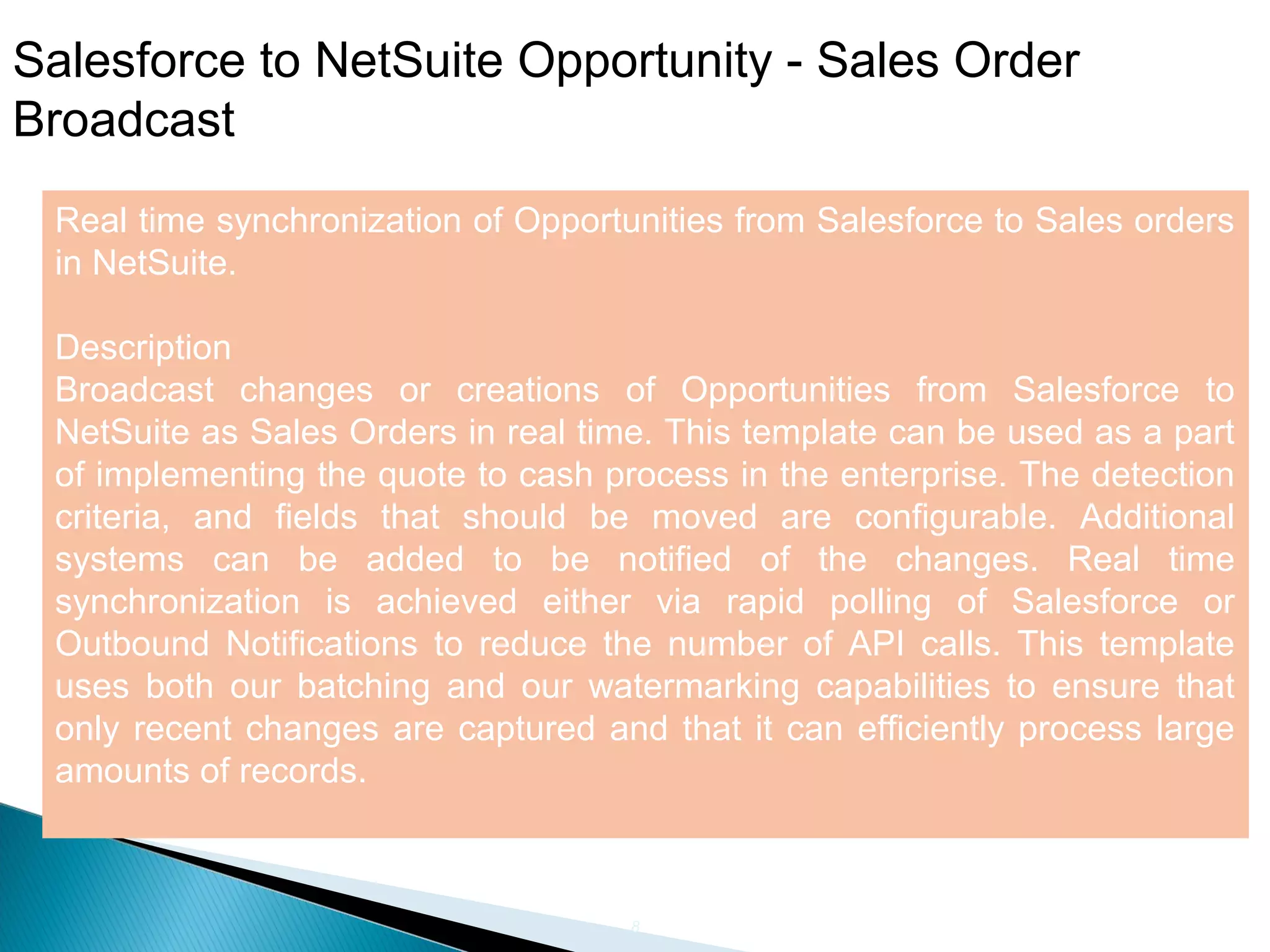
Salesforce to NetSuite Opportunity - Sales Order
Broadcast
Real time synchronization of Opportunities from Salesforce to Sales orders
in NetSuite.
Description
Broadcast changes or creations of Opportunities from Salesforce to
NetSuite as Sales Orders in real time. This template can be used as a part
of implementing the quote to cash process in the enterprise. The detection
criteria, and fields that should be moved are configurable. Additional
systems can be added to be notified of the changes. Real time
synchronization is achieved either via rapid polling of Salesforce or
Outbound Notifications to reduce the number of API calls. This template
uses both our batching and our watermarking capabilities to ensure that
only recent changes are captured and that it can efficiently process large
amounts of records.
9
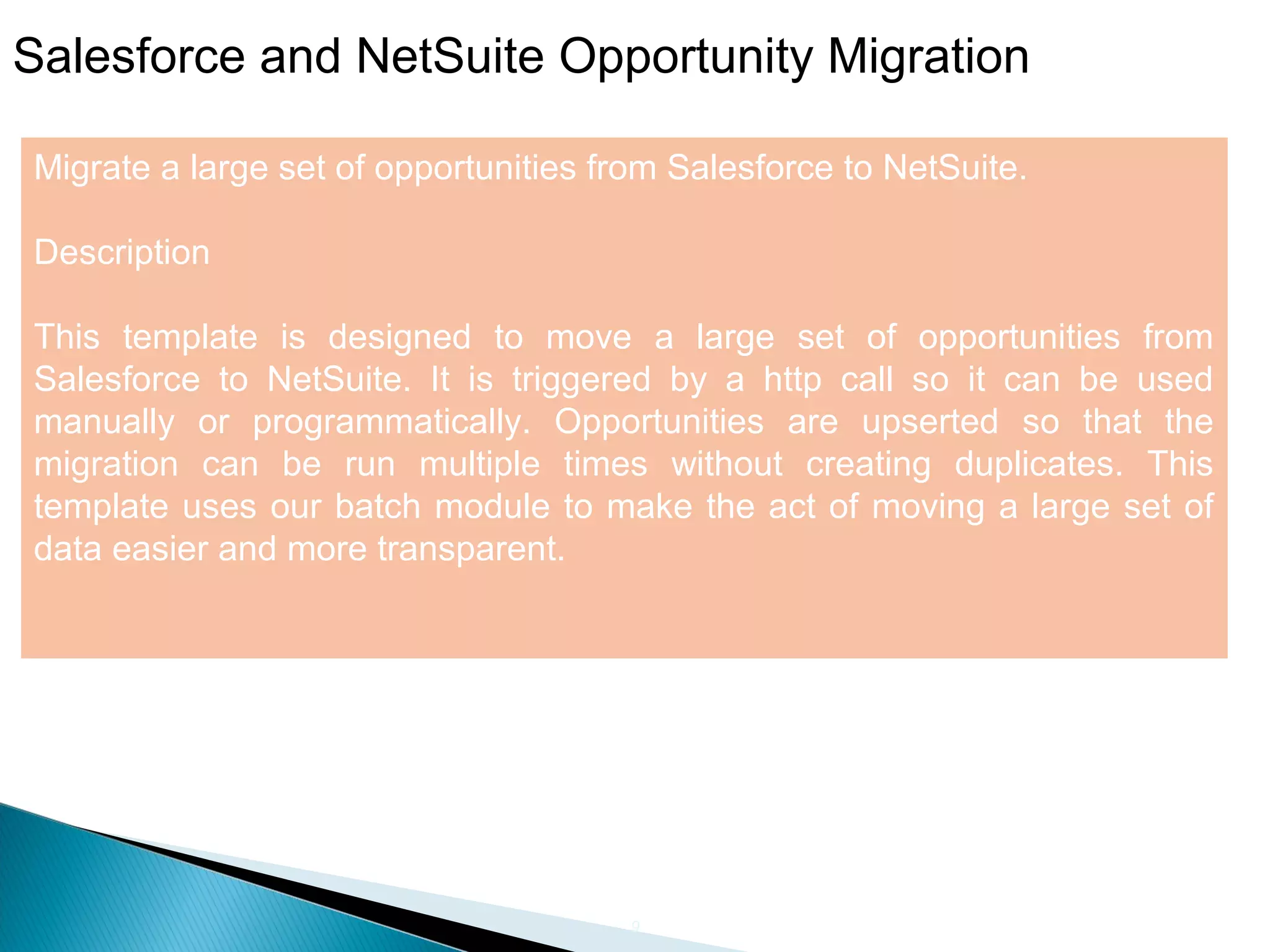
Salesforce and NetSuite Opportunity Migration
Migrate a large set of opportunities from Salesforce to NetSuite.
Description
This template is designed to move a large set of opportunities from
Salesforce to NetSuite. It is triggered by a http call so it can be used
manually or programmatically. Opportunities are upserted so that the
migration can be run multiple times without creating duplicates. This
template uses our batch module to make the act of moving a large set of
data easier and more transparent.
Mule  NetSuite connectors

Mule NetSuite connectors

  • 1.
  • 2.
    2 Anypoint NetSuite Connectors Takeadvantage of the robust integration solutions MuleSoft provides for connecting applications,data and devices for cloud and on-premises systems
  • 3.
    3 NetSuite Connectors Listing downsome of the connectors Retrieving a List of Customers from NetSuite NetSuite Connector Salesforce and NetSuite Opportunity Aggregation Salesforce to NetSuite Account - Customer Broadcast Salesforce to NetSuite Opportunity - Sales Order Broadcast Salesforce and NetSuite Opportunity Migration
  • 4.
    4 Retrieving a Listof Customers from NetSuite Anypoint Connector for NetSuite synchronizes data and automates business processes between NetSuite and third party applications, either on-premise or in the cloud. This example shows you how to use the NetSuite connector in an Anypoint integration application.
  • 5.
    5 NetSuite Connector Synchronize dataand automate business processes between NetSuite and third party applications, either on premise or in the cloud. Description Enhance the offerings of NetSuite to provide better management solutions across accounting, order management, inventory applications, CRM and ERP integration and more. MuleSoft’s NetSuite Connector makes instant API connectivity possible, making it simple to interface with the NetSuite platform. The connector deals directly with the NetSuite API to provide businesses the ability to manage and automate numerous components within the platform. The NetSuite Connector works with CloudHub as well as Mule ESB to provide organizations with the ability to integrate NetSuite’s systems with third party applications and services such as to enable seamless communication. Moreover, the NetSuite Connector can be used to streamline, customize, and automate business processes. All these capabilities are made possible with MuleSoft’s Anypoint™ Platform, a next generation integration platform for the New Enterprise.
  • 6.
    6 Salesforce and NetSuiteOpportunity Aggregation Aggregate opportunities from Salesforce and NetSuite into a CSV file. Description This template is designed to aggregate (collect) opportunities from Salesforce and NetSuite into a CSV file. This basic pattern can be modified to collect from more or different sources and to produce formats other than CSV. It is triggered by a http call so it can be used manually or programmatically. Opportunities are sorted such that the opportunities only in Salesforce show up first, followed by the ones only in NetSuite, and lastly by the ones found in both systems. The custom sort or merge logic can be easily modified to present the data as needed. This template also serves as a great base for building APIs using the Anypoint Platform.
  • 7.
    7 Salesforce to NetSuiteAccount - Customer Broadcast Real time synchronization of Accounts from Salesforce to Customers in NetSuite. Description Broadcast new Accounts or updates to existing Accounts in Salesforce to NetSuite as Customers in real time. This template can be used to ensure that the Customer (account) information in NetS uite remains updated to the changes in Salesforce. The detection criteria, and fields that should be integrated are configurable. Additional systems can be added to be notified of the changes. Real time synchronization is achieved either via rapid polling of Salesforce or Outbound Notifications to reduce the number of API calls. This template uses batch processing and watermarking capabilities within the Anypoint Platform to ensure that we efficiently process large amounts of records.
  • 8.
    8 Salesforce to NetSuiteOpportunity - Sales Order Broadcast Real time synchronization of Opportunities from Salesforce to Sales orders in NetSuite. Description Broadcast changes or creations of Opportunities from Salesforce to NetSuite as Sales Orders in real time. This template can be used as a part of implementing the quote to cash process in the enterprise. The detection criteria, and fields that should be moved are configurable. Additional systems can be added to be notified of the changes. Real time synchronization is achieved either via rapid polling of Salesforce or Outbound Notifications to reduce the number of API calls. This template uses both our batching and our watermarking capabilities to ensure that only recent changes are captured and that it can efficiently process large amounts of records.
  • 9.
    9 Salesforce and NetSuiteOpportunity Migration Migrate a large set of opportunities from Salesforce to NetSuite. Description This template is designed to move a large set of opportunities from Salesforce to NetSuite. It is triggered by a http call so it can be used manually or programmatically. Opportunities are upserted so that the migration can be run multiple times without creating duplicates. This template uses our batch module to make the act of moving a large set of data easier and more transparent.