Make-to-Order Production w/o
Variant Configuration
SAP Best Practices Baseline Package
SAP Best Practices
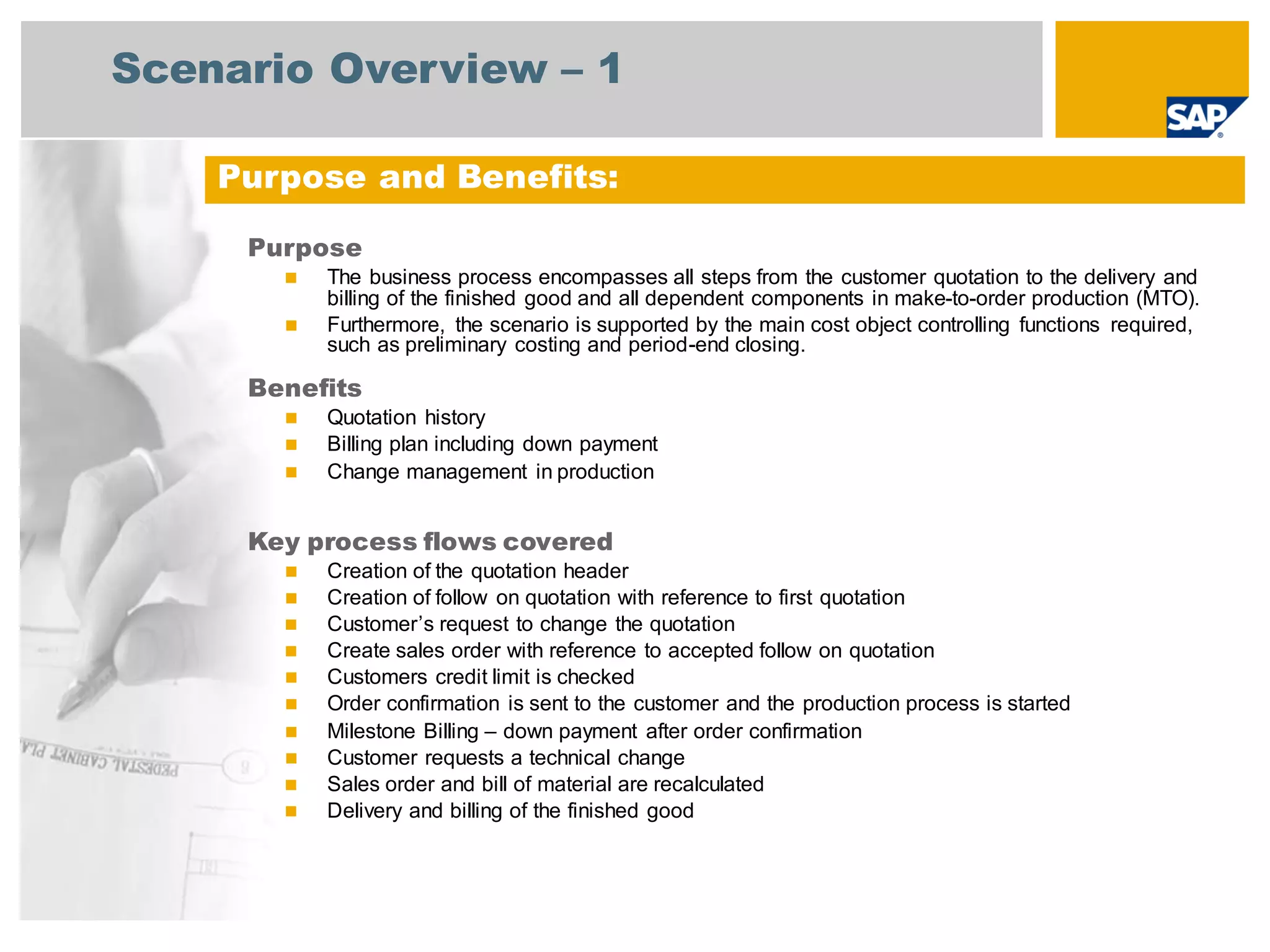
Scenario Overview – 1
Purpose
◼ The business process encompasses all steps from the customer quotation to the delivery and
billing of the finished good and all dependent components in make-to-order production (MTO).
◼ Furthermore, the scenario is supported by the main cost object controlling functions required,
such as preliminary costing and period-end closing.
Benefits
◼ Quotation history
◼ Billing plan including down payment
◼ Change management in production
Key process flows covered
◼ Creation of the quotation header
◼ Creation of follow on quotation with reference to first quotation
◼ Customer’s request to change the quotation
◼ Create sales order with reference to accepted follow on quotation
◼ Customers credit limit is checked
◼ Order confirmation is sent to the customer and the production process is started
◼ Milestone Billing – down payment after order confirmation
◼ Customer requests a technical change
◼ Sales order and bill of material are recalculated
◼ Delivery and billing of the finished good
Purpose and Benefits:
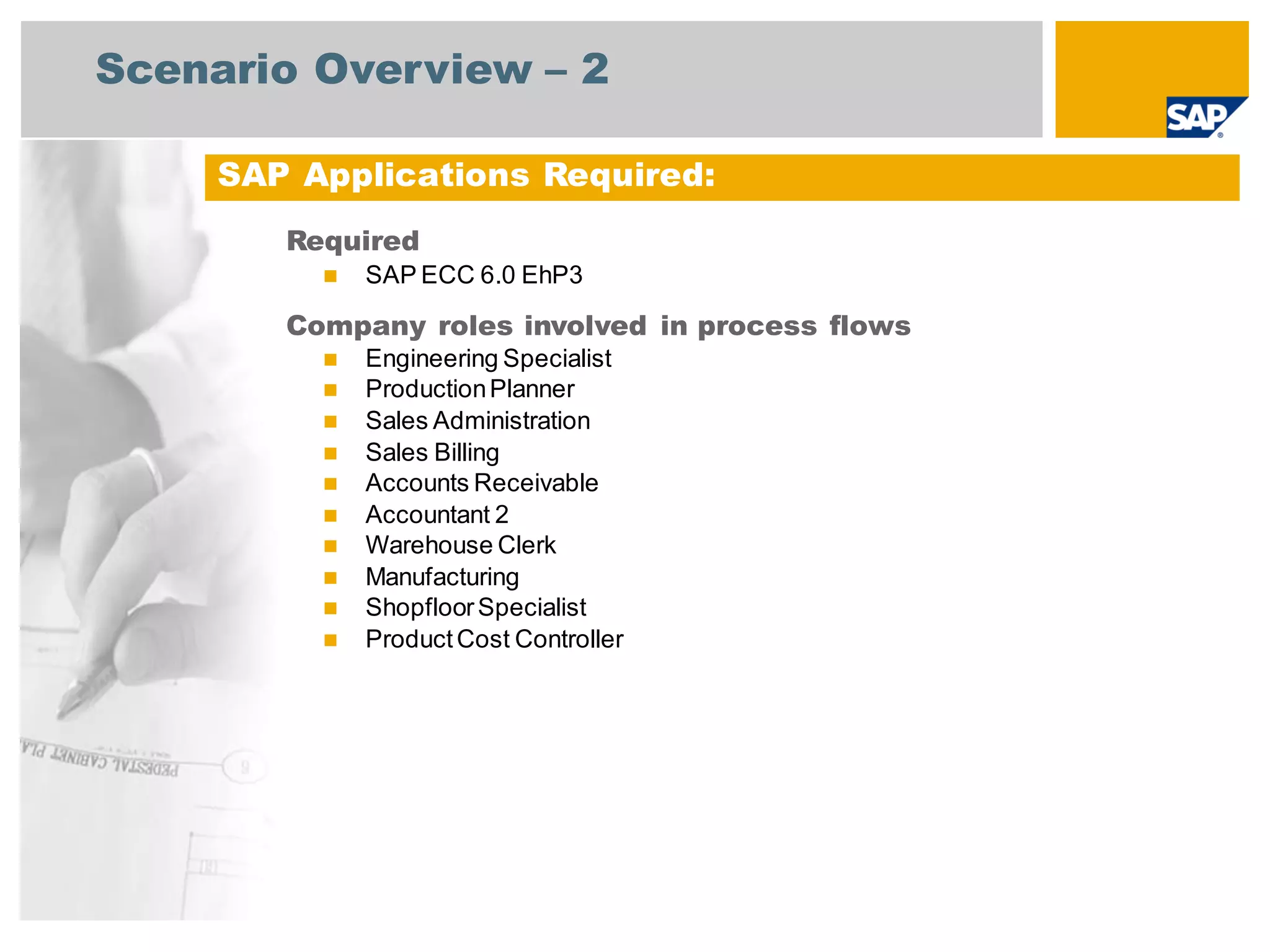
Scenario Overview – 2
Required
◼ SAP ECC 6.0 EhP3
Company roles involved in process flows
◼ Engineering Specialist
◼ ProductionPlanner
◼ Sales Administration
◼ Sales Billing
◼ Accounts Receivable
◼ Accountant 2
◼ Warehouse Clerk
◼ Manufacturing
◼ ShopfloorSpecialist
◼ ProductCost Controller
SAP Applications Required:
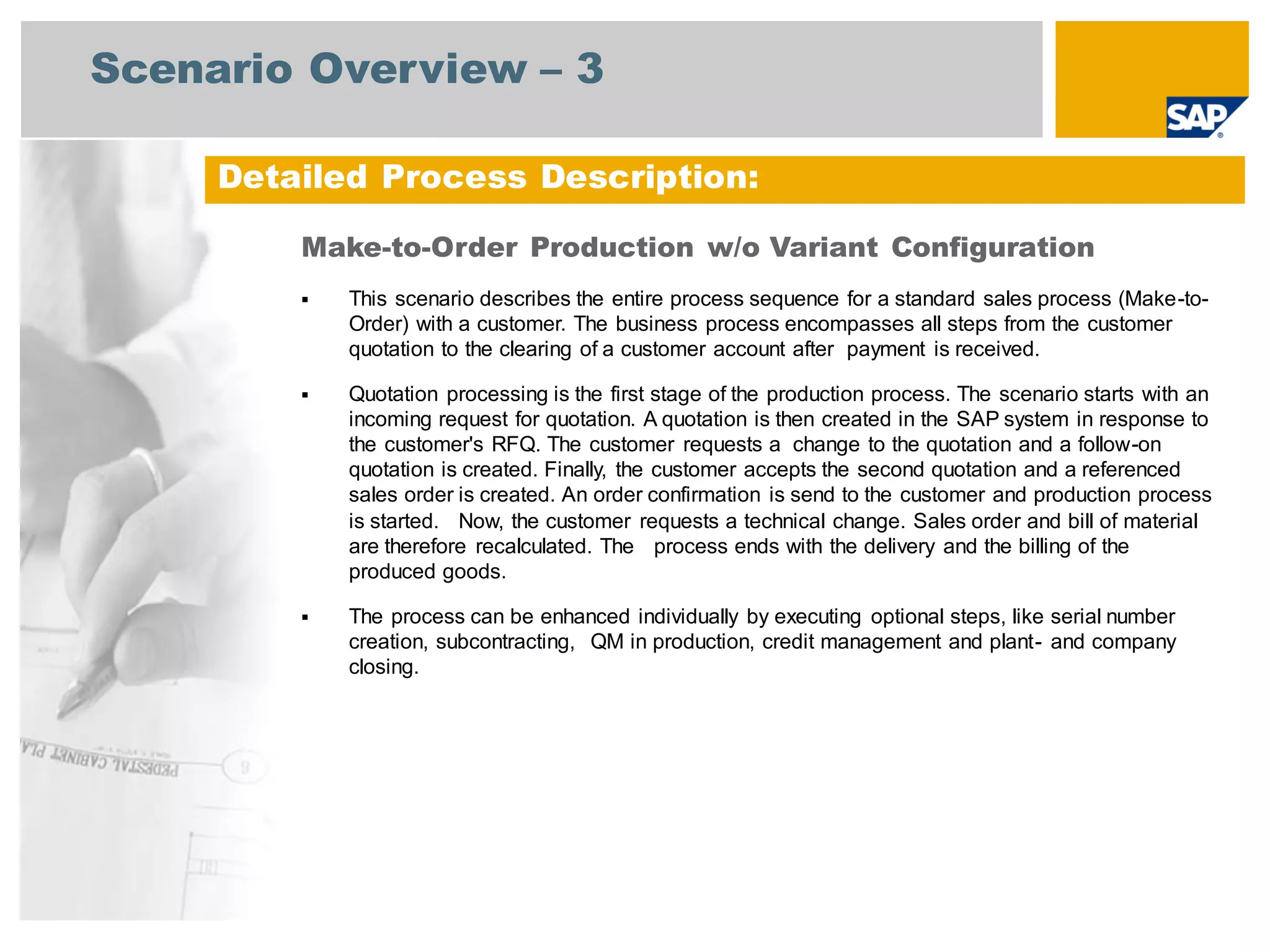
Scenario Overview – 3
Detailed Process Description:
Make-to-Order Production w/o Variant Configuration
▪ This scenario describes the entire process sequence for a standard sales process (Make-to-
Order) with a customer. The business process encompasses all steps from the customer
quotation to the clearing of a customer account after payment is received.
▪ Quotation processing is the first stage of the production process. The scenario starts with an
incoming request for quotation. A quotation is then created in the SAP system in response to
the customer's RFQ. The customer requests a change to the quotation and a follow-on
quotation is created. Finally, the customer accepts the second quotation and a referenced
sales order is created. An order confirmation is send to the customer and production process
is started. Now, the customer requests a technical change. Sales order and bill of material
are therefore recalculated. The process ends with the delivery and the billing of the
produced goods.
▪ The process can be enhanced individually by executing optional steps, like serial number
creation, subcontracting, QM in production, credit management and plant- and company
closing.
Process Flow Diagram
Make-to-Order Processing without Variant Configuration: High-Level Process Flow
Process Flow Diagram
Make-to-Order Processing without Variant Configuration: Quotation Processing MTO
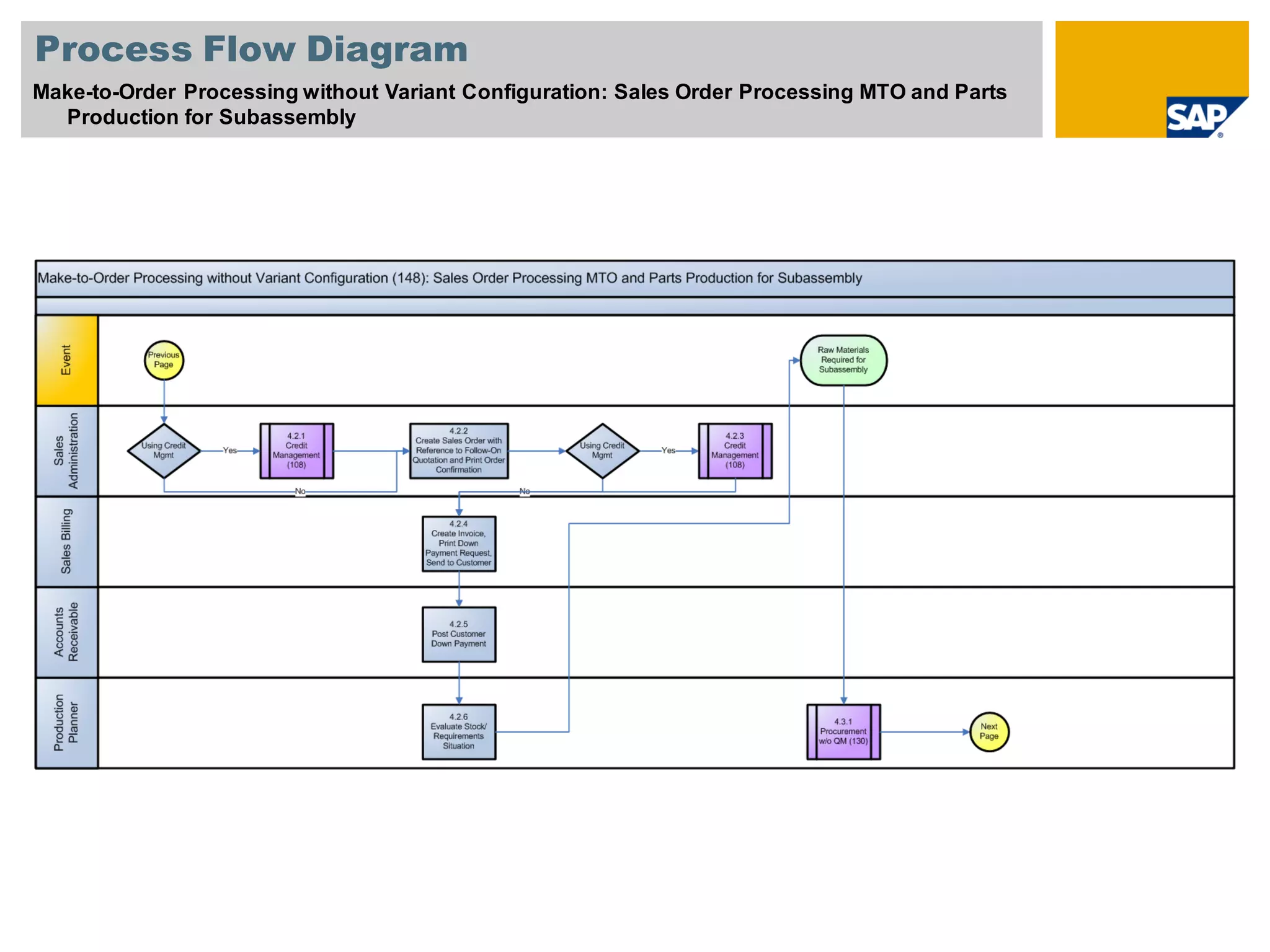
Process Flow Diagram
Make-to-Order Processing without Variant Configuration: Sales Order Processing MTO and Parts
Production for Subassembly
Process Flow Diagram
Make-to-Order Processing without Variant Configuration (148): Technical Change for Finished
Good, Procurement of Stock for Final Assembly
Process Flow Diagram
Make-to-Order Processing without Variant Configuration (148): Final Assembly, Delivery
Processing, Billing Processing
Legend
Sy mbol Description Usage
Comments
Band: Identifies a user role, such as Accounts
Payable Clerk or Sales Representative. This band
can also identify an organization unit or group,
rather than a specific role.
The other process flow symbols in this table go into
these rows. You have as many rows as required to
cover all of the roles in the scenario.
Role band
contains tasks
common to that
role.
External Events: Contains events that start or end the
scenario, or influence the course of events in the
scenario.
Flow line (solid): Line indicates the normal sequence
of steps and direction of flow in the scenario.
Flow line (dashed): Line indicates flow to infrequently-
used or conditional tasks in a scenario. Line can
also lead to documents involved in the process flow.
Connects two
tasks in a
scenario
process or a
non-step event
Business Activity / Event: Identifies an action that
either leads into or out of the scenario, or an outside
Process that happens during the scenario
Does not
correspond to a
task step in the
document
Unit Process: Identifies a task that is covered in a
step-by-step manner in the scenario
Corresponds to
a task step in
the document
Process Reference: If the scenario references another
scenario in total, put the scenario number and name
here.
Corresponds to
a task step in
the document
Sub-Process Reference: If the scenario references
another scenario in part, put the scenario number,
name, and the step numbers from that scenario here
Corresponds to
a task step in
the document
Process Decision: Identifies a decision / branching
point, signifying a choice to be made by the end
user. Lines represent different choices emerging
from different parts of the diamond.
Does not
usually
correspond to a
task step in the
document;
Reflects a
choice to be
made after step
execution
Sy mbol Description Usage Comments
To next / From last Diagram: Leads
to the next / previous page of the
Diagram
Flow chart continues on the next /
previous page
Hardcopy / Document: Identifies a
printed document, report, or form
Does not correspond to a task
step in a document; instead, it is
used to reflect a document
generated by a task step; this
shape does not have any outgoing
flow lines
Financial Actuals: Indicates a
financial posting document
Does not correspond to a task
step in a document; instead, it is
used to reflect a document
generated by a task step; this
shape does not have any outgoing
flow lines
Budget Planning: Indicates a
budget planning document
Does not correspond to a task
step in a document; instead, it is
used to reflect a document
generated by a task step; this
shape does not have any outgoing
flow lines
Manual Process: Covers a task
that is manually done
Does not generally correspond to
a task step in a document;
instead, it is used to reflect a task
that is manually performed, such
as unloading a truck in the
warehouse, which affects the
process flow.
Existing Version / Data: This block
covers data that feeds in from an
external process
Does not generally correspond to
a task step in a document;
instead, this shape reflects data
coming from an external source;
this step does not have any
incoming flow lines
System Pass / Fail Decision: This
block covers an automatic
decision made by the software
Does not generally correspond to
a task step in the document;
instead it is used to reflect an
automatic decision by the system
that is made after a step has been
executed.
<Function>
External
to
SAP
Business
Activity /
Event
Unit Process
Process
Reference
Sub-
Process
Reference
Proces
s
Decisio
n
Diagram
Connection
Hardcopy /
Document
Financial
Actuals
Budget
Planning
Manual
Proces
s
Existing
Version /
Data
System
Pass/F
ail
Decisio
n

MTO Planning Strategies .pdf

  • 1.
    Make-to-Order Production w/o VariantConfiguration SAP Best Practices Baseline Package SAP Best Practices
  • 2.
    Scenario Overview –1 Purpose ◼ The business process encompasses all steps from the customer quotation to the delivery and billing of the finished good and all dependent components in make-to-order production (MTO). ◼ Furthermore, the scenario is supported by the main cost object controlling functions required, such as preliminary costing and period-end closing. Benefits ◼ Quotation history ◼ Billing plan including down payment ◼ Change management in production Key process flows covered ◼ Creation of the quotation header ◼ Creation of follow on quotation with reference to first quotation ◼ Customer’s request to change the quotation ◼ Create sales order with reference to accepted follow on quotation ◼ Customers credit limit is checked ◼ Order confirmation is sent to the customer and the production process is started ◼ Milestone Billing – down payment after order confirmation ◼ Customer requests a technical change ◼ Sales order and bill of material are recalculated ◼ Delivery and billing of the finished good Purpose and Benefits:
  • 3.
    Scenario Overview –2 Required ◼ SAP ECC 6.0 EhP3 Company roles involved in process flows ◼ Engineering Specialist ◼ ProductionPlanner ◼ Sales Administration ◼ Sales Billing ◼ Accounts Receivable ◼ Accountant 2 ◼ Warehouse Clerk ◼ Manufacturing ◼ ShopfloorSpecialist ◼ ProductCost Controller SAP Applications Required:
  • 4.
    Scenario Overview –3 Detailed Process Description: Make-to-Order Production w/o Variant Configuration ▪ This scenario describes the entire process sequence for a standard sales process (Make-to- Order) with a customer. The business process encompasses all steps from the customer quotation to the clearing of a customer account after payment is received. ▪ Quotation processing is the first stage of the production process. The scenario starts with an incoming request for quotation. A quotation is then created in the SAP system in response to the customer's RFQ. The customer requests a change to the quotation and a follow-on quotation is created. Finally, the customer accepts the second quotation and a referenced sales order is created. An order confirmation is send to the customer and production process is started. Now, the customer requests a technical change. Sales order and bill of material are therefore recalculated. The process ends with the delivery and the billing of the produced goods. ▪ The process can be enhanced individually by executing optional steps, like serial number creation, subcontracting, QM in production, credit management and plant- and company closing.
  • 5.
    Process Flow Diagram Make-to-OrderProcessing without Variant Configuration: High-Level Process Flow
  • 6.
    Process Flow Diagram Make-to-OrderProcessing without Variant Configuration: Quotation Processing MTO
  • 7.
    Process Flow Diagram Make-to-OrderProcessing without Variant Configuration: Sales Order Processing MTO and Parts Production for Subassembly
  • 8.
    Process Flow Diagram Make-to-OrderProcessing without Variant Configuration (148): Technical Change for Finished Good, Procurement of Stock for Final Assembly
  • 9.
    Process Flow Diagram Make-to-OrderProcessing without Variant Configuration (148): Final Assembly, Delivery Processing, Billing Processing
  • 10.
    Legend Sy mbol DescriptionUsage Comments Band: Identifies a user role, such as Accounts Payable Clerk or Sales Representative. This band can also identify an organization unit or group, rather than a specific role. The other process flow symbols in this table go into these rows. You have as many rows as required to cover all of the roles in the scenario. Role band contains tasks common to that role. External Events: Contains events that start or end the scenario, or influence the course of events in the scenario. Flow line (solid): Line indicates the normal sequence of steps and direction of flow in the scenario. Flow line (dashed): Line indicates flow to infrequently- used or conditional tasks in a scenario. Line can also lead to documents involved in the process flow. Connects two tasks in a scenario process or a non-step event Business Activity / Event: Identifies an action that either leads into or out of the scenario, or an outside Process that happens during the scenario Does not correspond to a task step in the document Unit Process: Identifies a task that is covered in a step-by-step manner in the scenario Corresponds to a task step in the document Process Reference: If the scenario references another scenario in total, put the scenario number and name here. Corresponds to a task step in the document Sub-Process Reference: If the scenario references another scenario in part, put the scenario number, name, and the step numbers from that scenario here Corresponds to a task step in the document Process Decision: Identifies a decision / branching point, signifying a choice to be made by the end user. Lines represent different choices emerging from different parts of the diamond. Does not usually correspond to a task step in the document; Reflects a choice to be made after step execution Sy mbol Description Usage Comments To next / From last Diagram: Leads to the next / previous page of the Diagram Flow chart continues on the next / previous page Hardcopy / Document: Identifies a printed document, report, or form Does not correspond to a task step in a document; instead, it is used to reflect a document generated by a task step; this shape does not have any outgoing flow lines Financial Actuals: Indicates a financial posting document Does not correspond to a task step in a document; instead, it is used to reflect a document generated by a task step; this shape does not have any outgoing flow lines Budget Planning: Indicates a budget planning document Does not correspond to a task step in a document; instead, it is used to reflect a document generated by a task step; this shape does not have any outgoing flow lines Manual Process: Covers a task that is manually done Does not generally correspond to a task step in a document; instead, it is used to reflect a task that is manually performed, such as unloading a truck in the warehouse, which affects the process flow. Existing Version / Data: This block covers data that feeds in from an external process Does not generally correspond to a task step in a document; instead, this shape reflects data coming from an external source; this step does not have any incoming flow lines System Pass / Fail Decision: This block covers an automatic decision made by the software Does not generally correspond to a task step in the document; instead it is used to reflect an automatic decision by the system that is made after a step has been executed. <Function> External to SAP Business Activity / Event Unit Process Process Reference Sub- Process Reference Proces s Decisio n Diagram Connection Hardcopy / Document Financial Actuals Budget Planning Manual Proces s Existing Version / Data System Pass/F ail Decisio n