Features of 
Moodle
General Features 
1.Modern, easy to use interface 
2. Personalized Dashboard 
3.Collaborative tools and activities 
4.All-in-one calendar 
5.Convenient file management 
6.Simple and intuitive text editor 
7. Notifications 
8.Track Progress
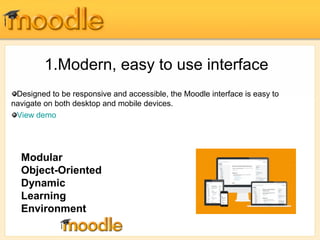
1.Modern, easy to use interface 
Designed to be responsive and accessible, the Moodle interface is easy to 
navigate on both desktop and mobile devices. 
View demo 
Modular 
Object-Oriented 
Dynamic 
Learning 
Environment
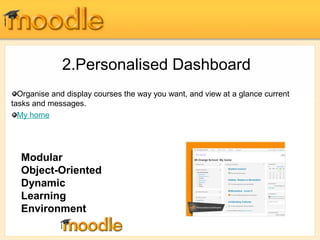
2.Personalised Dashboard 
Organise and display courses the way you want, and view at a glance current 
tasks and messages. 
My home 
Modular 
Object-Oriented 
Dynamic 
Learning 
Environment
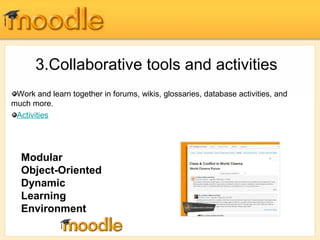
3.Collaborative tools and activities 
Work and learn together in forums, wikis, glossaries, database activities, and 
much more. 
Activities 
Modular 
Object-Oriented 
Dynamic 
Learning 
Environment
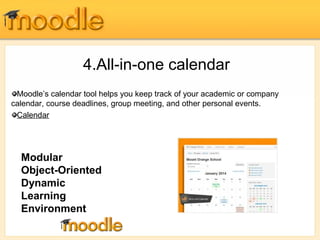
4.All-in-one calendar 
Moodle’s calendar tool helps you keep track of your academic or company 
calendar, course deadlines, group meeting, and other personal events. 
Calendar 
Modular 
Object-Oriented 
Dynamic 
Learning 
Environment
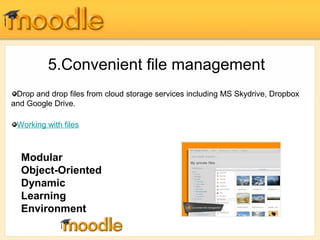
5.Convenient file management 
Drop and drop files from cloud storage services including MS Skydrive, Dropbox 
and Google Drive. 
Working with files 
Modular 
Object-Oriented 
Dynamic 
Learning 
Environment
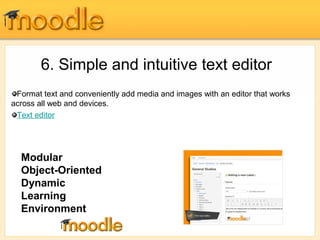
6. Simple and intuitive text editor 
Format text and conveniently add media and images with an editor that works 
across all web and devices. 
Text editor 
Modular 
Object-Oriented 
Dynamic 
Learning 
Environment
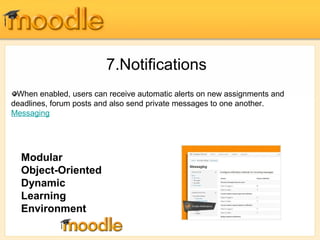
7.Notifications 
When enabled, users can receive automatic alerts on new assignments and 
deadlines, forum posts and also send private messages to one another. 
Messaging 
Modular 
Object-Oriented 
Dynamic 
Learning 
Environment
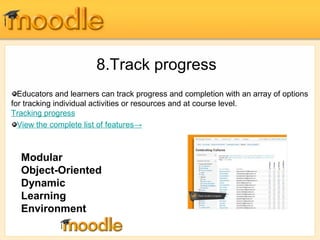
8.Track progress 
Educators and learners can track progress and completion with an array of options 
for tracking individual activities or resources and at course level. 
Tracking progress 
View the complete list of features→ 
Modular 
Object-Oriented 
Dynamic 
Learning 
Environment
Administrative Features 
1.Customisable site design and layout 
2.Secure authentication and mass enrolment 
3.Multilingual capability 
4.Bulk course creation and easy backup 
5.Direct learning paths 
6.Regular security updates 
7.Detailed reporting and logs 
8.Encourage collaboration 
9.Multimedia Integration 
10.Group management
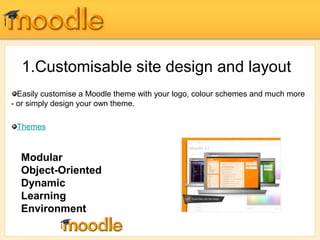
1.Customisable site design and layout 
Easily customise a Moodle theme with your logo, colour schemes and much more 
- or simply design your own theme. 
Themes 
Modular 
Object-Oriented 
Dynamic 
Learning 
Environment
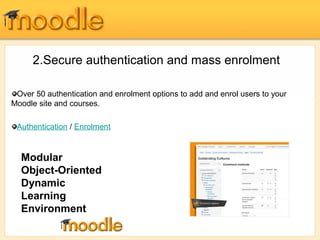
2.Secure authentication and mass enrolment 
Over 50 authentication and enrolment options to add and enrol users to your 
Moodle site and courses. 
Authentication / Enrolment 
Modular 
Object-Oriented 
Dynamic 
Learning 
Environment
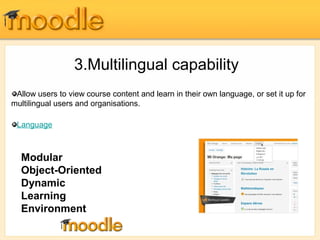
3.Multilingual capability 
Allow users to view course content and learn in their own language, or set it up for 
multilingual users and organisations. 
Language 
Modular 
Object-Oriented 
Dynamic 
Learning 
Environment
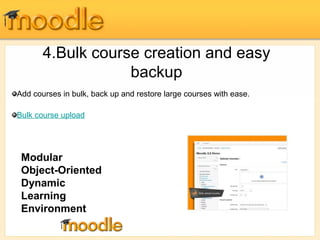
4.Bulk course creation and easy 
backup 
Add courses in bulk, back up and resto re large courses with ease. 
Bulk course upload 
Modular 
Object-Oriented 
Dynamic 
Learning 
Environment
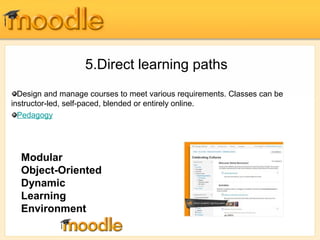
5.Direct learning paths 
Design and manage courses to meet various requirements. Classes can be 
instructor-led, self-paced, blended or entirely online. 
Pedagogy 
Modular 
Object-Oriented 
Dynamic 
Learning 
Environment
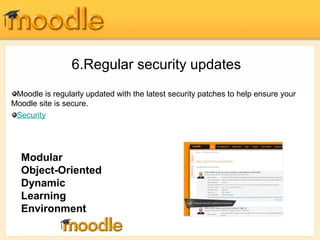
6.Regular security updates 
Moodle is regularly updated with the latest security patches to help ensure your 
Moodle site is secure. 
Security 
Modular 
Object-Oriented 
Dynamic 
Learning 
Environment
7.Detailed reporting and logs 
View and generate reports on activity and participation at course and site level. 
Site-wide reports 
See all site management and development features→ 
Modular 
Object-Oriented 
Dynamic 
Learning 
Environment
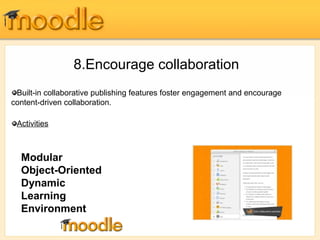
8.Encourage collaboration 
Built-in collaborative publishing features foster engagement and encourage 
content-driven collaboration. 
Activities 
Modular 
Object-Oriented 
Dynamic 
Learning 
Environment
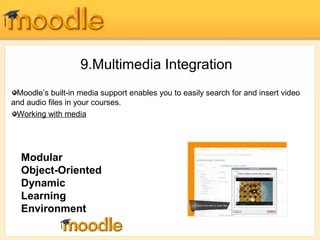
9.Multimedia Integration 
Moodle’s built-in media support enables you to easily search for and insert video 
and audio files in your courses. 
Working with media 
Modular 
Object-Oriented 
Dynamic 
Learning 
Environment
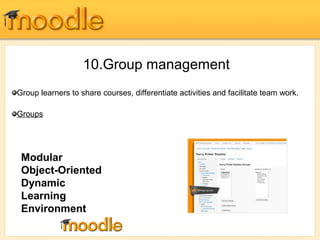
10.Group management 
Group learners to share courses, differentiate activities and facilitate team work. 
Groups 
Modular 
Object-Oriented 
Dynamic 
Learning 
Environment
Thank You

Moodle slides3

  • 1.
  • 2.
    General Features 1.Modern,easy to use interface 2. Personalized Dashboard 3.Collaborative tools and activities 4.All-in-one calendar 5.Convenient file management 6.Simple and intuitive text editor 7. Notifications 8.Track Progress
  • 3.
    1.Modern, easy touse interface Designed to be responsive and accessible, the Moodle interface is easy to navigate on both desktop and mobile devices. View demo Modular Object-Oriented Dynamic Learning Environment
  • 4.
    2.Personalised Dashboard Organiseand display courses the way you want, and view at a glance current tasks and messages. My home Modular Object-Oriented Dynamic Learning Environment
  • 5.
    3.Collaborative tools andactivities Work and learn together in forums, wikis, glossaries, database activities, and much more. Activities Modular Object-Oriented Dynamic Learning Environment
  • 6.
    4.All-in-one calendar Moodle’scalendar tool helps you keep track of your academic or company calendar, course deadlines, group meeting, and other personal events. Calendar Modular Object-Oriented Dynamic Learning Environment
  • 7.
    5.Convenient file management Drop and drop files from cloud storage services including MS Skydrive, Dropbox and Google Drive. Working with files Modular Object-Oriented Dynamic Learning Environment
  • 8.
    6. Simple andintuitive text editor Format text and conveniently add media and images with an editor that works across all web and devices. Text editor Modular Object-Oriented Dynamic Learning Environment
  • 9.
    7.Notifications When enabled,users can receive automatic alerts on new assignments and deadlines, forum posts and also send private messages to one another. Messaging Modular Object-Oriented Dynamic Learning Environment
  • 10.
    8.Track progress Educatorsand learners can track progress and completion with an array of options for tracking individual activities or resources and at course level. Tracking progress View the complete list of features→ Modular Object-Oriented Dynamic Learning Environment
  • 11.
    Administrative Features 1.Customisablesite design and layout 2.Secure authentication and mass enrolment 3.Multilingual capability 4.Bulk course creation and easy backup 5.Direct learning paths 6.Regular security updates 7.Detailed reporting and logs 8.Encourage collaboration 9.Multimedia Integration 10.Group management
  • 12.
    1.Customisable site designand layout Easily customise a Moodle theme with your logo, colour schemes and much more - or simply design your own theme. Themes Modular Object-Oriented Dynamic Learning Environment
  • 13.
    2.Secure authentication andmass enrolment Over 50 authentication and enrolment options to add and enrol users to your Moodle site and courses. Authentication / Enrolment Modular Object-Oriented Dynamic Learning Environment
  • 14.
    3.Multilingual capability Allowusers to view course content and learn in their own language, or set it up for multilingual users and organisations. Language Modular Object-Oriented Dynamic Learning Environment
  • 15.
    4.Bulk course creationand easy backup Add courses in bulk, back up and resto re large courses with ease. Bulk course upload Modular Object-Oriented Dynamic Learning Environment
  • 16.
    5.Direct learning paths Design and manage courses to meet various requirements. Classes can be instructor-led, self-paced, blended or entirely online. Pedagogy Modular Object-Oriented Dynamic Learning Environment
  • 17.
    6.Regular security updates Moodle is regularly updated with the latest security patches to help ensure your Moodle site is secure. Security Modular Object-Oriented Dynamic Learning Environment
  • 18.
    7.Detailed reporting andlogs View and generate reports on activity and participation at course and site level. Site-wide reports See all site management and development features→ Modular Object-Oriented Dynamic Learning Environment
  • 19.
    8.Encourage collaboration Built-incollaborative publishing features foster engagement and encourage content-driven collaboration. Activities Modular Object-Oriented Dynamic Learning Environment
  • 20.
    9.Multimedia Integration Moodle’sbuilt-in media support enables you to easily search for and insert video and audio files in your courses. Working with media Modular Object-Oriented Dynamic Learning Environment
  • 21.
    10.Group management Grouplearners to share courses, differentiate activities and facilitate team work. Groups Modular Object-Oriented Dynamic Learning Environment
  • 22.