


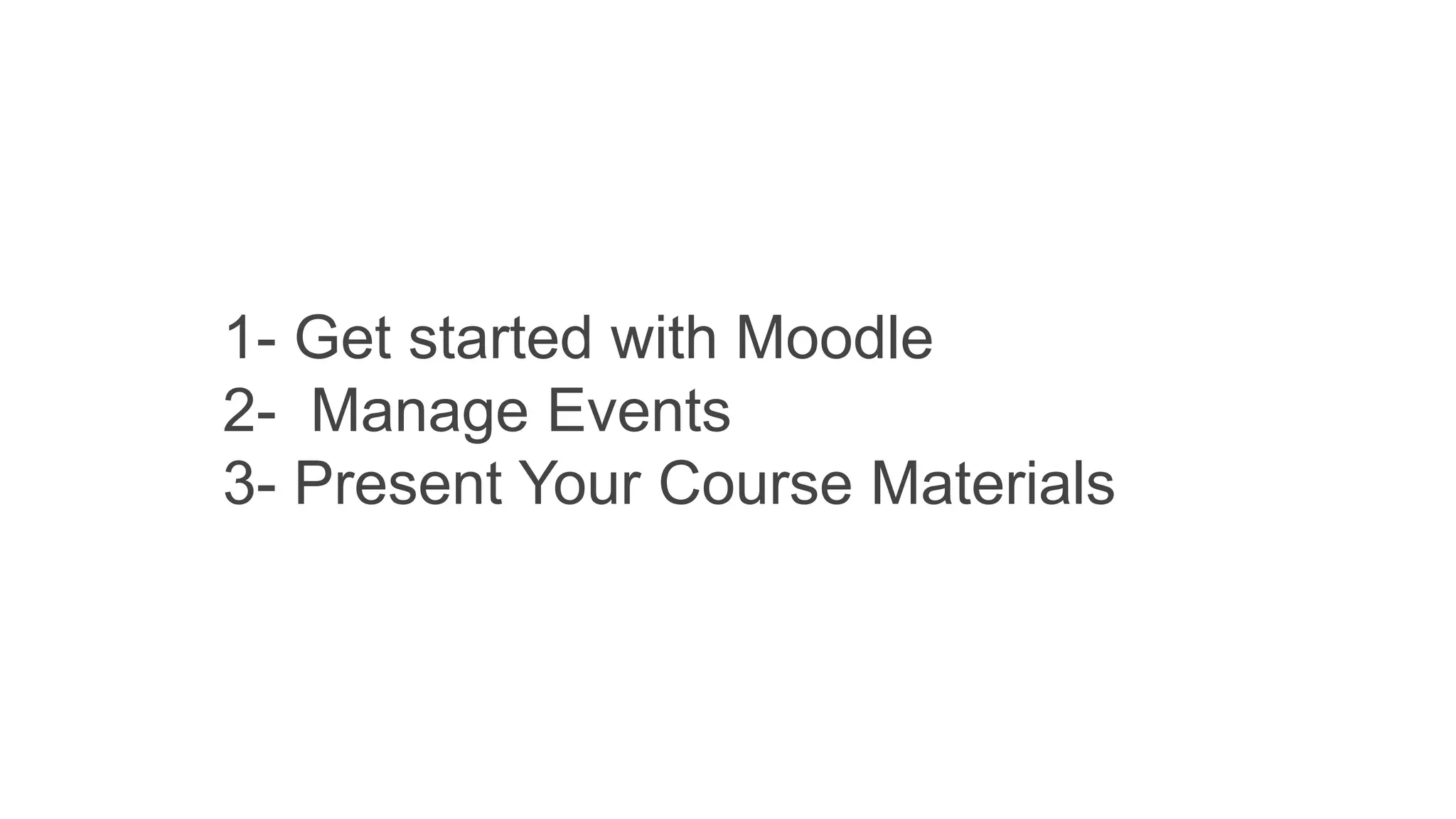

1- Get started with Moodle
2- Manage Events
3- Present Your Course Materials
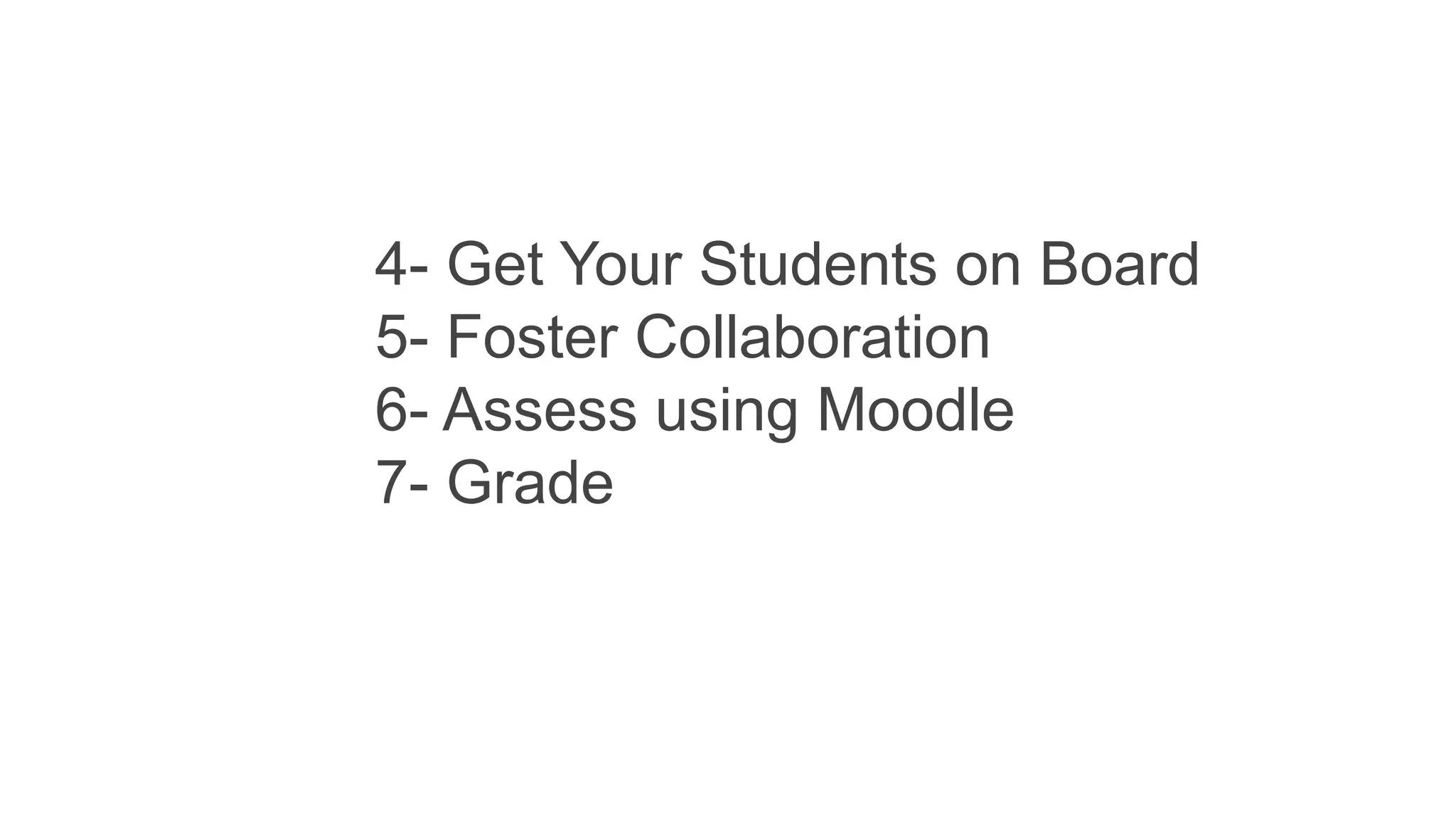
4- Get Your Students on Board
5- Foster Collaboration
6- Assess using Moodle
7- Grade
8- Build Self-marking Quizzes
9- Evaluate your course
10- Track your progress
11- Manage the course
12- Take the next steps to
becoming a Moodle Ninja
•Site administrator - can "do everything" on the site
•Manager - a lesser administrator role
•Course creator - can create courses
•Teacher - can manage and add content to courses
•Non-editing teacher can grade in courses but not
edit them
•Student - can access and participate in courses
•Guest - can view courses but not participate
Teaching with Moodle for Beginners Introductory Presentation

Teaching with Moodle for Beginners Introductory Presentation

  • 14.
    1- Get startedwith Moodle 2- Manage Events 3- Present Your Course Materials
  • 15.
    4- Get YourStudents on Board 5- Foster Collaboration 6- Assess using Moodle 7- Grade
  • 16.
    8- Build Self-markingQuizzes 9- Evaluate your course 10- Track your progress 11- Manage the course 12- Take the next steps to becoming a Moodle Ninja
  • 17.
    •Site administrator -can "do everything" on the site •Manager - a lesser administrator role •Course creator - can create courses •Teacher - can manage and add content to courses •Non-editing teacher can grade in courses but not edit them •Student - can access and participate in courses •Guest - can view courses but not participate