Downloaded 10 times

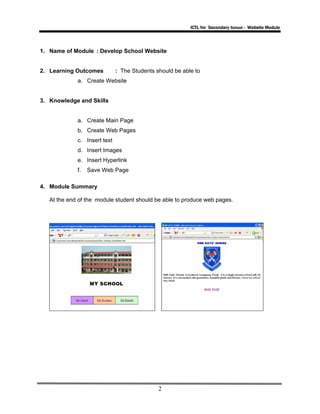
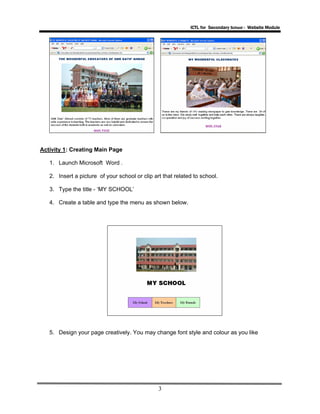
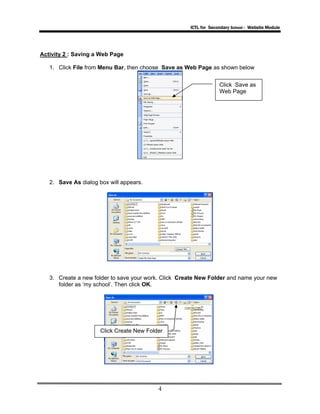
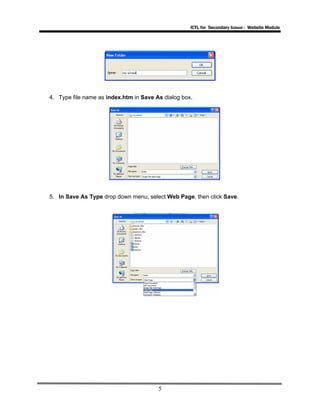
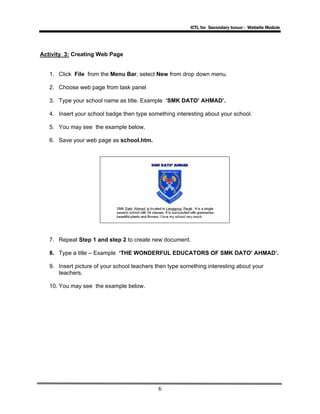
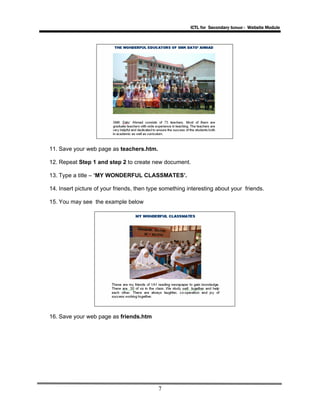
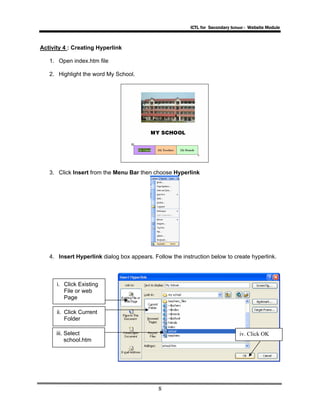
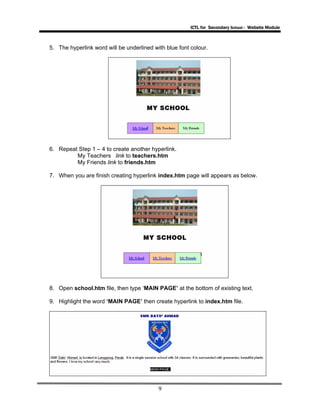
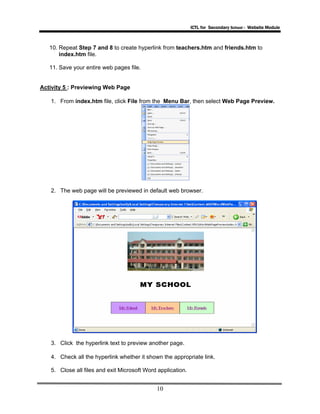
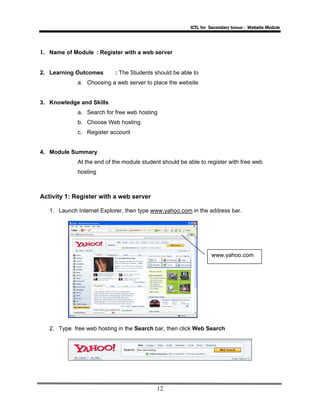
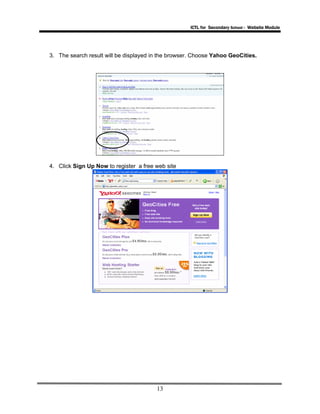
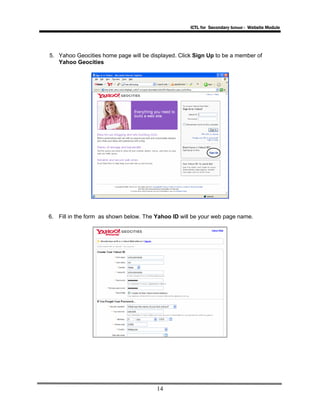
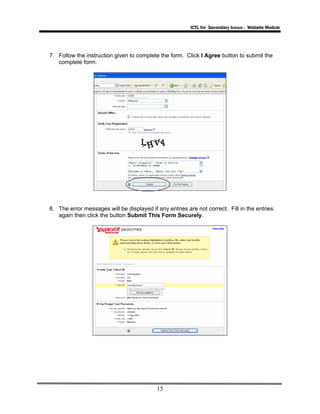
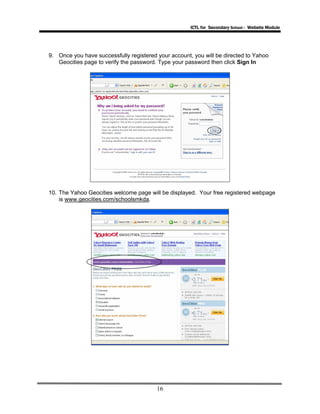
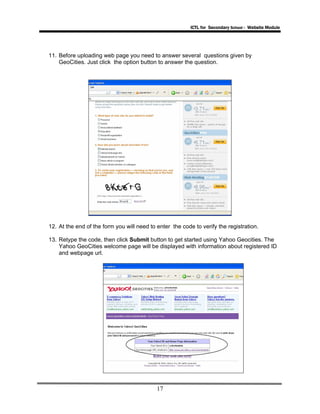
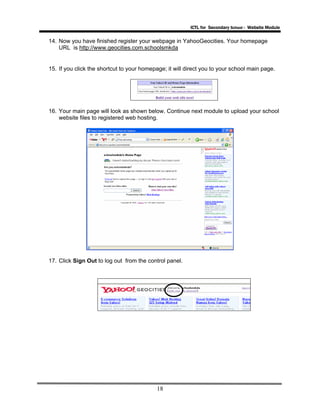
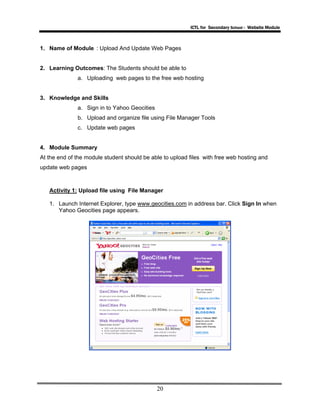
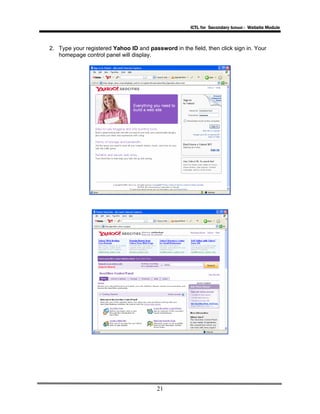
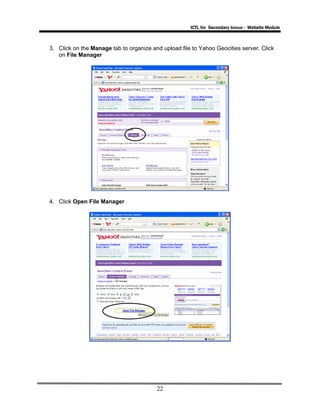
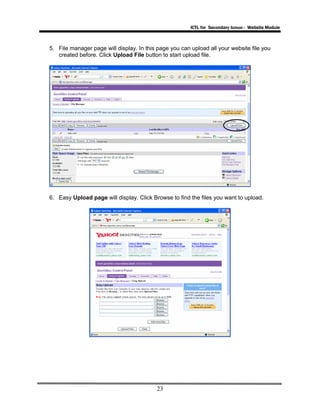
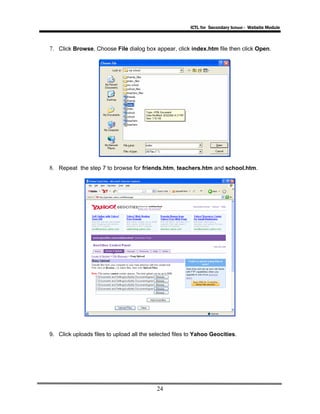
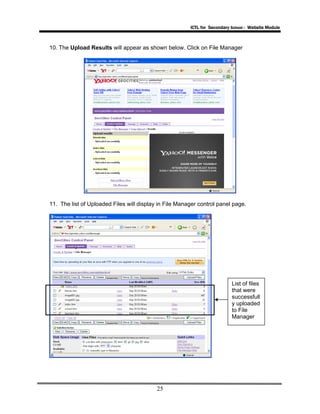
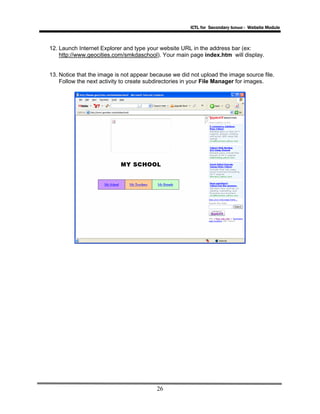
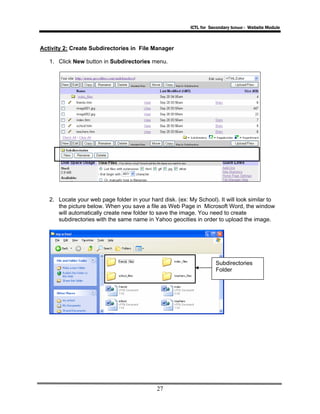
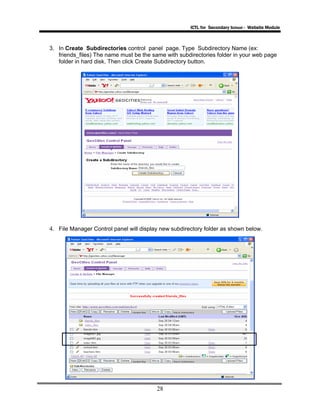
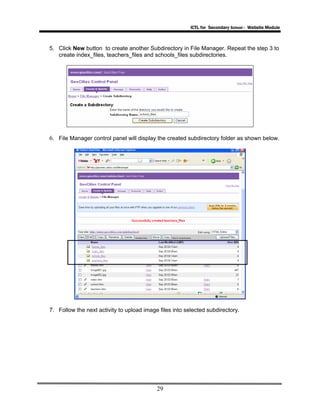
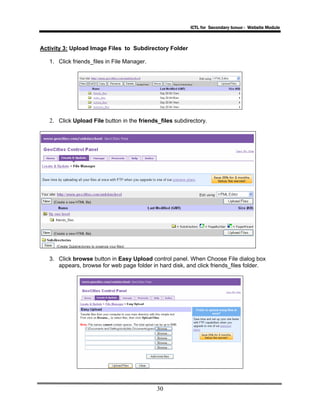
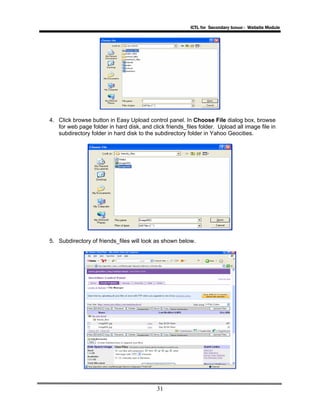
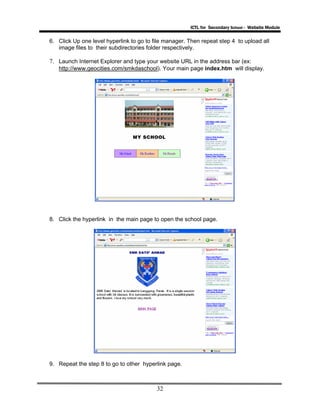
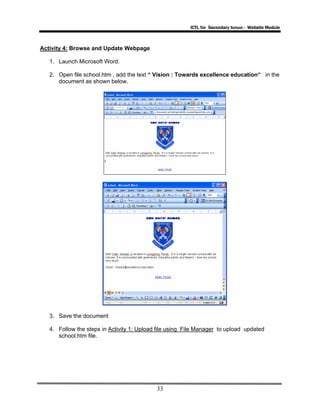

The document provides instructions for students to create a school website using Microsoft Word and publish it using a free web hosting service. It consists of 3 modules: 1. Developing the website pages in Word, including creating a main page with hyperlinks and additional pages for school, teachers, and friends. 2. Registering for a free Yahoo GeoCities account to host the website. 3. Uploading the Word files and images to GeoCities, and organizing them using the file manager. Instructions are also given on previewing and updating the website pages.


