Home tab
• Clipboard
• Slides
• Font
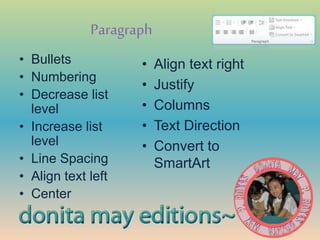
• Paragraph
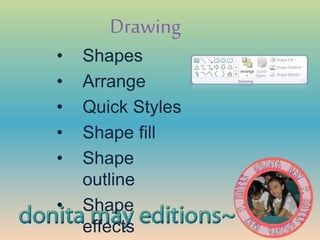
• Drawing
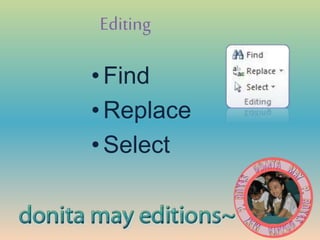
• Editing
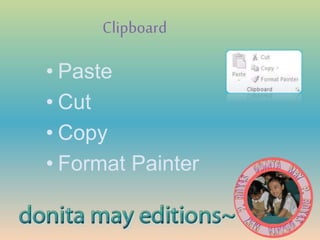
Clipboard
• Paste
• Cut
• Copy
• Format Painter
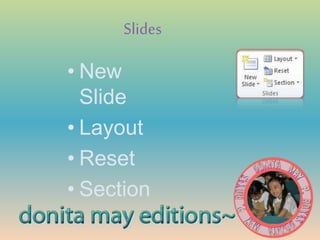
Slides
• New
Slide
• Layout
• Reset
• Section
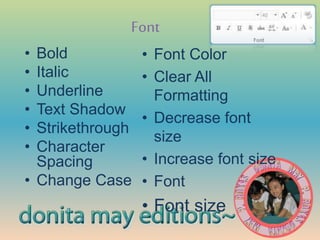
Font
• Bold
• Italic
• Underline
• Text Shadow
• Strikethrough
• Character
Spacing
• Change Case
• Font Color
• Clear All
Formatting
• Decrease font
size
• Increase font size
• Font
• Font size
Paragraph
• Bullets
• Numbering
• Decrease list
level
• Increase list
level
• Line Spacing
• Align text left
• Center
• Align text right
• Justify
• Columns
• Text Direction
• Convert to
SmartArt
Drawing
• Shapes
• Arrange
• Quick Styles
• Shape fill
• Shape
outline
• Shape
effects
Editing
•Find
•Replace
•Select
Insert tab
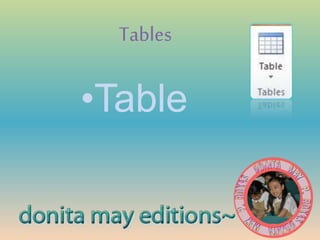
• Tables
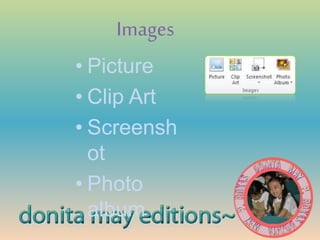
• Images
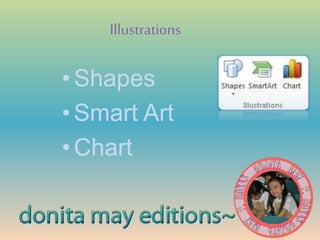
• Illustrations
• Links
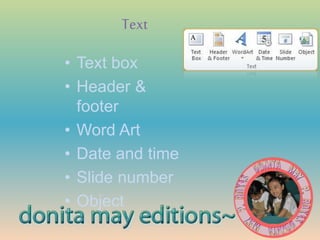
• Text
• Symbols
• Media
Tables
•Table
Images
• Picture
• Clip Art
• Screensh
ot
• Photo
album
Illustrations
•Shapes
•Smart Art
•Chart
Links
•Hyperlink
•Action
Text
• Text box
• Header &
footer
• Word Art
• Date and time
• Slide number
• Object
Symbols
•Equation
•Symbol
Media
•Video
•Audio
Design tab
•Page Setup
•Themes
•Background
Page Setup
•Page setup
•Slide
orientation
Themes
• Themes
• Colors
• Fonts
• Effects
background
•Background Styles
Transitions Tab
•Preview
•Transition to
this slide
•Timing
Preview
•Preview
Transitionto this slide
•Effect
options
Timing
• Sound
• Duration
• Apply to all
• On mouse
click (after)
Animationstab
• Preview
• Animation
• Advanced
Animation
• Timing
Slideshowtab
• Start
Slidesho
w
• Set Up
• Monitors
Start slideshow
• From beginning
• From current
slide
• Broadcast
slideshow
• Custom
slideshow
Setup
• Set up slide show
• Hide slide
• Rehearse timings
• Record slideshow
• Play narrations
• Use timings
• Show media controls
monitors
• Resolution
• Show on
• Use
presenter
view
Review tab
• Proofing
• Language
• Comment
s
• Compare
Viewtab
• Presentation
views
• Master views
• Show
• Zoom
• Color/Grayscale
• Window
• Macros

Modifying Objects

Editor's Notes

  • #2 EX3_modifyingobjects_dmpr