Migration from 8.1 to 11.3
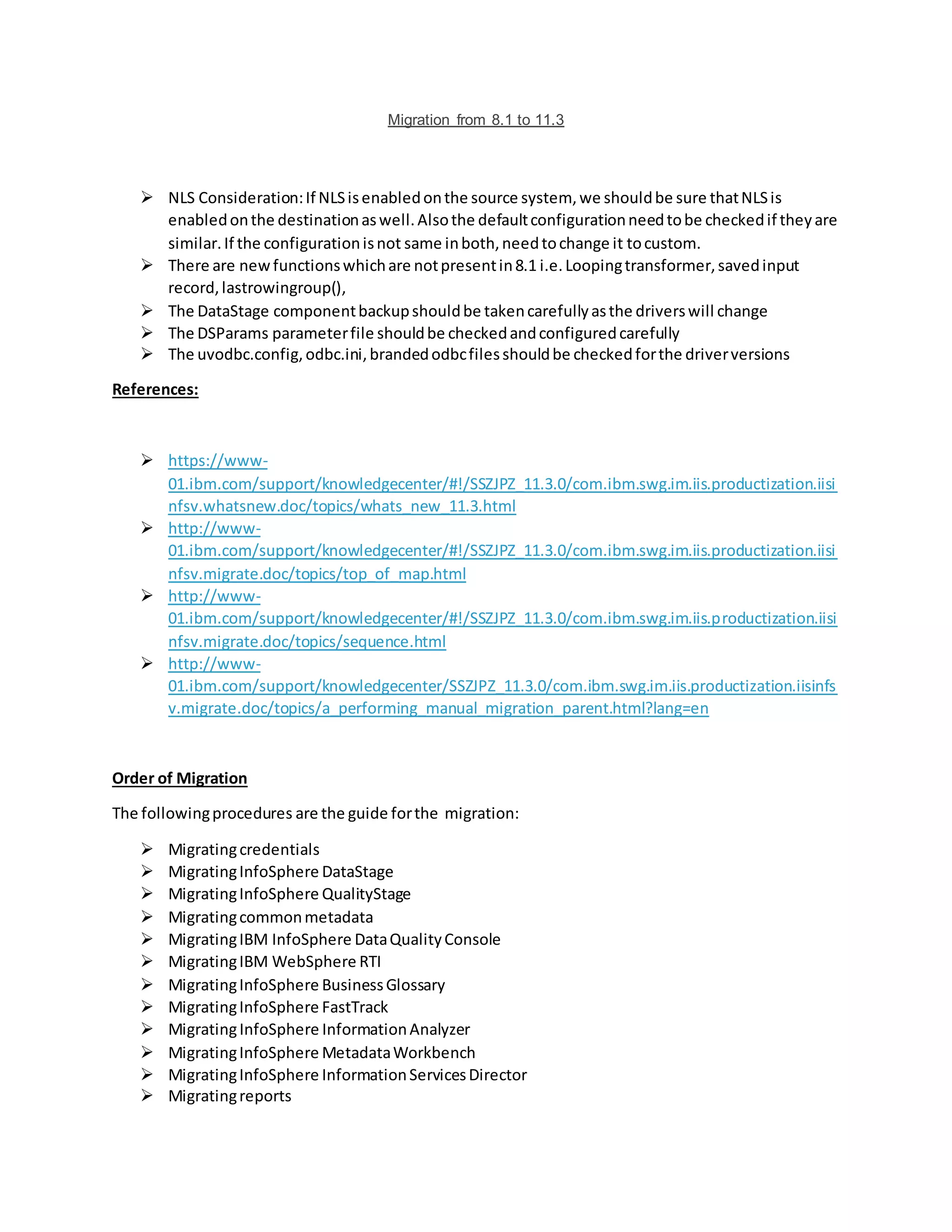
 NLS Consideration:If NLSisenabledonthe source system, we shouldbe sure thatNLSis
enabledonthe destinationaswell.Alsothe defaultconfigurationneedtobe checkedif theyare
similar.If the configurationisnot same inboth,needtochange it tocustom.
 There are newfunctionswhichare notpresentin8.1 i.e.Loopingtransformer,savedinput
record,lastrowingroup(),
 The DataStage componentbackupshouldbe takencarefullyasthe driverswill change
 The DSParams parameterfile shouldbe checkedandconfiguredcarefully
 The uvodbc.config,odbc.ini,brandedodbcfilesshouldbe checkedforthe driverversions
References:
 https://www-
01.ibm.com/support/knowledgecenter/#!/SSZJPZ_11.3.0/com.ibm.swg.im.iis.productization.iisi
nfsv.whatsnew.doc/topics/whats_new_11.3.html
 http://www-
01.ibm.com/support/knowledgecenter/#!/SSZJPZ_11.3.0/com.ibm.swg.im.iis.productization.iisi
nfsv.migrate.doc/topics/top_of_map.html
 http://www-
01.ibm.com/support/knowledgecenter/#!/SSZJPZ_11.3.0/com.ibm.swg.im.iis.productization.iisi
nfsv.migrate.doc/topics/sequence.html
 http://www-
01.ibm.com/support/knowledgecenter/SSZJPZ_11.3.0/com.ibm.swg.im.iis.productization.iisinfs
v.migrate.doc/topics/a_performing_manual_migration_parent.html?lang=en
Order of Migration
The followingprocedures are the guide forthe migration:
 Migratingcredentials
 MigratingInfoSphere DataStage
 MigratingInfoSphere QualityStage
 Migratingcommonmetadata
 MigratingIBM InfoSphere DataQualityConsole
 MigratingIBM WebSphere RTI
 MigratingInfoSphere BusinessGlossary
 MigratingInfoSphere FastTrack
 MigratingInfoSphere InformationAnalyzer
 MigratingInfoSphere MetadataWorkbench
 MigratingInfoSphere InformationServicesDirector
 Migratingreports
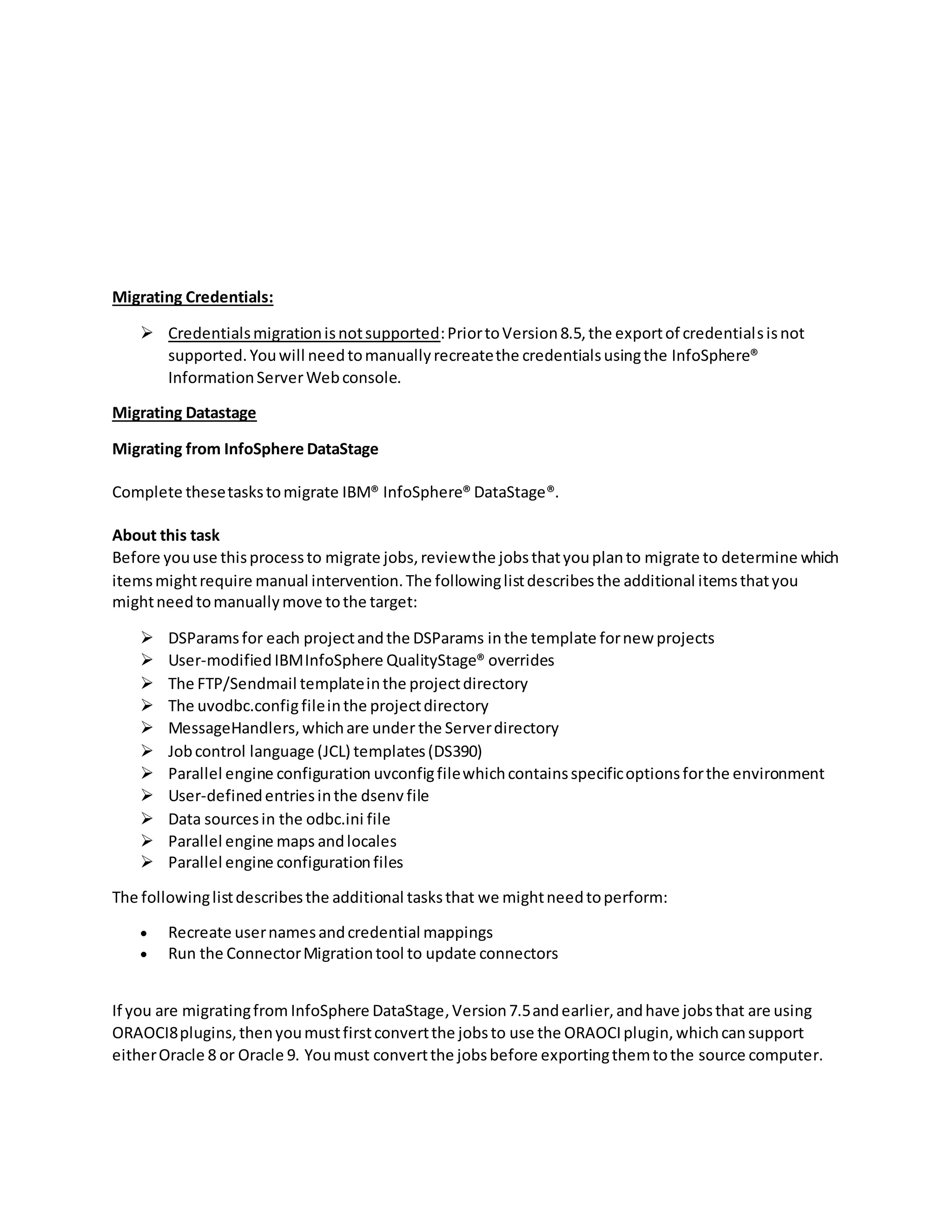
Migrating Credentials:
 Credentialsmigrationisnotsupported:PriortoVersion8.5,the exportof credentialsisnot
supported.Youwill needtomanuallyrecreatethe credentialsusingthe InfoSphere®
InformationServerWebconsole.
Migrating Datastage
Migrating from InfoSphere DataStage
Complete thesetaskstomigrate IBM® InfoSphere® DataStage®.
About this task
Before youuse thisprocessto migrate jobs,reviewthe jobsthatyouplanto migrate to determine which
itemsmightrequire manual intervention.The followinglistdescribesthe additional itemsthatyou
mightneedtomanuallymove tothe target:
 DSParamsfor each projectandthe DSParams inthe template fornew projects
 User-modified IBMInfoSphere QualityStage® overrides
 The FTP/Sendmail templateinthe projectdirectory
 The uvodbc.configfileinthe projectdirectory
 MessageHandlers,whichare under the Serverdirectory
 Jobcontrol language (JCL) templates(DS390)
 Parallel engine configuration uvconfigfilewhichcontainsspecificoptionsforthe environment
 User-definedentriesinthe dsenv file
 Data sourcesin the odbc.ini file
 Parallel engine maps andlocales
 Parallel engine configurationfiles
The followinglistdescribesthe additional tasksthat we mightneedtoperform:
 Recreate usernamesandcredential mappings
 Run the ConnectorMigrationtool to update connectors
If you are migratingfrom InfoSphere DataStage,Version7.5andearlier,andhave jobsthat are using
ORAOCI8plugins,thenyoumustfirstconvertthe jobsto use the ORAOCIplugin,whichcansupport
eitherOracle 8 or Oracle 9. Youmust convertthe jobsbefore exportingthemtothe source computer.
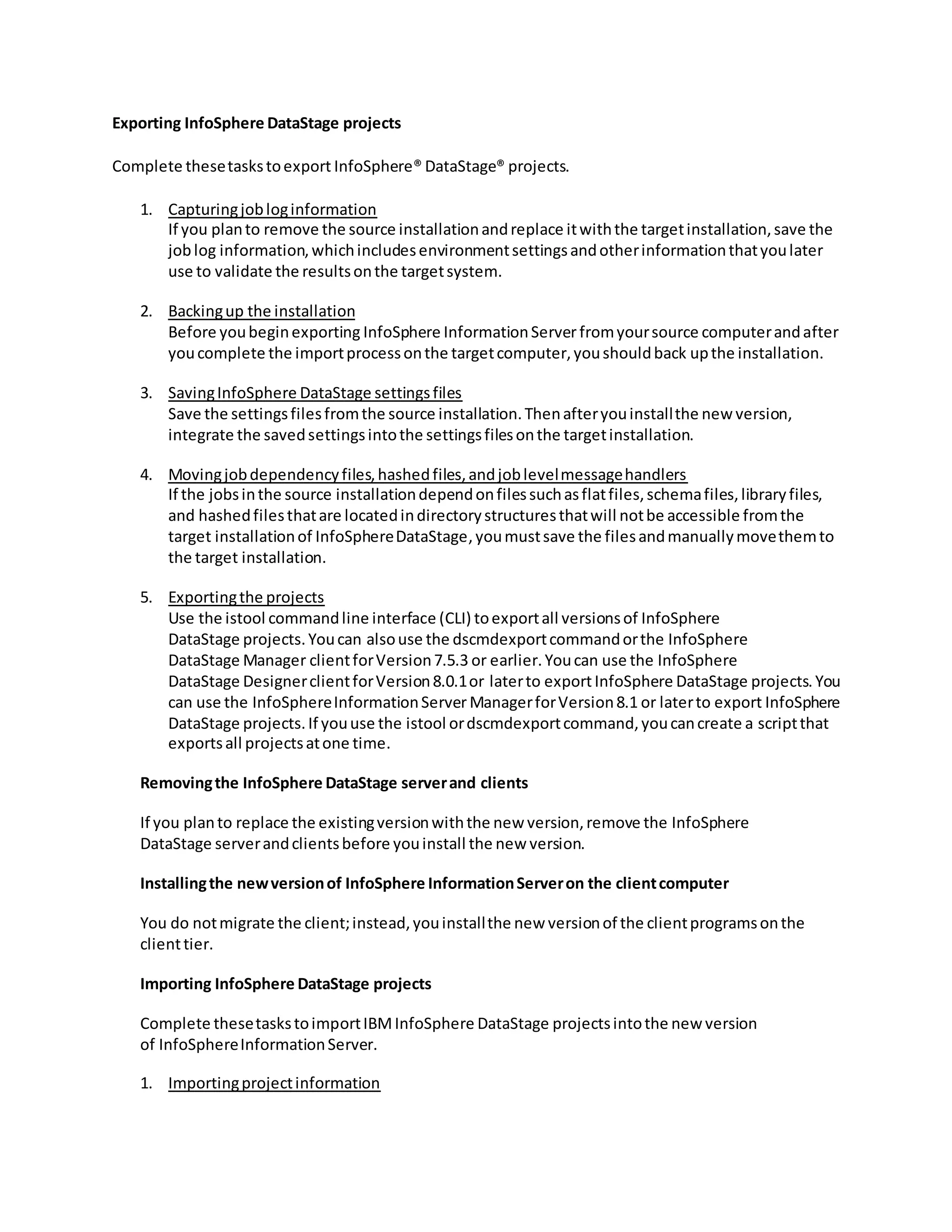
Exporting InfoSphere DataStage projects
Complete thesetaskstoexport InfoSphere® DataStage® projects.
1. Capturingjobloginformation
If you planto remove the source installationandreplace itwiththe targetinstallation,save the
joblog information,whichincludesenvironmentsettingsandotherinformationthatyoulater
use to validate the resultsonthe targetsystem.
2. Backingup the installation
Before youbeginexporting InfoSphere InformationServer fromyoursource computerandafter
youcomplete the importprocessonthe targetcomputer,youshouldback upthe installation.
3. SavingInfoSphere DataStage settingsfiles
Save the settingsfilesfromthe source installation.Thenafteryouinstallthe new version,
integrate the savedsettingsintothe settingsfilesonthe targetinstallation.
4. Movingjobdependencyfiles,hashedfiles,andjoblevelmessagehandlers
If the jobsinthe source installationdependonfilessuchasflatfiles,schemafiles,libraryfiles,
and hashedfilesthatare locatedindirectorystructuresthatwill notbe accessible fromthe
target installationof InfoSphereDataStage,youmustsave the filesandmanuallymovethemto
the target installation.
5. Exportingthe projects
Use the istool commandline interface (CLI) toexportall versionsof InfoSphere
DataStage projects.Youcan alsouse the dscmdexportcommandorthe InfoSphere
DataStage Manager clientforVersion7.5.3 or earlier.Youcan use the InfoSphere
DataStage DesignerclientforVersion8.0.1or laterto exportInfoSphere DataStage projects.You
can use the InfoSphereInformationServer ManagerforVersion8.1 or laterto export InfoSphere
DataStage projects.If youuse the istool ordscmdexportcommand,youcancreate a scriptthat
exportsall projectsatone time.
Removingthe InfoSphere DataStage serverand clients
If you planto replace the existingversionwiththe new version,remove the InfoSphere
DataStage serverandclientsbefore youinstall the new version.
Installingthe newversionof InfoSphere InformationServeron the clientcomputer
You do notmigrate the client;instead,youinstallthe new versionof the clientprogramsonthe
clienttier.
Importing InfoSphere DataStage projects
Complete thesetaskstoimportIBMInfoSphere DataStage projectsintothe new version
of InfoSphereInformationServer.
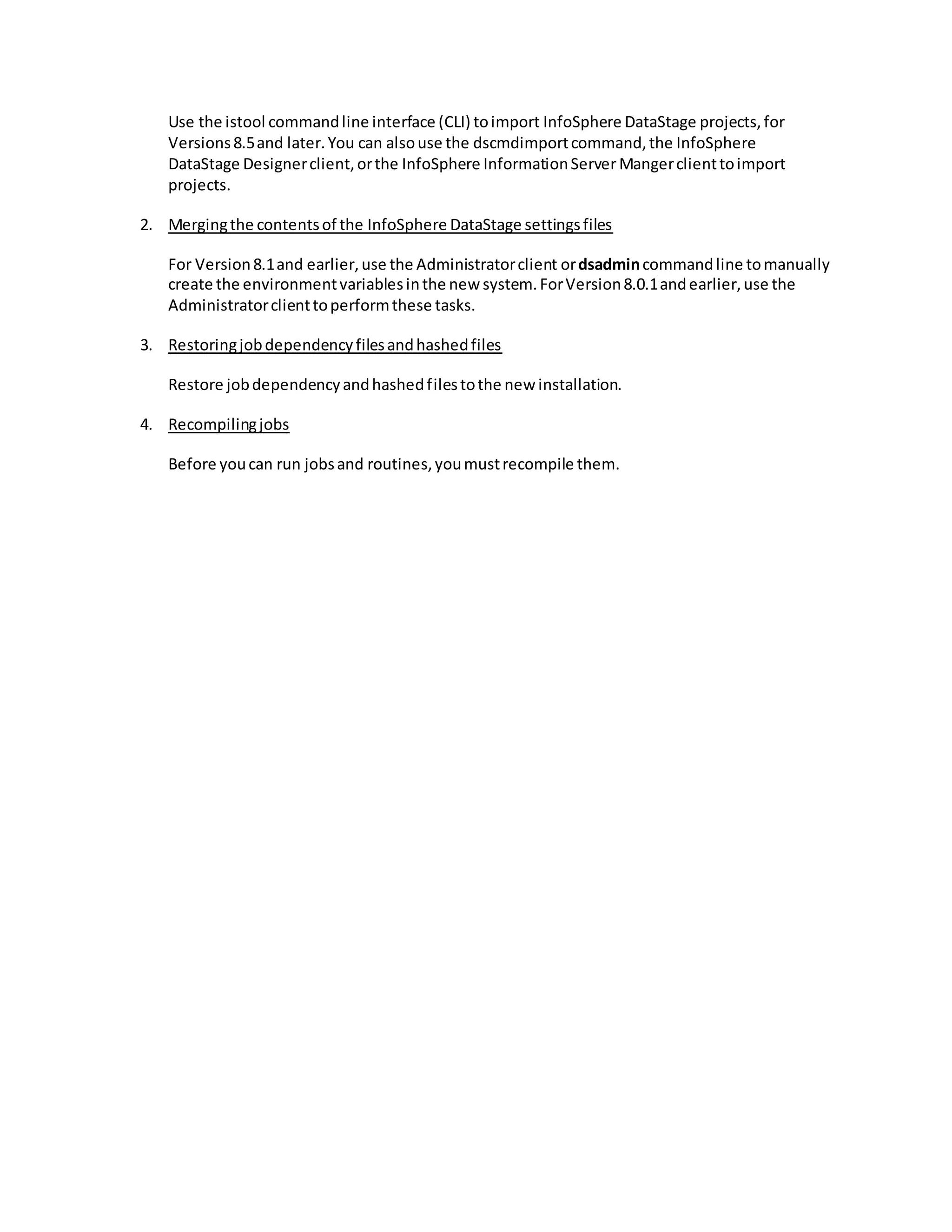
1. Importingprojectinformation
Use the istool commandline interface (CLI) toimport InfoSphere DataStage projects,for
Versions8.5and later.You can alsouse the dscmdimportcommand,the InfoSphere
DataStage Designerclient,orthe InfoSphere InformationServer Mangerclienttoimport
projects.
2. Mergingthe contentsof the InfoSphere DataStage settingsfiles
For Version8.1and earlier,use the Administratorclient ordsadmincommandline tomanually
create the environmentvariablesinthe new system.ForVersion8.0.1andearlier,use the
Administratorclienttoperformthese tasks.
3. Restoringjobdependencyfilesandhashedfiles
Restore jobdependencyandhashedfilestothe new installation.
4. Recompilingjobs
Before youcan run jobsand routines,youmustrecompile them.
New Features in 11.3
Introduction
With the release of Information Server/DataStage 11.3 a few weeks ago, most DataStage developers are
interested in knowing exactly what new features have surfaced and how they can best be leveraged. With
the release of version 8.7, IBM introduced the Operations Console and version 9.1 followed in-line with
the release of the Workload Manager. I’m afraid that DataStage developers don’t have anything too
exciting to look forward to in version 11.3. There are definitely some nifty new features tacked on the suite
from the standpoint of data governance, metadata management, and administration, but this post will
review just the new features in DataStage.
There might be some hidden new features or “features” which aren’t documented. Feel free to comment
below on what you think they might be.
Hierarchical Data Stage
Remember how the XML stage was pretty recently introduced for all XML processing in DataStage? Well
now it has been relabeled as the Hierarchical Data stage, I suppose to account for its ability to process all
types of Hierarchical Data (JSON) as opposed to strictly being limited to XML. This stage also has some
additional functionality which wasn’t previously available. If you are familiar with this stage (Hierarchical
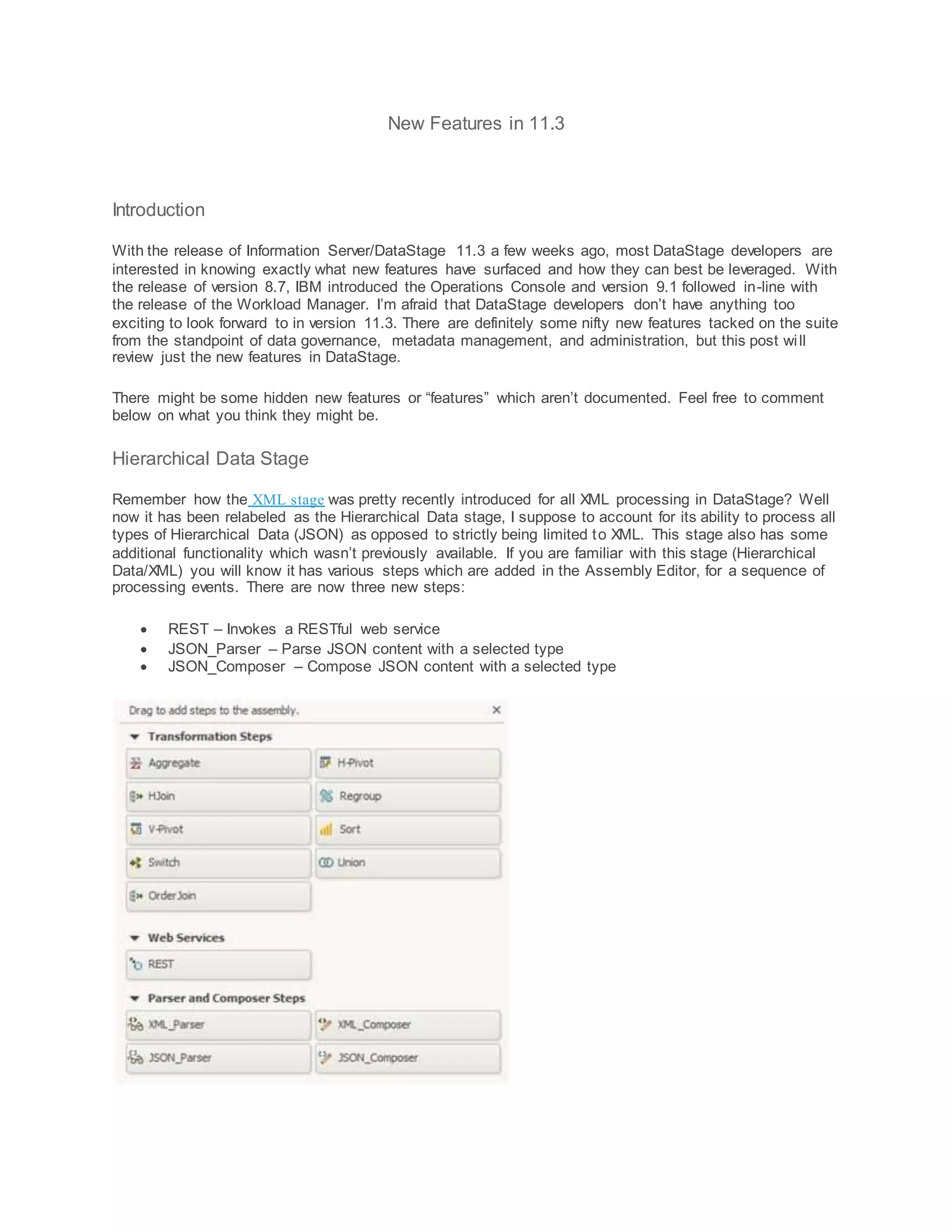
Data/XML) you will know it has various steps which are added in the Assembly Editor, for a sequence of
processing events. There are now three new steps:
 REST – Invokes a RESTful web service
 JSON_Parser – Parse JSON content with a selected type
 JSON_Composer – Compose JSON content with a selected type
Big Data File Stage
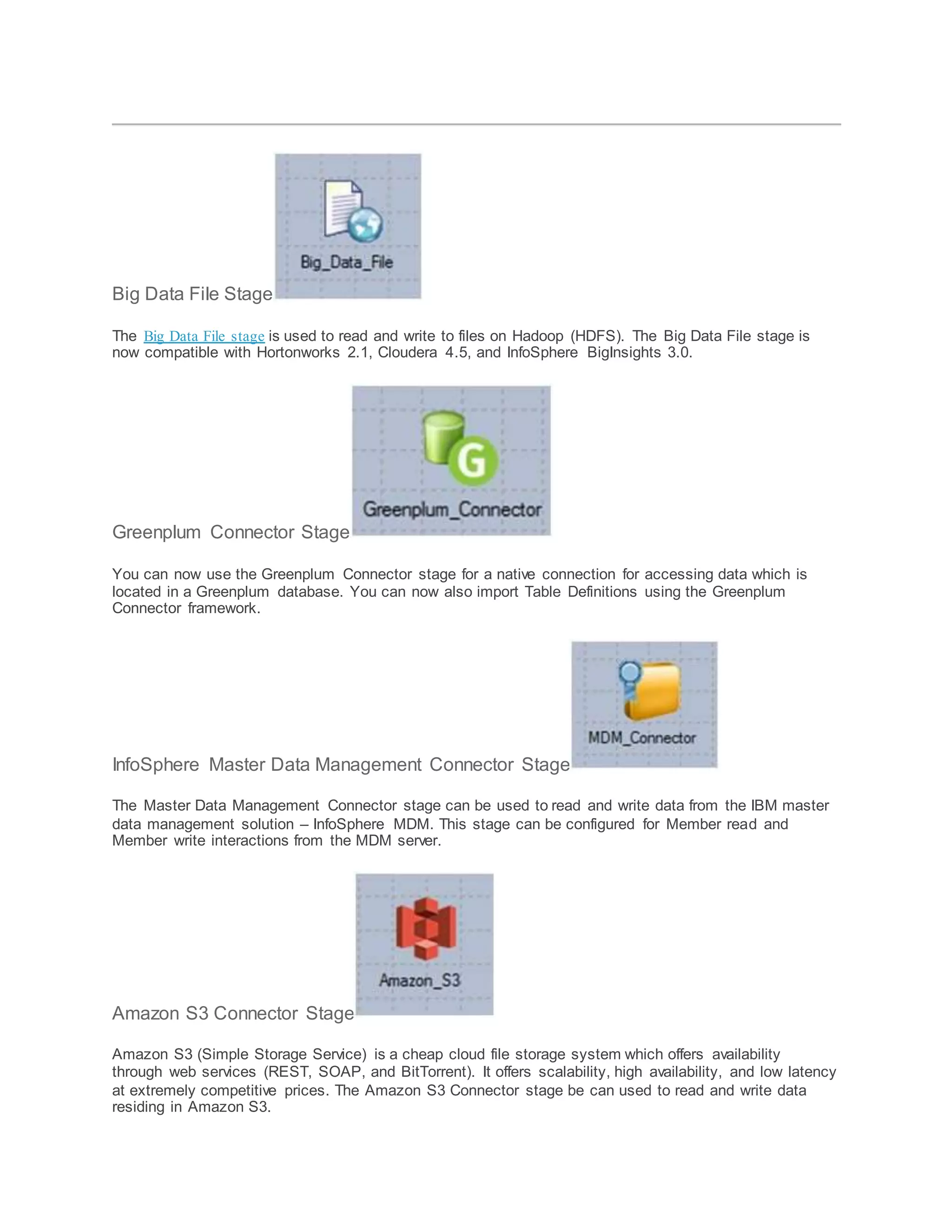
The Big Data File stage is used to read and write to files on Hadoop (HDFS). The Big Data File stage is
now compatible with Hortonworks 2.1, Cloudera 4.5, and InfoSphere BigInsights 3.0.
Greenplum Connector Stage
You can now use the Greenplum Connector stage for a native connection for accessing data which is
located in a Greenplum database. You can now also import Table Definitions using the Greenplum
Connector framework.
InfoSphere Master Data Management Connector Stage
The Master Data Management Connector stage can be used to read and write data from the IBM master
data management solution – InfoSphere MDM. This stage can be configured for Member read and
Member write interactions from the MDM server.
Amazon S3 Connector Stage
Amazon S3 (Simple Storage Service) is a cheap cloud file storage system which offers availability
through web services (REST, SOAP, and BitTorrent). It offers scalability, high availability, and low latency
at extremely competitive prices. The Amazon S3 Connector stage be can used to read and write data
residing in Amazon S3.
Unstructured Data Stage – Microsoft Excel (.xls and .xlsx)
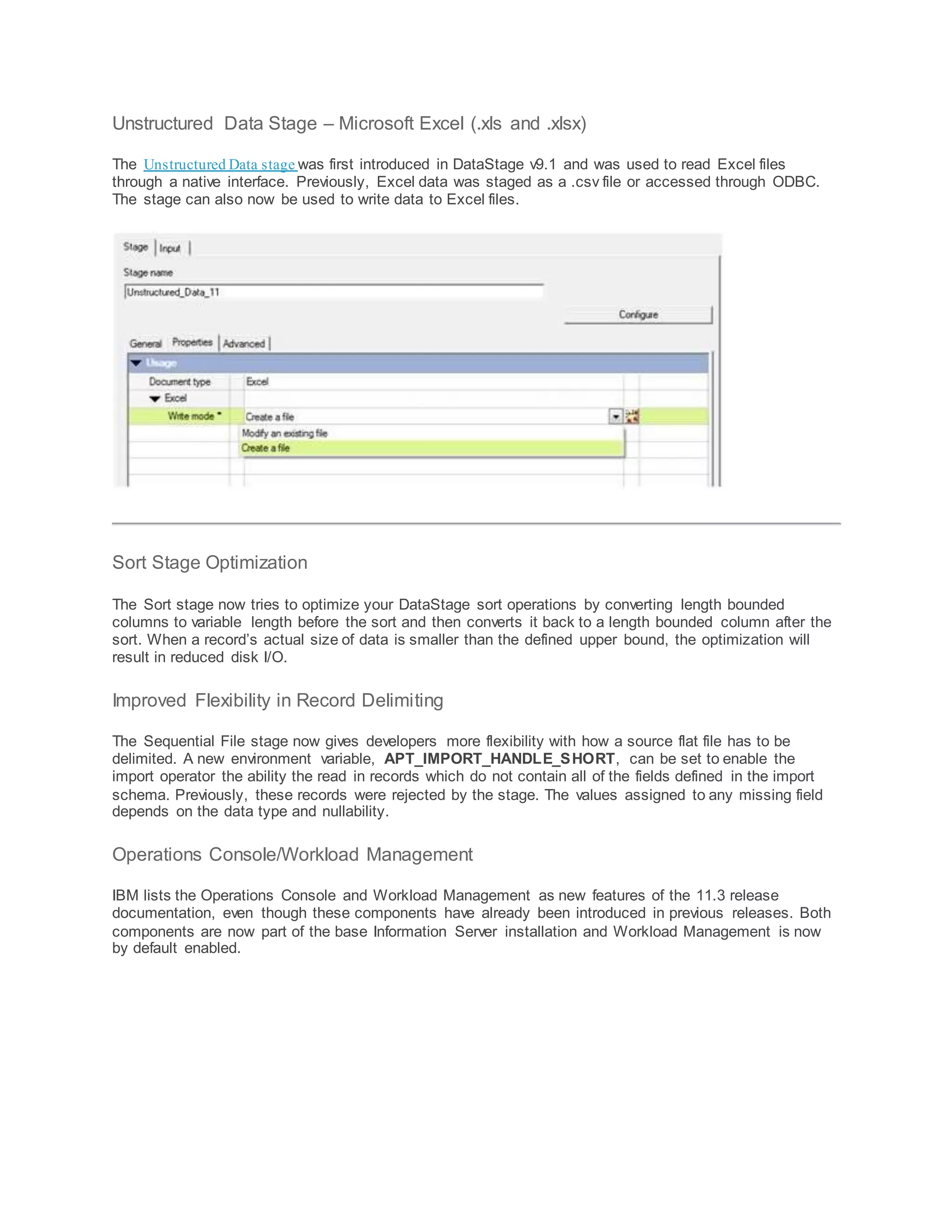
The Unstructured Data stage was first introduced in DataStage v9.1 and was used to read Excel files
through a native interface. Previously, Excel data was staged as a .csv file or accessed through ODBC.
The stage can also now be used to write data to Excel files.
Sort Stage Optimization
The Sort stage now tries to optimize your DataStage sort operations by converting length bounded
columns to variable length before the sort and then converts it back to a length bounded column after the
sort. When a record’s actual size of data is smaller than the defined upper bound, the optimization will
result in reduced disk I/O.
Improved Flexibility in Record Delimiting
The Sequential File stage now gives developers more flexibility with how a source flat file has to be
delimited. A new environment variable, APT_IMPORT_HANDLE_SHORT, can be set to enable the
import operator the ability the read in records which do not contain all of the fields defined in the import
schema. Previously, these records were rejected by the stage. The values assigned to any missing field
depends on the data type and nullability.
Operations Console/Workload Management
IBM lists the Operations Console and Workload Management as new features of the 11.3 release
documentation, even though these components have already been introduced in previous releases. Both
components are now part of the base Information Server installation and Workload Management is now
by default enabled.

Migration from 8.1 to 11.3

  • 1.
    Migration from 8.1to 11.3  NLS Consideration:If NLSisenabledonthe source system, we shouldbe sure thatNLSis enabledonthe destinationaswell.Alsothe defaultconfigurationneedtobe checkedif theyare similar.If the configurationisnot same inboth,needtochange it tocustom.  There are newfunctionswhichare notpresentin8.1 i.e.Loopingtransformer,savedinput record,lastrowingroup(),  The DataStage componentbackupshouldbe takencarefullyasthe driverswill change  The DSParams parameterfile shouldbe checkedandconfiguredcarefully  The uvodbc.config,odbc.ini,brandedodbcfilesshouldbe checkedforthe driverversions References:  https://www- 01.ibm.com/support/knowledgecenter/#!/SSZJPZ_11.3.0/com.ibm.swg.im.iis.productization.iisi nfsv.whatsnew.doc/topics/whats_new_11.3.html  http://www- 01.ibm.com/support/knowledgecenter/#!/SSZJPZ_11.3.0/com.ibm.swg.im.iis.productization.iisi nfsv.migrate.doc/topics/top_of_map.html  http://www- 01.ibm.com/support/knowledgecenter/#!/SSZJPZ_11.3.0/com.ibm.swg.im.iis.productization.iisi nfsv.migrate.doc/topics/sequence.html  http://www- 01.ibm.com/support/knowledgecenter/SSZJPZ_11.3.0/com.ibm.swg.im.iis.productization.iisinfs v.migrate.doc/topics/a_performing_manual_migration_parent.html?lang=en Order of Migration The followingprocedures are the guide forthe migration:  Migratingcredentials  MigratingInfoSphere DataStage  MigratingInfoSphere QualityStage  Migratingcommonmetadata  MigratingIBM InfoSphere DataQualityConsole  MigratingIBM WebSphere RTI  MigratingInfoSphere BusinessGlossary  MigratingInfoSphere FastTrack  MigratingInfoSphere InformationAnalyzer  MigratingInfoSphere MetadataWorkbench  MigratingInfoSphere InformationServicesDirector  Migratingreports
  • 2.
    Migrating Credentials:  Credentialsmigrationisnotsupported:PriortoVersion8.5,theexportof credentialsisnot supported.Youwill needtomanuallyrecreatethe credentialsusingthe InfoSphere® InformationServerWebconsole. Migrating Datastage Migrating from InfoSphere DataStage Complete thesetaskstomigrate IBM® InfoSphere® DataStage®. About this task Before youuse thisprocessto migrate jobs,reviewthe jobsthatyouplanto migrate to determine which itemsmightrequire manual intervention.The followinglistdescribesthe additional itemsthatyou mightneedtomanuallymove tothe target:  DSParamsfor each projectandthe DSParams inthe template fornew projects  User-modified IBMInfoSphere QualityStage® overrides  The FTP/Sendmail templateinthe projectdirectory  The uvodbc.configfileinthe projectdirectory  MessageHandlers,whichare under the Serverdirectory  Jobcontrol language (JCL) templates(DS390)  Parallel engine configuration uvconfigfilewhichcontainsspecificoptionsforthe environment  User-definedentriesinthe dsenv file  Data sourcesin the odbc.ini file  Parallel engine maps andlocales  Parallel engine configurationfiles The followinglistdescribesthe additional tasksthat we mightneedtoperform:  Recreate usernamesandcredential mappings  Run the ConnectorMigrationtool to update connectors If you are migratingfrom InfoSphere DataStage,Version7.5andearlier,andhave jobsthat are using ORAOCI8plugins,thenyoumustfirstconvertthe jobsto use the ORAOCIplugin,whichcansupport eitherOracle 8 or Oracle 9. Youmust convertthe jobsbefore exportingthemtothe source computer.
  • 3.
    Exporting InfoSphere DataStageprojects Complete thesetaskstoexport InfoSphere® DataStage® projects. 1. Capturingjobloginformation If you planto remove the source installationandreplace itwiththe targetinstallation,save the joblog information,whichincludesenvironmentsettingsandotherinformationthatyoulater use to validate the resultsonthe targetsystem. 2. Backingup the installation Before youbeginexporting InfoSphere InformationServer fromyoursource computerandafter youcomplete the importprocessonthe targetcomputer,youshouldback upthe installation. 3. SavingInfoSphere DataStage settingsfiles Save the settingsfilesfromthe source installation.Thenafteryouinstallthe new version, integrate the savedsettingsintothe settingsfilesonthe targetinstallation. 4. Movingjobdependencyfiles,hashedfiles,andjoblevelmessagehandlers If the jobsinthe source installationdependonfilessuchasflatfiles,schemafiles,libraryfiles, and hashedfilesthatare locatedindirectorystructuresthatwill notbe accessible fromthe target installationof InfoSphereDataStage,youmustsave the filesandmanuallymovethemto the target installation. 5. Exportingthe projects Use the istool commandline interface (CLI) toexportall versionsof InfoSphere DataStage projects.Youcan alsouse the dscmdexportcommandorthe InfoSphere DataStage Manager clientforVersion7.5.3 or earlier.Youcan use the InfoSphere DataStage DesignerclientforVersion8.0.1or laterto exportInfoSphere DataStage projects.You can use the InfoSphereInformationServer ManagerforVersion8.1 or laterto export InfoSphere DataStage projects.If youuse the istool ordscmdexportcommand,youcancreate a scriptthat exportsall projectsatone time. Removingthe InfoSphere DataStage serverand clients If you planto replace the existingversionwiththe new version,remove the InfoSphere DataStage serverandclientsbefore youinstall the new version. Installingthe newversionof InfoSphere InformationServeron the clientcomputer You do notmigrate the client;instead,youinstallthe new versionof the clientprogramsonthe clienttier. Importing InfoSphere DataStage projects Complete thesetaskstoimportIBMInfoSphere DataStage projectsintothe new version of InfoSphereInformationServer. 1. Importingprojectinformation
  • 4.
    Use the istoolcommandline interface (CLI) toimport InfoSphere DataStage projects,for Versions8.5and later.You can alsouse the dscmdimportcommand,the InfoSphere DataStage Designerclient,orthe InfoSphere InformationServer Mangerclienttoimport projects. 2. Mergingthe contentsof the InfoSphere DataStage settingsfiles For Version8.1and earlier,use the Administratorclient ordsadmincommandline tomanually create the environmentvariablesinthe new system.ForVersion8.0.1andearlier,use the Administratorclienttoperformthese tasks. 3. Restoringjobdependencyfilesandhashedfiles Restore jobdependencyandhashedfilestothe new installation. 4. Recompilingjobs Before youcan run jobsand routines,youmustrecompile them.
  • 5.
    New Features in11.3 Introduction With the release of Information Server/DataStage 11.3 a few weeks ago, most DataStage developers are interested in knowing exactly what new features have surfaced and how they can best be leveraged. With the release of version 8.7, IBM introduced the Operations Console and version 9.1 followed in-line with the release of the Workload Manager. I’m afraid that DataStage developers don’t have anything too exciting to look forward to in version 11.3. There are definitely some nifty new features tacked on the suite from the standpoint of data governance, metadata management, and administration, but this post will review just the new features in DataStage. There might be some hidden new features or “features” which aren’t documented. Feel free to comment below on what you think they might be. Hierarchical Data Stage Remember how the XML stage was pretty recently introduced for all XML processing in DataStage? Well now it has been relabeled as the Hierarchical Data stage, I suppose to account for its ability to process all types of Hierarchical Data (JSON) as opposed to strictly being limited to XML. This stage also has some additional functionality which wasn’t previously available. If you are familiar with this stage (Hierarchical Data/XML) you will know it has various steps which are added in the Assembly Editor, for a sequence of processing events. There are now three new steps:  REST – Invokes a RESTful web service  JSON_Parser – Parse JSON content with a selected type  JSON_Composer – Compose JSON content with a selected type
  • 6.
    Big Data FileStage The Big Data File stage is used to read and write to files on Hadoop (HDFS). The Big Data File stage is now compatible with Hortonworks 2.1, Cloudera 4.5, and InfoSphere BigInsights 3.0. Greenplum Connector Stage You can now use the Greenplum Connector stage for a native connection for accessing data which is located in a Greenplum database. You can now also import Table Definitions using the Greenplum Connector framework. InfoSphere Master Data Management Connector Stage The Master Data Management Connector stage can be used to read and write data from the IBM master data management solution – InfoSphere MDM. This stage can be configured for Member read and Member write interactions from the MDM server. Amazon S3 Connector Stage Amazon S3 (Simple Storage Service) is a cheap cloud file storage system which offers availability through web services (REST, SOAP, and BitTorrent). It offers scalability, high availability, and low latency at extremely competitive prices. The Amazon S3 Connector stage be can used to read and write data residing in Amazon S3.
  • 7.
    Unstructured Data Stage– Microsoft Excel (.xls and .xlsx) The Unstructured Data stage was first introduced in DataStage v9.1 and was used to read Excel files through a native interface. Previously, Excel data was staged as a .csv file or accessed through ODBC. The stage can also now be used to write data to Excel files. Sort Stage Optimization The Sort stage now tries to optimize your DataStage sort operations by converting length bounded columns to variable length before the sort and then converts it back to a length bounded column after the sort. When a record’s actual size of data is smaller than the defined upper bound, the optimization will result in reduced disk I/O. Improved Flexibility in Record Delimiting The Sequential File stage now gives developers more flexibility with how a source flat file has to be delimited. A new environment variable, APT_IMPORT_HANDLE_SHORT, can be set to enable the import operator the ability the read in records which do not contain all of the fields defined in the import schema. Previously, these records were rejected by the stage. The values assigned to any missing field depends on the data type and nullability. Operations Console/Workload Management IBM lists the Operations Console and Workload Management as new features of the 11.3 release documentation, even though these components have already been introduced in previous releases. Both components are now part of the base Information Server installation and Workload Management is now by default enabled.