



Migrating BizTalk solutions to Azure
Mark Brimble
https://nz.linkedin.com/in/markbrimble
Migrating BizTalk Solutions To Azure
Some personal experiences
Mark Brimble
Integration Architect
BidOne Ltd
2
Premise for this talk
You can migrate BizTalk solutions to Azure easily
5/7/2019
4
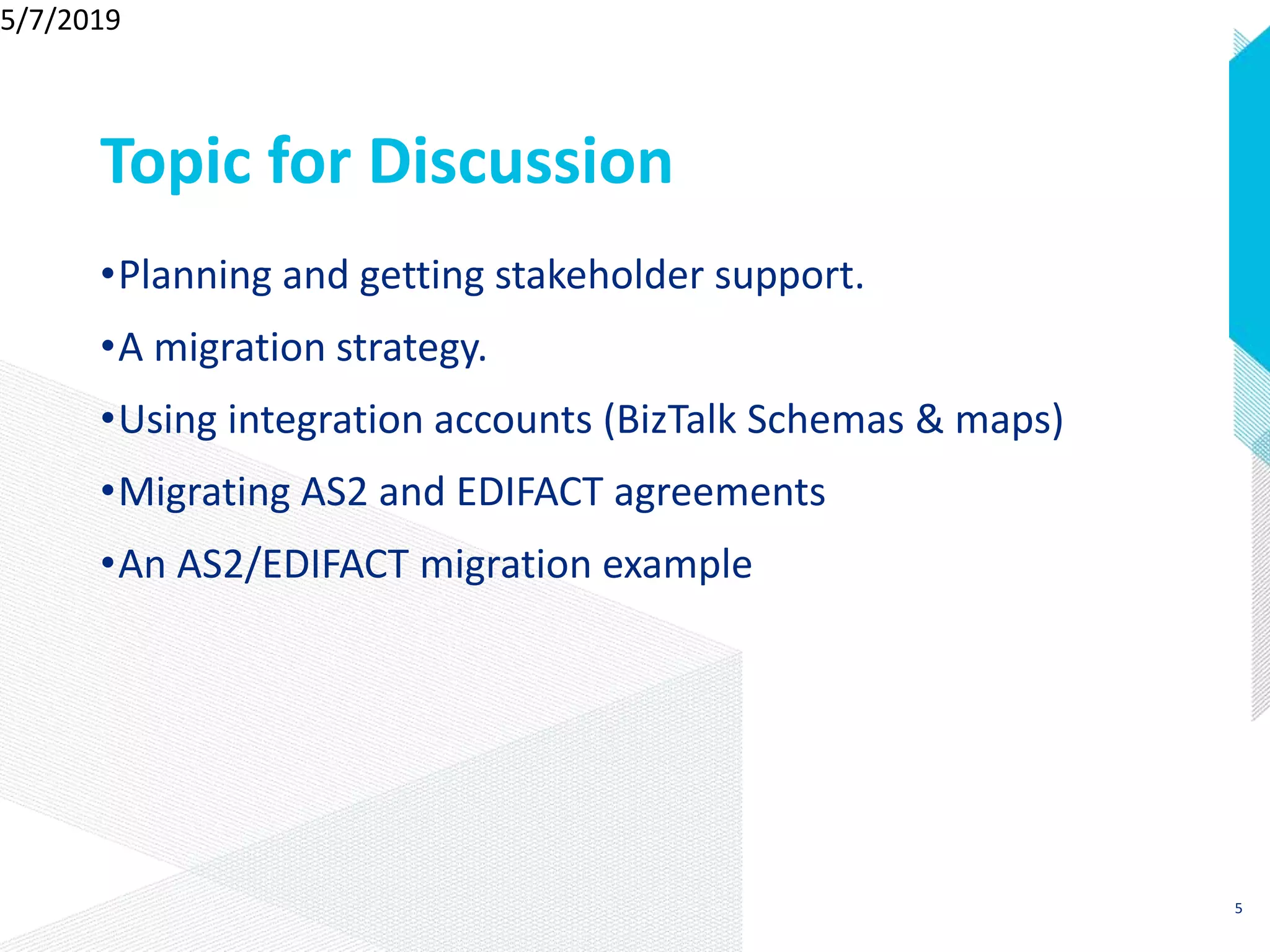
Topic for Discussion
•Planning and getting stakeholder support.
•A migration strategy.
•Using integration accounts (BizTalk Schemas & maps)
•Migrating AS2 and EDIFACT agreements
•An AS2/EDIFACT migration example
5/7/2019
5
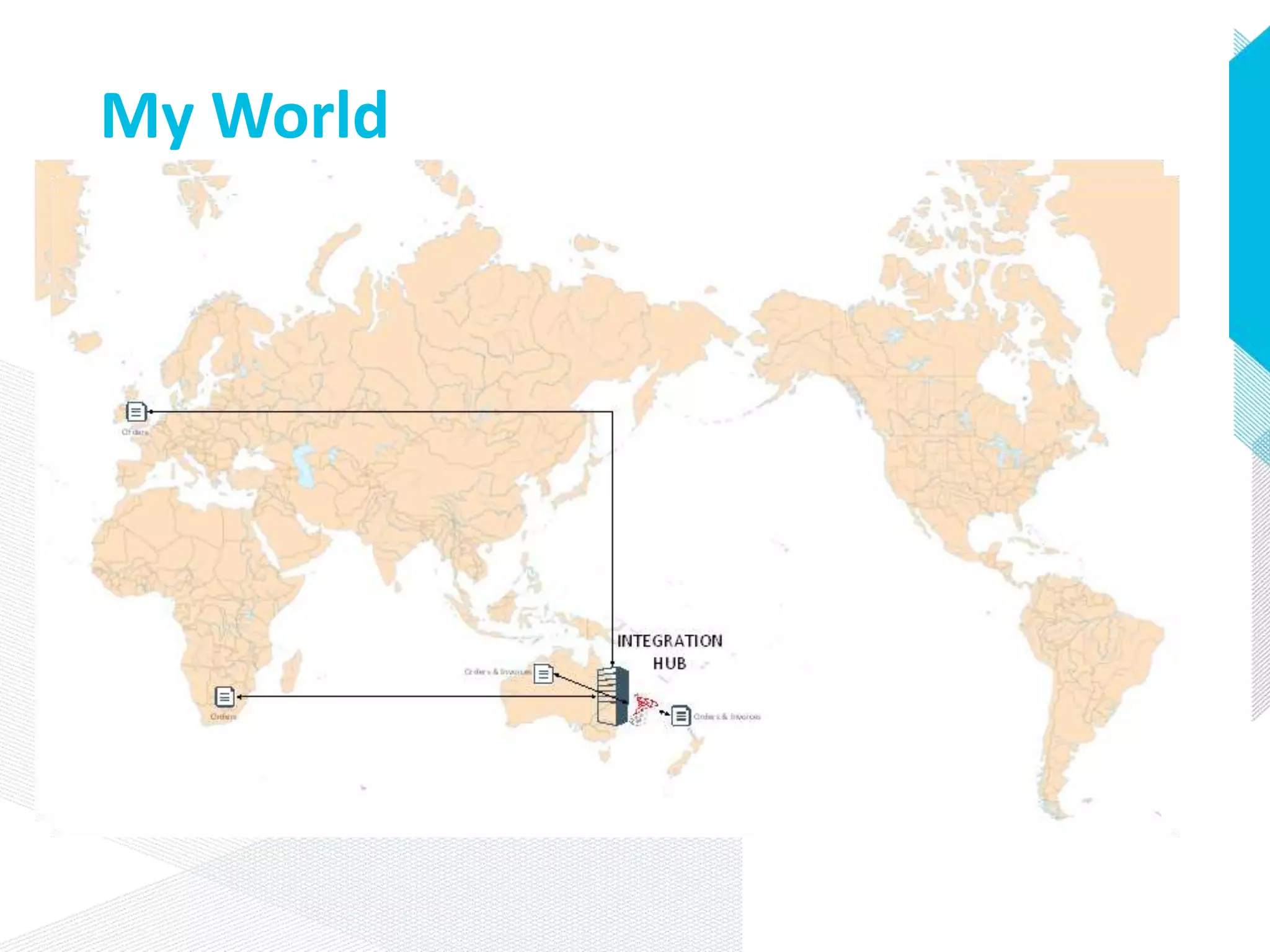
My World
BizTalk Applications
• Customer Stream
• Supplier Stream
• Batch Extract Stream
Only Three
7
The Future of BizTalk Server
• BizTalk 2013 R2 + Logic Apps-> BizTalk 2016 + Logic Apps ->Logic Apps
• BizTalk 2013 R2 + Logic Apps-> Logic Apps
• BizTalk 2013 R2 -> ?
Decisions…Choice and more Choice…Decisions
© BidOne 2017
8
Why Migrate
•Remove dependency on Australian Server Infrastructure.
•Aligns with company direction to use cloud.
5/7/2019
9
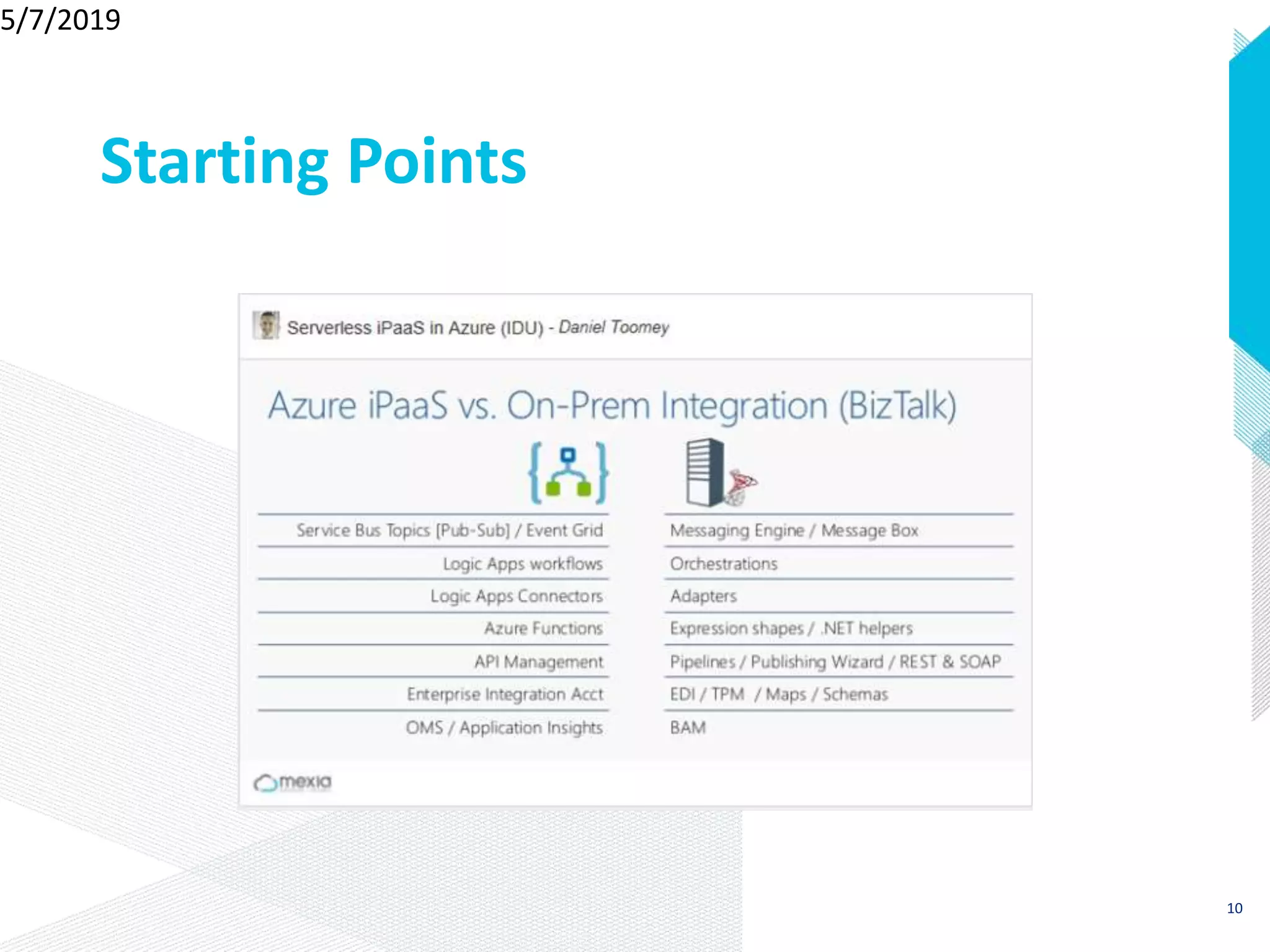
Starting Points
5/7/2019
10
Starting
Points
• API Management
• Logic Apps
• Service Bus
• Event Grid
11
5/7/2019
12
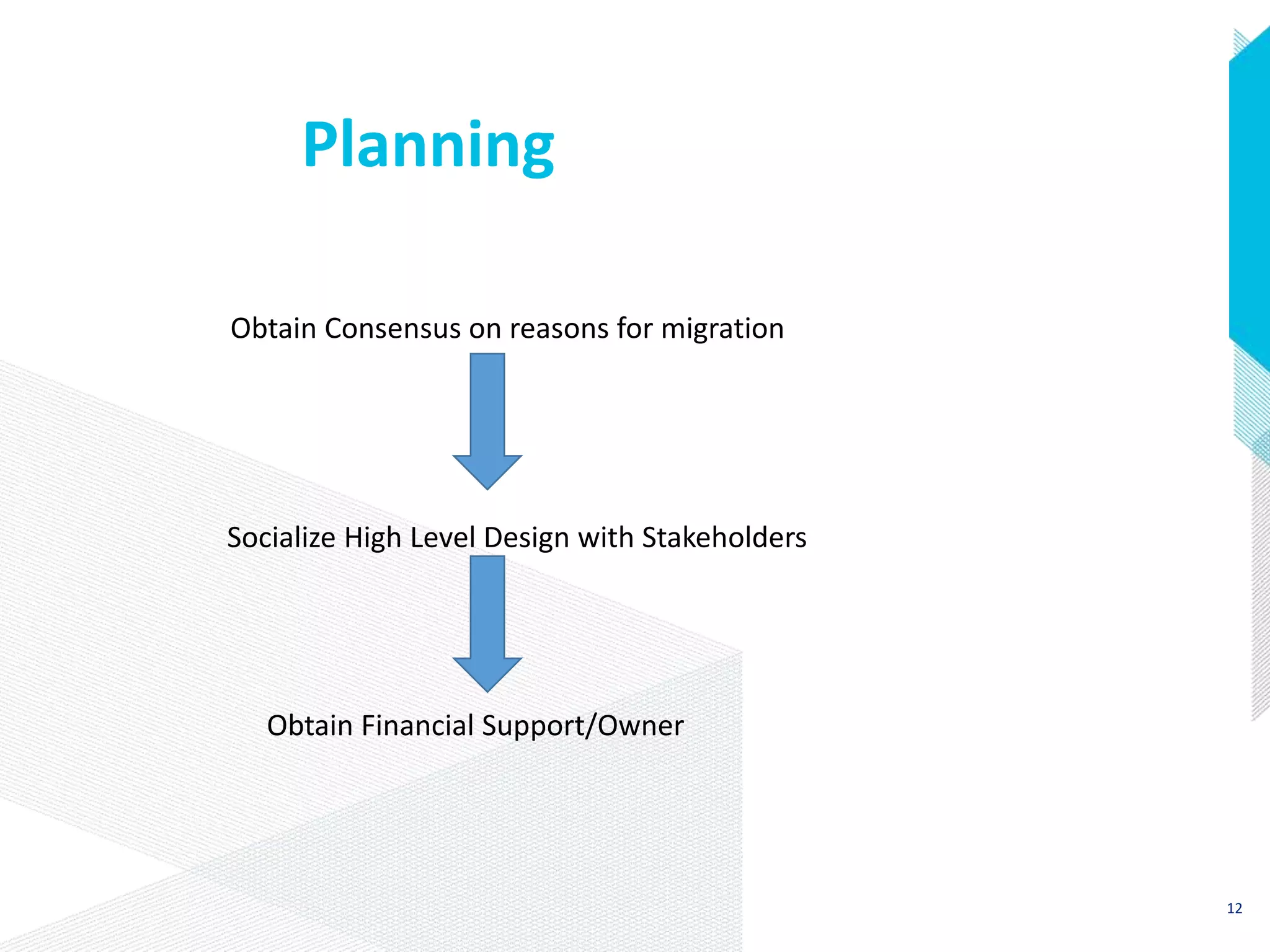
Planning
Socialize High Level Design with Stakeholders
Obtain Financial Support/Owner
Obtain Consensus on reasons for migration
Planning
1. Using BizTalk Schemas, Maps and Trading Partner Agreements will
make migration quicker.
2. Azure Service Topics & Azure Storage to provide points of persistence.
• For retries in case of micro internet outages
• Publish subscribe model to replace the same in BizTalk Server.
3. Solutions can be migrated without touching any third –party
applications.
4. Transport protocols and message formats do not need to change.
Obtain support for POC's to verify key design assumptions
13
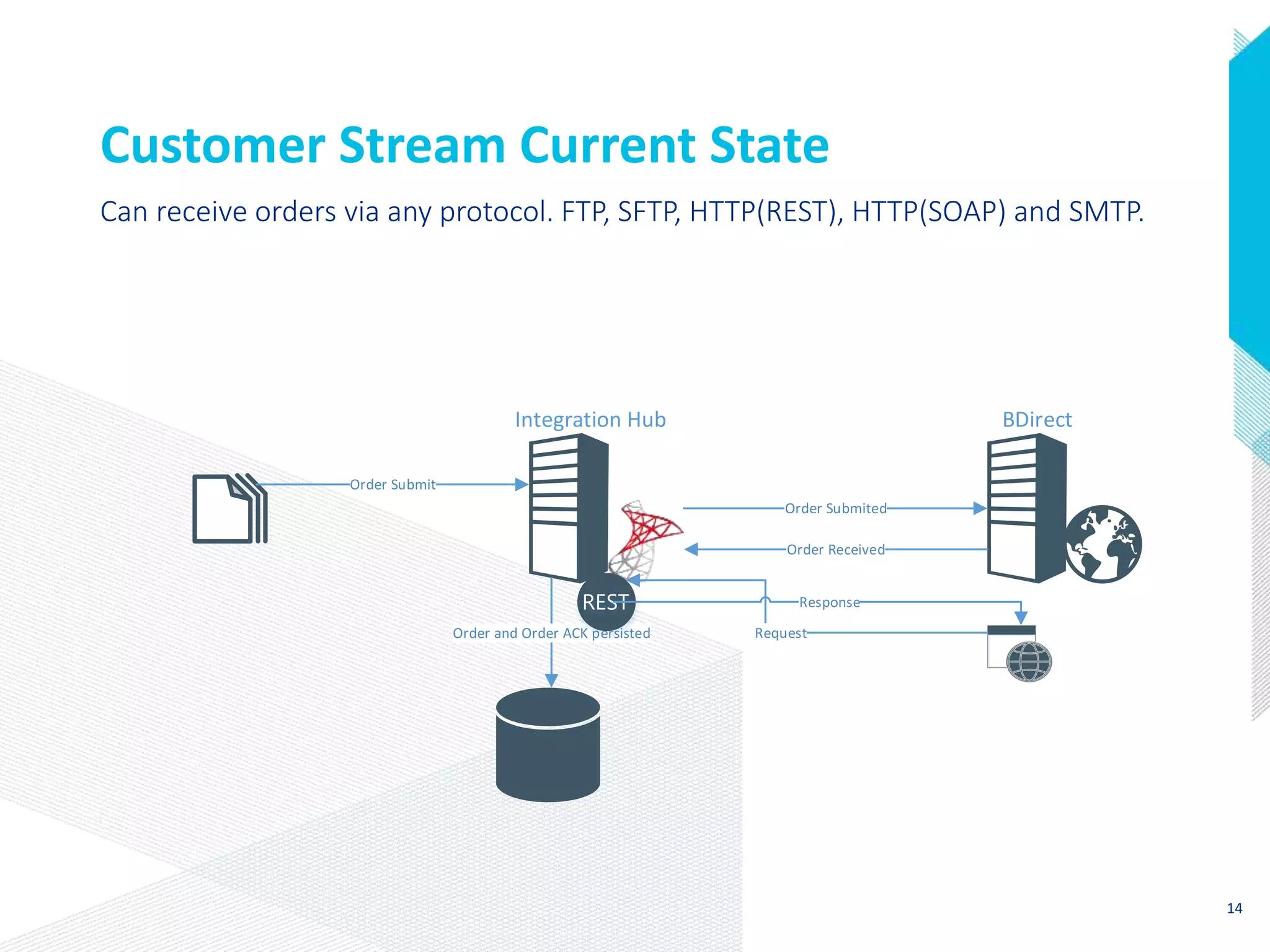
Customer Stream Current State
Order Submit
Order Submited
Order Received
Order and Order ACK persisted Request
Response
BDirectIntegration Hub
Can receive orders via any protocol. FTP, SFTP, HTTP(REST), HTTP(SOAP) and SMTP.
14
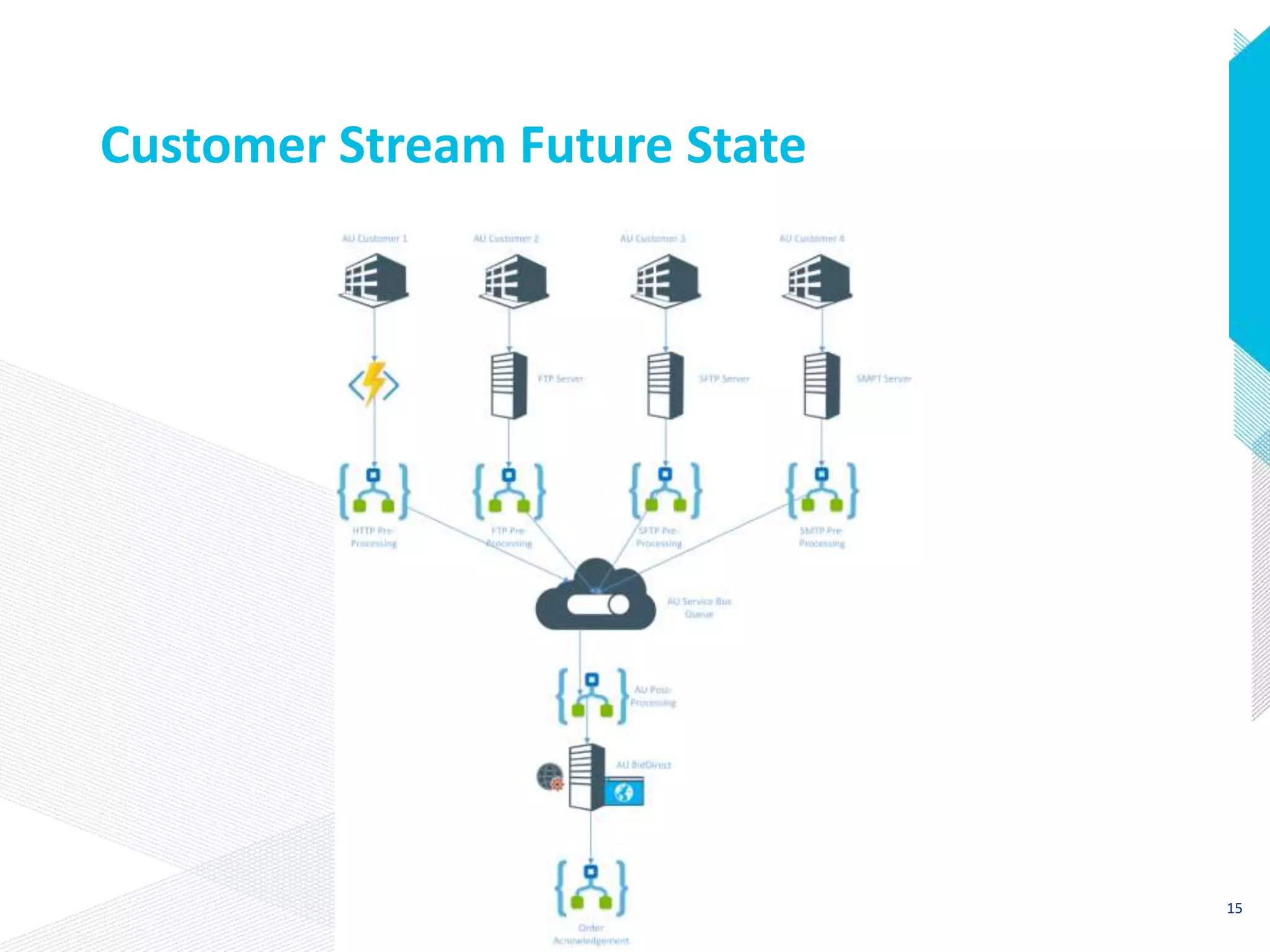
Customer Stream Future State
15
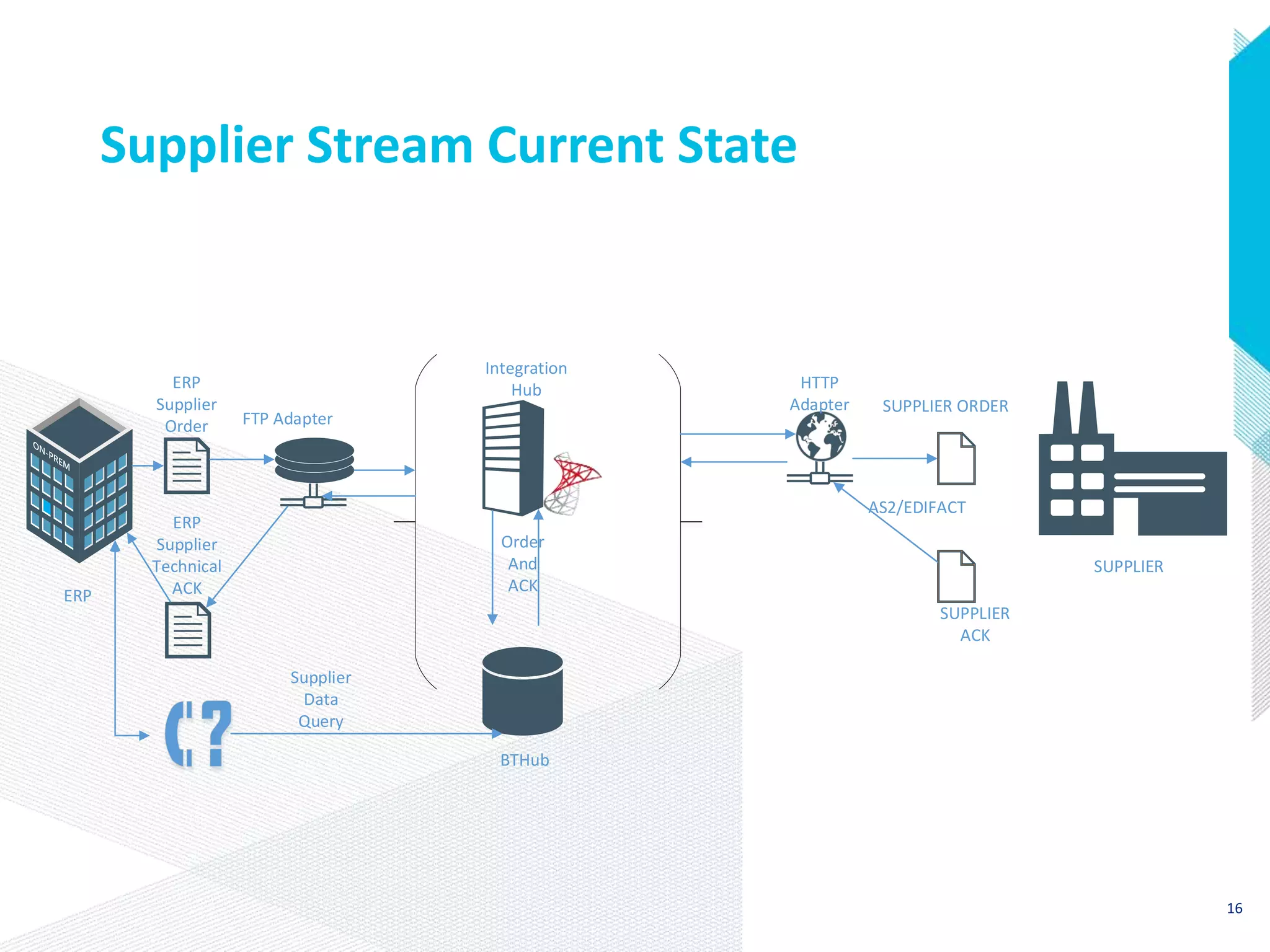
Supplier Stream Current State
ERP
Supplier
Order FTP Adapter
HTTP
Adapter SUPPLIER ORDER
ERP
Supplier
Technical
ACK
SUPPLIER
ACK
Integration
Hub
SUPPLIER
Order
And
ACK
ERP
Supplier
Data
Query
BTHub
AS2/EDIFACT
16
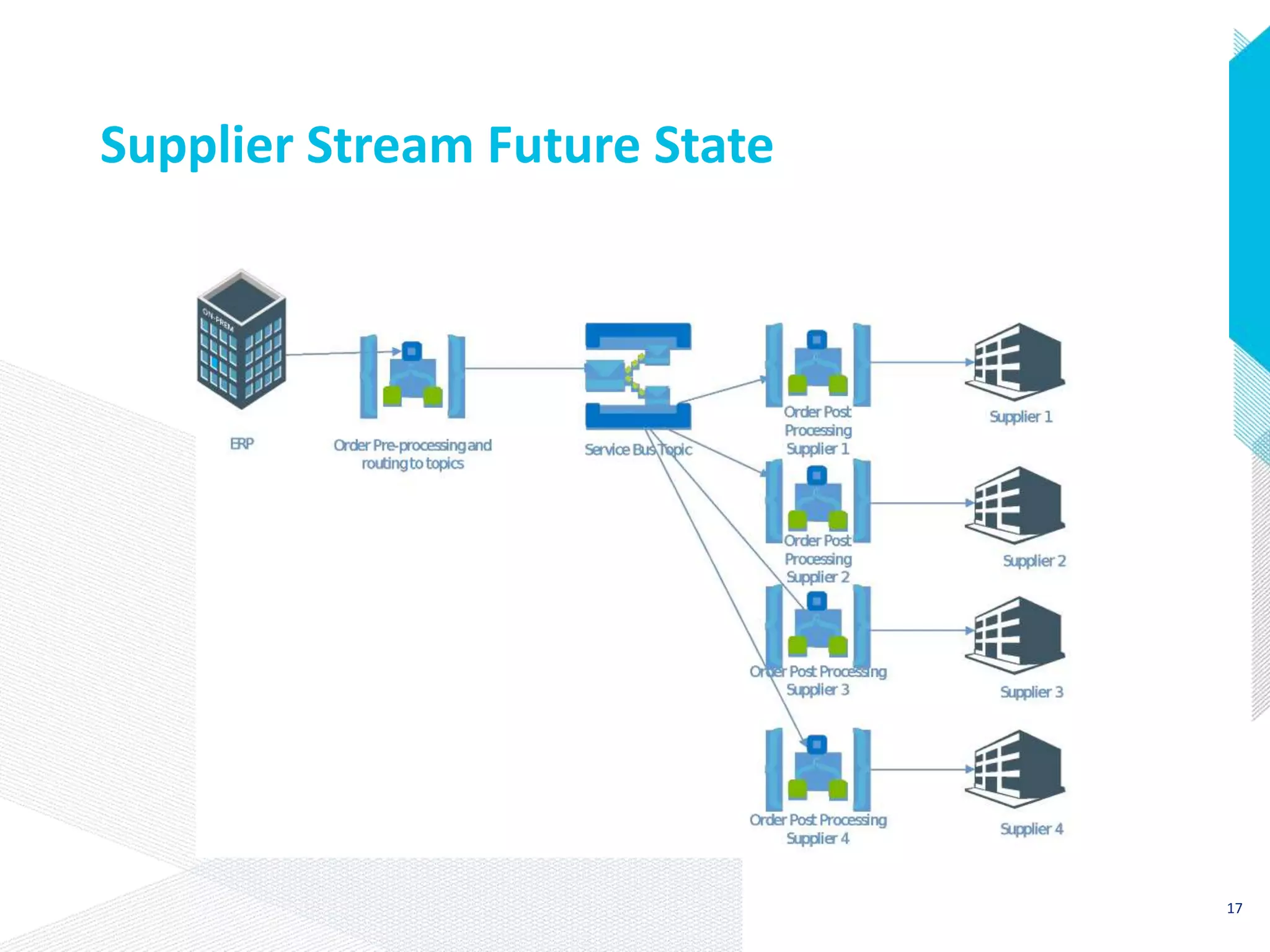
Supplier Stream Future State
17
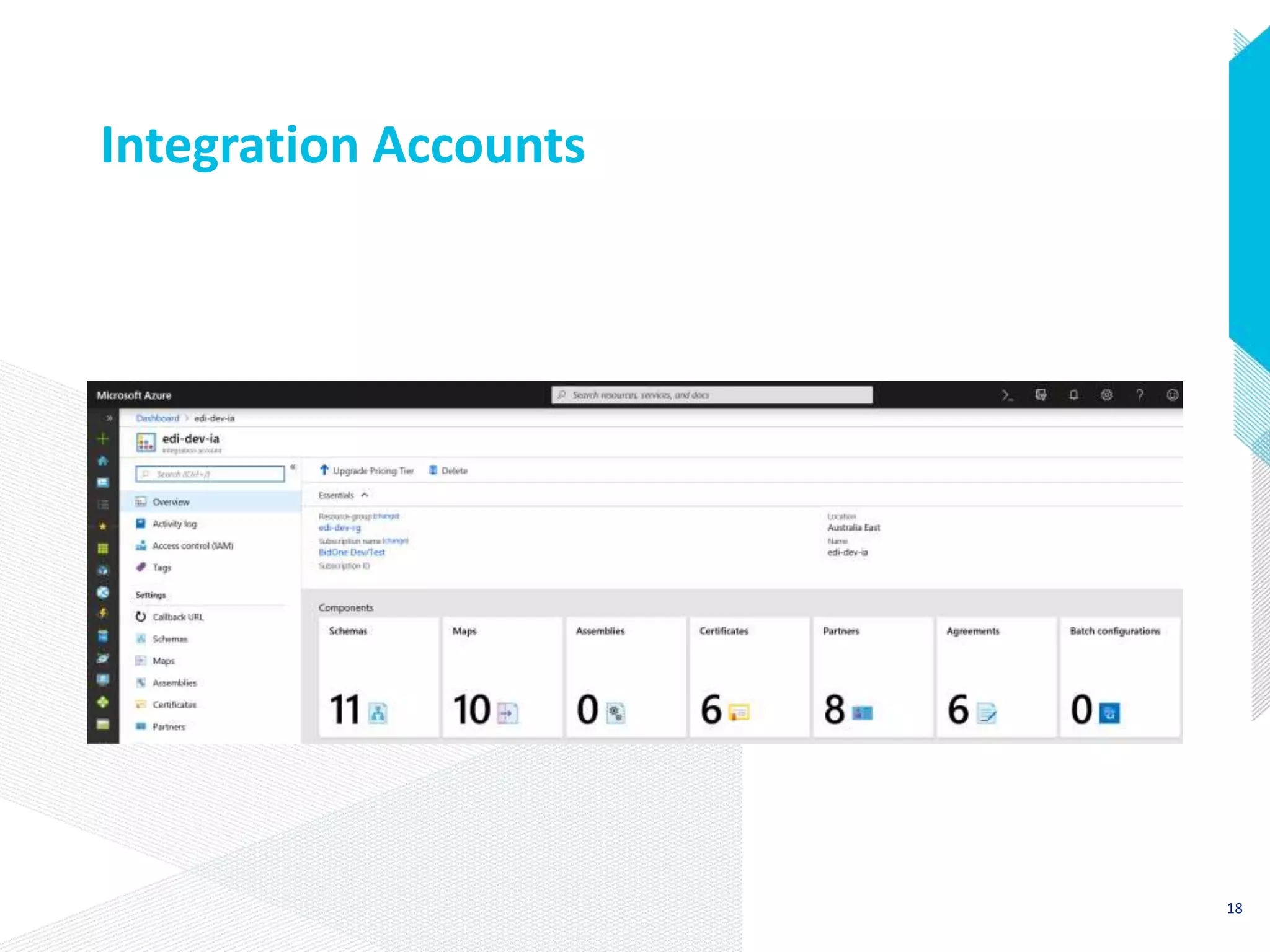
Integration Accounts
18
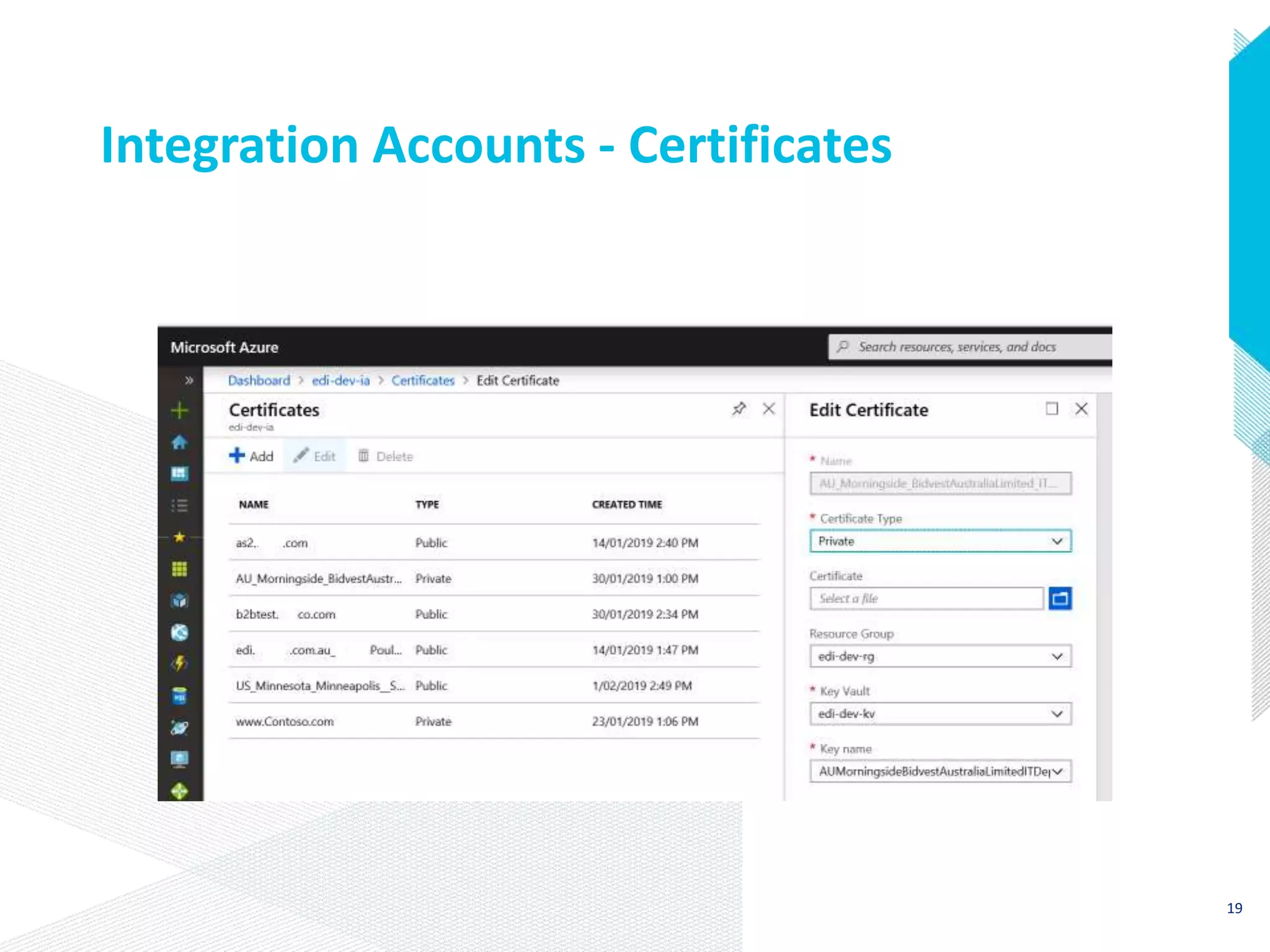
Integration Accounts - Certificates
19
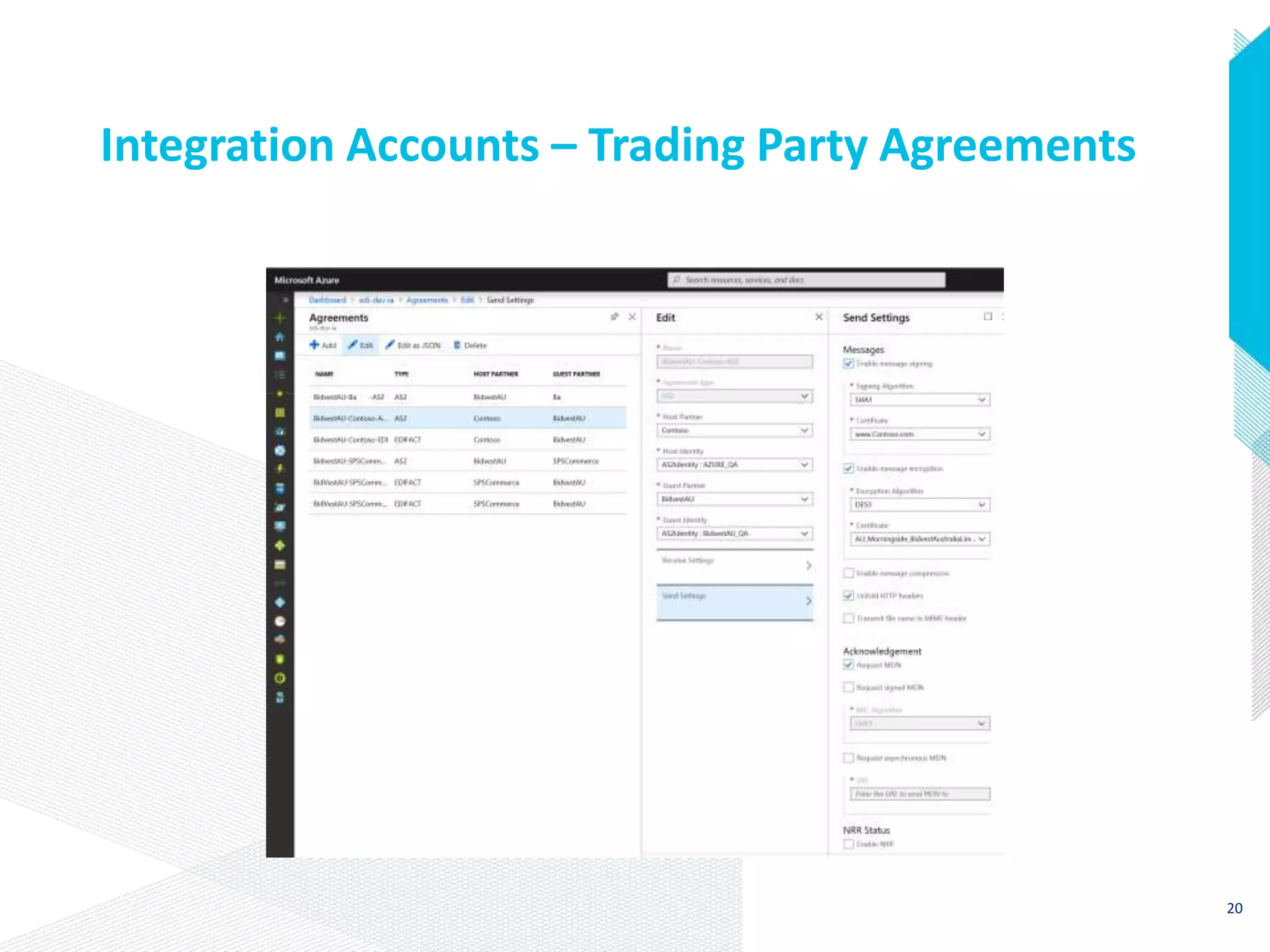
Integration Accounts – Trading Party Agreements
20
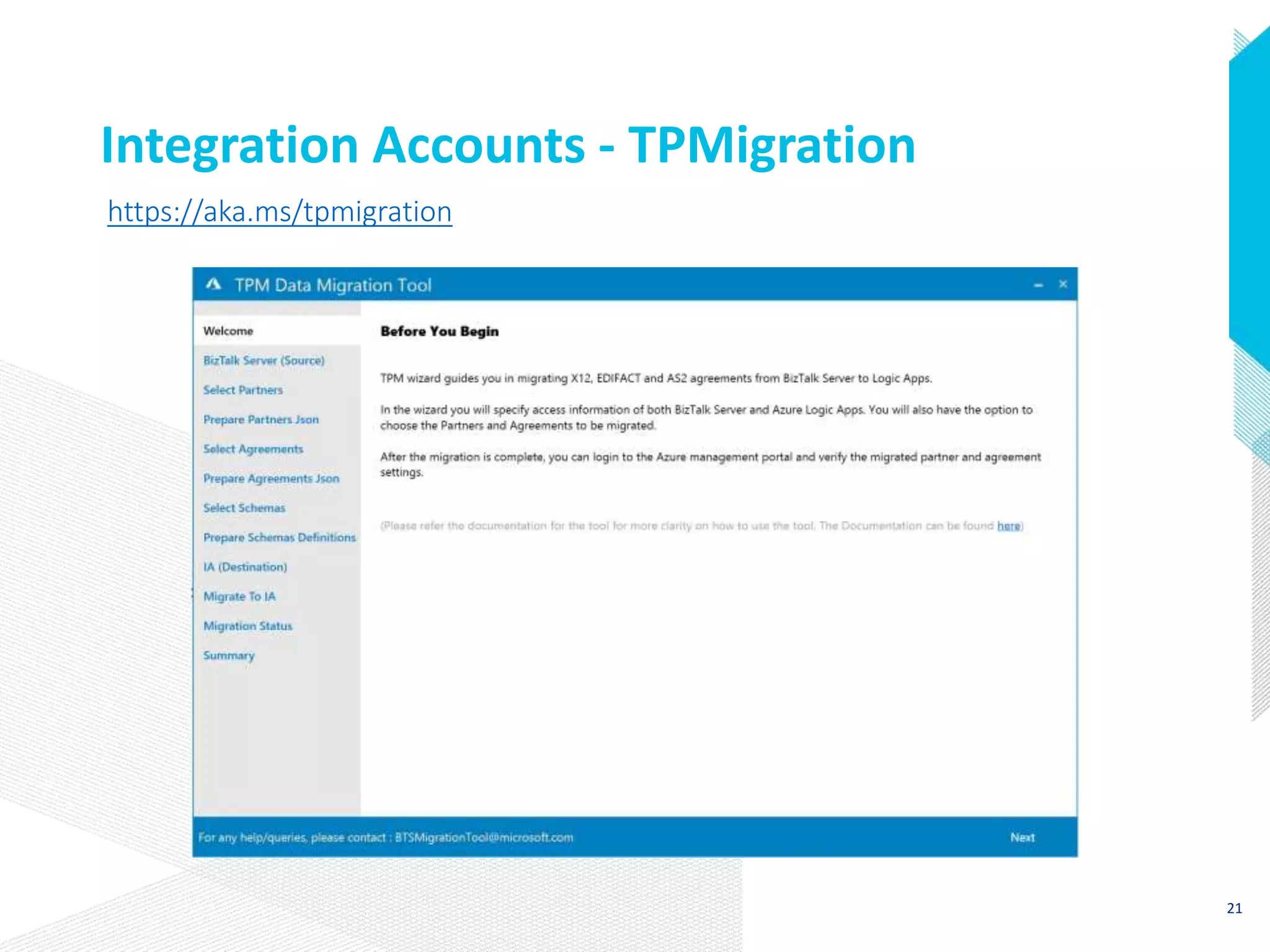
Integration Accounts - TPMigration
https://aka.ms/tpmigration
21
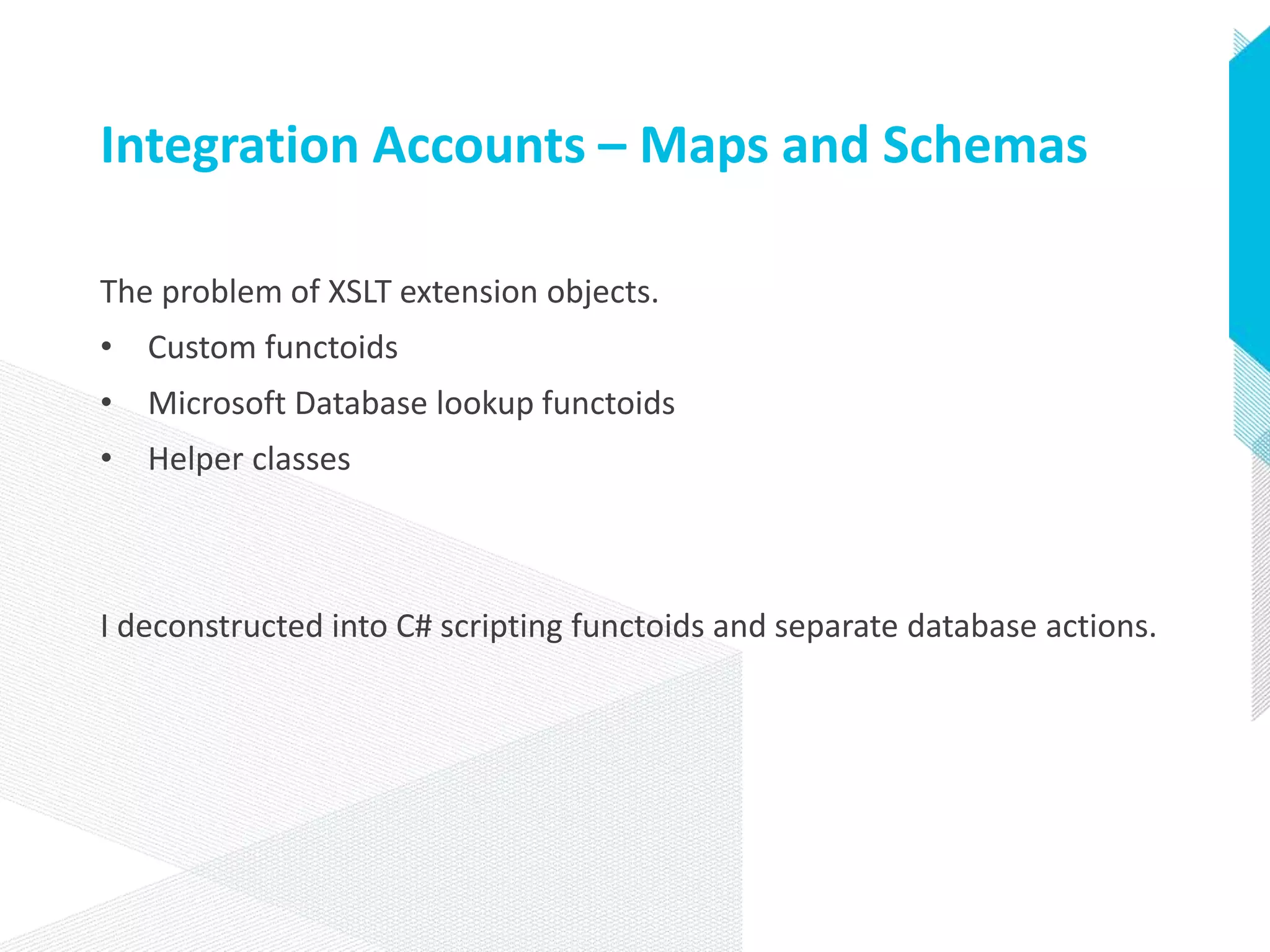
Integration Accounts – Maps and Schemas
The problem of XSLT extension objects.
• Custom functoids
• Microsoft Database lookup functoids
• Helper classes
I deconstructed into C# scripting functoids and separate database actions.
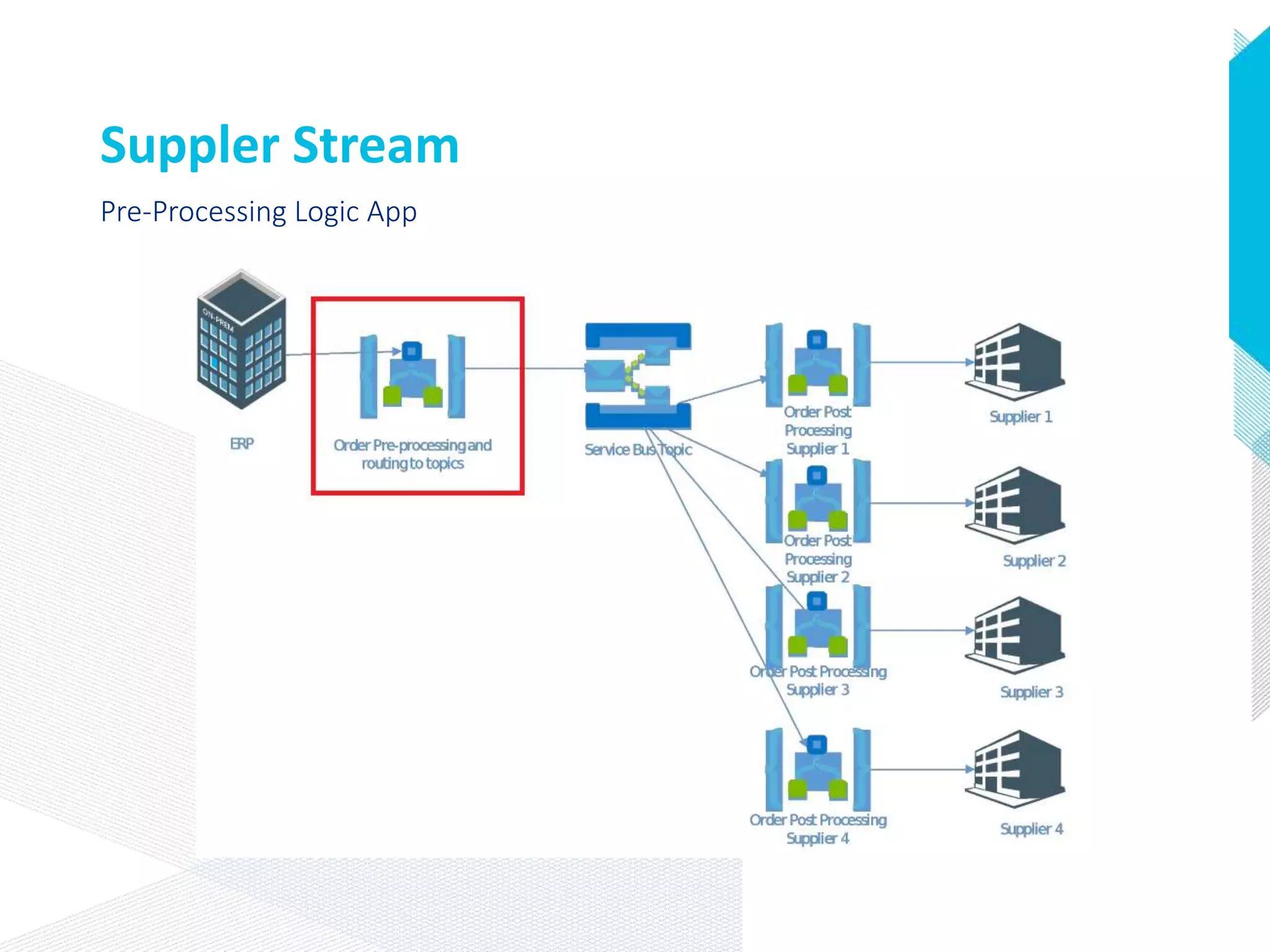
Suppler Stream
Pre-Processing Logic App
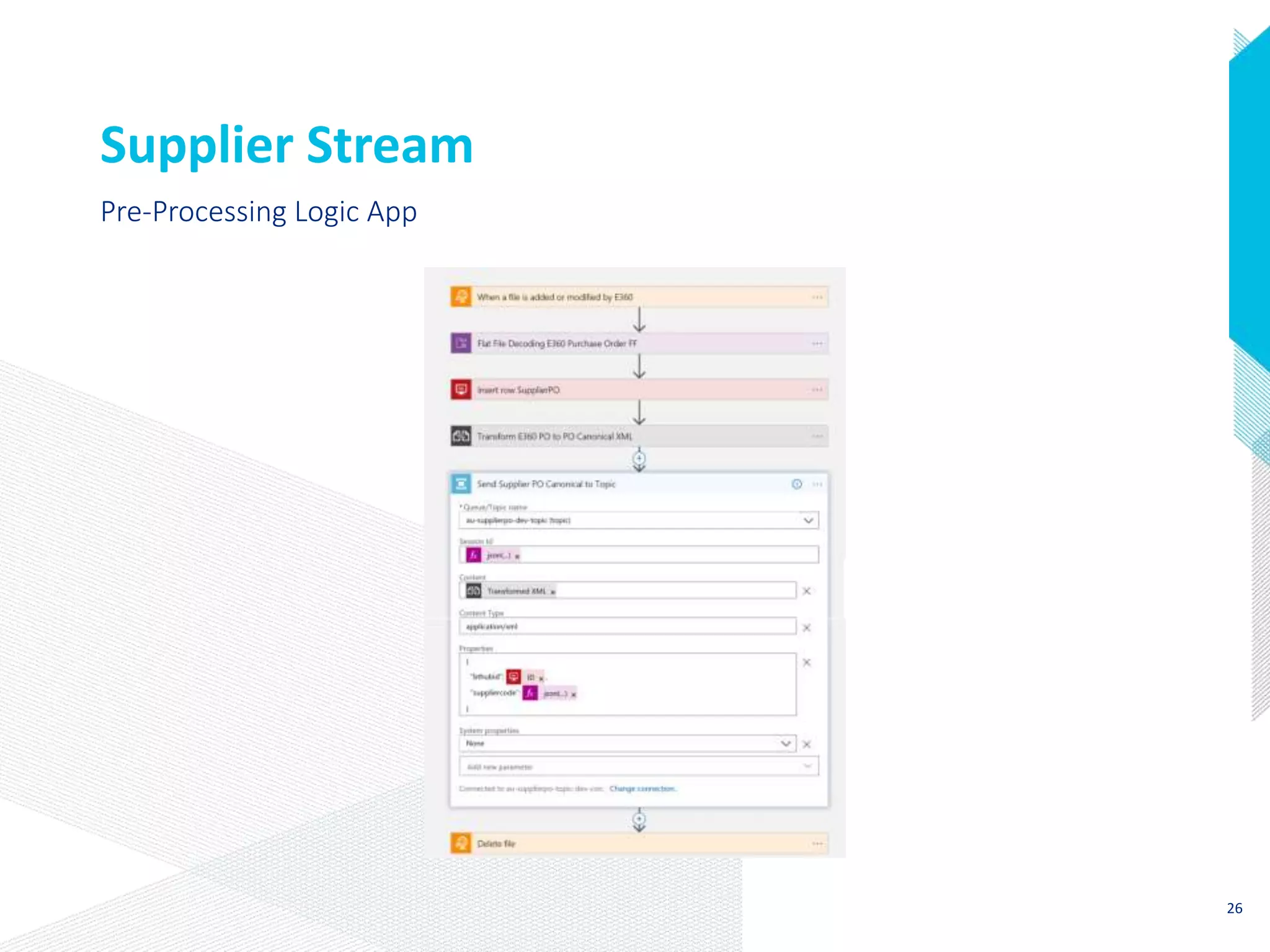
Supplier Stream
Pre-Processing Logic App
26
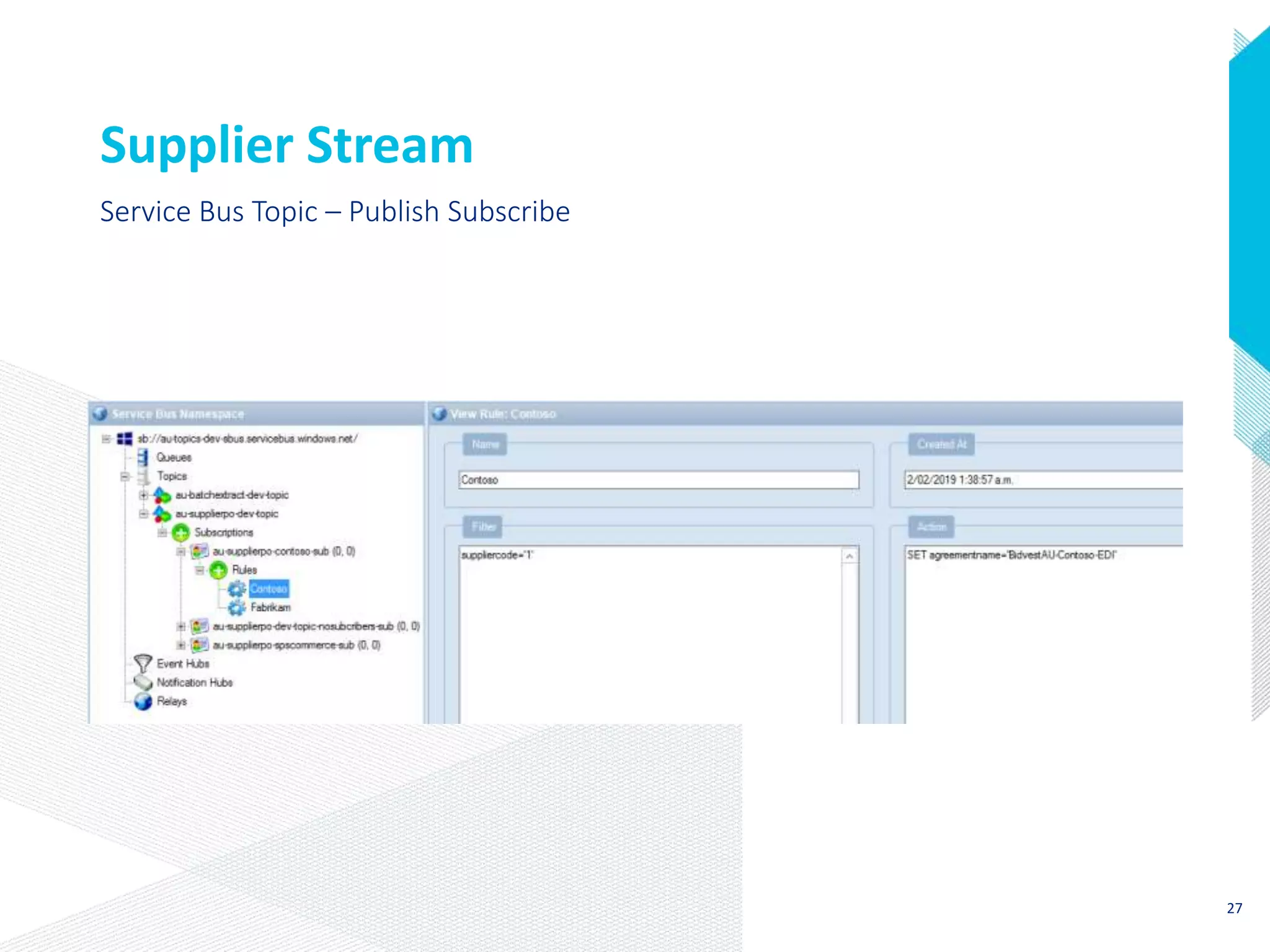
Supplier Stream
Service Bus Topic – Publish Subscribe
27
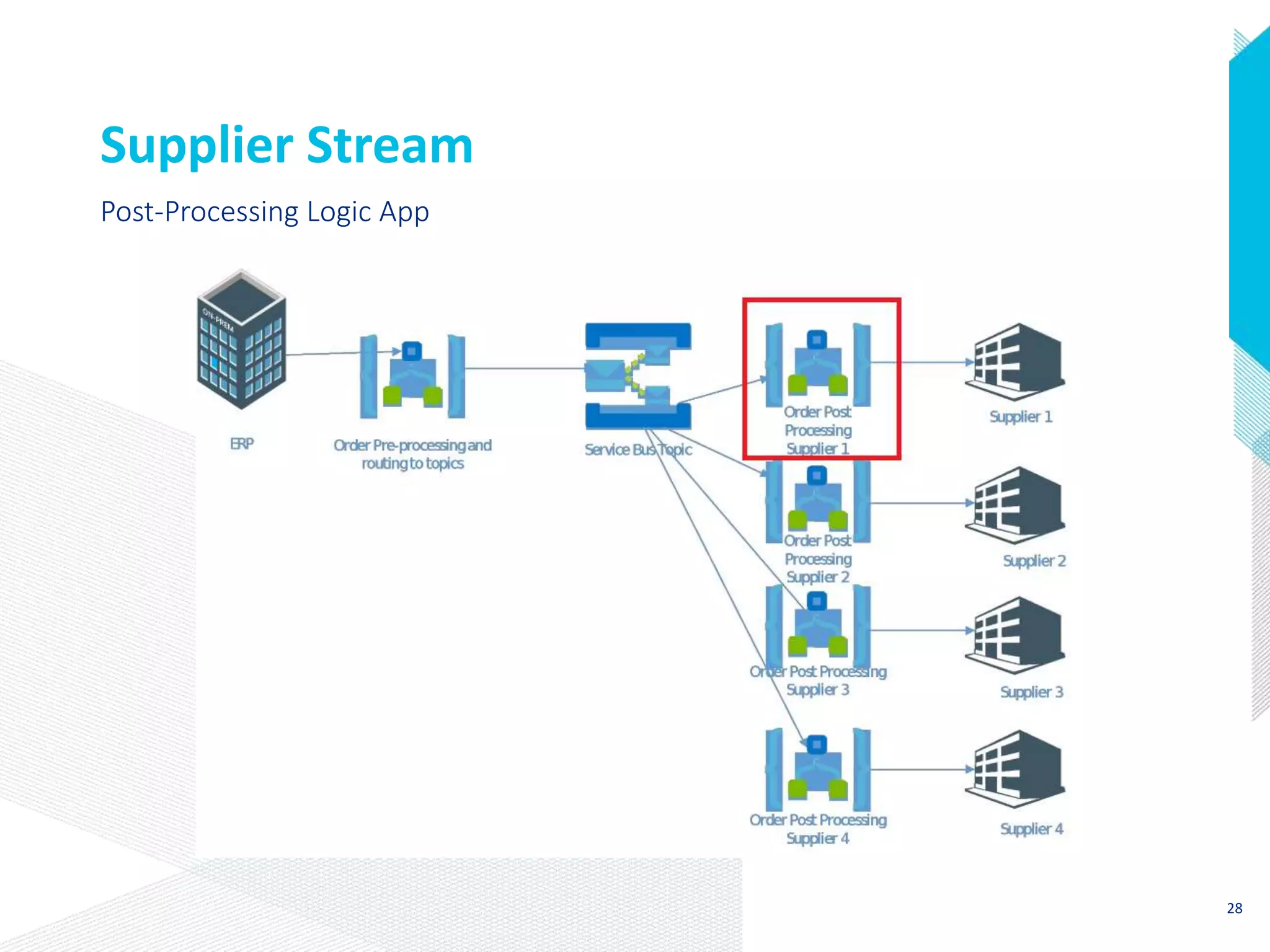
Supplier Stream
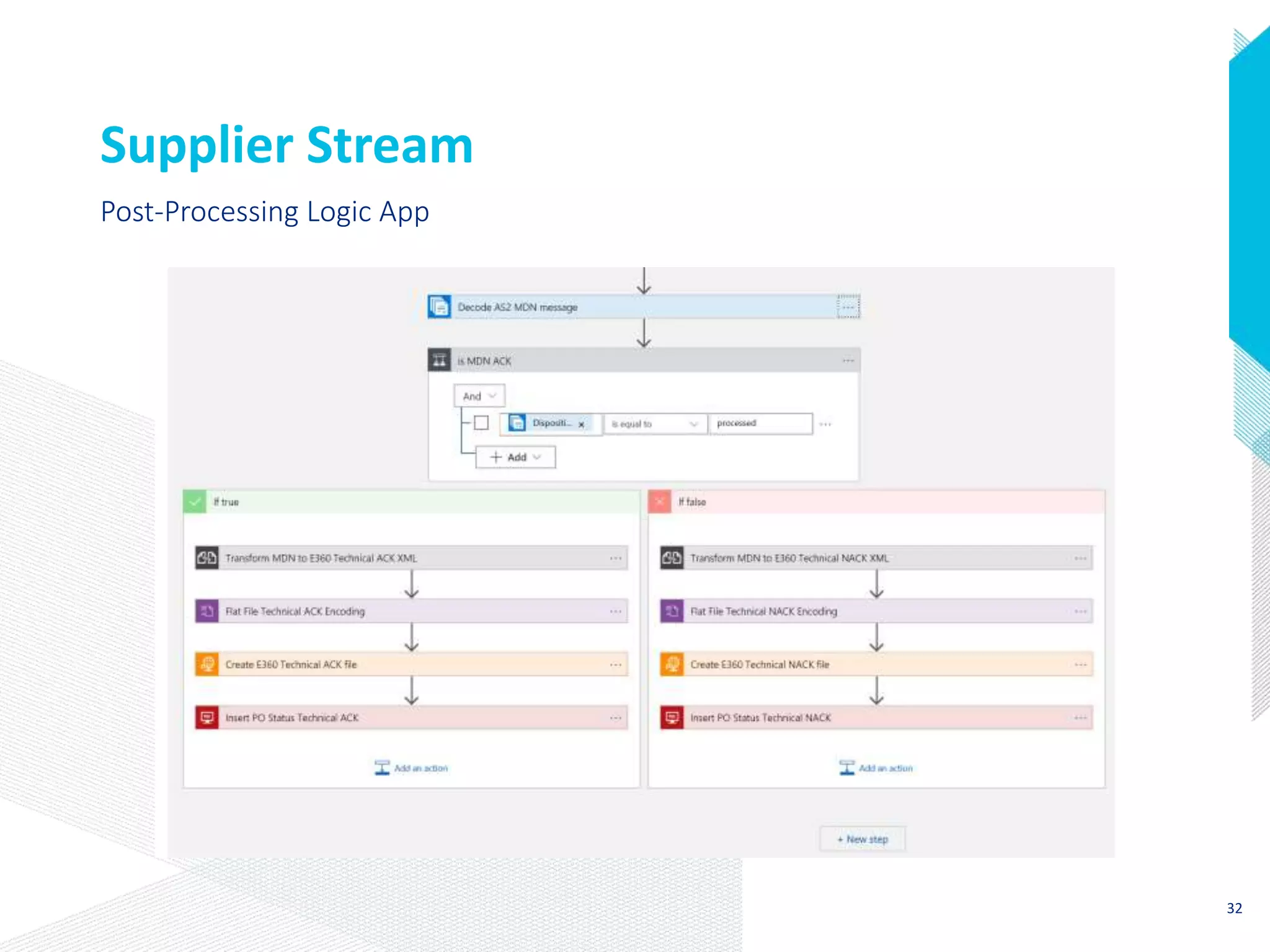
Post-Processing Logic App
28
Supplier Stream
Post-Processing Logic App
29
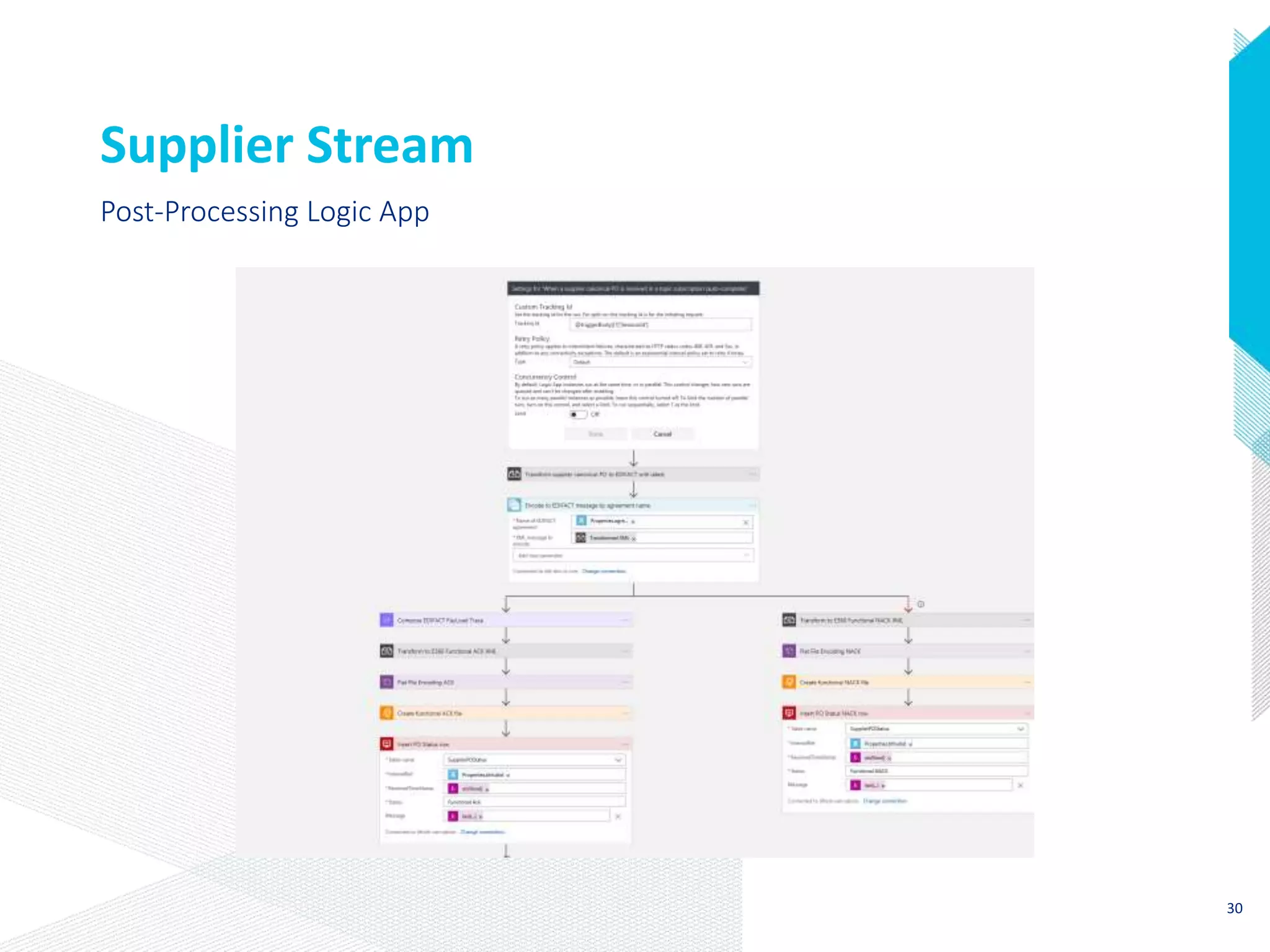
Supplier Stream
Post-Processing Logic App
30
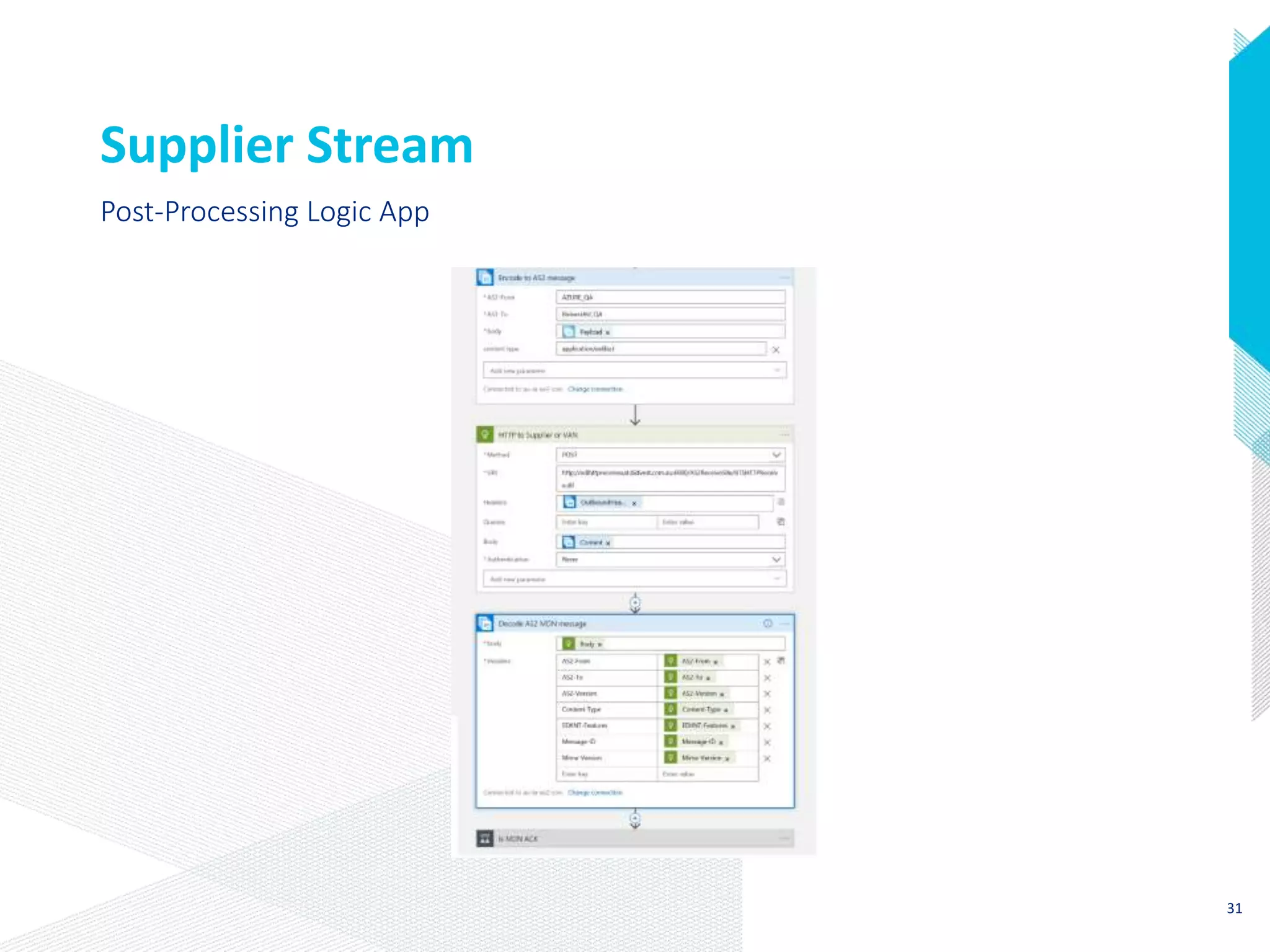
Supplier Stream
Post-Processing Logic App
31
Supplier Stream
Post-Processing Logic App
32
Conclusions
1. Using BizTalk Schemas, Maps and Trading Partner Agreements makes
migration quicker.
2. Azure Service Topics & Azure Storage to provide points of persistence
and Publish subscribe model to replace the same in BizTalk Server.
3. Solutions can be migrated without touching any third –party
applications.
4. Transport protocols and message formats do not need to change.
You can migrate BizTalk solutions to Azure easily
Acknowledgements
Bill Chesnut
Thiago Almeida
Wagner Silveira

Migrating biz talk solutions to azure

Editor's Notes

  • #4 I love BizTalk and for many years I have written blogs about integration.
  • #7 BidFood Australia currently hosts an Integration Hub on behalf of BidOne NZ. This processes electronic orders and invoices from FreshUK, BidFood Food service South Africa, BidFood NZ and BidFood Australia