Microsoft PowerPoint 101
Identify Foundational Microsoft PowerPoint
Commands and Functions
PowerPoint Startup Screen
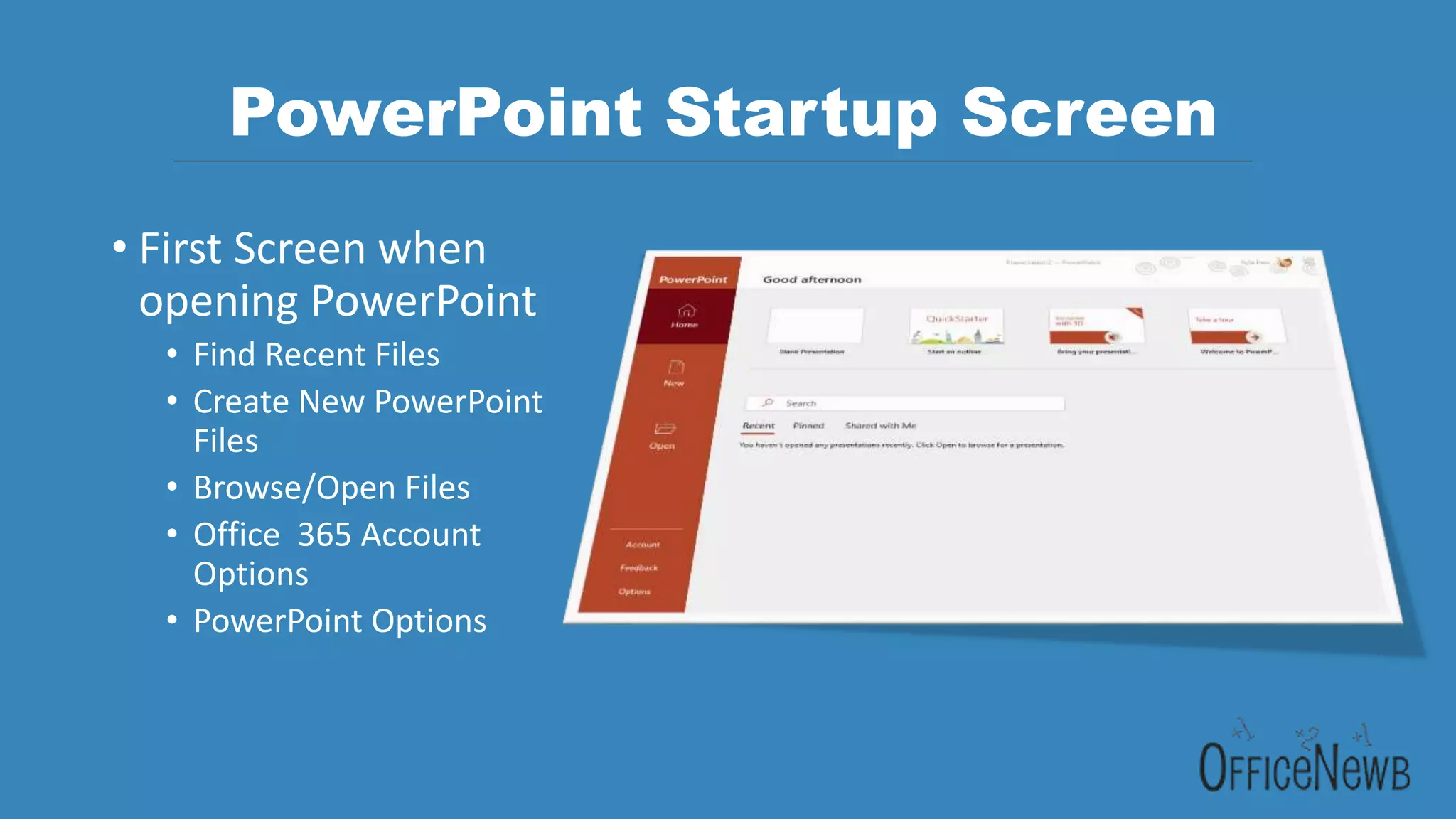
• First Screen when
opening PowerPoint
• Find Recent Files
• Create New PowerPoint
Files
• Browse/Open Files
• Office 365 Account
Options
• PowerPoint Options
PowerPoint Ribbon & QAT
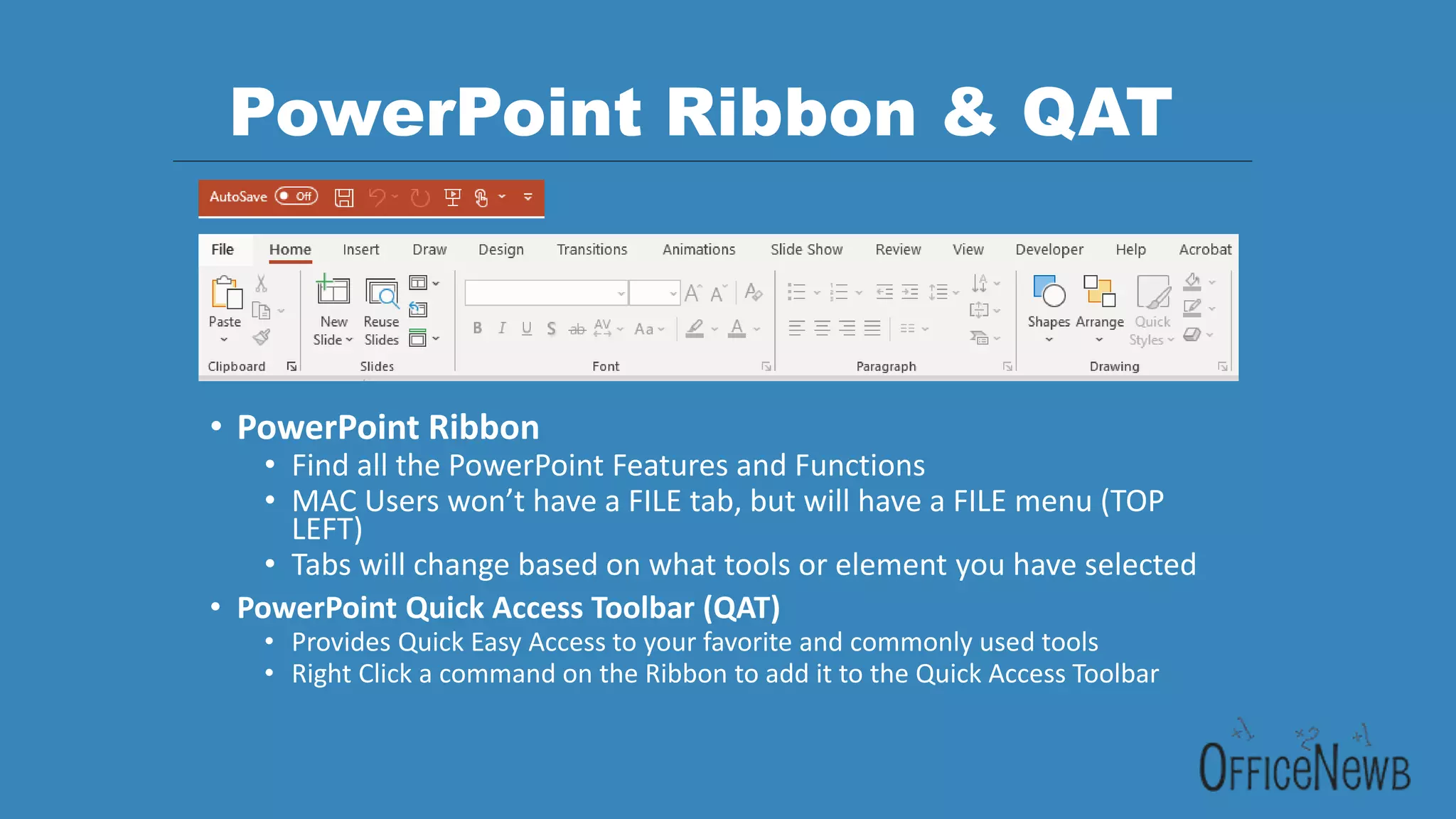
• PowerPoint Ribbon
• Find all the PowerPoint Features and Functions
• MAC Users won’t have a FILE tab, but will have a FILE menu (TOP
LEFT)
• Tabs will change based on what tools or element you have selected
• PowerPoint Quick Access Toolbar (QAT)
• Provides Quick Easy Access to your favorite and commonly used tools
• Right Click a command on the Ribbon to add it to the Quick Access Toolbar
PowerPoint Presentation Interface
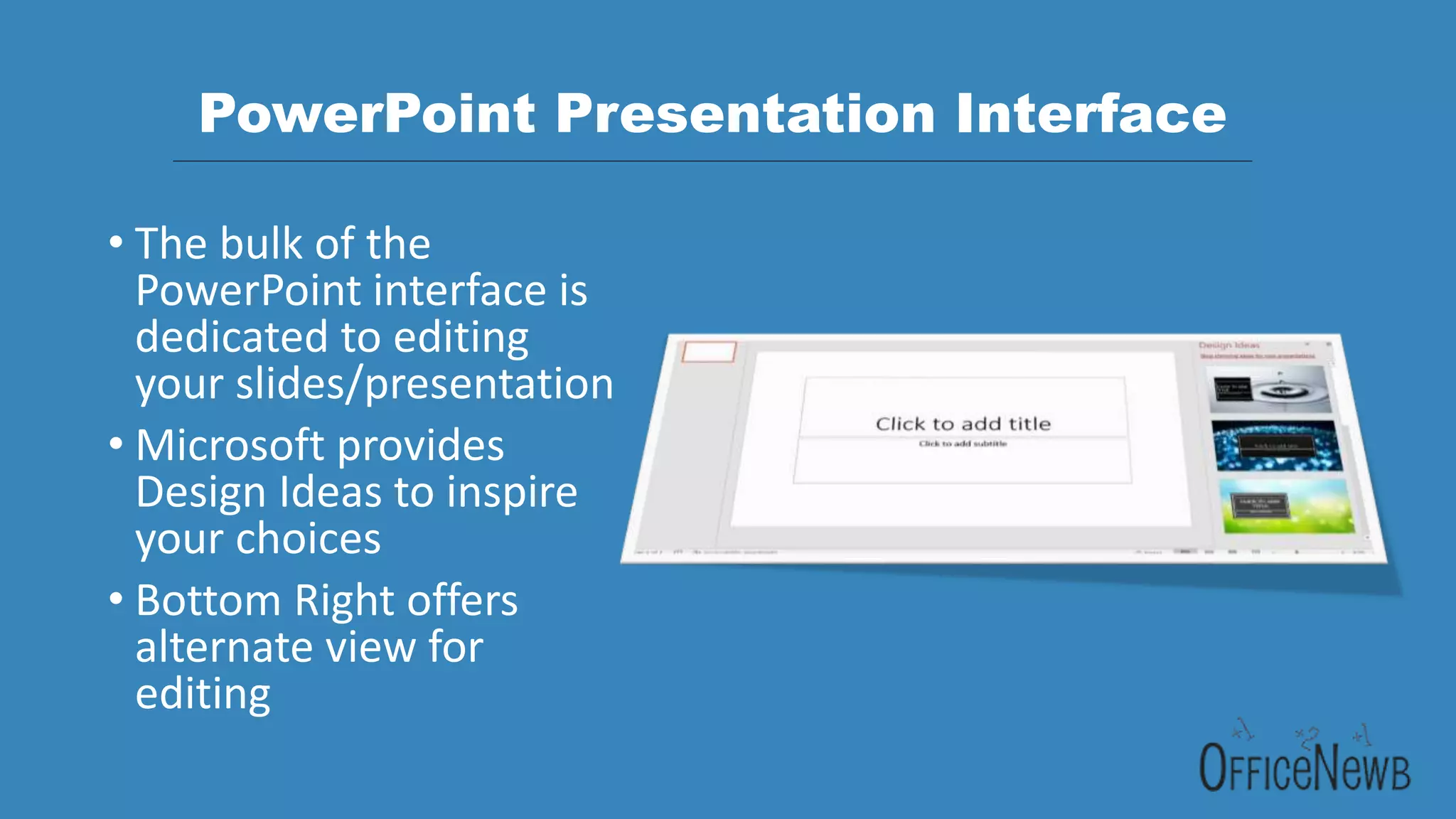
• The bulk of the
PowerPoint interface is
dedicated to editing
your slides/presentation
• Microsoft provides
Design Ideas to inspire
your choices
• Bottom Right offers
alternate view for
editing
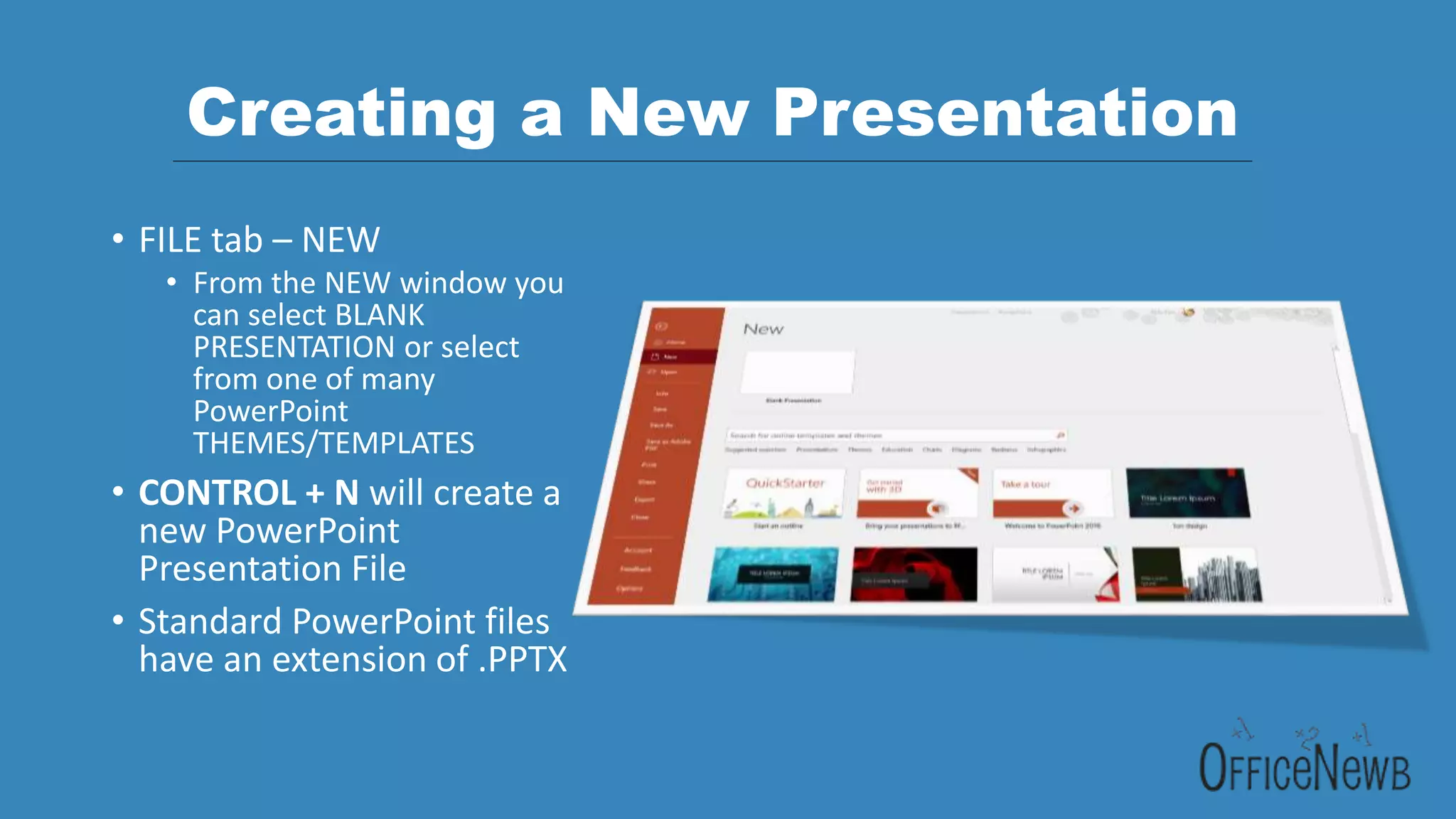
Creating a New Presentation
• FILE tab – NEW
• From the NEW window you
can select BLANK
PRESENTATION or select
from one of many
PowerPoint
THEMES/TEMPLATES
• CONTROL + N will create a
new PowerPoint
Presentation File
• Standard PowerPoint files
have an extension of .PPTX
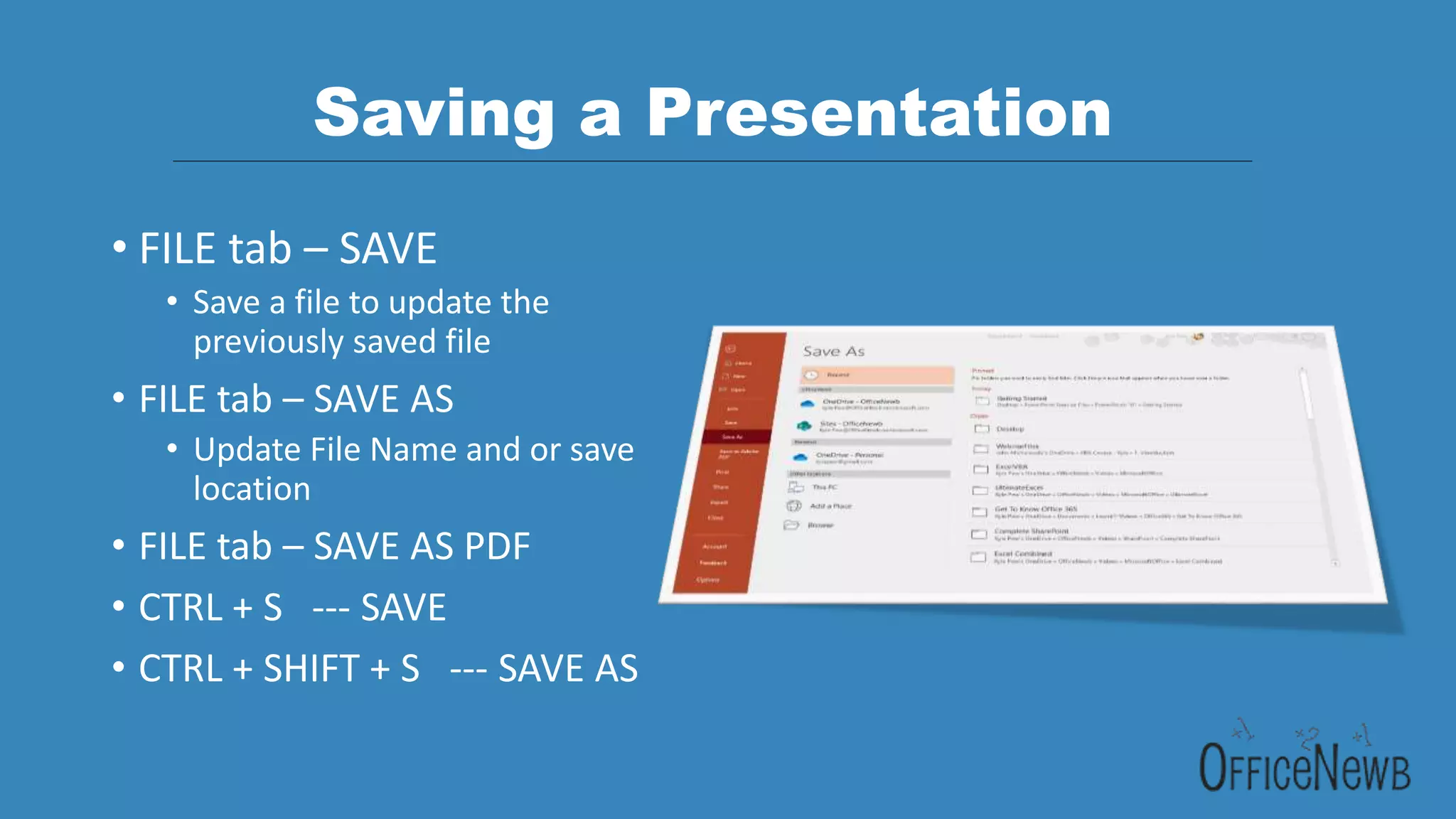
Saving a Presentation
• FILE tab – SAVE
• Save a file to update the
previously saved file
• FILE tab – SAVE AS
• Update File Name and or save
location
• FILE tab – SAVE AS PDF
• CTRL + S --- SAVE
• CTRL + SHIFT + S --- SAVE AS
Microsoft PowerPoint 101
Identify Foundational Microsoft PowerPoint
Commands and Functions

Microsoft PowerPoint 101.pptx

  • 1.
    Microsoft PowerPoint 101 IdentifyFoundational Microsoft PowerPoint Commands and Functions
  • 2.
    PowerPoint Startup Screen •First Screen when opening PowerPoint • Find Recent Files • Create New PowerPoint Files • Browse/Open Files • Office 365 Account Options • PowerPoint Options
  • 3.
    PowerPoint Ribbon &QAT • PowerPoint Ribbon • Find all the PowerPoint Features and Functions • MAC Users won’t have a FILE tab, but will have a FILE menu (TOP LEFT) • Tabs will change based on what tools or element you have selected • PowerPoint Quick Access Toolbar (QAT) • Provides Quick Easy Access to your favorite and commonly used tools • Right Click a command on the Ribbon to add it to the Quick Access Toolbar
  • 4.
    PowerPoint Presentation Interface •The bulk of the PowerPoint interface is dedicated to editing your slides/presentation • Microsoft provides Design Ideas to inspire your choices • Bottom Right offers alternate view for editing
  • 5.
    Creating a NewPresentation • FILE tab – NEW • From the NEW window you can select BLANK PRESENTATION or select from one of many PowerPoint THEMES/TEMPLATES • CONTROL + N will create a new PowerPoint Presentation File • Standard PowerPoint files have an extension of .PPTX
  • 6.
    Saving a Presentation •FILE tab – SAVE • Save a file to update the previously saved file • FILE tab – SAVE AS • Update File Name and or save location • FILE tab – SAVE AS PDF • CTRL + S --- SAVE • CTRL + SHIFT + S --- SAVE AS
  • 7.
    Microsoft PowerPoint 101 IdentifyFoundational Microsoft PowerPoint Commands and Functions