Social Media Workshop
   Facebook & Twitter
   Moray Firth Radio, Inverness
        27th March 2012
Socialnomics Video…
Why use social media for business?
•   Raise brand awareness
•   Increase traffic to website
•   Its cheap and its fast
•   SEO (search engine optimisation)
•   Your customers are using it!
•   To find new customers
•   Widen your target market and potential reach
•   Build strong relationships with customers
•   Build strong relationships with local businesses
•   Market research
•   And much more…
What channels to use
  and what for…
• Facebook - Good starting point, like a mini
  version of your website, allows interaction on a
  more personal level with customers.
• Twitter - Quick messages/quick response, great
  for market research, good for building up business
  contacts and relationships, creating a buzz.
• LinkedIn - Business to business platform, great for
  making new business contacts, useful forums,
  create action groups, professional networking.
• Google+ - One of the newest platforms, not got
  that many regular users yet but has huge potential,
  more business friendly than Facebook.
• Flickr - Great photo sharing abilities, create good
  contacts, ability to set up groups for customers to
  share photos, run competitions via it.
• YouTube - Largest video sharing platform,
  contains its own search engine, ability to create
  own channel, contains a lot of adverts.
• Vimeo - Very clean and modern video sharing
  platform, great for embedding videos into website,
  monthly users are rising.
• Foursquare - Allows people to ‘check in’ at
  businesses worldwide, claim your place, ‘check ins’
  are shared with users friends/followers, great app.
• TripAdvisor - Largest travel reviews platform,
  needs to be monitored closely, claim your venue,
  can raise awareness of your business.
• Pinterest – Latest social media ‘buzz’, collection of
  collections, helps increase web traffic, great for
  ‘visual’ businesses, currently invitation only.
Social Media Mishaps – What to avoid!
•   Using social media channel purely for sales
•   Lack of interaction and updating
•   Getting too personal
•   Having no overall ‘plan’ in place
•   Reacting badly to negative feedback
•   Talking badly about other businesses
•   Inconsistent content, bad spelling, etc
•   Not letting customers know you are using it
•   Doing updates not related your business/market
•   Focusing too much on just one platform
•   Too many updates
•   Expecting immediate results
•   Using social media instead of other marketing techniques
Create a social media plan…
• Do research and then outline what channels will be used
  and for what purpose!
• How does social media fit in with your business goals?
• How does social media fit in with your marketing plan?
• Set out goals and objectives!
• Decide who will update/maintain the social media channels
  and what ‘rules of engagement’ should be in place!
• How will you measure success and ROI?
• Timing of your content, what, when and how?
• Set out how you will analyze, adapt, and improve – This
  should be ongoing!
What, when, and how should I communicate
             on social media?

• Don’t just talk about your business - use it to
  promote other local businesses and the area also
• Social media is all about interaction and conversation
• Share your experience and expertise
• Don’t just say something for the sake of saying it –
  make sure it makes sense
• Keep posts/updates short and concise
• Be quirky, be different, be innovative
• Timing is everything
Businesses on social media to
             check out…

•   Highland Key
•   Jacobite – Experience Loch Ness
•   Lazy Daisy Glass
•   CairnGorm Mountain Ltd
•   Highland Social
•   Wee Epics
Time to discover
the full potential of
  social media…
How to let customers know you
   are using social media…
•   Icons/links on website
•   Icons/links within your blog
•   Links from other social media accounts
•   Icons on printed marketing materials
•   Links within email newsletters
•   Links on email signatures
•   Tent cards within your business premises
•   Window stickers within your business premises
•   Mention it to customers in conversation
•   Get creative…
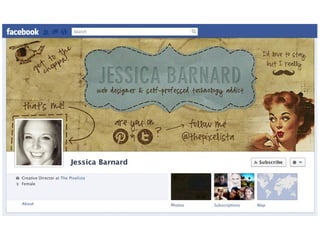
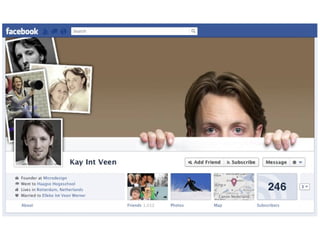
FUN STUFF
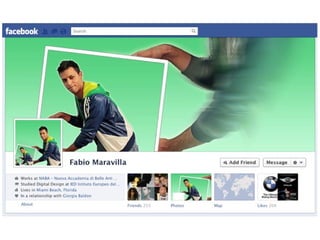
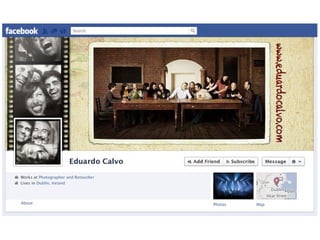
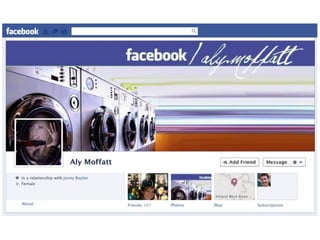
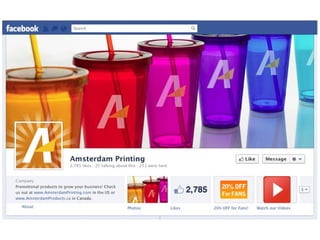
Getting creative…
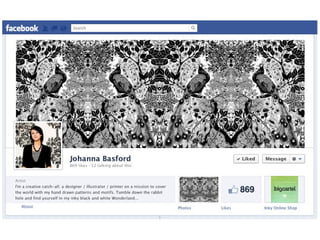
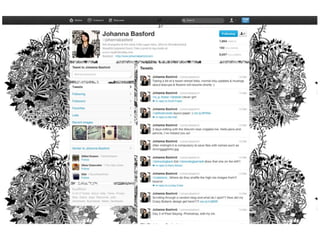
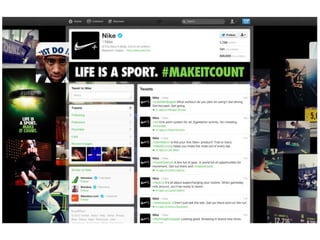
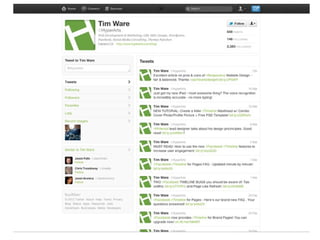
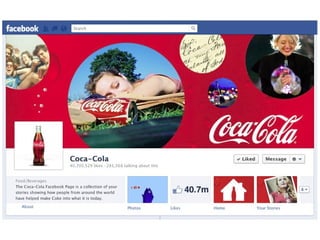
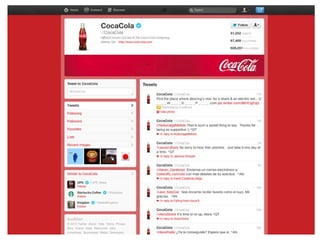
FACEBOOK AND TWITTER
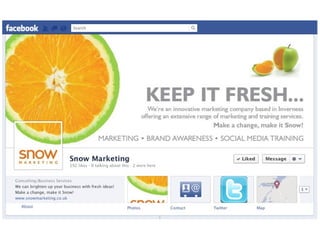
  Keeping it consistent…
Insights & Alerts…
www.snowmarketing.co.uk

      Find us on…

MFR Social Media Workshop - 27th March 2012

  • 1.
    Social Media Workshop Facebook & Twitter Moray Firth Radio, Inverness 27th March 2012
  • 2.
  • 4.
    Why use socialmedia for business? • Raise brand awareness • Increase traffic to website • Its cheap and its fast • SEO (search engine optimisation) • Your customers are using it! • To find new customers • Widen your target market and potential reach • Build strong relationships with customers • Build strong relationships with local businesses • Market research • And much more…
  • 5.
    What channels touse and what for…
  • 6.
    • Facebook -Good starting point, like a mini version of your website, allows interaction on a more personal level with customers. • Twitter - Quick messages/quick response, great for market research, good for building up business contacts and relationships, creating a buzz. • LinkedIn - Business to business platform, great for making new business contacts, useful forums, create action groups, professional networking. • Google+ - One of the newest platforms, not got that many regular users yet but has huge potential, more business friendly than Facebook. • Flickr - Great photo sharing abilities, create good contacts, ability to set up groups for customers to share photos, run competitions via it.

  • 7.
    • YouTube -Largest video sharing platform, contains its own search engine, ability to create own channel, contains a lot of adverts. • Vimeo - Very clean and modern video sharing platform, great for embedding videos into website, monthly users are rising. • Foursquare - Allows people to ‘check in’ at businesses worldwide, claim your place, ‘check ins’ are shared with users friends/followers, great app. • TripAdvisor - Largest travel reviews platform, needs to be monitored closely, claim your venue, can raise awareness of your business. • Pinterest – Latest social media ‘buzz’, collection of collections, helps increase web traffic, great for ‘visual’ businesses, currently invitation only.
  • 8.
    Social Media Mishaps– What to avoid! • Using social media channel purely for sales • Lack of interaction and updating • Getting too personal • Having no overall ‘plan’ in place • Reacting badly to negative feedback • Talking badly about other businesses • Inconsistent content, bad spelling, etc • Not letting customers know you are using it • Doing updates not related your business/market • Focusing too much on just one platform • Too many updates • Expecting immediate results • Using social media instead of other marketing techniques
  • 9.
    Create a socialmedia plan… • Do research and then outline what channels will be used and for what purpose! • How does social media fit in with your business goals? • How does social media fit in with your marketing plan? • Set out goals and objectives! • Decide who will update/maintain the social media channels and what ‘rules of engagement’ should be in place! • How will you measure success and ROI? • Timing of your content, what, when and how? • Set out how you will analyze, adapt, and improve – This should be ongoing!
  • 10.
    What, when, andhow should I communicate on social media? • Don’t just talk about your business - use it to promote other local businesses and the area also • Social media is all about interaction and conversation • Share your experience and expertise • Don’t just say something for the sake of saying it – make sure it makes sense • Keep posts/updates short and concise • Be quirky, be different, be innovative • Timing is everything
  • 11.
    Businesses on socialmedia to check out… • Highland Key • Jacobite – Experience Loch Ness • Lazy Daisy Glass • CairnGorm Mountain Ltd • Highland Social • Wee Epics
  • 12.
    Time to discover thefull potential of social media…
  • 13.
    How to letcustomers know you are using social media… • Icons/links on website • Icons/links within your blog • Links from other social media accounts • Icons on printed marketing materials • Links within email newsletters • Links on email signatures • Tent cards within your business premises • Window stickers within your business premises • Mention it to customers in conversation • Get creative…
  • 14.
  • 22.
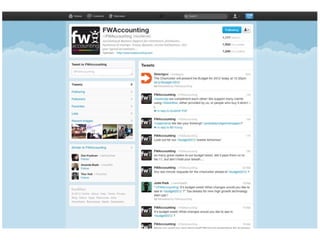
    FACEBOOK AND TWITTER Keeping it consistent…
  • 37.
  • 38.