TcpMDT
Point Cloud
MDT-PointCloud
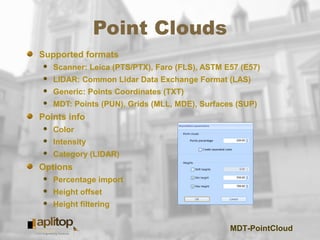
Point Clouds
Supported formats
 Scanner: Leica (PTS/PTX), Faro (FLS), ASTM E57 (E57)
 LIDAR: Common Lidar Data Exchange Format (LAS)
 Generic: Points Coordinates (TXT)
 MDT: Points (PUN), Grids (MLL, MDE), Surfaces (SUP)
Points info
 Color
 Intensity
 Category (LIDAR)
Options
 Percentage import
 Height offset
 Height filtering
MDT-PointCloud
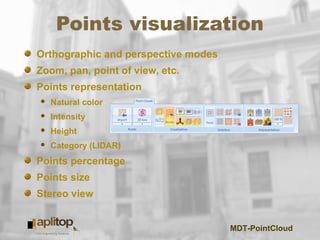
Points visualization
Orthographic and perspective modes
Zoom, pan, point of view, etc.
Points representation
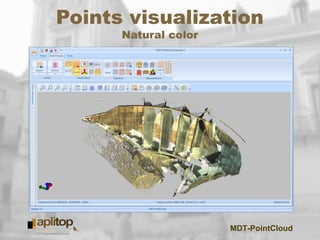
 Natural color
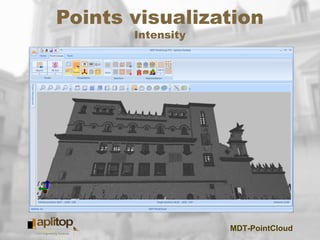
 Intensity
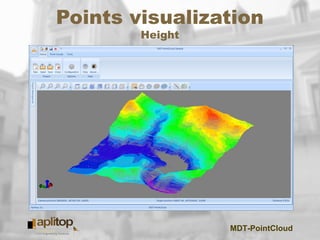
 Height
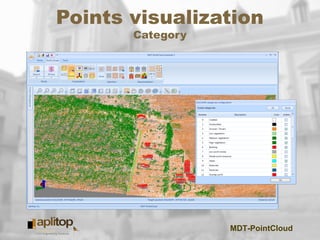
 Category (LIDAR)
Points percentage
Points size
Stereo view
MDT-PointCloud
Points visualization
Natural color
MDT-PointCloud
Points visualization
Intensity
MDT-PointCloud
Points visualization
Height
MDT-PointCloud
Points visualization
Category
MDT-PointCloud
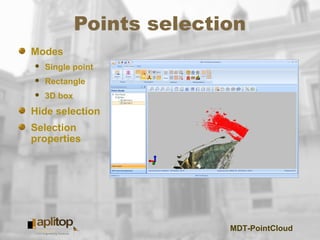
Points selection
Modes
 Single point
 Rectangle
 3D box
Hide selection
Selection
properties
MDT-PointCloud
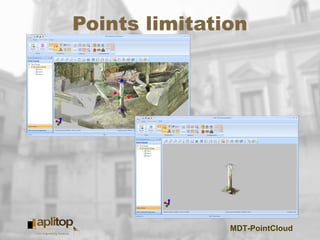
Points limitation
MDT-PointCloud
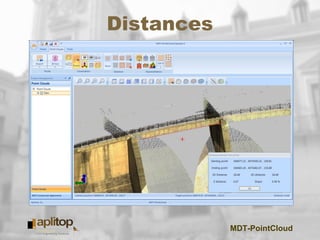
Distances
MDT-PointCloud
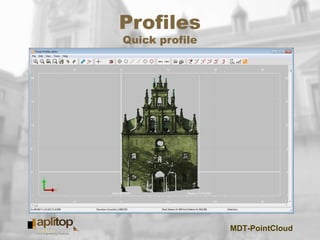
Profiles
Quick profile
MDT-PointCloud
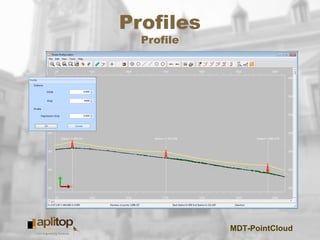
Profiles
Profile
MDT-PointCloud
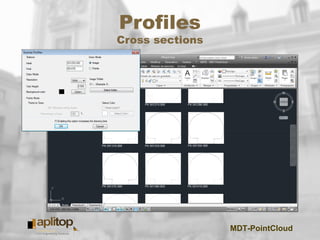
Profiles
Cross sections
MDT-PointCloud
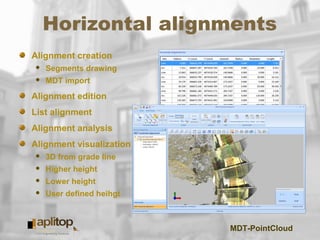
Horizontal alignments
Alignment creation
 Segments drawing
 MDT import
Alignment edition
List alignment
Alignment analysis
Alignment visualization
 3D from grade line
 Higher height
 Lower height
 User defined heihgt
MDT-PointCloud
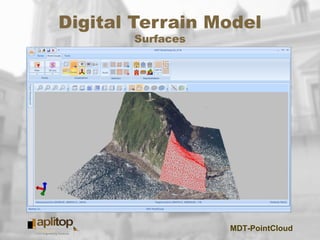
Digital Terrain Model
Surfaces
MDT-PointCloud
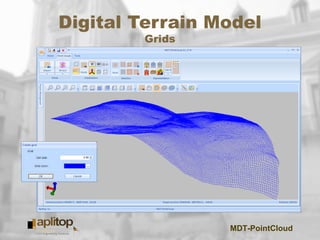
Digital Terrain Model
Grids
MDT-PointCloud
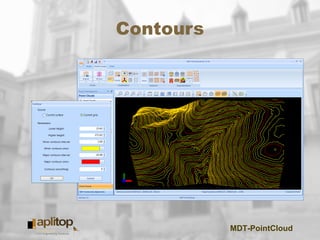
Contours
MDT-PointCloud
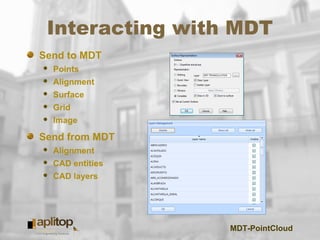
Interacting with MDT
Send to MDT
 Points
 Alignment
 Surface
 Grid
 Image
Send from MDT
 Alignment
 CAD entities
 CAD layers
MDT-PointCloud
MDT-PointCloud
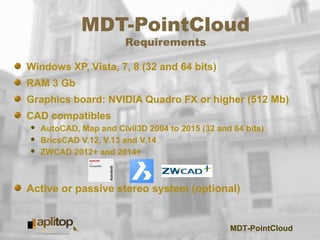
Requirements
Windows XP, Vista, 7, 8 (32 and 64 bits)
RAM 3 Gb
Graphics board: NVIDIA Quadro FX or higher (512 Mb)
CAD compatibles
 AutoCAD, Map and Civil3D 2004 to 2015 (32 and 64 bits)
 BricsCAD V.12, V.13 and V.14
 ZWCAD 2012+ and 2014+
Active or passive stereo system (optional)
MDT-PointCloud
www.aplitop.com/mdtPointCloud

MDT PointCloud