3ds Max 2015 Essentials
Chapter 6: Animating a Thrown Knife
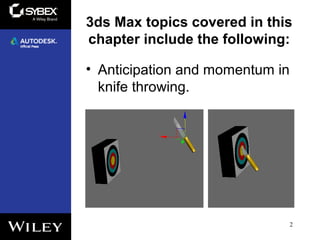
3ds Max topics covered in this
chapter include the following:
• Anticipation and momentum in
knife throwing.
2
Animating a Thrown Knife
3
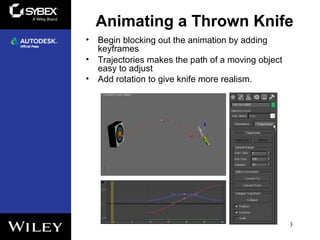
• Begin blocking out the animation by adding
keyframes
• Trajectories makes the path of a moving object
easy to adjust
• Add rotation to give knife more realism.
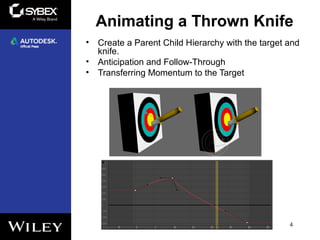
• Create a Parent Child Hierarchy with the target and
knife.
• Anticipation and Follow-Through
• Transferring Momentum to the Target
4
Animating a Thrown Knife

Max2015 ch06

  • 1.
    3ds Max 2015Essentials Chapter 6: Animating a Thrown Knife
  • 2.
    3ds Max topicscovered in this chapter include the following: • Anticipation and momentum in knife throwing. 2
  • 3.
    Animating a ThrownKnife 3 • Begin blocking out the animation by adding keyframes • Trajectories makes the path of a moving object easy to adjust • Add rotation to give knife more realism.
  • 4.
    • Create aParent Child Hierarchy with the target and knife. • Anticipation and Follow-Through • Transferring Momentum to the Target 4 Animating a Thrown Knife