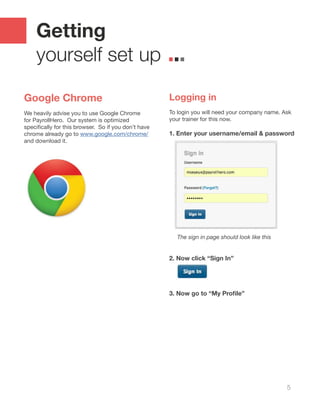
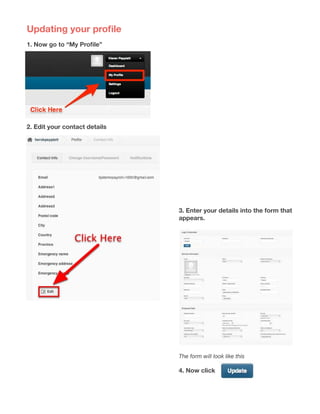
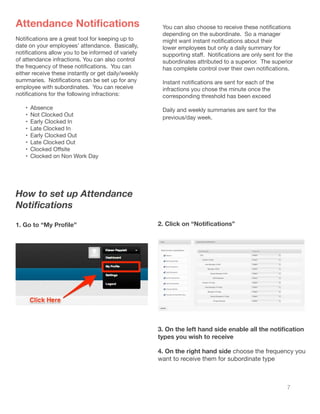
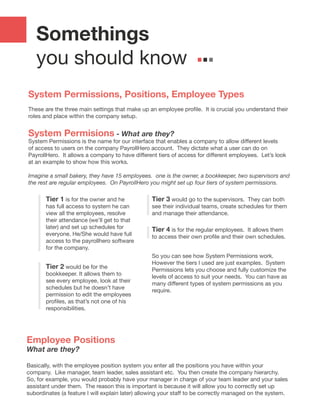
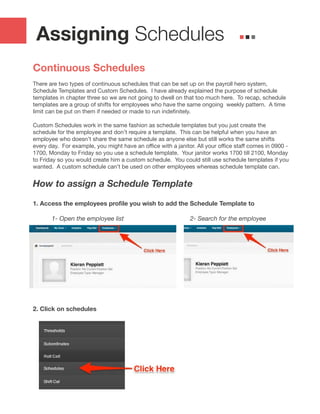
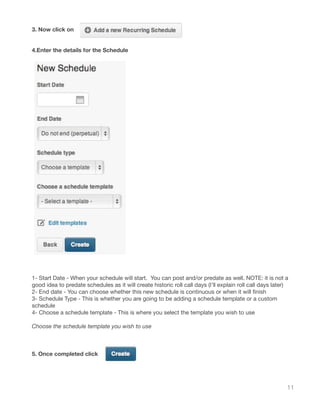
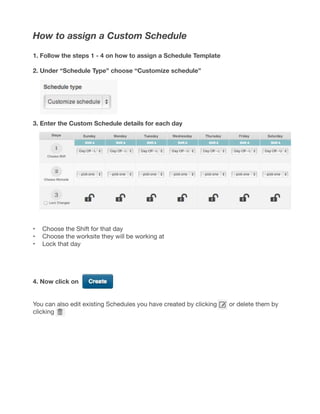
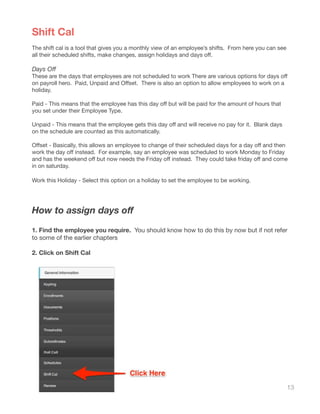
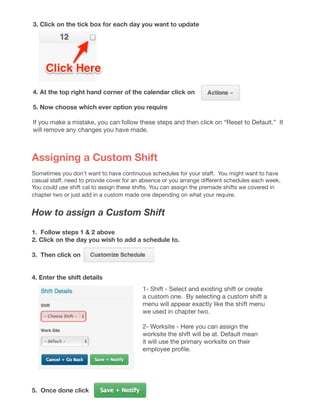
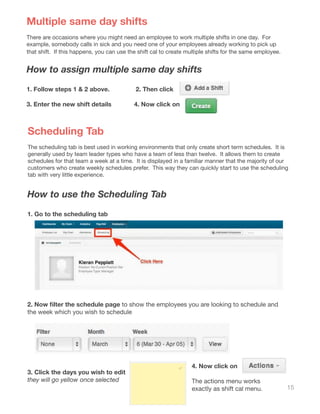
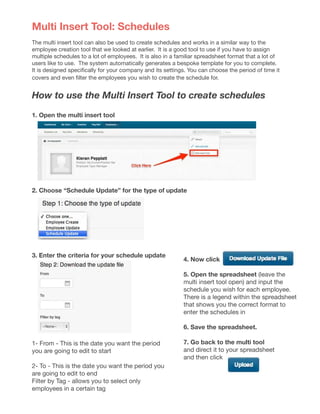
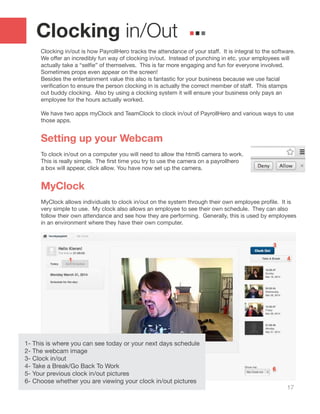
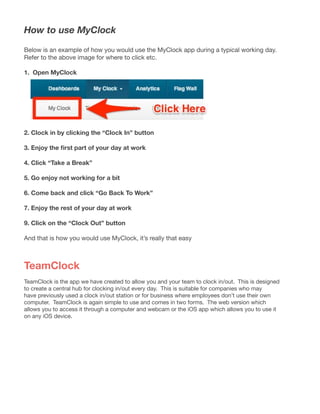
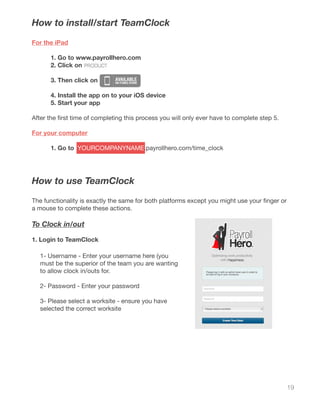
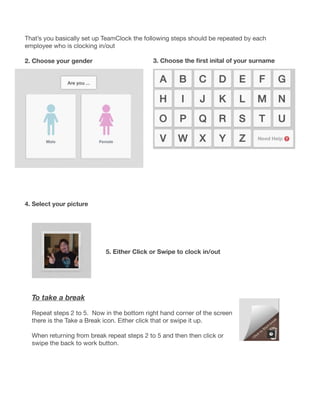
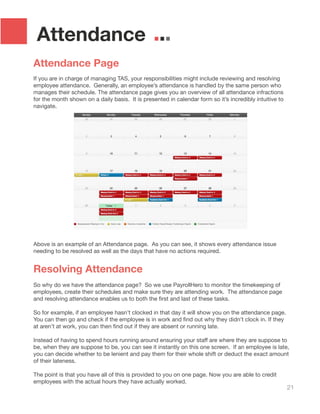
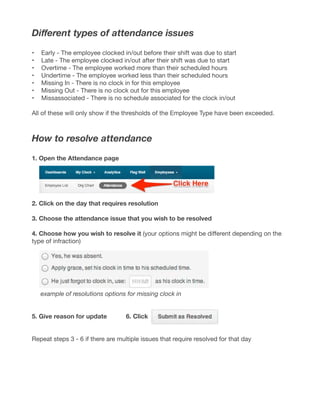
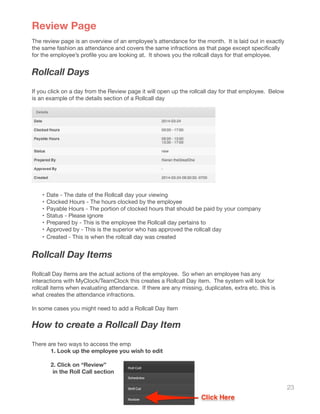
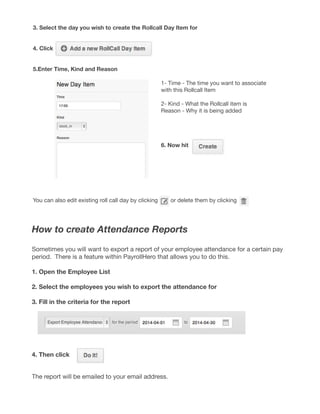
This document provides guidance on using the Time, Attendance & Scheduling (TAS) system. It covers setting up user profiles, assigning schedules using templates or custom schedules, managing attendance through clock-ins/outs and resolving issues, and other TAS functions. Key sections include getting started with the system, assigning continuous or one-time schedules, setting attendance notifications, understanding permissions and employee hierarchy, and using tools like the shift calendar and scheduling tab to manage schedules. The document serves as a manual for TAS users to understand and navigate the various features.