Making Workflow Automation
Personal
The Next Step in Digital
Transformation
Mike Oryszak
October 24-25, 2017
Raleigh, NC
MIKE ORYSZAK
2
Managing Director
@next_connect
linkedin.com/in/michaeloryszak
moryszak@bandrsolutions.com
mikeoryszak.com
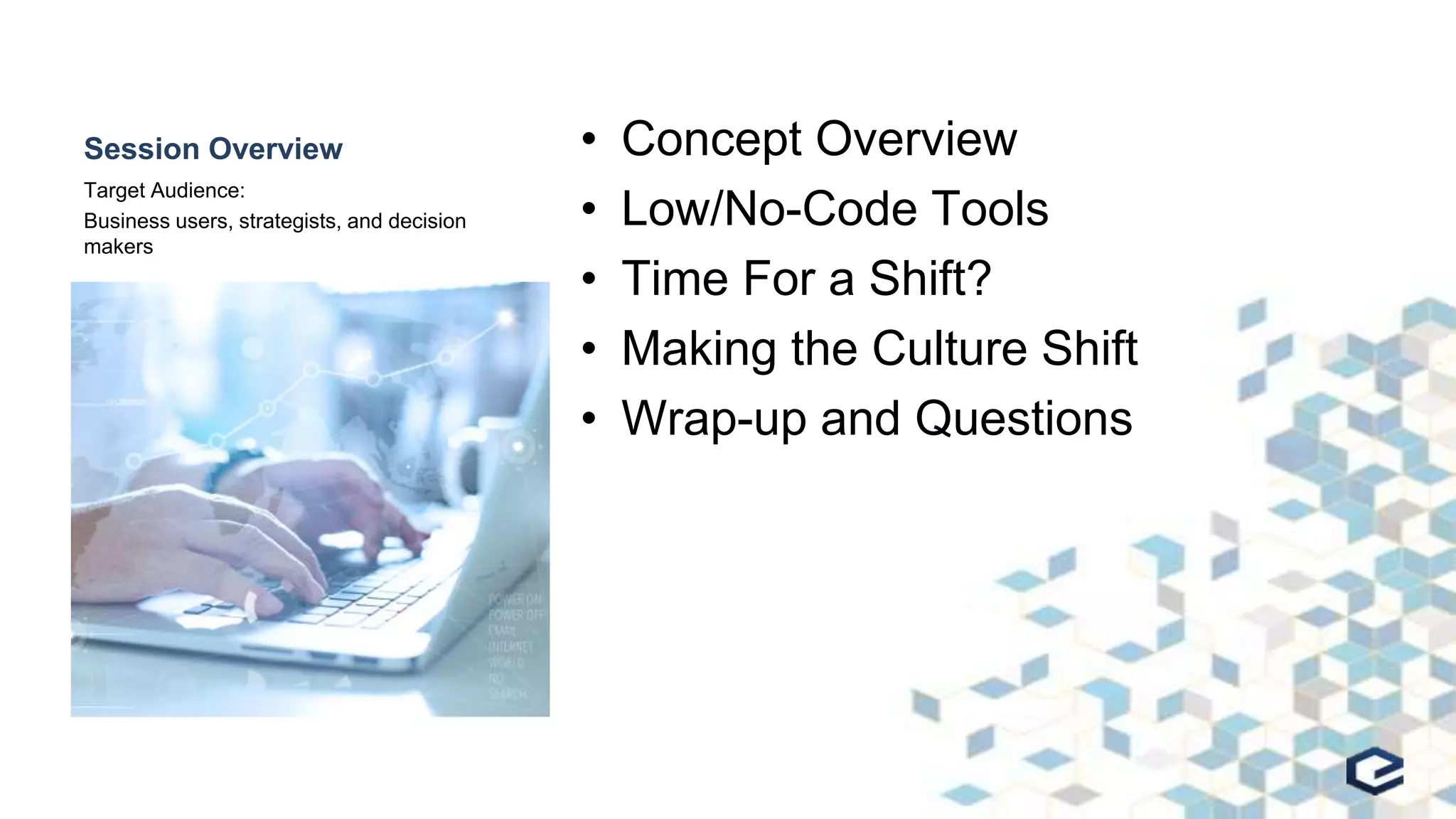
Session Overview • Concept Overview
• Low/No-Code Tools
• Time For a Shift?
• Making the Culture Shift
• Wrap-up and Questions
Target Audience:
Business users, strategists, and decision
makers
CONCEPT OVERVIEW
Making Workflow Automation Personal
My Goals
• Increase the use of workflow automation
• Increase the pace of innovation
• Increase the impact of innovation
• Improve employee morale and engagement
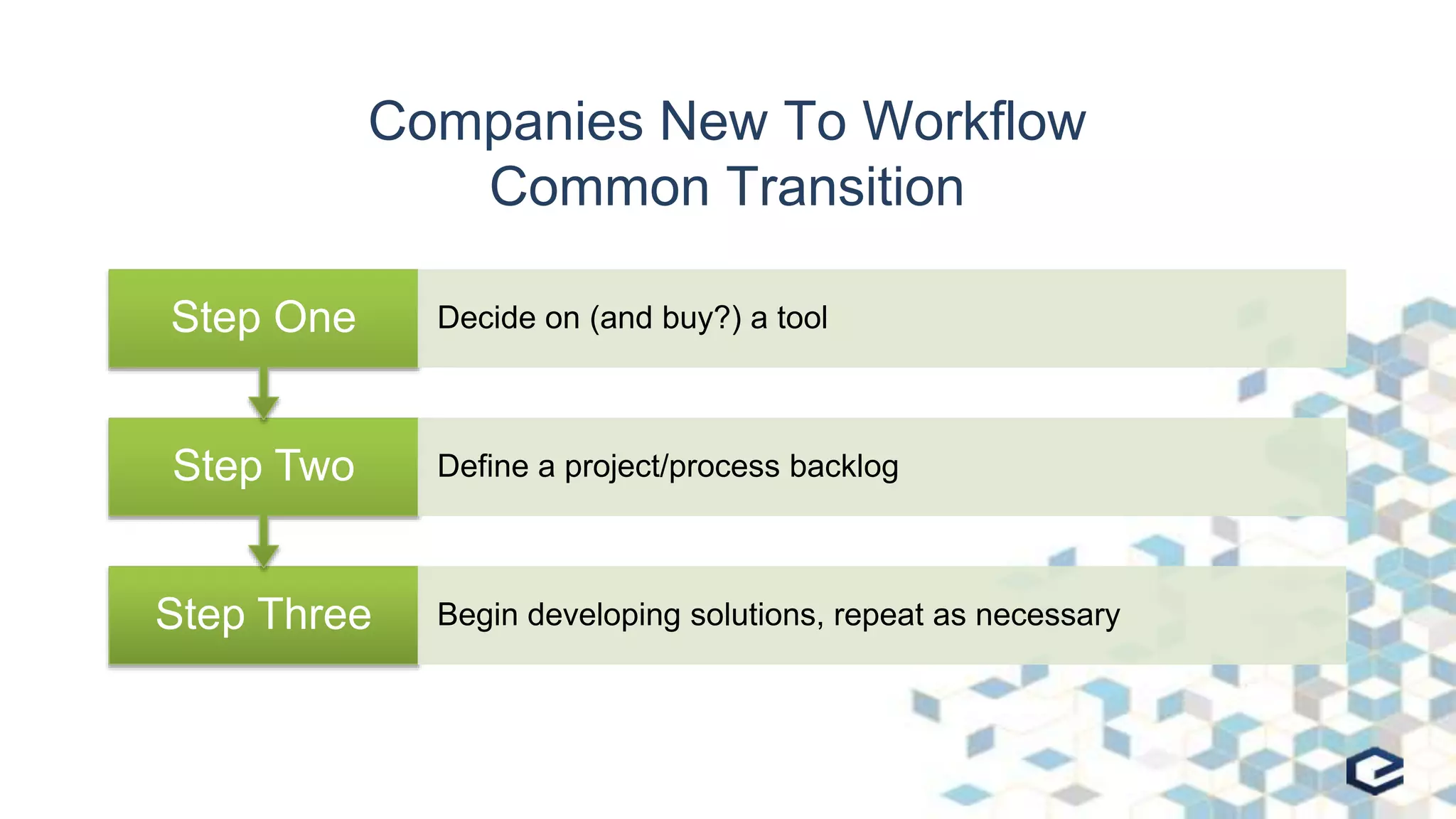
Companies New To Workflow
Common Transition
Step Three Begin developing solutions, repeat as necessary
Step Two Define a project/process backlog
Step One Decide on (and buy?) a tool
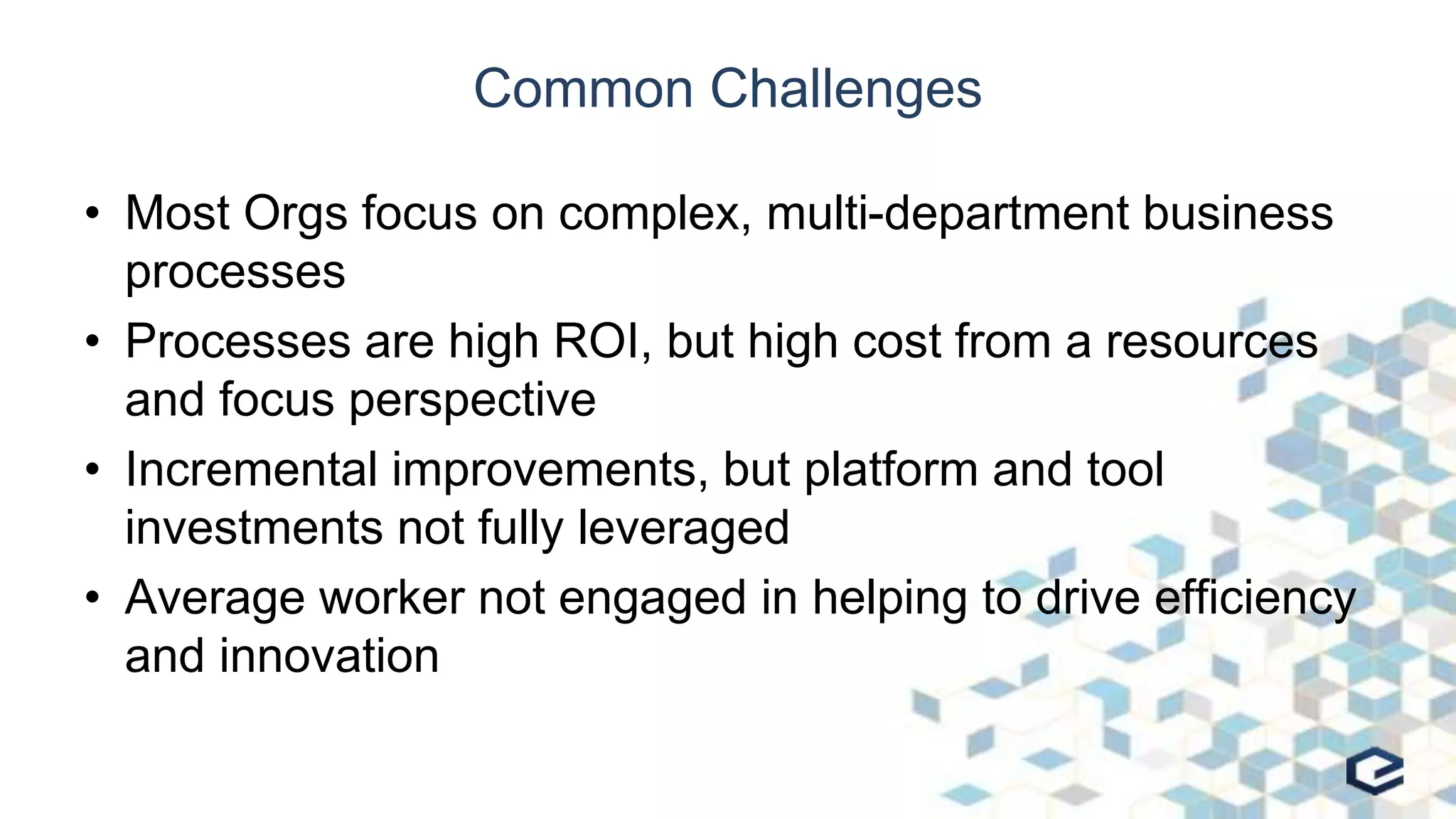
Common Challenges
• Most Orgs focus on complex, multi-department business
processes
• Processes are high ROI, but high cost from a resources
and focus perspective
• Incremental improvements, but platform and tool
investments not fully leveraged
• Average worker not engaged in helping to drive efficiency
and innovation
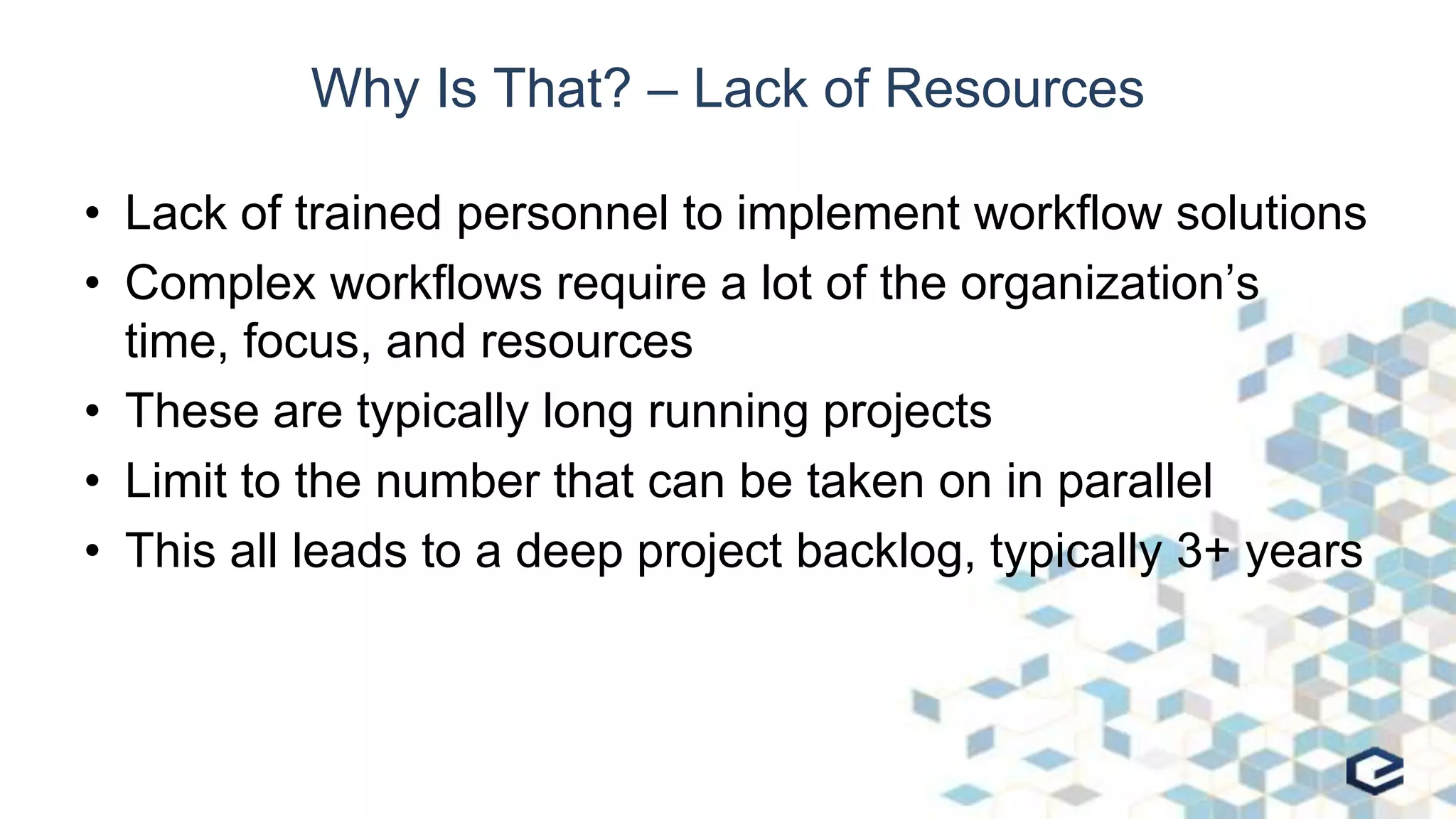
Why Is That? – Lack of Resources
• Lack of trained personnel to implement workflow solutions
• Complex workflows require a lot of the organization’s
time, focus, and resources
• These are typically long running projects
• Limit to the number that can be taken on in parallel
• This all leads to a deep project backlog, typically 3+ years
Why Is that? - Culture
• The process improvements tend to be incremental, and
isolated with no improvement in strategic thinking or
driving innovation
• People who participate in the process improvements, only
focus on the steps they own or manage
• Understanding that in most cases IT is responsible for
planning and delivering the solutions
Traditional Workflow and BPM Focus
• Classic methodology focusing on process planning and
optimization
• Formal approach for increased efficiency and improved
business outcomes
• Associated with the common challenges previously
defined
• Works great for Big and Complex projects, but is too
formal for personal or team based workflows
Workflow & Content Automation Focus
• Emerging methodology focusing on Content, Process Automation,
and Insights
– Significantly less formal than BPM
– Can support both structured/unstructured processes and content
– Focuses on addressing integration, hand-offs, and mundane repetitive
tasks -> low hanging fruit
– Less formal, and a broader reach -> organization members can be
empowered to automate!
– Generating insights and analytics is a core component allowing for usage
and trends to be analyzed
• Great for individuals and teams; fast, informal, innovative!
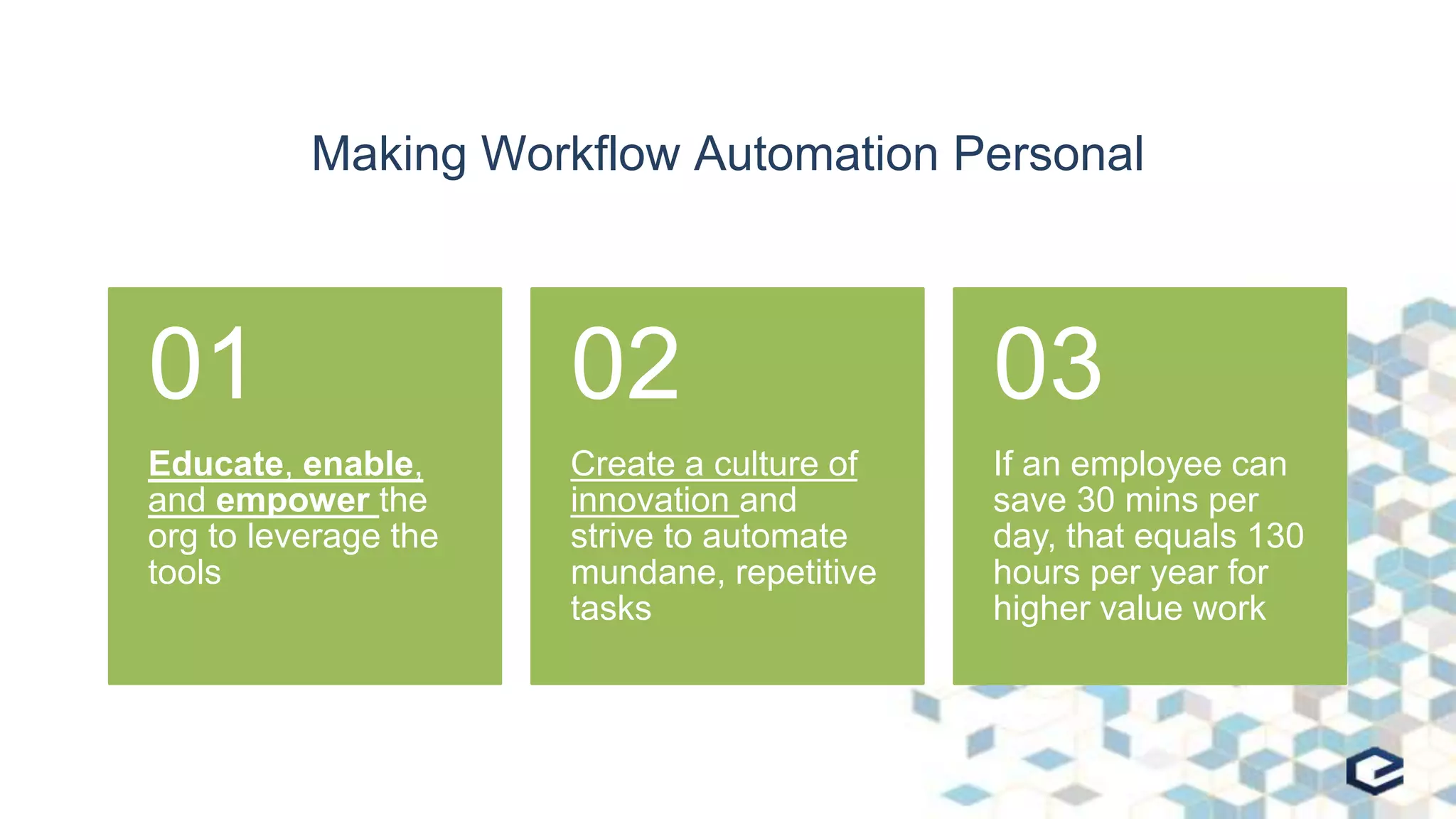
Making Workflow Automation Personal
Educate, enable,
and empower the
org to leverage the
tools
01
Create a culture of
innovation and
strive to automate
mundane, repetitive
tasks
02
If an employee can
save 30 mins per
day, that equals 130
hours per year for
higher value work
03
LOW/NO-CODE TOOLS
Making Workflow Automation Personal
Low/No-Code Tools
• Microsoft
– SharePoint Designer
– Flow: flow.Microsoft.com
– Logic Apps: azure.microsoft.com/en-us/services/logic-apps
• Nintex: www.nintex.com
• K2: www.k2.com
• Ultimus: www.ultimus.com
TIME FOR A SHIFT?
Making Workflow Automation Personal
Why Is a Shift Needed?
• There are not enough trained developers in the world to
automate everything
• This cannot be a problem wholly owned by central IT or IS
groups
• Individuals will understand their personal needs and
opportunities better than anyone
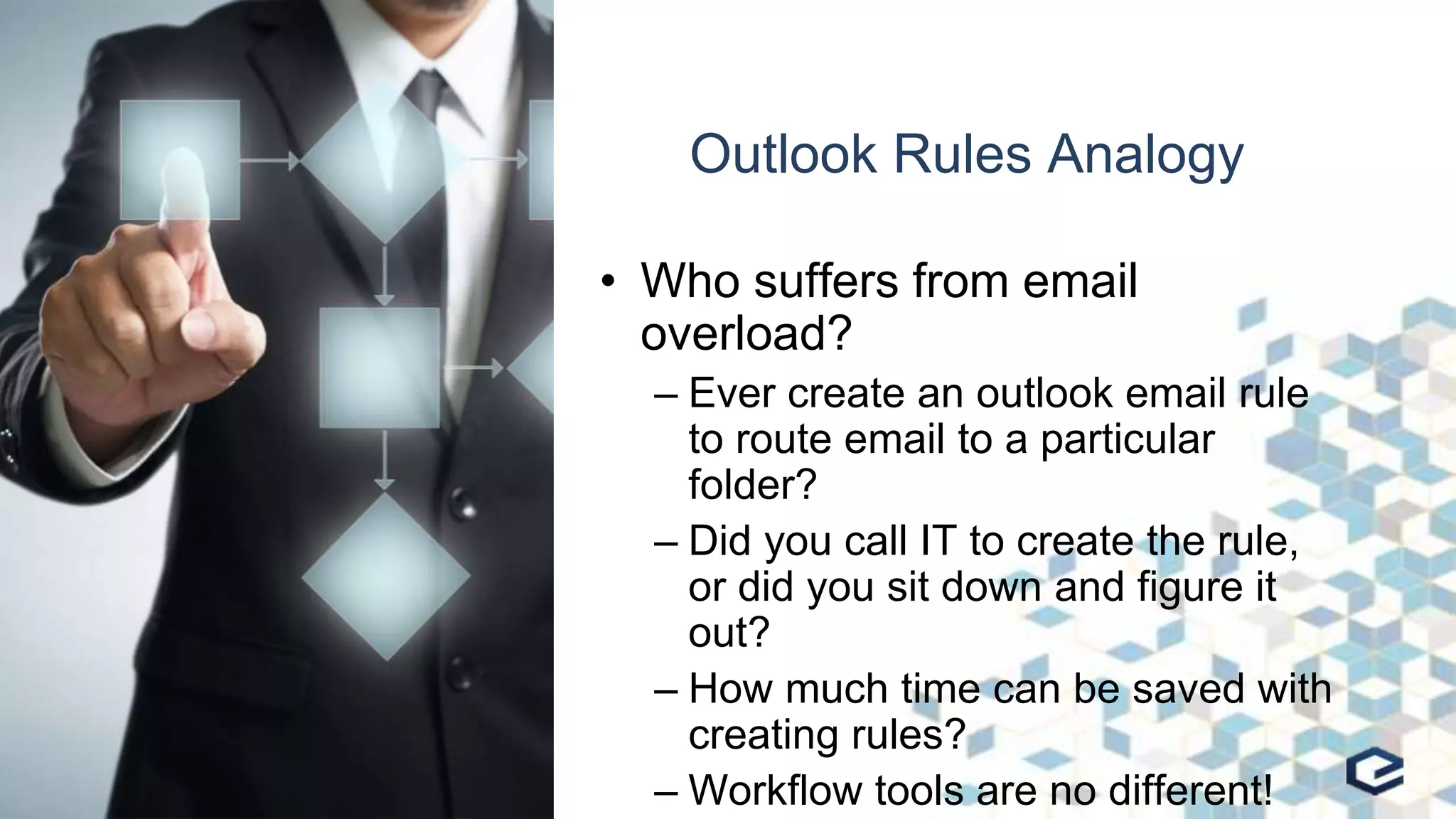
Outlook Rules Analogy
• Who suffers from email
overload?
– Ever create an outlook email rule
to route email to a particular
folder?
– Did you call IT to create the rule,
or did you sit down and figure it
out?
– How much time can be saved with
creating rules?
– Workflow tools are no different!
What About Governance?
• IT and Corporate Governance still plays a strong role
– Focus should be on user enablement and using the tools
– User enablement does not mean lack of governance or the rise
of Shadow IT
– People should not be automating complex, shared processes in
isolation
– People or teams should not be automating a process they do
not own
What About Costs?
• In environments with consumption based pricing, metrics
should be monitored
– Microsoft Flow
– Nintex for Office 365 Subscription Packs
• With Nintex, simple workflows of 5 or fewer steps do not count against
subscription limits
• The goal is to drive valuable innovation, and active
workflows should provide ROI on license costs
MAKING THE CULTURE SHIFT
Making Workflow Automation Personal
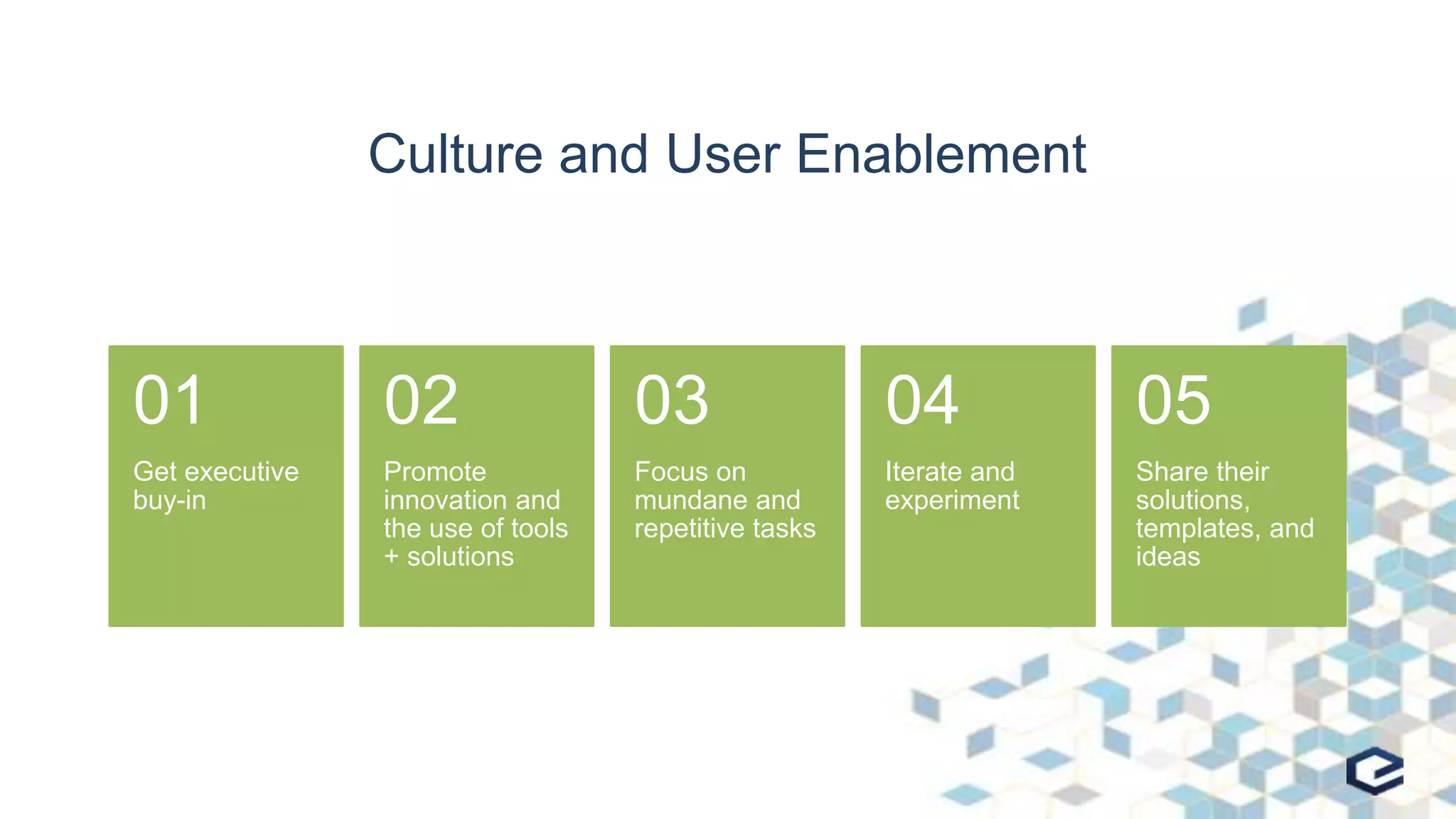
Culture and User Enablement
Get executive
buy-in
01
Promote
innovation and
the use of tools
+ solutions
02
Focus on
mundane and
repetitive tasks
03
Iterate and
experiment
04
Share their
solutions,
templates, and
ideas
05
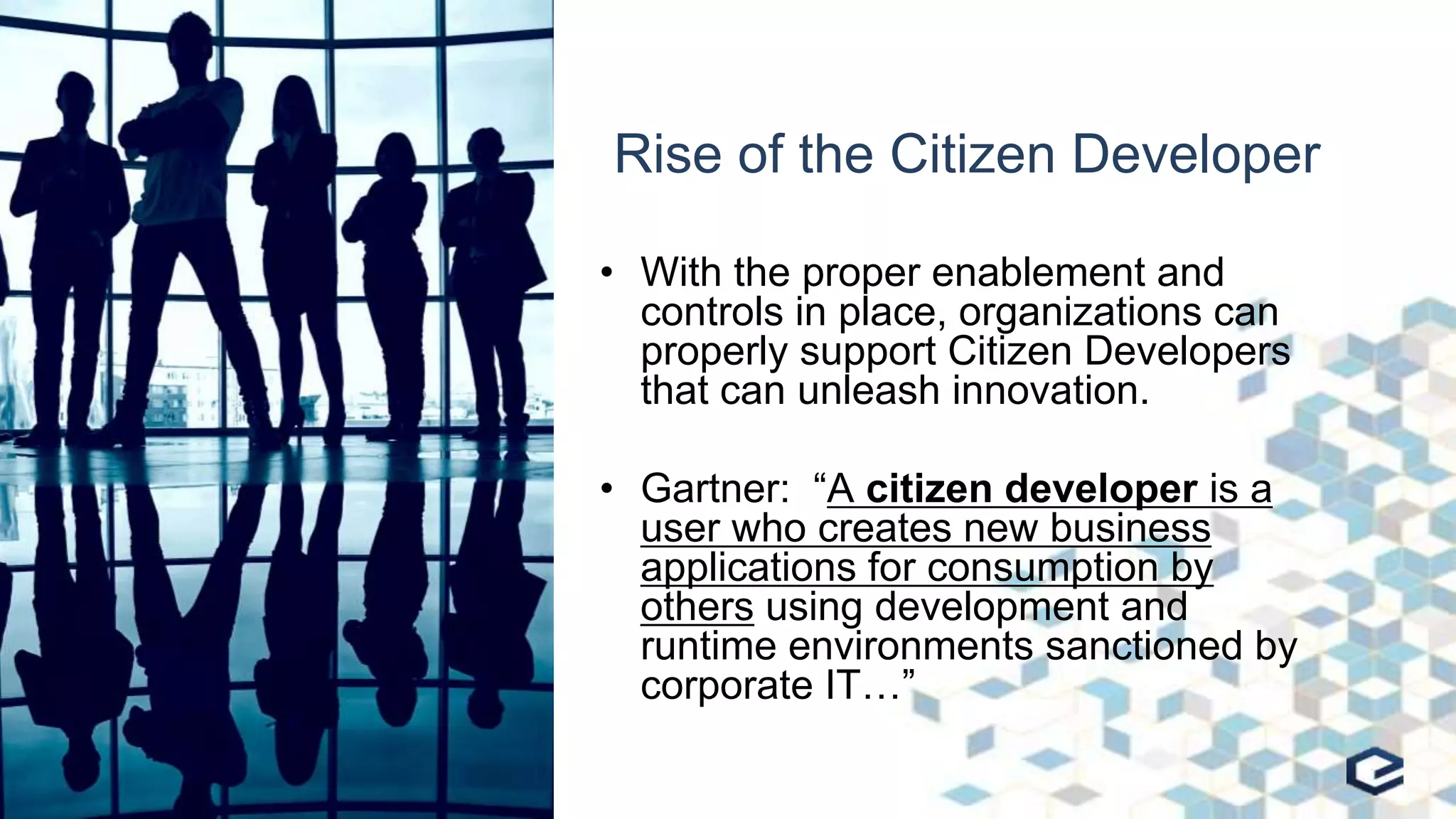
Rise of the Citizen Developer
• With the proper enablement and
controls in place, organizations can
properly support Citizen Developers
that can unleash innovation.
• Gartner: “A citizen developer is a
user who creates new business
applications for consumption by
others using development and
runtime environments sanctioned by
corporate IT…”
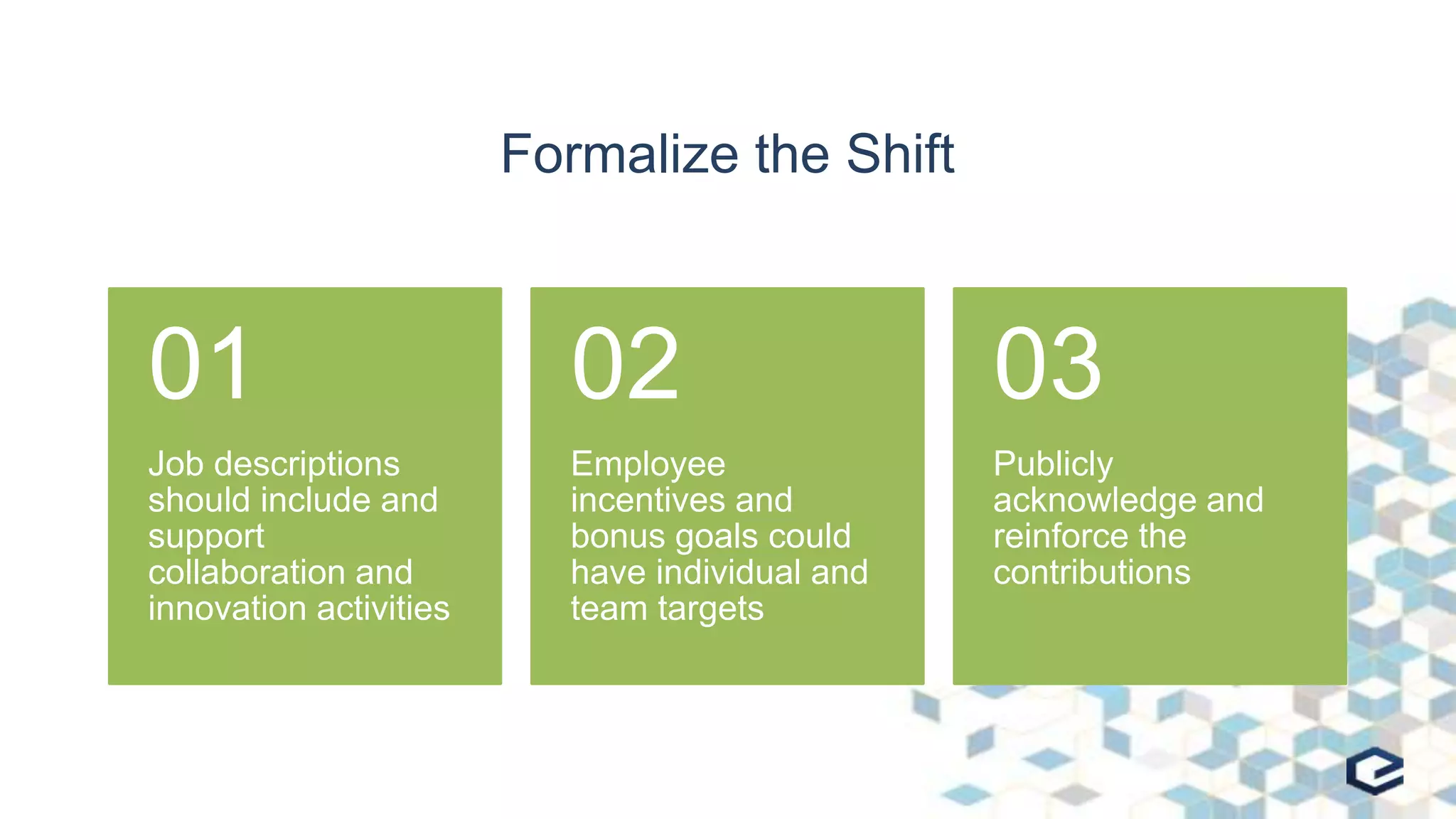
Formalize the Shift
Job descriptions
should include and
support
collaboration and
innovation activities
01
Employee
incentives and
bonus goals could
have individual and
team targets
02
Publicly
acknowledge and
reinforce the
contributions
03
Kaizen Events for Innovation Quickstarts
• Kaizen Events are part of Six Sigma and Lean
management methodologies
• Used to promote constant improvement through
identifying and monitoring ongoing improvements
• Key: Includes cross-functional, cross-domain participants
“Office Hours”
• Some organizations will make coaches or experts
available on a regular basis for collaboration and user
enablement support
– Unstructured Q&A
– How To
– Success Showcase for a template or solution
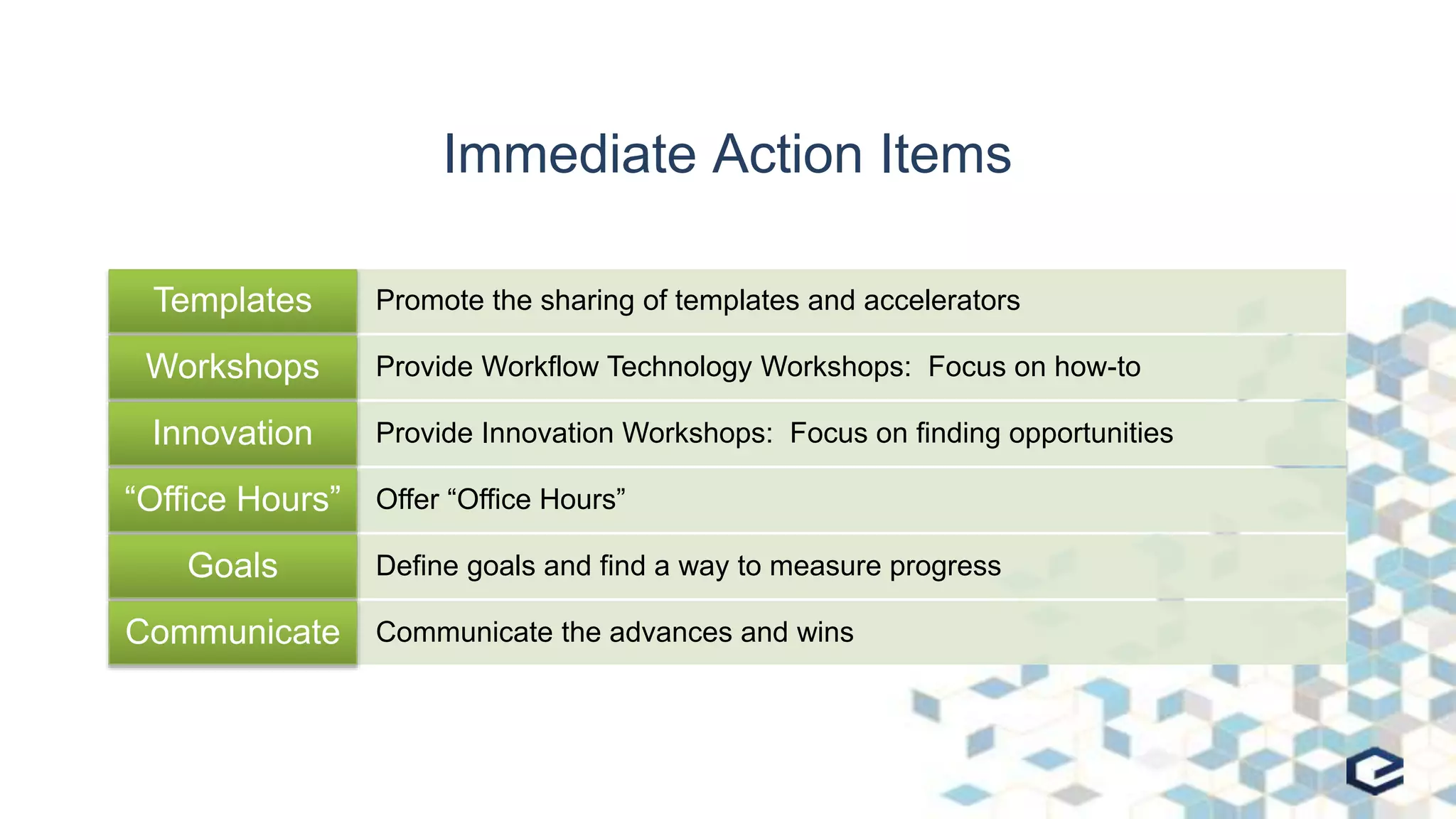
Immediate Action Items
Promote the sharing of templates and acceleratorsTemplates
Provide Workflow Technology Workshops: Focus on how-toWorkshops
Provide Innovation Workshops: Focus on finding opportunitiesInnovation
Offer “Office Hours”“Office Hours”
Define goals and find a way to measure progressGoals
Communicate the advances and winsCommunicate
CLOSEOUT
Making Workflow Automation Personal
Questions?
Resources
• Book: Leading Digital
– https://www.amazon.com/Leading-Digital-Technology-Business-Transformation-ebook/dp/B00NE6MG0Y
• Gartner Report: Process-Centric Technologies Increase
Revenue
– https://info.nintex.com/CNT-GartnerReprint-Process-CentricTech-
April2017_LP.html
• Blog: Making Automation Personal: The Next Step in Digital
Transformation
– https://bandrsolutions.com/blog/2017/6/13/making-automation-personal-the-next-step-in-digital-transformation
NextSteps
30
Stop by our booth with any additional
questions or follow on conversations!
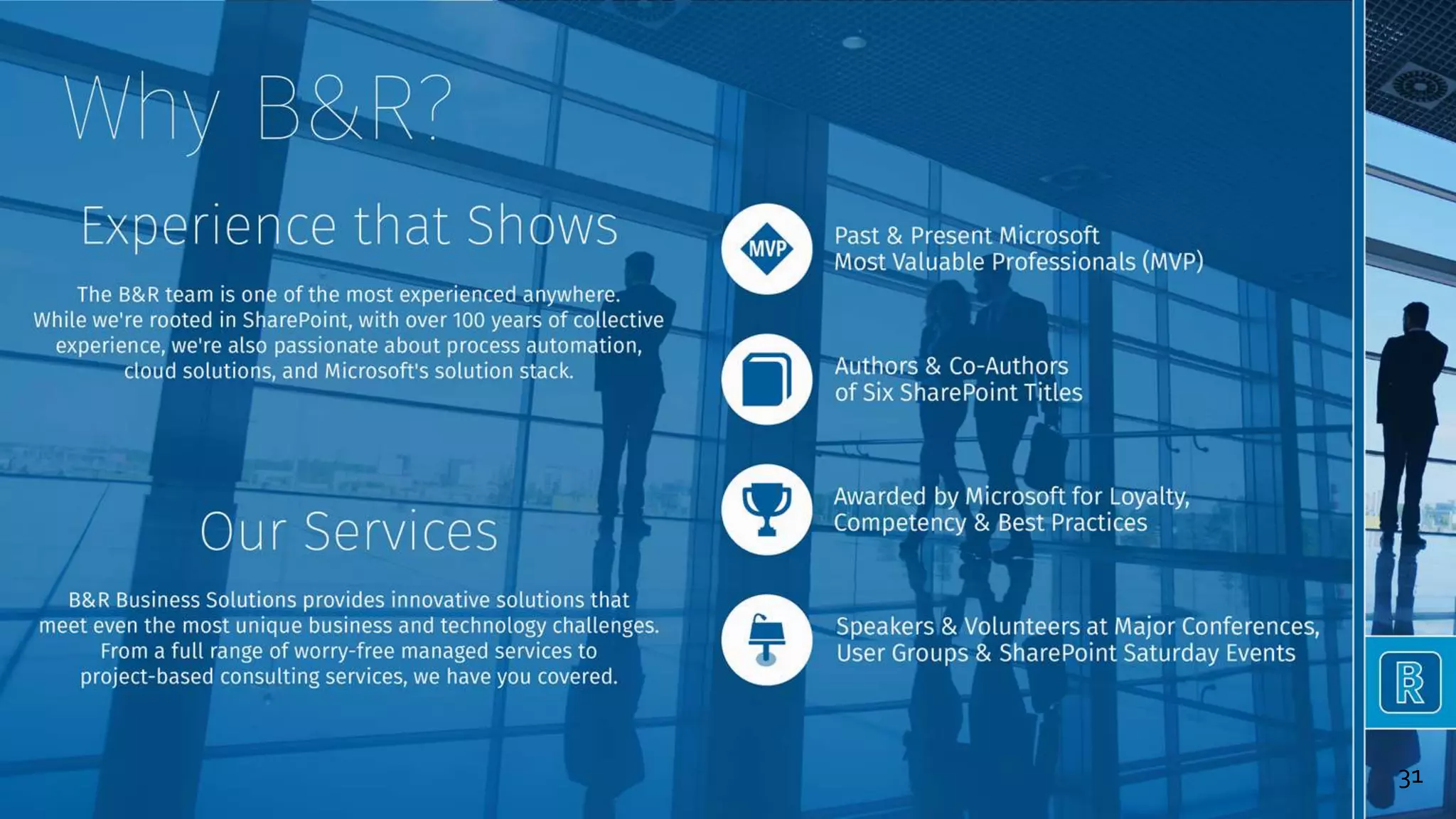
31
32

Making Workflow Automation Personal: The Next Step in Digital Transformation - SPEngage Conference

  • 1.
    Making Workflow Automation Personal TheNext Step in Digital Transformation Mike Oryszak October 24-25, 2017 Raleigh, NC
  • 2.
  • 3.
    Session Overview •Concept Overview • Low/No-Code Tools • Time For a Shift? • Making the Culture Shift • Wrap-up and Questions Target Audience: Business users, strategists, and decision makers
  • 4.
  • 5.
    My Goals • Increasethe use of workflow automation • Increase the pace of innovation • Increase the impact of innovation • Improve employee morale and engagement
  • 6.
    Companies New ToWorkflow Common Transition Step Three Begin developing solutions, repeat as necessary Step Two Define a project/process backlog Step One Decide on (and buy?) a tool
  • 7.
    Common Challenges • MostOrgs focus on complex, multi-department business processes • Processes are high ROI, but high cost from a resources and focus perspective • Incremental improvements, but platform and tool investments not fully leveraged • Average worker not engaged in helping to drive efficiency and innovation
  • 8.
    Why Is That?– Lack of Resources • Lack of trained personnel to implement workflow solutions • Complex workflows require a lot of the organization’s time, focus, and resources • These are typically long running projects • Limit to the number that can be taken on in parallel • This all leads to a deep project backlog, typically 3+ years
  • 9.
    Why Is that?- Culture • The process improvements tend to be incremental, and isolated with no improvement in strategic thinking or driving innovation • People who participate in the process improvements, only focus on the steps they own or manage • Understanding that in most cases IT is responsible for planning and delivering the solutions
  • 10.
    Traditional Workflow andBPM Focus • Classic methodology focusing on process planning and optimization • Formal approach for increased efficiency and improved business outcomes • Associated with the common challenges previously defined • Works great for Big and Complex projects, but is too formal for personal or team based workflows
  • 11.
    Workflow & ContentAutomation Focus • Emerging methodology focusing on Content, Process Automation, and Insights – Significantly less formal than BPM – Can support both structured/unstructured processes and content – Focuses on addressing integration, hand-offs, and mundane repetitive tasks -> low hanging fruit – Less formal, and a broader reach -> organization members can be empowered to automate! – Generating insights and analytics is a core component allowing for usage and trends to be analyzed • Great for individuals and teams; fast, informal, innovative!
  • 12.
    Making Workflow AutomationPersonal Educate, enable, and empower the org to leverage the tools 01 Create a culture of innovation and strive to automate mundane, repetitive tasks 02 If an employee can save 30 mins per day, that equals 130 hours per year for higher value work 03
  • 13.
  • 14.
    Low/No-Code Tools • Microsoft –SharePoint Designer – Flow: flow.Microsoft.com – Logic Apps: azure.microsoft.com/en-us/services/logic-apps • Nintex: www.nintex.com • K2: www.k2.com • Ultimus: www.ultimus.com
  • 15.
    TIME FOR ASHIFT? Making Workflow Automation Personal
  • 16.
    Why Is aShift Needed? • There are not enough trained developers in the world to automate everything • This cannot be a problem wholly owned by central IT or IS groups • Individuals will understand their personal needs and opportunities better than anyone
  • 17.
    Outlook Rules Analogy •Who suffers from email overload? – Ever create an outlook email rule to route email to a particular folder? – Did you call IT to create the rule, or did you sit down and figure it out? – How much time can be saved with creating rules? – Workflow tools are no different!
  • 18.
    What About Governance? •IT and Corporate Governance still plays a strong role – Focus should be on user enablement and using the tools – User enablement does not mean lack of governance or the rise of Shadow IT – People should not be automating complex, shared processes in isolation – People or teams should not be automating a process they do not own
  • 19.
    What About Costs? •In environments with consumption based pricing, metrics should be monitored – Microsoft Flow – Nintex for Office 365 Subscription Packs • With Nintex, simple workflows of 5 or fewer steps do not count against subscription limits • The goal is to drive valuable innovation, and active workflows should provide ROI on license costs
  • 20.
    MAKING THE CULTURESHIFT Making Workflow Automation Personal
  • 21.
    Culture and UserEnablement Get executive buy-in 01 Promote innovation and the use of tools + solutions 02 Focus on mundane and repetitive tasks 03 Iterate and experiment 04 Share their solutions, templates, and ideas 05
  • 22.
    Rise of theCitizen Developer • With the proper enablement and controls in place, organizations can properly support Citizen Developers that can unleash innovation. • Gartner: “A citizen developer is a user who creates new business applications for consumption by others using development and runtime environments sanctioned by corporate IT…”
  • 23.
    Formalize the Shift Jobdescriptions should include and support collaboration and innovation activities 01 Employee incentives and bonus goals could have individual and team targets 02 Publicly acknowledge and reinforce the contributions 03
  • 24.
    Kaizen Events forInnovation Quickstarts • Kaizen Events are part of Six Sigma and Lean management methodologies • Used to promote constant improvement through identifying and monitoring ongoing improvements • Key: Includes cross-functional, cross-domain participants
  • 25.
    “Office Hours” • Someorganizations will make coaches or experts available on a regular basis for collaboration and user enablement support – Unstructured Q&A – How To – Success Showcase for a template or solution
  • 26.
    Immediate Action Items Promotethe sharing of templates and acceleratorsTemplates Provide Workflow Technology Workshops: Focus on how-toWorkshops Provide Innovation Workshops: Focus on finding opportunitiesInnovation Offer “Office Hours”“Office Hours” Define goals and find a way to measure progressGoals Communicate the advances and winsCommunicate
  • 27.
  • 28.
  • 29.
    Resources • Book: LeadingDigital – https://www.amazon.com/Leading-Digital-Technology-Business-Transformation-ebook/dp/B00NE6MG0Y • Gartner Report: Process-Centric Technologies Increase Revenue – https://info.nintex.com/CNT-GartnerReprint-Process-CentricTech- April2017_LP.html • Blog: Making Automation Personal: The Next Step in Digital Transformation – https://bandrsolutions.com/blog/2017/6/13/making-automation-personal-the-next-step-in-digital-transformation
  • 30.
    NextSteps 30 Stop by ourbooth with any additional questions or follow on conversations!
  • 31.
  • 32.

Editor's Notes

  • #31 Action Item Background image from ignite sessions Interested in getting started with Nintex, or want some help getting more out of your current Investment? Setup a consultation to see how B&R Business Solutions can help address your current roadblocks with culture, process, or technology changes! Webinar attendees can receive a no cost 2 hour consultation.