Download to read offline


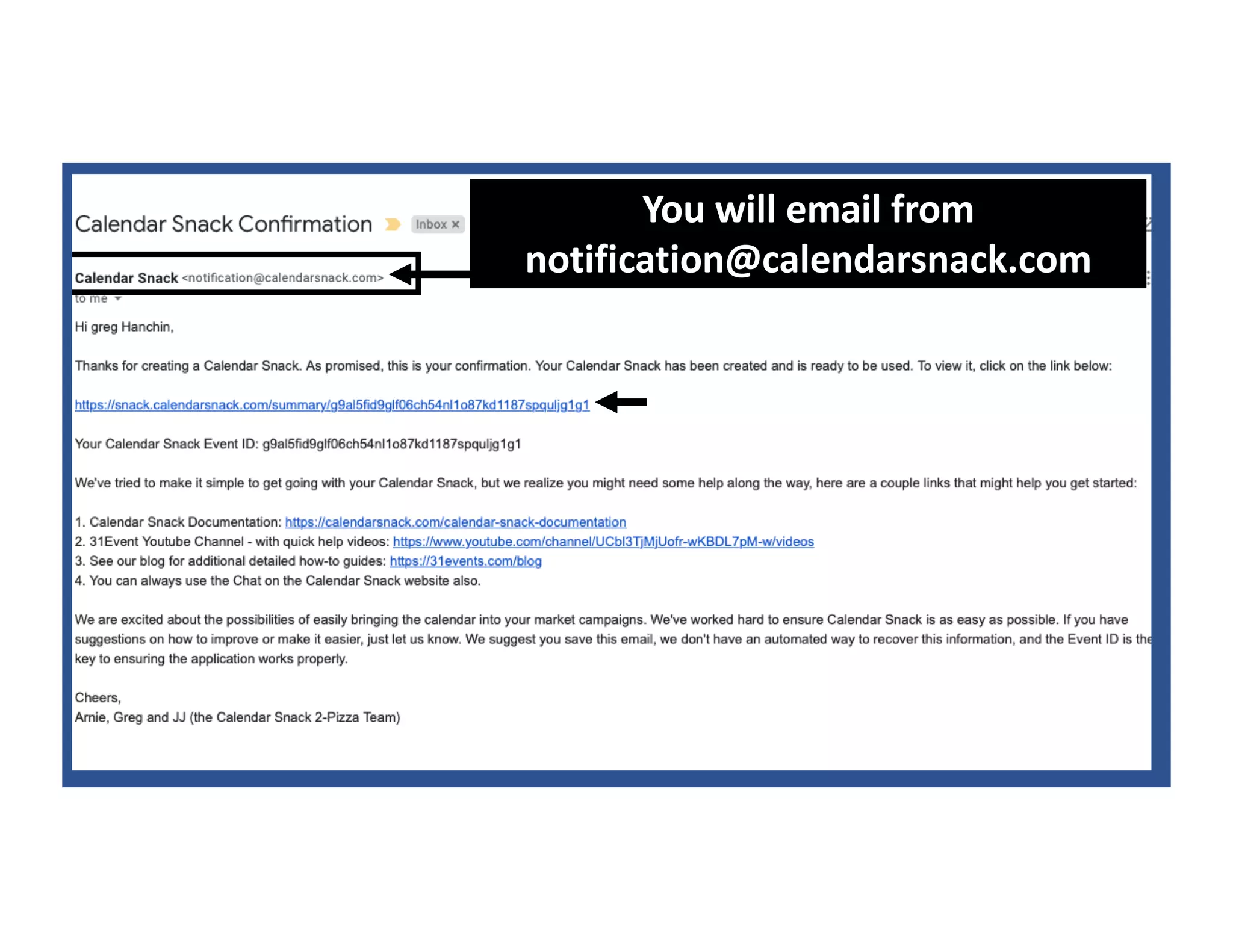
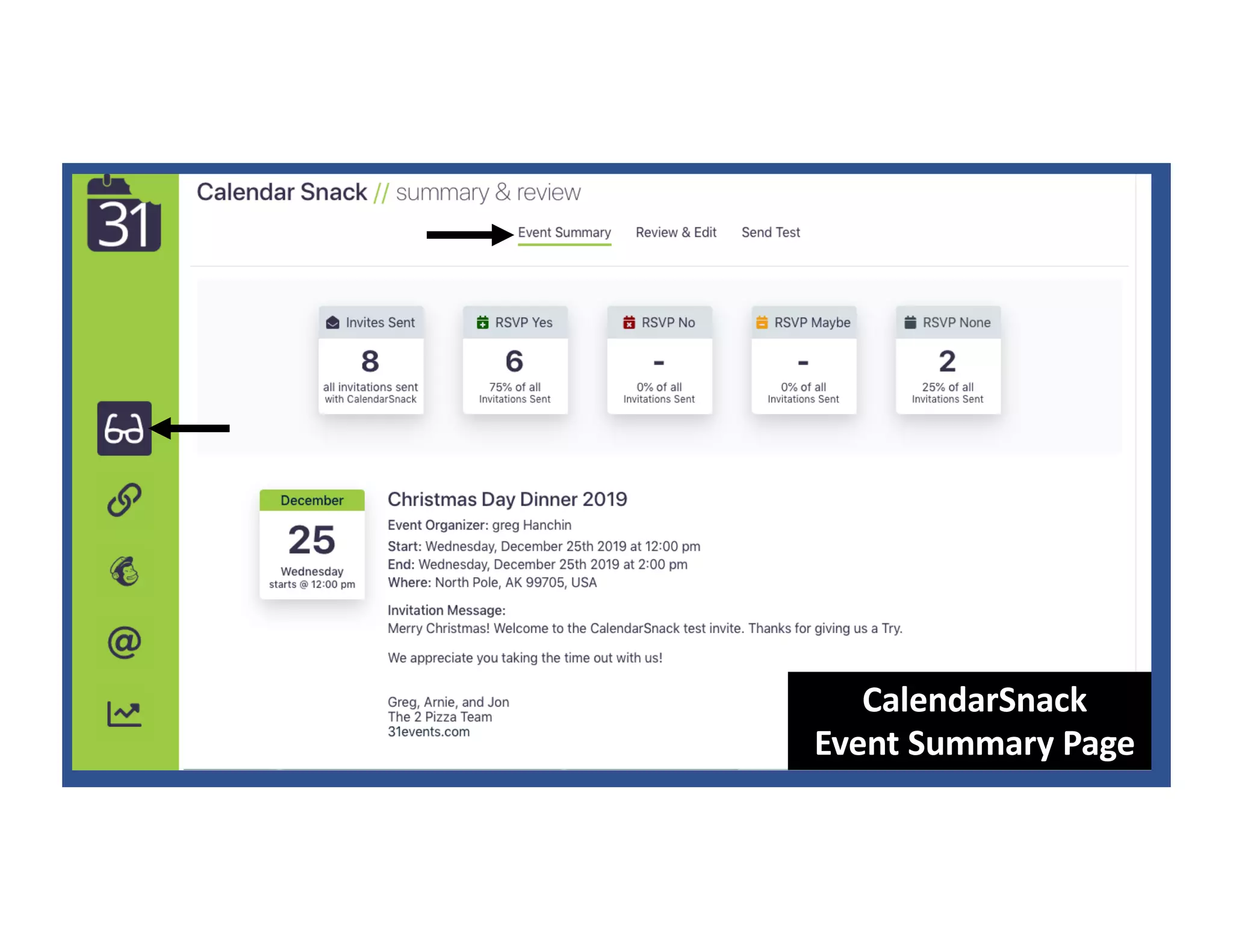


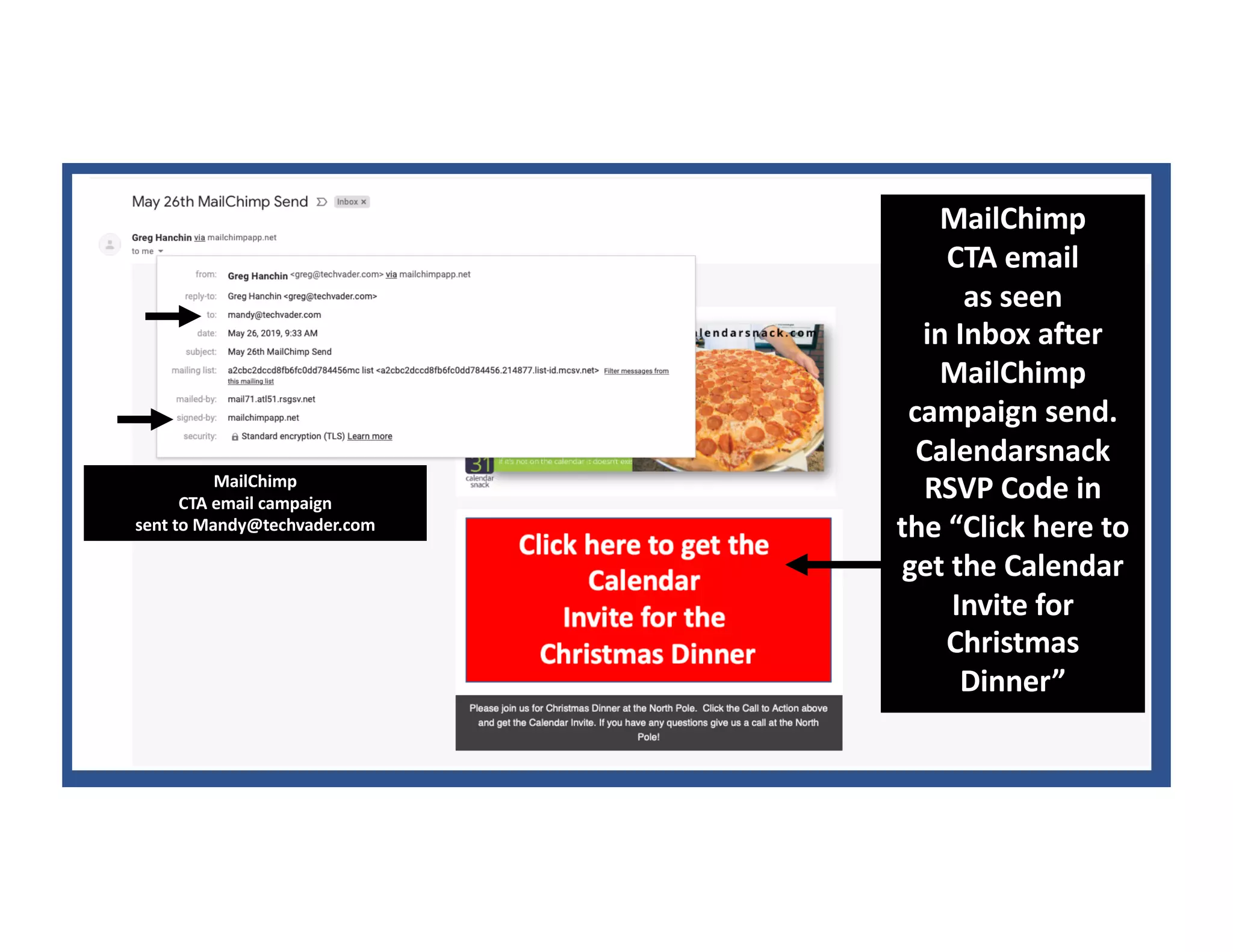

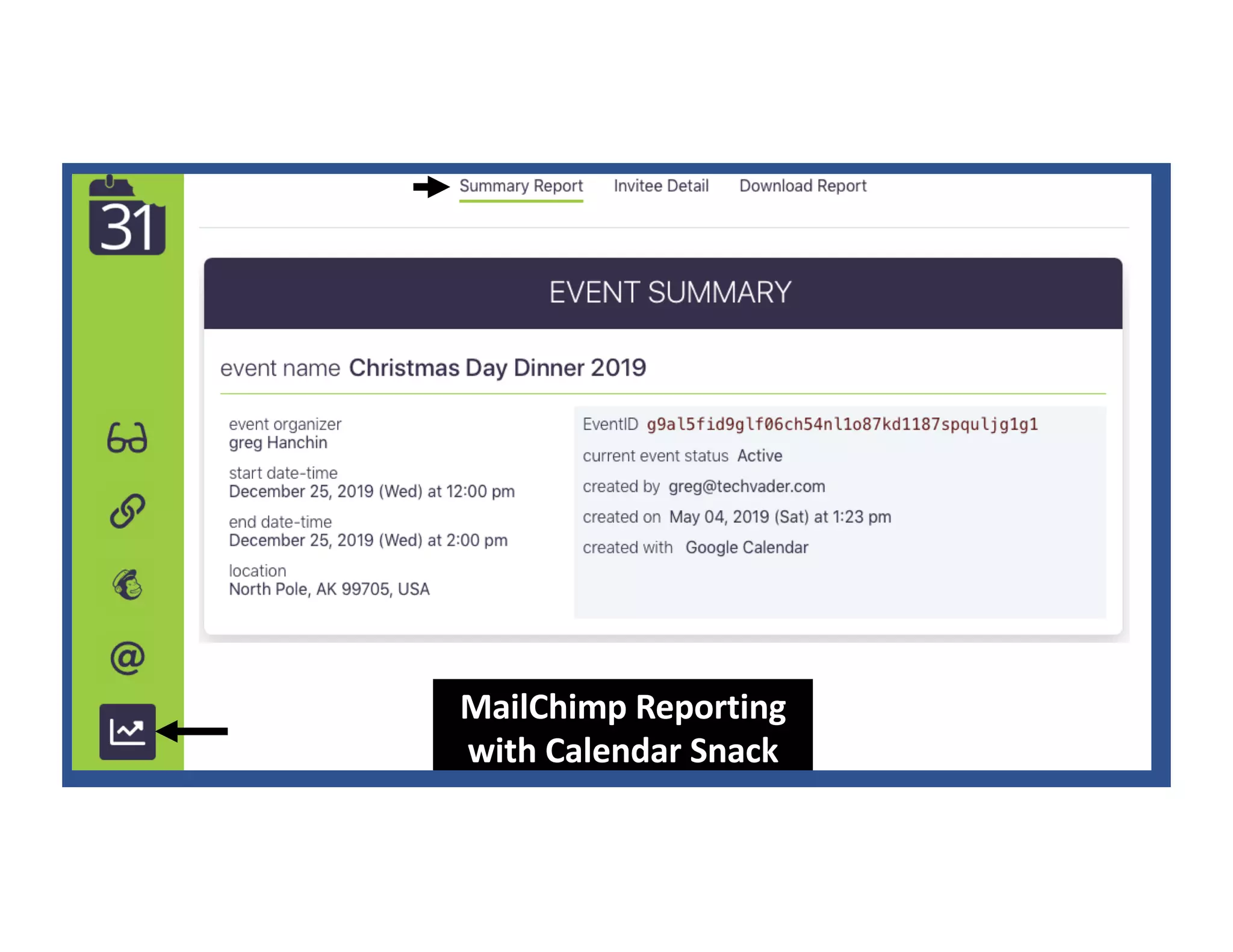
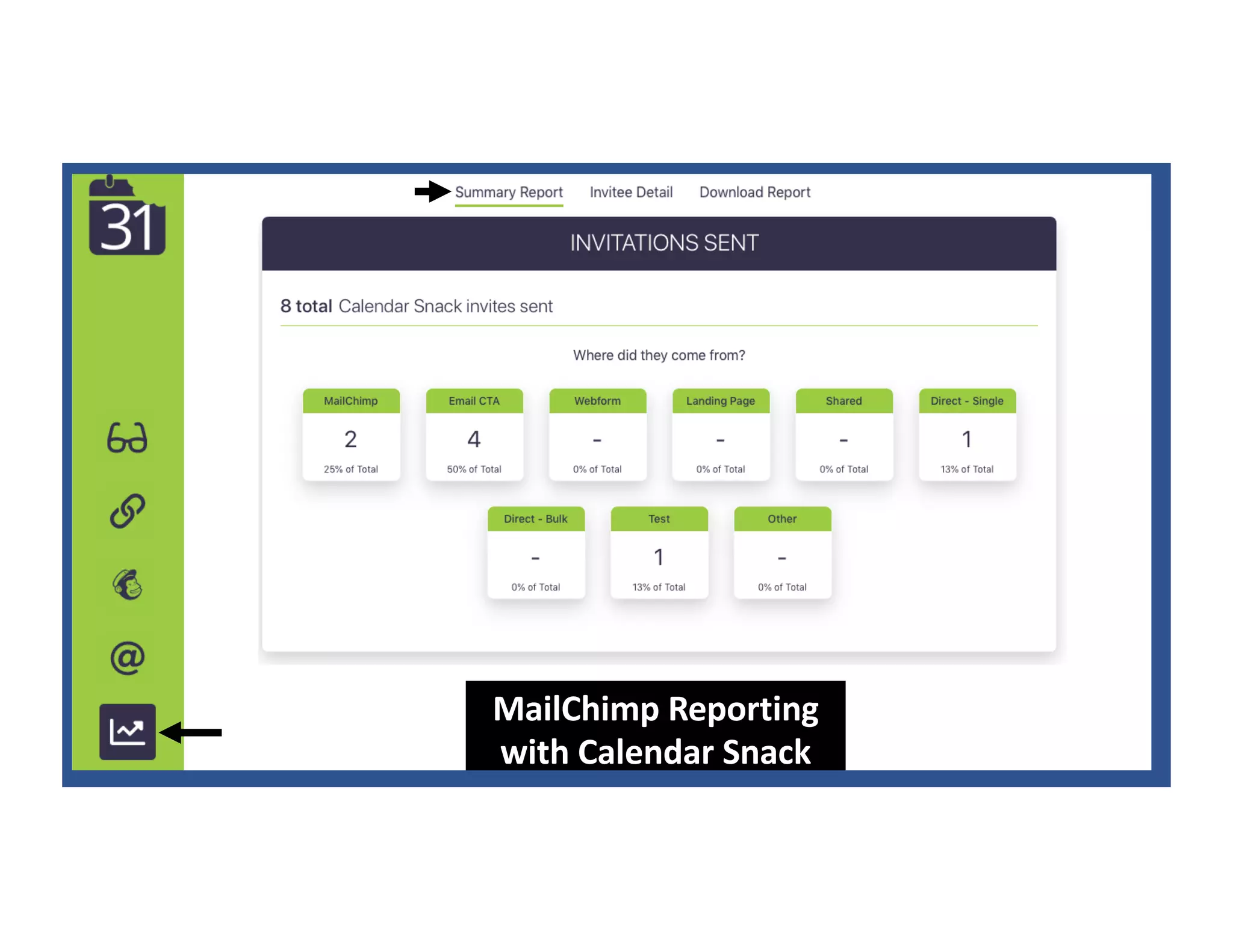


The document provides instructions for inserting CalendarSnack code into MailChimp campaigns to allow recipients to RSVP to calendar events directly from email campaigns. It explains that sending a calendar invite to create@calendarsnack.com will generate a unique code that can be placed in MailChimp CTAs. When recipients click the CTA, they will be redirected to a splash page where they can add the event to their calendar without leaving their email inbox. MailChimp reporting will also track RSVPs through CalendarSnack.


