Hosting Magento
 Performance and Stability
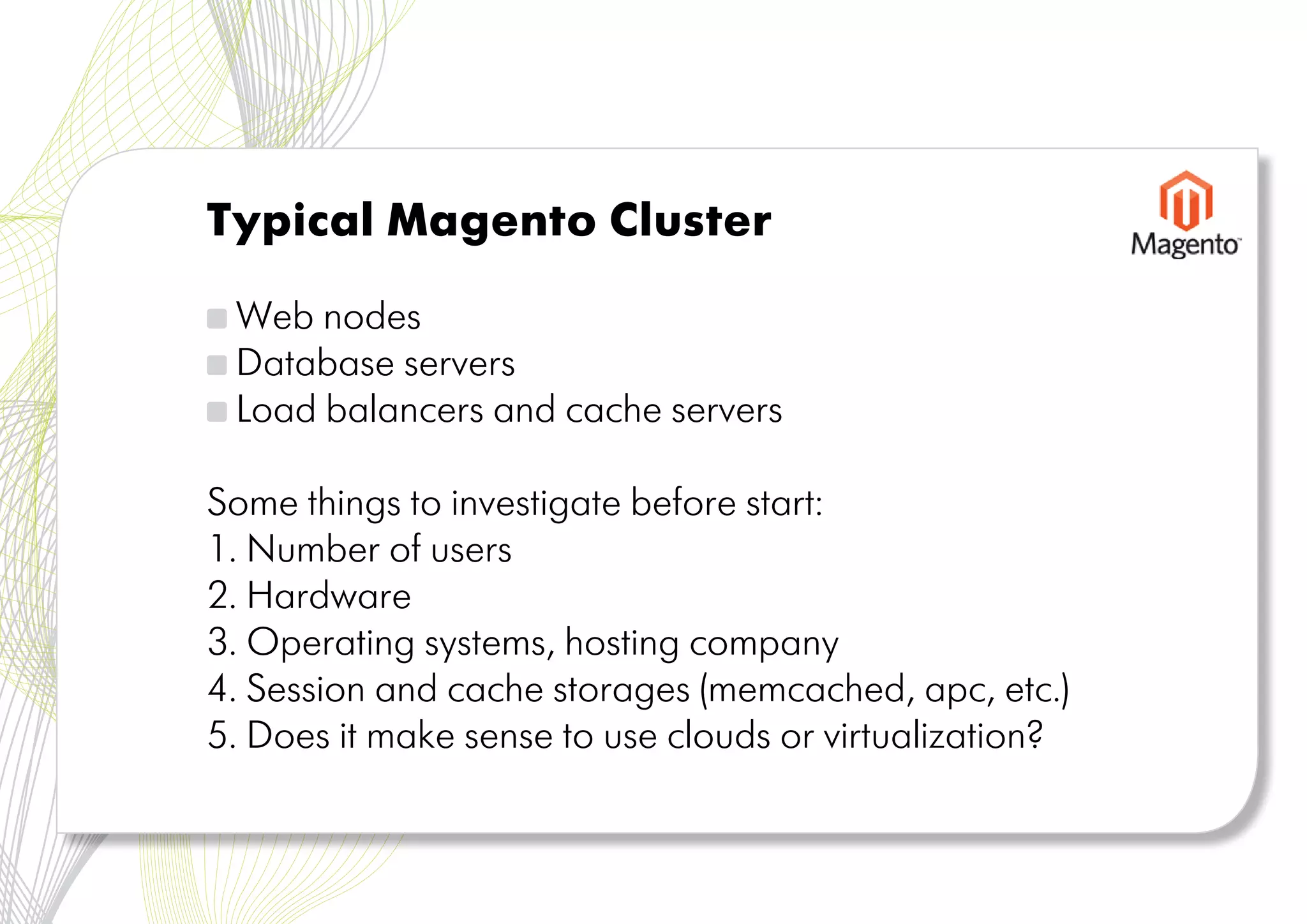
Typical Magento Cluster

 Web nodes
 Database servers
 Load balancers and cache servers

Some things to investigate before start:
1. Number of users
2. Hardware
3. Operating systems, hosting company
4. Session and cache storages (memcached, apc, etc.)
5. Does it make sense to use clouds or virtualization?
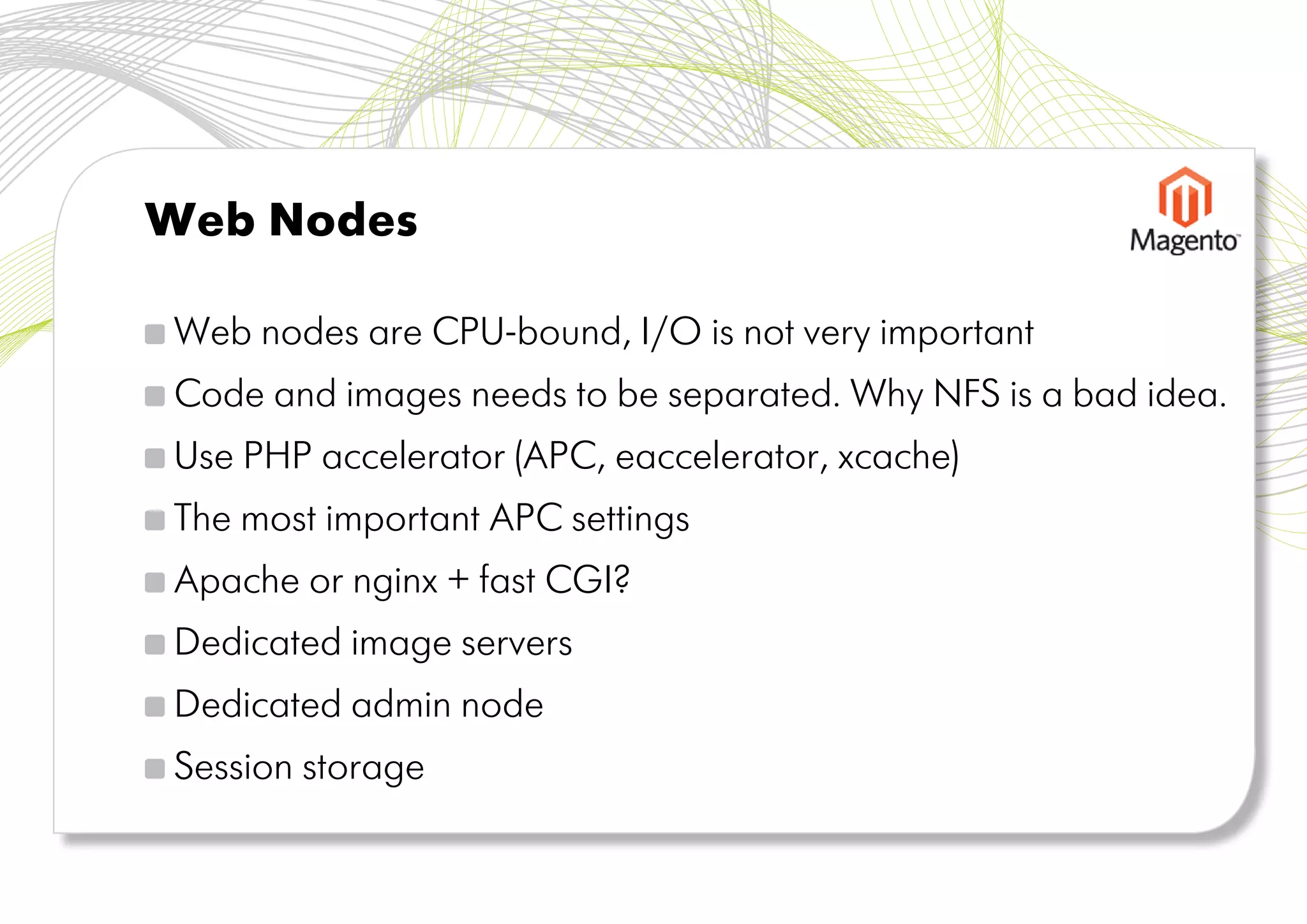
Web Nodes

Web nodes are CPU-bound, I/O is not very important
Code and images needs to be separated. Why NFS is a bad idea.
Use PHP accelerator (APC, eaccelerator, xcache)
The most important APC settings
Apache or nginx + fast CGI?
Dedicated image servers
Dedicated admin node
Session storage
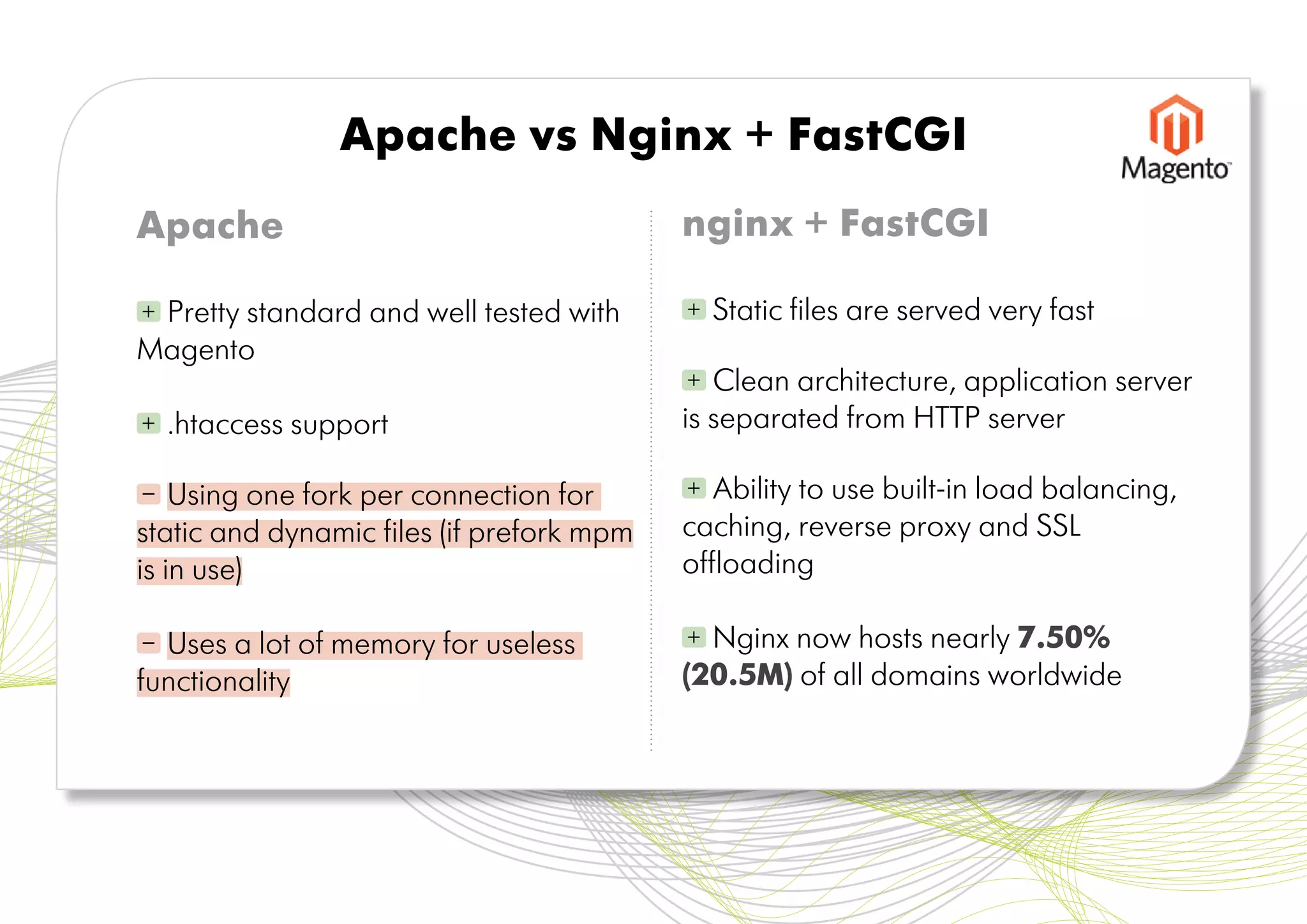
Apache vs Nginx + FastCGI
Apache                                     nginx + FastCGI

+Pretty standard and well tested with      +   Static files are served very fast
Magento
                                           +  Clean architecture, application server
+   .htaccess support                      is separated from HTTP server

–   Using one fork per connection for      +  Ability to use built-in load balancing,
static and dynamic files (if prefork mpm   caching, reverse proxy and SSL
is in use)                                 offloading

– Uses a lot of memory for useless         + Nginx now hosts nearly 7.50%
functionality                              (20.5M) of all domains worldwide
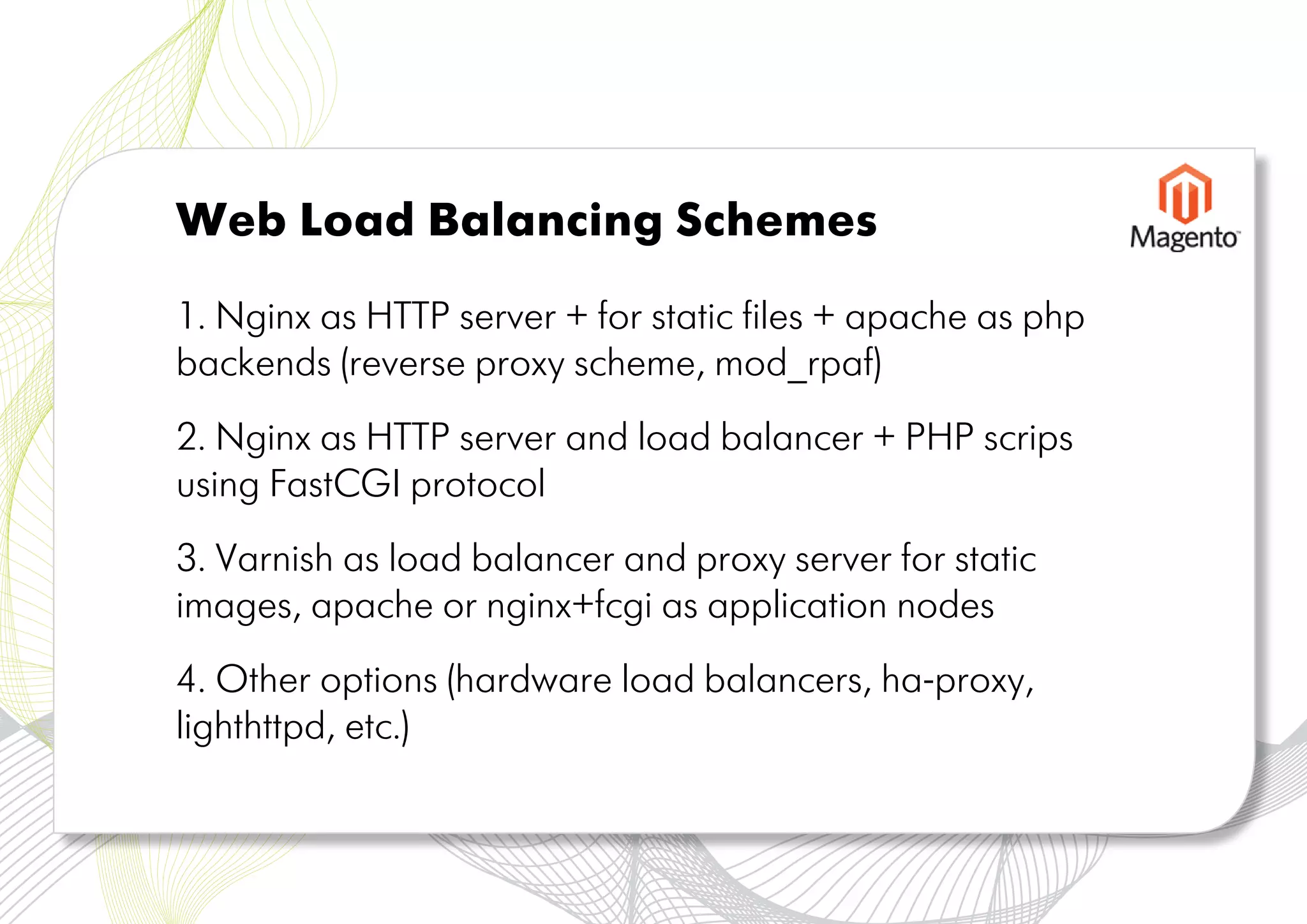
Web Load Balancing Schemes

1. Nginx as HTTP server + for static files + apache as php
backends (reverse proxy scheme, mod_rpaf)
2. Nginx as HTTP server and load balancer + PHP scrips
using FastCGI protocol
3. Varnish as load balancer and proxy server for static
images, apache or nginx+fcgi as application nodes
4. Other options (hardware load balancers, ha-proxy,
lighthttpd, etc.)
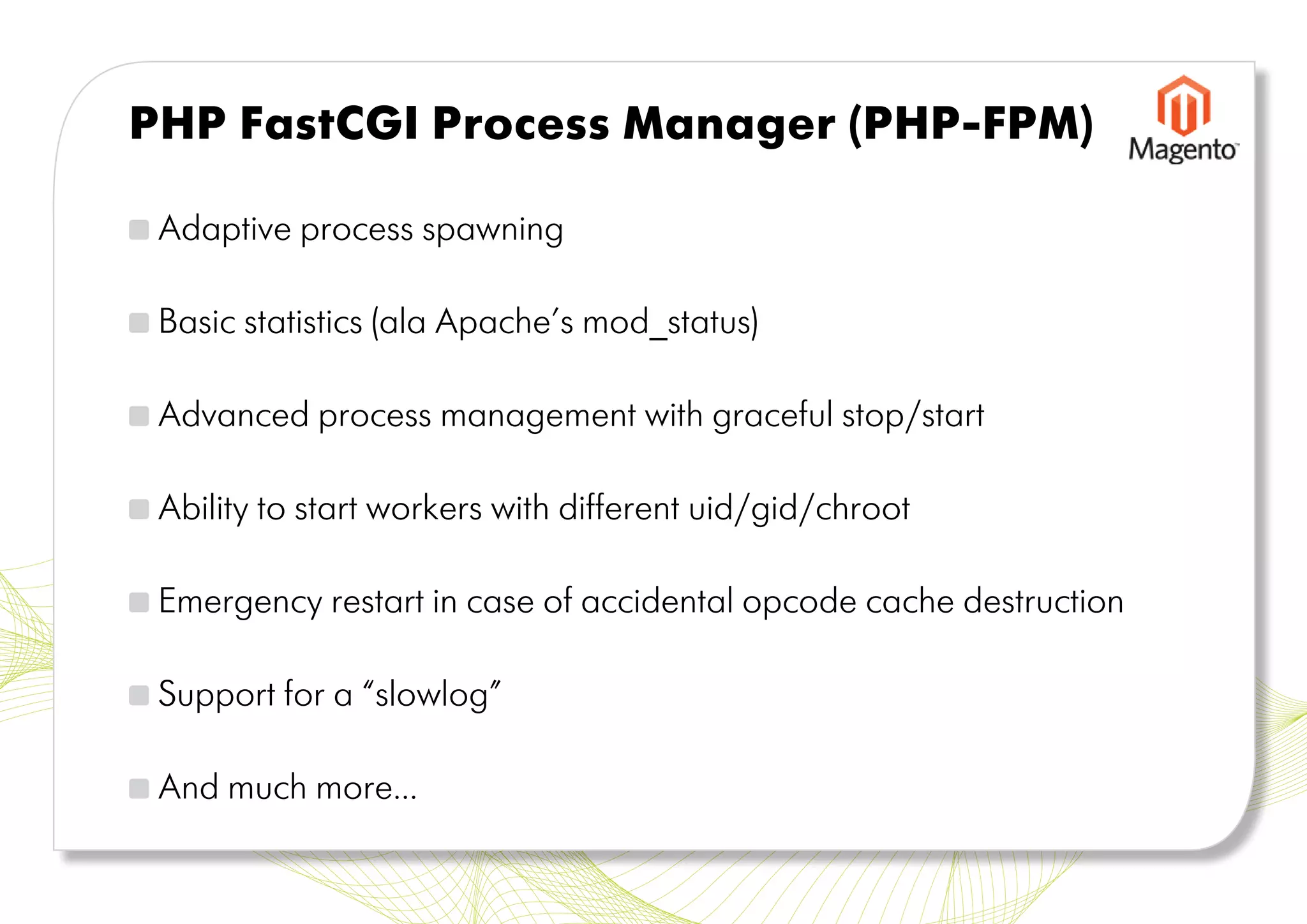
PHP FastCGI Process Manager (PHP-FPM)

 Adaptive process spawning

 Basic statistics (ala Apache’s mod_status)

 Advanced process management with graceful stop/start

 Ability to start workers with different uid/gid/chroot

 Emergency restart in case of accidental opcode cache destruction

 Support for a “slowlog”

 And much more...
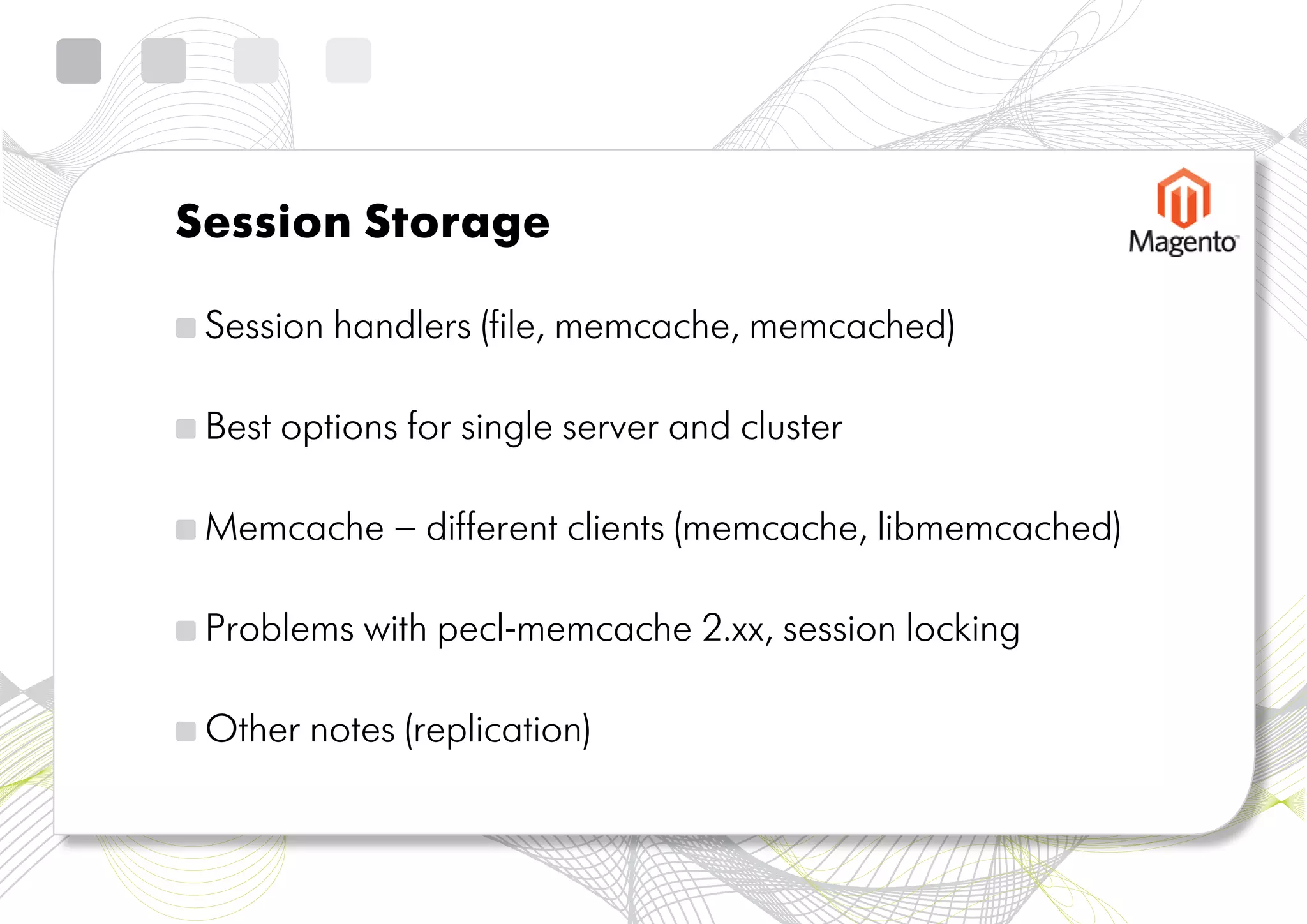
Session Storage

 Session handlers (file, memcache, memcached)

 Best options for single server and cluster

 Memcache – different clients (memcache, libmemcached)

 Problems with pecl-memcache 2.xx, session locking

 Other notes (replication)
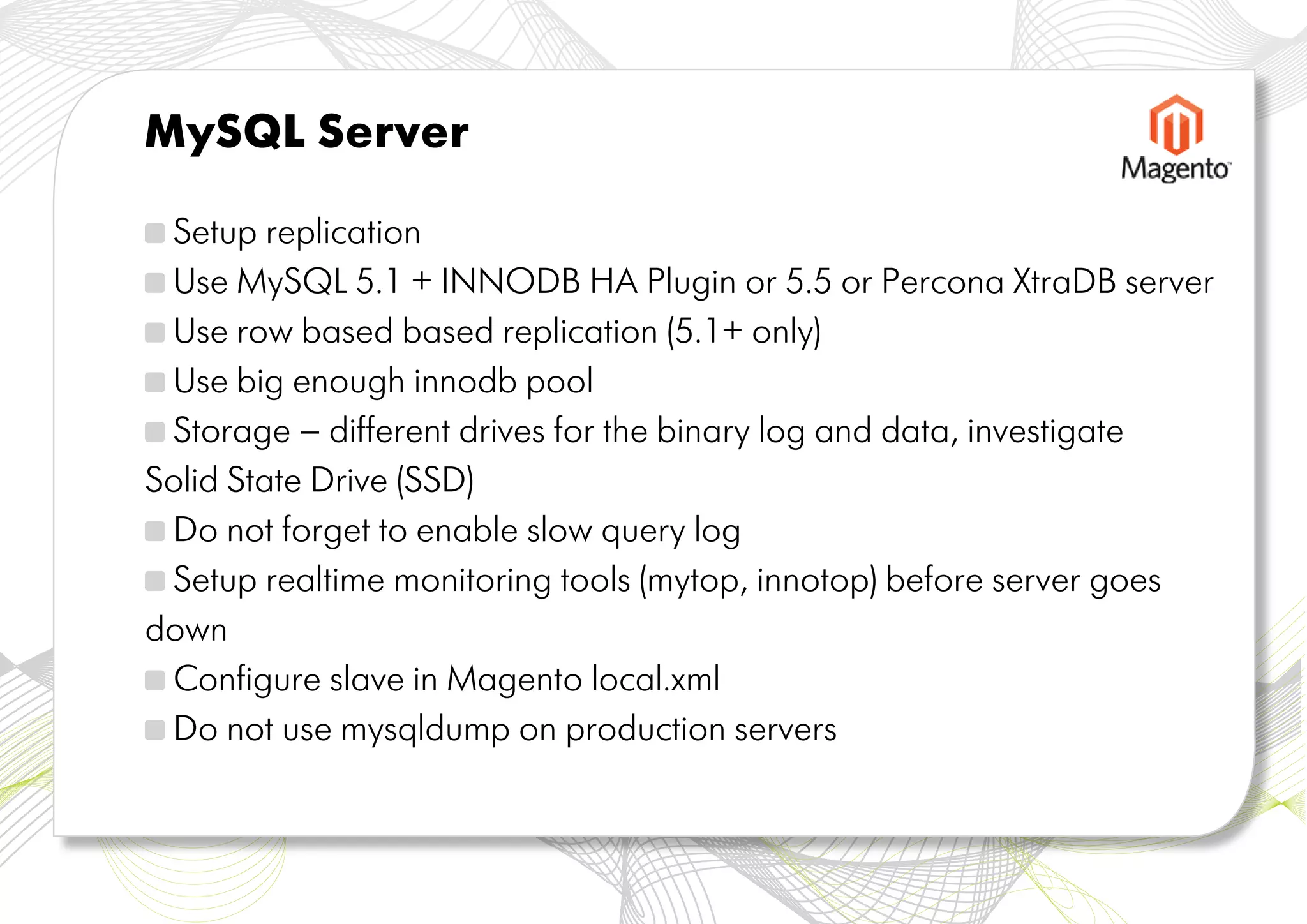
MySQL Server

 Setup replication
 Use MySQL 5.1 + INNODB HA Plugin or 5.5 or Percona XtraDB server
 Use row based based replication (5.1+ only)
 Use big enough innodb pool
 Storage – different drives for the binary log and data, investigate
Solid State Drive (SSD)
 Do not forget to enable slow query log
 Setup realtime monitoring tools (mytop, innotop) before server goes
down
 Configure slave in Magento local.xml
 Do not use mysqldump on production servers
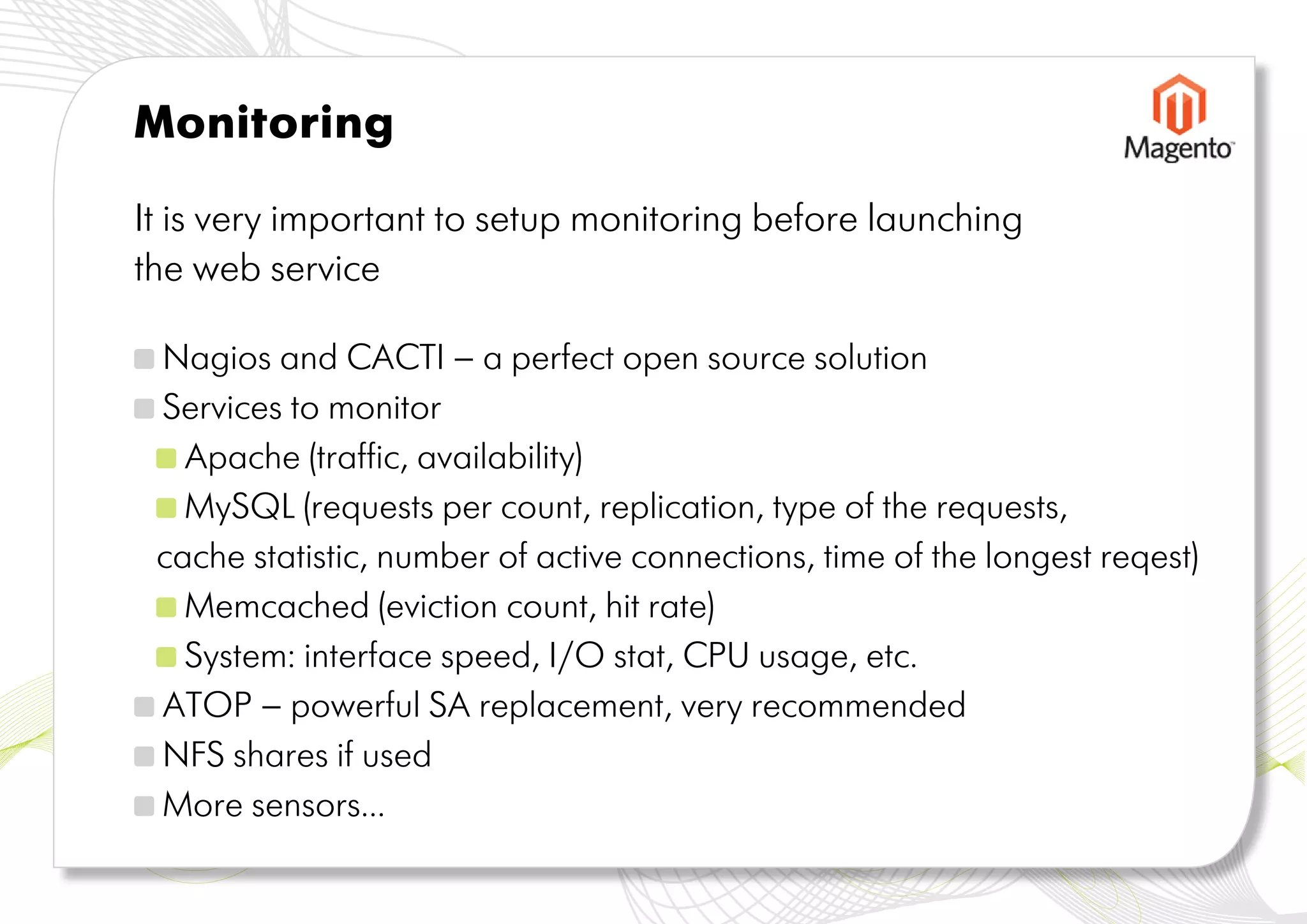
Monitoring

It is very important to setup monitoring before launching
the web service

 Nagios and CACTI – a perfect open source solution
 Services to monitor
   Apache (traffic, availability)
   MySQL (requests per count, replication, type of the requests,
 cache statistic, number of active connections, time of the longest reqest)
   Memcached (eviction count, hit rate)
   System: interface speed, I/O stat, CPU usage, etc.
 ATOP – powerful SA replacement, very recommended
 NFS shares if used
 More sensors...
Conclusion

 Most of the recommendations for Magento are typical for
any high-loaded AMP project

  Web is changing fast. It is recommended to investigate new
technologies and use modern tools

 It does make a sense to setup all monitoring tools before
any problems and do regular system audit

  Magento is always working to improve the speed and
provide new options for safe and reliable hosting
Thank you

Magento's Imagine eCommerce Conference 2011 - Hosting Magento: Performance and Stability

  • 1.
  • 2.
    Typical Magento Cluster Web nodes Database servers Load balancers and cache servers Some things to investigate before start: 1. Number of users 2. Hardware 3. Operating systems, hosting company 4. Session and cache storages (memcached, apc, etc.) 5. Does it make sense to use clouds or virtualization?
  • 3.
    Web Nodes Web nodesare CPU-bound, I/O is not very important Code and images needs to be separated. Why NFS is a bad idea. Use PHP accelerator (APC, eaccelerator, xcache) The most important APC settings Apache or nginx + fast CGI? Dedicated image servers Dedicated admin node Session storage
  • 4.
    Apache vs Nginx+ FastCGI Apache nginx + FastCGI +Pretty standard and well tested with + Static files are served very fast Magento + Clean architecture, application server + .htaccess support is separated from HTTP server – Using one fork per connection for + Ability to use built-in load balancing, static and dynamic files (if prefork mpm caching, reverse proxy and SSL is in use) offloading – Uses a lot of memory for useless + Nginx now hosts nearly 7.50% functionality (20.5M) of all domains worldwide
  • 5.
    Web Load BalancingSchemes 1. Nginx as HTTP server + for static files + apache as php backends (reverse proxy scheme, mod_rpaf) 2. Nginx as HTTP server and load balancer + PHP scrips using FastCGI protocol 3. Varnish as load balancer and proxy server for static images, apache or nginx+fcgi as application nodes 4. Other options (hardware load balancers, ha-proxy, lighthttpd, etc.)
  • 6.
    PHP FastCGI ProcessManager (PHP-FPM) Adaptive process spawning Basic statistics (ala Apache’s mod_status) Advanced process management with graceful stop/start Ability to start workers with different uid/gid/chroot Emergency restart in case of accidental opcode cache destruction Support for a “slowlog” And much more...
  • 7.
    Session Storage Sessionhandlers (file, memcache, memcached) Best options for single server and cluster Memcache – different clients (memcache, libmemcached) Problems with pecl-memcache 2.xx, session locking Other notes (replication)
  • 8.
    MySQL Server Setupreplication Use MySQL 5.1 + INNODB HA Plugin or 5.5 or Percona XtraDB server Use row based based replication (5.1+ only) Use big enough innodb pool Storage – different drives for the binary log and data, investigate Solid State Drive (SSD) Do not forget to enable slow query log Setup realtime monitoring tools (mytop, innotop) before server goes down Configure slave in Magento local.xml Do not use mysqldump on production servers
  • 9.
    Monitoring It is veryimportant to setup monitoring before launching the web service Nagios and CACTI – a perfect open source solution Services to monitor Apache (traffic, availability) MySQL (requests per count, replication, type of the requests, cache statistic, number of active connections, time of the longest reqest) Memcached (eviction count, hit rate) System: interface speed, I/O stat, CPU usage, etc. ATOP – powerful SA replacement, very recommended NFS shares if used More sensors...
  • 10.
    Conclusion Most ofthe recommendations for Magento are typical for any high-loaded AMP project Web is changing fast. It is recommended to investigate new technologies and use modern tools It does make a sense to setup all monitoring tools before any problems and do regular system audit Magento is always working to improve the speed and provide new options for safe and reliable hosting
  • 11.