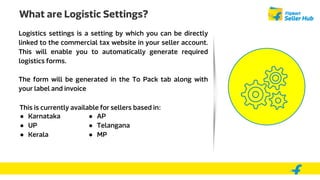
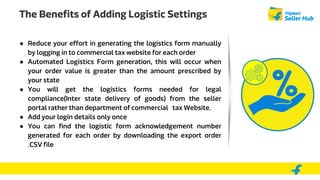
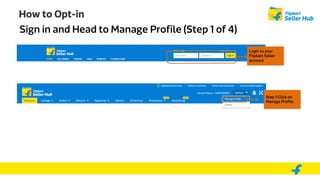
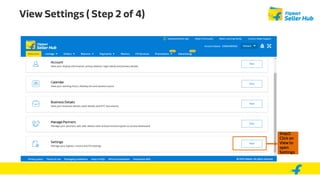
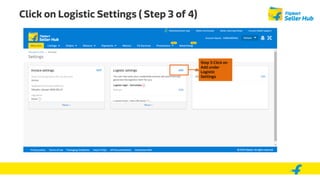
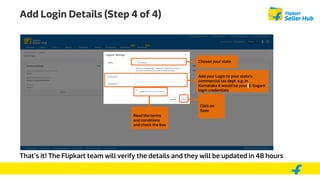
Logistic settings allow sellers to automatically generate logistics forms by linking their seller account to their state's commercial tax website. This reduces manual effort and ensures legal compliance for inter-state deliveries. To opt-in, sellers sign in to their Flipkart account, go to settings, click on logistic settings, add their state commercial tax login details, and save. Automatic generation may fail if the seller's commercial tax password is changed without updating Flipkart or if the state website is down, requiring manual form submission.