Libsyn
Basics
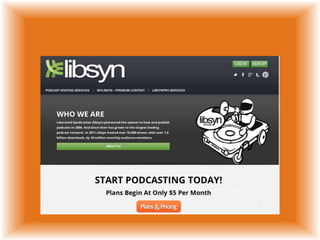
Go to
http://www.libsyn.com/
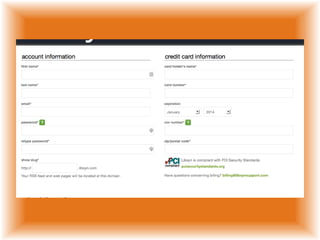
SIGN UP
FIRST STEP
Validate your feed. Your feed is
similar to a webpage, organized
code that programs such as
iTunes or Google Reader uses to
make the RSS feed into
something usable and you need
to be sure that code is correct.
You can get your feed URL by
logging into your Libsyn
Dashboard
and clicking on the feed icon
In the upper left hand corner.
Once you have your feed URL,
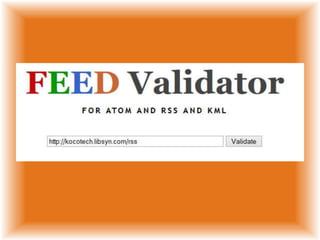
go to Feed Validator and enter
your feed URL -
Hitting the validate button
will show you if you have any
errors.
Now that your feed is valid,
it needs to be
tested in iTunes.
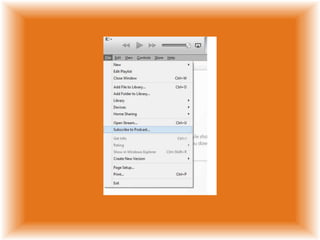
This is done by opening the

iTunes application
(this will work on a Mac or a PC)
and
click on File –> Subscribe to
Podcast then enter your feed
URL and hit OK.
iTunes should subscribe
to the feed and
start downloading episodes
automatically.
Your feed is valid,
it has at least one
(we recommend three) episode
posted,
and your test in iTunes is
working.
Now its time to submit to the
iTunes store.
1.
Launch iTunes
2.
Click onto
iTunes Store.
3.
Once the store loads,
click on Podcasts along the top
navigation bar.
4.
On the top right hand side
column,
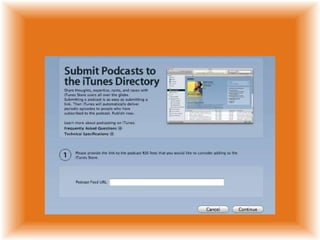
click on Submit a Podcast.
Steps from the
Submit a Podcast page
Enter your feed.
Click Continue
Depending on how much
information you had previously
filled out in whatever you have
used to set up your feed ie.
libsyn, feedburner, etc. some of
this information may have
already been filled out for you
If not, this is what you will now
need to add:
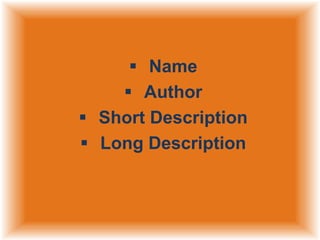
 Name
 Author
 Short Description
 Long Description
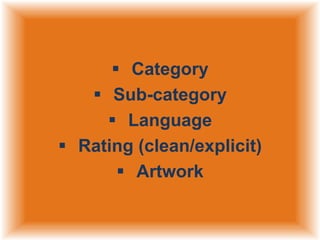
 Category
 Sub-category
 Language
 Rating (clean/explicit)
 Artwork
3.

Click Submit
4.
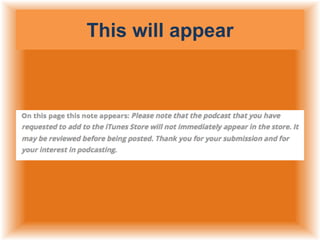
You should get a Thank You for
submitting this podcast to the
iTunes Store page.
This will appear
You will receive an email from
Apple letting you know that you
have been approved somewhere
between 24 to 48 hours.
On average once approved it will
take about 3-5 days
give or take for people to be
able to search and find your
podcast.
Reference Link:
http://support.libsyn.com/faqs/su
bmitting-your-show-to-itunes/
http://www.youtube.com/watch?
v=ApkOzjrffMU
created by:

Libsyn basics