Library BitesizeLocating Legal Journal ArticlesCatherine FunnellSenior Liaison LibrarianSheppard libraryc.funnell@mdx.ac.uk
LOCATING JOURNAL ARTICLESThere are different methods to use to locate journal articlesIf you have the Citation details(know the title of the journal, dates etc) the most straightforward way is to use the library catalogue-see the next few slides2
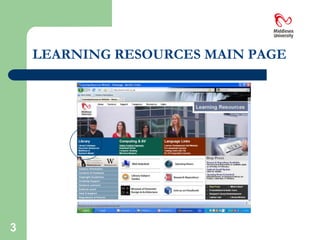
LEARNING RESOURCES MAIN PAGE3
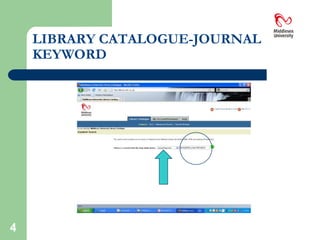
LIBRARY CATALOGUE-JOURNAL KEYWORD4
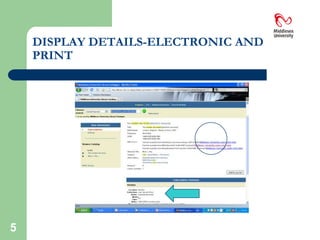
DISPLAY DETAILS-ELECTRONIC AND PRINT5
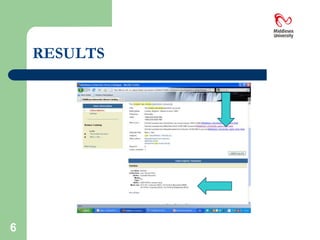
RESULTS6
AVAILABILITY OF PRINT COPYThe information here tells us that the Library holds ‘PRINT’ copies back to 1937(RESERVE-so Ask at the Transactions Counter for them)
The PRINT copies , 1979-present , are available in the Law Library on the 2nd floor of the Sheppard Library7
PRINT JOURNALSThe Journals in the law library may be used anywhere in the Sheppard Library but unlike the textbooks they may not be borrowed
There are photocopiers throughout the building and students may make one copy for their own use8
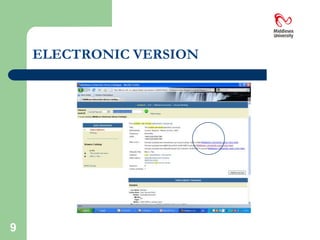
ELECTRONIC VERSION9
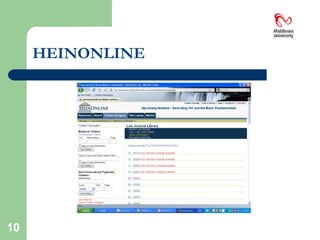
HEINONLINE10
HEINONLINEHeinonline is essentially used to locate legal journal articles. It does NOT provide information on Cases(Modern) or Legislation(also known as Acts or Statutes)It does provide access to a series called “The English Reports”  which gives access to Cases pre 1865 only11
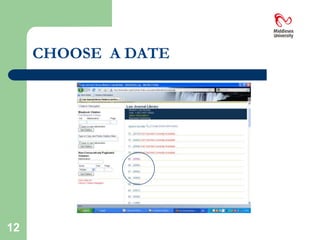
CHOOSE  A DATE12
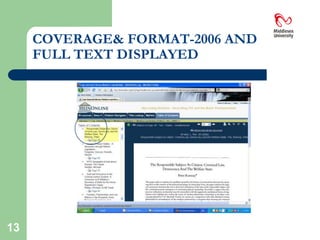
COVERAGE& FORMAT-2006 AND FULL TEXT DISPLAYED13
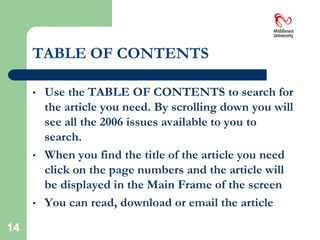
TABLE OF CONTENTSUse the TABLE OF CONTENTS to search for the article you need. By scrolling down you will see all the 2006 issues available to you to search.
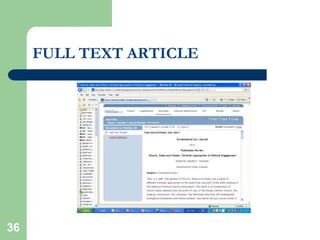
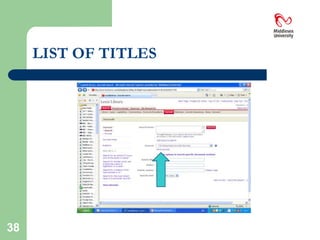
When you find the title of the article you need click on the page numbers and the article will be displayed in the Main Frame of the screen
You can read, download or email the article14
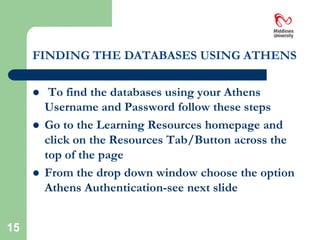
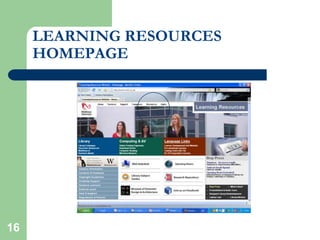
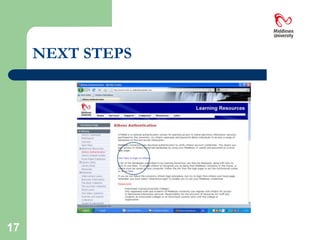
FINDING THE DATABASES USING ATHENSTo find the databases using your Athens Username and Password follow these stepsGo to the Learning Resources homepage and click on the Resources Tab/Button across the top of the pageFrom the drop down window choose the option Athens Authentication-see next slide15
LEARNING RESOURCES HOMEPAGE16
NEXT STEPS17
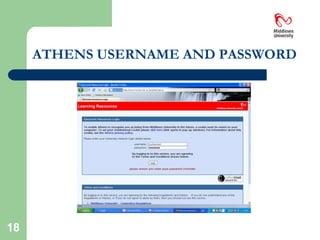
ATHENS USERNAME AND PASSWORD18
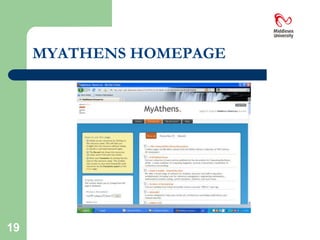
MYATHENS HOMEPAGE19
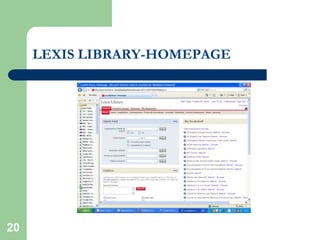
LEXIS LIBRARY-HOMEPAGE20
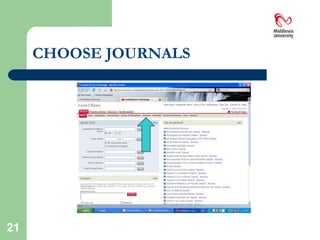
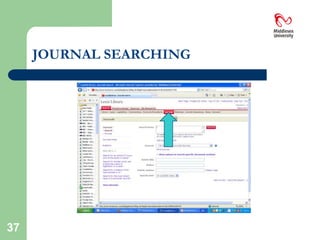
CHOOSE JOURNALS21
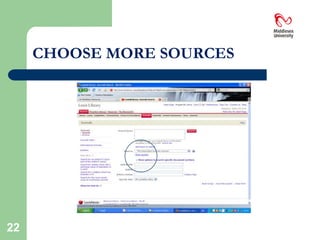
CHOOSE MORE SOURCES22
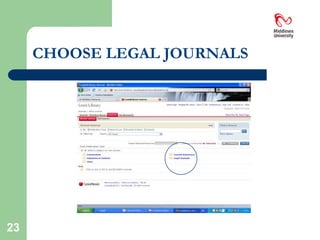
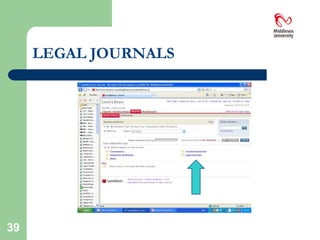
CHOOSE LEGAL JOURNALS23
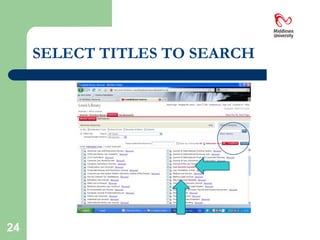
SELECT TITLES TO SEARCH24
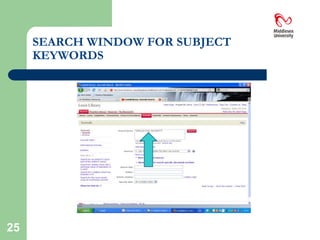
SEARCH WINDOW FOR SUBJECT KEYWORDS25
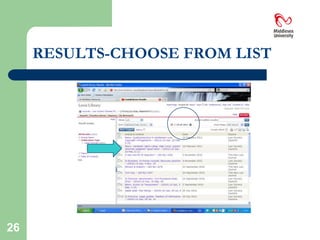
RESULTS-CHOOSE FROM LIST26
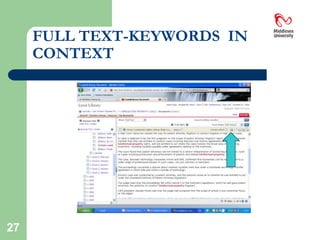
FULL TEXT-KEYWORDS  IN CONTEXT27
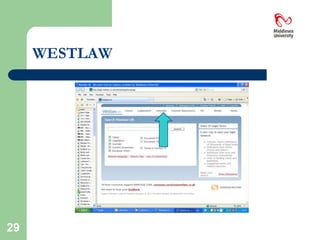
WESTLAWYou can reach Westlaw via the MYATHENS Homepage so simply follow the same steps we did earlier to get to Lexis Library this time choosing Westlaw from the MYATHENS list of databases28
WESTLAW29
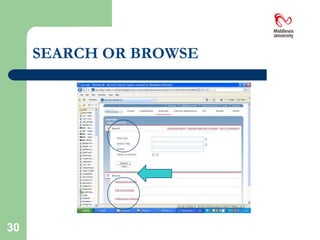
SEARCH OR BROWSE30
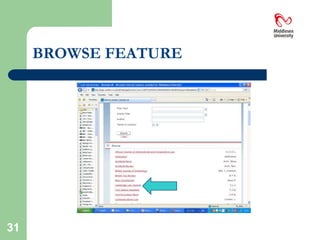
BROWSE FEATURE31
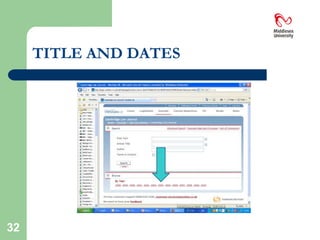
TITLE AND DATES32
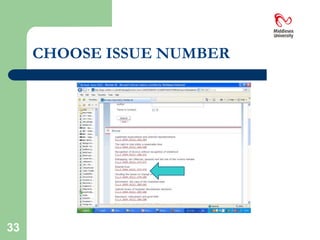
CHOOSE ISSUE NUMBER33
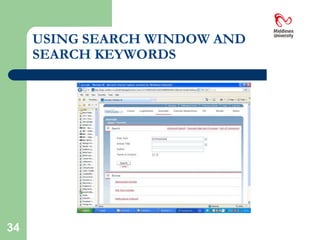
USING SEARCH WINDOW AND SEARCH KEYWORDS34
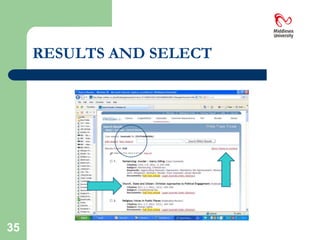
RESULTS AND SELECT35

Librarybitesizejournalarticles2011