Ontolica
Library Preview
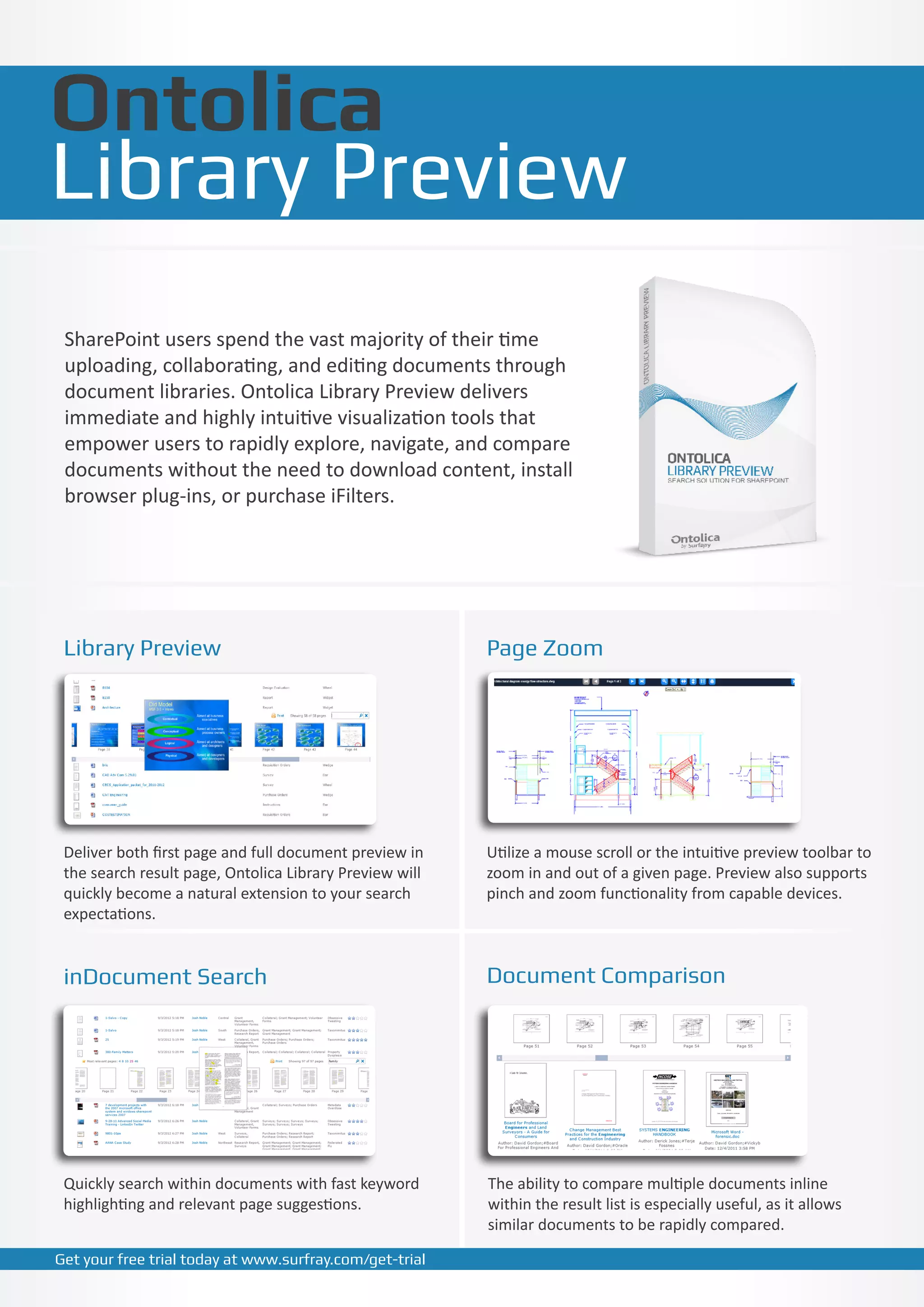
 SharePoint users spend the vast majority of their time
 uploading, collaborating, and editing documents through
 document libraries. Ontolica Library Preview delivers
 immediate and highly intuitive visualization tools that
 empower users to rapidly explore, navigate, and compare
 documents without the need to download content, install
 browser plug-ins, or purchase iFilters.


 Library Preview                                         Page Zoom


 Deliver both first page and full document preview in    Utilize a mouse scroll or the intuitive preview toolbar to
 the search result page, Ontolica Library Preview will   zoom in and out of a given page. Preview also supports
 quickly become a natural extension to your search       pinch and zoom functionality from capable devices.
 expectations.


 inDocument Search                                       Document Comparison


 Quickly search within documents with fast keyword       The ability to compare multiple documents inline
 highlighting and relevant page suggestions.             within the result list is especially useful, as it allows
                                                         similar documents to be rapidly compared.

Get your free trial today at www.surfray.com/get-trial
Key Features
Ontolica Library Preview for SharePoint

Feature List: Library Preview
Full Document Graphical Preview
First page and full document preview in document libraries
Over 500 supported formats including Office 2007/2010, vector (AutoCAD), Emails, and more
Visually identify important documents and read without downloading
Preview Maniupulation

Variable zoom & snap-to-screen width or length
Print selected page ranges from previews
Document Comparison
Search query highlights for immediate recognition
inDocument search with hit highlighting
Relevant page suggestions for high density keywords
Compare multiple documents inline
Allows similar documents to be rapidly compared to identify the versions of the document you need
No Boundaries
Support for a range of authentication models
Preview content located outside SharePoint
No need for iFilters, extra server, or client-side installations
Mobile device support

Low Infrastructure requirements
Combination of ultra-compact indexing and real-time technologies
No need for additional hardware or massive indexes to store previews


                              SurfRay EMEA Headquarters                          SurfRay US Headquarters
                              Smedeholm 10 Headquarters
                               SurfRay EMEA                                      5201 Great America Parkway | Suite 320
                                                                                  SurfRay US Headquarters
                              2730 Herlev | 10
                               Smedeholm Denmark                                 Santa Clara |America Parkway | Suite 320
                                                                                  5201 Great CA 95054 | United States
                              Phone:Herlev 70 250 250 | Fax: (+45) 70 260 480
                               2730 (+45) | Denmark                              Phone: Clara | CA 95054 | United (+1) 866-906-9747
                                                                                  Santa (+1) 800-625-1175 | Fax: States
                               Phone: (+45) 70 250 250 | Fax: (+45) 70 260 480    Phone: (+1) 800-625-1175 | Fax: (+1) 866-906-9747
   www.SurfRay.com

Ontolica Library Preview Brochure

  • 1.
    Ontolica Library Preview SharePointusers spend the vast majority of their time uploading, collaborating, and editing documents through document libraries. Ontolica Library Preview delivers immediate and highly intuitive visualization tools that empower users to rapidly explore, navigate, and compare documents without the need to download content, install browser plug-ins, or purchase iFilters. Library Preview Page Zoom Deliver both first page and full document preview in Utilize a mouse scroll or the intuitive preview toolbar to the search result page, Ontolica Library Preview will zoom in and out of a given page. Preview also supports quickly become a natural extension to your search pinch and zoom functionality from capable devices. expectations. inDocument Search Document Comparison Quickly search within documents with fast keyword The ability to compare multiple documents inline highlighting and relevant page suggestions. within the result list is especially useful, as it allows similar documents to be rapidly compared. Get your free trial today at www.surfray.com/get-trial
  • 2.
    Key Features Ontolica LibraryPreview for SharePoint Feature List: Library Preview Full Document Graphical Preview First page and full document preview in document libraries Over 500 supported formats including Office 2007/2010, vector (AutoCAD), Emails, and more Visually identify important documents and read without downloading Preview Maniupulation Variable zoom & snap-to-screen width or length Print selected page ranges from previews Document Comparison Search query highlights for immediate recognition inDocument search with hit highlighting Relevant page suggestions for high density keywords Compare multiple documents inline Allows similar documents to be rapidly compared to identify the versions of the document you need No Boundaries Support for a range of authentication models Preview content located outside SharePoint No need for iFilters, extra server, or client-side installations Mobile device support Low Infrastructure requirements Combination of ultra-compact indexing and real-time technologies No need for additional hardware or massive indexes to store previews SurfRay EMEA Headquarters SurfRay US Headquarters Smedeholm 10 Headquarters SurfRay EMEA 5201 Great America Parkway | Suite 320 SurfRay US Headquarters 2730 Herlev | 10 Smedeholm Denmark Santa Clara |America Parkway | Suite 320 5201 Great CA 95054 | United States Phone:Herlev 70 250 250 | Fax: (+45) 70 260 480 2730 (+45) | Denmark Phone: Clara | CA 95054 | United (+1) 866-906-9747 Santa (+1) 800-625-1175 | Fax: States Phone: (+45) 70 250 250 | Fax: (+45) 70 260 480 Phone: (+1) 800-625-1175 | Fax: (+1) 866-906-9747 www.SurfRay.com