Business Critical SharePoint
Presented by:
Steen Jakobsen – Fusion Principal Architect
Jakob Bartholdy – EMEA Regional Manager
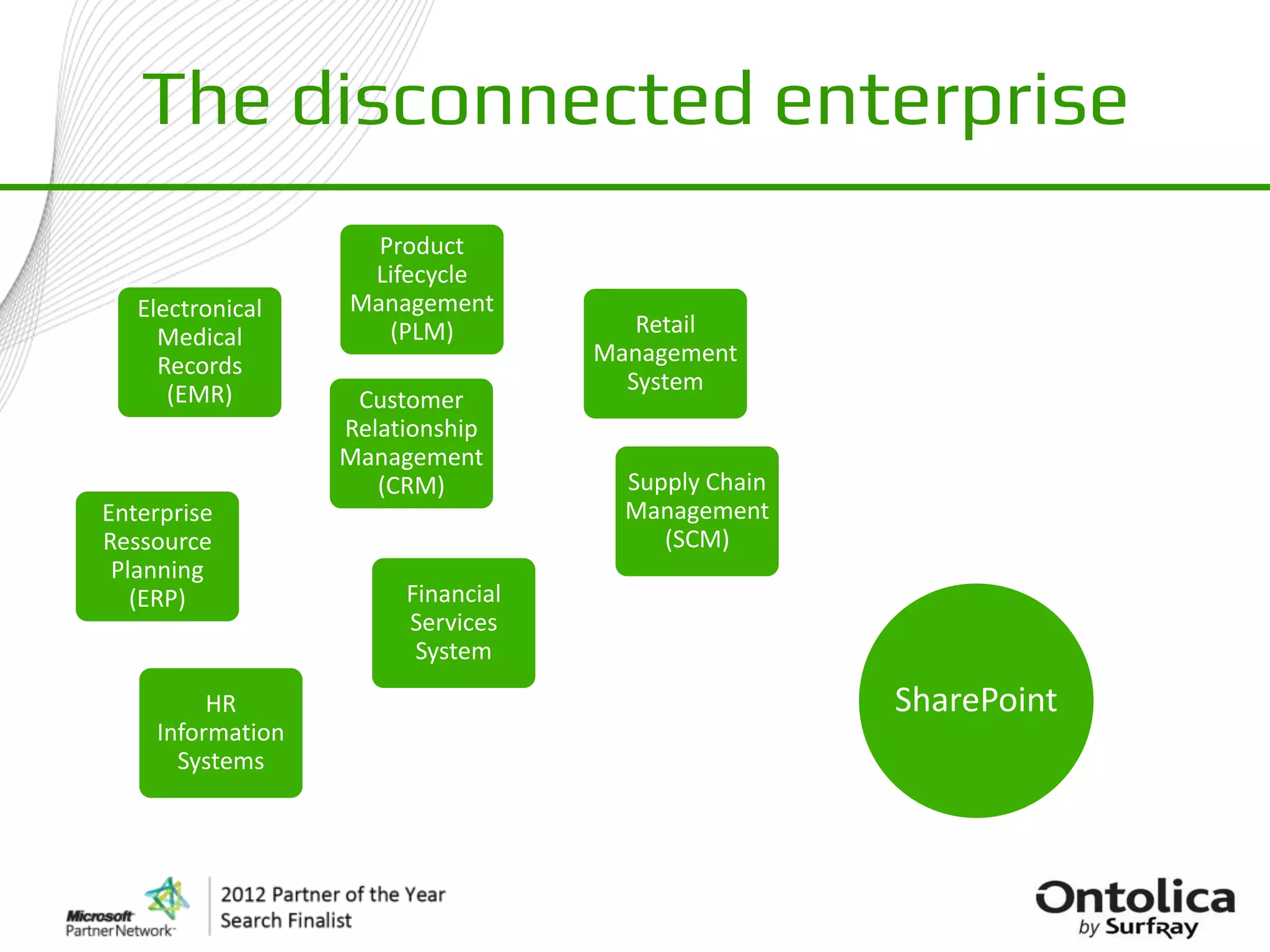
The disconnected enterprise
                    Product
                   Lifecycle
   Electronical   Management
     Medical         (PLM)            Retail
     Records                       Management
      (EMR)                          System
                   Customer
                  Relationship
                  Management
                     (CRM)           Supply Chain
Enterprise                           Management
Ressource                               (SCM)
 Planning
   (ERP)               Financial
                       Services
                        System
         HR                                         SharePoint
    Information
      Systems
Connecting the Enterprise around SharePoint

                             Electronical
                                                 HR
                               Medical
                                            Information
                               Records
                                              Systems
                  Product       (EMR)
                                                          Supply Chain
                 Lifecycle
                                                          Management
                Management
                                                             (SCM)
                   (PLM)

      Enterprise
                                                                         Financial
      Ressource
                                                                         Services
       Planning
                                                                          System
         (ERP)


  Customer
                                                                             Retail
 Relationship
 Management                         SharePoint                            Management
                                                                            System
    (CRM)
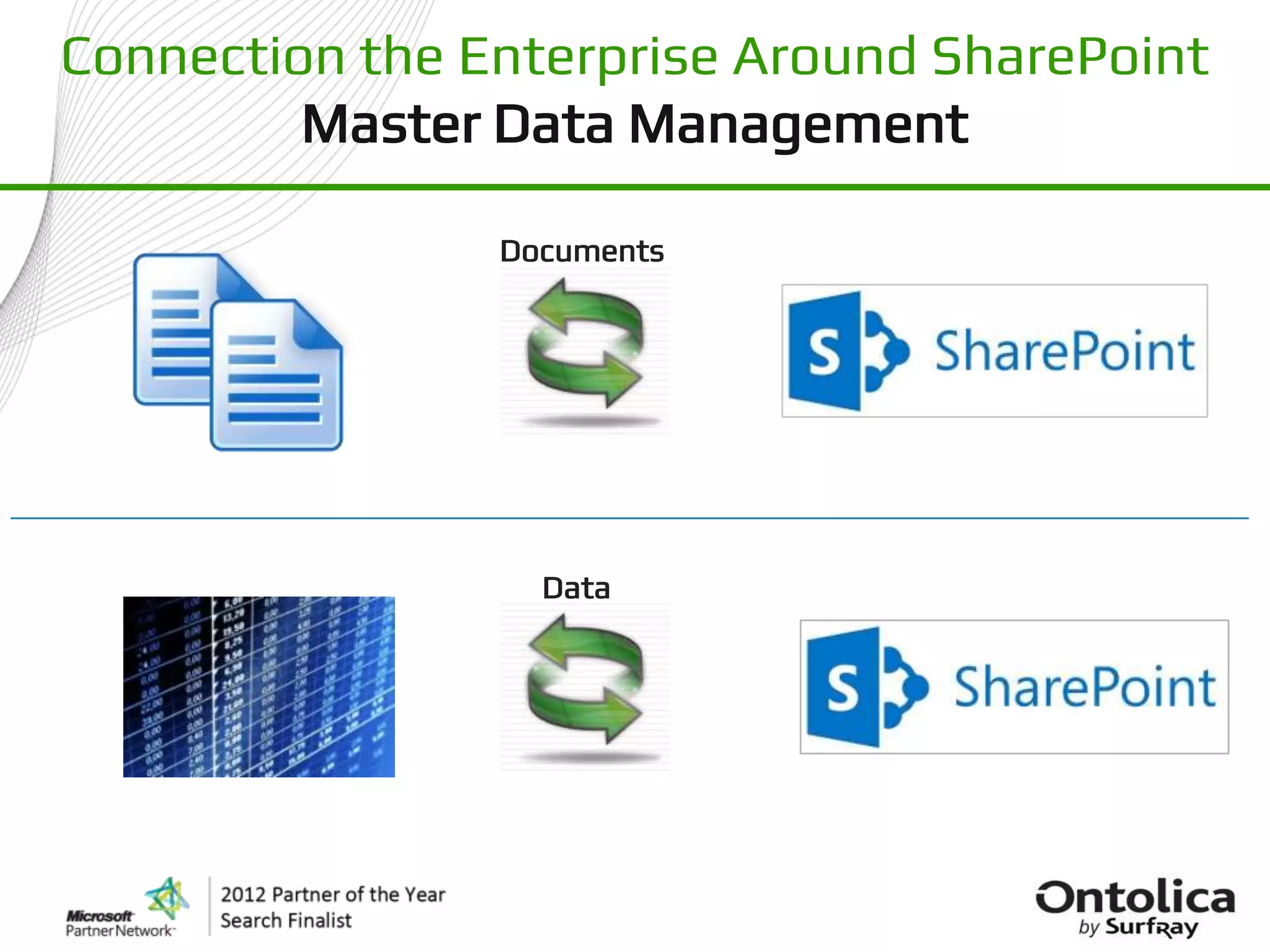
Connection the Enterprise Around SharePoint
         Master Data Management

                Documents


                  Data
Connection the Enterprise around SharePoint
        Master Data Management
 Master Data Store (Fusion C/XRM)                    Fusion Programparts
    Customers, Orders, Products, Custom, ..   SharePoint , ETL, Aggregate, Query, Excel, ..


                                                                  Part


                                                           Part

                                                                         Part


                                                 •   No Coding
                                                 •   No Volume Limit
                                                 •   No SharePoint Farm Install
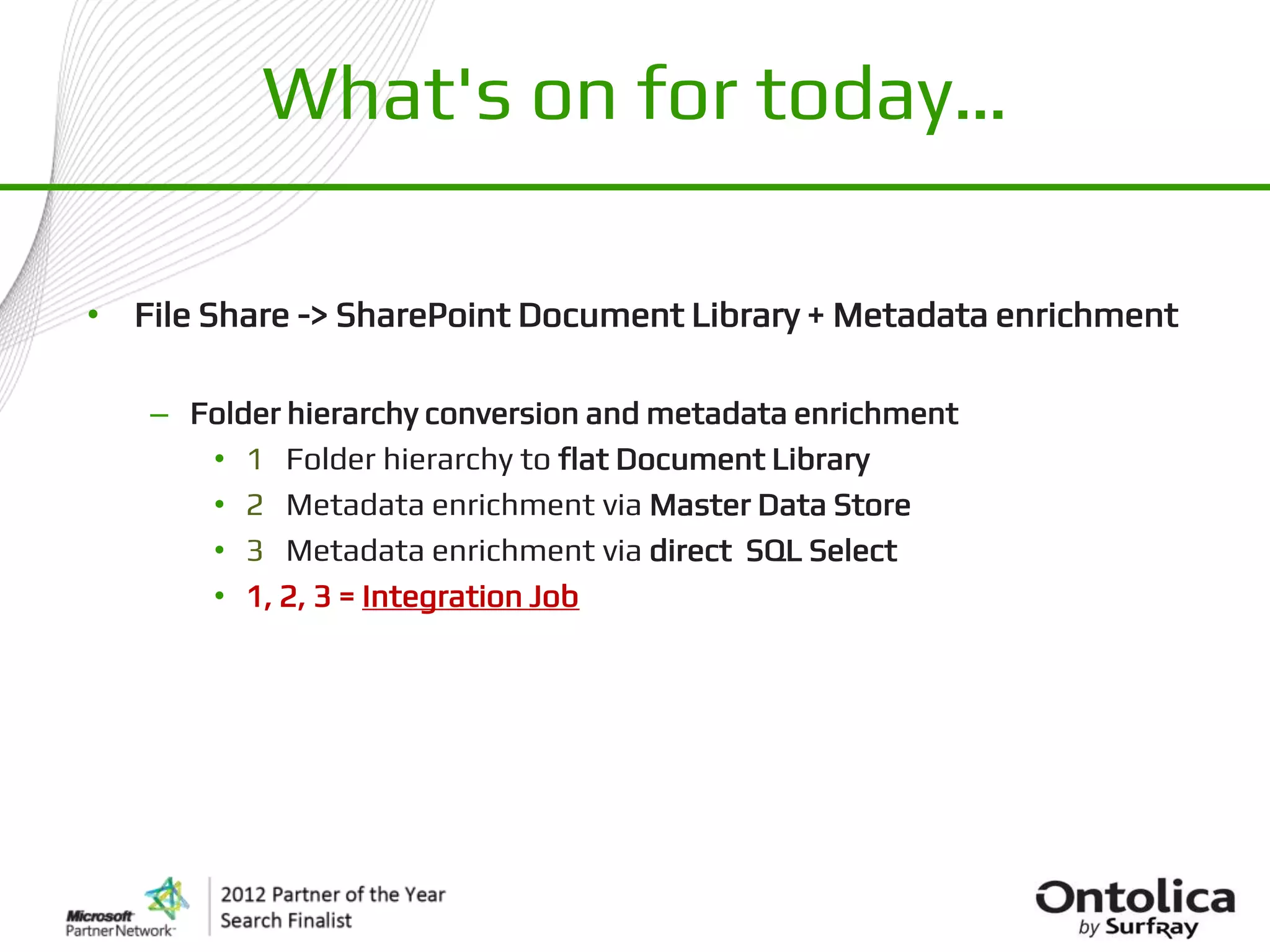
What's on for today…

• File Share -> SharePoint Document Library + Metadata enrichment

   – Folder hierarchy conversion and metadata enrichment
      • 1 Folder hierarchy to flat Document Library
      • 2 Metadata enrichment via Master Data Store
      • 3 Metadata enrichment via direct SQL Select
      • 1, 2, 3 = Integration Job
What's on for today…

• File Share -> SharePoint Document Library + Metadata enrichment

   – Folder hierarchy conversion and metadata enrichment
      • 1 Folder hierarchy to flat Document Library
      • 2 Metadata enrichment via Master Data Store
      • 3 Metadata enrichment via direct SQL Select
      • 1, 2, 3 = Integration Job
File Share -> Document Library
      Folder hierarchy conversion
File Share -> Document Library
                   Folder hierarchy conversion
  1.   Preserve document file timestamps [Created] & [Modified]
  2.   In-stream transformations:
        –    Convert “Folder names” to Metadata
        –    Replace-Lookups, Rules, Expressions: Left([filename],3) + Mid([folder2],6)
        –    Handles filename conflicts and illegal characters
  3.   Source filters: (Synchronization and Incremental processing)
        –    DateTime Intervals, Relative to Today, Incremental using session timestamps.
        –    Size > 5 MB), Type (*.pdf) , Property: [Subject] contains “My Subject”, ..
        –    Name: Regular Expression

  4.   Target filters: (Synchronization and Incremental processing)


  5.   One-by-One processing: (File actions)
        –    PDF conversion, Watermarking, Custom API Processing
        –    Retrieve Metadata from external Data Source based on file name and properties
        –    Copy + Delete = Move
SharePoint to SharePoint
Copy, Move, Transform, Enrich & Remap Content
What's on for today…

• File Share -> SharePoint Document Library + Metadata enrichment

   – Folder hierarchy conversion and metadata enrichment
      • 1 Folder hierarchy to flat Document Library
      • 2 Metadata enrichment via Master Data Store
      • 3 Metadata enrichment via direct SQL Select
      • 1, 2, 3 = Integration Job
File Share -> Document Library
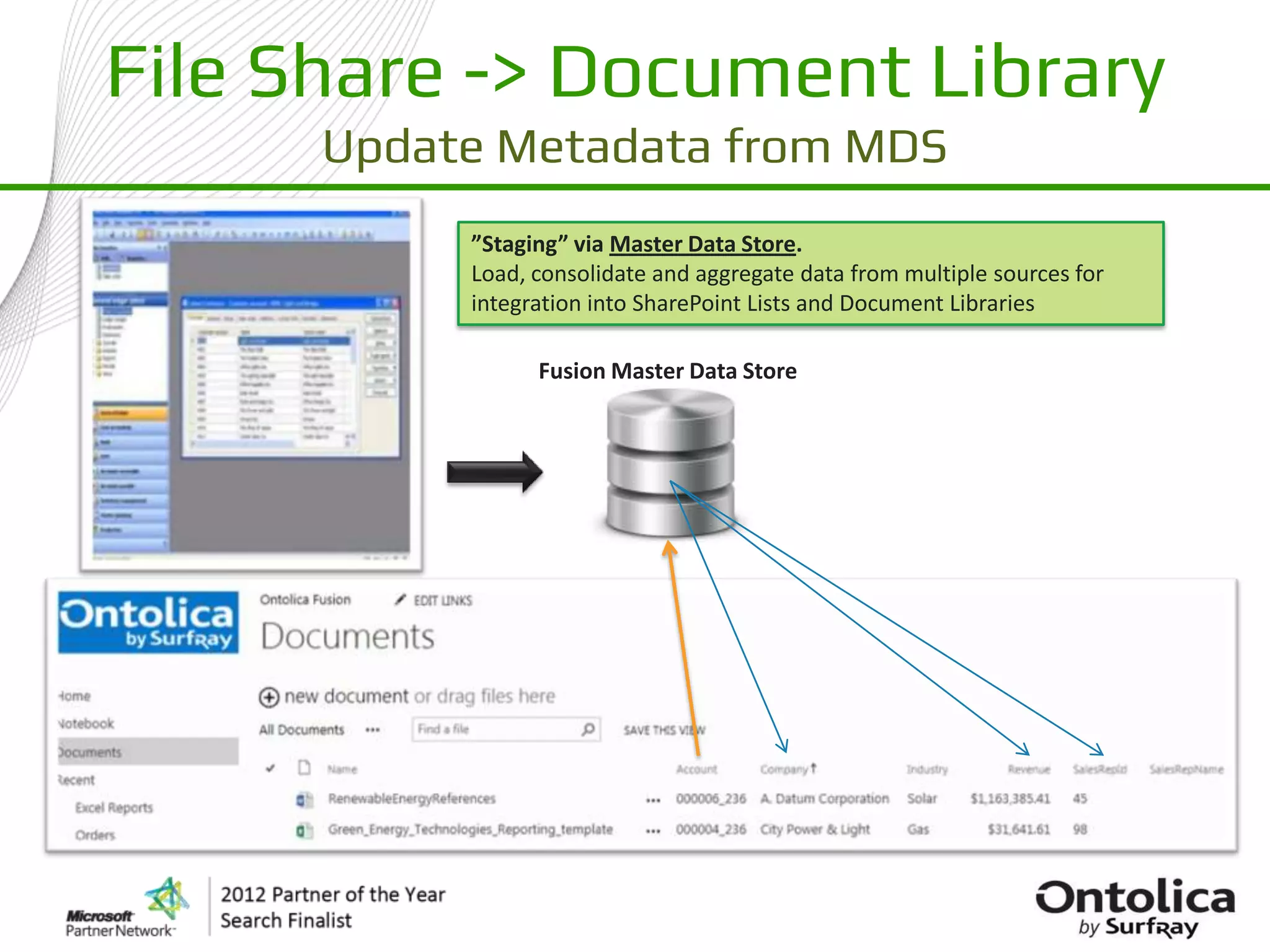
      Update Metadata from MDS
           ”Staging” via Master Data Store.
           Load, consolidate and aggregate data from multiple sources for
           integration into SharePoint Lists and Document Libraries

                 Fusion Master Data Store
File Share -> Document Library
 Update Metadata from Master Data Store

                                Reflection

  1. Data loaded from Microsoft Dynamics AX 2012
      –   Combined with data fro “Microsoft Adventure Works”
      –   Customers , Orders, HR, ..
      –   In-stream transformed and aggregated (e.g. [Total Sales] per customer)
      –   Based on Template where integration jobs are predefined


  2. Mapped to Document library
      –   Primary key = [Account]
      –   Updated [Company Name], [Revenue], [Sales Rep]
What's on for today…

• File Share -> SharePoint Document Library + Metadata enrichment

   – Folder hierarchy conversion and metadata enrichment
      • 1 Folder hierarchy to flat Document Library
      • 2 Metadata enrichment via Master Data Store
      • 3 Metadata enrichment via direct SQL Select
      • 1, 2, 3 = Integration Job
File Share -> Document Library
 Update Metadata from External Database

       External Database   Fusion Programpart
File Share -> Document Library
 Update Metadata from External Database

                                Reflection

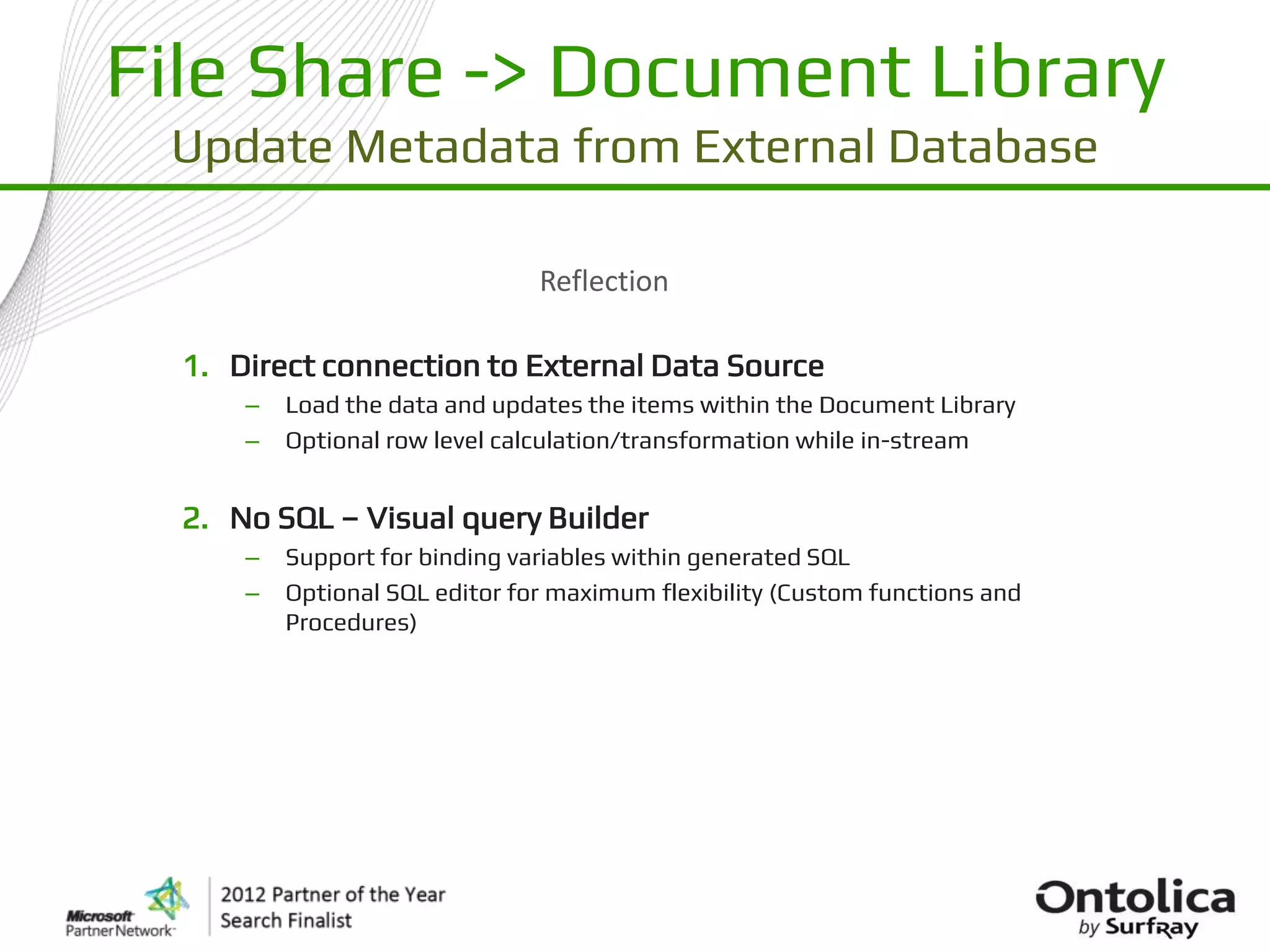
  1. Direct connection to External Data Source
      –   Load the data and updates the items within the Document Library
      –   Optional row level calculation/transformation while in-stream


  2. No SQL – Visual query Builder
      –   Support for binding variables within generated SQL
      –   Optional SQL editor for maximum flexibility (Custom functions and
          Procedures)
What's on for today…

• File Share -> SharePoint Document Library + Metadata enrichment

   – Folder hierarchy conversion and metadata enrichment
      • 1 Folder hierarchy to flat Document Library
      • 2 Metadata enrichment via Master Data Store
      • 3 Metadata enrichment via direct SQL Select
      • 1, 2, 3 = Integration Job
File Share -> Document Library
                                 Integration Job


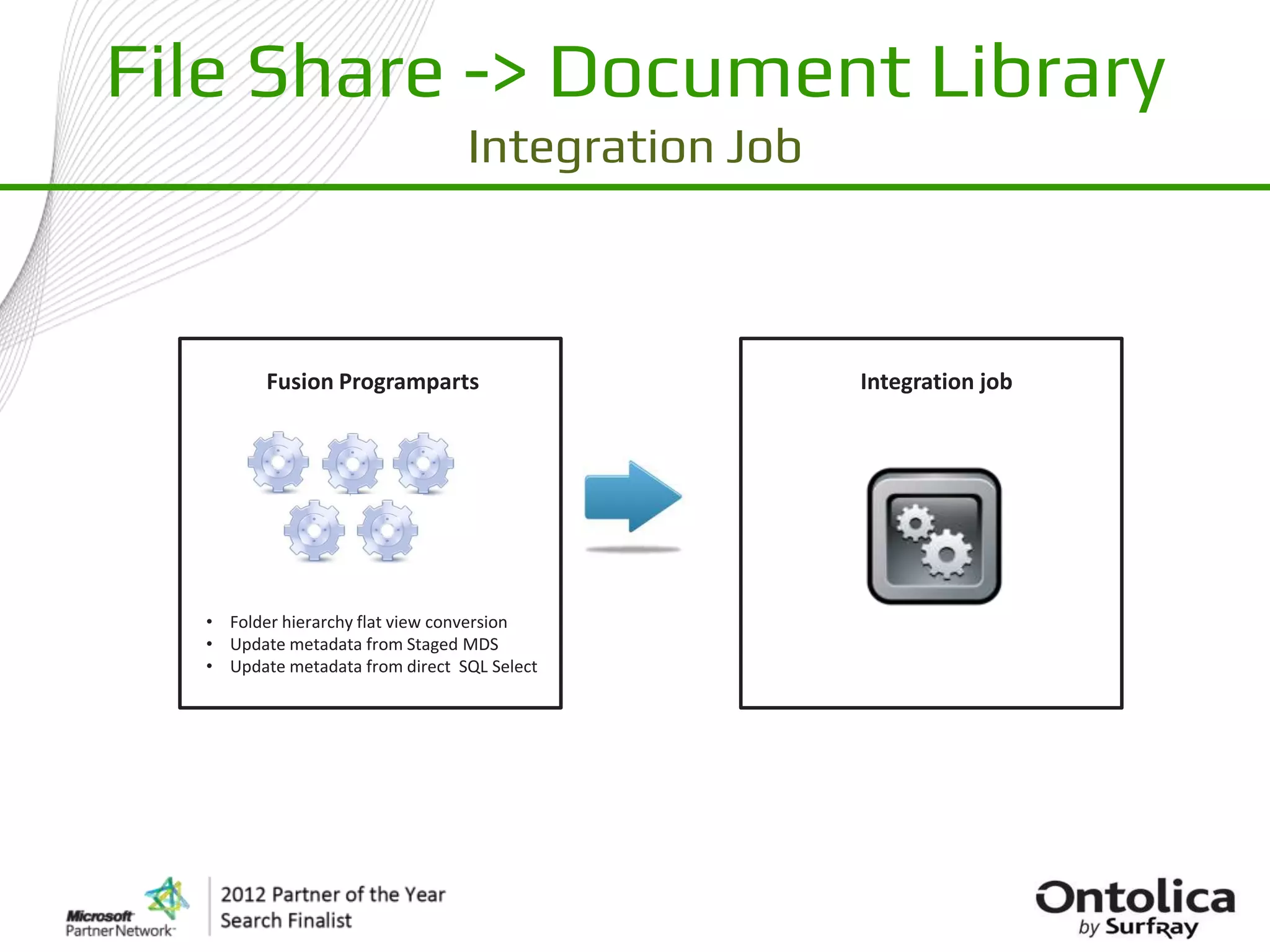
         Fusion Programparts                       Integration job


  • Folder hierarchy flat view conversion
  • Update metadata from Staged MDS
  • Update metadata from direct SQL Select
File Share -> Document Library
                           Integration Job
                                 Reflection

  1. Multiple Programparts combined
     – Folder hierarchy flat view conversion
     – Update metadata from Staged MDS
     – Update metadata from direct SQL Select


  2. Smart logging (Structured Job Log)
      –   All activity is logged
      –   Report files embedded in log
      –   Searching and filtering


  3. Scheduling using active Batch Engine
      –   Repeat intervals
      –   Only new files since last session
      –   Monitoring and active alerting
Q&A
Jakob Bartholdy         Steen Jakobsen
EMEA Regional Manager   Fusion Principal Architect
  jba@surfray.com          stj@surfray.com
  jakobbartholdy           @SteenGJakobsen
  @bartholdy

Business Critical SharePoint

  • 1.
    Business Critical SharePoint Presentedby: Steen Jakobsen – Fusion Principal Architect Jakob Bartholdy – EMEA Regional Manager
  • 2.
    The disconnected enterprise Product Lifecycle Electronical Management Medical (PLM) Retail Records Management (EMR) System Customer Relationship Management (CRM) Supply Chain Enterprise Management Ressource (SCM) Planning (ERP) Financial Services System HR SharePoint Information Systems
  • 3.
    Connecting the Enterprisearound SharePoint Electronical HR Medical Information Records Systems Product (EMR) Supply Chain Lifecycle Management Management (SCM) (PLM) Enterprise Financial Ressource Services Planning System (ERP) Customer Retail Relationship Management SharePoint Management System (CRM)
  • 4.
    Connection the EnterpriseAround SharePoint Master Data Management Documents Data
  • 5.
    Connection the Enterprisearound SharePoint Master Data Management Master Data Store (Fusion C/XRM) Fusion Programparts Customers, Orders, Products, Custom, .. SharePoint , ETL, Aggregate, Query, Excel, .. Part Part Part • No Coding • No Volume Limit • No SharePoint Farm Install
  • 6.
    What's on fortoday… • File Share -> SharePoint Document Library + Metadata enrichment – Folder hierarchy conversion and metadata enrichment • 1 Folder hierarchy to flat Document Library • 2 Metadata enrichment via Master Data Store • 3 Metadata enrichment via direct SQL Select • 1, 2, 3 = Integration Job
  • 7.
    What's on fortoday… • File Share -> SharePoint Document Library + Metadata enrichment – Folder hierarchy conversion and metadata enrichment • 1 Folder hierarchy to flat Document Library • 2 Metadata enrichment via Master Data Store • 3 Metadata enrichment via direct SQL Select • 1, 2, 3 = Integration Job
  • 8.
    File Share ->Document Library Folder hierarchy conversion
  • 9.
    File Share ->Document Library Folder hierarchy conversion 1. Preserve document file timestamps [Created] & [Modified] 2. In-stream transformations: – Convert “Folder names” to Metadata – Replace-Lookups, Rules, Expressions: Left([filename],3) + Mid([folder2],6) – Handles filename conflicts and illegal characters 3. Source filters: (Synchronization and Incremental processing) – DateTime Intervals, Relative to Today, Incremental using session timestamps. – Size > 5 MB), Type (*.pdf) , Property: [Subject] contains “My Subject”, .. – Name: Regular Expression 4. Target filters: (Synchronization and Incremental processing) 5. One-by-One processing: (File actions) – PDF conversion, Watermarking, Custom API Processing – Retrieve Metadata from external Data Source based on file name and properties – Copy + Delete = Move
  • 10.
    SharePoint to SharePoint Copy,Move, Transform, Enrich & Remap Content
  • 11.
    What's on fortoday… • File Share -> SharePoint Document Library + Metadata enrichment – Folder hierarchy conversion and metadata enrichment • 1 Folder hierarchy to flat Document Library • 2 Metadata enrichment via Master Data Store • 3 Metadata enrichment via direct SQL Select • 1, 2, 3 = Integration Job
  • 12.
    File Share ->Document Library Update Metadata from MDS ”Staging” via Master Data Store. Load, consolidate and aggregate data from multiple sources for integration into SharePoint Lists and Document Libraries Fusion Master Data Store
  • 13.
    File Share ->Document Library Update Metadata from Master Data Store Reflection 1. Data loaded from Microsoft Dynamics AX 2012 – Combined with data fro “Microsoft Adventure Works” – Customers , Orders, HR, .. – In-stream transformed and aggregated (e.g. [Total Sales] per customer) – Based on Template where integration jobs are predefined 2. Mapped to Document library – Primary key = [Account] – Updated [Company Name], [Revenue], [Sales Rep]
  • 14.
    What's on fortoday… • File Share -> SharePoint Document Library + Metadata enrichment – Folder hierarchy conversion and metadata enrichment • 1 Folder hierarchy to flat Document Library • 2 Metadata enrichment via Master Data Store • 3 Metadata enrichment via direct SQL Select • 1, 2, 3 = Integration Job
  • 15.
    File Share ->Document Library Update Metadata from External Database External Database Fusion Programpart
  • 16.
    File Share ->Document Library Update Metadata from External Database Reflection 1. Direct connection to External Data Source – Load the data and updates the items within the Document Library – Optional row level calculation/transformation while in-stream 2. No SQL – Visual query Builder – Support for binding variables within generated SQL – Optional SQL editor for maximum flexibility (Custom functions and Procedures)
  • 17.
    What's on fortoday… • File Share -> SharePoint Document Library + Metadata enrichment – Folder hierarchy conversion and metadata enrichment • 1 Folder hierarchy to flat Document Library • 2 Metadata enrichment via Master Data Store • 3 Metadata enrichment via direct SQL Select • 1, 2, 3 = Integration Job
  • 18.
    File Share ->Document Library Integration Job Fusion Programparts Integration job • Folder hierarchy flat view conversion • Update metadata from Staged MDS • Update metadata from direct SQL Select
  • 19.
    File Share ->Document Library Integration Job Reflection 1. Multiple Programparts combined – Folder hierarchy flat view conversion – Update metadata from Staged MDS – Update metadata from direct SQL Select 2. Smart logging (Structured Job Log) – All activity is logged – Report files embedded in log – Searching and filtering 3. Scheduling using active Batch Engine – Repeat intervals – Only new files since last session – Monitoring and active alerting
  • 20.
    Q&A Jakob Bartholdy Steen Jakobsen EMEA Regional Manager Fusion Principal Architect jba@surfray.com stj@surfray.com jakobbartholdy @SteenGJakobsen @bartholdy