Leveraging LinkedIn
LinkedIn and the Sales Process   What do you use LinkedIn for? How much time do you spend on LinkedIn weekly?
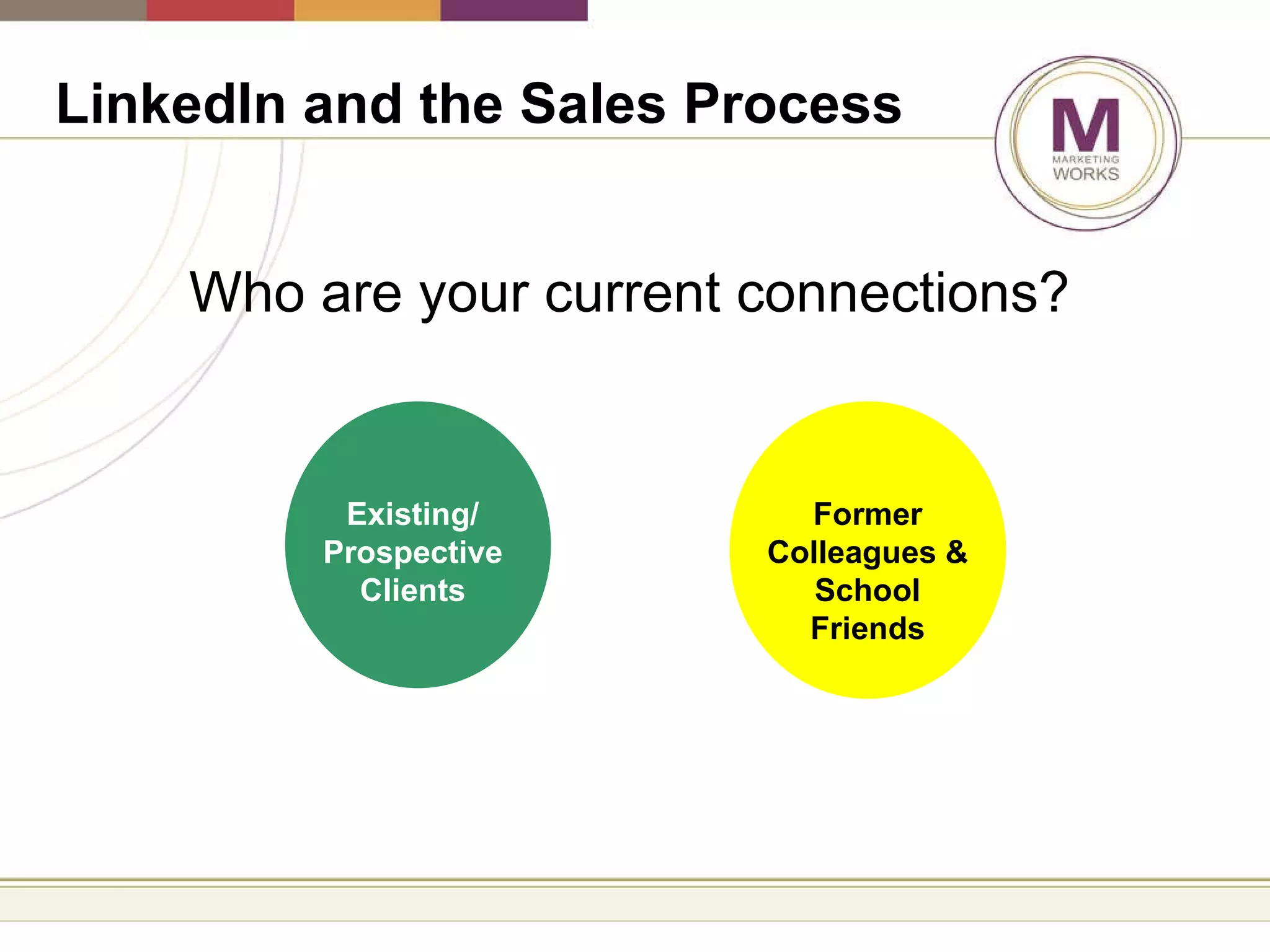
LinkedIn and the Sales Process   Who are your current connections? Existing/ Prospective Clients Former Colleagues & School Friends
LinkedIn and the Sales Process   Step 1 Complete your profile
Profile Tips   Descriptive headline Describe where you work and its differentiators versus what you do Always include a link to the corporate site
LinkedIn and the Sales Process   Step 2 Use keywords in your Profile and  proof Your Profile
LinkedIn and the Sales Process   Step 3 Leverage collected business cards
LinkedIn and the Sales Process   Step 4 Make a list of individuals you know and would like to connect with
LinkedIn and the Sales Process   Step 5 Connect to contacts after every meeting/event with a personal note
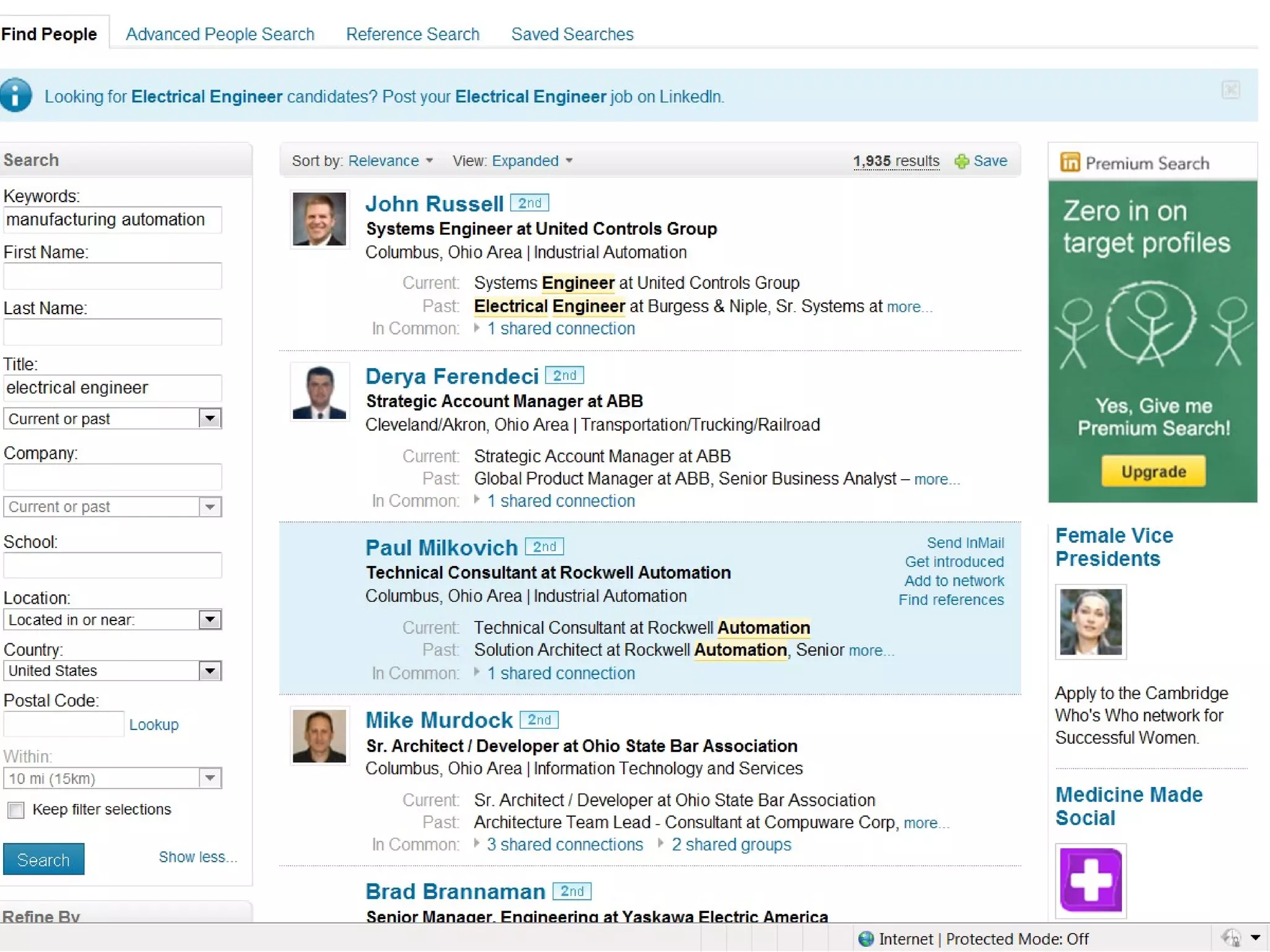
LinkedIn and the Sales Process   Step 6 Conduct an advanced search using titles and/or industry to see potential connections
 
LinkedIn and the Sales Process   Step 7 Ask your shared connections if they’d mind introducing you
LinkedIn and the Sales Process   Step 8 Leverage profiles to get to know your prospects before and after meetings
LinkedIn and the Sales Process   Step 9 Follow clients and prospective client companies on LinkedIn
LinkedIn and the Sales Process   Step 10 Regularly post what you’re working on and ISI news E.g. ISI just completed testing for a new custom electrical panel for Rolls Royce
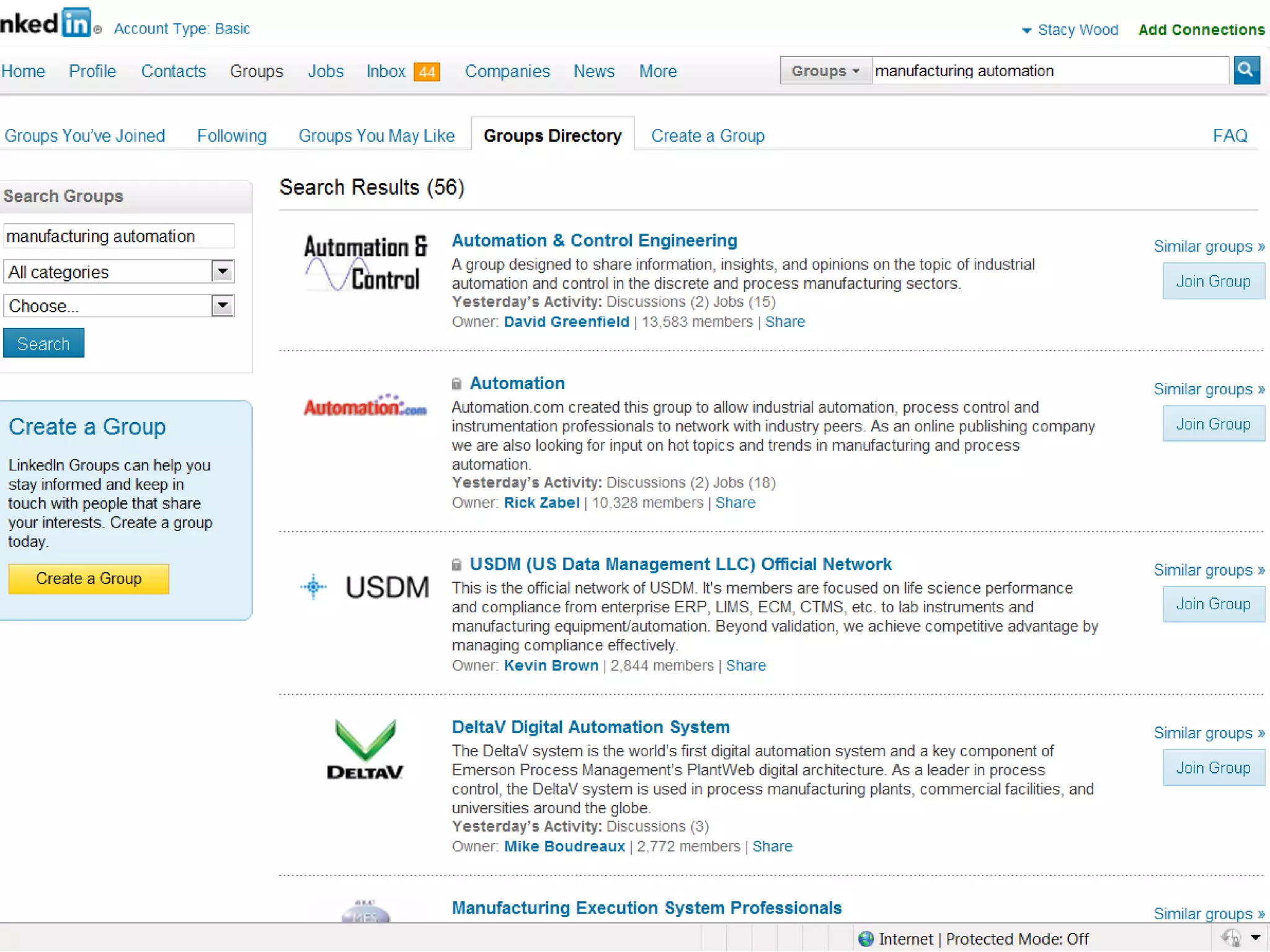
LinkedIn and the Sales Process   Step 11 Join LinkedIn Groups: Add new groups regularly
LinkedIn Groups   Former employer alumni groups Alma mater groups (as many as you can) Local groups: LinkedColumbus, Interactive Marketers of Ohio, TechLife Columbus,Columbus Marketing Executives Associations
 
LinkedIn and the Sales Process   Step 12 Participate in discussions and start them on LinkedIn Groups

Leveraging LinkedIn

  • 1.
  • 2.
    LinkedIn and theSales Process What do you use LinkedIn for? How much time do you spend on LinkedIn weekly?
  • 3.
    LinkedIn and theSales Process Who are your current connections? Existing/ Prospective Clients Former Colleagues & School Friends
  • 4.
    LinkedIn and theSales Process Step 1 Complete your profile
  • 5.
    Profile Tips Descriptive headline Describe where you work and its differentiators versus what you do Always include a link to the corporate site
  • 6.
    LinkedIn and theSales Process Step 2 Use keywords in your Profile and proof Your Profile
  • 7.
    LinkedIn and theSales Process Step 3 Leverage collected business cards
  • 8.
    LinkedIn and theSales Process Step 4 Make a list of individuals you know and would like to connect with
  • 9.
    LinkedIn and theSales Process Step 5 Connect to contacts after every meeting/event with a personal note
  • 10.
    LinkedIn and theSales Process Step 6 Conduct an advanced search using titles and/or industry to see potential connections
  • 11.
  • 12.
    LinkedIn and theSales Process Step 7 Ask your shared connections if they’d mind introducing you
  • 13.
    LinkedIn and theSales Process Step 8 Leverage profiles to get to know your prospects before and after meetings
  • 14.
    LinkedIn and theSales Process Step 9 Follow clients and prospective client companies on LinkedIn
  • 15.
    LinkedIn and theSales Process Step 10 Regularly post what you’re working on and ISI news E.g. ISI just completed testing for a new custom electrical panel for Rolls Royce
  • 16.
    LinkedIn and theSales Process Step 11 Join LinkedIn Groups: Add new groups regularly
  • 17.
    LinkedIn Groups Former employer alumni groups Alma mater groups (as many as you can) Local groups: LinkedColumbus, Interactive Marketers of Ohio, TechLife Columbus,Columbus Marketing Executives Associations
  • 18.
  • 19.
    LinkedIn and theSales Process Step 12 Participate in discussions and start them on LinkedIn Groups