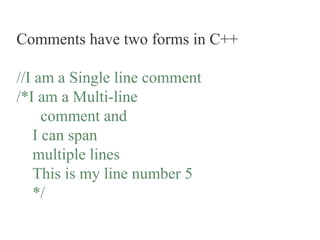
Comments have two forms in C++
//I am a Single line comment
/*I am a Multi-line
comment and
I can span
multiple lines
This is my line number 5
*/
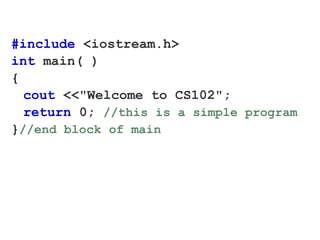
#include <iostream.h>
int main( )
{
cout <<"Welcome to CS102";
return 0; //this is a simple program
}//end block of main
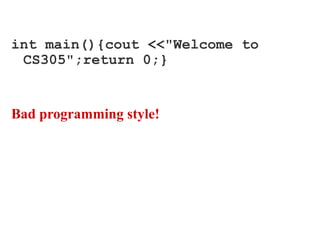
int main(){cout <<"Welcome to
CS305";return 0;}
Bad programming style!
Statements end with a semi-colon ;
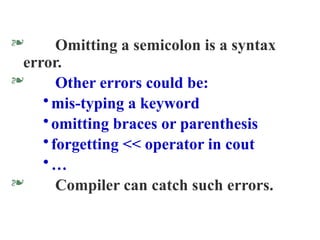
 Omitting a semicolon is a syntax
error.
 Other errors could be:
•mis-typing a keyword
•omitting braces or parenthesis
•forgetting << operator in cout
•…
 Compiler can catch such errors.
More cout examples
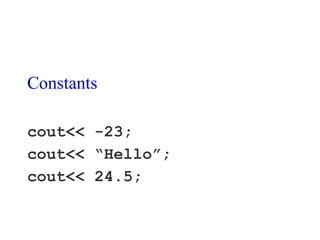
Constants
cout<< -23;
cout<< “Hello”;
cout<< 24.5;
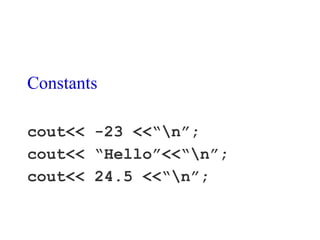
Constants
cout<< -23 <<“n”;
cout<< “Hello”<<“n”;
cout<< 24.5 <<“n”;
Programs need to manipulate
data.
Programs need to manipulate
data.
C++ uses variables to name and
store data.
Variables and Identifiers
The compiler assigns a memory location to
each variable in the program.
The name of the variable (the identifier) is
used to refer to that memory location.
Variables and Identifiers
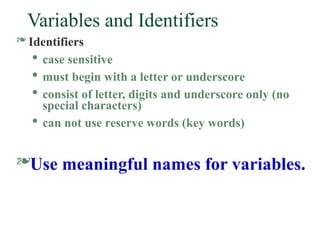
 Identifiers

case sensitive

must begin with a letter or underscore

consist of letter, digits and underscore only (no
special characters)

can not use reserve words (key words)
Use meaningful names for variables.
Variable declarations
What kind of data would you be
storing in a variable.
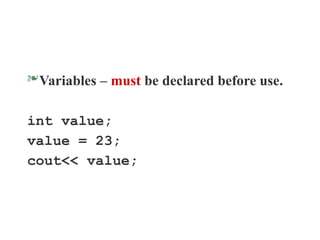
Variables – must be declared before use.
int value;
value = 23;
cout<< value;
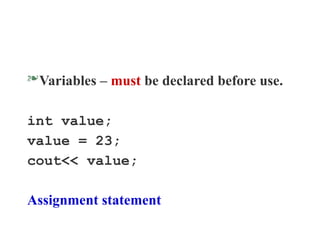
Variables – must be declared before use.
int value;
value = 23;
cout<< value;
Assignment statement
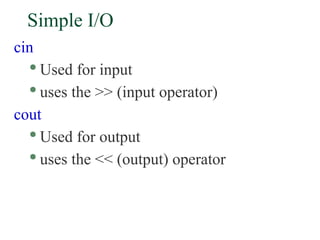
Simple I/O
cin

Used for input

uses the >> (input operator)
cout

Used for output

uses the << (output) operator
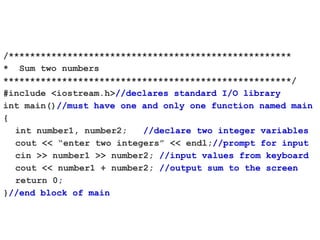
/*****************************************************
* Sum two numbers
******************************************************/
#include <iostream.h>//declares standard I/O library
int main()//must have one and only one function named main
{
int number1, number2; //declare two integer variables
cout << “enter two integers” << endl;//prompt for input
cin >> number1 >> number2; //input values from keyboard
cout << number1 + number2; //output sum to the screen
return 0;
}//end block of main
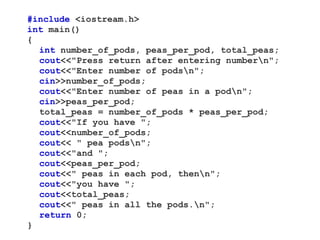
#include <iostream.h>
int main()
{
int number_of_pods, peas_per_pod, total_peas;
cout<<"Press return after entering numbern";
cout<<"Enter number of podsn";
cin>>number_of_pods;
cout<<"Enter number of peas in a podn";
cin>>peas_per_pod;
total_peas = number_of_pods * peas_per_pod;
cout<<"If you have ";
cout<<number_of_pods;
cout<< " pea podsn";
cout<<"and ";
cout<<peas_per_pod;
cout<<" peas in each pod, thenn";
cout<<"you have ";
cout<<total_peas;
cout<<" peas in all the pods.n";
return 0;
}
#include <iostream.h>
int main()
{
int number_of_pods, peas_per_pod, total_peas;
cout<<"Press return after entering numbern";
cout<<"Enter number of podsn";
cin>>number_of_pods;
cout<<"Enter number of peas in a podn";
cin>>peas_per_pod;
total_peas = number_of_pods * peas_per_pod;
cout<<"If you have ";
cout<<number_of_pods;
cout<< " pea podsn";
cout<<"and ";
cout<<peas_per_pod;
cout<<" peas in each pod, thenn";
cout<<"you have ";
cout<<total_peas;
cout<<" peas in all the pods.n";
return 0;
}
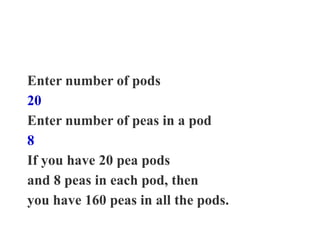
Enter number of pods
20
Enter number of peas in a pod
8
If you have 20 pea pods
and 8 peas in each pod, then
you have 160 peas in all the pods.
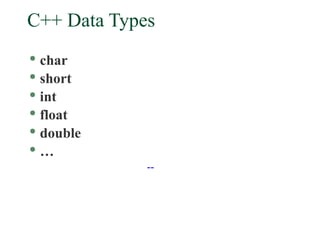
C++ Data Types

char

short

int

float

double

…
--
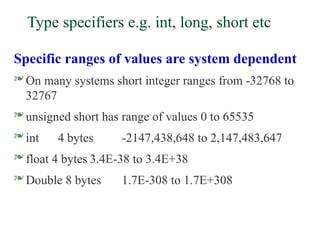
Type specifiers e.g. int, long, short etc
Specific ranges of values are system dependent
 On many systems short integer ranges from -32768 to
32767
 unsigned short has range of values 0 to 65535
 int 4 bytes -2147,438,648 to 2,147,483,647
 float 4 bytes 3.4E-38 to 3.4E+38
 Double 8 bytes 1.7E-308 to 1.7E+308
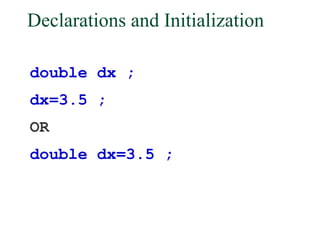
Declarations and Initialization
double dx ;
dx=3.5 ;
OR
double dx=3.5 ;
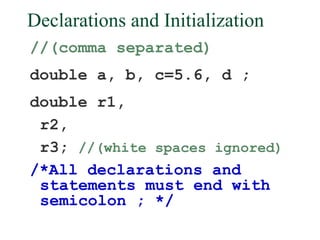
Declarations and Initialization
//(comma separated)
double a, b, c=5.6, d ;
double r1,
r2,
r3; //(white spaces ignored)
/*All declarations and
statements must end with
semicolon ; */
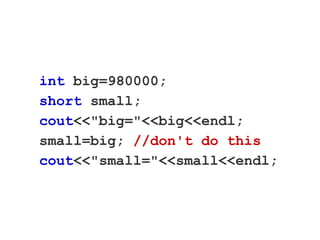
int big=980000;
short small;
cout<<"big="<<big<<endl;
small=big; //don't do this
cout<<"small="<<small<<endl;
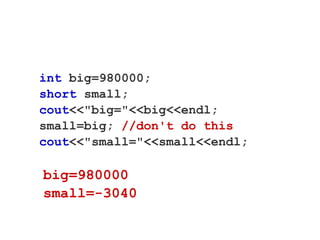
int big=980000;
short small;
cout<<"big="<<big<<endl;
small=big; //don't do this
cout<<"small="<<small<<endl;
big=980000
small=-3040
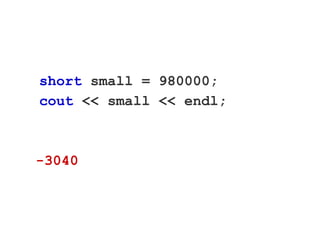
short small = 980000;
cout << small << endl;
-3040
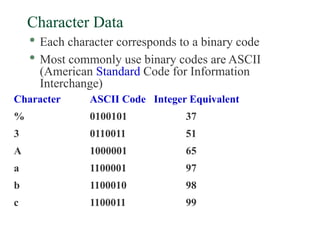
Character Data

Each character corresponds to a binary code

Most commonly use binary codes are ASCII
(American Standard Code for Information
Interchange)
Character ASCII Code Integer Equivalent
% 0100101 37
3 0110011 51
A 1000001 65
a 1100001 97
b 1100010 98
c 1100011 99
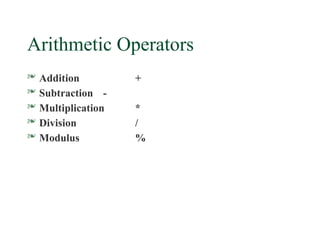
Arithmetic Operators
 Addition +
 Subtraction -
 Multiplication *
 Division /
 Modulus %
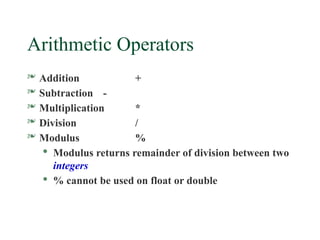
Arithmetic Operators
 Addition +
 Subtraction -
 Multiplication *
 Division /
 Modulus %

Modulus returns remainder of division between two
integers

% cannot be used on float or double

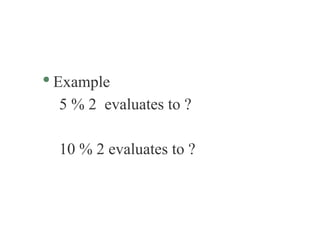
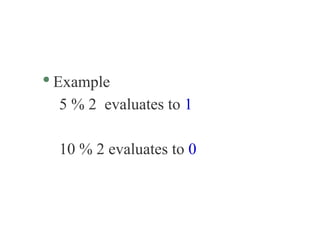
Example
5 % 2 evaluates to ?
10 % 2 evaluates to ?

Example
5 % 2 evaluates to 1
10 % 2 evaluates to 0
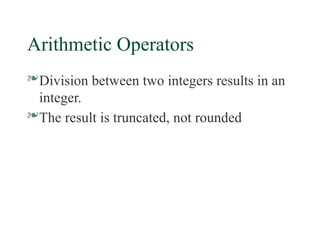
Arithmetic Operators
Division between two integers results in an
integer.
The result is truncated, not rounded
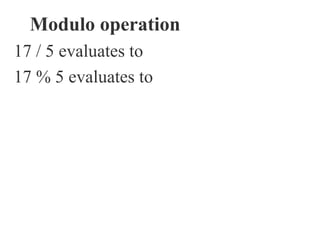
Modulo operation
17 / 5 evaluates to
17 % 5 evaluates to
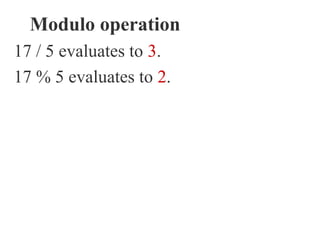
Modulo operation
17 / 5 evaluates to 3.
17 % 5 evaluates to 2.
Example:
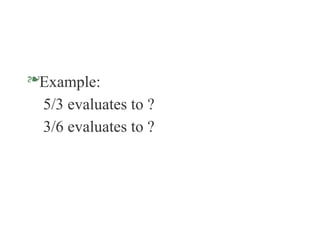
5/3 evaluates to ?
3/6 evaluates to ?
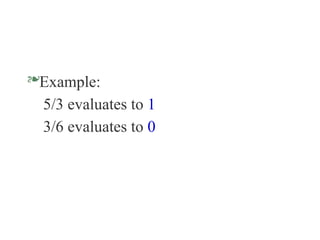
Example:
5/3 evaluates to 1
3/6 evaluates to 0
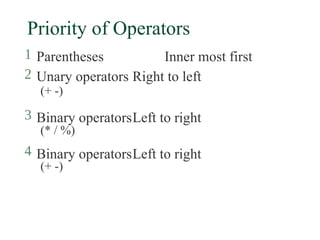
Priority of Operators
1 Parentheses Inner most first
2 Unary operators Right to left
(+ -)
3 Binary operatorsLeft to right
(* / %)
4 Binary operatorsLeft to right
(+ -)
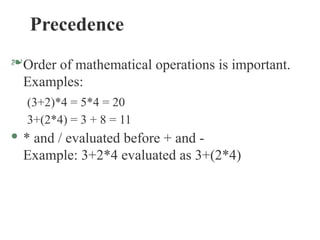
Precedence
Order of mathematical operations is important.
Examples:
(3+2)*4 = 5*4 = 20
3+(2*4) = 3 + 8 = 11
· * and / evaluated before + and -
Example: 3+2*4 evaluated as 3+(2*4)
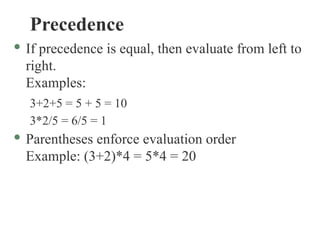
Precedence
· If precedence is equal, then evaluate from left to
right.
Examples:
3+2+5 = 5 + 5 = 10
3*2/5 = 6/5 = 1
· Parentheses enforce evaluation order
Example: (3+2)*4 = 5*4 = 20
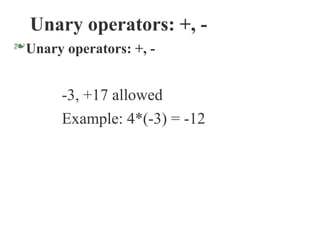
Unary operators: +, -
Unary operators: +, -
-3, +17 allowed
Example: 4*(-3) = -12
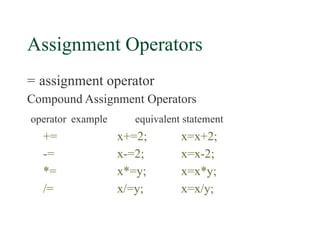
Assignment Operators
= assignment operator
Compound Assignment Operators
operator example equivalent statement
+= x+=2; x=x+2;
-= x-=2; x=x-2;
*= x*=y; x=x*y;
/= x/=y; x=x/y;
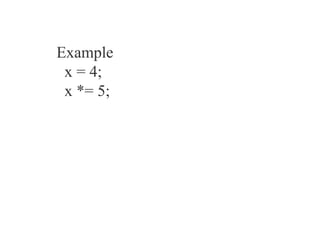
Example
x = 4;
x *= 5;
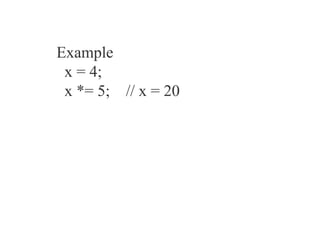
Example
x = 4;
x *= 5; // x = 20
Arithmetic Operators
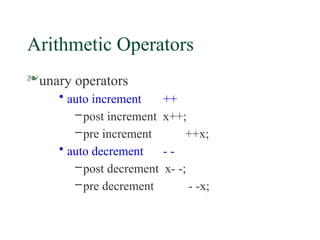
unary operators
• auto increment ++
–post increment x++;
–pre increment ++x;
• auto decrement - -
–post decrement x- -;
–pre decrement - -x;
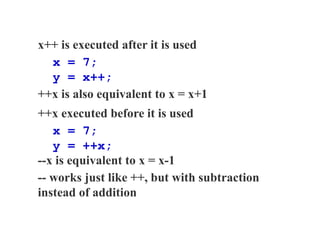
x++ is executed after it is used
x = 7;
y = x++;
++x is also equivalent to x = x+1
++x executed before it is used
x = 7;
y = ++x;
--x is equivalent to x = x-1
-- works just like ++, but with subtraction
instead of addition
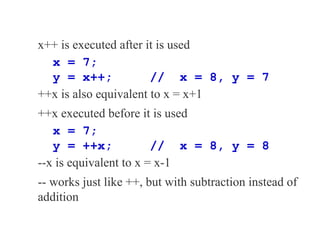
x++ is executed after it is used
x = 7;
y = x++; // x = 8, y = 7
++x is also equivalent to x = x+1
++x executed before it is used
x = 7;
y = ++x; // x = 8, y = 8
--x is equivalent to x = x-1
-- works just like ++, but with subtraction instead of
addition
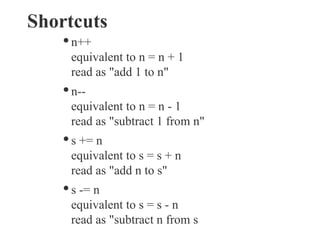
Shortcuts
· n++
equivalent to n = n + 1
read as "add 1 to n"
· n--
equivalent to n = n - 1
read as "subtract 1 from n"
· s += n
equivalent to s = s + n
read as "add n to s"
· s -= n
equivalent to s = s - n
read as "subtract n from s

Lec 2.pptx programing errors \basic of programing

Editor's Notes

  • #27 980000 % 65536 = 980000 - 15 * 65536 = 980000 - 983040 = -3040